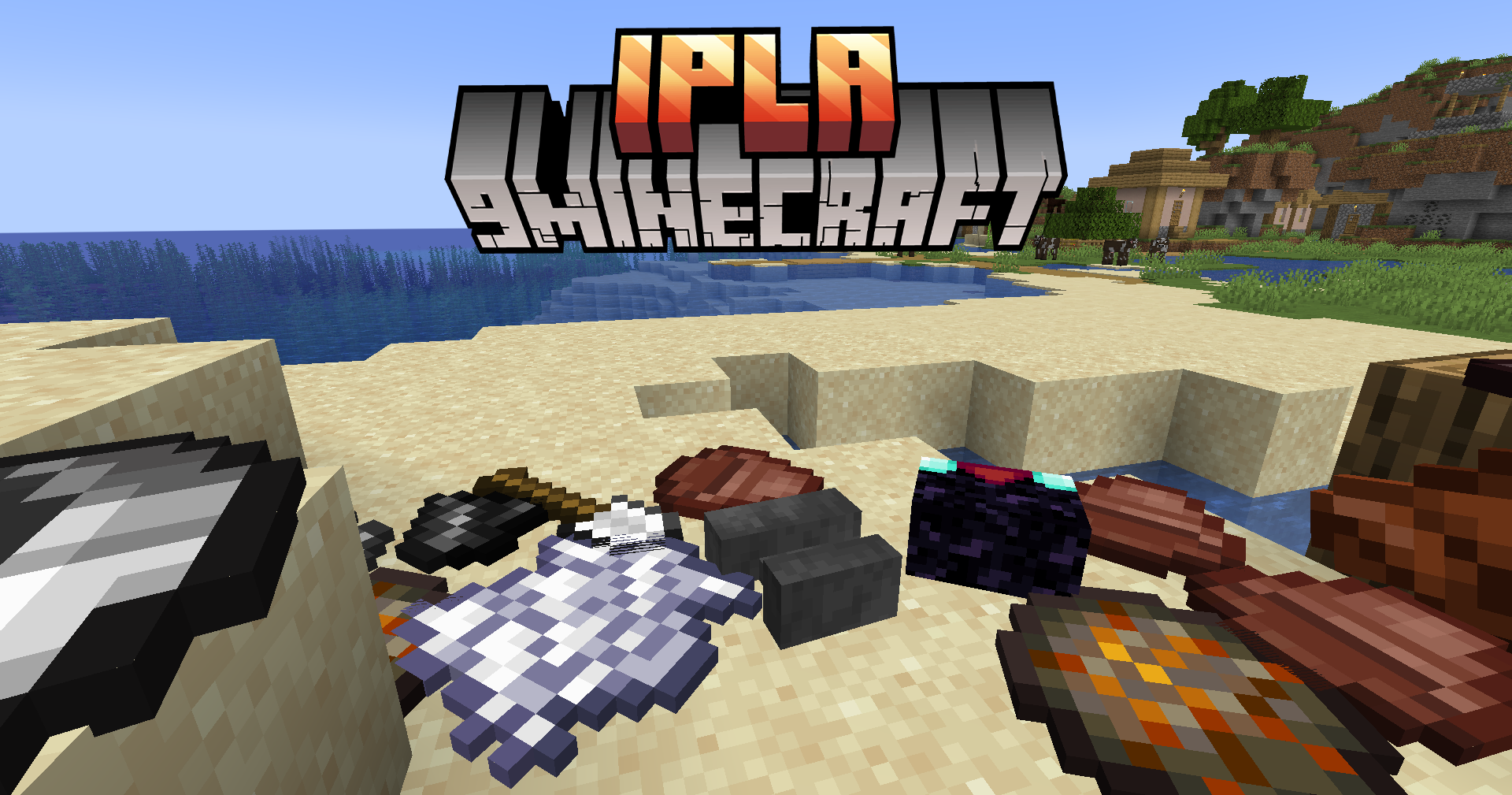
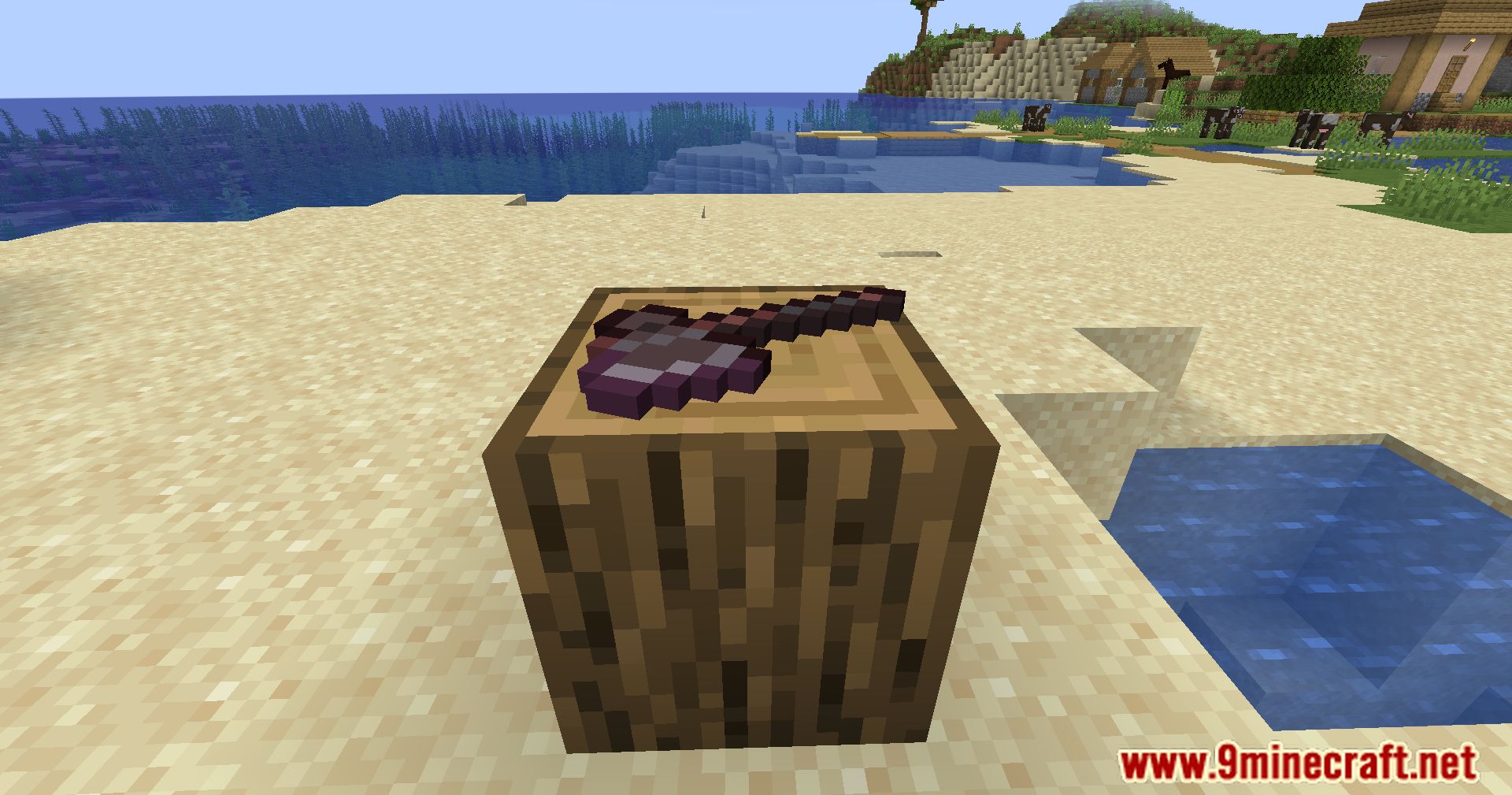
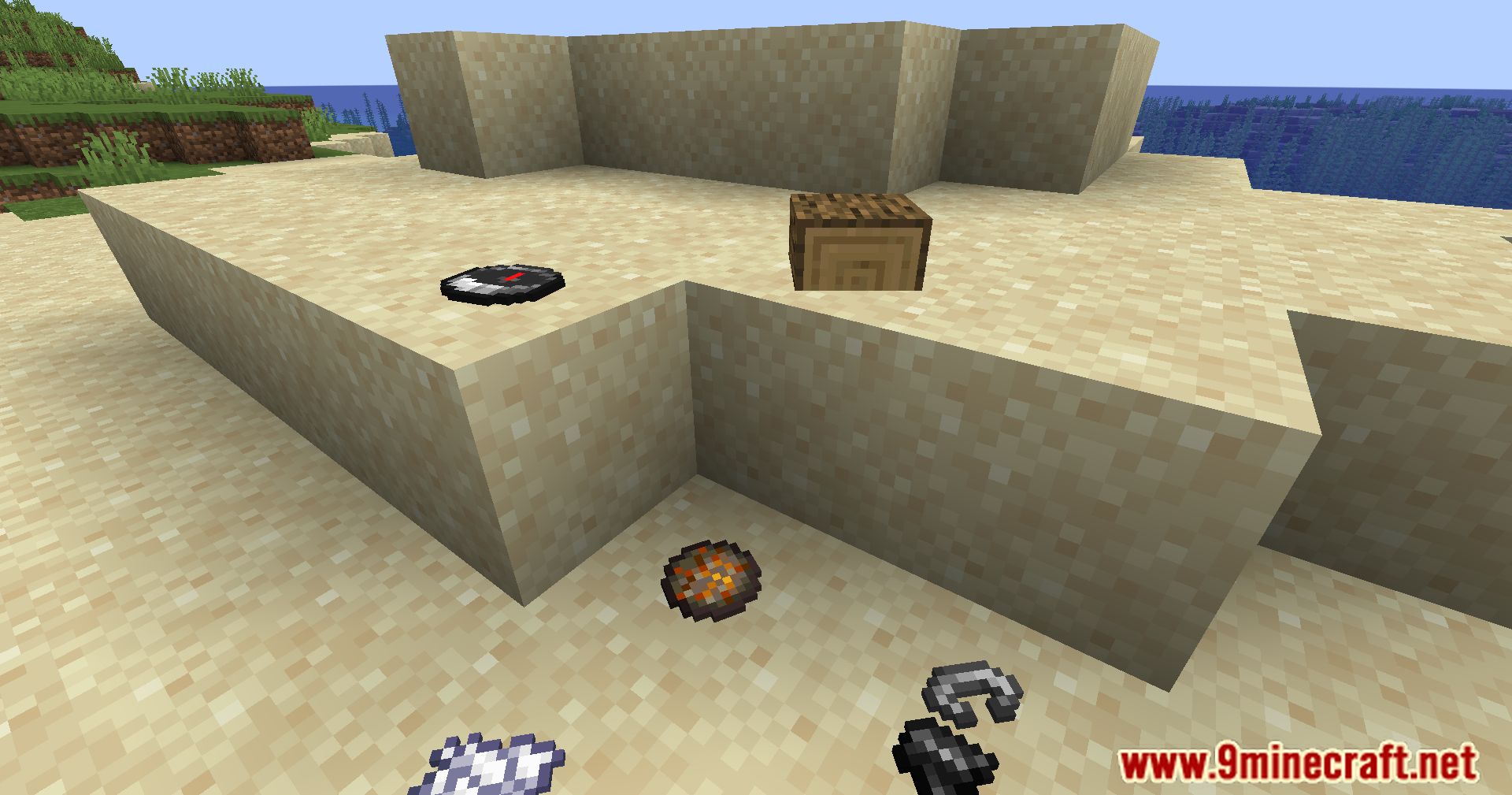
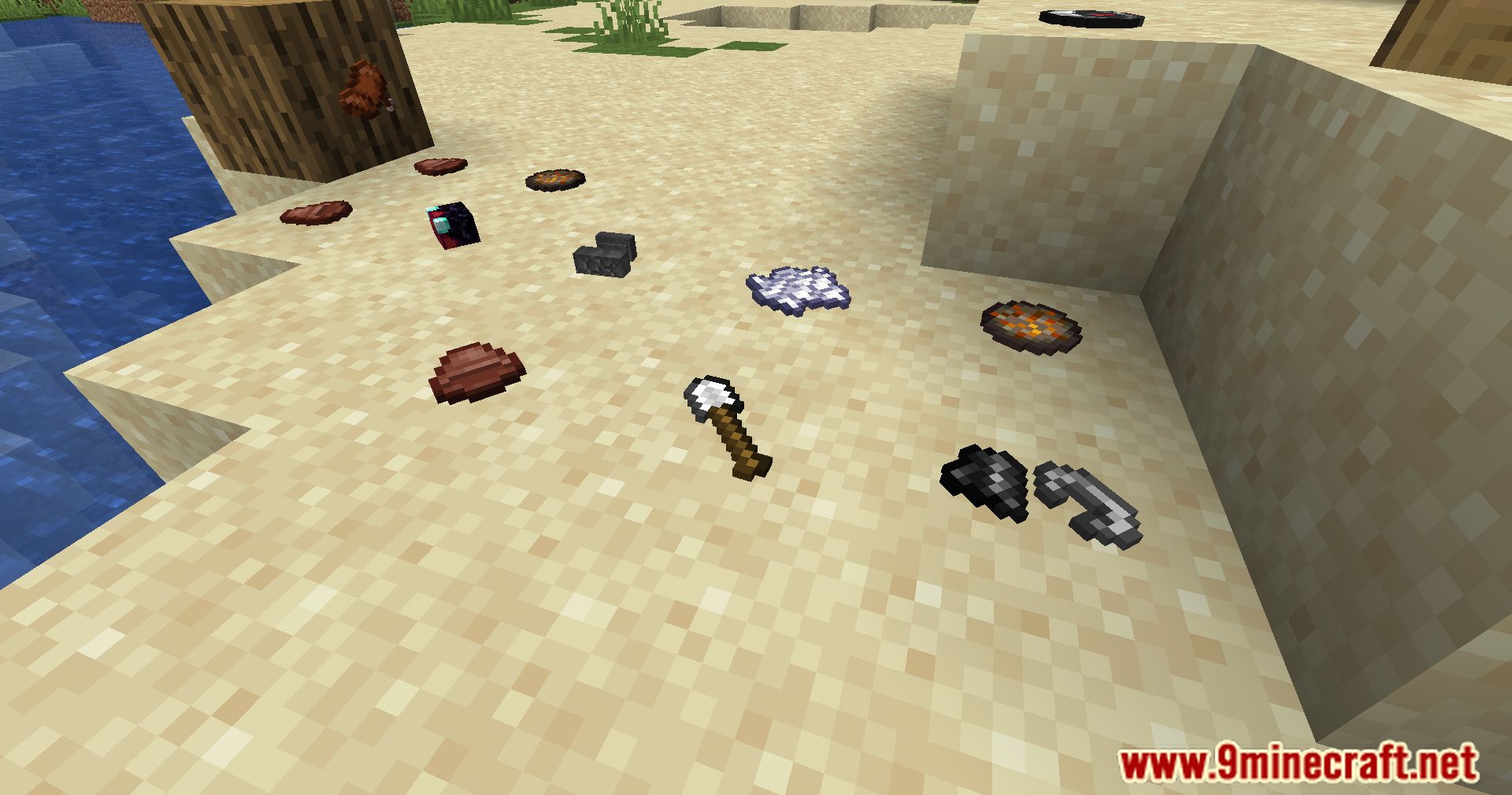
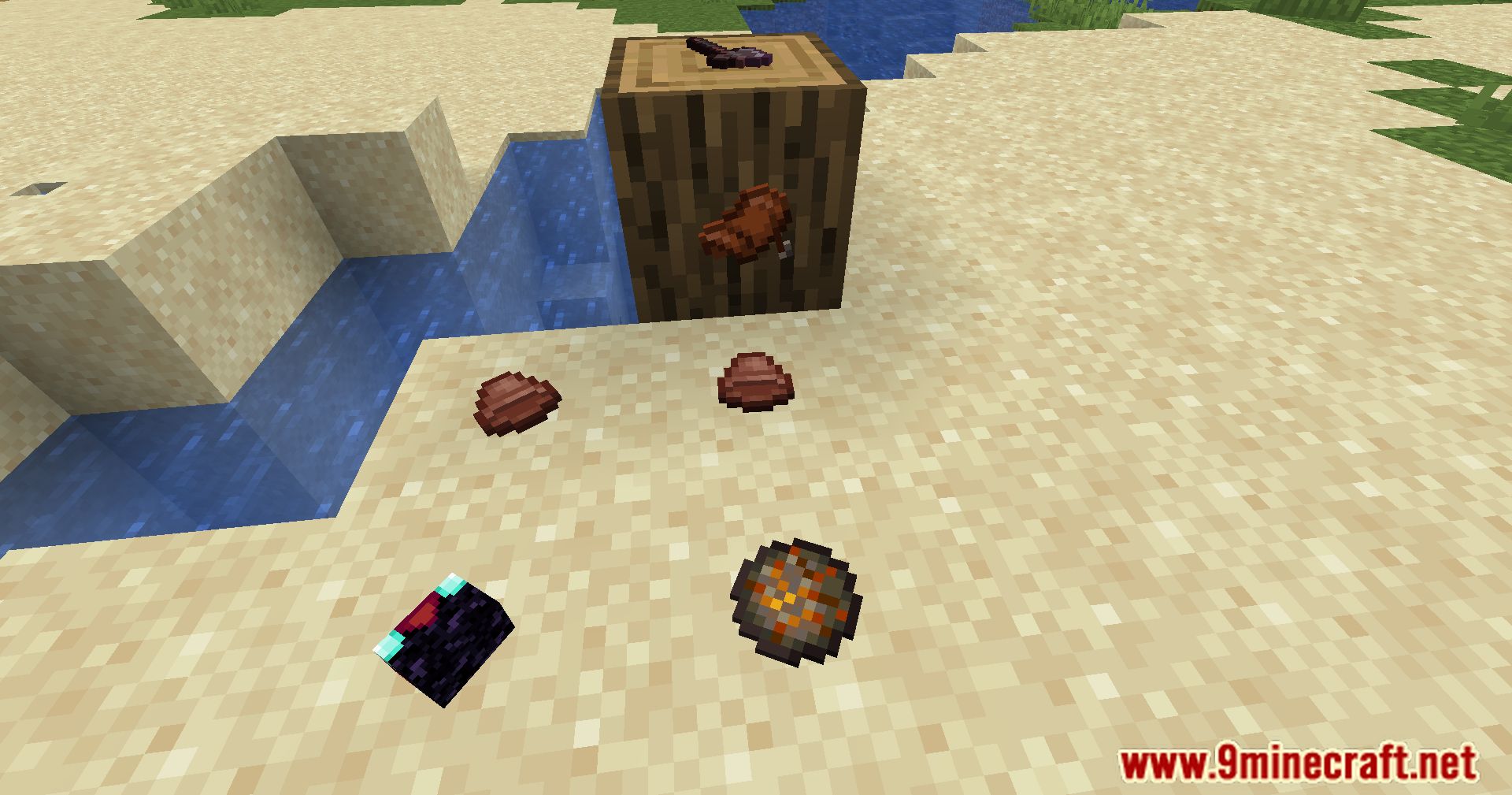
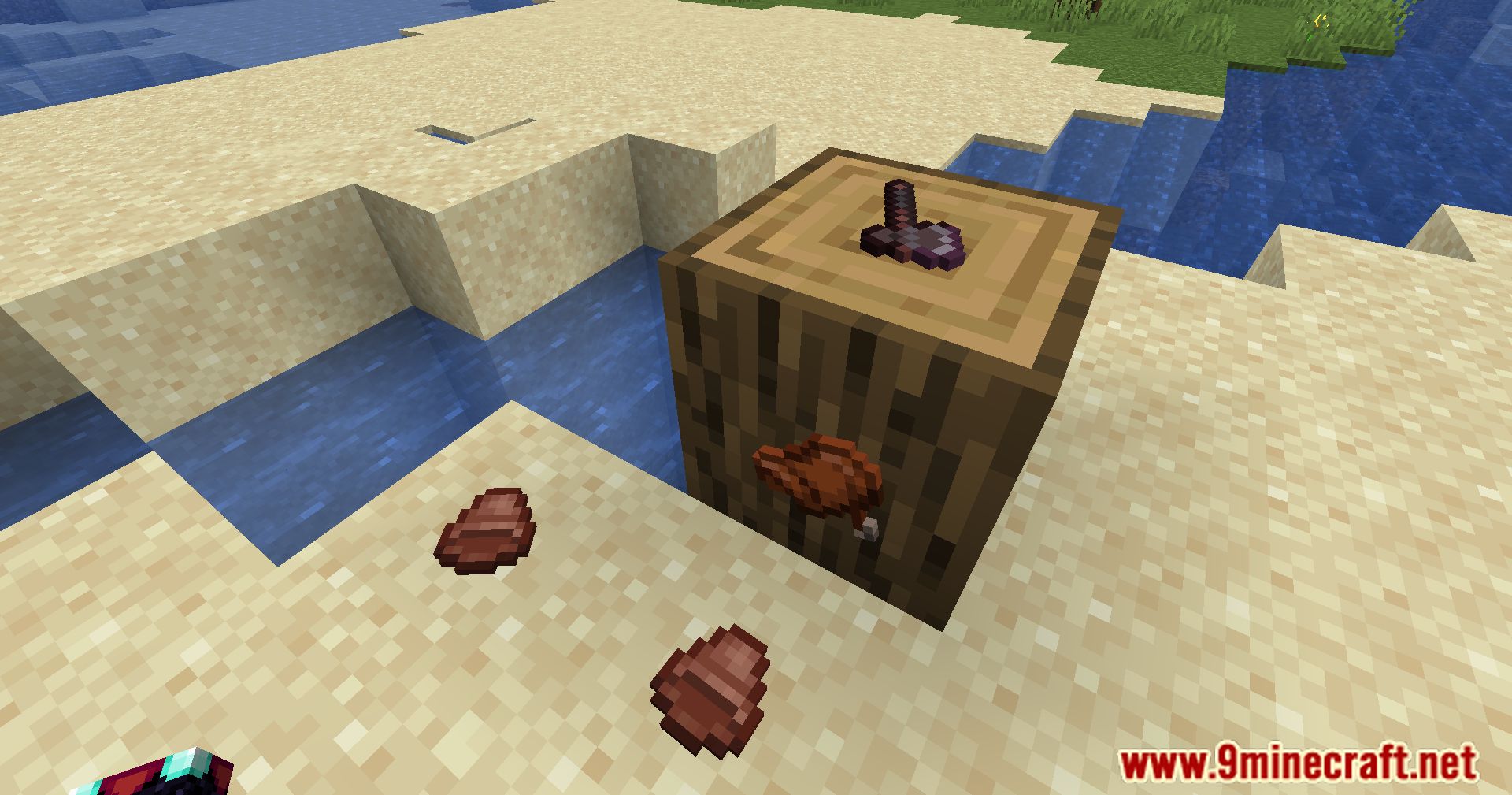
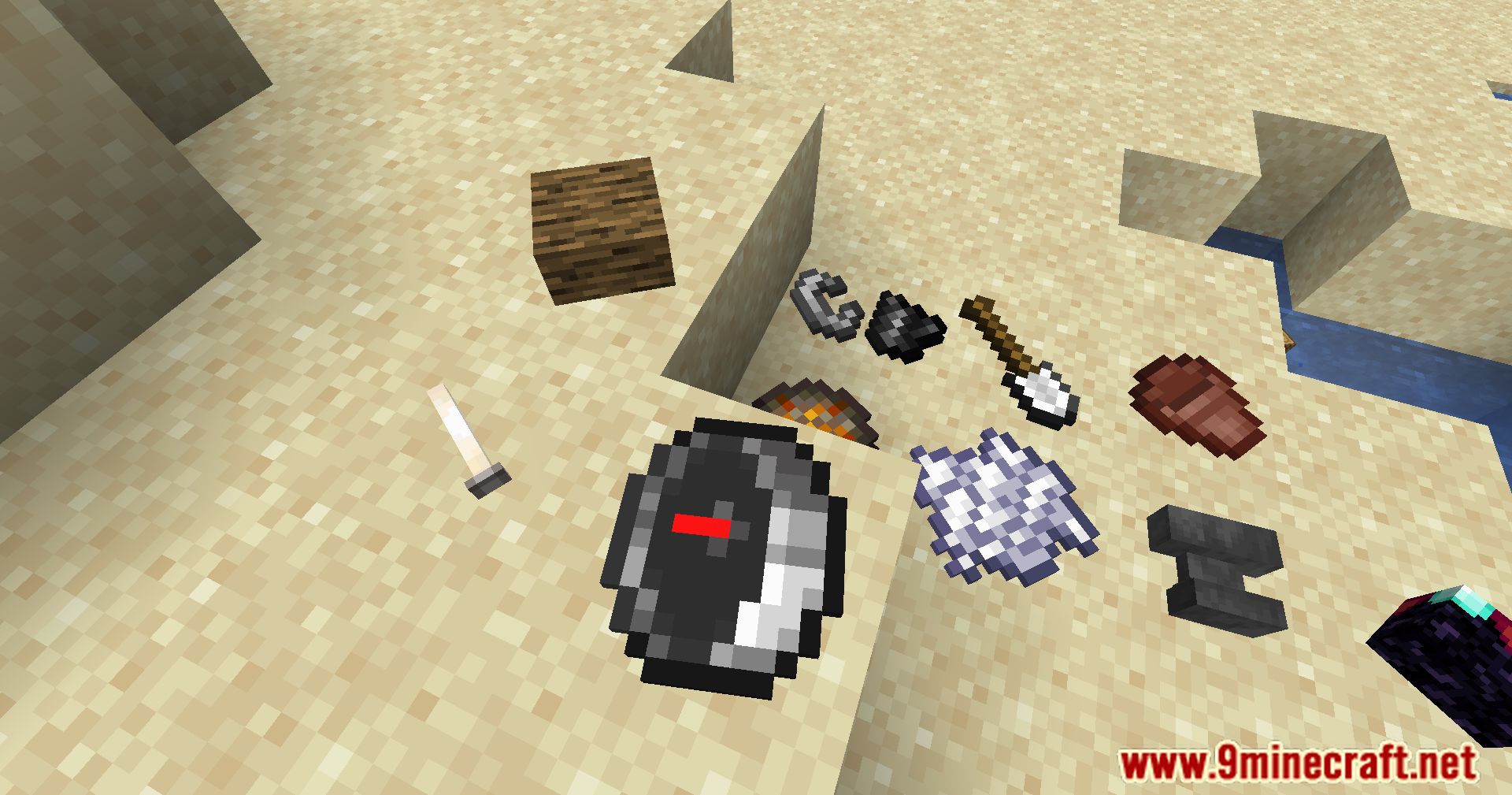
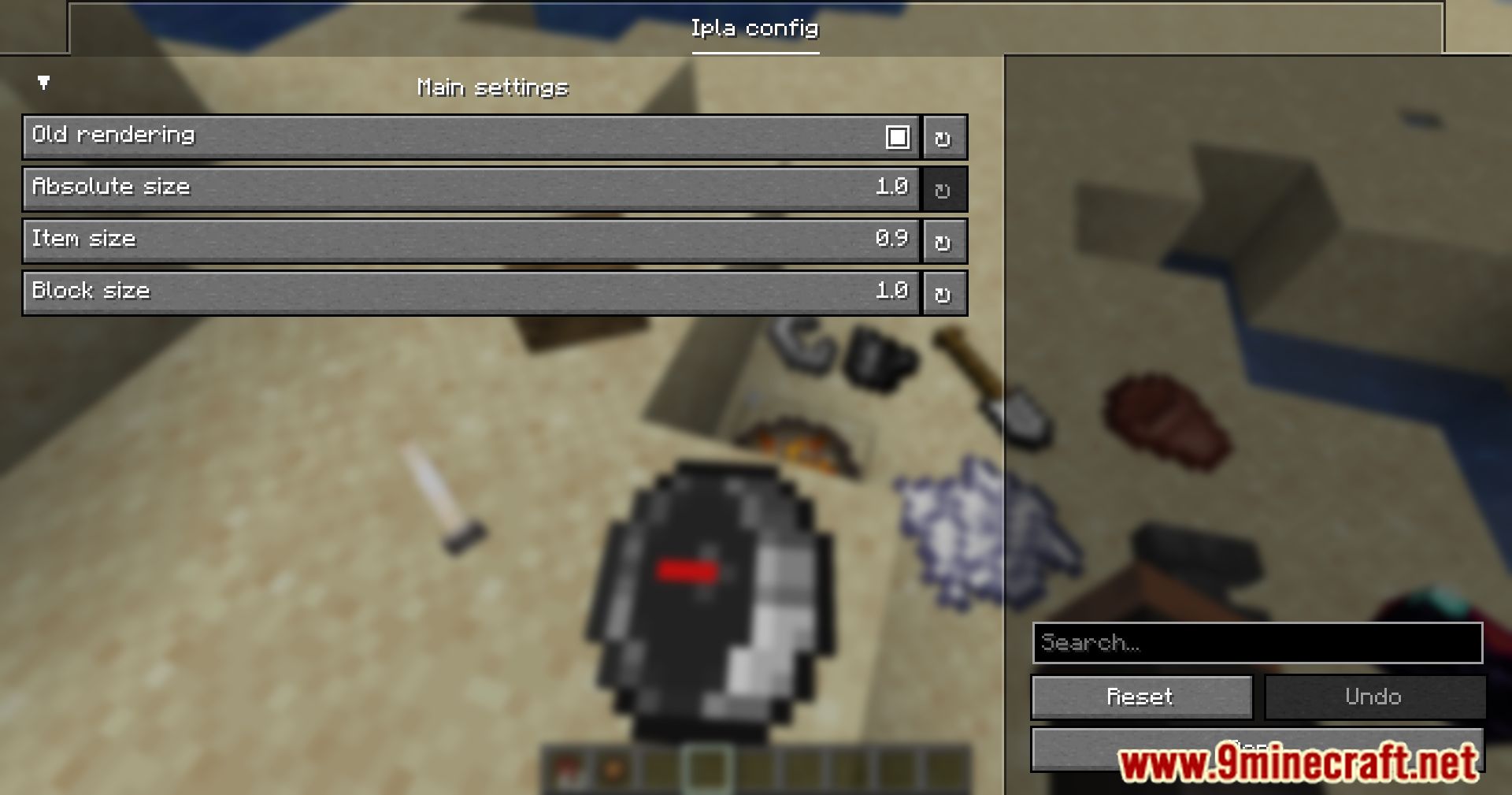
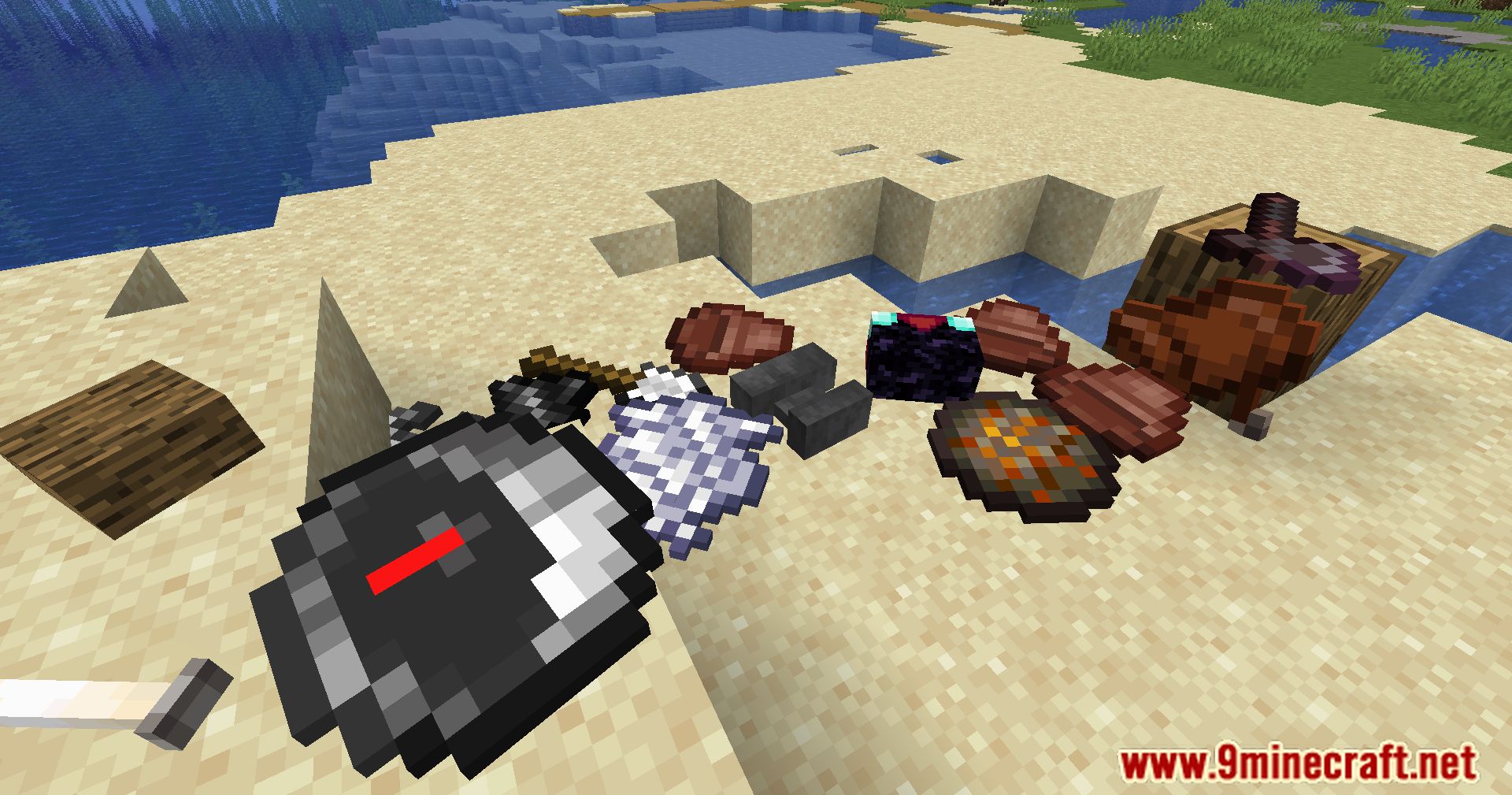
Ipla Mod allows players to place items on block surfaces with complete control. You can use simple key commands like pressing V to place items or Ctrl + V to activate quad mode, allowing up to 24 items to be displayed. The mod also offers rotation options using Alt + mouse wheel for precise positioning and Alt + Z + mouse wheel for rounded rotations
Features:
- Place items freely on walls, floors, ceilings, or in mid-air.
- Rotate and tilt items.
- Fine-tune placement using simple controls.
- Items stay fixed in place and persist after world reloads.
Screenshots:
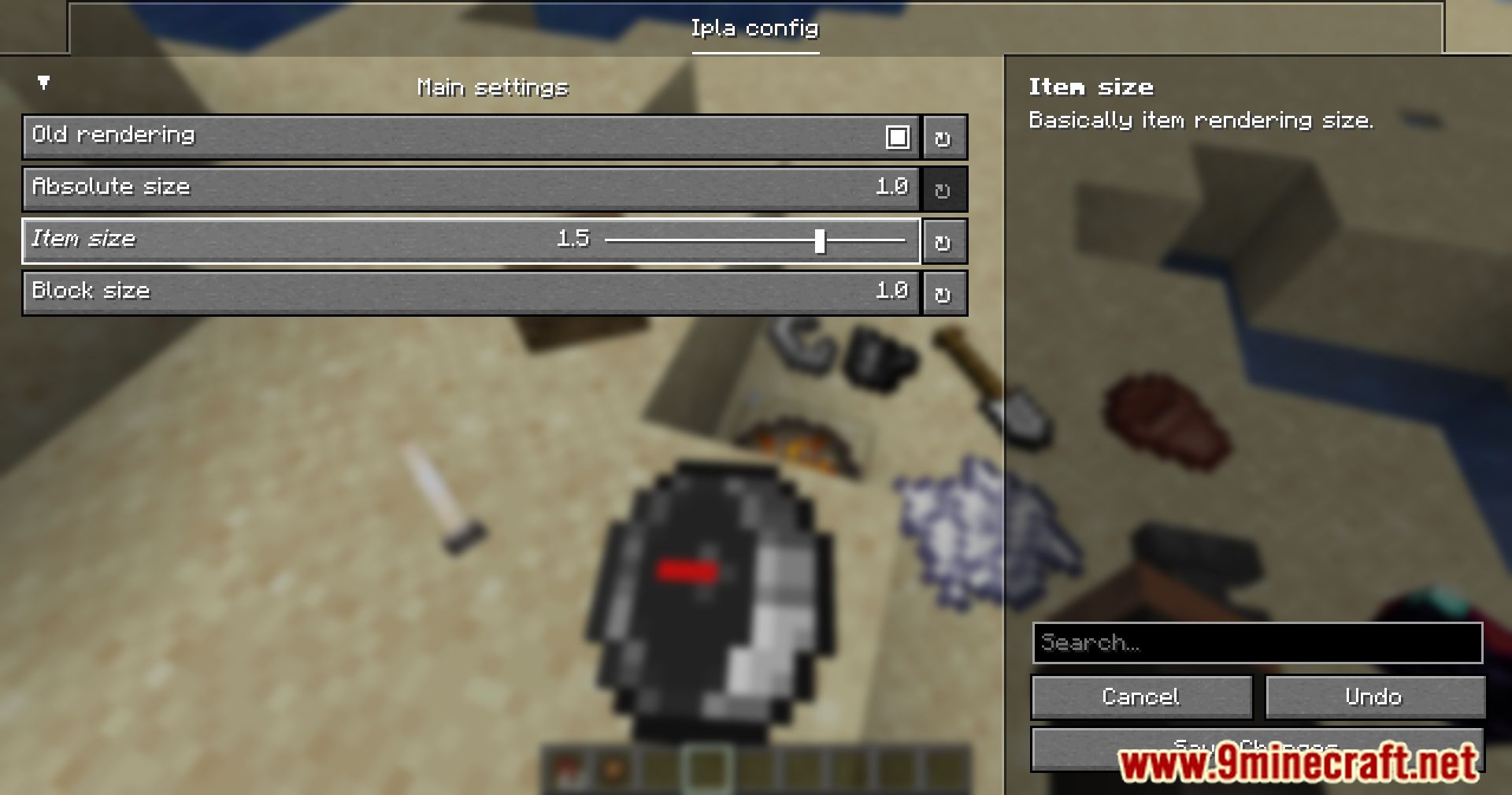
Ipla Mod Download Links
Quick facts
- Edition: Minecraft Java
- File type: .jar
- Minecraft version listed: 1.20.1
- How to install: Install the matching mod loader (Forge, Fabric or NeoForge) for your Minecraft version. → Download the .jar. → Put it in the .minecraft/mods folder and launch that loader profile.
- Where to get it: In MC Java Mods, or directly above on this page.
Install steps are the general flow for this file type — How to install Minecraft Java mods & modpacks walks through it step by step.
Ipla Mod (26.2, 1.20.1) – Showcase Your Favorite Items is a free Minecraft Java mod. Compatible with Minecraft 1.20.1. Download it and open it directly in the game.