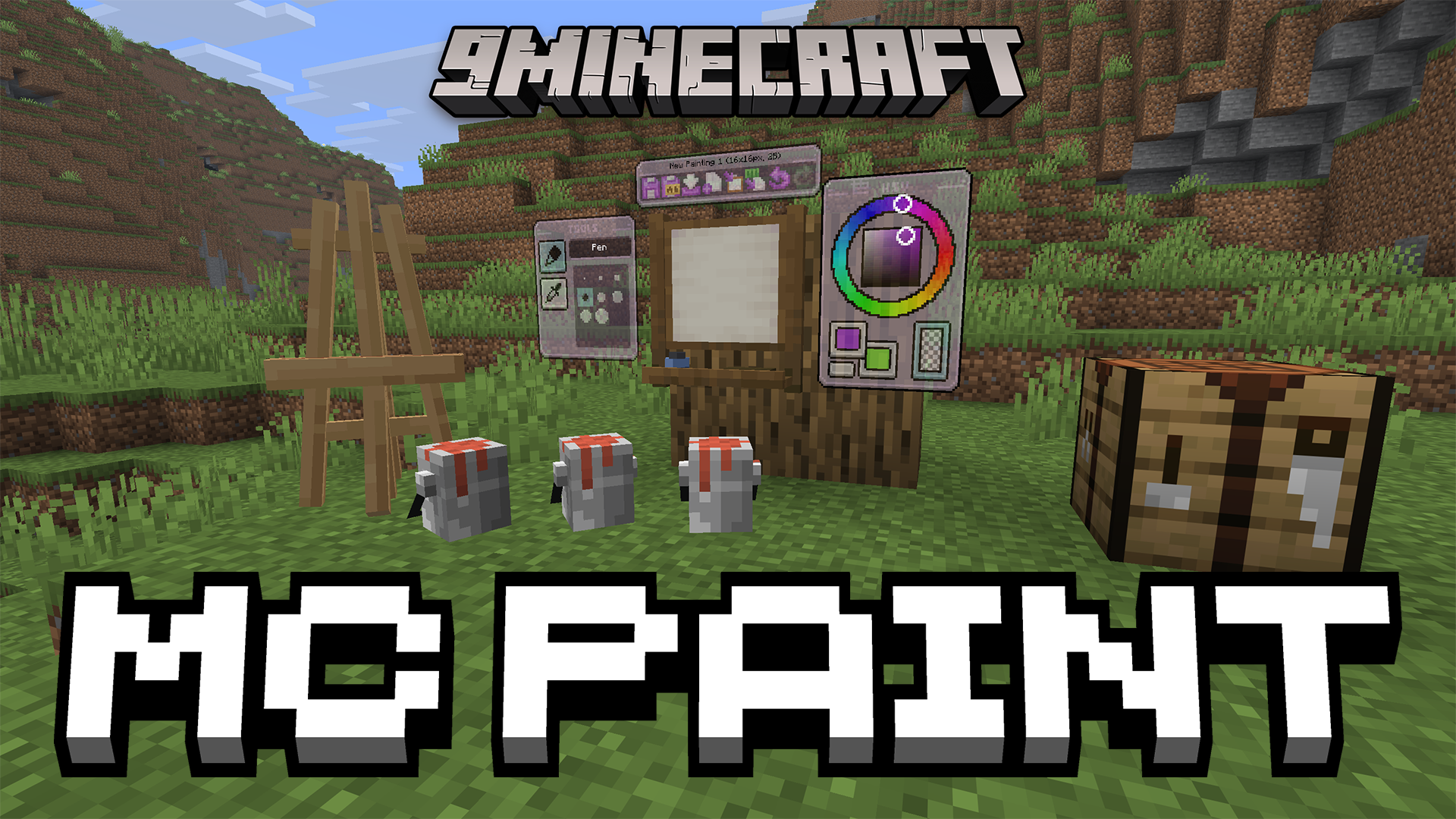

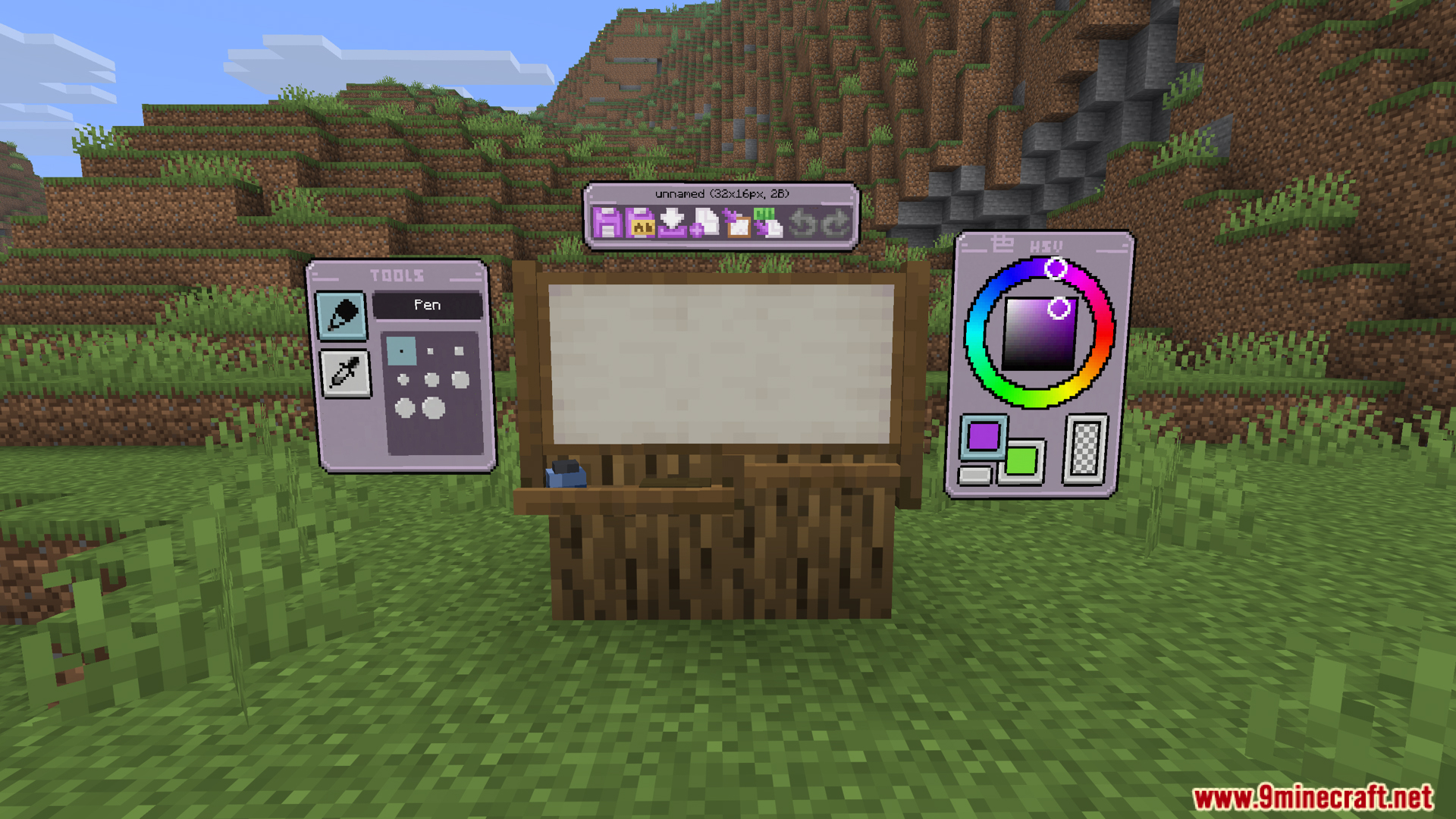
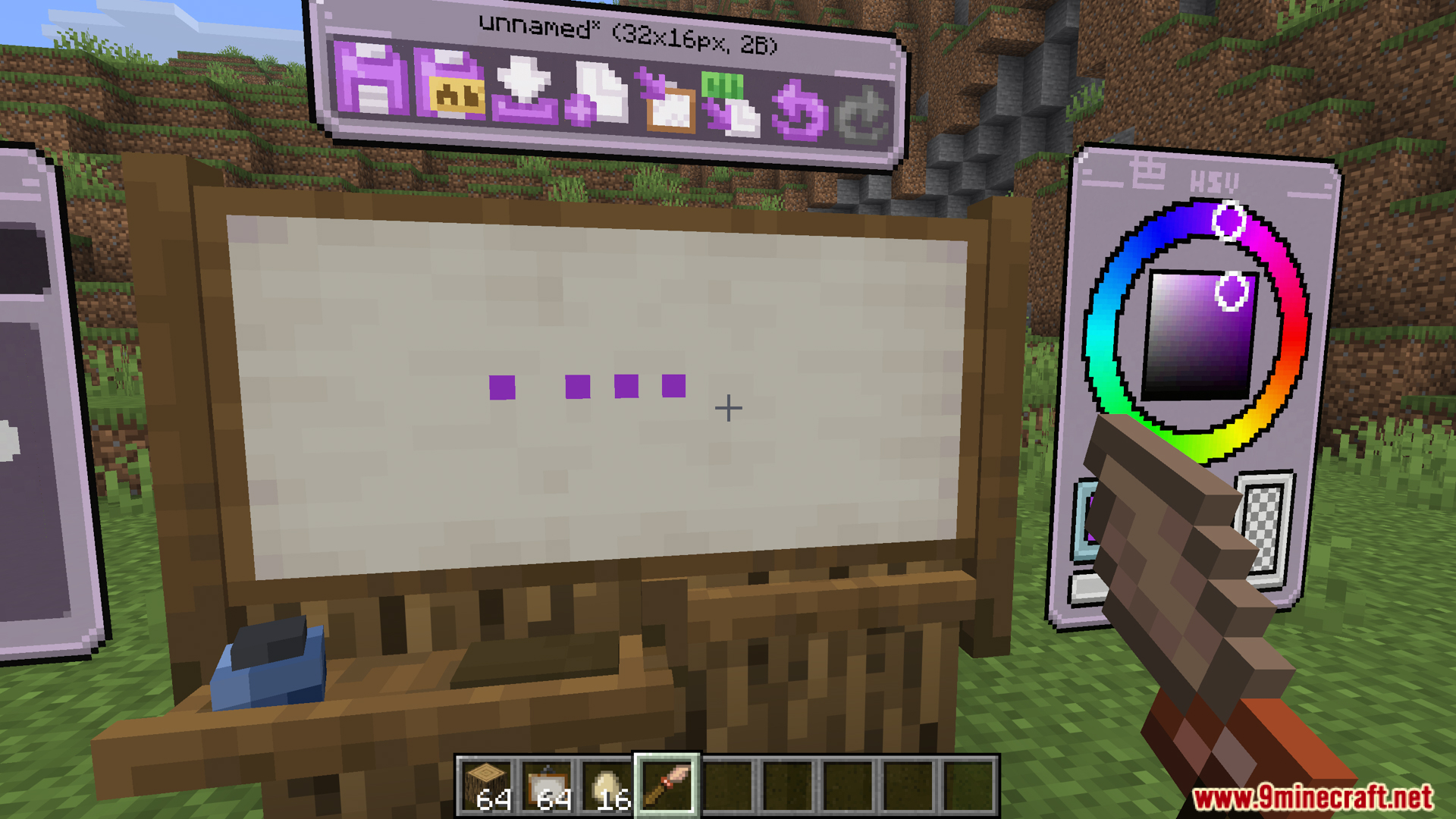
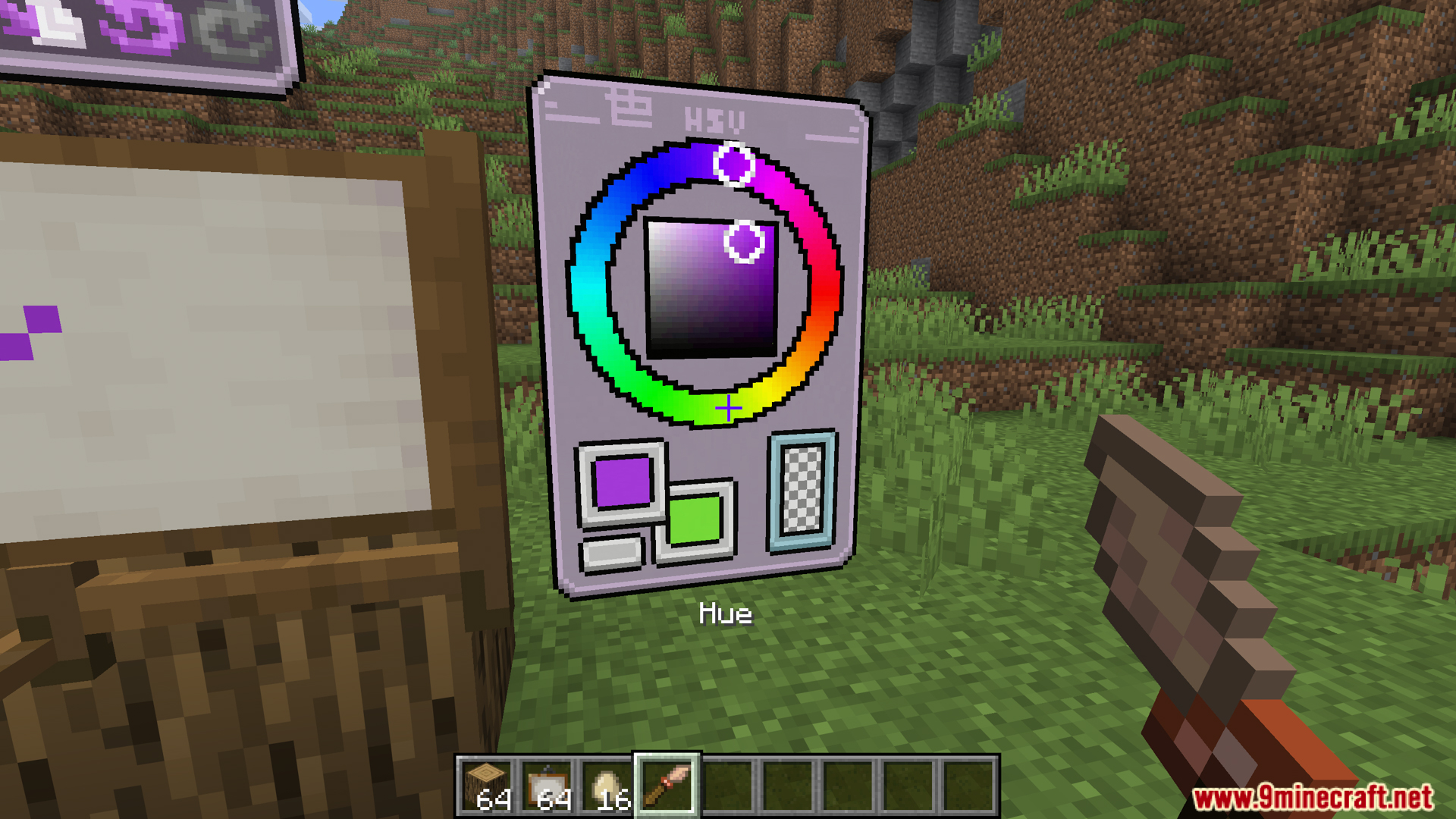
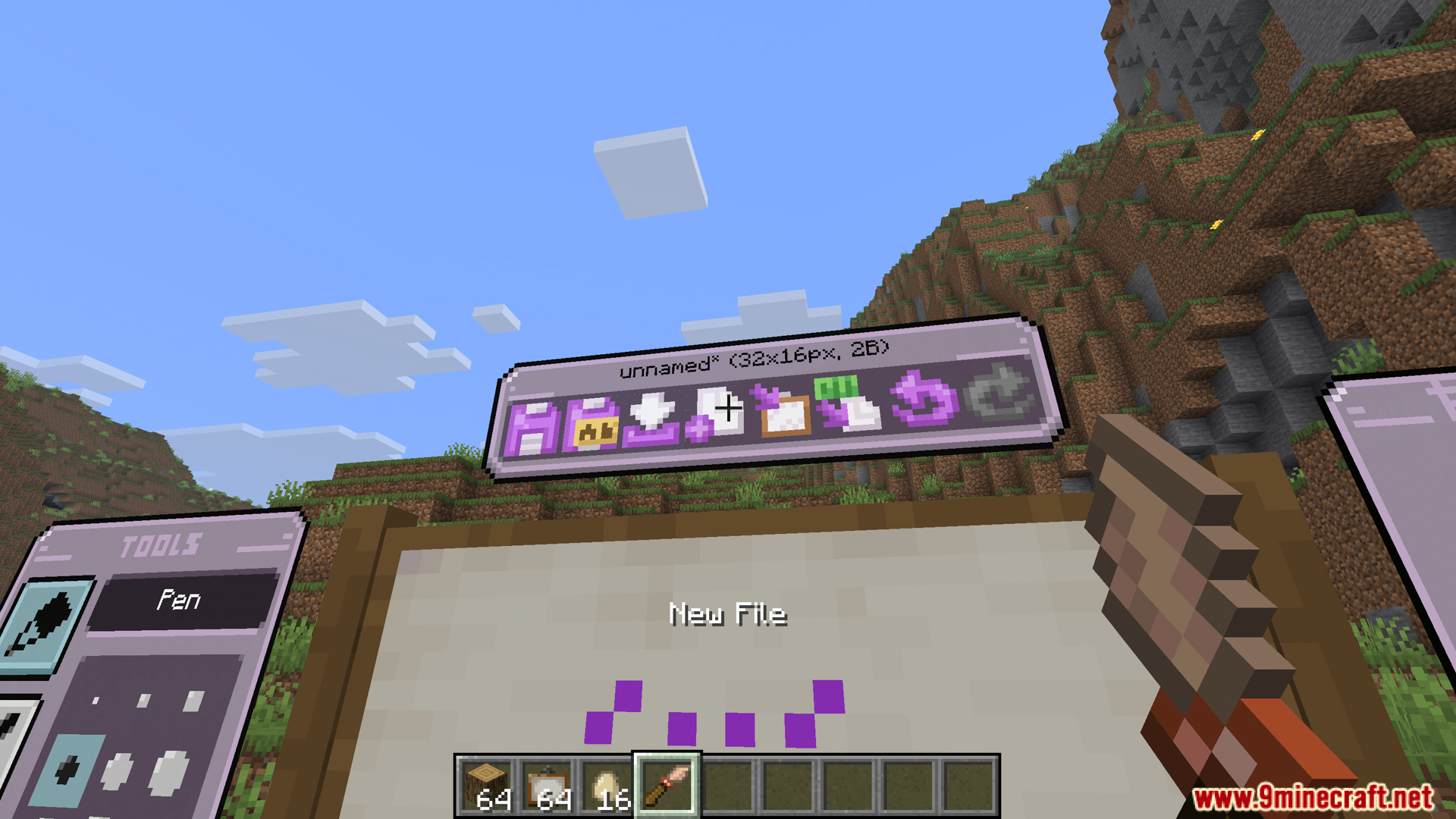
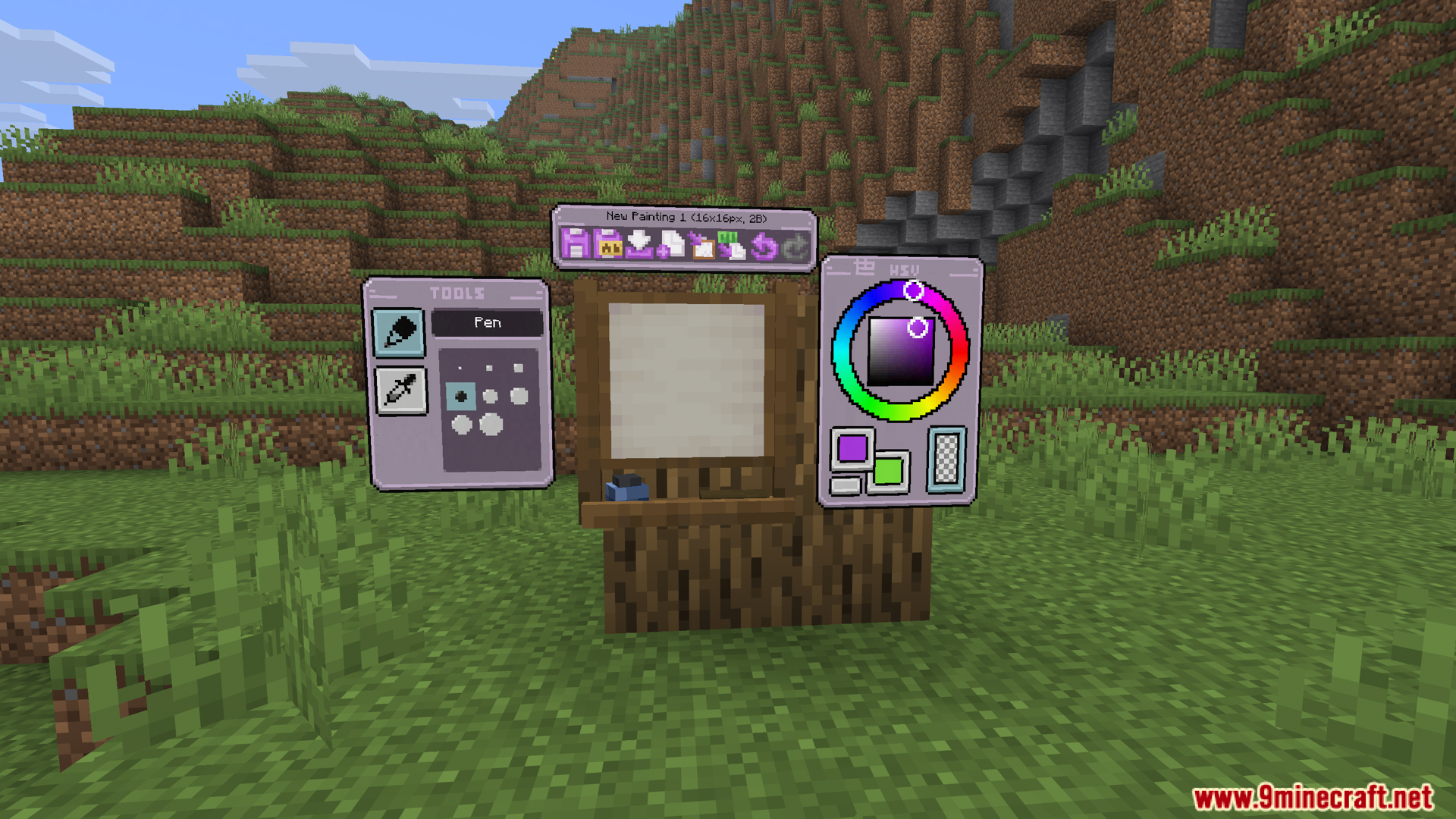
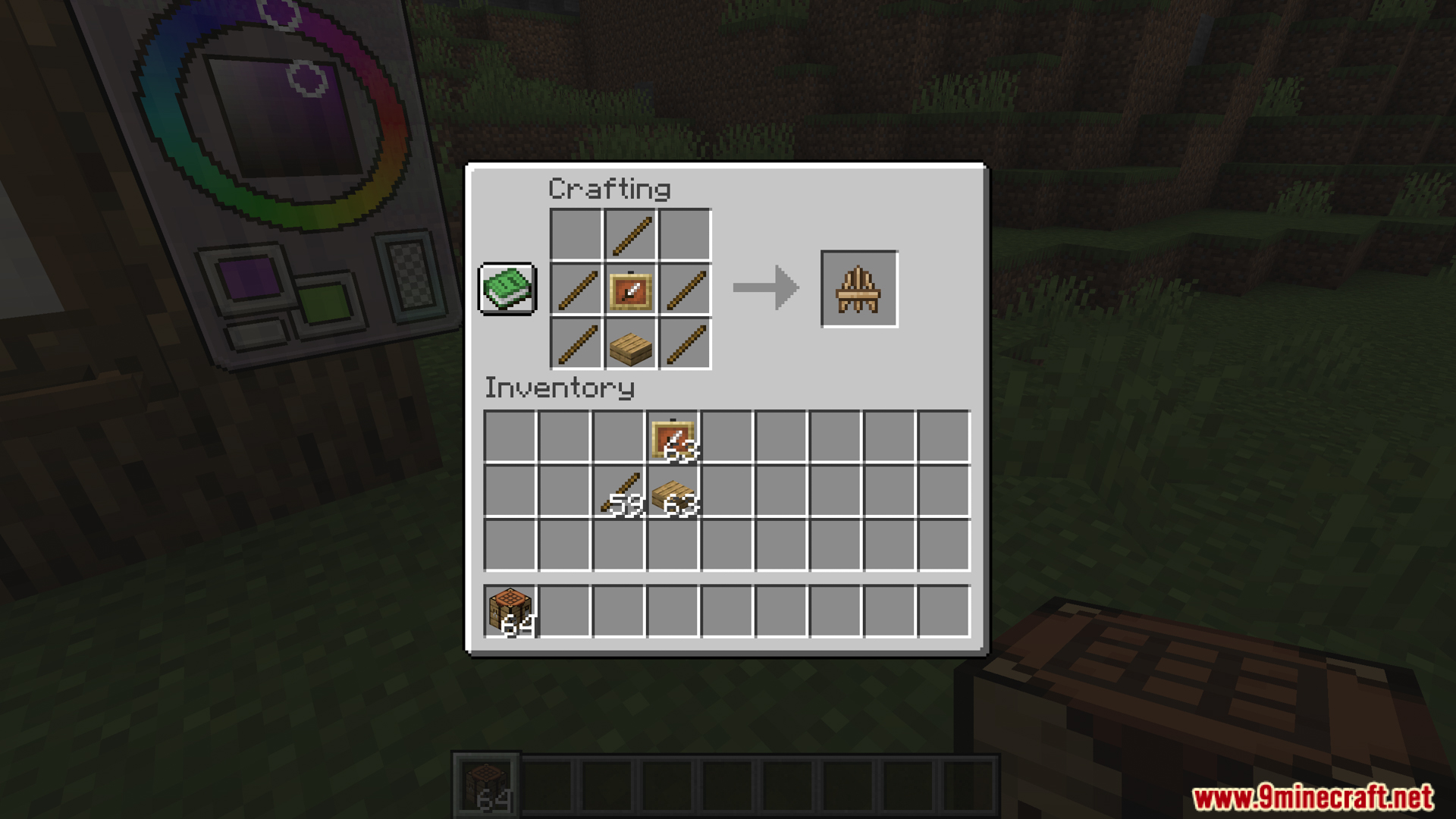
Eroxen MC Paint Mod gives you the tools to draw your own custom artwork directly inside the game. It adds a working studio and a wooden easel so you can paint pictures pixel by pixel. When your drawing is done, you can place the canvas anywhere you want, including on floors and ceilings. The mod turns colored text into real image pixels to make your art look exactly how you drew it. You can even save your work and copy your paintings to different worlds.
Features:
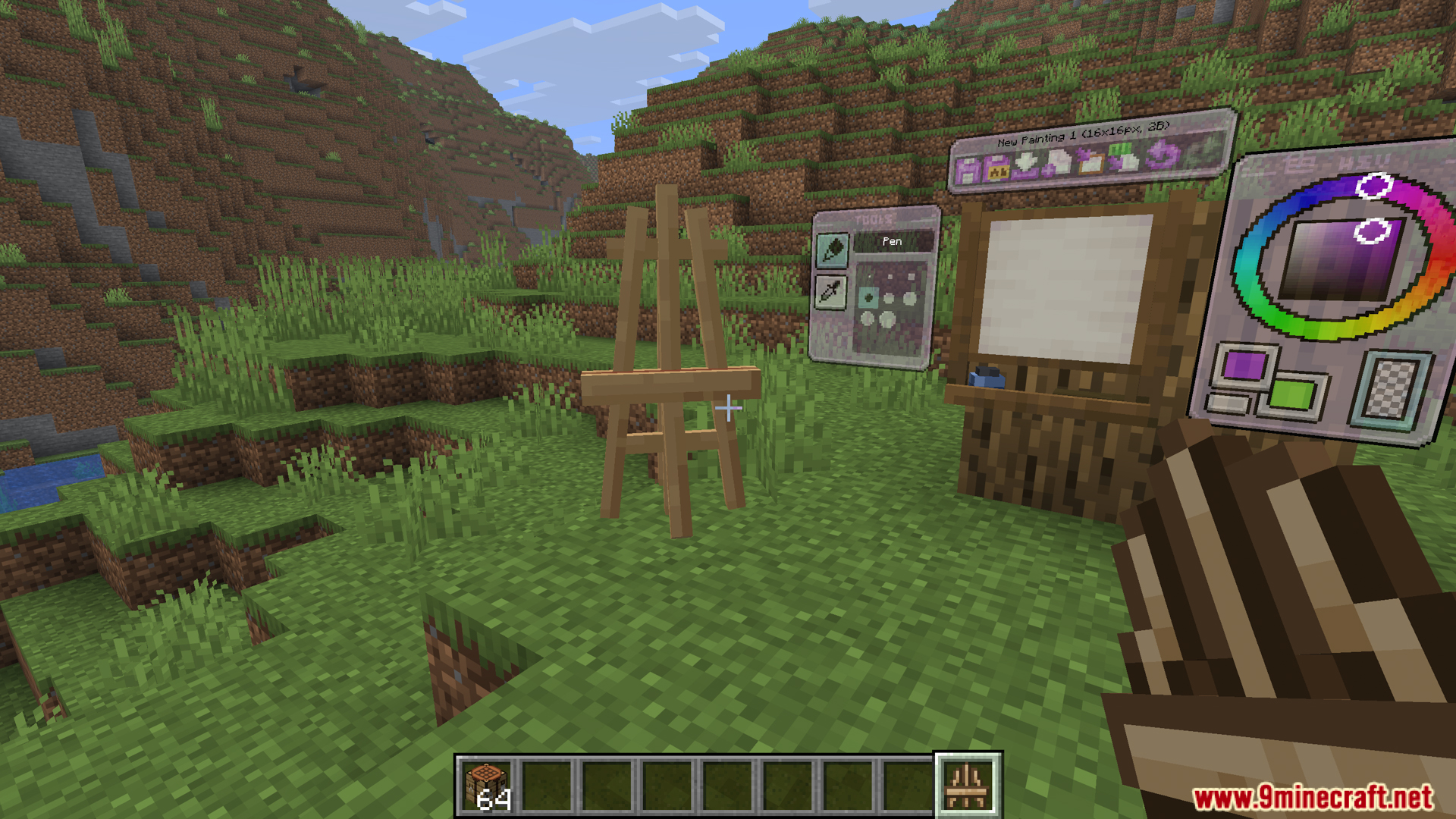
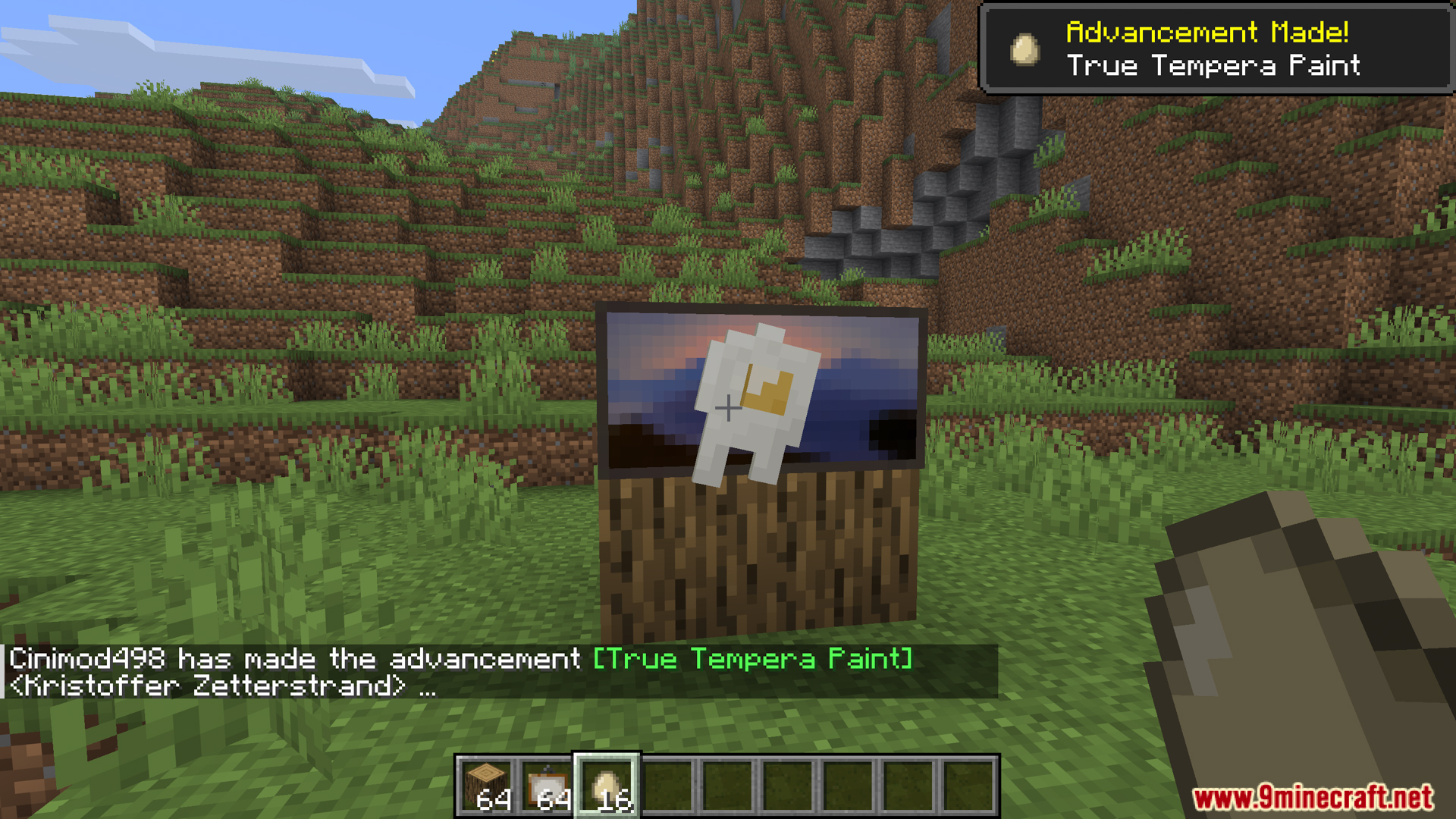
- In-Game Painting Studio: Eroxen MC Paint Mod adds a drawing screen where you can paint pixel by pixel. You open it just by throwing an egg at a regular Minecraft painting.
- Custom Art Placement: Lets you put your finished artwork anywhere you want, including flat on the floor or up on the ceiling.
- Works in survival mode without needing any special commands or cheats.
- Turns your art into text code so you can copy and paste your paintings into different worlds or servers.
Drawing Tools:
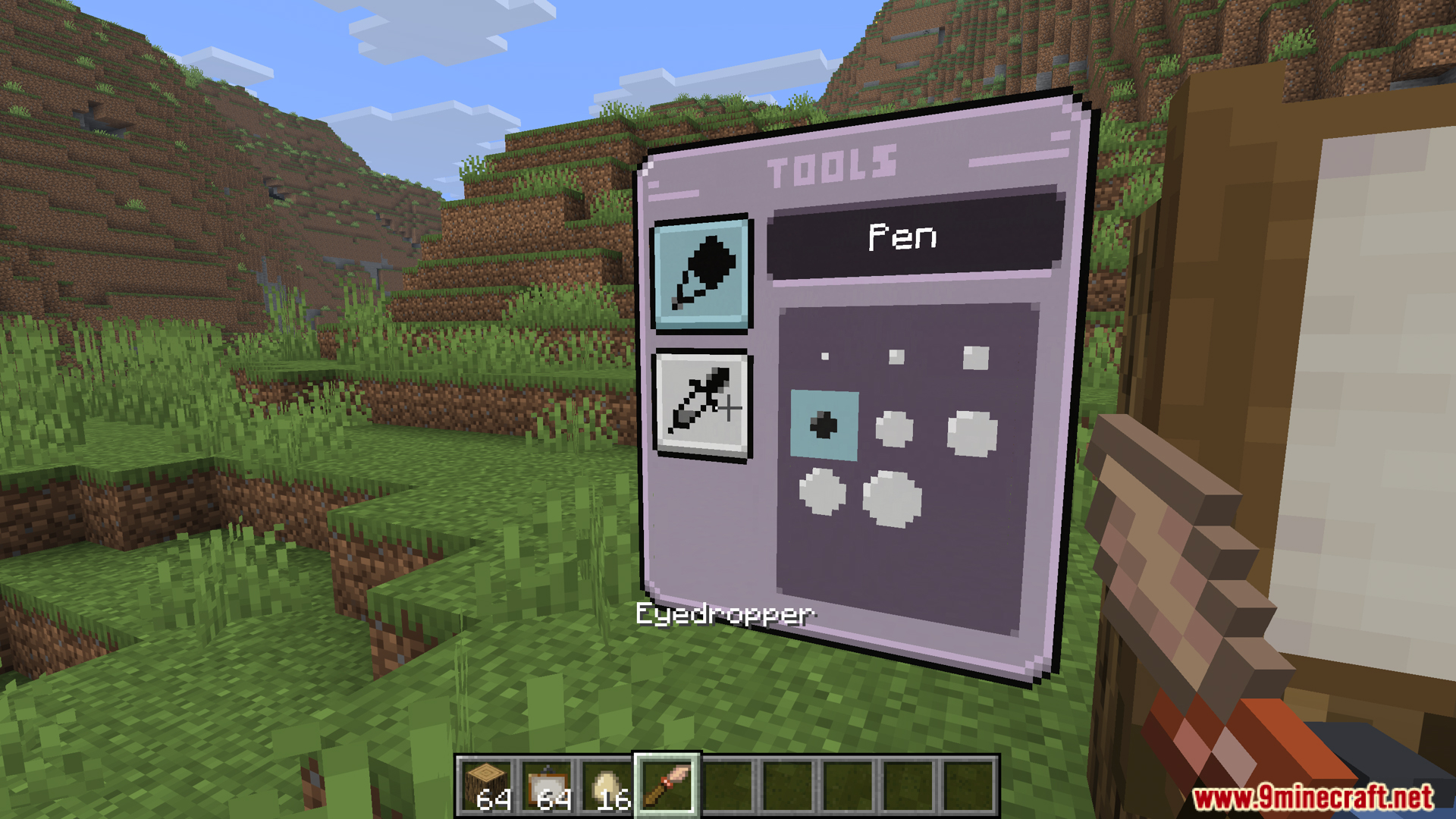
- Adds drawing tools inside the studio screen, like brushes, erasers, and color droppers to pick exact shades.
- Gives you a color wheel menu so you can find the exact color you want for your drawing.
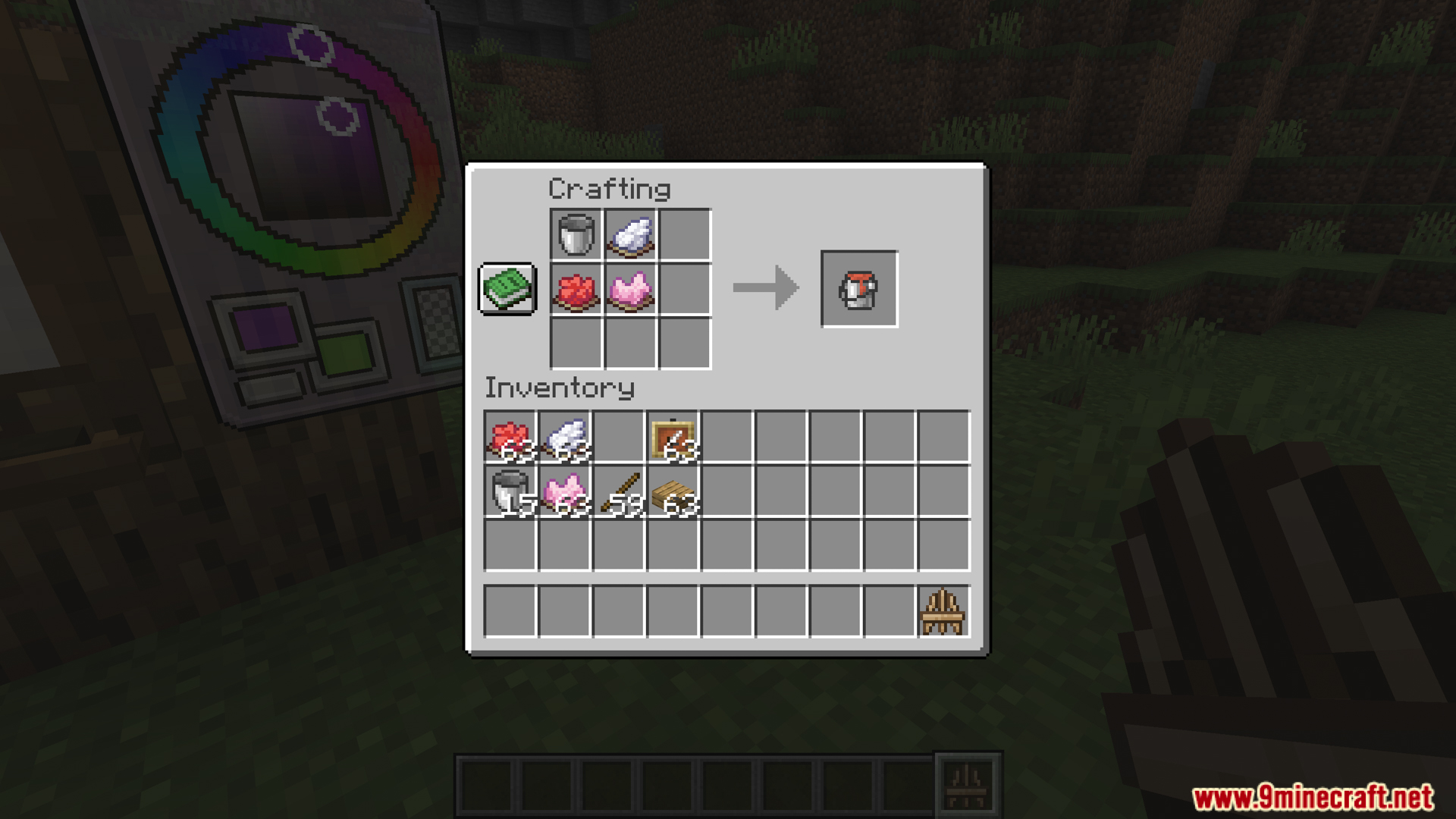
- Lets you craft paint buckets to save colors, which helps when you fill large areas or use the same shade a lot.
Display Options:
- Adds a craftable wooden easel to show off your art without attaching it to a wall.
- Makes the easels react to gravity and water, meaning you can even push them into minecarts.
- Lets you change your art after placing it, like using a compass to spin it or ice to make it see-through.
- You can wash your custom art in a water cauldron to wipe it clean and get a normal painting back.
How to Use:
- Throw an egg at a normal Minecraft painting. This opens the Studio menu.
- Pick a color from the color wheel and click the canvas to draw your picture.
- Save your work when you finish. The game gives you a Custom Painting item.
- Place the painting on a wall, floor, ceiling, or a wooden easel.
- Click the painting with a compass to rotate it.
- Click the painting with ice to change how see-through it is.
- Wash the painting in a cauldron full of water to erase the art and get a normal painting back.
Screenshots:
Eroxen MC Paint Mod Download Links
Quick facts
- Edition: Minecraft Java
- File type: .jar
- Minecraft version listed: 1.21.1
- How to install: Install the matching mod loader (Forge, Fabric or NeoForge) for your Minecraft version. → Download the .jar. → Put it in the .minecraft/mods folder and launch that loader profile.
- Where to get it: In MC Java Mods, or directly above on this page.
Install steps are the general flow for this file type — How to install Minecraft Java mods & modpacks walks through it step by step.
Verified by MCModsHub
- Downloads as 175754.mcaddon
- Download size: 4.6 MB
- Download link checked 25 Sept 2026 — working
- Mirrored on our own servers — the download does not depend on the original host
These come from our own check of the pack file, not from the source page.