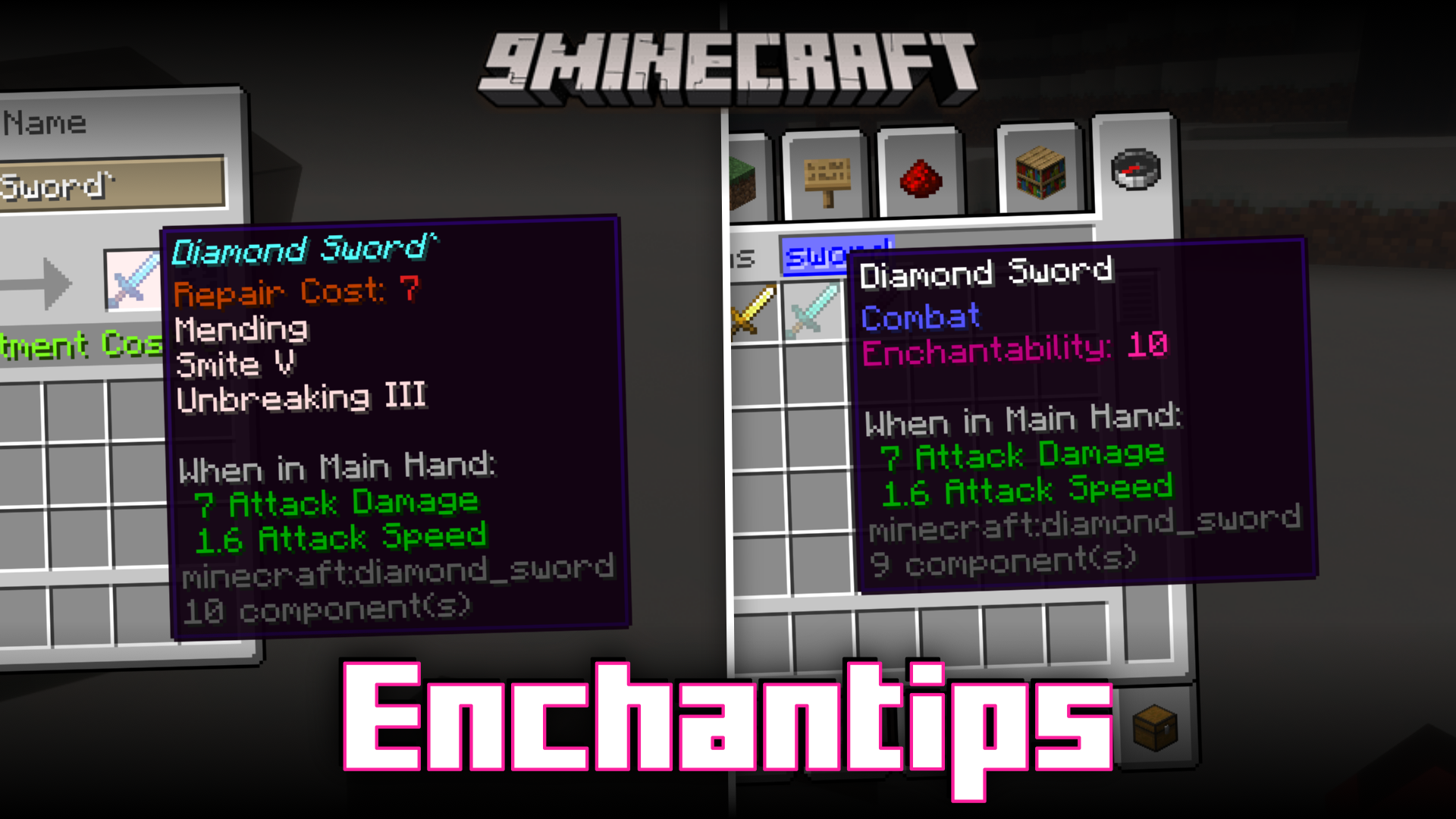
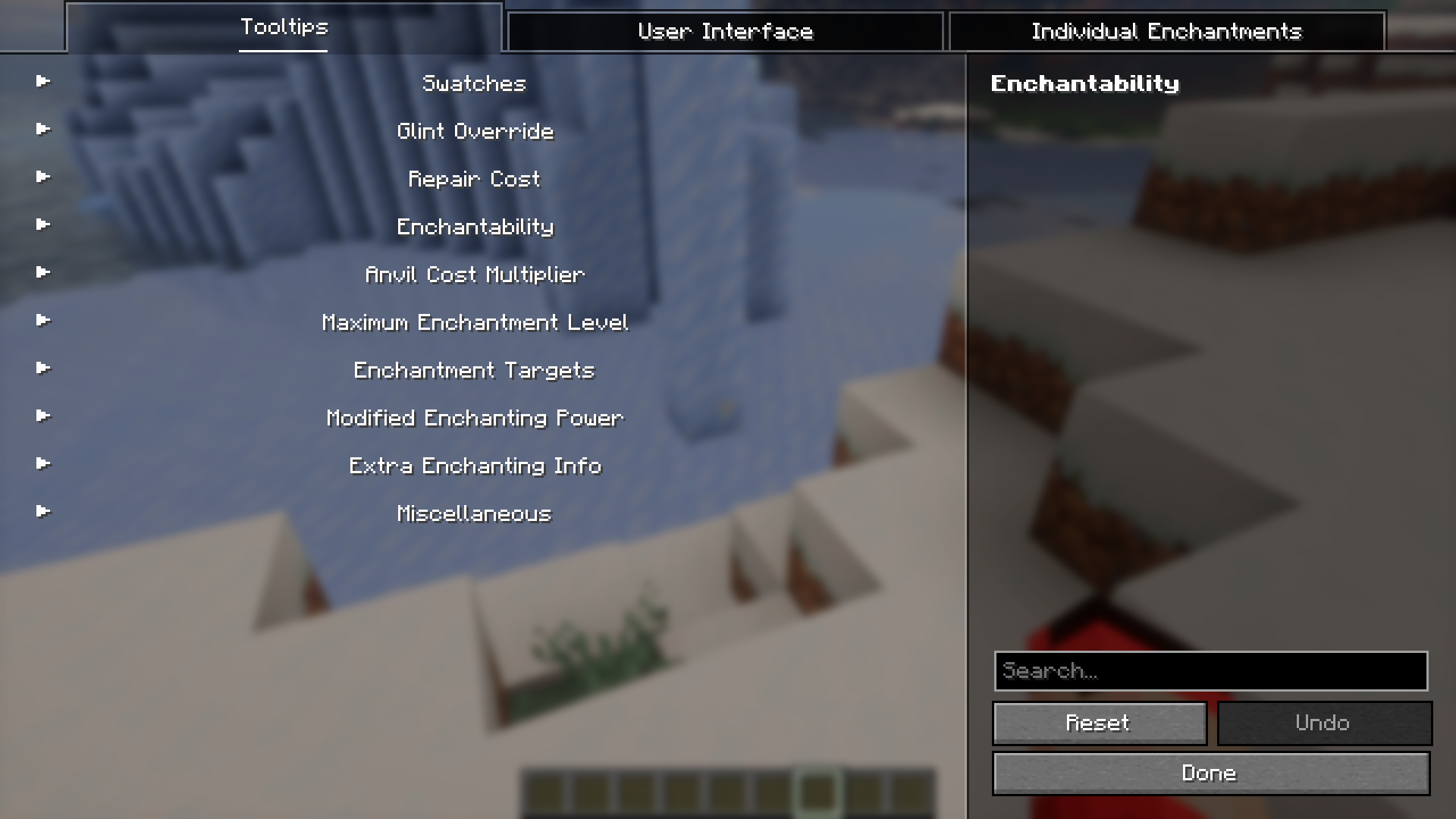
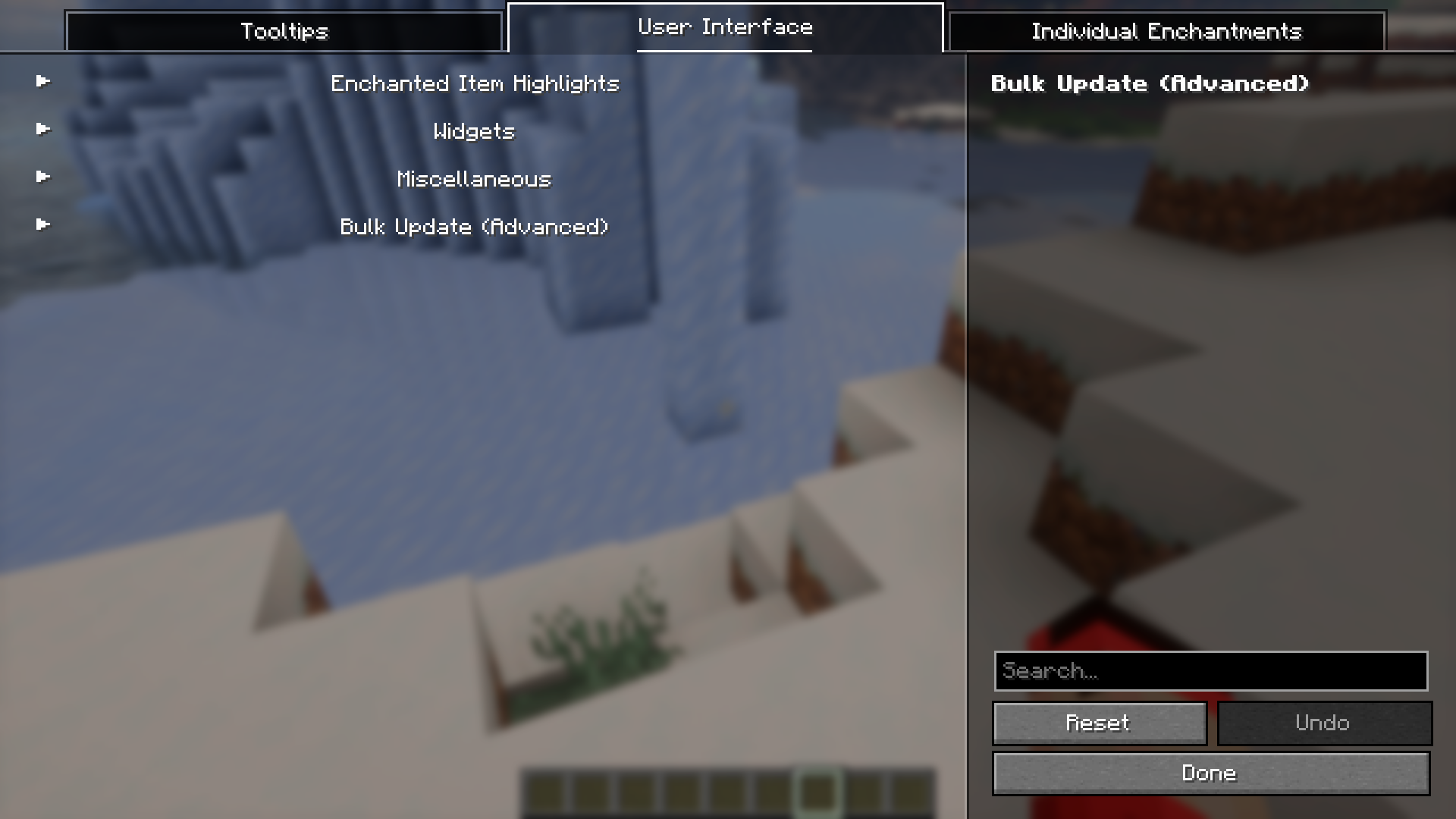
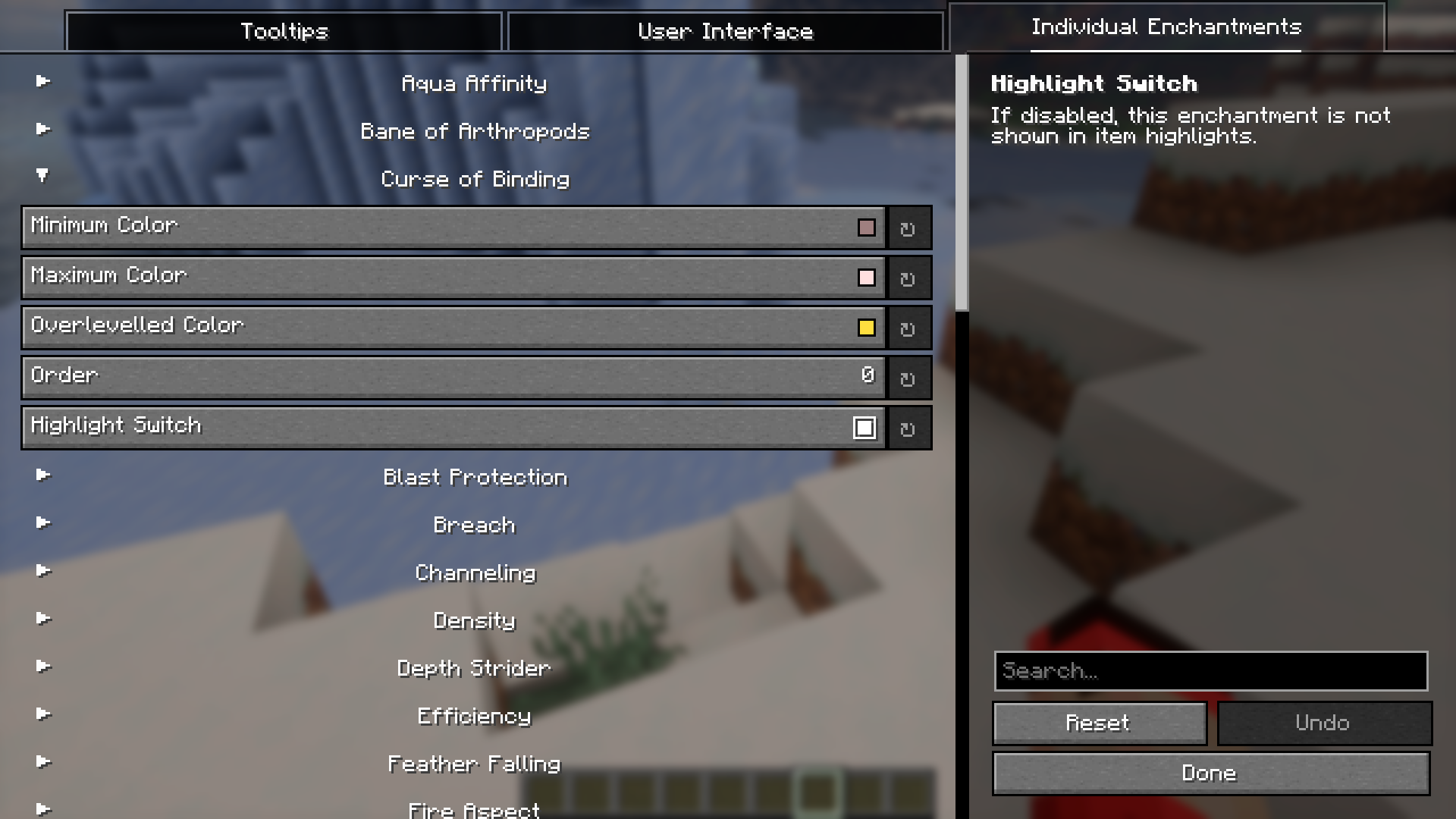
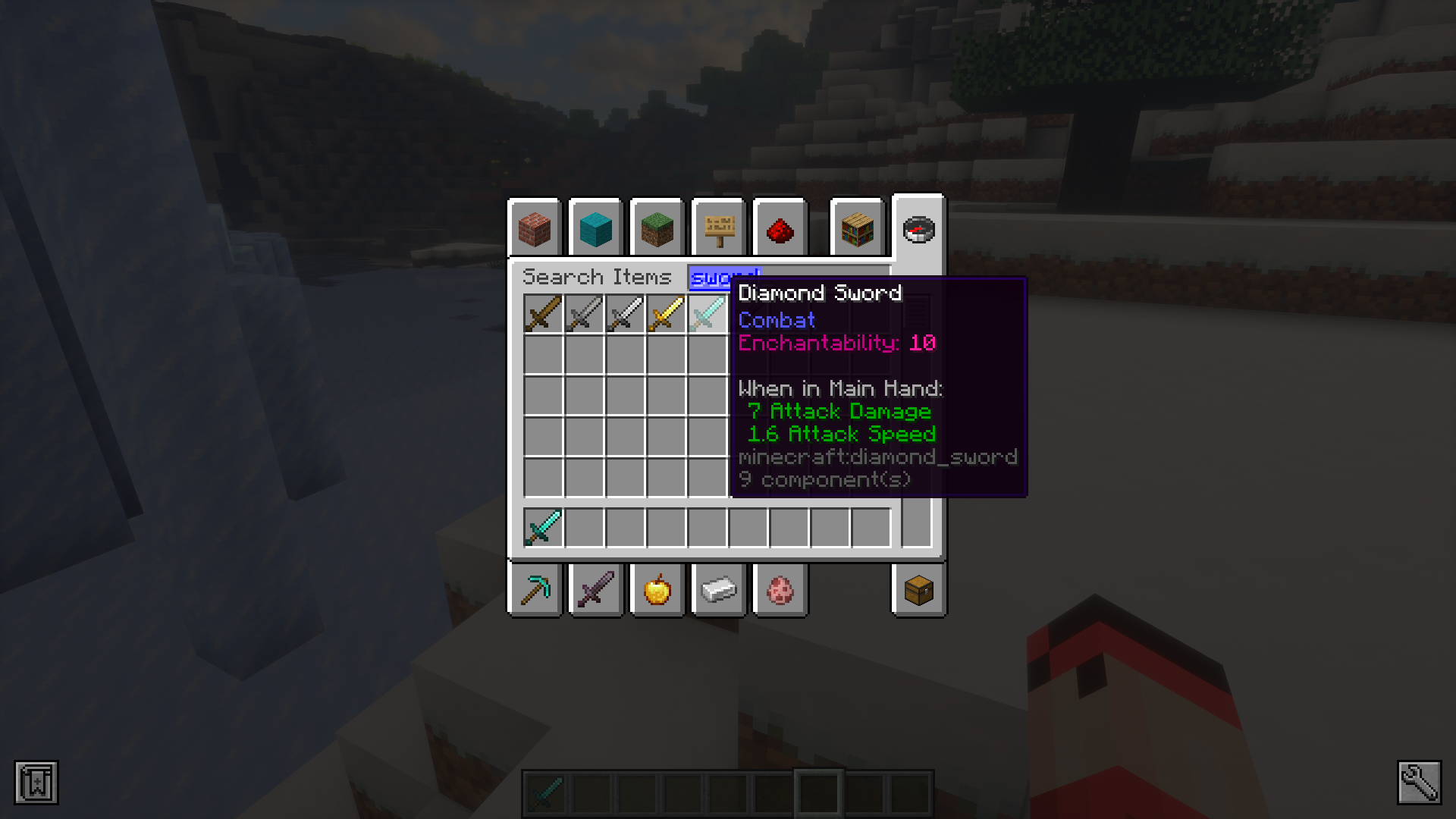
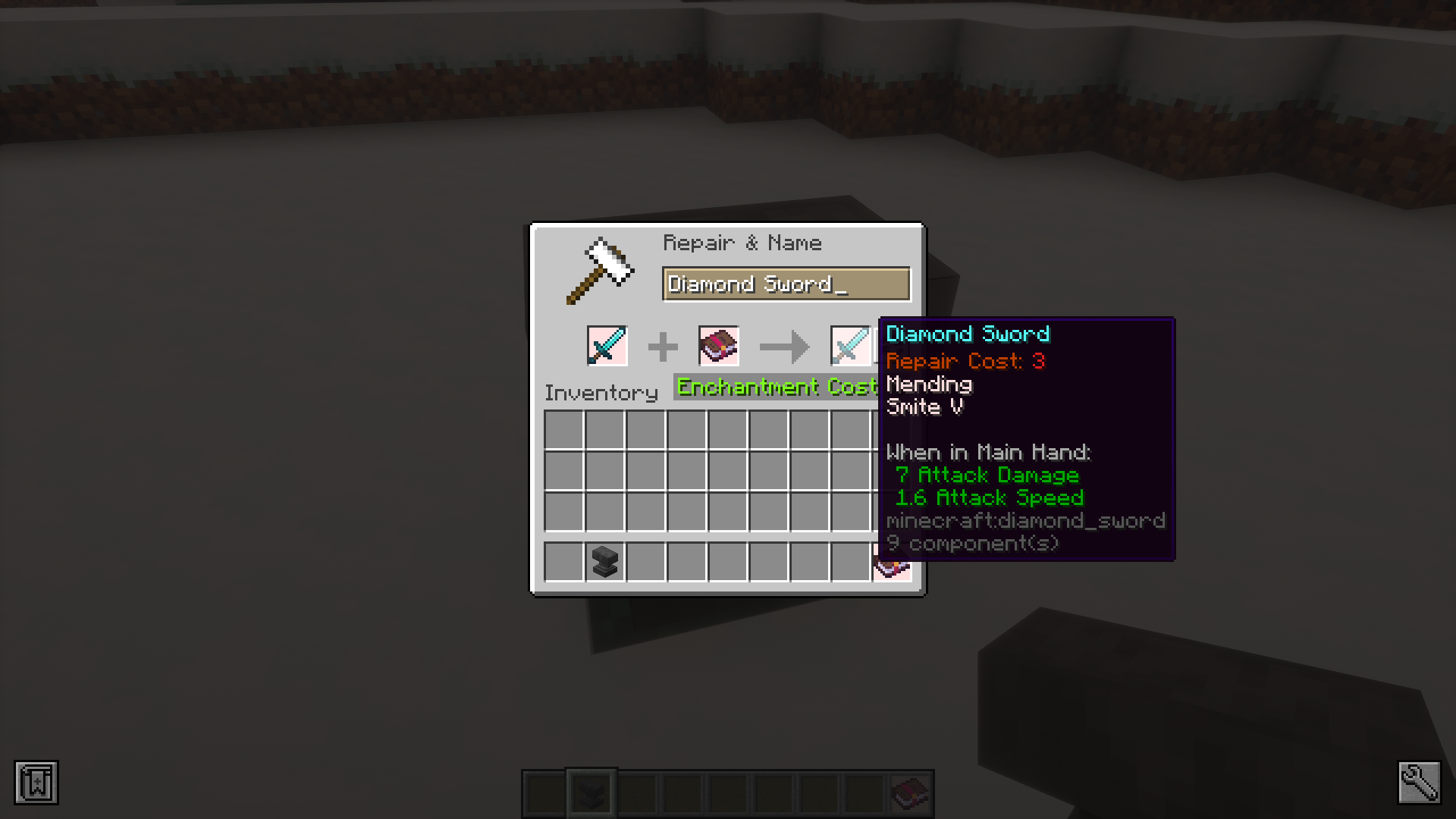
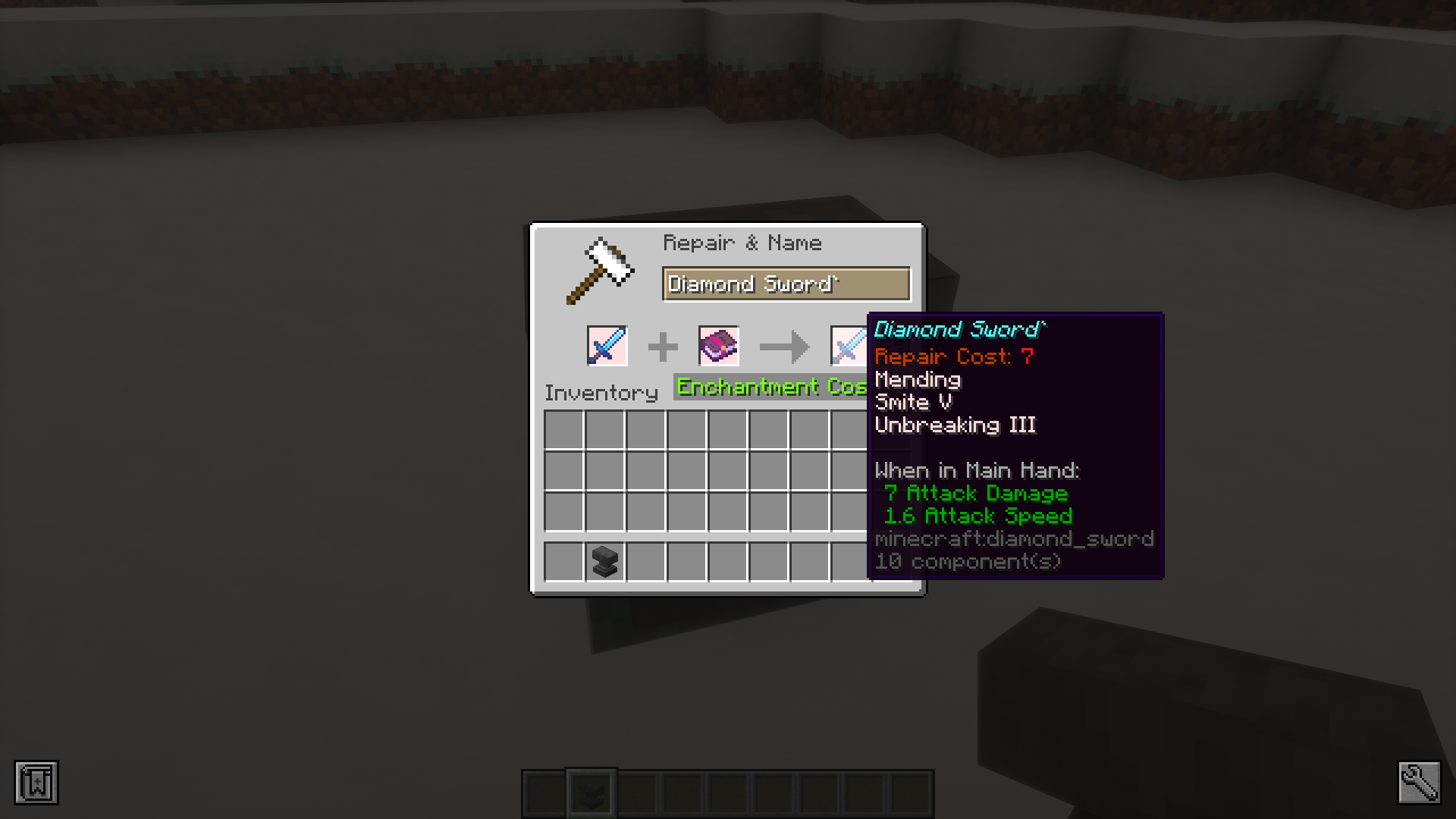
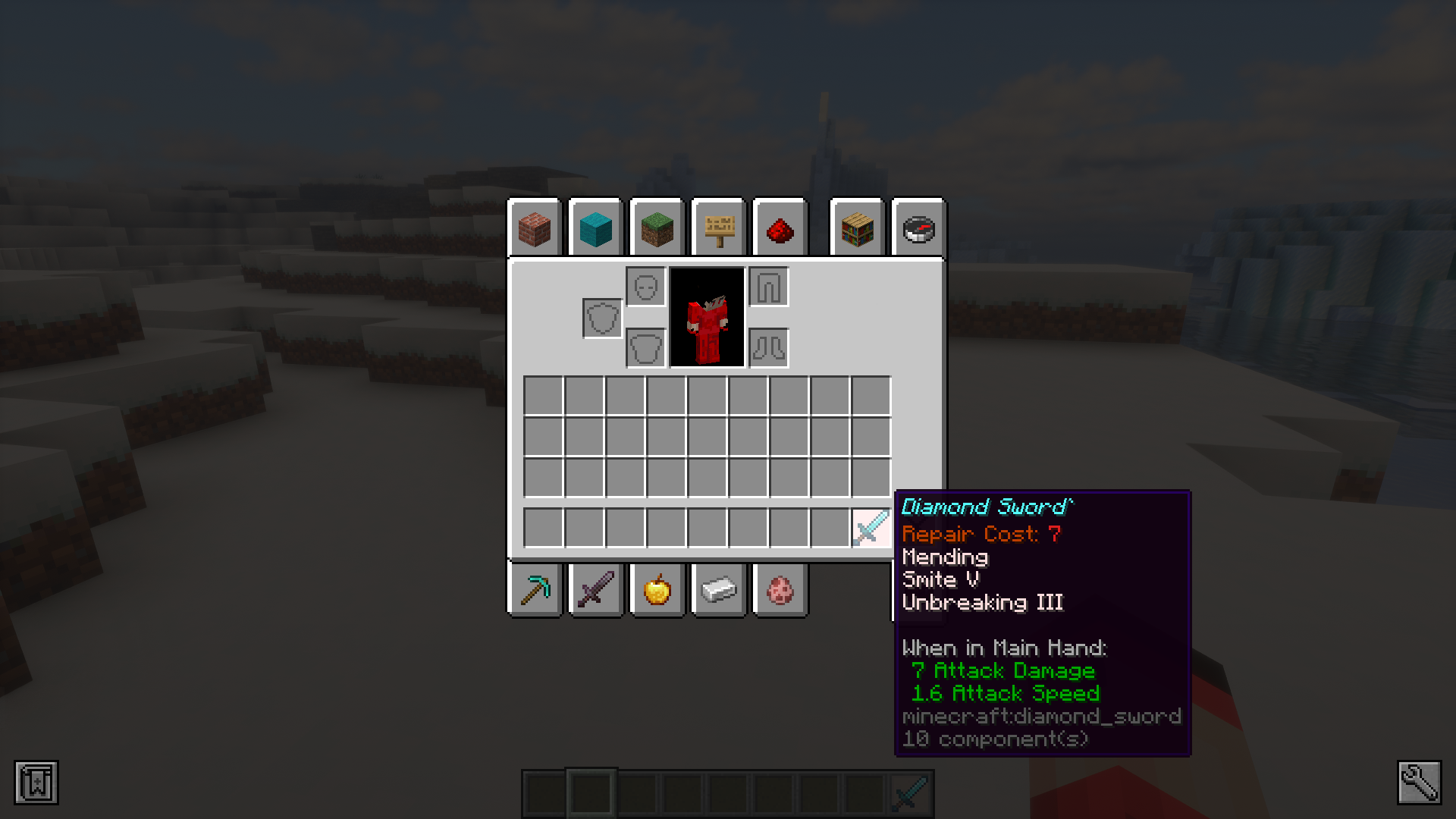
The enchanting process in Minecraft may cause confusion for some, especially for new players. Enchantips Mod is here with some tooltips and new features that will massively improve how you understand and use enchantments in game. For experienced players, this mod provides some GUI features that will improve the enchanting process. And for new players, the mod acts as a guide for properly using the enchanting process. For example the repair cost of an item will be shown in its tooltip. The enchantability and enchanting cost of items will be displayed in the tooltip too. Many of the features added by the mod can be configured by the player to their liking.
Features:
- Adds a collection of new GUI and tooltip features that makes the enchanting experience a lot more convenient.
- Aspects like repair cost, enchantability and enchantment cost can be viewed beforehand.
- Features for an optimized anvil usage experience.
- New protection bar in HUD to view how well the protection enchantment assists you.
- And many more features that can be configured to the liking of the player.
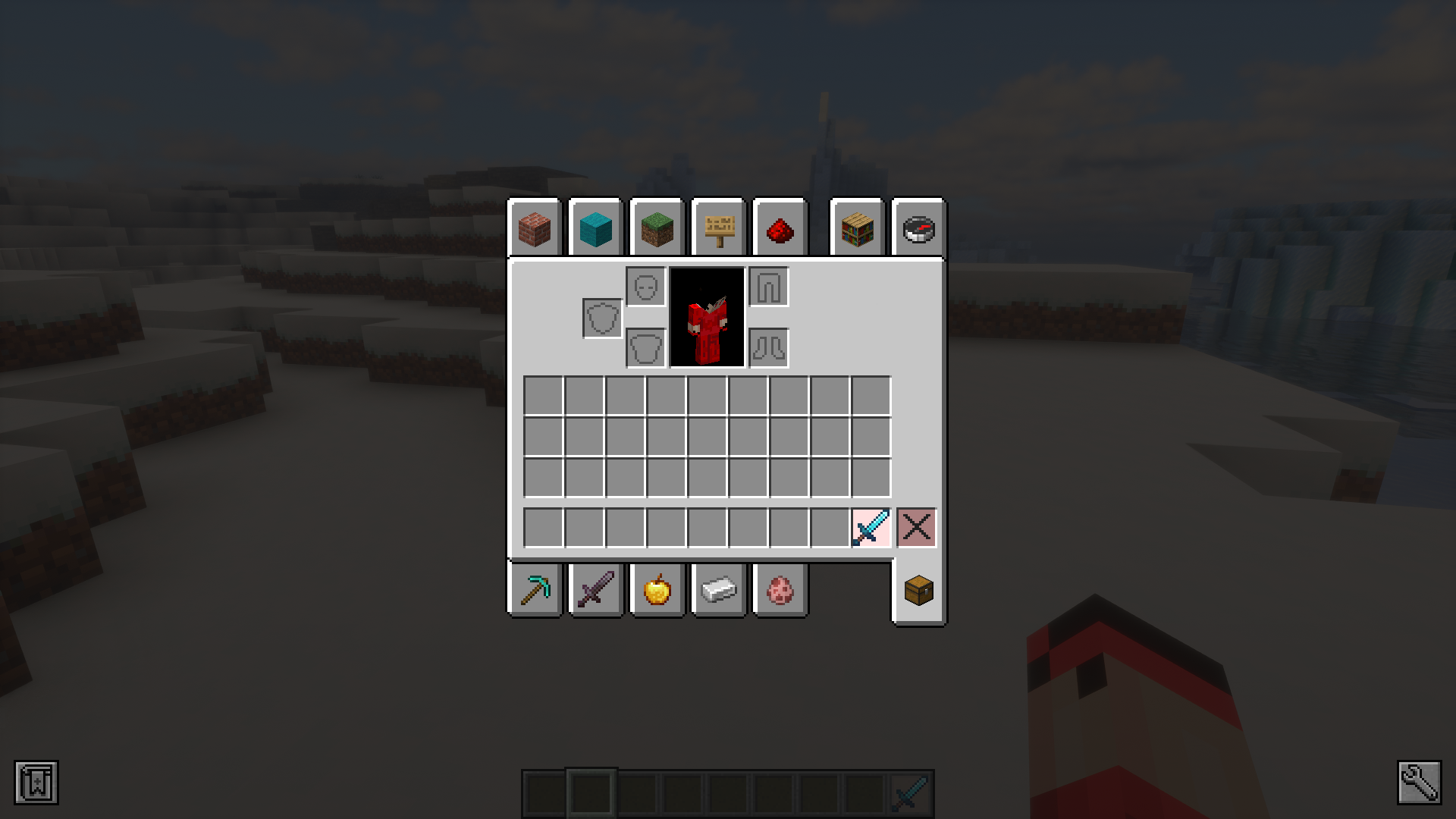
Screenshots:
Enchantips Mod Download Links
- Edition: Minecraft Java
- File type: .jar
- Minecraft version listed: 1.20.1
- How to install: Install the matching mod loader (Forge, Fabric or NeoForge) for your Minecraft version. → Download the .jar. → Put it in the .minecraft/mods folder and launch that loader profile.
- Where to get it: In MC Java Mods, or directly above on this page.
Install steps are the general flow for this file type — How to install Minecraft Java mods & modpacks walks through it step by step.
- Downloads as 175780.mcaddon
- Download size: 192 KB
- Download link checked 23 Sept 2026 — working
- Mirrored on our own servers — the download does not depend on the original host
These come from our own check of the pack file, not from the source page.