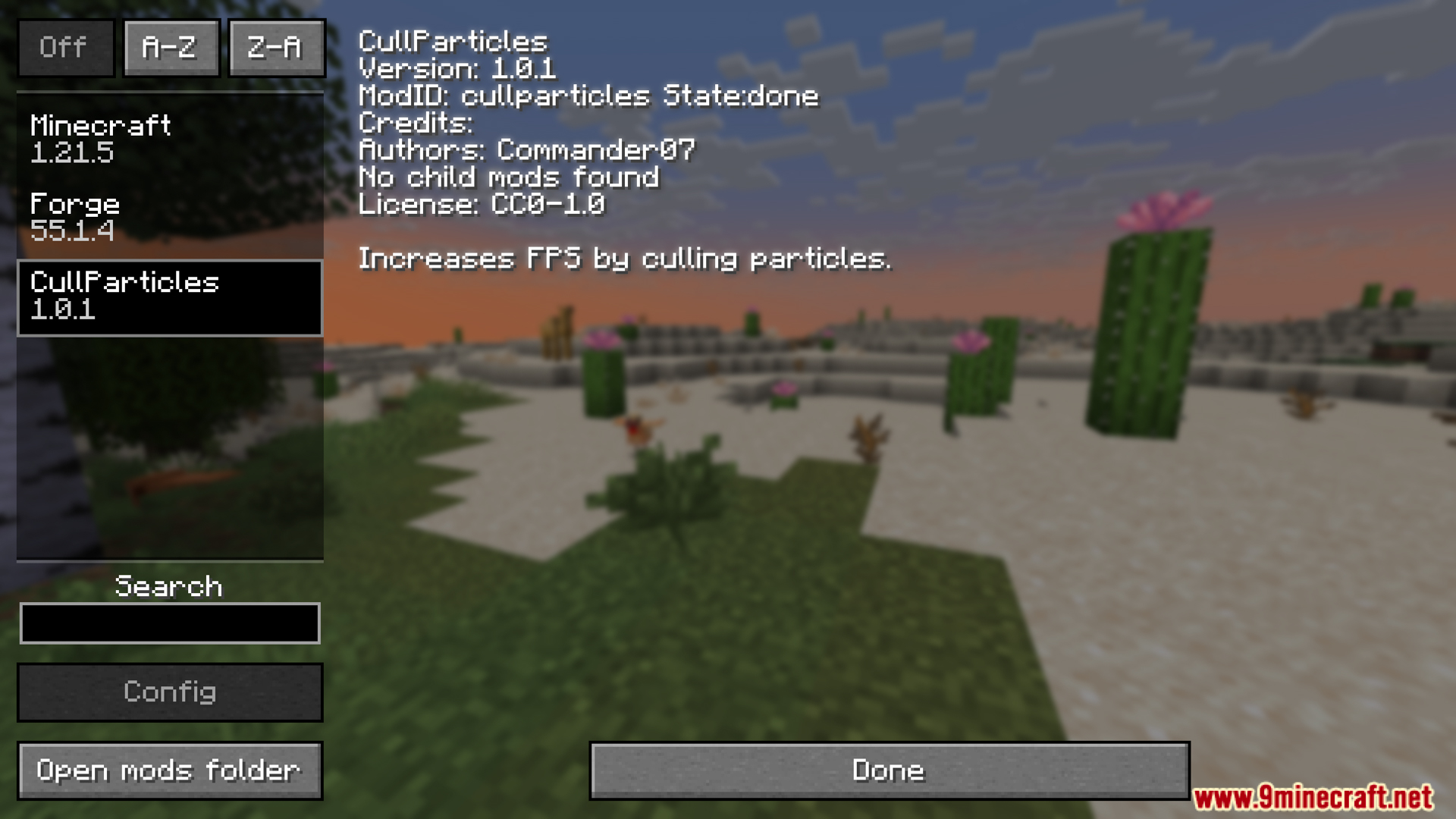
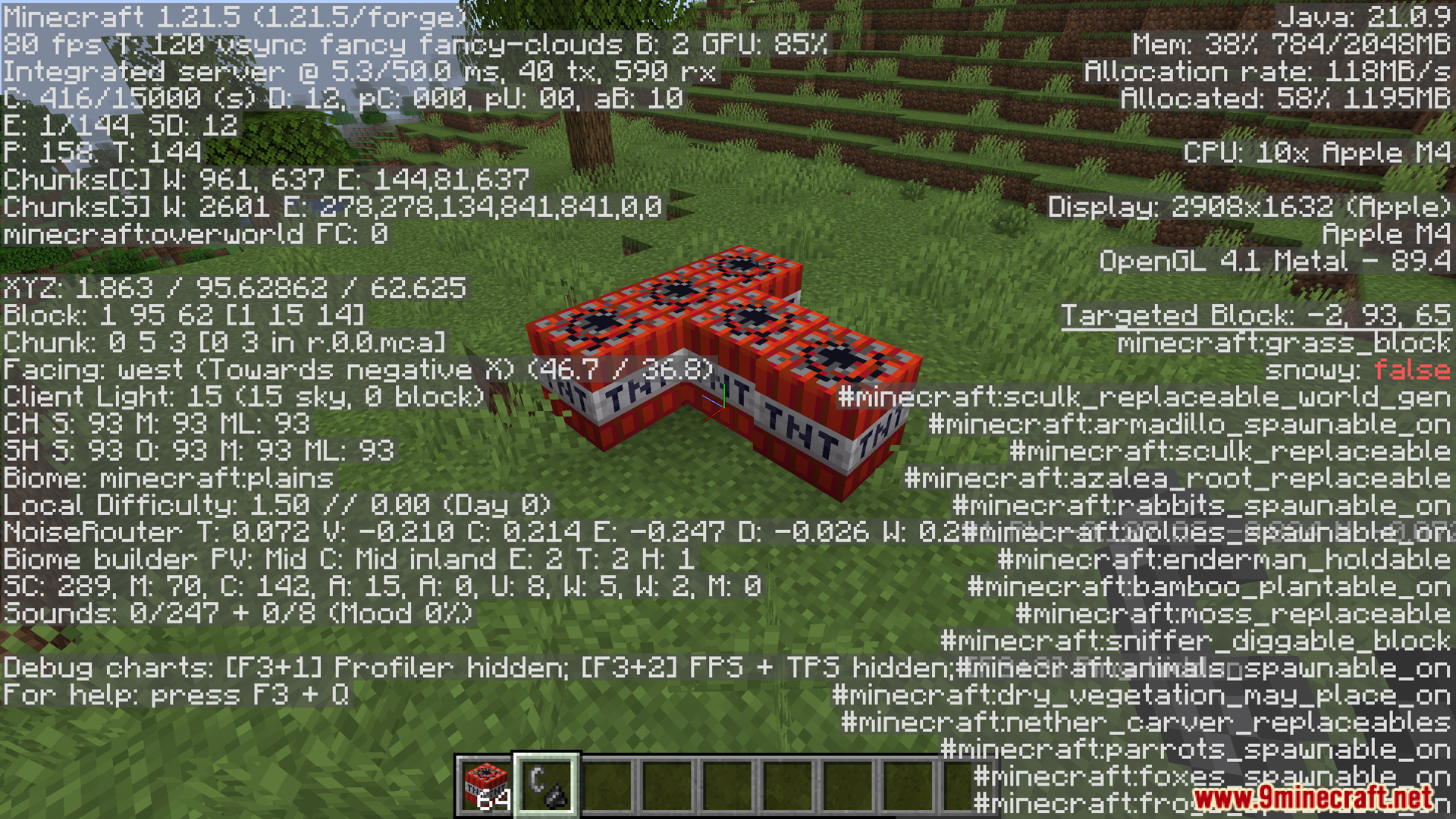
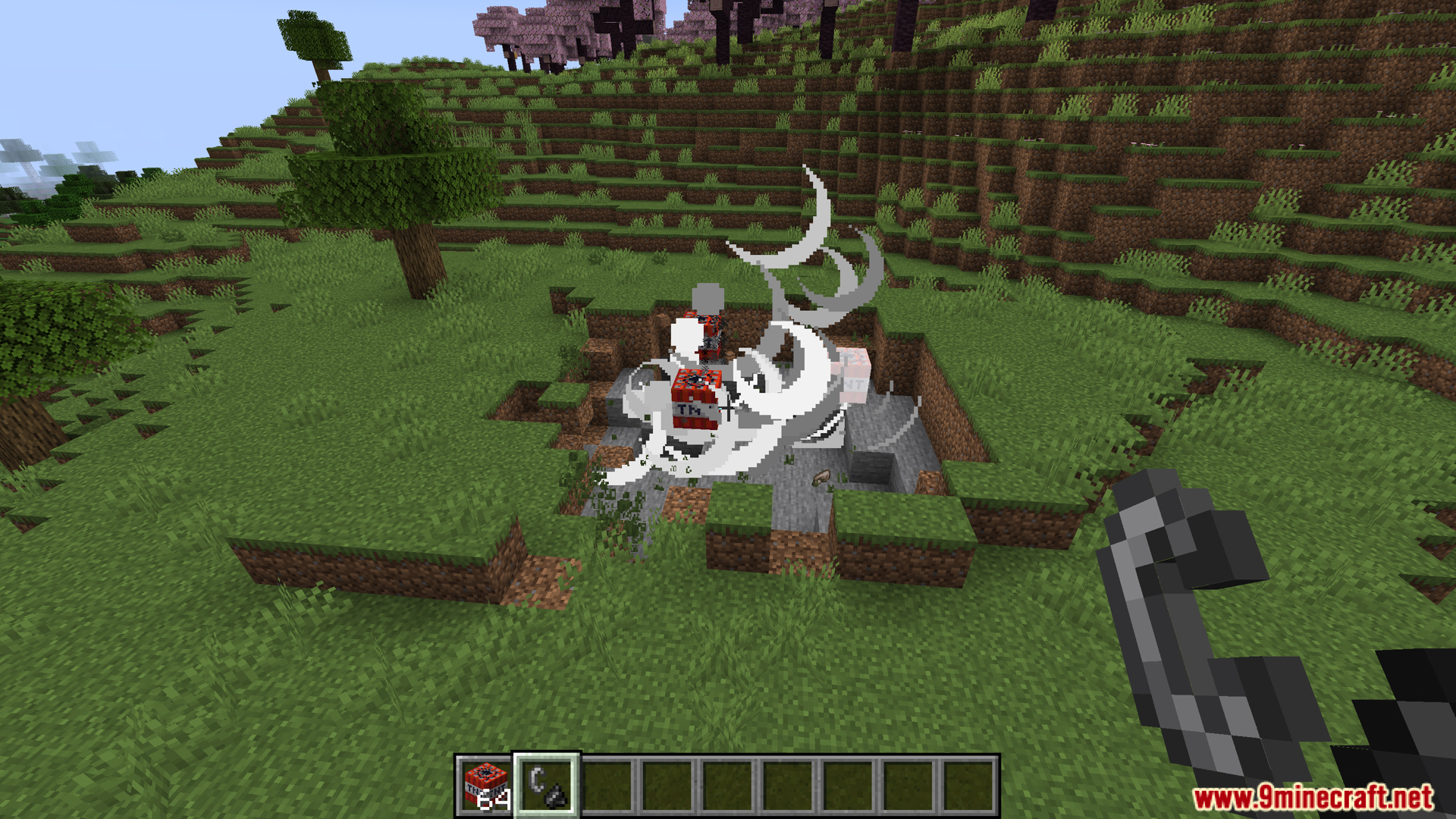
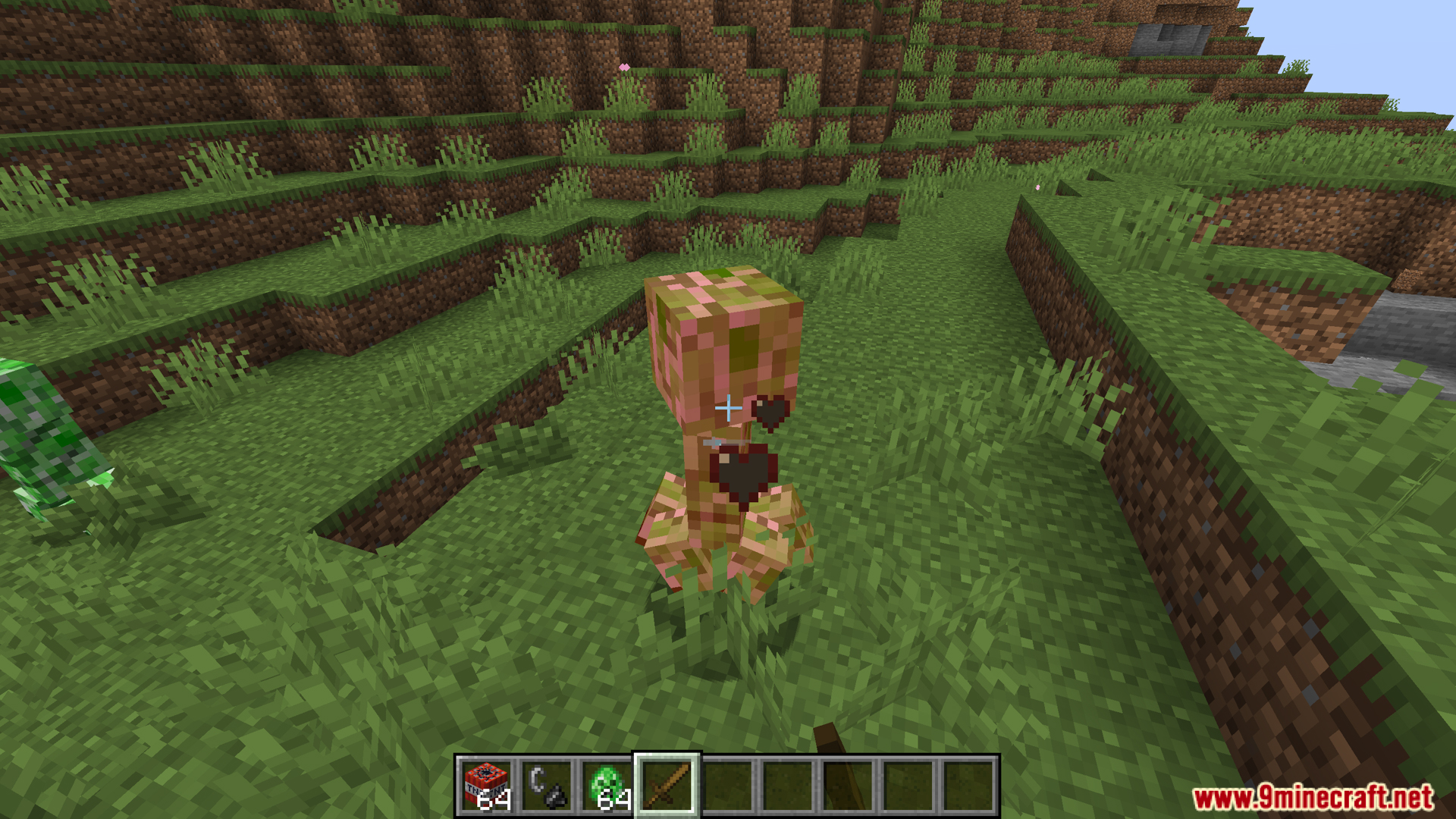
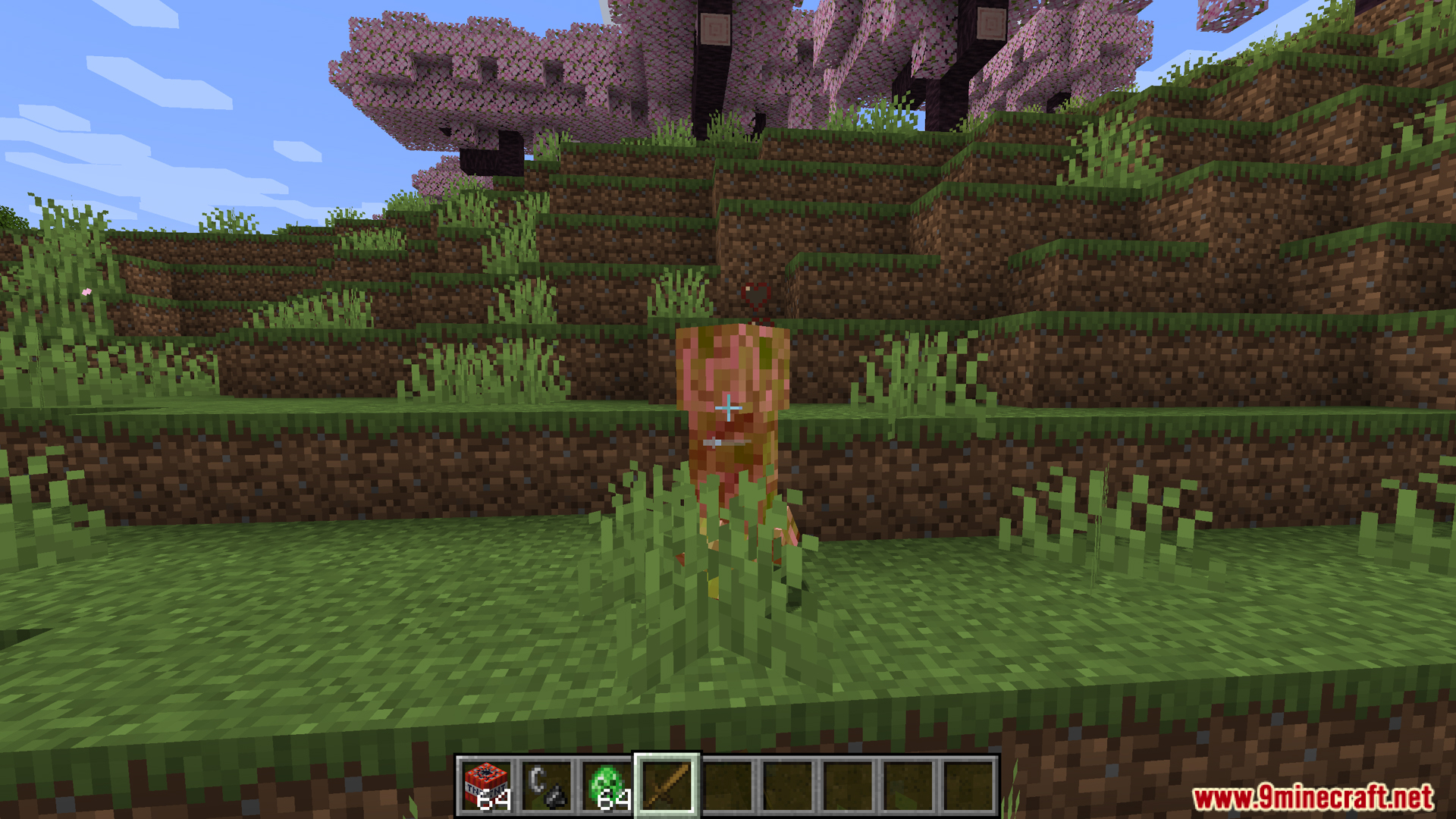
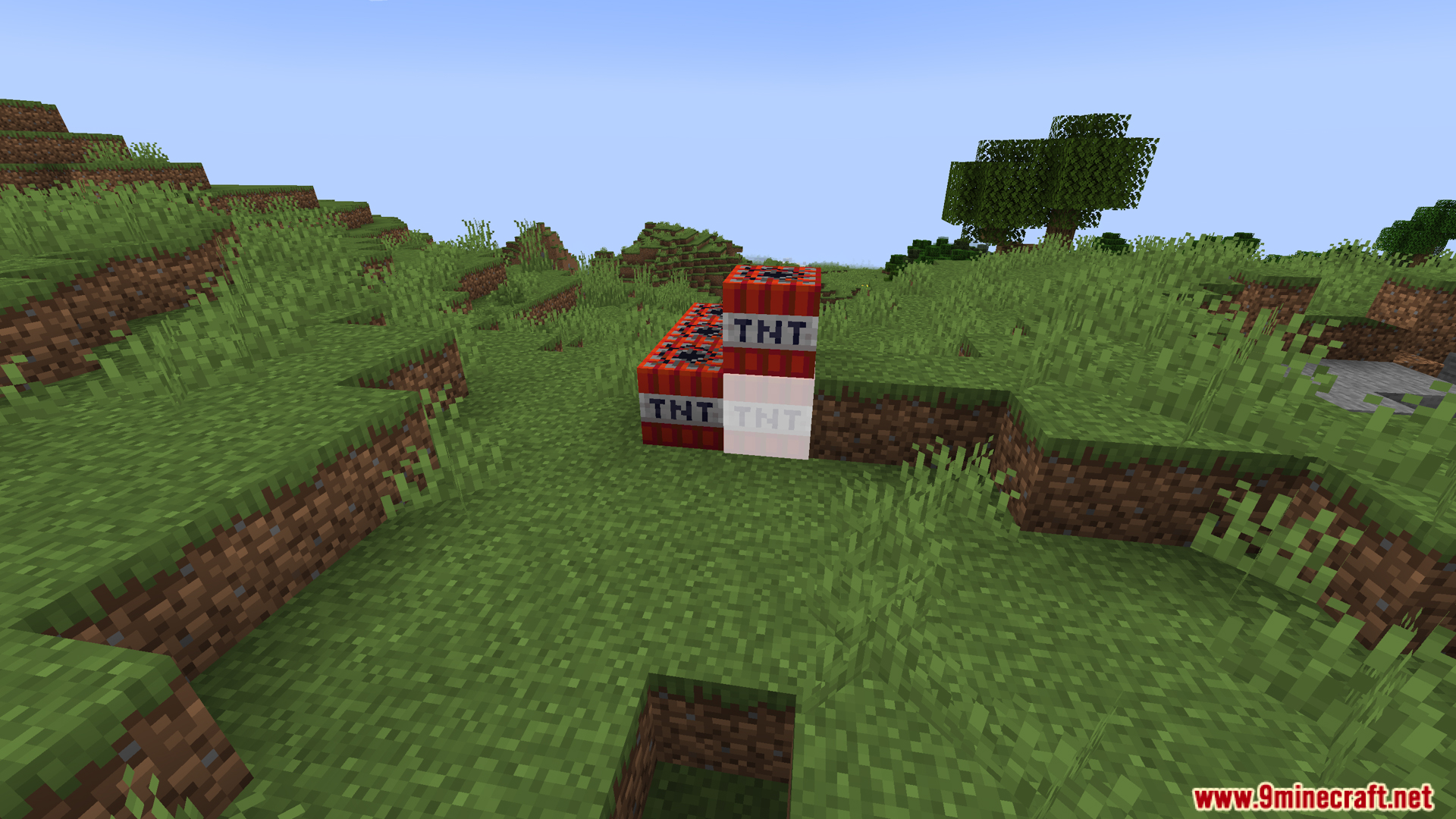
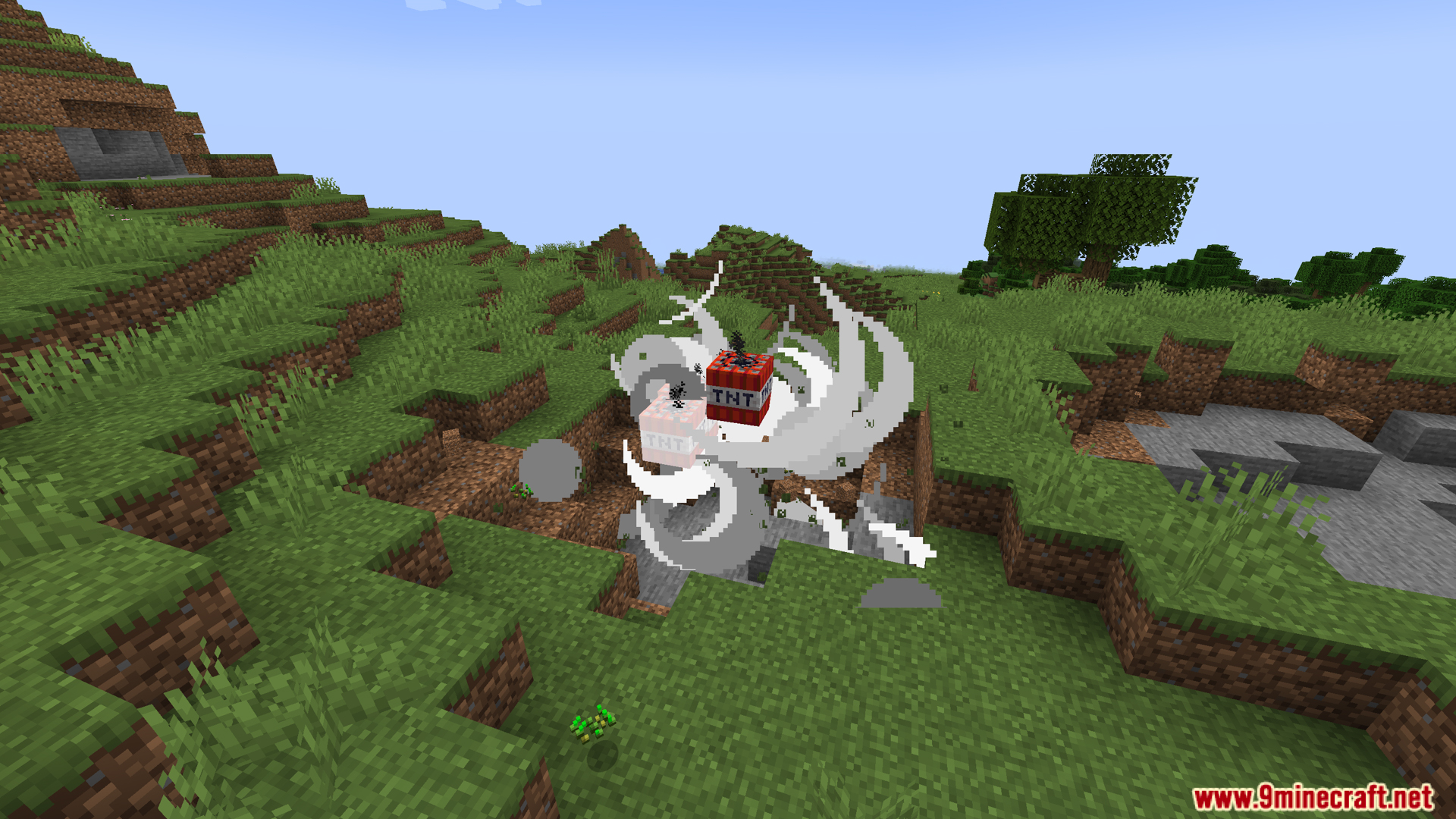
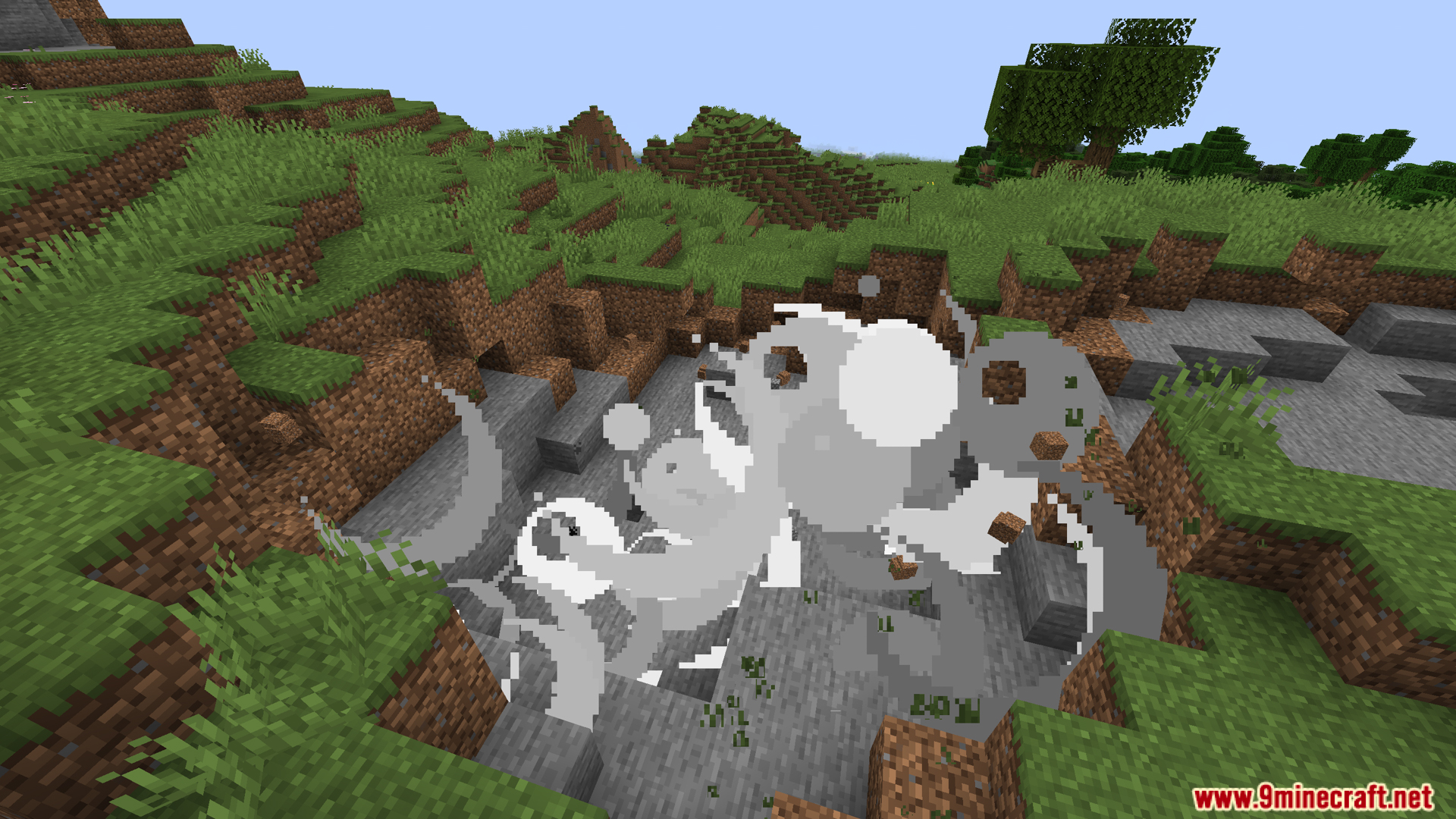
Cull Particles MultiLoader Mod increases your FPS by stopping the game from drawing particles you cannot see. If an effect is behind you or hidden by blocks, this mod prevents it from rendering. This improves performance, especially in areas with lots of particles like explosions. It is an updated version of the original Particle Culling mod and works with multiple mod loaders.
Features:
- Stops the game from drawing particles that are not on your screen.
- Helps your game run faster and smoother, giving you a nice FPS boost.
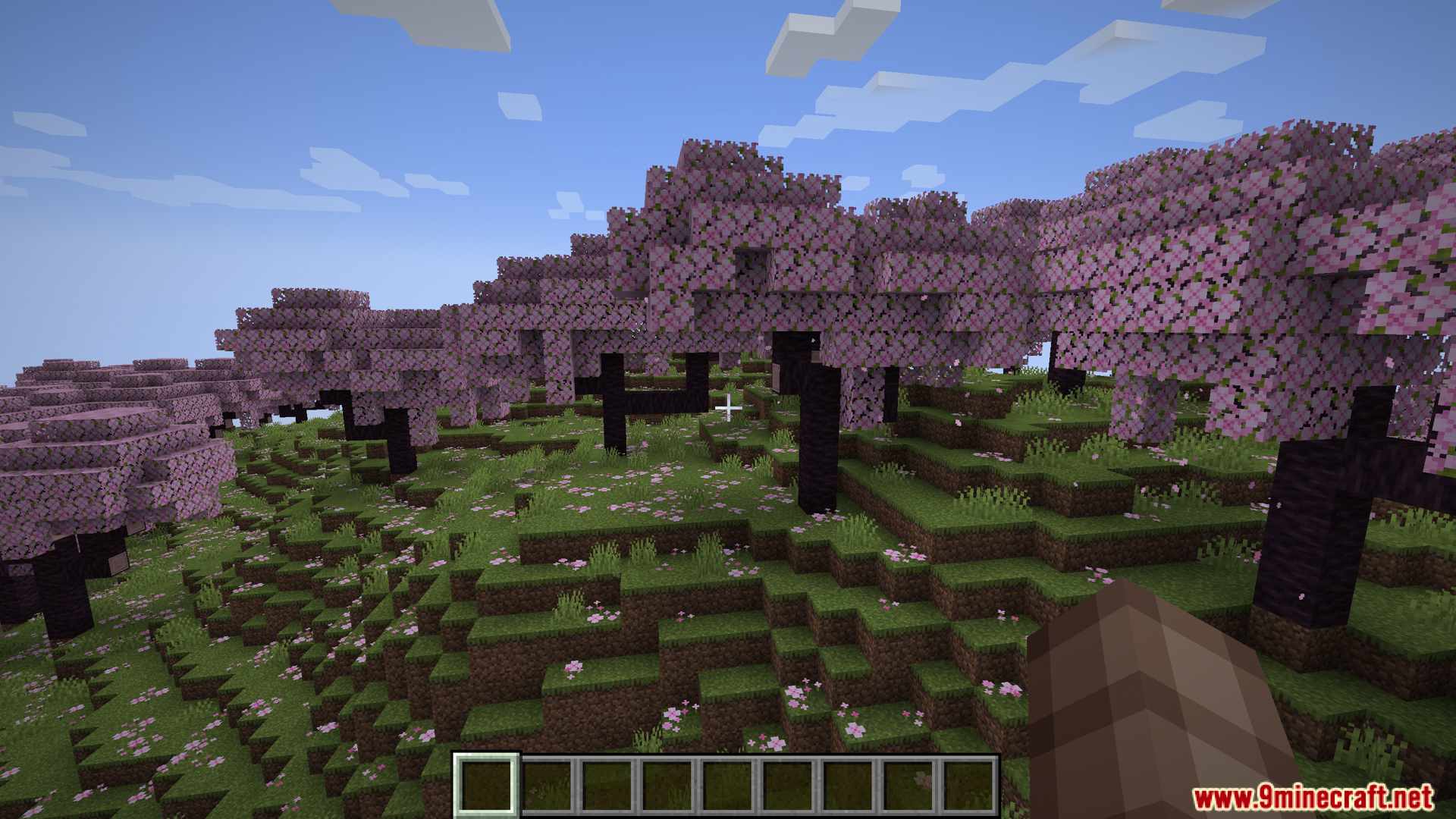
- Reduces lag in places with lots of effects, like during big explosions or in cherry groves.
- Works on the client-side, so you can use it on servers without the server needing it.
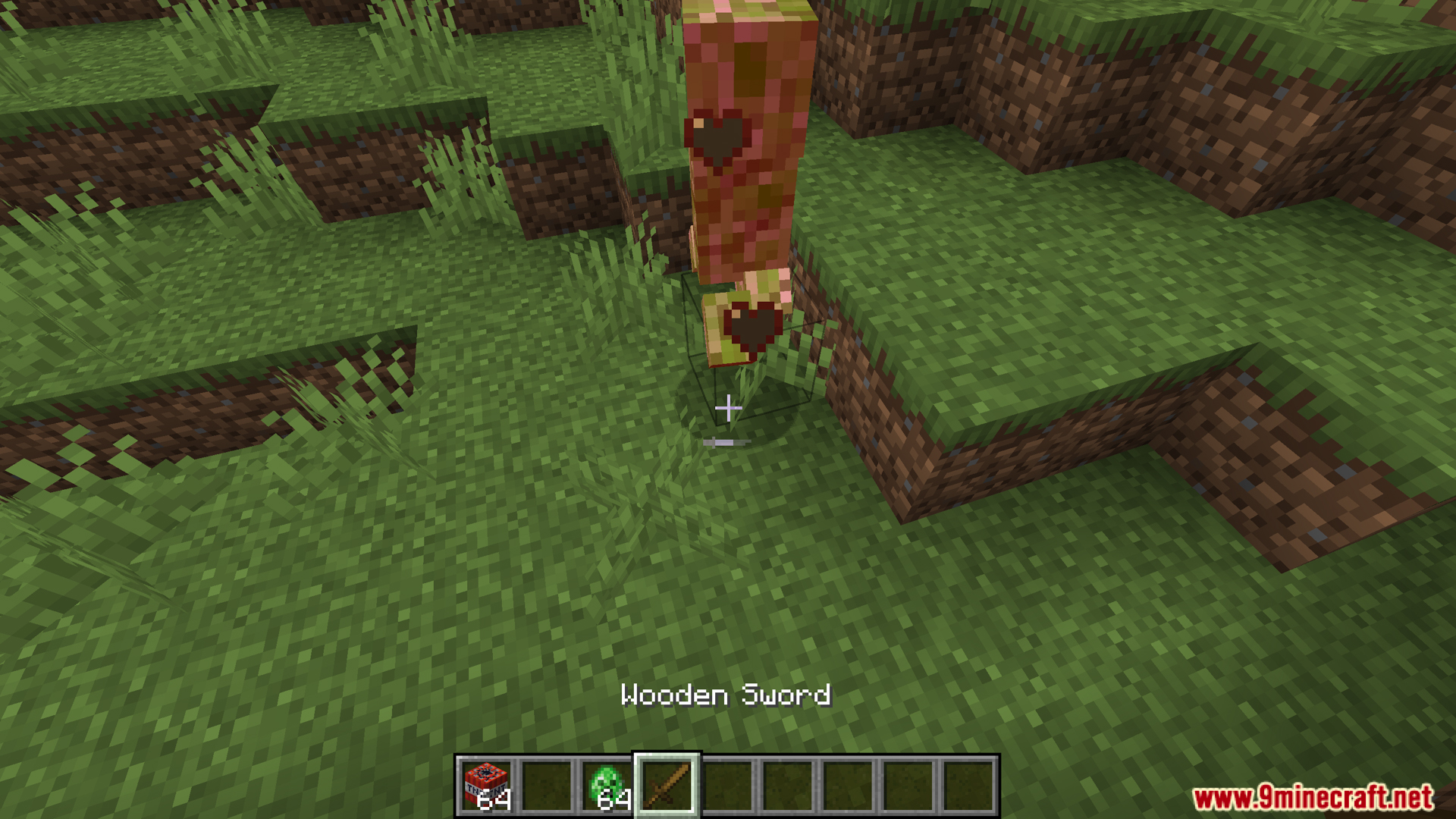
Screenshots:
Cull Particles MultiLoader Mod Download Links
For Minecraft 1.21.5, 1.21.4
Forge version: Download from Server 1 – Download from Server 2
Fabric/Quilt version: Download from Server 1 – Download from Server 2
NeoForge version: Download from Server 1 – Download from Server 2
For Minecraft 1.21.3, 1.21.2, 1.21.1, 1.21
Forge version: Download from Server 1 – Download from Server 2
Fabric/Quilt version: Download from Server 1 – Download from Server 2
NeoForge version: Download from Server 1 – Download from Server 2
- Edition: Minecraft Java
- File type: .jar
- Minecraft versions listed: 1.21.5, 1.21.1
- How to install: Install the matching mod loader (Forge, Fabric or NeoForge) for your Minecraft version. → Download the .jar. → Put it in the .minecraft/mods folder and launch that loader profile.
- Where to get it: In MC Java Mods, or directly above on this page.
Install steps are the general flow for this file type — How to install Minecraft Java mods & modpacks walks through it step by step.
- Downloads as 175784.mcaddon
- Download size: 13 KB
- Download link checked 25 Jul 2026 — working
- Mirrored on our own servers — the download does not depend on the original host
These come from our own check of the pack file, not from the source page.