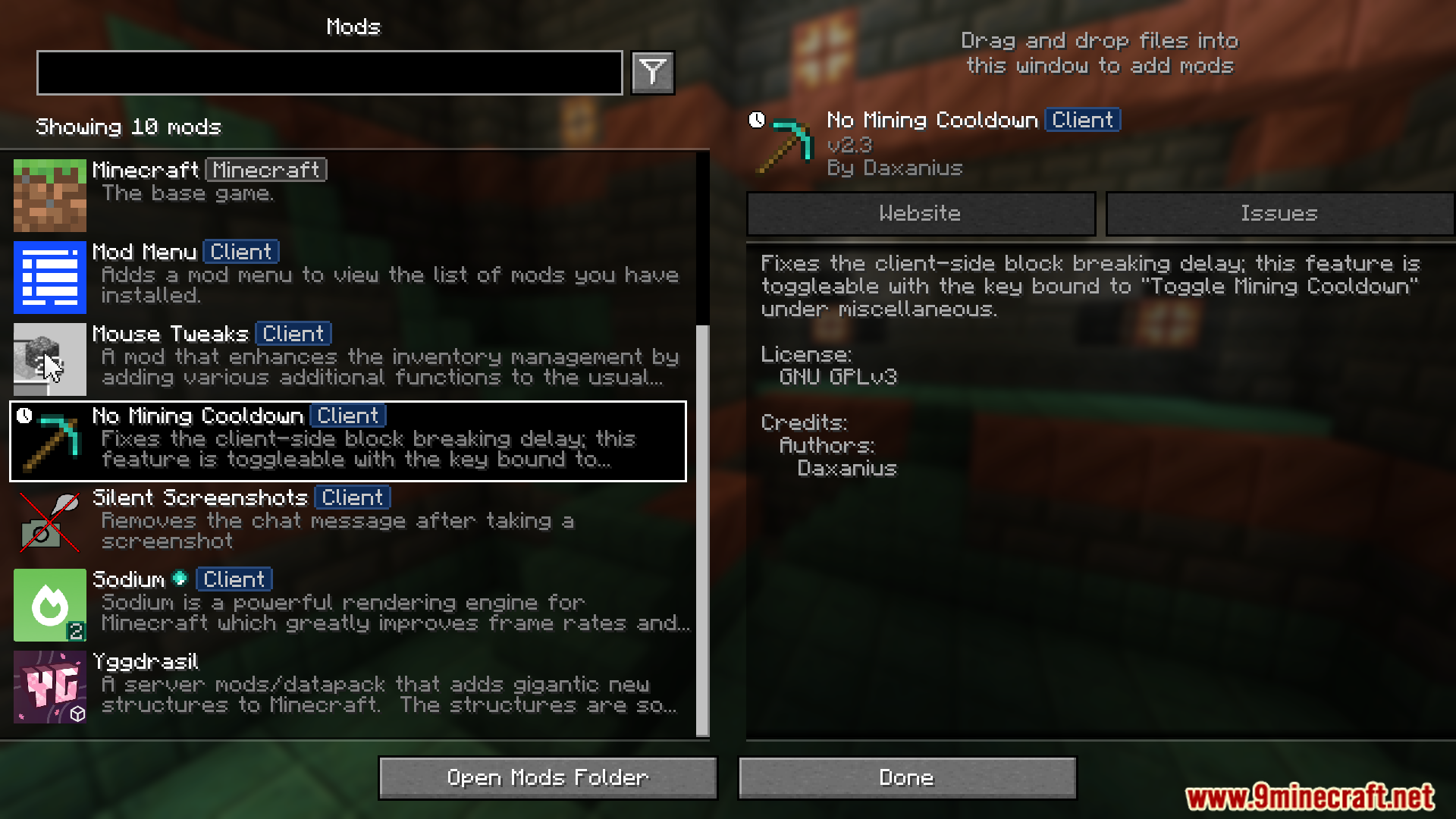
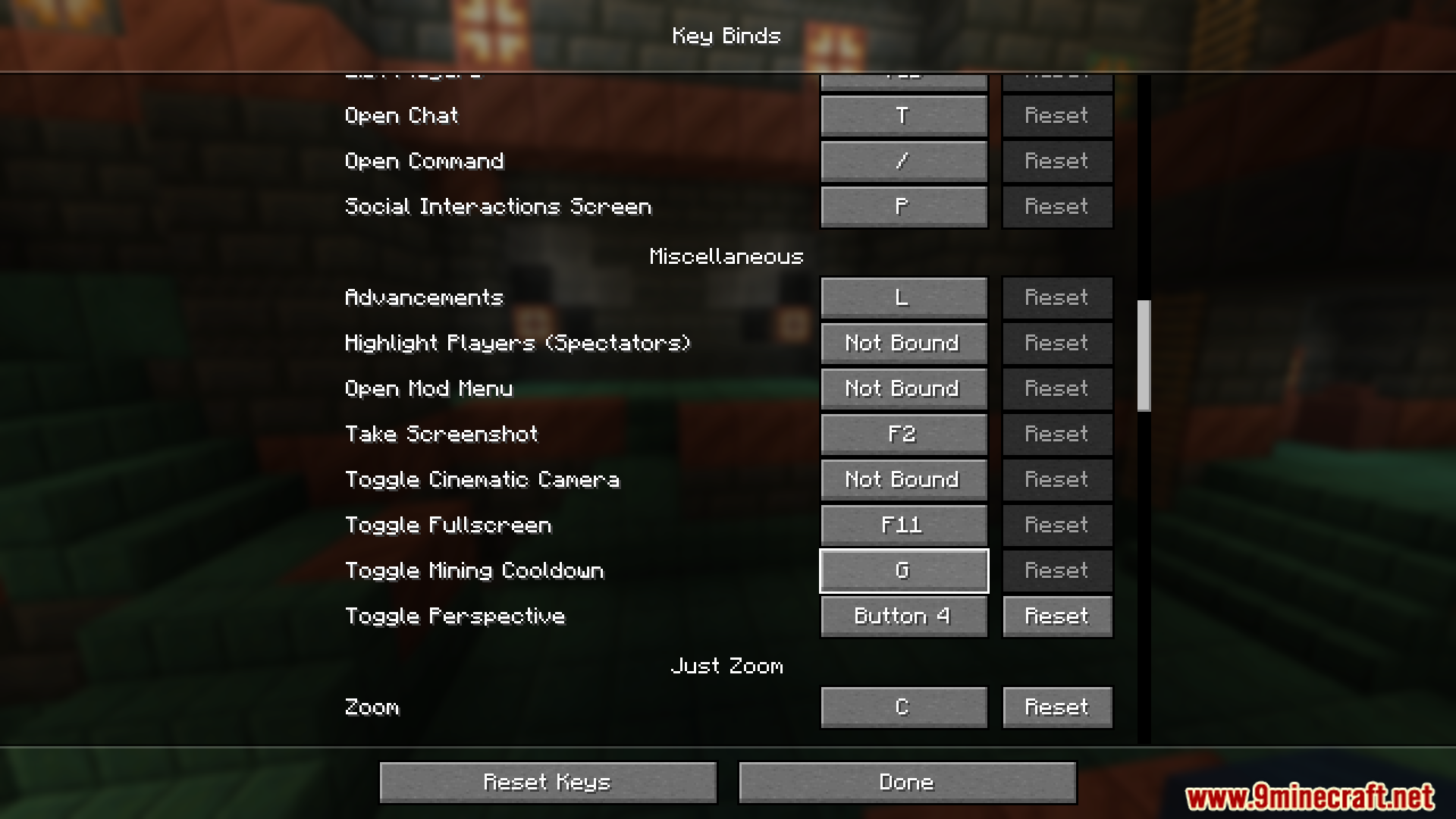
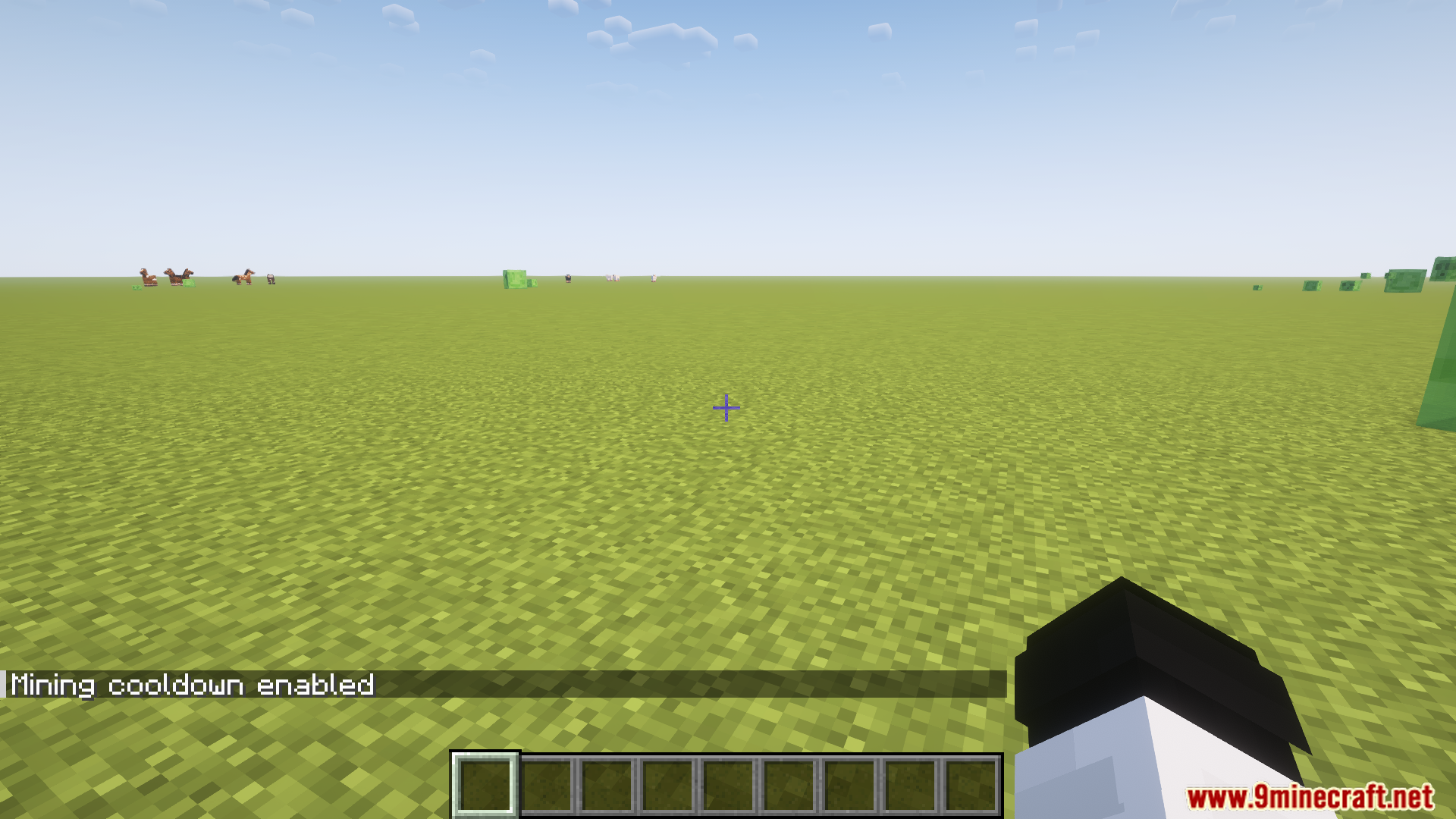
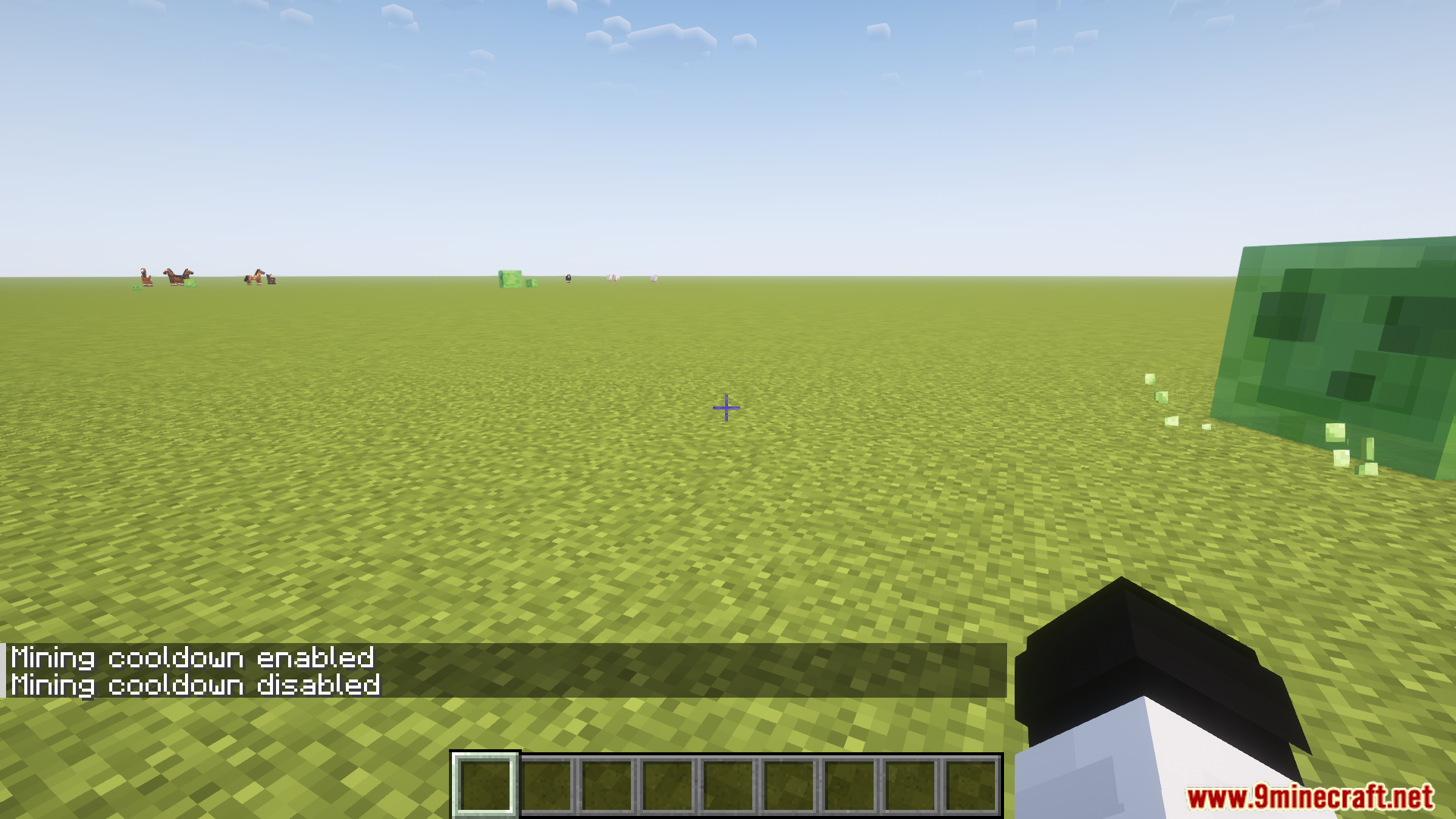
No Mining Cooldown Mod stops the block-breaking delay during mining sessions. It can be toggled on or off using the “Toggle Mining Cooldown” key under the miscellaneous settings.
Features:
- Removes client-side block-breaking delay.
- Toggleable feature with a customizable key binding.
- Improves mining efficiency and speed.
Screenshots:
No Mining Cooldown Mod Download Links
Quick facts
- Edition: Minecraft Java
- File type: .jar
- Minecraft version listed: 1.20.1
- How to install: Install the matching mod loader (Forge, Fabric or NeoForge) for your Minecraft version. → Download the .jar. → Put it in the .minecraft/mods folder and launch that loader profile.
- Where to get it: In MC Java Mods, or directly above on this page.
Install steps are the general flow for this file type — How to install Minecraft Java mods & modpacks walks through it step by step.
No Mining Cooldown Mod (26.2, 1.20.1) – Removes Client-side Block-breaking Delay is a free Minecraft Java mod. Compatible with Minecraft 1.20.1. Download it and open it directly in the game.