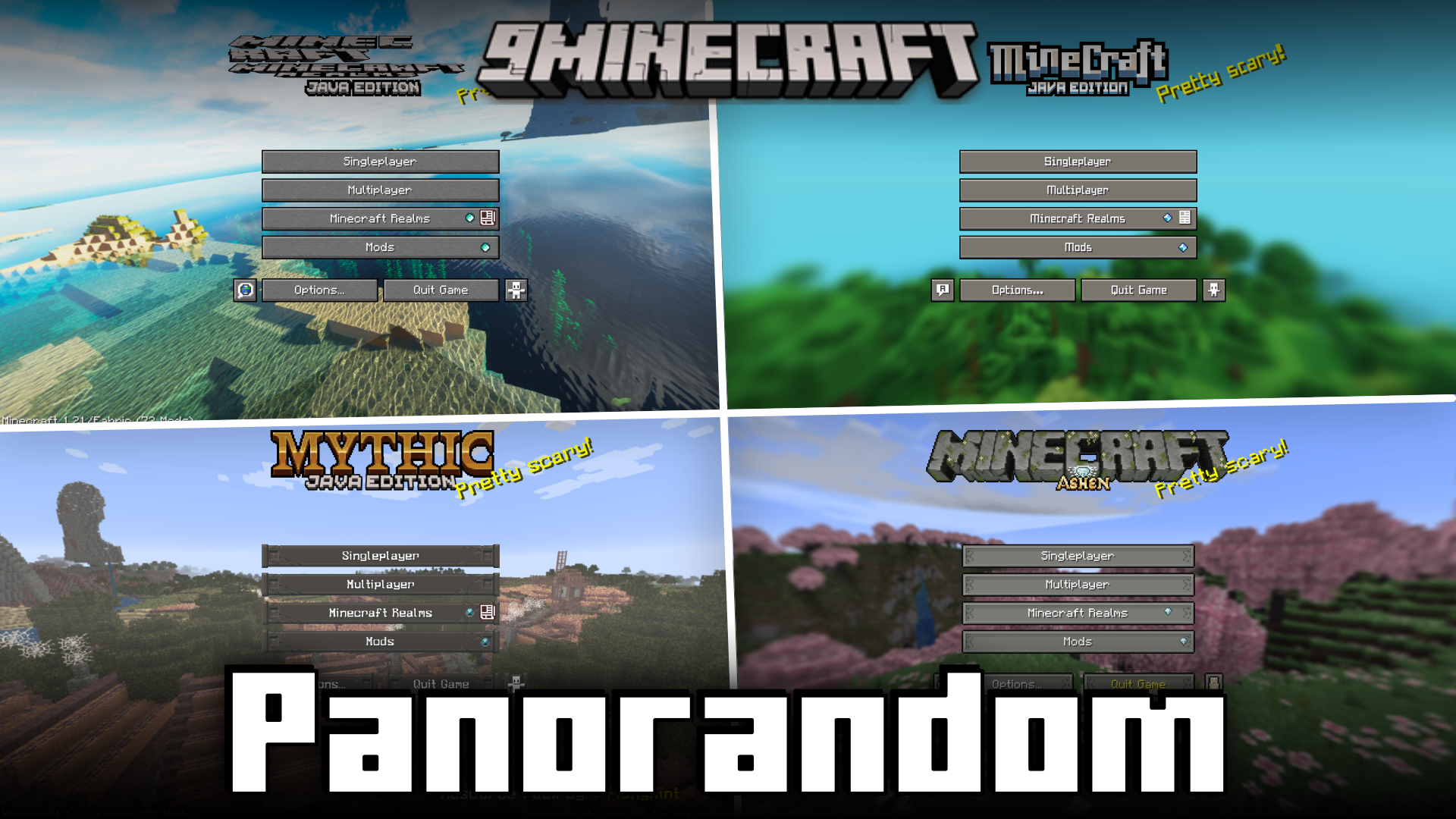
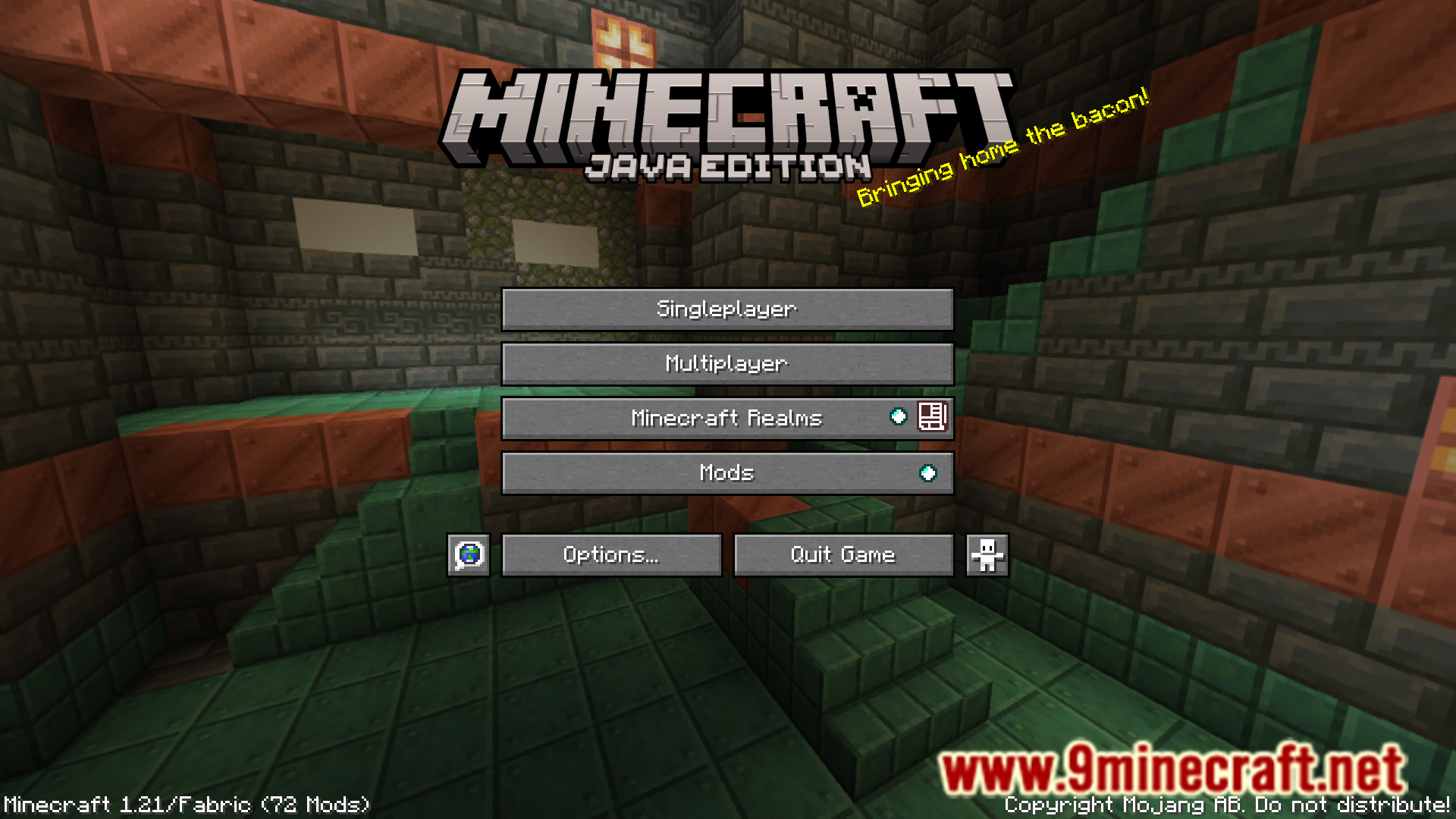
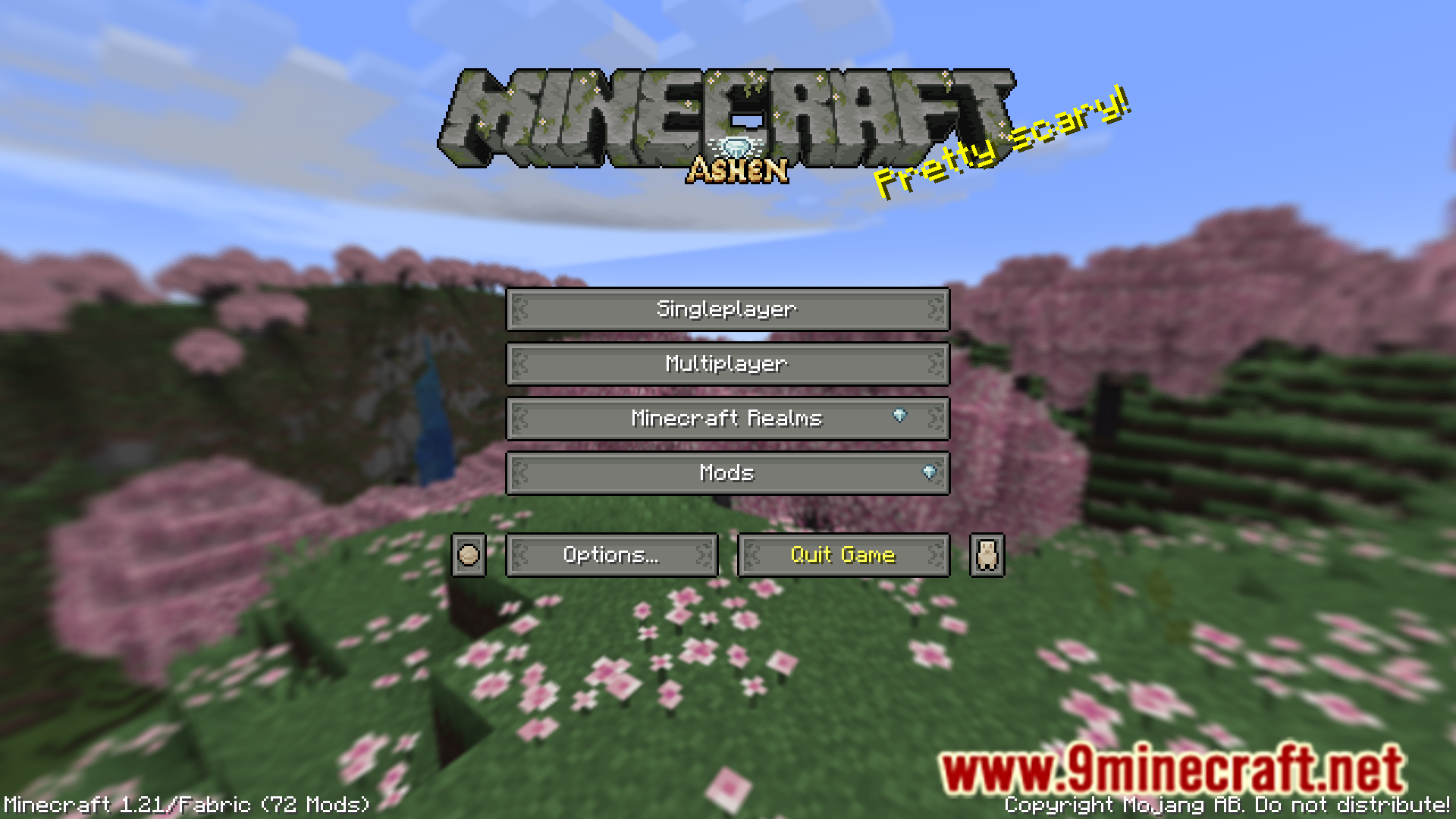
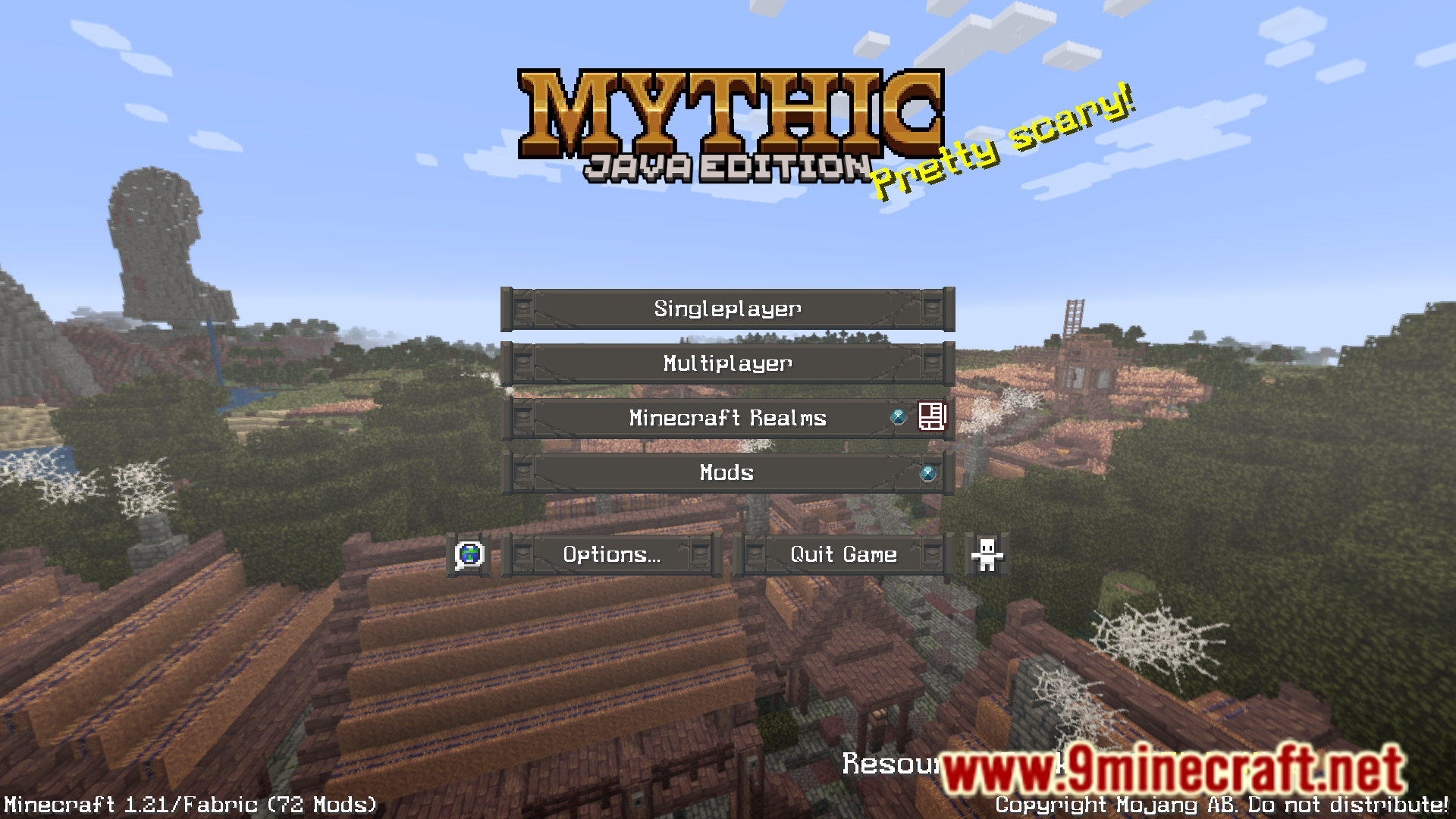
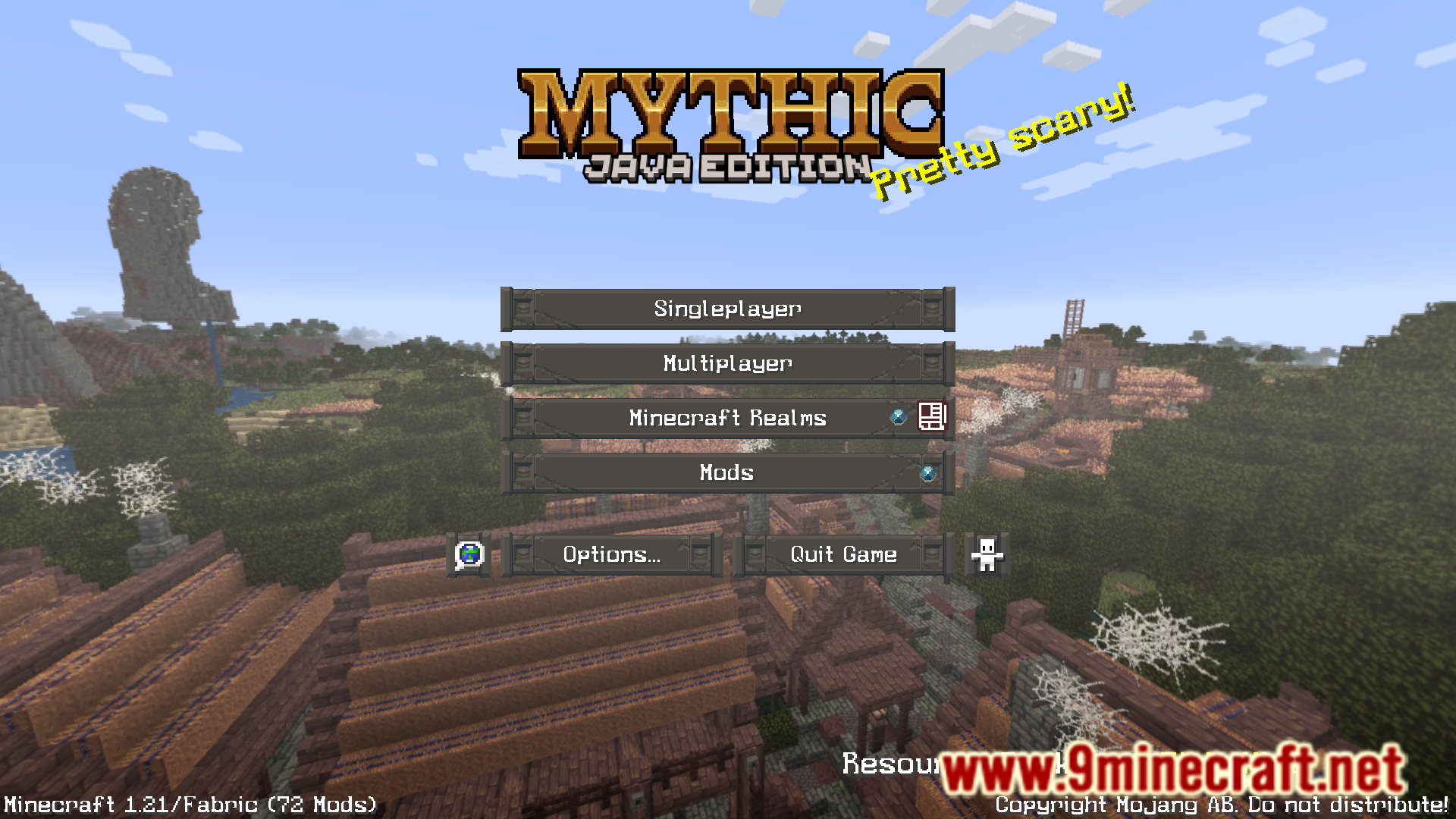
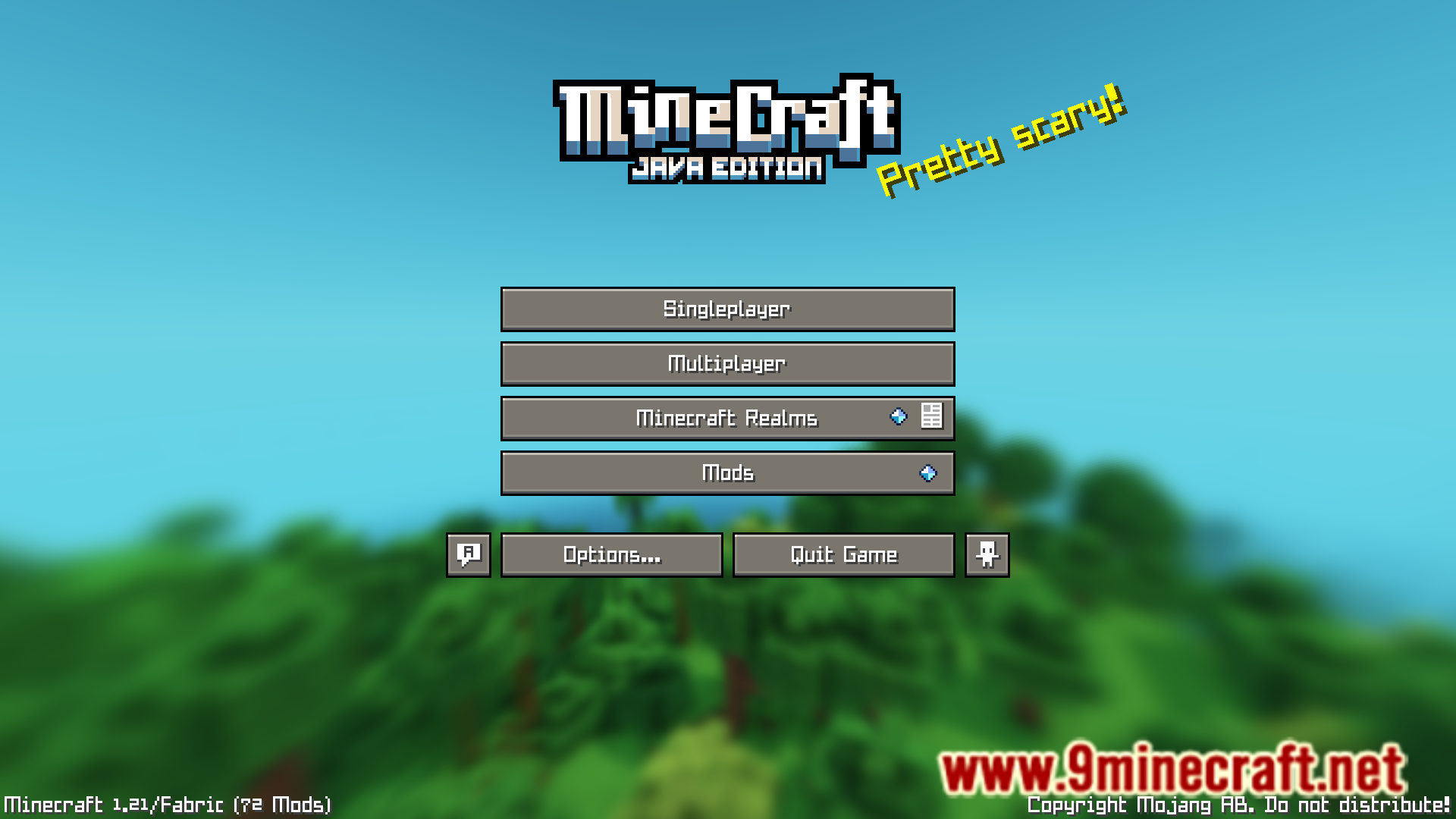
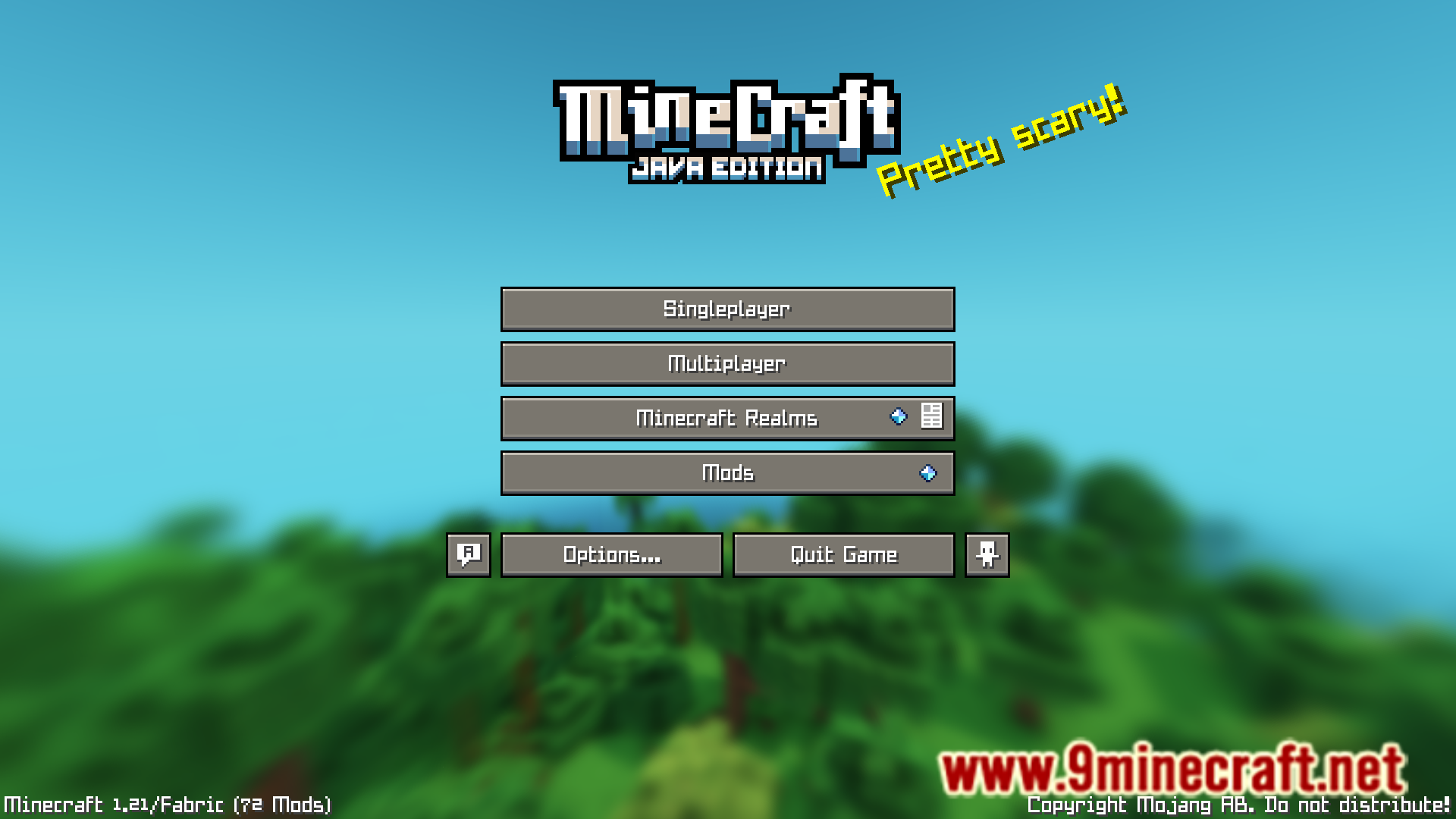
In Minecraft’s main menu screen, you will notice that the background image is a panorama image of Minecraft’s landscapes. The vanilla game has many different panoramas on its own. But the game actually allows resource packs to introduce new panorama images. If you have multiple mods that introduce their own panorama images, the game will actually choose the panorama from the resource pack that is put at the top of the list in the resource pack selection screen. Any panorama added by the packs below are not even considered. Panorandom Mod is here to change that. This mod makes it so that the displayed panorama is selected randomly from all activated resource packs.
Features:
- Improves the vanilla panorama selection.
- Panorama is no longer selected from the top-most resource pack.
- Panorama is randomly selected from all active resource packs.
Screenshots:
Panorandom Mod Download Links
- Edition: Minecraft Java
- File type: .jar
- Minecraft version listed: 1.21.11
- How to install: Install the matching mod loader (Forge, Fabric or NeoForge) for your Minecraft version. → Download the .jar. → Put it in the .minecraft/mods folder and launch that loader profile.
- Where to get it: Opens on the file's original source — not every file is mirrored on our own servers.
Install steps are the general flow for this file type — How to install Minecraft Java mods & modpacks walks through it step by step.
Panorandom Mod (26.2, 1.21.11) – Picks Panorama From All Resource Packs is a free Minecraft Java mod. Compatible with Minecraft 1.21.11. Download it and open it directly in the game.