ModsJava
Create Deep Dark Mod (1.21.1, 1.20.1) – Endgame Gear From Deep Dark
Java mod listed for Minecraft 1.20–1.21. Downloads from the MC Java Mods app on Android.
⬇ Download
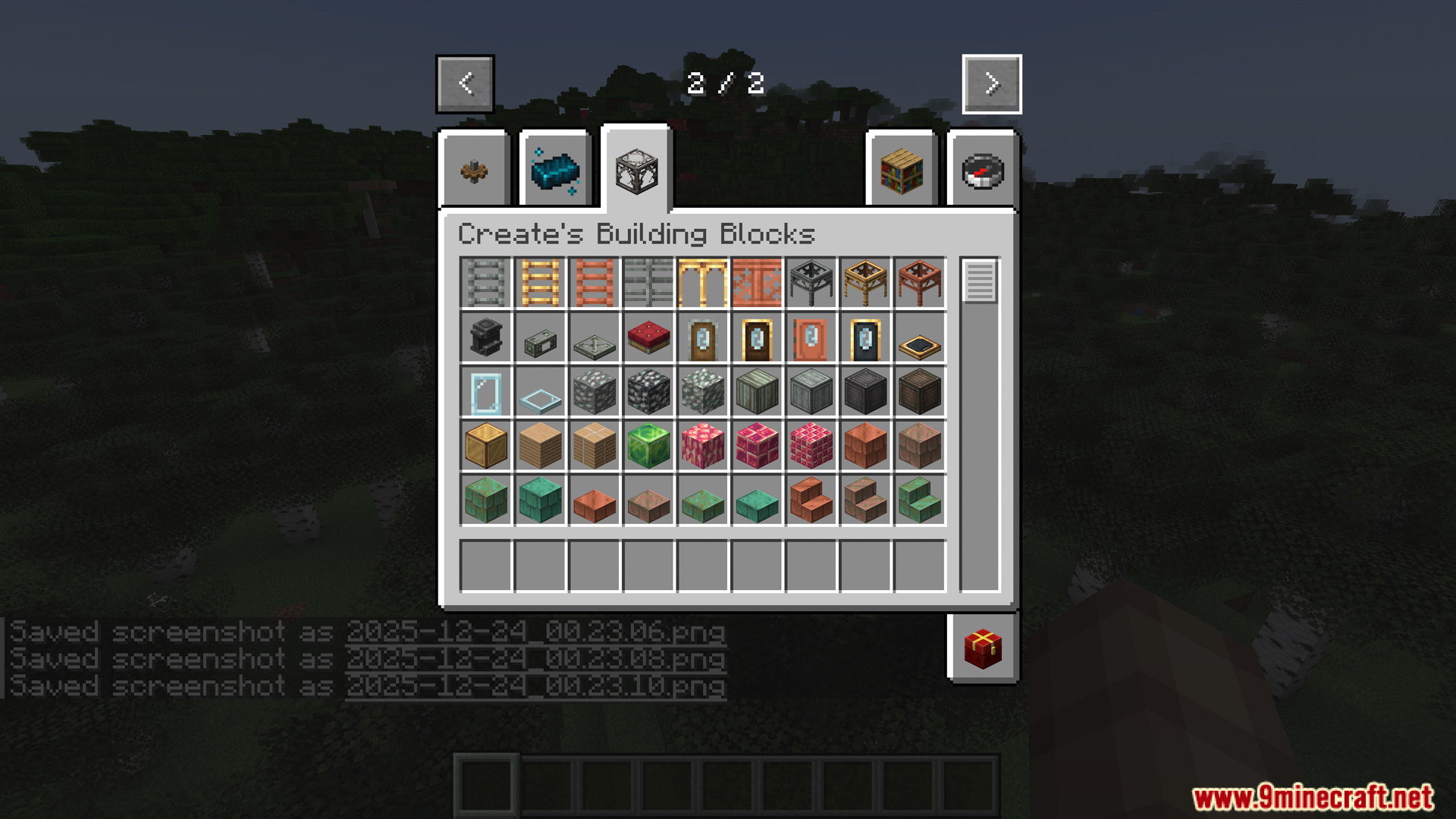
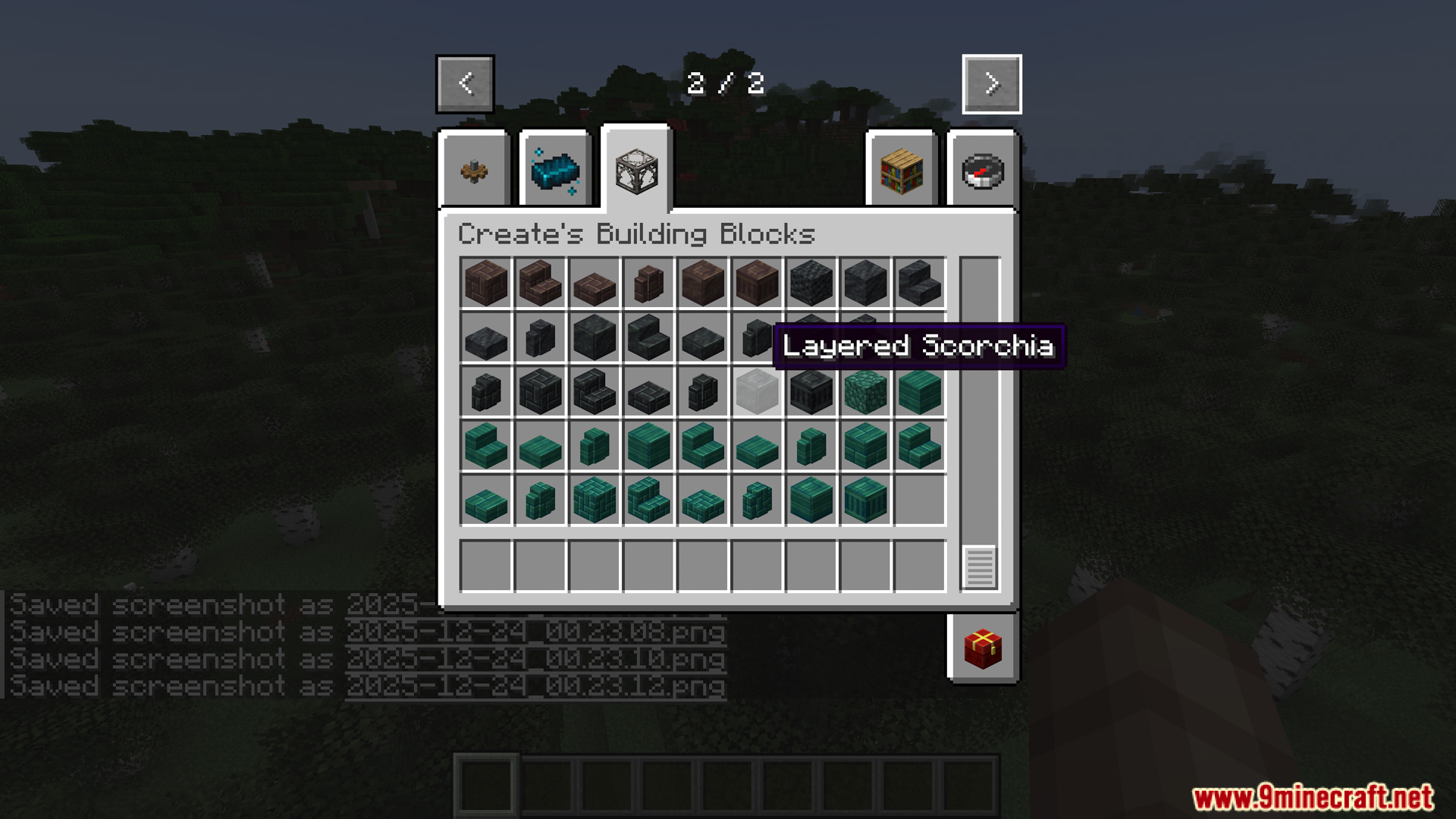
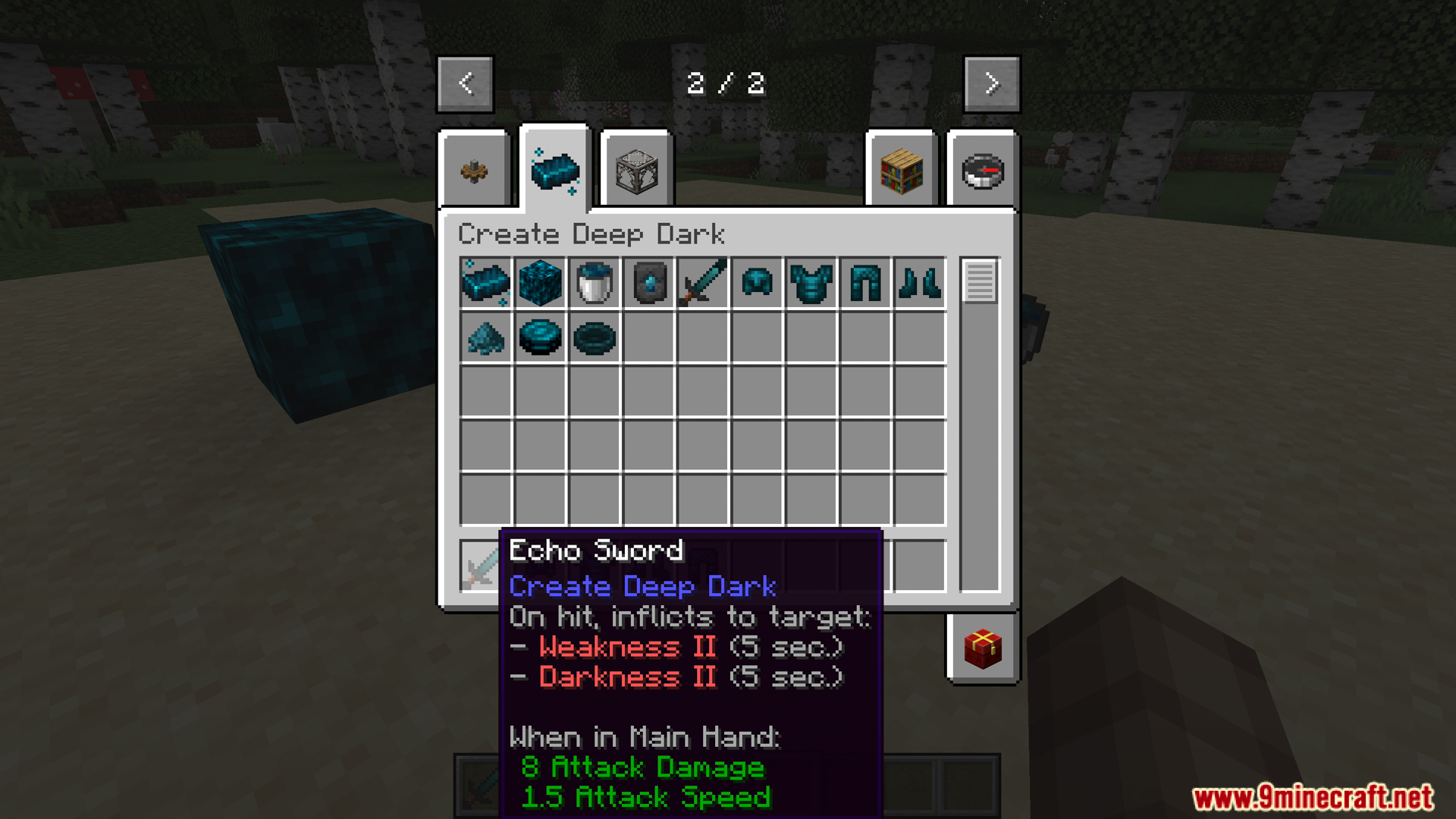
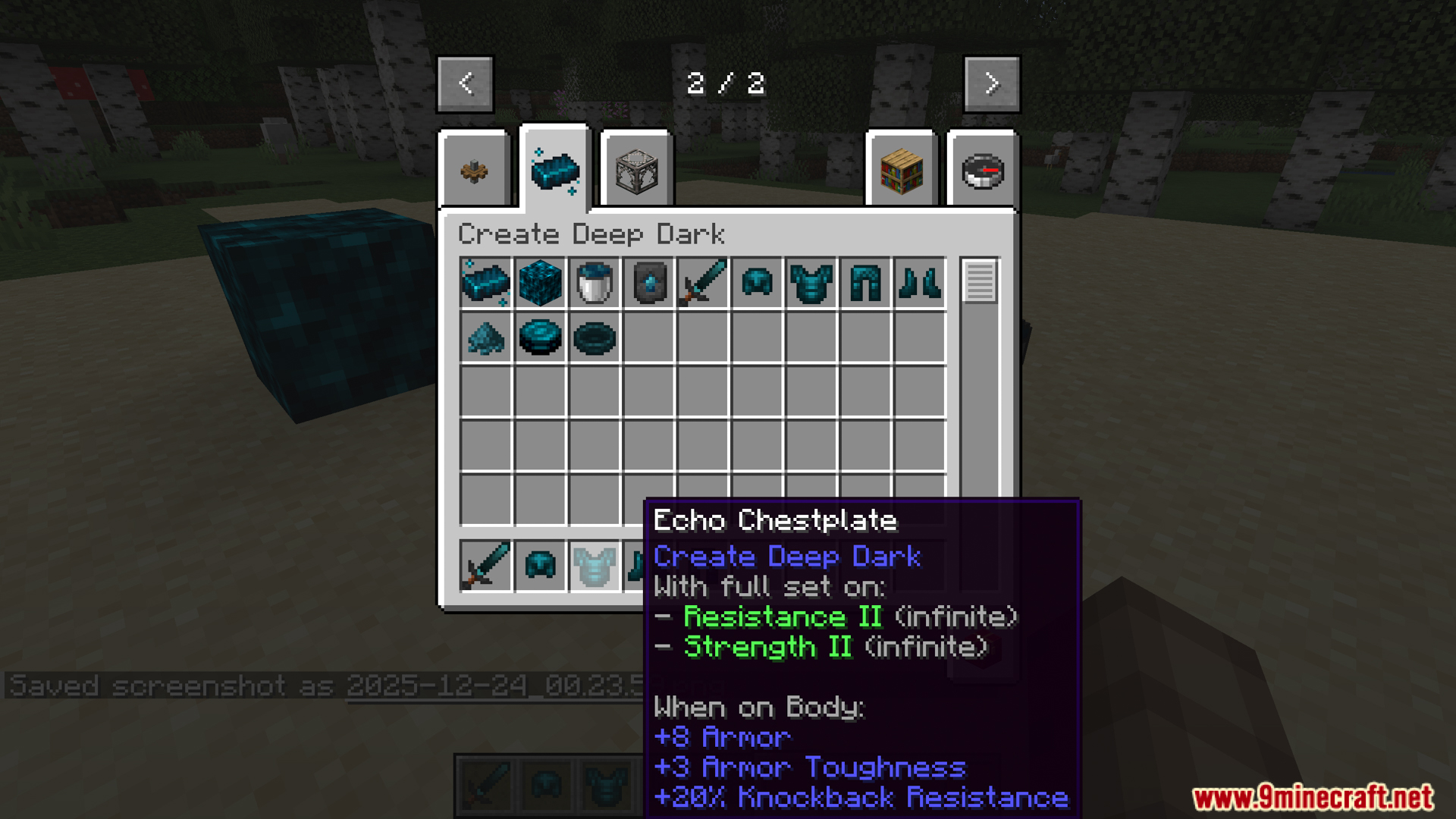
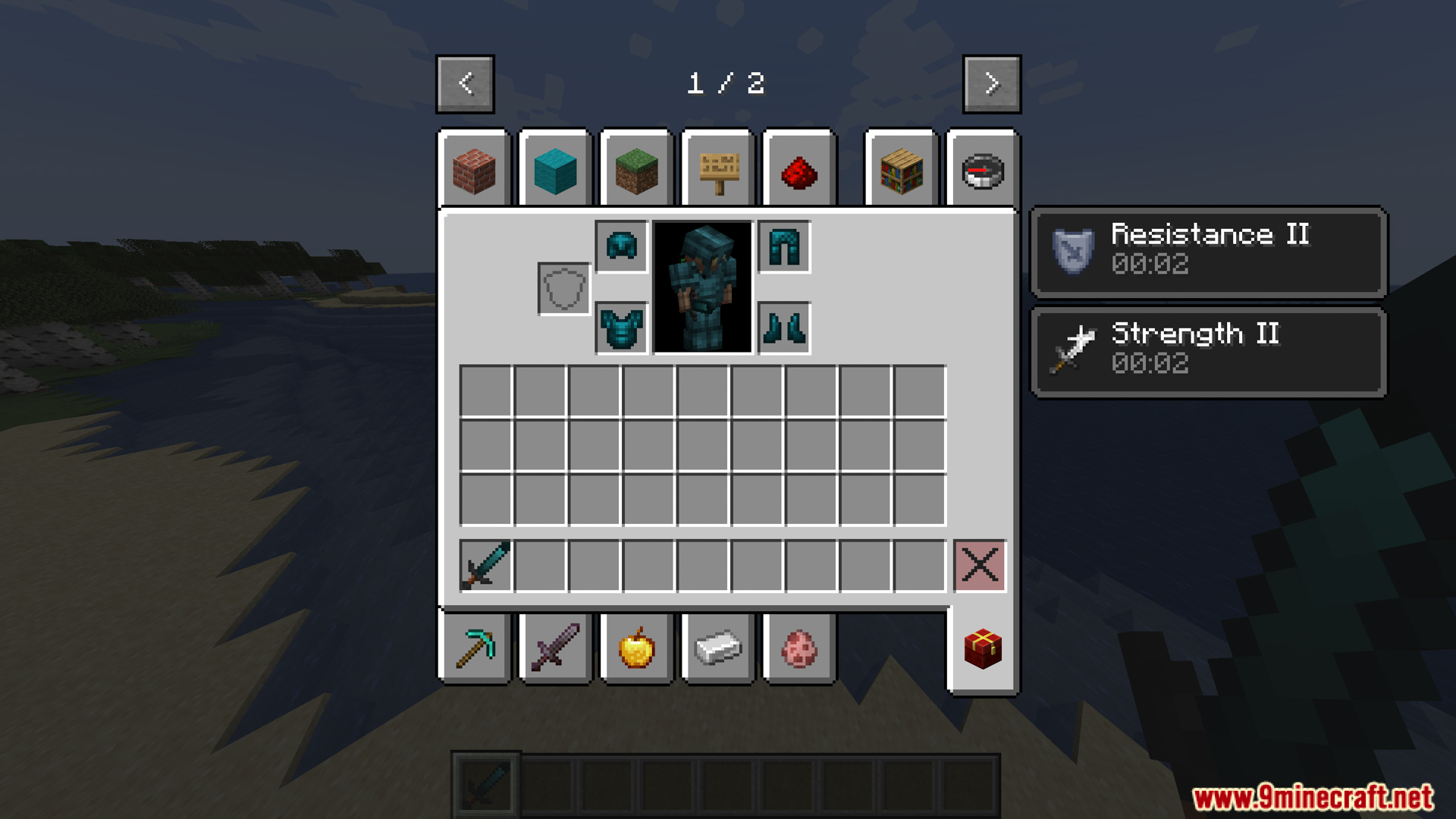
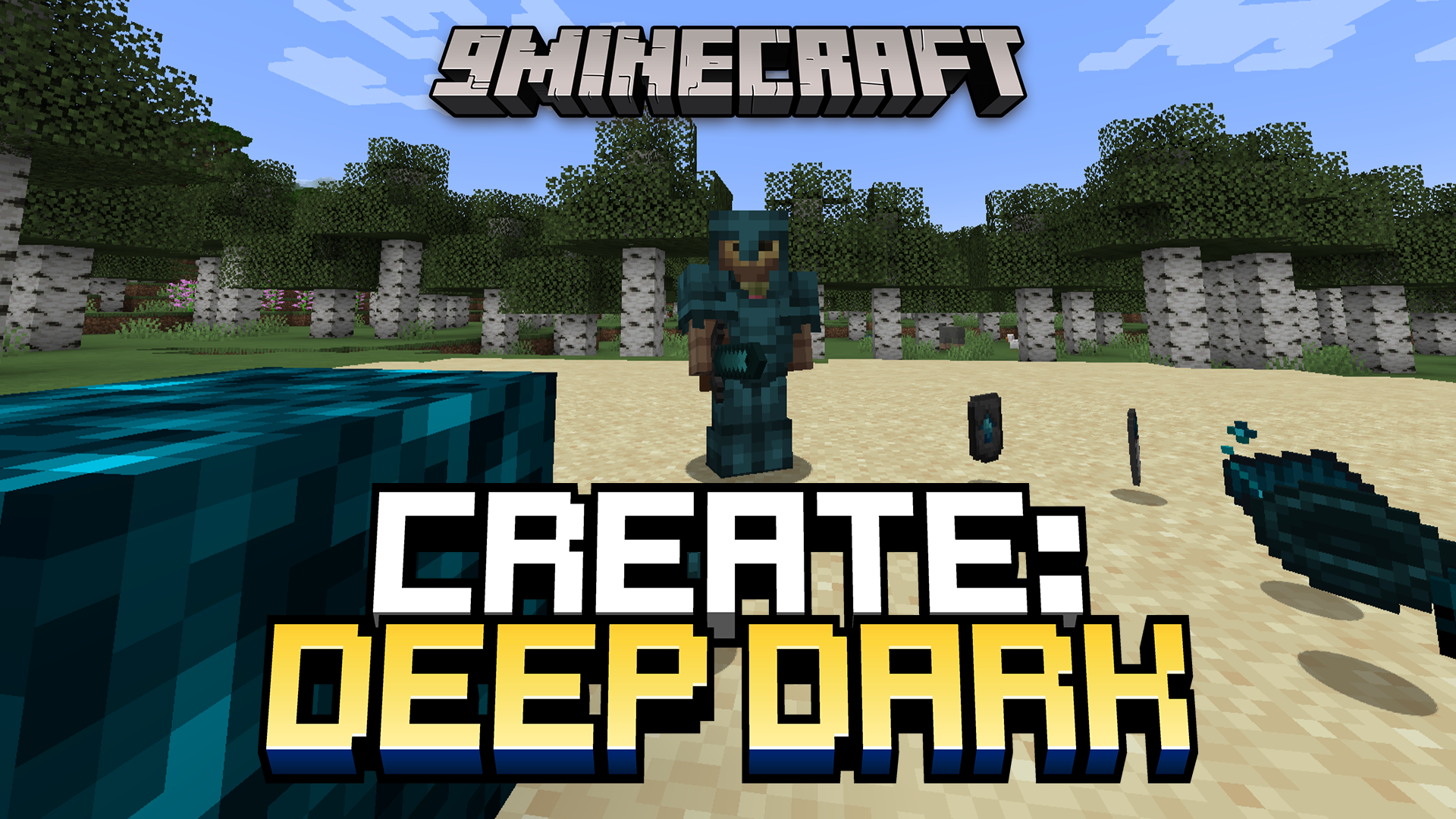
Create Deep Dark Mod is an addon for the Create mod in Minecraft, focusing on end-game content inspired by the Deep Dark biome. The mod adds many powerful items, resources, and equipment to the game for mining and combat.
Features:
- Echo Shards can be collected from Ancient Cities or crafted by defeating the Warden in the Deep Dark biome.
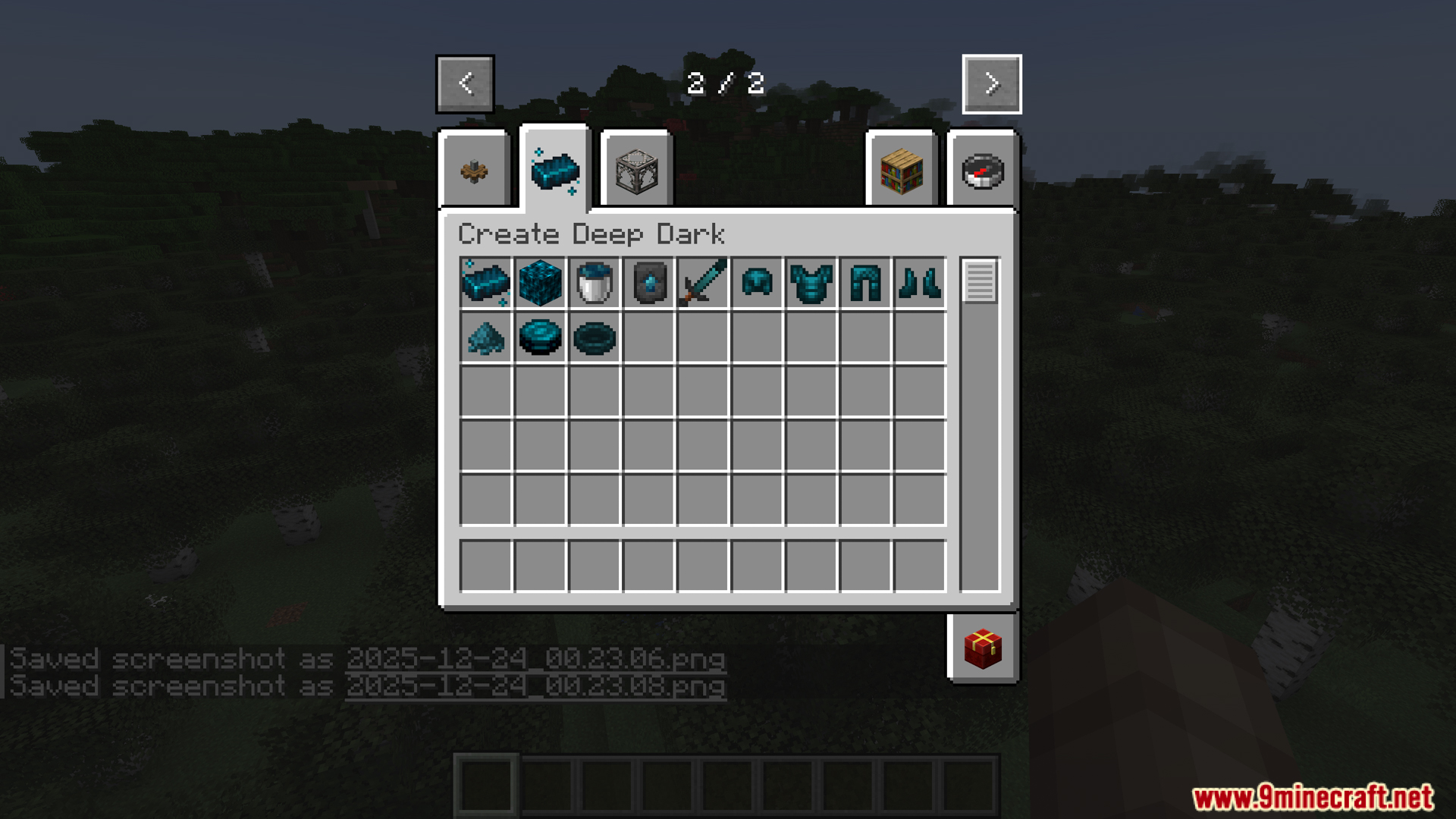
- The mod adds a new fluid (Molten Echo), crafted from Echo Shards, and used in Create’s machine recipes to create Echo Ingots, the main ingredient for upgrading equipment.
- You can use Create to craft Echo Armor and Echo Sword with special effects:
- A full set of Echo Armor grants players permanent Resistance II and Strength II when equipped.
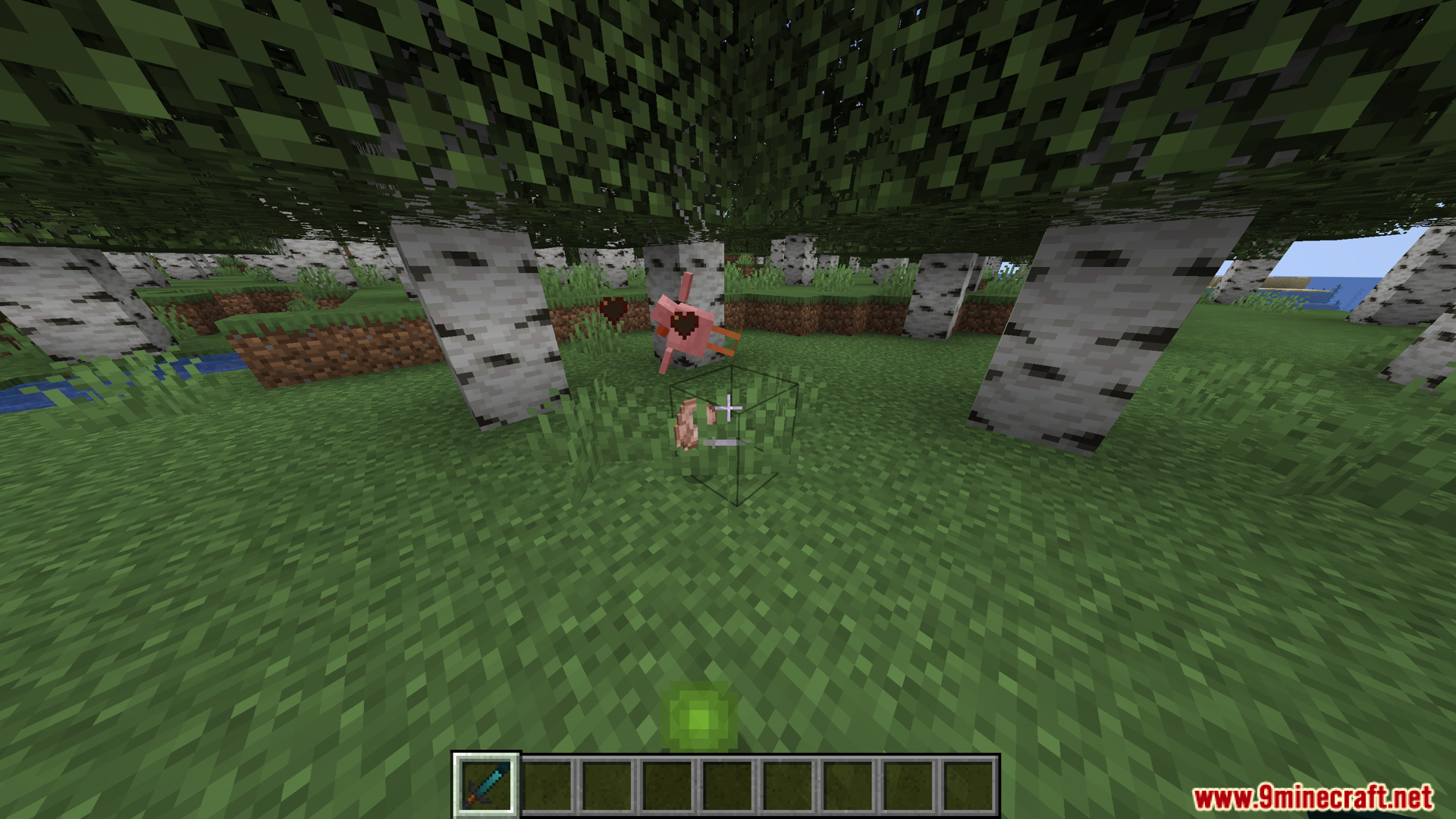
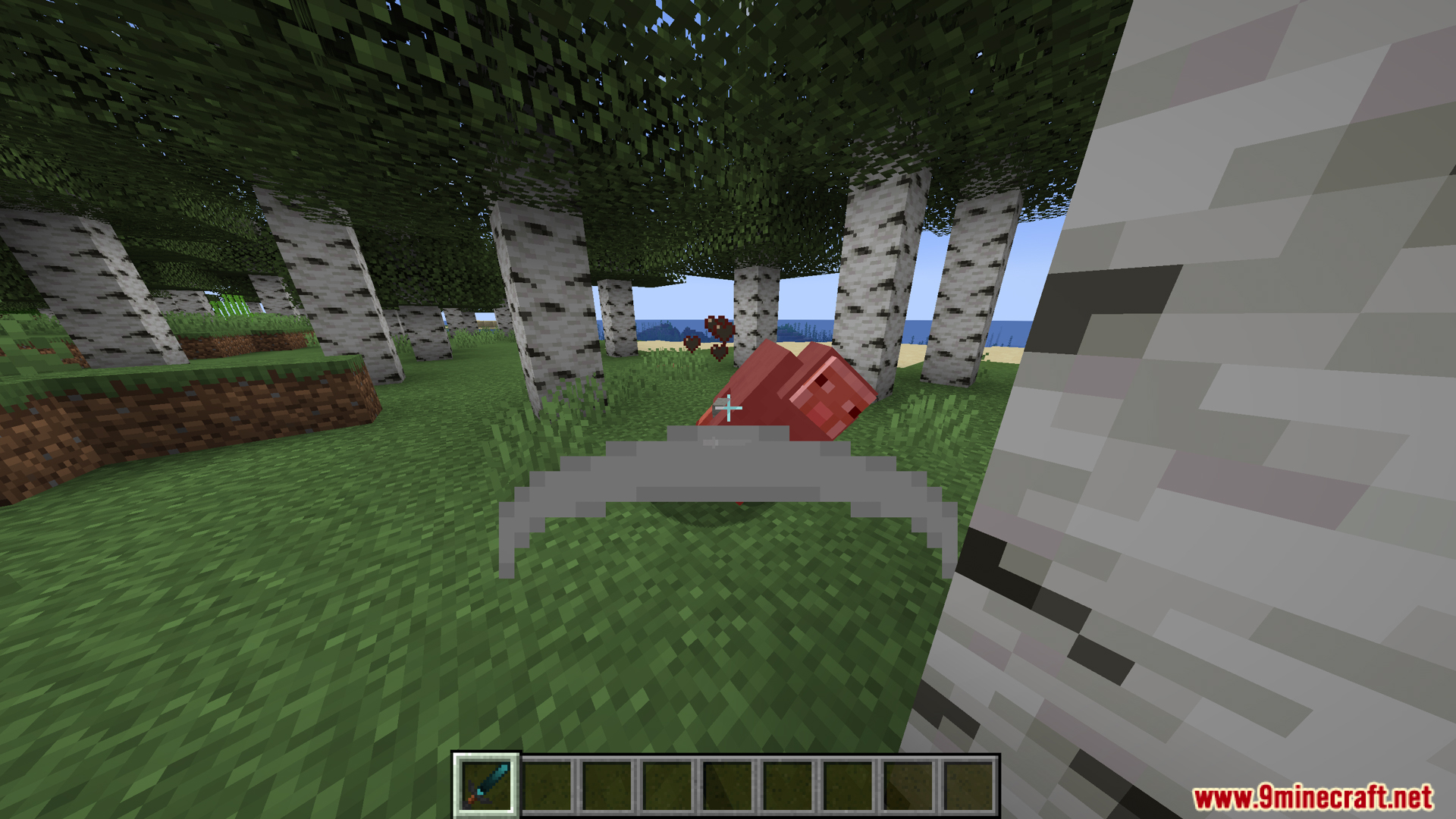
- Echo Sword inflicts Weakness II and Darkness II effects for a few seconds upon attacking an enemy.
- The mod also adds a separate recipe for Netherite Ingots with Create, allowing you to double the amount of netherite obtained compared to vanilla when using the correct Create machinery.
- Another special feature is Echo Cake, a more advanced version of Blaze Cake. This is a powerful fuel that can be used for superheating or as fuel for furnaces/generators from other mods, with a longer burning time (approximately 19,200 ticks, three times longer than Blaze Cake).
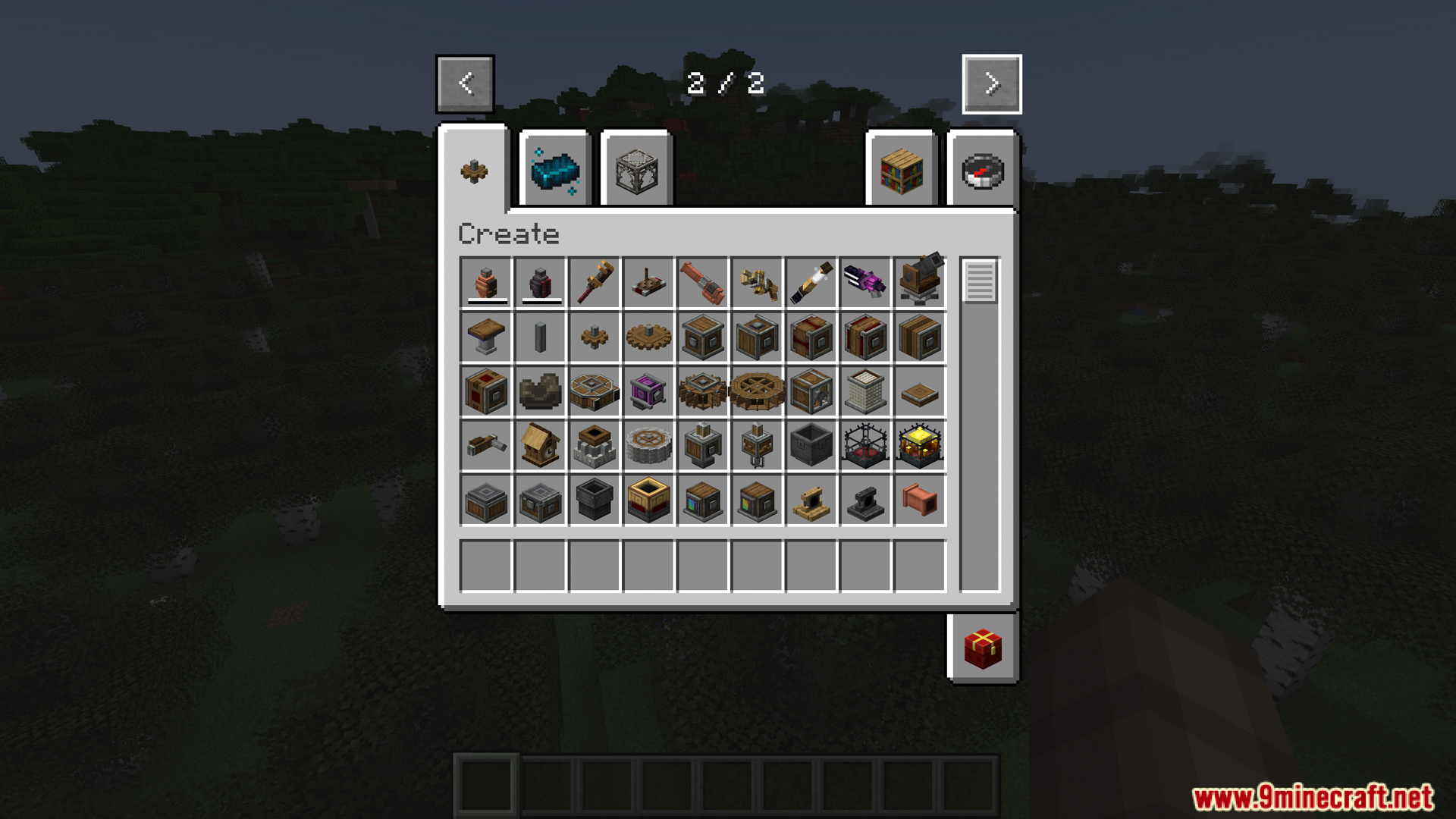
- The Mod adds many interactive recipes with new Create machines, items, and blocks, allowing you to explore more complex crafting processes using Create to leverage Deep Dark resources.
- Create: Deep Dark also adds new advancements in the Adventure group to mark your progress in discovering and crafting the most powerful items.
Screenshots:
Create Deep Dark Mod Download Links
For Minecraft 1.21.1, 1.21
NeoForge version: Download from Server 1 – Download from Server 2
For Minecraft 1.20.1, 1.20
Forge/NeoForge version: Download from Server 1 – Download from Server 2
For Minecraft 1.19.2
Forge/NeoForge version: Download from Server 1 – Download from Server 2
Quick facts
- Edition: Minecraft Java
- File type: .jar
- Minecraft versions listed: 1.21.1, 1.20.1
- How to install: Install the matching mod loader (Forge, Fabric or NeoForge) for your Minecraft version. → Download the .jar. → Put it in the .minecraft/mods folder and launch that loader profile.
- Where to get it: In MC Java Mods, or directly above on this page.
Install steps are the general flow for this file type — How to install Minecraft Java mods & modpacks walks through it step by step.
File checked by MCModsHub
- Downloads as 175793.mcaddon
- Download size: 248 KB
- Download link checked 25 Jul 2026 — working
- Mirrored on our own servers — the download does not depend on the original host
These come from our own check of the pack file, not from the source page.