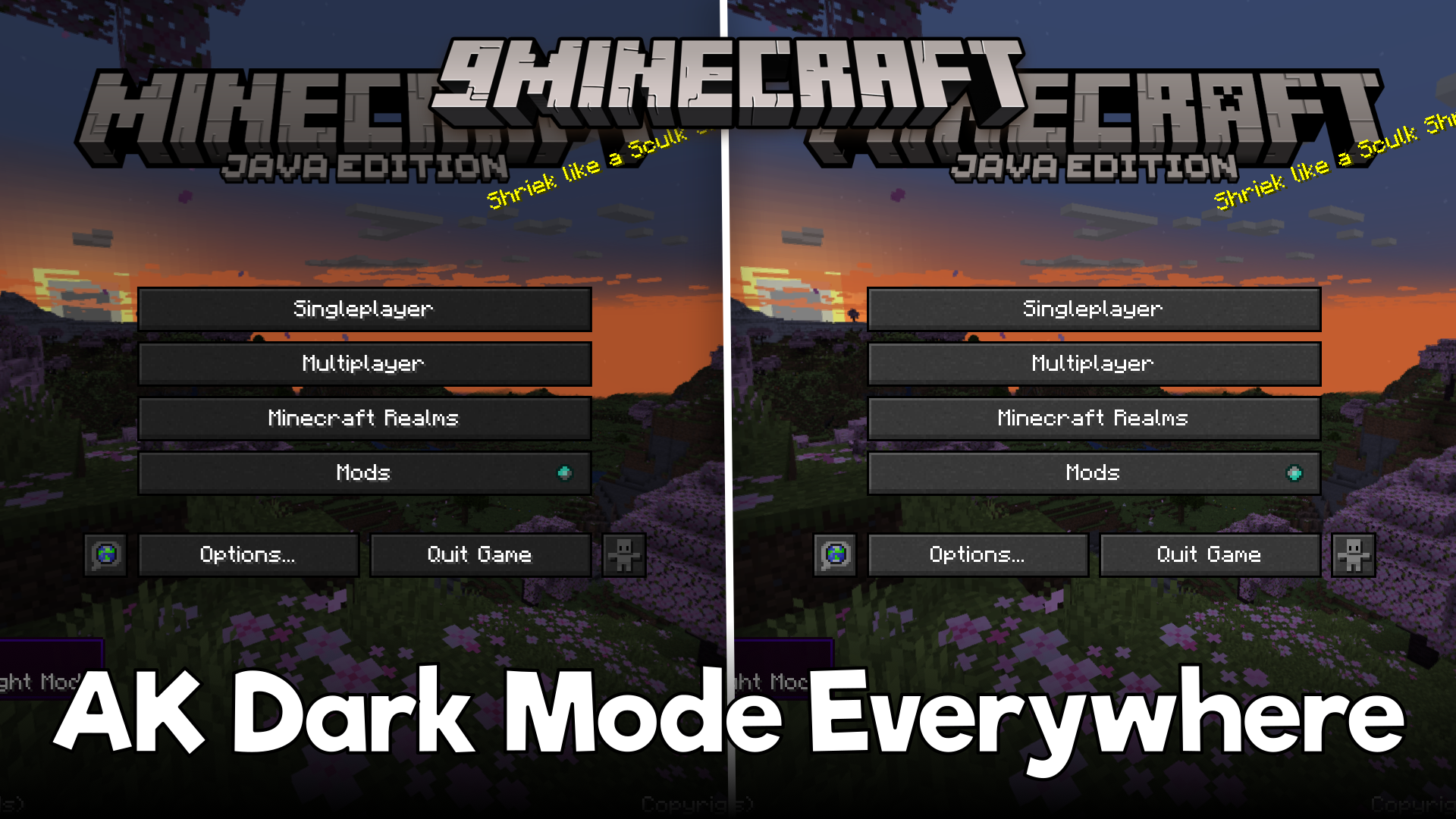
AK Dark Mode Everywhere Mod (1.20.1, 1.19.2) – Configurable Dark GUI
By default, Minecraft's UI elements are all in light mode. There is no vanilla dark mode UI implemented by the game developers. There are certain texture…
⬇ Download
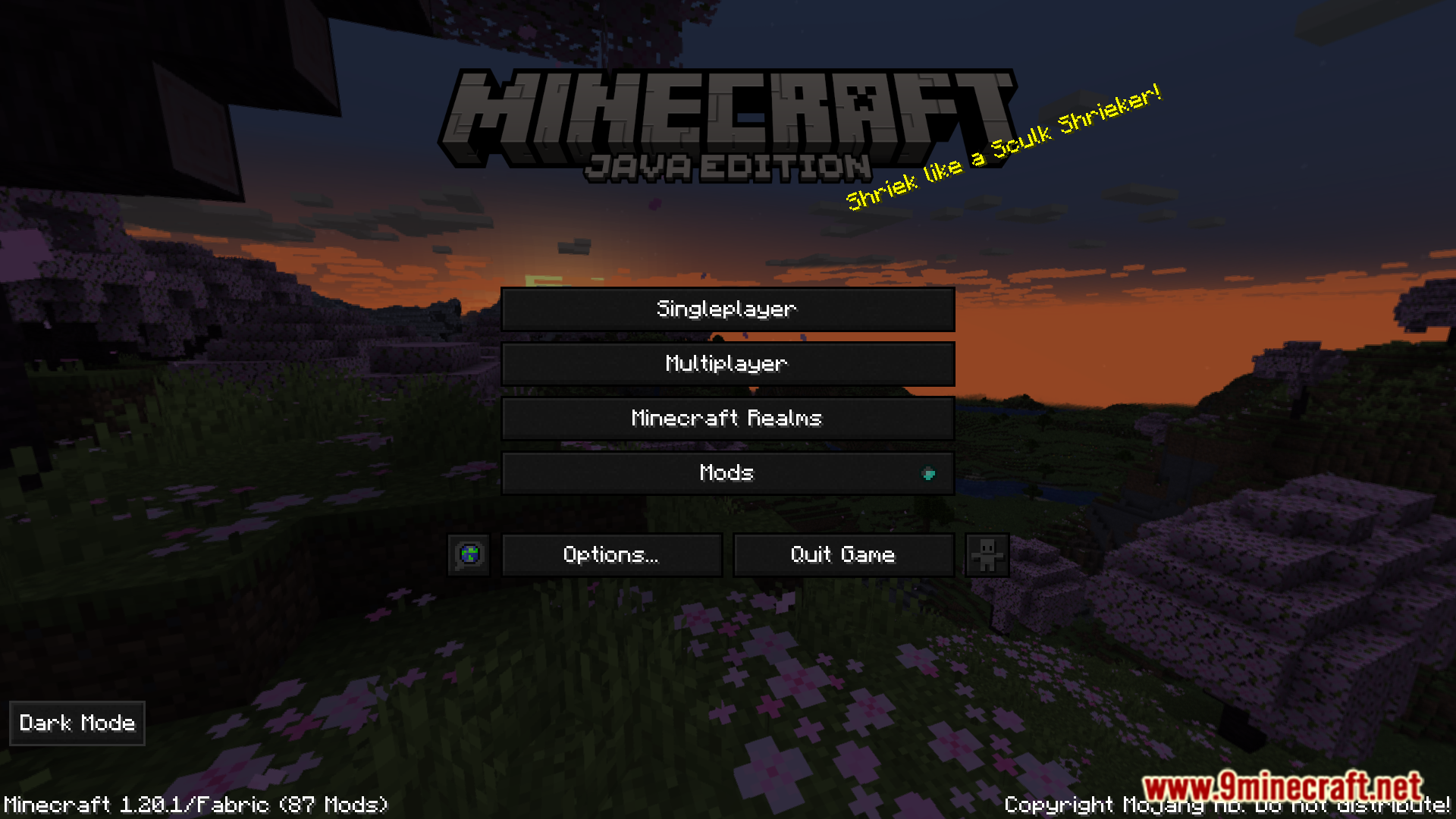
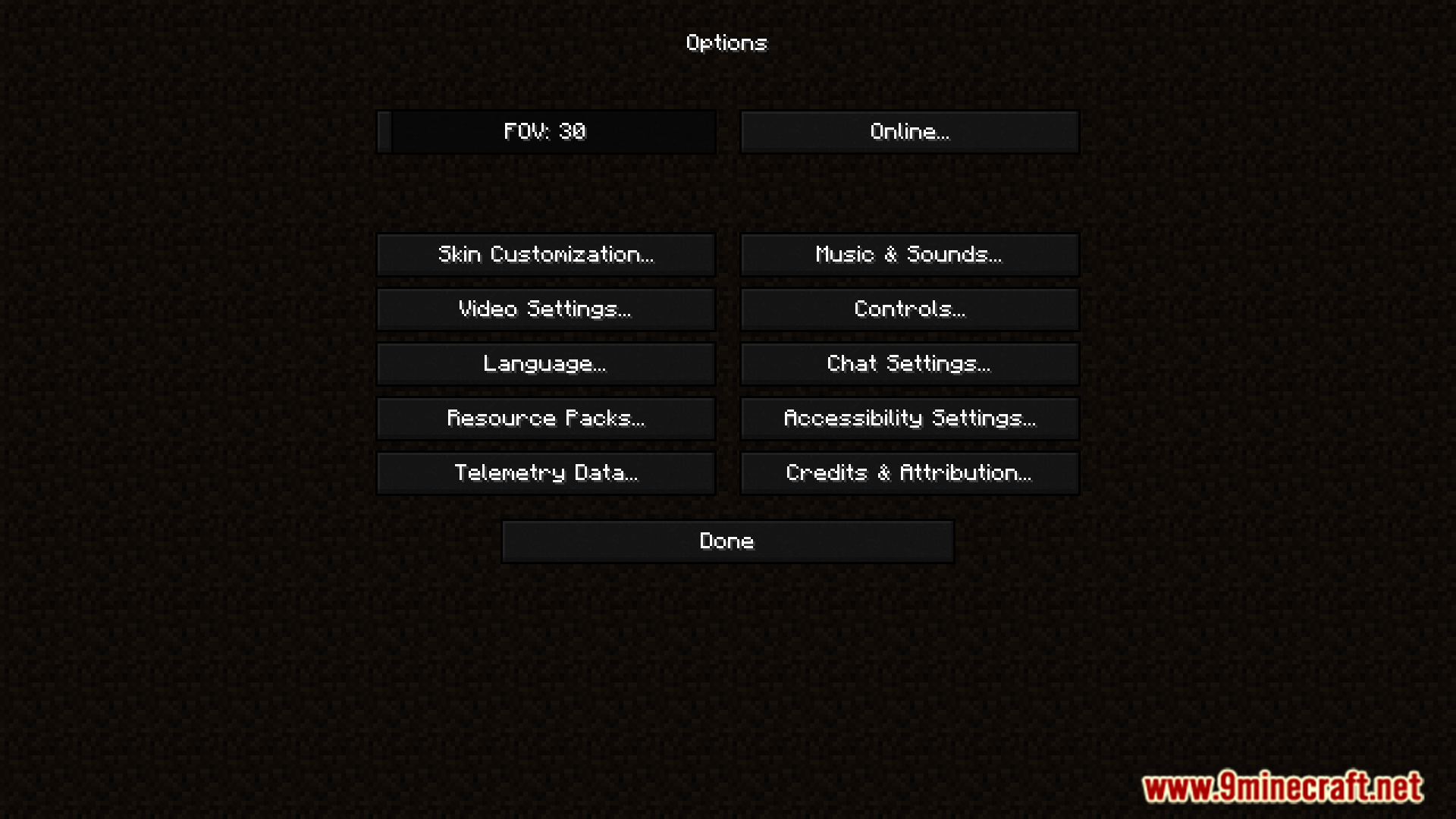
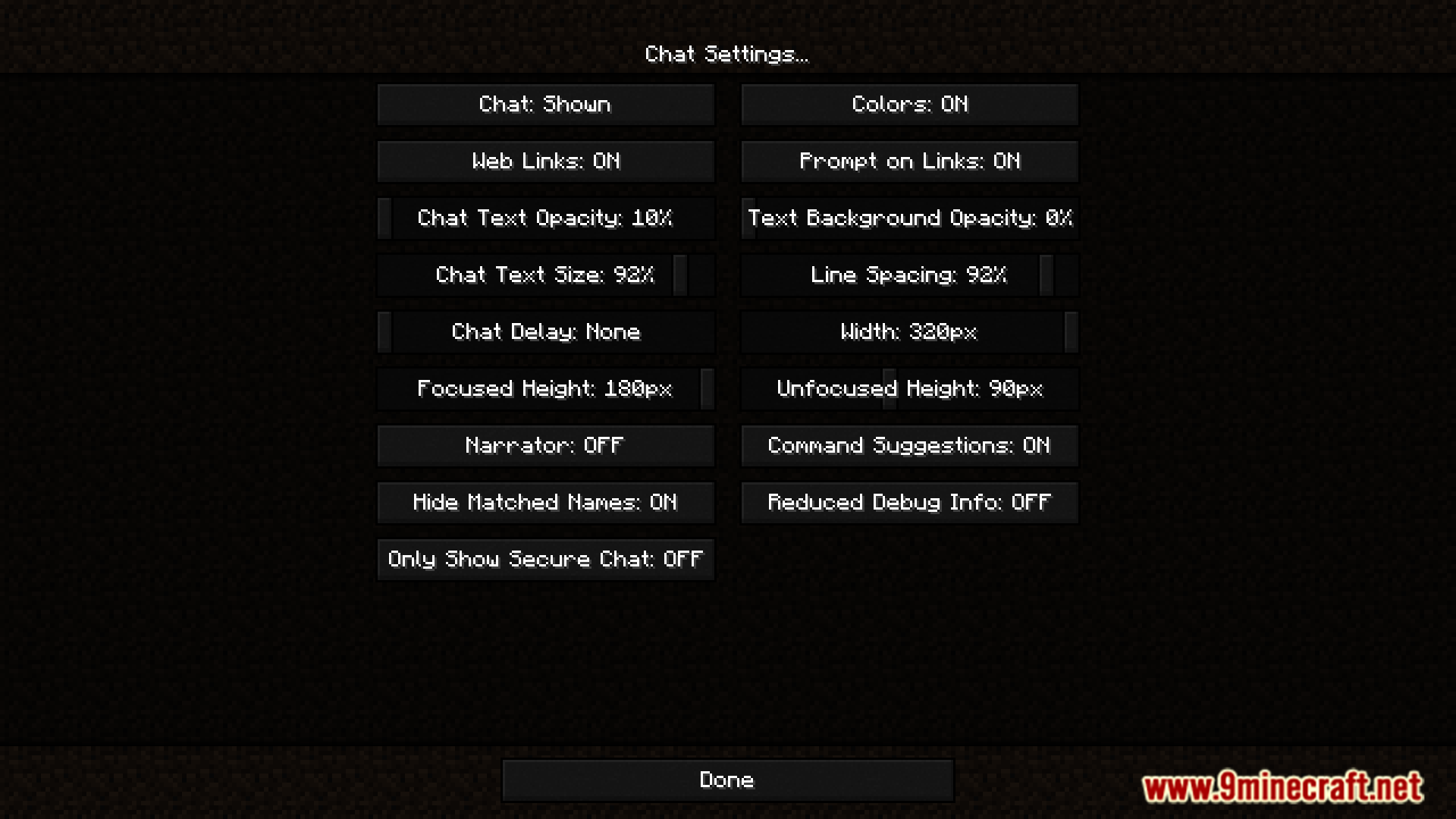
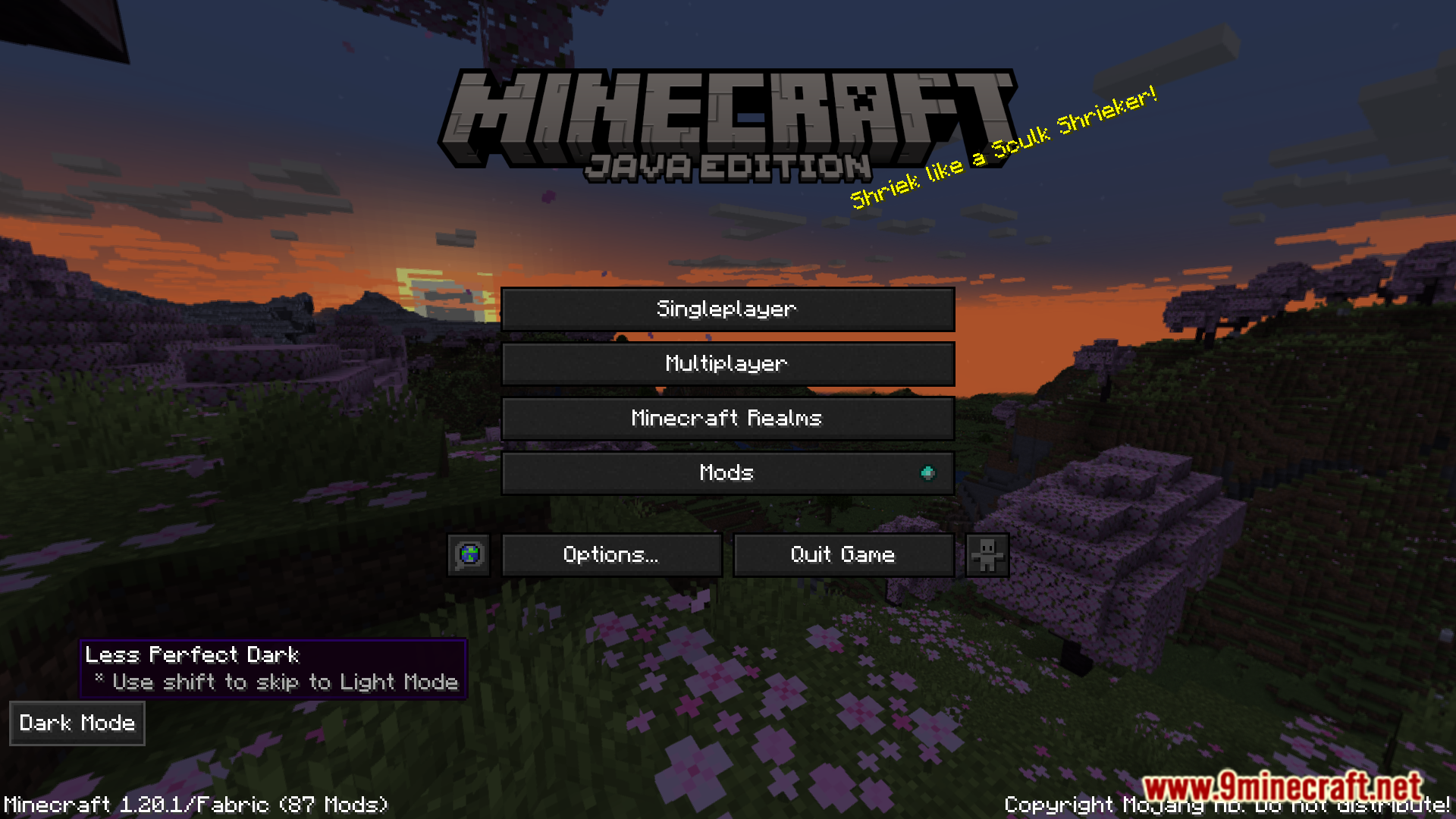
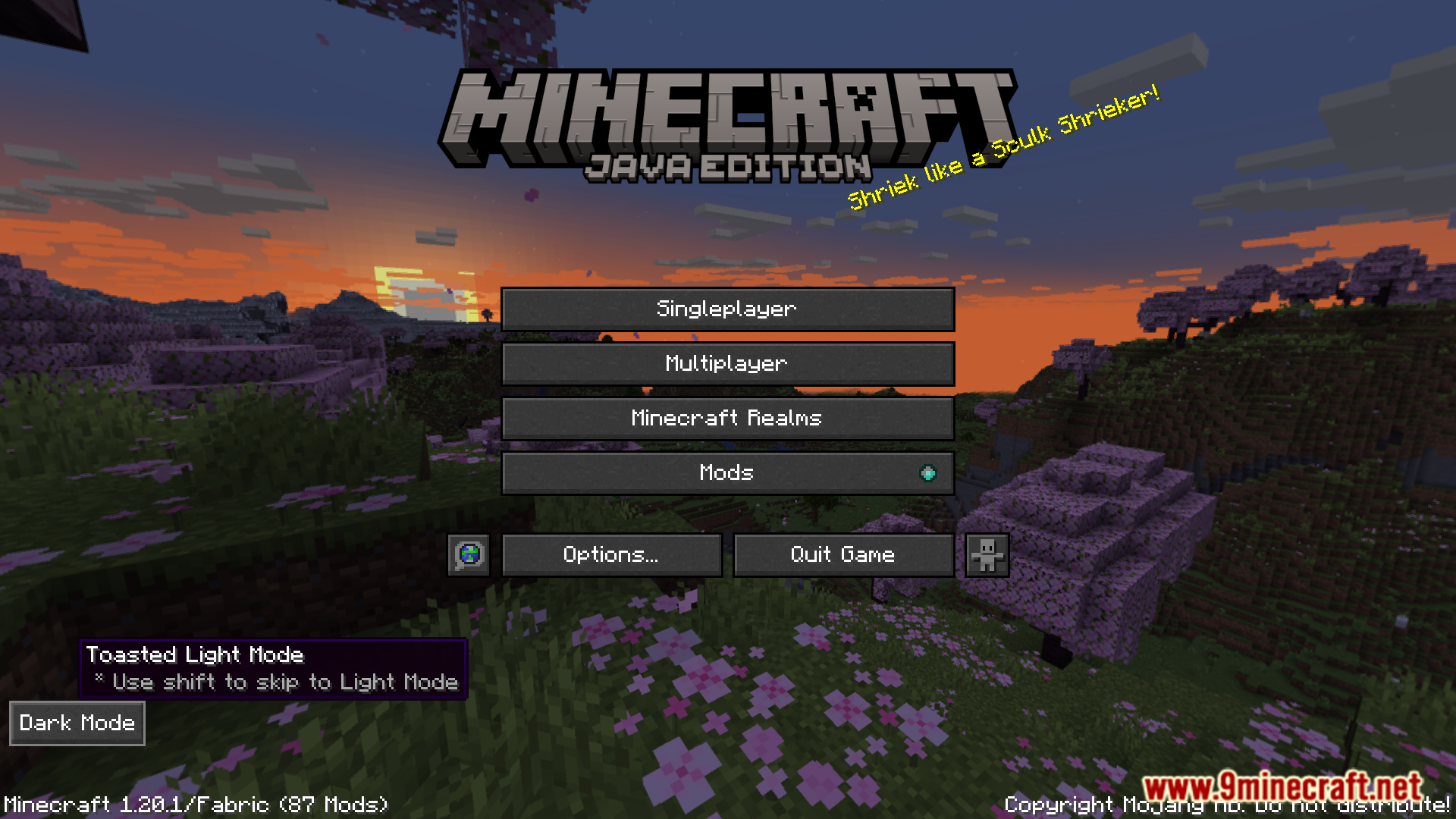
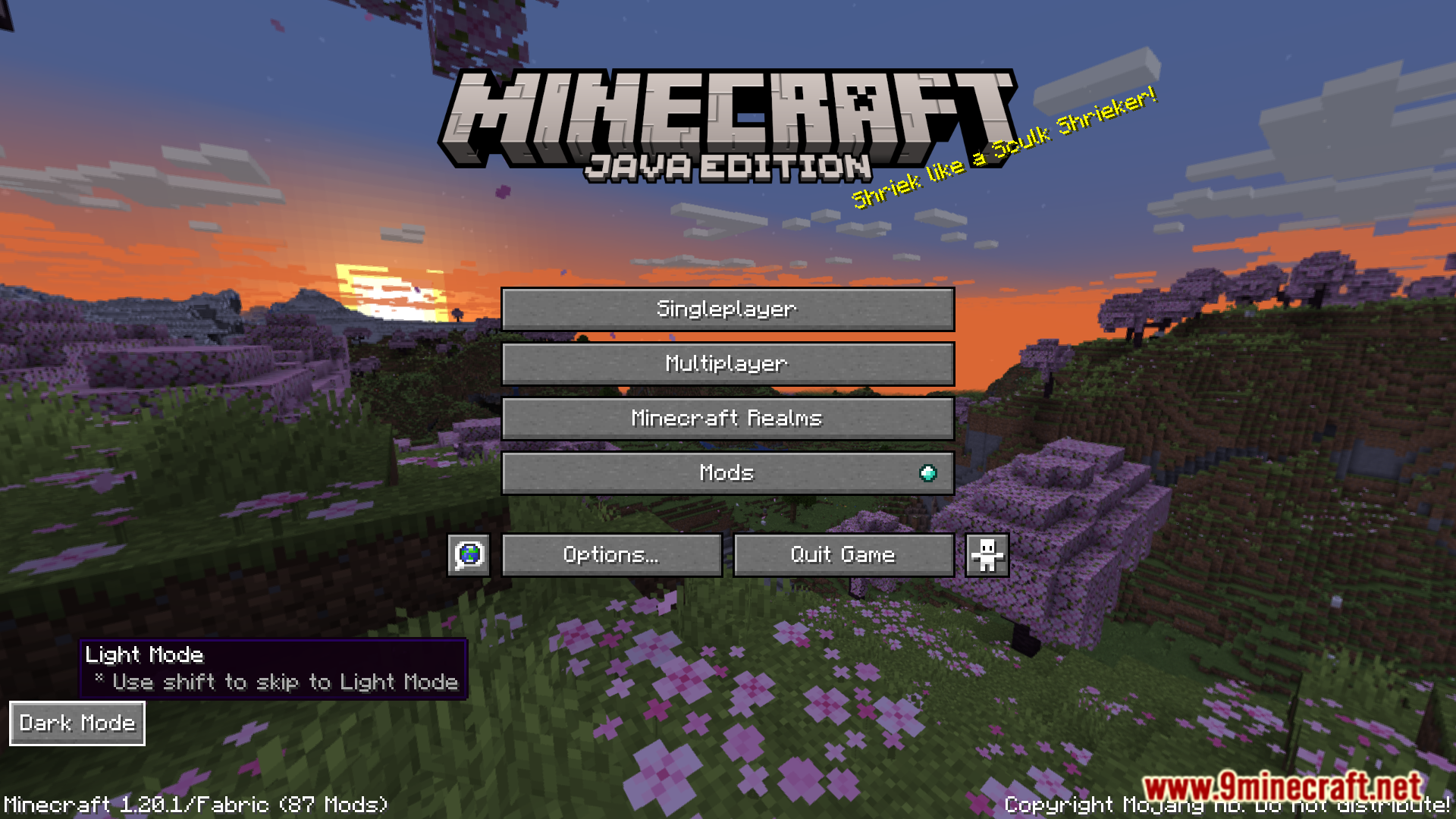
By default, Minecraft’s UI elements are all in light mode. There is no vanilla dark mode UI implemented by the game developers. There are certain texture packs that make the UI elements dark mode, but many of them do not look good or clash with mod GUIs. AK Dark Mode Everywhere Mod is here with the solution. This mod introduces a new button that appears at the bottom left corner of your screen in the main menu or in certain GUIs. By clicking on this button, you can cycle through different available dark modes introduced by the mod.
Features:
- Dark Mode Everywhere adds a toggle button in menus.
- Button appears in the main menu and supports GUIs.
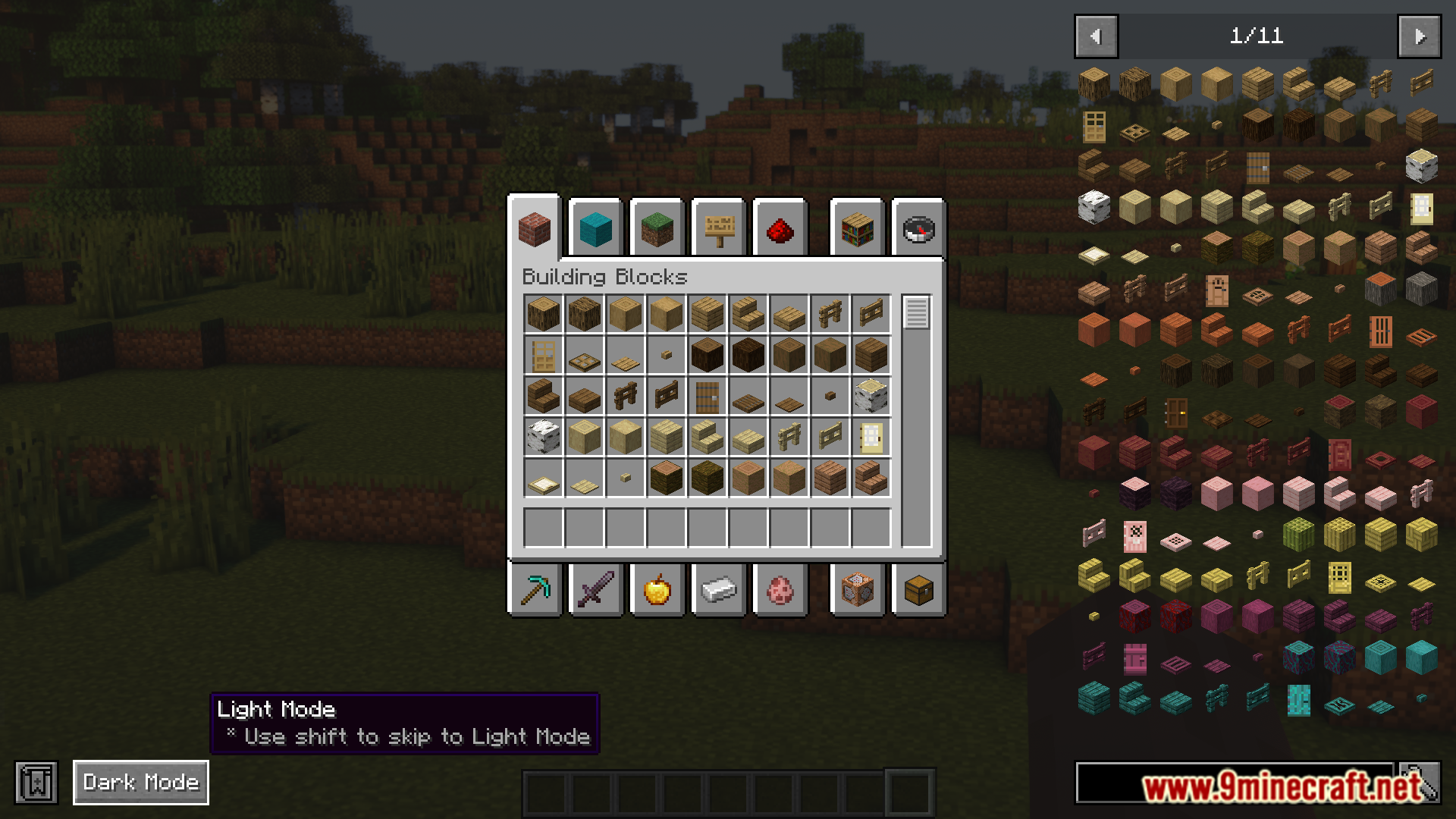
- Click to cycle through multiple dark mode styles.
Screenshots:
AK Dark Mode Everywhere Mod Download Links
For Minecraft 1.20.1, 1.20
Fabric version: Download from Server 1 – Download from Server 2
For Minecraft 1.19.2
Fabric version: Download from Server 1 – Download from Server 2
- Edition: Minecraft Java
- File type: .jar
- Minecraft versions listed: 1.20.1, 1.19.2
- How to install: Install the matching mod loader (Forge, Fabric or NeoForge) for your Minecraft version. → Download the .jar. → Put it in the .minecraft/mods folder and launch that loader profile.
- Where to get it: In MC Java Mods, or directly above on this page.
Install steps are the general flow for this file type — How to install Minecraft Java mods & modpacks walks through it step by step.
- Downloads as 175799.mcaddon
- Download size: 562 KB
- Download link checked 25 Jul 2026 — working
- Mirrored on our own servers — the download does not depend on the original host
These come from our own check of the pack file, not from the source page.