


Reflex AntiLag Mod reduces rendering lag by smartly managing when your computer draws new frames. It uses a method similar to Nvidia Reflex but works with any kind of graphics card, not just Nvidia. This helps make the game feel more responsive to your controls. The mod also adds a simple settings menu to turn the feature on or off and fine-tune the timing for the best results.
Features:
- Lowers the delay between your actions and what you see on screen.
- Automatically locks your framerate based on your computer’s CPU and GPU speed.
- Works with any brand of graphics card, not just Nvidia.
- Includes a simple on/off switch in the mod’s settings.
- Lets you change a “wait time” value to fine-tune performance.
- You can increase the wait time to make your GPU work harder, closer to 100% usage.
- Allows using negative numbers to fix lag when too many frames are lining up to be rendered.
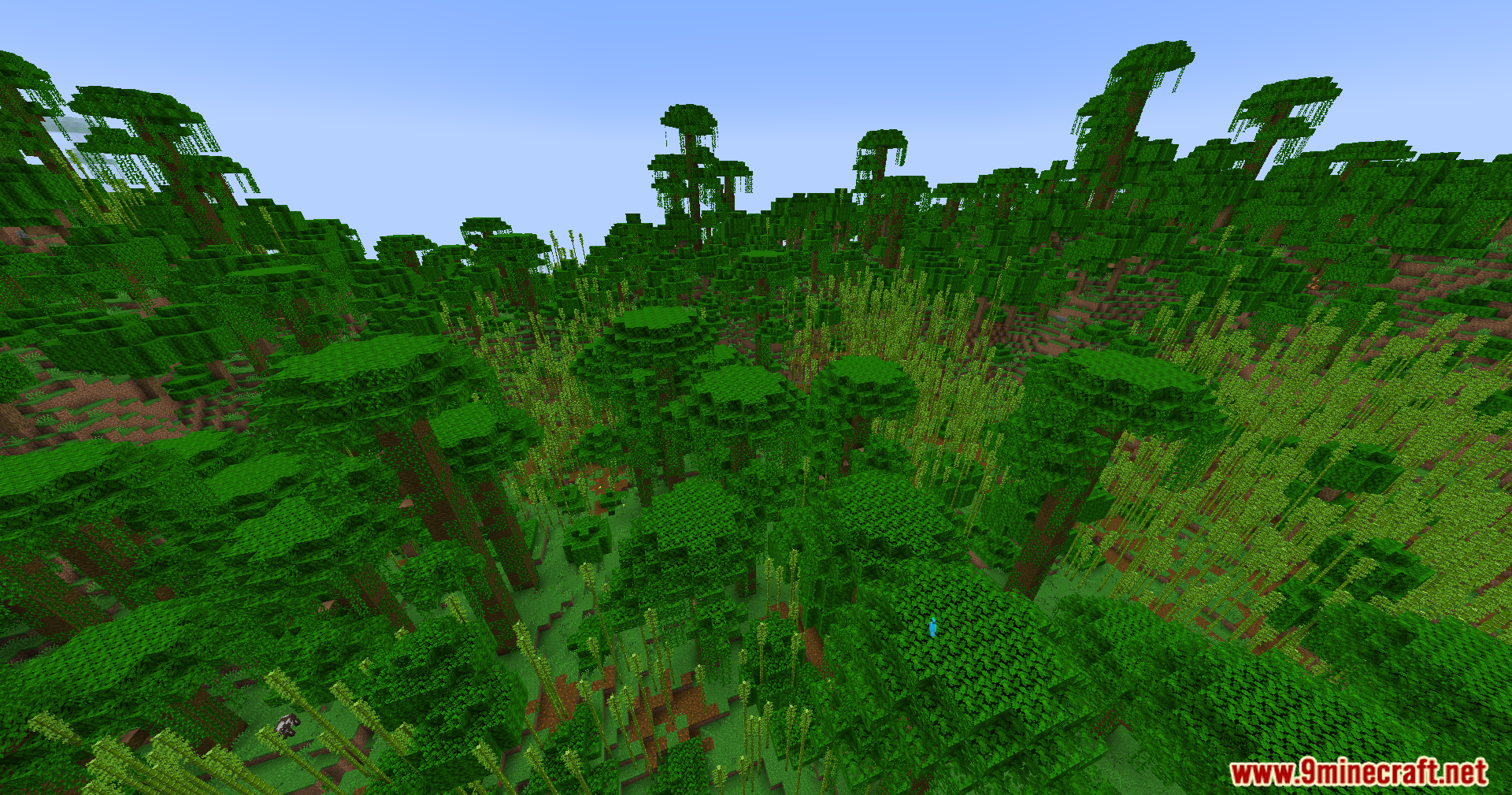
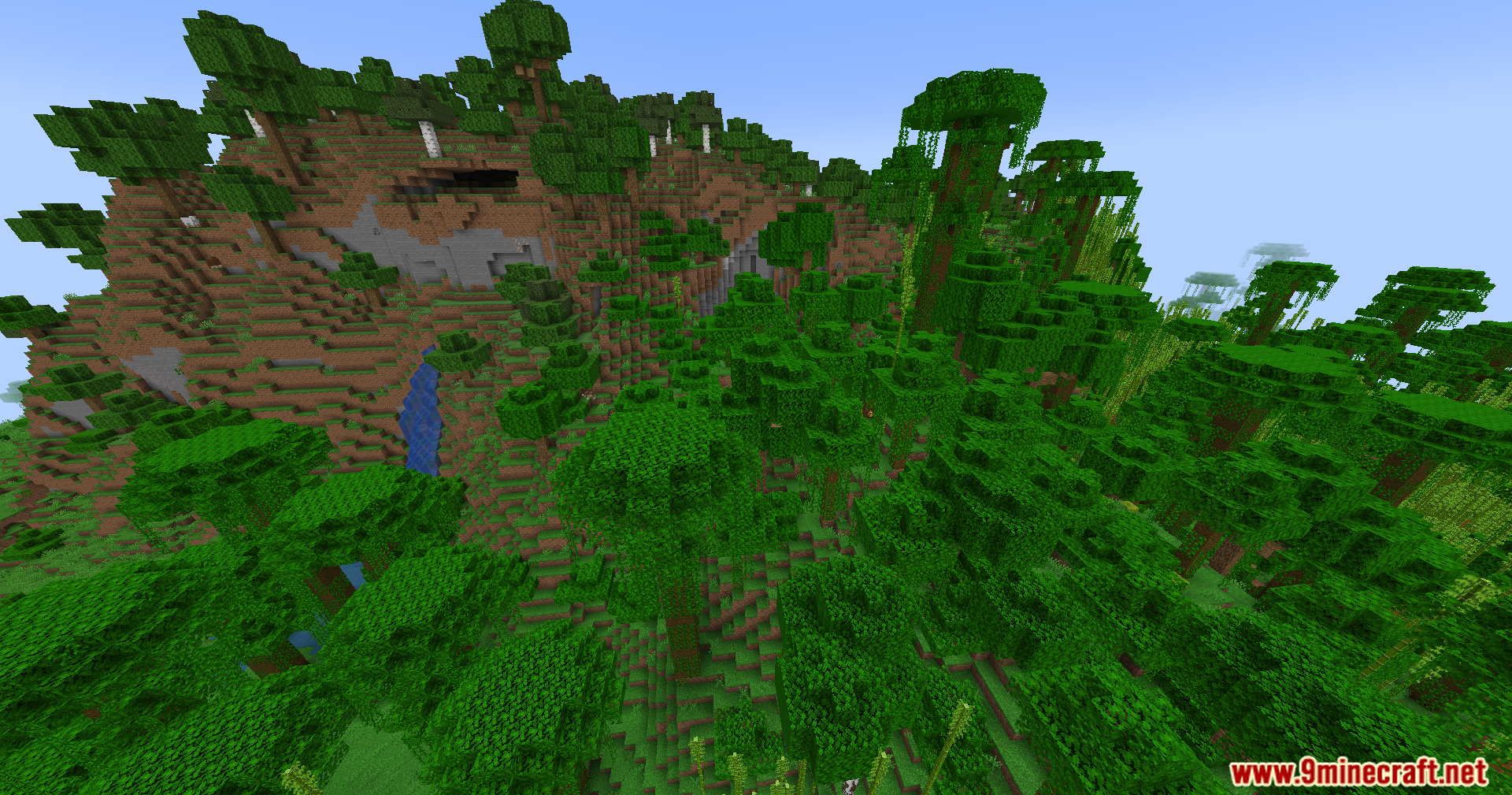
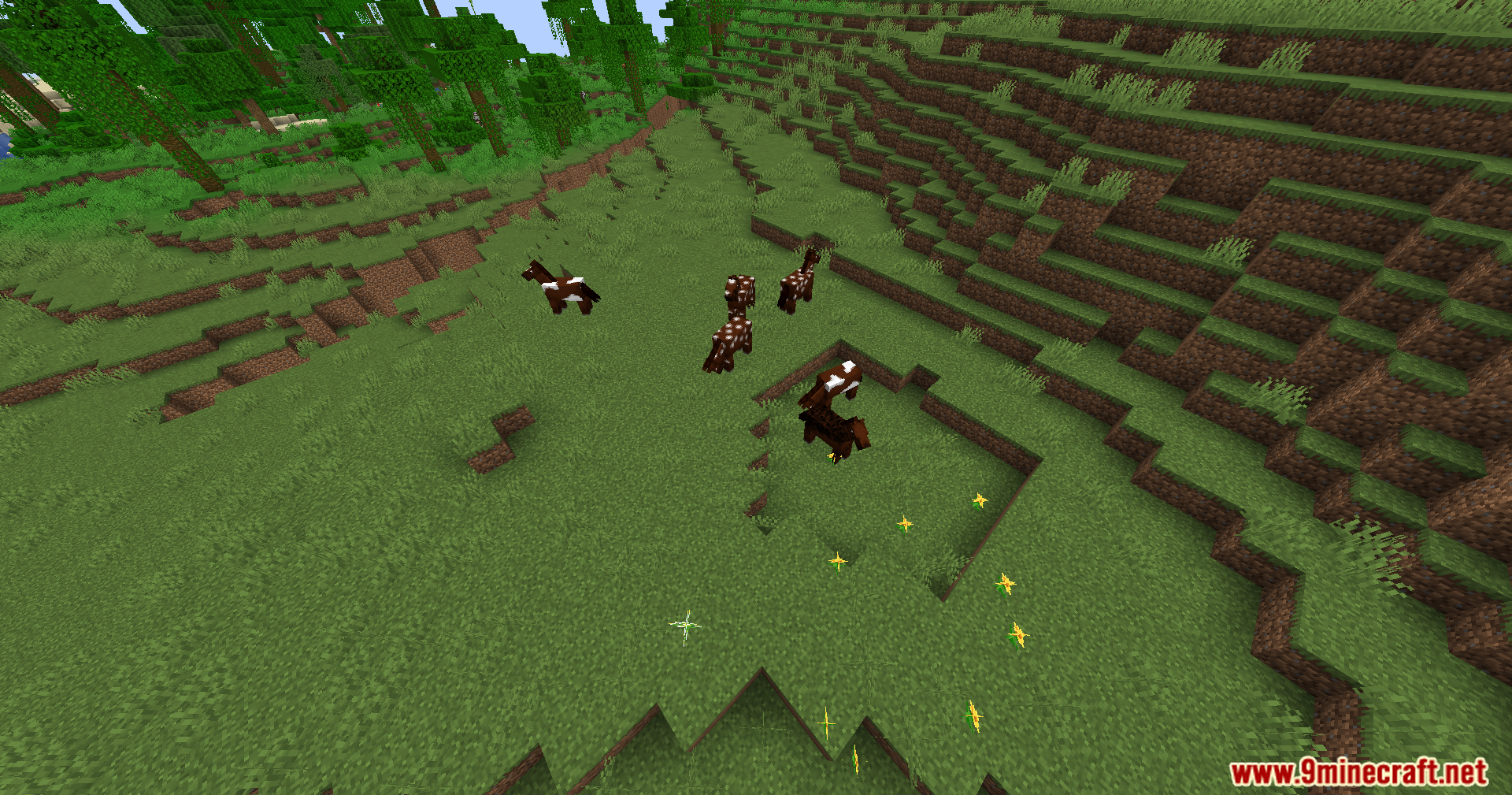
Screenshots:
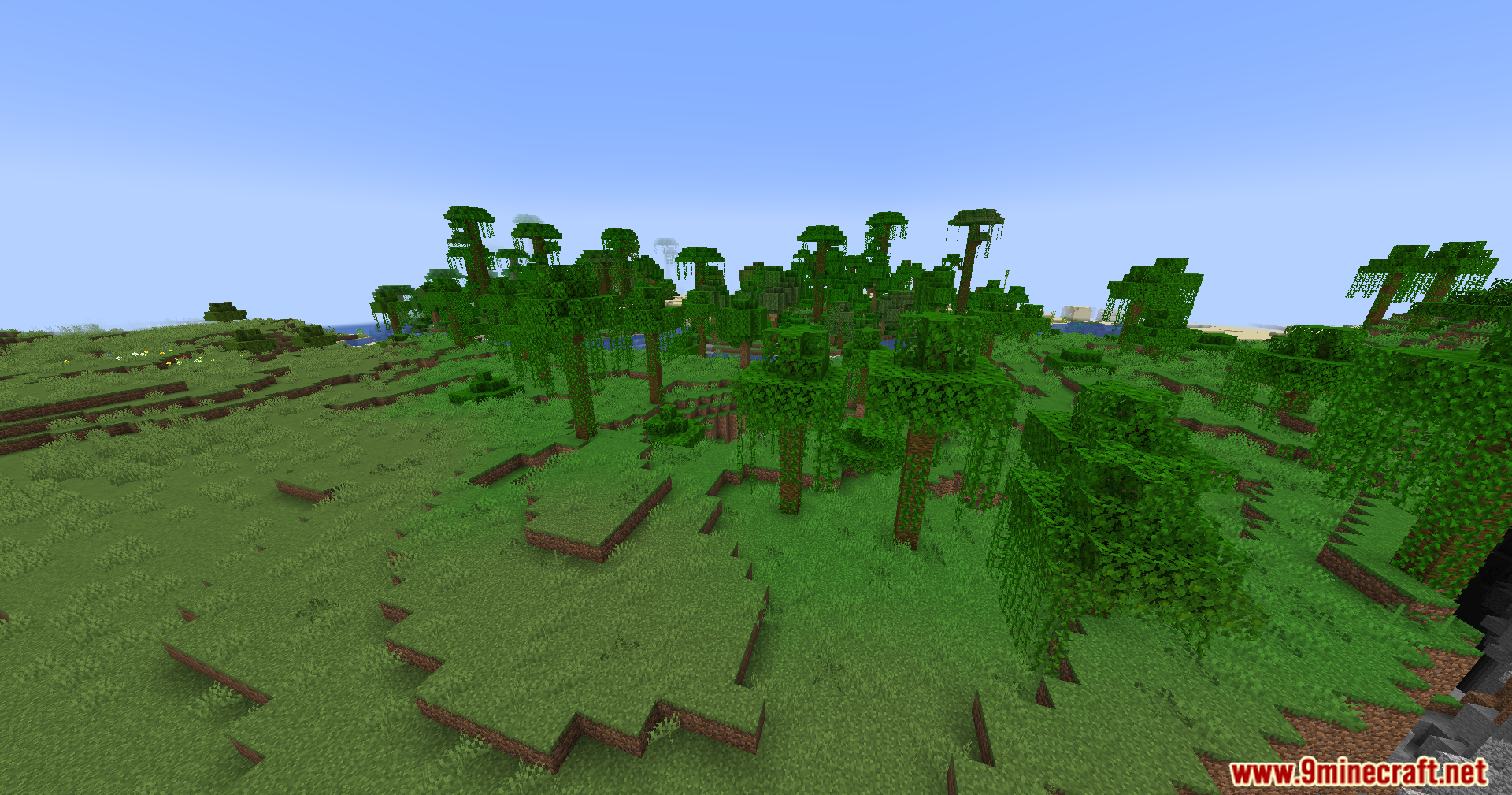

Reflex AntiLag Mod Download Links
Quick facts
- Edition: Minecraft Java
- File type: .jar
- Minecraft version listed: 1.20.1
- How to install: Install the matching mod loader (Forge, Fabric or NeoForge) for your Minecraft version. → Download the .jar. → Put it in the .minecraft/mods folder and launch that loader profile.
- Where to get it: Opens on the file's original source — not every file is mirrored on our own servers.
Install steps are the general flow for this file type — How to install Minecraft Java mods & modpacks walks through it step by step.
Reflex AntiLag Mod (26.2, 1.20.1) – Gain a Split-Second Edge in Combat is a free Minecraft Java mod. Compatible with Minecraft 1.20.1. Download it and open it directly in the game.