
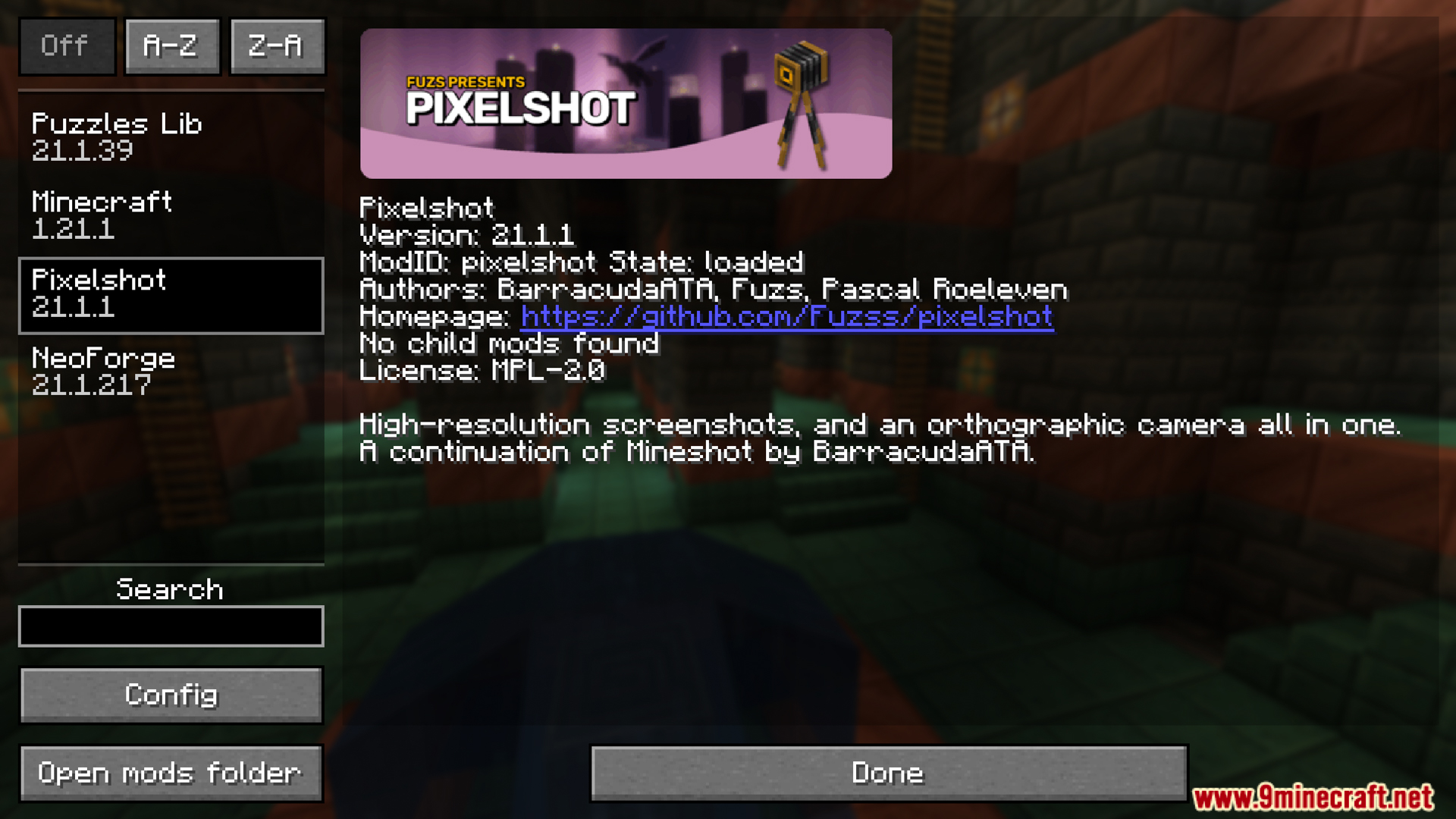
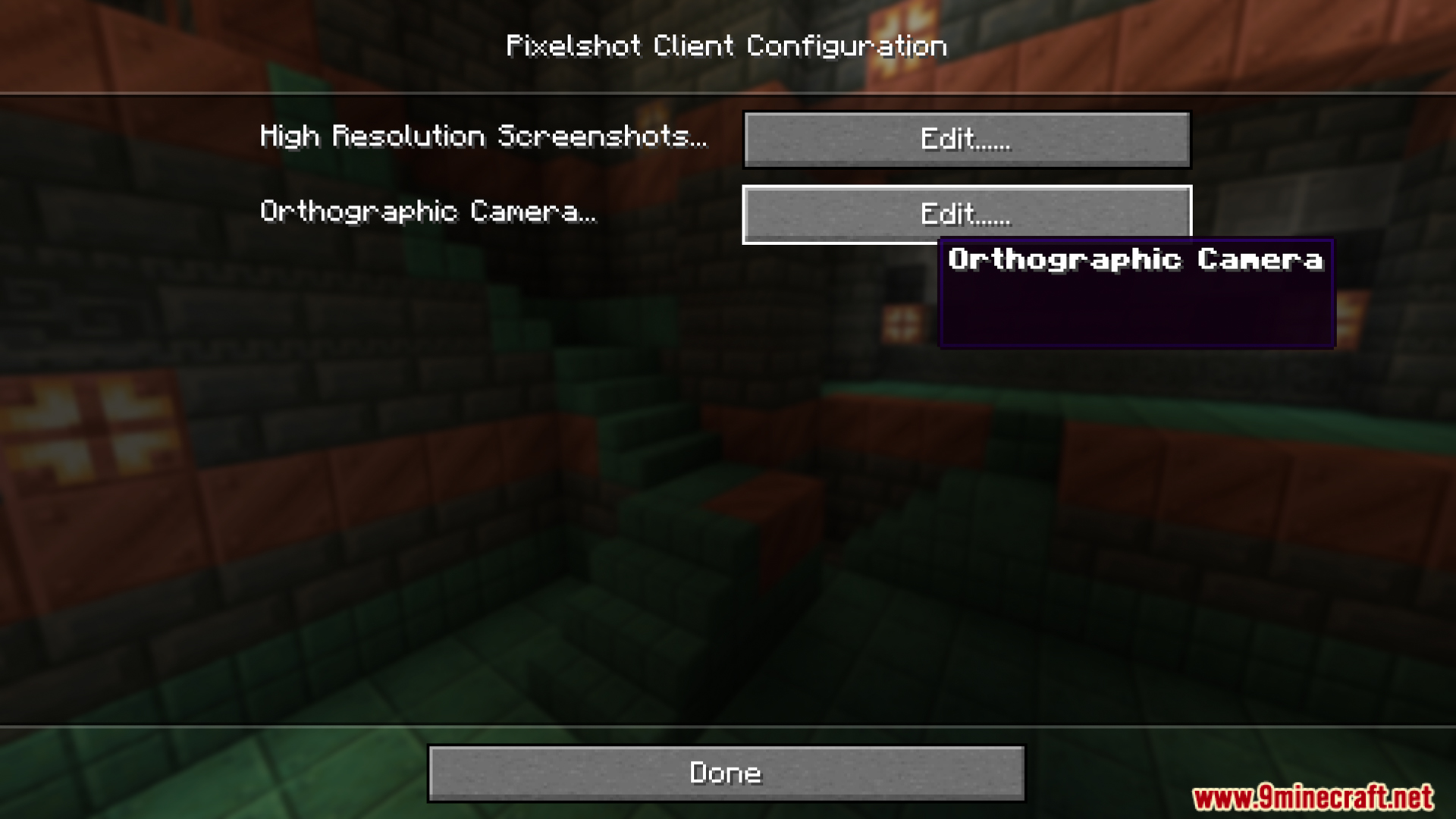
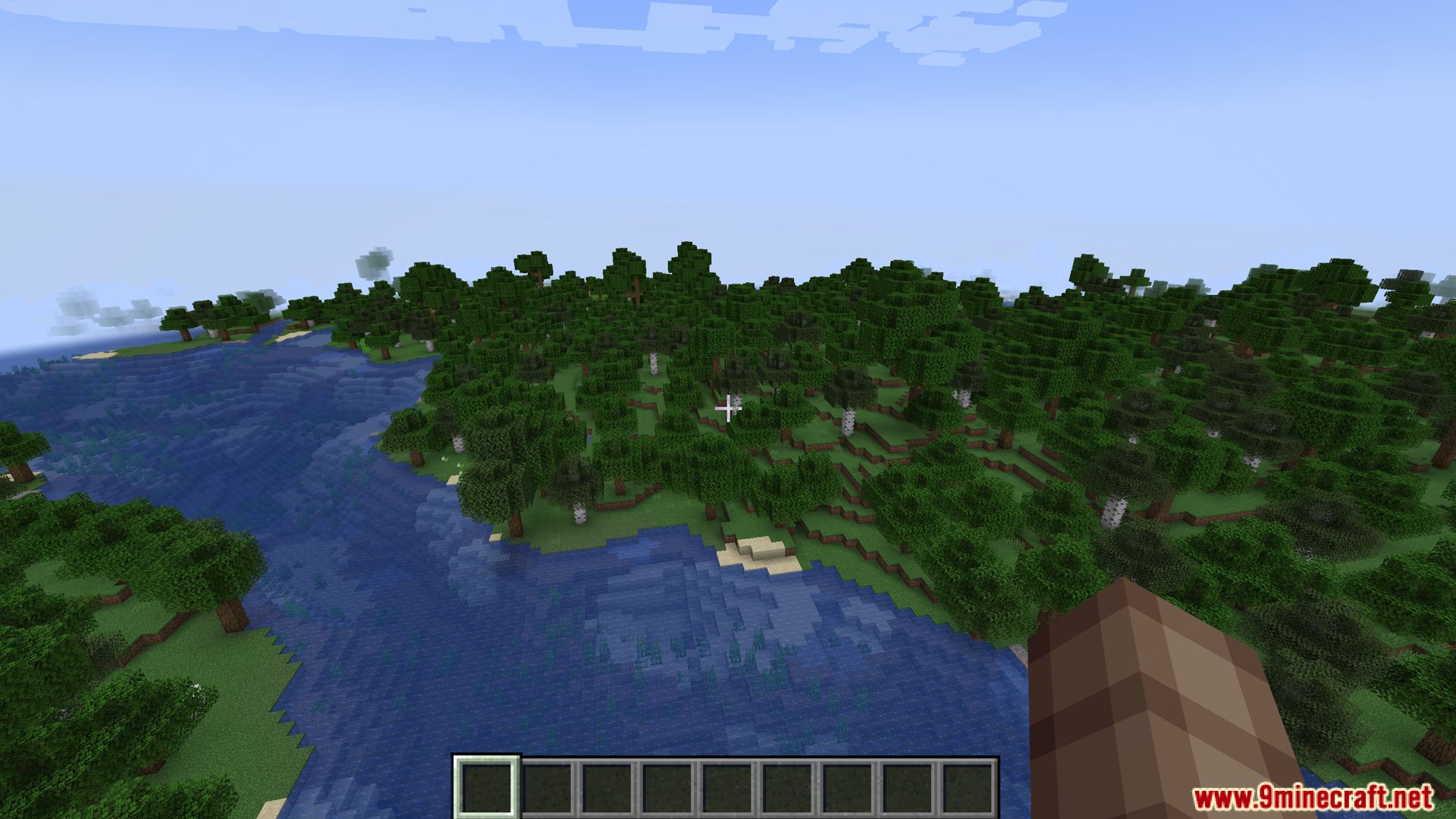
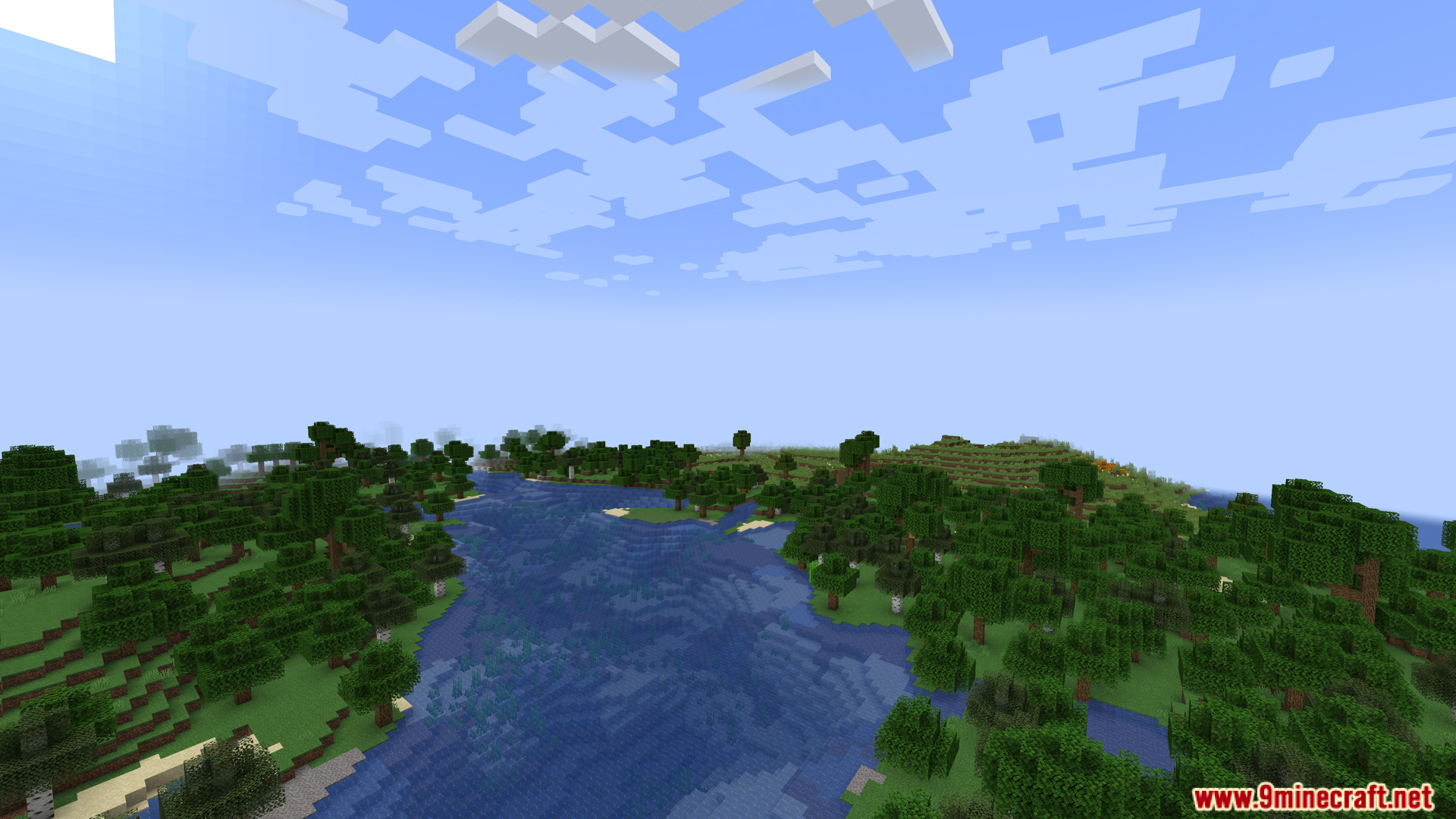
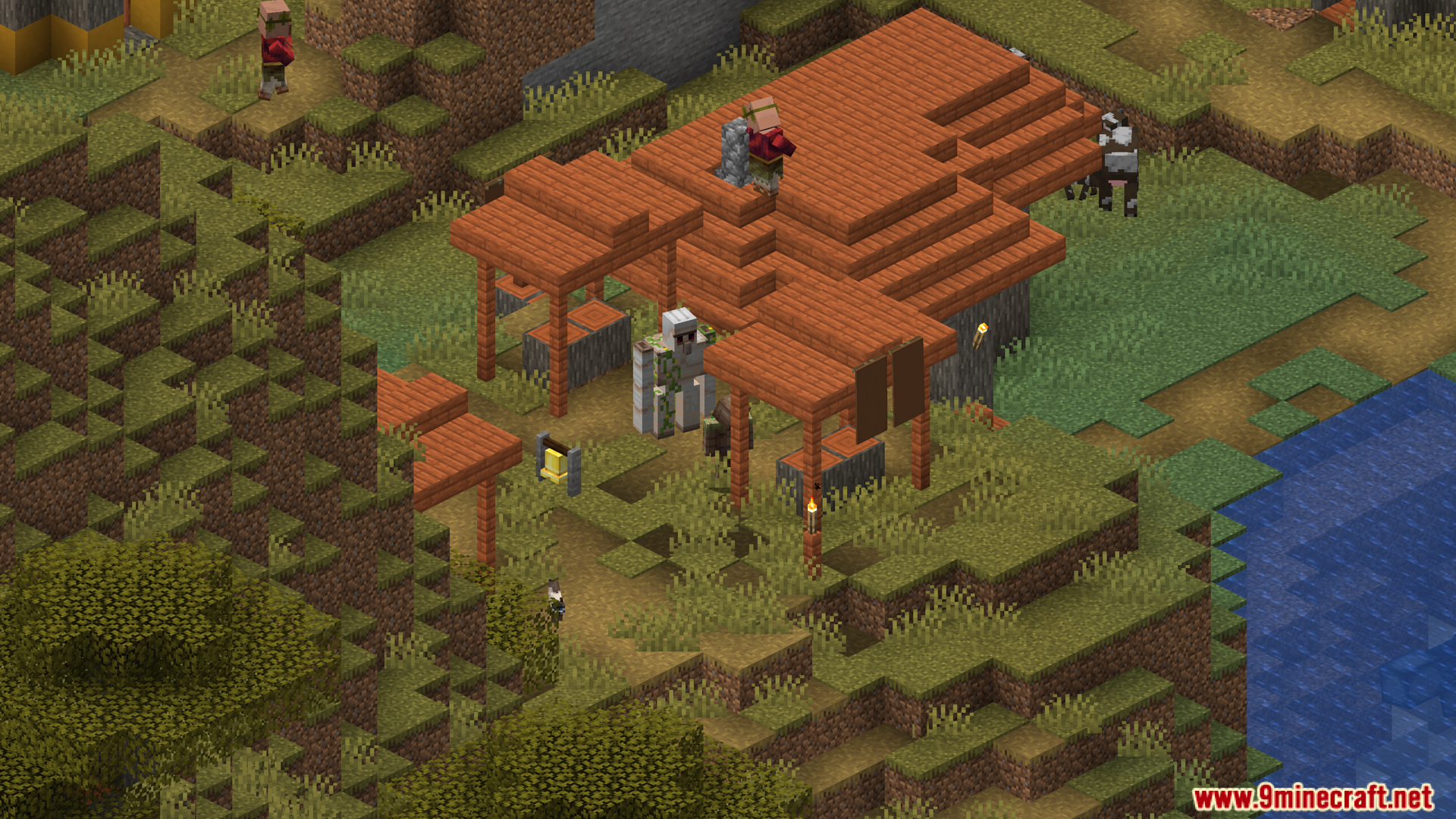
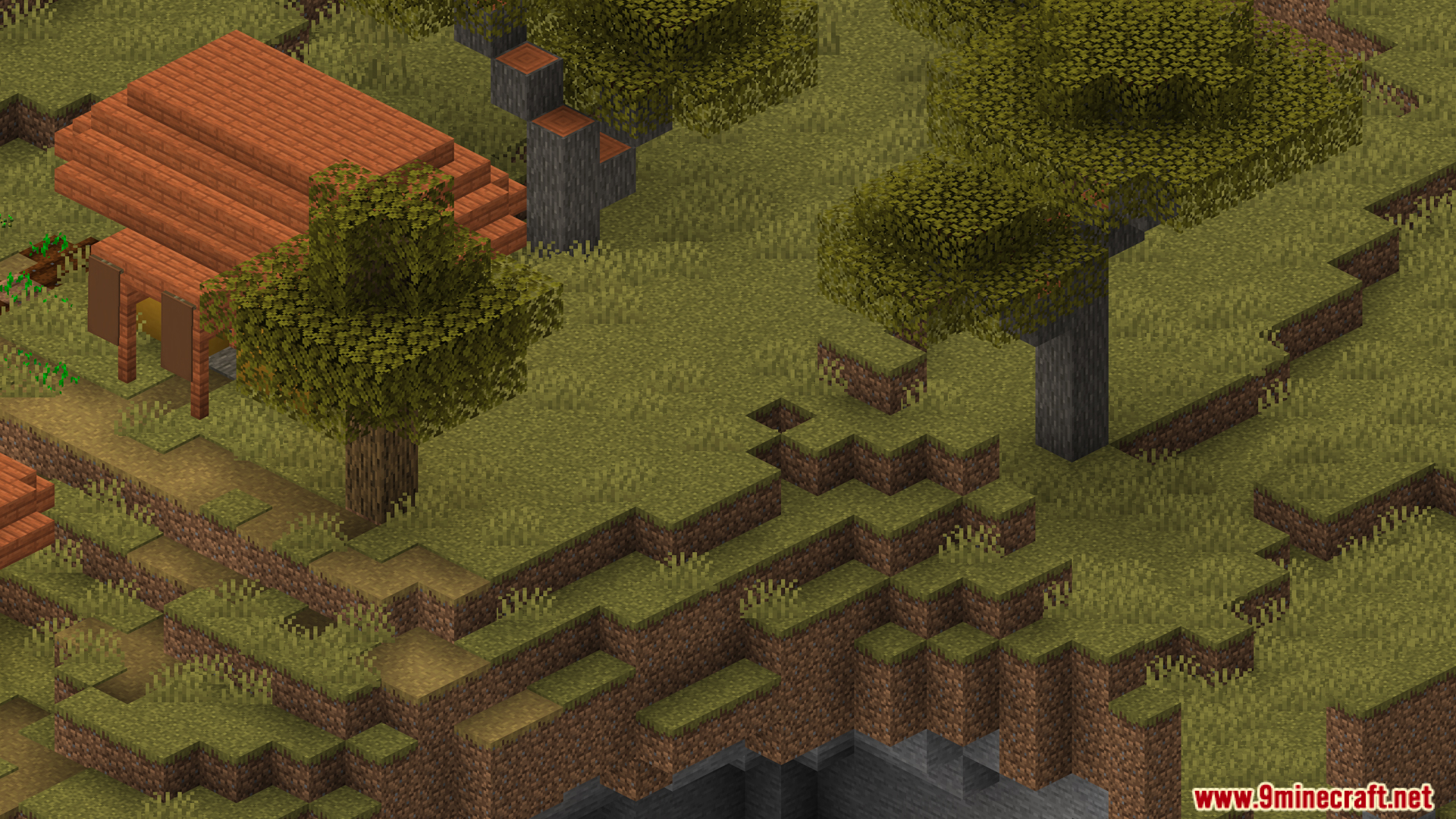

Pixelshot Mod offers powerful photo-taking tools and an enhanced camera so you can capture your Minecraft world in a more beautiful, detailed, or artistic way. It’s a follow-up project to the Mineshot mod.
Features:
- Check keybind for more options. By default, F7, F8, and F9 are the main functions.
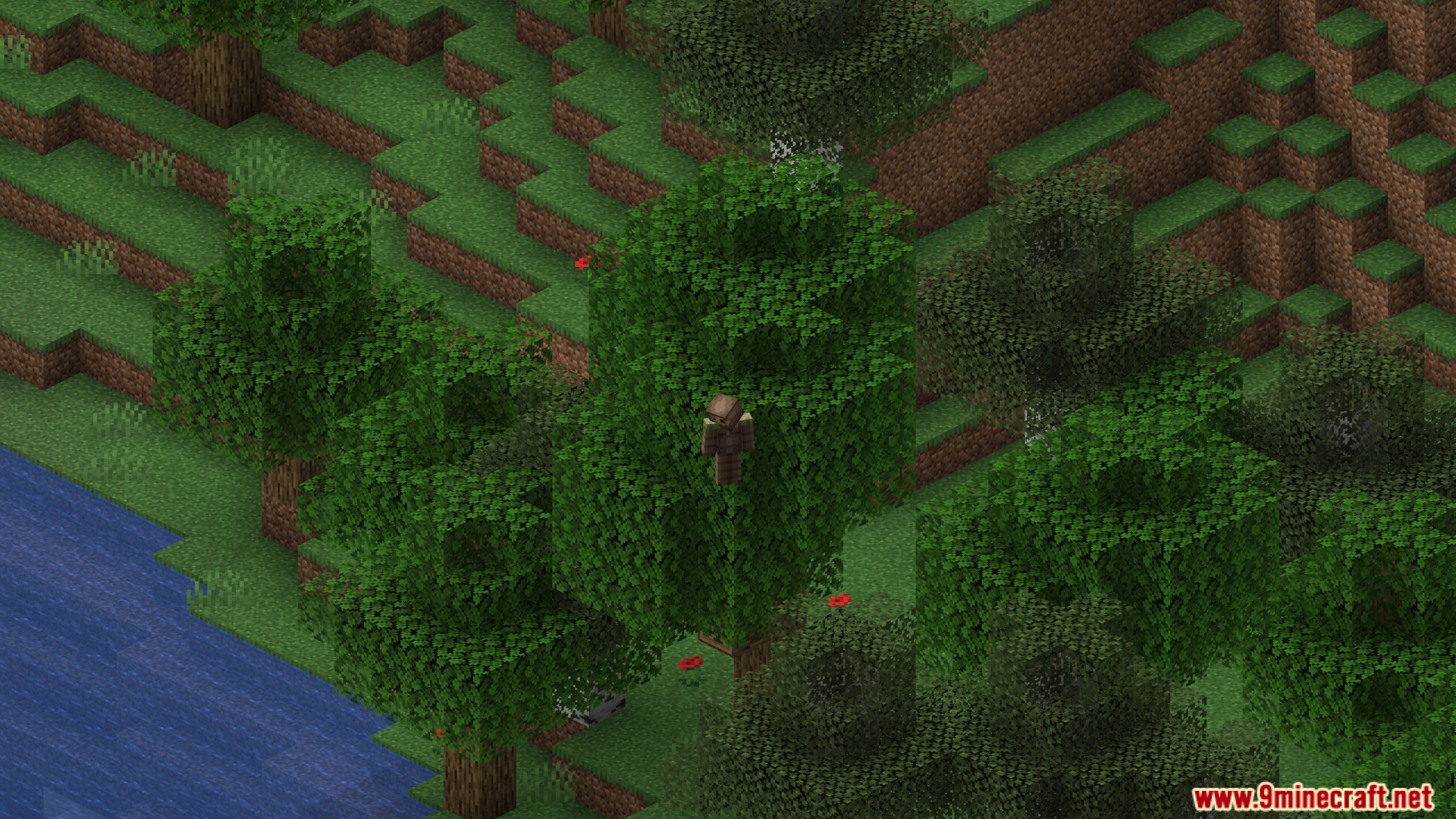
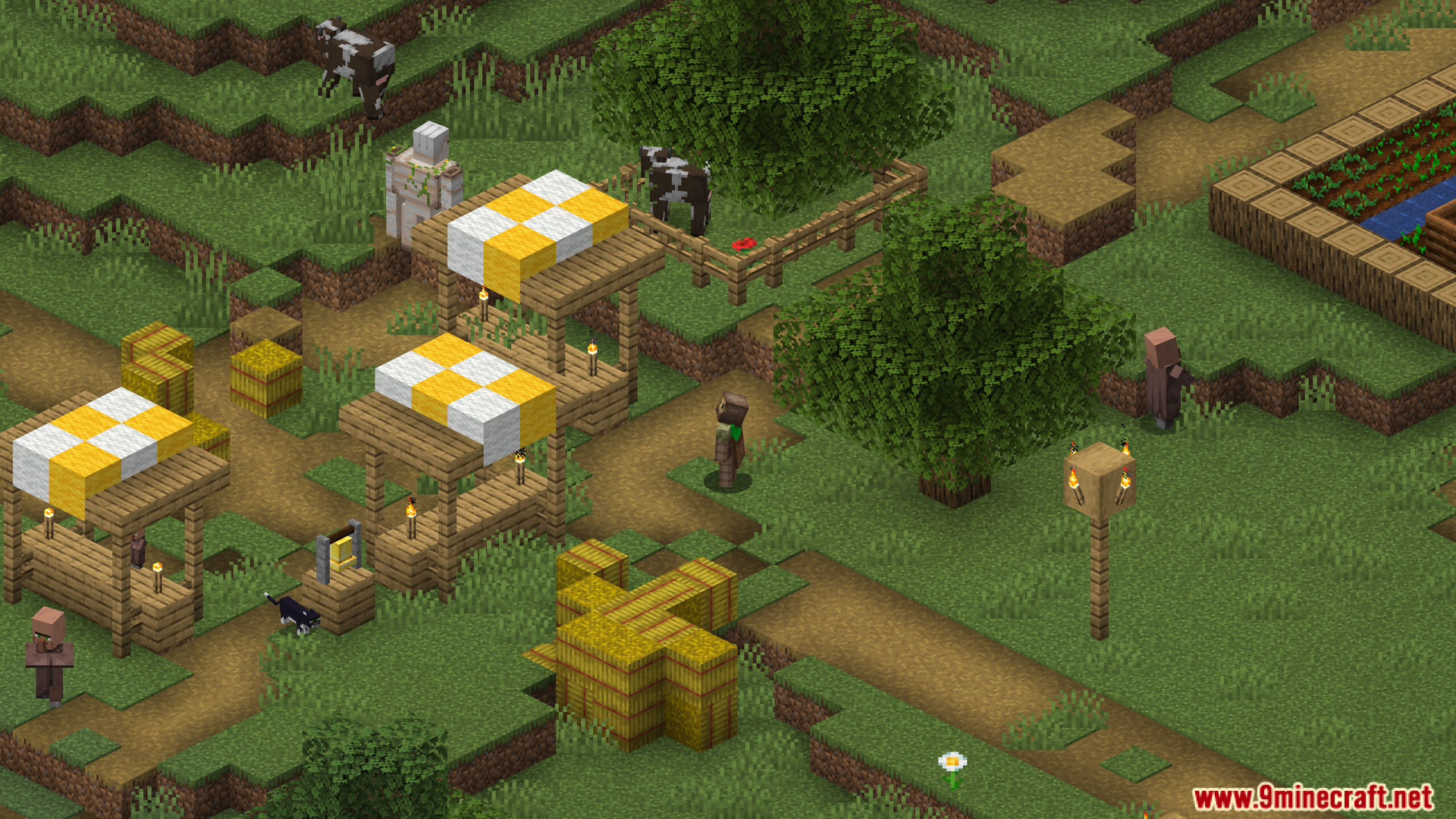
- Pixelshot allows you to use an orthographic camera to create isometric and clean viewpoints, ideal for architectural photos or building maps.
- You can adjust the zoom and camera angle using menus or shortcuts, allowing for easy customization of image composition.
- The mod supports high-resolution photography up to 16K, creating sharp, detailed images for wallpapers, posters, or published content.
- Pixelshot also features a 360° panorama mode, allowing you to create panoramic images for menu backgrounds or building presentations.
- Camera controls and viewpoint switching are designed for ease of use with smooth shortcuts or customizable menus.
- The mod works well in conjunction with the Freecam mod to capture images from more flexible angles.
Screenshots:
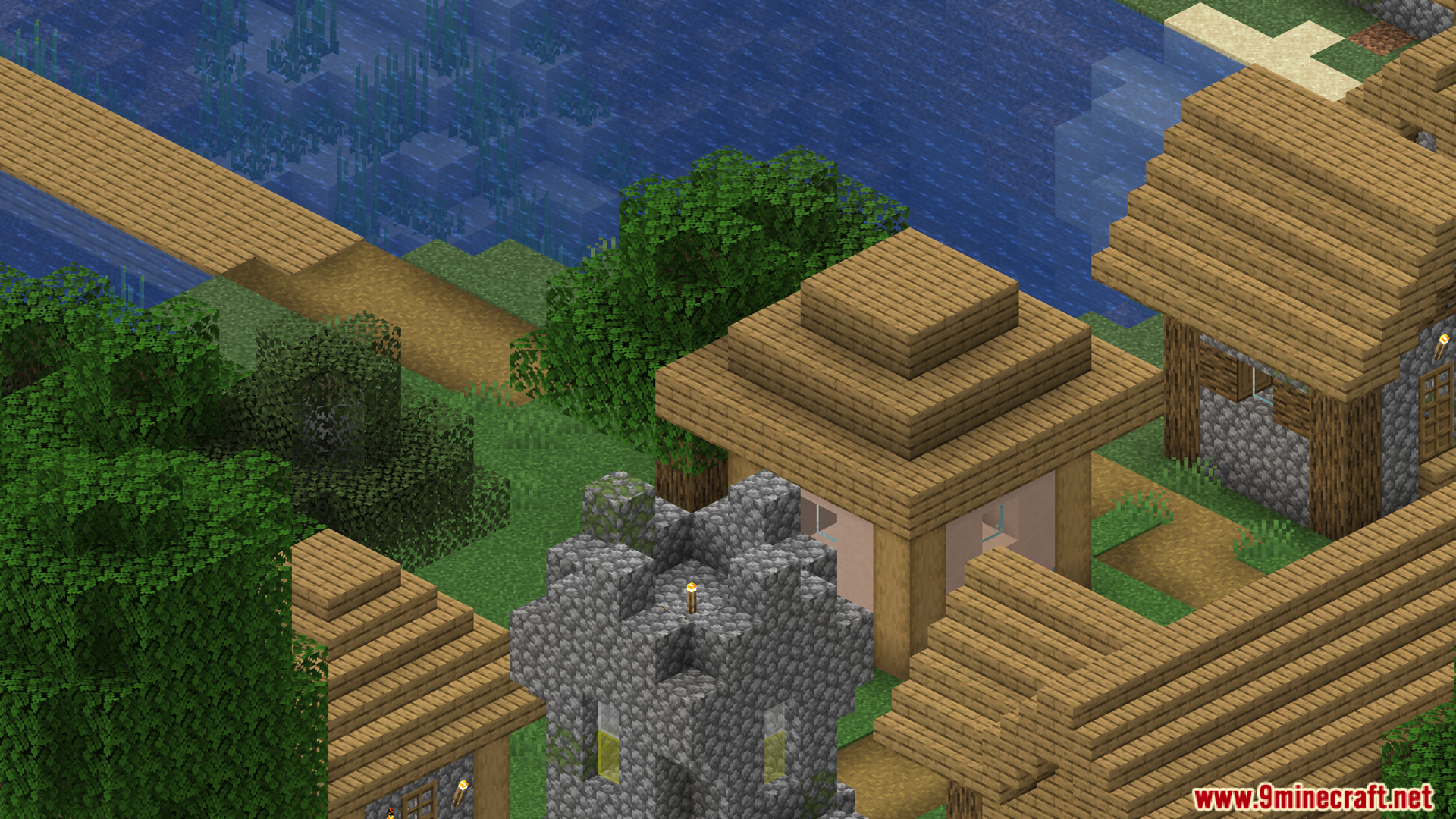
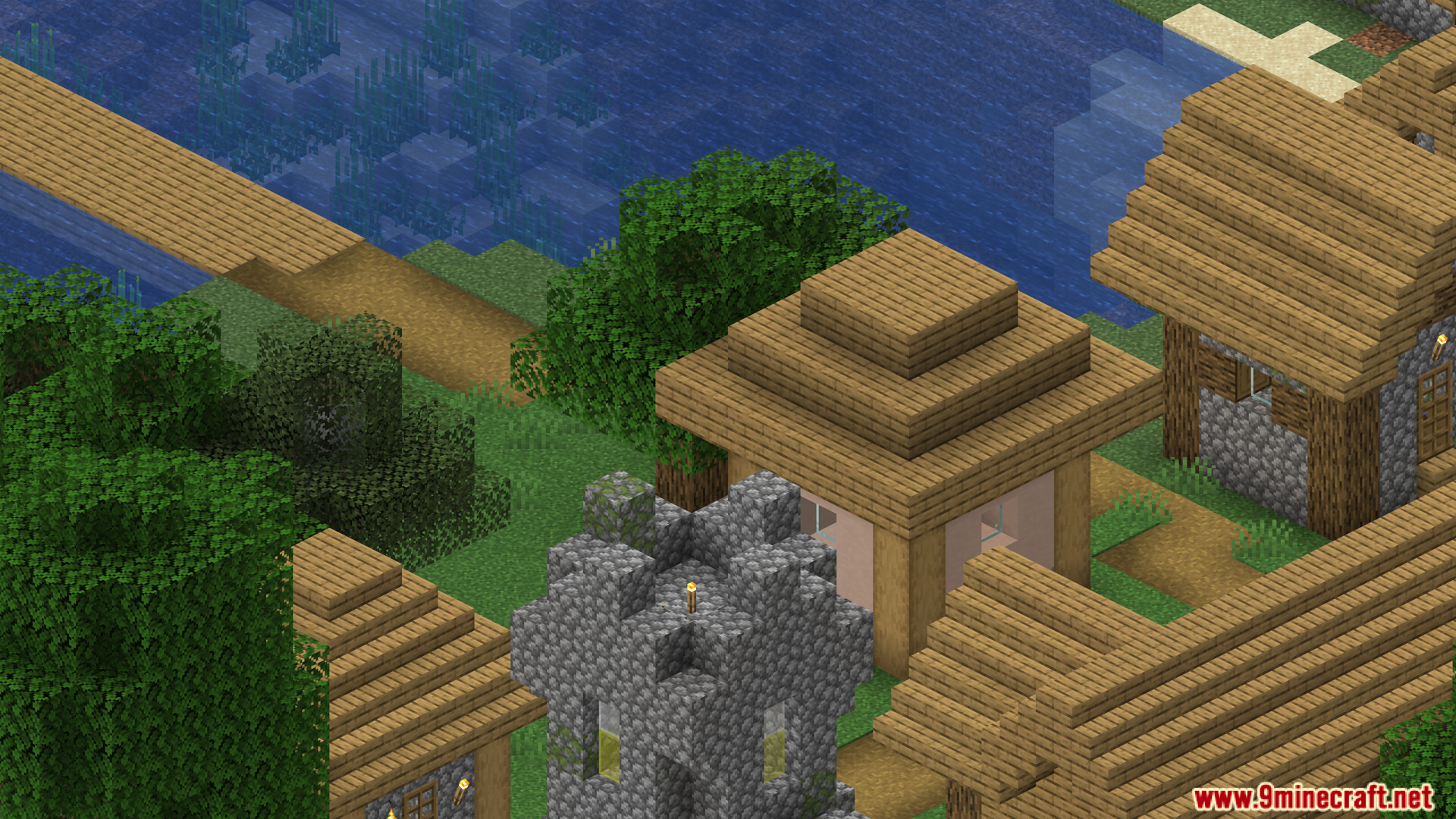
Pixelshot Mod Download Links
For Minecraft 1.20.4
Forge version: Download from Server 1 – Download from Server 2
For Minecraft 1.21.1, 1.21
Fabric version: Download from Server 1 – Download from Server 2
NeoForge version: Download from Server 1 – Download from Server 2
For Minecraft 1.21.3, 1.21.2
Fabric version: Download from Server 1 – Download from Server 2
NeoForge version: Download from Server 1 – Download from Server 2
For Minecraft 1.21.4
Fabric version: Download from Server 1 – Download from Server 2
NeoForge version: Download from Server 1 – Download from Server 2
For Minecraft 1.21.5
Fabric version: Download from Server 1 – Download from Server 2
NeoForge version: Download from Server 1 – Download from Server 2
For Minecraft 1.21.8, 1.21.7, 1.21.6
Fabric version: Download from Server 1 – Download from Server 2
NeoForge version: Download from Server 1 – Download from Server 2
For Minecraft 1.21.10
Fabric version: Download from Server 1 – Download from Server 2
NeoForge version: Download from Server 1 – Download from Server 2
For Minecraft 1.21.11
Fabric version: Download from Server 1 – Download from Server 2
NeoForge version: Download from Server 1 – Download from Server 2
- Edition: Minecraft Java
- File type: .jar
- Minecraft versions listed: 1.21.11, 1.21.1
- How to install: Install the matching mod loader (Forge, Fabric or NeoForge) for your Minecraft version. → Download the .jar. → Put it in the .minecraft/mods folder and launch that loader profile.
- Where to get it: In MC Java Mods, or directly above on this page.
Install steps are the general flow for this file type — How to install Minecraft Java mods & modpacks walks through it step by step.
- Downloads as 175838.mcaddon
- Download size: 102 KB
- Download link checked 30 Jul 2026 — working
- Mirrored on our own servers — the download does not depend on the original host
These come from our own check of the pack file, not from the source page.