Custom Window Title Mod (1.21.11, 1.20.1) – Display Real-Time FPS in The Title Bar
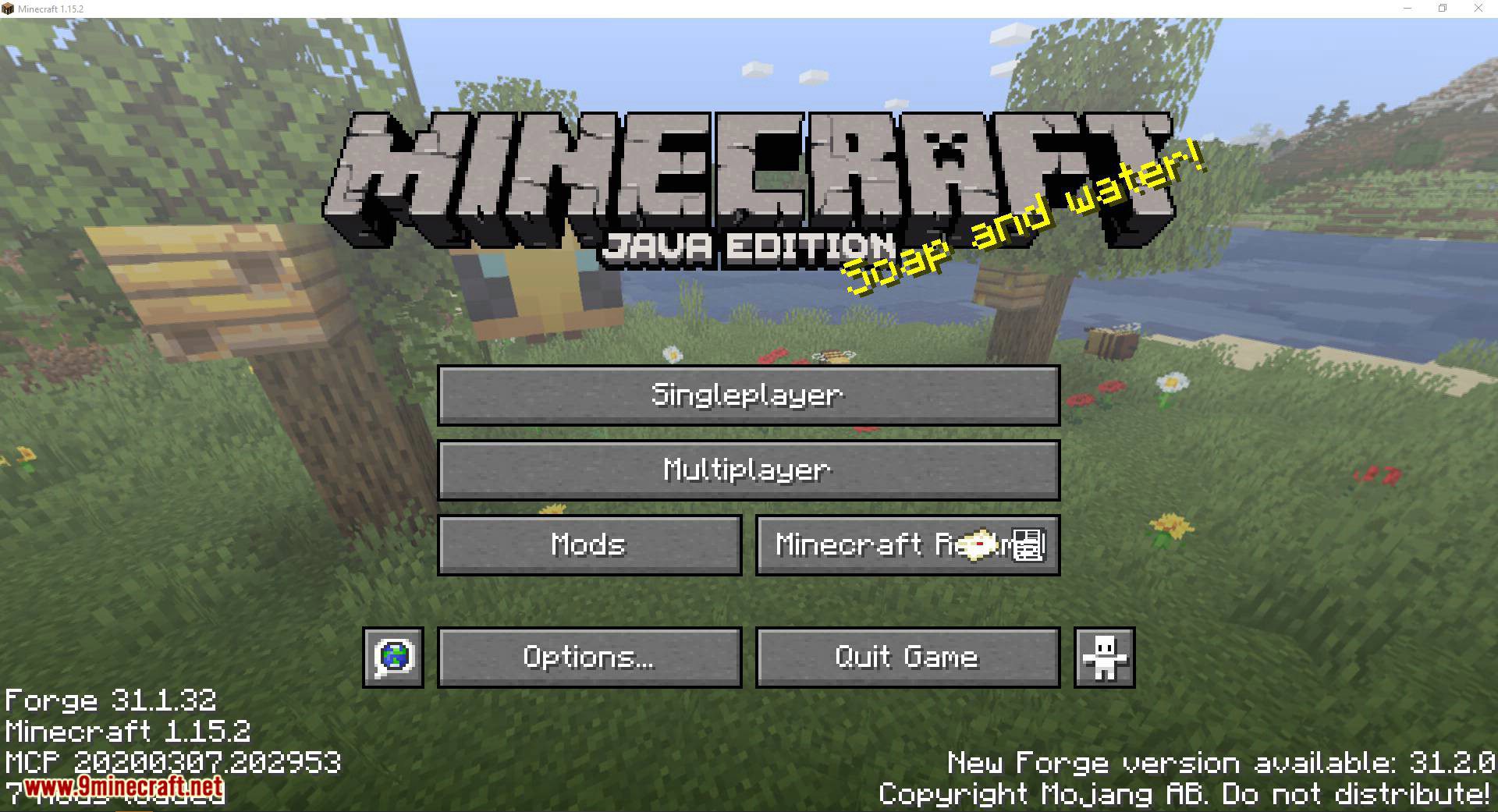
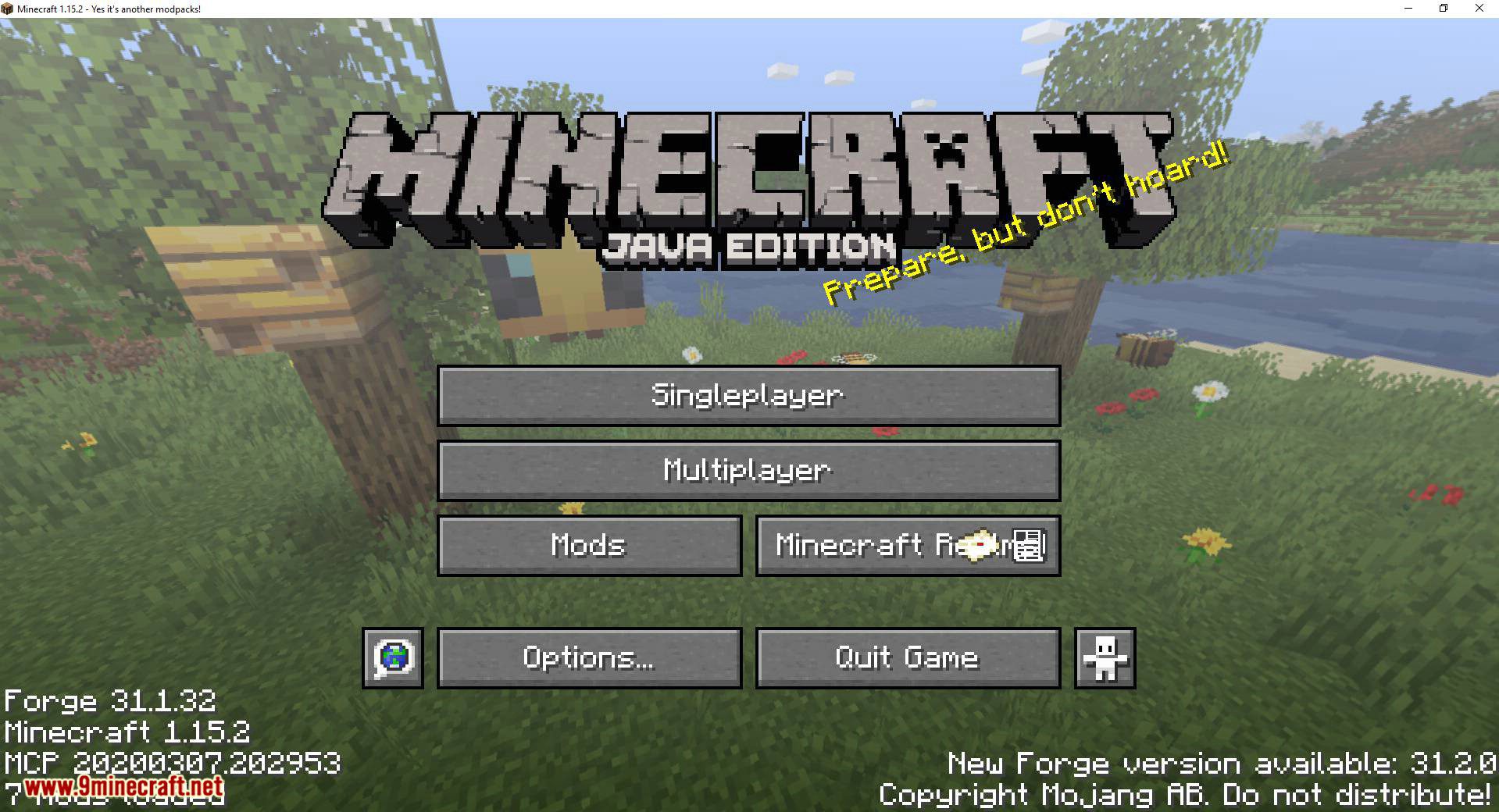
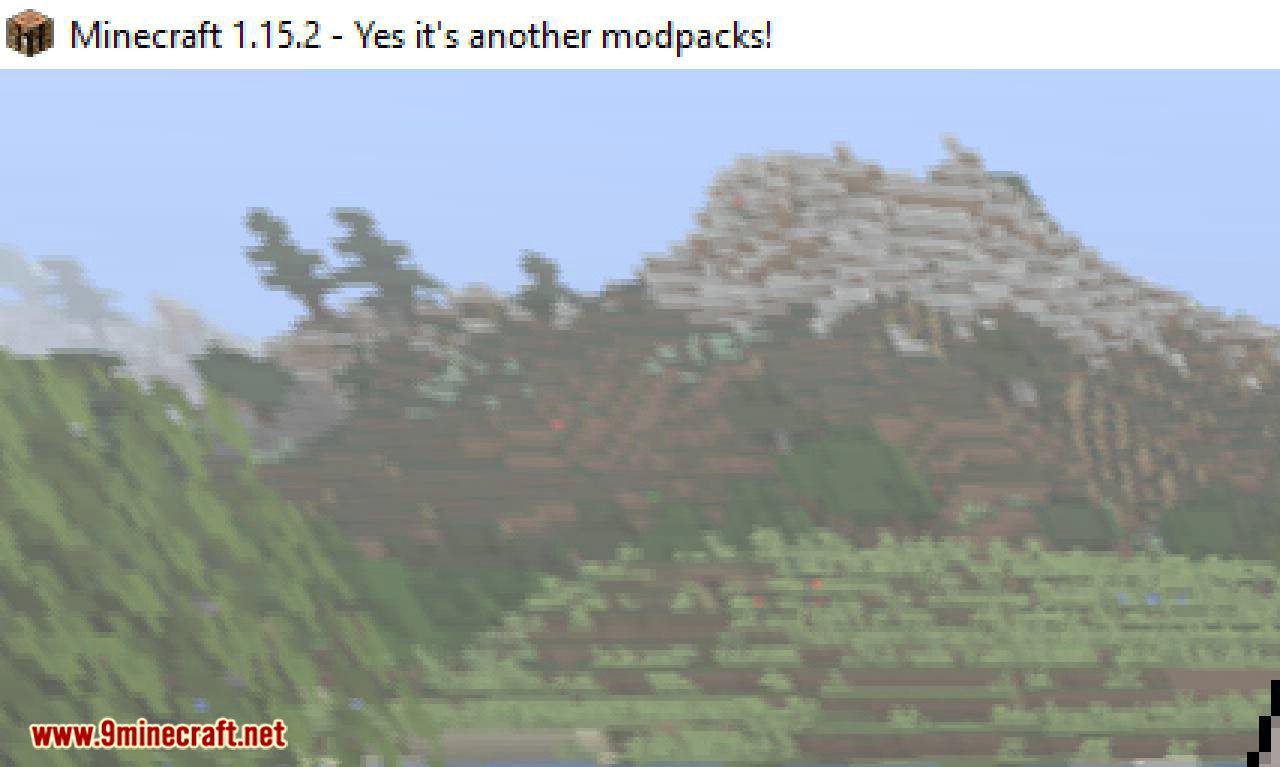
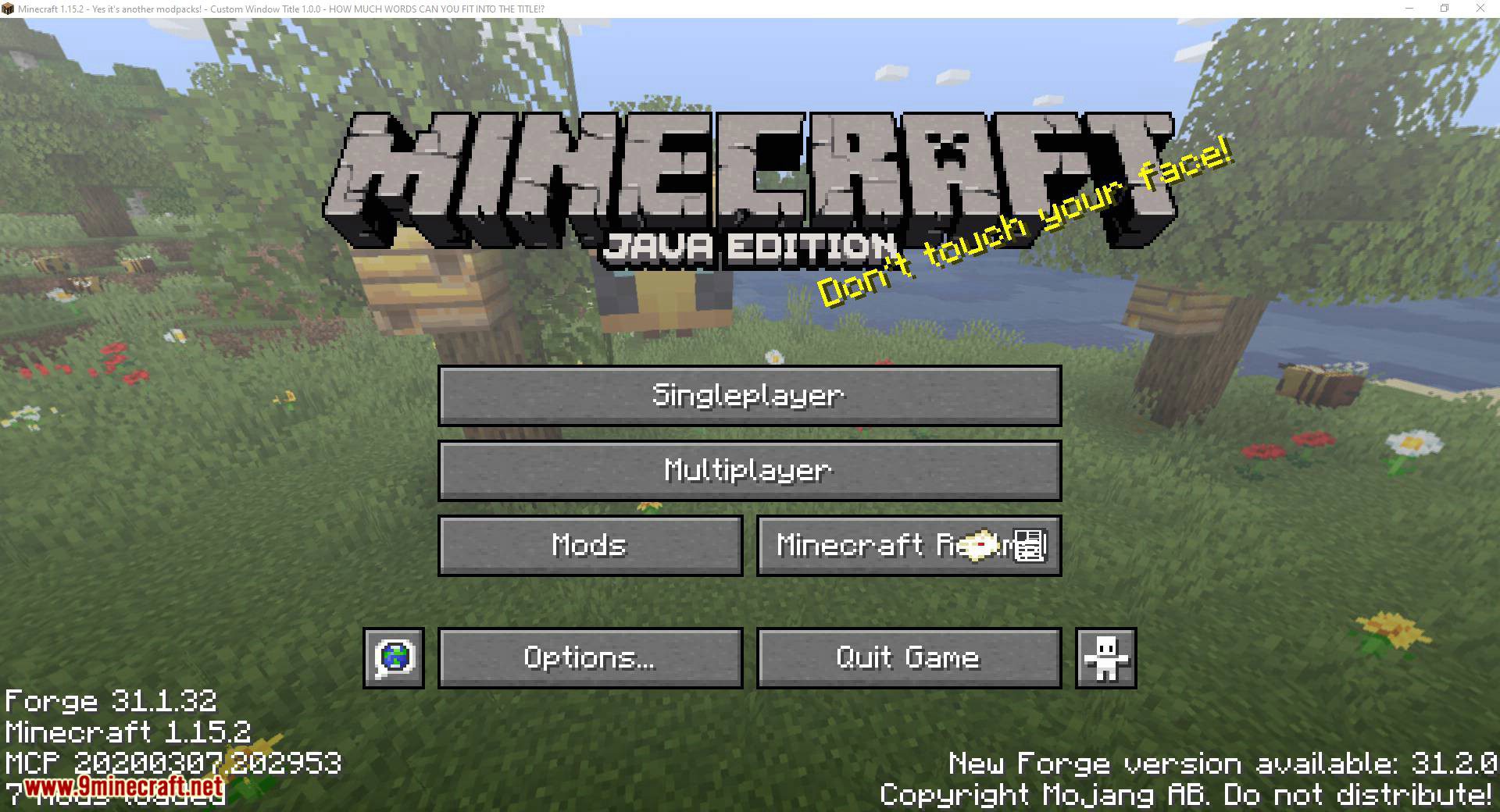
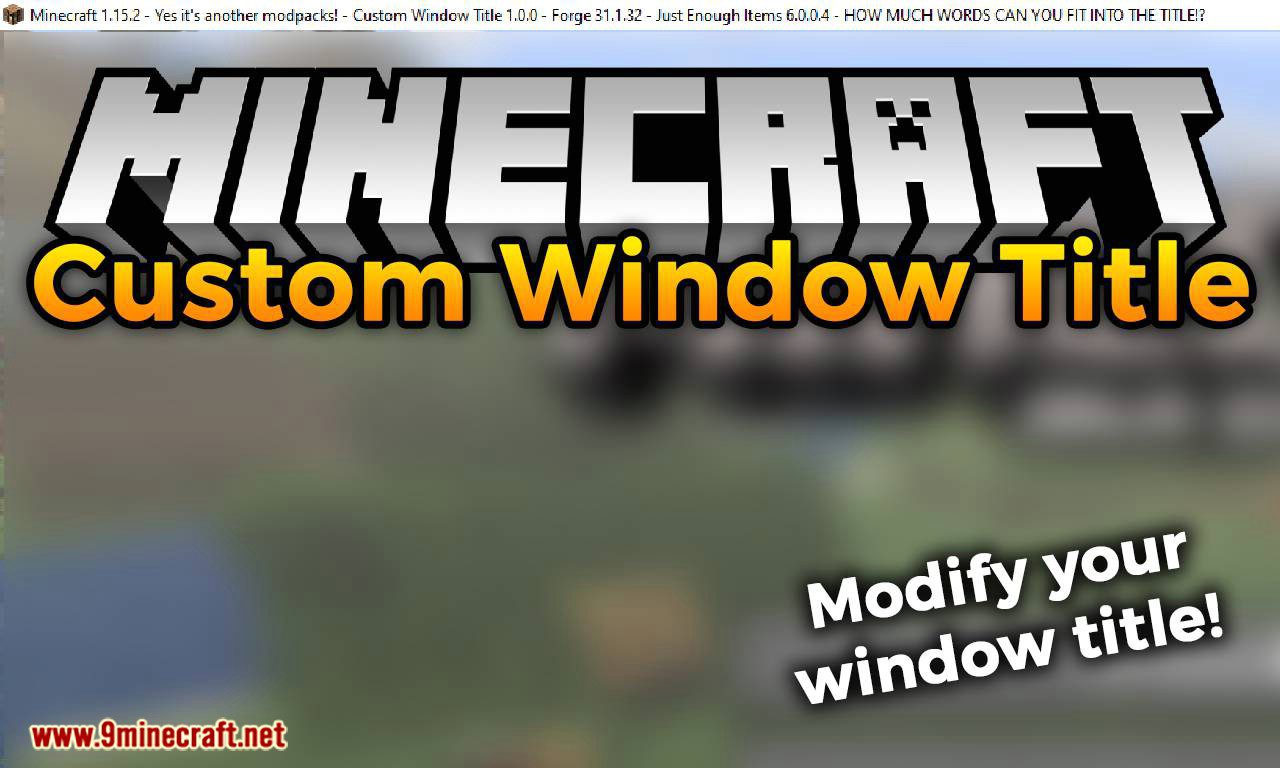
Custom Window Title Mod changes the title and icon of the game window. Can display real-time info like FPS, coordinates, or mod versions in the title bar. This mod allows you to make your custom modpack’s presentation feel more complete.
Features:
- Replace the default “Minecraft” window title with your own message.
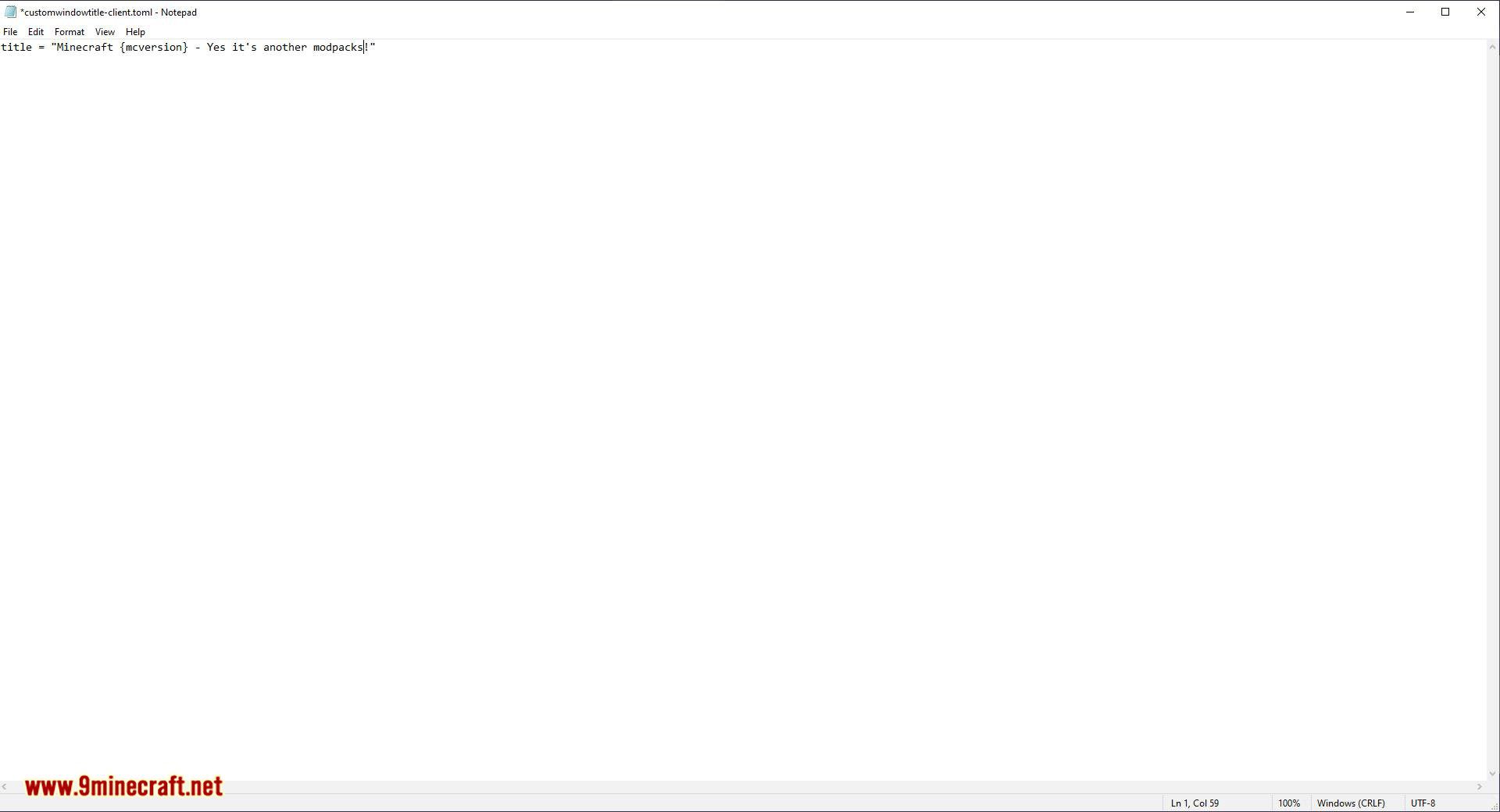
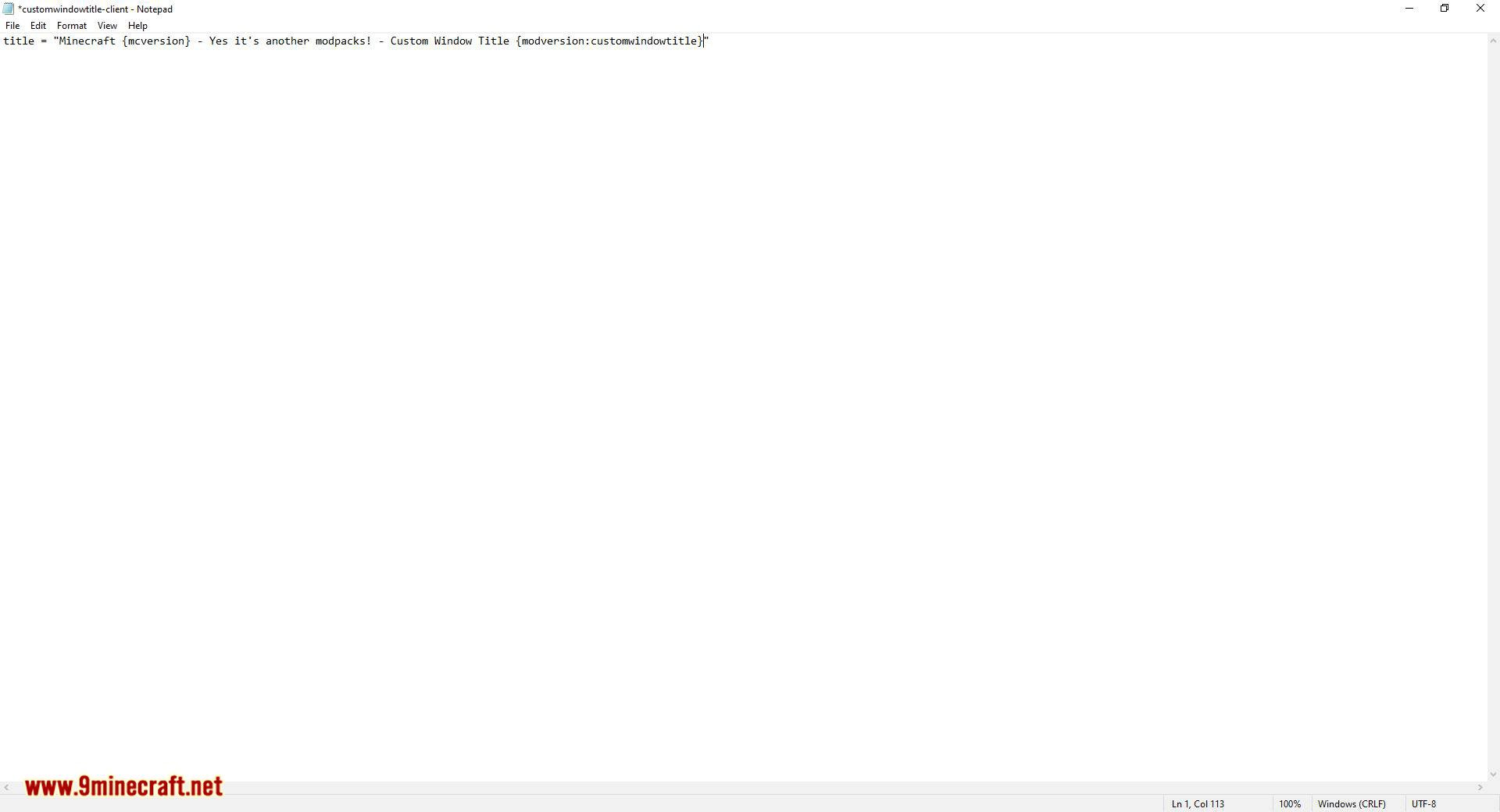
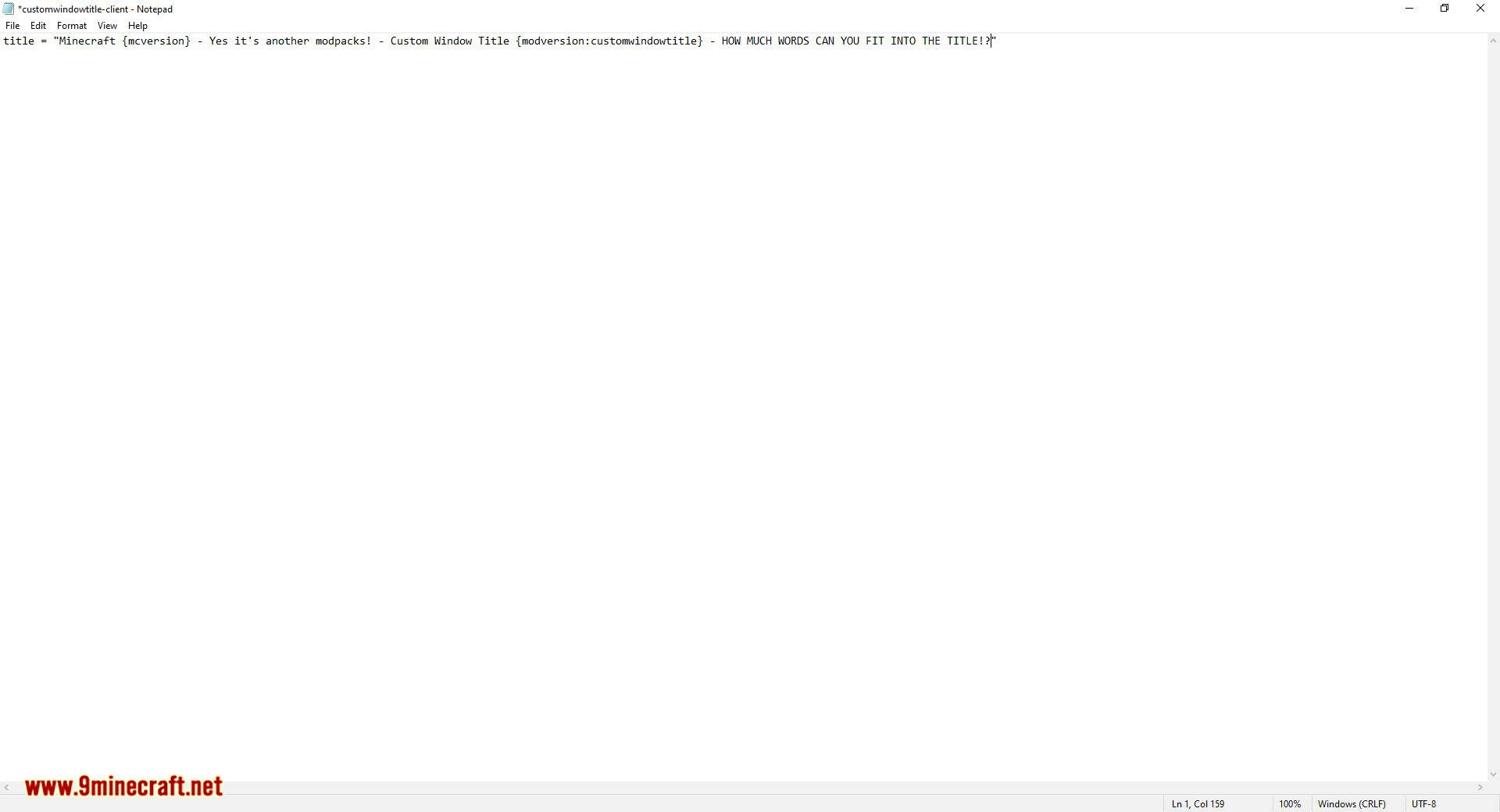
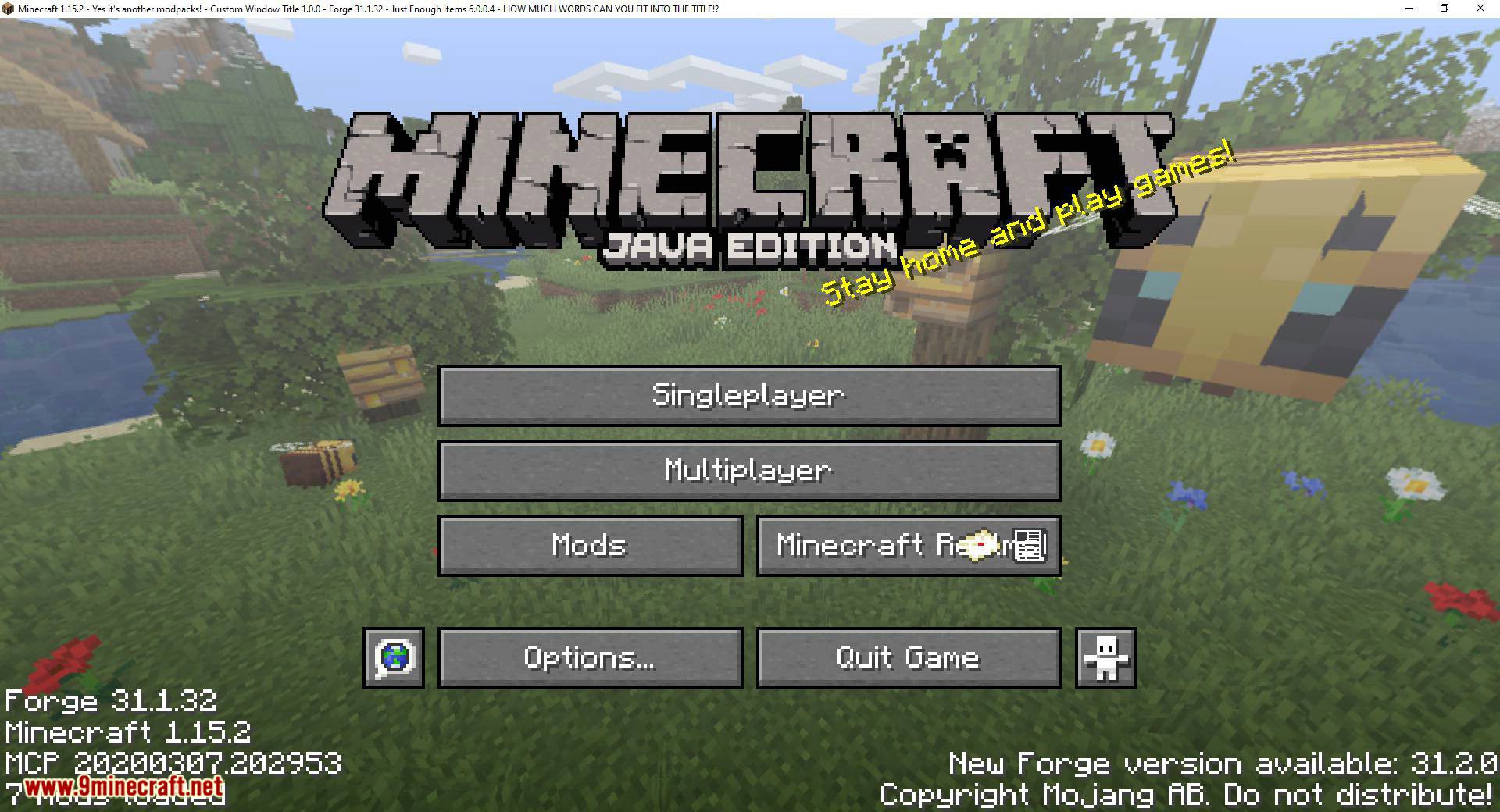
- Use variables like {mcversion}, {username}, or {modversion:mod_id} to display live info.
- Swap out the default icon with your own PNG file (supports transparency).
Configs:
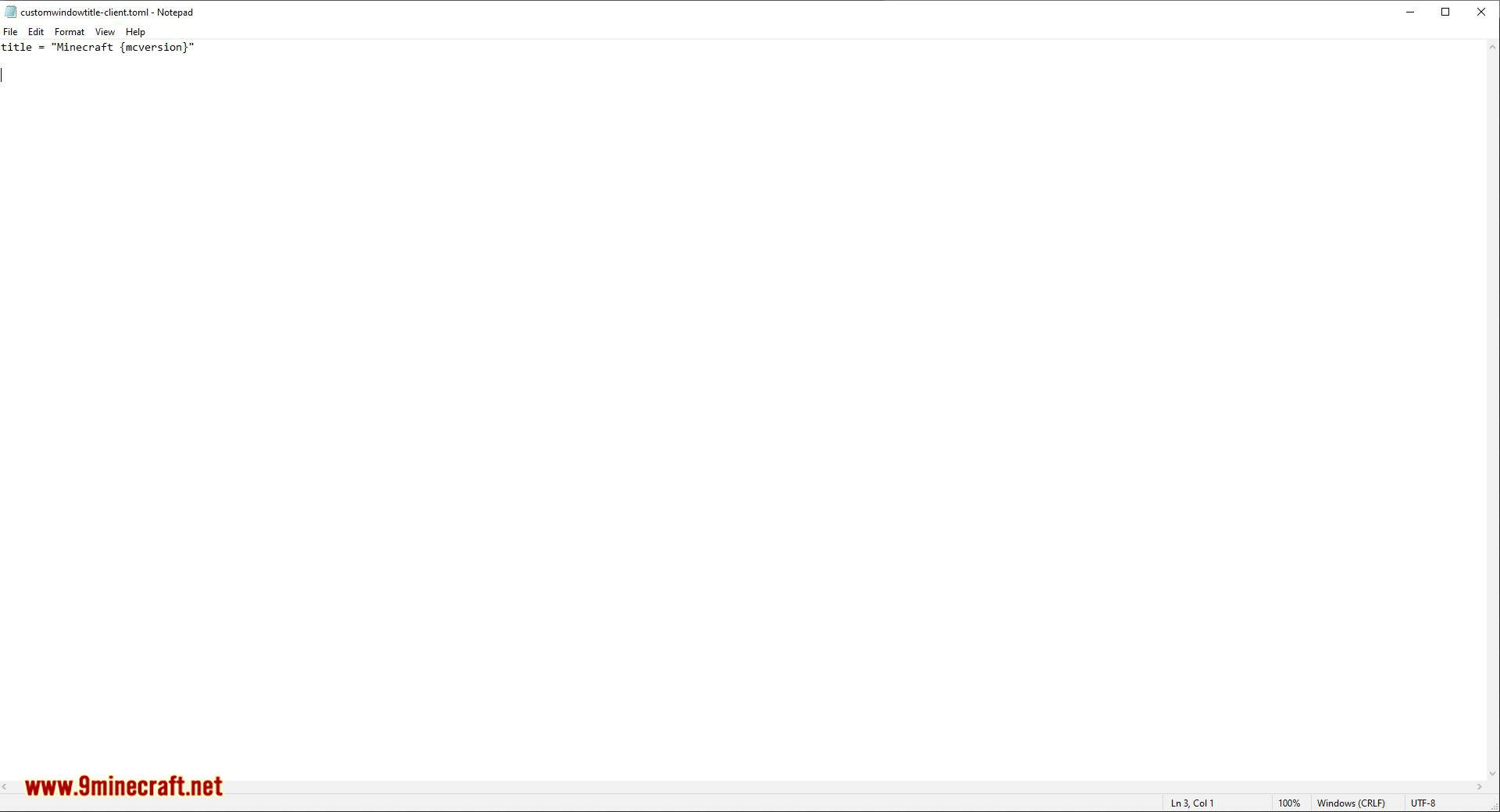
- Config File: Located in
.minecraft/config/customwindowtitle-client.toml. - Editable Entries:
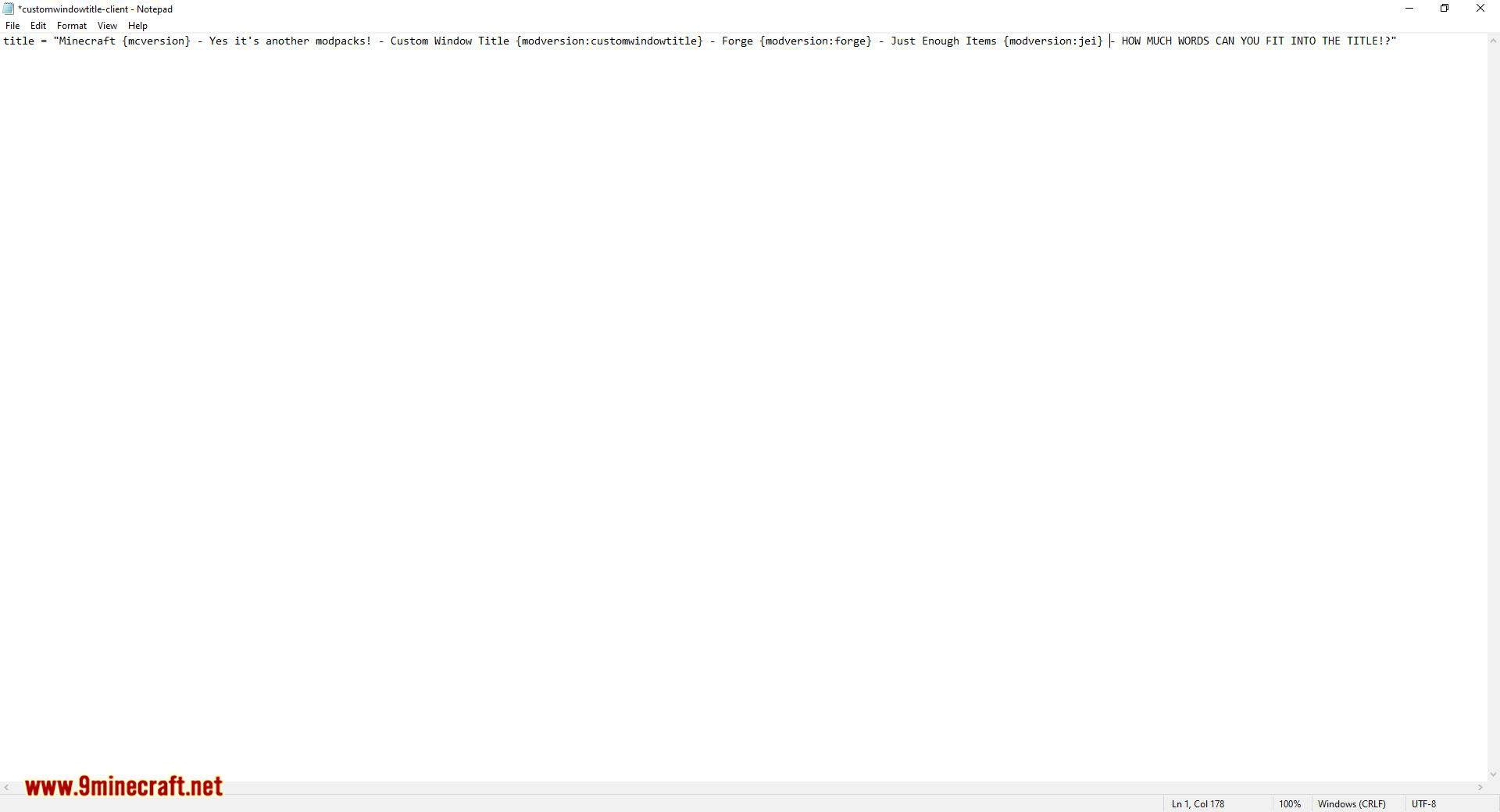
title = "Minecraft {mcversion}"icon = "customwindowtitle/icon.png"(for Minecraft 1.21+)icon16andicon32for older versions.
Screenshots:
These screenshots were taken using the following example configuration:
Custom Window Title Mod Download Links
For Minecraft 1.12.2
Forge version: Download from Server 1
For Minecraft 1.16.5
Forge/Fabric version: Download from Server 1
For Minecraft 1.18.2
Forge version: Download from Server 1 – Download from Server 2
Fabric version: Download from Server 1 – Download from Server 2
For Minecraft 1.19.2
Forge version: Download from Server 1 – Download from Server 2
Fabric version: Download from Server 1 – Download from Server 2
For Minecraft 1.19.3
Forge version: Download from Server 1 – Download from Server 2
Fabric version: Download from Server 1 – Download from Server 2
For Minecraft 1.20.1, 1.20
Fabric version: Download from Server 1 – Download from Server 2
For Minecraft 1.20.4
Forge/NeoForge version: Download from Server 1 – Download from Server 2
Fabric version: Download from Server 1 – Download from Server 2
For Minecraft 1.20.6
Fabric version: Download from Server 1 – Download from Server 2
For Minecraft 1.21.1, 1.21
Fabric/NeoForge version: Download from Server 1 – Download from Server 2
For Minecraft 1.21.4, 1.21.3
Fabric/NeoForge version: Download from Server 1 – Download from Server 2
For Minecraft 1.21.5
Fabric/NeoForge version: Download from Server 1 – Download from Server 2
For Minecraft 1.21.8, 1.21.7, 1.21.6
Fabric/NeoForge version: Download from Server 1 – Download from Server 2
For Minecraft 1.21.10, 1.21.9
Fabric/NeoForge version: Download from Server 1 – Download from Server 2
For Minecraft 1.21.11
Fabric/NeoForge version: Download from Server 1 – Download from Server 2
- Edition: Minecraft Java
- File type: .jar
- Minecraft versions listed: 1.21.11, 1.20.1
- How to install: Install the matching mod loader (Forge, Fabric or NeoForge) for your Minecraft version. → Download the .jar. → Put it in the .minecraft/mods folder and launch that loader profile.
- Where to get it: In MC Java Mods, or directly above on this page.
Install steps are the general flow for this file type — How to install Minecraft Java mods & modpacks walks through it step by step.
Custom Window Title Mod (1.21.11, 1.20.1) – Display Real-Time FPS in The Title Bar is a free Minecraft Java mod. Compatible with Minecraft 1.21.11, 1.20.1. Download it and open it directly in the game.