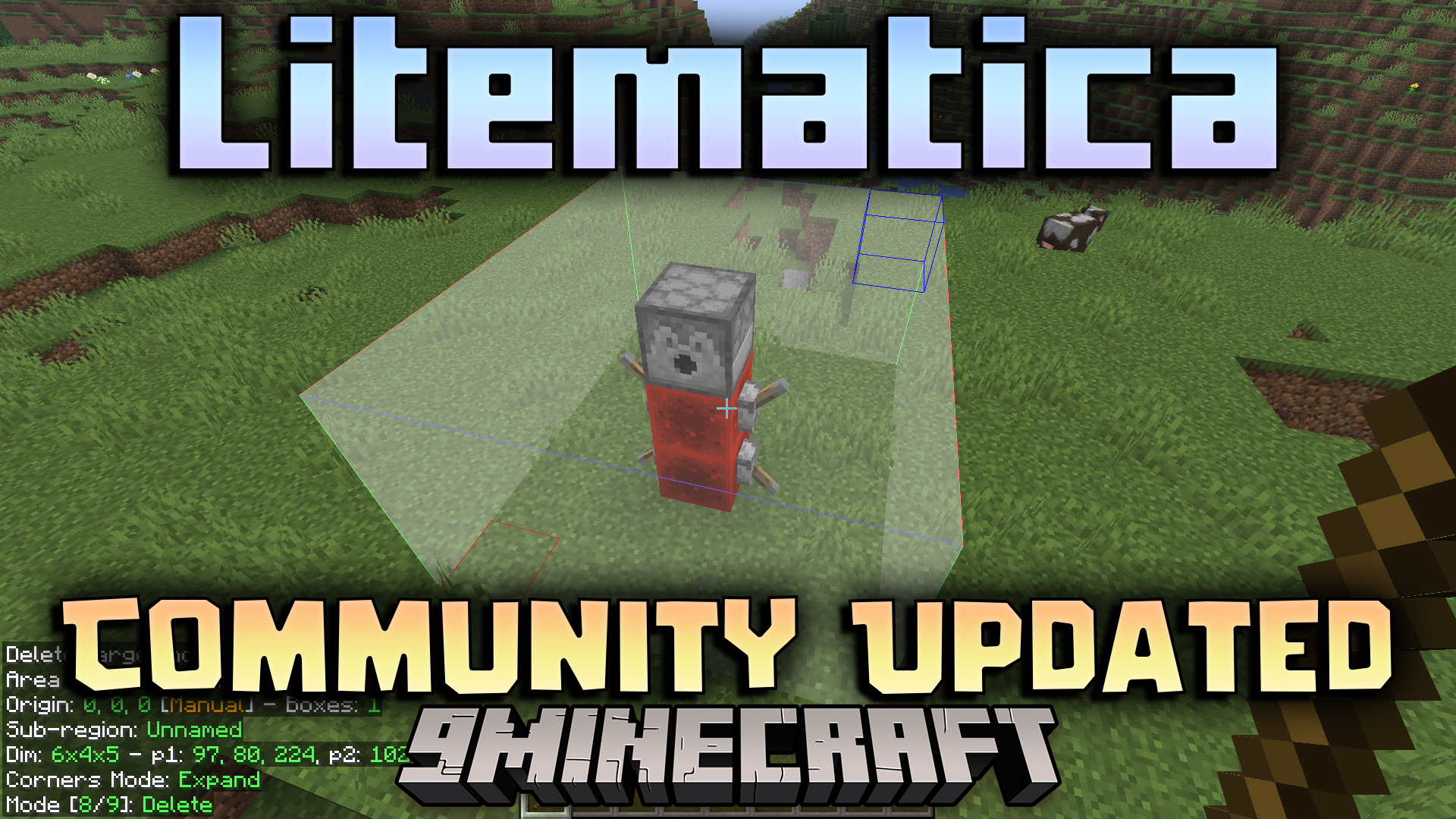
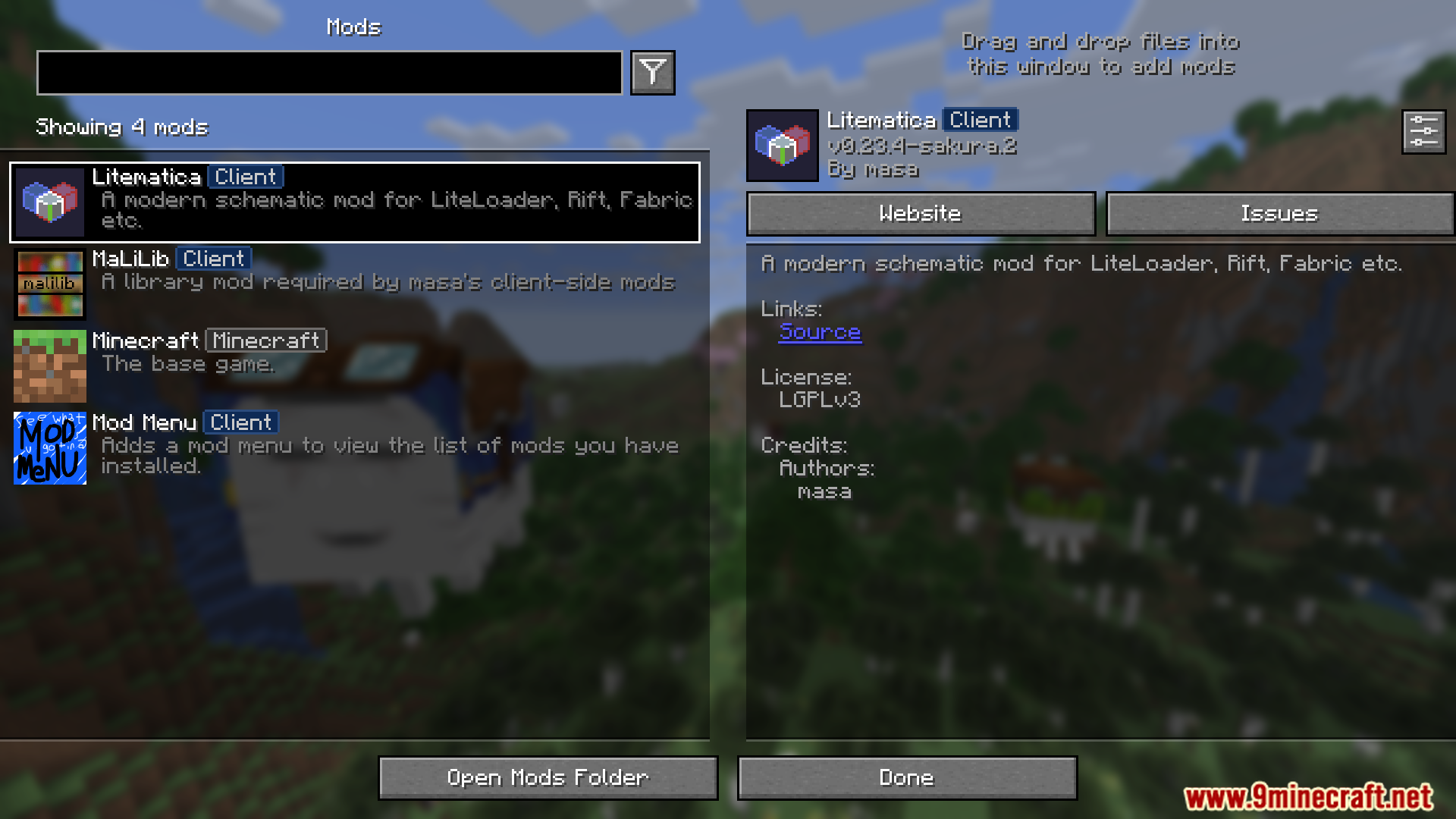
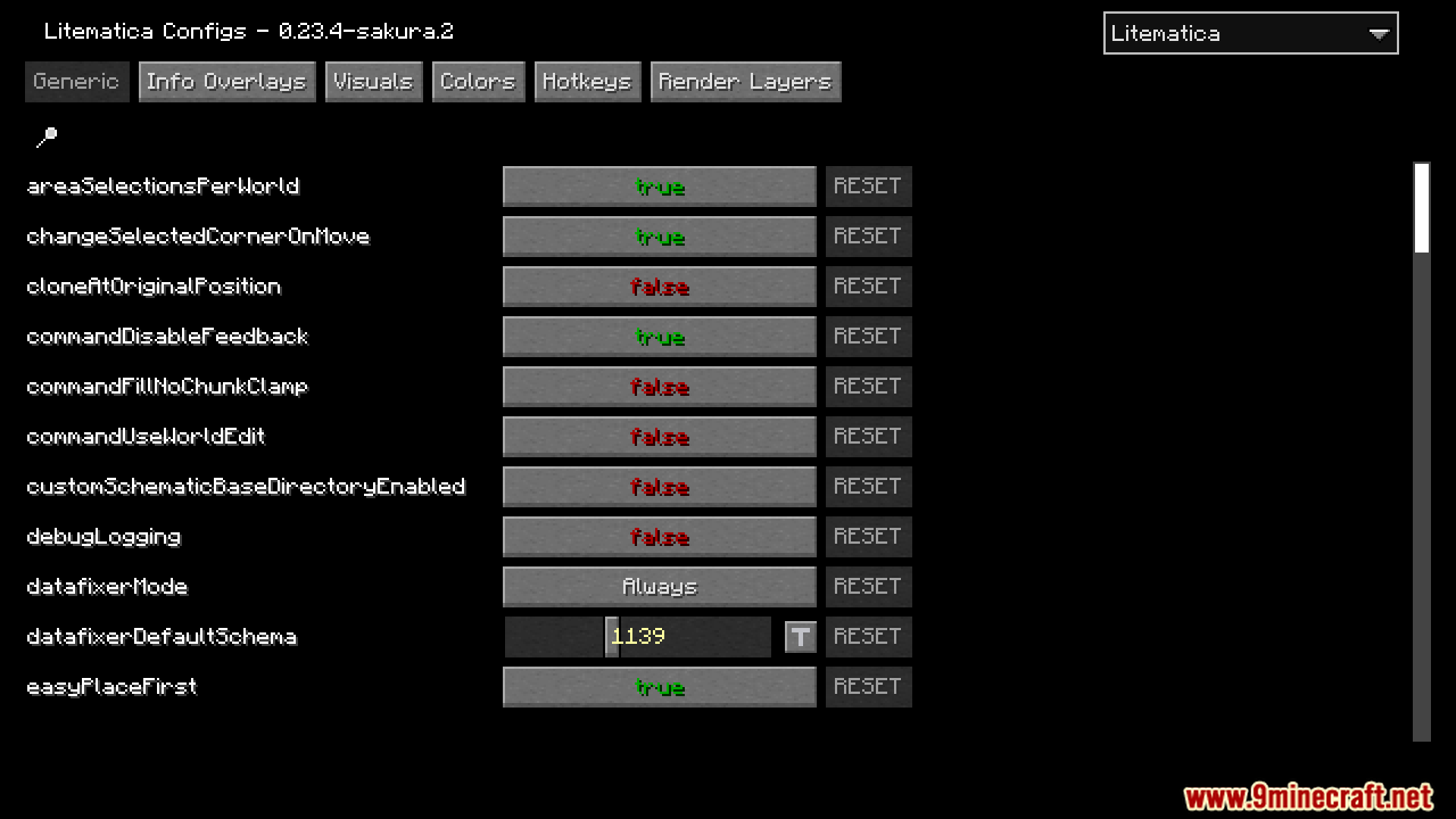
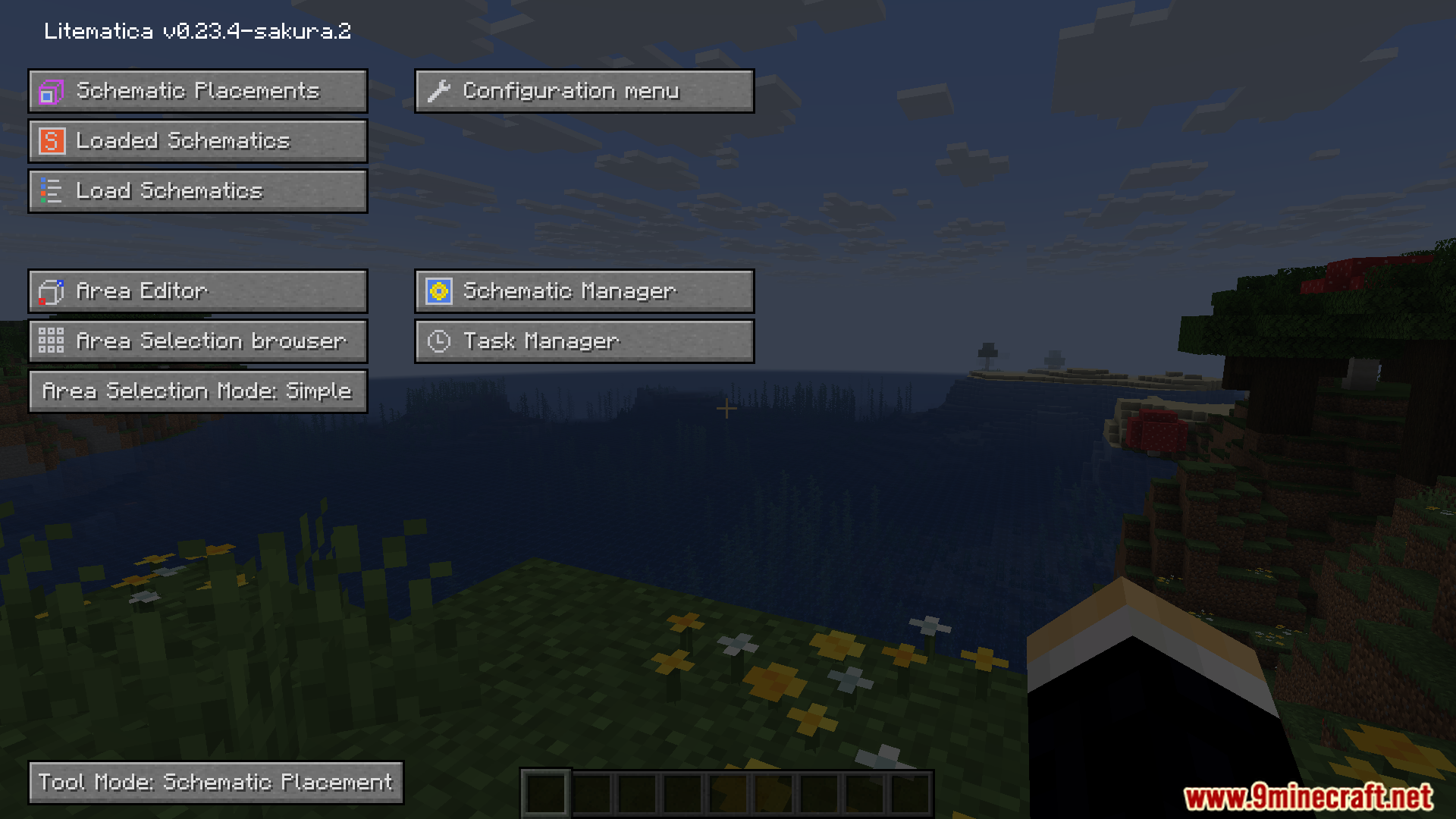
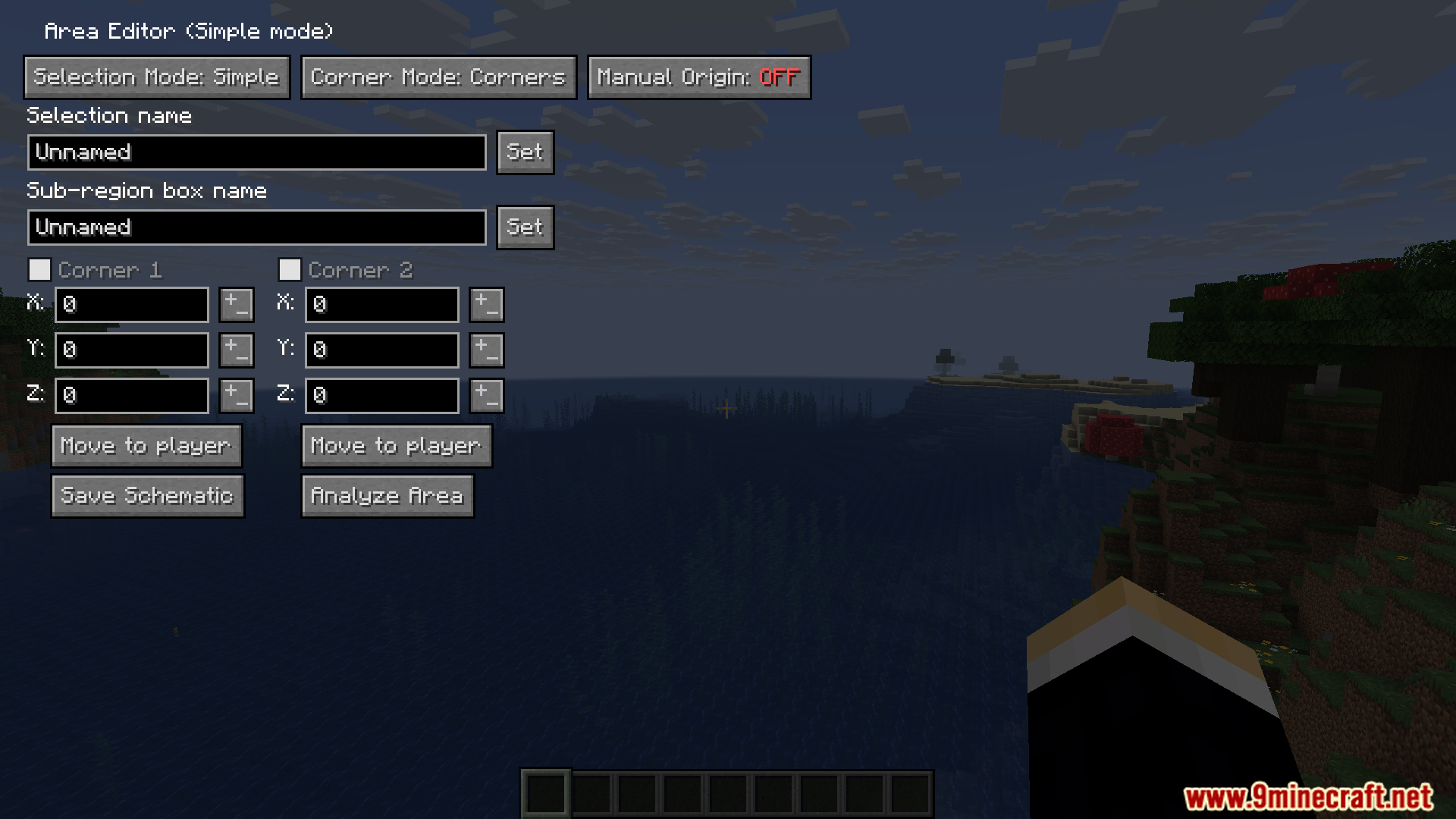
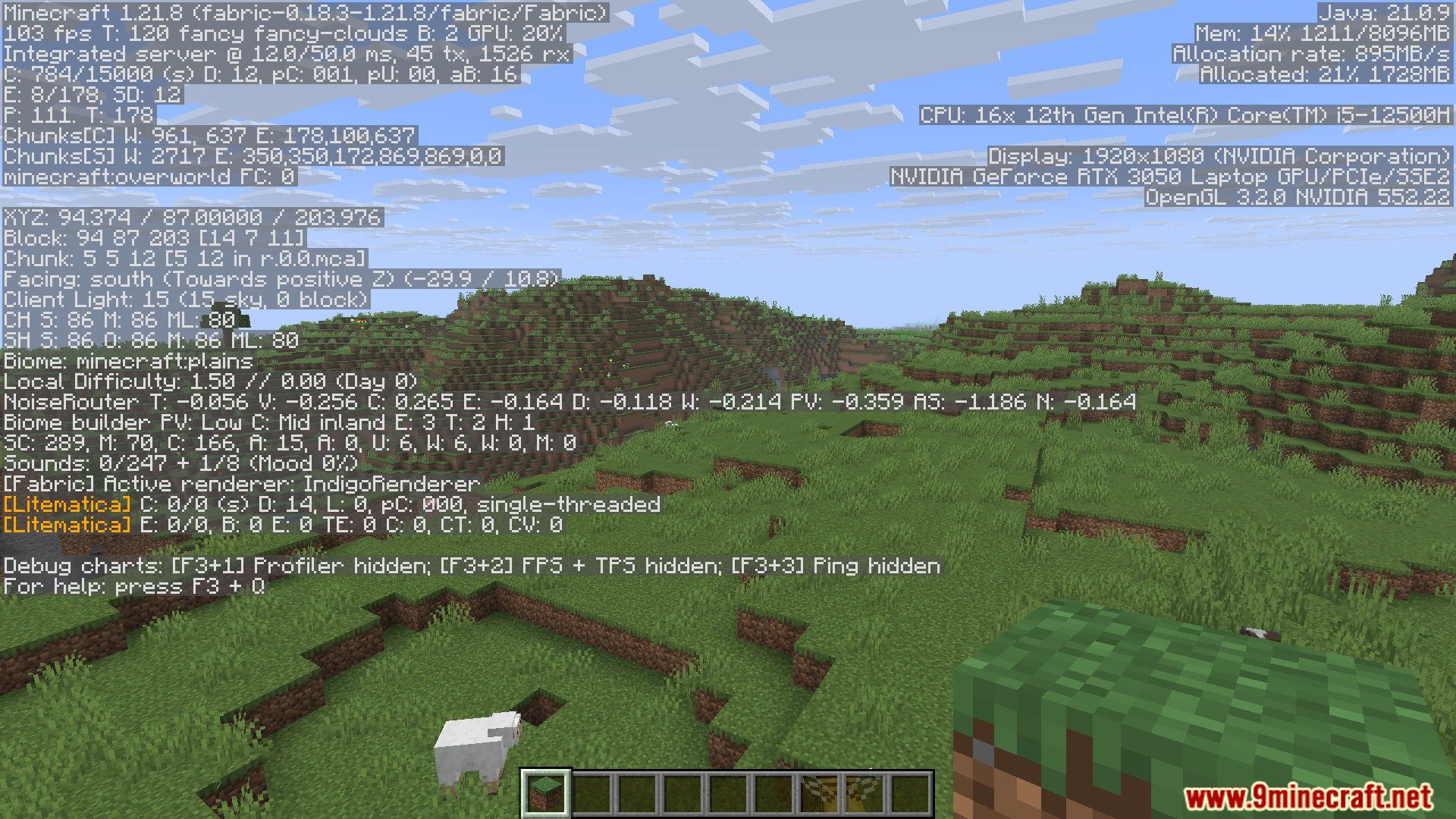
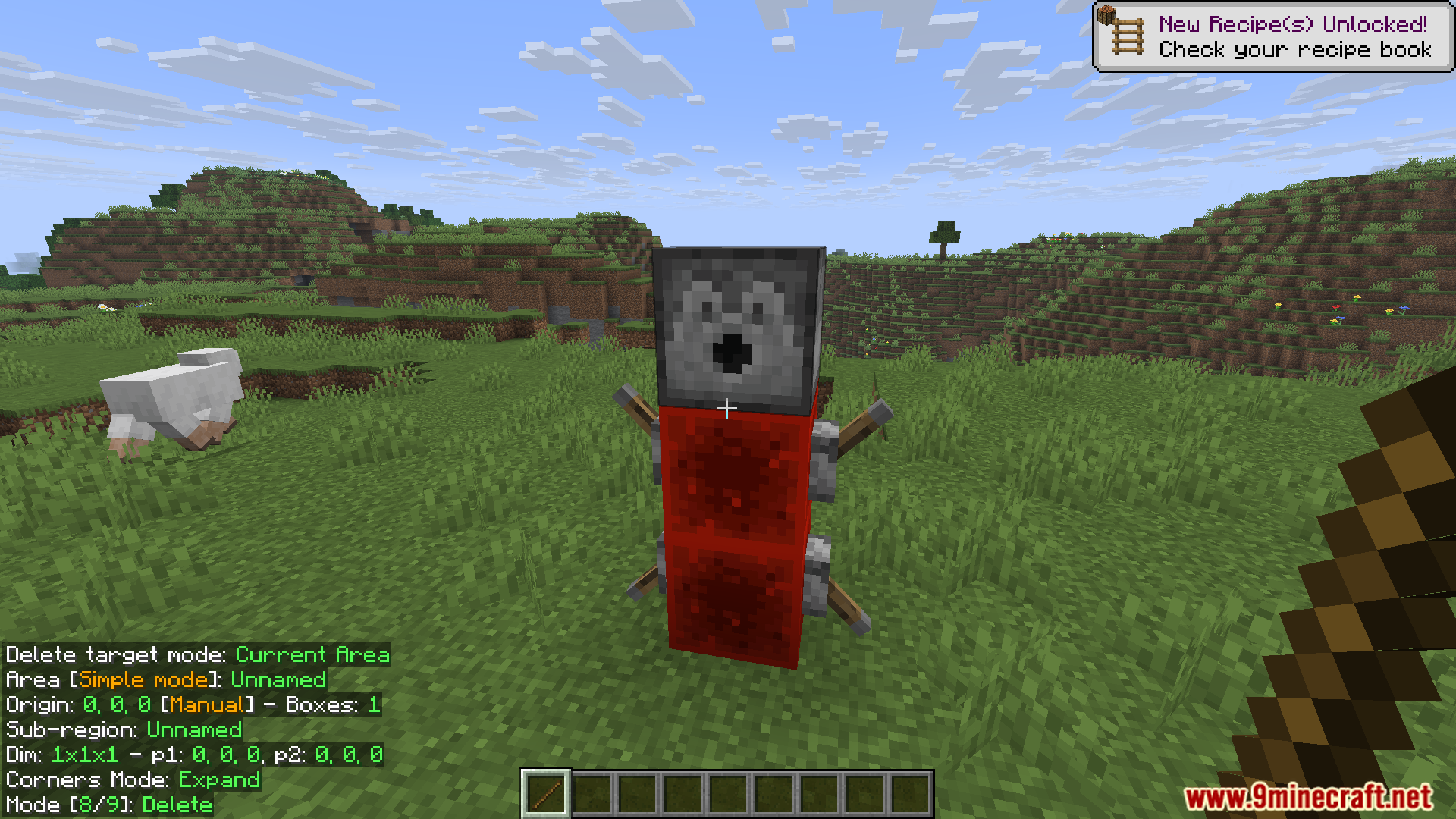
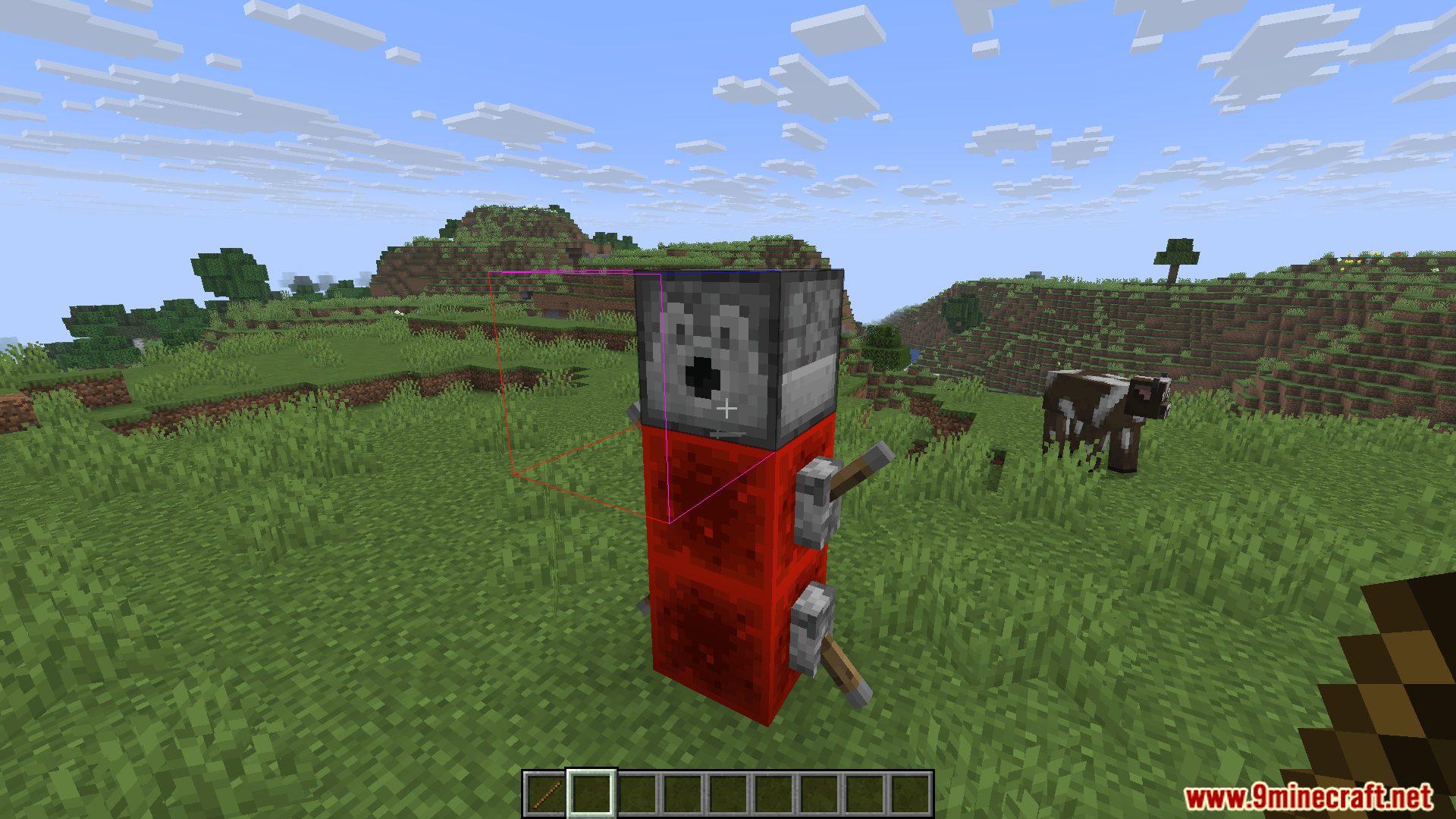
Litematica Community Updated Mod builds on the original Litematica mod, which is widely used for handling schematics in Minecraft. It allows players to load, preview, and build structures from schematics with precision. This fork emphasizes community contributions, fixes, and improvements, ensuring the mod stays updated and accessible.
Features:
- Load and preview schematics directly in Minecraft.
- Use hologram overlays to guide block placement.
- Supports community fixes and updates beyond the original Litematica.
- Ideal for large builds and collaborative projects.
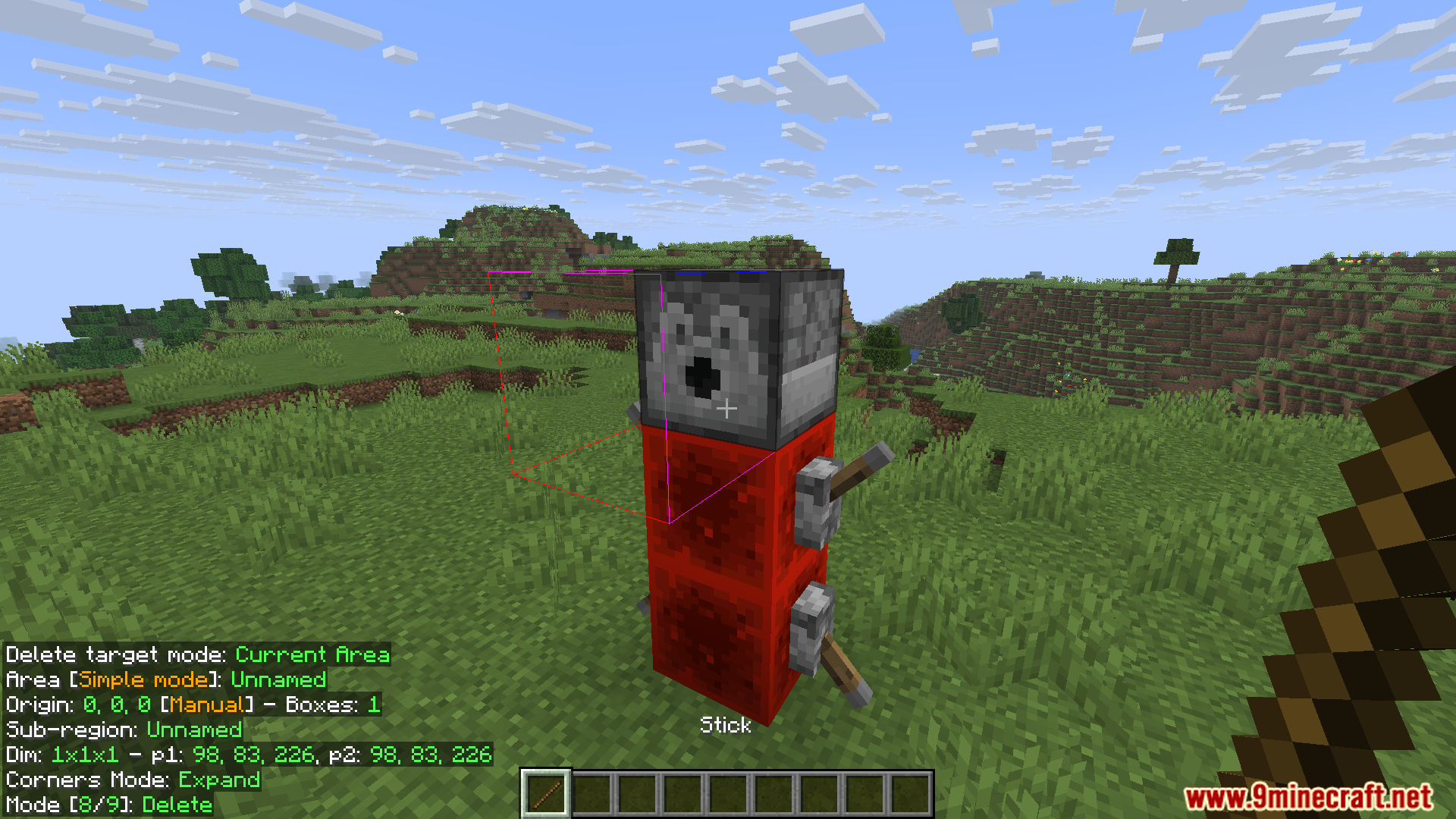
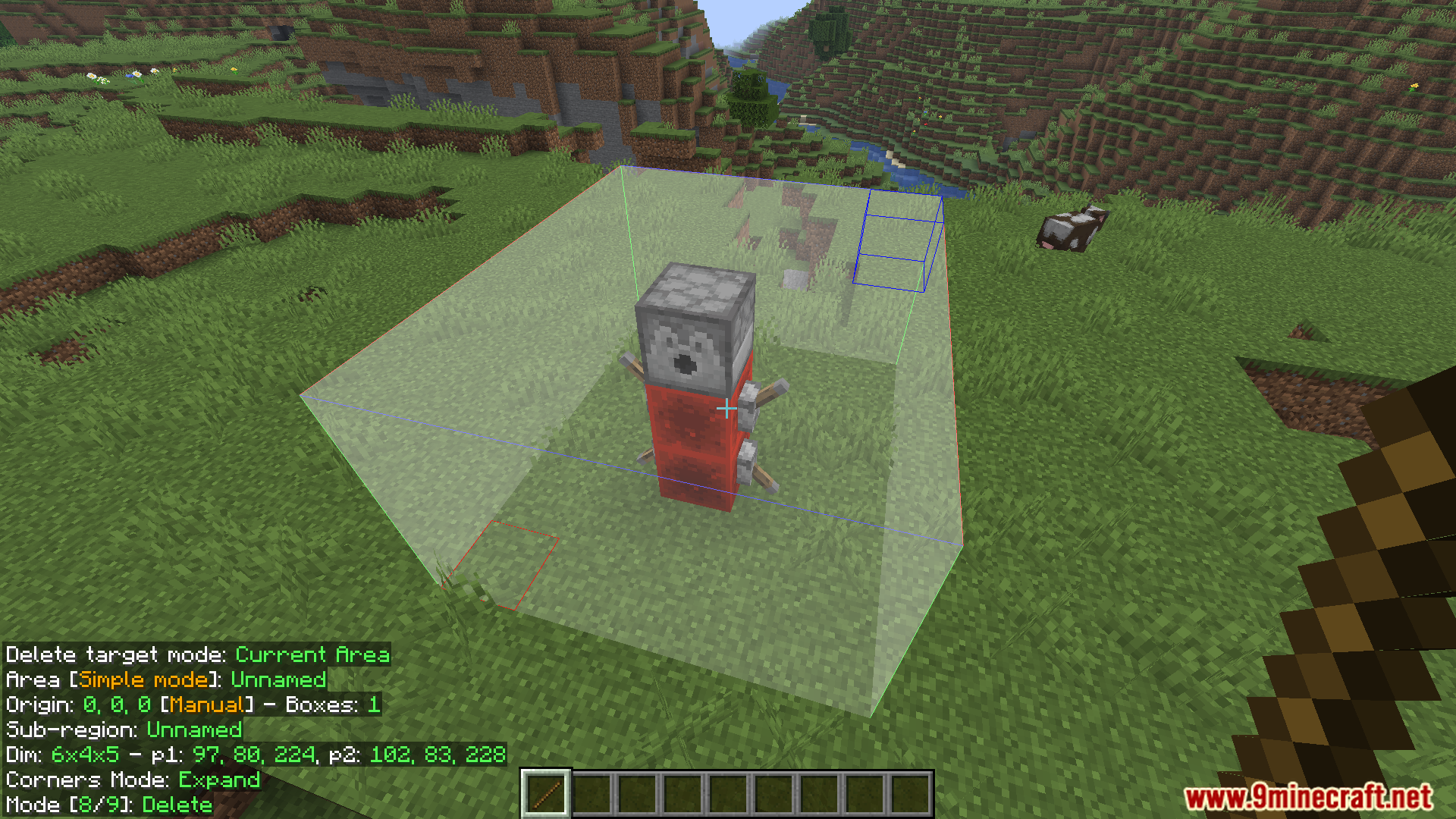
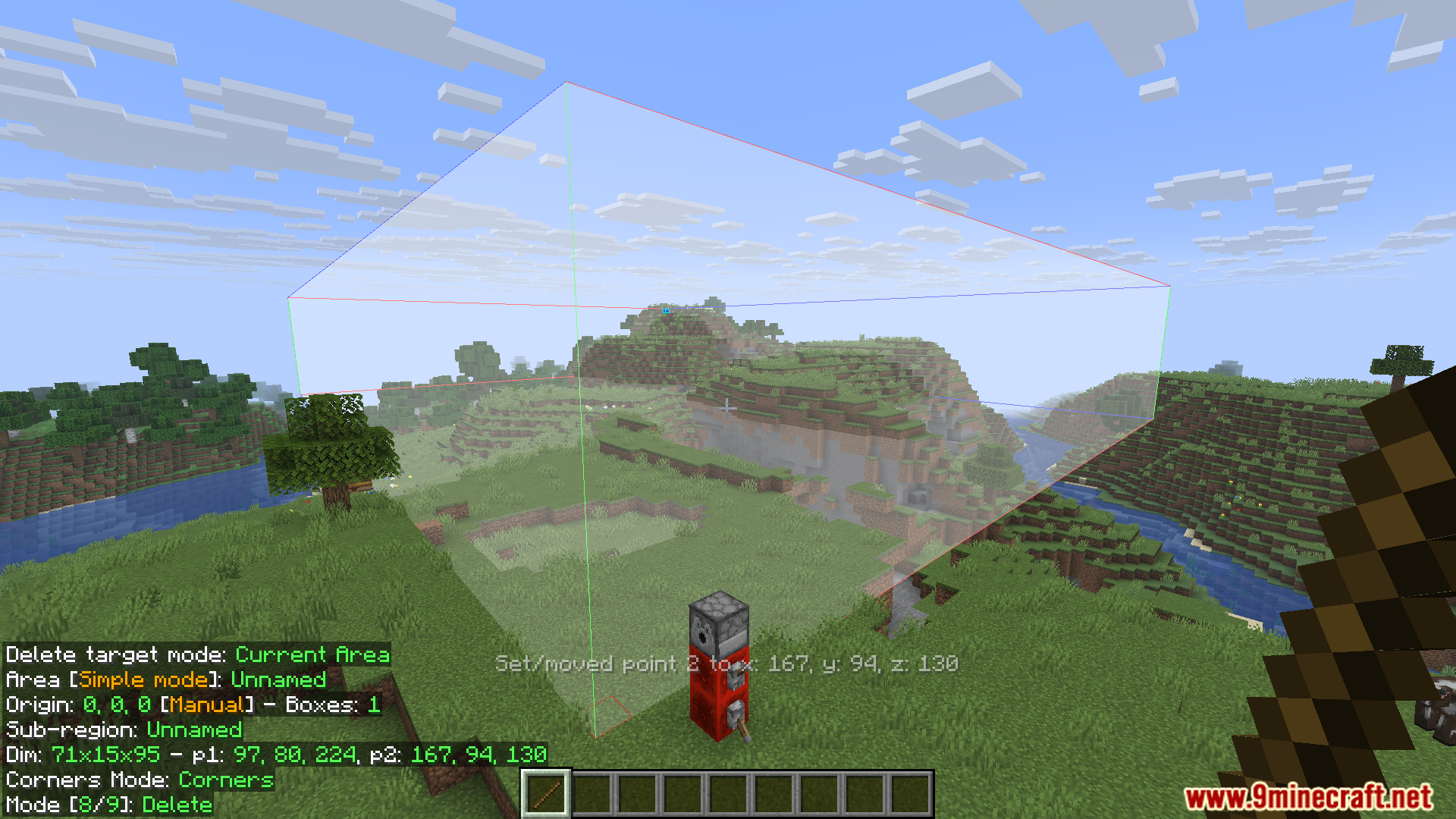
Screenshots:
Litematica Community Updated Mod Download Links
For Minecraft 1.21.11
Fabric version: Download from Server 1 – Download from Server 2
For Minecraft 1.21.10, 1.21.9
Fabric version: Download from Server 1 – Download from Server 2
For Minecraft 1.21.5
Fabric version: Download from Server 1 – Download from Server 2
For Minecraft 1.21.8, 1.21.7, 1.21.6
Fabric version: Download from Server 1 – Download from Server 2
For Minecraft 1.21.4
Fabric version: Download from Server 1 – Download from Server 2
For Minecraft 1.21.3, 1.21.2
Fabric version: Download from Server 1 – Download from Server 2
For Minecraft 1.21.1, 1.21
Fabric version: Download from Server 1 – Download from Server 2
- Edition: Minecraft Java
- File type: .jar
- Minecraft versions listed: 1.21.11, 1.21.1
- How to install: Install the matching mod loader (Forge, Fabric or NeoForge) for your Minecraft version. → Download the .jar. → Put it in the .minecraft/mods folder and launch that loader profile.
- Where to get it: In MC Java Mods, or directly above on this page.
Install steps are the general flow for this file type — How to install Minecraft Java mods & modpacks walks through it step by step.
Litematica Community Updated Mod (1.21.11, 1.21.1) – Schematic Building is a free Minecraft Java mod. Compatible with Minecraft 1.21.11, 1.21.1. Download it and open it directly in the game.