Big Globe Mod (1.21.11, 1.20.1) – Makes The Game World Bigger to Explore
Java mod listed for Minecraft 1.20–1.21. Downloads from the MC Java Mods app on Android.
⬇ Download
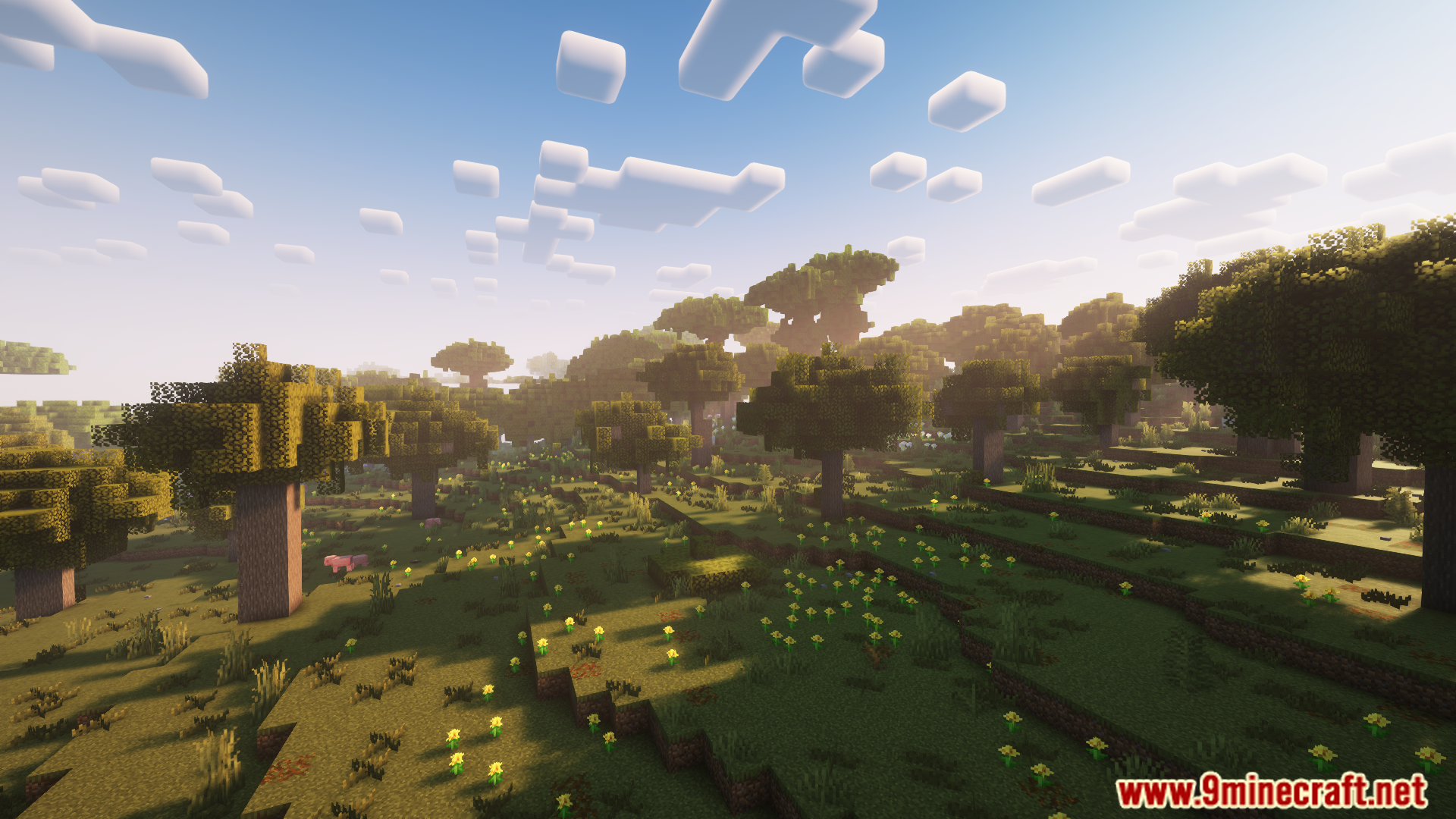
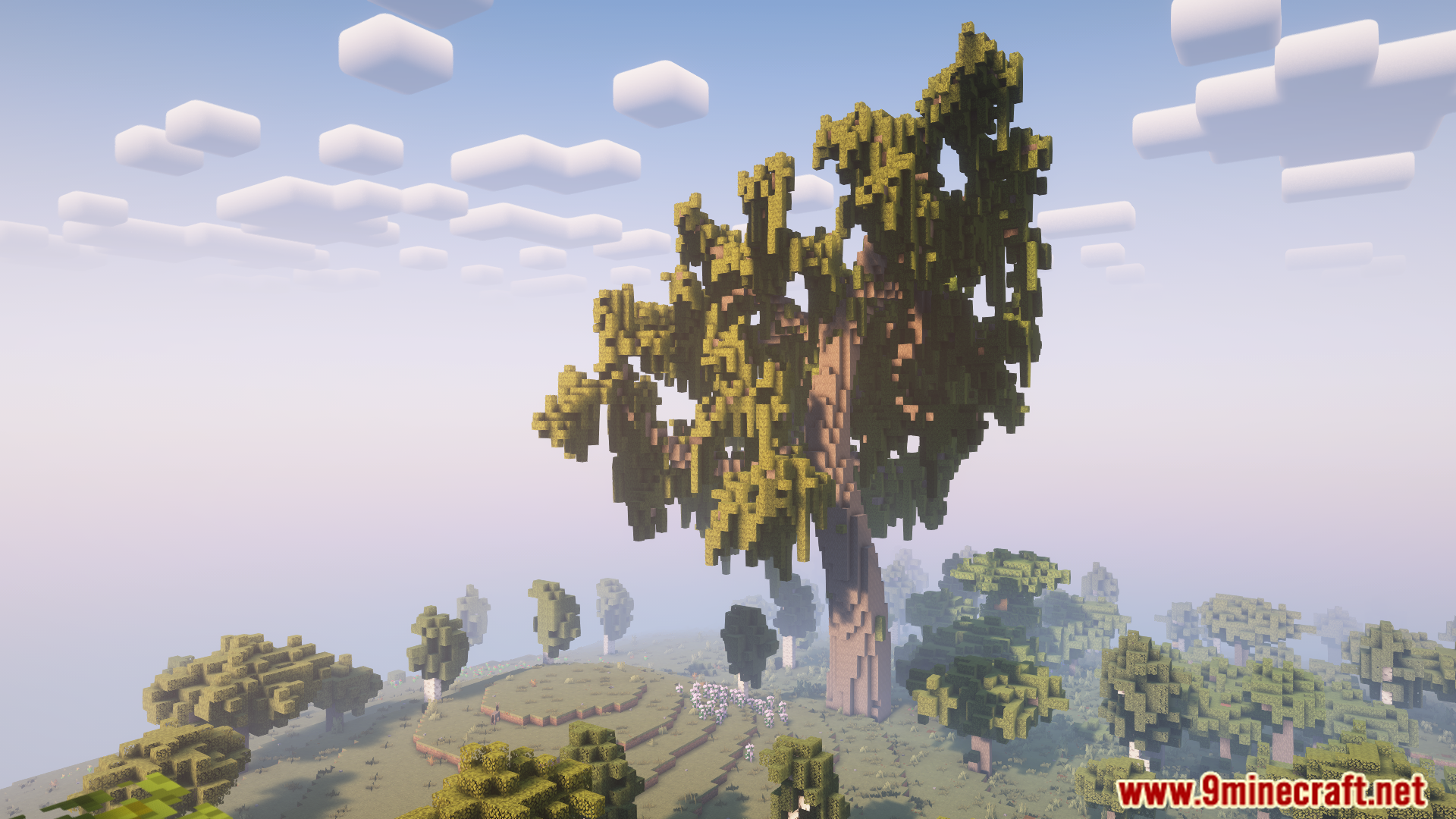
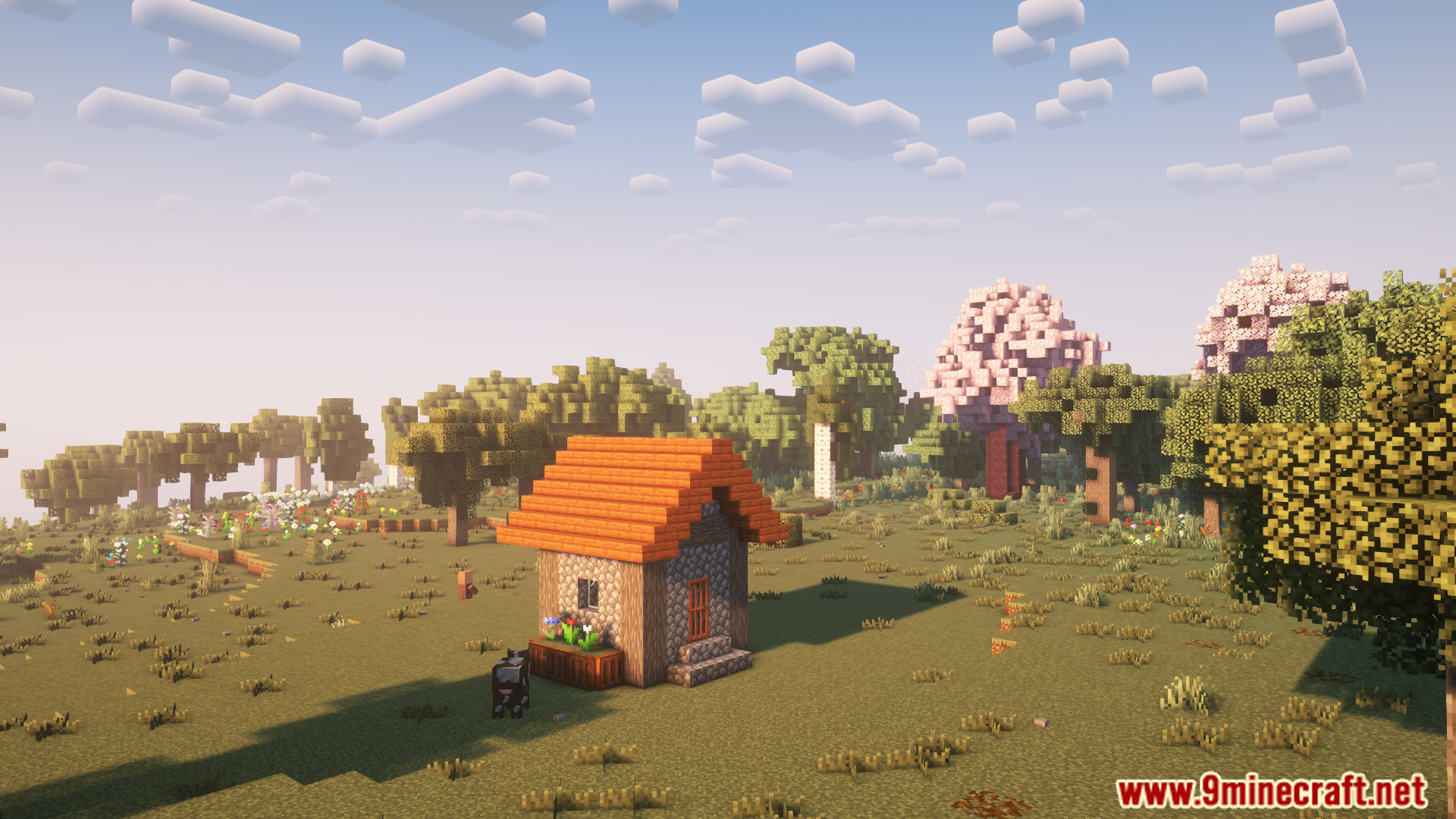
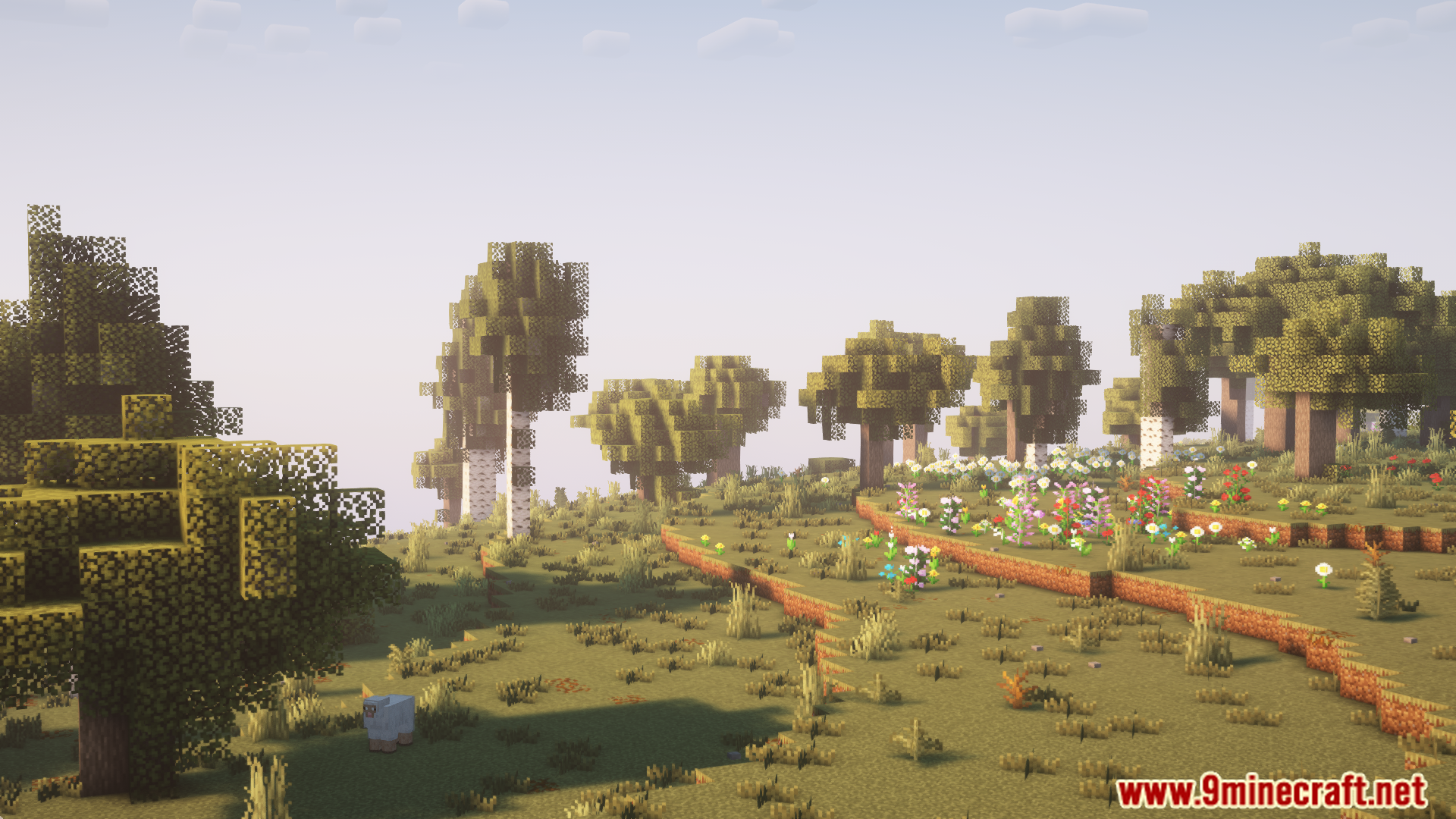
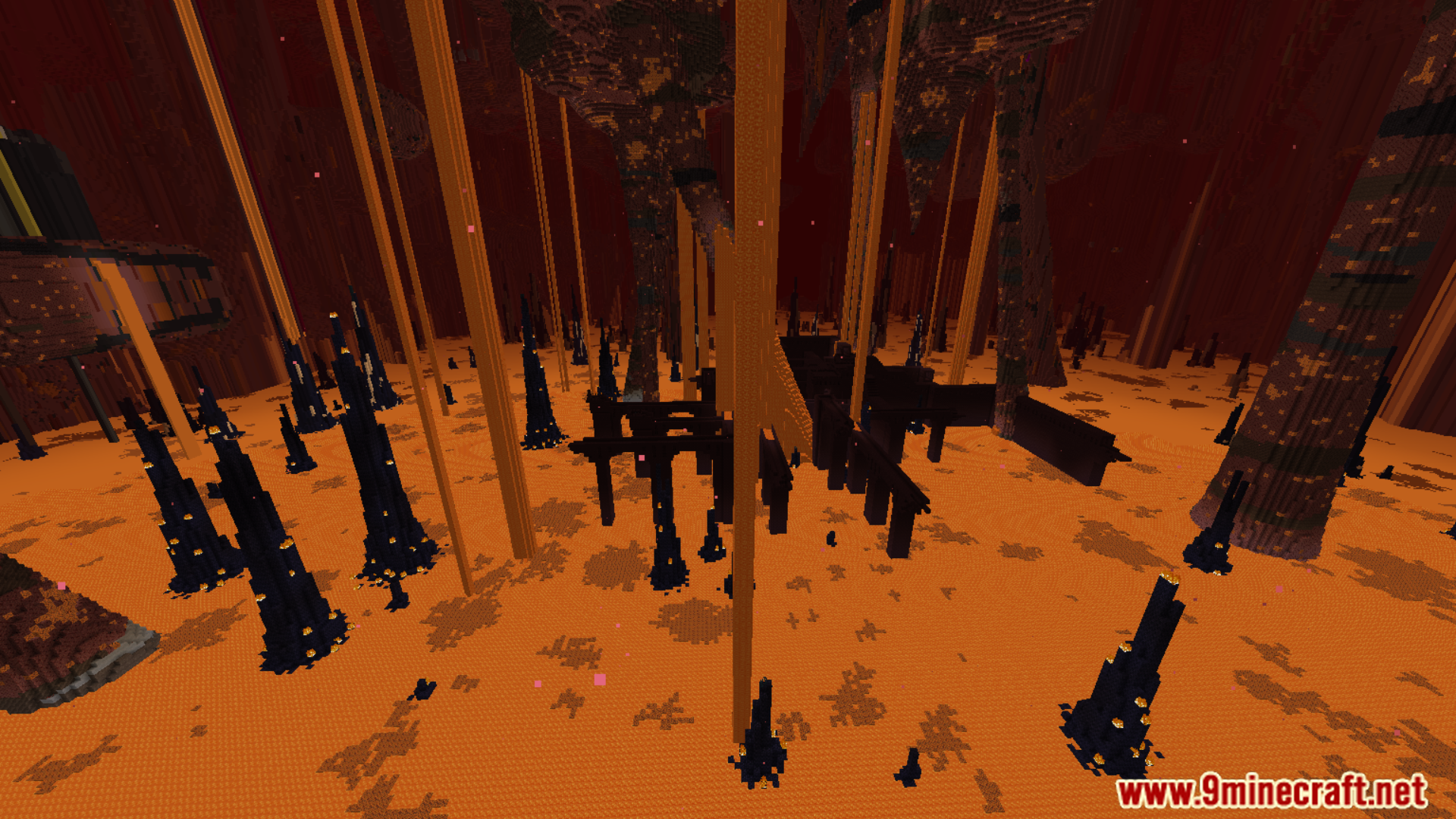
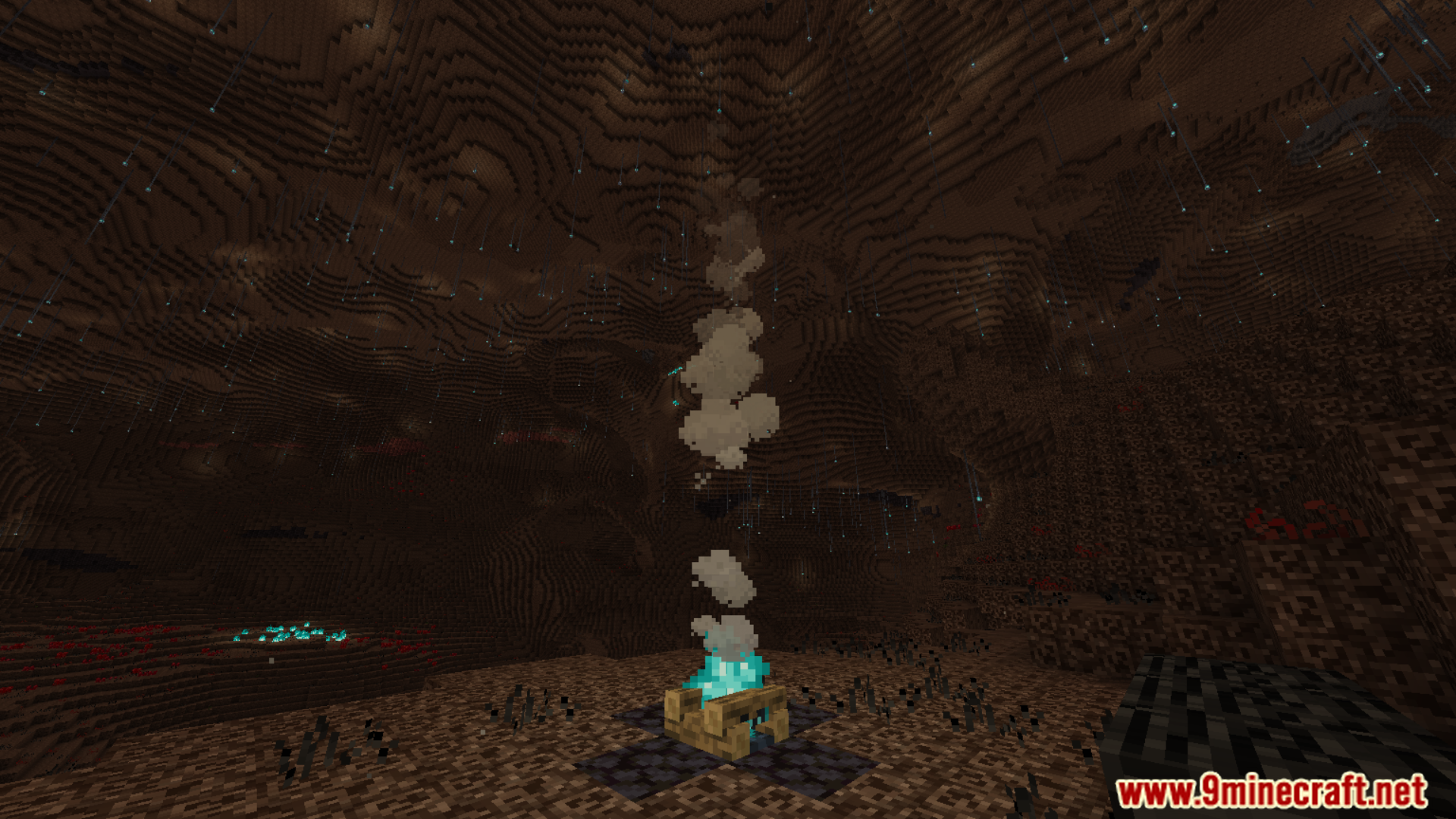
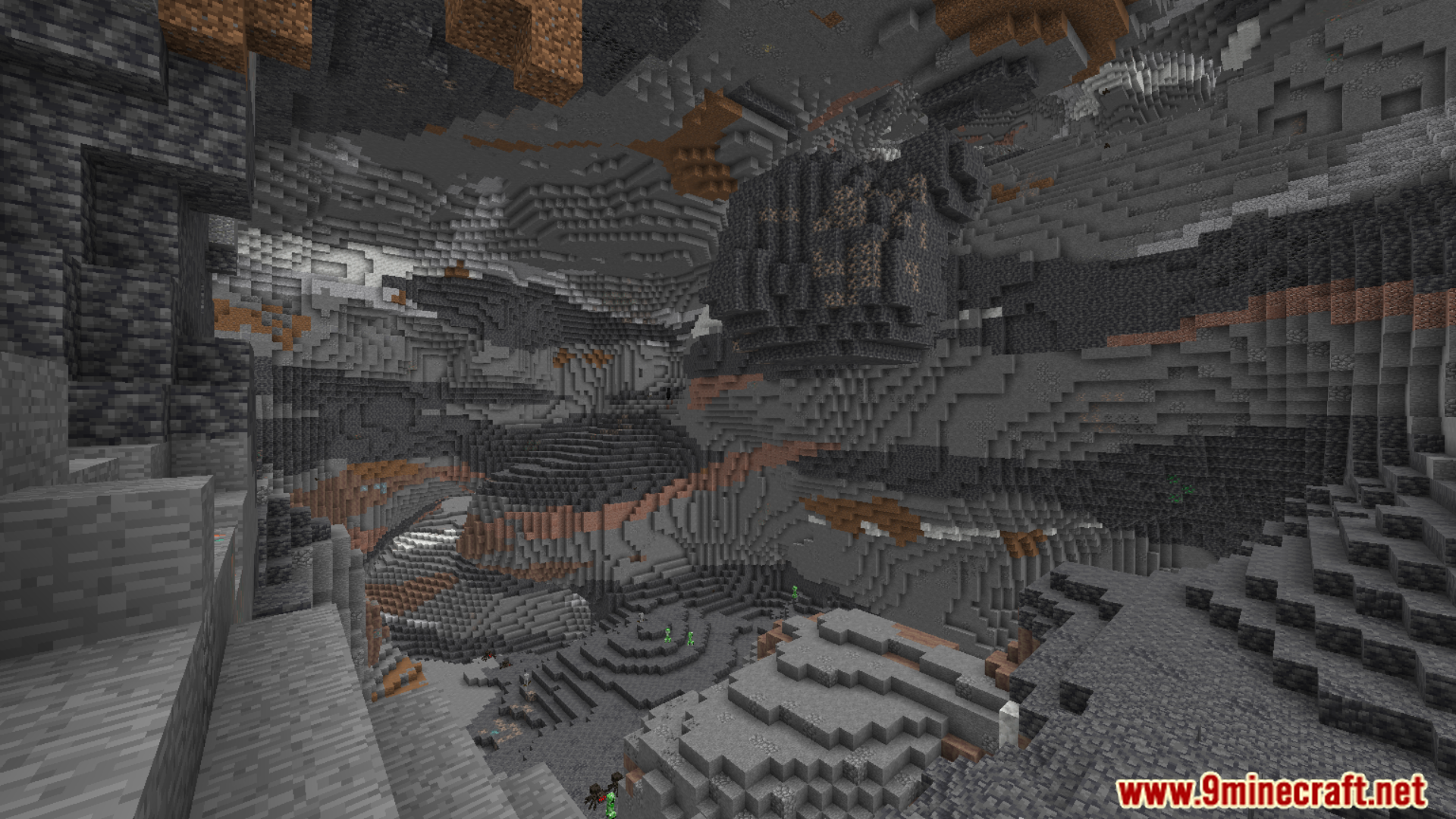
Big Globe Mod makes the game world bigger and more biome to explore. The Overworld becomes 2,048 blocks tall, and both the Nether and End dimensions are 1,024 blocks tall. This means taller mountains, deeper caves, and more space to discover. The mod adds over 100 new blocks that fit perfectly with the game’s original style.
Features:
Massive World Overhaul
- Overworld height increased to 2048 blocks.
- Nether and End each have a height of 1024 blocks.
- World scale expanded both horizontally and vertically.
- Exploration and resource gathering become more challenging due to vast terrain.
Over 100 New Blocks
- Mostly decorative, designed to blend seamlessly with vanilla Minecraft.
- Some blocks include custom mechanics that make gameplay easier or more interesting.
Advanced Custom Terrain Generation
- Completely overhauls how terrain, caves, and biomes generate.
- Produces unique and realistic landscapes unlike vanilla generation.
- Includes new terrain features, vegetation, and natural structures.
Built-in Scripting System for Worldgen
- Allows data packs to create new terrain features using Big Globe’s scripting language.
- Most of Big Globe’s own terrain is generated via these scripts.
- You can create compatibility data packs to make other mods’ content appear in Big Globe worlds.
Compatibility via Data Packs
- Biomes, ores, flowers, and structures from other mods do not generate automatically.
- Require additional compatibility data packs to appear in Big Globe worlds.
Higher System Requirements
- Uses significantly more RAM due to taller worlds.
- Players should allocate more memory for stable performance.
Not a Data Pack or Server-Side Only Mod
- Cannot be converted into a data pack.
- Cannot run server-side only because it adds new blocks, items, and entities.
Getting Started
- When creating a new world, set the world type to “Big Globe”.
- Server owners should set
level-type=bigglobe:bigglobein server.properties. - The mod attempts to spawn players near trees for easier early-game survival.
Resource Distribution Changes
- Some materials and ores may appear in different locations than in vanilla.
Recommended Mods for Best Performance
- Performance Enhancers
- Sodium, Lithium, Ferrite Core, Starlight/ScalableLux – improve overall performance.
- C2ME – optimizes world generation (multi-threading less effective in Big Globe).
- Structure Layout Optimizer – speeds up structure generation in large worlds.
- Network & Visualization
- Vertigo – reduces bandwidth usage in multiplayer, optional in singleplayer.
- Distant Horizons or Voxy – improves distant terrain rendering.
- Satin – enhances visuals like waypoints and hyperspace.
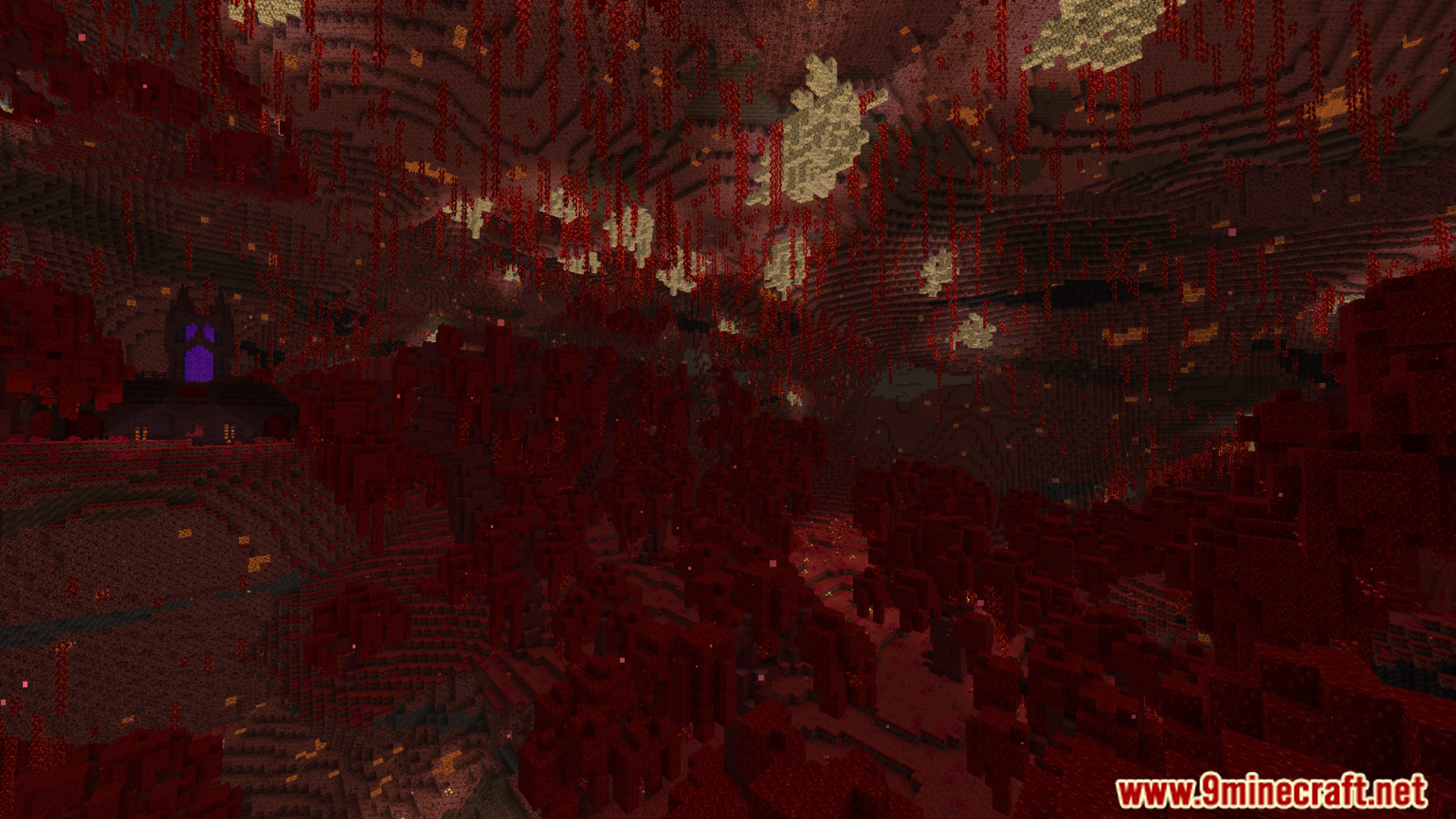
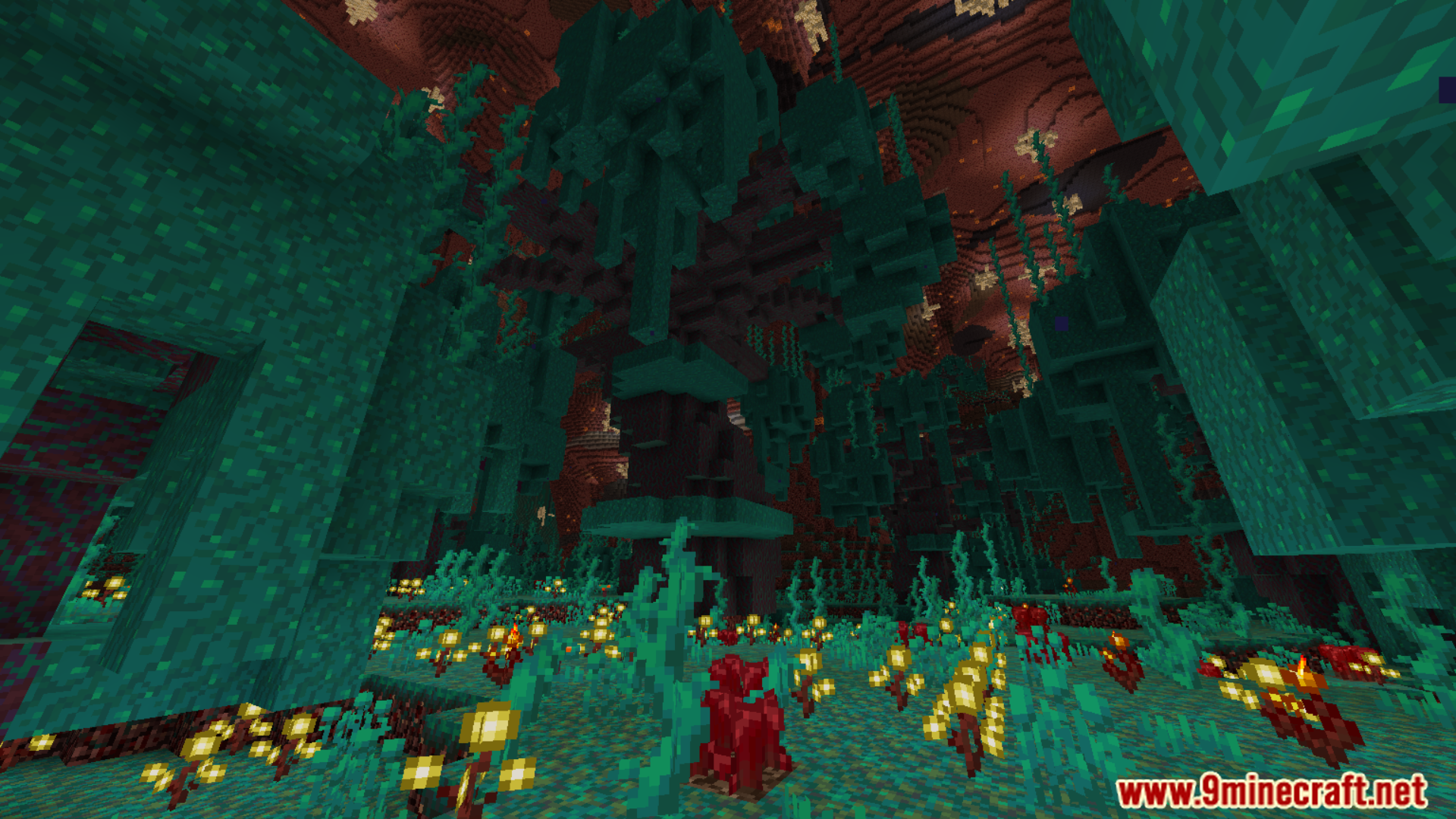
Screenshots:
Big Globe Mod Download Links
For Minecraft 1.19.2
Fabric Version: Download from Server 1 – Download from Server 2
For Minecraft 1.19.4
Fabric Version: Download from Server 1 – Download from Server 2
For Minecraft 1.20.1
Fabric Version: Download from Server 1 – Download from Server 2
For Minecraft 1.20.2
Fabric Version: Download from Server 1 – Download from Server 2
For Minecraft 1.20.4
Fabric Version: Download from Server 1 – Download from Server 2
For Minecraft 1.20.6
Fabric Version: Download from Server 1 – Download from Server 2
For Minecraft 1.21.1, 1.21
Fabric Version: Download from Server 1 – Download from Server 2
For Minecraft 1.21.3, 1.21.2
Fabric Version: Download from Server 1 – Download from Server 2
For Minecraft 1.21.4
Fabric Version: Download from Server 1 – Download from Server 2
For Minecraft 1.21.5
Fabric Version: Download from Server 1 – Download from Server 2
For Minecraft 1.21.8, 1.21.7, 1.21.6
Fabric Version: Download from Server 1 – Download from Server 2
For Minecraft 1.21.10, 1.21.9
Fabric Version: Download from Server 1 – Download from Server 2
For Minecraft 1.21.11
Fabric Version: Download from Server 1 – Download from Server 2
- Edition: Minecraft Java
- File type: .jar
- Minecraft versions listed: 1.21.11, 1.20.1
- How to install: Install the matching mod loader (Forge, Fabric or NeoForge) for your Minecraft version. → Download the .jar. → Put it in the .minecraft/mods folder and launch that loader profile.
- Where to get it: In MC Java Mods, or directly above on this page.
Install steps are the general flow for this file type — How to install Minecraft Java mods & modpacks walks through it step by step.
- Downloads as 175867.mcaddon
- Download size: 4.3 MB
- Download link checked 25 Jul 2026 — working
- Mirrored on our own servers — the download does not depend on the original host
These come from our own check of the pack file, not from the source page.