
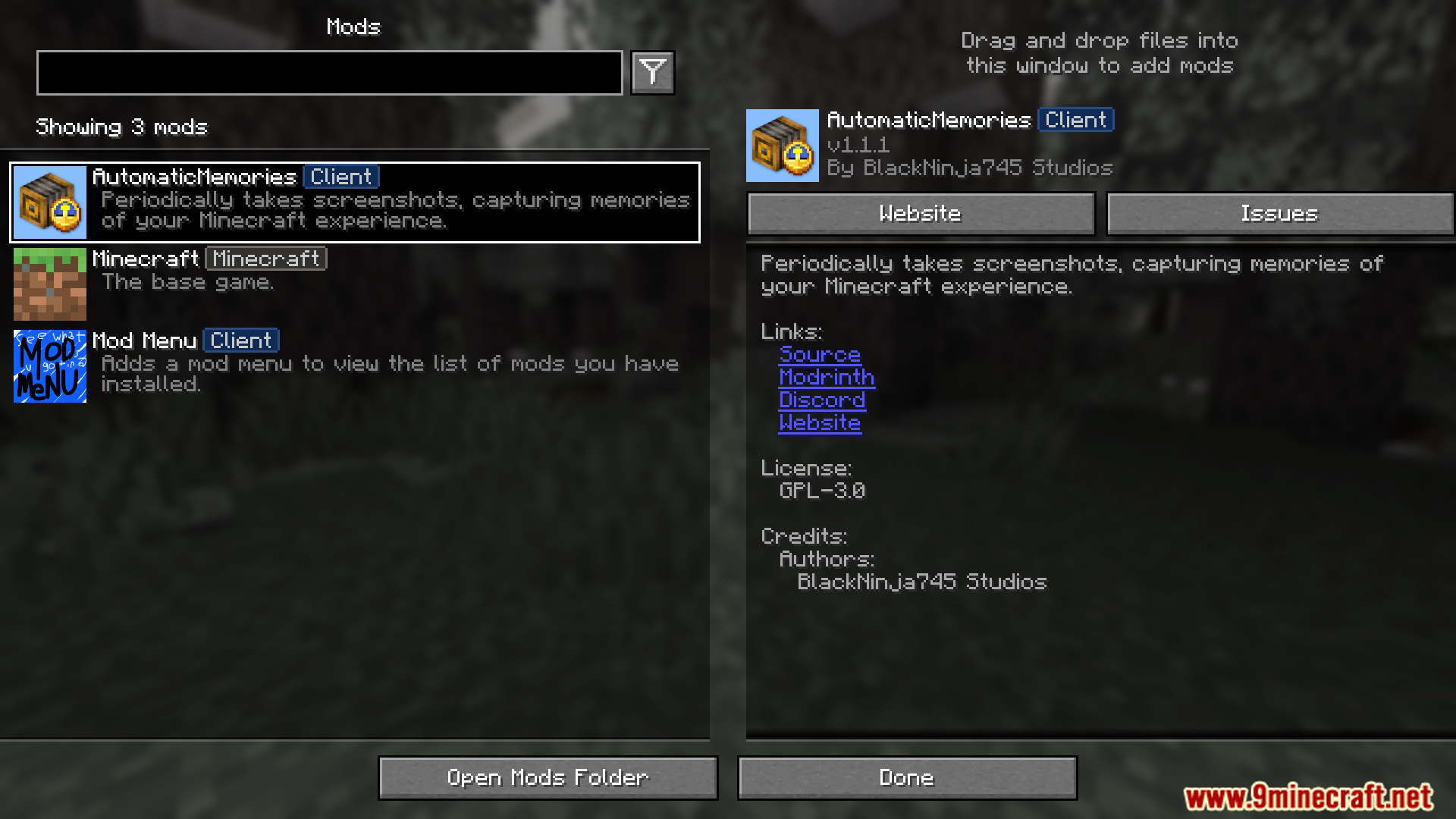
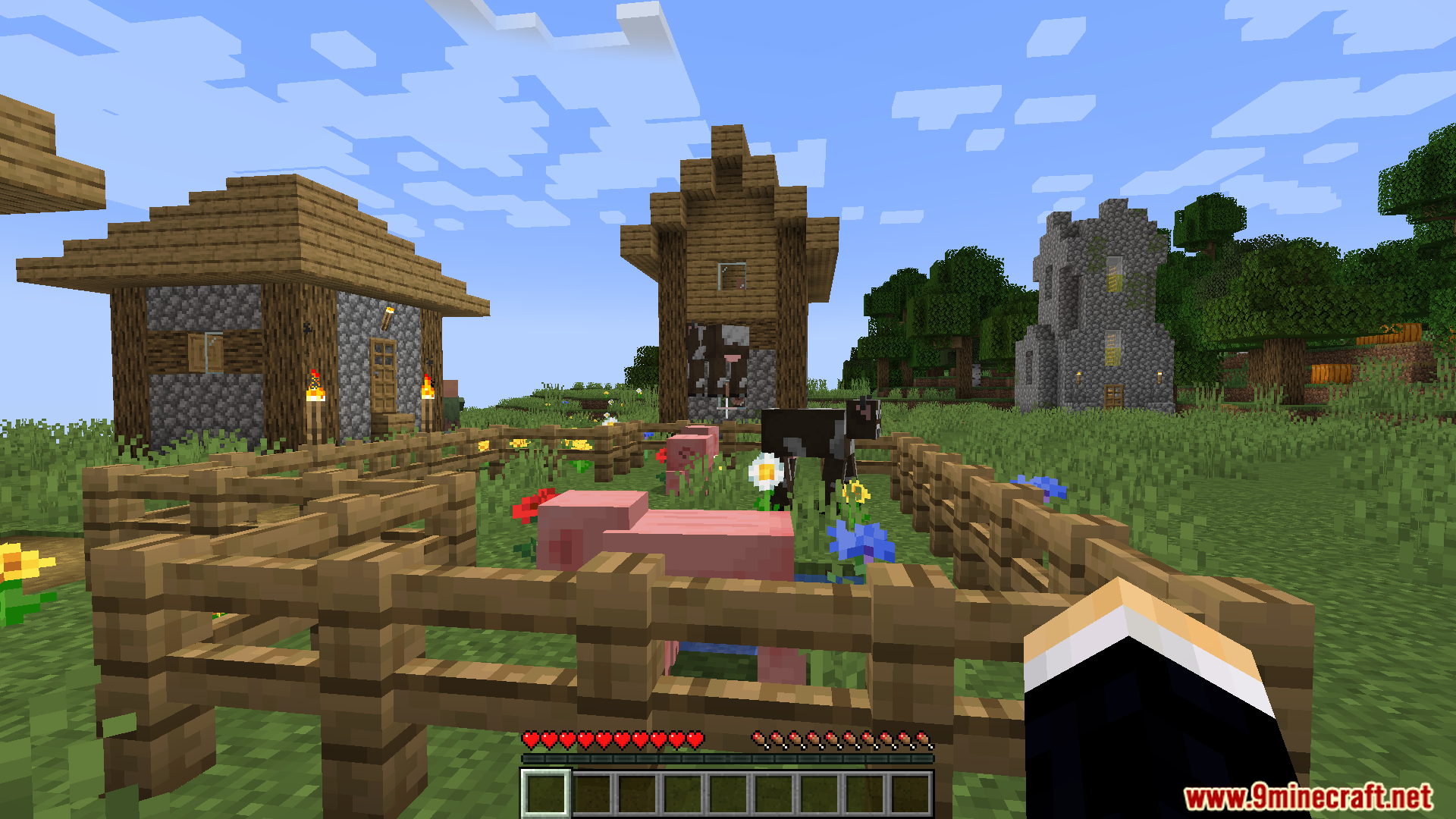
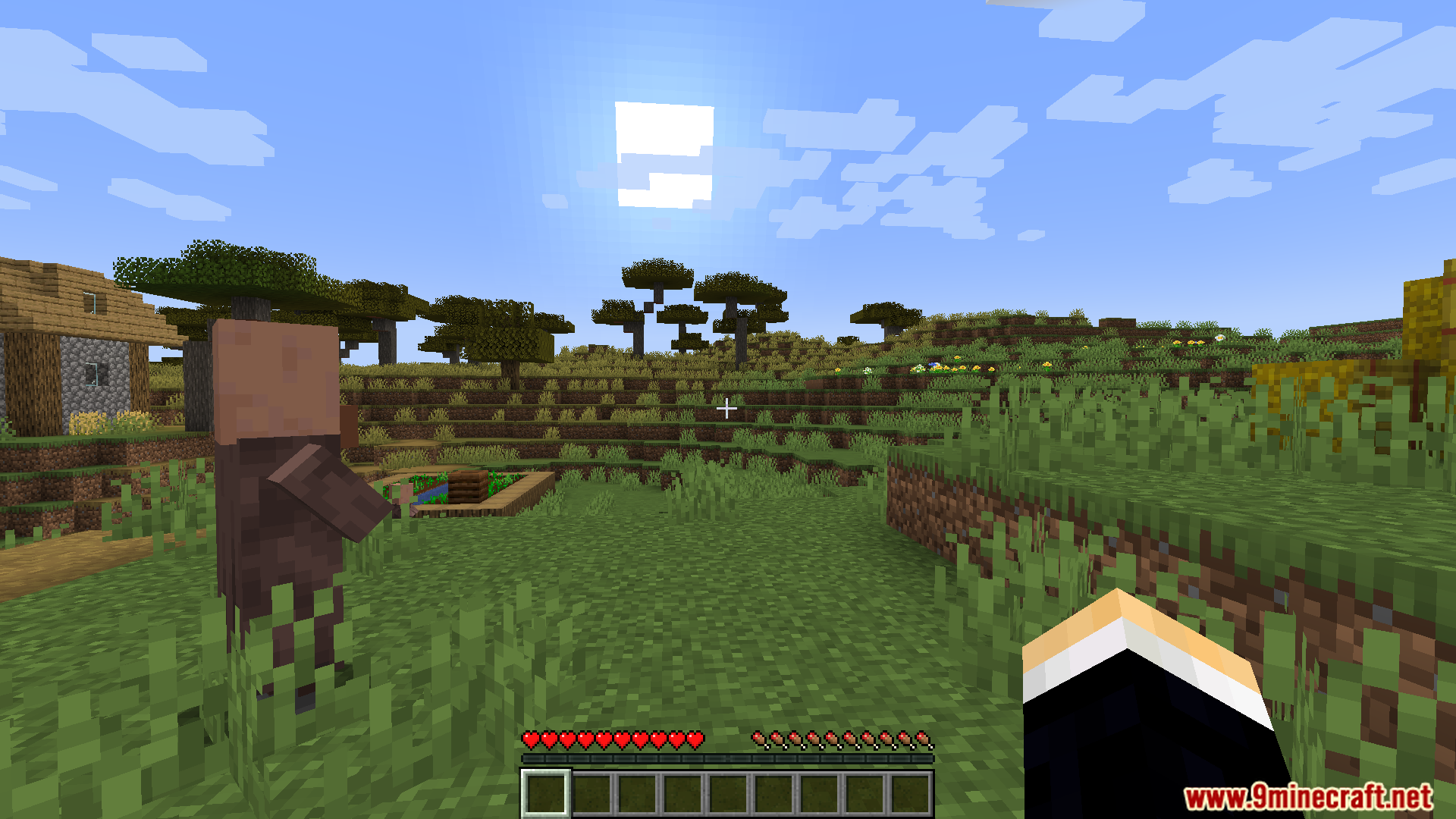
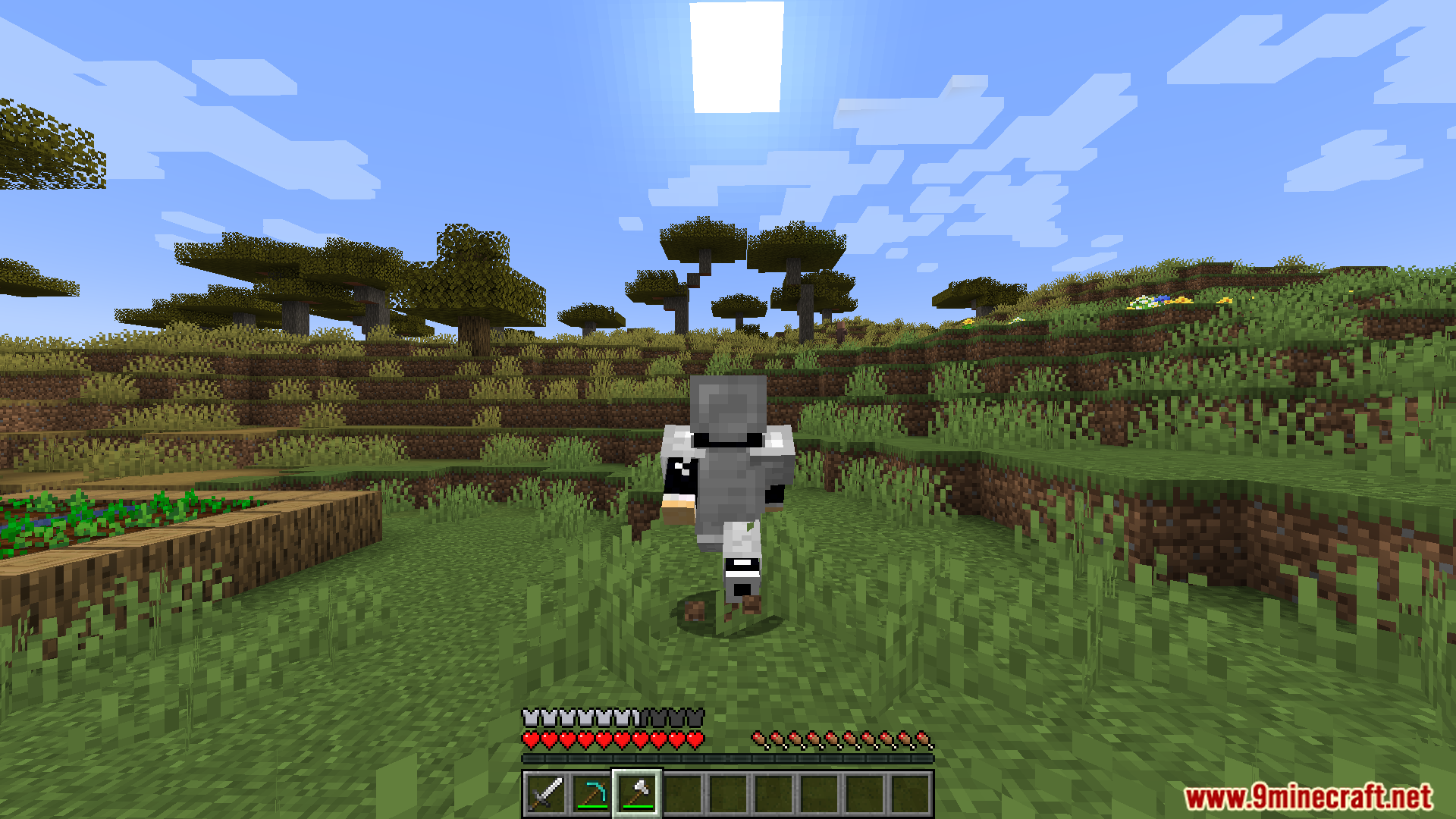
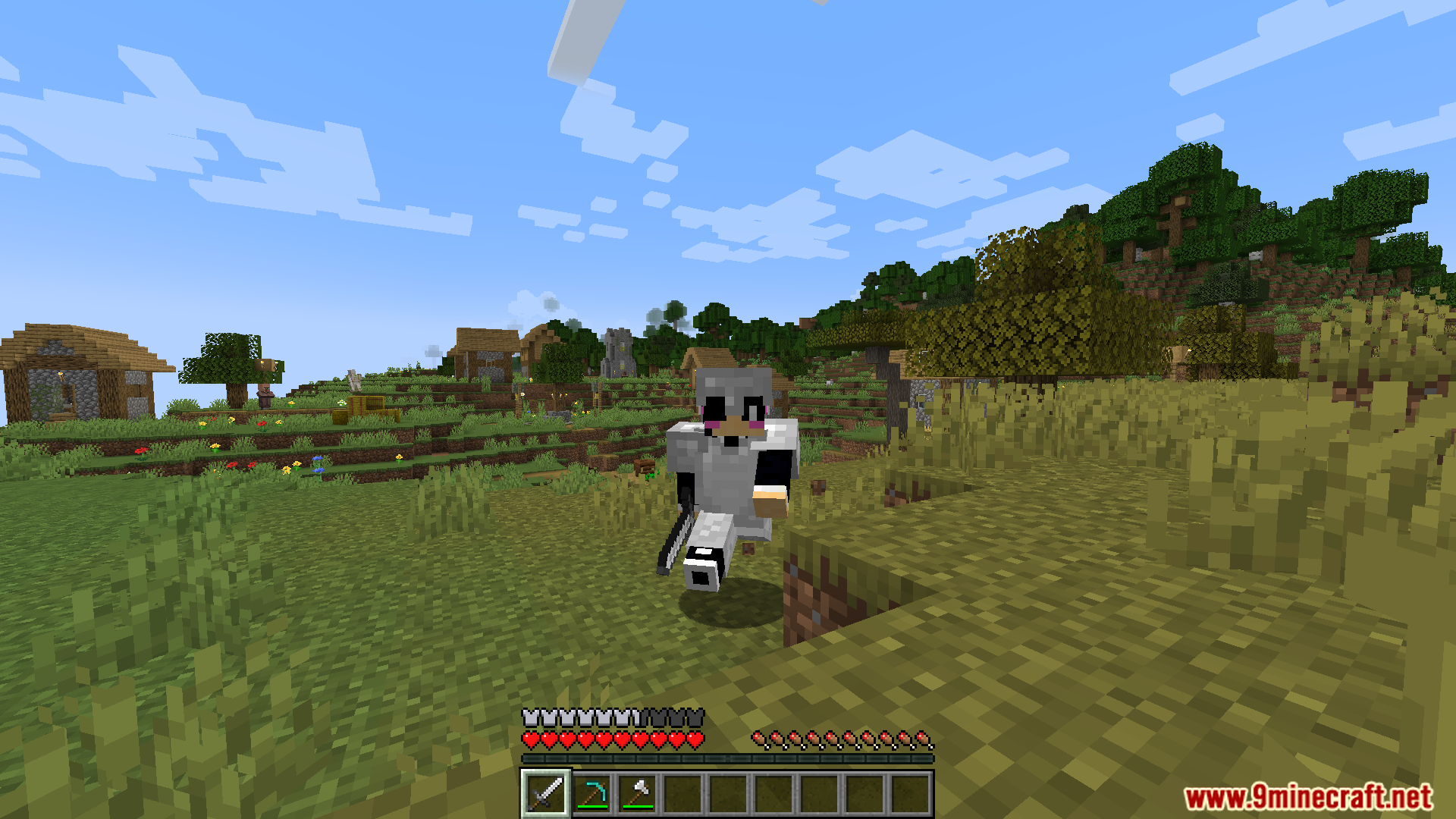
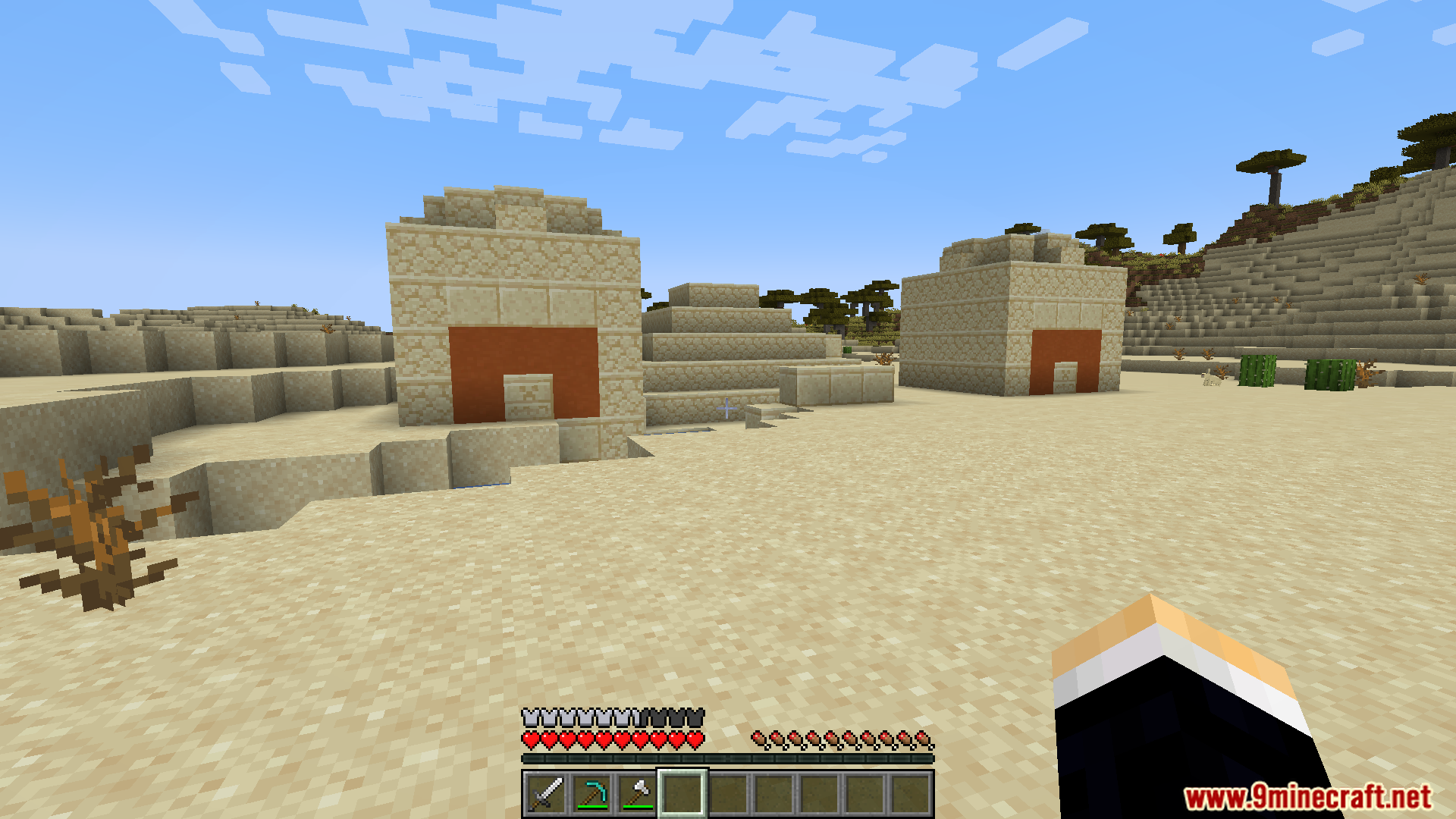
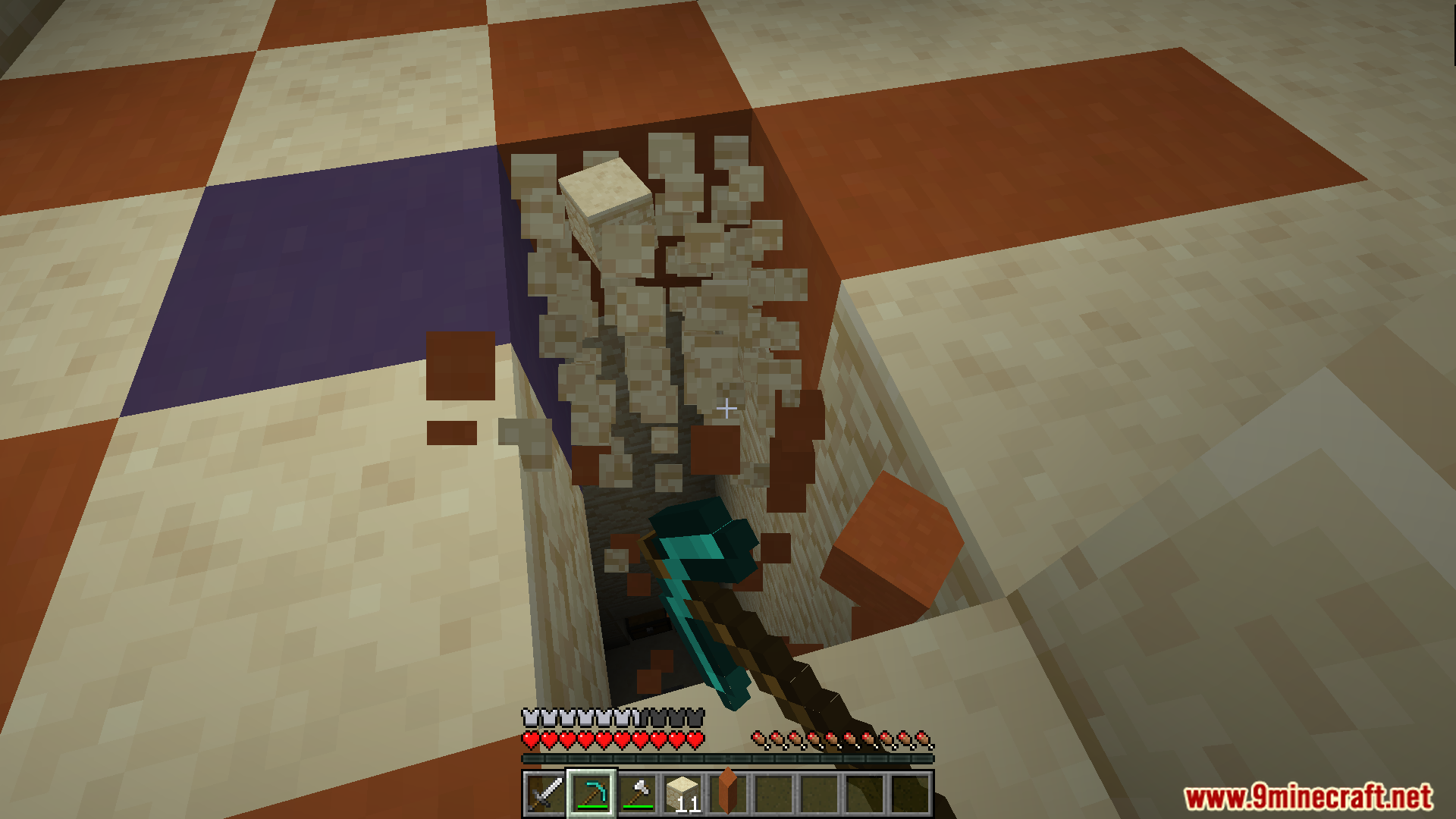
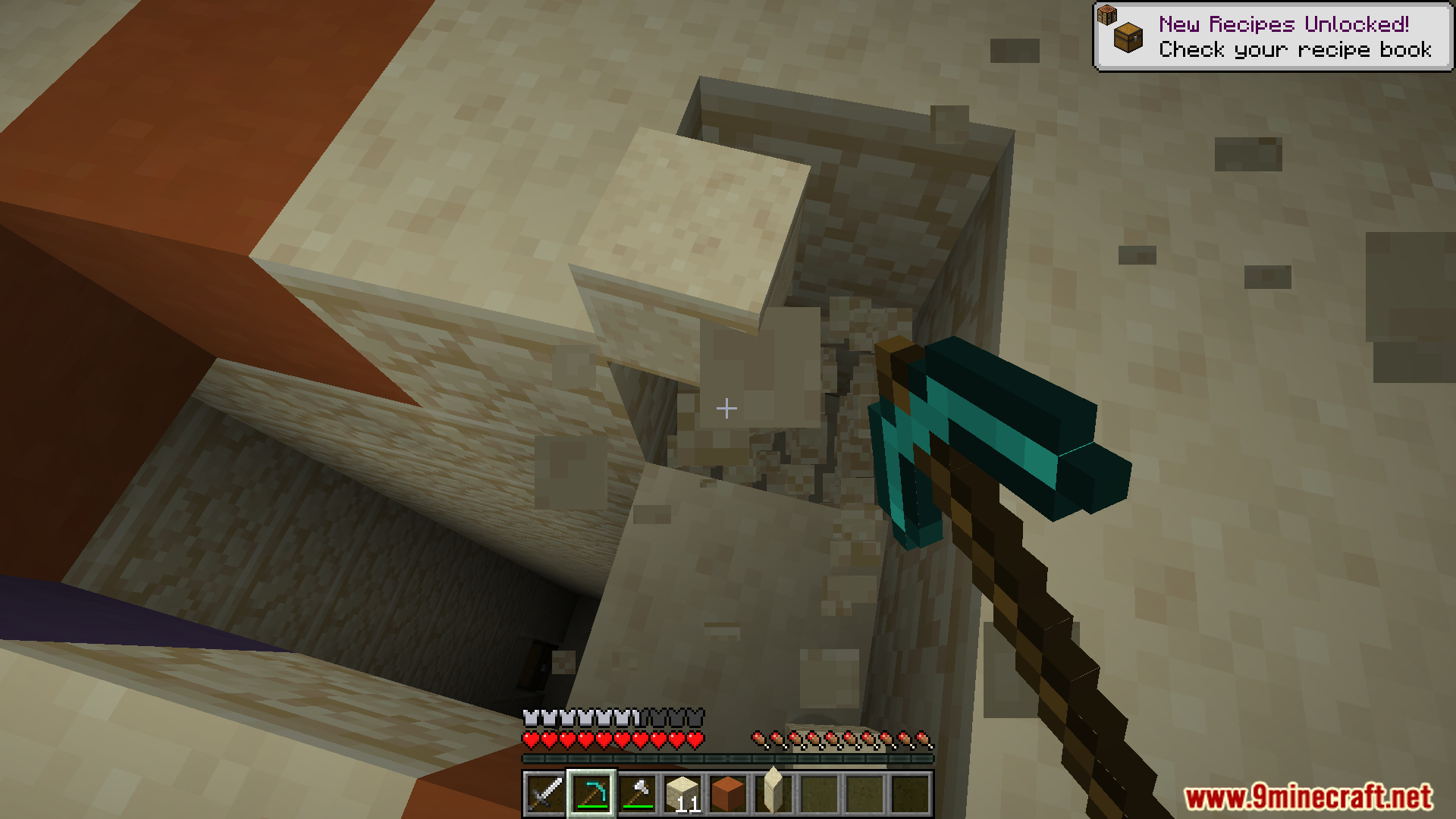
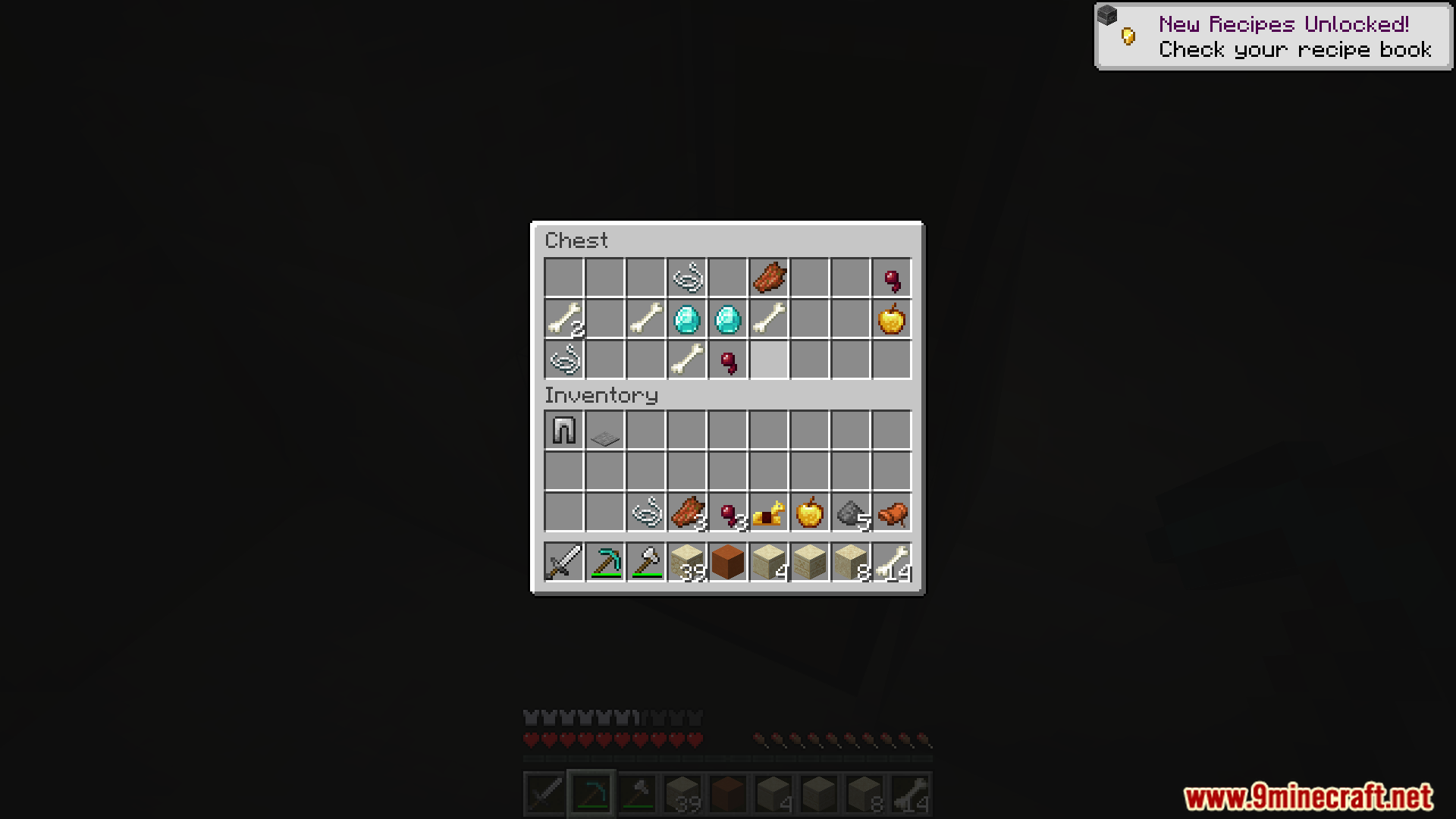
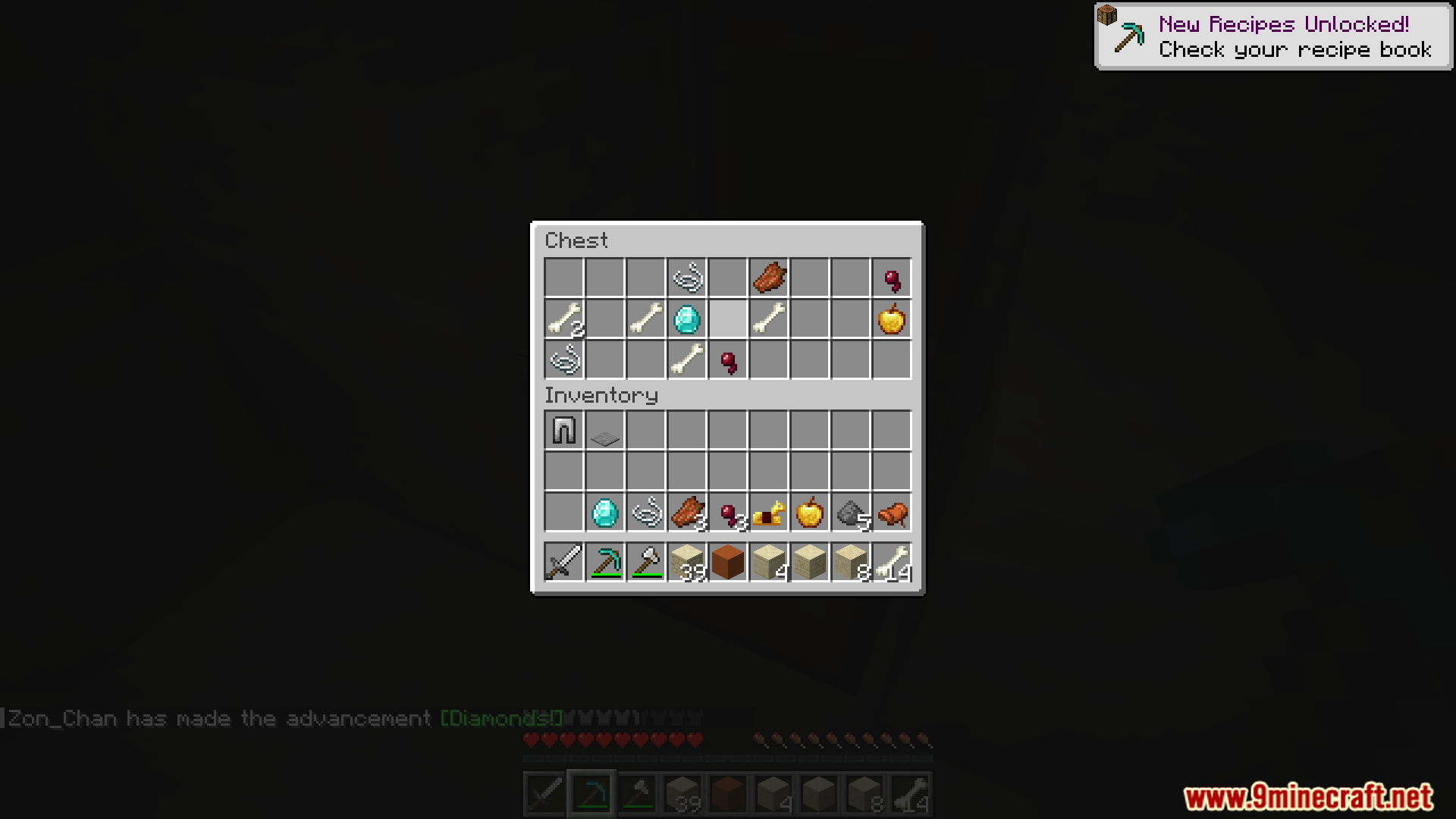
Automatic Memories Mod saves pictures of your game automatically so you don’t have to. It takes a screenshot every few hours, building a timeline of your journey without you doing anything. This way, you can look back at all the things you built and places you explored. You will have a collection of surprise photos that capture moments you might have forgotten.
Features:
- Automatically takes a picture of your game every few hours, creating a timeline of your world.
- Snaps a photo the moment you unlock a new advancement, saving your biggest accomplishments.
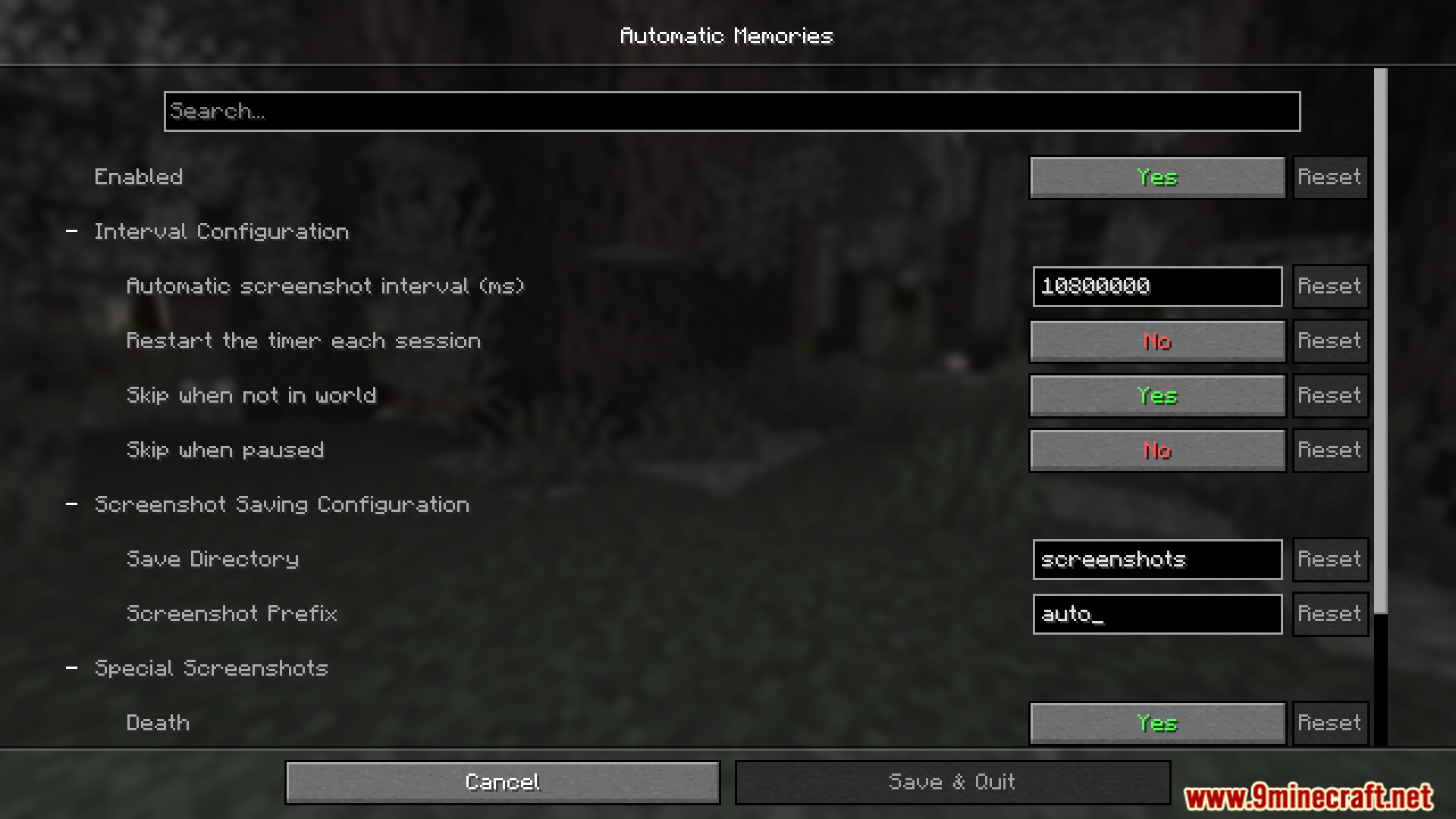
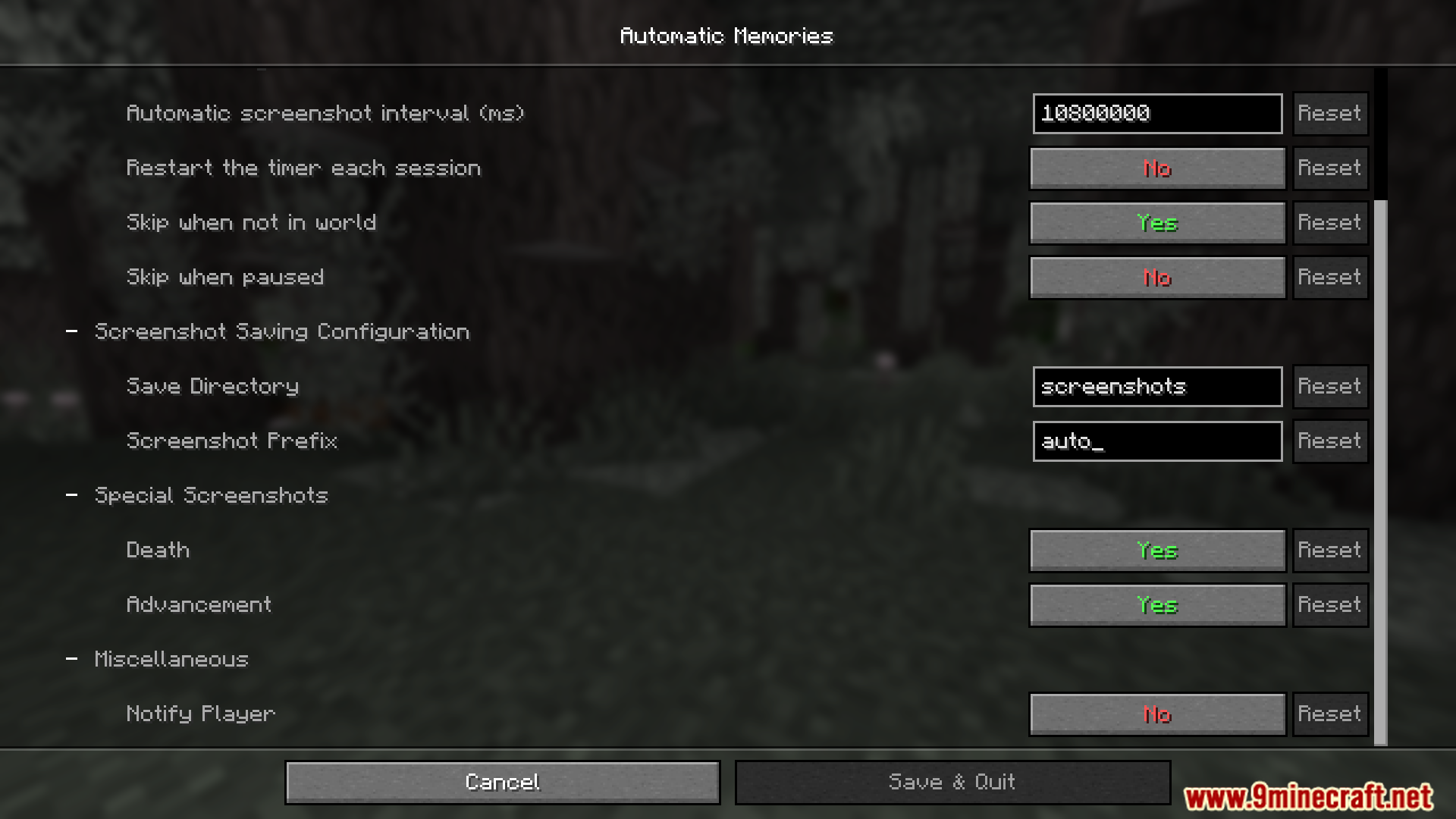
- You can change how often pictures are taken in the settings menu.
- The timer for the next photo doesn’t reset when you log out. It continues counting down the next time you play.
- Lets you choose a specific folder to save all your automatic screenshots.
- Includes an option to automatically take a picture every time you die.
How to Use:
- To change the mod’s settings, you will need ModMenu.
- From the main menu or pause screen, open your list of mods.
- Find Automatic Memories and open its configuration screen.
- Here, you can set the time between each automatic screenshot.
- You can also turn on options to take a picture whenever you get an advancement or when you die.
Screenshots:
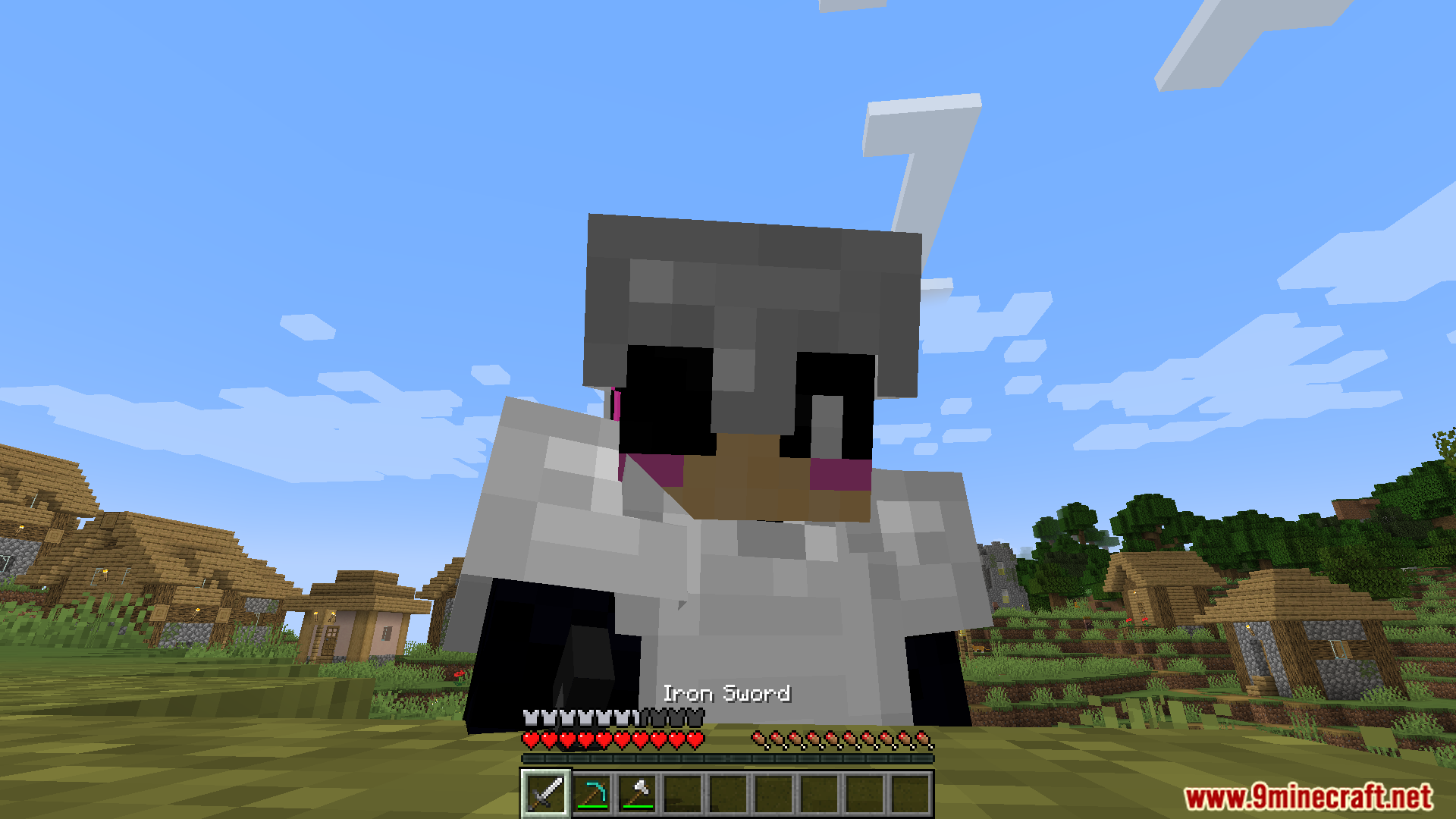
Automatic Memories Mod Download Links
For Minecraft 1.21.11
Fabric version: Download from Server 1 – Download from Server 2
For Minecraft 1.21.10, 1.21.9, 1.21.8, 1.21.7, 1.21.6, 1.21.5
Fabric version: Download from Server 1 – Download from Server 2
For All Versions from Minecraft 1.19.3 to Minecraft 1.21.4
Fabric version: Download from Server 1 – Download from Server 2
- Edition: Minecraft Java
- File type: .jar
- Minecraft versions listed: 1.21.11, 1.20.1
- How to install: Install the matching mod loader (Forge, Fabric or NeoForge) for your Minecraft version. → Download the .jar. → Put it in the .minecraft/mods folder and launch that loader profile.
- Where to get it: In MC Java Mods, or directly above on this page.
Install steps are the general flow for this file type — How to install Minecraft Java mods & modpacks walks through it step by step.
- Downloads as 175868.mcaddon
- Download size: 344 KB
- Download link checked 25 Jul 2026 — working
- Mirrored on our own servers — the download does not depend on the original host
These come from our own check of the pack file, not from the source page.