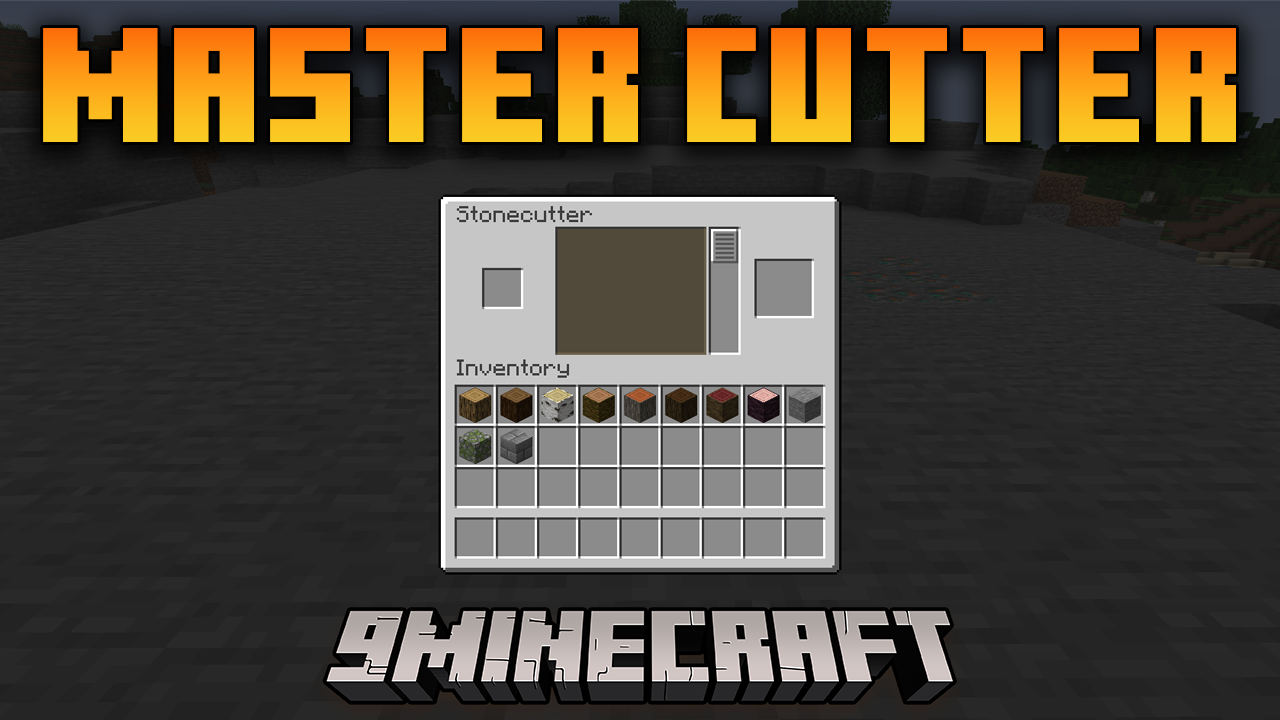
Master Cutter Mod (1.21.11, 1.20.1) – Revolutionize Stone And Woodcutting
Java mod listed for Minecraft 1.20–1.21. Downloads from the MC Java Mods app on Android.
⬇ Download
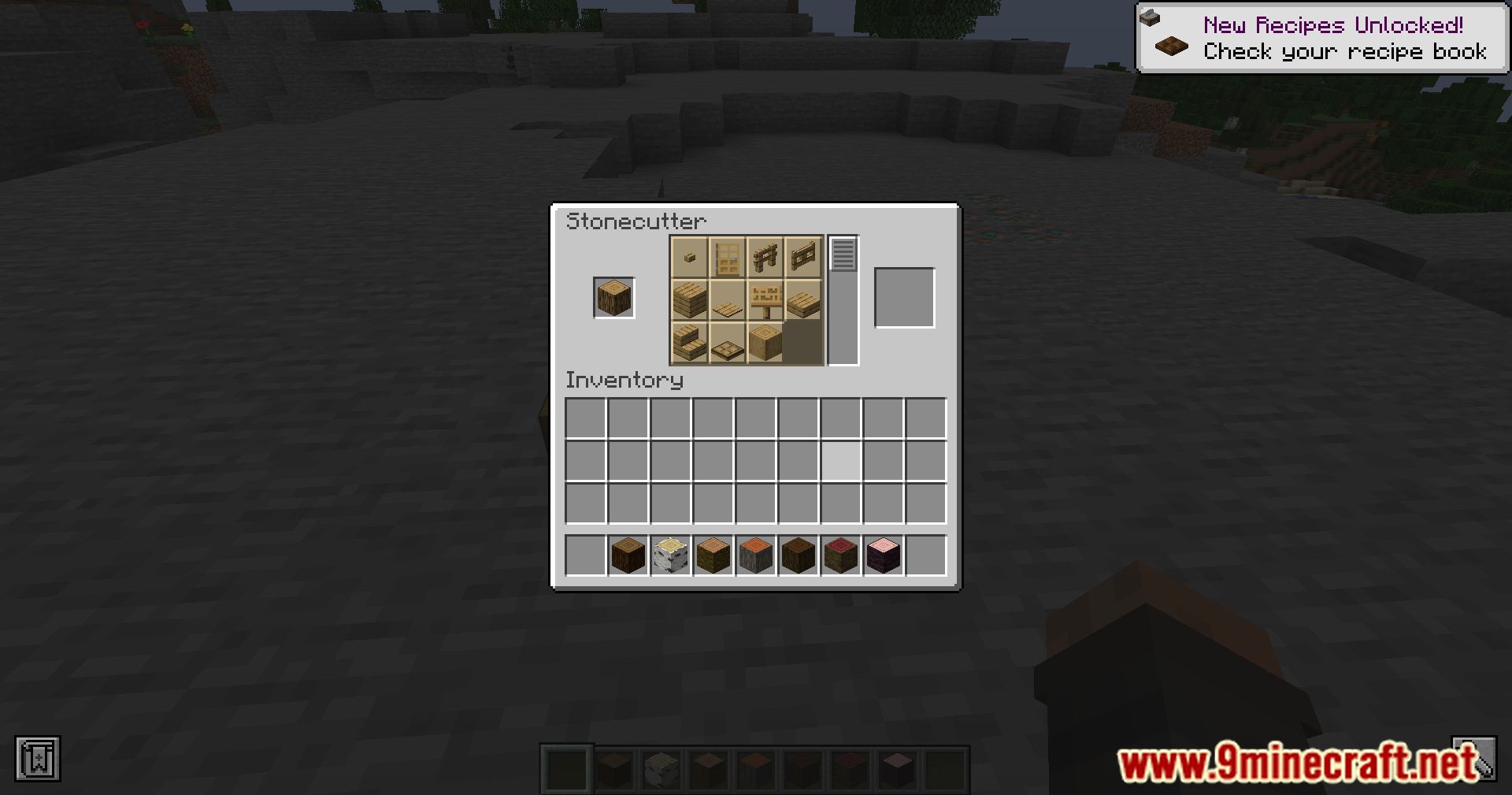
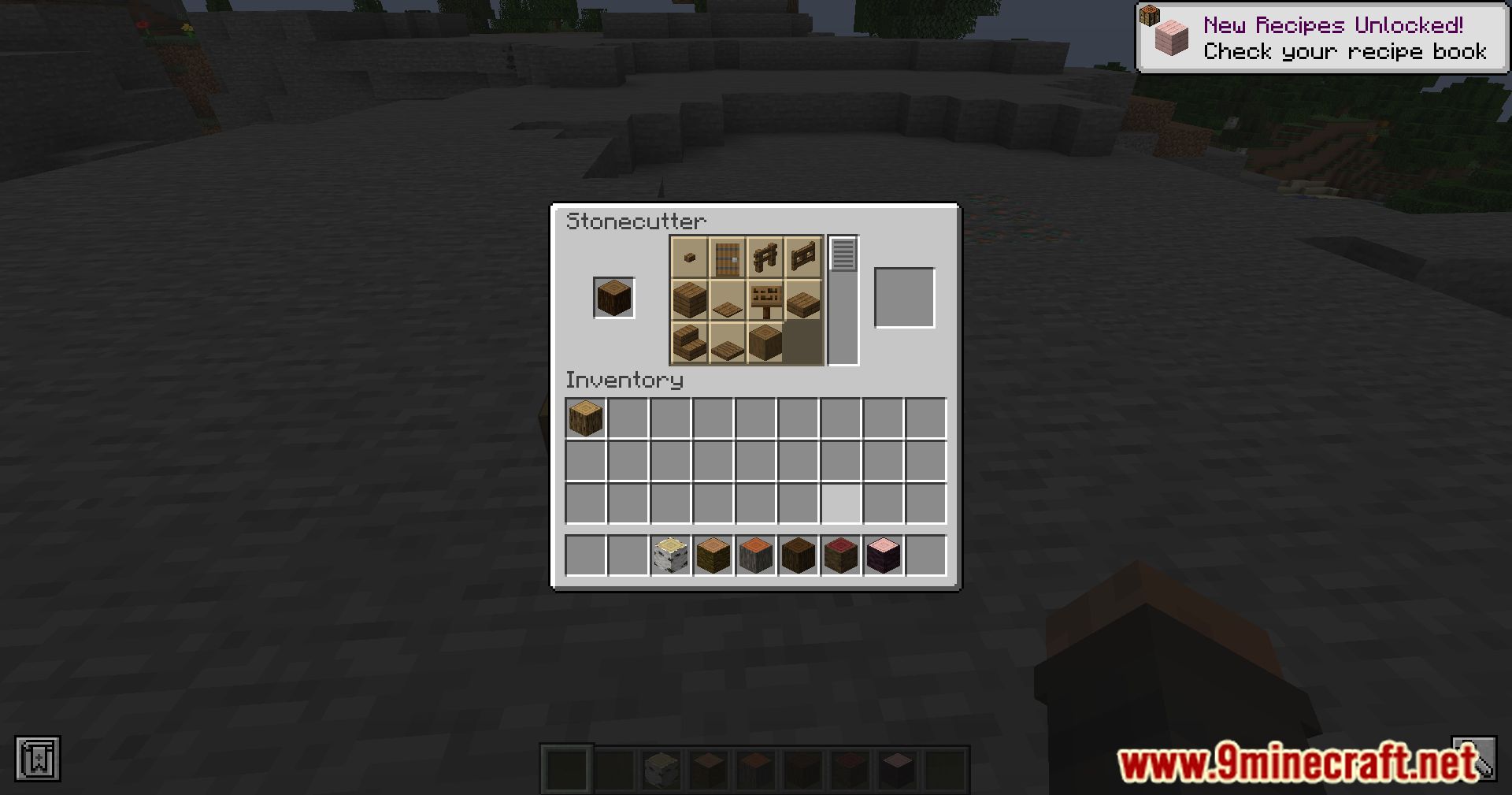
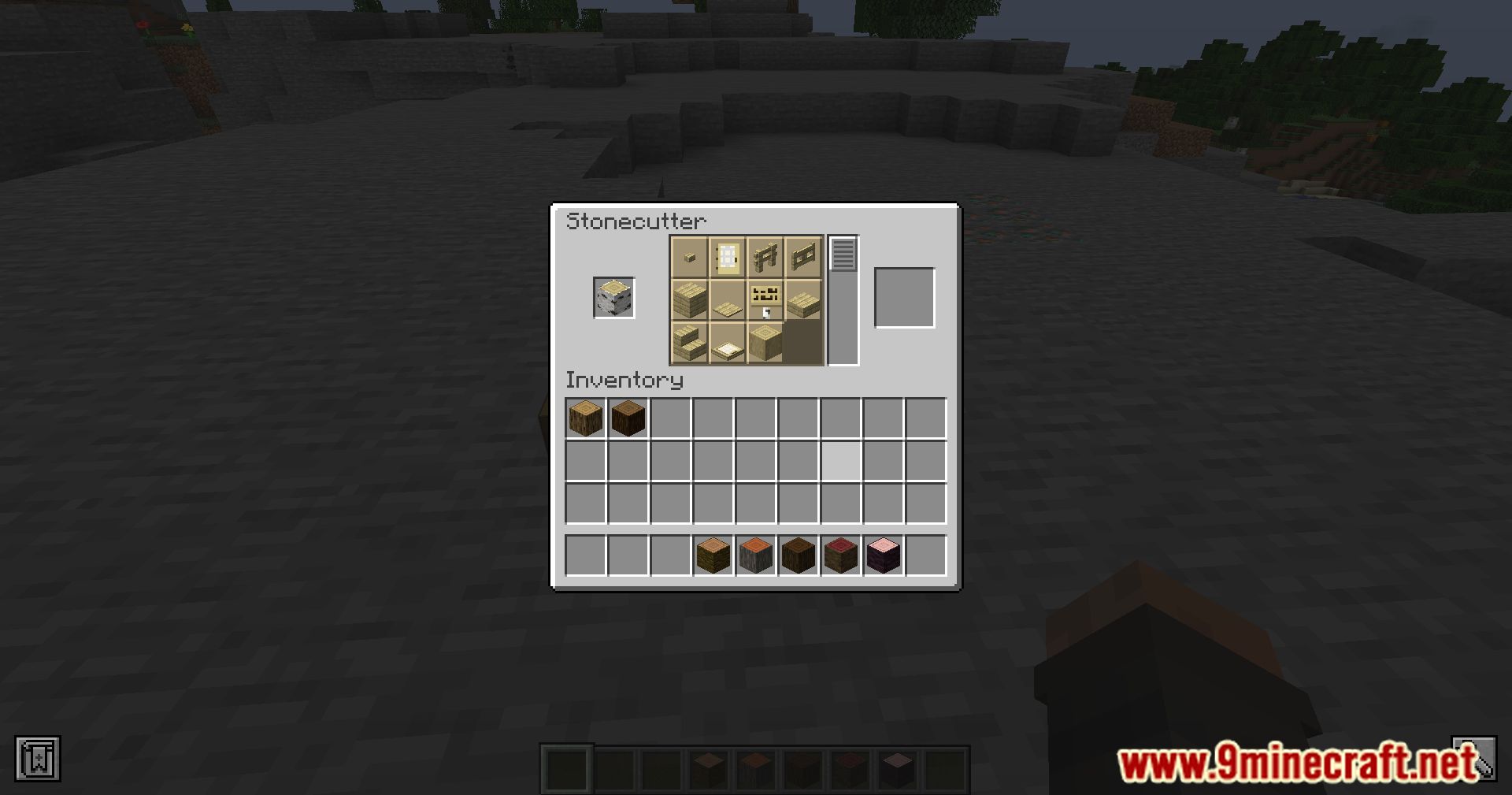
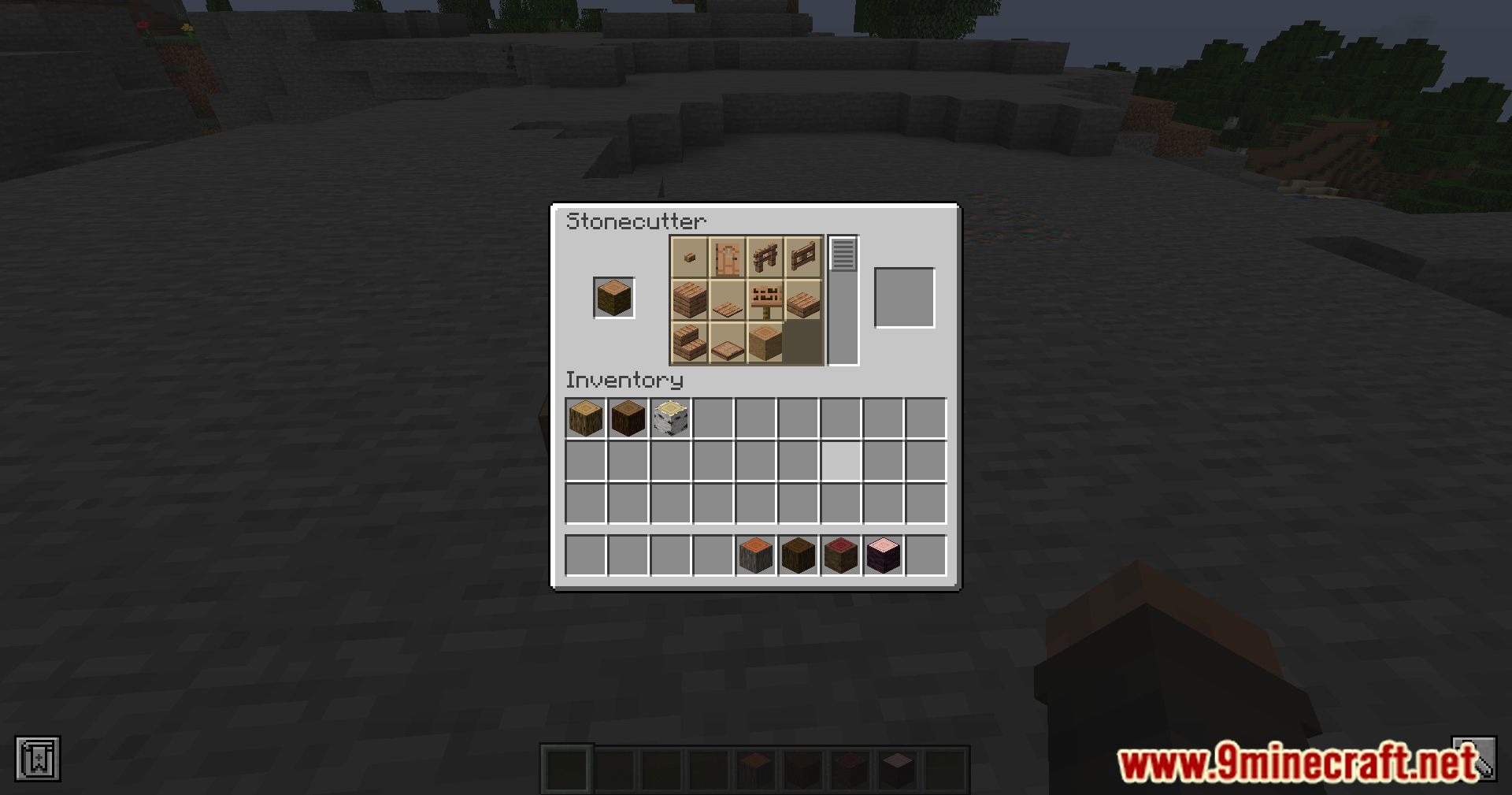
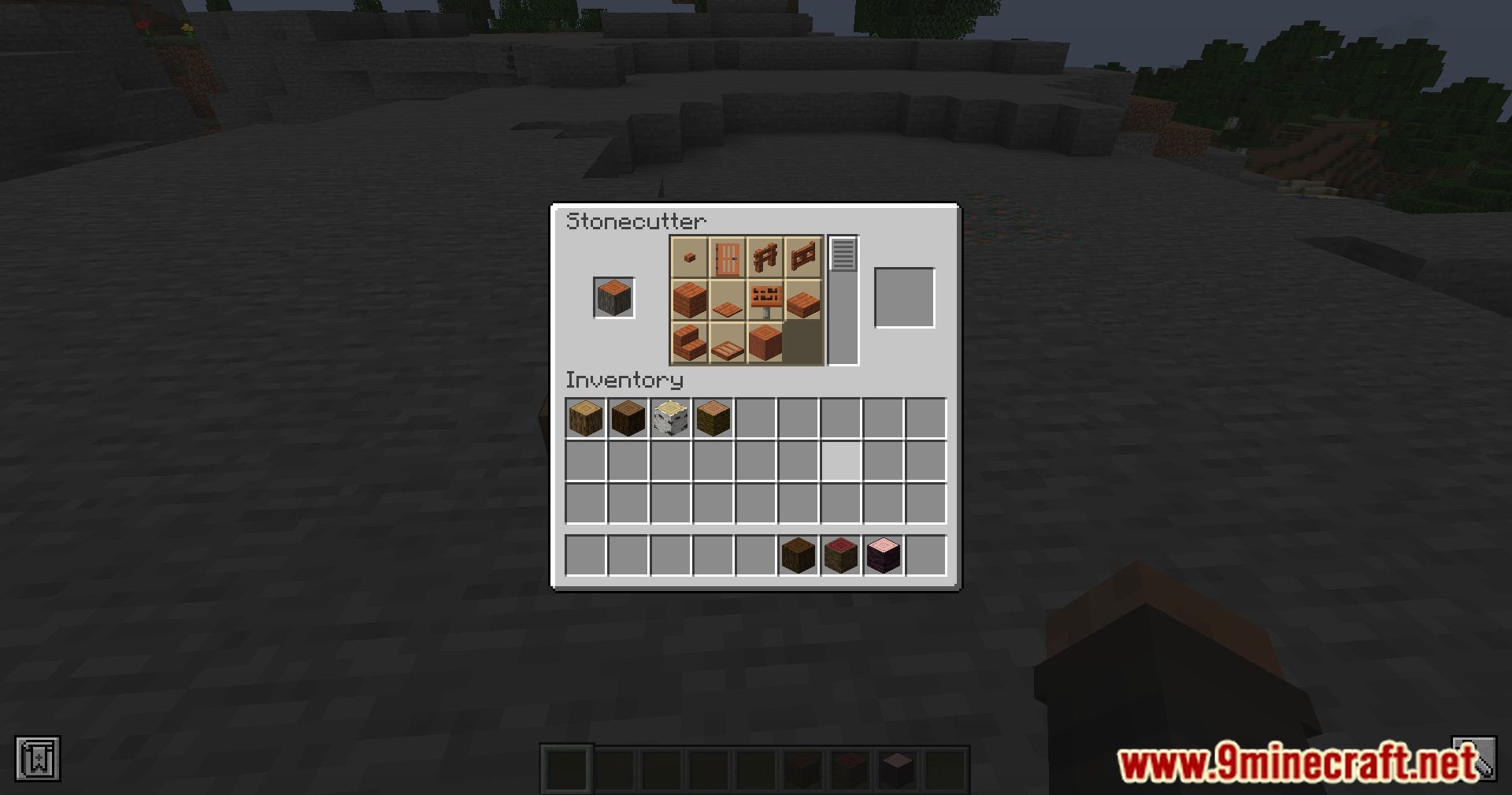
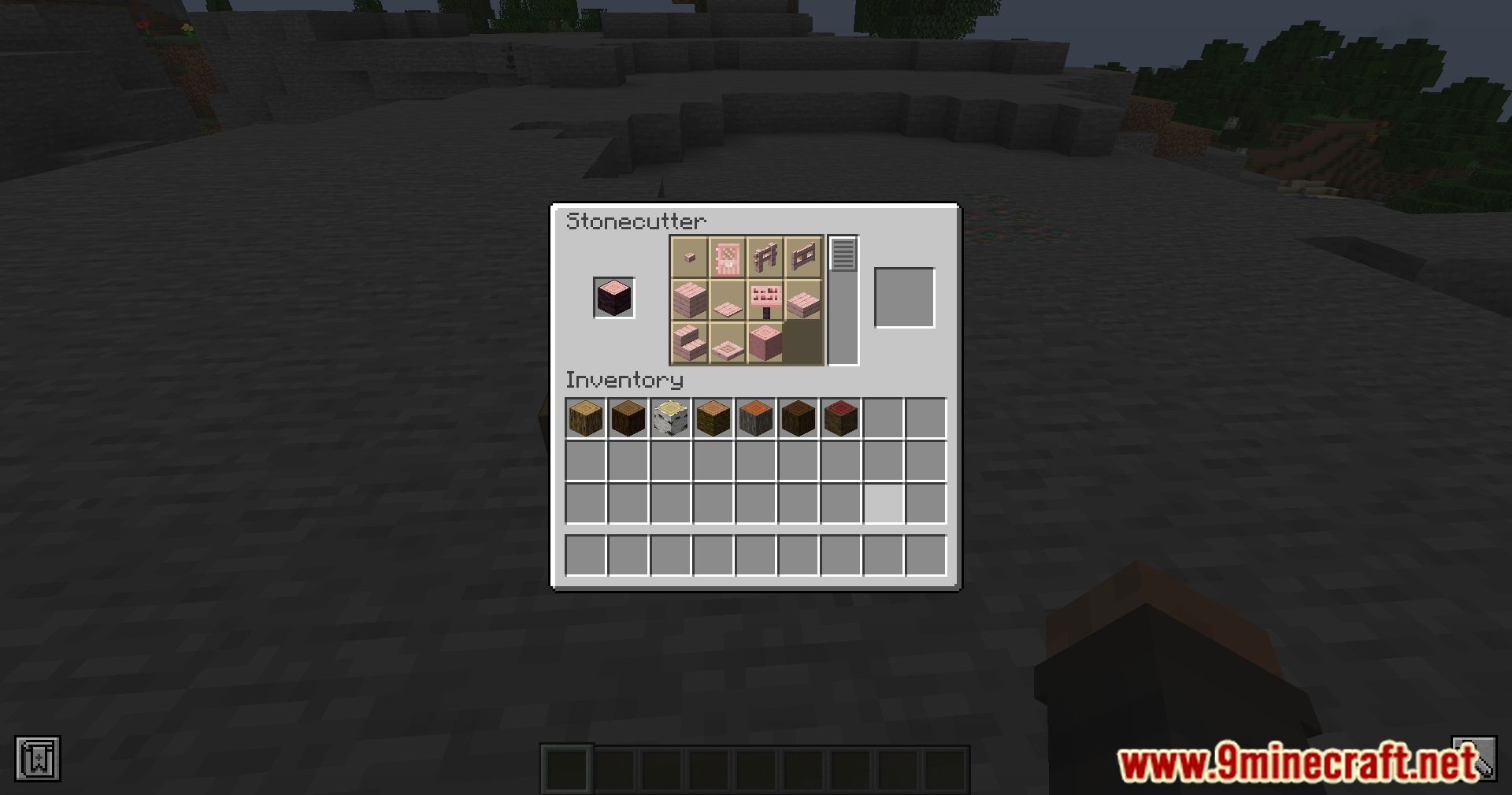
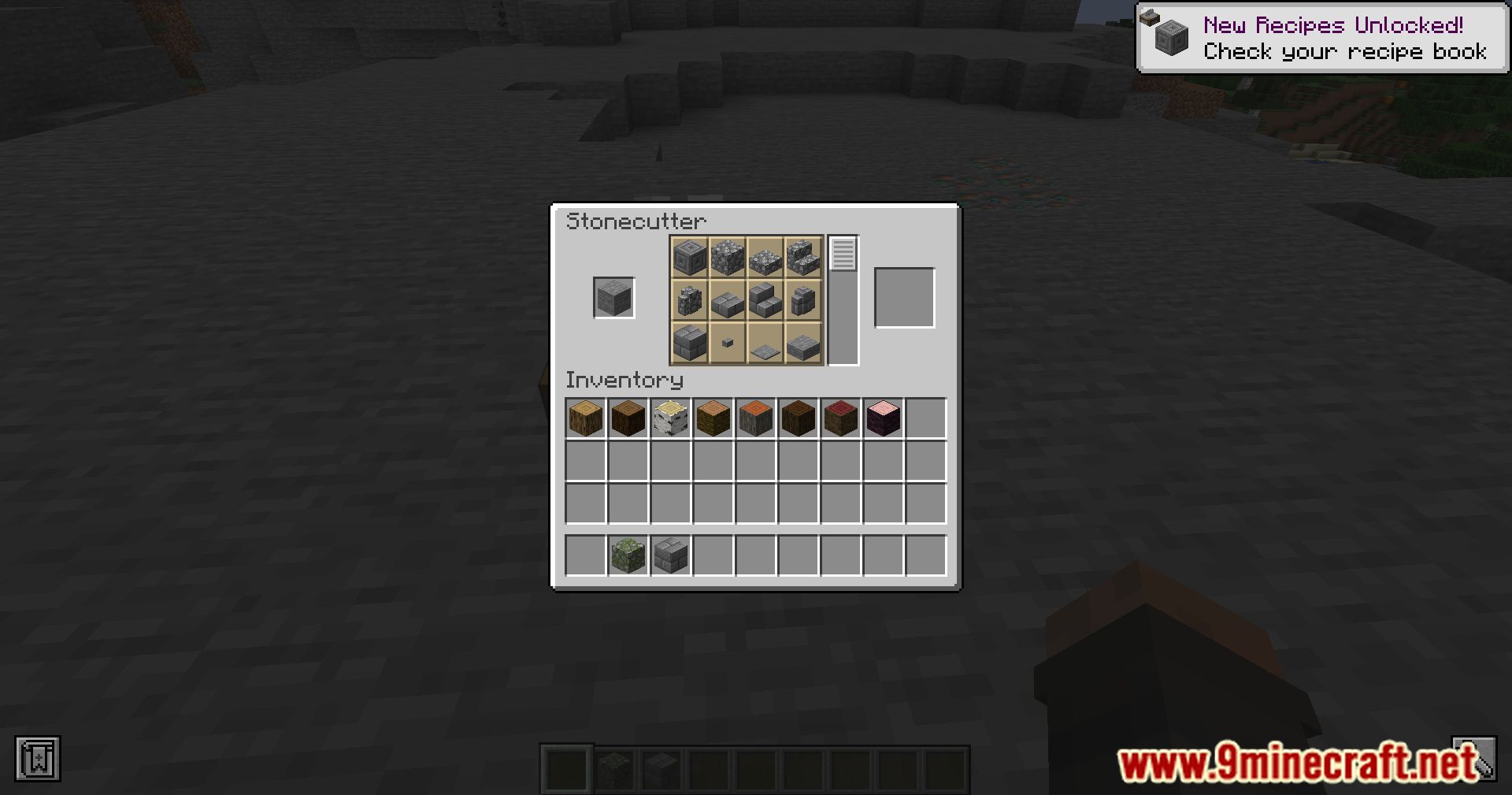
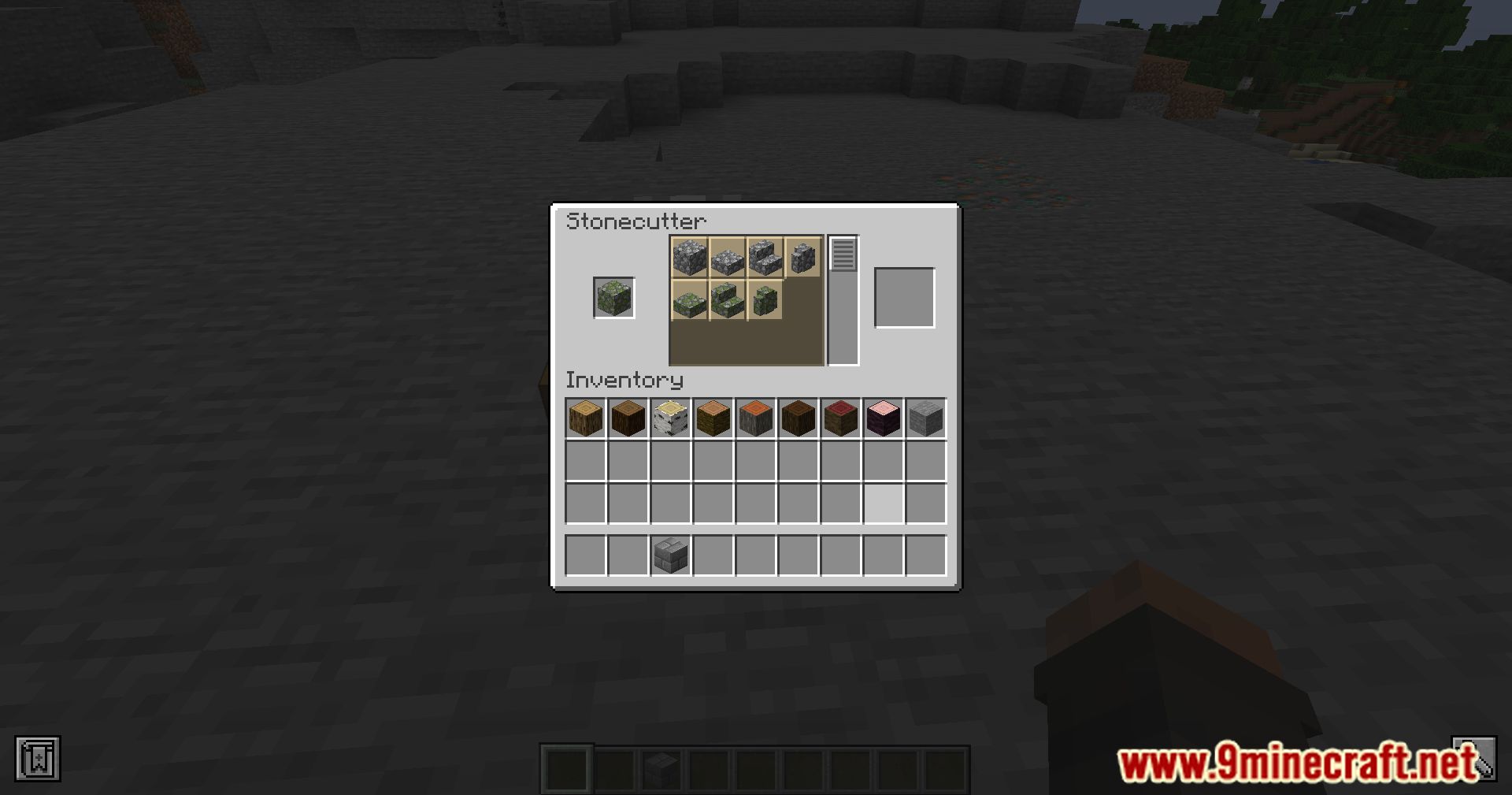
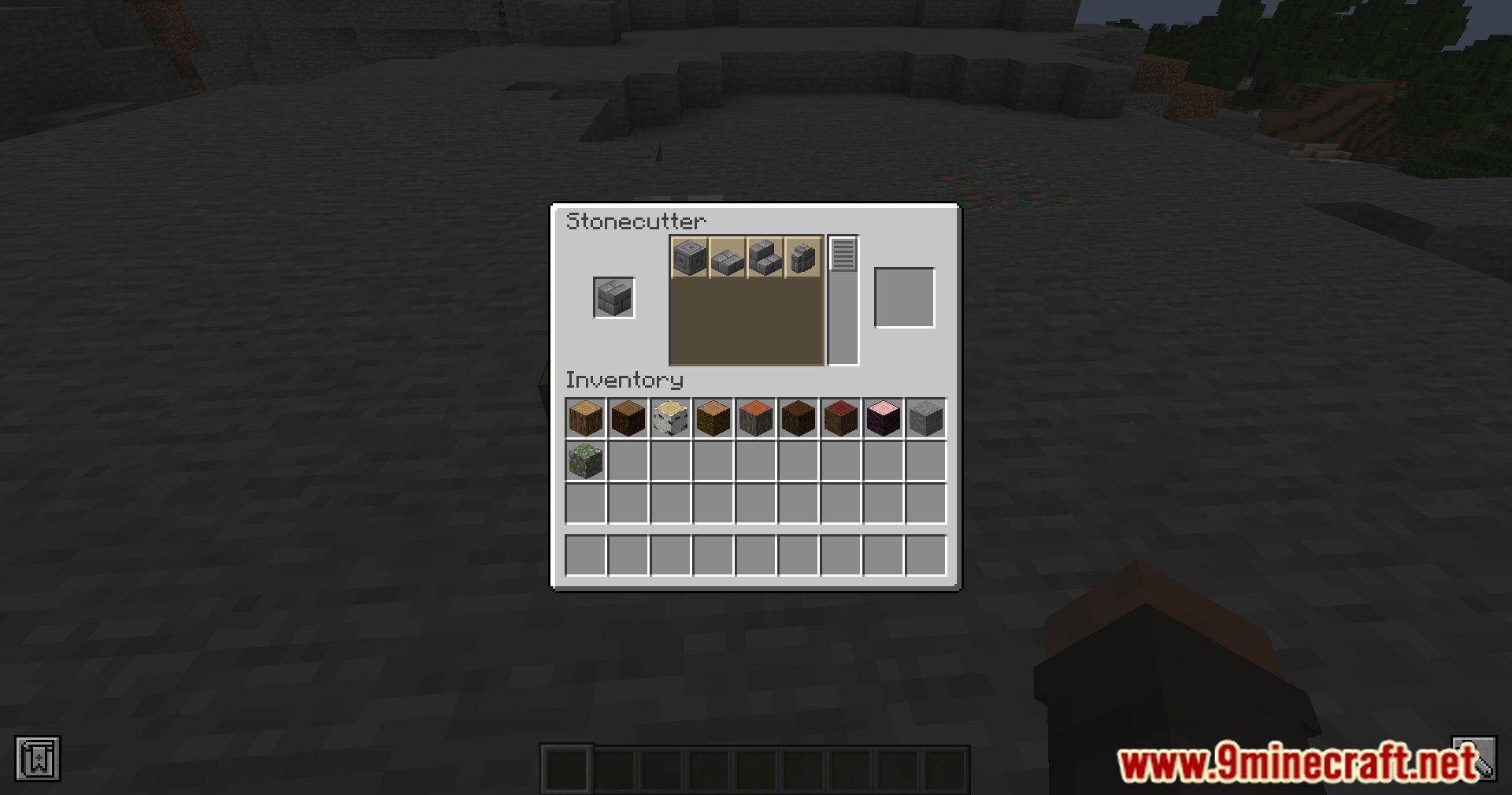
Master Cutter Mod makes the stonecutter an even more valuable tool in Minecraft by adding over 500 new recipes. These recipes include woodcutting, enhanced base stonecutting, recycling, and “un-crafting,” making the stonecutter a versatile addition to your crafting arsenal.
Features:
- Woodcutting: Use the stonecutter to precisely cut and shape wood, expanding its functionality beyond just stone.
- Enhanced Base Stonecutting: Additional recipes for stone and its variants, giving you more options for building and decorating.
- Recycling: Break down items into their base components, promoting resource efficiency and sustainability.
- Un-crafting: Deconstruct items into their original materials, allowing for more flexibility and creativity in your crafting projects.
Screenshots:
Master Cutter Mod Download Links
For Minecraft 1.21.11
Forge/NeoForge/Fabric/Quilt Version: Download from Server 1 – Download from Server 2
For Minecraft 1.21.10, 1.21.9
Forge/NeoForge/Fabric/Quilt Version: Download from Server 1 – Download from Server 2
For Minecraft 1.21.8, 1.21.7, 1.21.6
Forge/NeoForge/Fabric/Quilt Version: Download from Server 1 – Download from Server 2
For Minecraft 1.21.5
Forge/NeoForge/Fabric/Quilt Version: Download from Server 1 – Download from Server 2
For Minecraft 1.21.4
Forge/NeoForge/Fabric/Quilt Version: Download from Server 1 – Download from Server 2
For Minecraft 1.21.1, 1.21
Forge/Fabric/Quilt Version: – Download from Server 2
For Minecraft 1.20.6, 1.20.5
Forge/Fabric/Quilt Version: Download from Server 1 – Download from Server 2
For Minecraft 1.20.4, 1.20.3
Forge/Fabric/Quilt Version: Download from Server 1 – Download from Server 2
For Minecraft 1.20.2
Forge/Fabric/Quilt Version: Download from Server 1 – Download from Server 2
For Minecraft 1.20.1, 1.20
Forge/Fabric/Quilt Version: Download from Server 1 – Download from Server 2
- Edition: Minecraft Java
- File type: .jar
- Minecraft versions listed: 1.21.11, 1.20.1
- How to install: Install the matching mod loader (Forge, Fabric or NeoForge) for your Minecraft version. → Download the .jar. → Put it in the .minecraft/mods folder and launch that loader profile.
- Where to get it: In MC Java Mods, or directly above on this page.
Install steps are the general flow for this file type — How to install Minecraft Java mods & modpacks walks through it step by step.
- Downloads as 175872.mcaddon
- Download size: 406 KB
- Download link checked 25 Jul 2026 — working
- Mirrored on our own servers — the download does not depend on the original host
These come from our own check of the pack file, not from the source page.