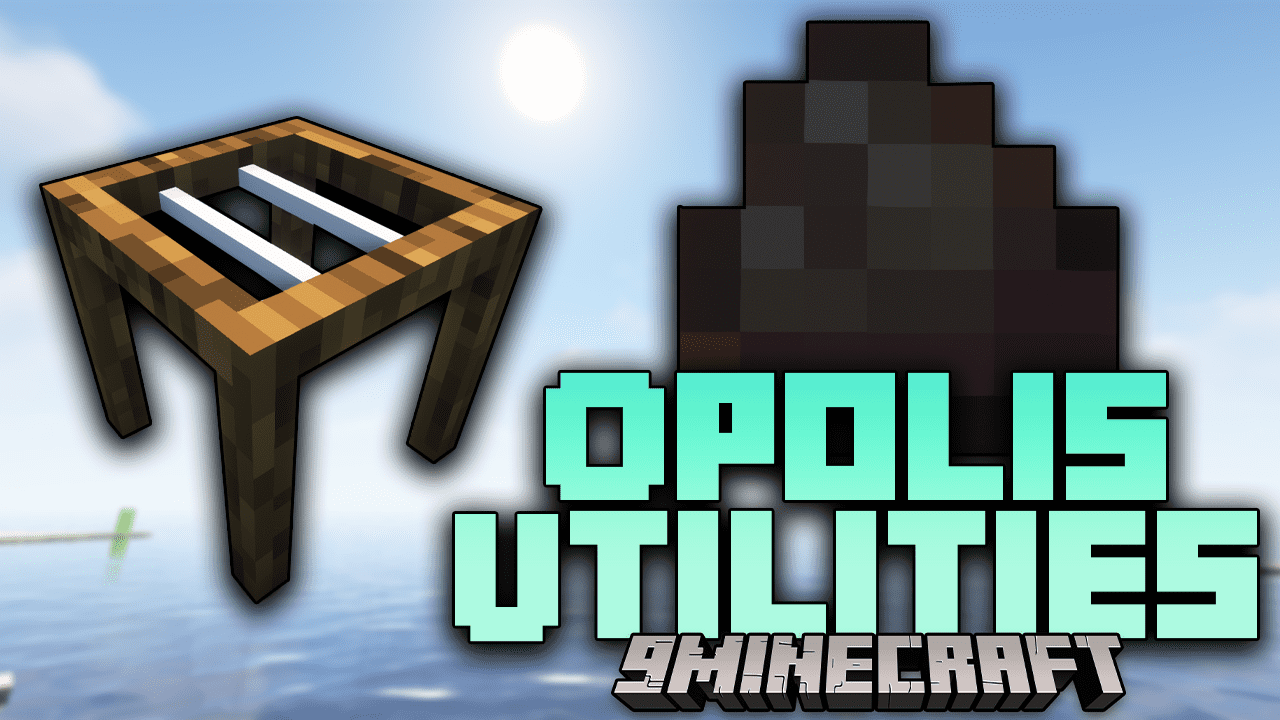
Opolis Utilities Mod (1.21.11, 1.20.1) – Some Of The Cool Items And Blocks
Java mod listed for Minecraft 1.20–1.21. Downloads from the MC Java Mods app on Android.
⬇ Download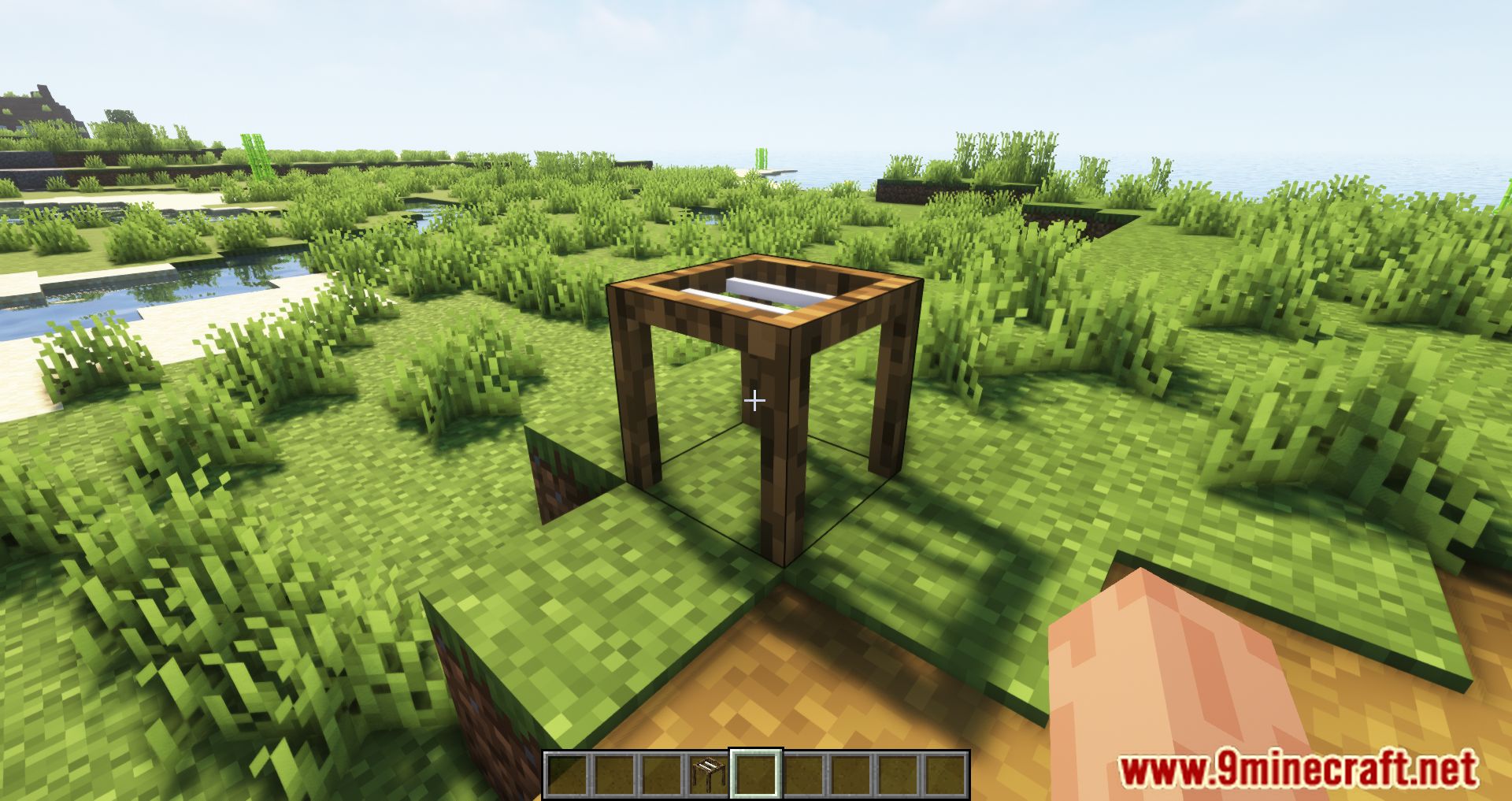
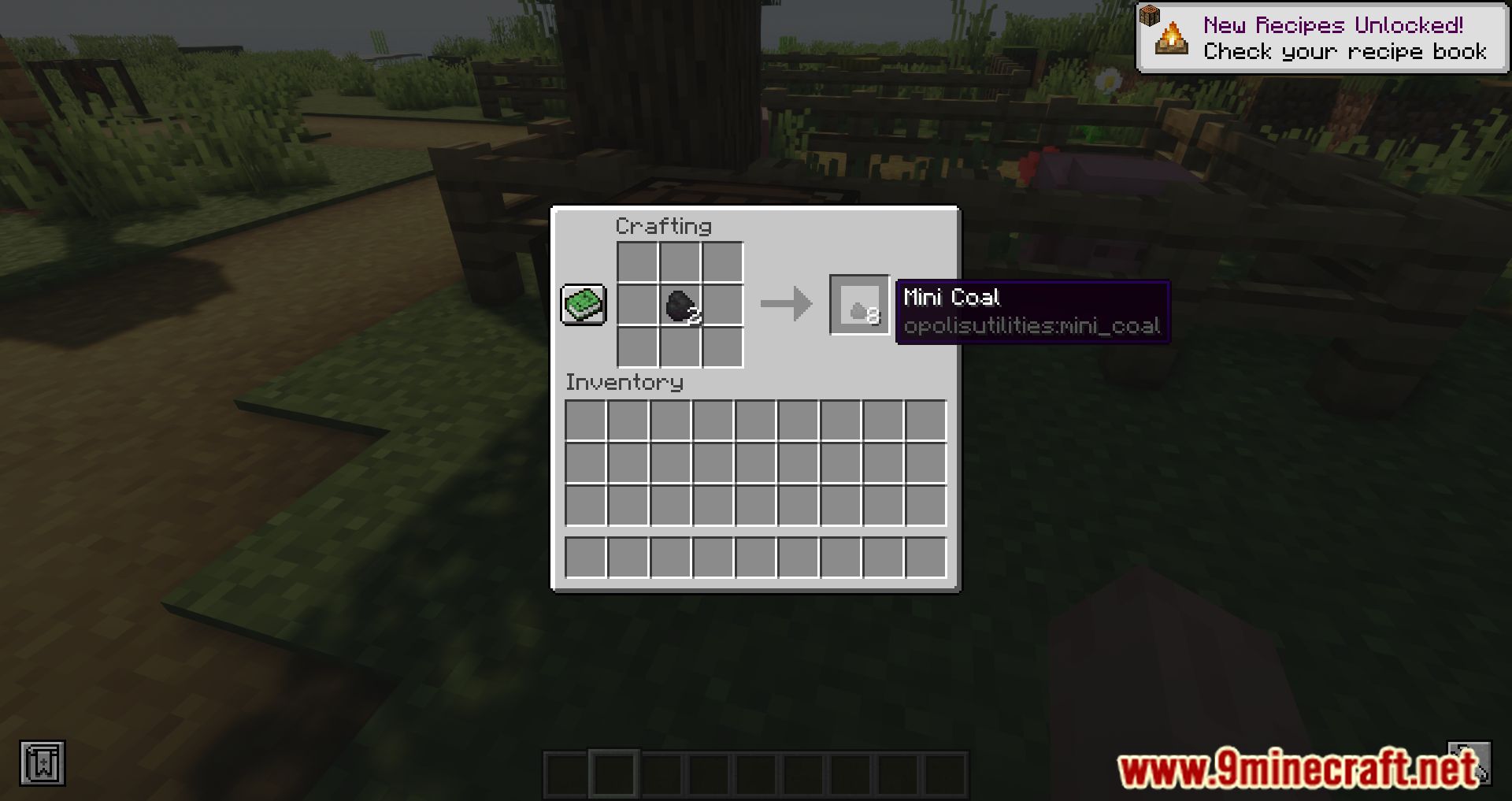
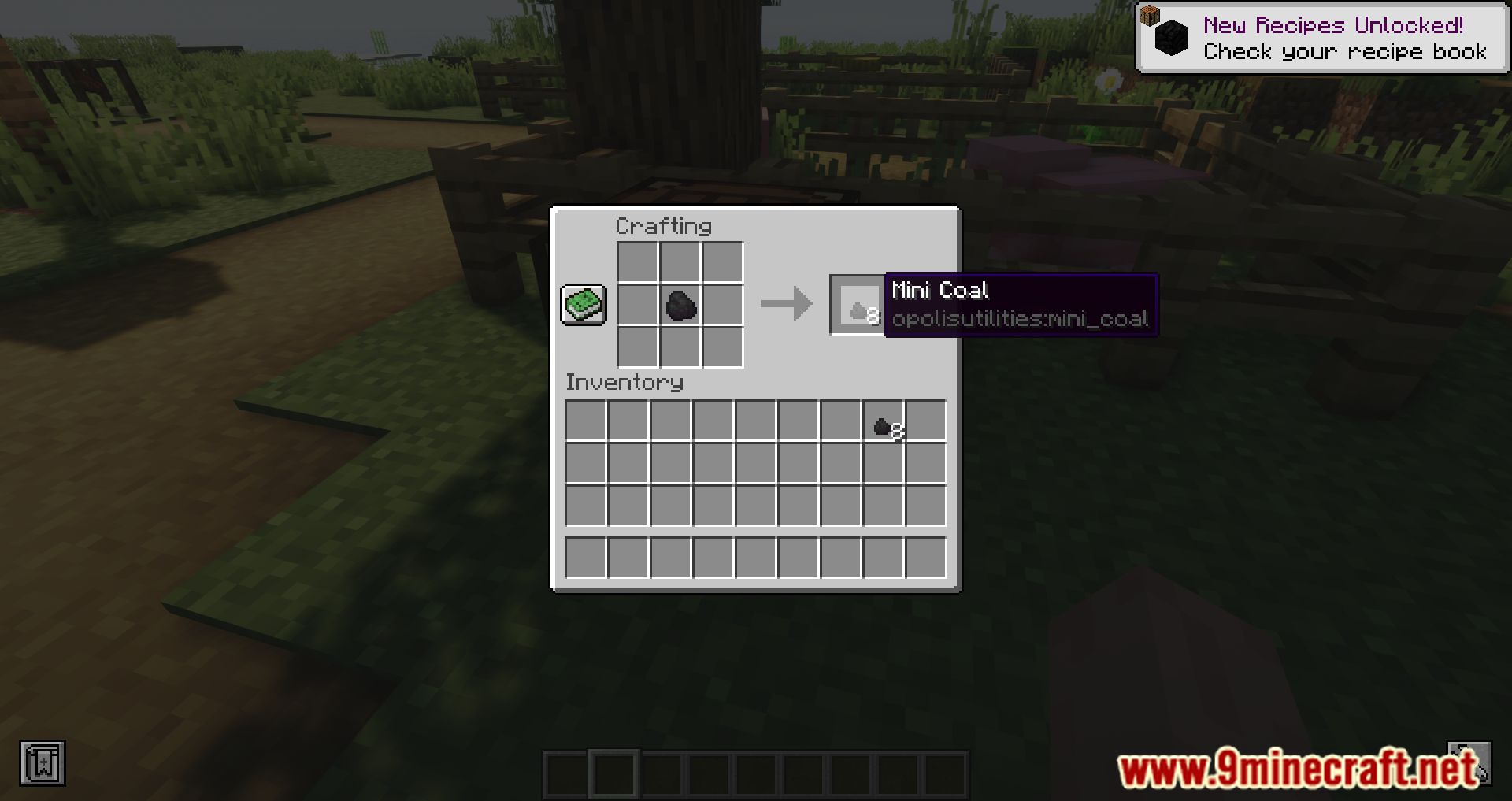
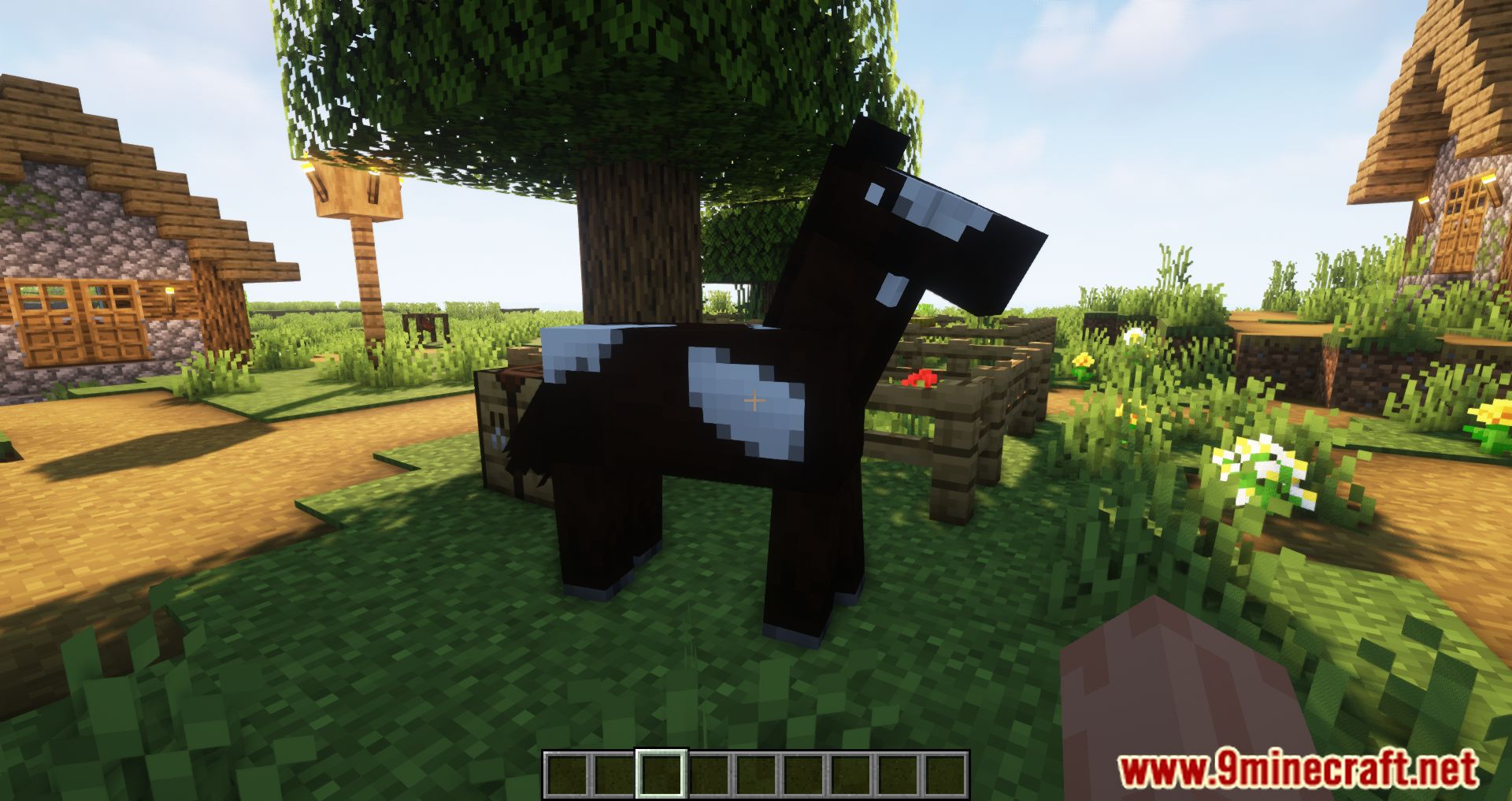
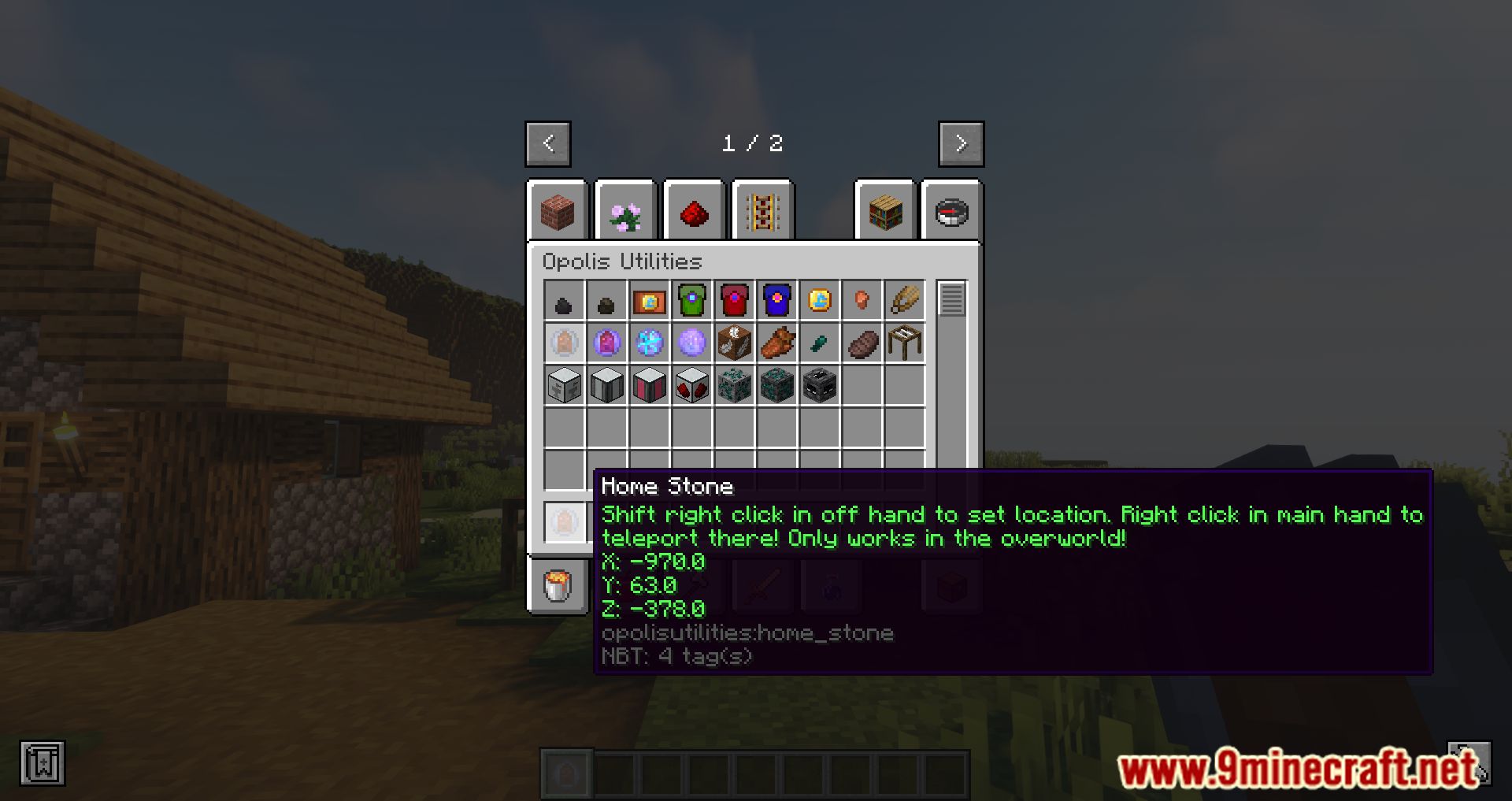
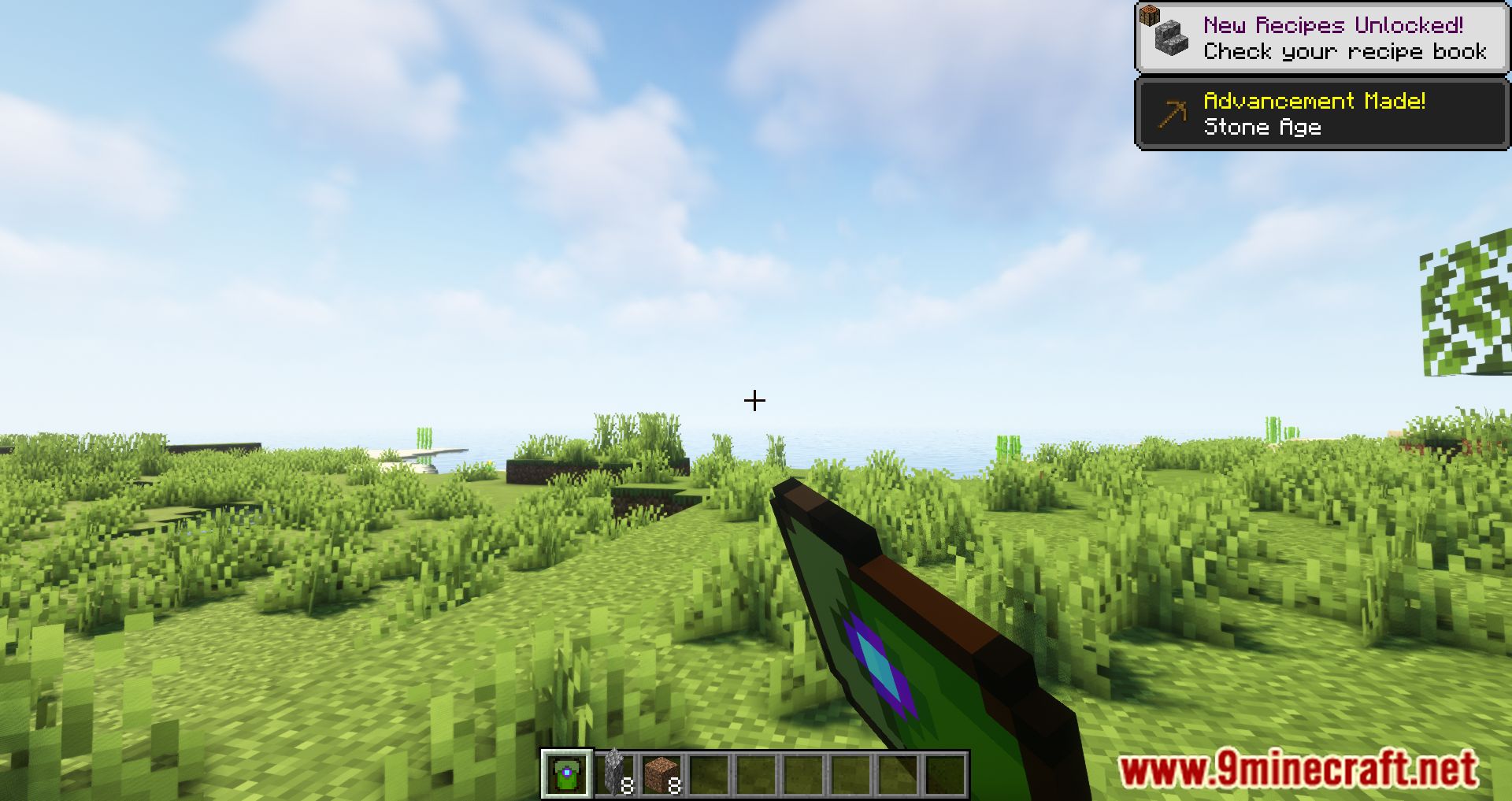
Opolis Utilities Mod adds a bunch of useful blocks and items for the Stoneopolis mod.
Features:
- Patchouli: In game guide book to the items and blocks in game!
- Block Breaker: Breaks blocks, uses tools with enchantments
- Block Placer: Places blocks
- Shop: JSON based shop block useful for pack devs
- Ender Scrambler: A block that can be used to prevent ender man teleporting in a radius around it
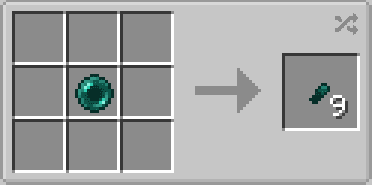
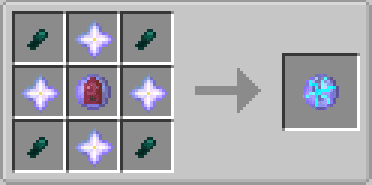
- Ender Ore: Spawns underground and drops ender fragments which can be used to make ender pearls
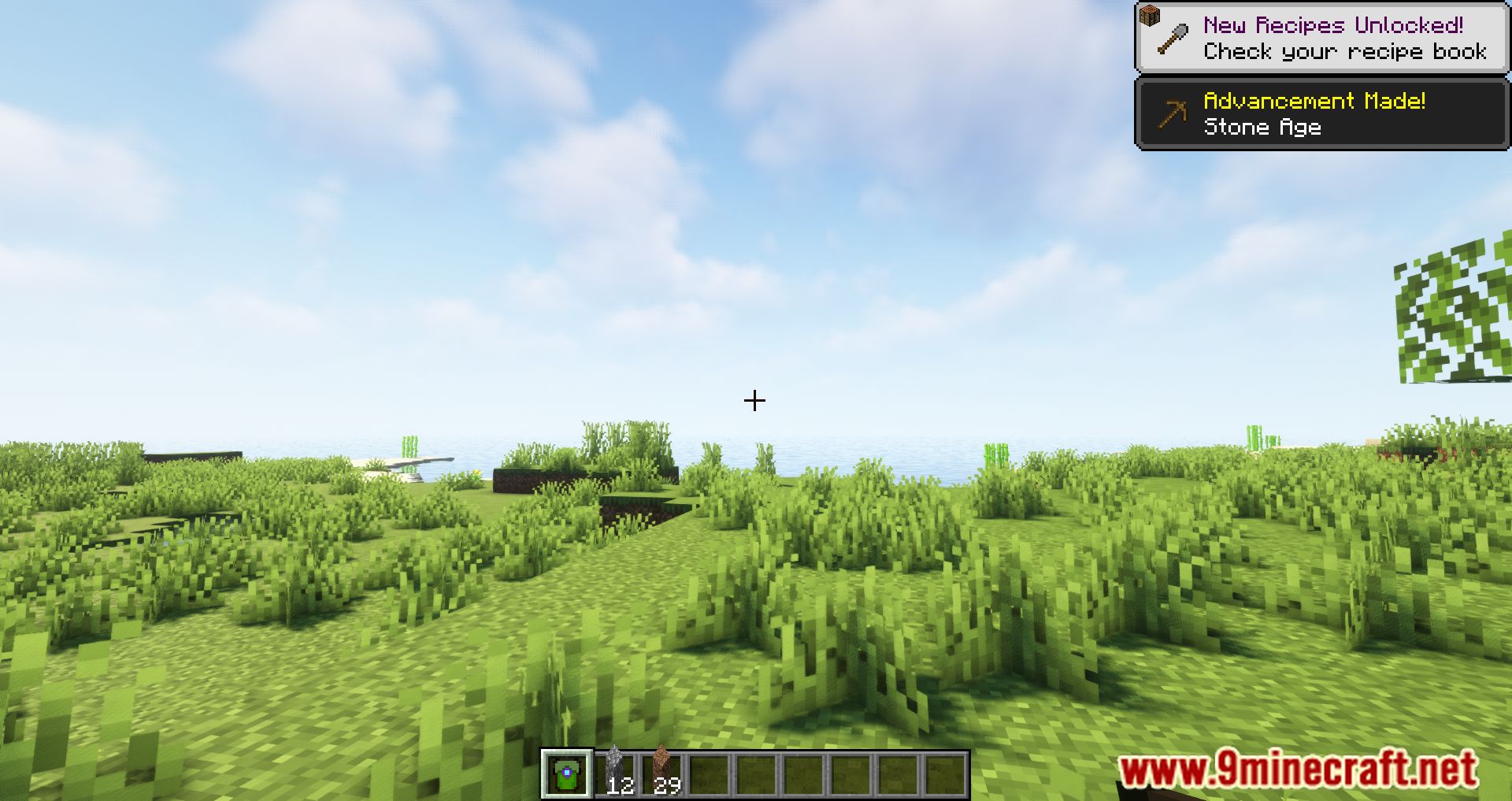
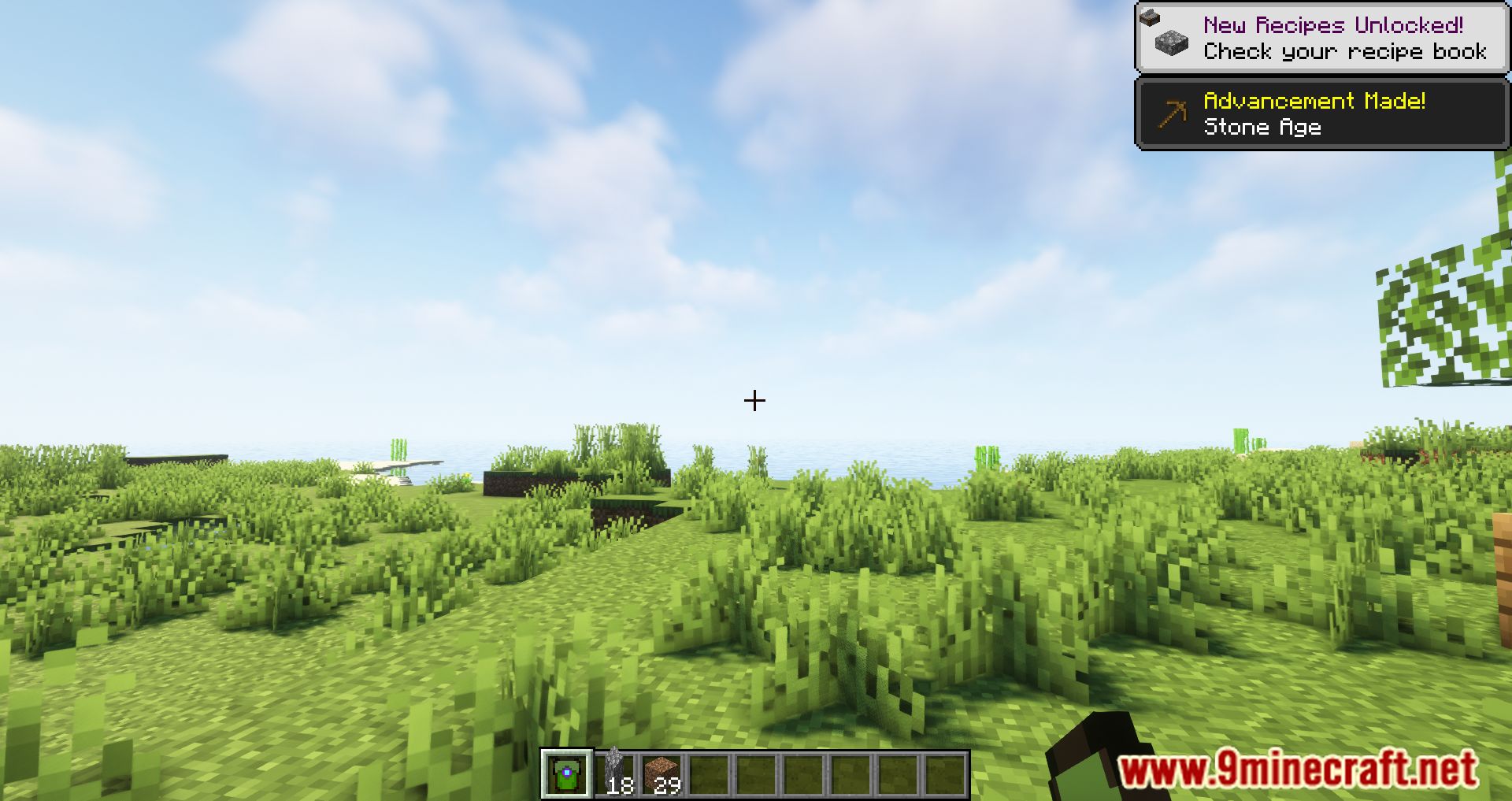
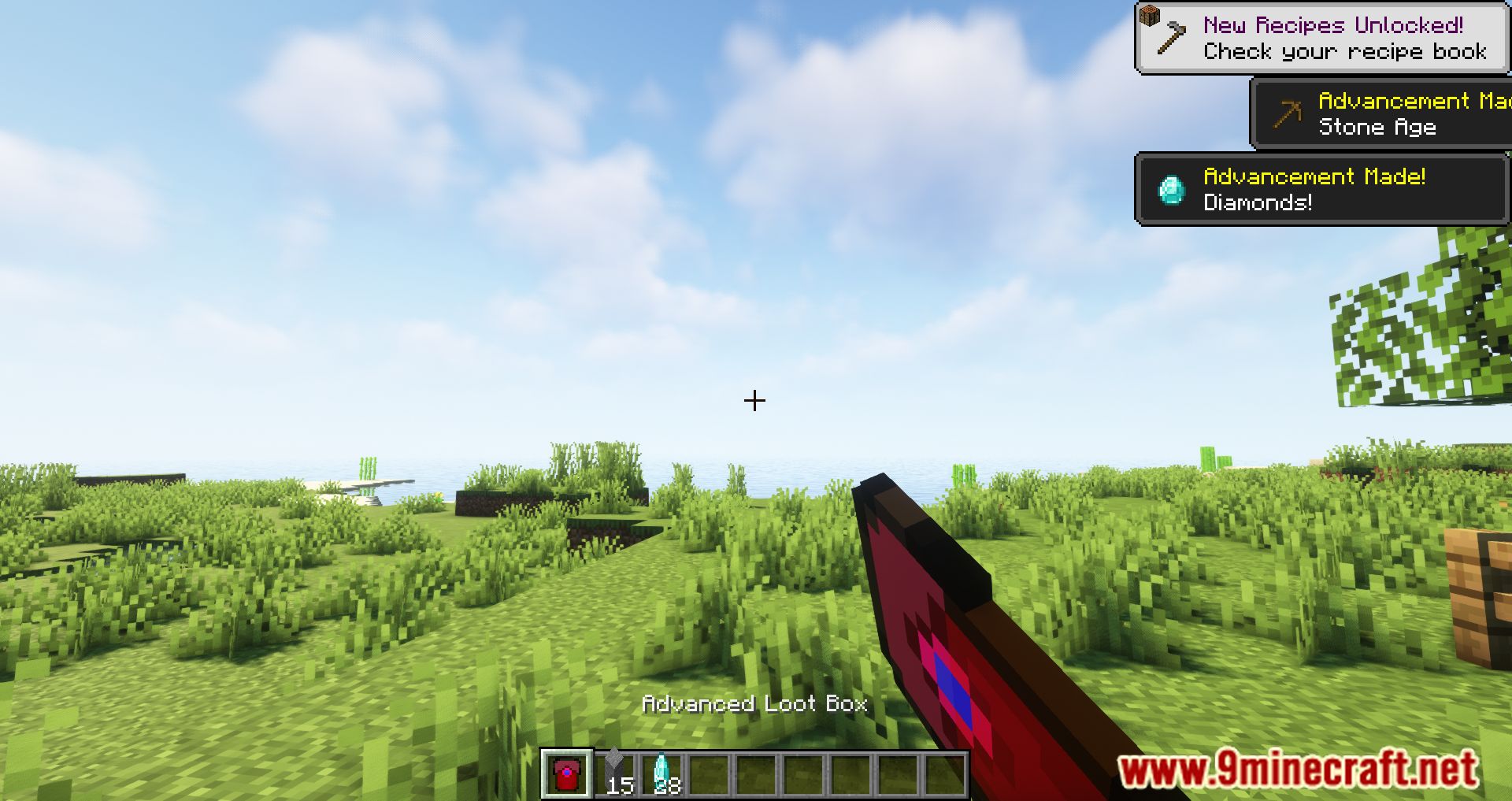
- Loot Boxes: Provide 3 different loot boxes these can be changed by modpack devs to drop any items they wish, loot tables found here “opolisutilities:loot_tables/loot_boxes”
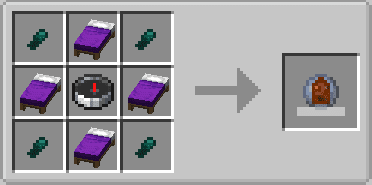
- Death Stone: Given to players when they die, allows them to travel back to there death point
- Home Stone: The home stone can be used to easiely teleport around the over world, has a configurable cooldown
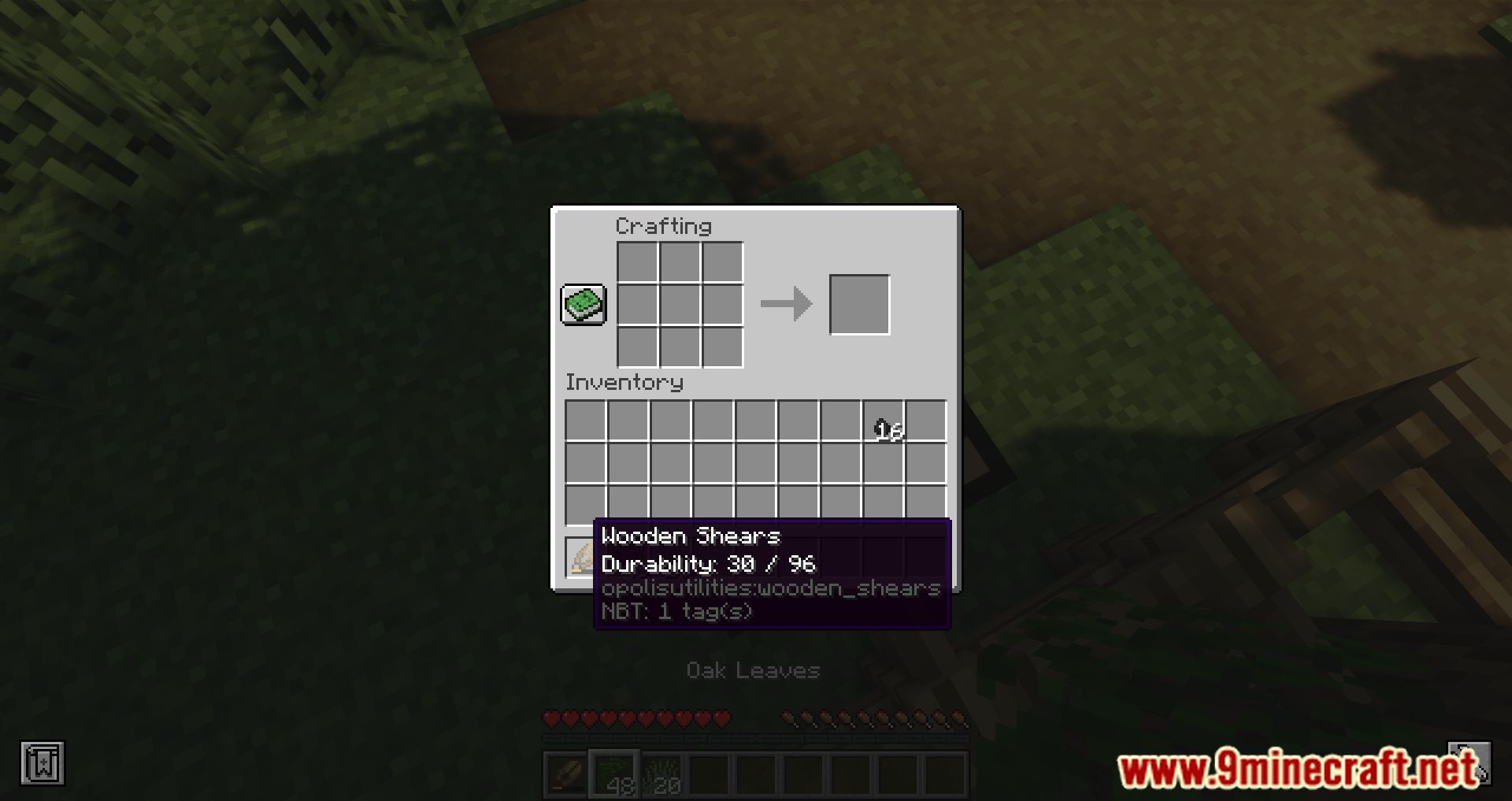
- Wooden Shears: Shears but wooden (tagged to work with most mods)
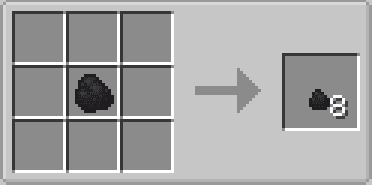
- Copper nugget: Because minecraft should have copper nuggets
- Floating Block: Works like a angel block, can be placed in the air without any supporting blocks, handly for skyblock worlds
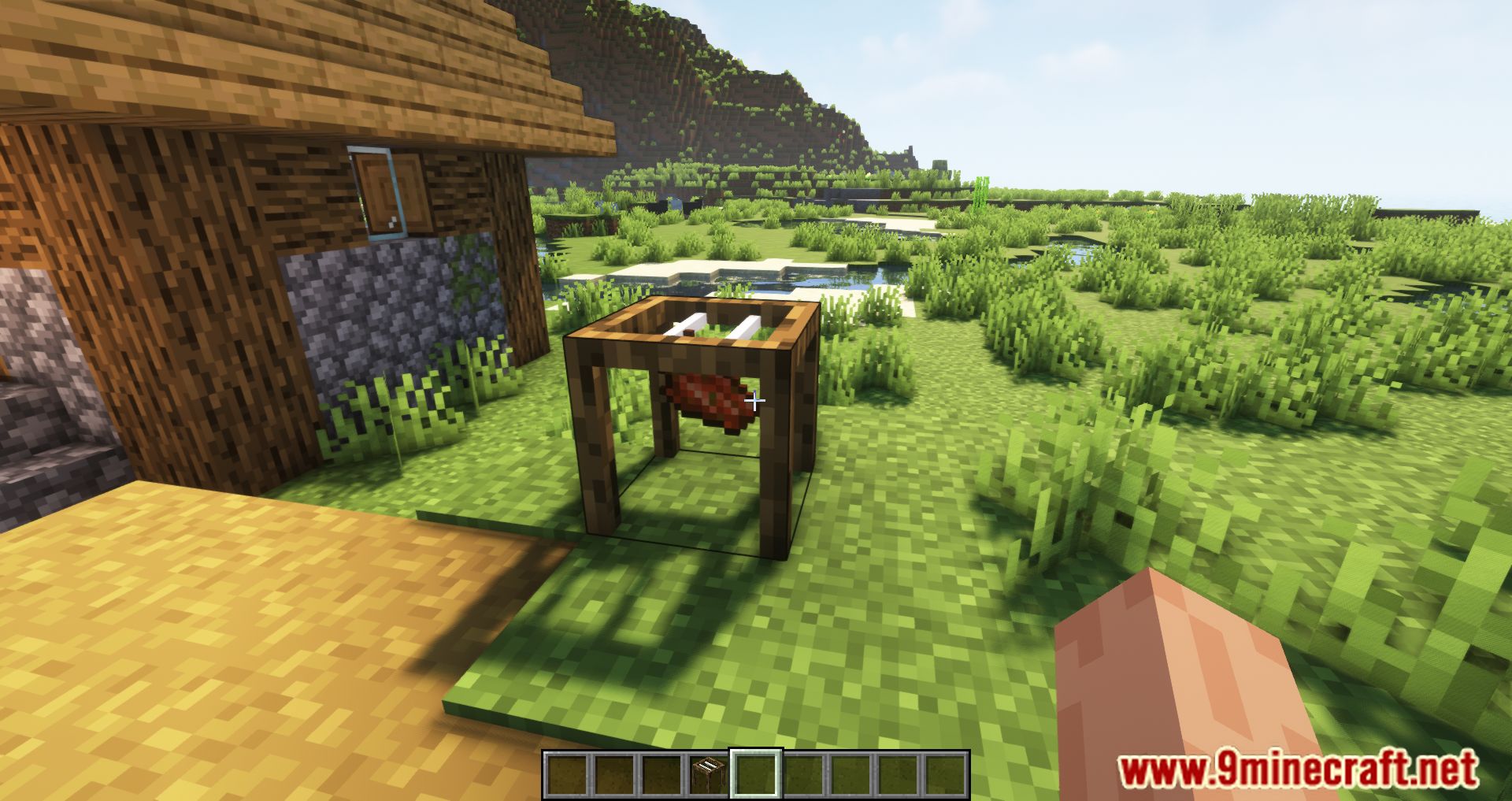
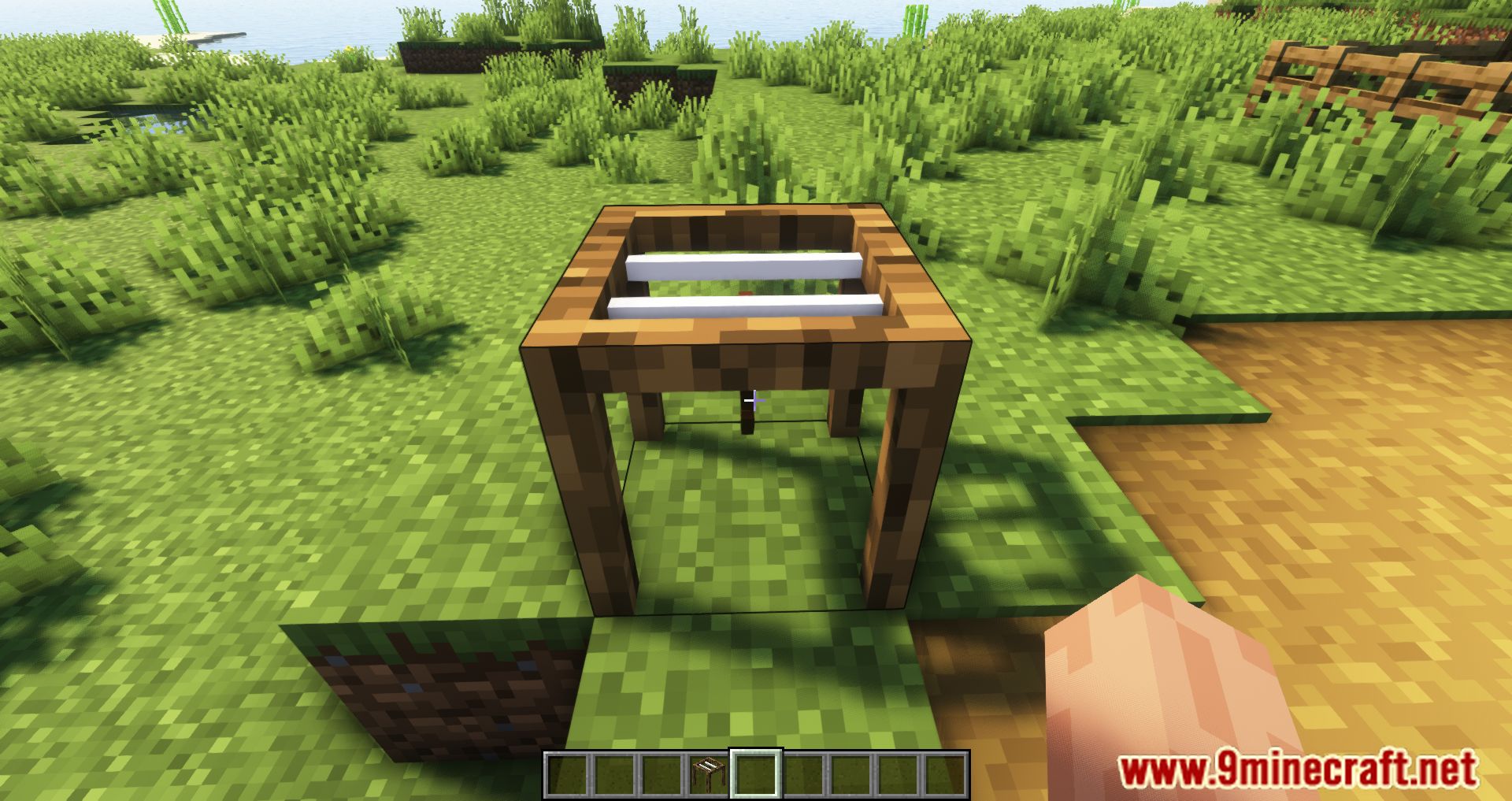
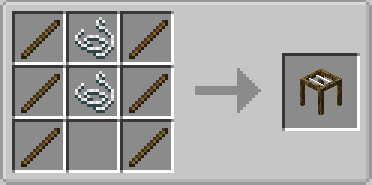
- Drying Table: Dries items into others (Uses json recipes)
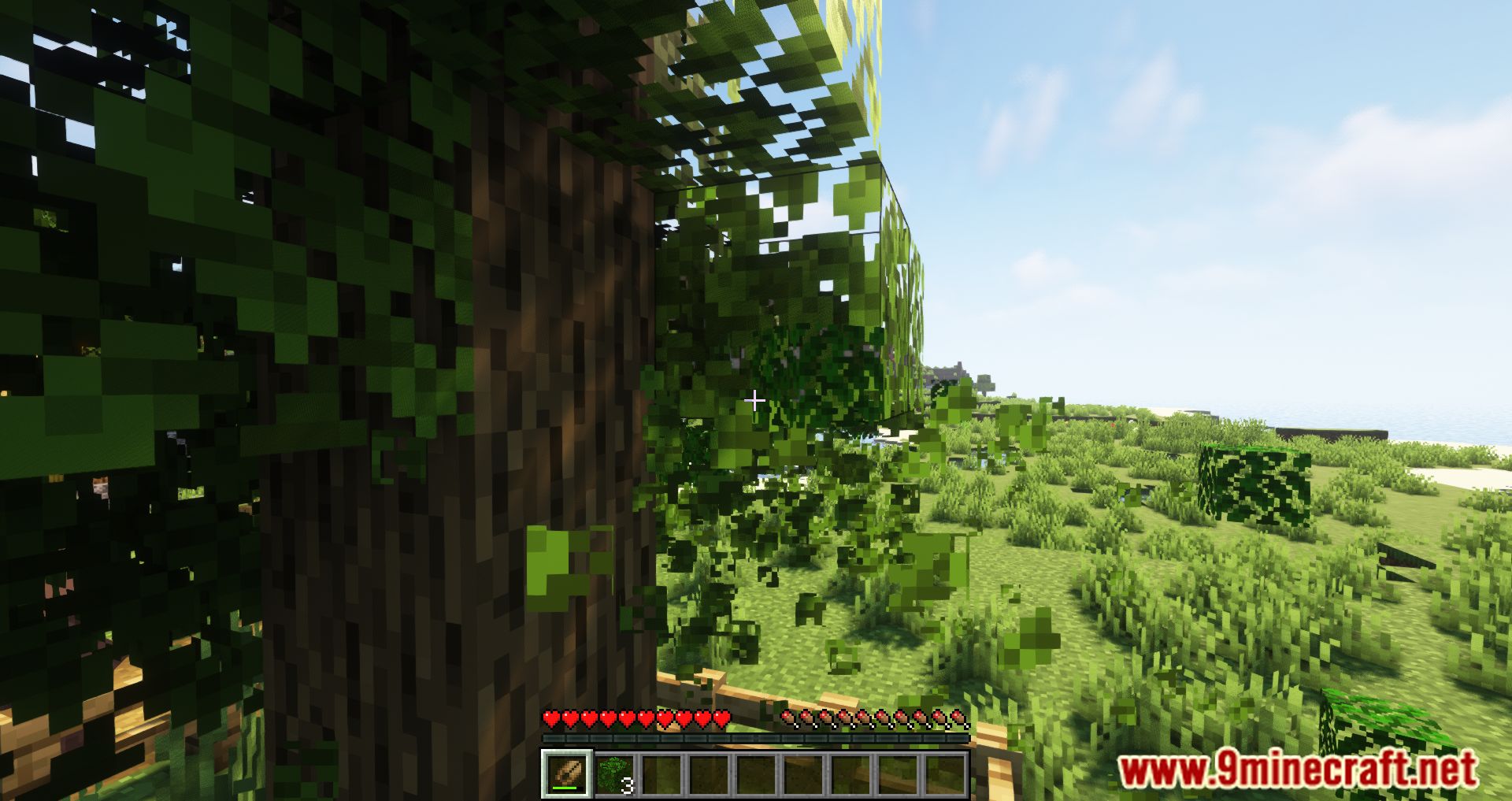
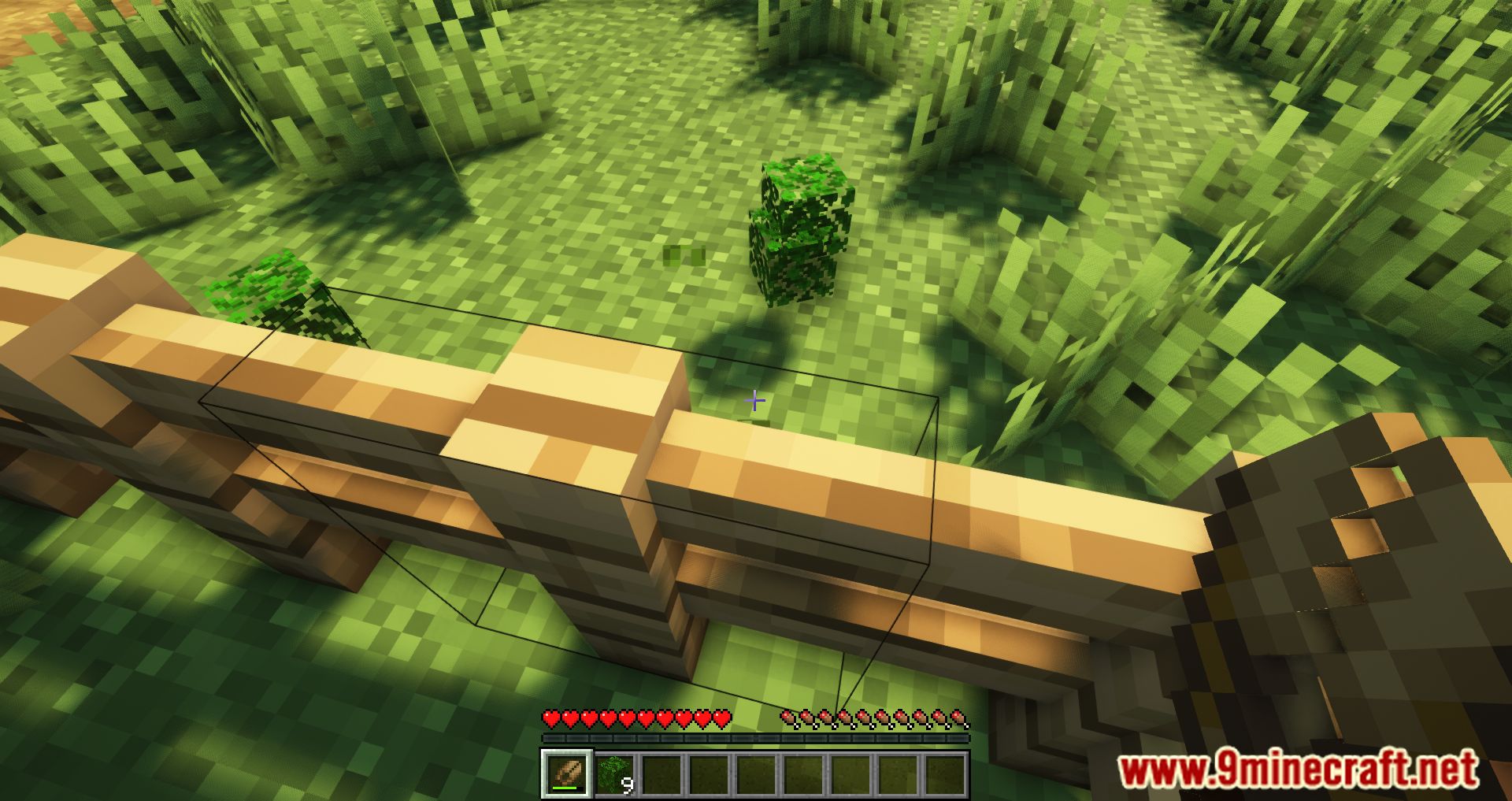
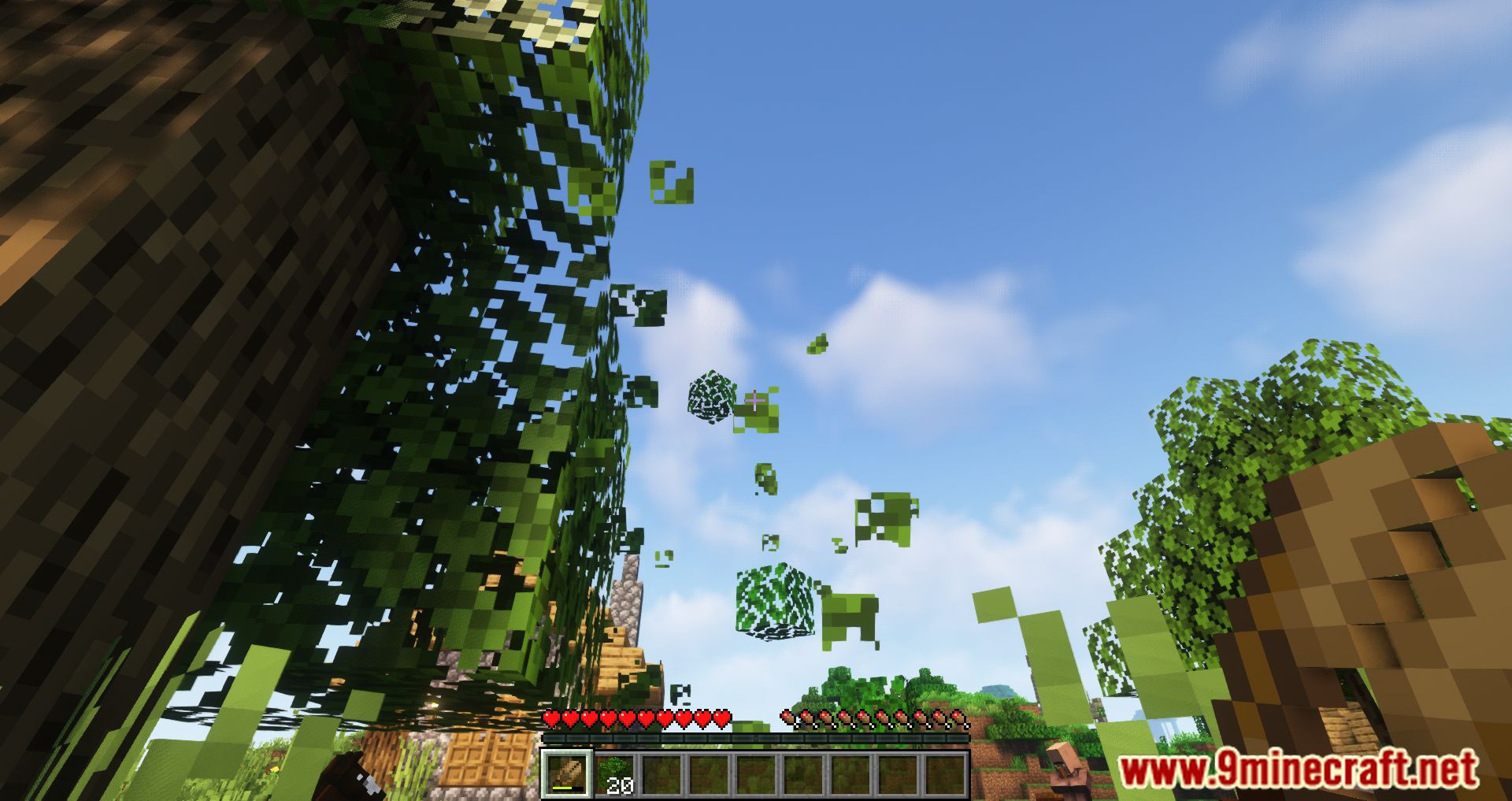
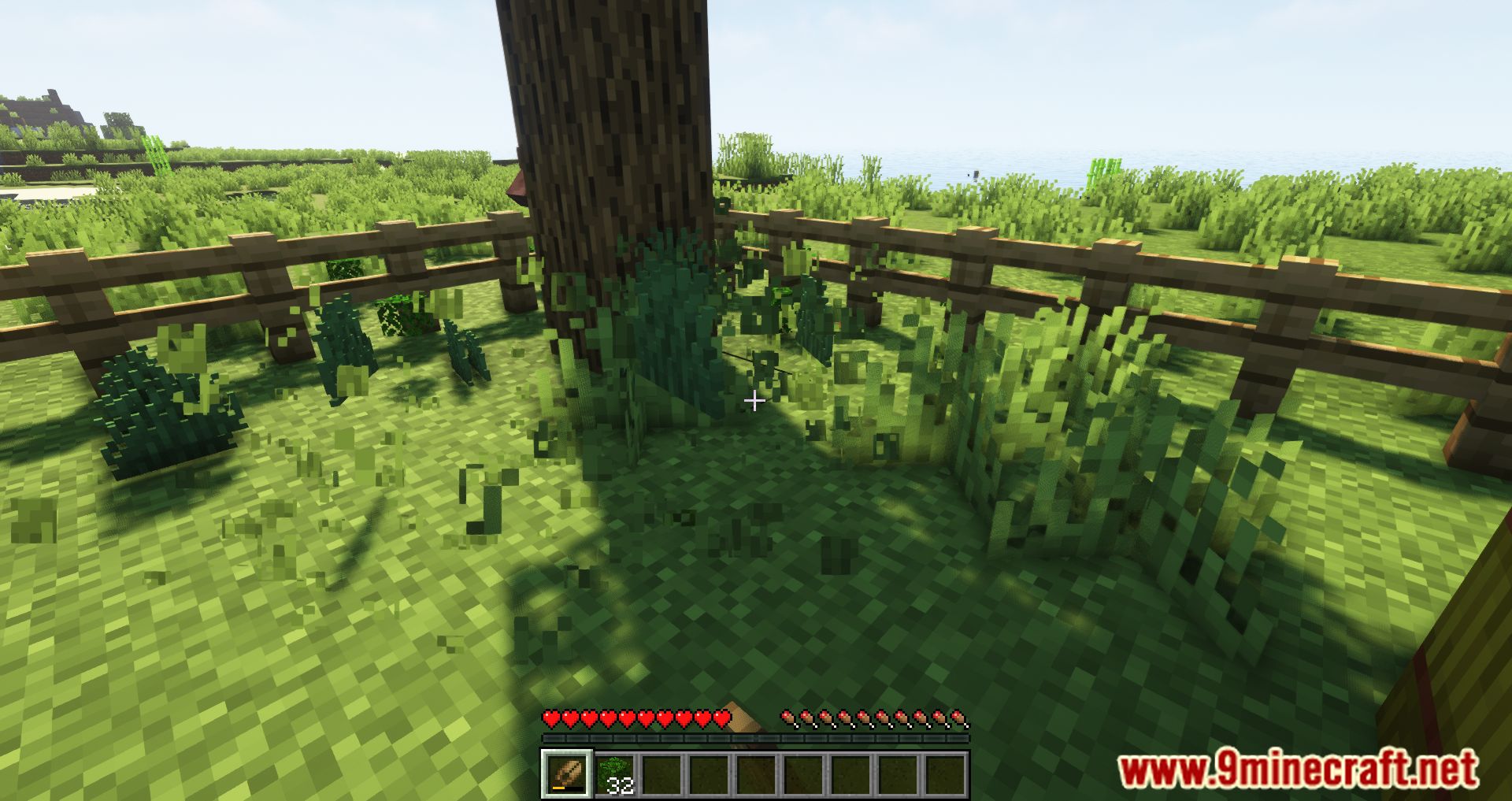
Screenshots:
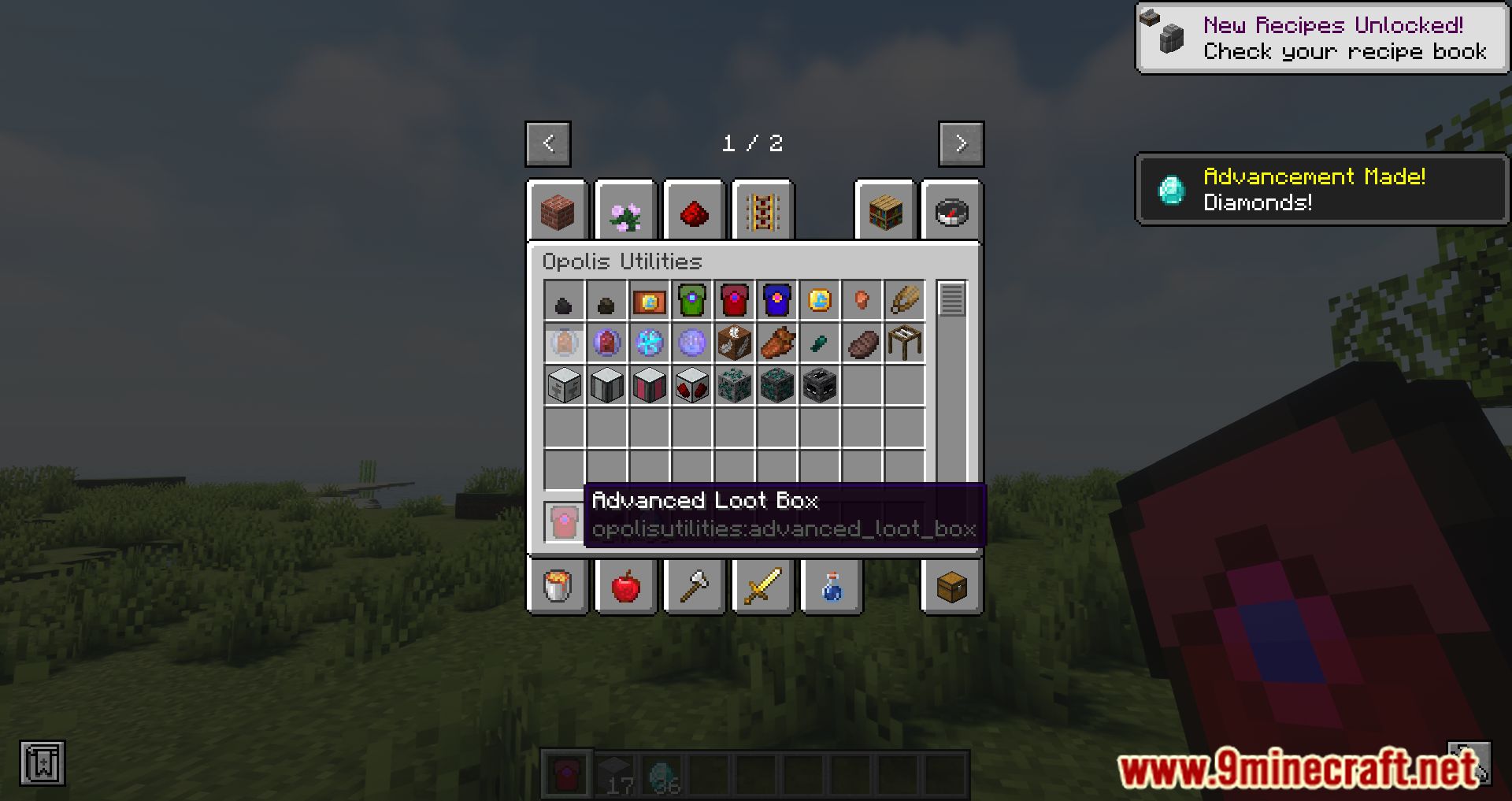
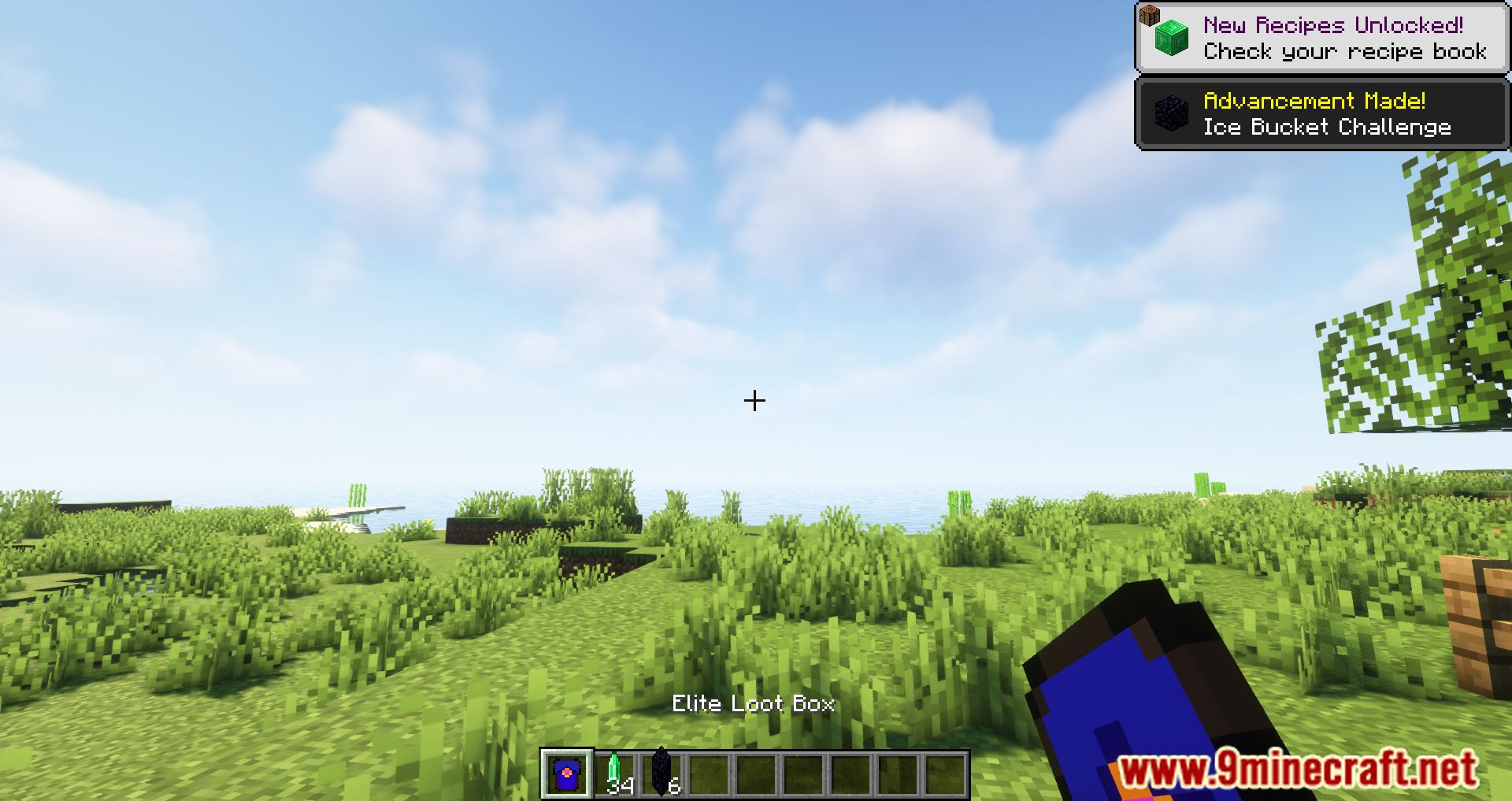
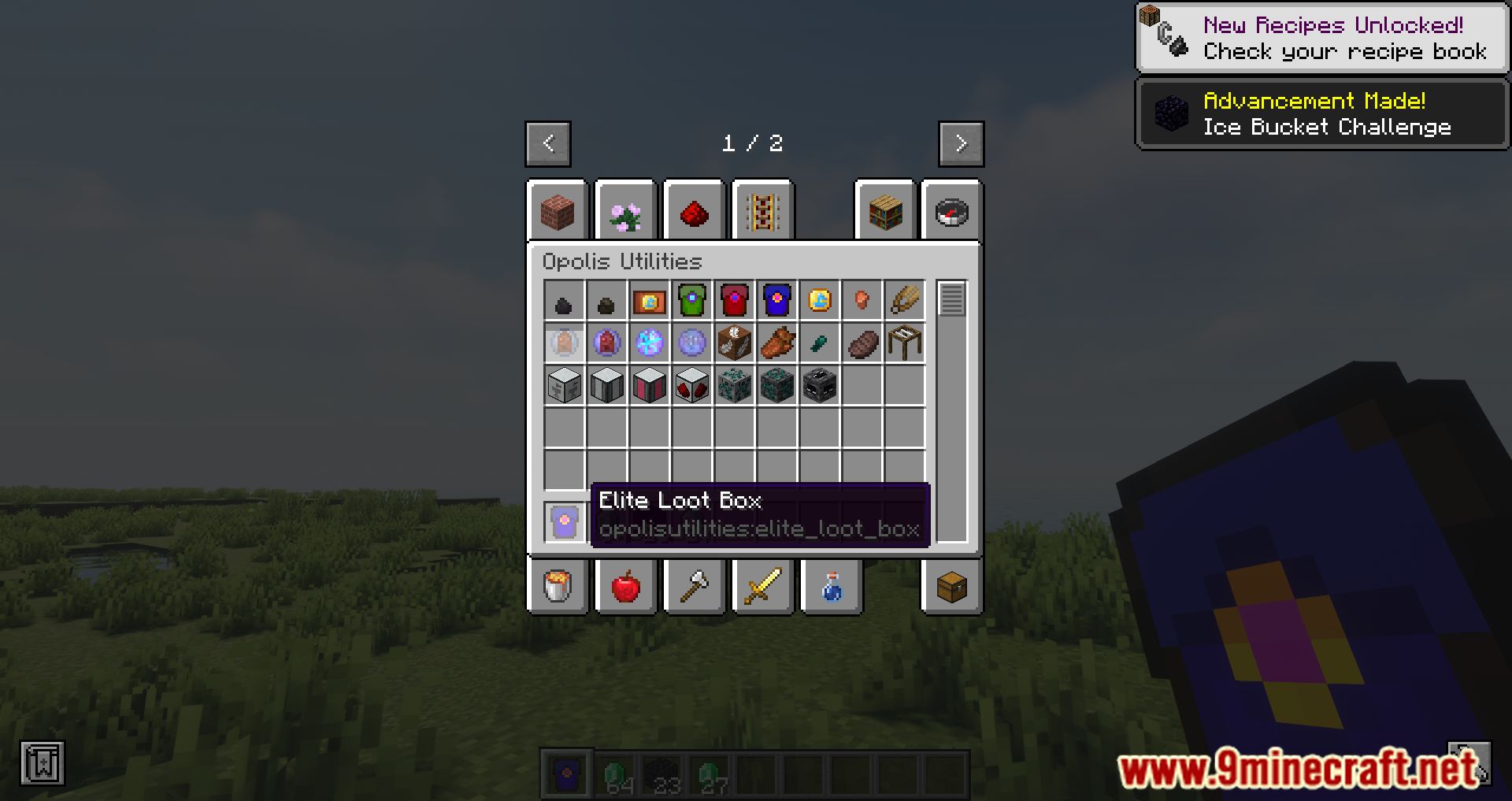
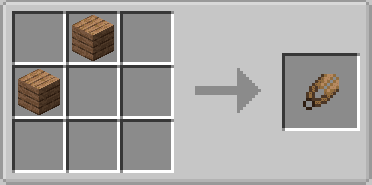
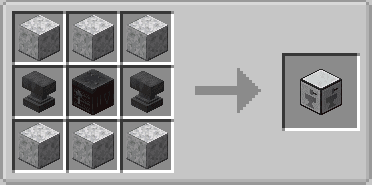
Crafting Recipes:
Opolis Utilities Mod Download Links
For Minecraft 1.19.2, 1.19.1, 1.19
Forge Version: Download from Server 1 – Download from Server 2
For Minecraft 1.20.1, 1.20
Forge Version: Download from Server 1 – Download from Server 2
For Minecraft 1.20.6
NeoForge Version: Download from Server 1 – Download from Server 2
For Minecraft 1.21.1, 1.21
NeoForge Version: Download from Server 1 – Download from Server 2
For Minecraft 1.21.10, 1.21.9
NeoForge Version: Download from Server 1 – Download from Server 2
For Minecraft 1.21.11
NeoForge Version: Download from Server 1 – Download from Server 2
- Edition: Minecraft Java
- File type: .jar
- Minecraft versions listed: 1.21.11, 1.20.1
- How to install: Install the matching mod loader (Forge, Fabric or NeoForge) for your Minecraft version. → Download the .jar. → Put it in the .minecraft/mods folder and launch that loader profile.
- Where to get it: In MC Java Mods, or directly above on this page.
Install steps are the general flow for this file type — How to install Minecraft Java mods & modpacks walks through it step by step.
- Downloads as 175908.mcaddon
- Download size: 257 KB
- Download link checked 25 Jul 2026 — working
- Mirrored on our own servers — the download does not depend on the original host
These come from our own check of the pack file, not from the source page.