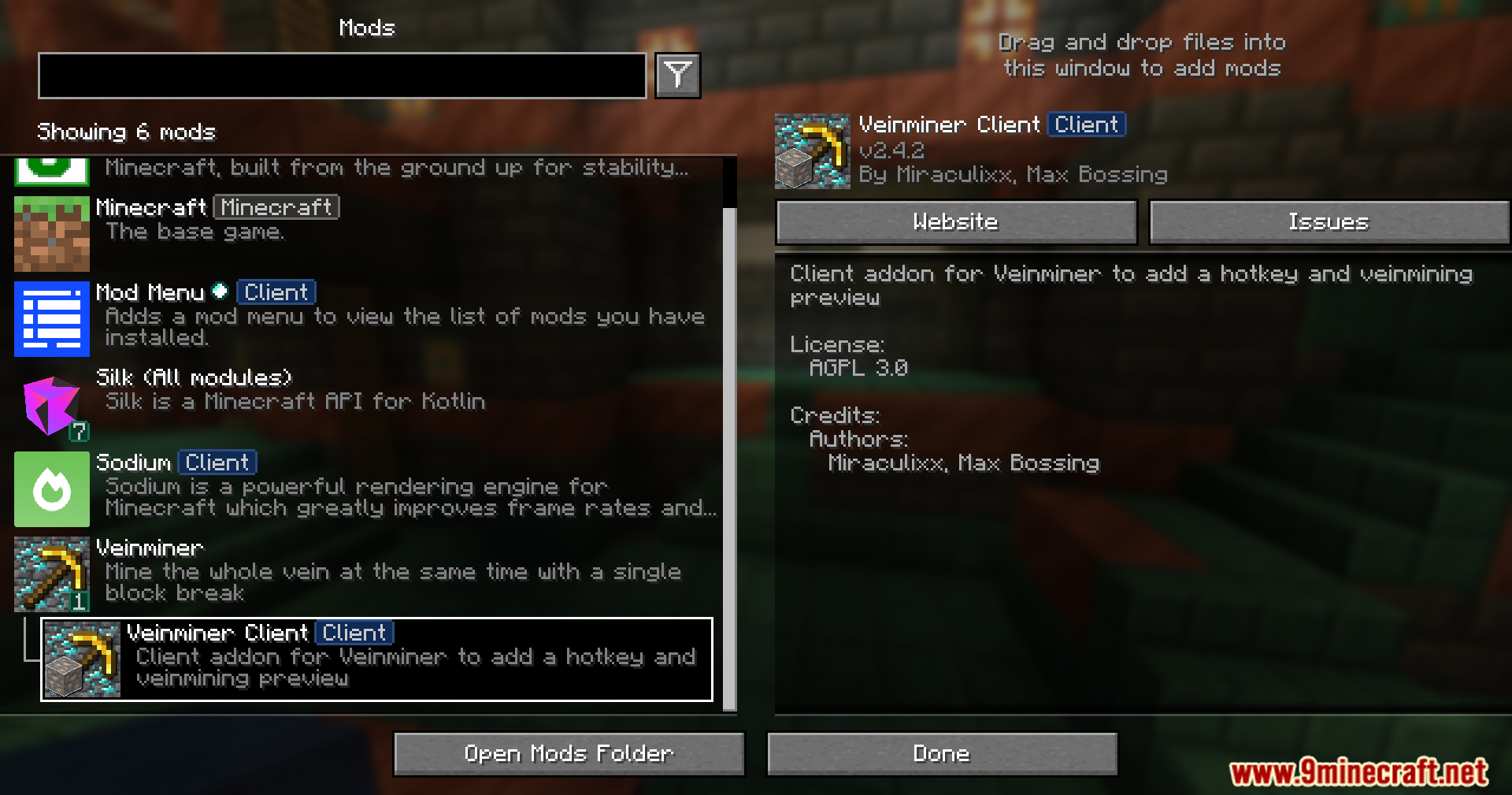
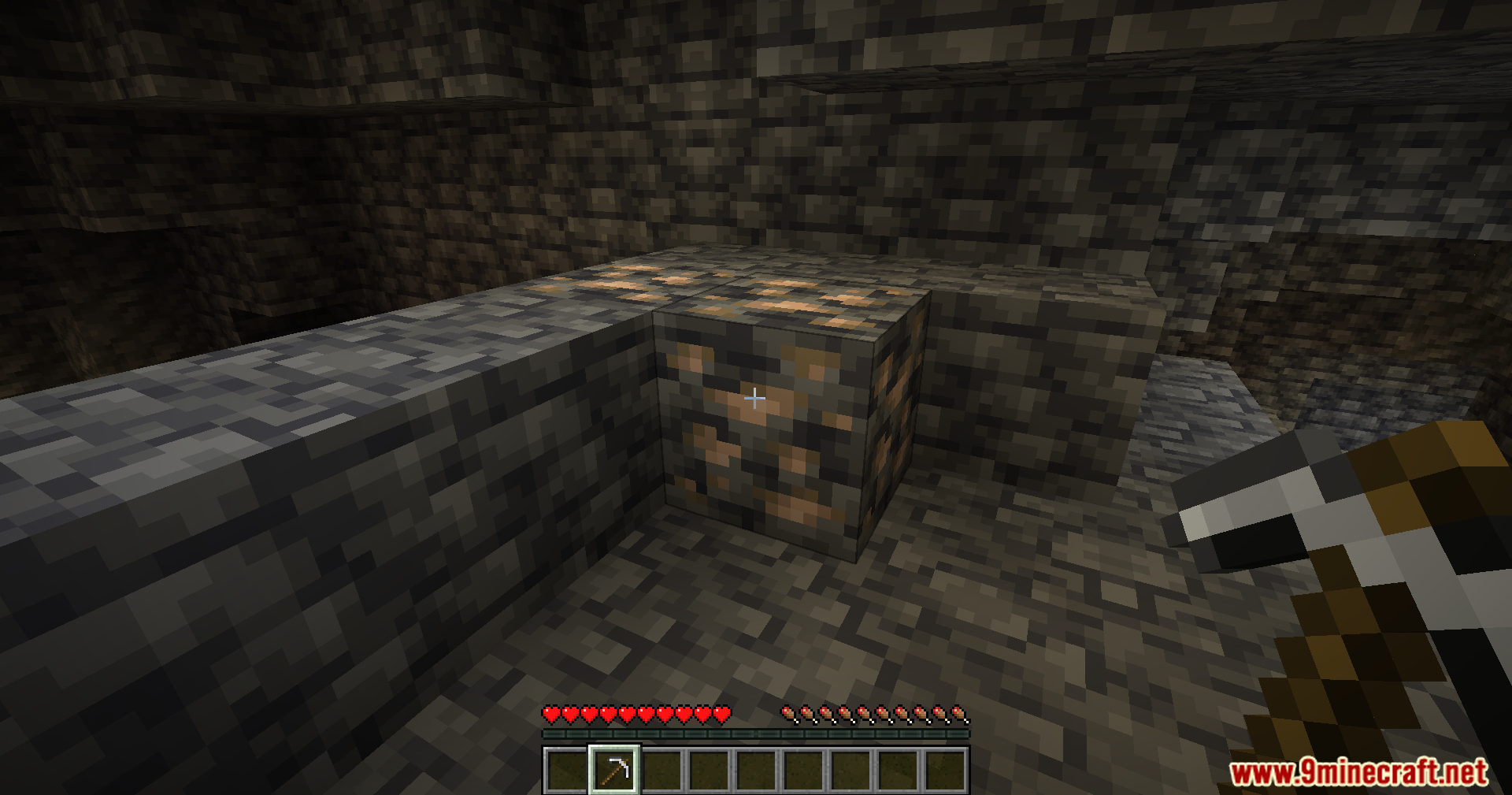
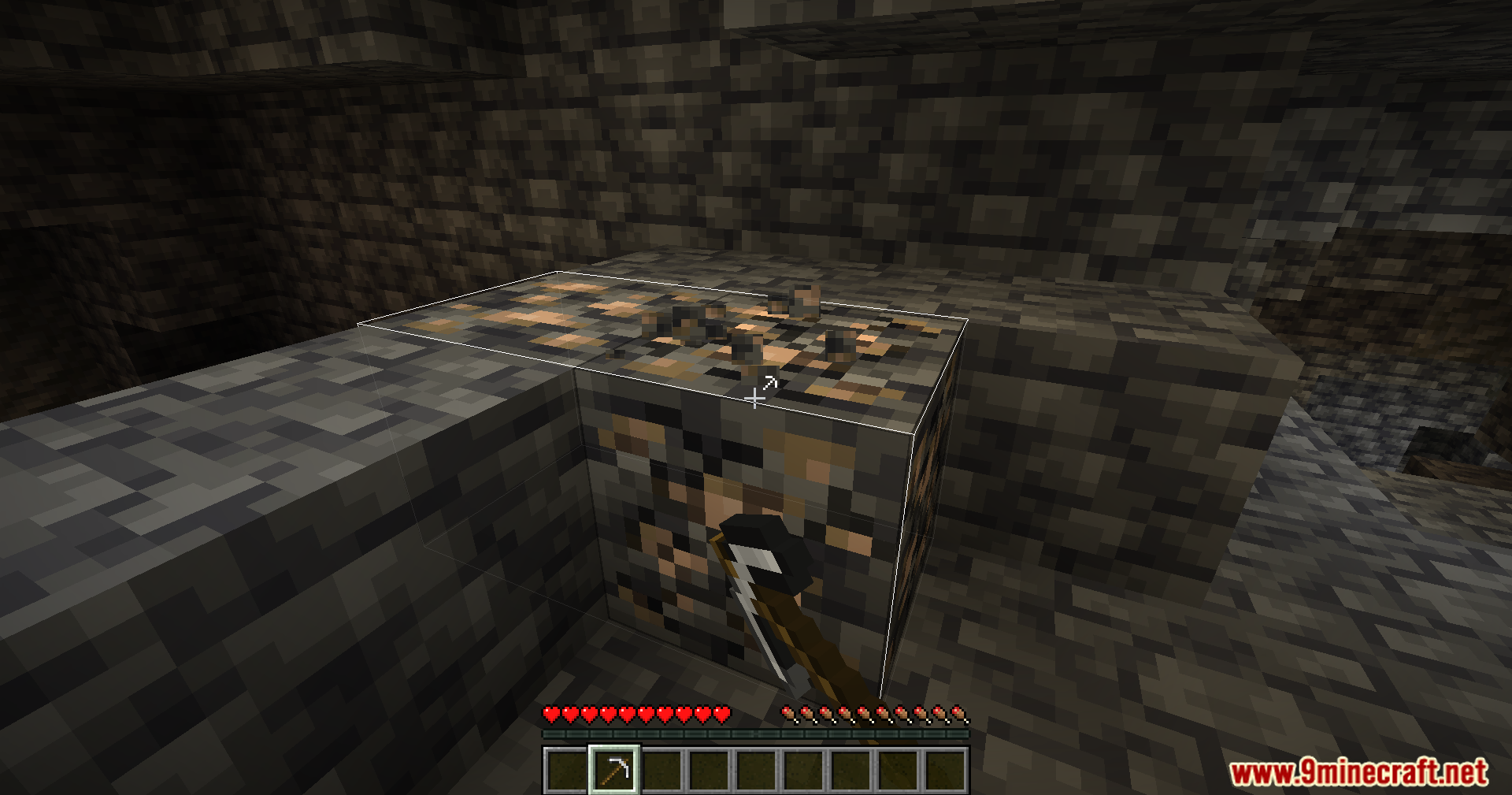
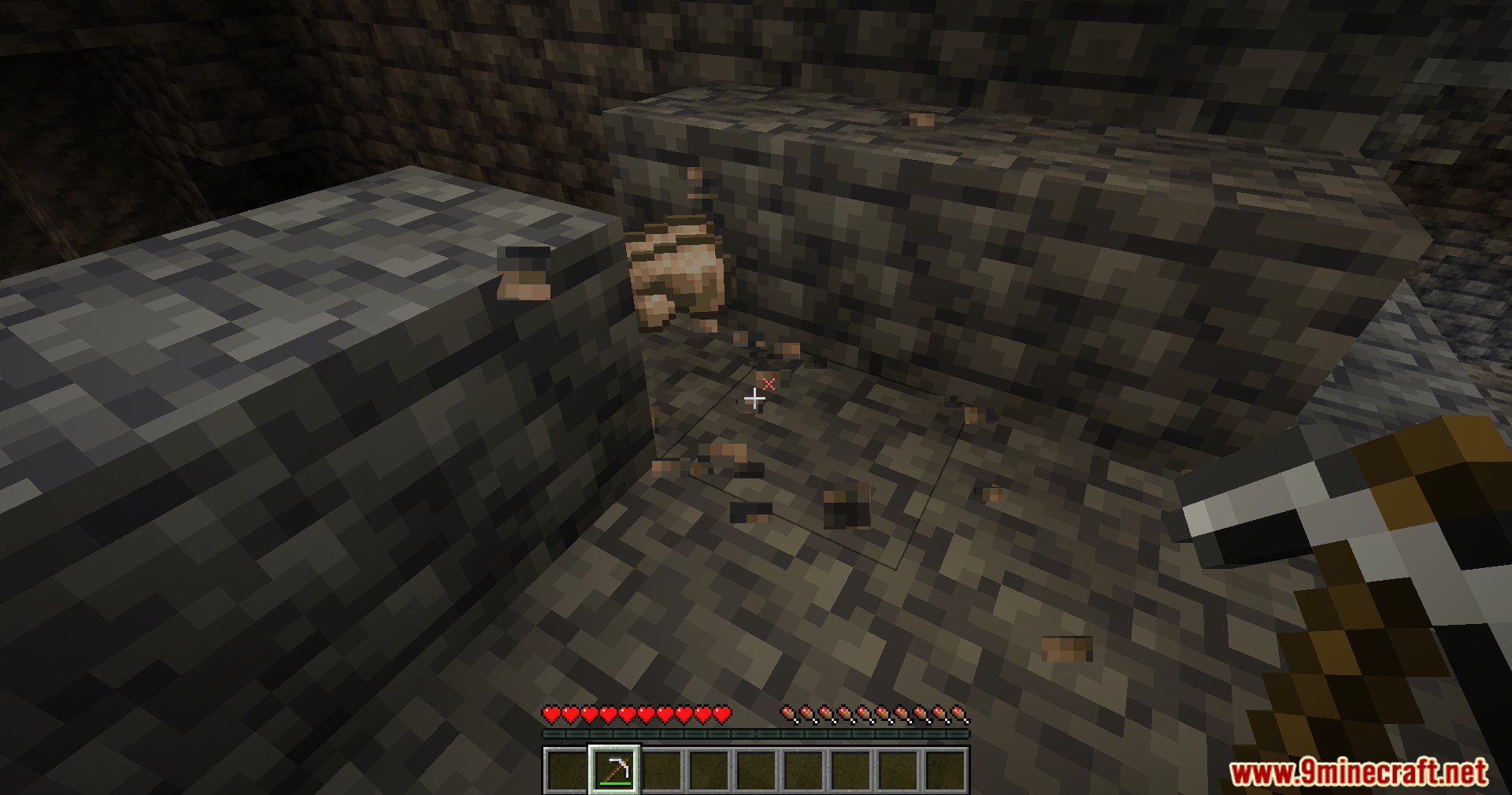
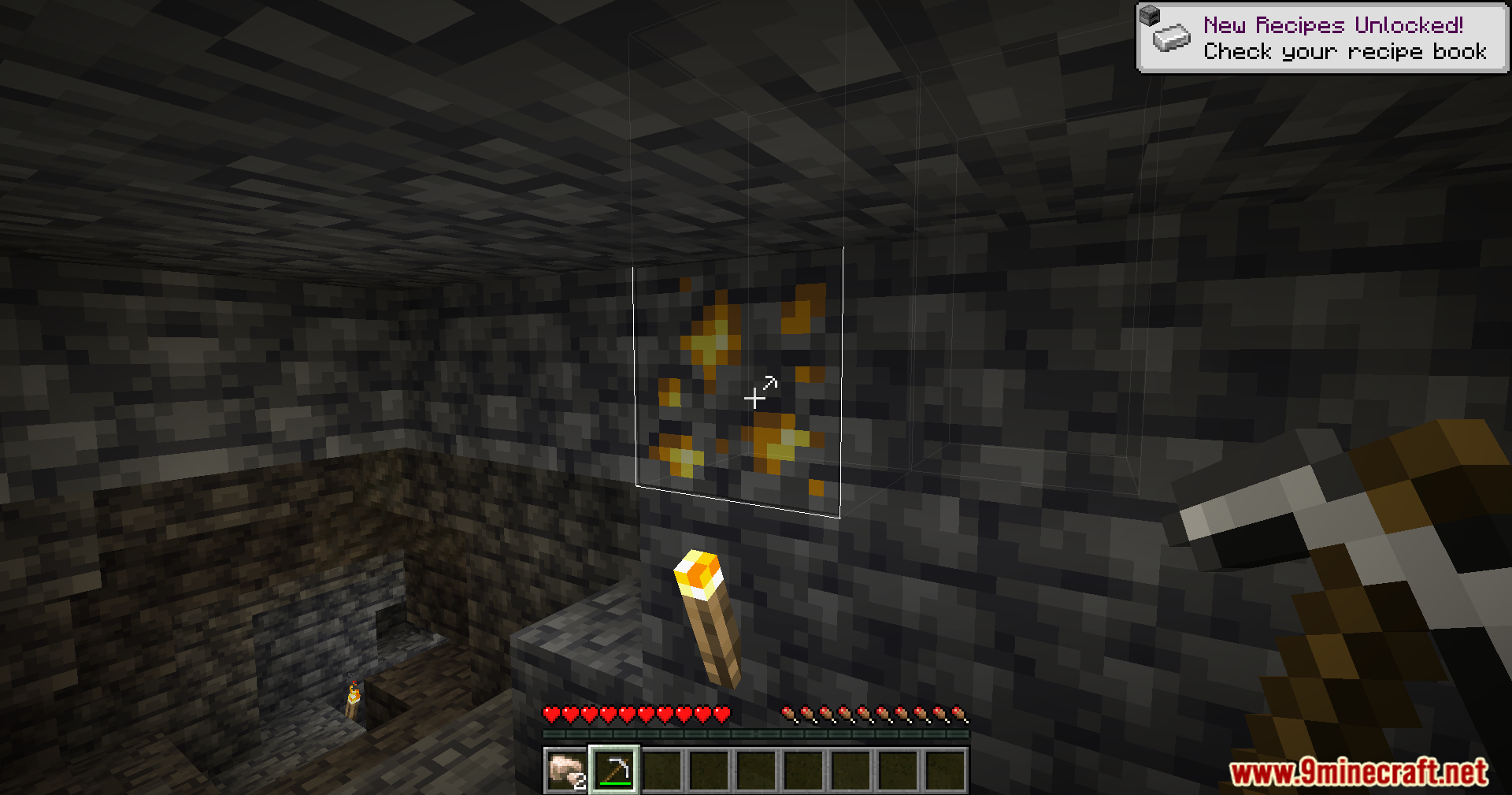
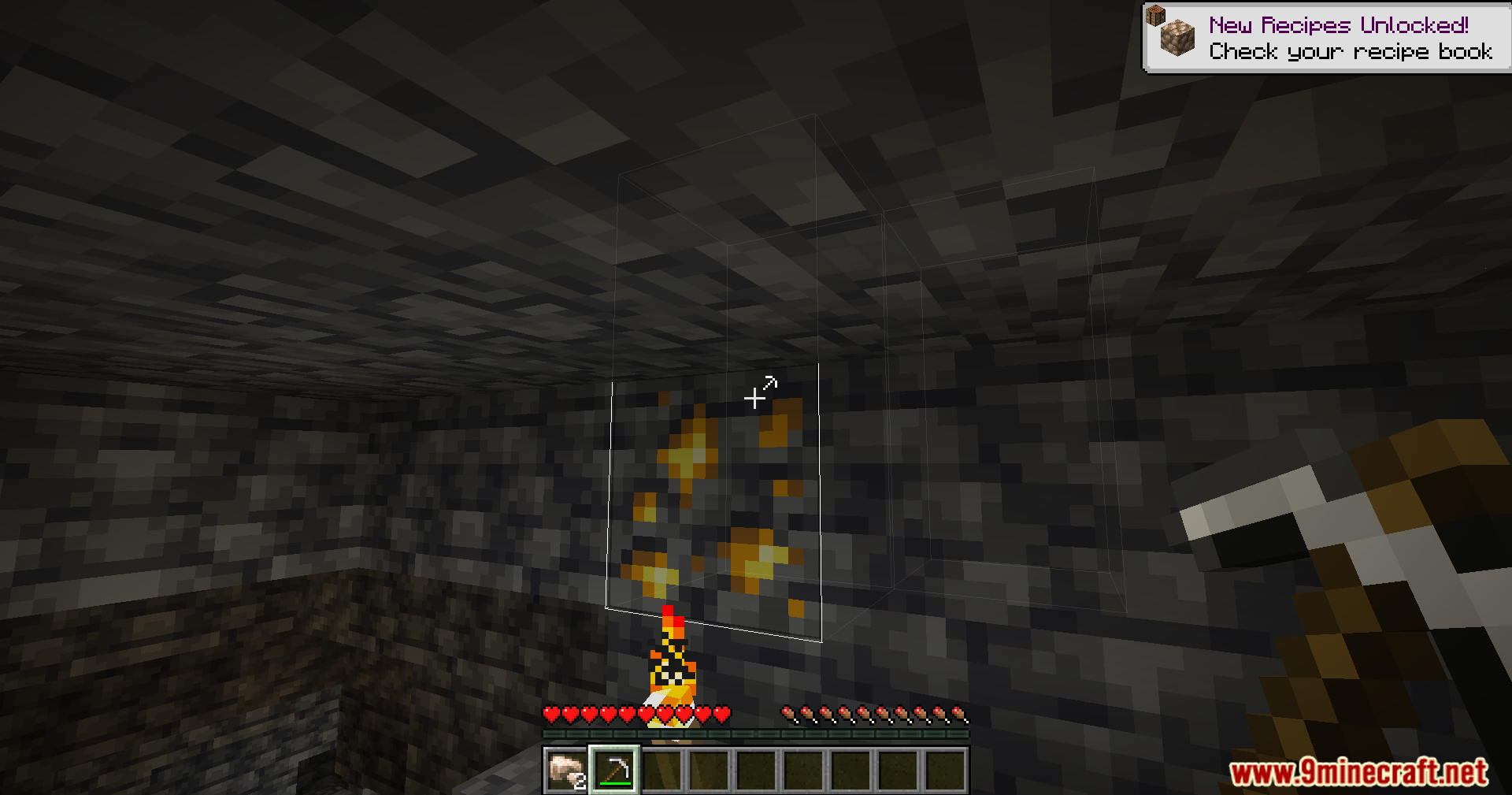
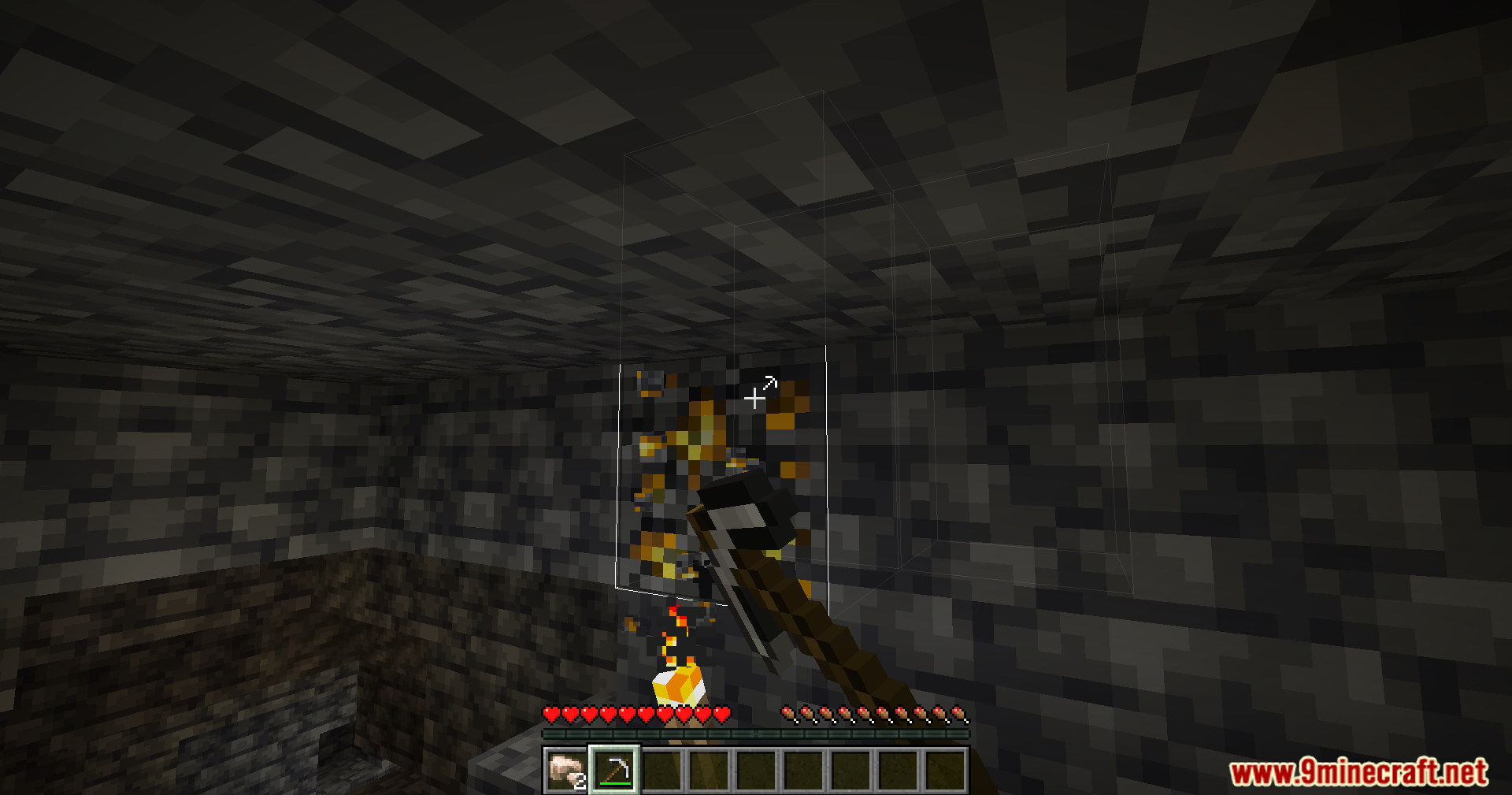
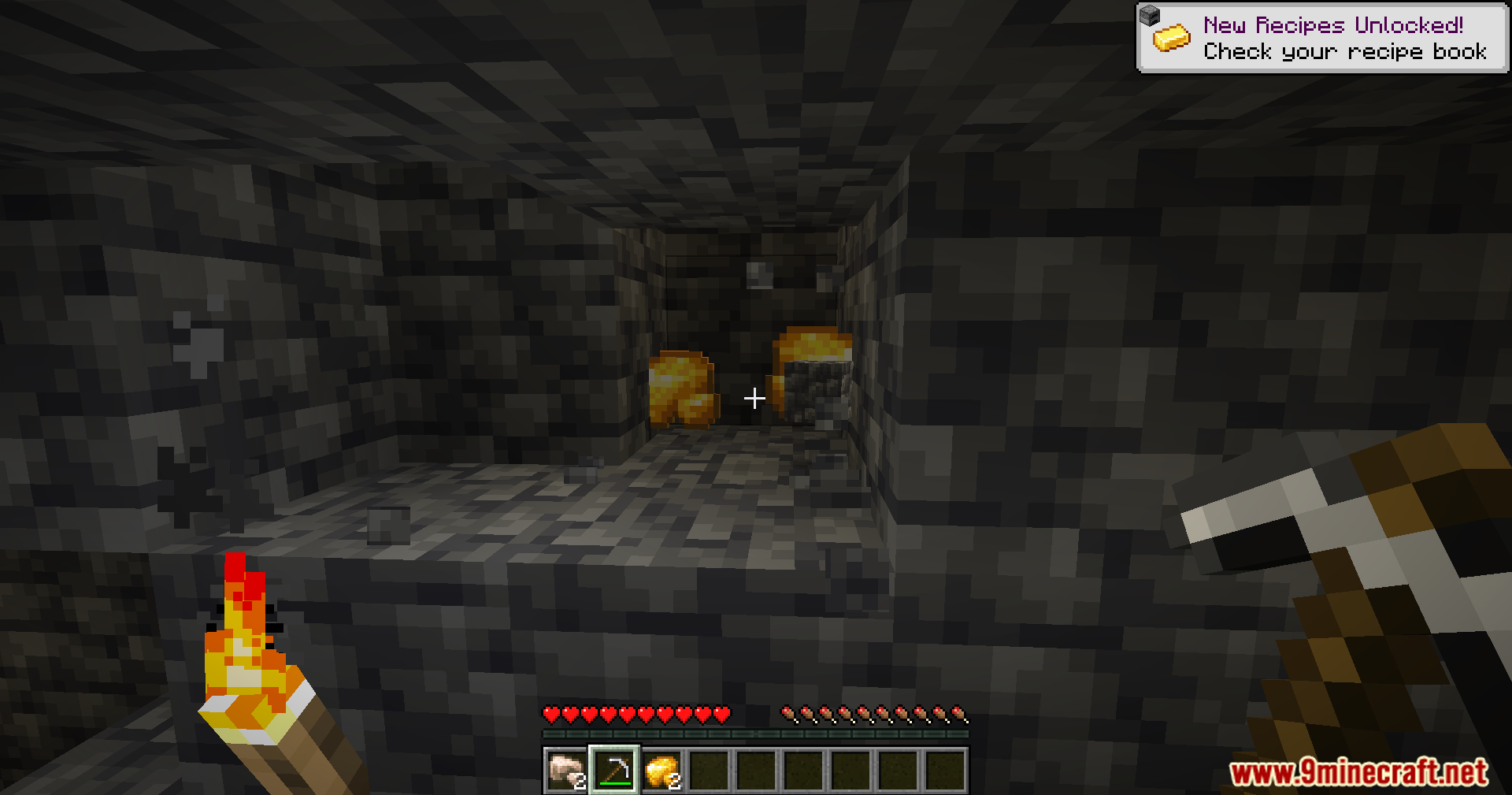
Veinminer Hotkey Mod adds a special hotkey and a visual preview for the Veinminer mod. This addon gives you more control, making it so vein mining only happens when you press and hold the assigned key. It also shows you which blocks will be broken before you mine them, all while following the server’s normal Veinminer rules.
Features:
- Adds a custom hotkey to activate vein mining, which can be changed in the controls menu.
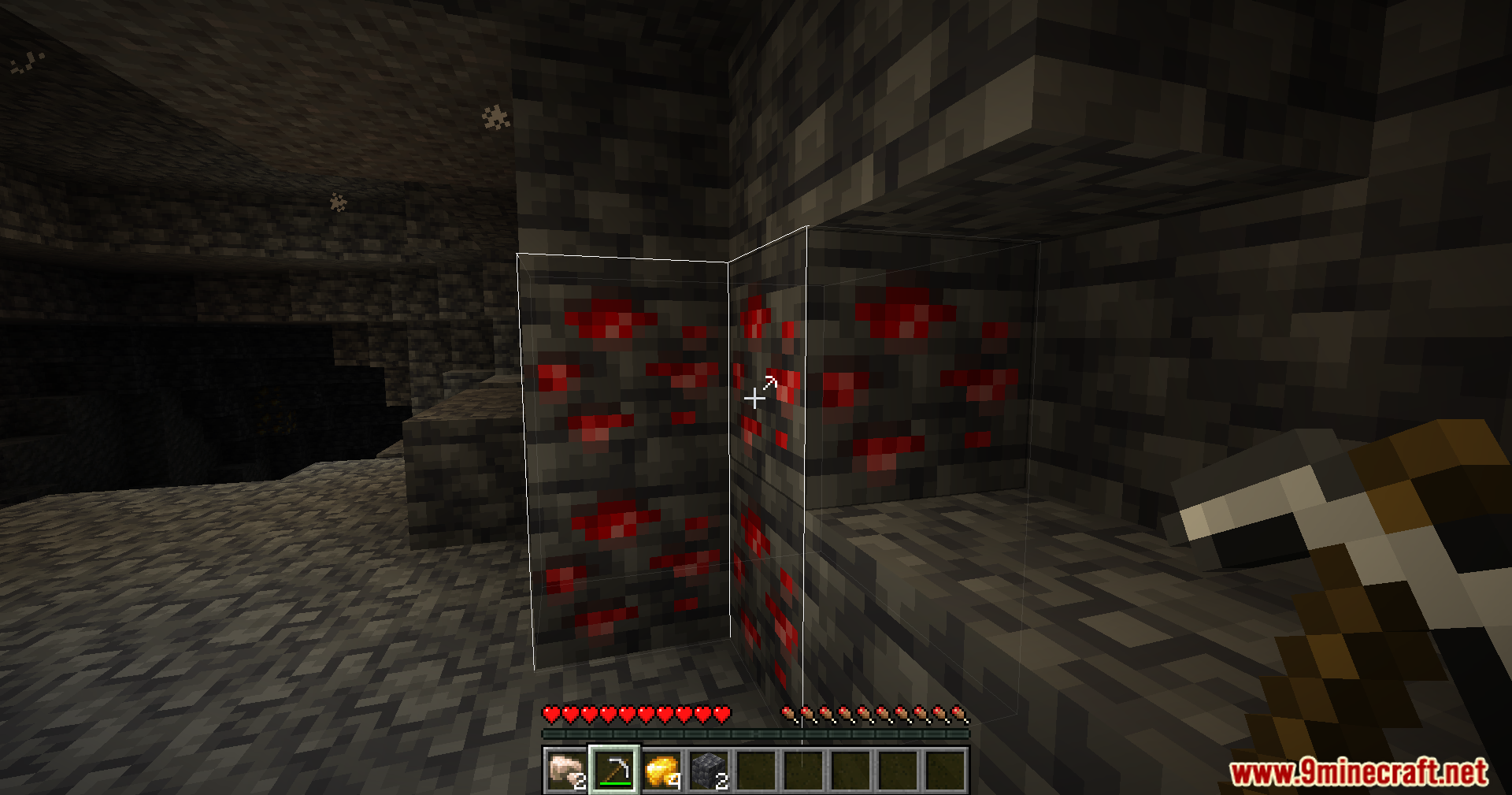
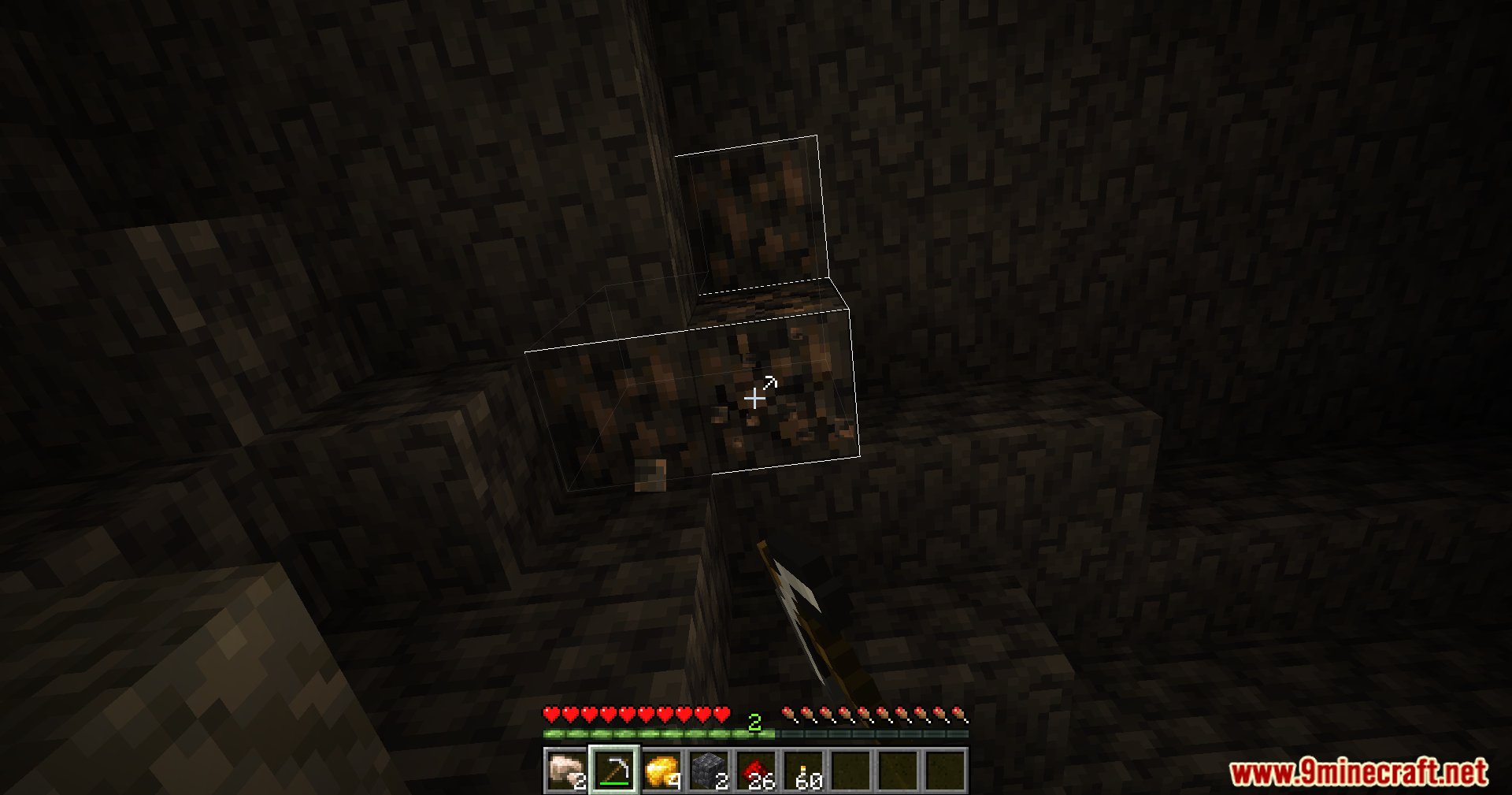
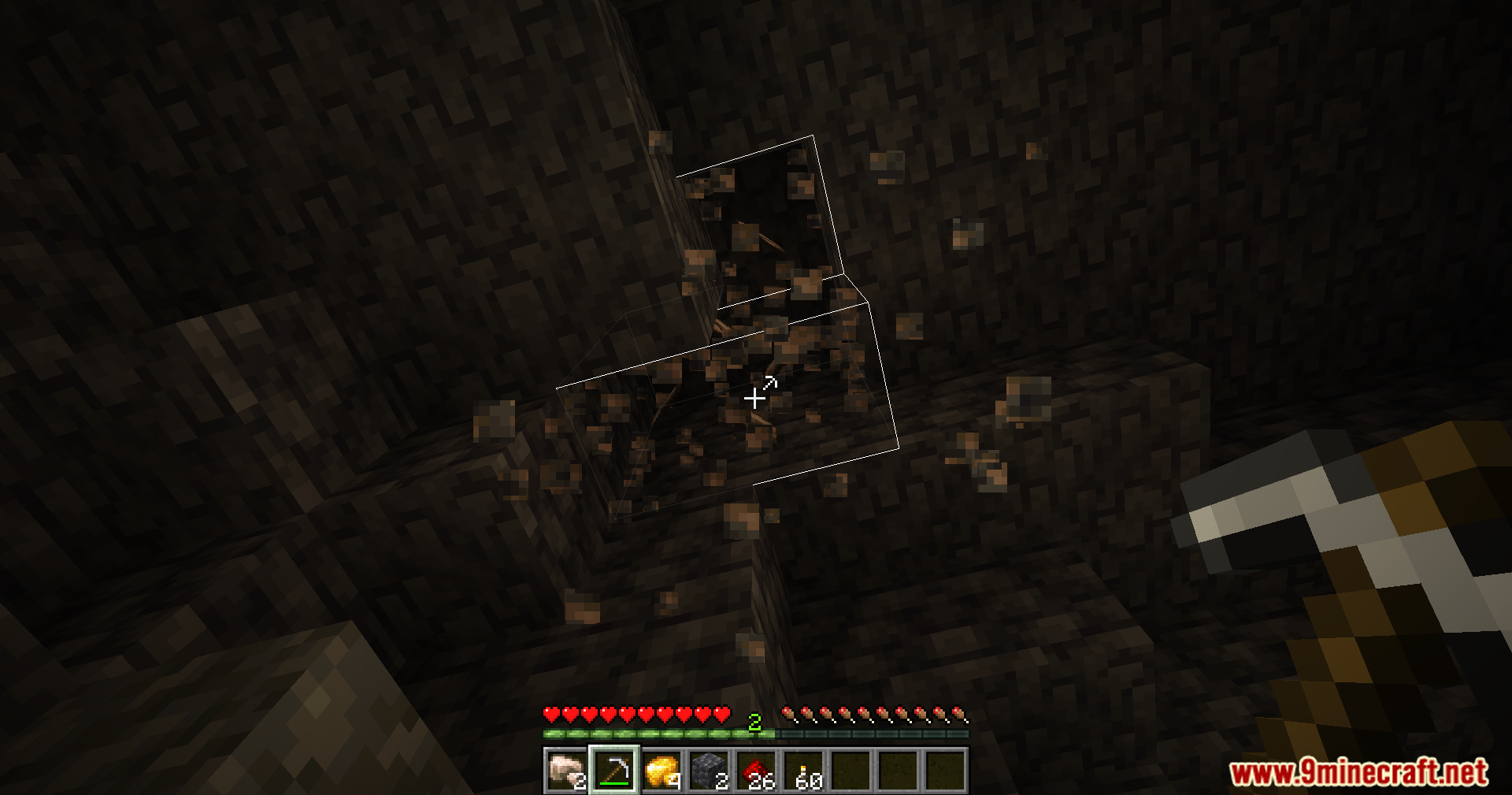
- Shows a preview outline of all the blocks that will be mined.
- Vein mining only works while the hotkey is being held down.
- The mod will automatically turn off if the main Veinminer mod is not installed.
- Server owners can configure how the mod behaves for players on their server.
Commands:
/veinminer settings client: Opens or manages client-side settings if the server allows it.
How to Use:
- To start vein mining, press and hold the hotkey. The default key is either Y or Z, depending on your keyboard layout.
- If you want to change the key, you can do so in the game’s control settings.
- There is also an option to toggle vein mining on and off, but you need to assign a key to it in the controls menu first.
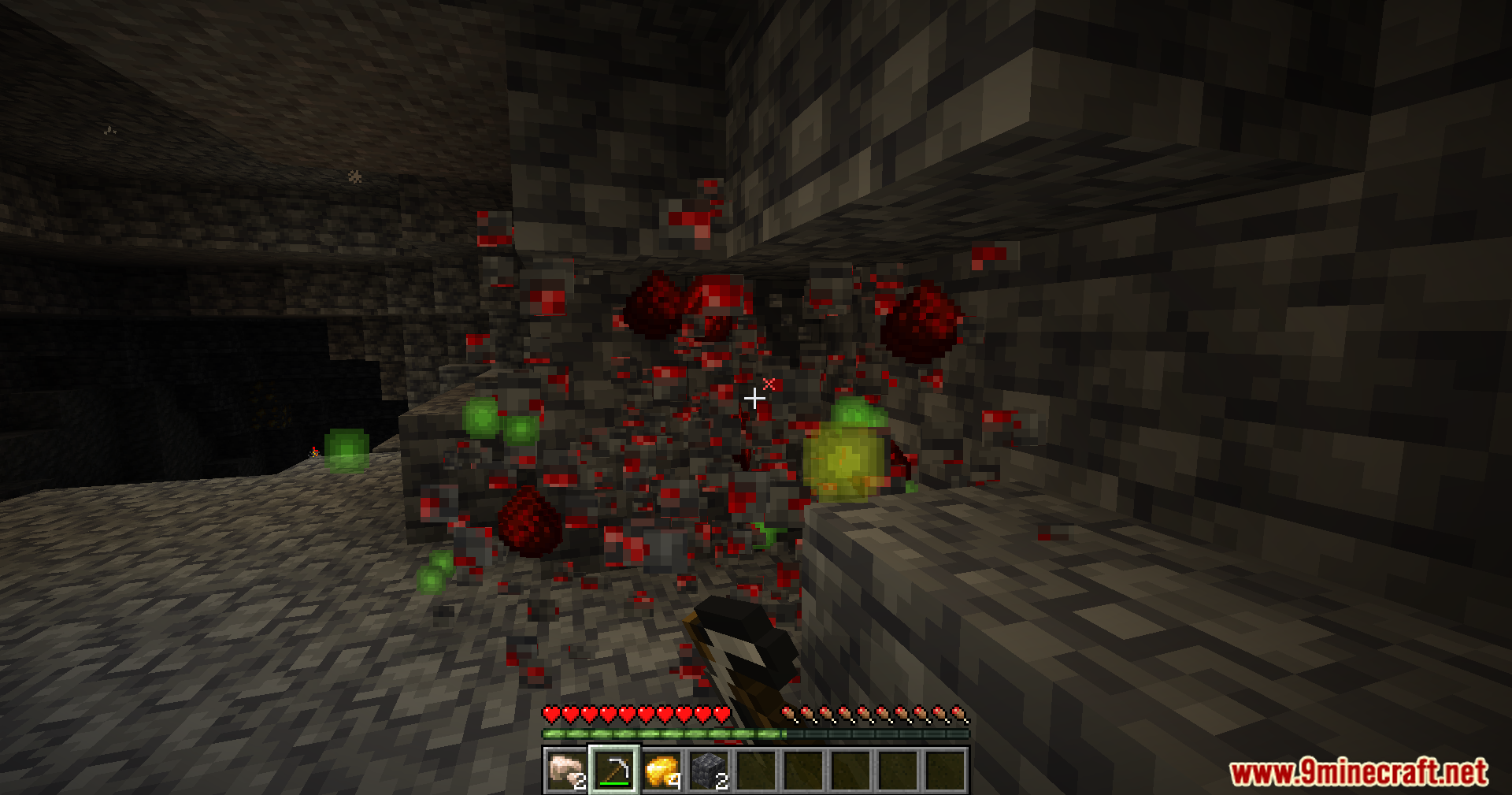
Screenshots:
Veinminer Hotkey Mod Download Links
For Minecraft 1.21.11
Fabric/Quilt version: Download from Server 1 – Download from Server 2
For Minecraft 1.21.10
Fabric/Quilt version: Download from Server 1 – Download from Server 2
For Minecraft 1.21.8, 1.21.7, 1.21.6
Fabric/Quilt version: Download from Server 1 – Download from Server 2
For Minecraft 1.21.5
Fabric/Quilt version: Download from Server 1 – Download from Server 2
For Minecraft 1.21.4, 1.21.3
Fabric/Quilt version: Download from Server 1 – Download from Server 2
For Minecraft 1.21.1, 1.21
Fabric/Quilt version: Download from Server 1 – Download from Server 2
For Minecraft 1.20.6
Fabric/Quilt version: Download from Server 1 – Download from Server 2
- Edition: Minecraft Java
- File type: .jar
- Minecraft versions listed: 1.21.11, 1.21.1
- How to install: Install the matching mod loader (Forge, Fabric or NeoForge) for your Minecraft version. → Download the .jar. → Put it in the .minecraft/mods folder and launch that loader profile.
- Where to get it: In MC Java Mods, or directly above on this page.
Install steps are the general flow for this file type — How to install Minecraft Java mods & modpacks walks through it step by step.
- Downloads as 175911.mcaddon
- Download size: 193 KB
- Download link checked 25 Jul 2026 — working
- Mirrored on our own servers — the download does not depend on the original host
These come from our own check of the pack file, not from the source page.