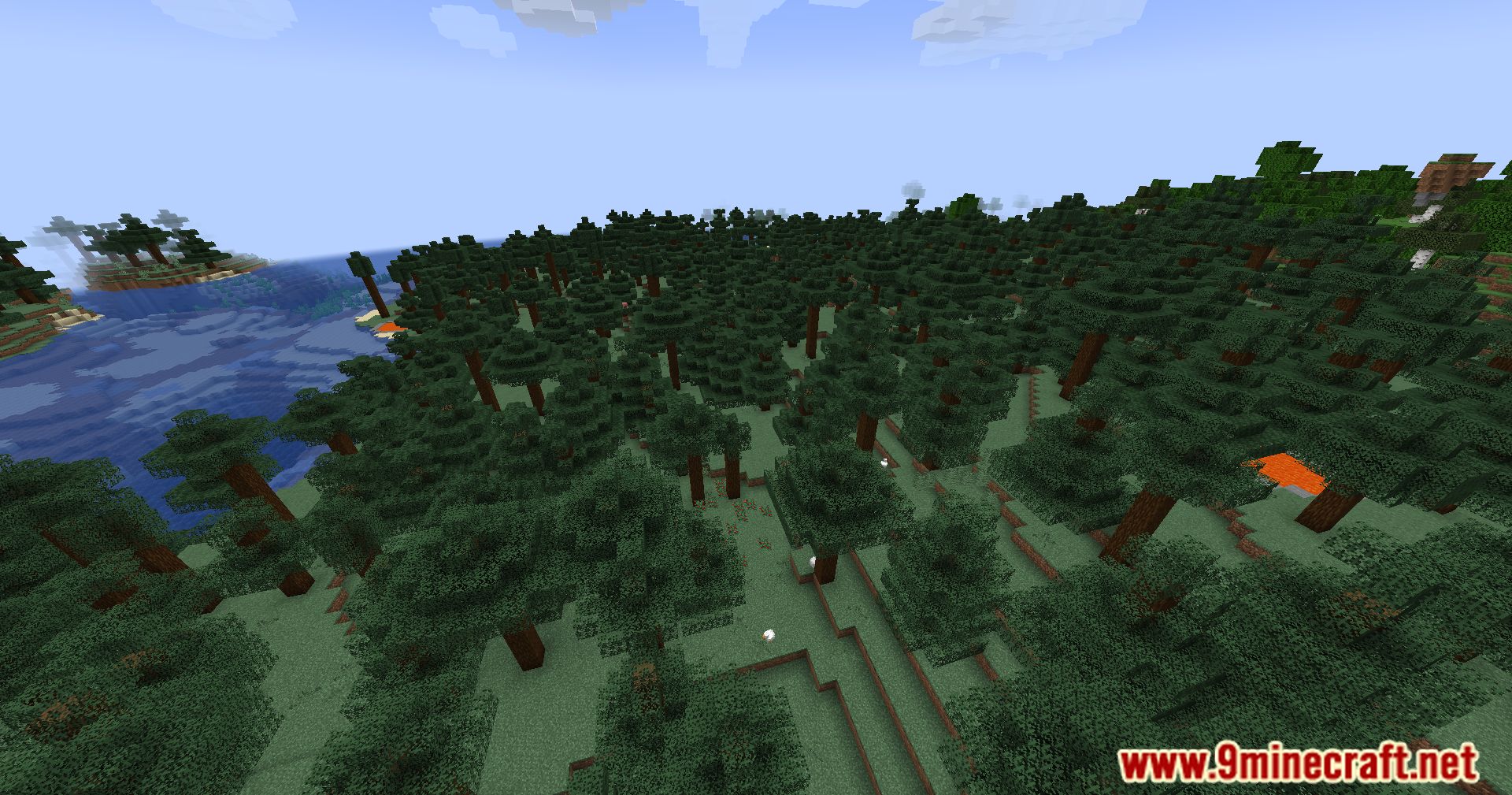
MiniMOTD Mod is a basic server list MOTD mod for Minecraft servers and proxies. It supports RGB colors and gradients through MiniMessage, which is also where MiniMOTD gets it’s name. RGB colors are automatically downsampled for outdated clients.
Features:
Purpose: Provide configurable, HOCON-style MOTDs for Minecraft servers and proxies, with rich MiniMessage-based formatting to create a strong first impression for players.
Core capabilities:
- MiniMessage formatting for precise control over text, including vibrant RGB colors and gradients.
- Automatic downsampling of RGB colors so outdated clients still see a readable and appealing MOTD.
- Per-MOTD icon handling, allowing explicit icons or randomized selection to customize your server’s presentation.
- Proxy support, including virtual-host mapping for different configurations when running behind Velocity/Waterfall/Bungee.
- Thematic customization for storytelling, branding, and creative server identity on the server list.
Configuration (high level):
- File format: HOCON-style
.conffiles (comments start with#). - MOTD entries: defined in a
motdsarray; multiple entries can be rotated or selected. - Icon selection:
- Use
icon="myIconName"to set an explicit icon per entry. - Use
icon=randomto pick from available icons automatically.
- Use
- Proxy virtual hosts: map hostnames to alternate configs via a
virtual-host-configsmapping (for example,"play.example.com:25565"="proxyConfig|default").
Notable options & behaviours:
- Player-count controls – options to hide, fake, or adjust reported player counts and hover text.
- Update checker – optional GitHub-based update checking can be enabled or disabled.
- Client compatibility – formatting degrades gracefully for legacy clients while preserving intent.
Minimal configuration example (structure and common fields):
# MiniMOTD main configuration (HOCON)
motds=[
  {
    icon=random
    line1="<rainbow>MiniMOTD Default"
    line2="MiniMessage <gradient:blue:red>Gradients"
  },
  {
    icon="welcomeIcon"
    line1="<blue>Welcome to <bold>ExampleServer"
    line2="<italic><gradient:gold:orange>Play now!"
  }
]

# proxy virtual-host example
virtual-host-configs={
  "play.example.com:25565"="proxyConfig|default"
}
This example shows per-MOTD icon values, MiniMessage markup in lines, and a simple virtual-host mapping.
Screenshots:
MiniMOTD Mod Download Links
For Minecraft 1.16.5
Fabric version: Download from Server 1 – Download from Server 2
For Minecraft 1.17.1
Fabric version: Download from Server 1 – Download from Server 2
For Minecraft 1.18.2
Fabric version: Download from Server 1 – Download from Server 2
For Minecraft 1.19
Fabric version: Download from Server 1 – Download from Server 2
For Minecraft 1.19.2
Fabric version: Download from Server 1 – Download from Server 2
For Minecraft 1.19.3
Fabric version: Download from Server 1 – Download from Server 2
For Minecraft 1.19.4
Fabric version: Download from Server 1 – Download from Server 2
For Minecraft 1.20.1, 1.20
Fabric version: Download from Server 1 – Download from Server 2
For Minecraft 1.20.2
Fabric version: Download from Server 1 – Download from Server 2
For Minecraft 1.20.4
Fabric version: Download from Server 1 – Download from Server 2
For Minecraft 1.20.6
Fabric version: Download from Server 1 – Download from Server 2
For Minecraft 1.21.1, 1.21
Fabric version: Download from Server 1 – Download from Server 2
NeoForge version: Download from Server 1 – Download from Server 2
For Minecraft 1.21.4
Fabric version: Download from Server 1 – Download from Server 2
NeoForge version: Download from Server 1 – Download from Server 2
For Minecraft 1.21.5
Fabric version: Download from Server 1 – Download from Server 2
NeoForge version: Download from Server 1 – Download from Server 2
For Minecraft 1.21.8, 1.21.7, 1.21.6
Fabric version: Download from Server 1 – Download from Server 2
NeoForge version: Download from Server 1 – Download from Server 2
For Minecraft 1.21.10, 1.21.9
Fabric version: Download from Server 1 – Download from Server 2
NeoForge version: Download from Server 1 – Download from Server 2
For Minecraft 1.21.11
Fabric version: Download from Server 1 – Download from Server 2
NeoForge version: Download from Server 1 – Download from Server 2
- Edition: Minecraft Java
- File type: .jar
- Minecraft versions listed: 1.21.11, 1.20.1
- How to install: Install the matching mod loader (Forge, Fabric or NeoForge) for your Minecraft version. → Download the .jar. → Put it in the .minecraft/mods folder and launch that loader profile.
- Where to get it: In MC Java Mods, or directly above on this page.
Install steps are the general flow for this file type — How to install Minecraft Java mods & modpacks walks through it step by step.
- Downloads as 175929.mcaddon
- Download size: 1.2 MB
- Download link checked 25 Jul 2026 — working
- Mirrored on our own servers — the download does not depend on the original host
These come from our own check of the pack file, not from the source page.