
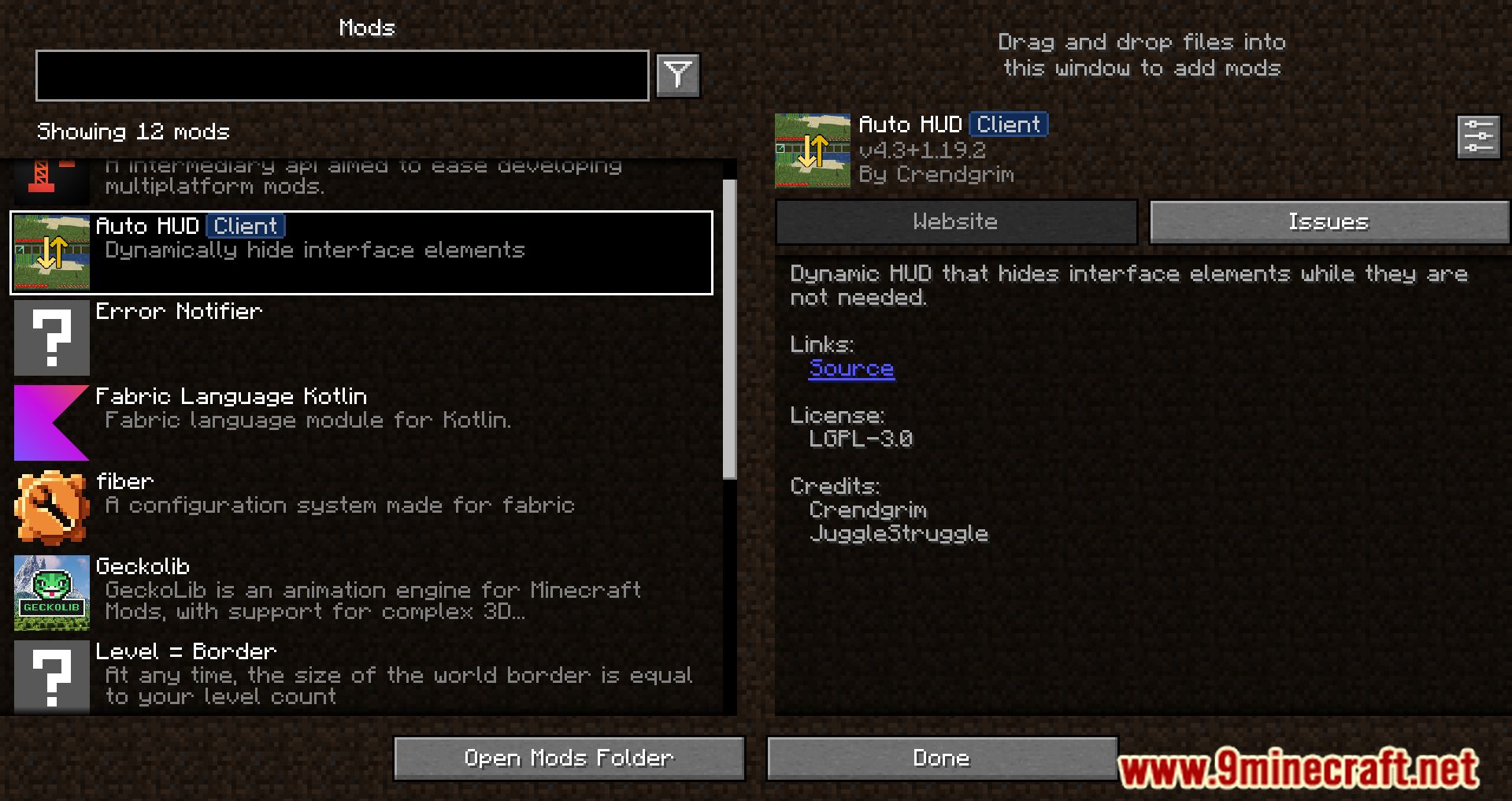
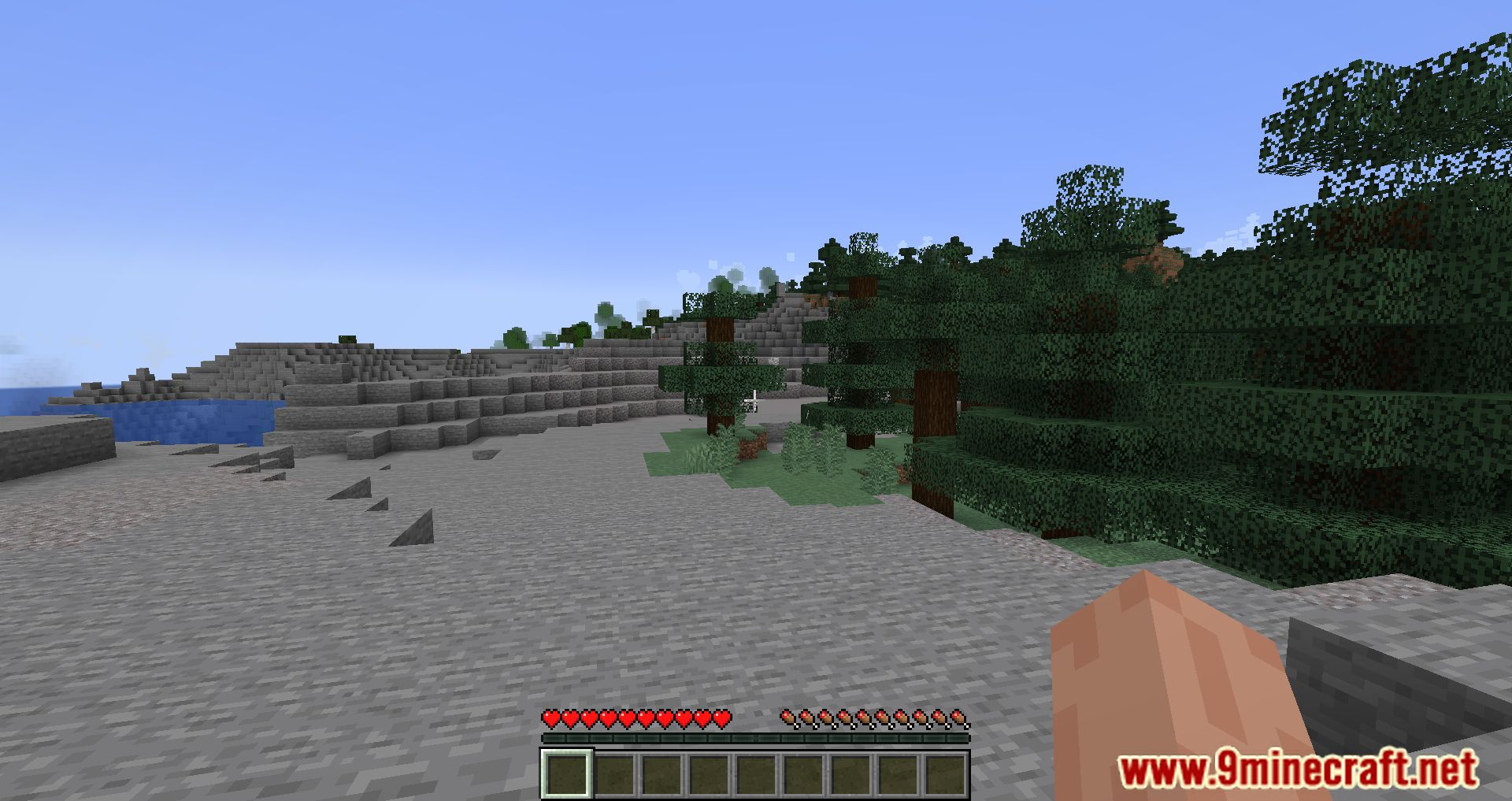
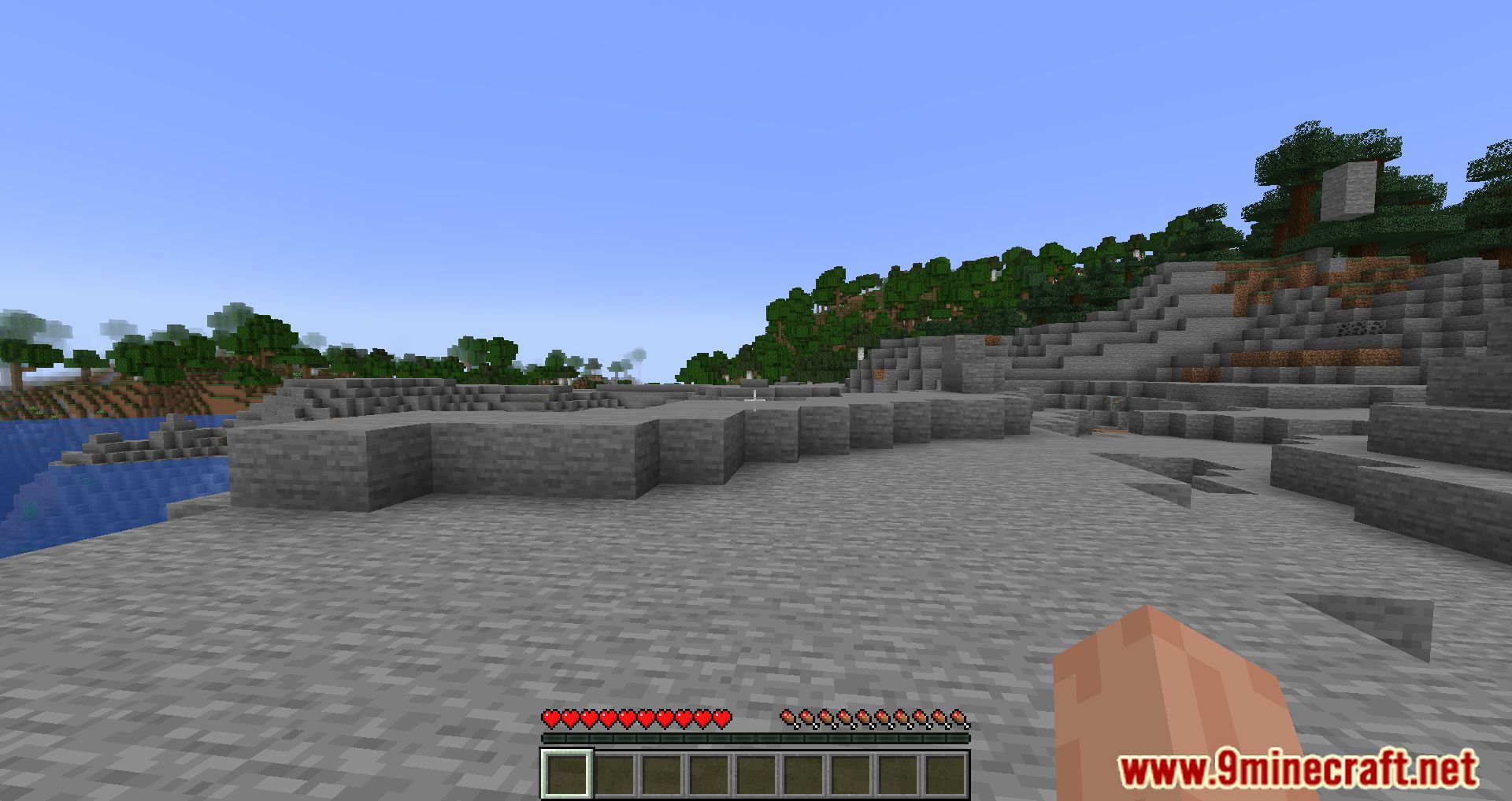
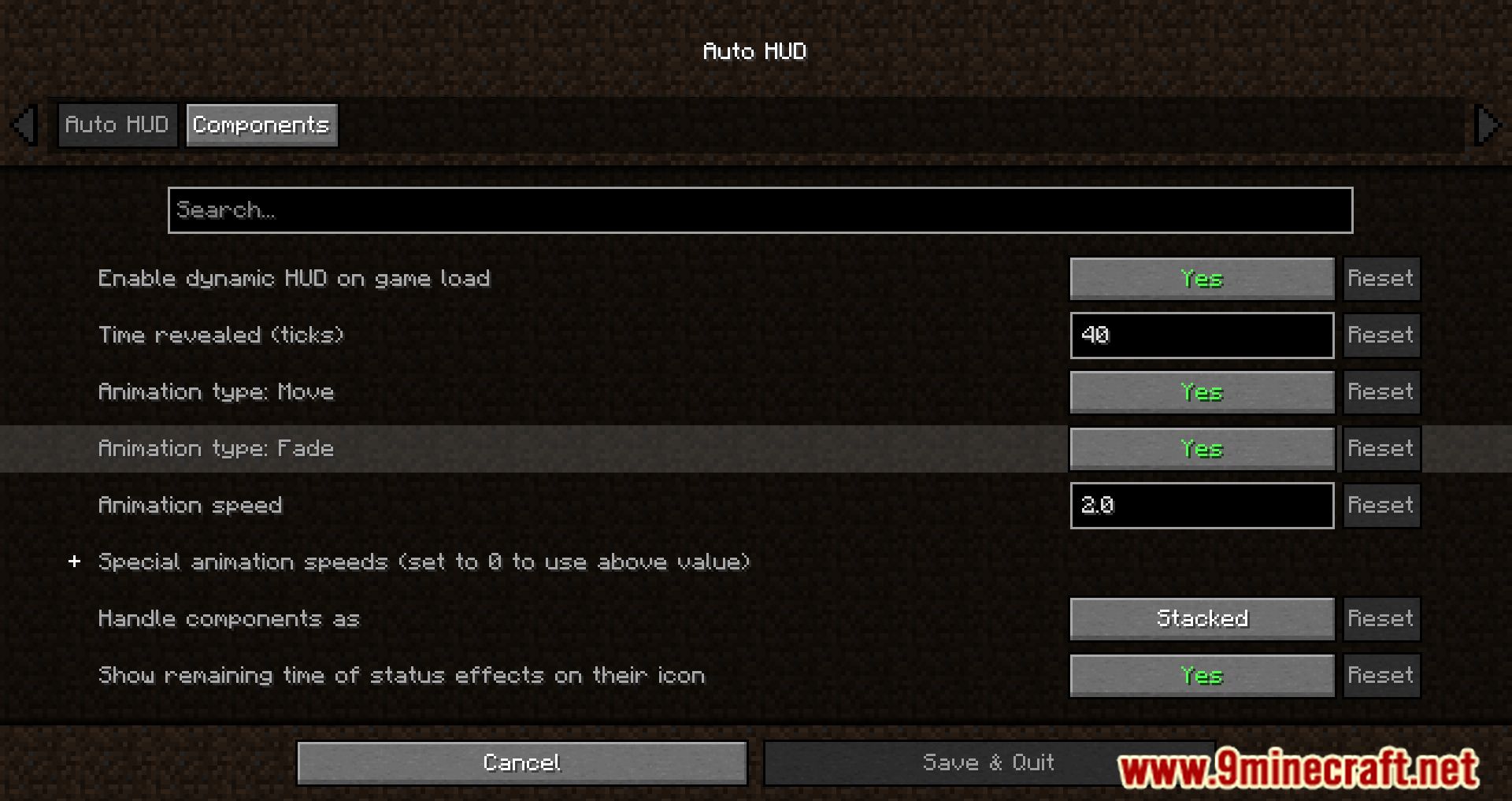
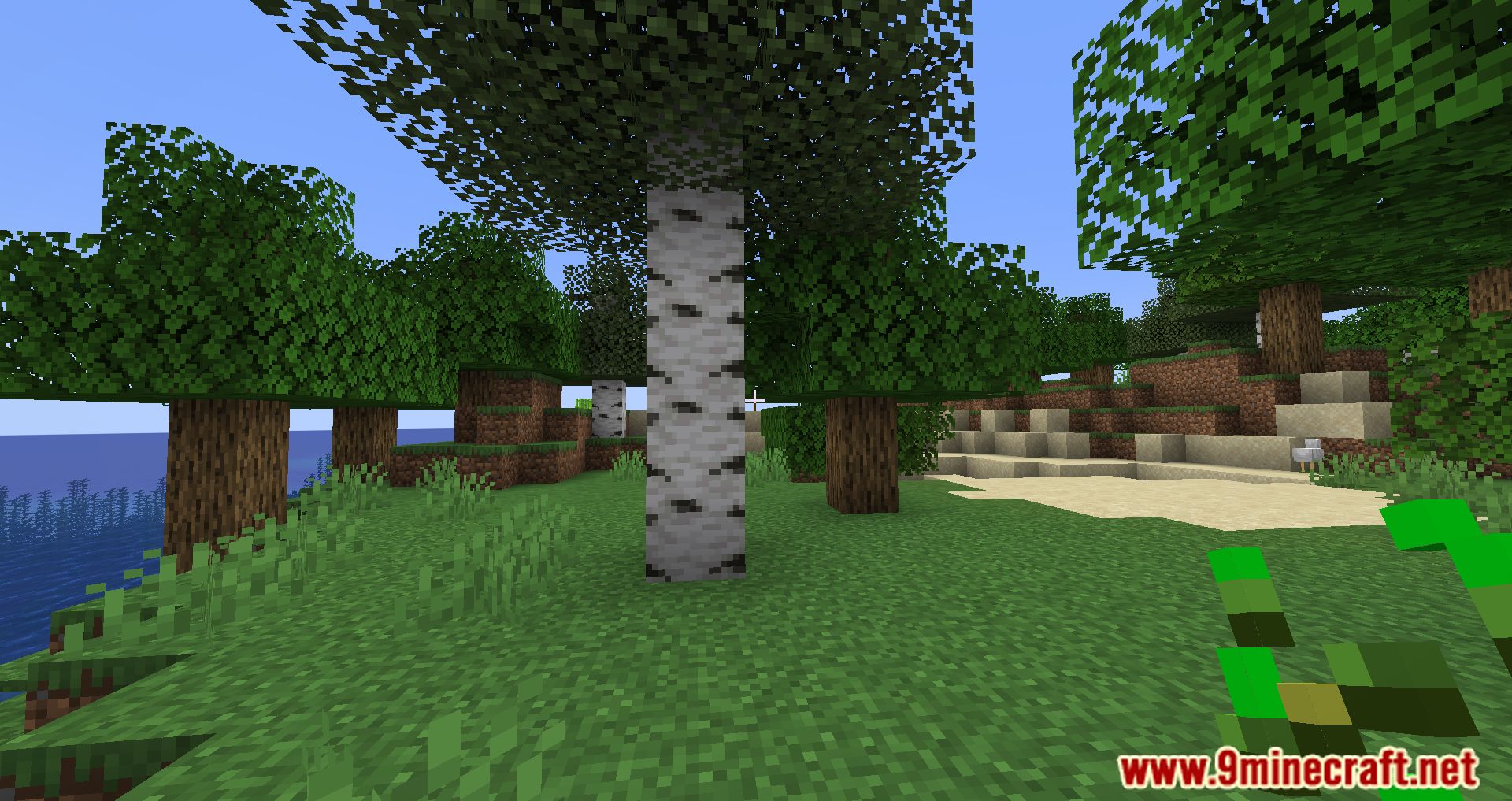
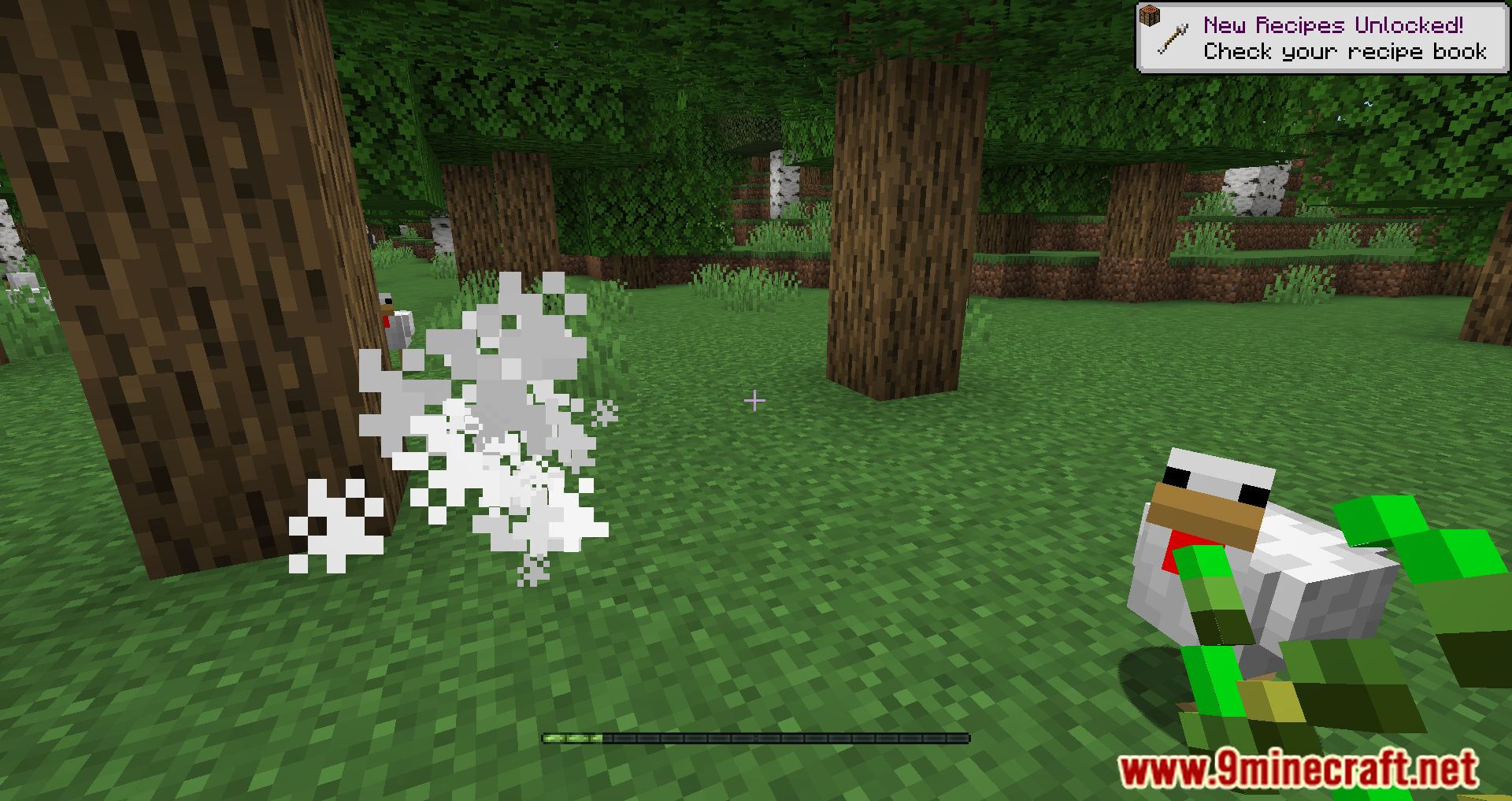
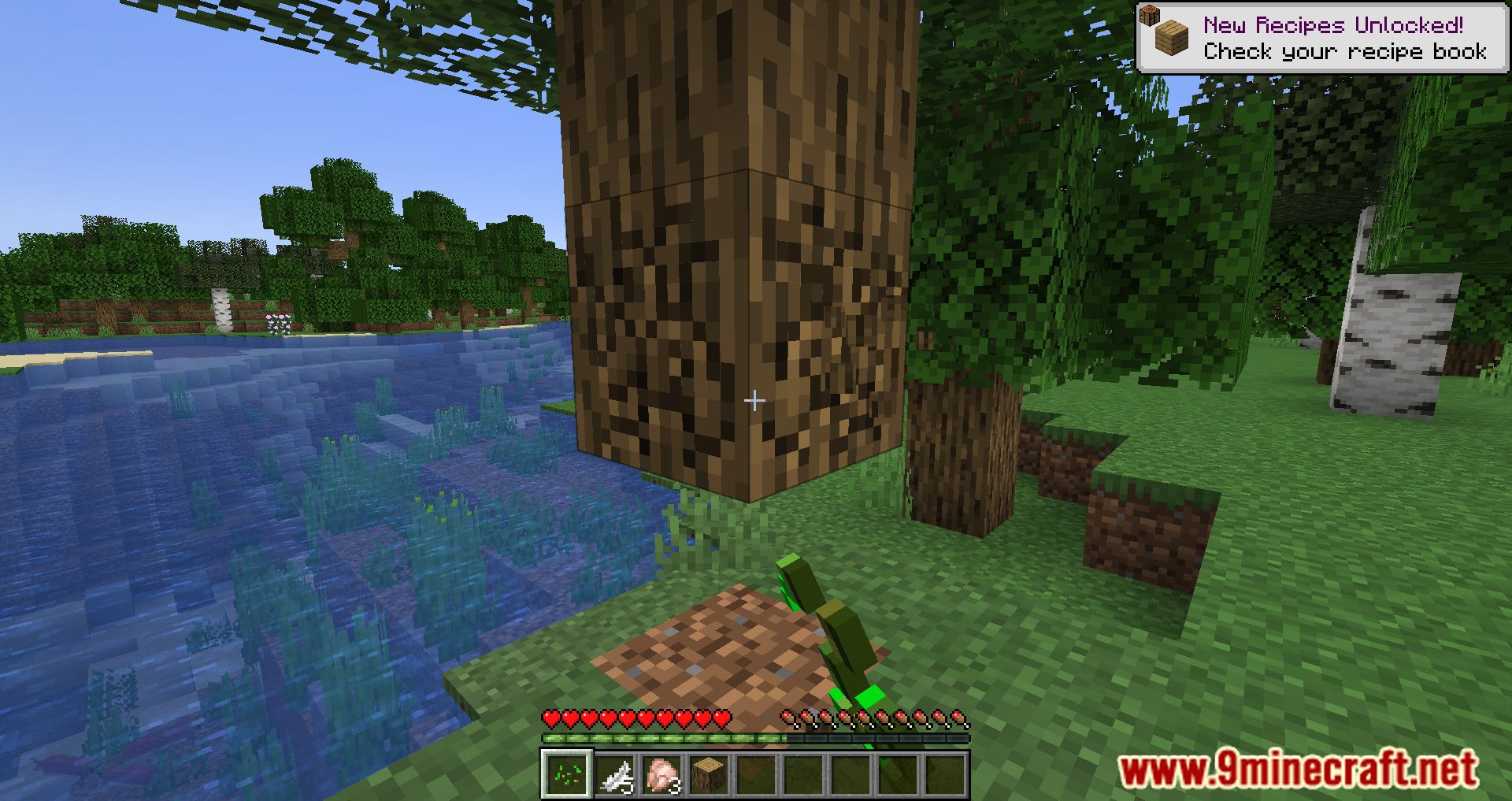
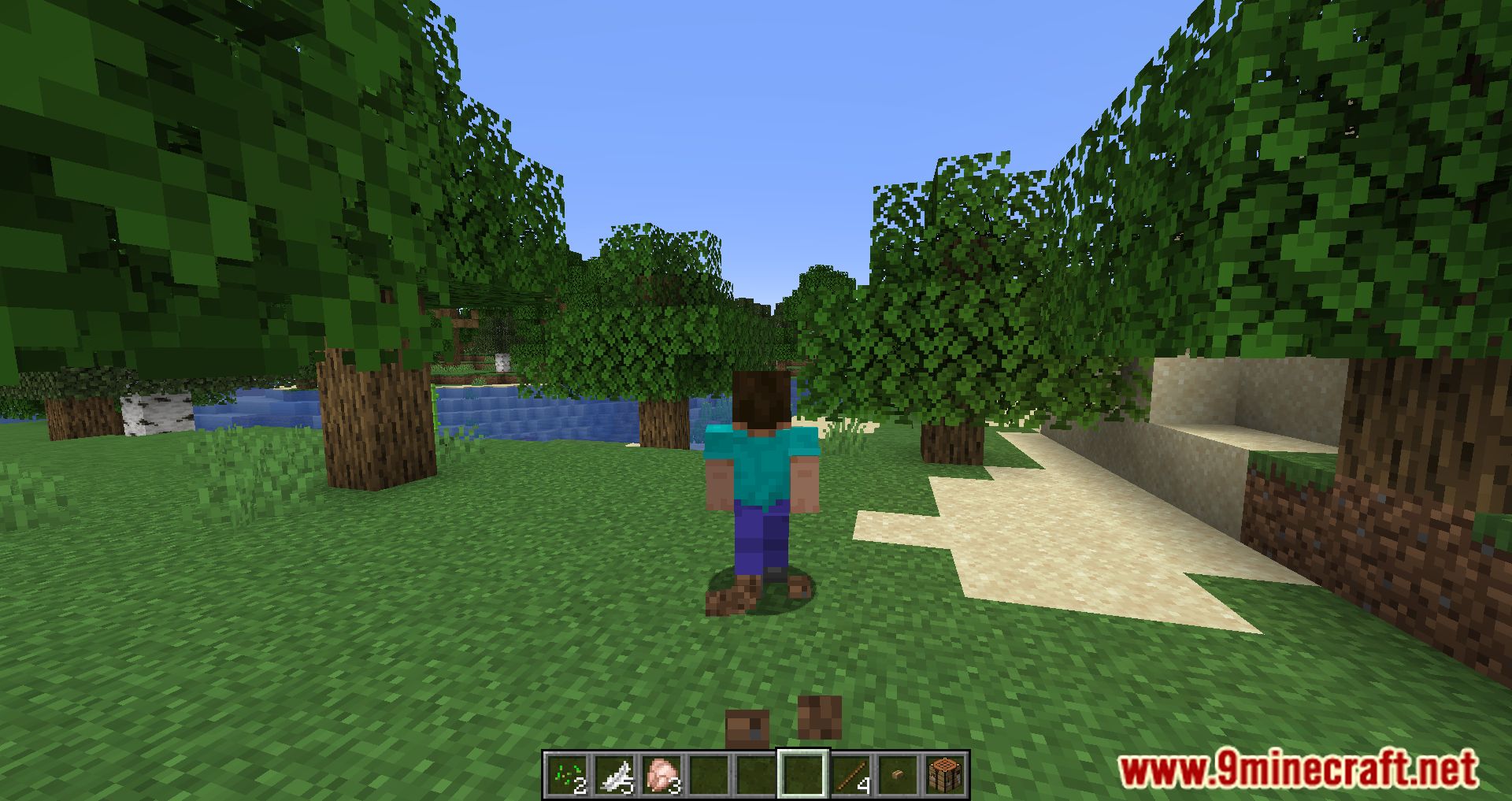
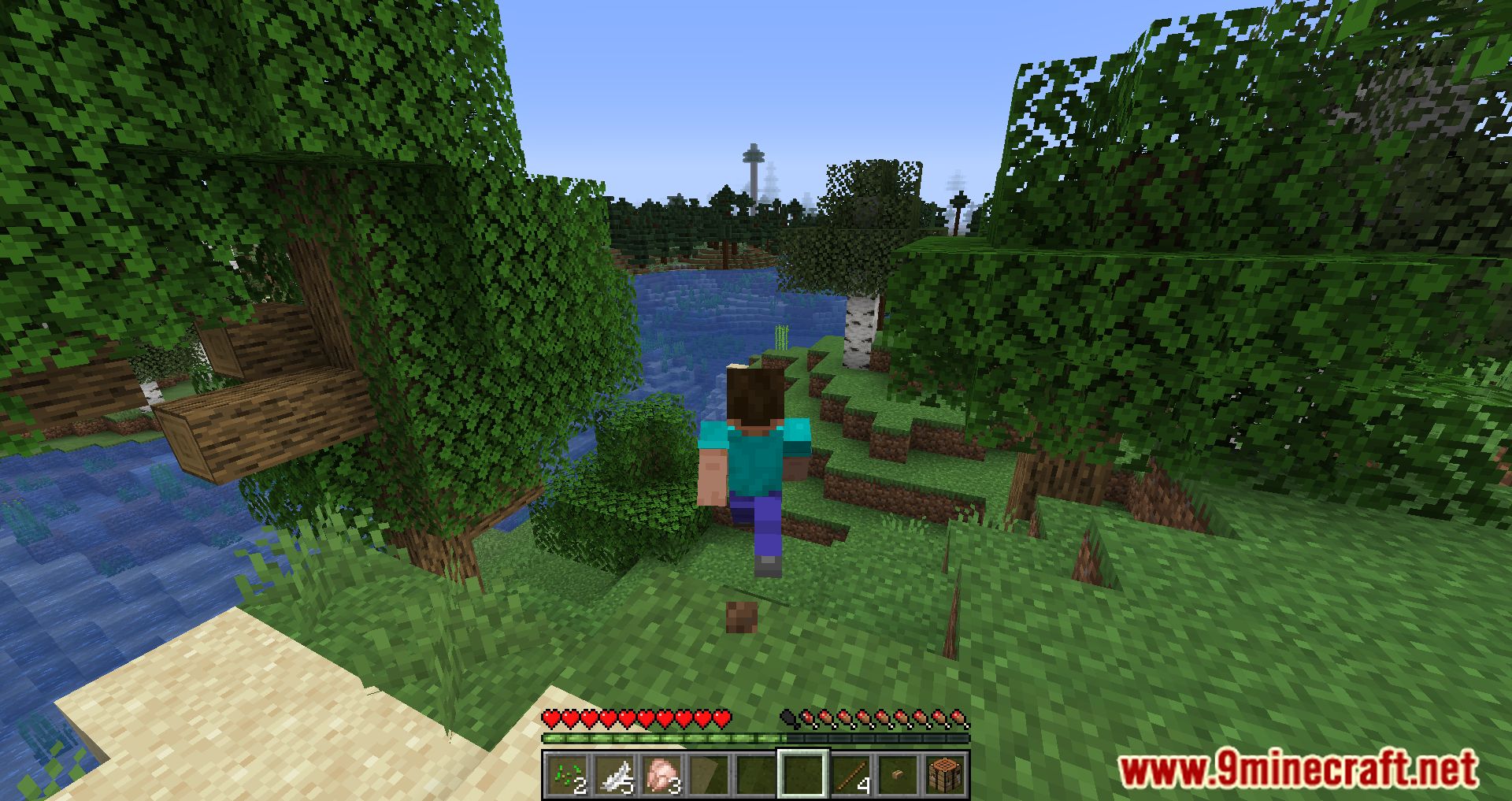
Auto HUD Mod dynamically hides parts of the user interface (HUD) that are not currently interesting. It allows players to toggle the entire HUD with a key binding. Parts of the HUD that haven’t changed will hide away. This mod hides persistent, unchanging status effects and shows the remaining time of status effects.
Features:
- Automatically Hides the HUD when it’s not needed.
- HUD Appears on Events like:
- Taking damage
- Losing hunger
- Changing armor
- Using a tool or weapon
- Picking up items
- Allows players to tweak when and how the HUD is displayed.
- Doesn’t impact FPS significantly.
- Players can adjust HUD behavior to fit their preferences.
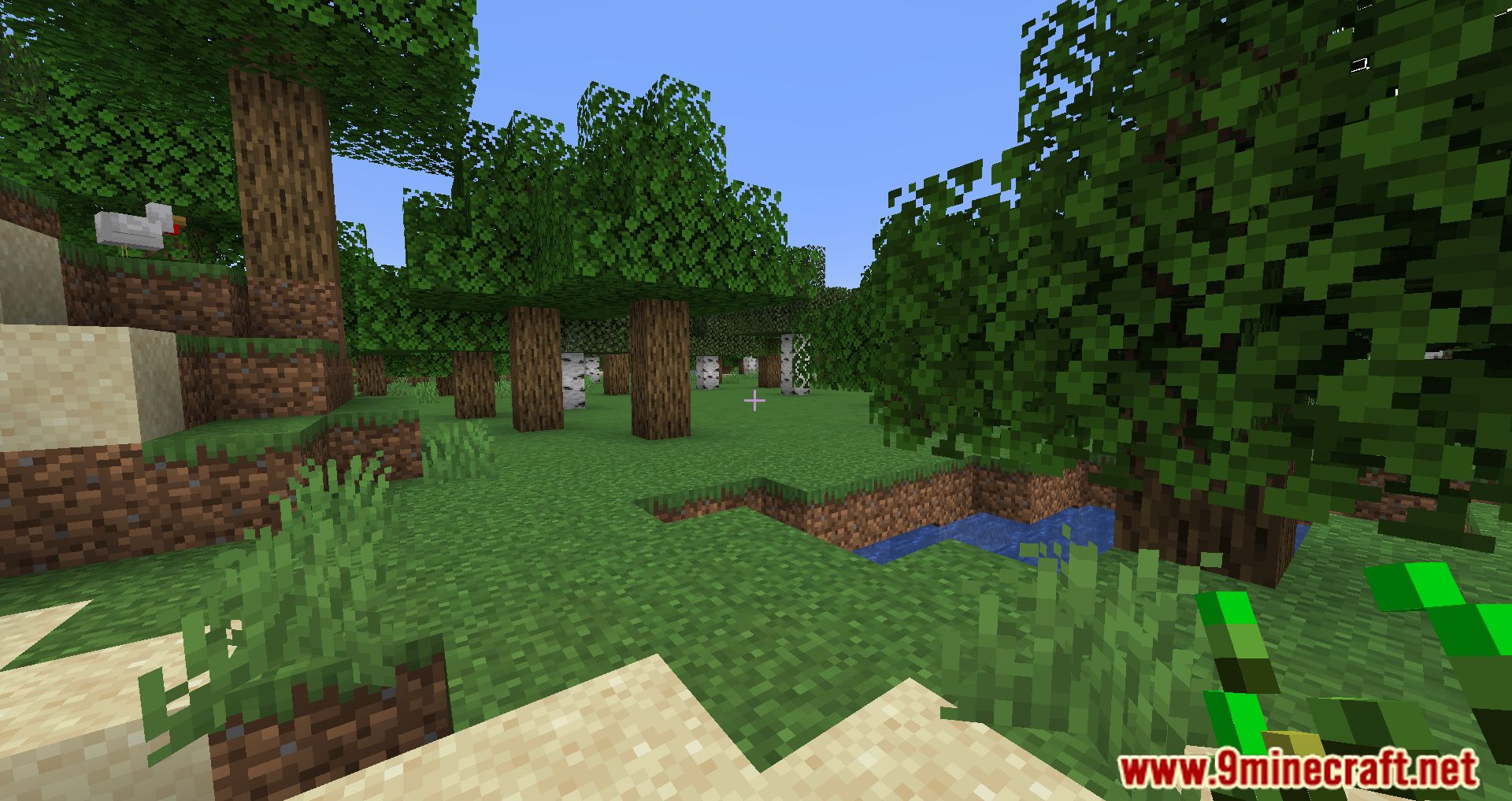
Screenshots:
Auto HUD Mod Download Links
Quick facts
- Edition: Minecraft Java
- File type: .jar
- Minecraft version listed: 1.20.1
- How to install: Install the matching mod loader (Forge, Fabric or NeoForge) for your Minecraft version. → Download the .jar. → Put it in the .minecraft/mods folder and launch that loader profile.
- Where to get it: In MC Java Mods, or directly above on this page.
Install steps are the general flow for this file type — How to install Minecraft Java mods & modpacks walks through it step by step.
Auto HUD Mod (26.2, 1.20.1) – Toggle HUD, Dynamic Hiding is a free Minecraft Java mod. Compatible with Minecraft 1.20.1. Download it and open it directly in the game.