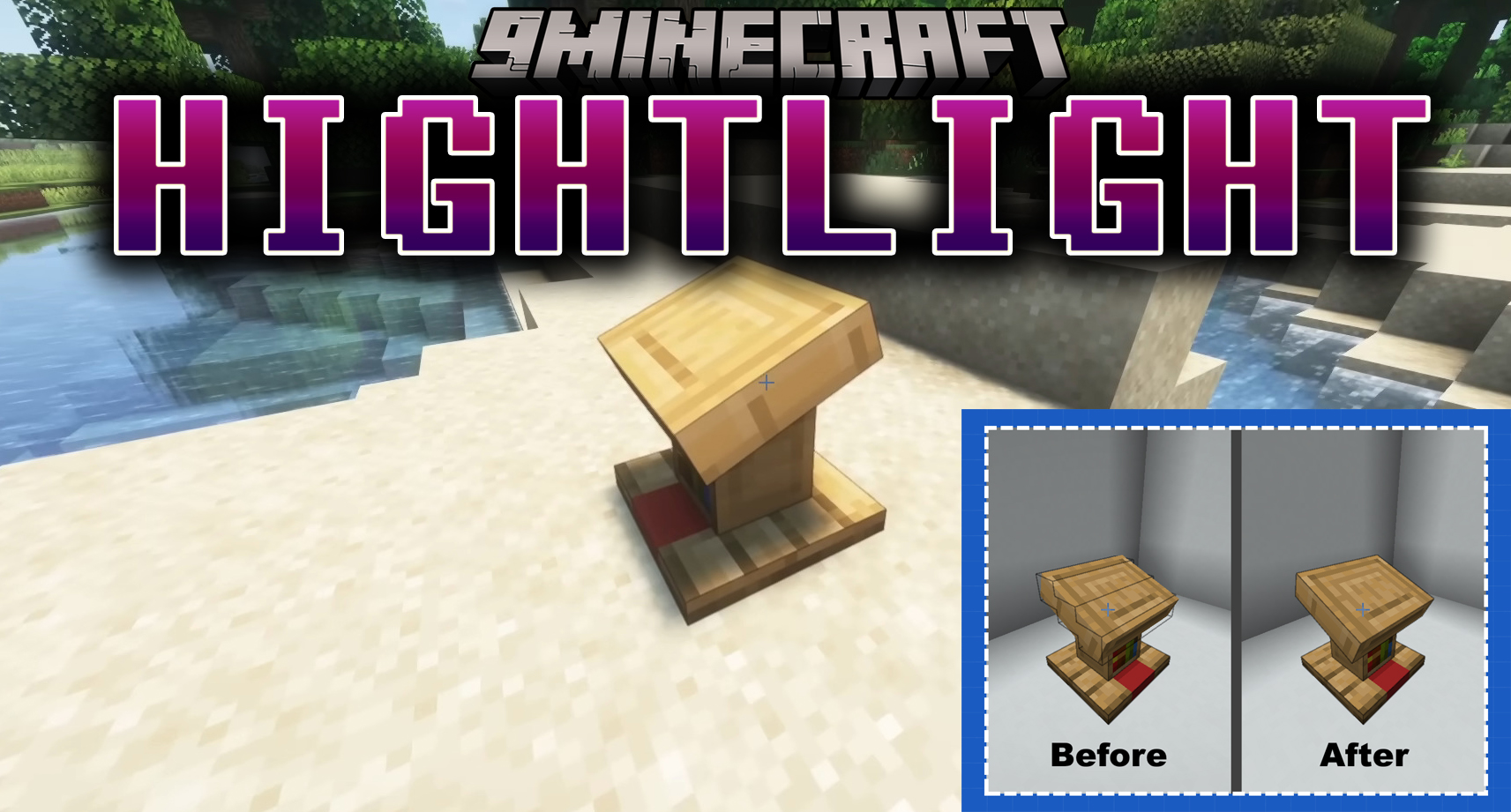
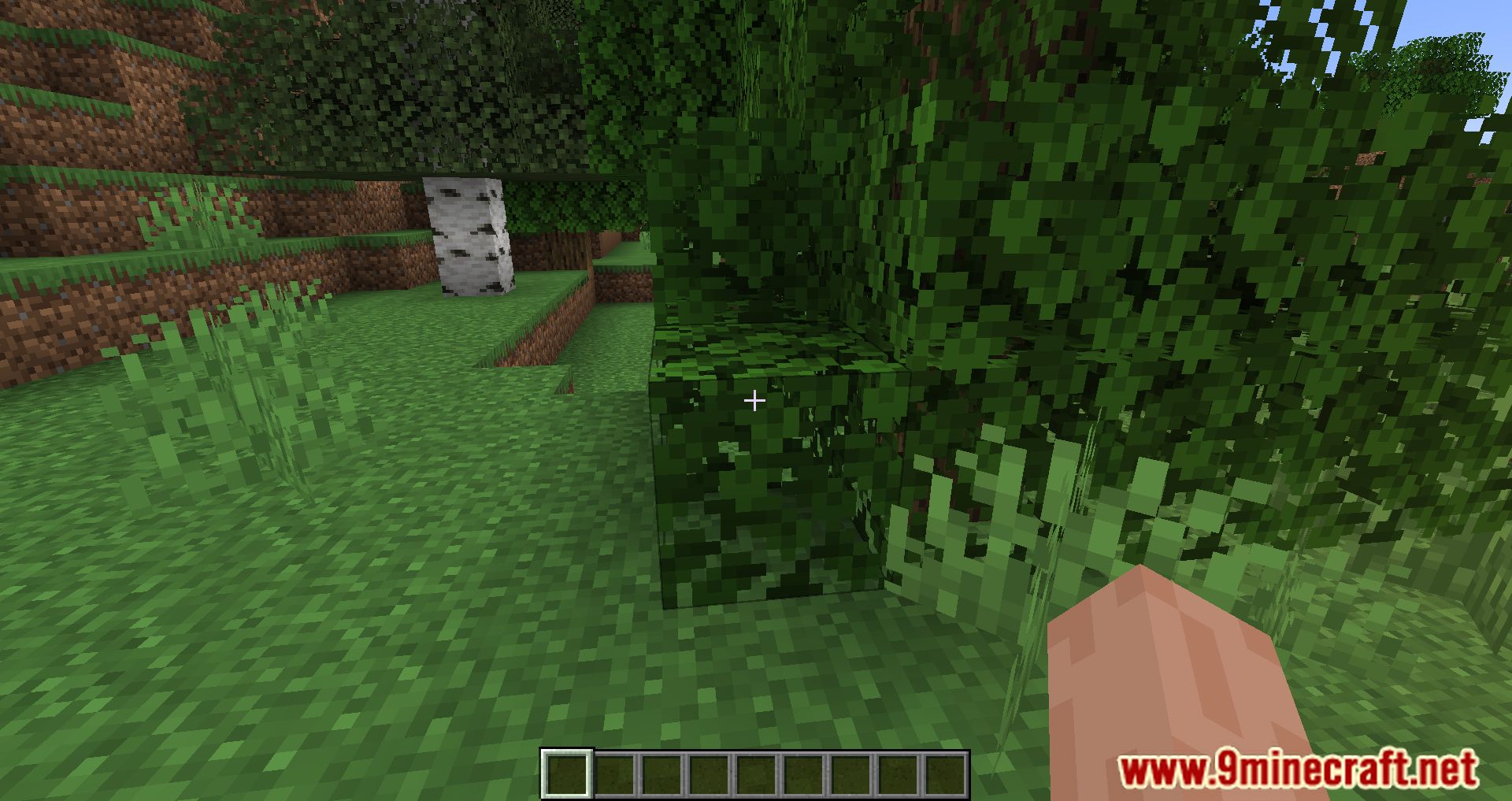
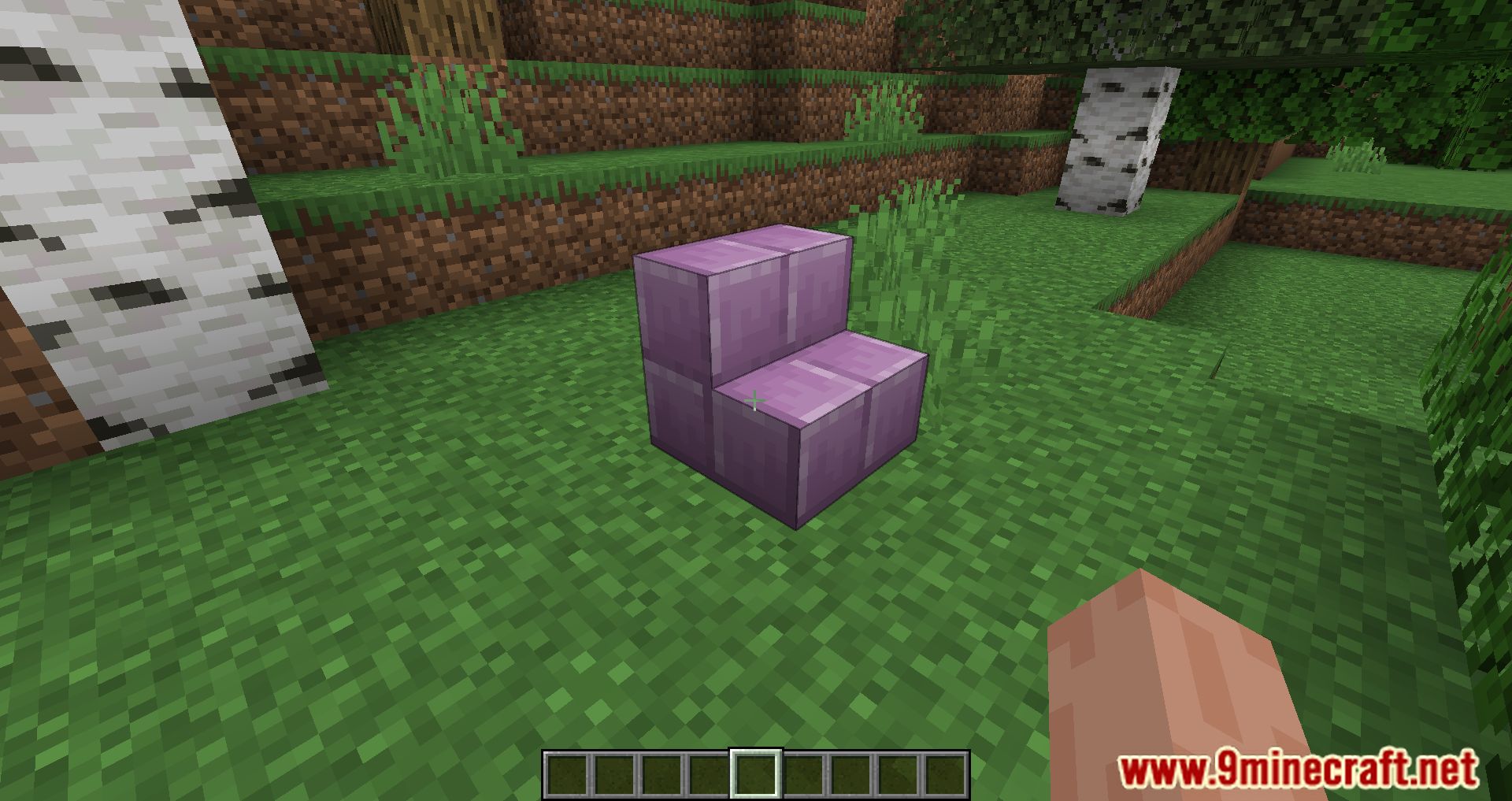
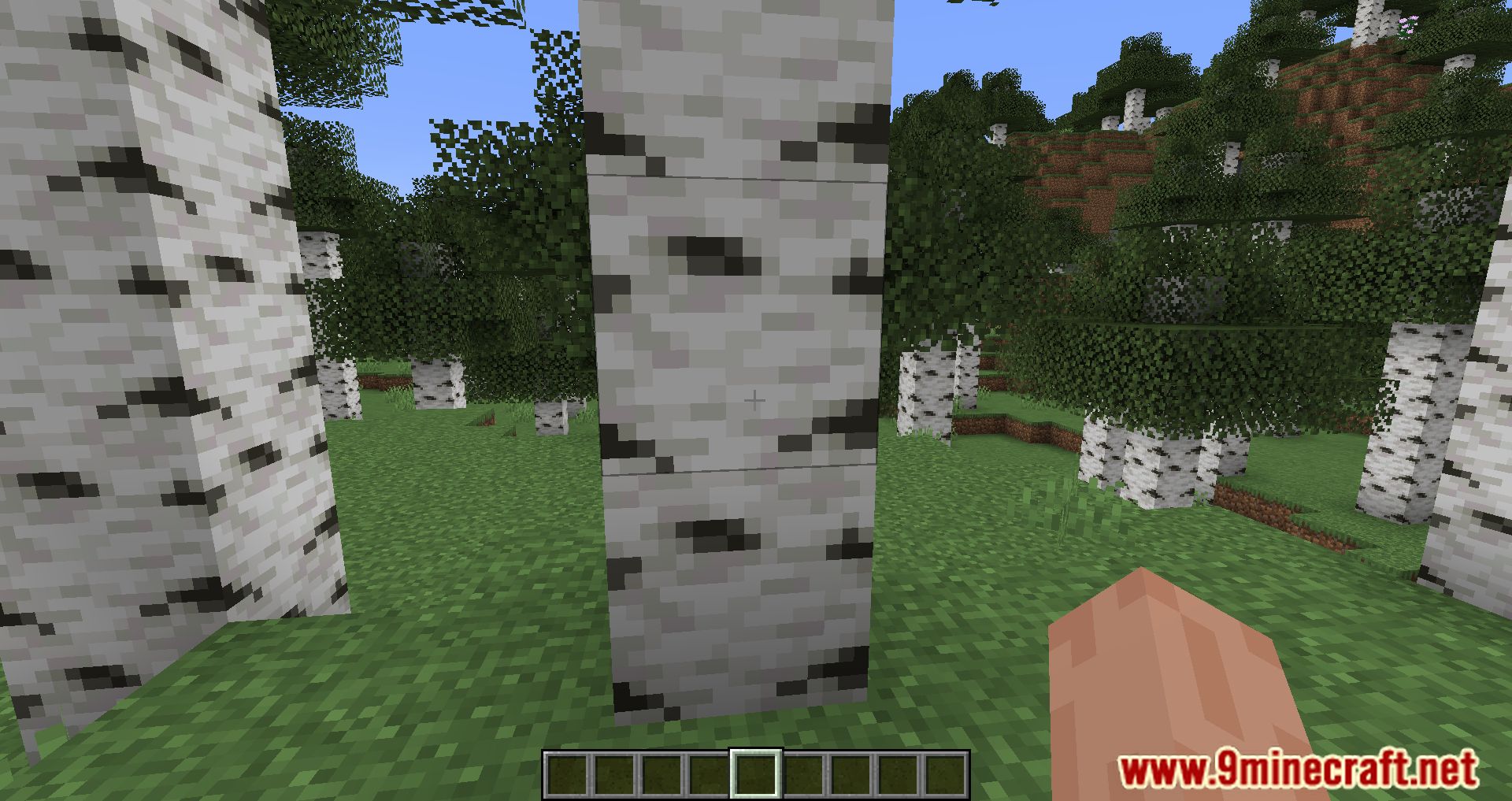
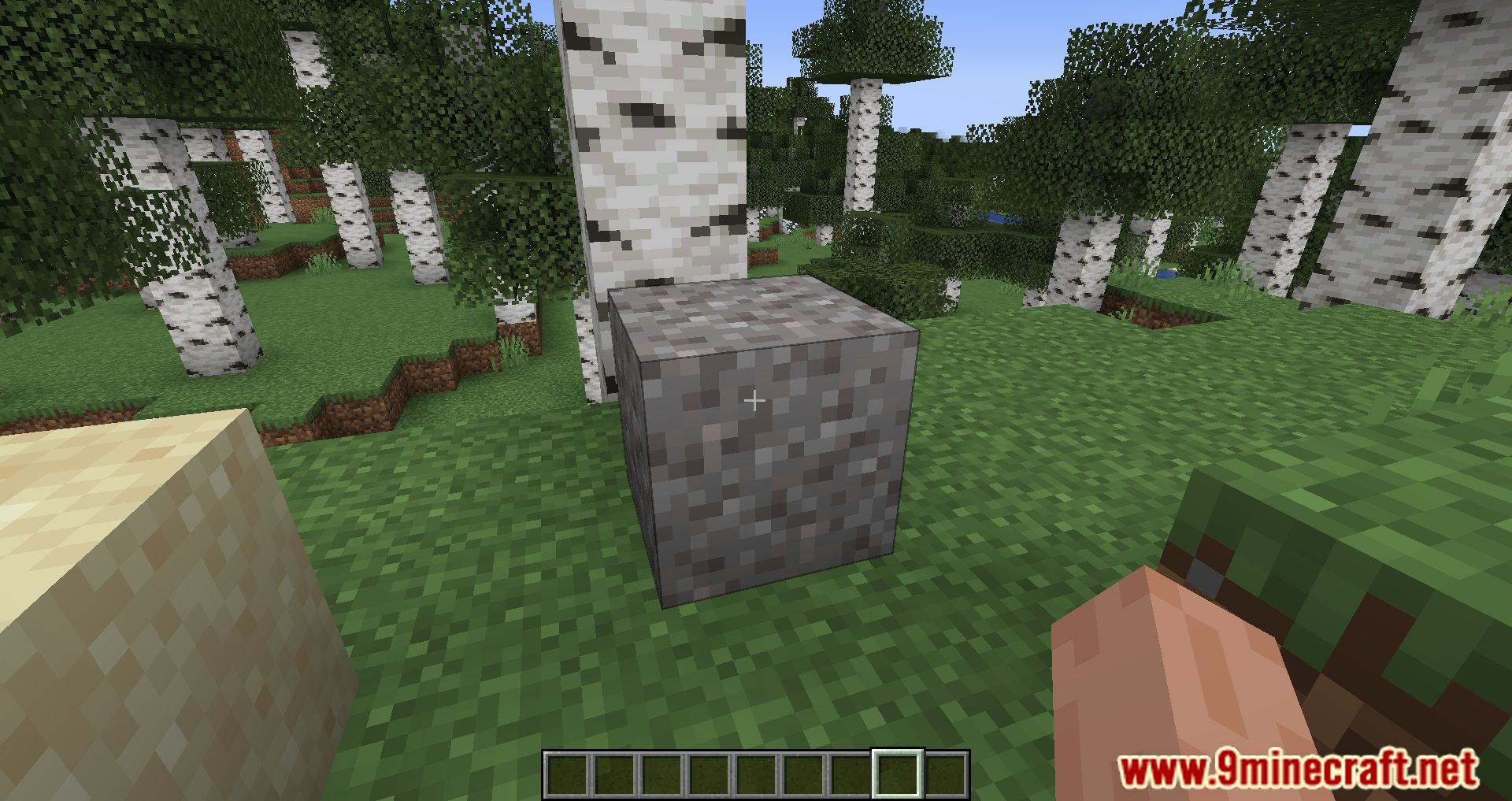
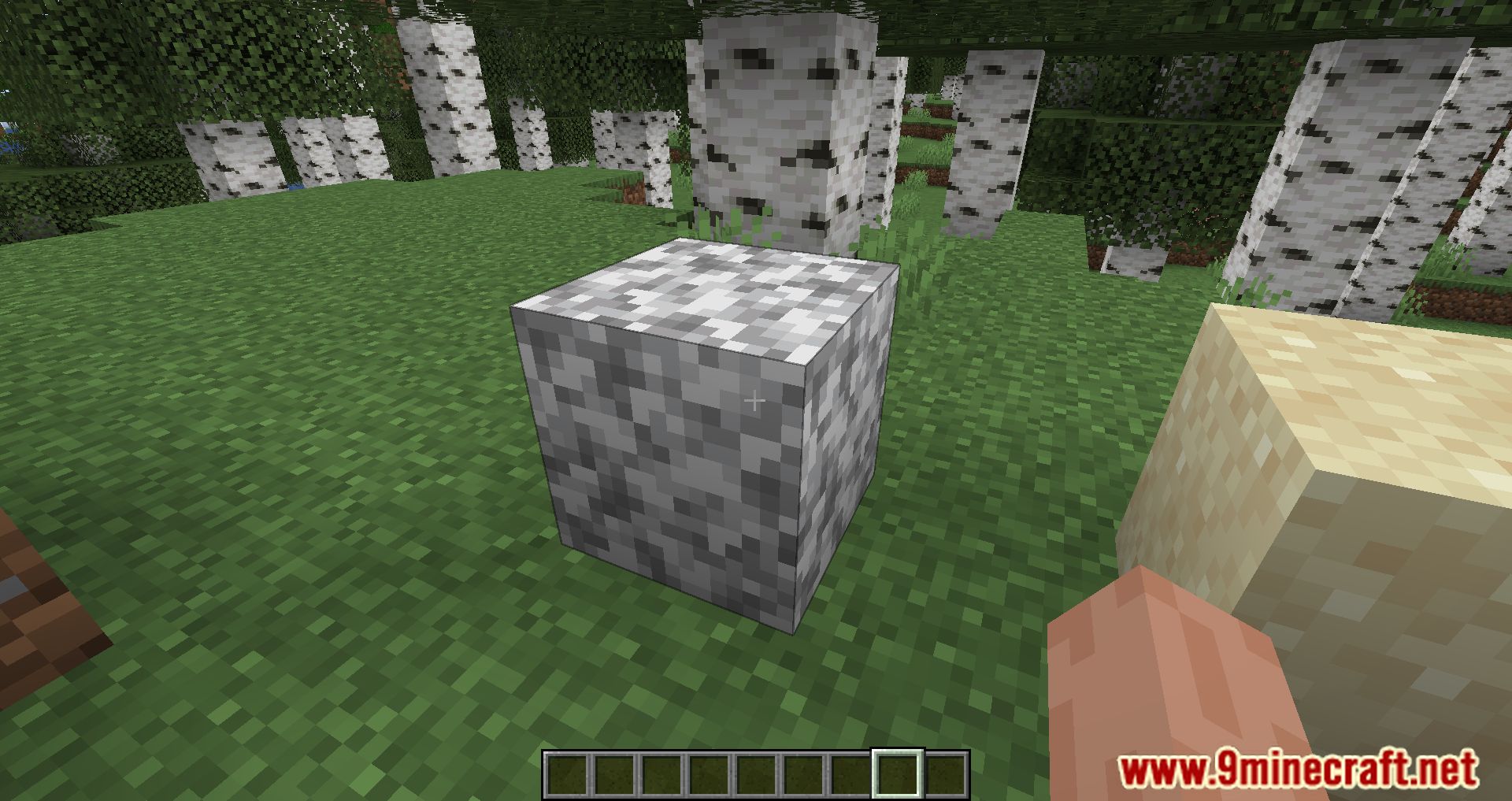
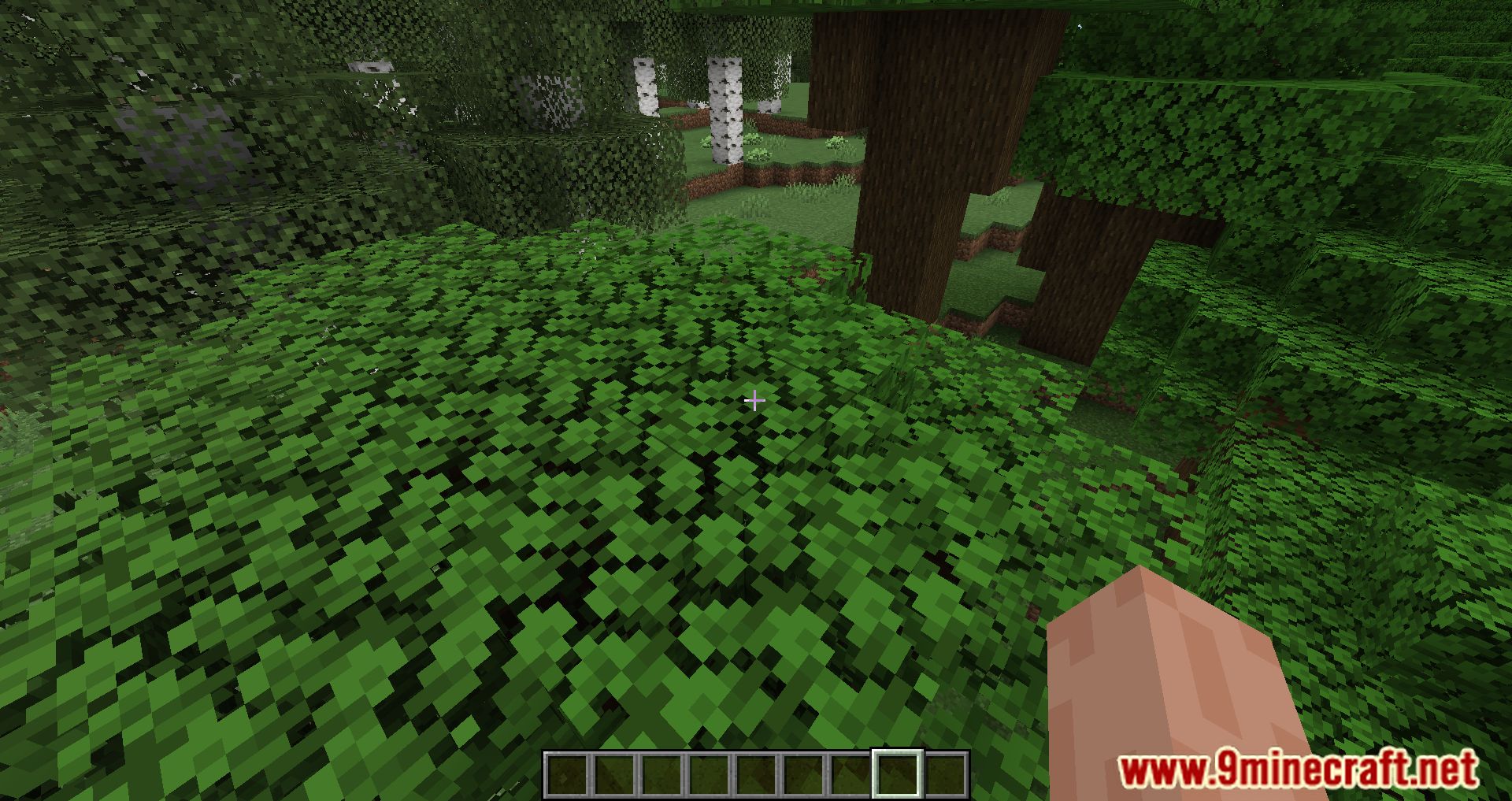
Highlight Mod is a custom way to create more complex visual selection boxes, this is a client only operation and does not actually affect where the player can hit so it is important that the block is still within a normal hit box.
Currently there are 2 ways to bind a highlight to a block, through code using the Highlightable interface on your block or using the json API which can also be used by non mod authors to change a hit box depending on a new model for a block.
Highlights are a client asset so they are stored in your assets folder under the namespace resourcefullib/highlights
Highlight jsons are either a highlight itself for a highlight state, just like how a block has a blockstate json and a model json.
Features:
Highlight
Highlights are a simple json they only contain one thing a list of line
A line is an array of 6 floats with the first 3 being for the first point and the second 3 being for the second point in the line.
Line floats are not Minecraft pixels so if you want a Minecraft pixel position divide it by 16 to get the value for the line.
This example is to have a single line from the bottom left back corner going to the top right front corner.
corner_line.json
{
    "lines": [
        [0, 0, 0, 1, 1, 1]
    ]
}
Highlight State
Highlight states are pretty similar to blockstates and are formatted in a similar manner for the json.
For highlight states we have a single object of variants which has key pair values with the key being the state of the block just like how you would format a blockstate and then the value either being a reference string to the highlight or an object formatted like such.
Note: Highlight states MUST be located in the same namespace as the namespace of the block it is being created for.
So for example for minecraft:lectern it must be located in assets/minecraft/resourcefullib/highlights/lectern.json It can reference other namespace objects but must be in the same namespace as the namespace of the id.
This example uses the corner_line highlight we created in the highlight section and creates 4 variants 2 where its a direct reference and 2 where it is a sub reference where on west and east it rotates the highlight by 90°.
lectern.json
{
    "variants": {
        "facing=south": "minecraft:corner_line",
        "facing=north": "minecraft:corner_line",
        "facing=west": {
            "highlight": "minecraft:corner_line",
            "rotation": { "y": 90 }
        },
        "facing=east": {
            "highlight": "minecraft:corner_line",
            "rotation": { "y": 90 }
        }
    }
}
Screenshots:
Highlight Mod Download Links
- Edition: Minecraft Java
- File type: .jar
- Minecraft version listed: 1.20.1
- How to install: Install the matching mod loader (Forge, Fabric or NeoForge) for your Minecraft version. → Download the .jar. → Put it in the .minecraft/mods folder and launch that loader profile.
- Where to get it: In MC Java Mods, or directly above on this page.
Install steps are the general flow for this file type — How to install Minecraft Java mods & modpacks walks through it step by step.
- Downloads as 175982.mcaddon
- Download size: 848 KB
- Download link checked 24 Sept 2026 — working
- Mirrored on our own servers — the download does not depend on the original host
These come from our own check of the pack file, not from the source page.