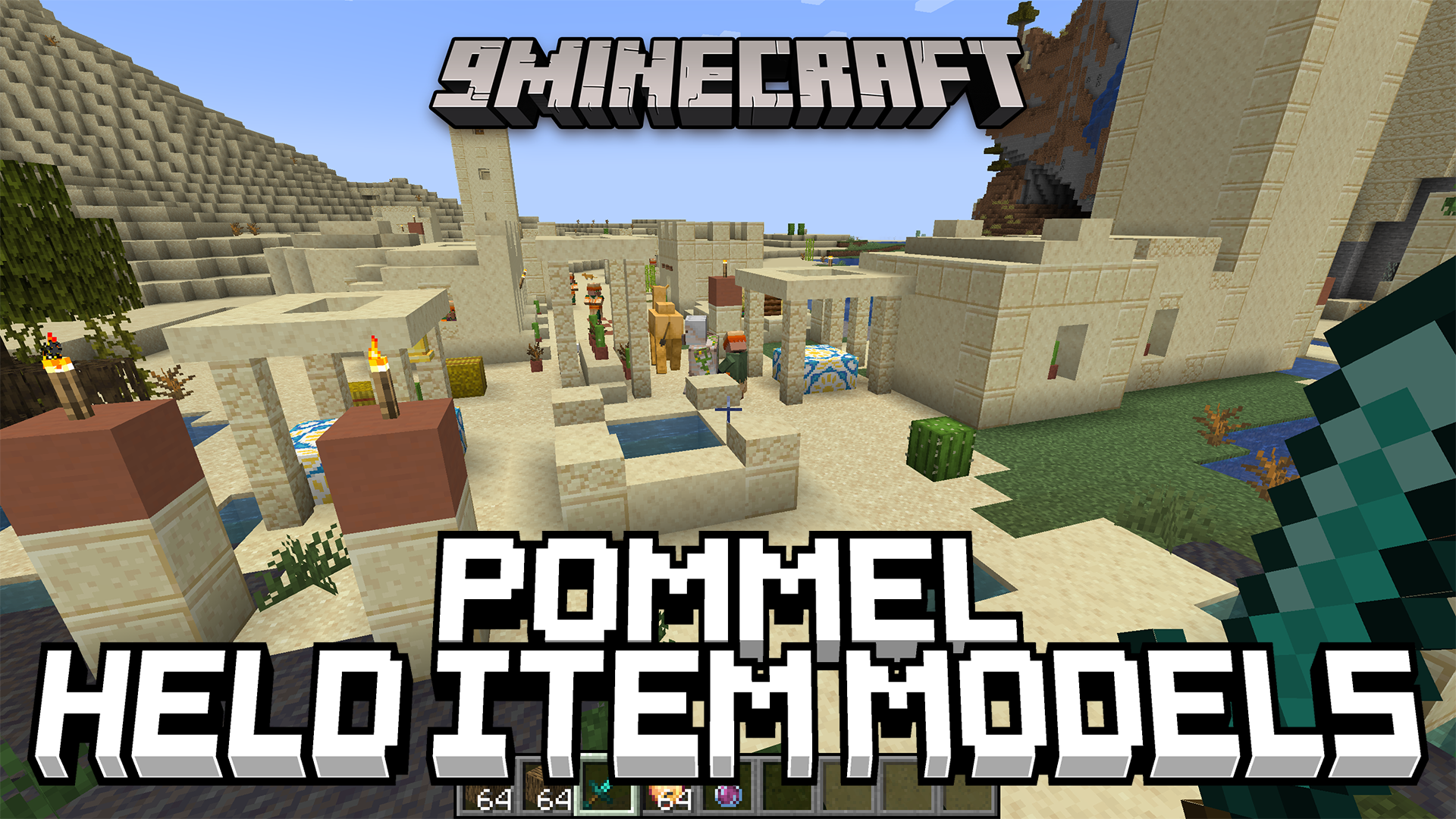
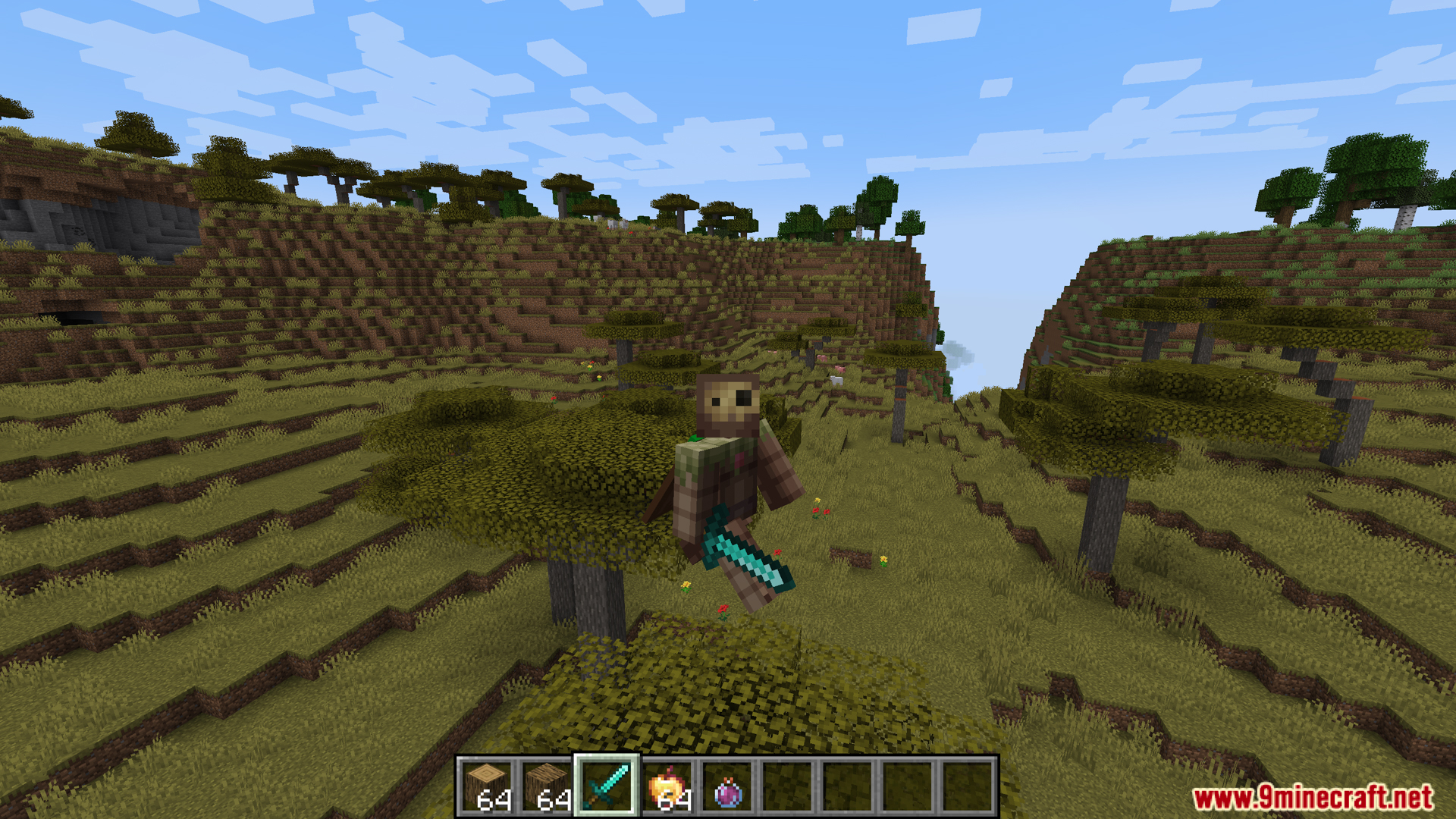
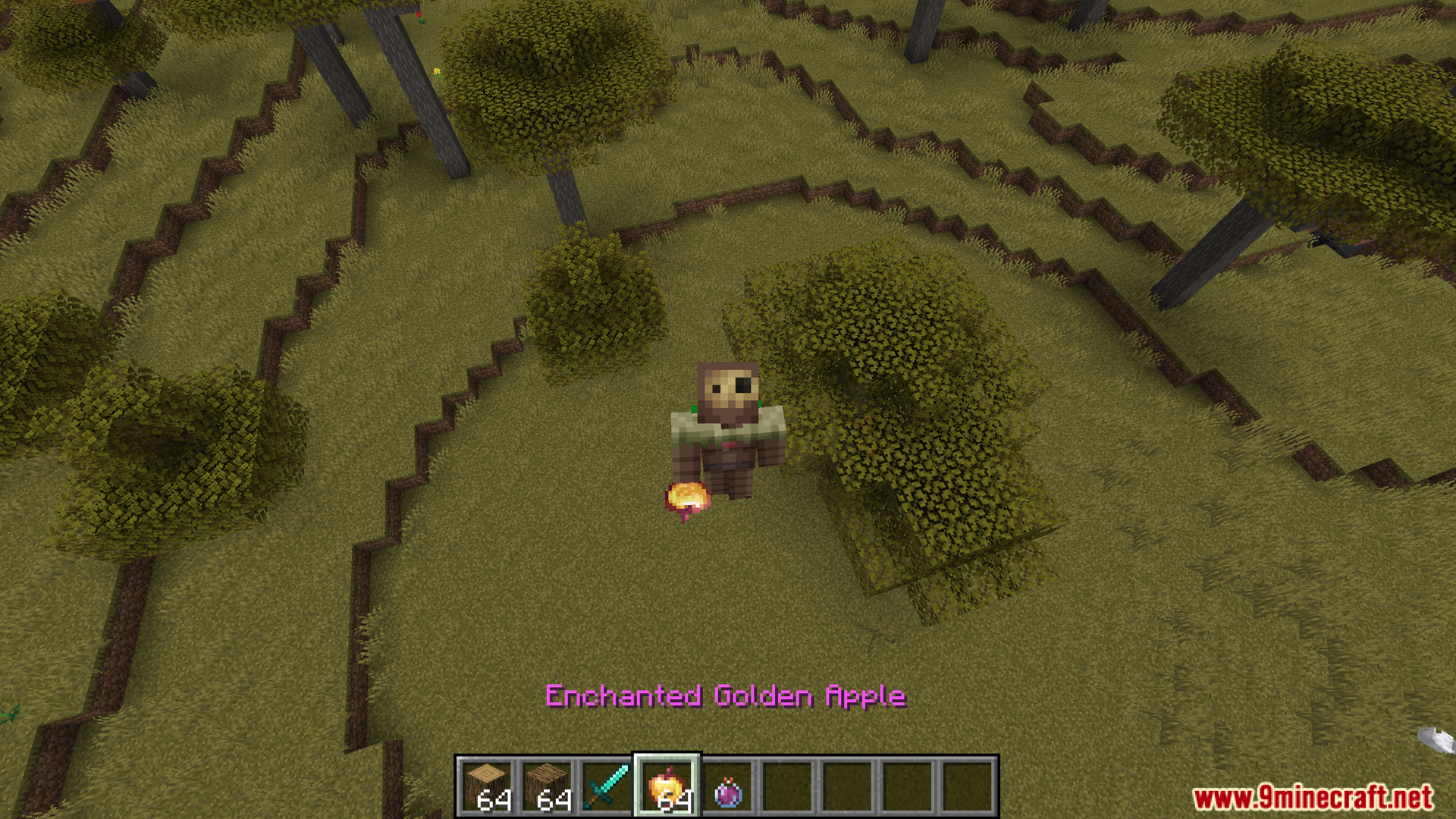
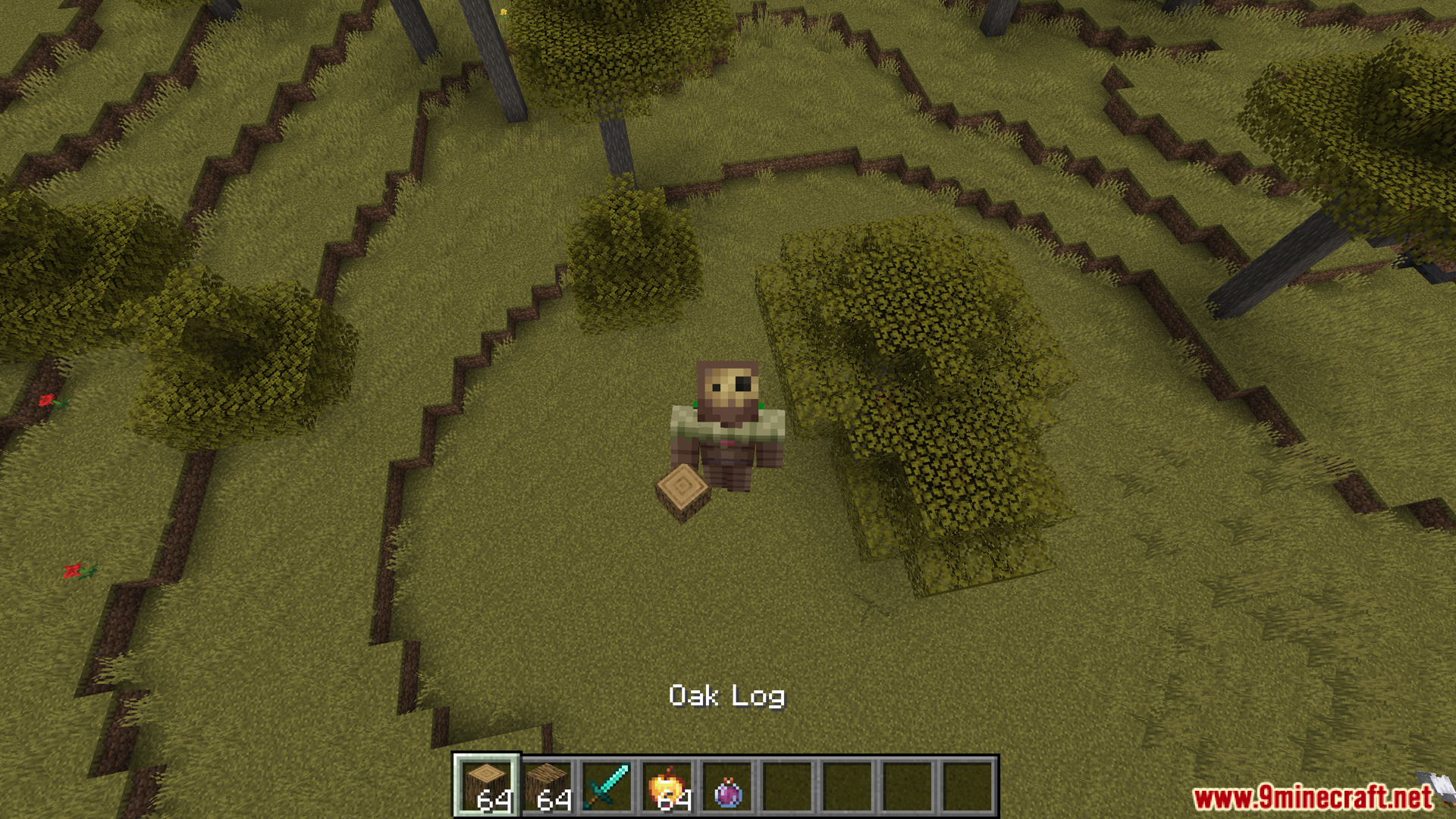
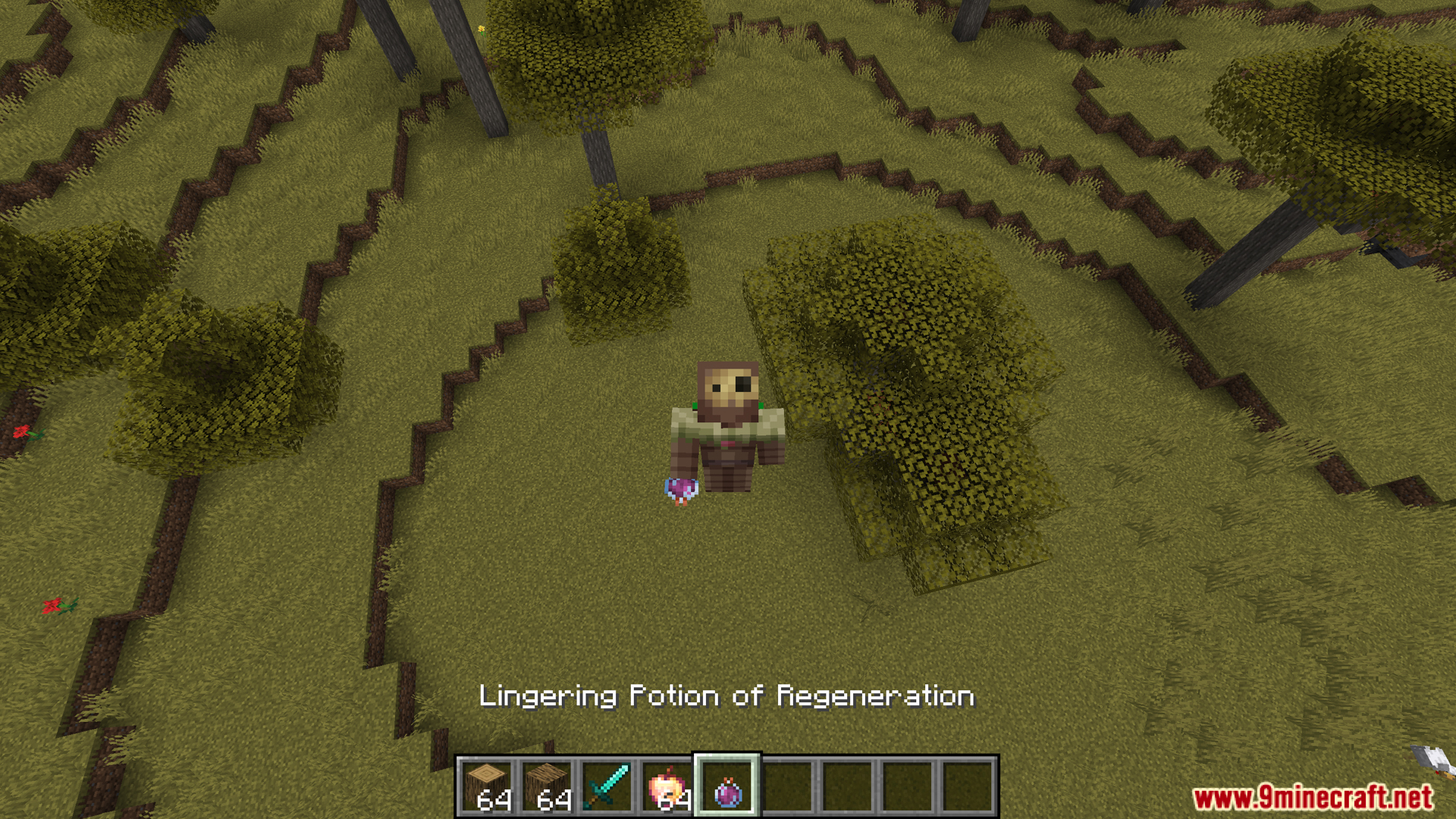
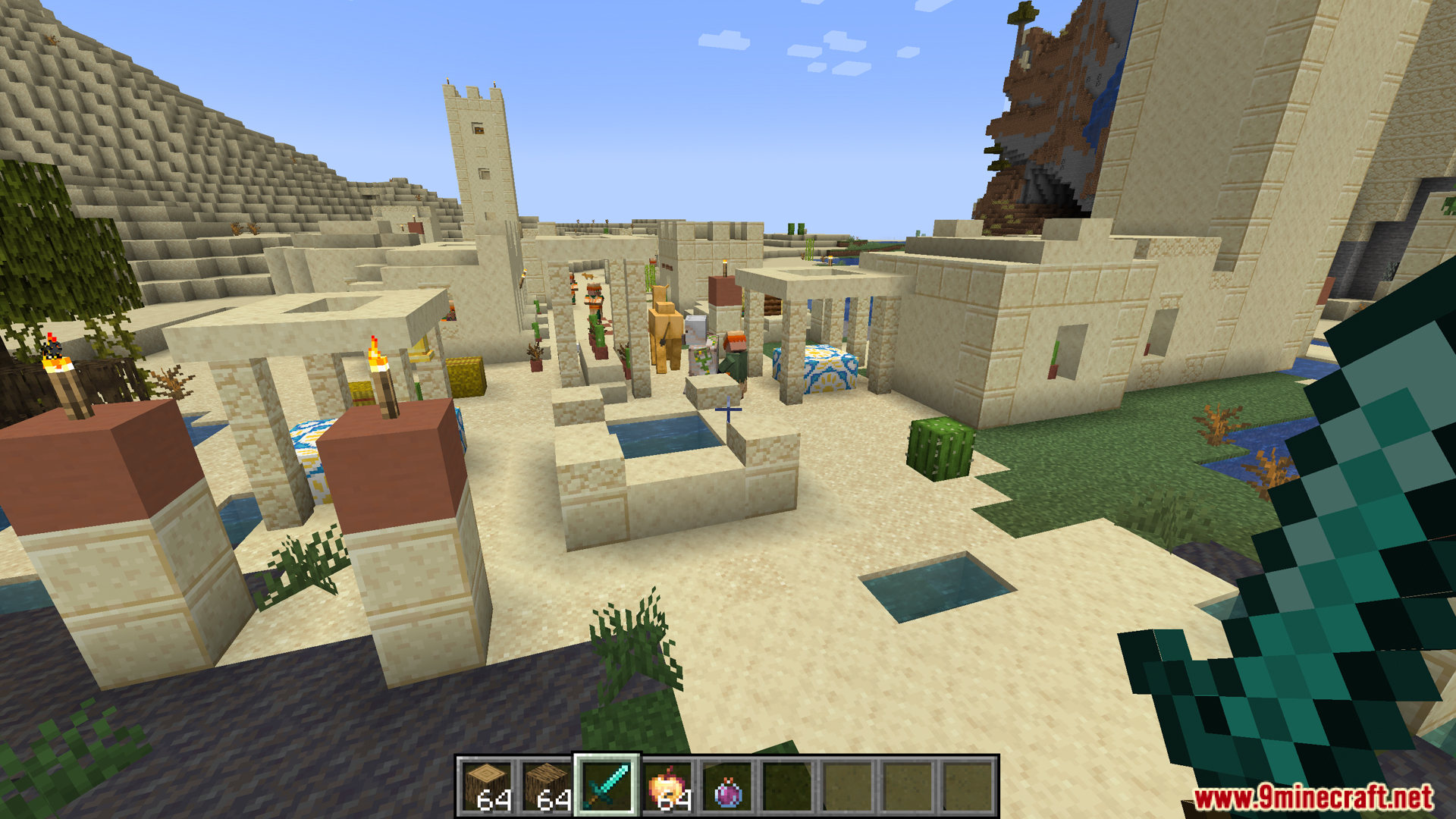
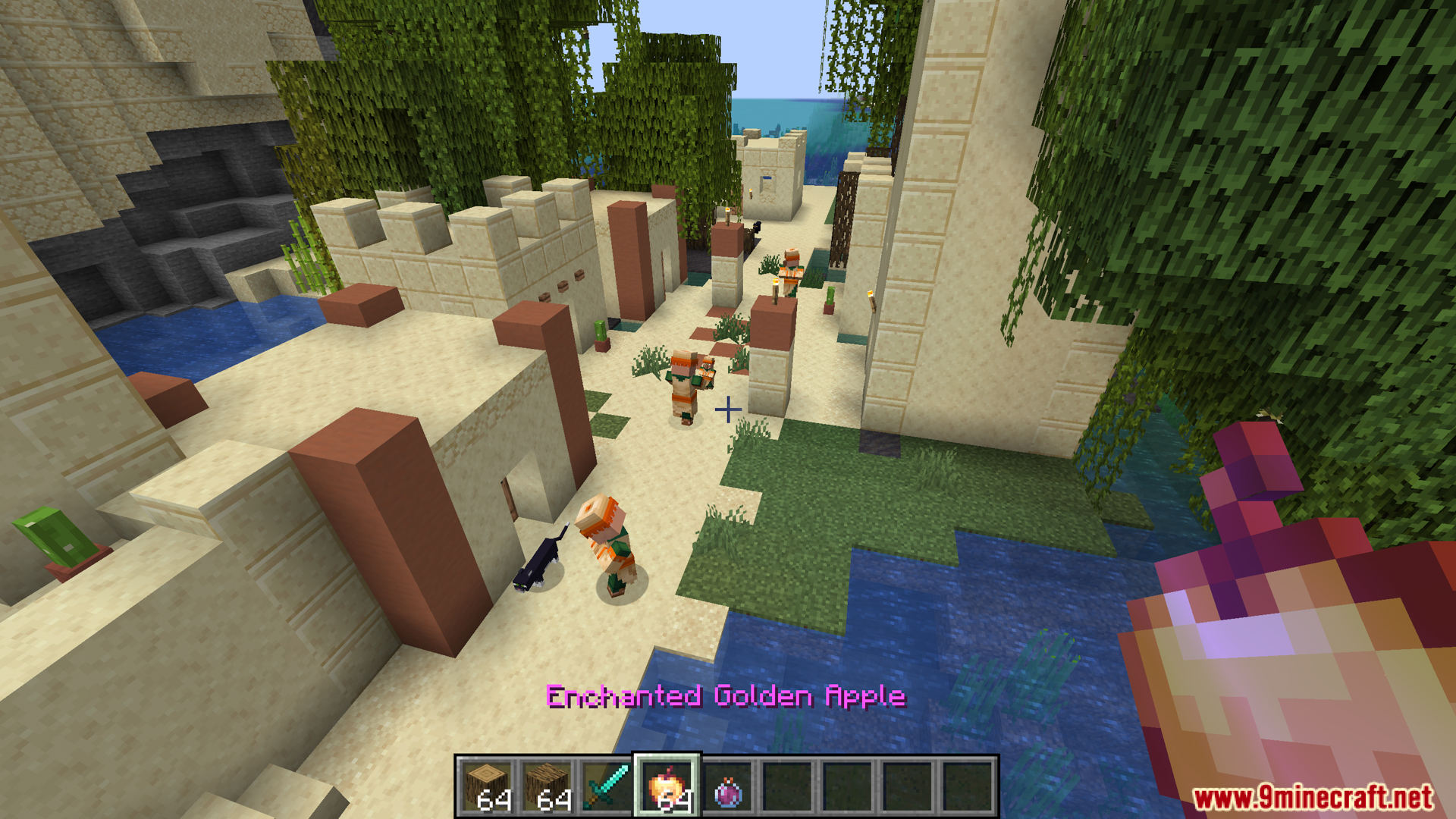
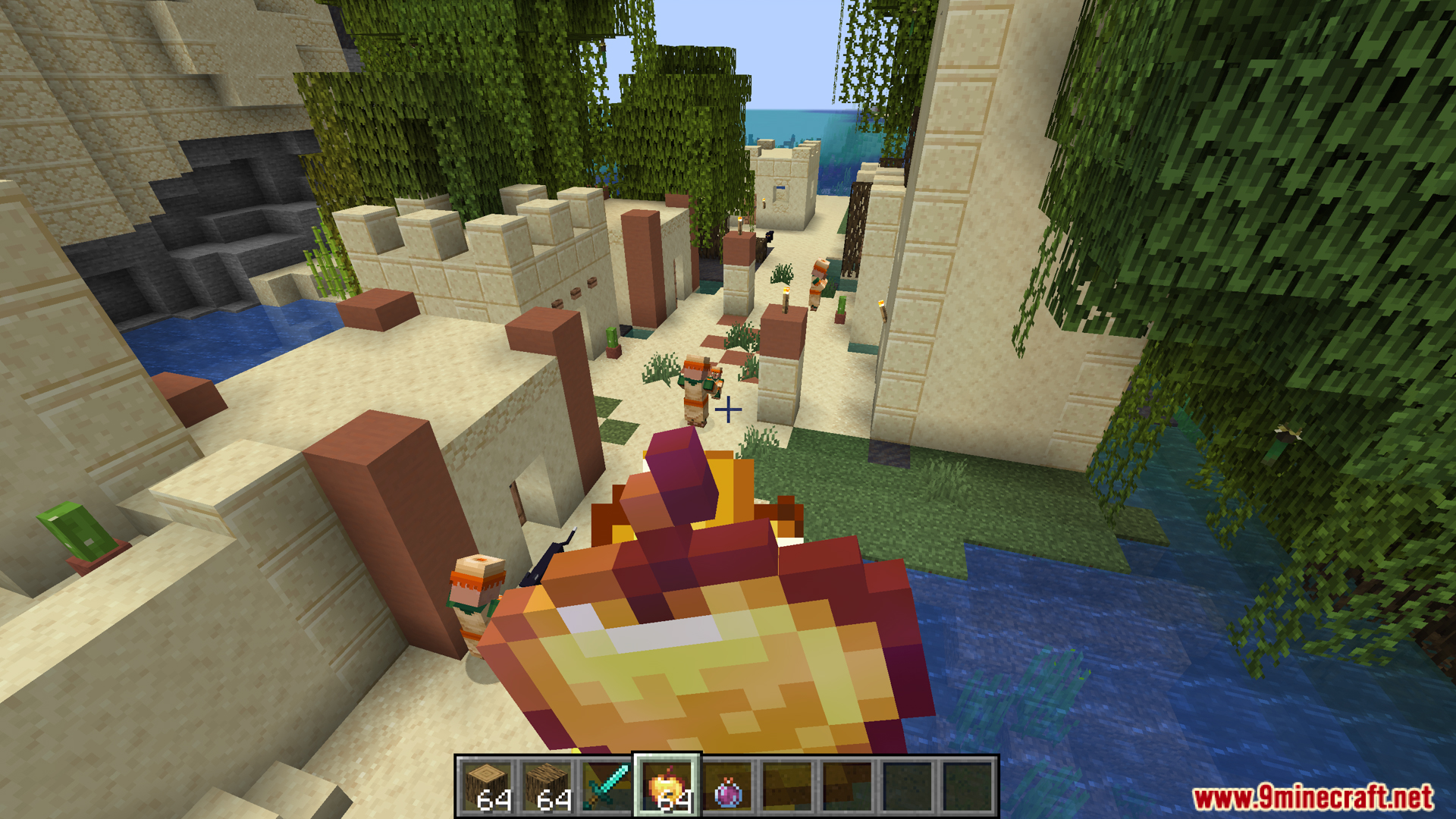
Pommel Held Item Models Mod lets resource pack makers change how an item looks when you hold it in your hand. It works just like the spyglass or trident, which have their own unique models when held. This means a resource pack can make a normal sword look like a fiery greatsword or turn a stick into a magical staff. The mod gives you a new way to customize items without changing the original item itself.
Features:
- Lets resource packs change the model of an item when you hold it in your hand.
- It works for both your view (first-person) and how others see you (third-person).
- You don’t need to create anything yourself. If you use a resource pack made for this mod, you’ll see all the new item models.
- Works with items from other mods, too.
New Conditions for Item Models
- When Held: An item can show a special model when it’s in your main hand or off-hand.
- When Used: The model can change as you use an item. For example, an apple can look smaller with each bite.
- When Worn or Placed: Items get a custom look when worn on your head or put in an item frame.
- When Dropped or Thrown: An item can look different when it’s on the ground or flying through the air.
- When Underwater: Items can have a unique appearance when they are in water.
- When Enchanted: Allows enchanted items to have a completely new model, not just the standard purple glow.
- When Held by Mobs: Items held by mobs like Villagers, Foxes, and Pandas can also have their own custom models.
Configuration:
This mod adds new rules, called predicates, for resource pack makers. You can use these in an item’s JSON file to change its model based on how it’s used. Here are the predicates you can use:
pommel:is_held: When the item is held in your hand (first or third person).pommel:first_third_person: Use 0.5 for first-person view and 1.0 for third-person view to show different models.pommel:is_offhand: When the item is in your off-hand.pommel:is_fixed: When the item is in an item frame.pommel:is_head: When the item is worn as a helmet.pommel:is_ground: When the item is dropped on the ground.pommel:is_thrown: For items that are thrown, like snowballs or eggs.pommel:is_used: When you are actively using an item, like eating food or drawing a bow.pommel:item_use: Changes the model during the use animation, like an apple getting smaller with each bite.pommel:is_submerged: When the item is in water.pommel:is_enchanted: If the item has an enchantment.pommel:is_misc_entity_holding: For items held by mobs like Villagers, Pandas, or Foxes.
JSON Example:
Here is a basic example of how to use these predicates in an item’s JSON file. This code tells the game to show a different model when the item is held, in a frame, on your head, or on the ground.
{
  "parent": "item/handheld",
  "textures": {
    "layer0": "minecraft:item/2d_model_texture"
  },
  "overrides": [
    { "predicate": { "pommel:is_held": 1.0 }, "model": "minecraft:item/my_held_item" },
    { "predicate": { "pommel:is_fixed": 1.0 }, "model": "minecraft:item/my_framed_item" },
    { "predicate": { "pommel:is_head": 1.0 }, "model": "minecraft:item/my_worn_item" },
    { "predicate": { "pommel:is_ground": 1.0 }, "model": "minecraft:item/my_ground_item" },
  ]
}
Apple Eating Example:
This example changes the apple’s model as you eat it. It also shows a special 3D model when you hold the apple, including different 3D models for each bite.
{
  "parent": "minecraft:item/generated",
  "textures": {
    "layer0": "minecraft:item/apple"
  },
  "overrides": [
    { "predicate": { "pommel:is_held": 1 }, "model": "minecraft:item/held_items/apple_3d" },
    { "predicate": { "pommel:item_use": 0.25 }, "model": "minecraft:item/apple_eat_0" },
    { "predicate": { "pommel:is_held": 1, "pommel:item_use": 0.25 }, "model": "minecraft:item/held_items/apple_eat_0_3d" },
    { "predicate": { "pommel:item_use": 0.50 }, "model": "minecraft:item/apple_eat_1" },
    { "predicate": { "pommel:is_held": 1, "pommel:item_use": 0.50 }, "model": "minecraft:item/held_items/apple_eat_1_3d" },
    { "predicate": { "pommel:item_use": 0.75 }, "model": "minecraft:item/apple_eat_2" },
    { "predicate": { "pommel:is_held": 1, "pommel:item_use": 0.75 }, "model": "minecraft:item/held_items/apple_eat_2_3d" }
  ]
}
Screenshots:
Pommel Held Item Models Mod Download Links
For Minecraft 1.21.1, 1.21
Fabric version: Download from Server 1 – Download from Server 2
For Minecraft 1.20.1, 1.20
Fabric version: Download from Server 1 – Download from Server 2
- Edition: Minecraft Java
- File type: .jar
- Minecraft versions listed: 1.21.1, 1.20.1
- How to install: Install the matching mod loader (Forge, Fabric or NeoForge) for your Minecraft version. → Download the .jar. → Put it in the .minecraft/mods folder and launch that loader profile.
- Where to get it: In MC Java Mods, or directly above on this page.
Install steps are the general flow for this file type — How to install Minecraft Java mods & modpacks walks through it step by step.
- Downloads as 175994.mcaddon
- Download size: 50 KB
- Download link checked 25 Jul 2026 — working
- Mirrored on our own servers — the download does not depend on the original host
These come from our own check of the pack file, not from the source page.