HighLight Item Mod (1.21.11, 1.20.1) – Highlights Similar Items To Selected One In Inventory
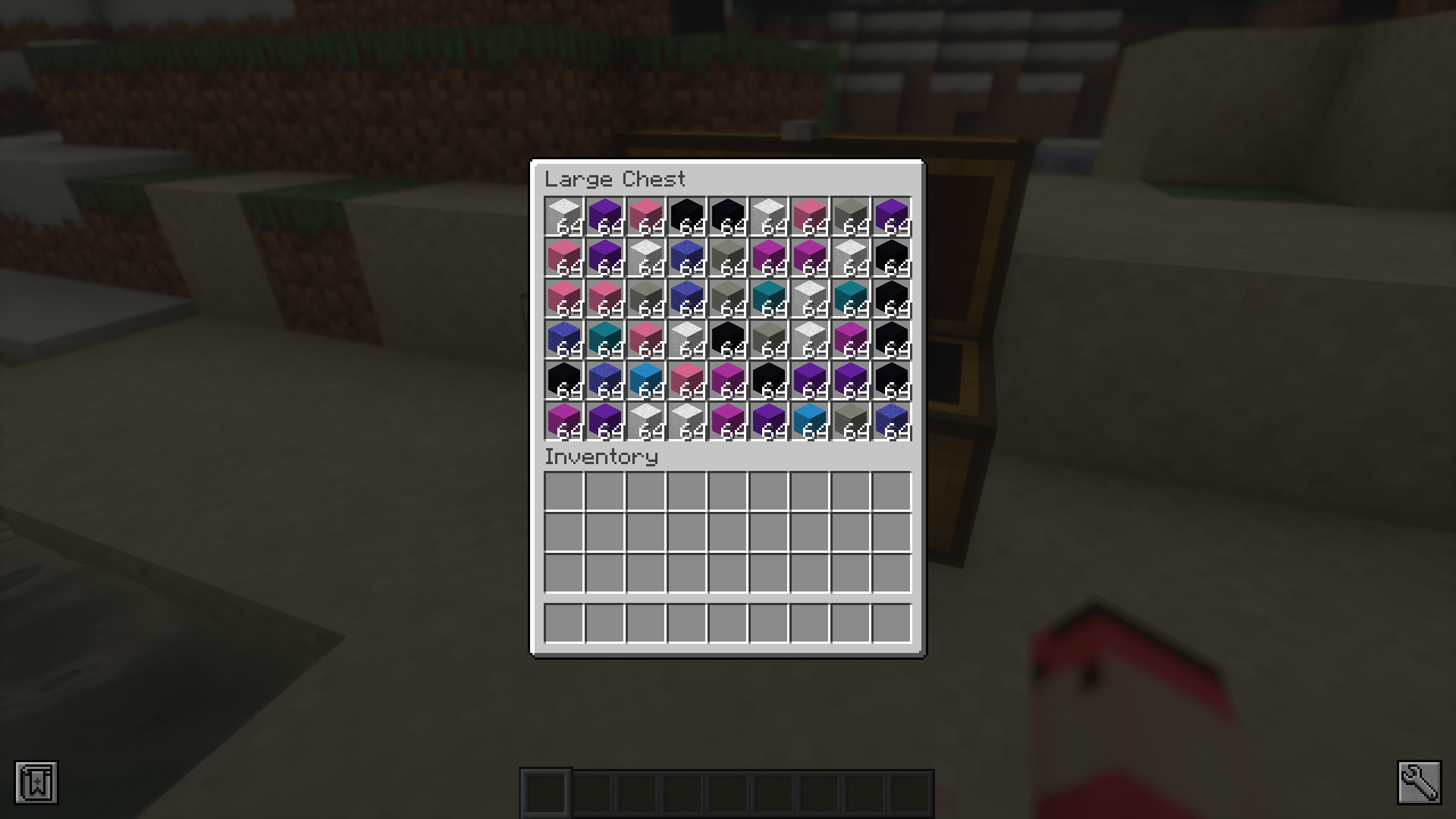
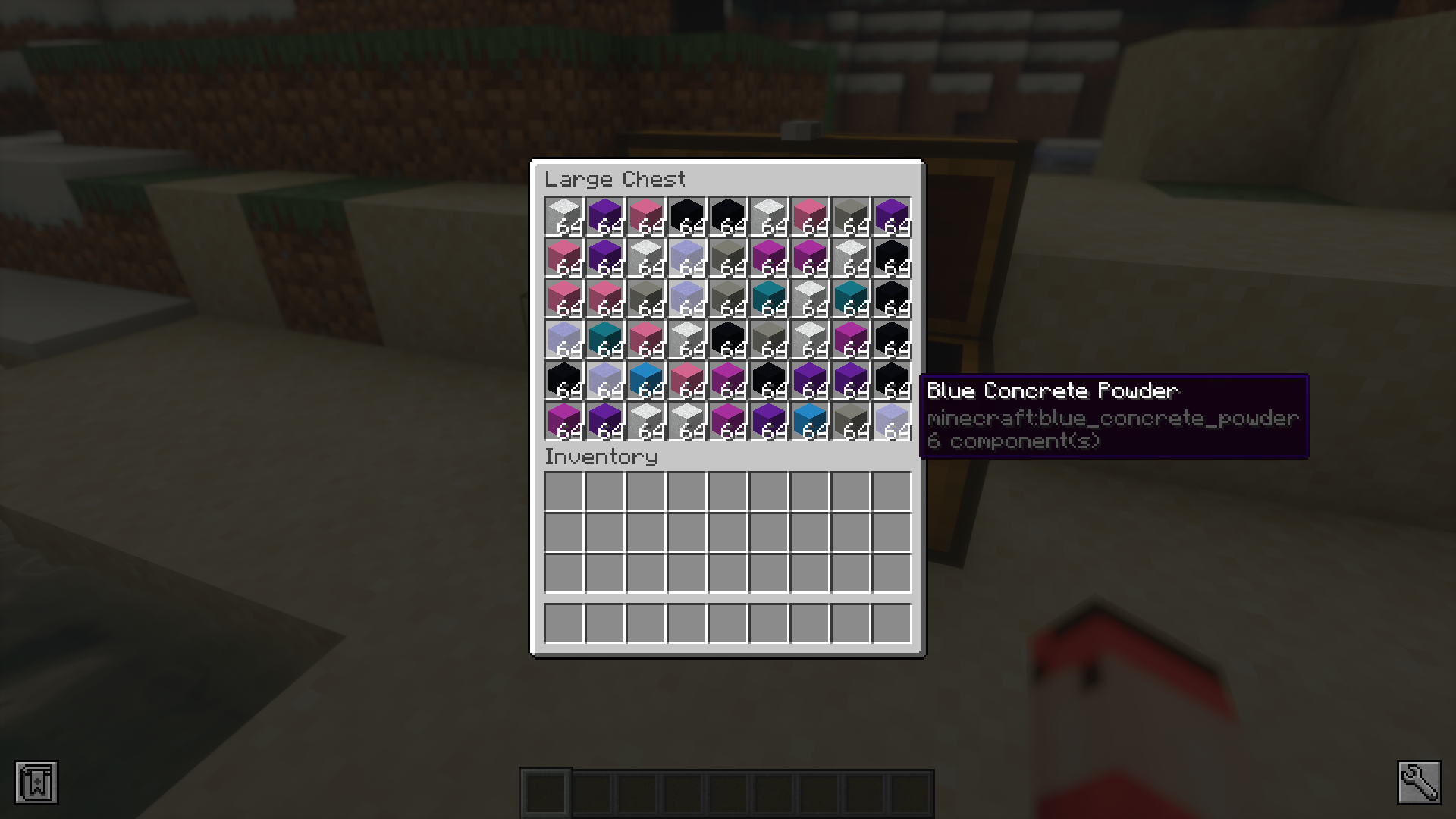
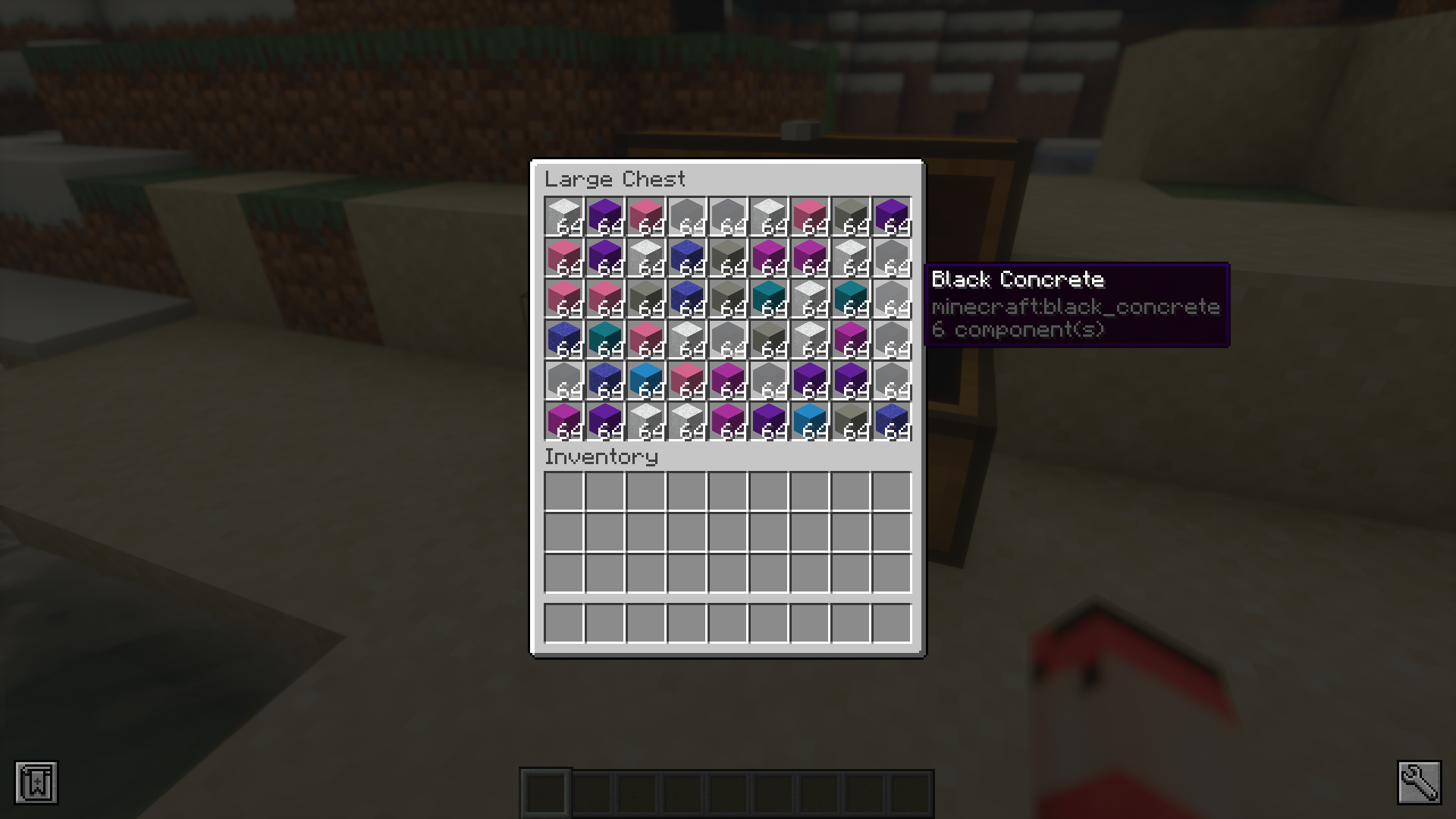
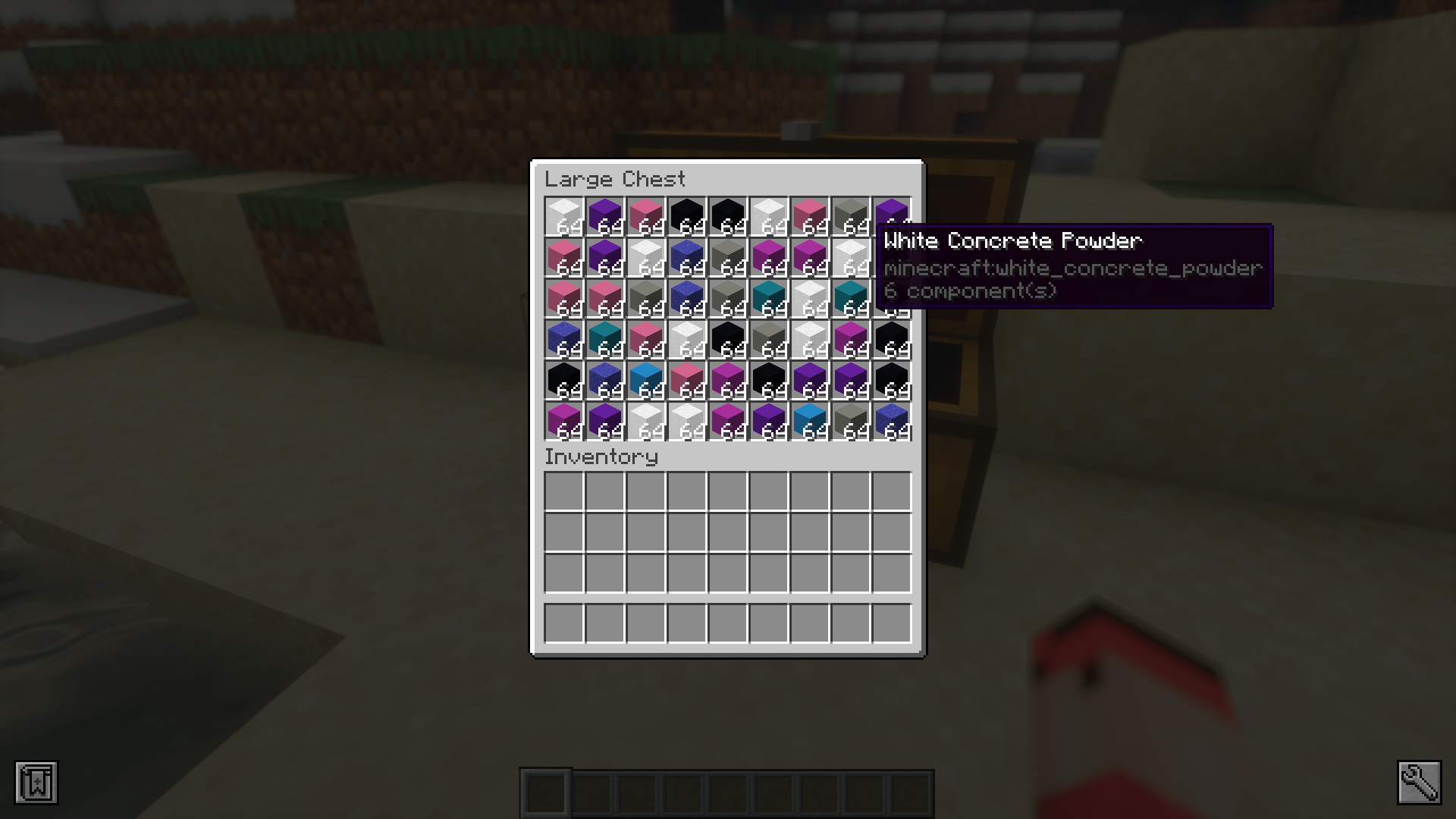
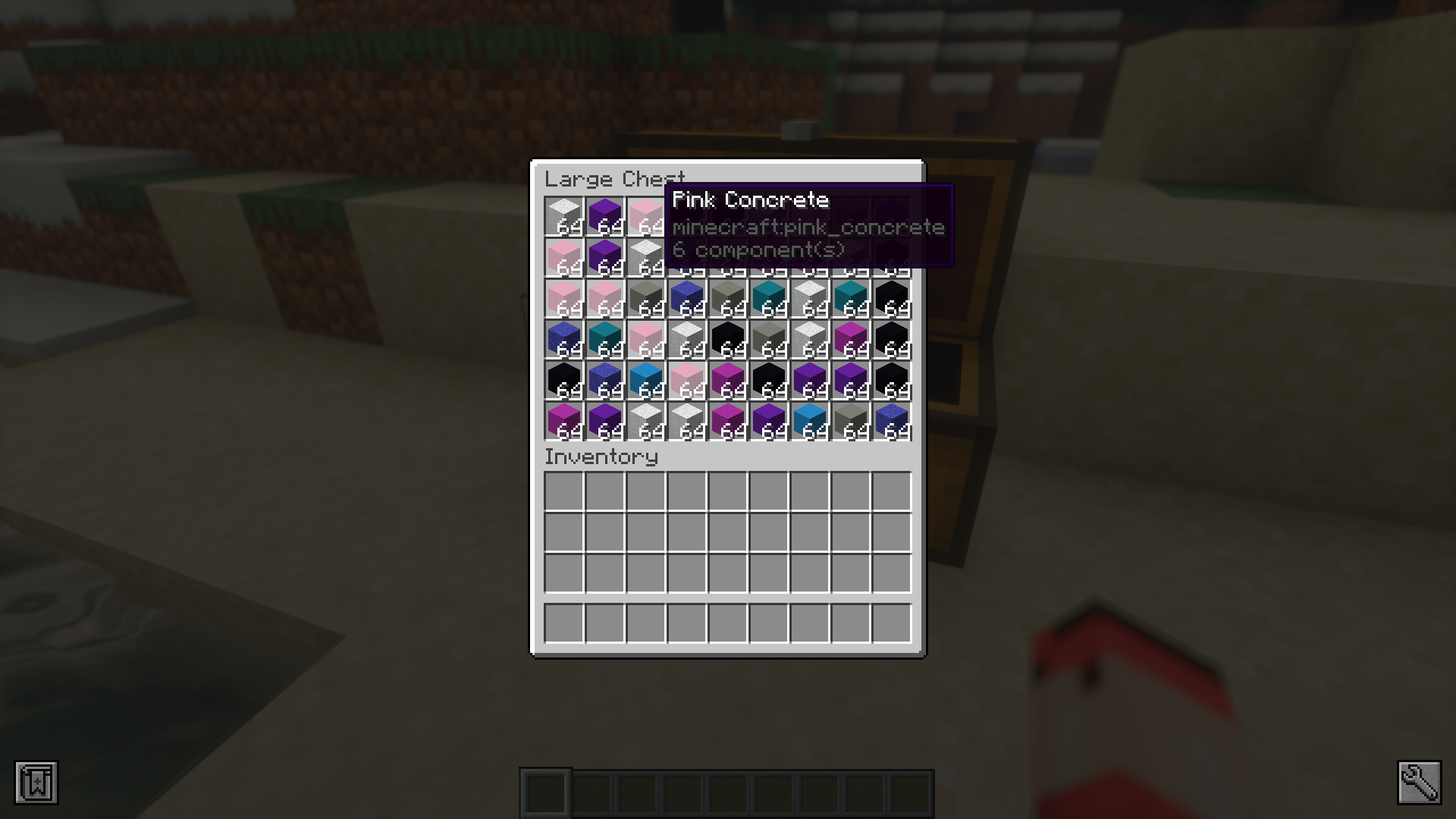
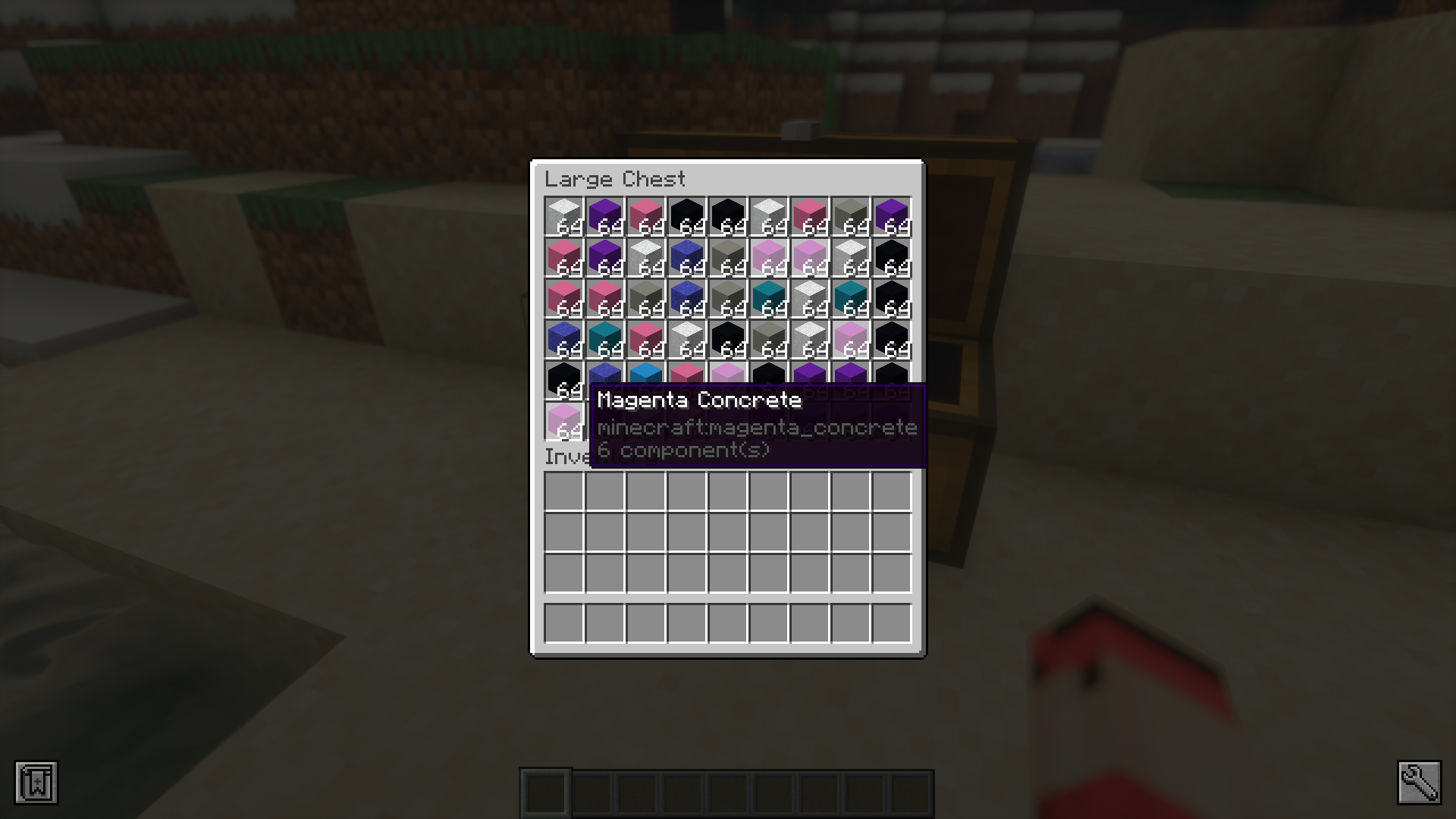
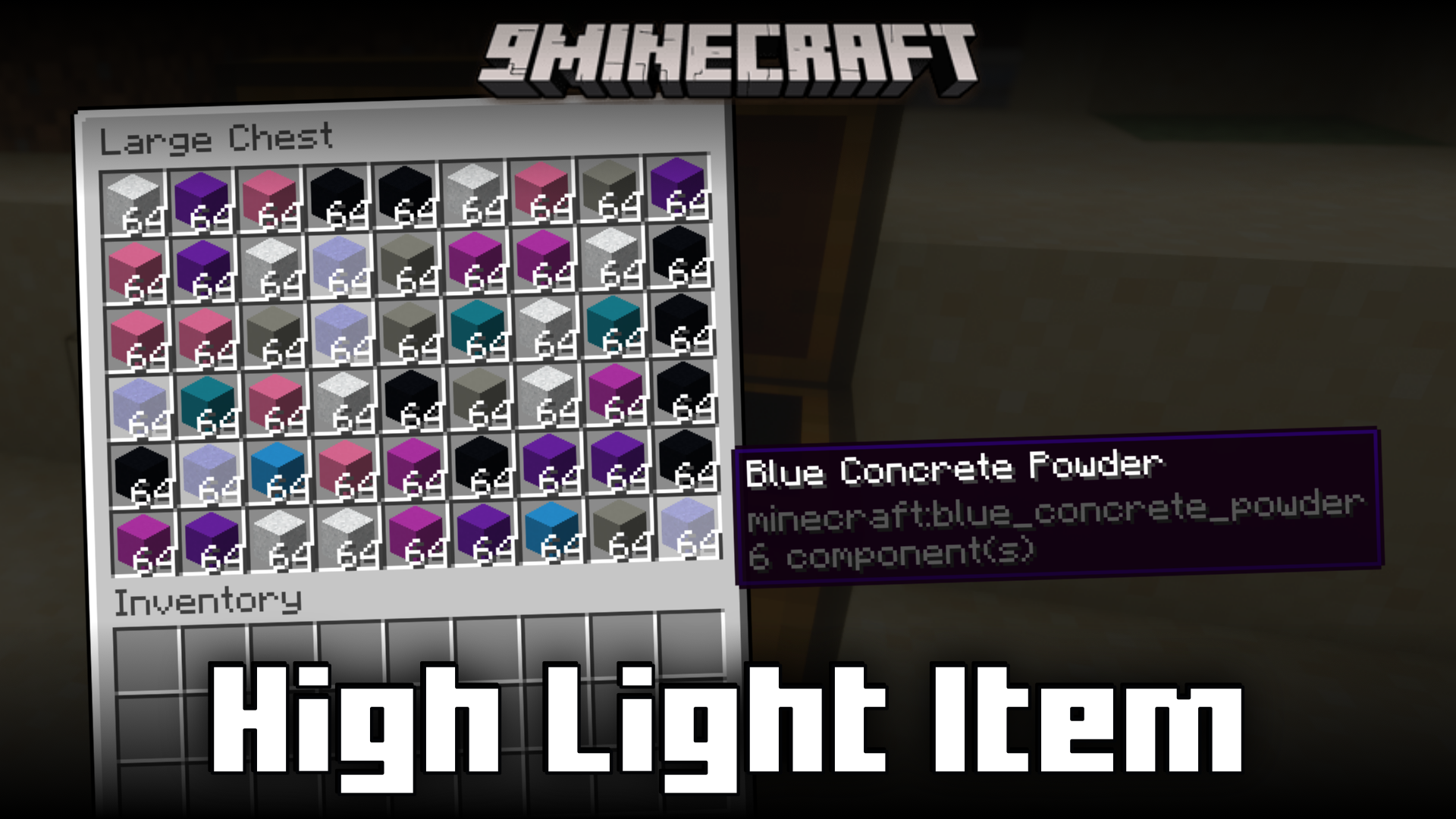
HighLight Item Mod introduces a feature that allows you to navigate storage inventories efficiently. Most inventories are filled to the brim with mixed items, and finding the required one from the mix can be tiresome. This mod aims to fix that. With this mod installed, when you hover your cursor over an item in the inventory, all such items in the same inventory will be highlighted.
Features:
- Makes navigating inventory spaces a lot more convenient.
- Makes it easy to locate your required items from an inventory.
- When you hover your cursor over an item in the inventory, all such items in the same inventory will be highlighted.
Screenshots:
HighLight Item Mod Download Links
For Minecraft 1.21.11
Fabric/Quilt version: Download from Server 1 – Download from Server 2
For Minecraft 1.21.10, 1.21.9
Fabric/Quilt version: Download from Server 1 – Download from Server 2
For Minecraft 1.21.8, 1.21.7
Fabric/Quilt version: Download from Server 1 – Download from Server 2
For Minecraft 1.21.8, 1.21.7, 1.21.6
Fabric/Quilt version: Download from Server 1 – Download from Server 2
For Minecraft 1.21.5
Fabric/Quilt version: Download from Server 1 – Download from Server 2
For Minecraft 1.21.4
Fabric/Quilt version: Download from Server 1 – Download from Server 2
For Minecraft 1.21.3, 1.21.2
Fabric/Quilt version: Download from Server 1 – Download from Server 2
For Minecraft 1.21.1, 1.21
Fabric/Quilt version: Download from Server 1 – Download from Server 2
For Minecraft 1.20.6
Fabric/Quilt version: Download from Server 1 – Download from Server 2
For Minecraft 1.20.4
Fabric/Quilt version: Download from Server 1 – Download from Server 2
For Minecraft 1.20.1
Fabric/Quilt version: Download from Server 1 – Download from Server 2
- Edition: Minecraft Java
- File type: .jar
- Minecraft versions listed: 1.21.11, 1.20.1
- How to install: Install the matching mod loader (Forge, Fabric or NeoForge) for your Minecraft version. → Download the .jar. → Put it in the .minecraft/mods folder and launch that loader profile.
- Where to get it: In MC Java Mods, or directly above on this page.
Install steps are the general flow for this file type — How to install Minecraft Java mods & modpacks walks through it step by step.
- Downloads as 176005.mcaddon
- Download size: 56 KB
- Download link checked 26 Jul 2026 — working
- Mirrored on our own servers — the download does not depend on the original host
These come from our own check of the pack file, not from the source page.