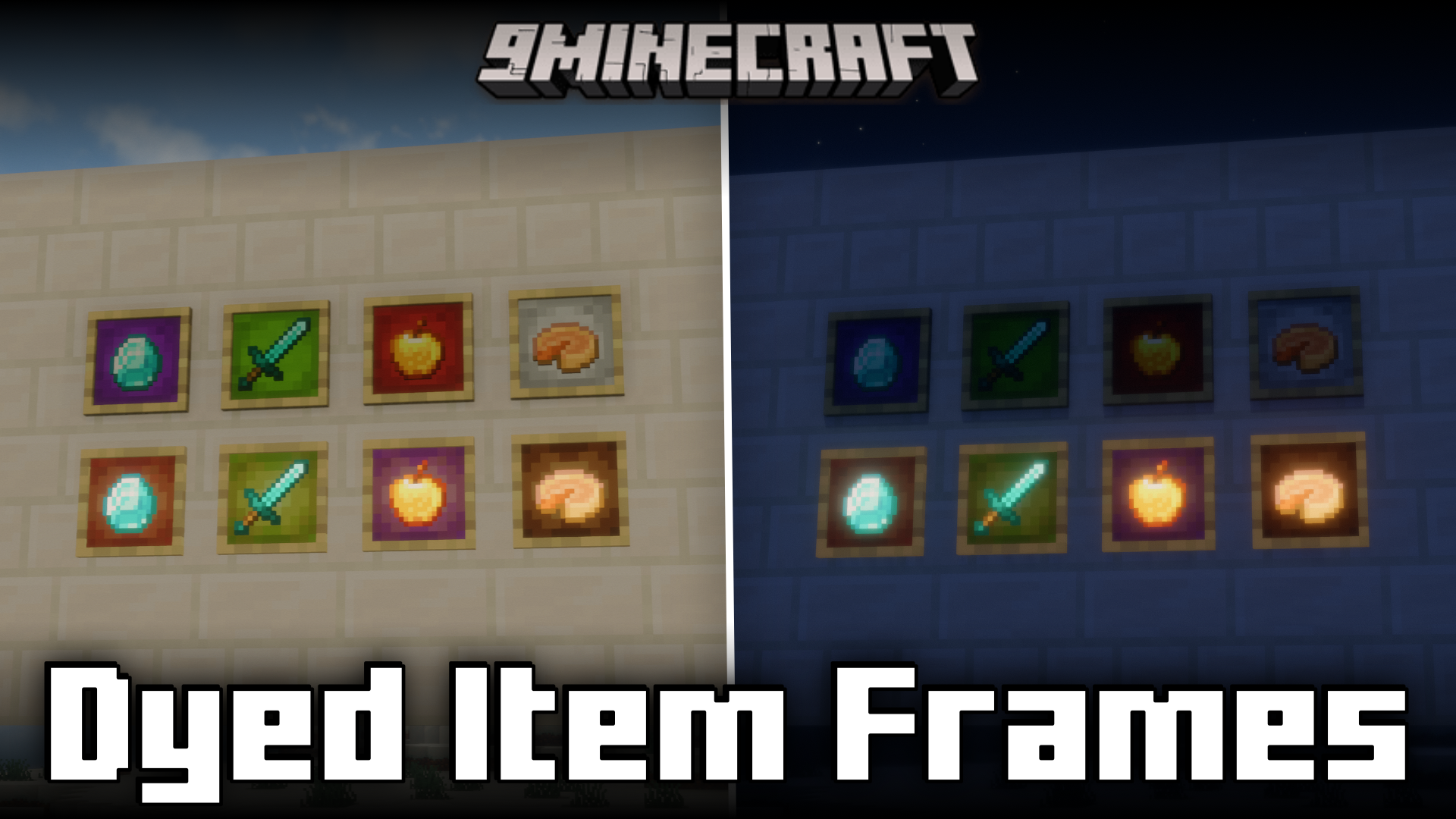
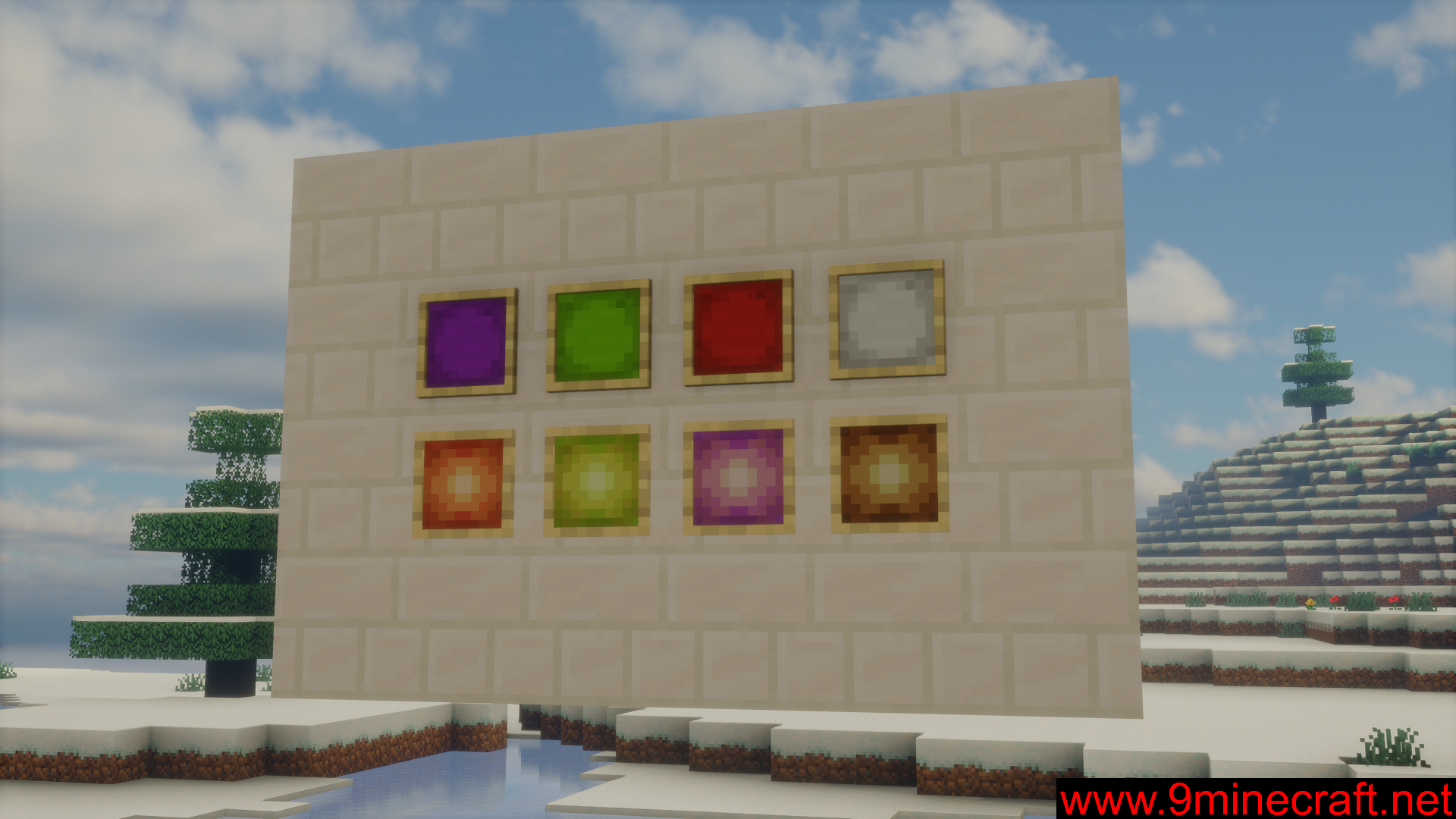
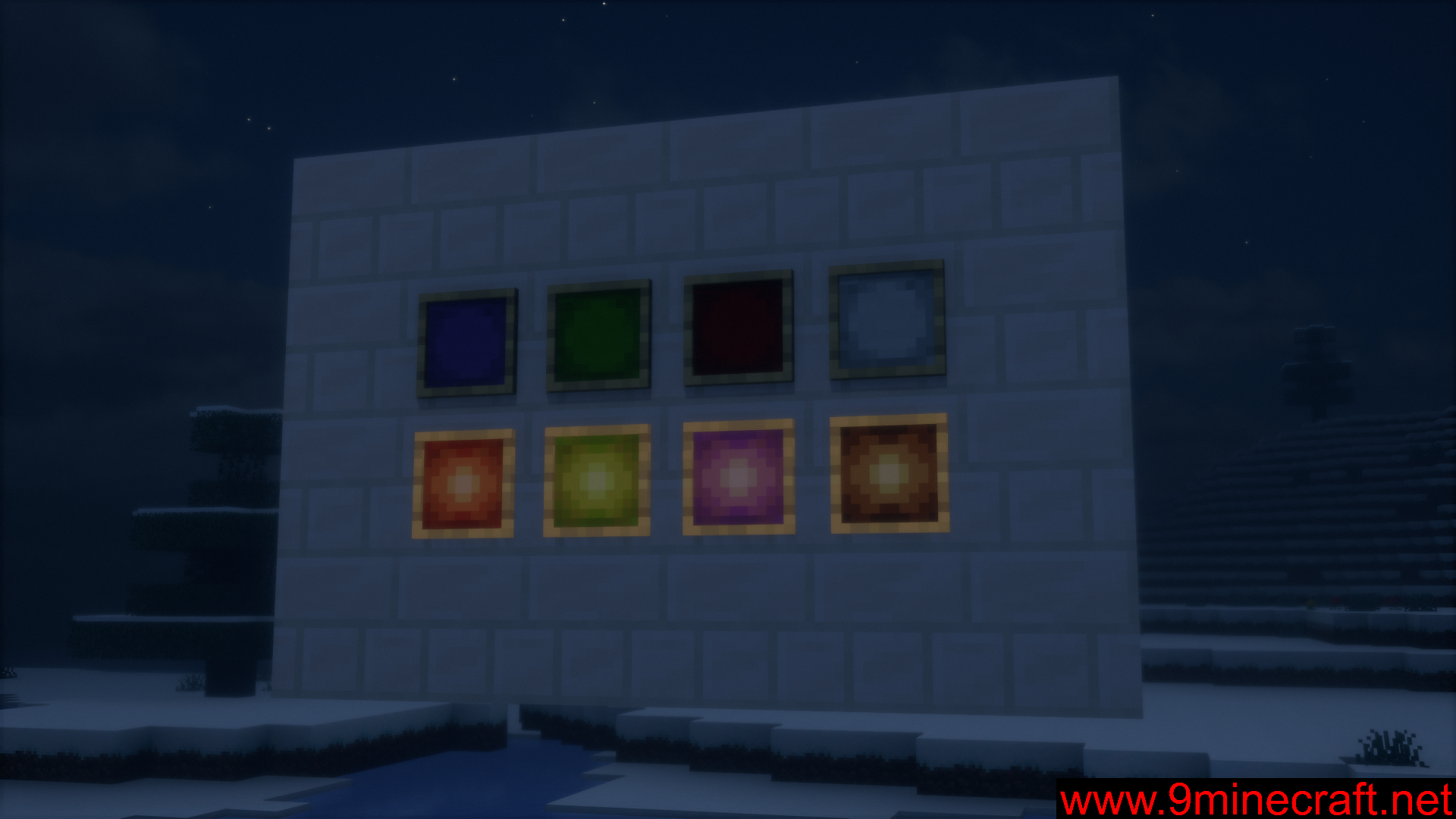
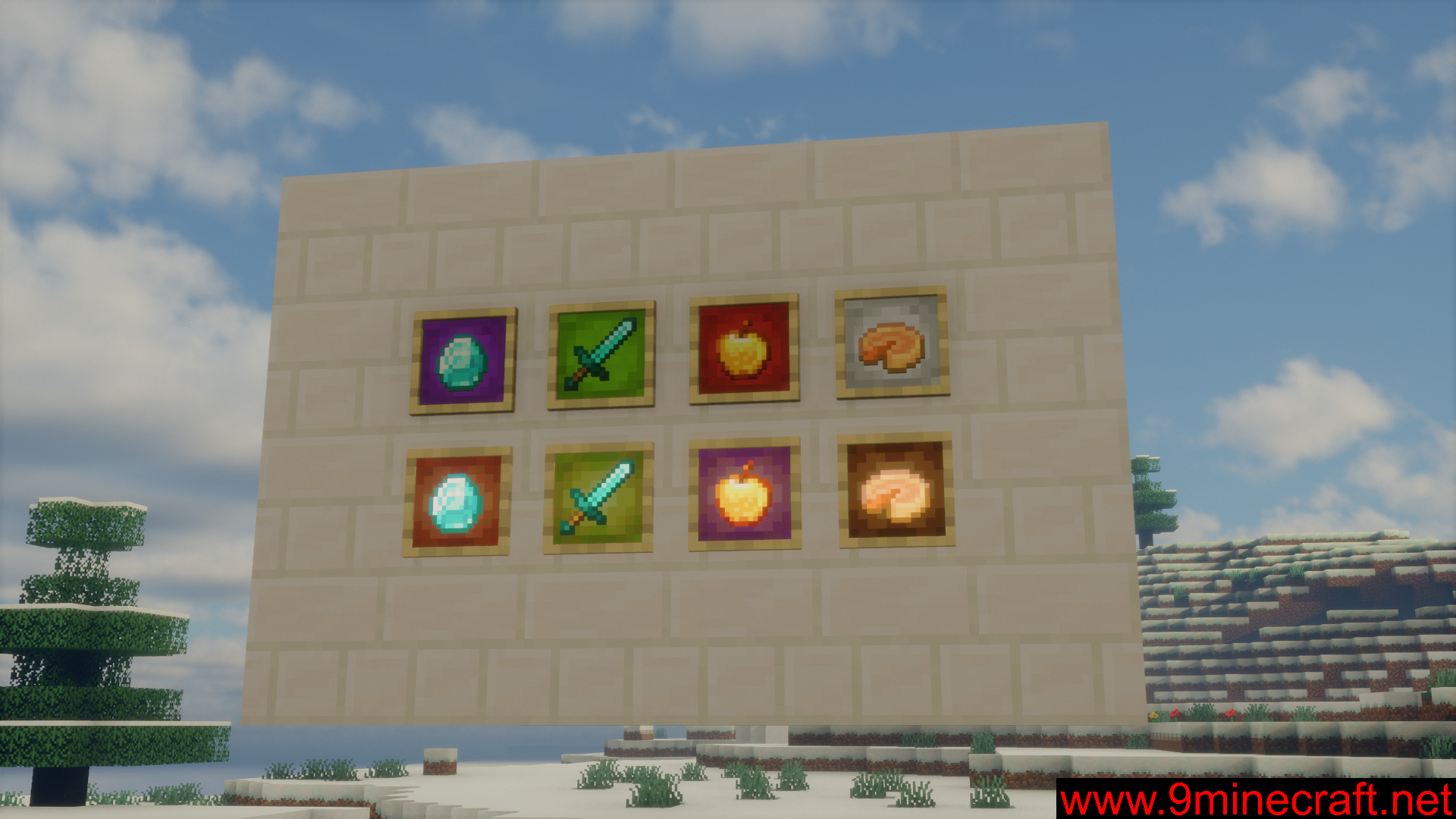
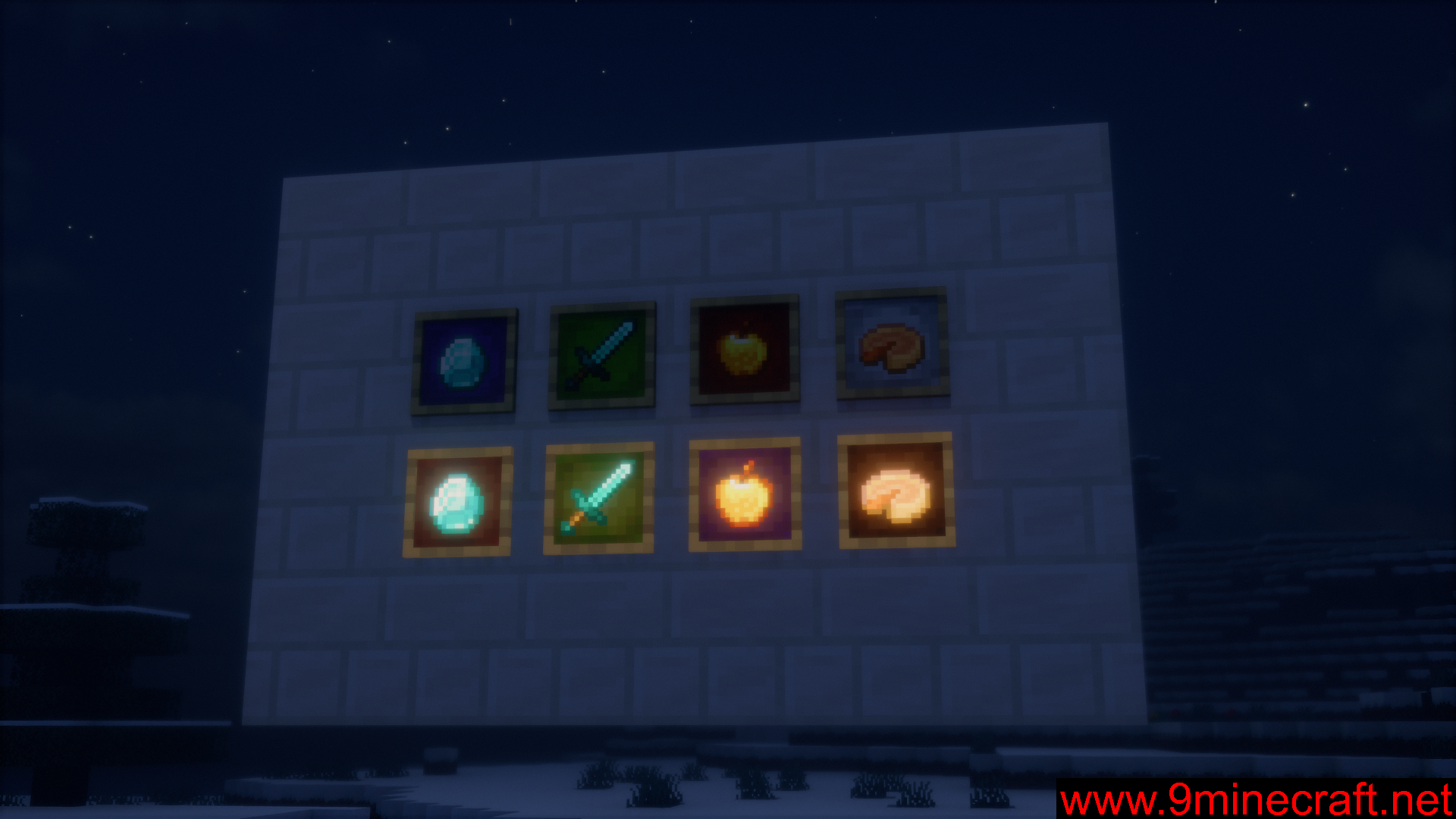
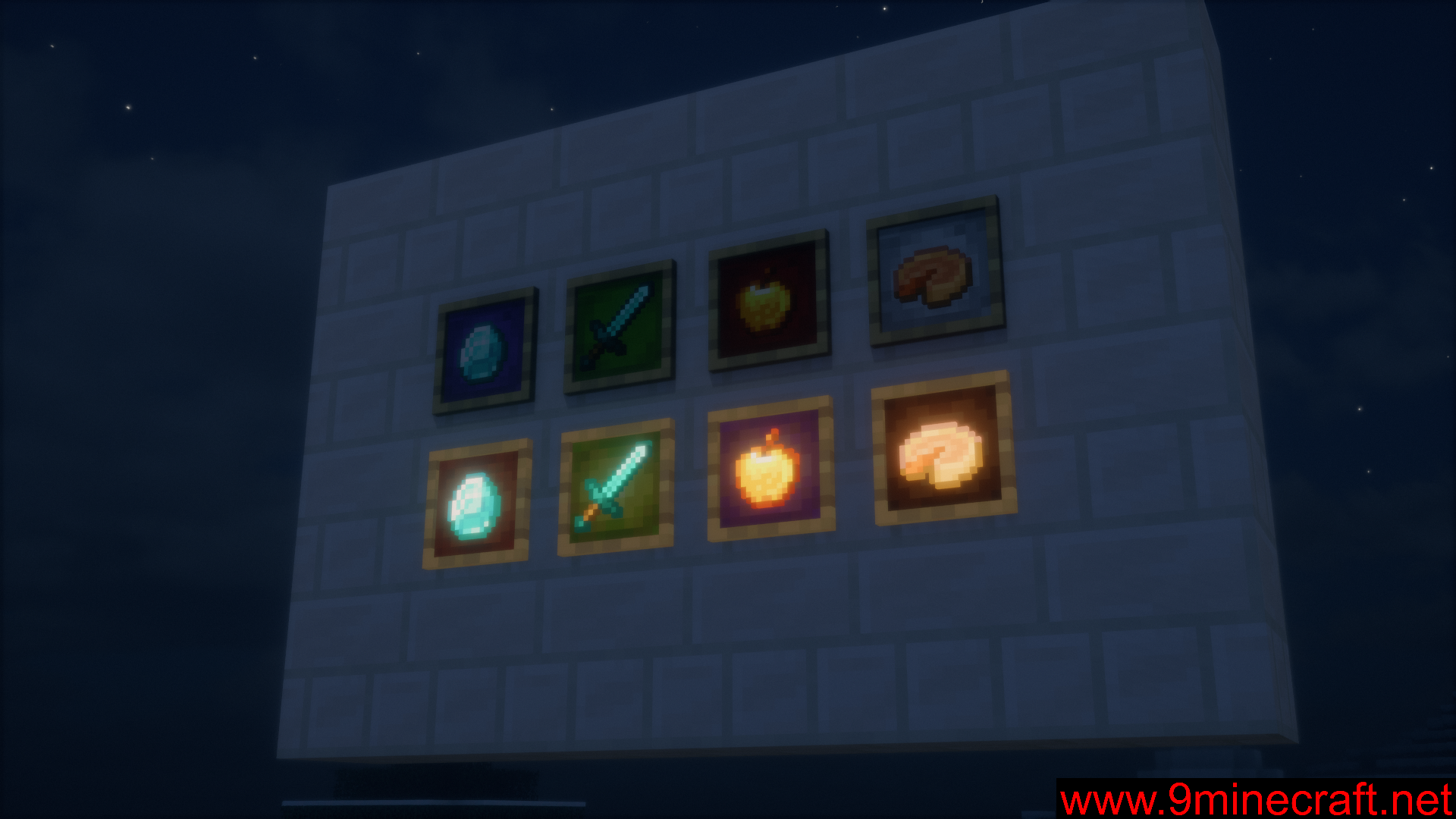
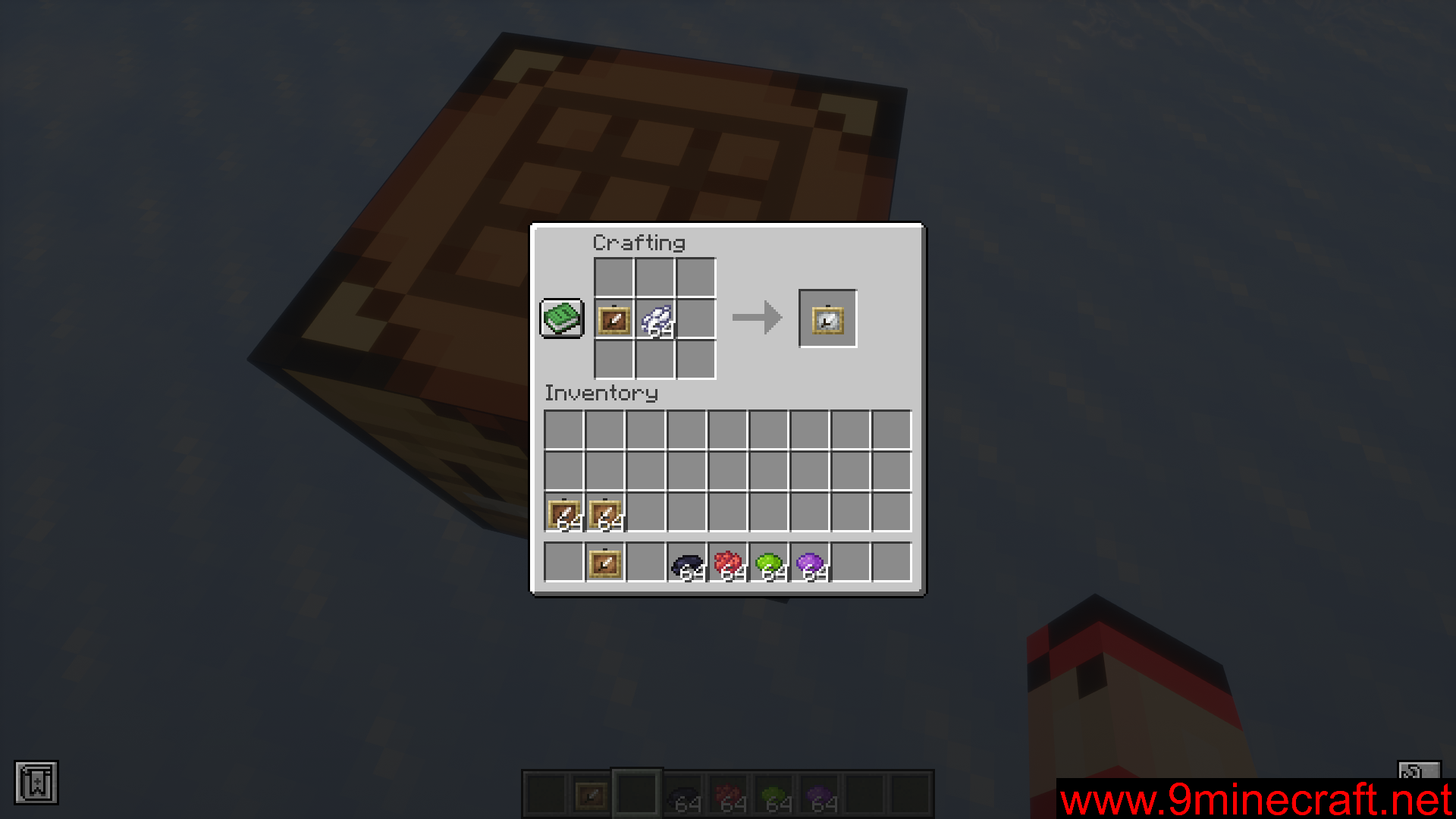
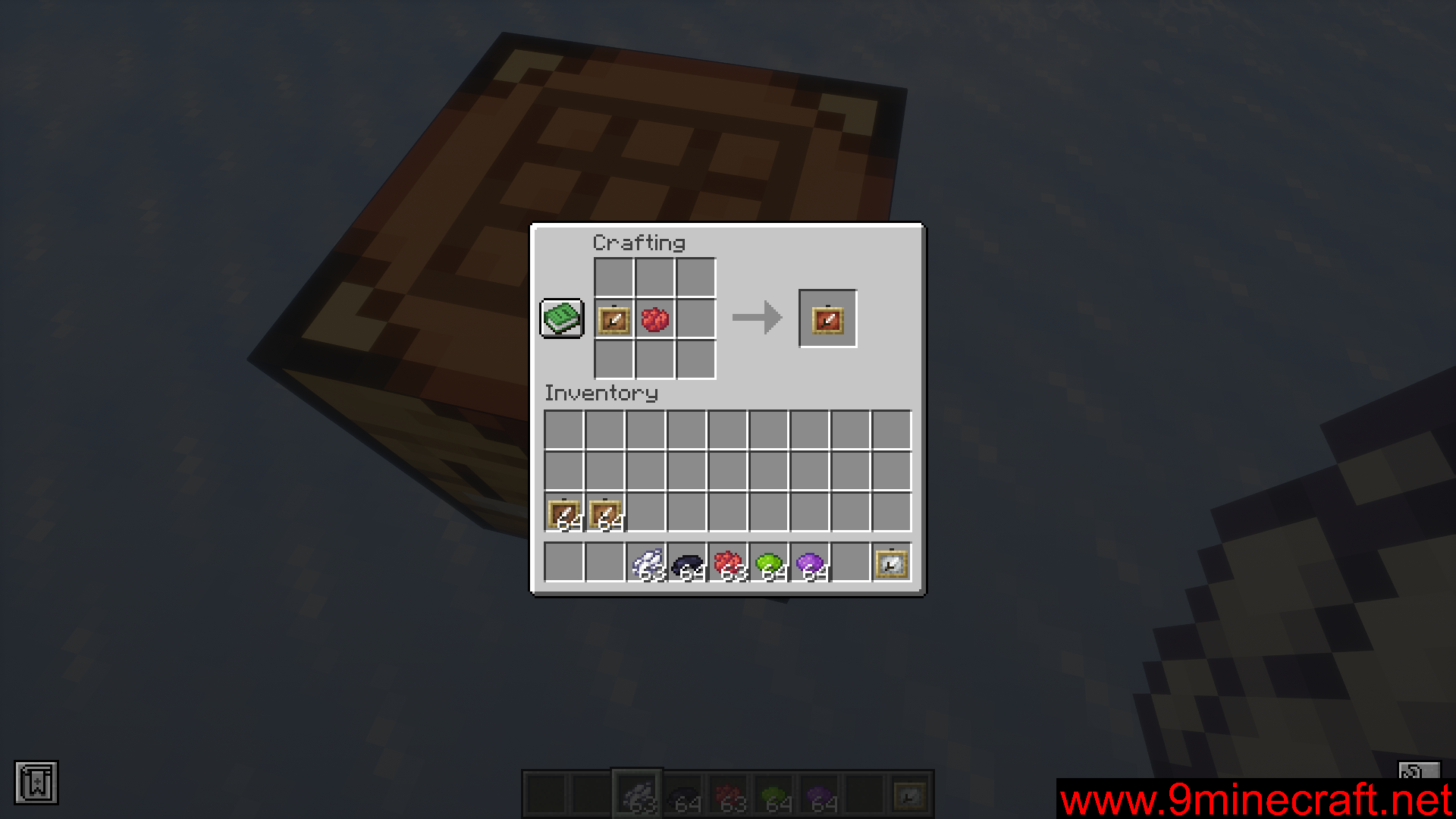
Items frames in the vanilla game have looked the same for a very long time. Glow item frames were introduced into the game in a recent update, and apart from the fact that they glow at night, glow item frames look the same as their regular counterpart. Dyed Item Frames Mod is here to add variations for item frames. As the name suggests, this mod allows you to apply dyes to your item frames to give their inside part a colorful appearance. Simply put in an item frame and a dye (or a combination of dyes) into a crafting grid to dye the item frame. With the available dyes in the game, you can combine and create up to 5,713,438 different colored item frame variants. This also applies to glow item frames.
Features:
- Allows you to dye item frames to make them colorful.
- Combine dyes and item frames in a crafting grid to dye them.
- Up to 5,713,438 color combinations possible!
- Also works with glow item frames.
Screenshots:
Dyed Item Frames Mod Download Links
For Minecraft 1.21.11
Fabric version: Download from Server 1 – Download from Server 2
For Minecraft 1.21.10, 1.21.9
Fabric version: Download from Server 1 – Download from Server 2
For Minecraft 1.21.8, 1.21.7, 1.21.6
Fabric version: Download from Server 1 – Download from Server 2
For Minecraft 1.21.5
Fabric version: Download from Server 1 – Download from Server 2
For Minecraft 1.21.4
Fabric version: Download from Server 1 – Download from Server 2
For Minecraft 1.21.3, 1.21.2, 1.21.1, 1.21
Fabric version: Download from Server 1 – Download from Server 2
For Minecraft 1.20.6
Fabric version: Download from Server 1 – Download from Server 2
For Minecraft 1.20.4
Fabric version: Download from Server 1 – Download from Server 2
For Minecraft 1.20.1
Fabric version: Download from Server 1 – Download from Server 2
- Edition: Minecraft Java
- File type: .jar
- Minecraft versions listed: 1.21.11, 1.20.1
- How to install: Install the matching mod loader (Forge, Fabric or NeoForge) for your Minecraft version. → Download the .jar. → Put it in the .minecraft/mods folder and launch that loader profile.
- Where to get it: In MC Java Mods, or directly above on this page.
Install steps are the general flow for this file type — How to install Minecraft Java mods & modpacks walks through it step by step.
- Downloads as 176011.mcaddon
- Download size: 140 KB
- Download link checked 25 Jul 2026 — working
- Mirrored on our own servers — the download does not depend on the original host
These come from our own check of the pack file, not from the source page.