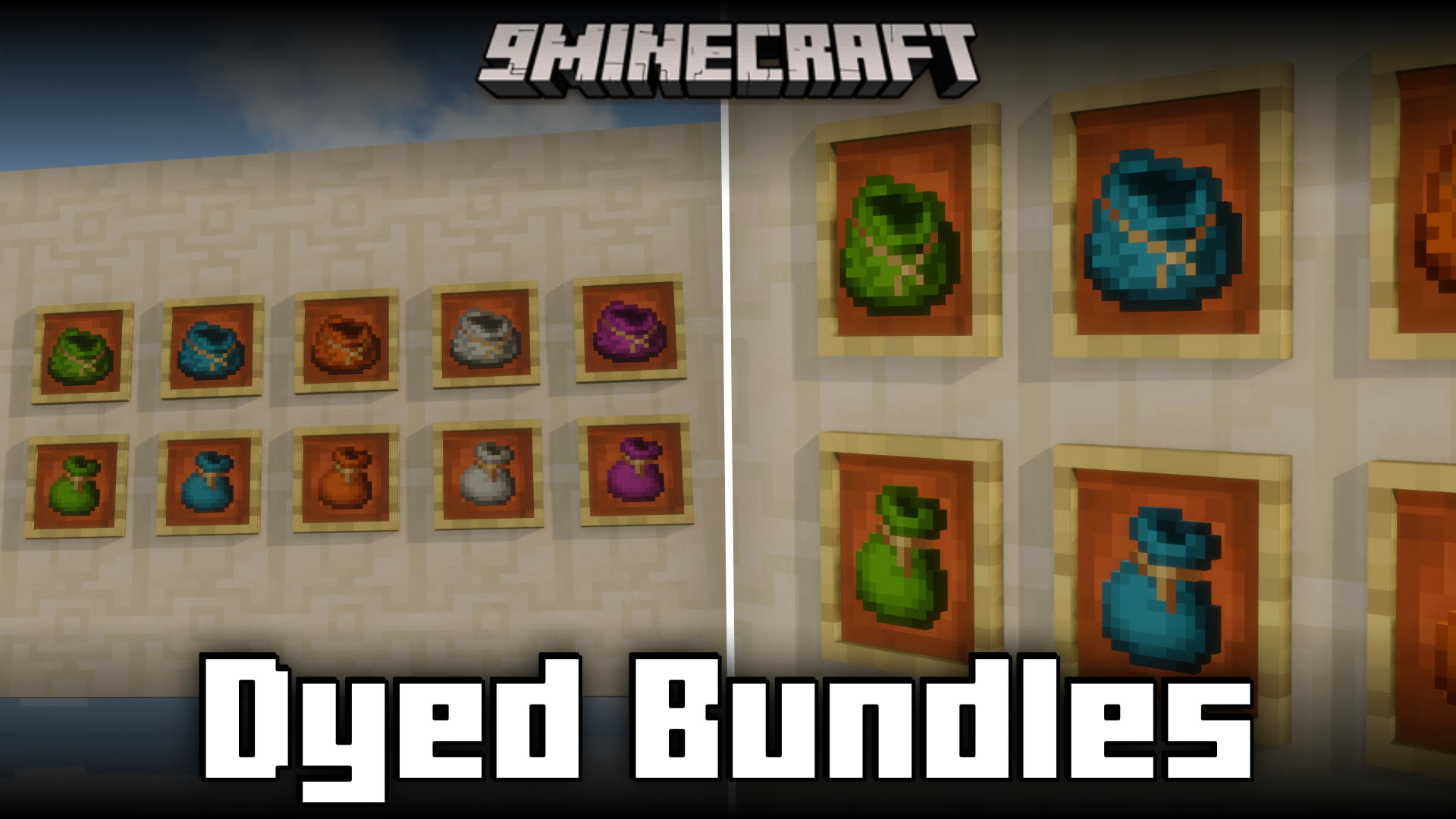
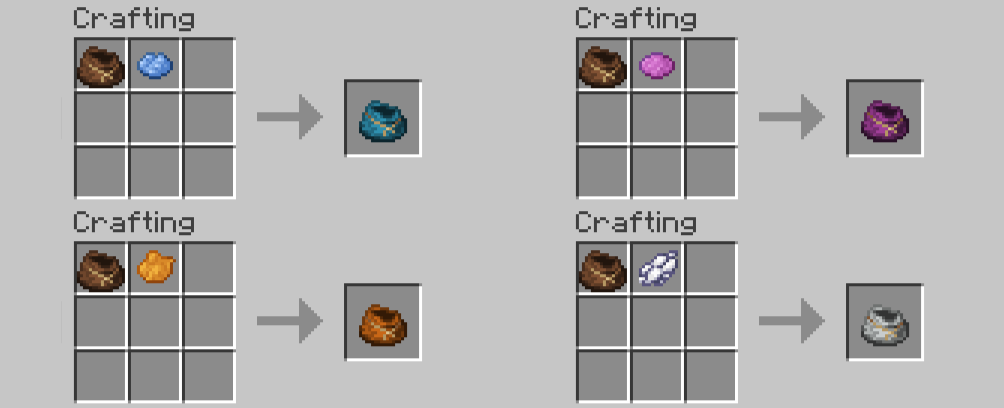
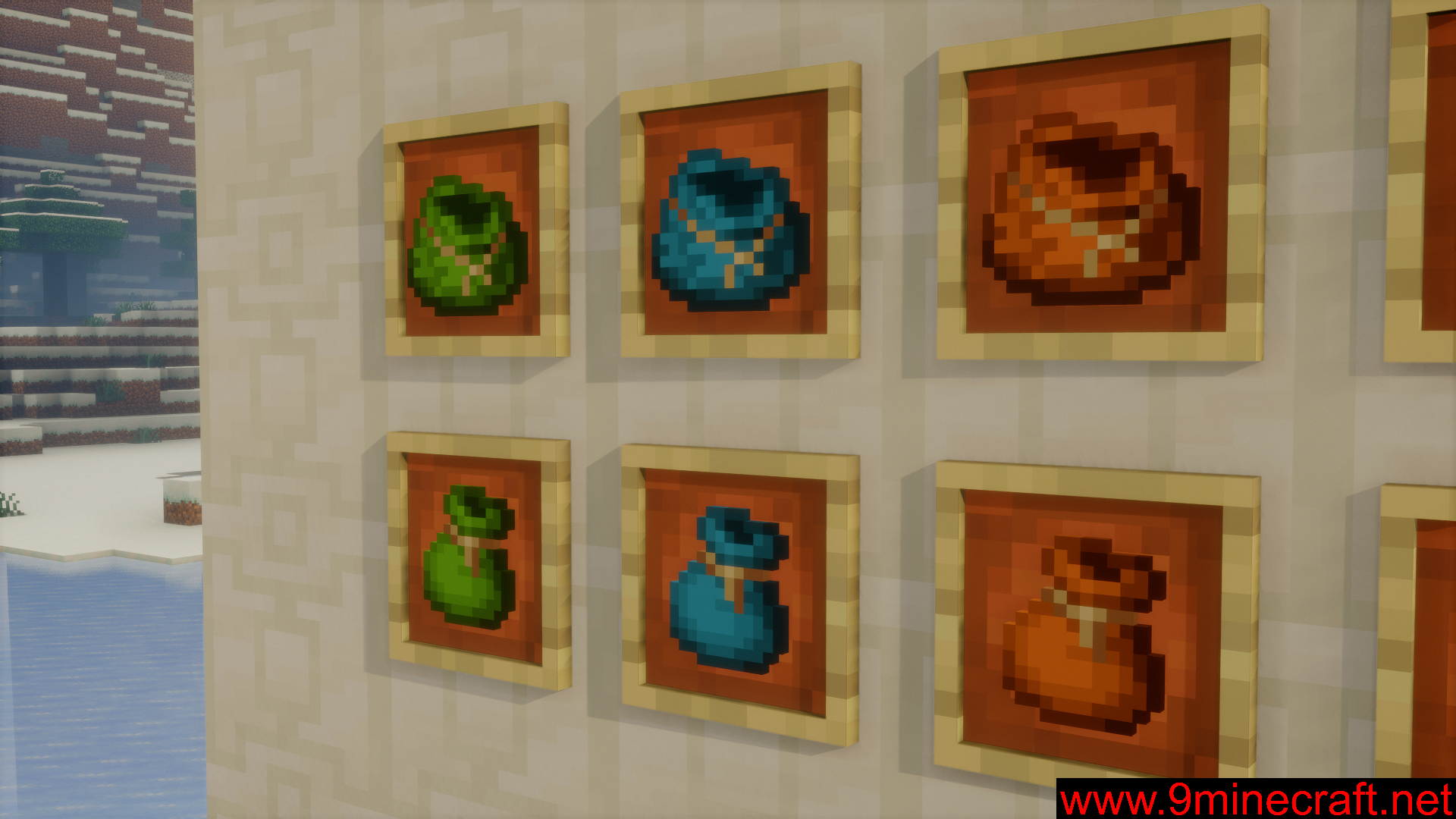
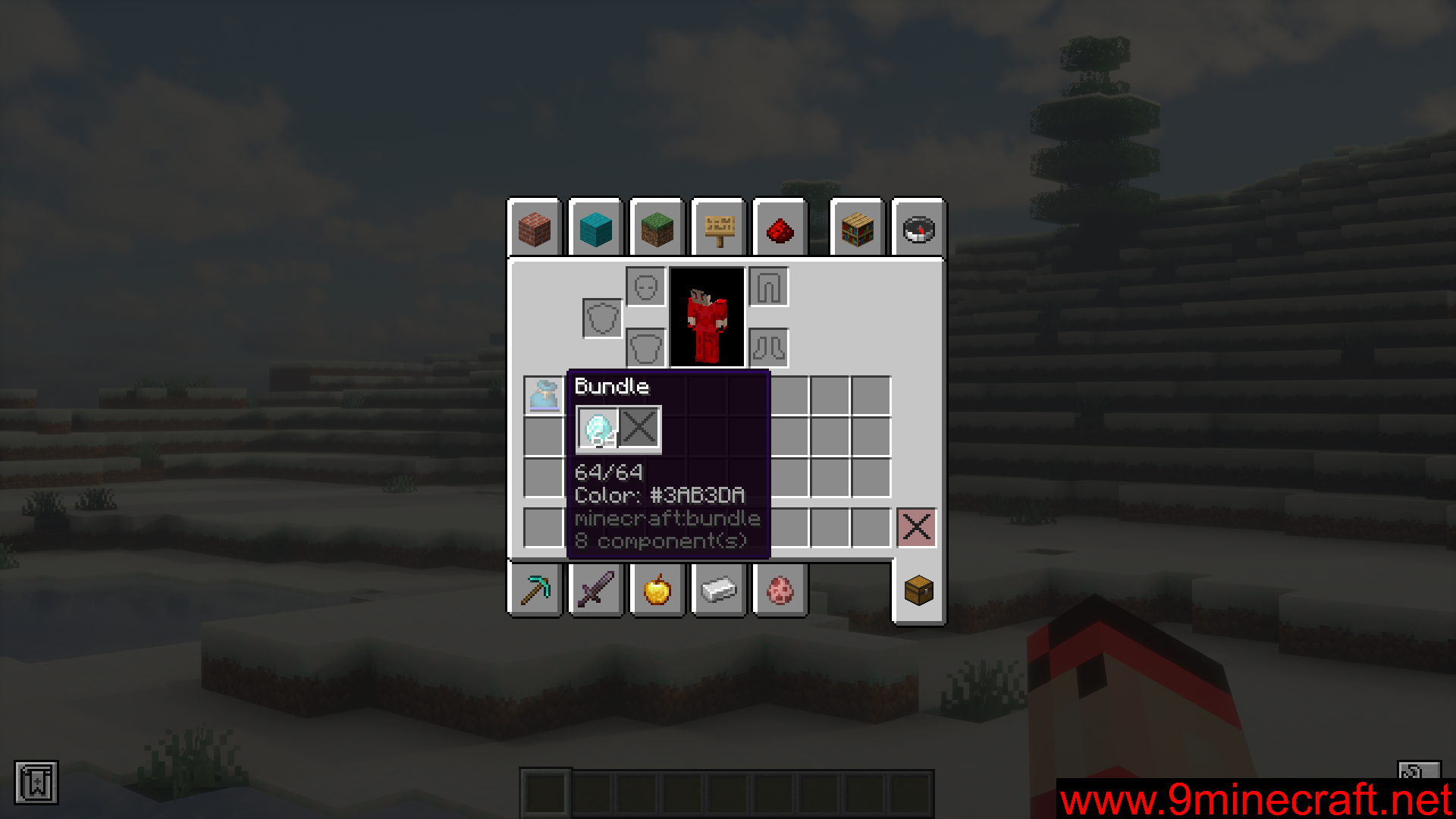
Bundles were added to the game in a recent update. They allow you to store 64 numbers of different items within one slot of your inventory. But bundles always have the same leathery appearance. Dyed Bundles Mod, as the name suggests, is here to let you color your bundles, so that you can organize items in bundles in a color coded way. Simply place a bundle and a dye (or a combination of dyes) in a crafting grid to color the bundle. With the color dyes available in the game, you can use different color combinations to create upto 5,713,438 different colors of bundles. To undye a bundle, simply right-click using it on a water filled bundle.
Features:
- Allows you to combine bundles and dyes to color code them.
- Mix and match dyes to create upto 5,713,438 different colored bundles.
- Undye a bundle by right clicking with it on a water filled cauldron.
Crafting Recipes:
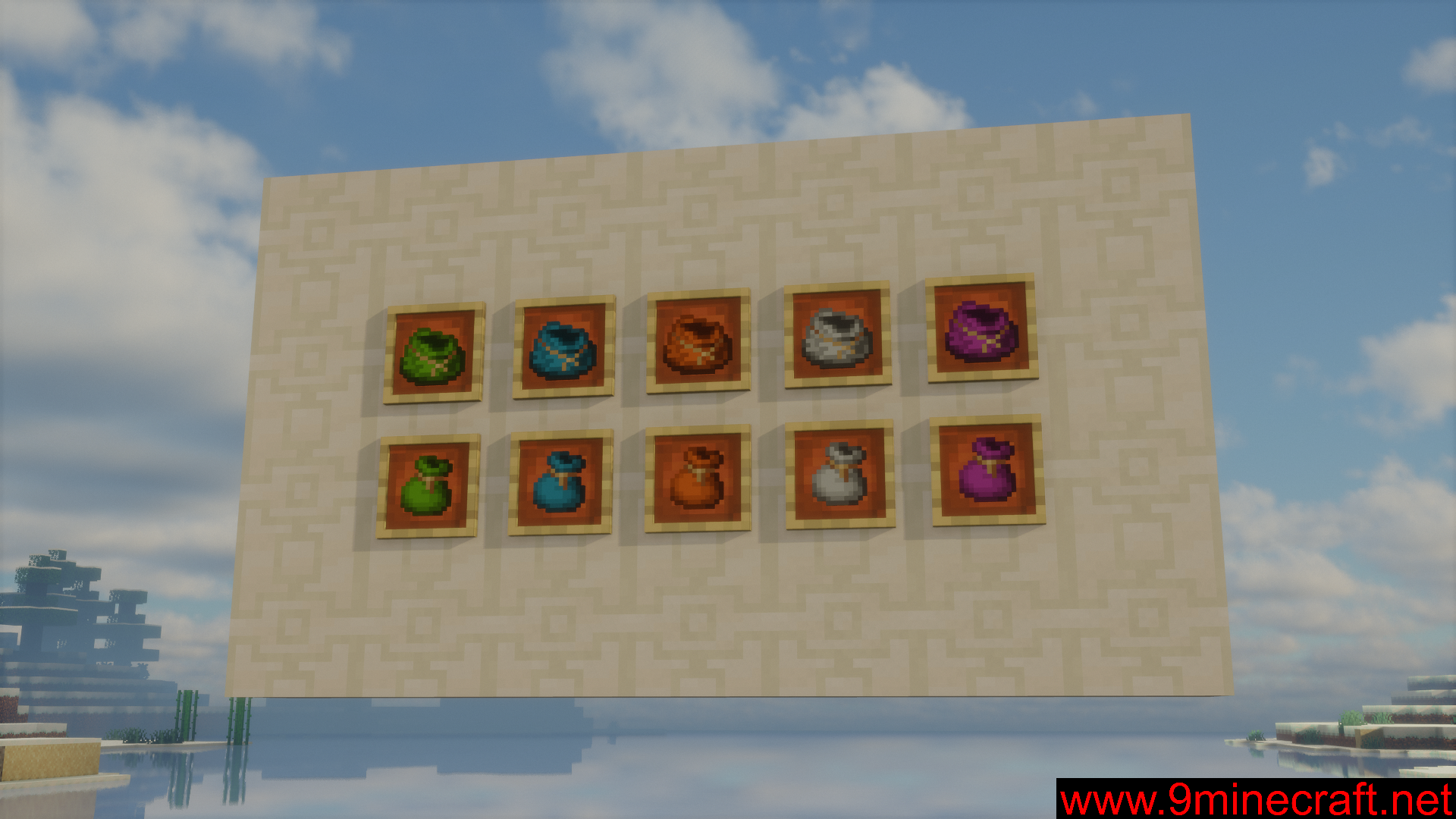
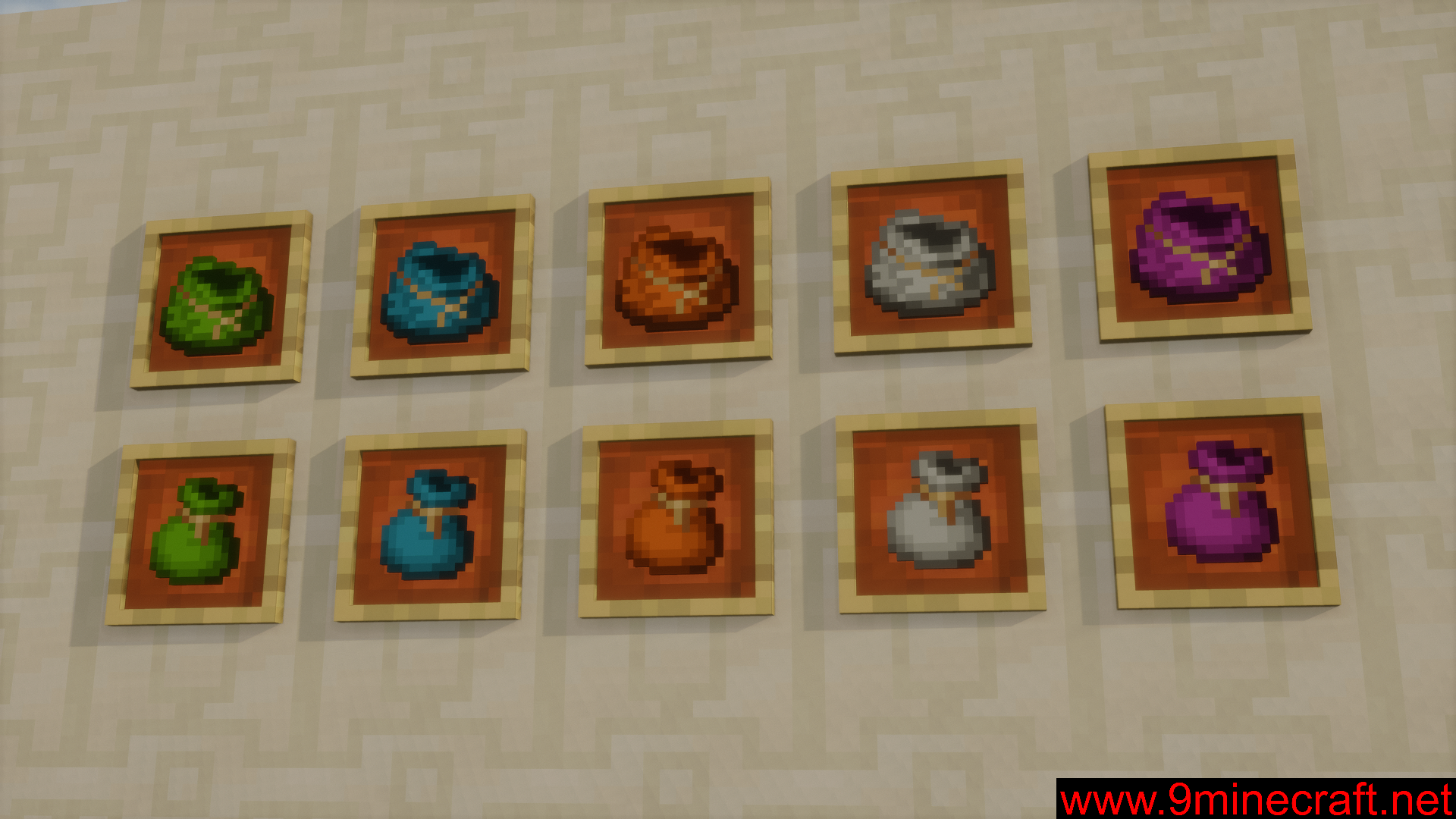
Screenshots:
Dyed Bundles Mod Download Links
For Minecraft 1.21.11, 1.21.10, 1.21.9
Fabric version: Download from Server 1 – Download from Server 2
For Minecraft 1.21.8, 1.21.7, 1.21.6
Fabric version: Download from Server 1 – Download from Server 2
For Minecraft 1.21.5, 1.21.4
Fabric version: Download from Server 1 – Download from Server 2
For Minecraft 1.21.3, 1.21.2
Fabric version: Download from Server 1 – Download from Server 2
For Minecraft 1.21.1, 1.21
Fabric version: Download from Server 1 – Download from Server 2
For Minecraft 1.20.6
Fabric version: Download from Server 1 – Download from Server 2
- Edition: Minecraft Java
- File type: .jar
- Minecraft versions listed: 1.21.11, 1.20.6
- How to install: Install the matching mod loader (Forge, Fabric or NeoForge) for your Minecraft version. → Download the .jar. → Put it in the .minecraft/mods folder and launch that loader profile.
- Where to get it: In MC Java Mods, or directly above on this page.
Install steps are the general flow for this file type — How to install Minecraft Java mods & modpacks walks through it step by step.
- Downloads as 176015.mcaddon
- Download size: 215 KB
- Download link checked 25 Jul 2026 — working
- Mirrored on our own servers — the download does not depend on the original host
These come from our own check of the pack file, not from the source page.