Speed FOV Limiter Mod (1.21.11, 1.20.1) – Limits FOV Change Caused By Player Effects
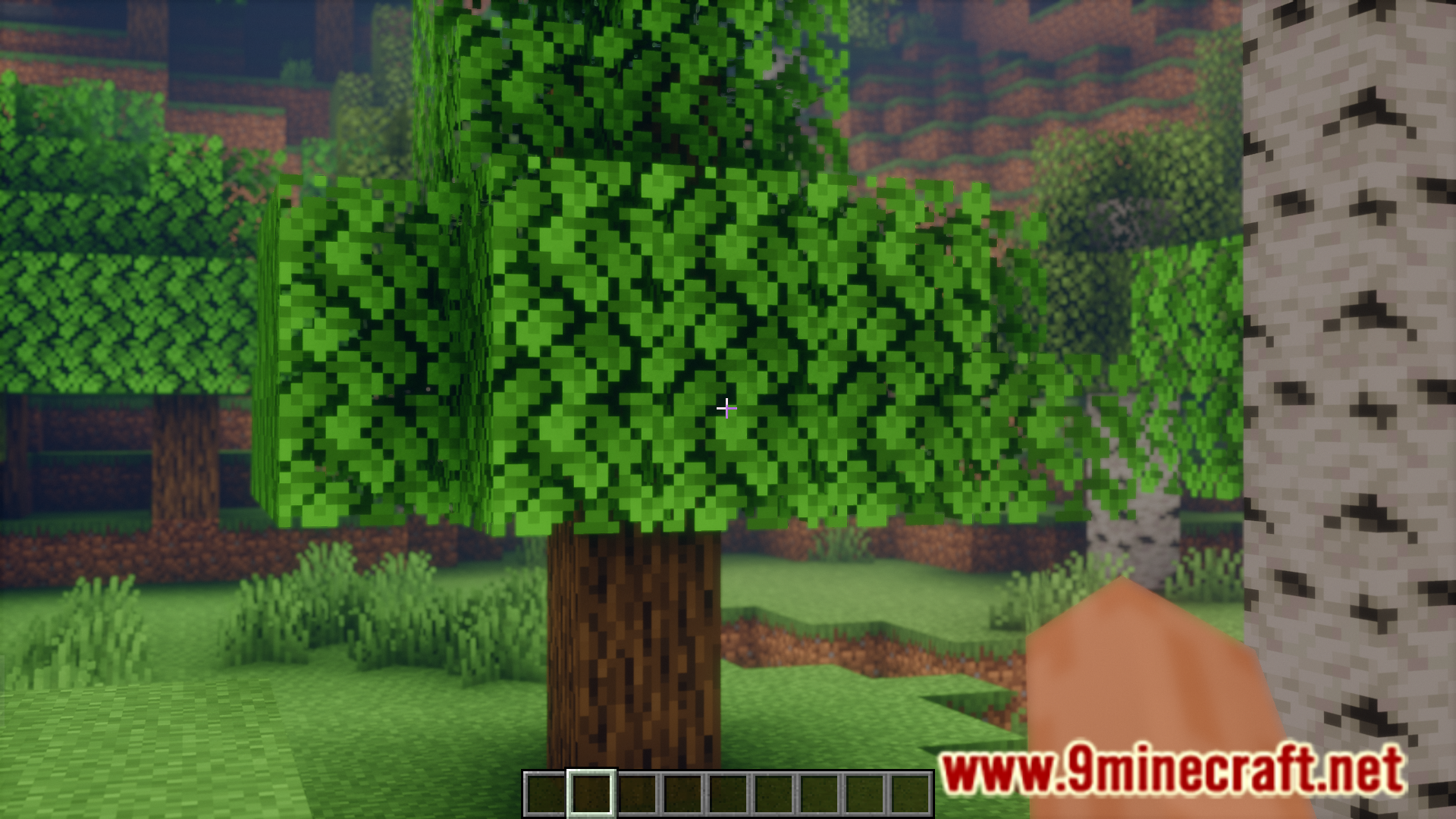
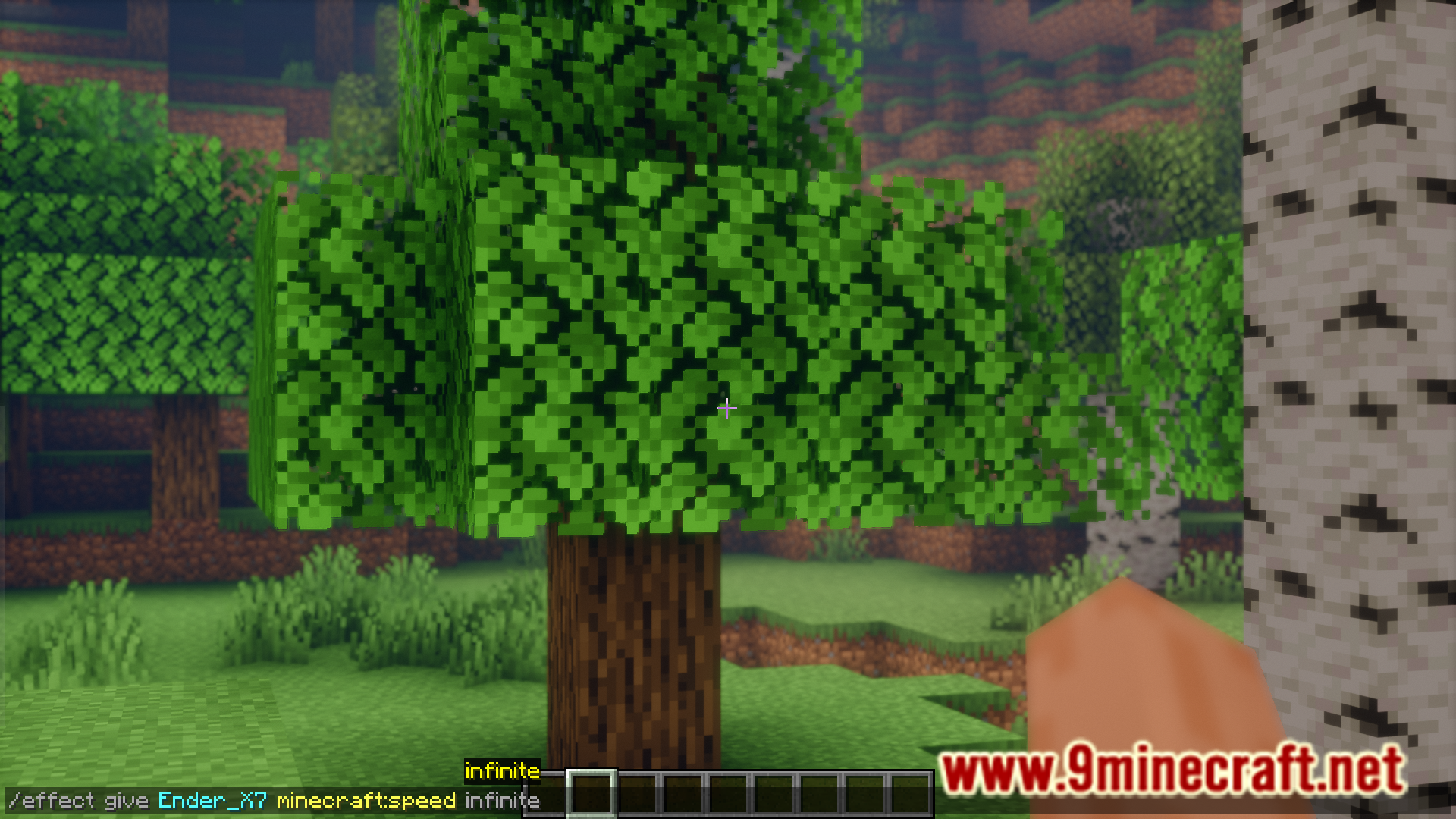
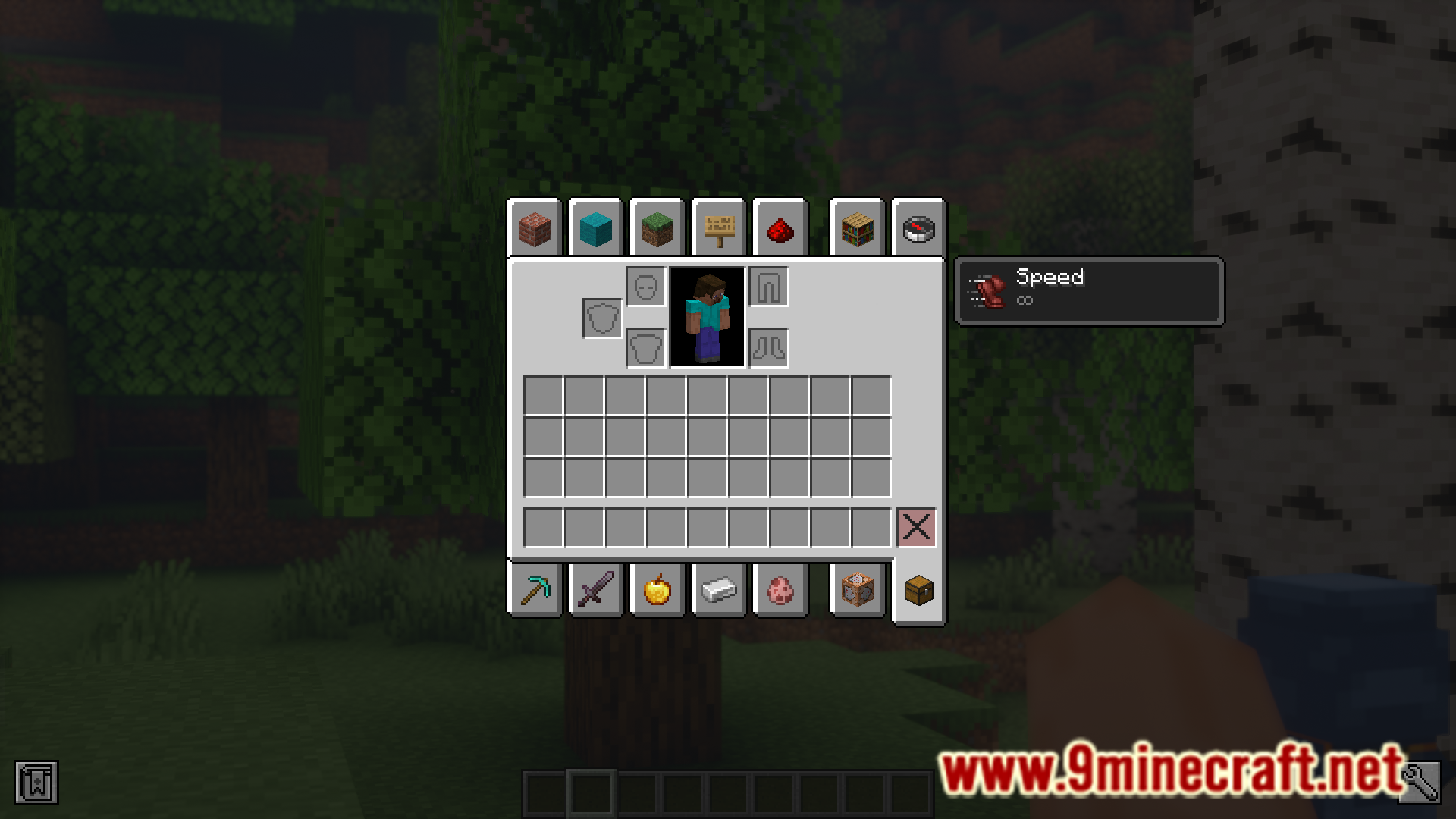
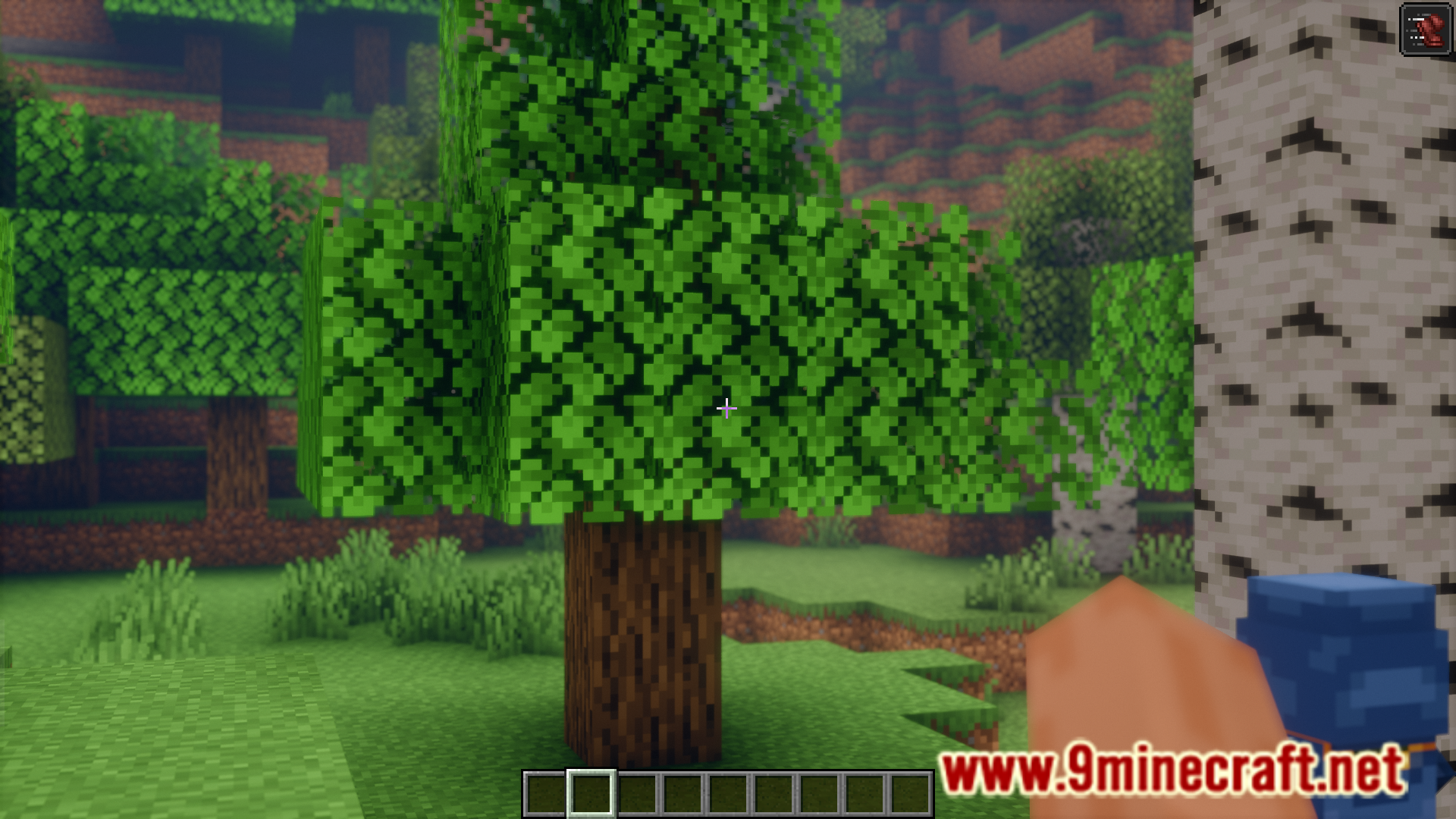
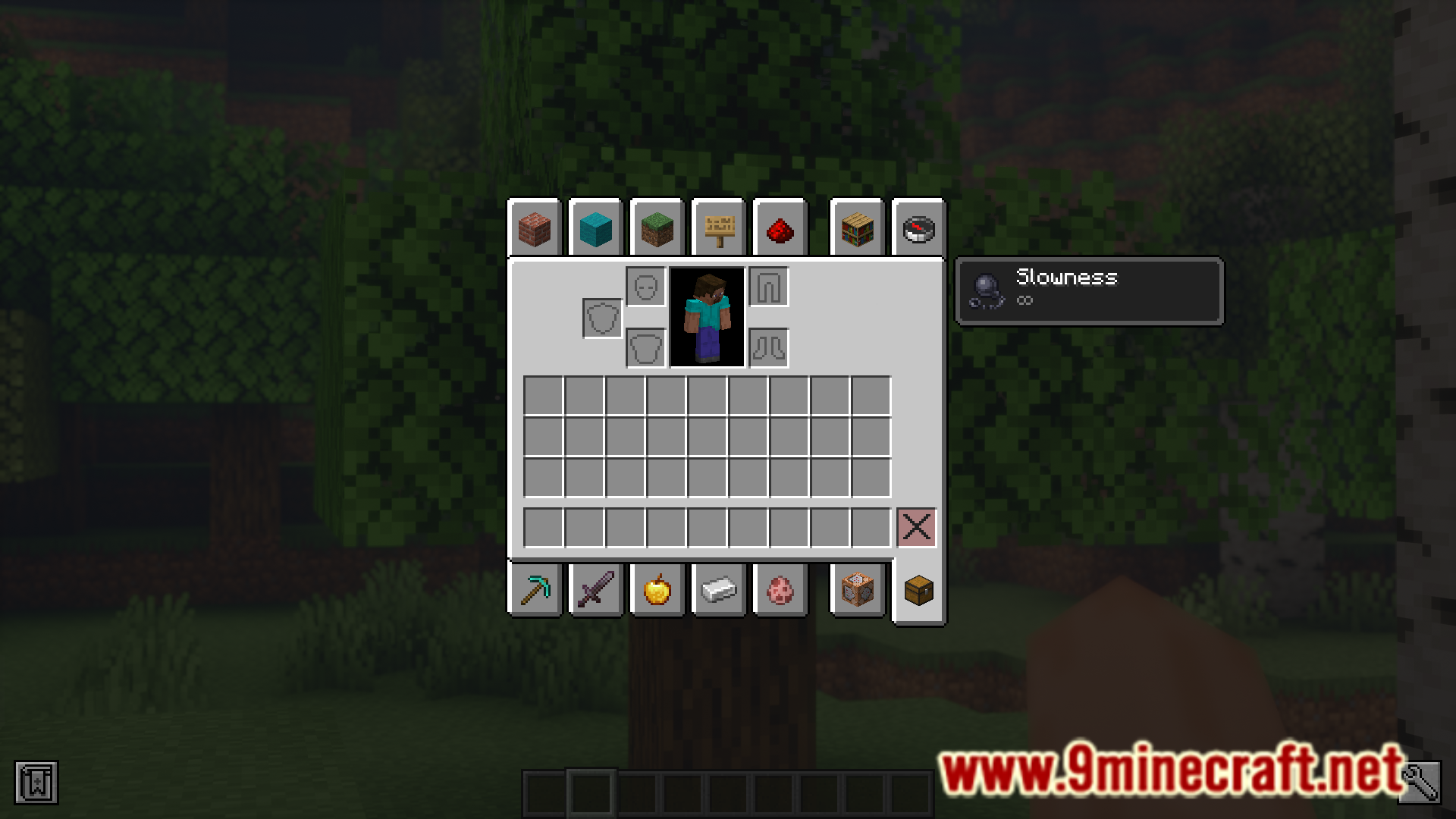
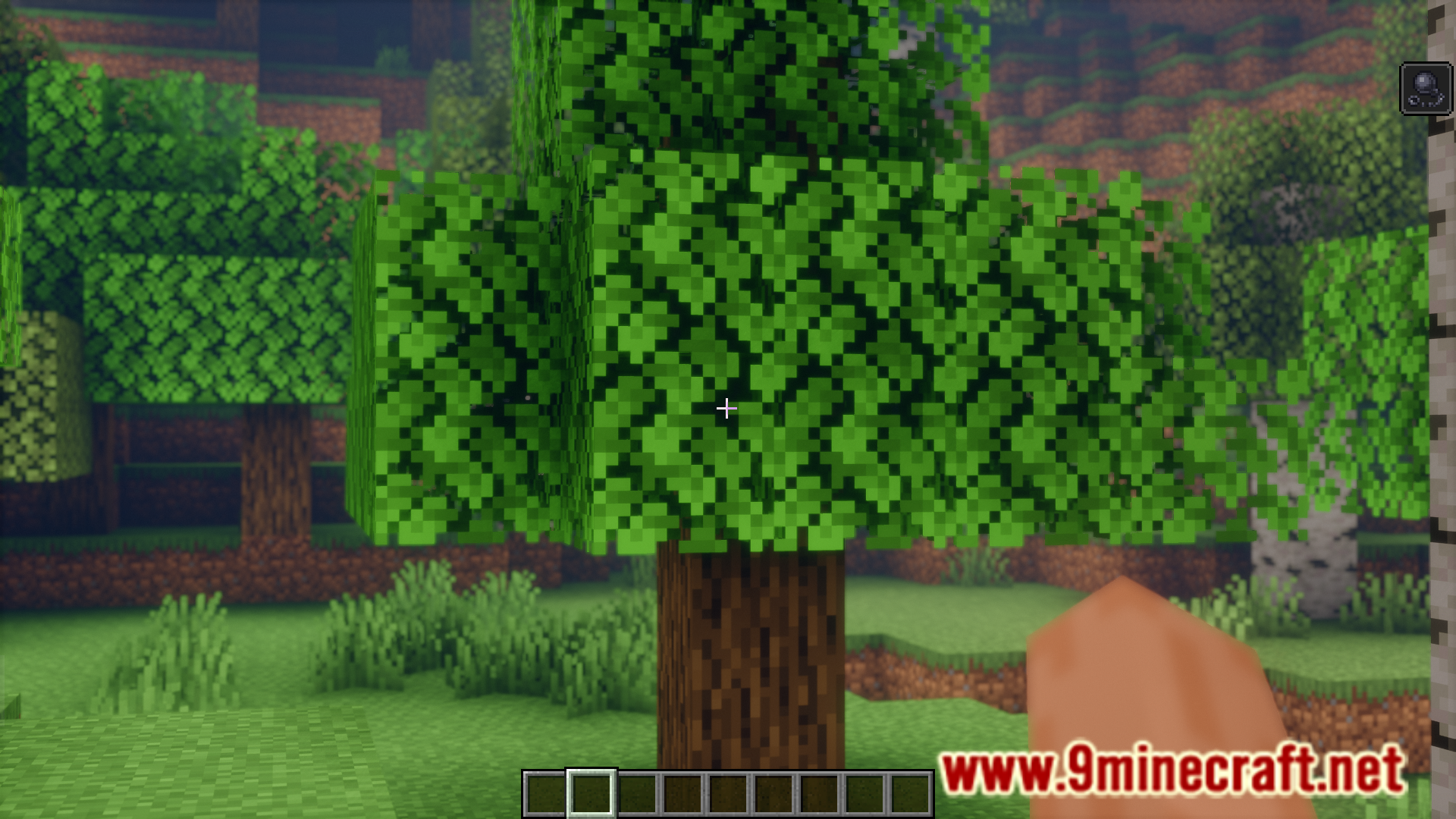
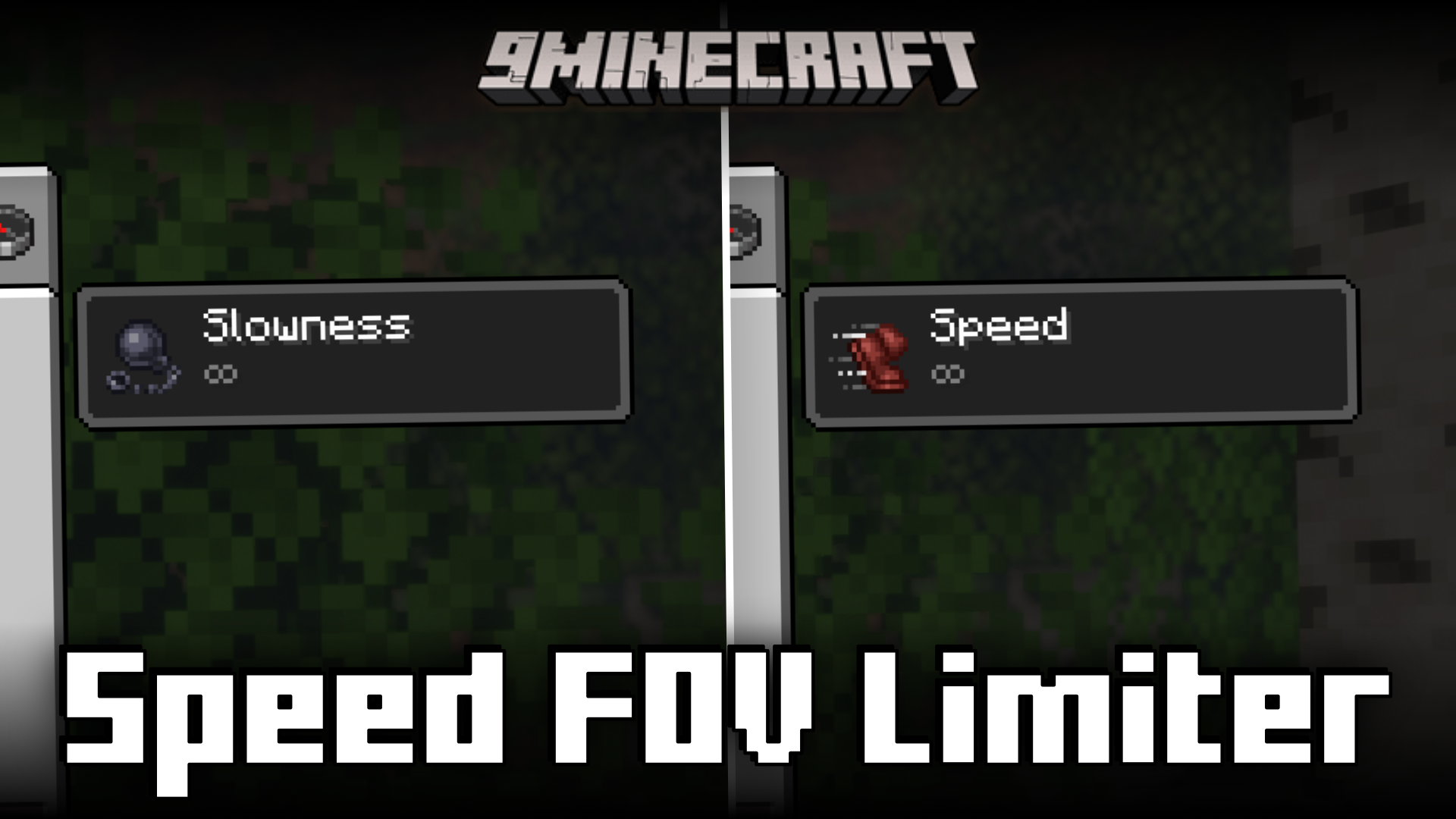
In the vanilla game, when a speed related effect is applied to the player, his FOV will change. A player with a slowness effect will experience a lower FOV and a player with speed effect will experience a wider FOV. This can be an inconvenience at times. Speed FOV Limiter Mod is here to change that. With this mod installed, the change in FOV caused due to player effects is highly limited, but still visible. The chance in FOV can be configured to your liking using the mod settings.
Features:
- Reduces the FOV change caused due to player effect.
- Can be configured to your liking using the mod settings.
Screenshots:
Speed FOV Limiter Mod Download Links
For All Versions from Minecraft 1.21.2 to Minecraft 1.21.11, 1.21.10, 1.21.8
Fabric version: Download from Server 1 – Download from Server 2
For All Versions from Minecraft 1.21.2 to Minecraft 1.21.7
Fabric version: Download from Server 1 – Download from Server 2
For Minecraft 1.21.1, 1.21
Fabric version: Download from Server 1 – Download from Server 2
For Minecraft 1.20.1, 1.20
Fabric version: Download from Server 1 – Download from Server 2
- Edition: Minecraft Java
- File type: .jar
- Minecraft versions listed: 1.21.11, 1.20.1
- How to install: Install the matching mod loader (Forge, Fabric or NeoForge) for your Minecraft version. → Download the .jar. → Put it in the .minecraft/mods folder and launch that loader profile.
- Where to get it: In MC Java Mods, or directly above on this page.
Install steps are the general flow for this file type — How to install Minecraft Java mods & modpacks walks through it step by step.
- Downloads as 176020.mcaddon
- Download size: 17 KB
- Download link checked 30 Jul 2026 — working
- Mirrored on our own servers — the download does not depend on the original host
These come from our own check of the pack file, not from the source page.