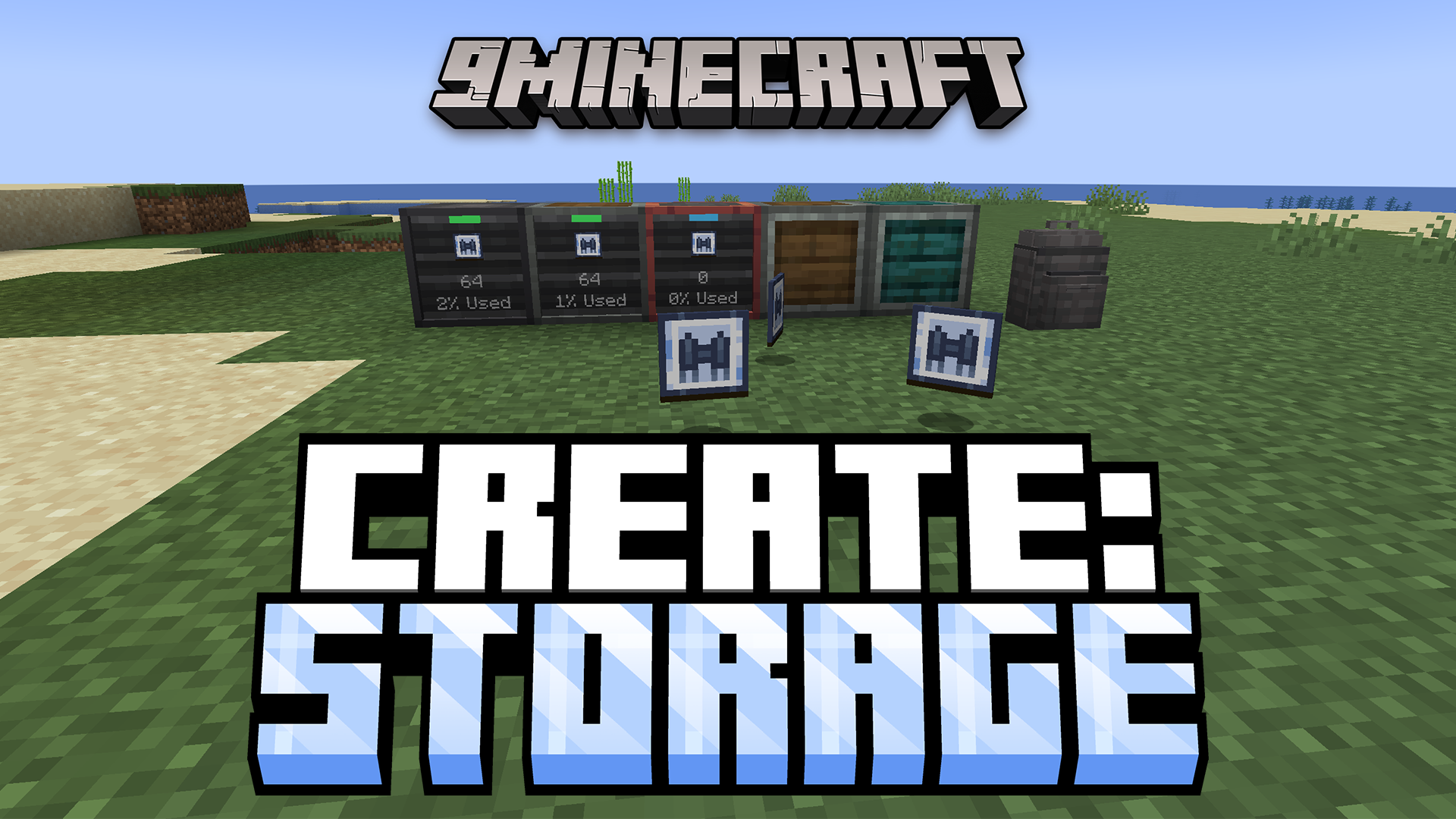
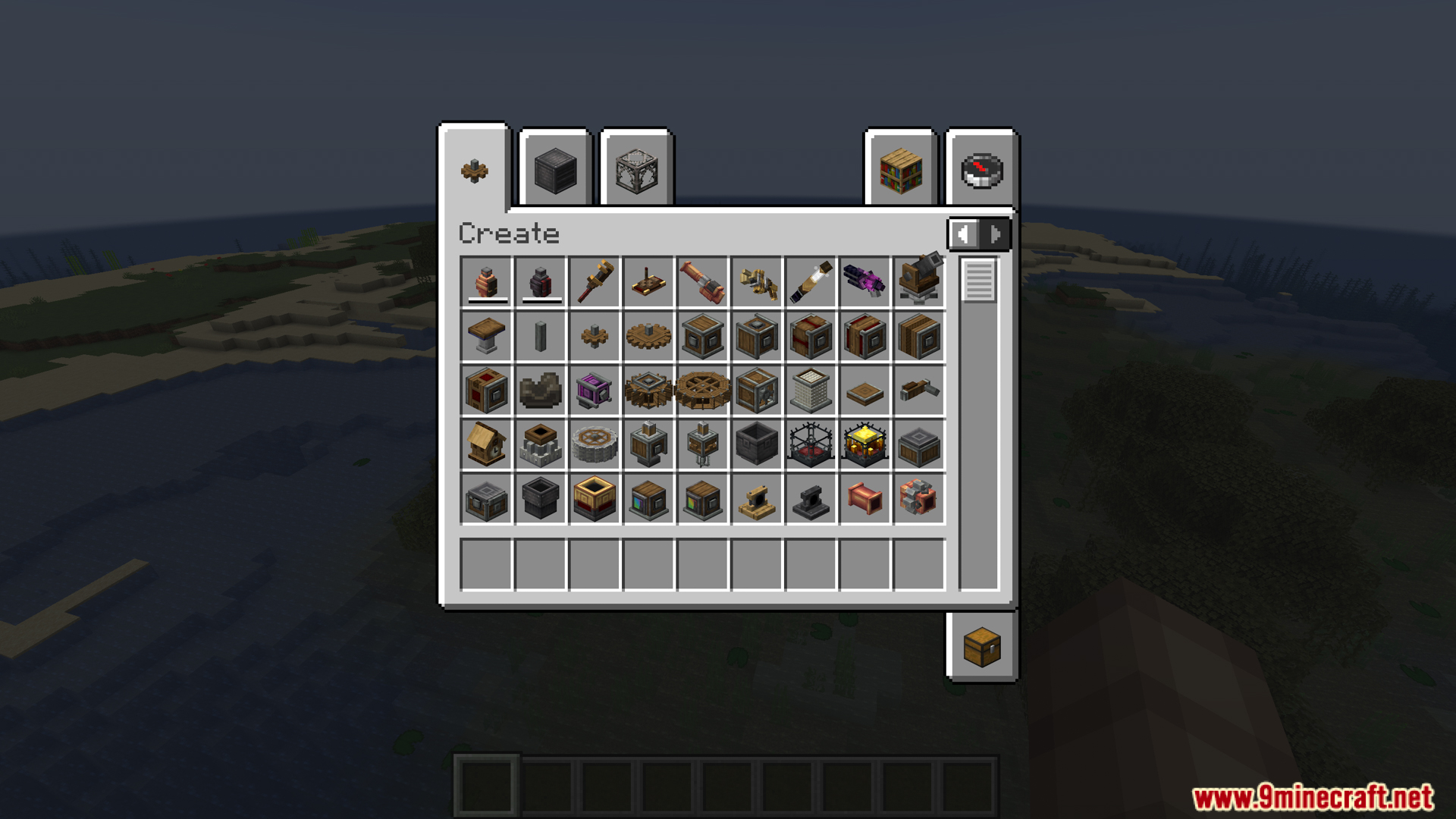
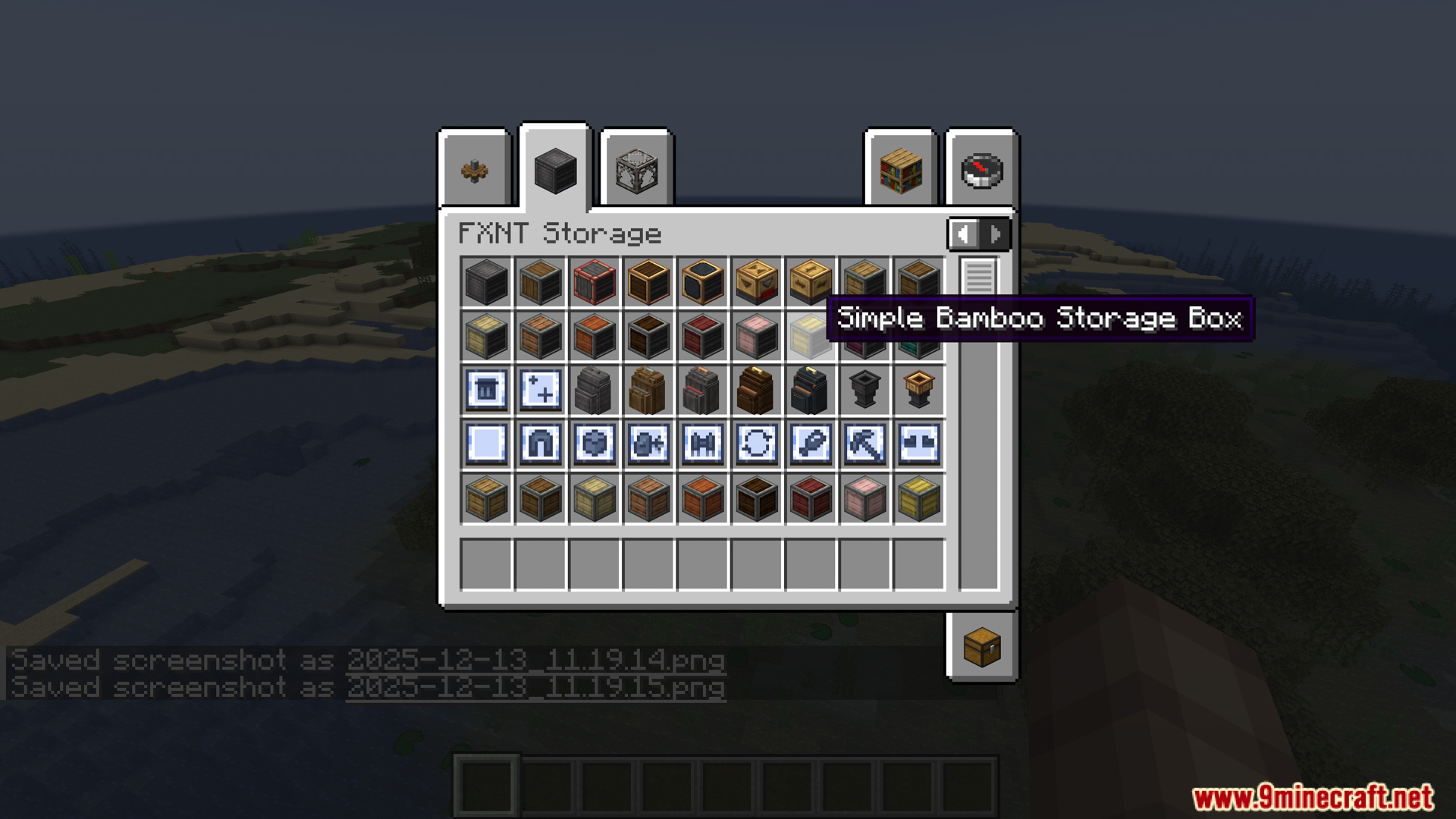
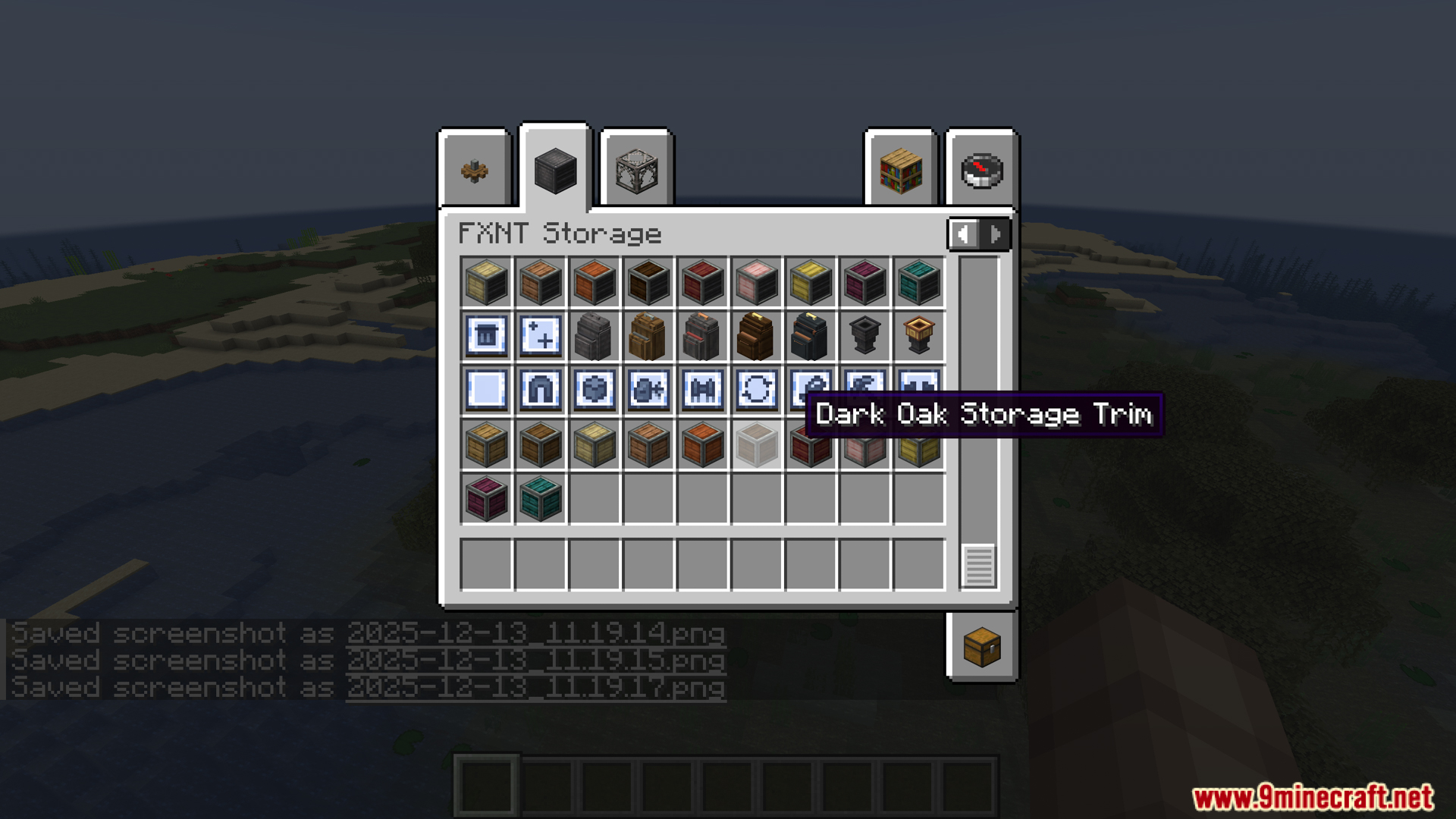
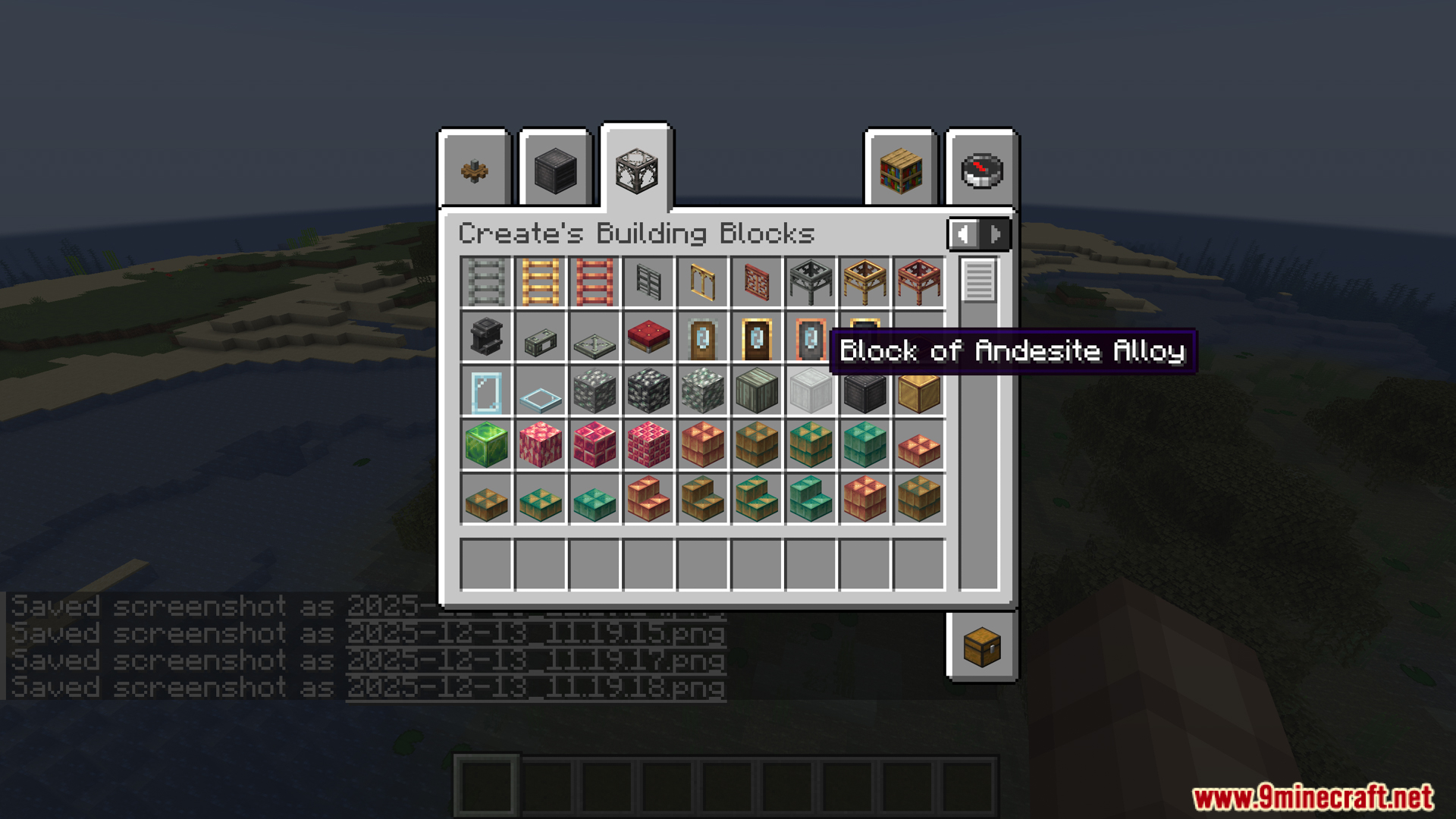
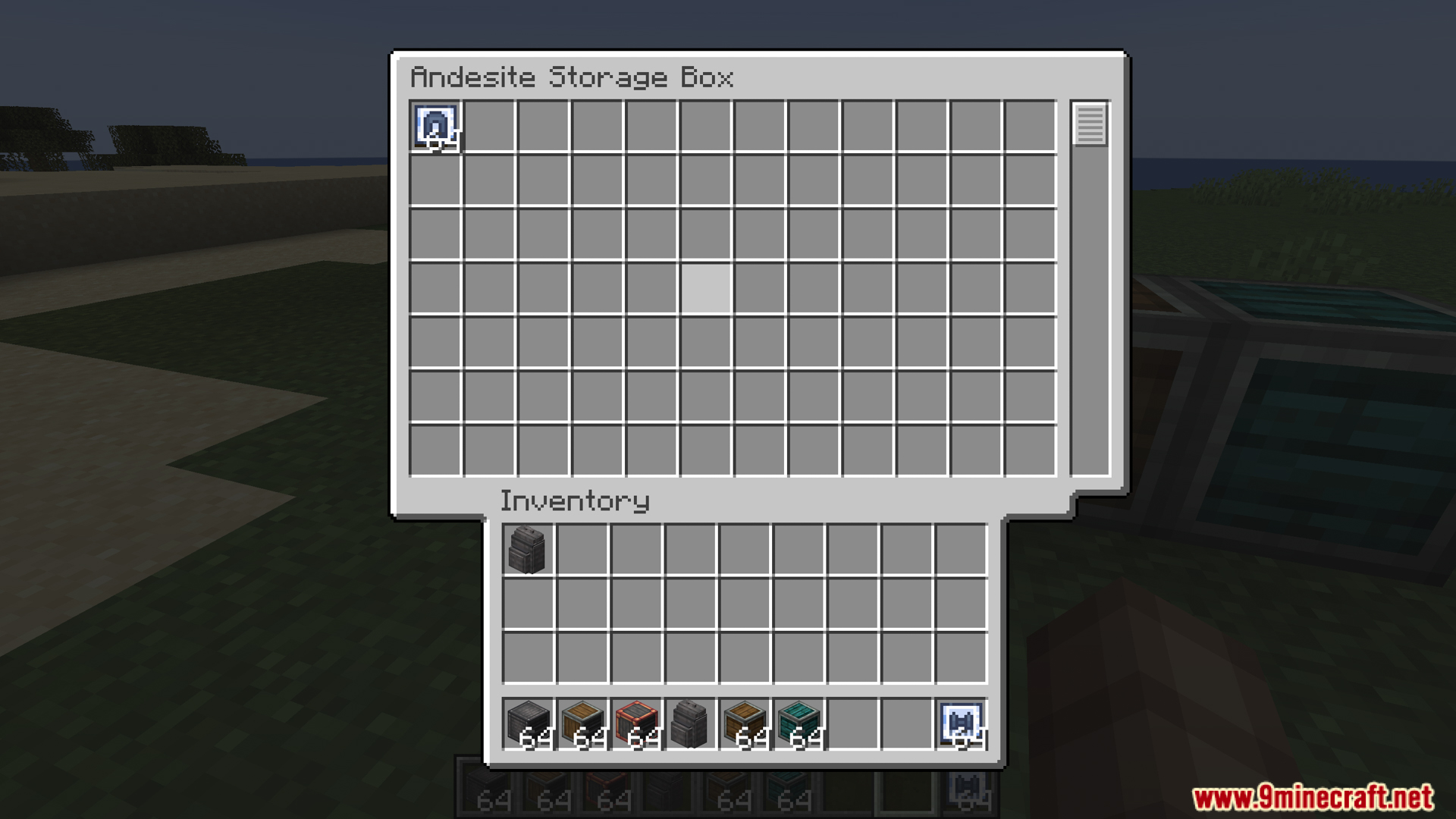
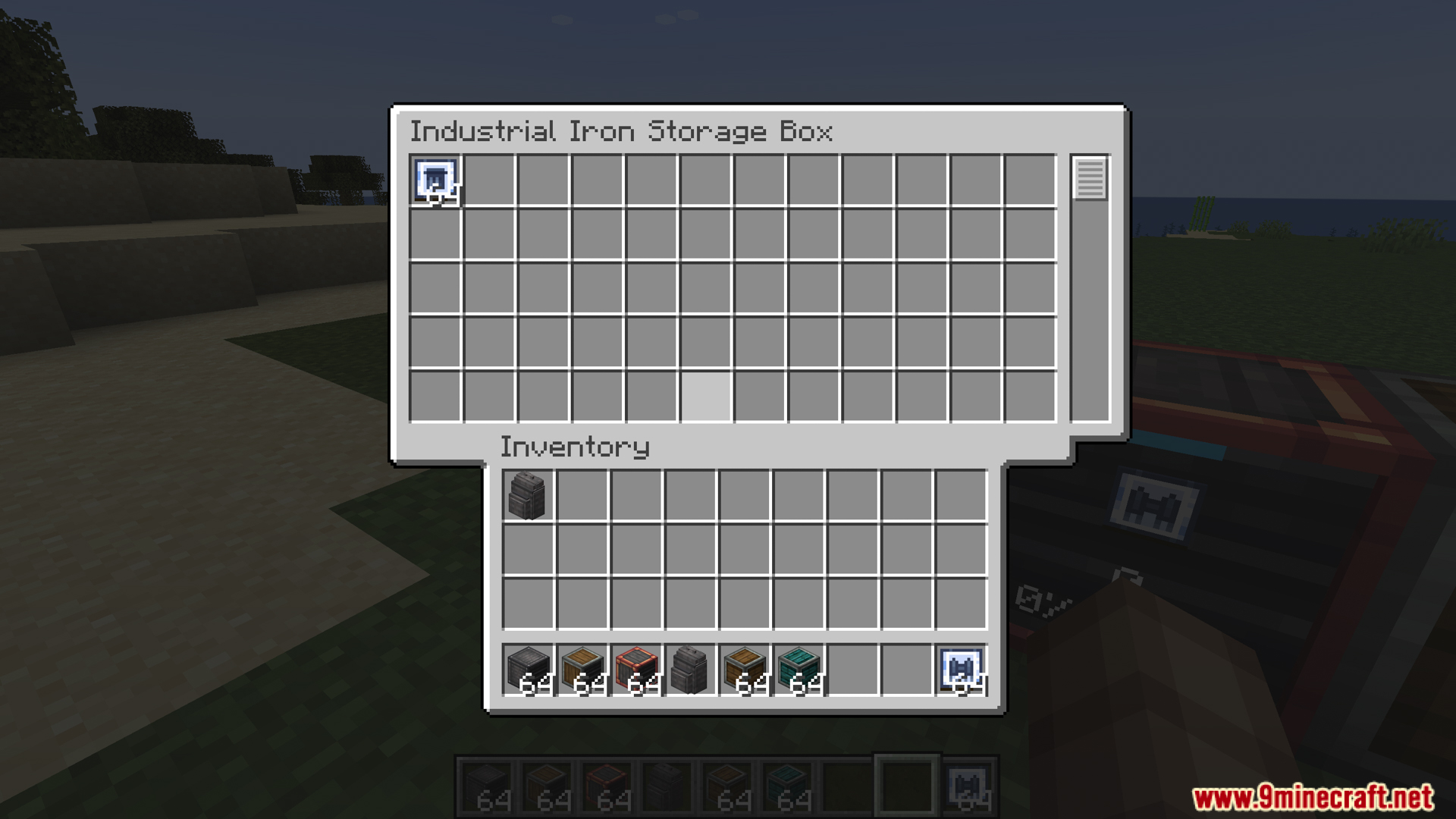
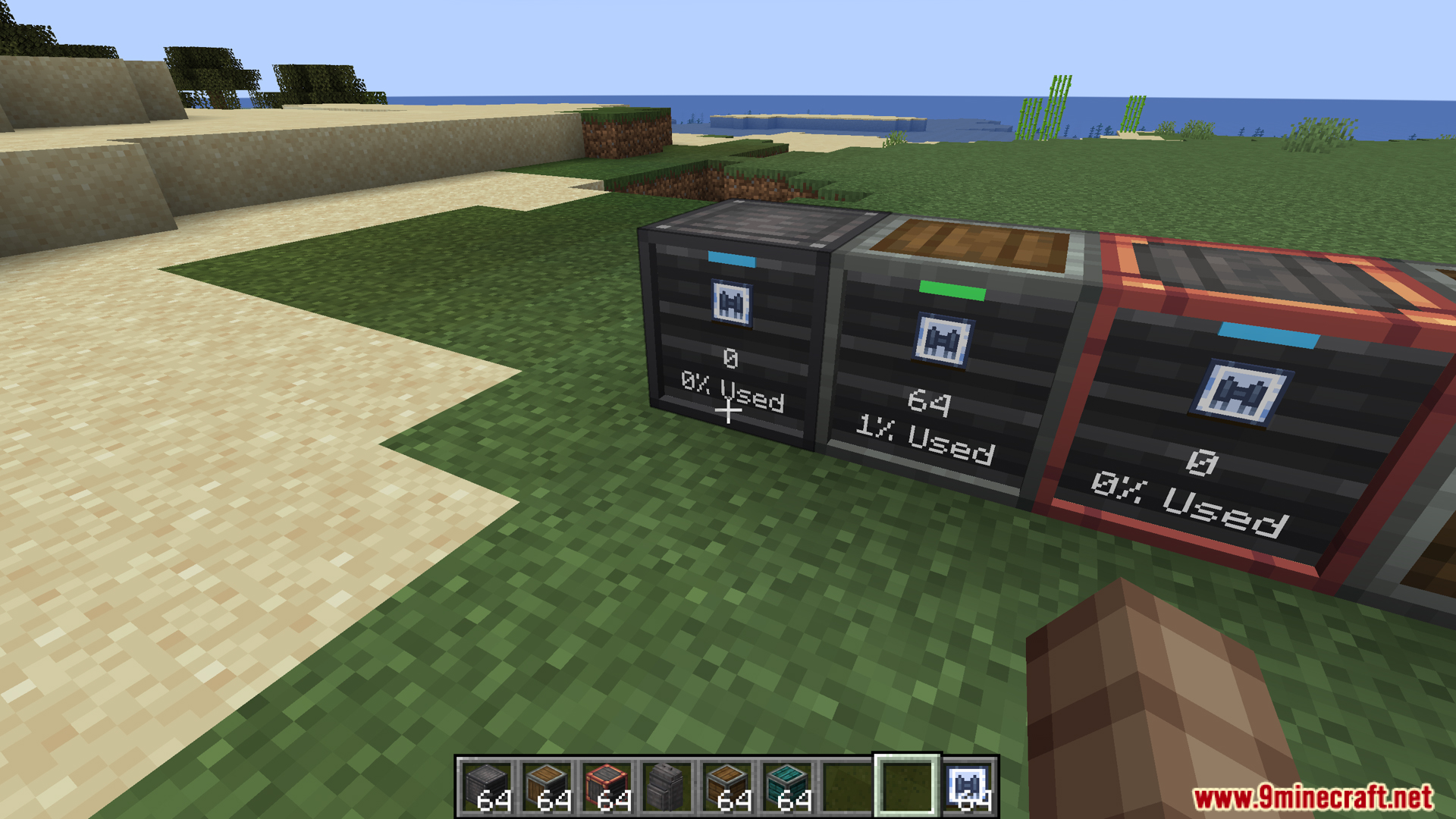
Create Storage Mod adds new storage options for players using the Create mod. It introduces a set of special storage boxes and upgradable backpacks to help you manage your items. These new tools make it easier to organize all the resources from your factories and adventures.
Features:
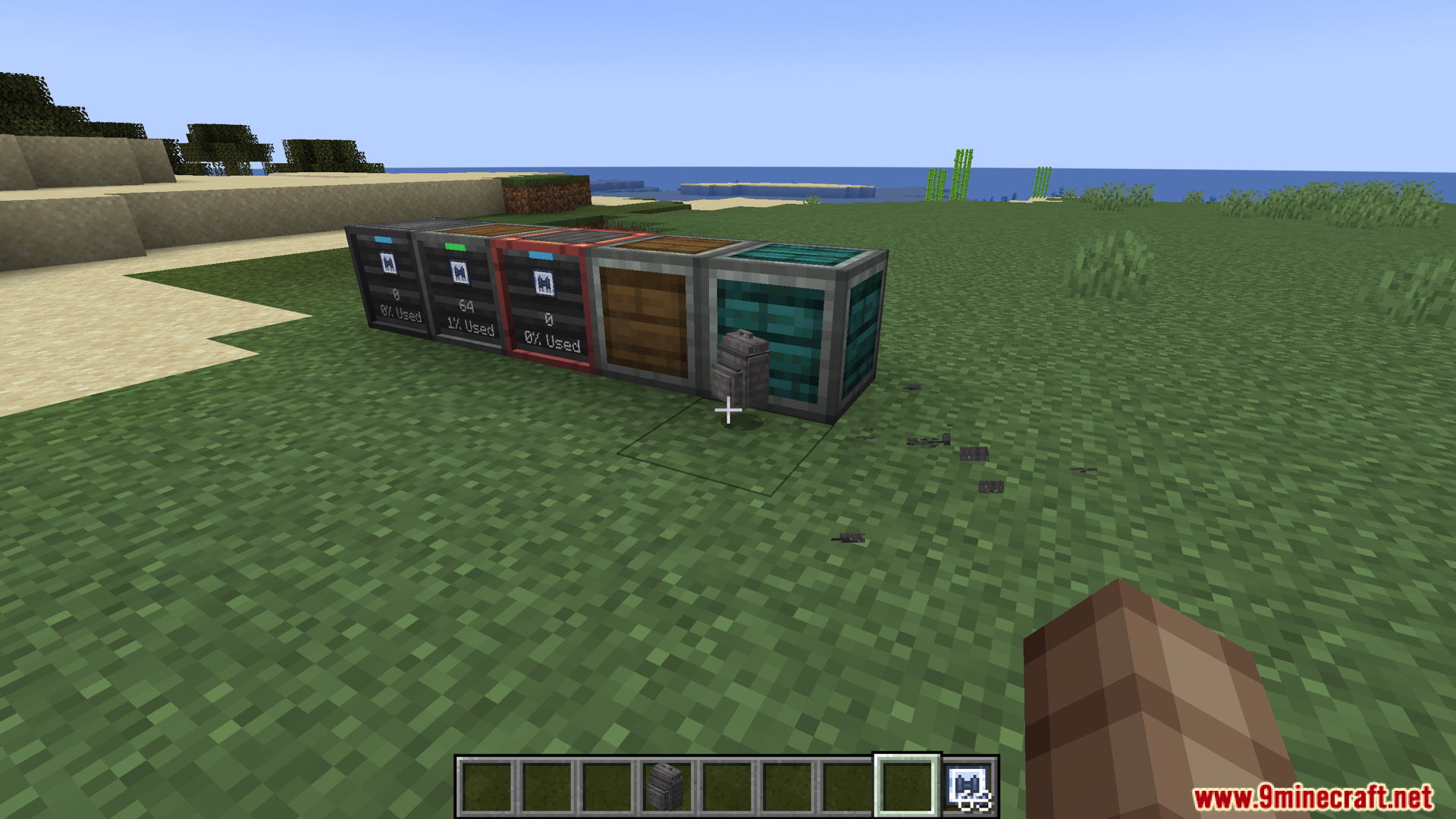
- Adds a new set of storage boxes made from different materials.
- Introduces wearable backpacks that you can upgrade with special abilities.
- Both boxes and backpacks come in Industrial Iron, Andesite, Copper, Brass, and Hardened versions.
Storage Boxes
- Each box has a filter slot on the front. You can use it to choose which items can go in or out.
- A small screen on the front shows you how full the box is.
- An indicator light tells you if the box is completely full or empty.
- You can put items in or take them out by clicking on the box, without opening a menu.
Backpacks
- You can wear these backpacks on your back to carry more items with you.
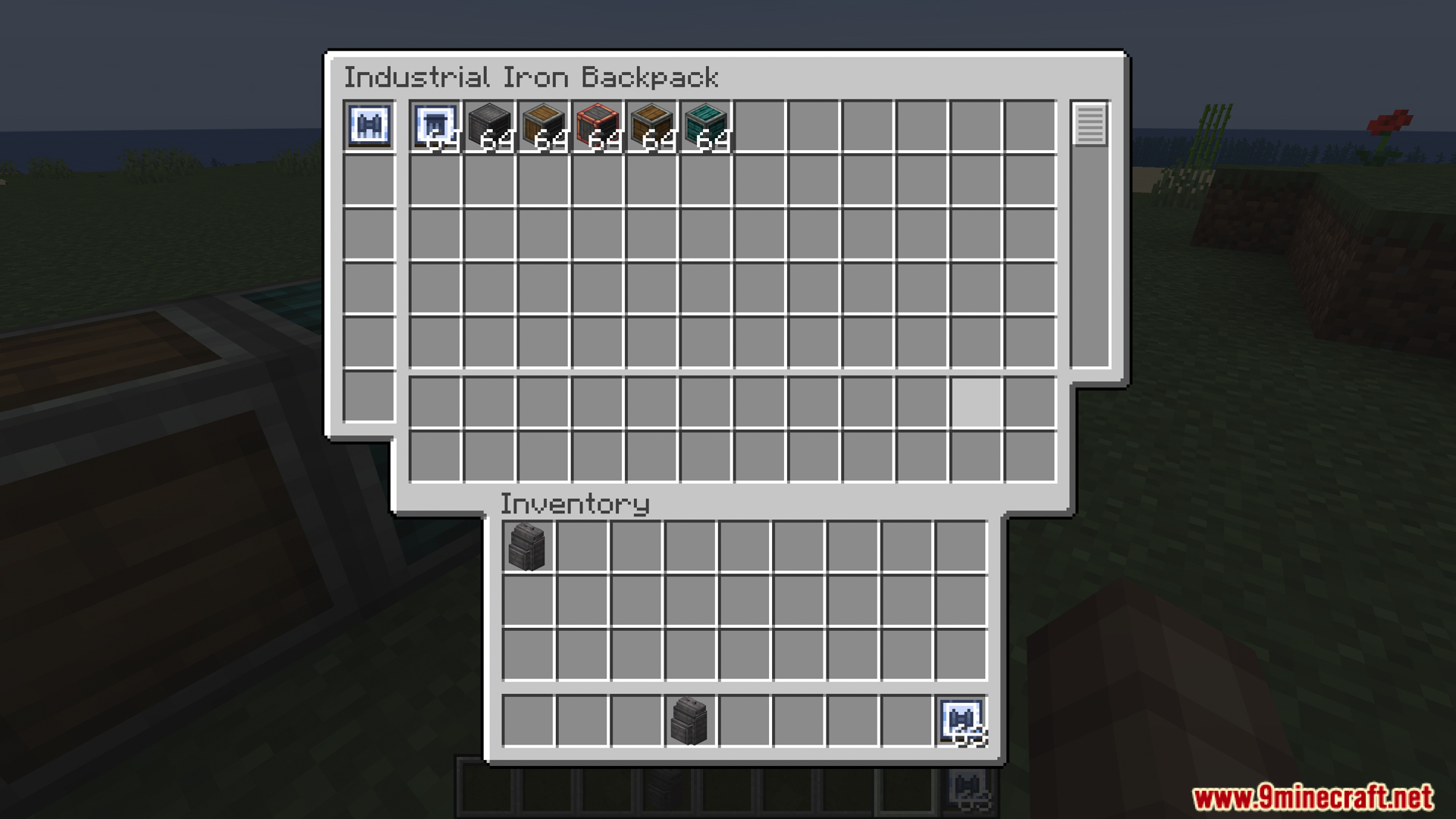
- The backpack has three separate compartments inside.
- Main Storage: For all your bulk items. This part works with hoppers and chutes.
- Tool Storage: A safe spot for valuable tools. Items here cannot be pulled out by hoppers.
- Upgrade Slots: Holds up to six upgrades to give the backpack new powers.
Backpack Upgrades
- Magnet Upgrade: Pulls dropped items from up to 5 blocks away into the backpack.
- Item Pickup Upgrade: When you walk over an item, it goes straight into the backpack instead of your regular inventory.
- Refill Upgrade: If you run out of blocks in your hand, it automatically refills them from the backpack.
- Tool Swap Upgrade: Automatically switches to the best tool from your backpack when you mine a block or hit a mob.
- Feeder Upgrade: Feeds you food from the backpack automatically when you get hungry.
- Jetpack Upgrade: Turns the backpack into a working jetpack. It needs a Create Backtank inside for fuel.
- Fall Damage Upgrade: Stops you from taking any fall damage while wearing the backpack.
Screenshots:
Create Storage Mod Download Links
For Minecraft 1.20.1, 1.20
Fabric version: Download from Server 1 – Download from Server 2
Quick facts
- Edition: Minecraft Java
- File type: .jar
- Minecraft versions listed: 1.20.1, 1.20
- How to install: Install the matching mod loader (Forge, Fabric or NeoForge) for your Minecraft version. → Download the .jar. → Put it in the .minecraft/mods folder and launch that loader profile.
- Where to get it: In MC Java Mods, or directly above on this page.
Install steps are the general flow for this file type — How to install Minecraft Java mods & modpacks walks through it step by step.
Verified by MCModsHub
- Downloads as 176022.mcaddon
- Download size: 576 KB
- Download link checked 25 Jul 2026 — working
- Mirrored on our own servers — the download does not depend on the original host
These come from our own check of the pack file, not from the source page.