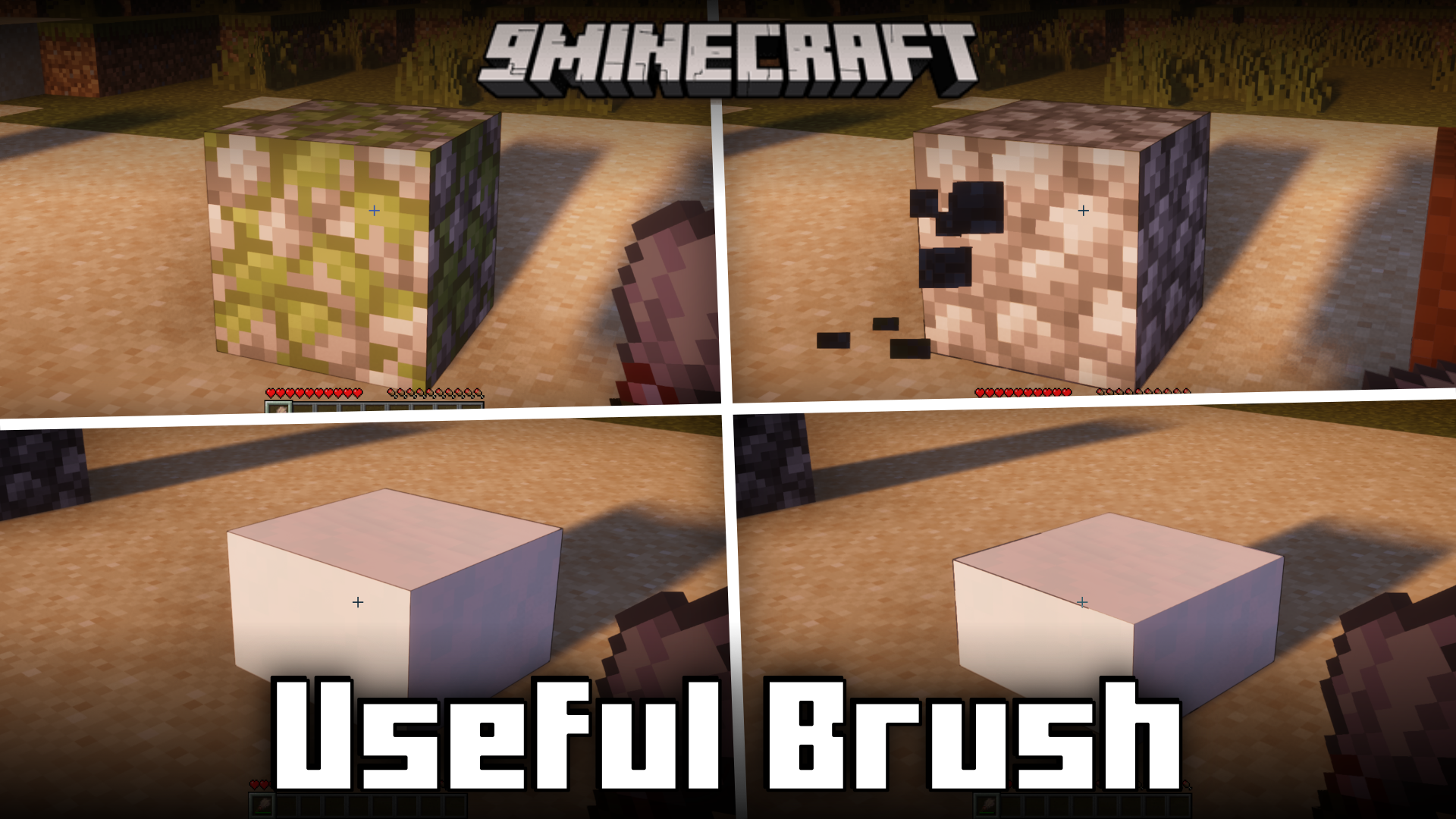
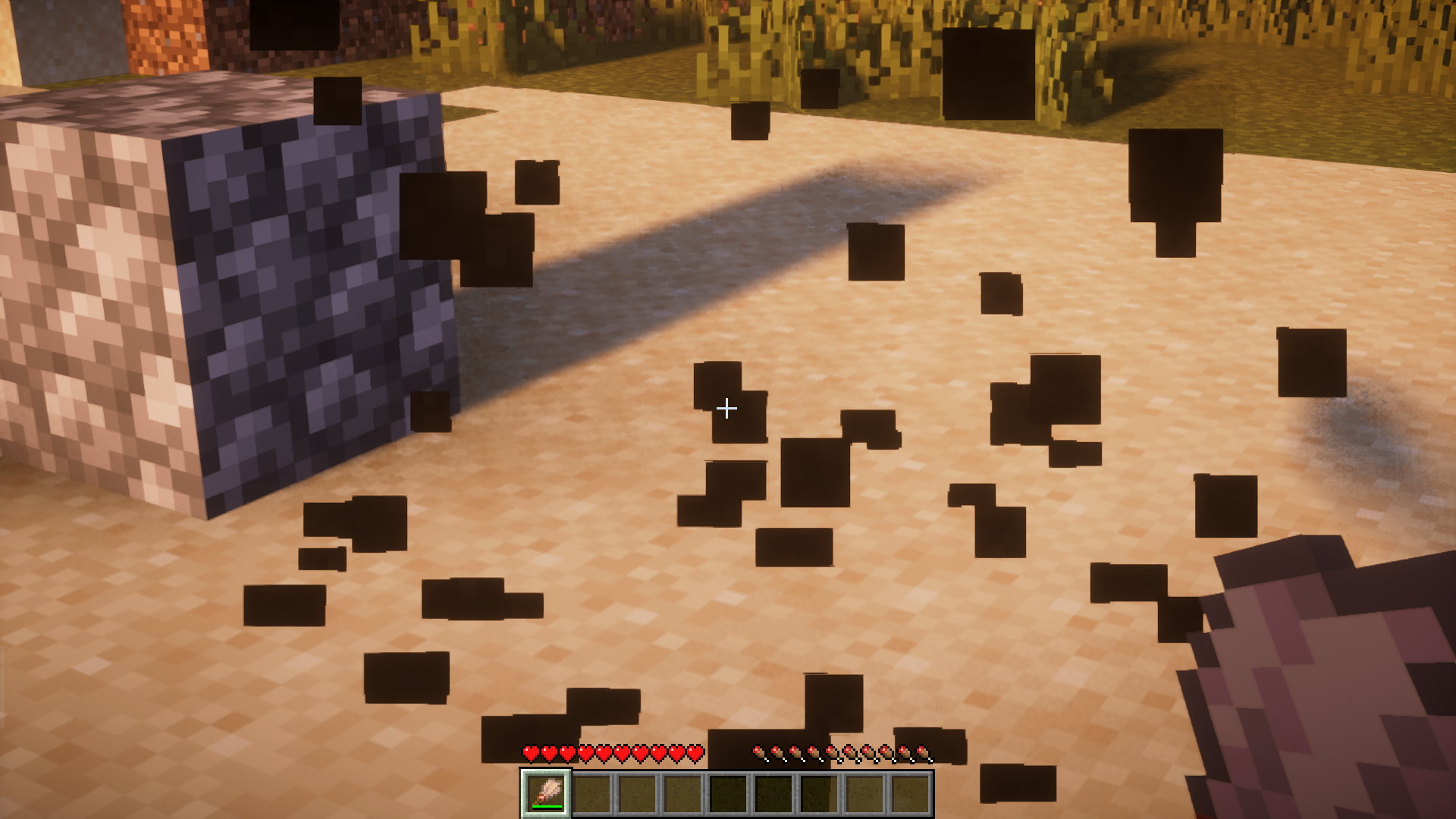
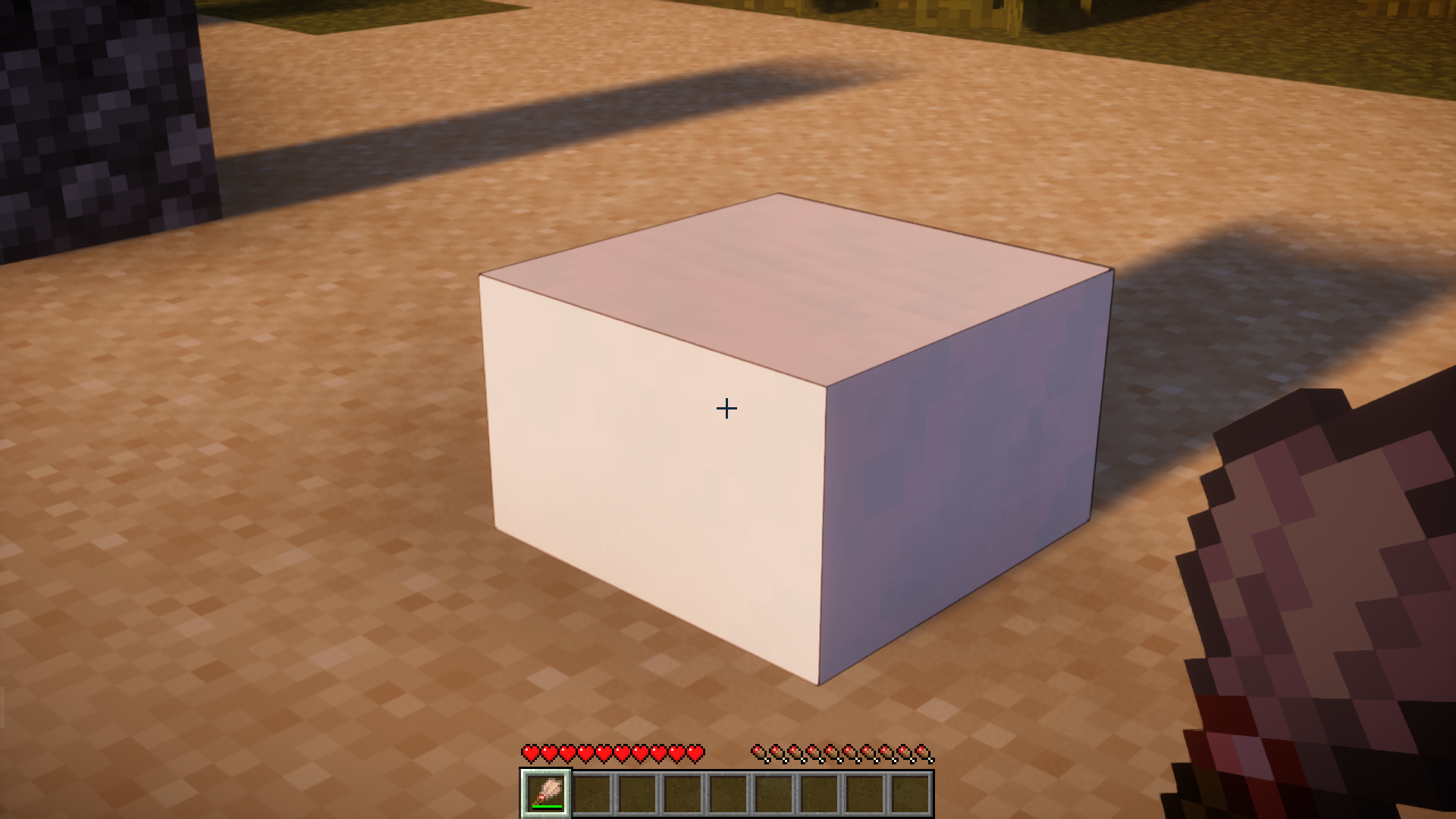
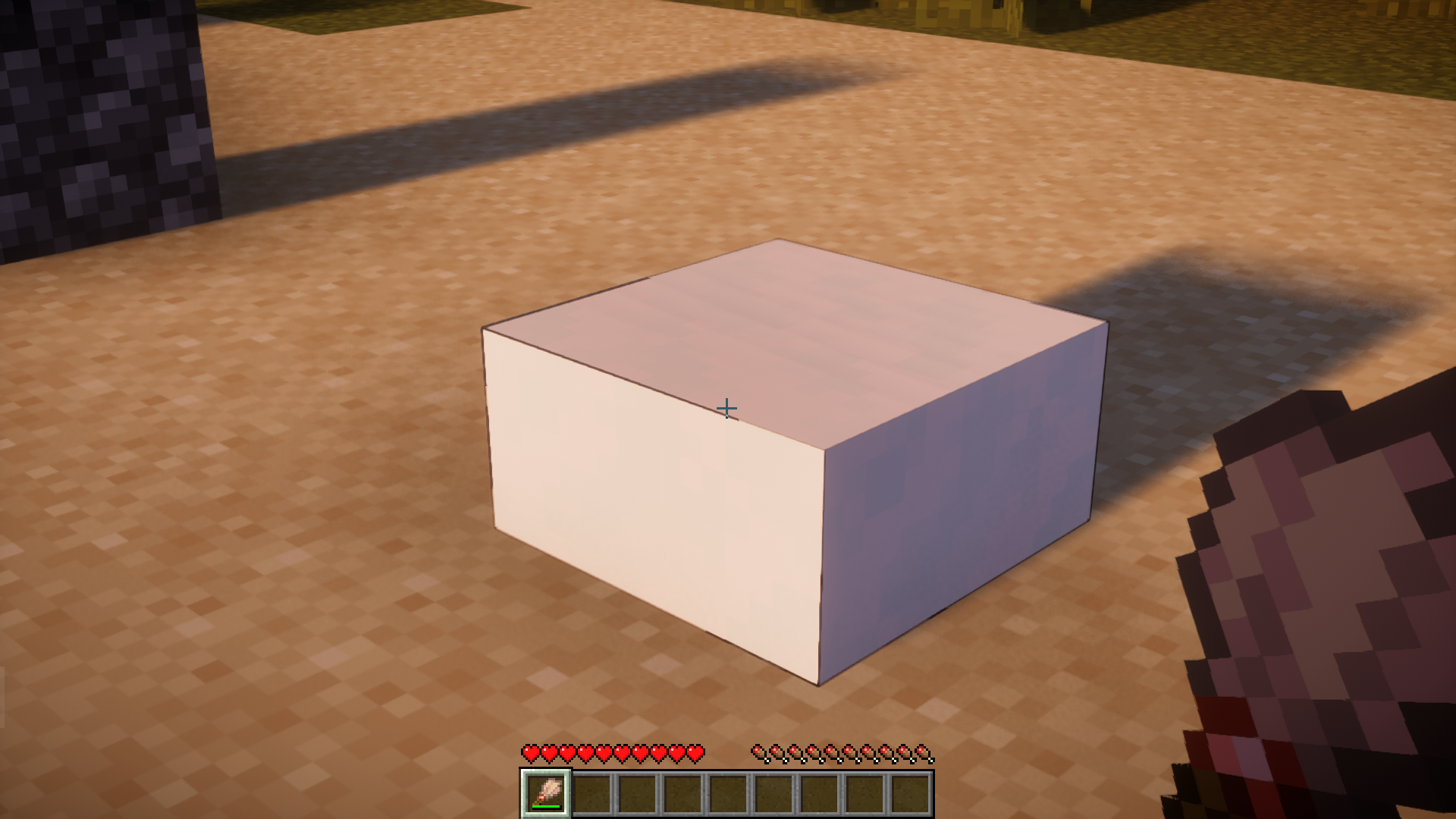
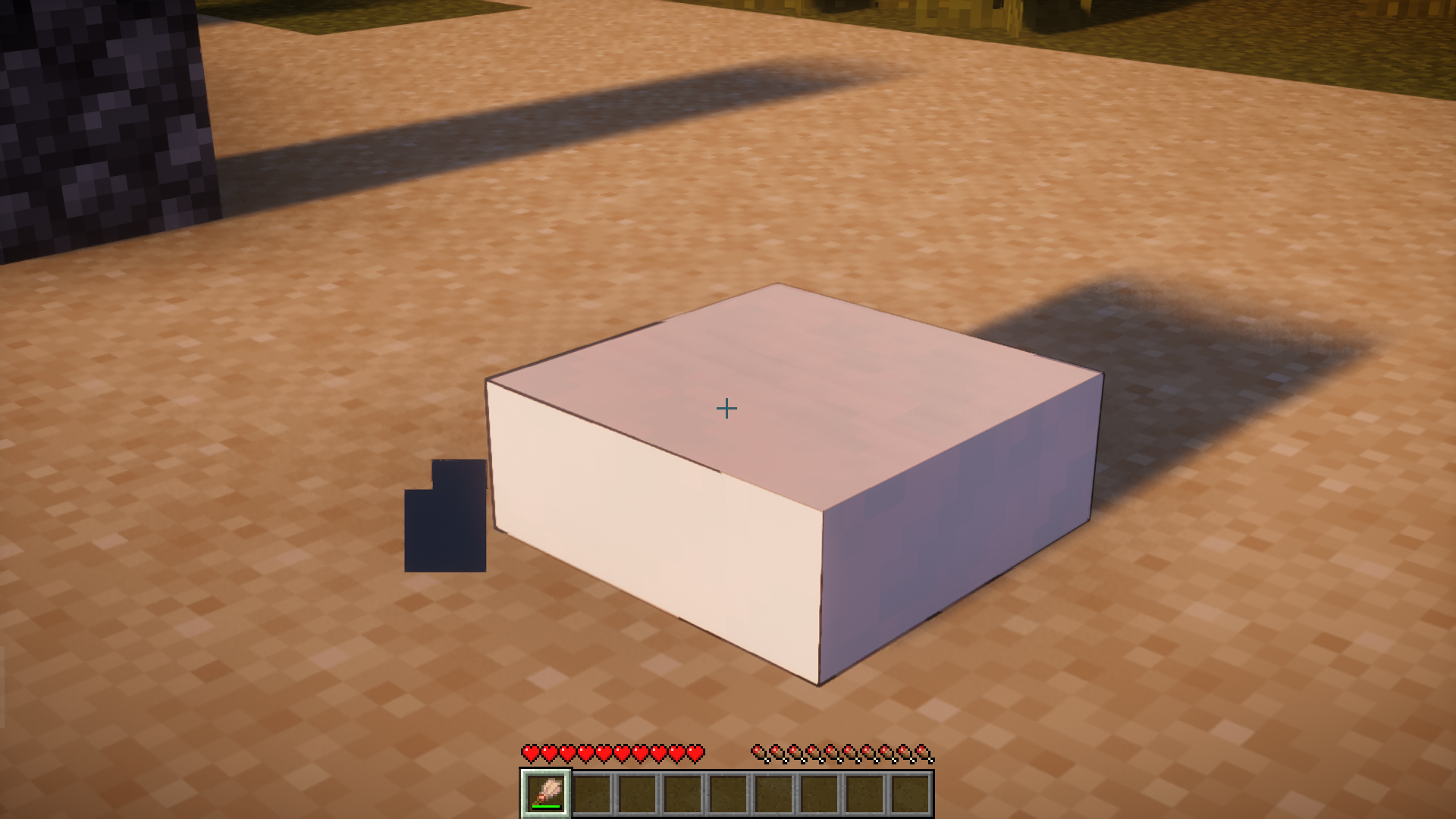
Brushes were introduced into the game as a part of the archaeological update. They have no real use other than to dust down gravel and sand. Useful Brush Mod, as the name suggests, adds more useful functionality for this tool. With this mod installed, brushes can be used for a variety of new purposes like removing moss from a mossy block, removing snow layer one layer at a time, dusting out string from sheep, etc. A list of new features are listed below.
Features:
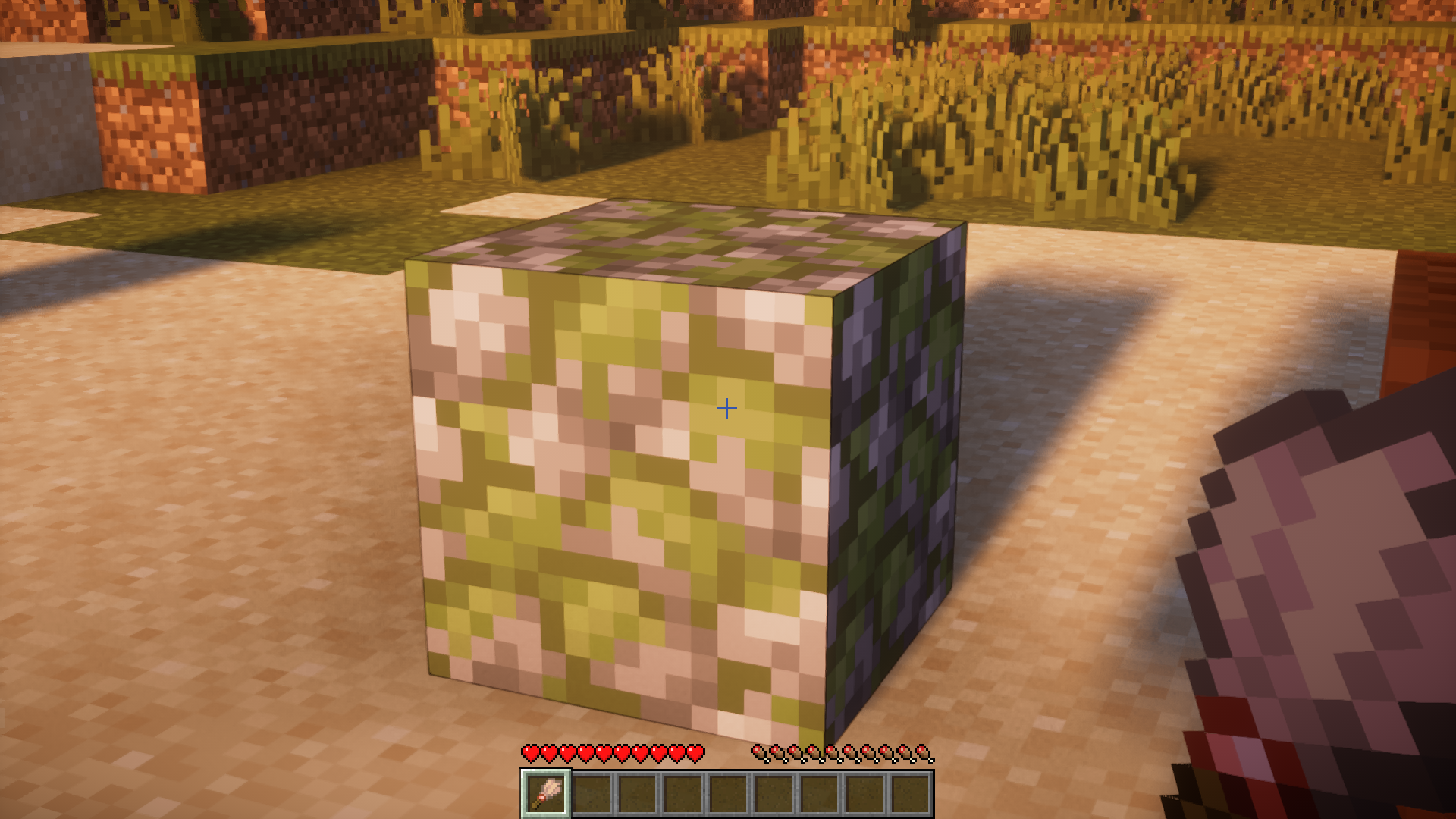
- Convert mossy blocks to their normal form (sometimes drop slime).
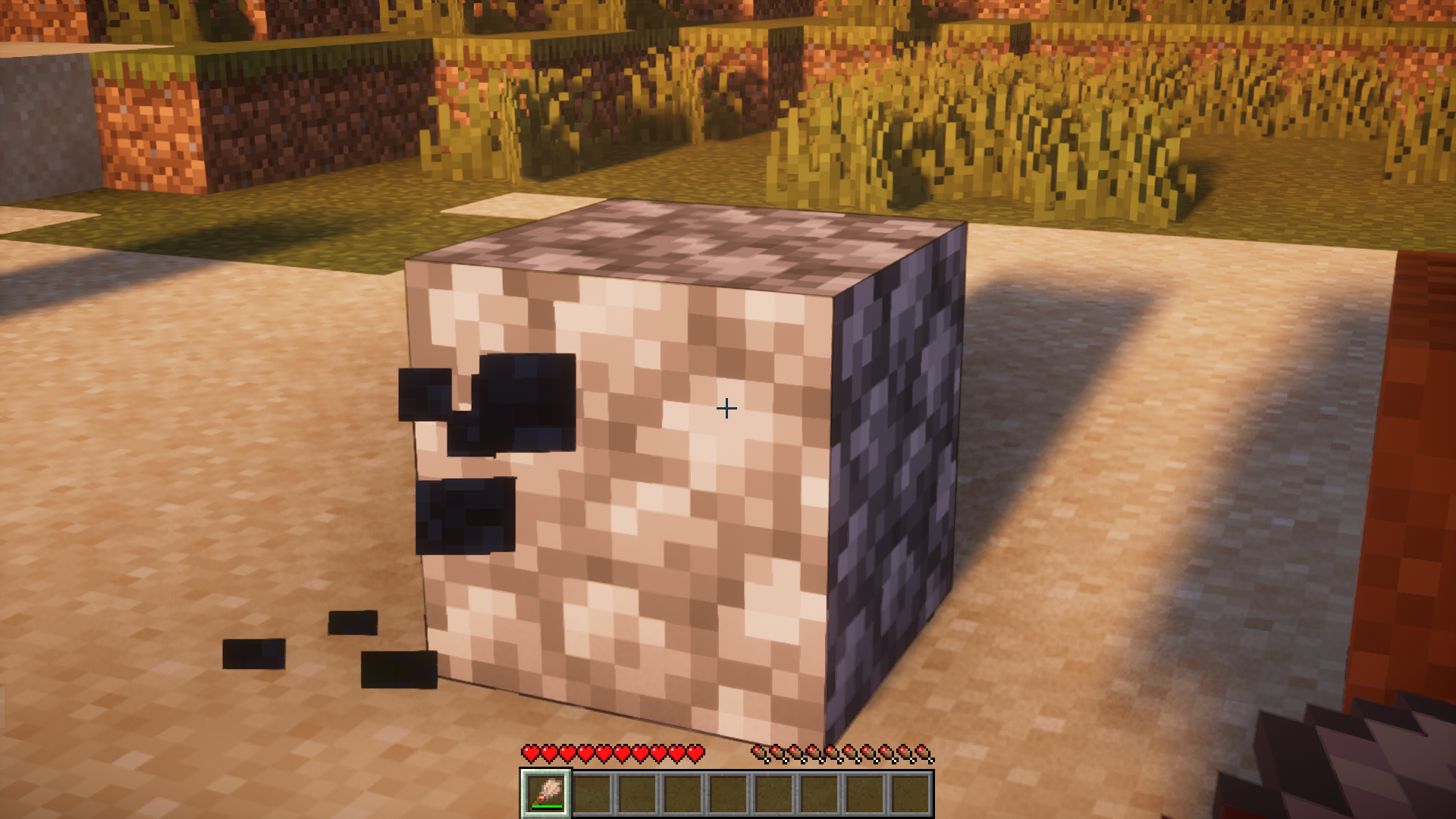
- Convert infested blocks to their normal form.
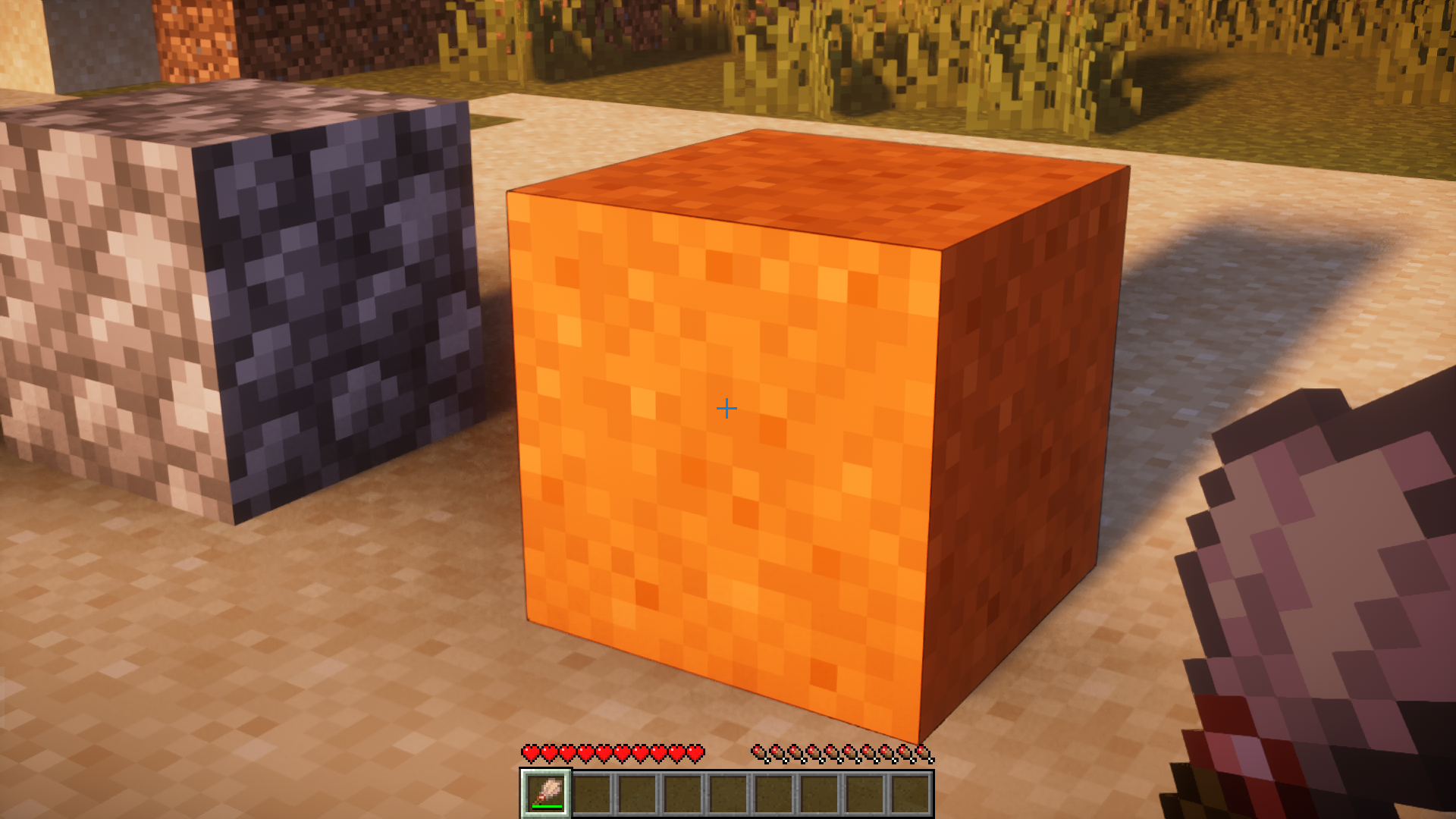
- Brush away sand, red-sand and gravel.
- Brush snow to remove one layer.
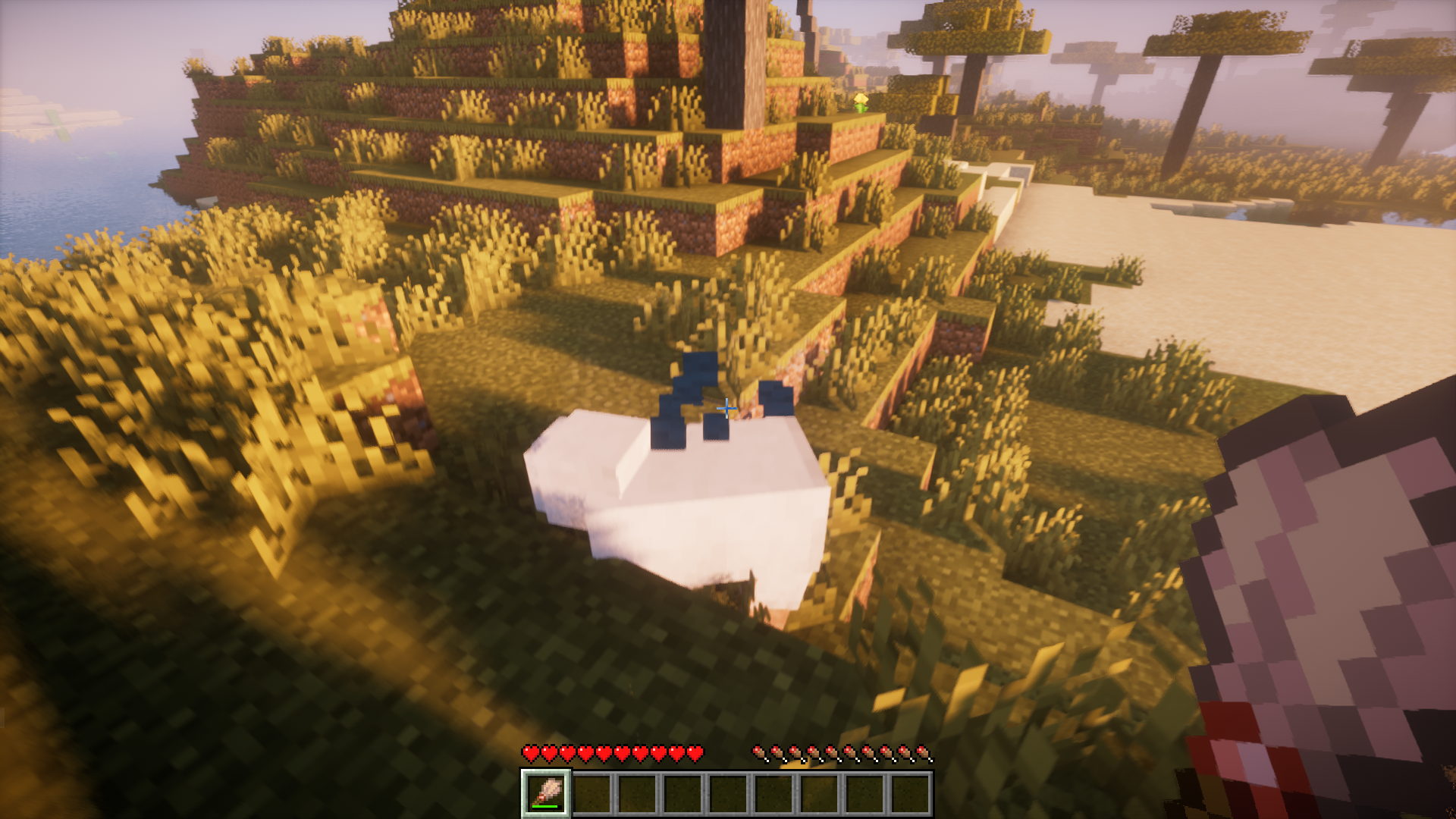
- Brush chickens to drop feathers.
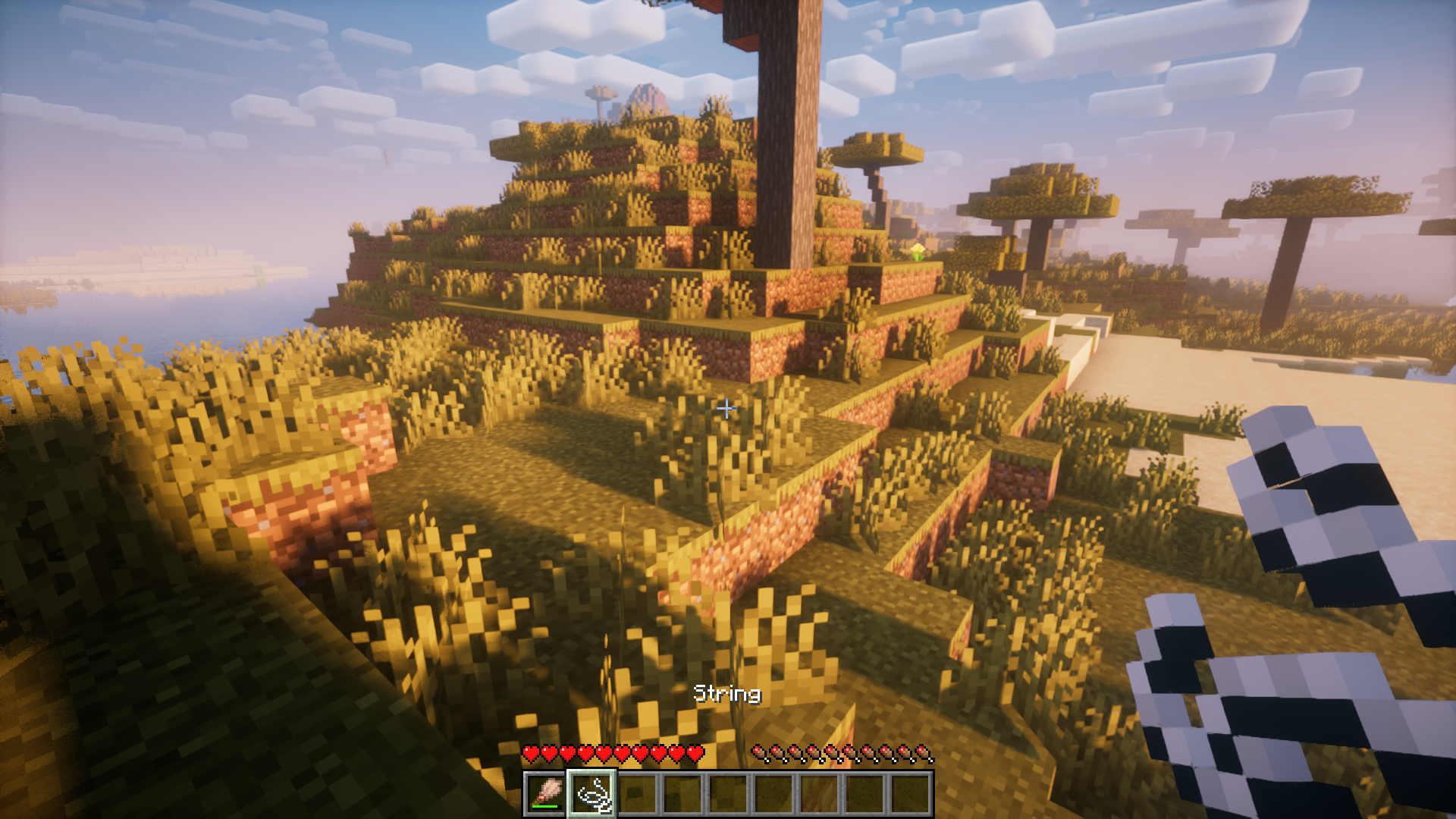
- Brush sheep to drop strings.
- Brush mooshrooms to drop mushrooms.
- Improve vanilla Armadillo brushing – don’t just click it really brush the Armadillo.
- Pat you dog.
- Brush a campfire to make it burn better, thus letting you cook food faster.
Screenshots:
Useful Brush Mod Download Links
For Minecraft 1.21.11, 1.21.10, 1.21.9
Fabric version: Download from Server 1 – Download from Server 2
For Minecraft 1.21.8, 1.21.7, 1.21.6, 1.21.5
Fabric version: Download from Server 1 – Download from Server 2
For Minecraft 1.21.4
Fabric version: Download from Server 1 – Download from Server 2
For Minecraft 1.21.3, 1.21.2
Fabric version: Download from Server 1 – Download from Server 2
For Minecraft 1.21.1, 1.21
Fabric version: Download from Server 1 – Download from Server 2
For Minecraft 1.20.6
Fabric version: Download from Server 1 – Download from Server 2
For Minecraft 1.20.1
Fabric version: Download from Server 1 – Download from Server 2
- Edition: Minecraft Java
- File type: .jar
- Minecraft versions listed: 1.21.11, 1.20.1
- How to install: Install the matching mod loader (Forge, Fabric or NeoForge) for your Minecraft version. → Download the .jar. → Put it in the .minecraft/mods folder and launch that loader profile.
- Where to get it: In MC Java Mods, or directly above on this page.
Install steps are the general flow for this file type — How to install Minecraft Java mods & modpacks walks through it step by step.
- Downloads as 176031.mcaddon
- Download size: 60 KB
- Download link checked 29 Jul 2026 — working
- Mirrored on our own servers — the download does not depend on the original host
These come from our own check of the pack file, not from the source page.