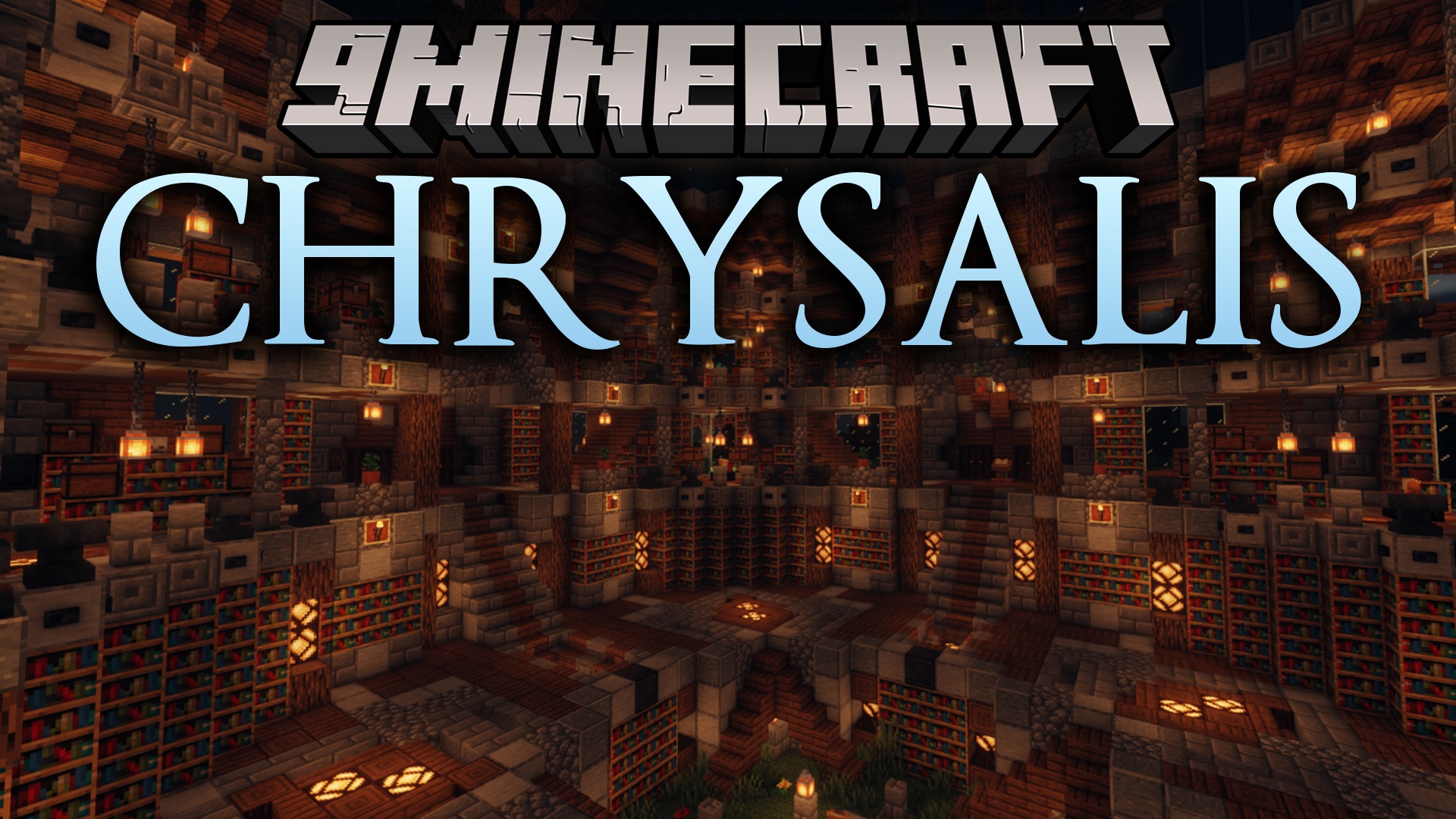
Chrysalis Mod is a library that other mods need to work correctly. You usually only need to install it when another mod lists it as a requirement. This mod provides a shared set of tools and features, like systems for camera shakes, custom music in structures, and a way to pick up mobs in buckets.
Features:
- Lets other mods easily change game rules, like what items you can use to repair an Iron Golem.
- Changes which blocks can be used to build a Nether Portal or what items Piglins will accept for trade.
- Adds a system for playing special music when you are near certain buildings or structures.
- Includes a way to put almost any mob into a bucket, not just fish.
- Creates a camera shake effect that other mods can use for events like explosions.
- Allows for new custom splash texts to appear on the main menu screen.
- Provides special items and commands that only admins can use for testing.
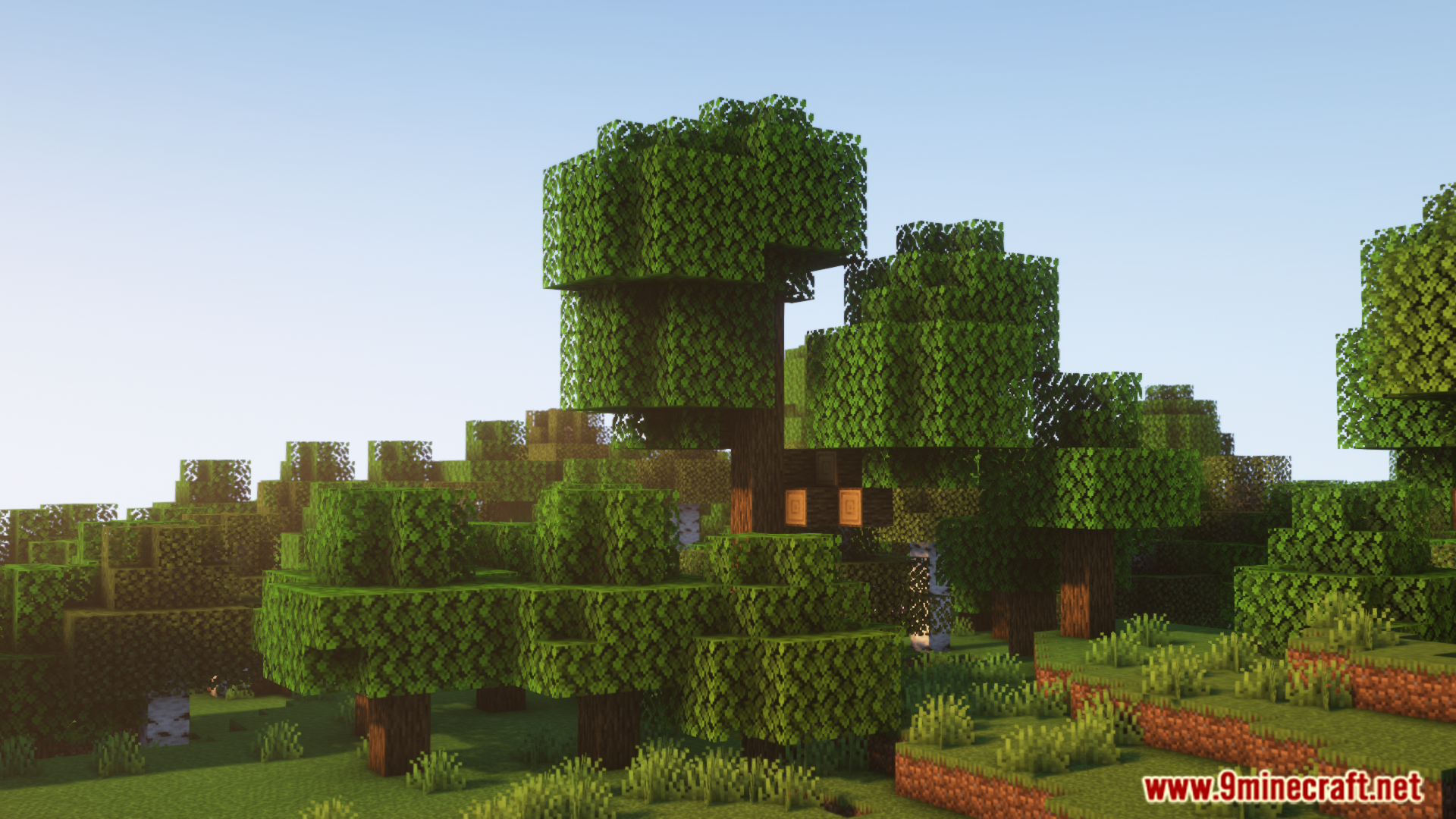
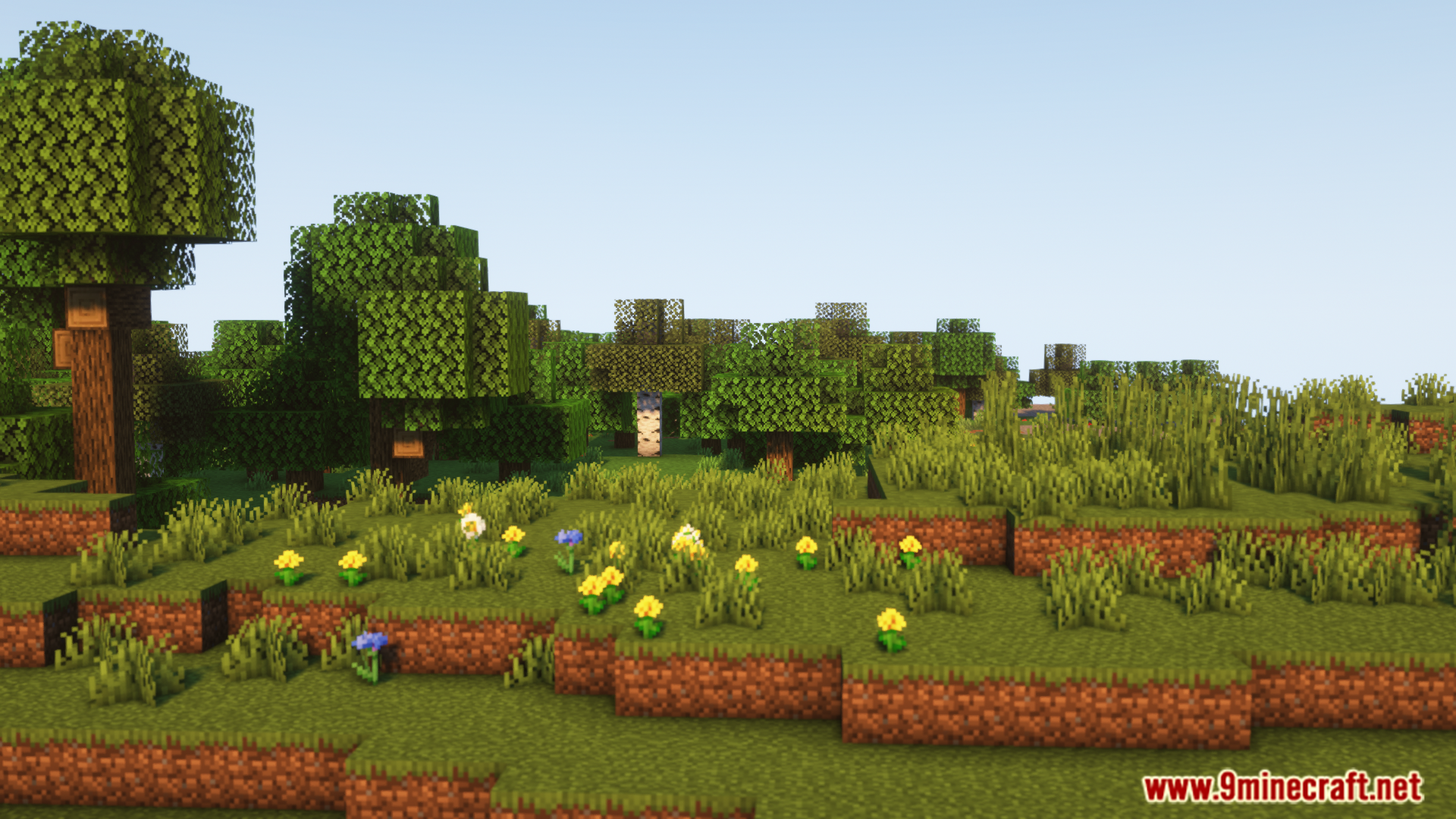
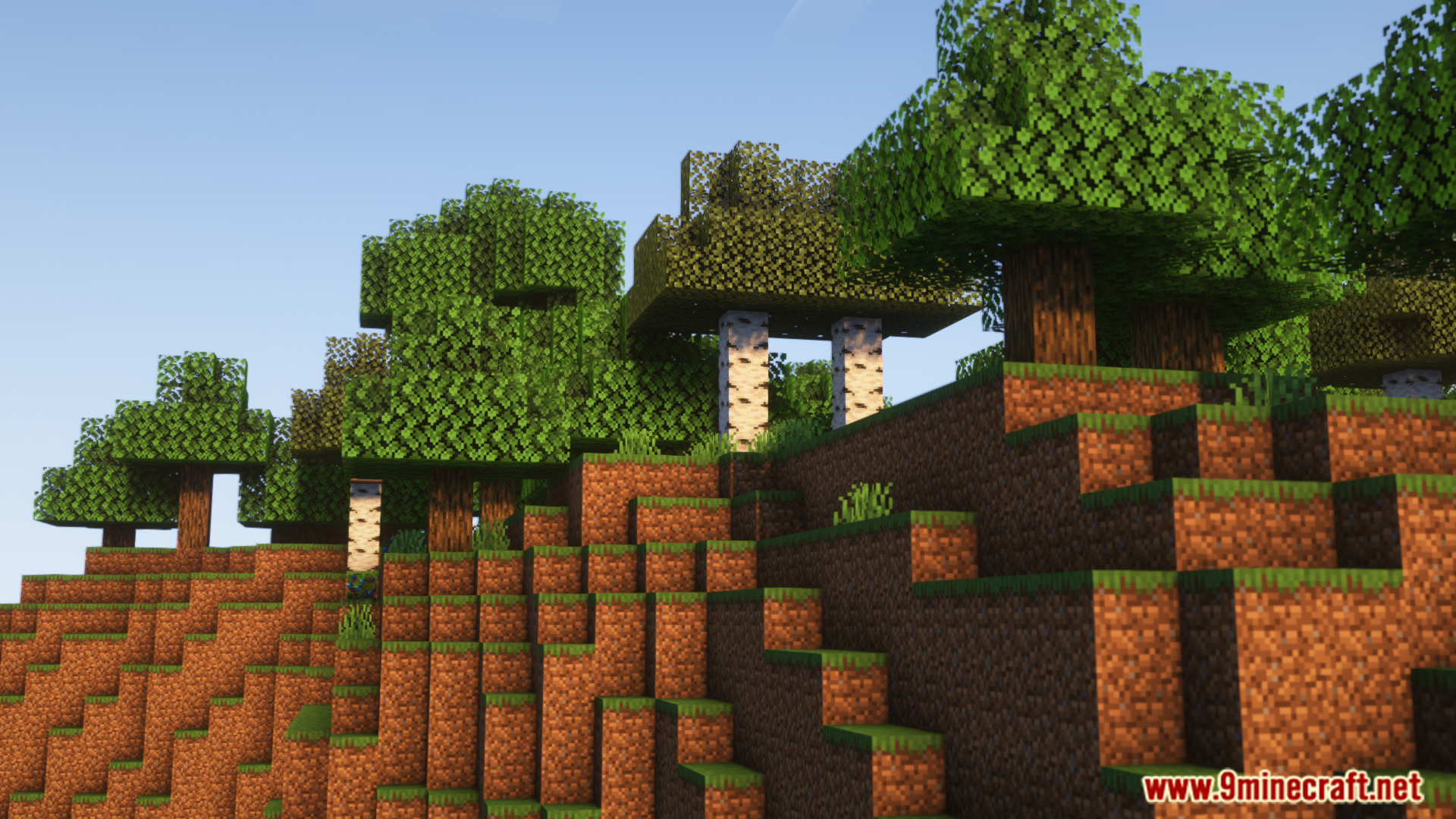
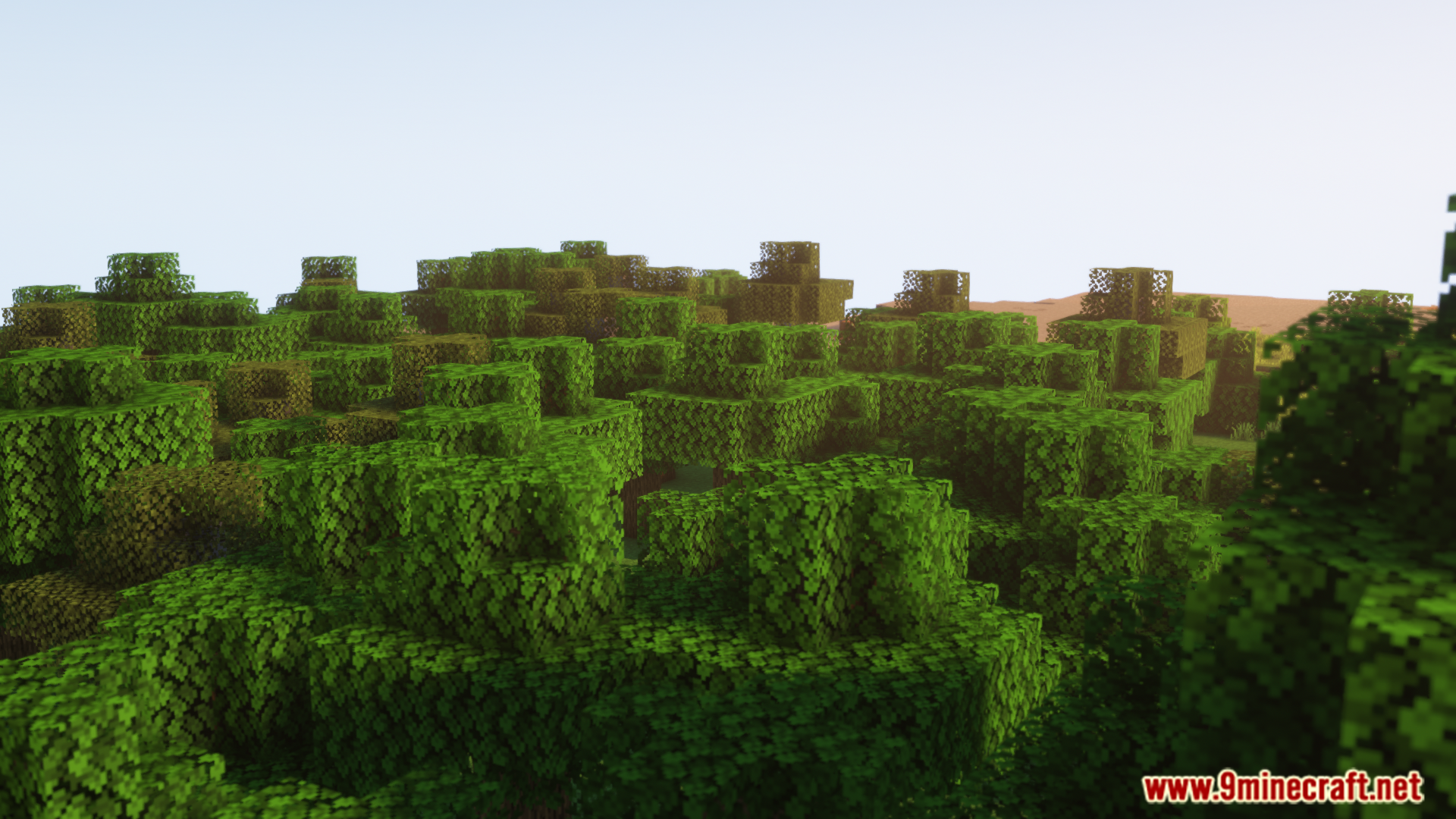
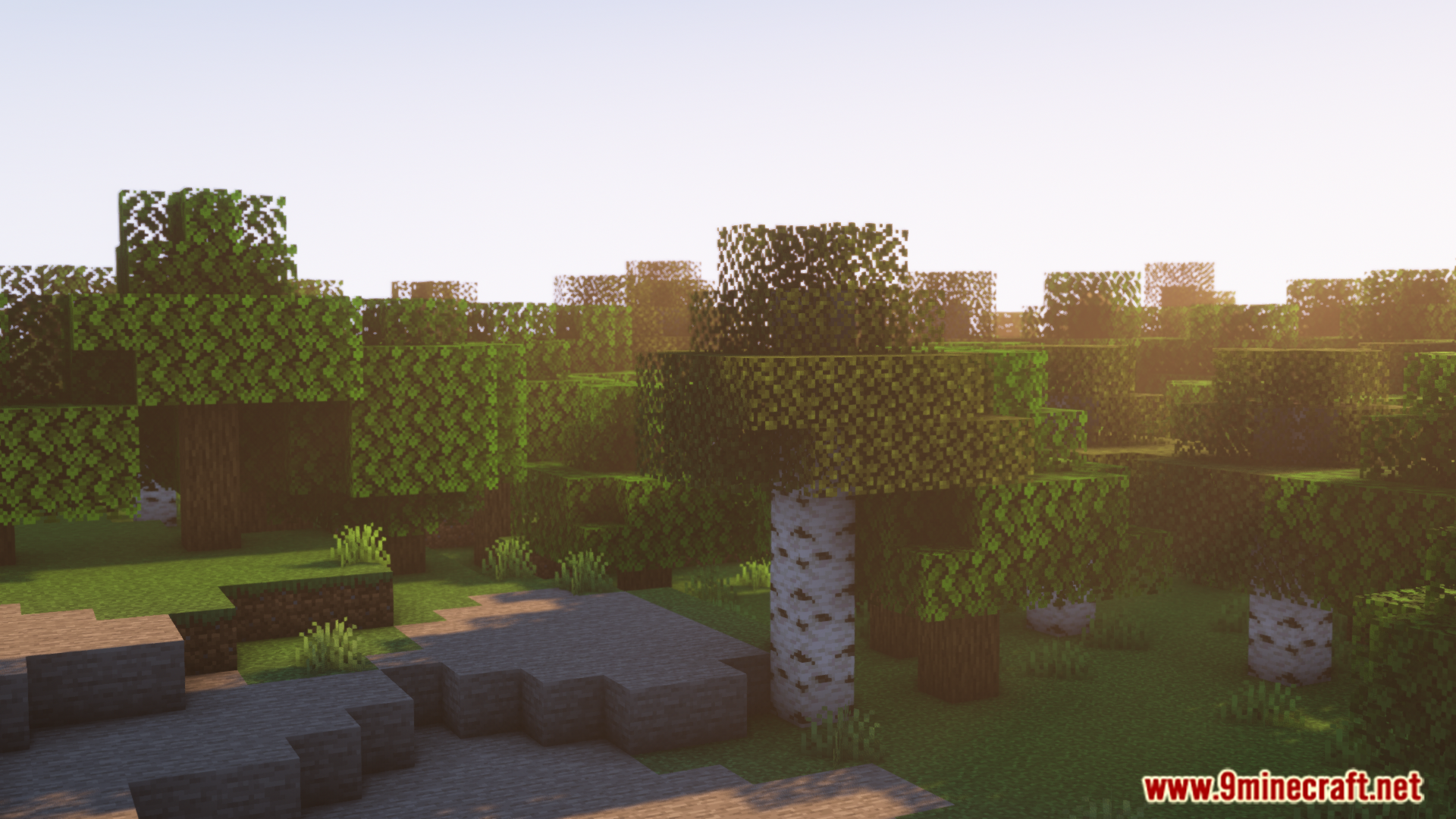
Screenshots:
Chrysalis Mod Download Links
For Minecraft 1.21.4
NeoForge version: Download from Server 1 – Download from Server 2
For Minecraft 1.21.1, 1.21
Fabric version: Download from Server 1 – Download from Server 2
Quick facts
- Edition: Minecraft Java
- File type: .jar
- Minecraft versions listed: 1.21.4, 1.21.1
- How to install: Install the matching mod loader (Forge, Fabric or NeoForge) for your Minecraft version. → Download the .jar. → Put it in the .minecraft/mods folder and launch that loader profile.
- Where to get it: In MC Java Mods, or directly above on this page.
Install steps are the general flow for this file type — How to install Minecraft Java mods & modpacks walks through it step by step.
Chrysalis Mod (1.21.4, 1.21.1) – A Framework to Customize Game Mechanics is a free Minecraft Java mod. Compatible with Minecraft 1.21.4, 1.21.1. Download it and open it directly in the game.