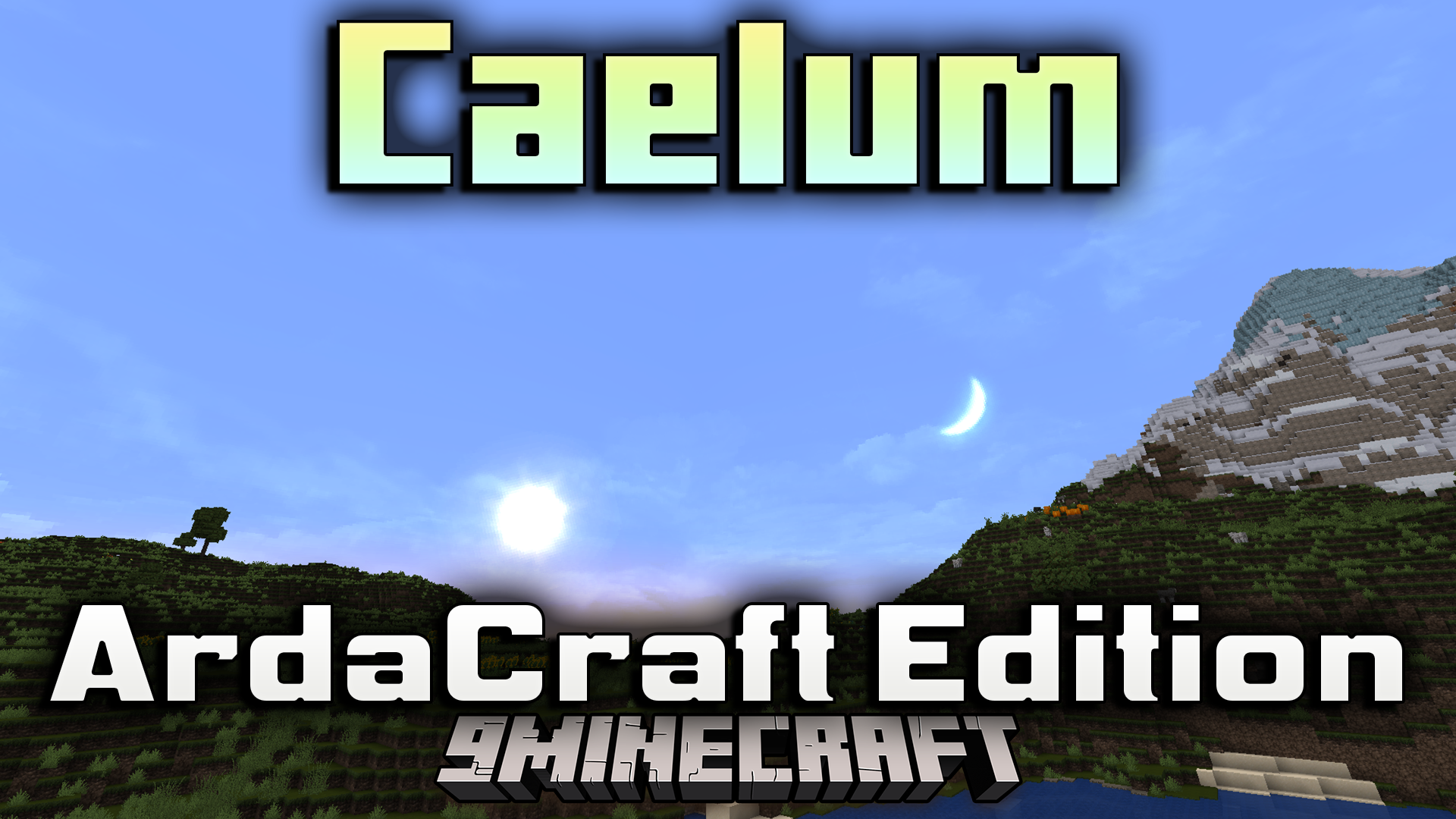
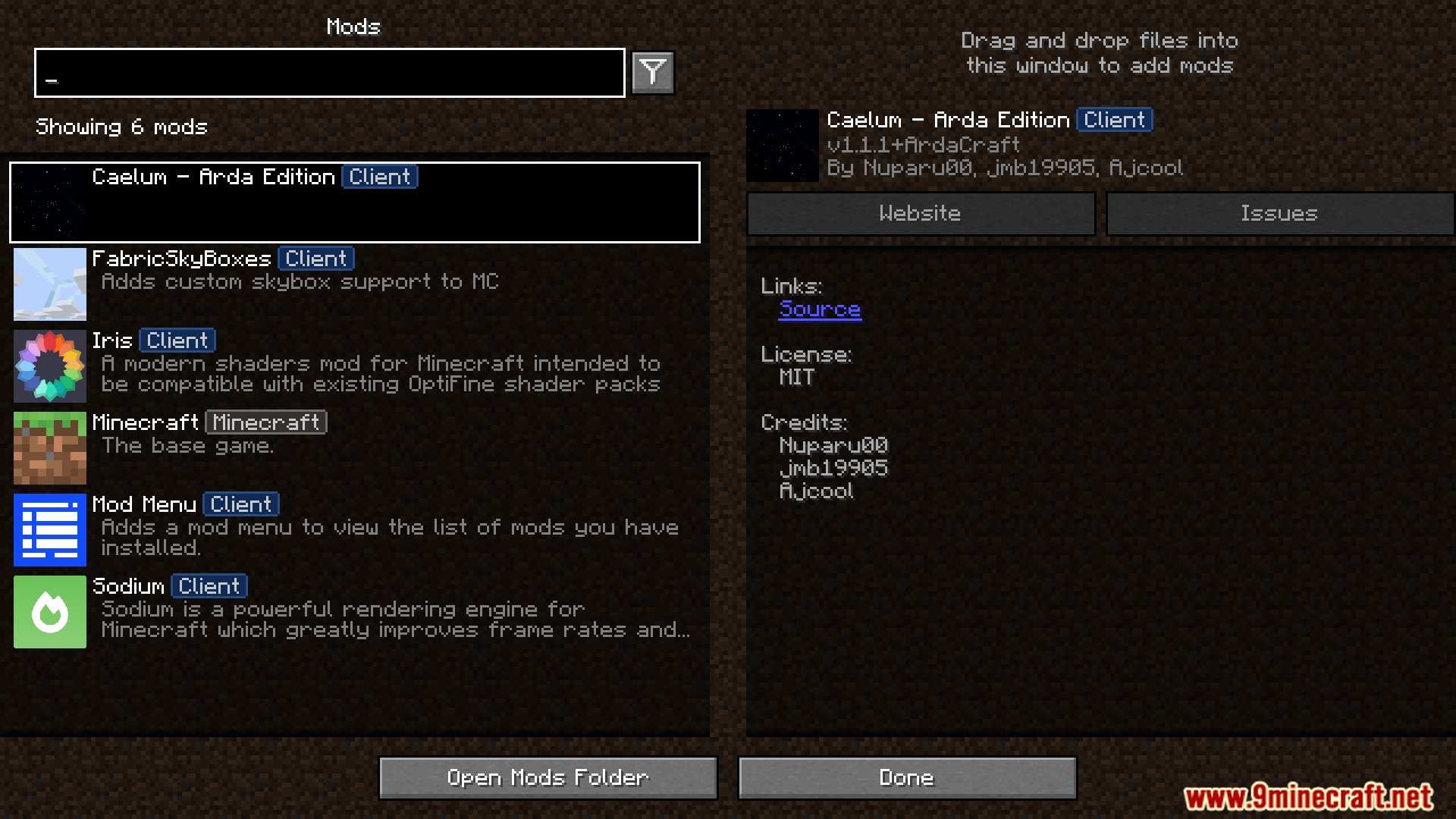
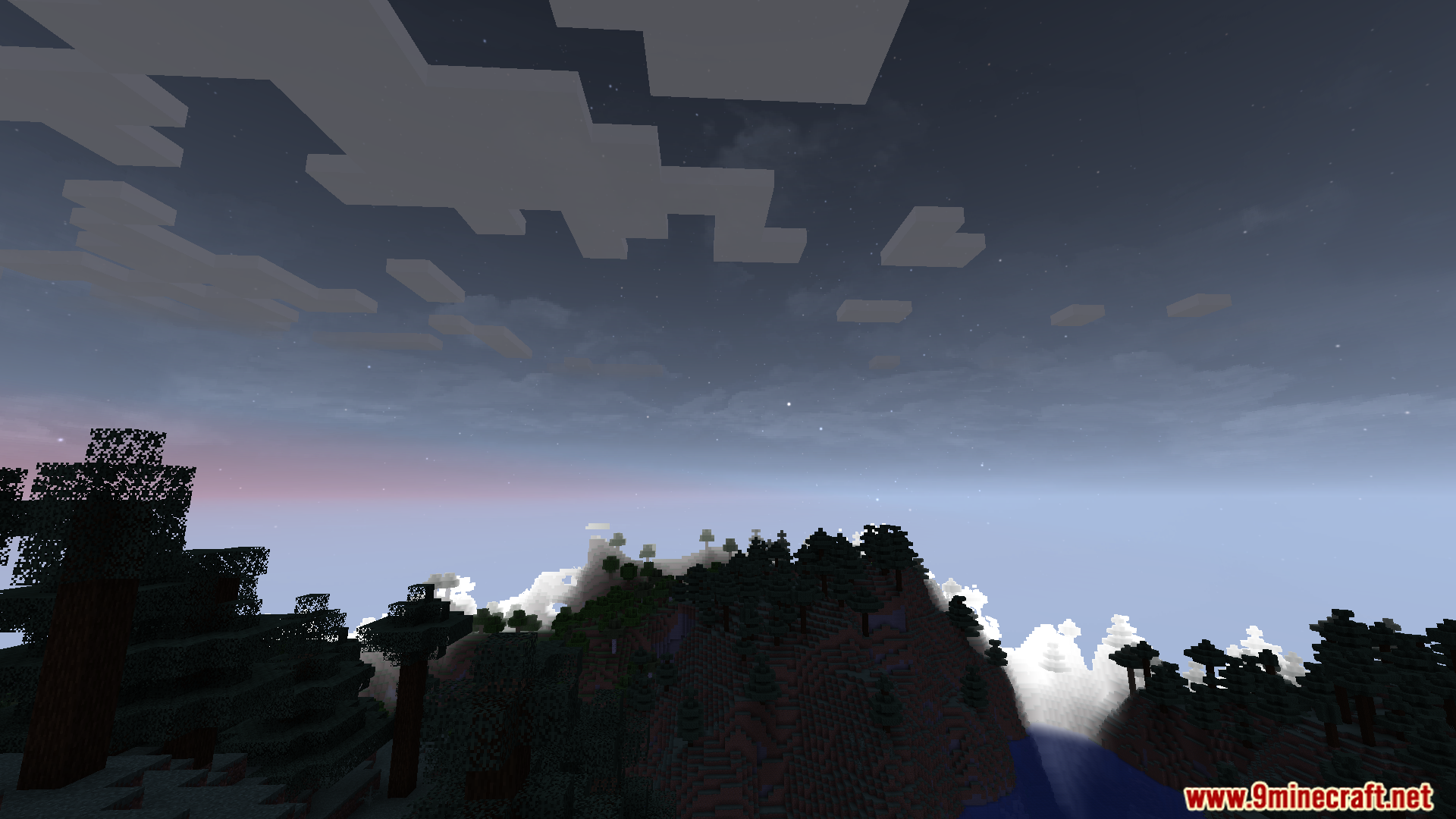
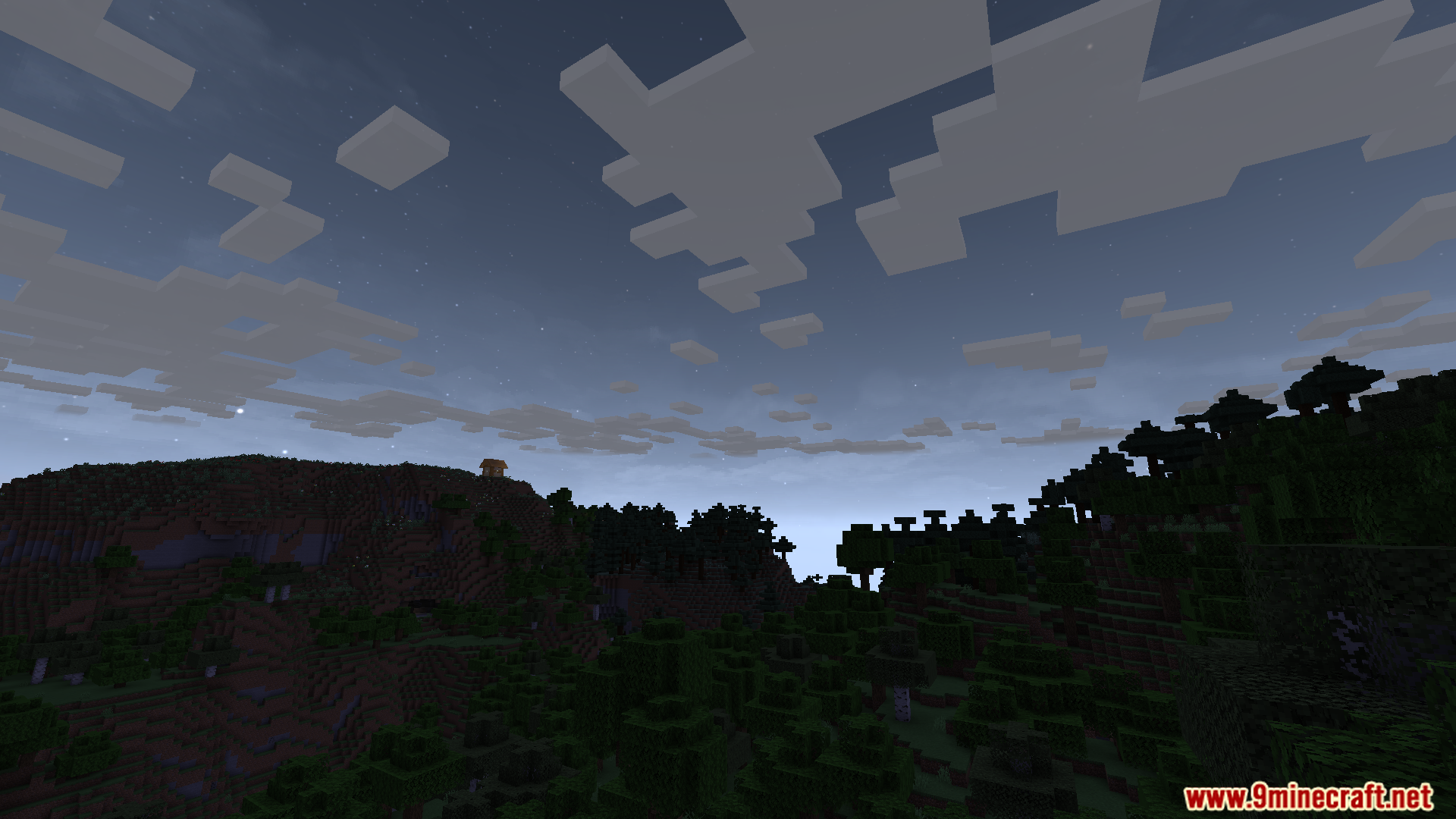
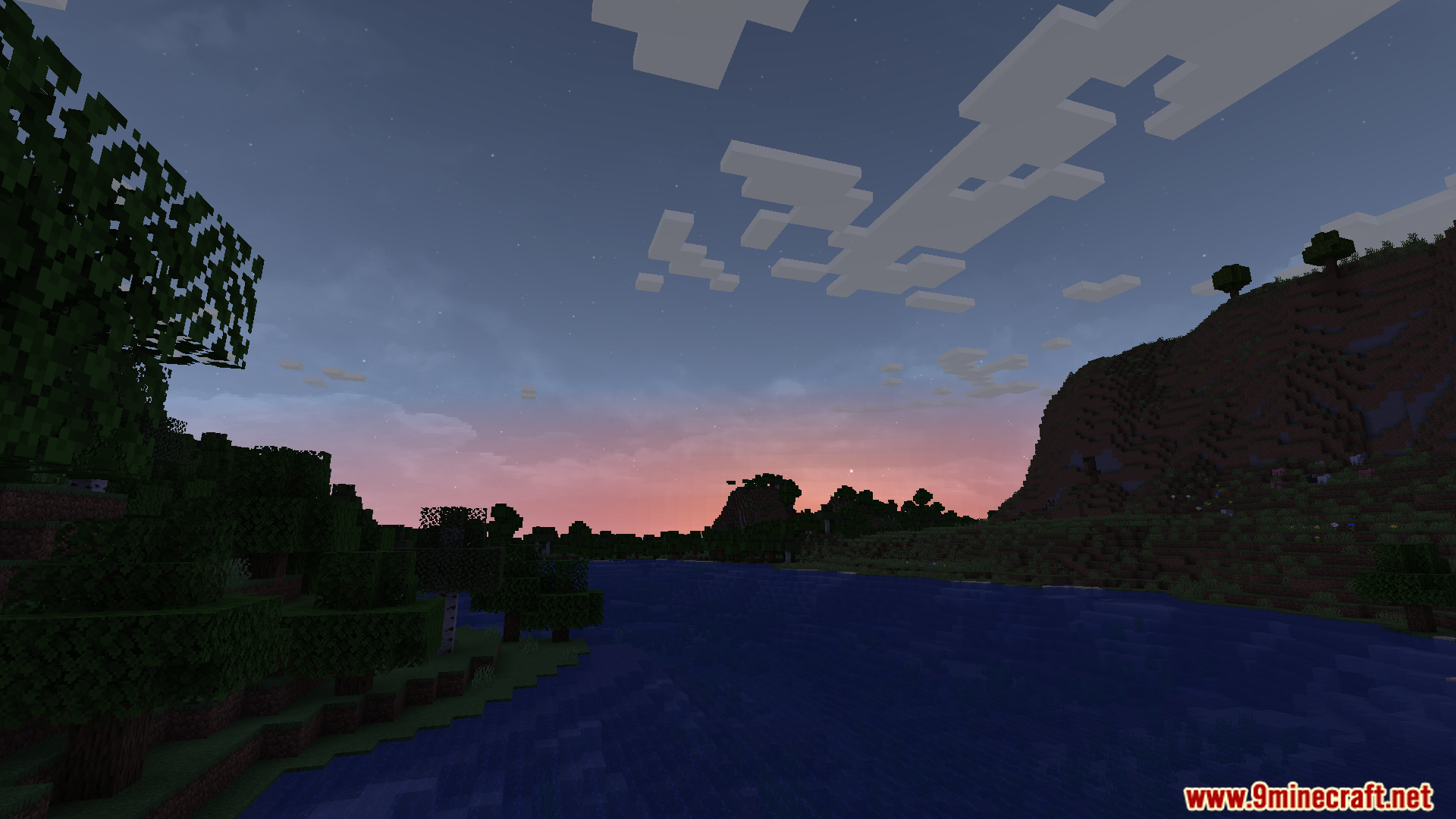
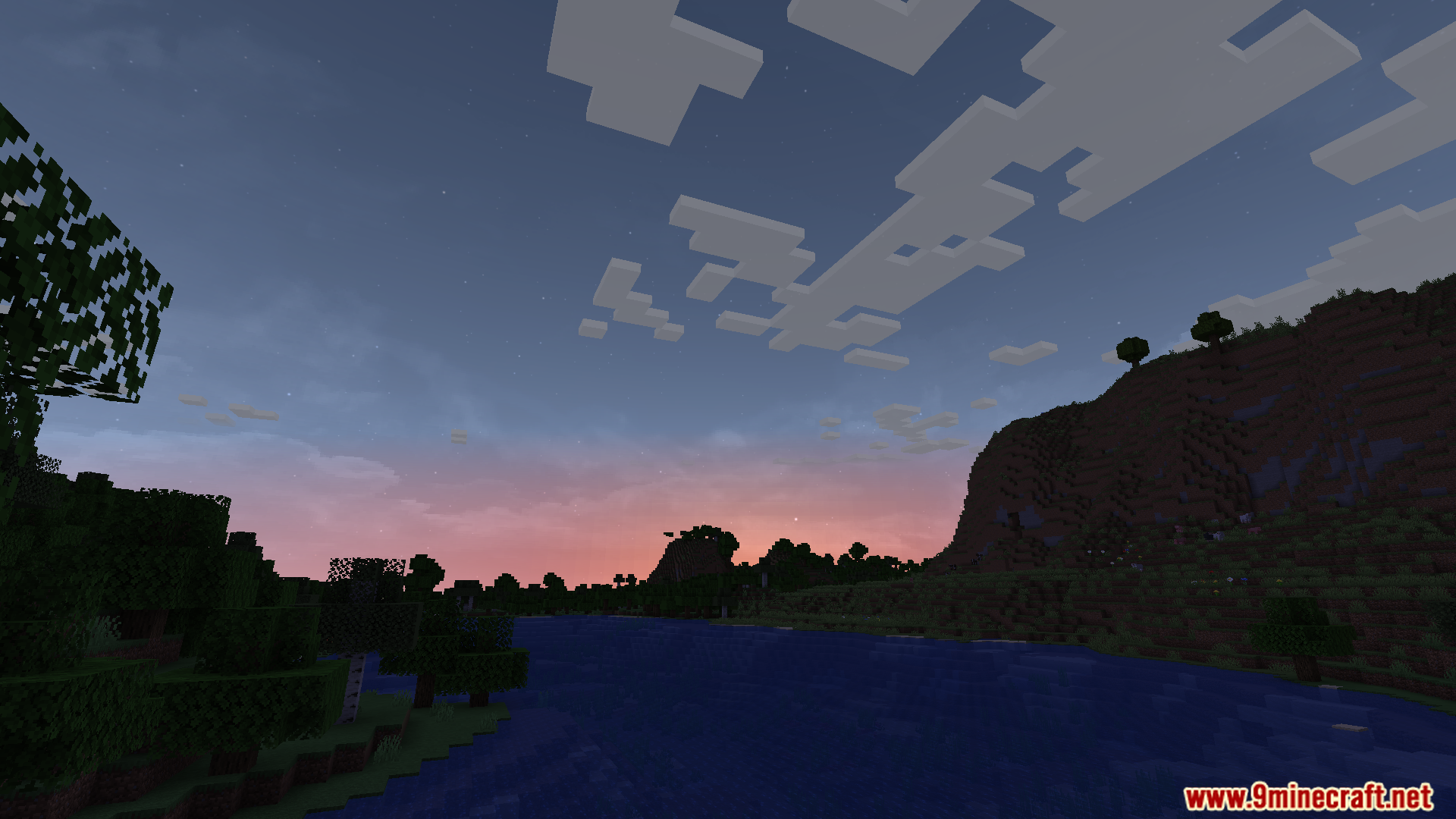
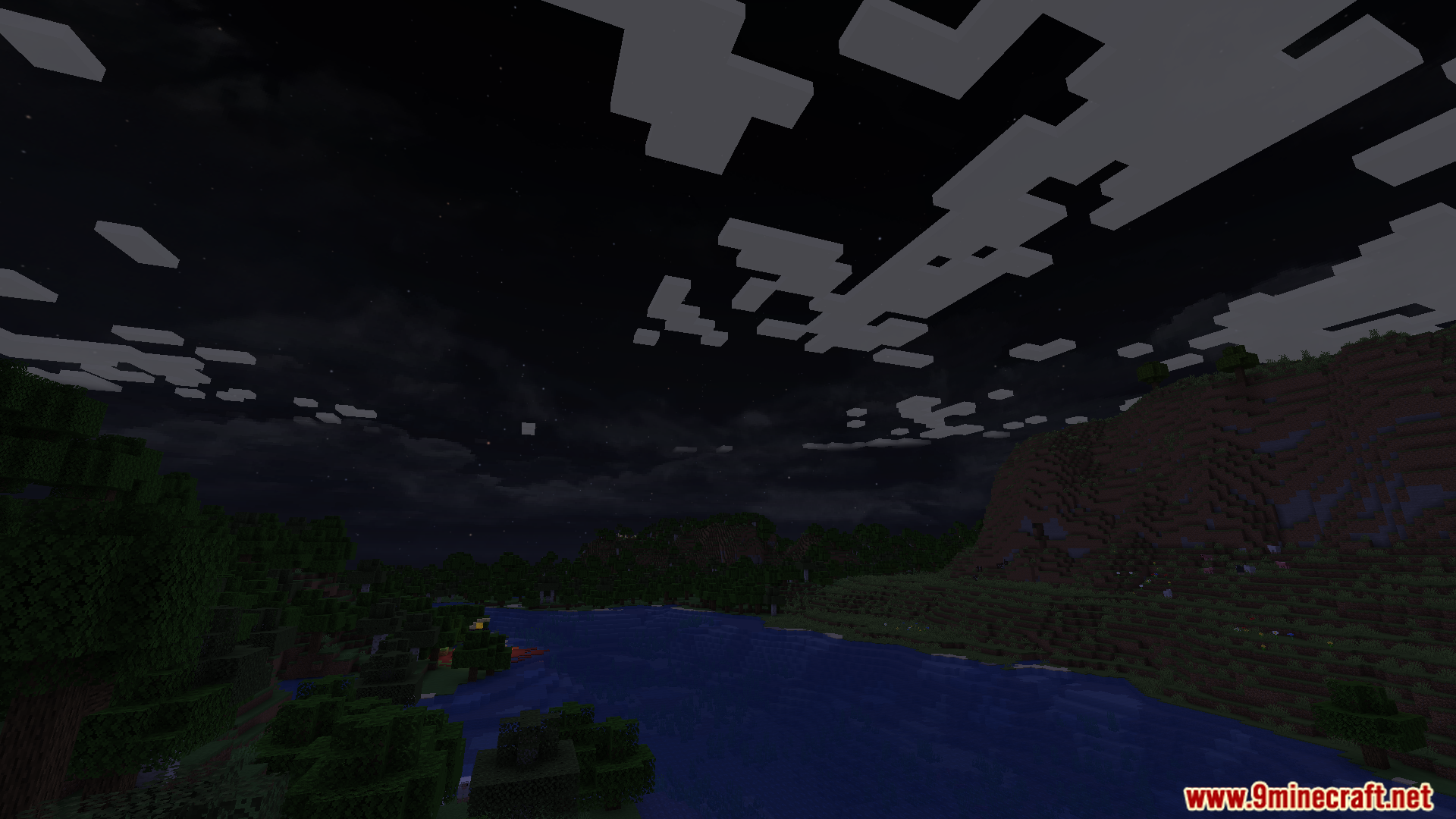
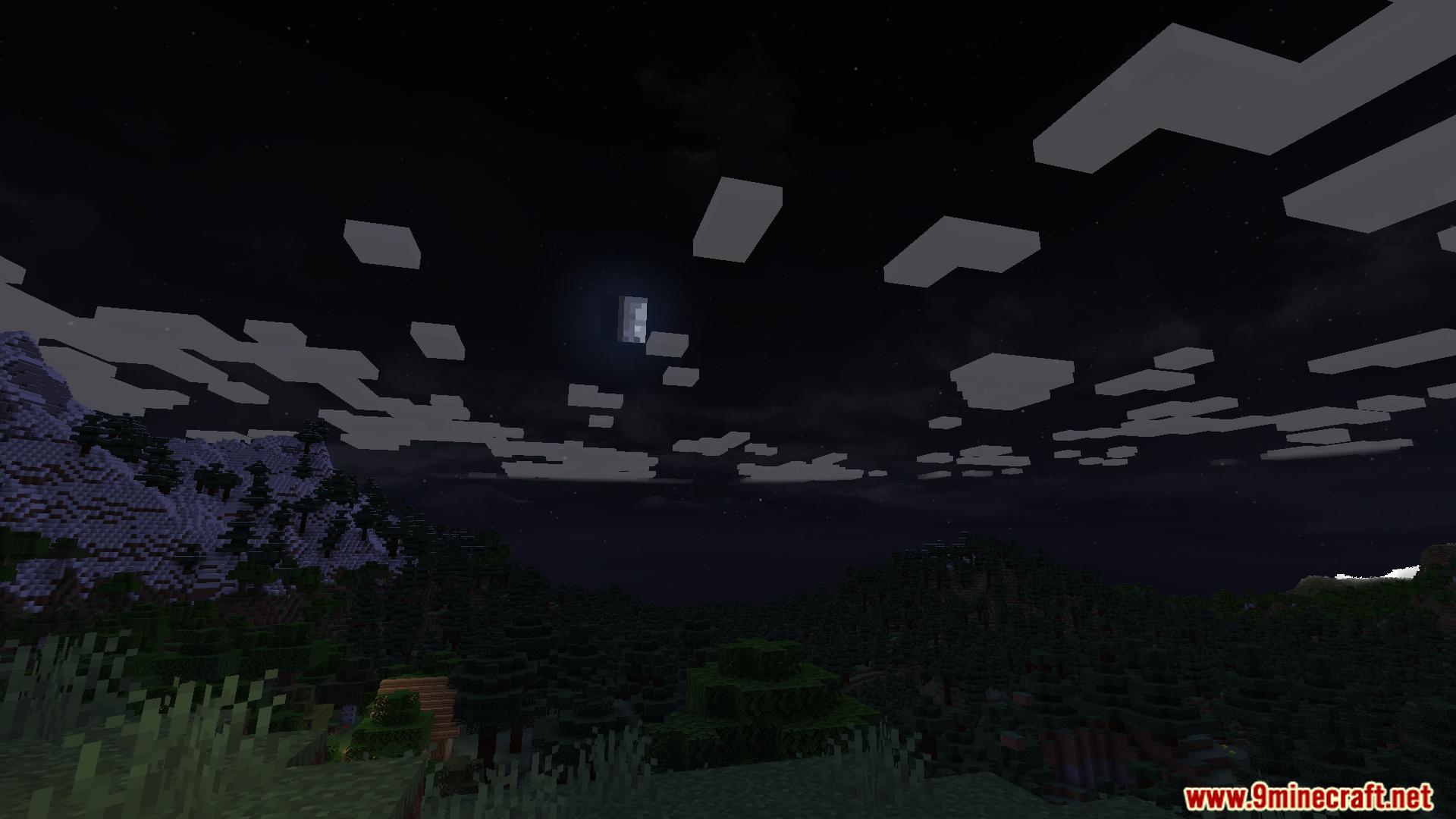
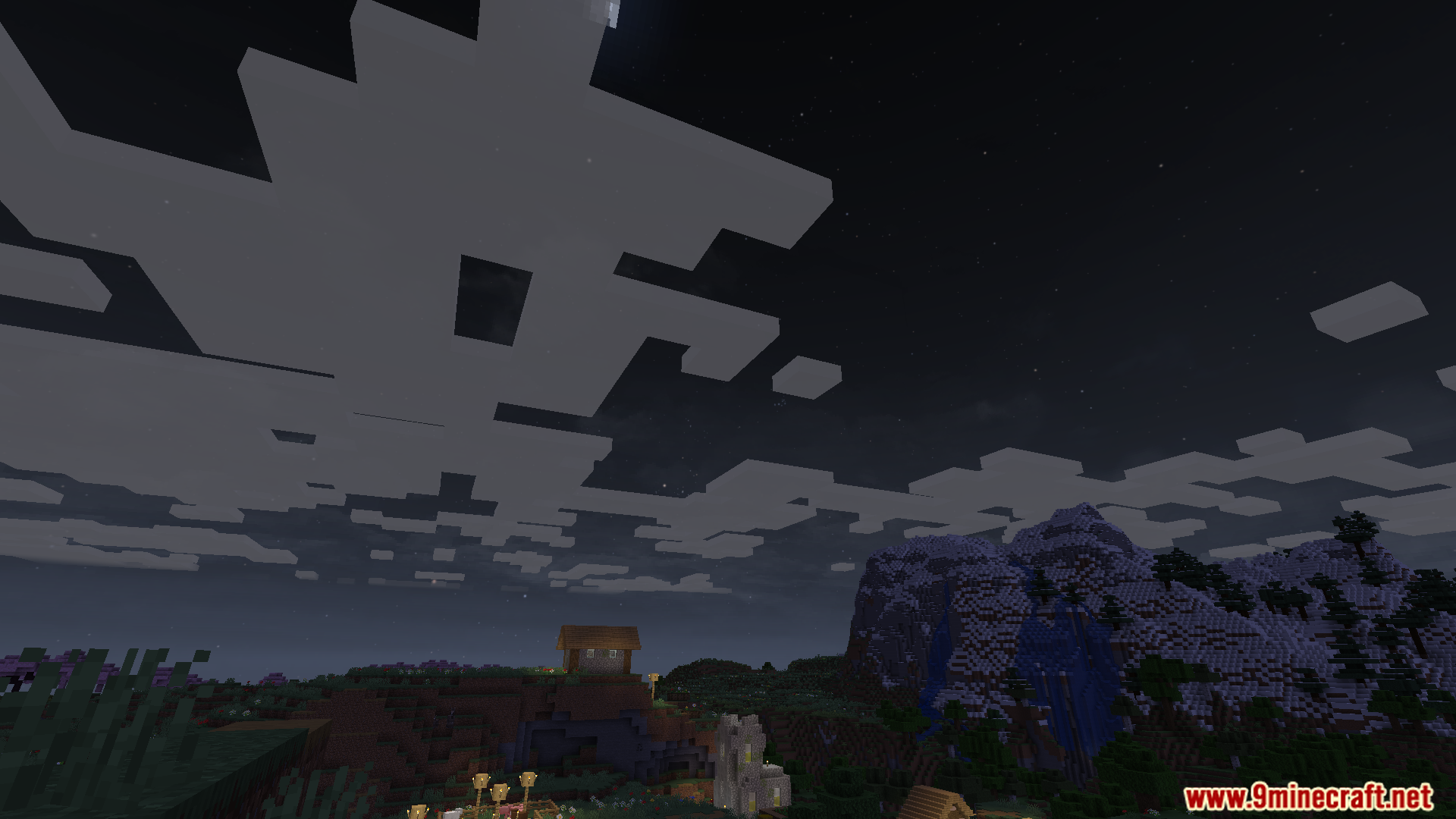
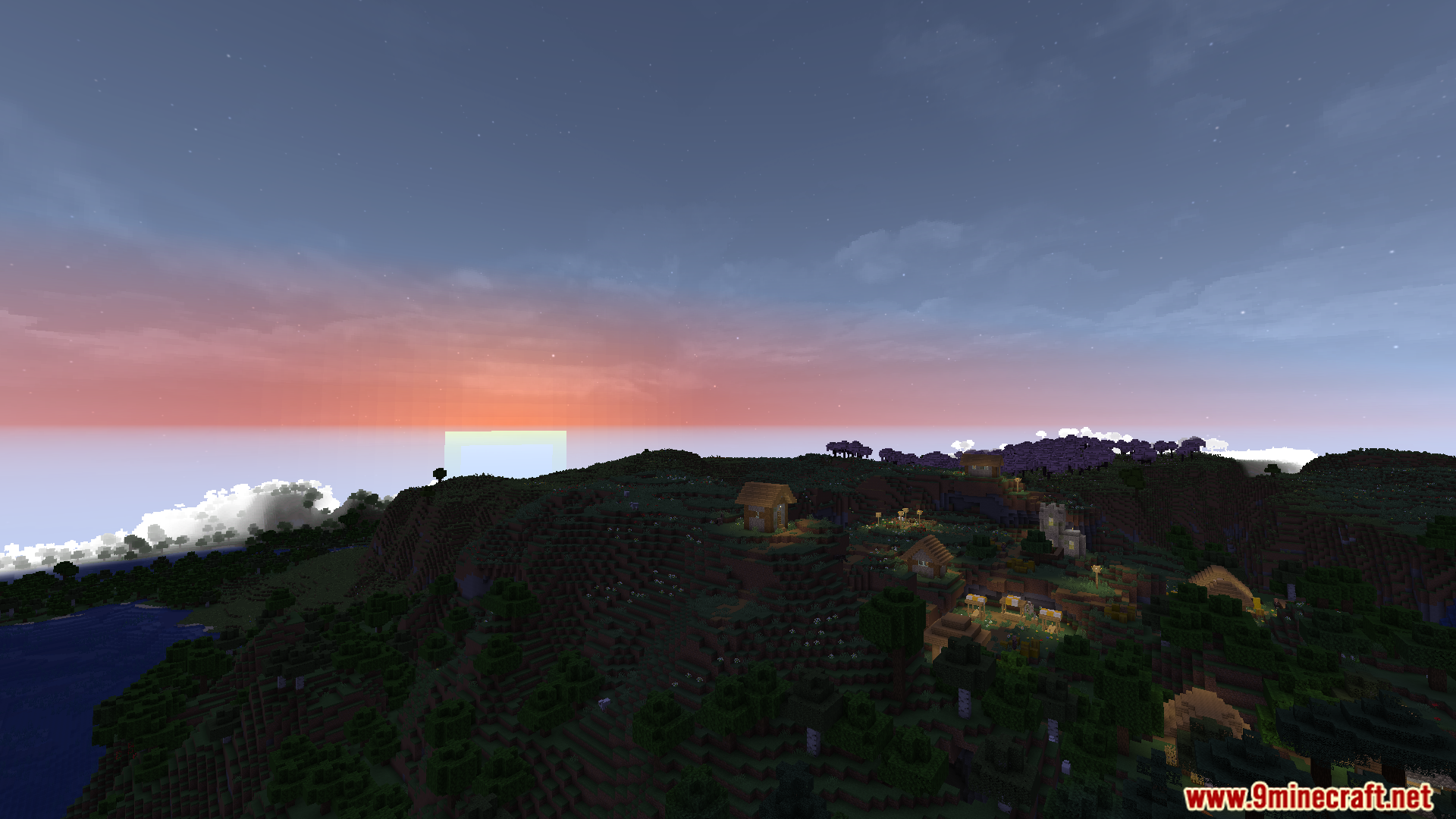
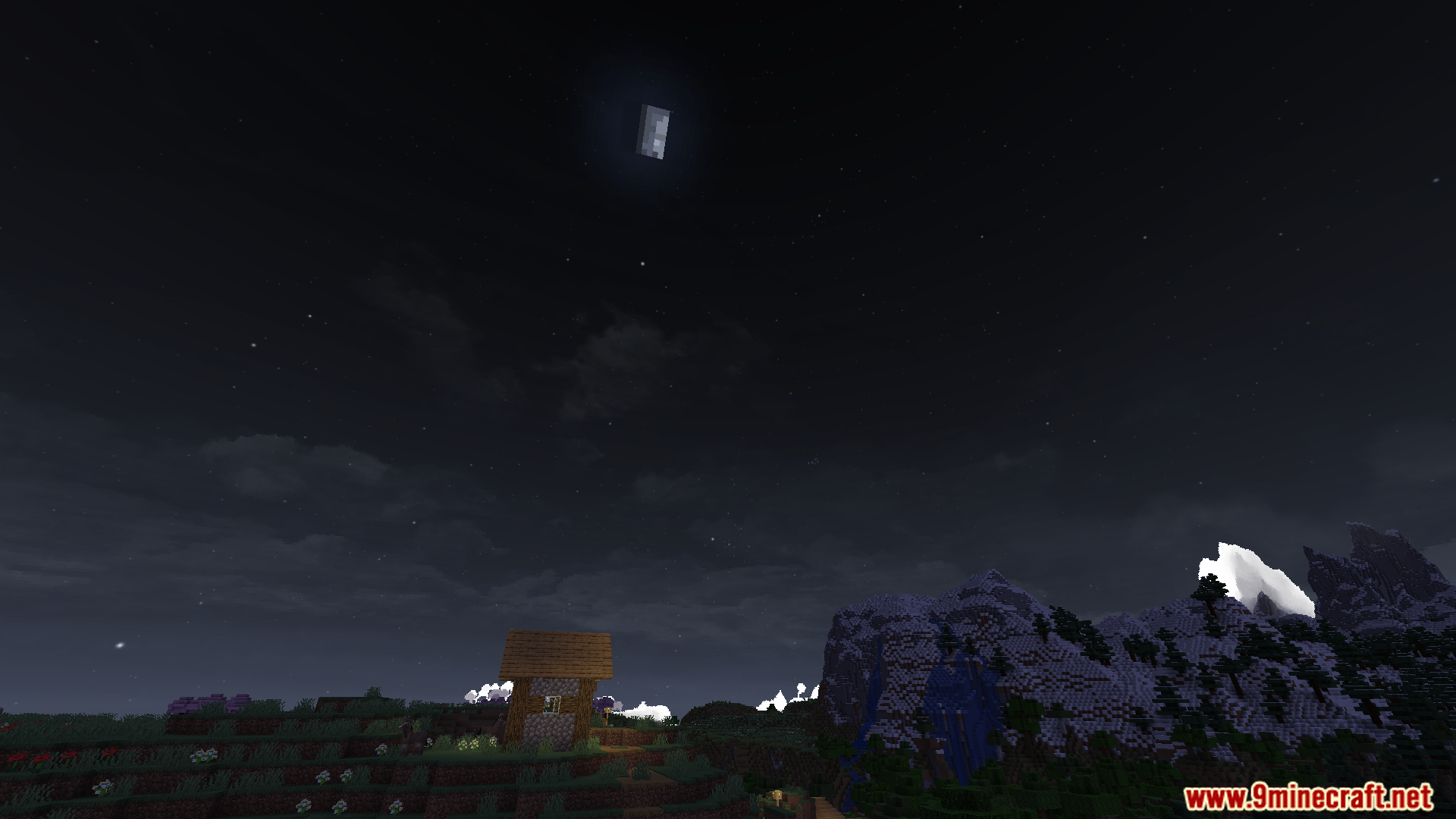
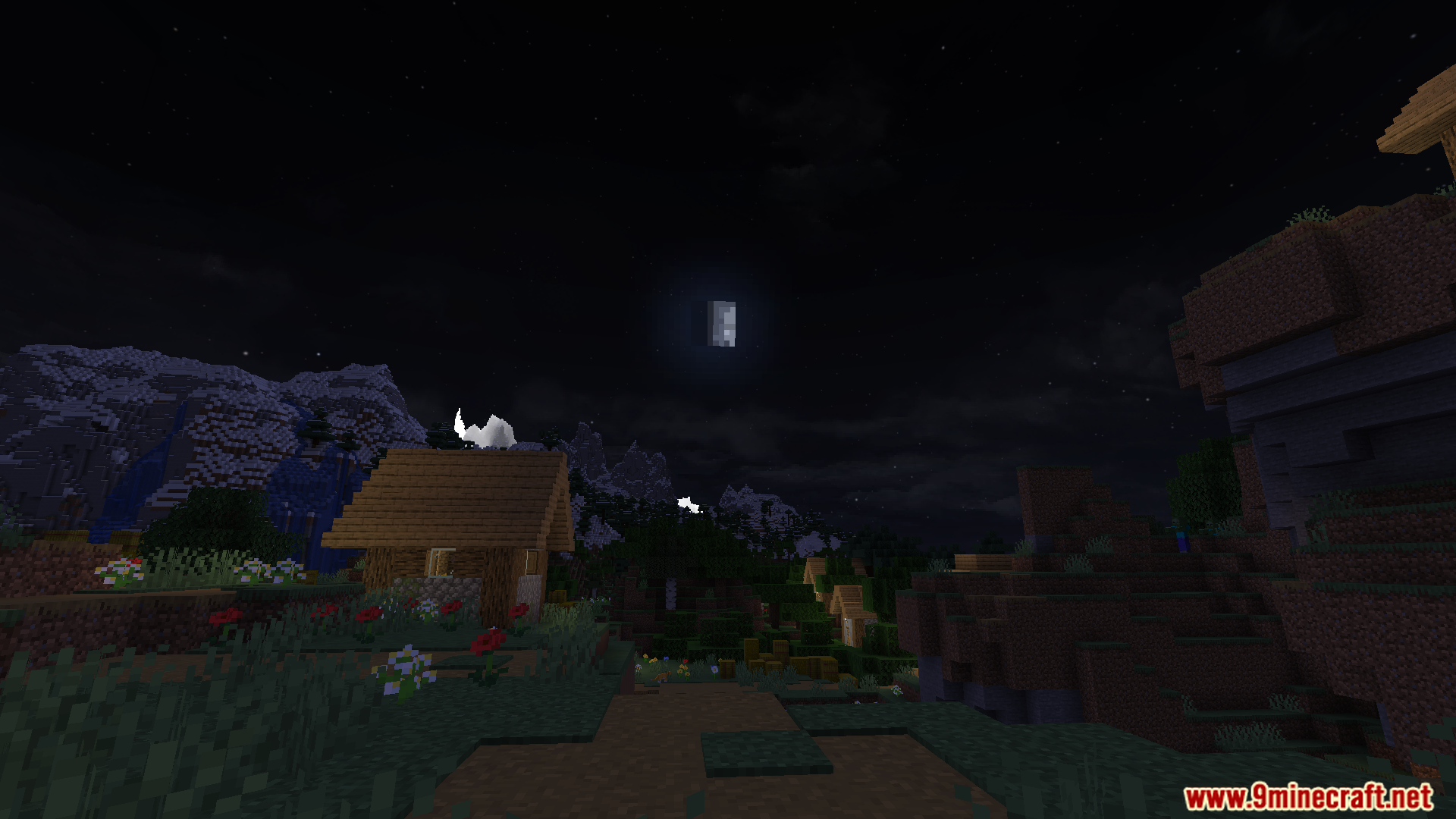
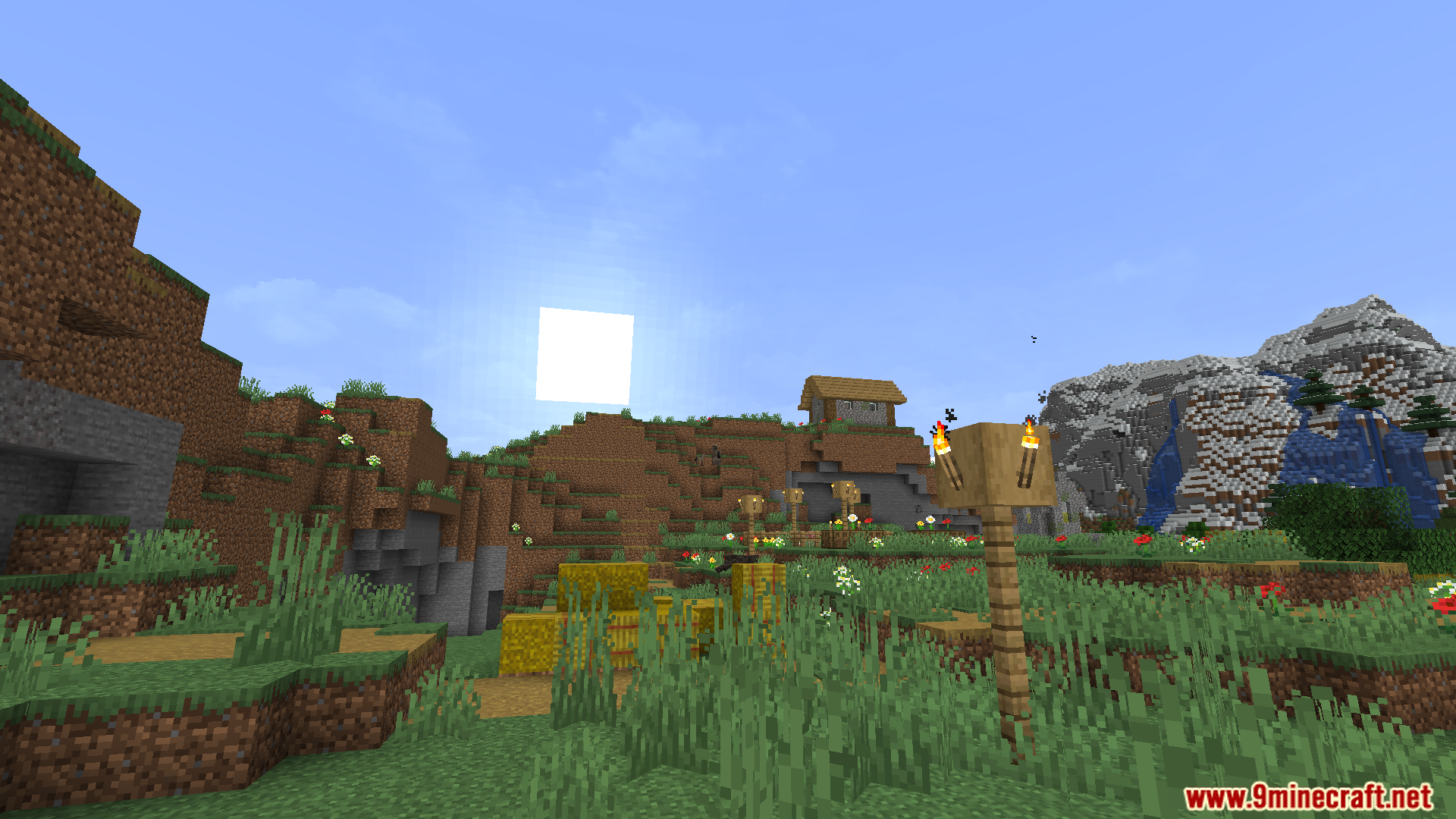
Caelum ArdaCraft Edition Mod changes the sky in Minecraft to look much more realistic. This mod adjusts how stars, the sun, and the moon appear and move. The stars are placed in their correct positions based on real data, and the sun follows a path that changes with the seasons. It also adds extra layers for clouds and other sky effects. This is a special version made to be used with the ArdaCraft project.
Features:
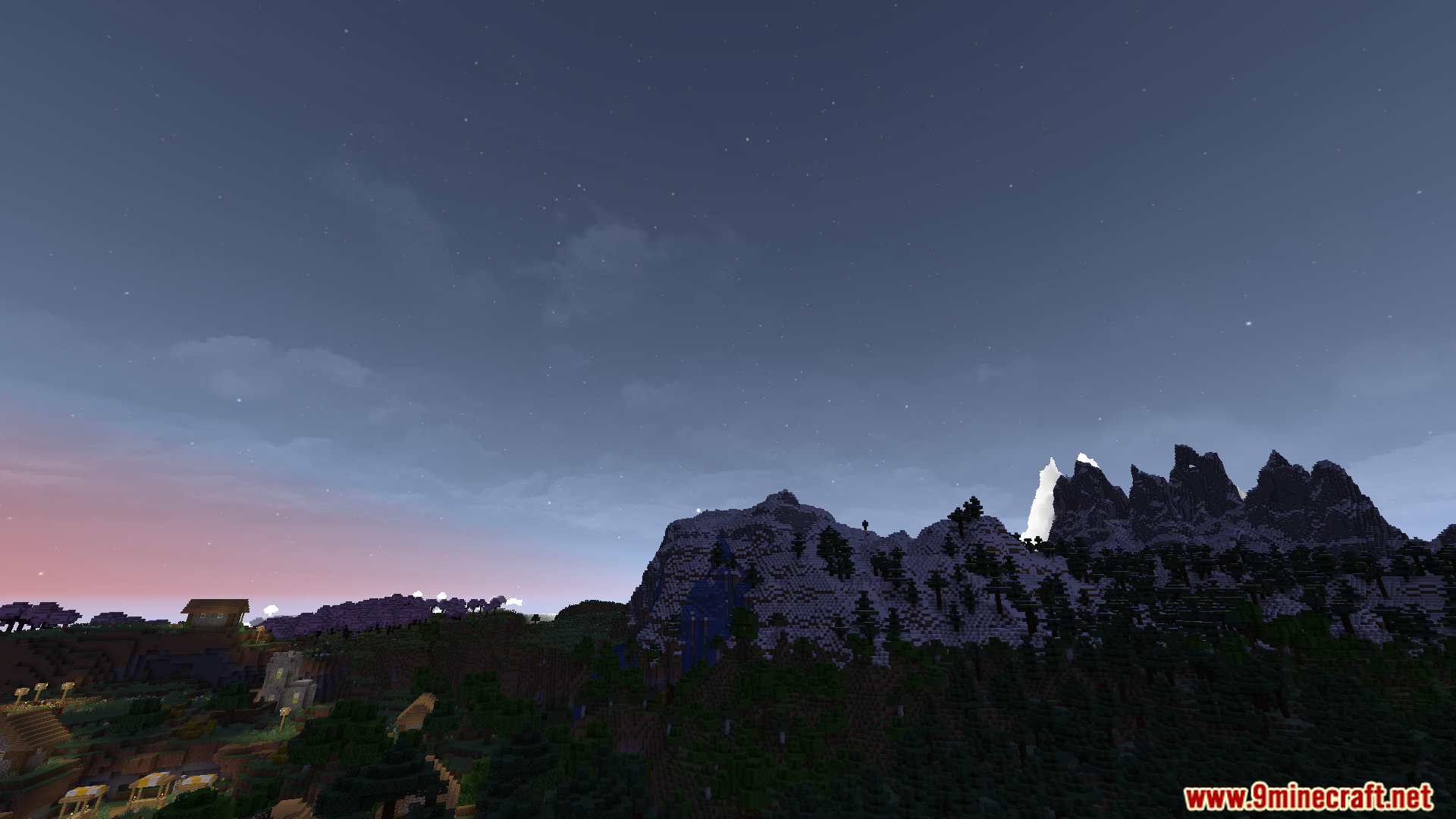
- Changes the stars to use new textures with more realistic colors.
- The stars are placed in their correct positions based on real-world star data.
- Makes the sun’s movement more realistic, changing its path based on the season and your location in the world.
- Adds extra layers to the sky, allowing for better-looking clouds and other visual effects.
- Includes a special sky and fog effect that appears only in the Moria area on the ArdaCraft server.
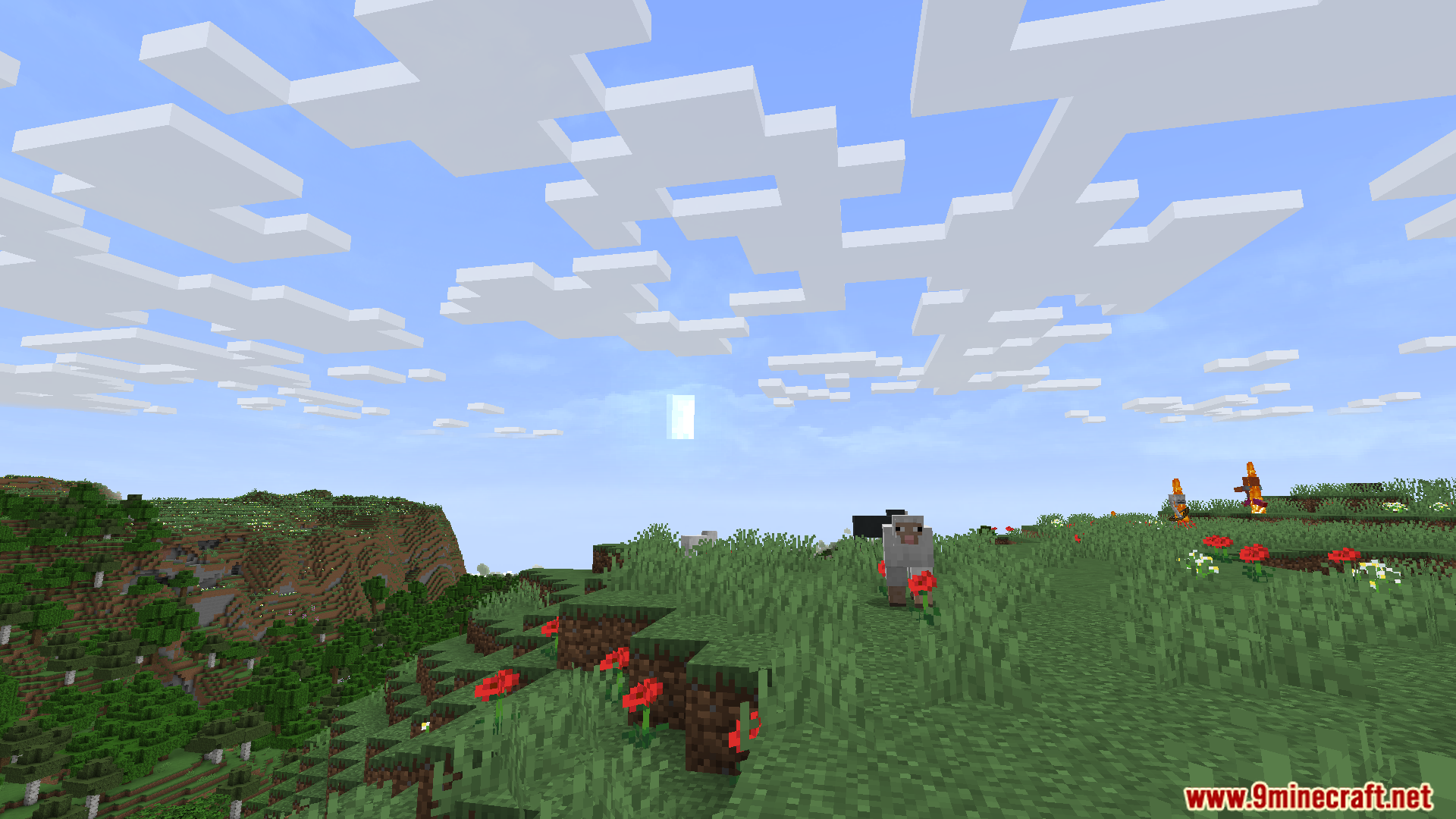
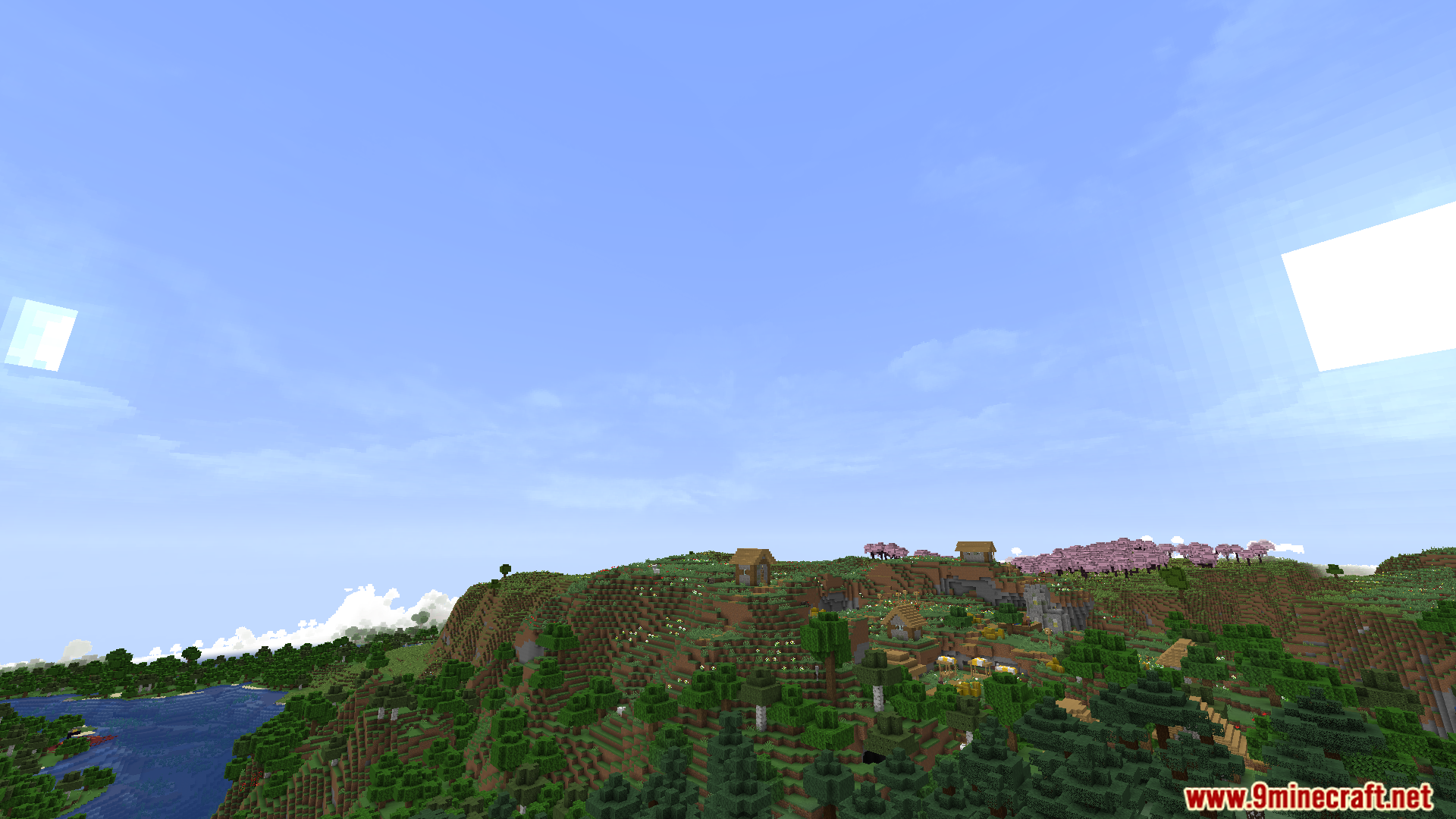
Screenshots:
Caelum ArdaCraft Edition Mod Download Links
For Minecraft 1.20.1, 1.20
Fabric version: Download from Server 1 – Download from Server 2
For Minecraft 1.19.2
Fabric version: Download from Server 1 – Download from Server 2
Quick facts
- Edition: Minecraft Java
- File type: .jar
- Minecraft versions listed: 1.20.1, 1.19.2
- How to install: Install the matching mod loader (Forge, Fabric or NeoForge) for your Minecraft version. → Download the .jar. → Put it in the .minecraft/mods folder and launch that loader profile.
- Where to get it: In MC Java Mods, or directly above on this page.
Install steps are the general flow for this file type — How to install Minecraft Java mods & modpacks walks through it step by step.
Verified by MCModsHub
- Downloads as 176112.mcaddon
- Download size: 922 KB
- Download link checked 26 Jul 2026 — working
- Mirrored on our own servers — the download does not depend on the original host
These come from our own check of the pack file, not from the source page.