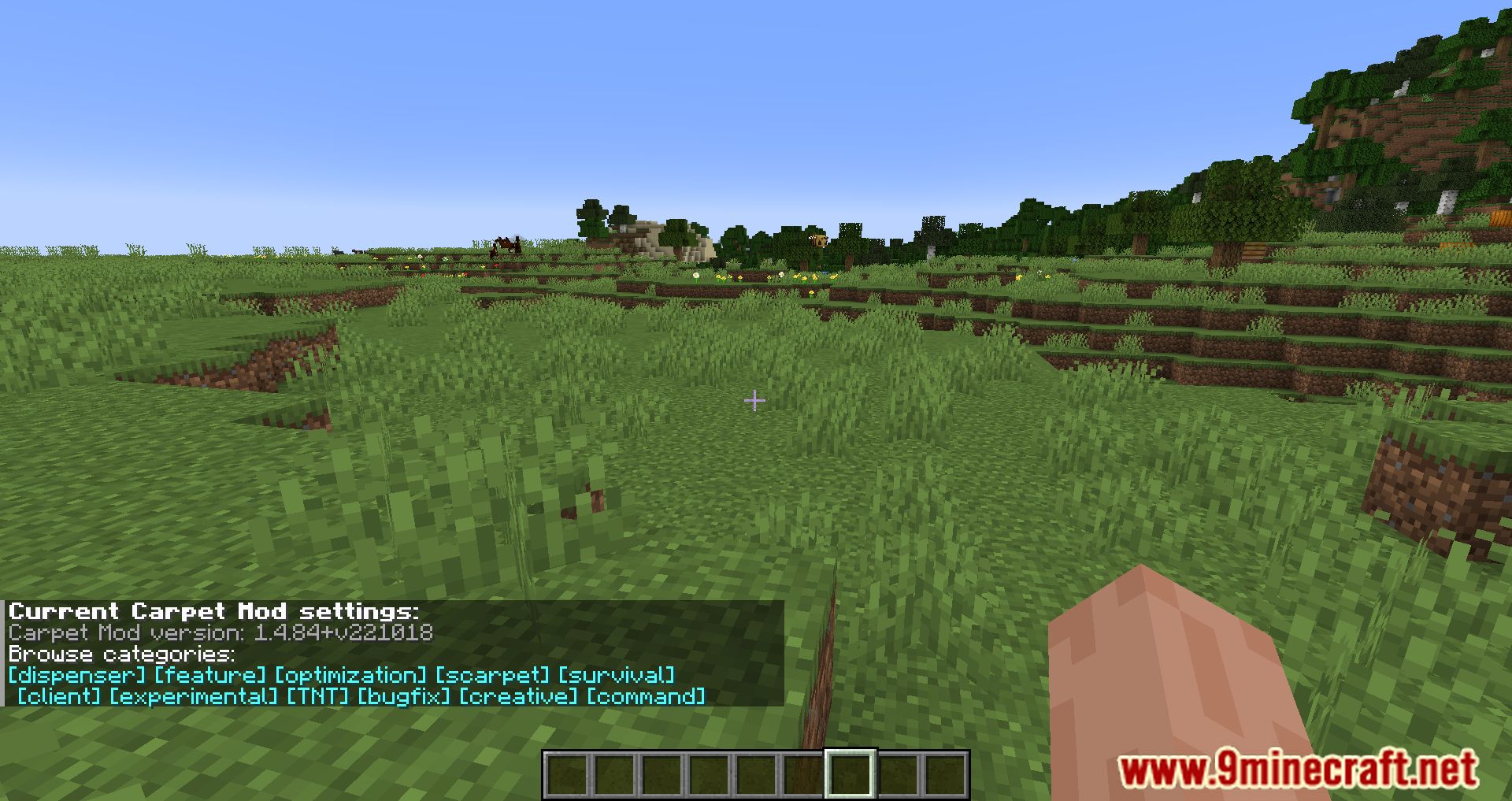
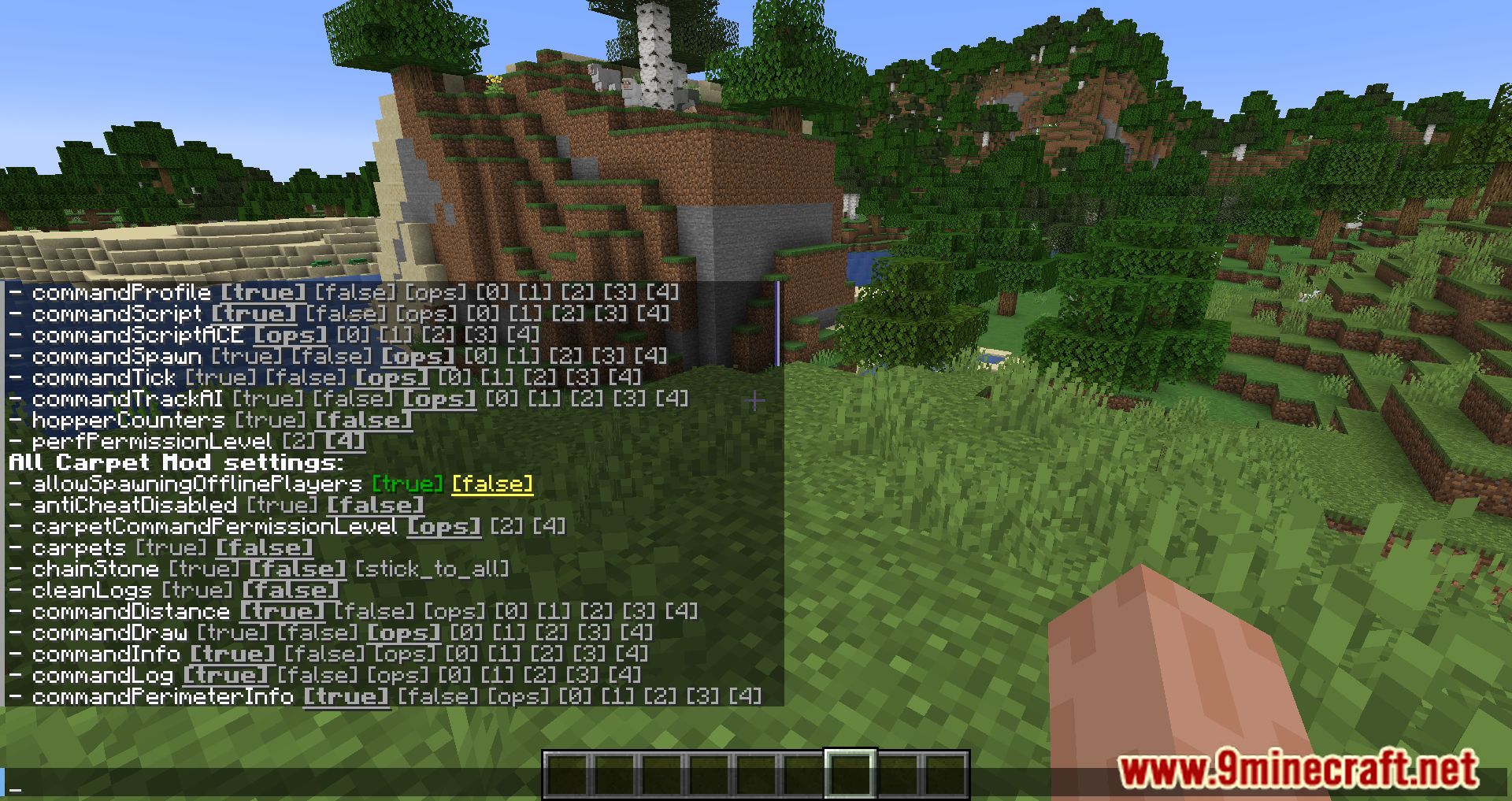
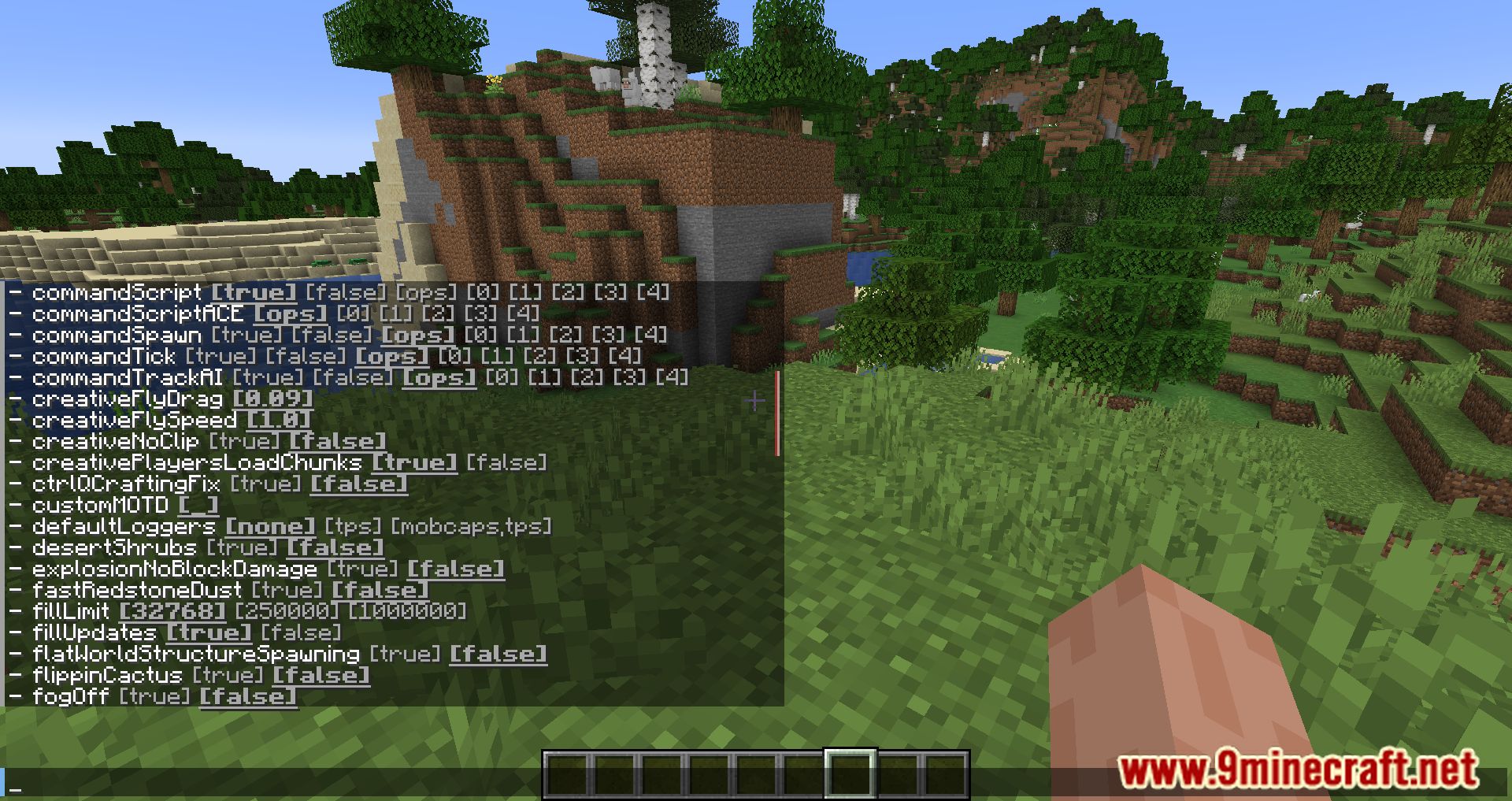
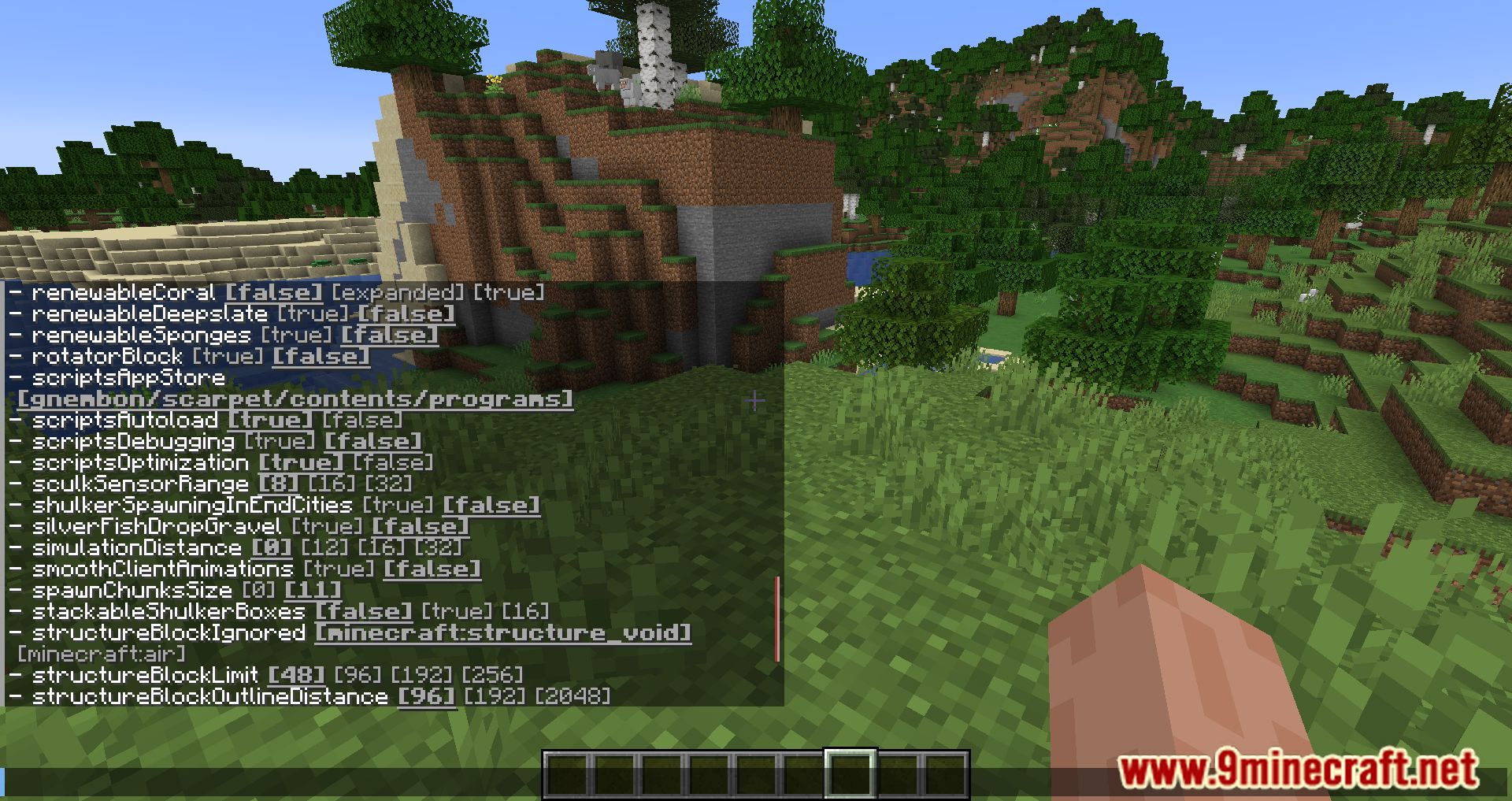
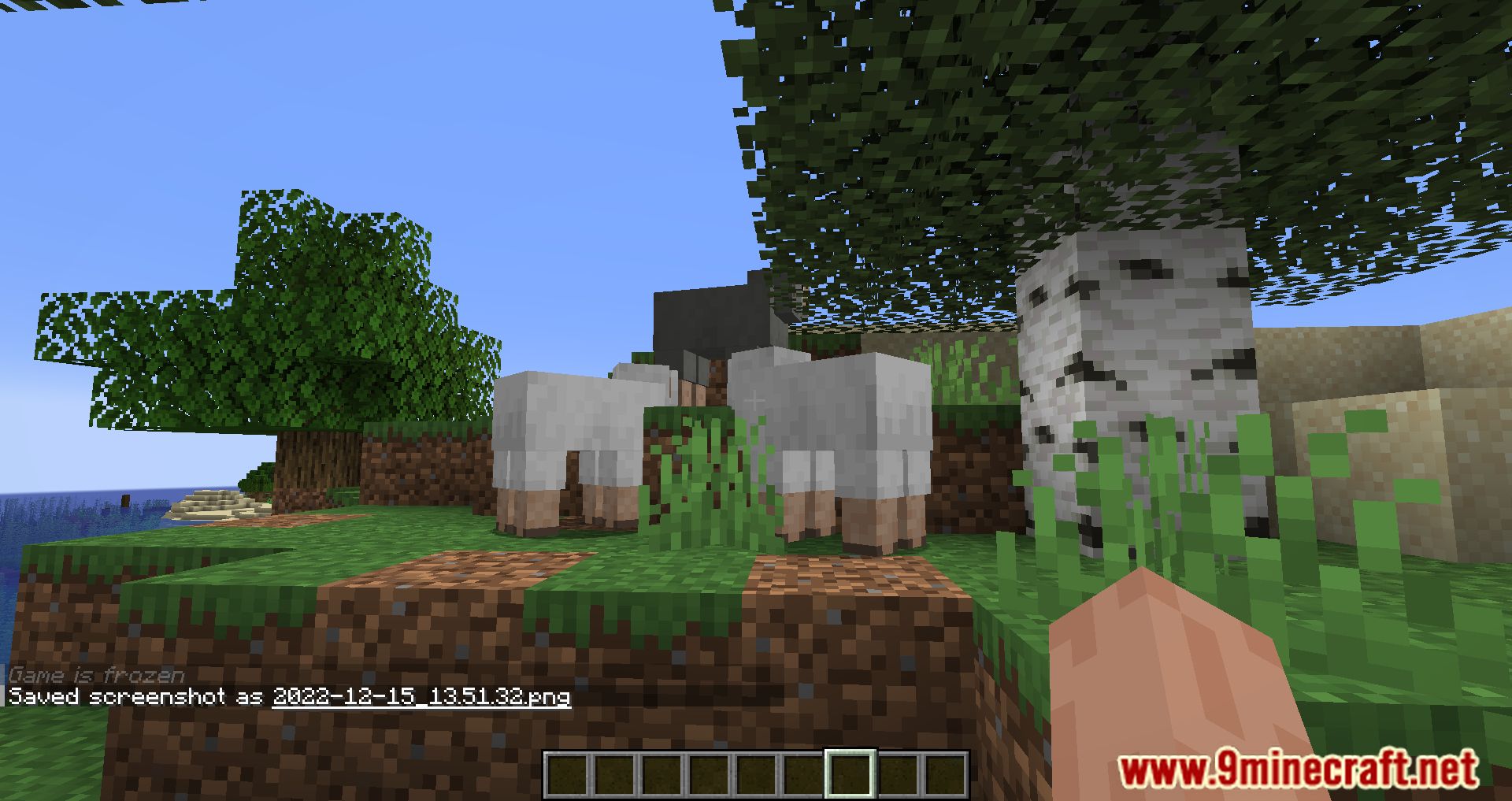
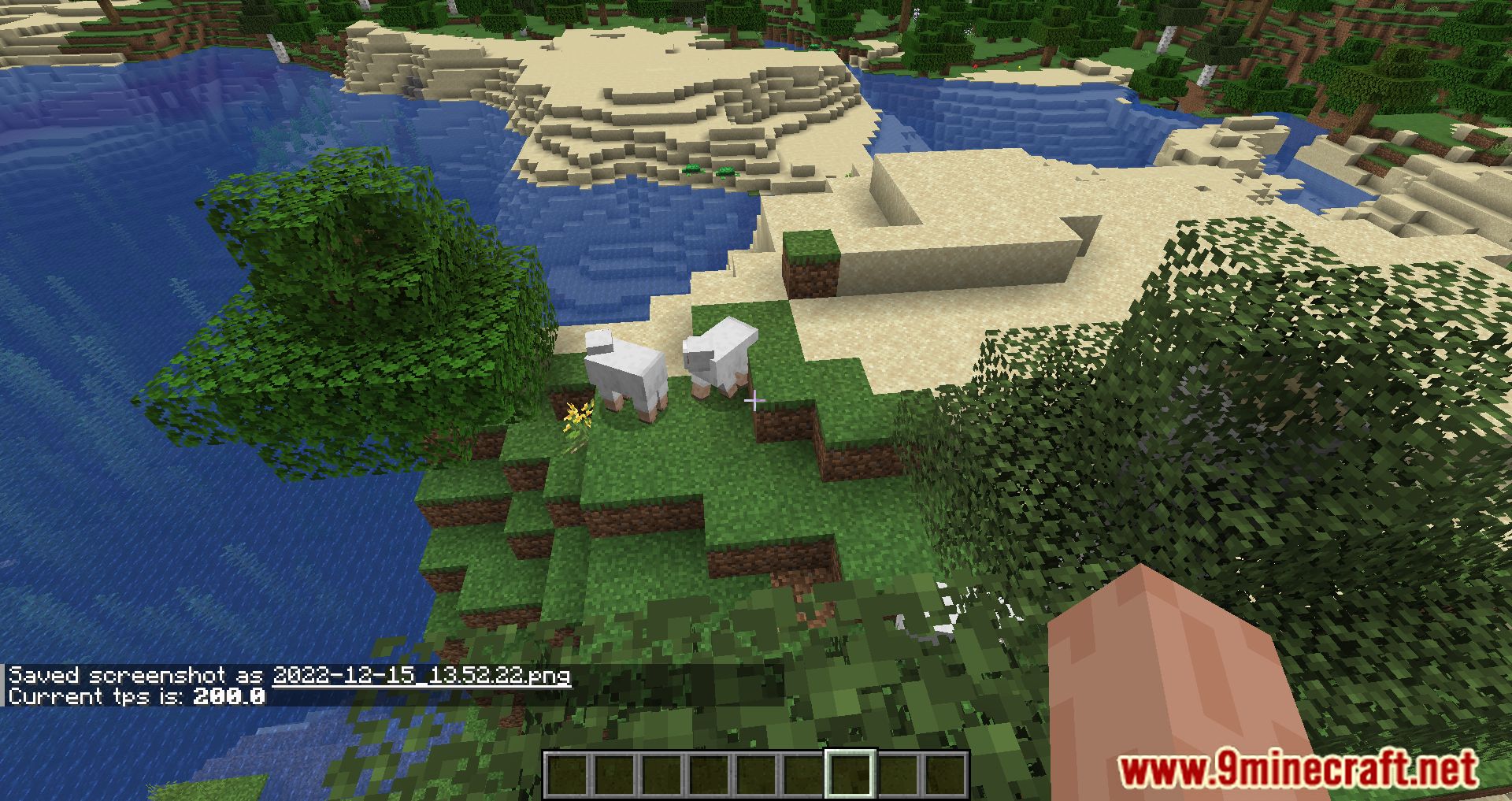
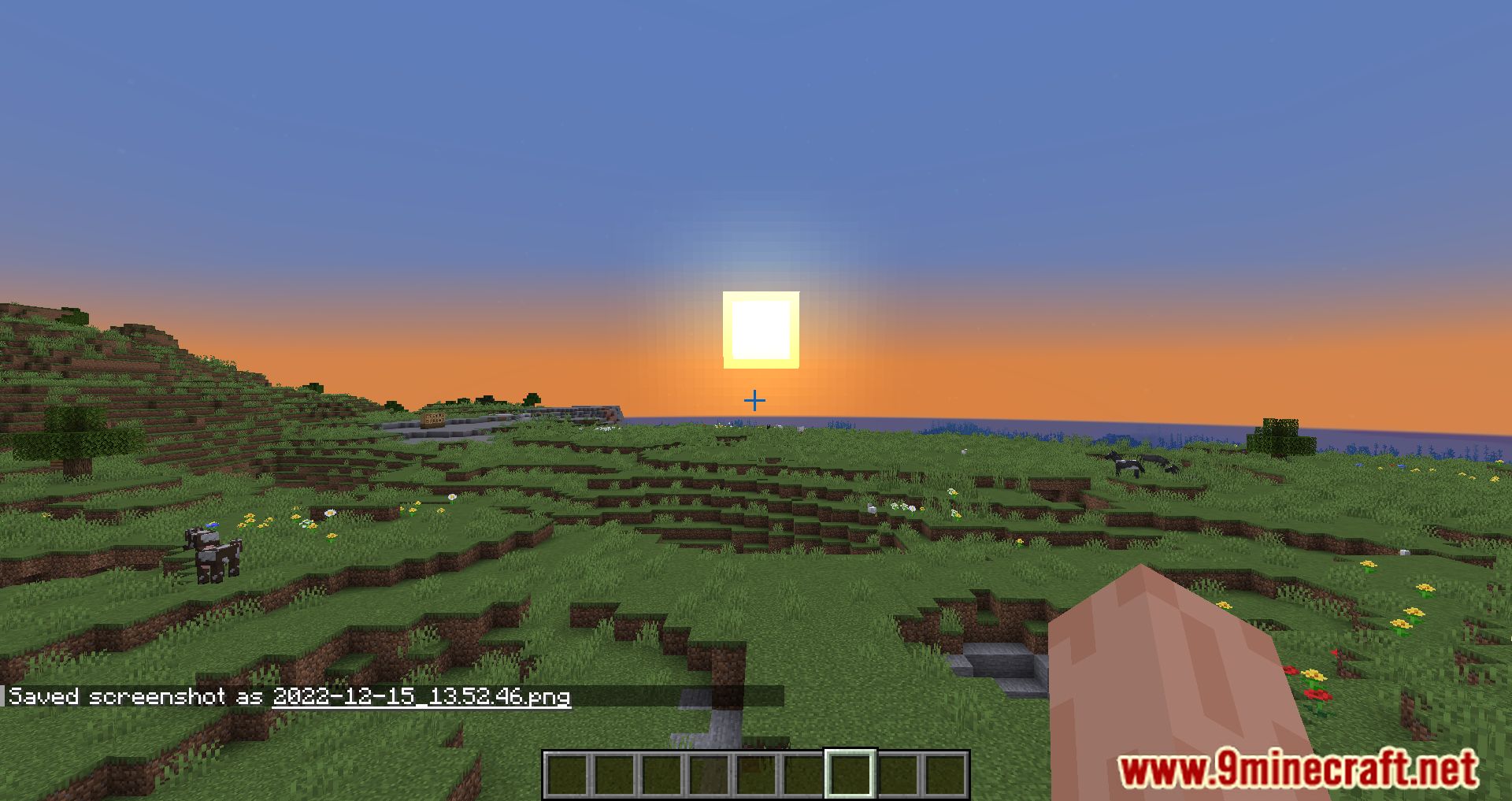
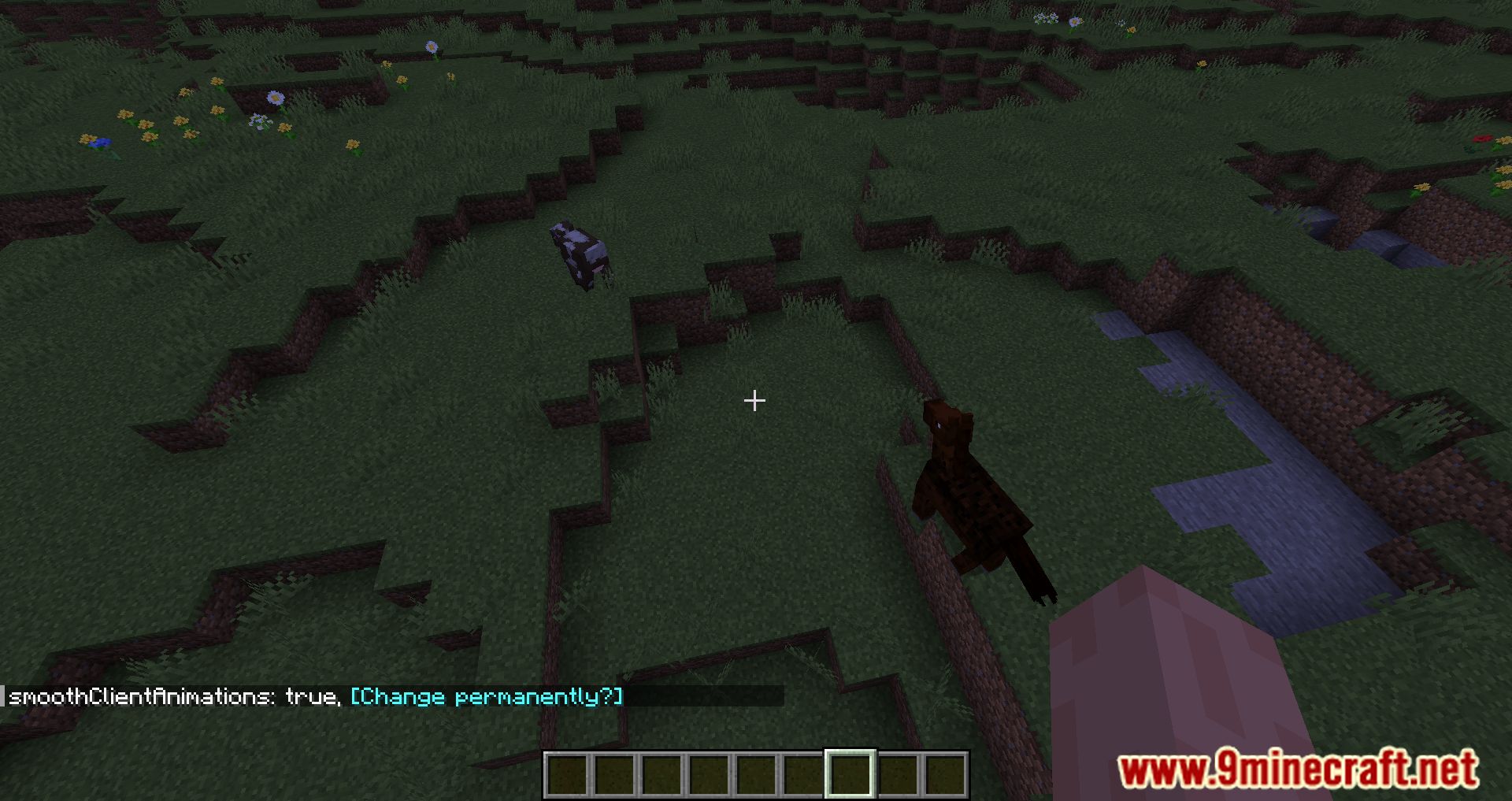
Carpet Mod is a popular modification for Minecraft that enhances the game by providing advanced tools for monitoring, controlling, and optimizing gameplay. It is particularly favored by technical players and server administrators. It provides many tools, commands and special capabilities that extend vanilla Minecraft-especially useful for technical players, redstone engineers, farms, and automation.
Features:
- Tools to analyze and improve game performance.
- Adds commands and features to make gameplay more flexible and enjoyable.
- Fixes common issues and optimizes game mechanics.
- Allows players to create and control fake players, manipulate game speed, and more.
Highlighted Features:
/tick warp– Allows you to “fast-forward” time: test farms, automated machines, or systems in seconds without waiting in-game.- hopperCounters – Provides detailed statistics about items passing through hoppers, which is very helpful for measuring farm output and automation throughput.
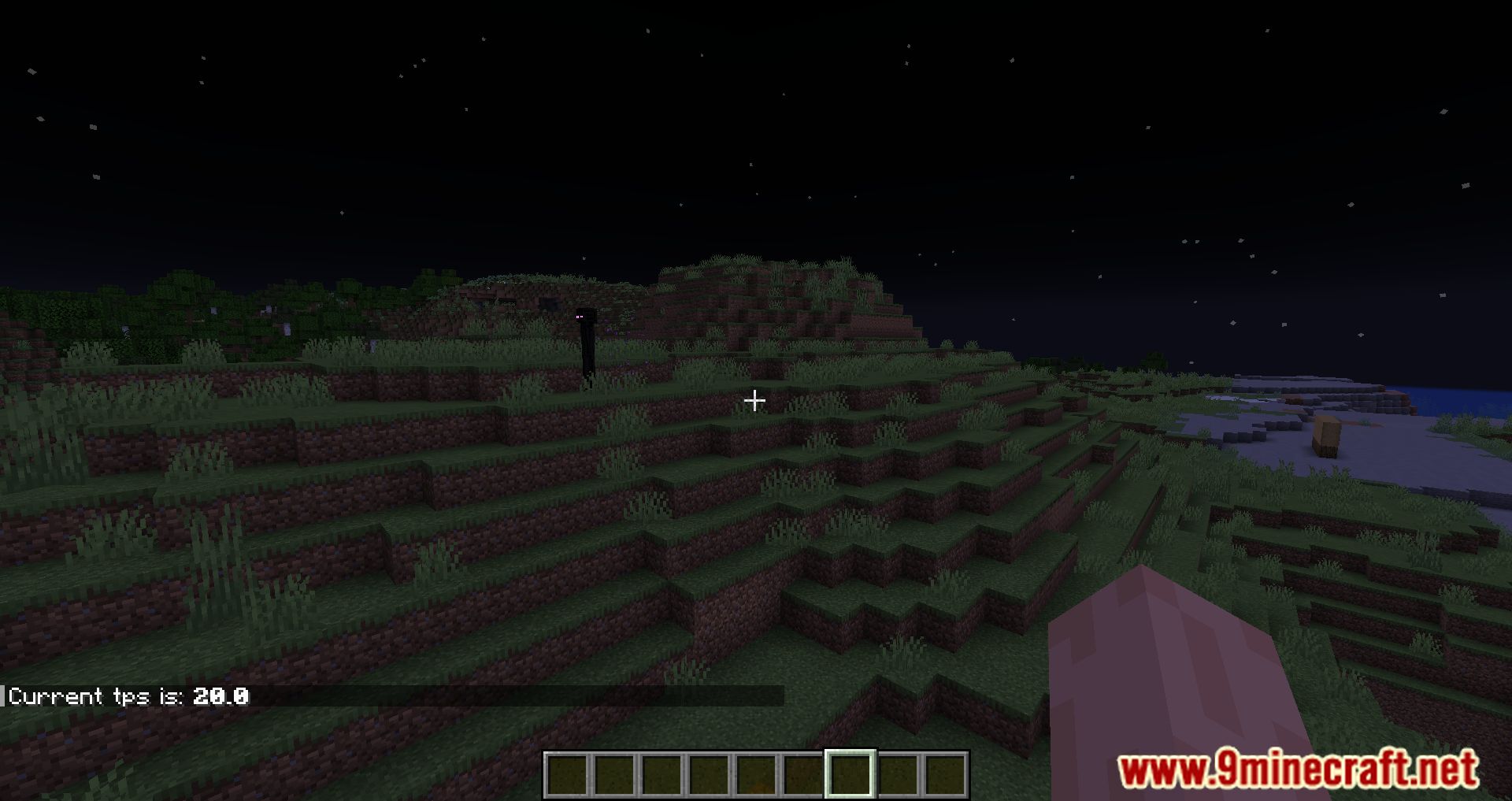
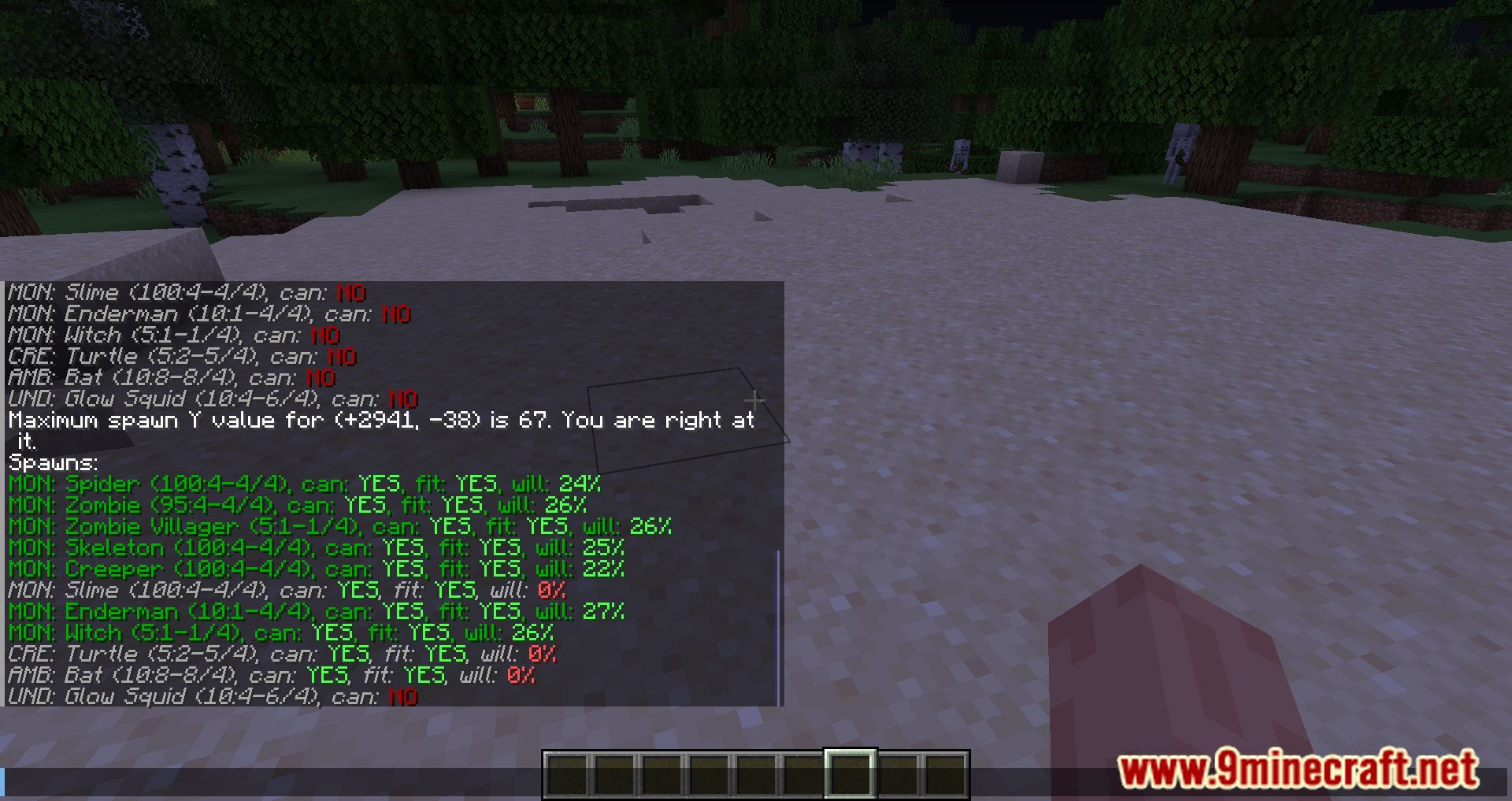
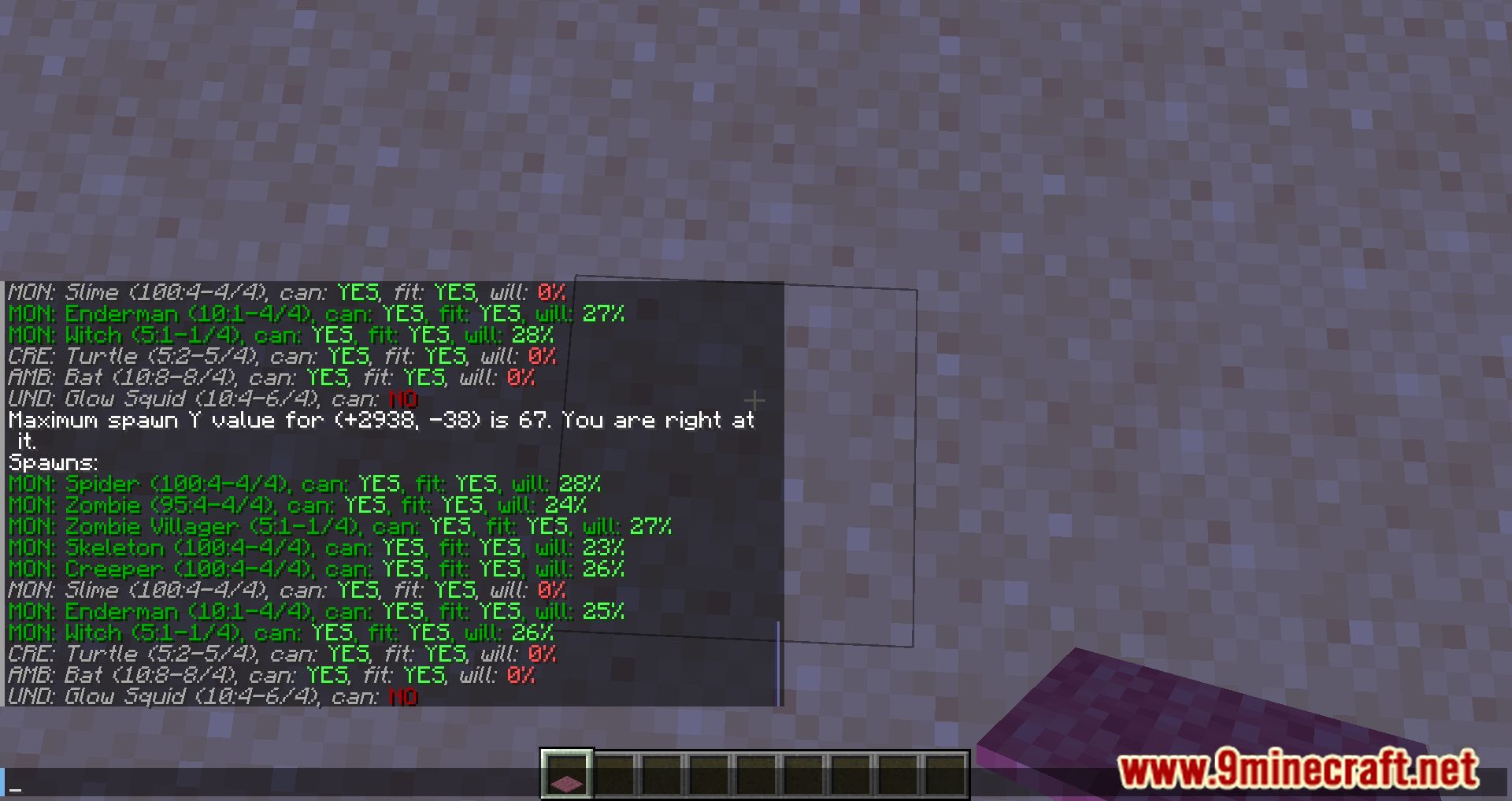
- Live server info – View real-time server metrics like mob cap and TPS (ticks per second) using commands and logging tools (for example
/log). - movableBlockEntities – Enables piston (and other movement mechanics) to move block entities (for example, chests with contents), which vanilla Minecraft normally disallows.
- Fake players – Provides simulated players for testing farms, spawning mobs, or driving automated systems as if multiple players were present.
- Scarpet scripting – Includes the Scarpet scripting language so you can write scripts to automate, deeply interact with the game, or build custom in-game applications.
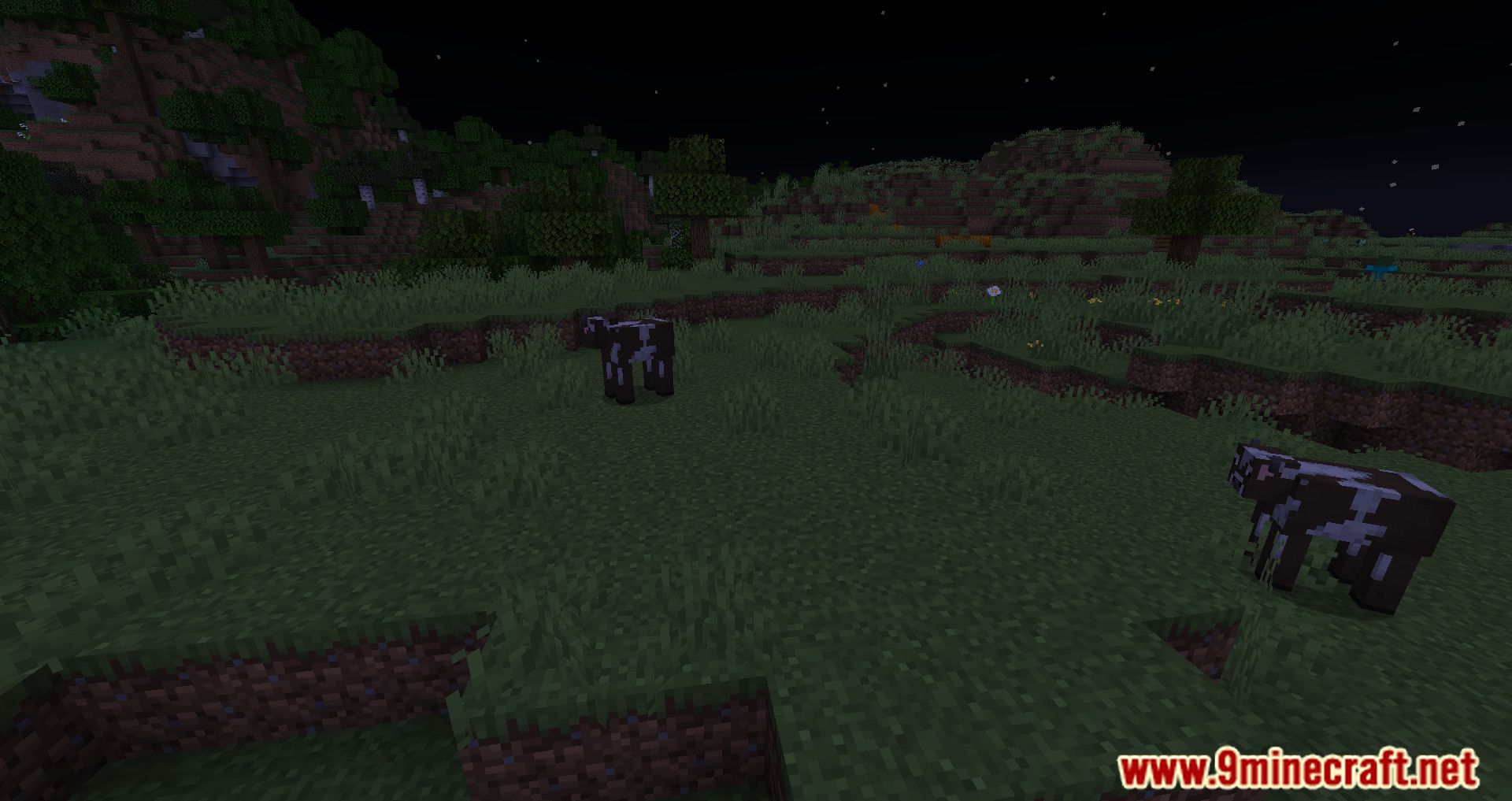
Screenshots:


Carpet Mod Download Links
Other Version:
Show MoreFor Minecraft 1.14.4
Fabric version: Download from Server 1 – Download from Server 2
For Minecraft 1.15.2
Fabric version: Download from Server 1 – Download from Server 2
For Minecraft 1.18.1
Fabric version: Download from Server 1 – Download from Server 2
For Minecraft 1.19
Fabric version: Download from Server 1 – Download from Server 2
For Minecraft 1.19.1
Fabric version: Download from Server 1 – Download from Server 2
For Minecraft 1.20.3
Fabric version: Download from Server 1 – Download from Server 2
For Minecraft 1.20.5
Fabric version: Download from Server 1 – Download from Server 2
For Minecraft 1.21.8, 1.21.7, 1.21.6
Fabric version: Download from Server 1 – Download from Server 2
For Minecraft 1.16.5
Fabric version: Download from Server 1 – Download from Server 2
For Minecraft 1.17.1
Fabric version: Download from Server 1 – Download from Server 2
For Minecraft 1.18.2
Fabric version: Download from Server 1 – Download from Server 2
For Minecraft 1.19.2
Fabric version: Download from Server 1 – Download from Server 2
For Minecraft 1.19.3
Fabric version: Download from Server 1 – Download from Server 2
For Minecraft 1.19.4
Fabric version: Download from Server 1 – Download from Server 2
For Minecraft 1.20.1, 1.20
Fabric version: Download from Server 1 – Download from Server 2
For Minecraft 1.20.2
Fabric version: Download from Server 1 – Download from Server 2
For Minecraft 1.20.4
Fabric version: Download from Server 1 – Download from Server 2
For Minecraft 1.20.6
Fabric version: Download from Server 1 – Download from Server 2
For Minecraft 1.21.1, 1.21
Fabric version: Download from Server 1 – Download from Server 2
For Minecraft 1.21.3, 1.21.2
Fabric version: Download from Server 1 – Download from Server 2
For Minecraft 1.21.4
Fabric version: Download from Server 1 – Download from Server 2
For Minecraft 1.21.5
Fabric version: Download from Server 1 – Download from Server 2
For Minecraft 1.21.8, 1.21.7
Fabric version: Download from Server 1 – Download from Server 2
For Minecraft 1.21.10, 1.21.9
Fabric version: Download from Server 1 – Download from Server 2
For Minecraft 1.21.11
Fabric version: Download from Server 1 – Download from Server 2
- Edition: Minecraft Java
- File type: .jar
- Minecraft versions listed: 1.21.11, 1.20.1
- How to install: Install the matching mod loader (Forge, Fabric or NeoForge) for your Minecraft version. → Download the .jar. → Put it in the .minecraft/mods folder and launch that loader profile.
- Where to get it: In MC Java Mods, or directly above on this page.
Install steps are the general flow for this file type — How to install Minecraft Java mods & modpacks walks through it step by step.
- Downloads as 176120.mcaddon
- Download size: 741 KB
- Download link checked 25 Jul 2026 — working
- Mirrored on our own servers — the download does not depend on the original host
These come from our own check of the pack file, not from the source page.