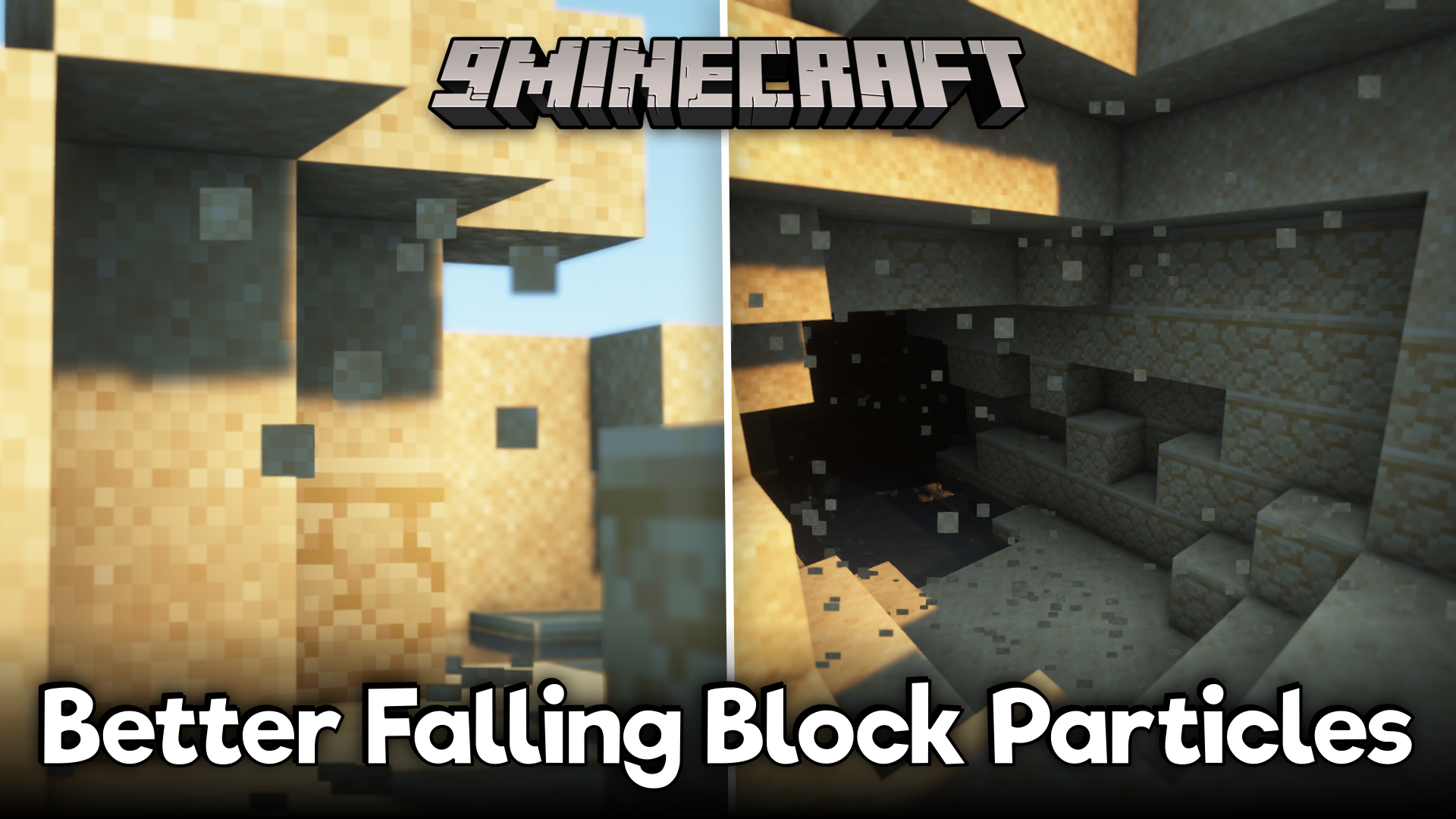
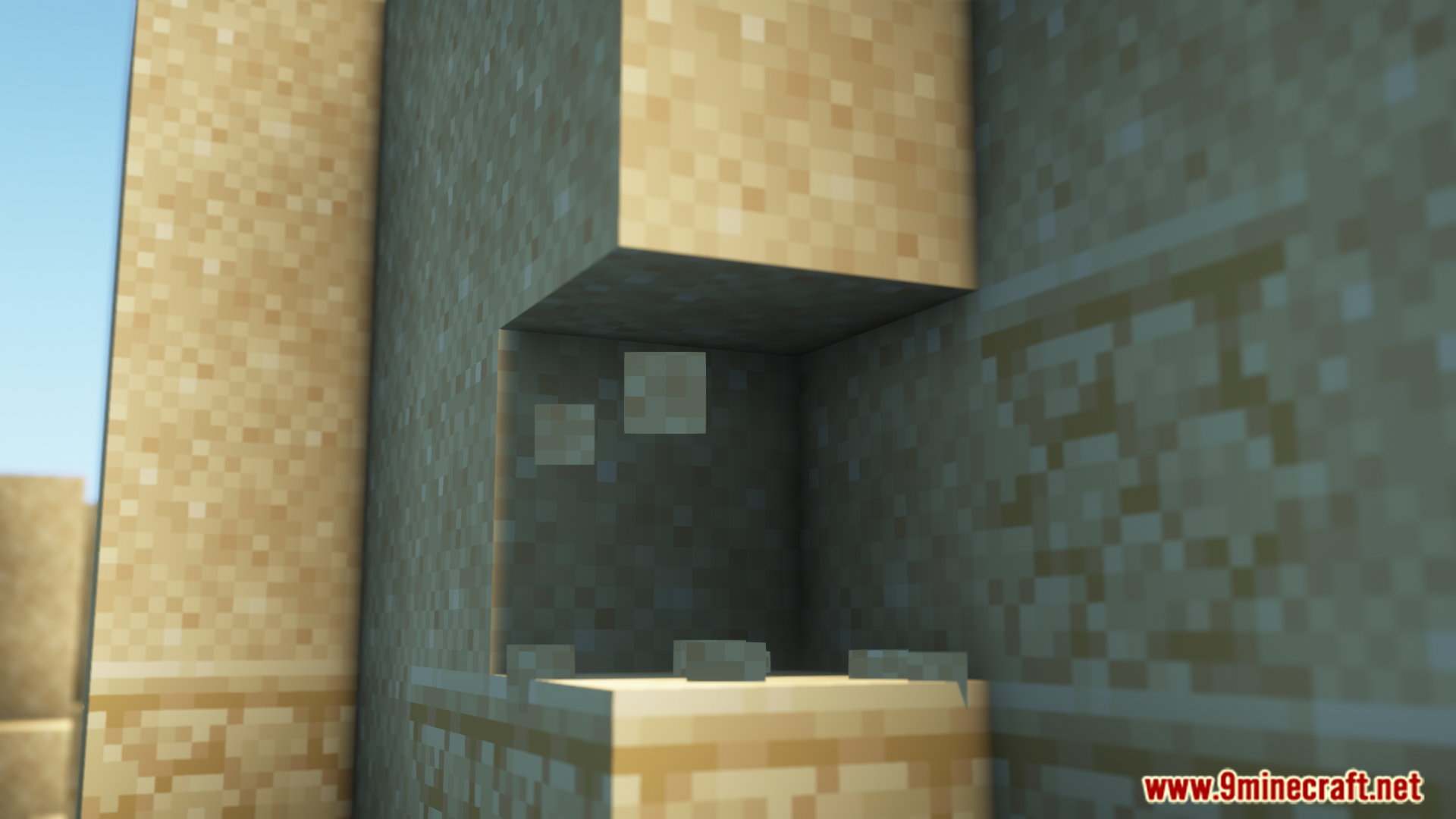
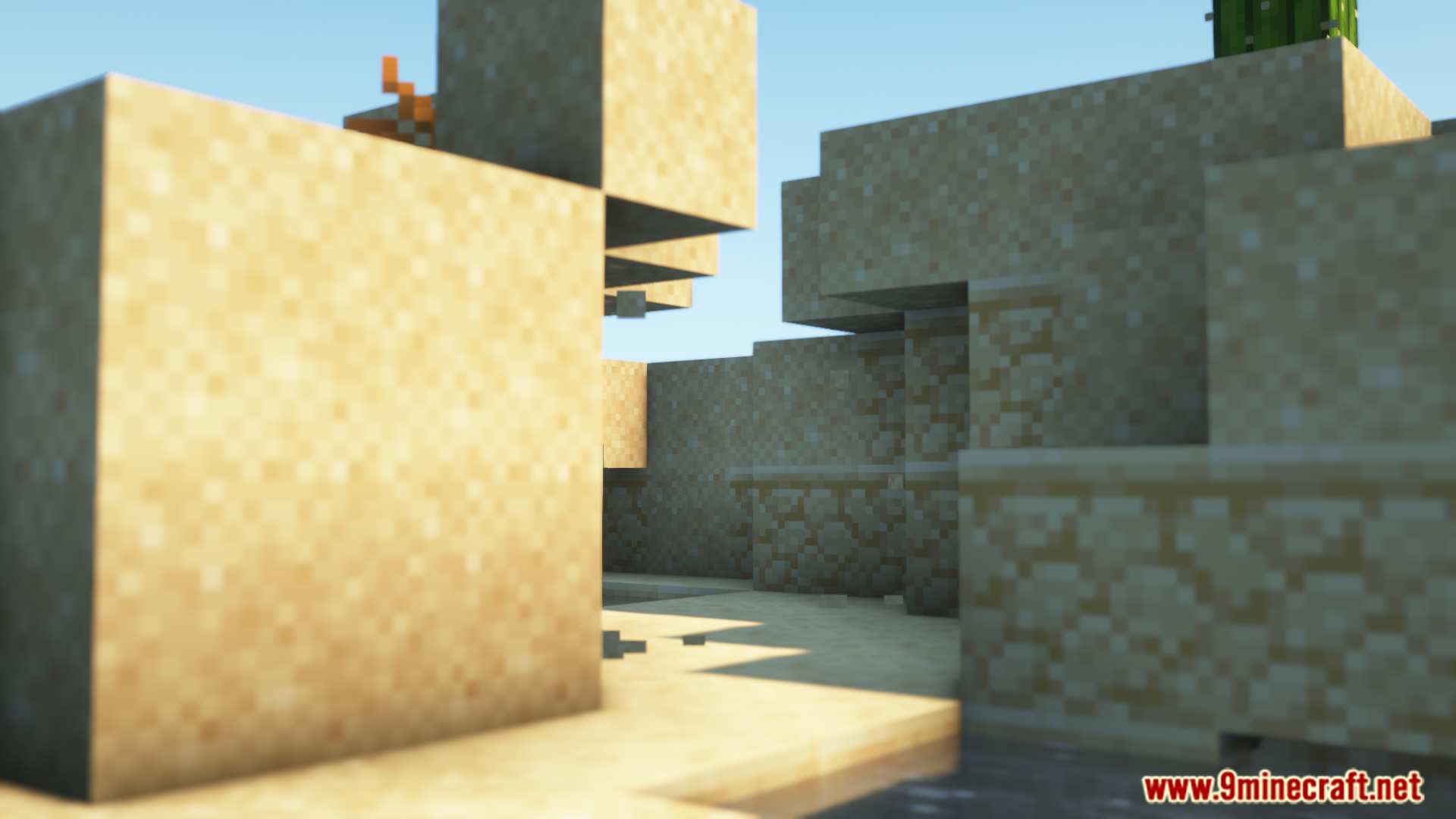
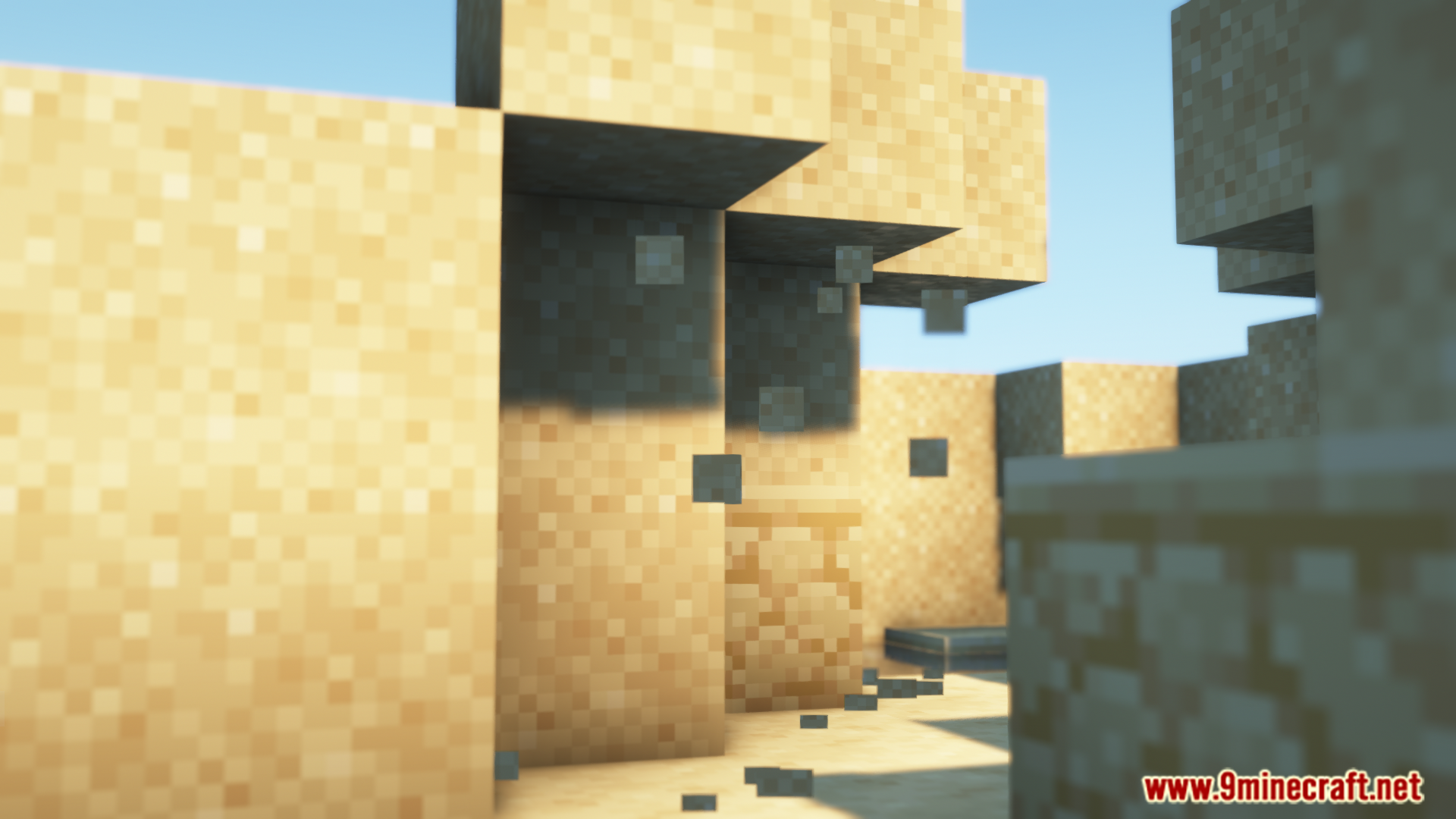
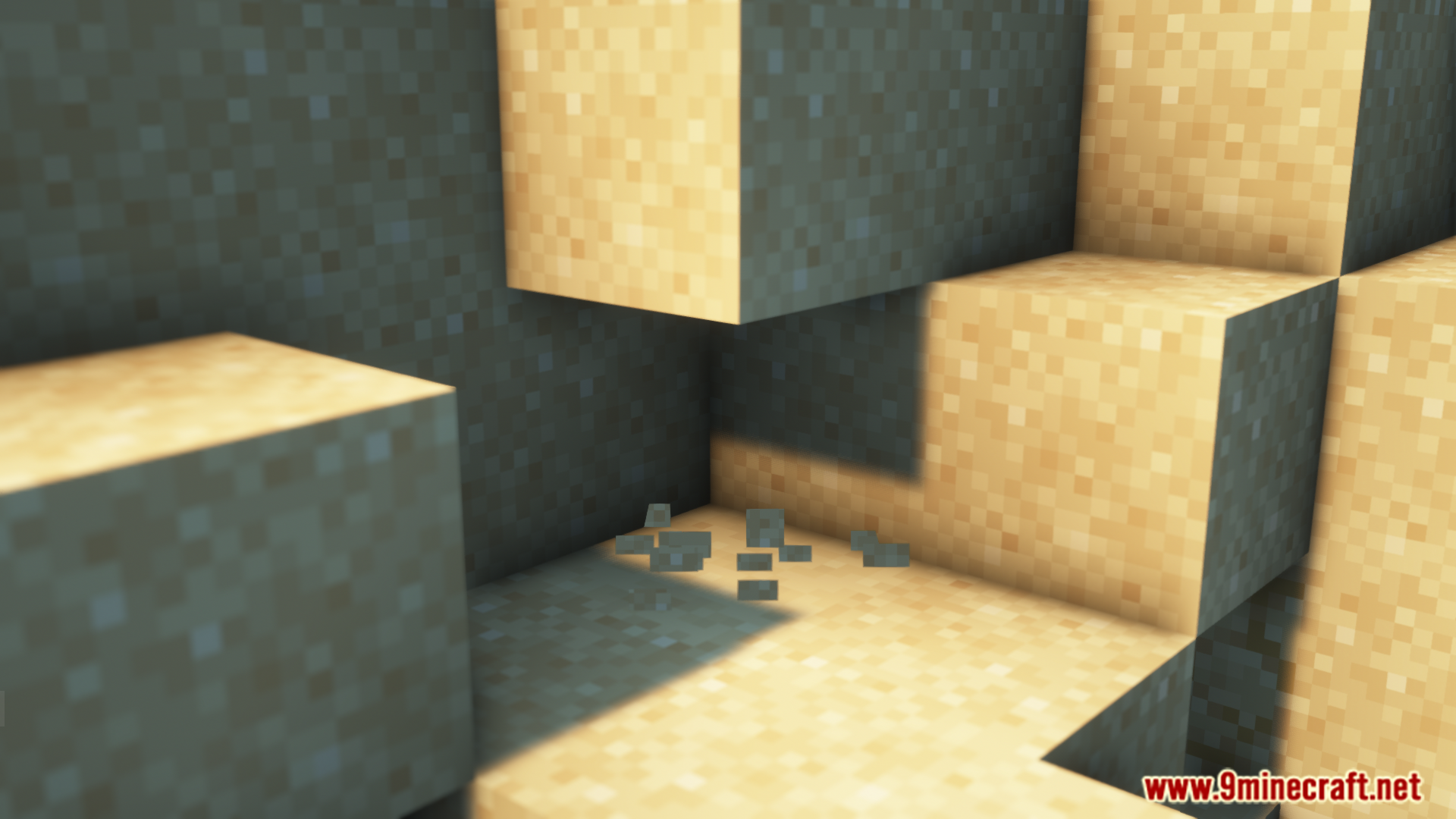
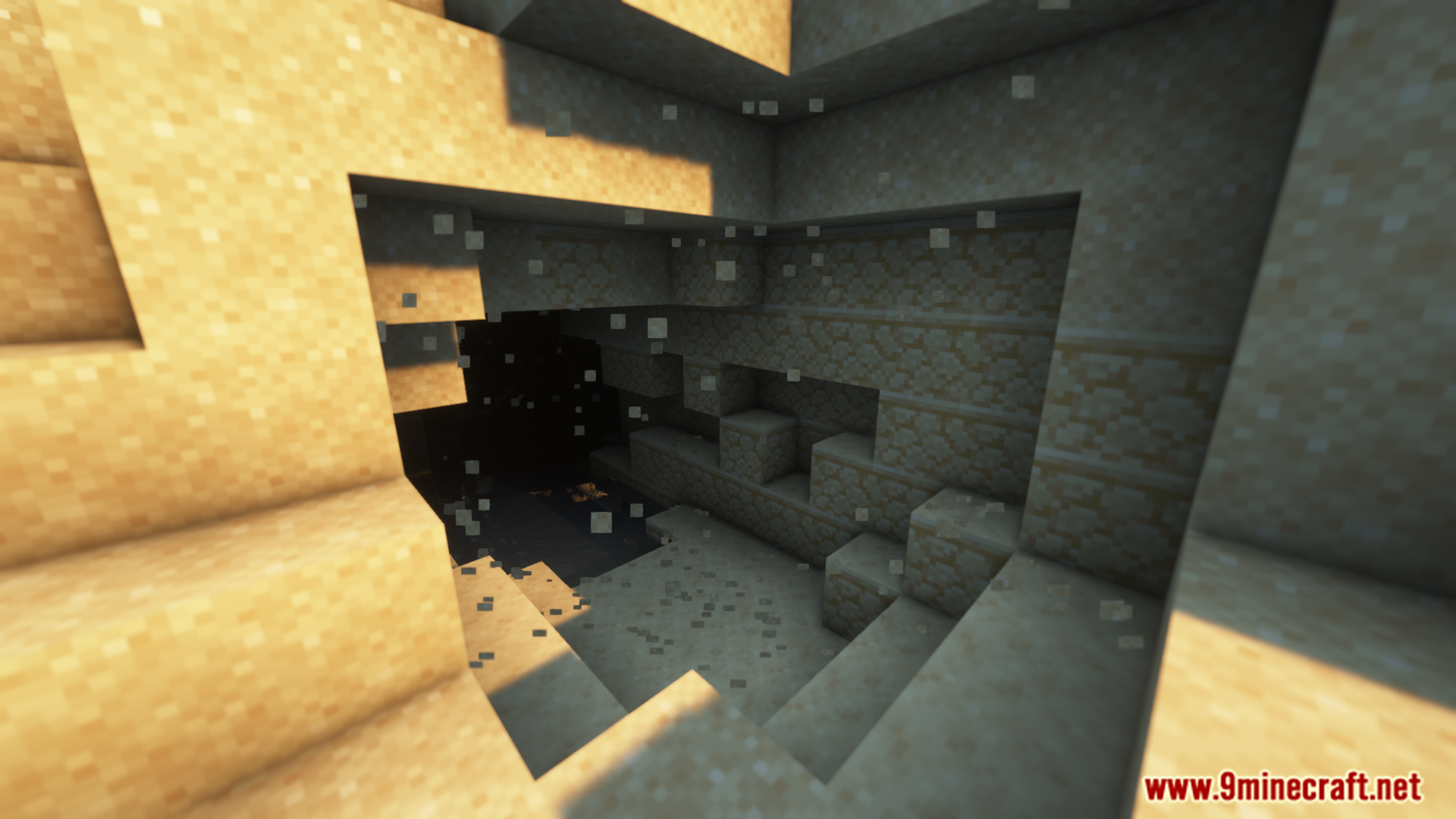
Better Falling Block Particles Mod adds a simple visual effect to gravity-affected blocks like sand and gravel. In Minecraft, these blocks can sometimes float in the air until you update a block nearby. This mod makes those floating blocks emit small dust particles, making them easy to spot. It acts as a warning, so you know which blocks are unstable and about to fall. You can also customize the particles, changing how often they appear and how long they last on screen.
Features:
- Makes blocks like sand and gravel drop small particles when they are floating in the air.
- Helps you easily spot unstable blocks that are about to fall.
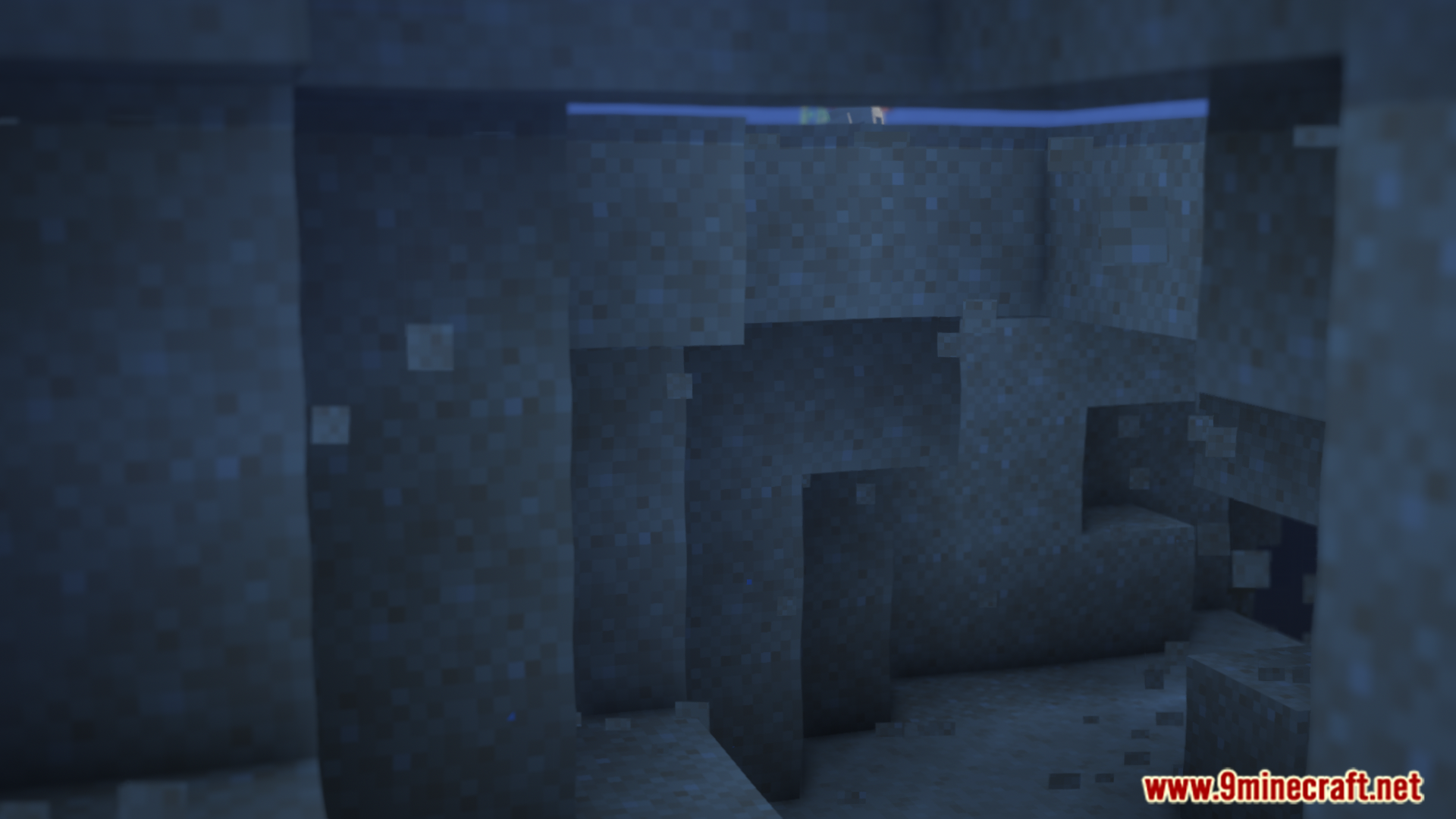
- The particle effects work in all environments, from caves to underwater areas.
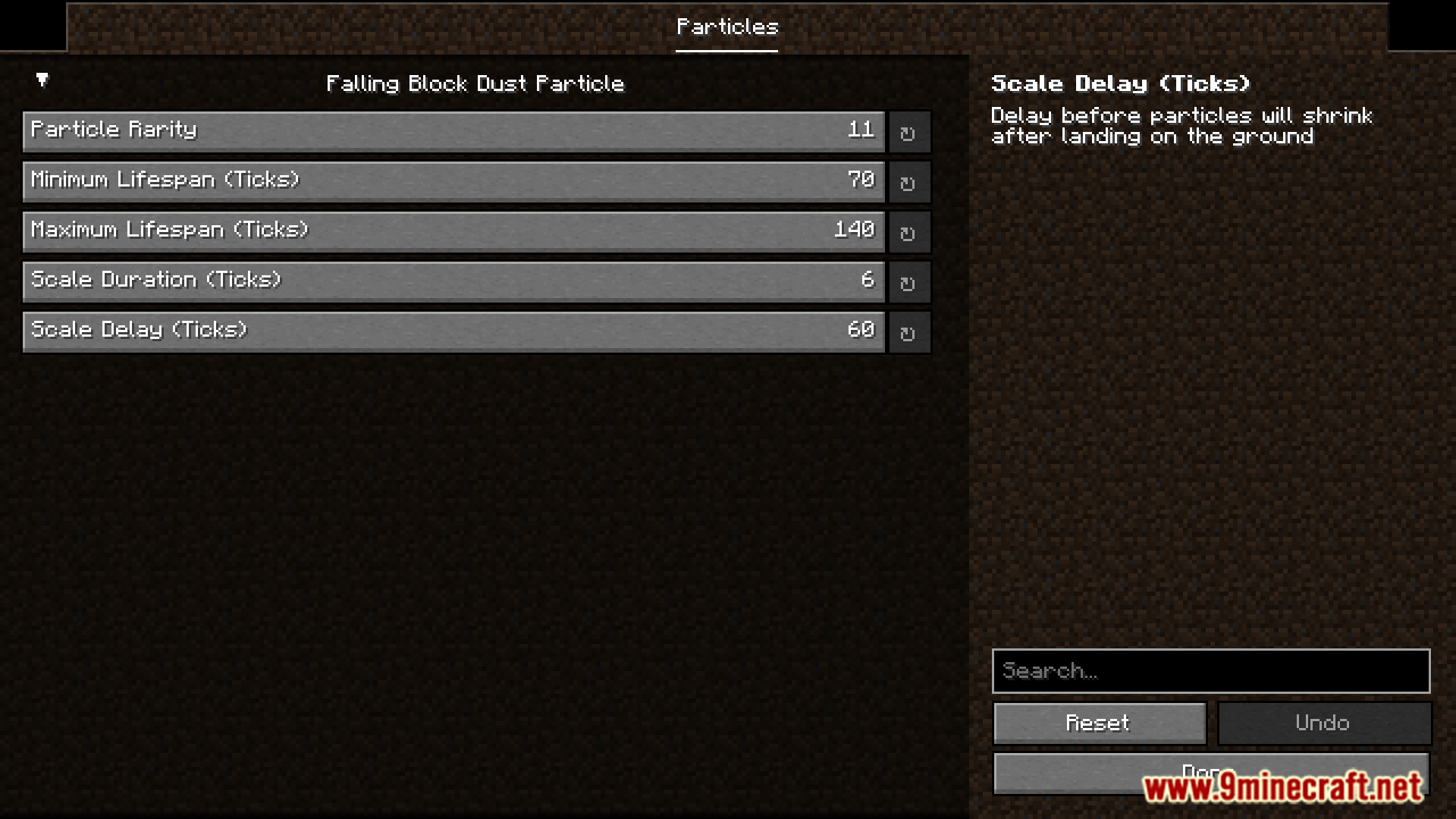
- You can change the settings for the particles if you have Mod Menu.
- Lets you control how often particles appear and how long they stay on the screen.
- This is a client-side mod, so it works even on servers that do not have it installed.
Configuration:
You can change the properties of the particles, like how long they last or how often they appear. There are two ways to do this:
- In-Game Menu: If you have ModMenu installed, you can change the settings right inside the game. This is the easiest way.
- Config File: You can also edit the config file directly. It is located at
<minecraft folder>/config/falling_block_particles.properties. Be careful when changing values in this file, because incorrect entries might cause the game to crash.
Screenshots:
Better Falling Block Particles Mod Download Links
For Minecraft 1.21.1, 1.21
Fabric version: Download from Server 1 – Download from Server 2
For Minecraft 1.20.4, 1.20.1, 1.20
Fabric version: Download from Server 1 – Download from Server 2
- Edition: Minecraft Java
- File type: .jar
- Minecraft versions listed: 1.21.1, 1.20.1
- How to install: Install the matching mod loader (Forge, Fabric or NeoForge) for your Minecraft version. → Download the .jar. → Put it in the .minecraft/mods folder and launch that loader profile.
- Where to get it: In MC Java Mods, or directly above on this page.
Install steps are the general flow for this file type — How to install Minecraft Java mods & modpacks walks through it step by step.
- Downloads as 176121.mcaddon
- Download size: 32 KB
- Download link checked 25 Jul 2026 — working
- Mirrored on our own servers — the download does not depend on the original host
These come from our own check of the pack file, not from the source page.