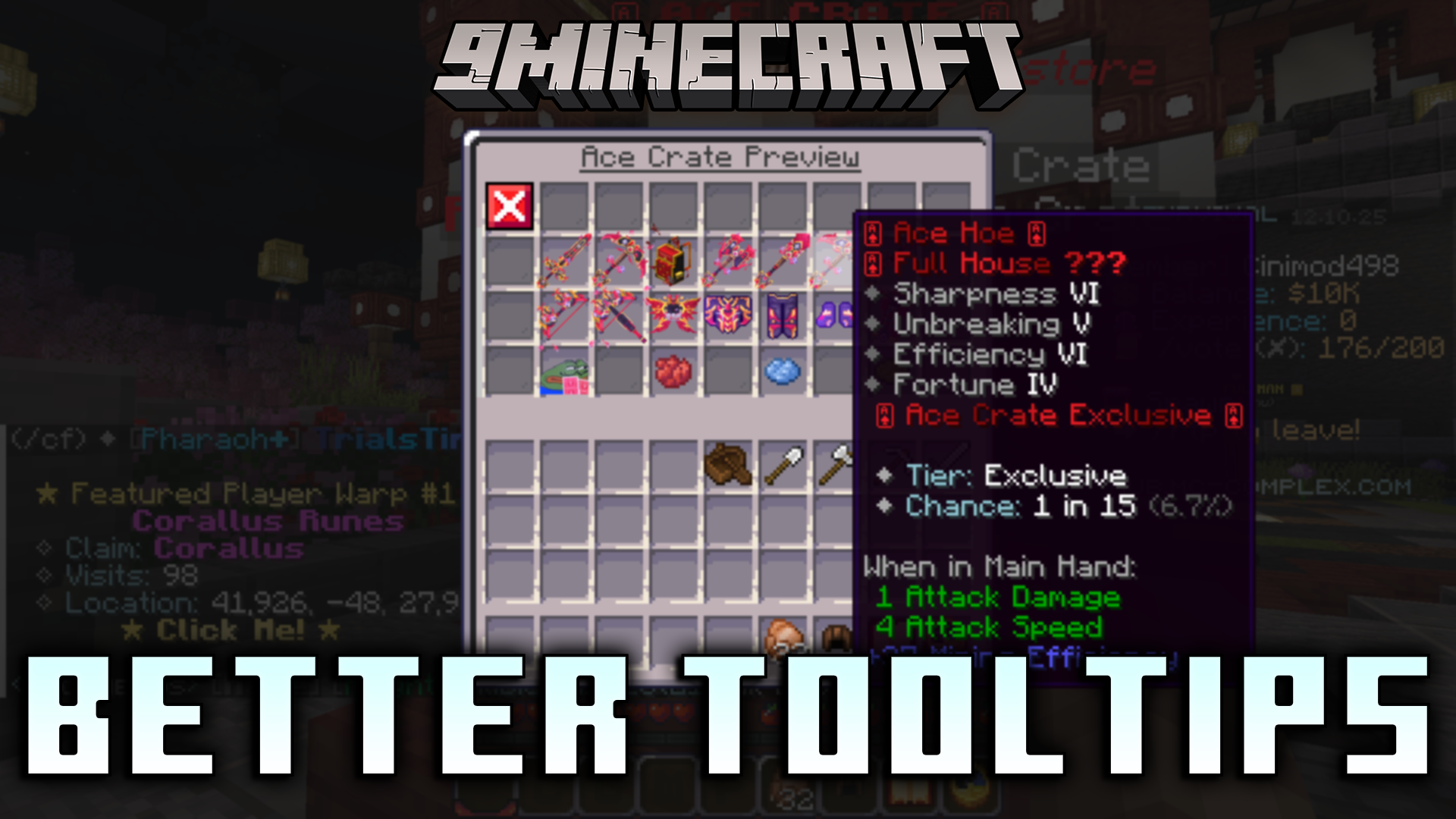
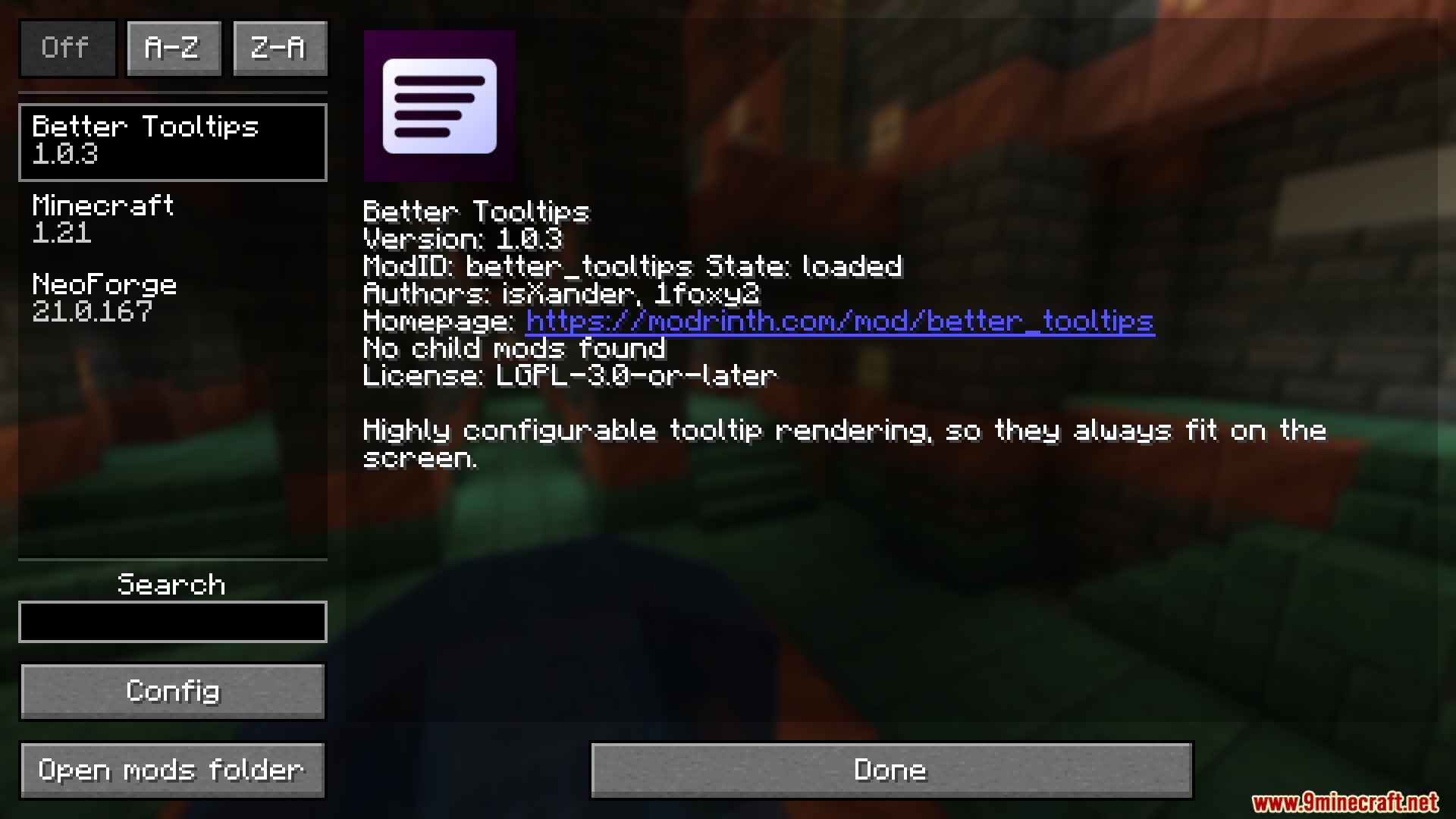
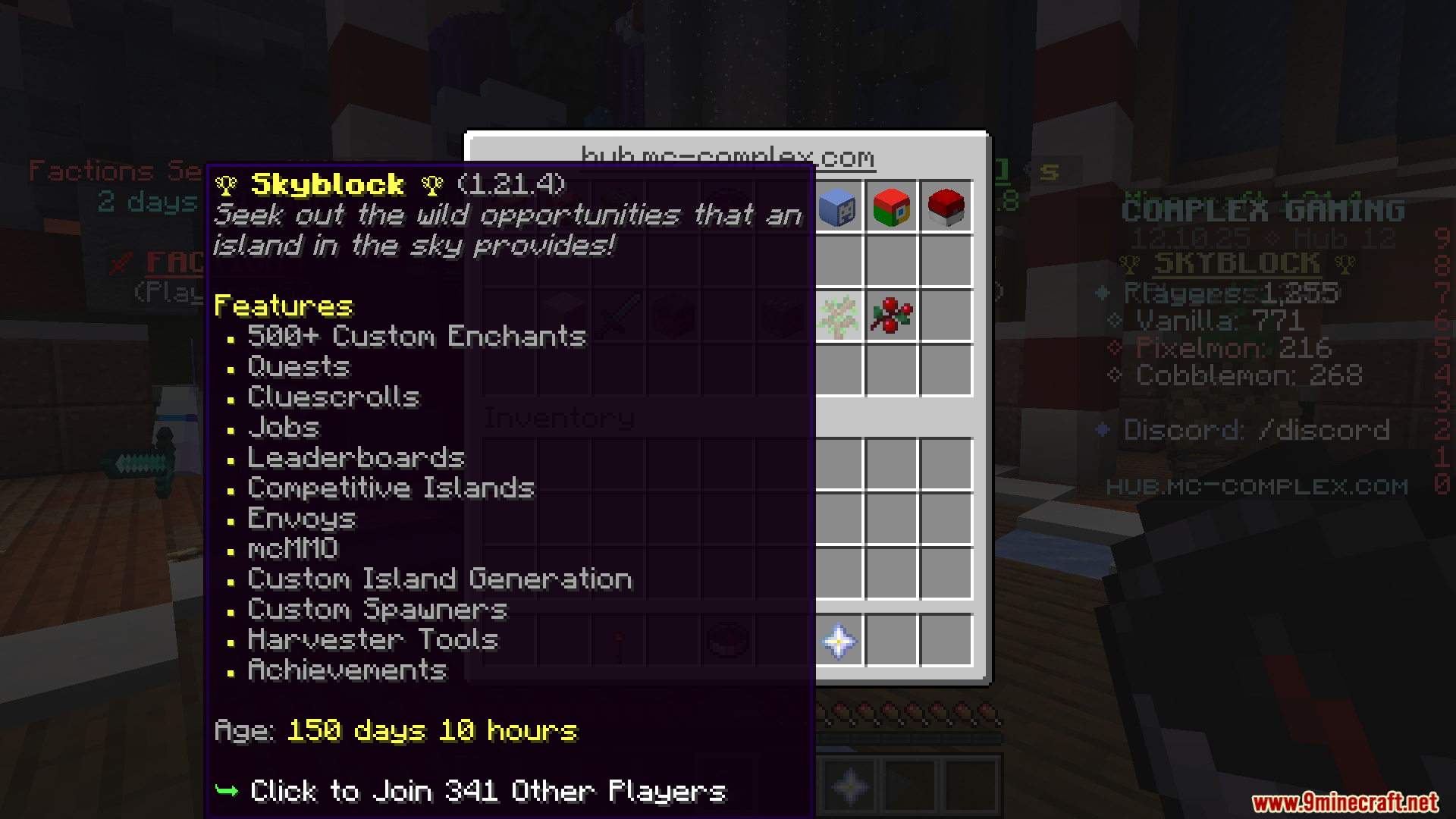
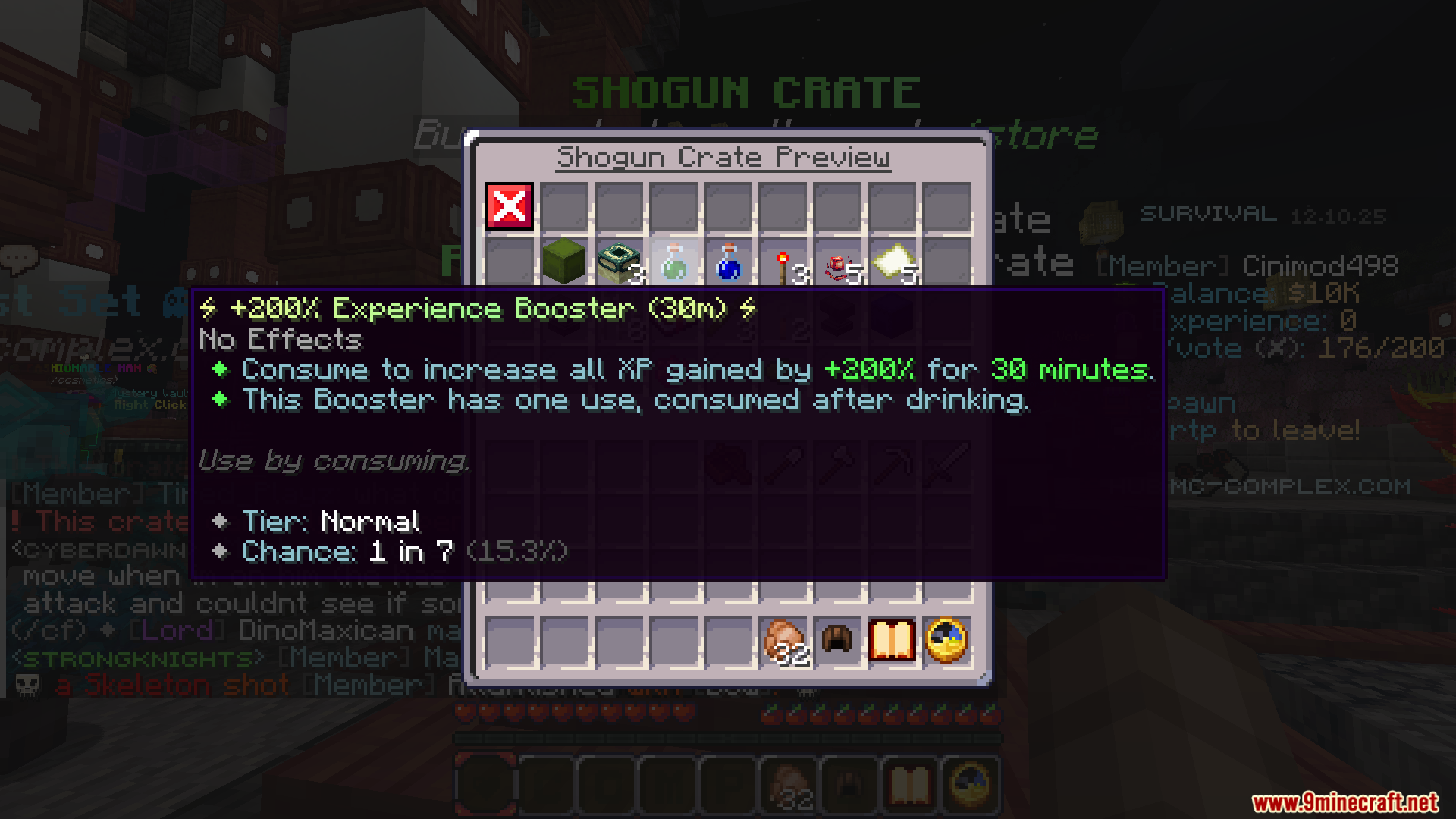
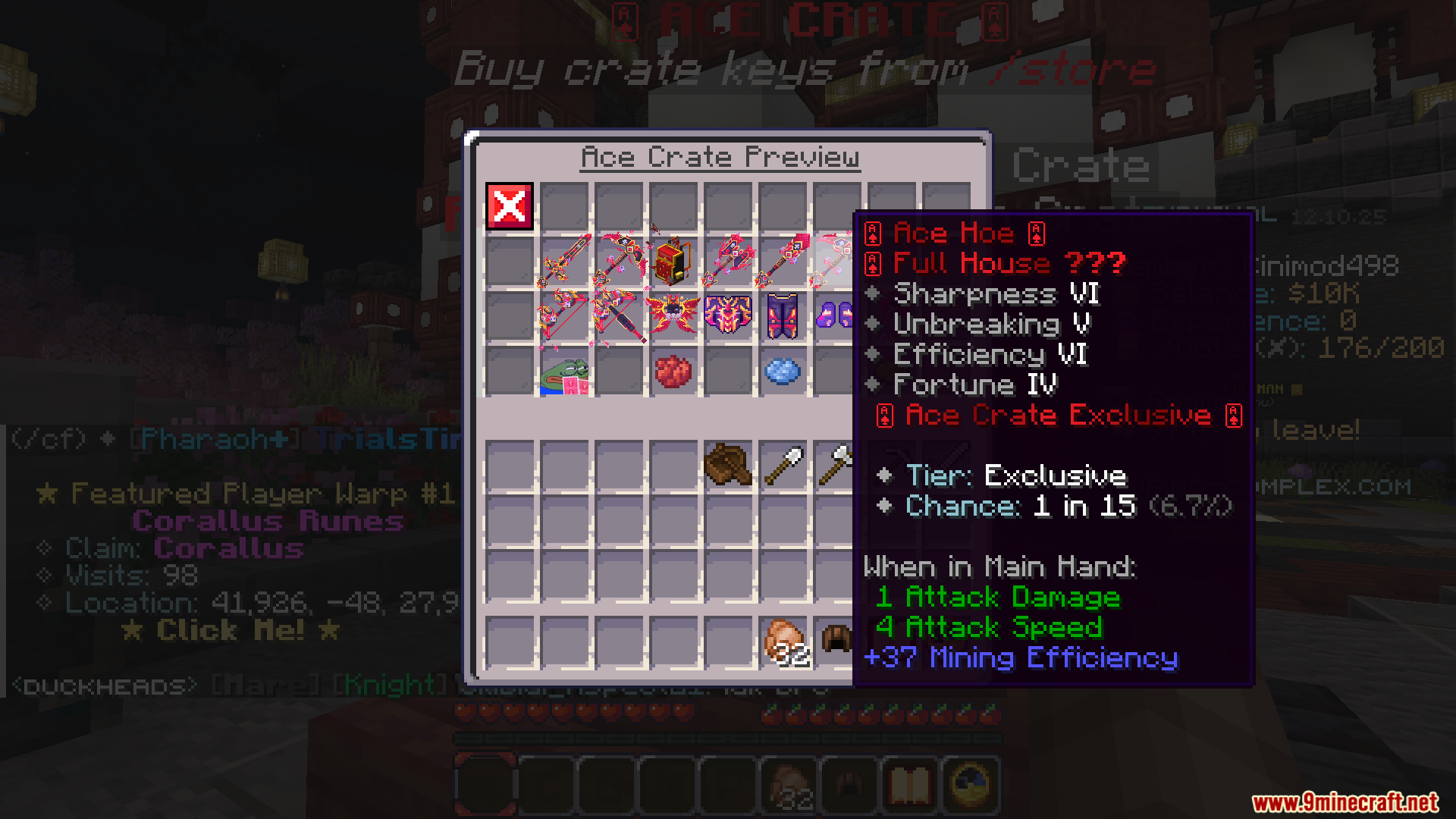
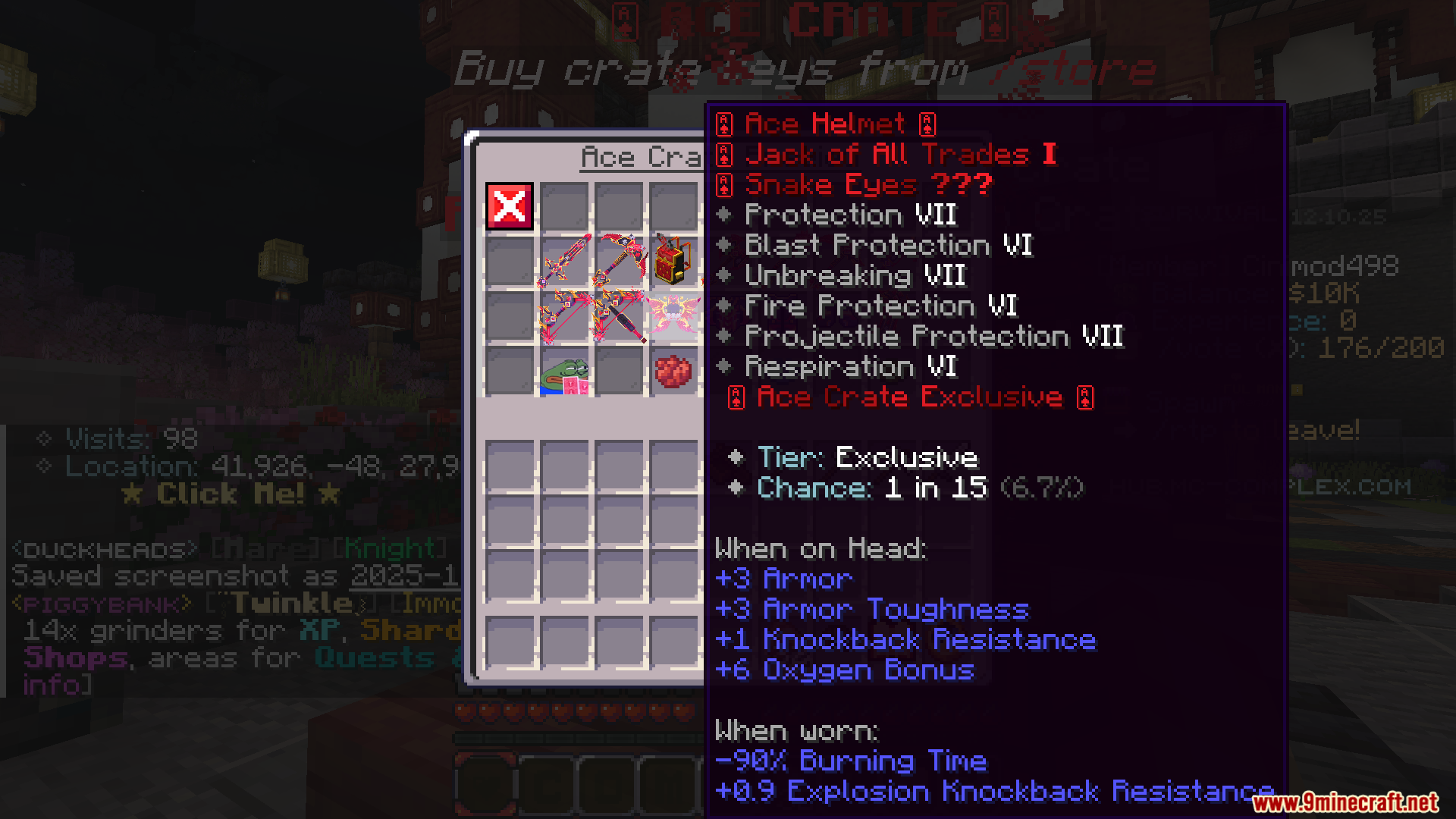
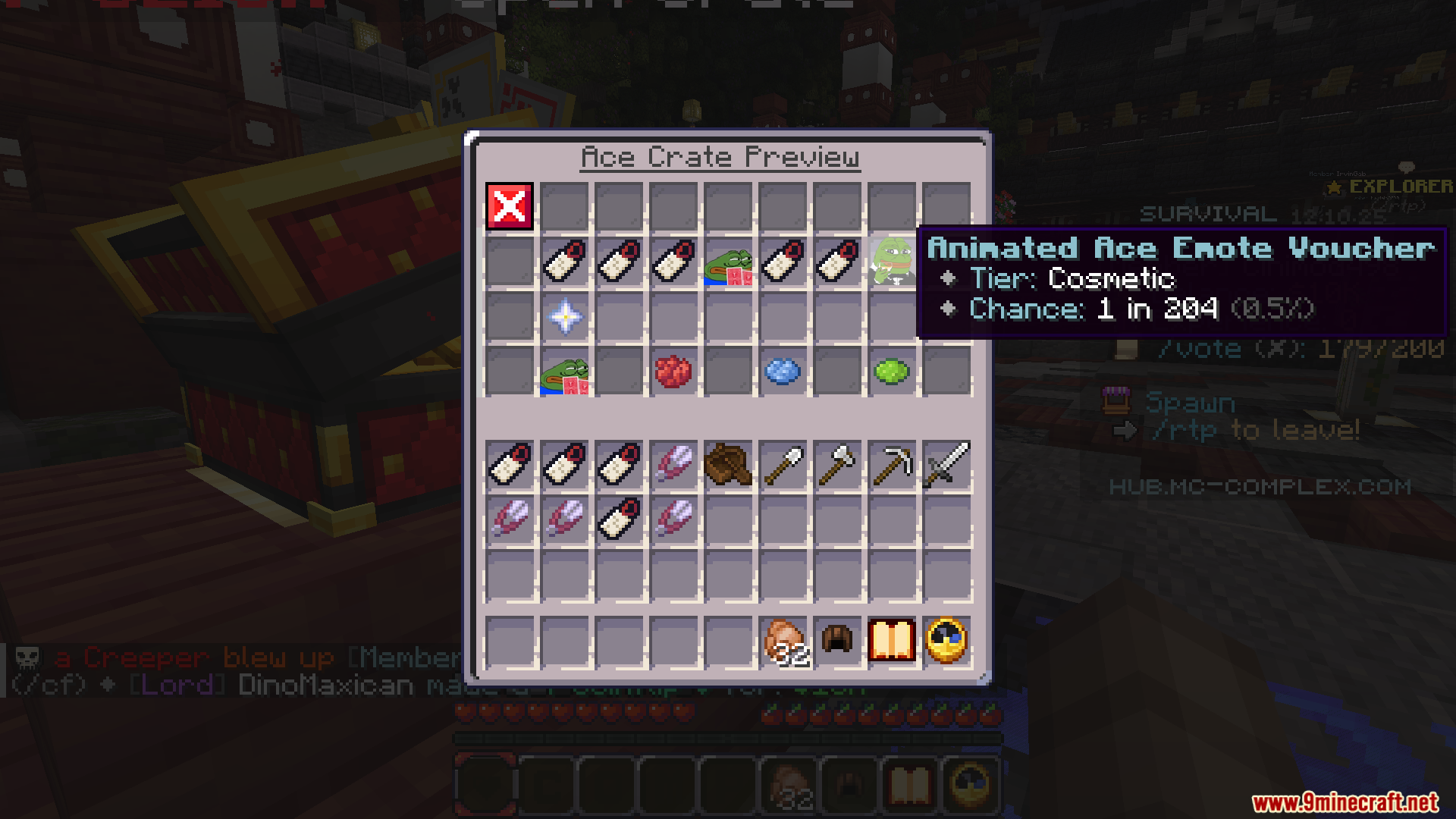
Better Tooltips Mod stops item descriptions from getting cut off at the edge of your screen. In vanilla Minecraft, tooltips can become too long or tall to read completely, especially when you have other mods installed. This mod fixes the problem by wrapping long lines of text so they fit better. It also adds scrolling for very large tooltips, making sure you can always see all the information.
Features:
- Stops long item descriptions from going off the screen by wrapping the text into multiple lines.
- Offers several text wrapping styles, like fitting text to half the screen or wrapping it smartly.
- Makes sure you always see the top of a very tall tooltip first, so you don’t miss important information.
- Lets you scroll up, down, left, and right through huge tooltips that don’t fit on the screen.
- Moves the tooltip to the middle of the screen if it’s too big to fit on the left or right, similar to Bedrock Edition.
- Pushes the tooltip into a corner as a last resort if it still won’t fit properly.
- You can change the transparency of tooltips, making them see-through so they don’t block your inventory view.
Screenshots:
Better Tooltips Mod Download Links
For Minecraft 1.21.1, 1.21
Forge version: Download from Server 1 – Download from Server 2
Quick facts
- Edition: Minecraft Java
- File type: .jar
- Minecraft versions listed: 1.21.1, 1.21
- How to install: Install the matching mod loader (Forge, Fabric or NeoForge) for your Minecraft version. → Download the .jar. → Put it in the .minecraft/mods folder and launch that loader profile.
- Where to get it: In MC Java Mods, or directly above on this page.
Install steps are the general flow for this file type — How to install Minecraft Java mods & modpacks walks through it step by step.
Verified by MCModsHub
- Downloads as 176124.mcaddon
- Download size: 63 KB
- Download link checked 30 Jul 2026 — working
- Mirrored on our own servers — the download does not depend on the original host
These come from our own check of the pack file, not from the source page.