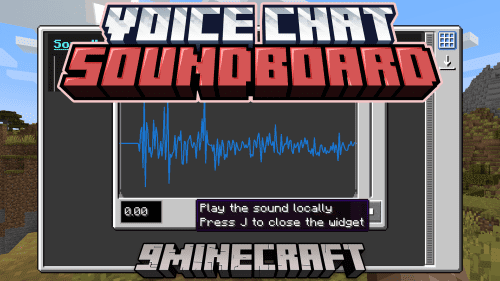
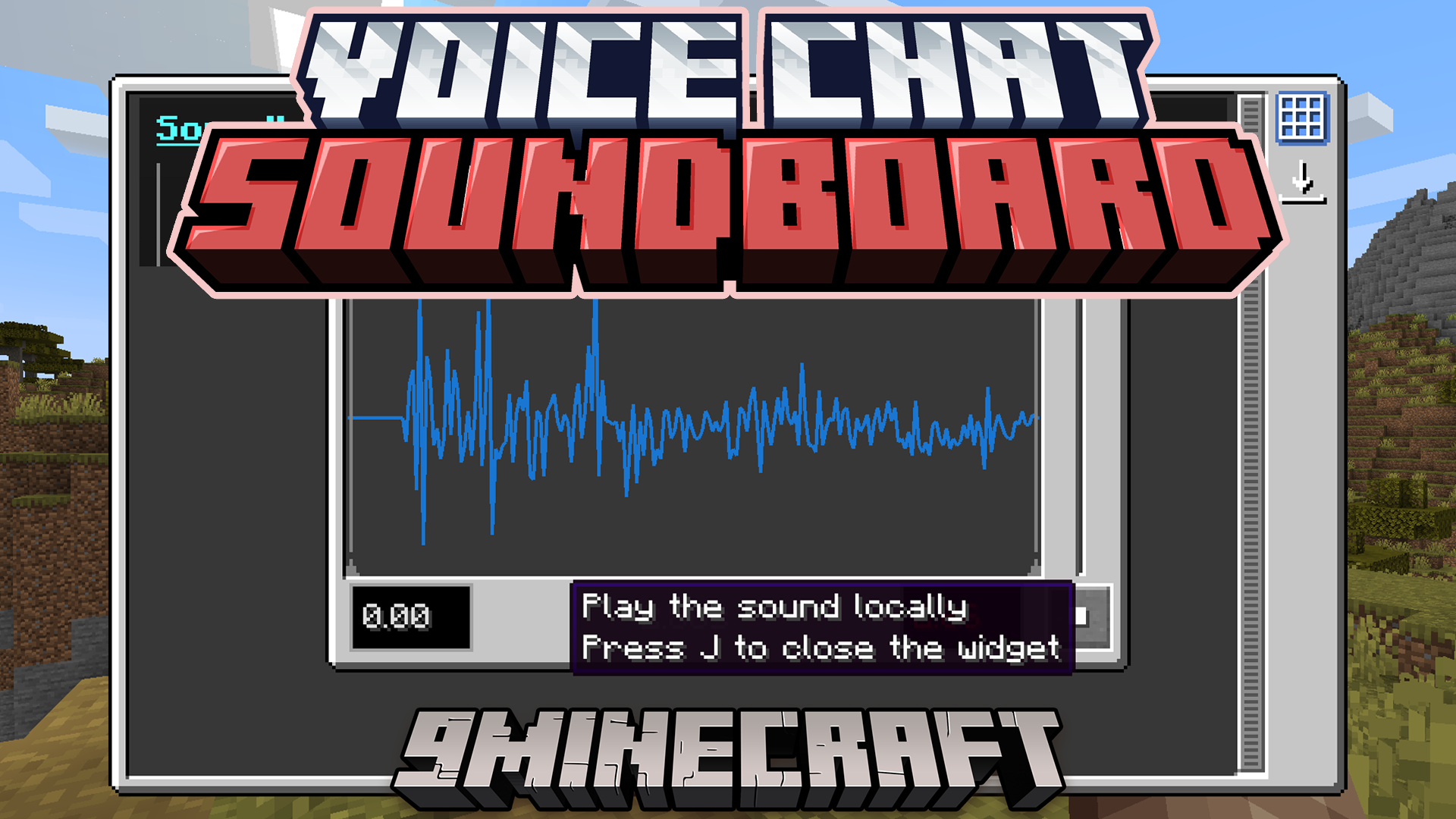
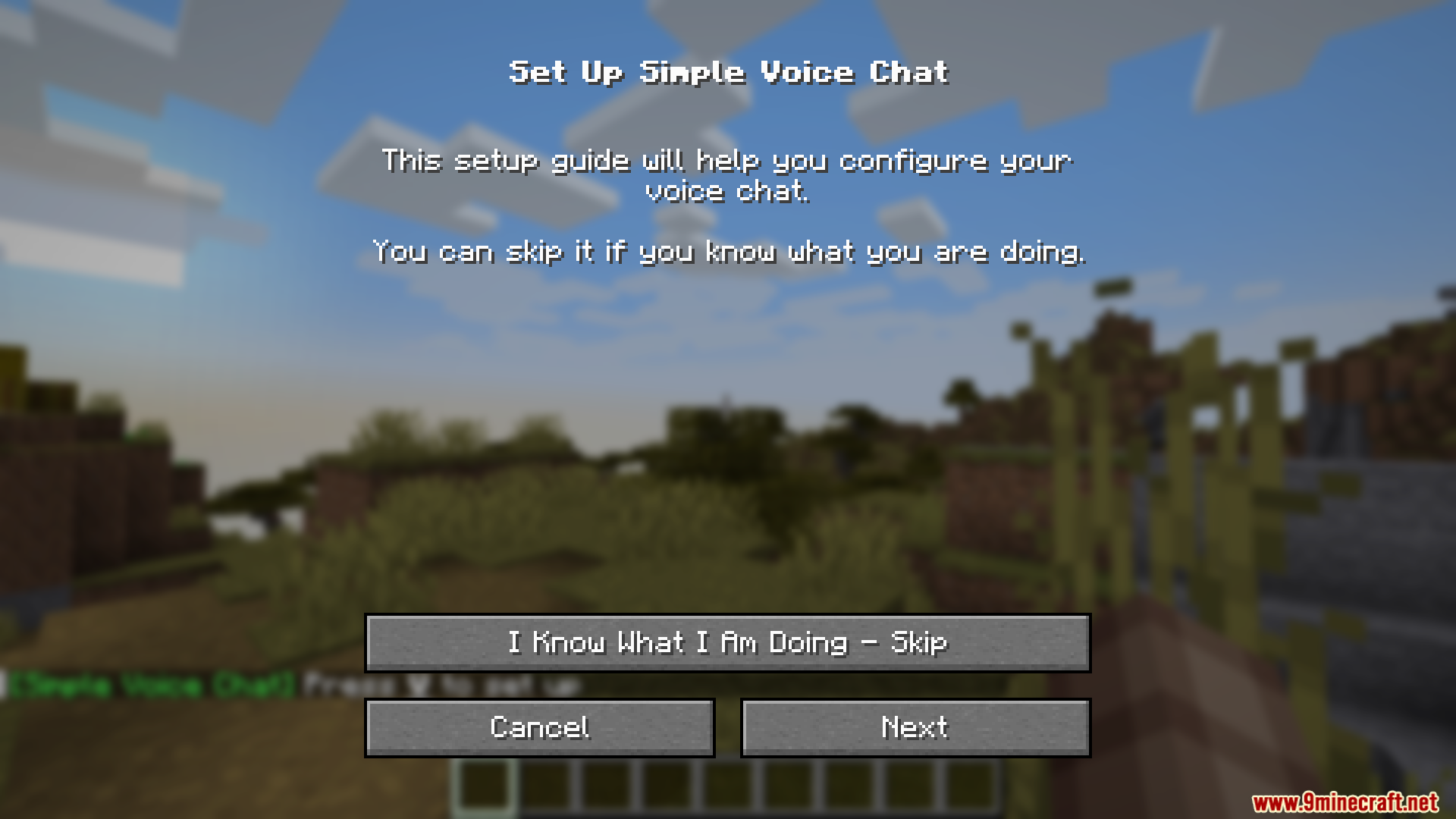
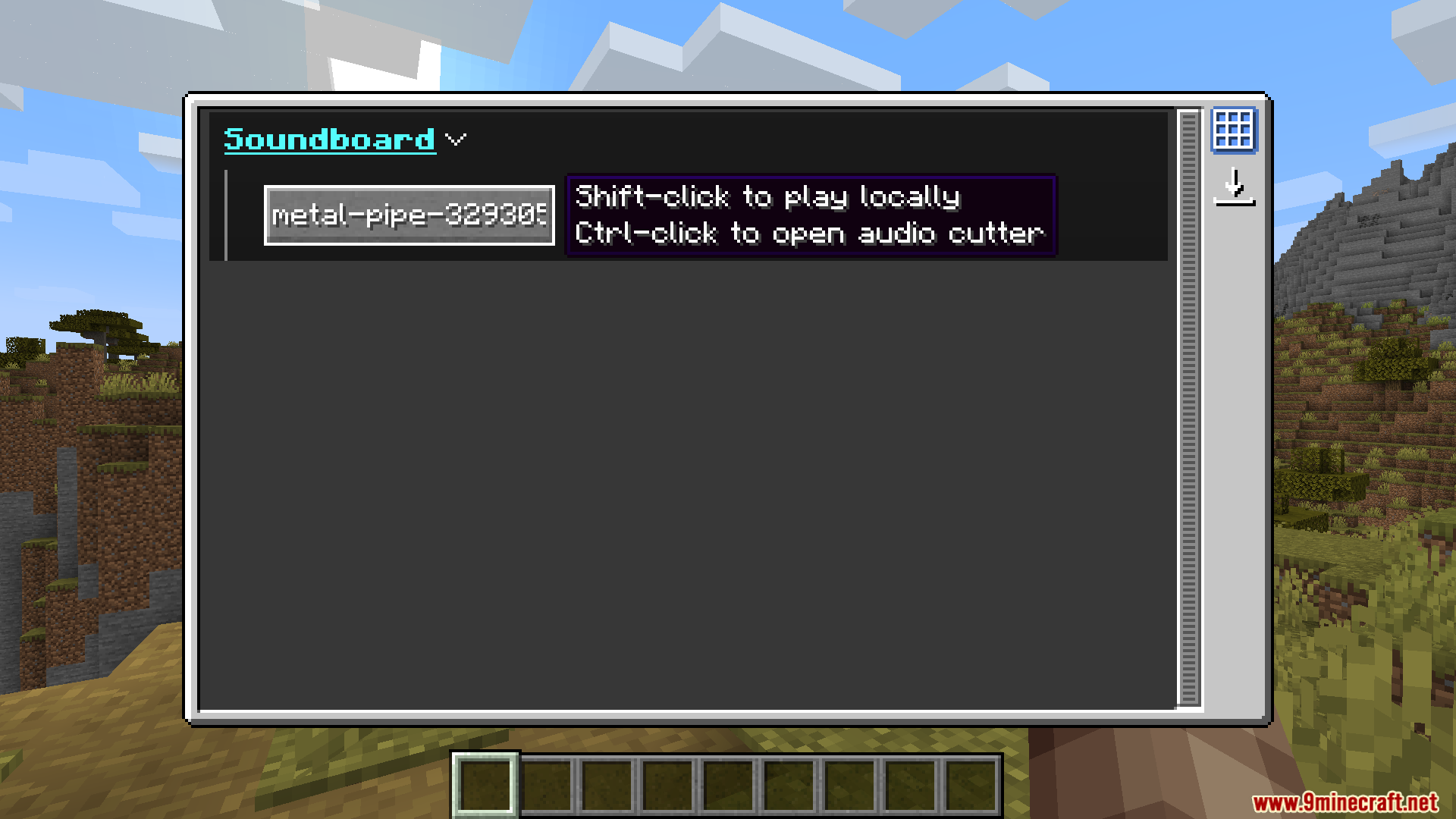
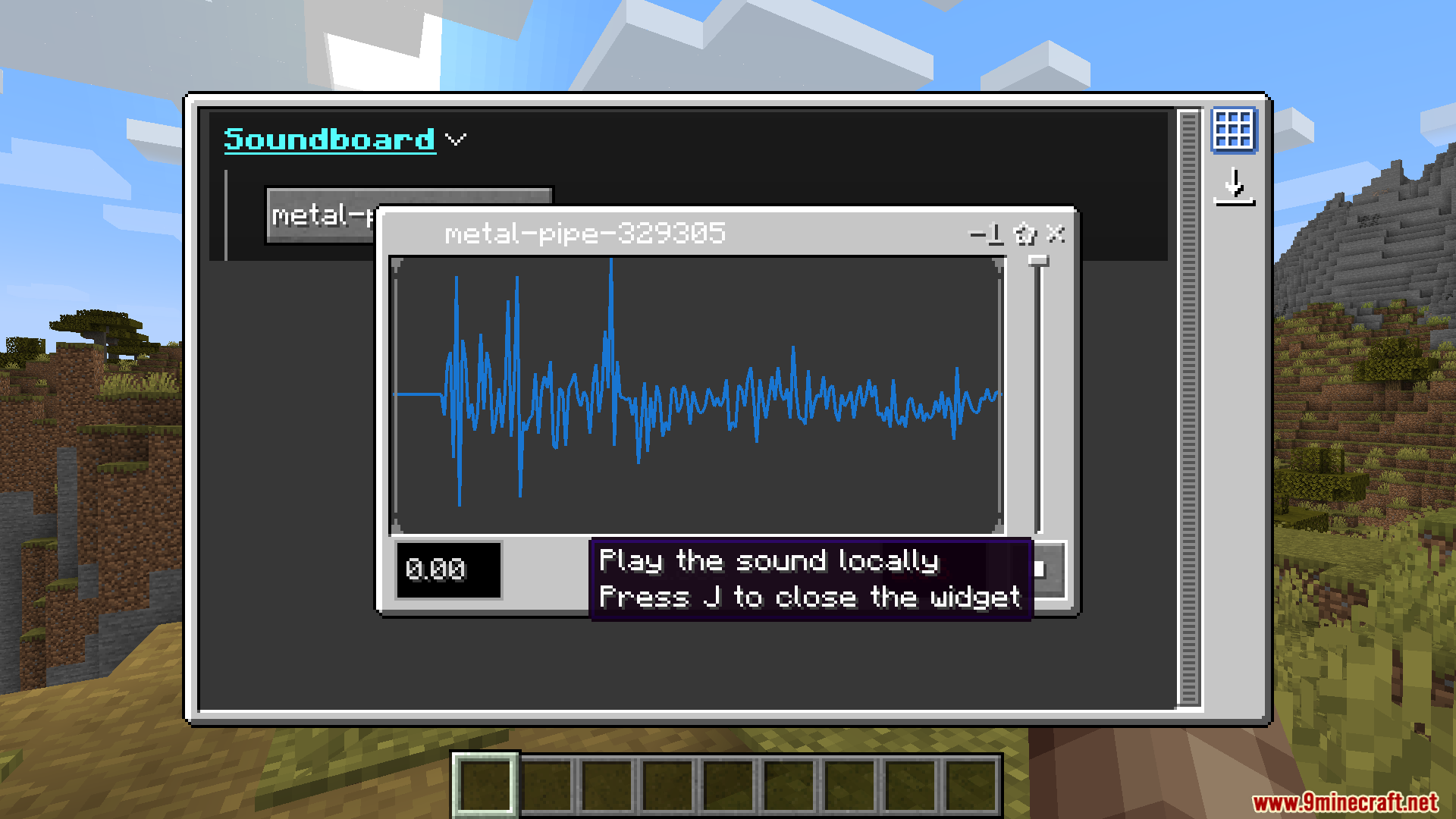
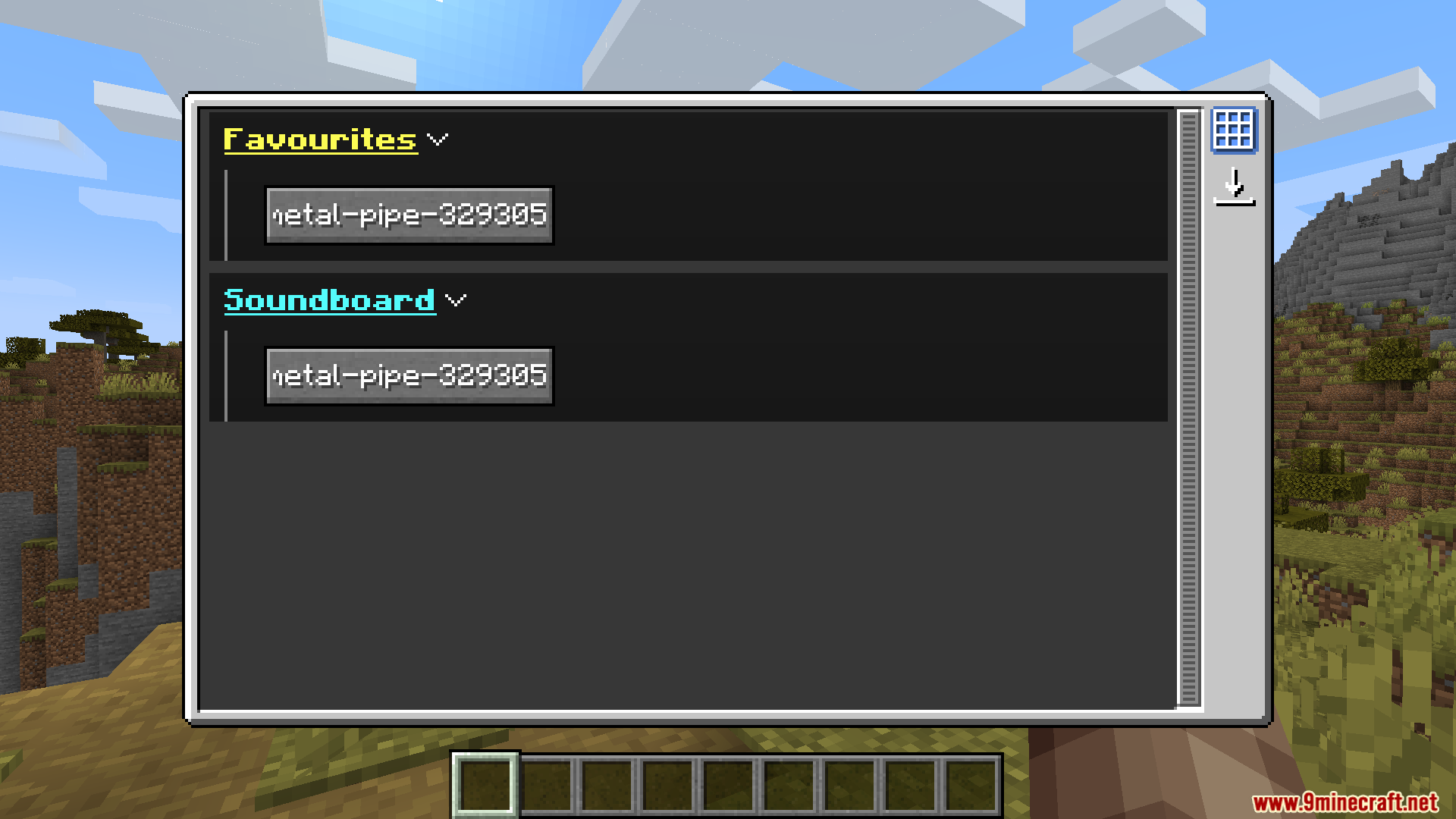
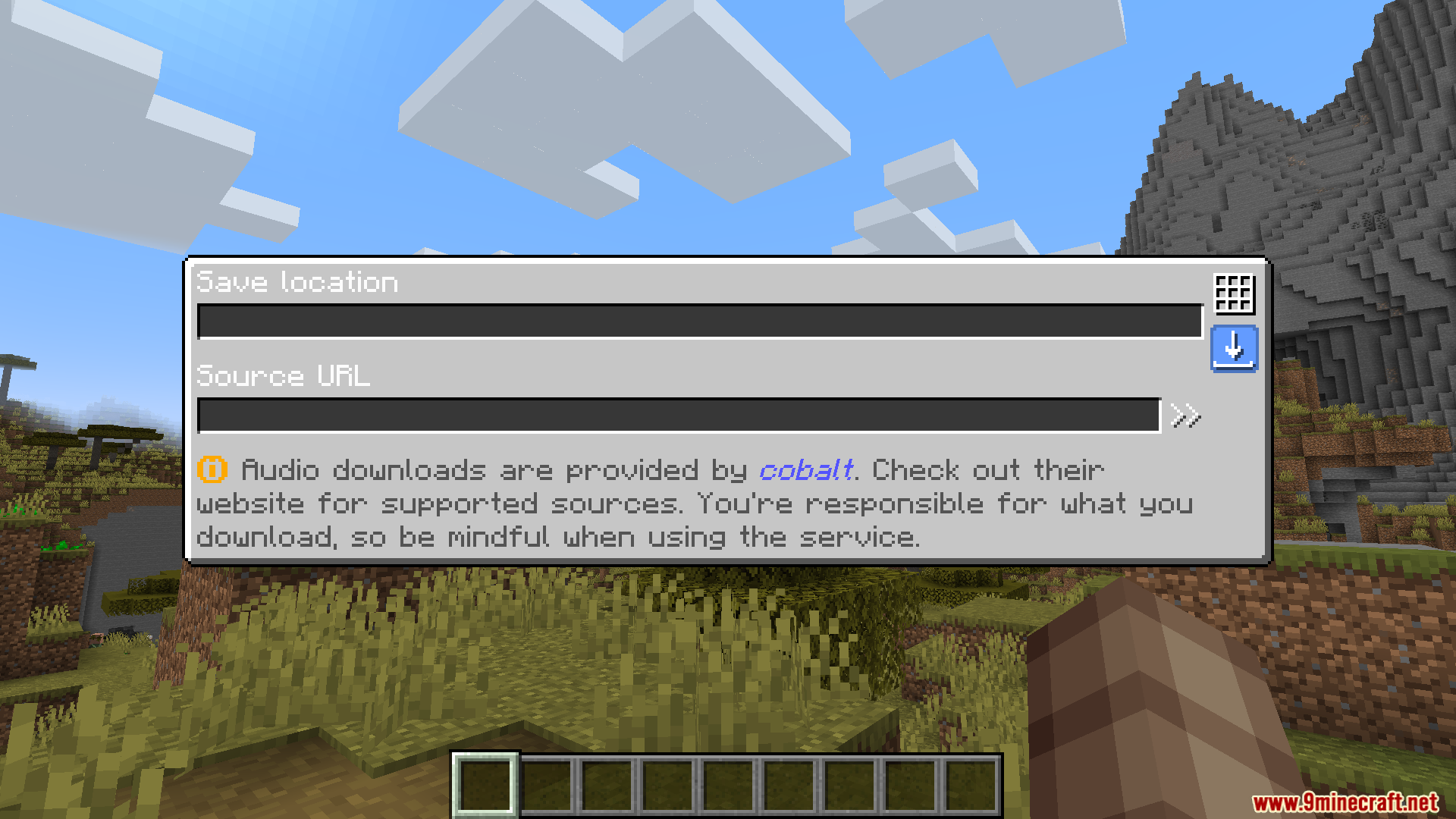
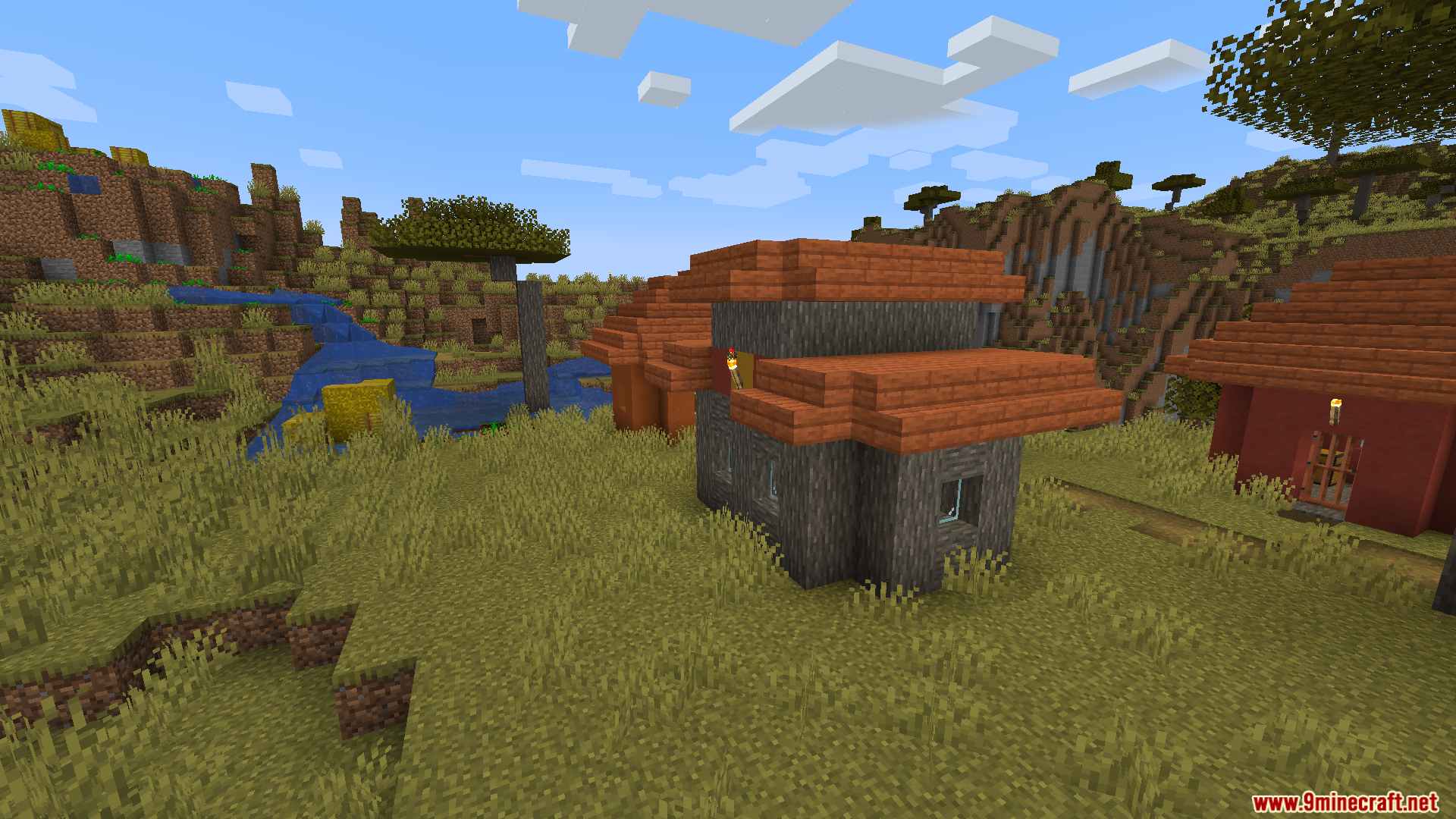
Voice Chat Soundboard Mod adds a soundboard that works with proximity voice chat mods. It lets you play your own sound effects and audio clips for other players to hear in the game. You just need to place your sound files into a special folder, and they will appear on the soundboard menu, ready to use.
Features:
- Lets you play custom audio clips through the Simple Voice Chat mod.
- Adds a soundboard menu to select and play your sounds in the game.
- The sounds you play are directional, so other players hear them based on how close they are.
- You can create your own folders in the config to organize different types of sounds.
- All audio files must be in the
.wavformat to work correctly. - Press the ‘J’ key by default to open the soundboard screen.
How to Use:
- Place your sound files into the
.minecraft/config/soundboardfolder. You can create new folders inside to keep your sounds organized. - Make sure all your files are in the
.wavformat. You may need to use an online tool to convert them if they are in a different format. - Once in the game, press the J key to open the soundboard screen.
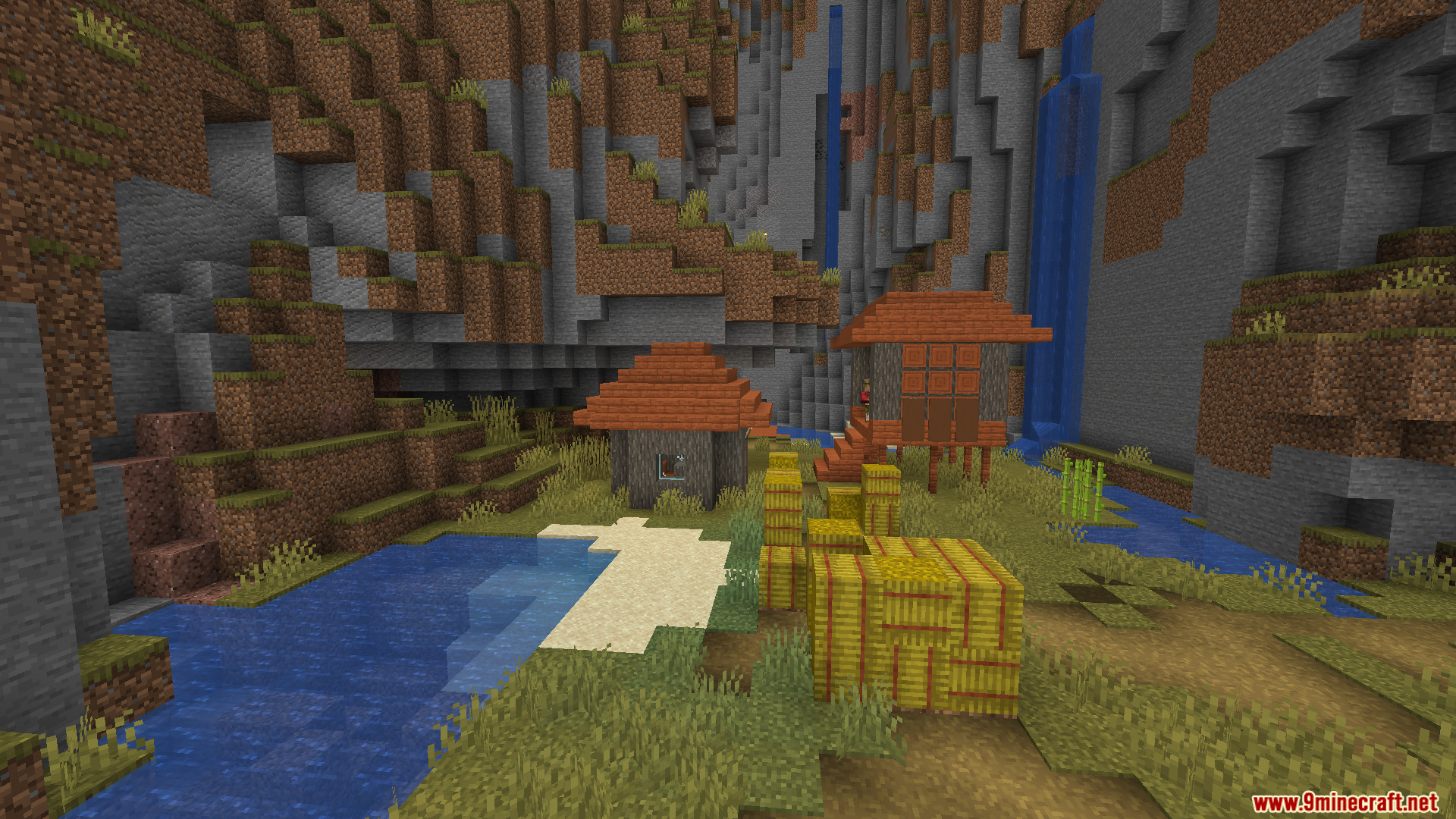
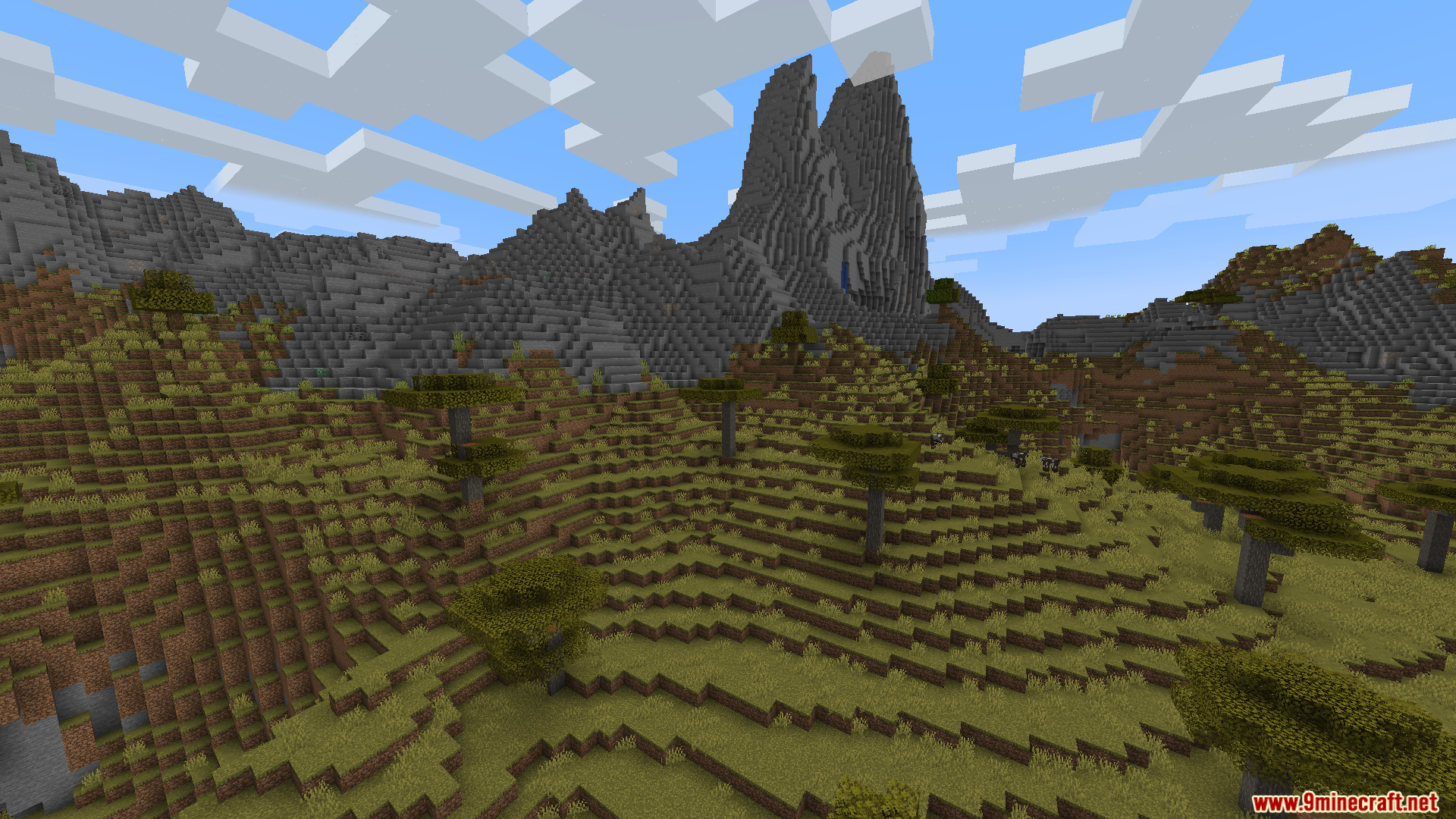
Screenshots:
Voice Chat Soundboard Mod Download Links
For Minecraft 1.21.4
Fabric version: Download from Server 1 – Download from Server 2
For Minecraft 1.21.1, 1.21
Fabric version: Download from Server 1 – Download from Server 2
For Minecraft 1.20.1, 1.20
Fabric version: Download from Server 1 – Download from Server 2
Quick facts
- Edition: Minecraft Java
- File type: .jar
- Minecraft versions listed: 1.21.4, 1.20.1
- How to install: Install the matching mod loader (Forge, Fabric or NeoForge) for your Minecraft version. → Download the .jar. → Put it in the .minecraft/mods folder and launch that loader profile.
- Where to get it: In MC Java Mods, or directly above on this page.
Install steps are the general flow for this file type — How to install Minecraft Java mods & modpacks walks through it step by step.
Verified by MCModsHub
- Downloads as 176140.mcaddon
- Download size: 1.9 MB
- Download link checked 25 Jul 2026 — working
- Mirrored on our own servers — the download does not depend on the original host
These come from our own check of the pack file, not from the source page.