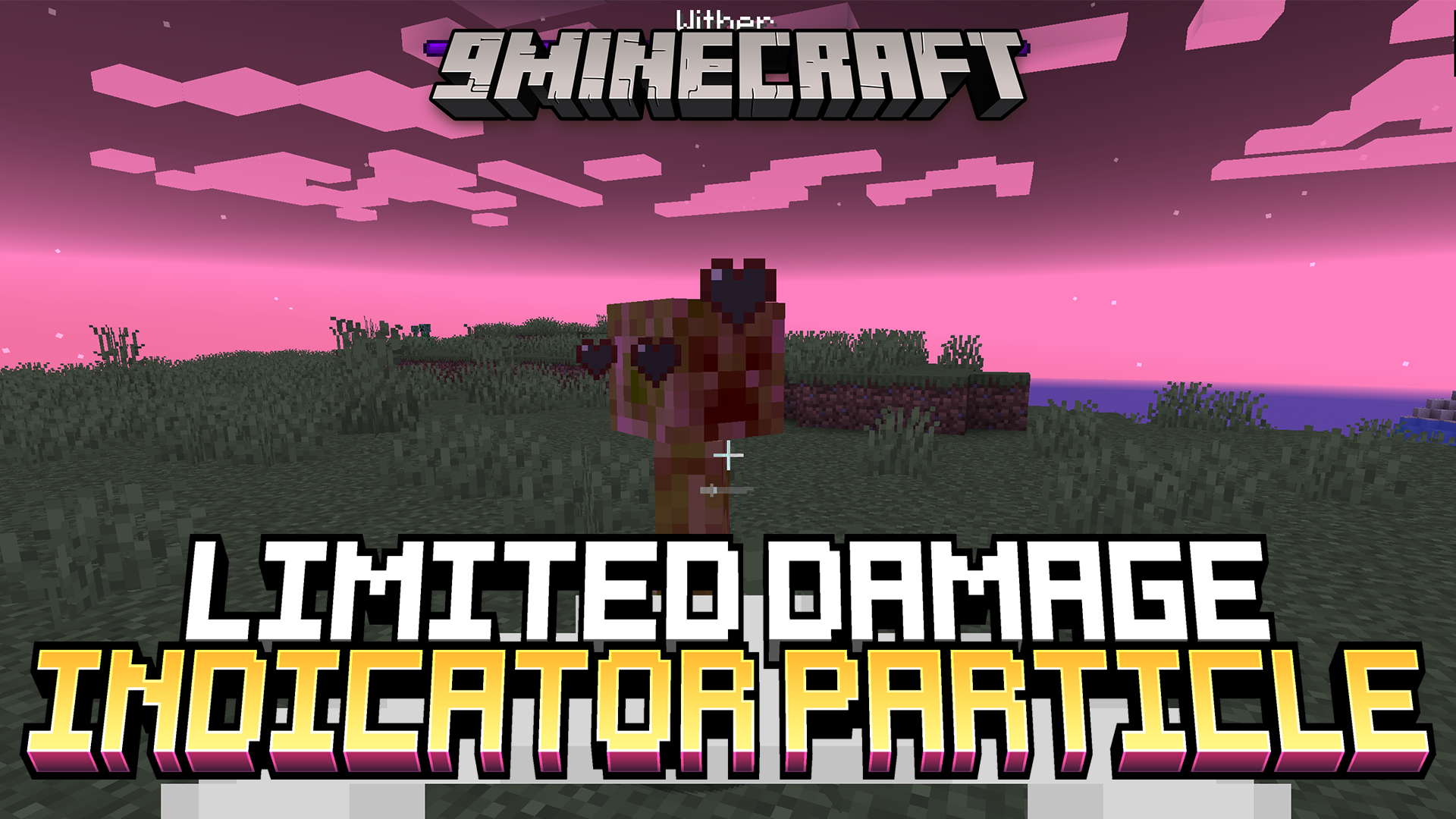
Limited Damage Indicator Particle Mod (1.21.4, 1.20.1) – Lag-free Combat
Java mod listed for Minecraft 1.20–1.21. Downloads from the MC Java Mods app on Android.
⬇ Download
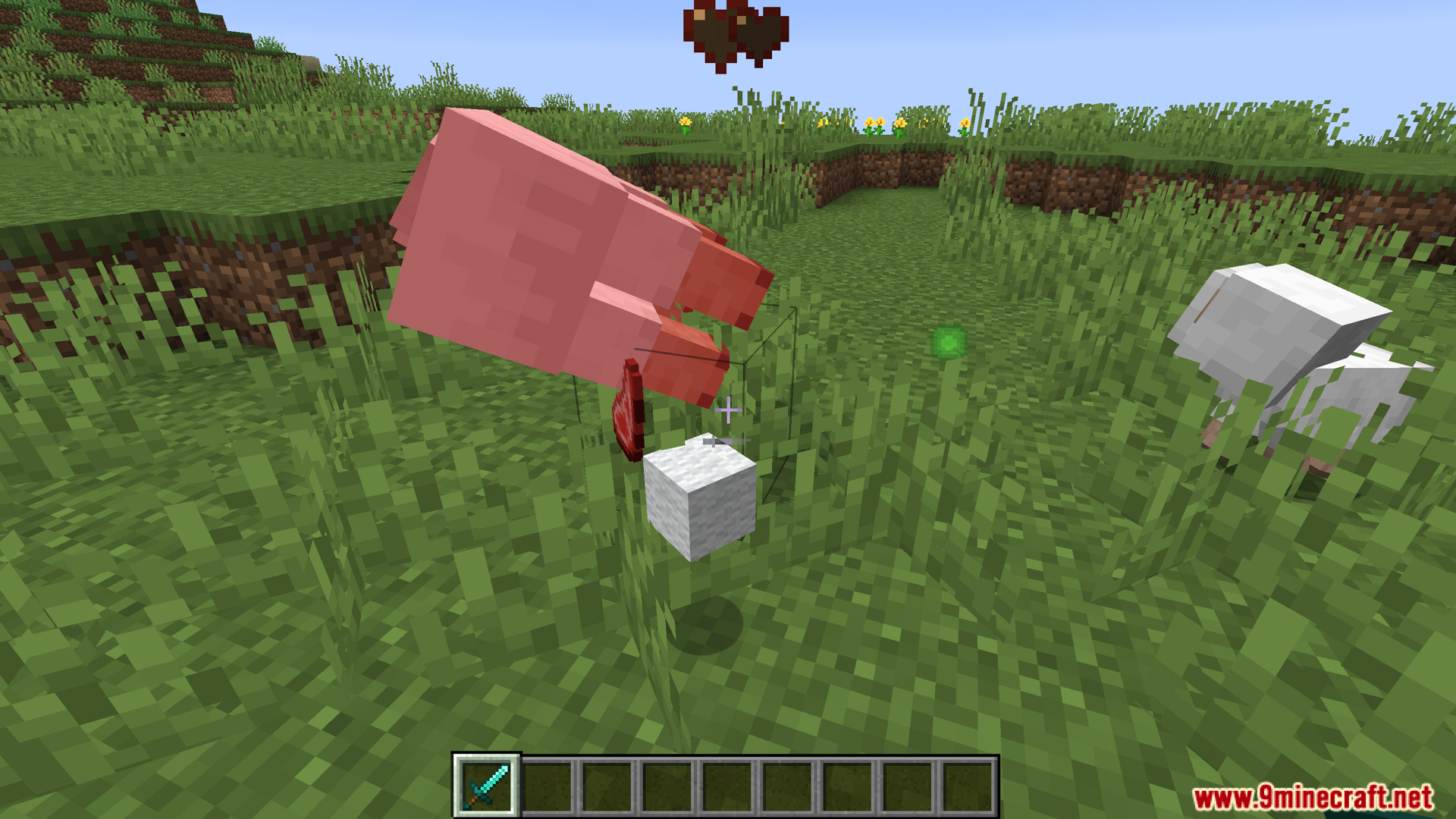
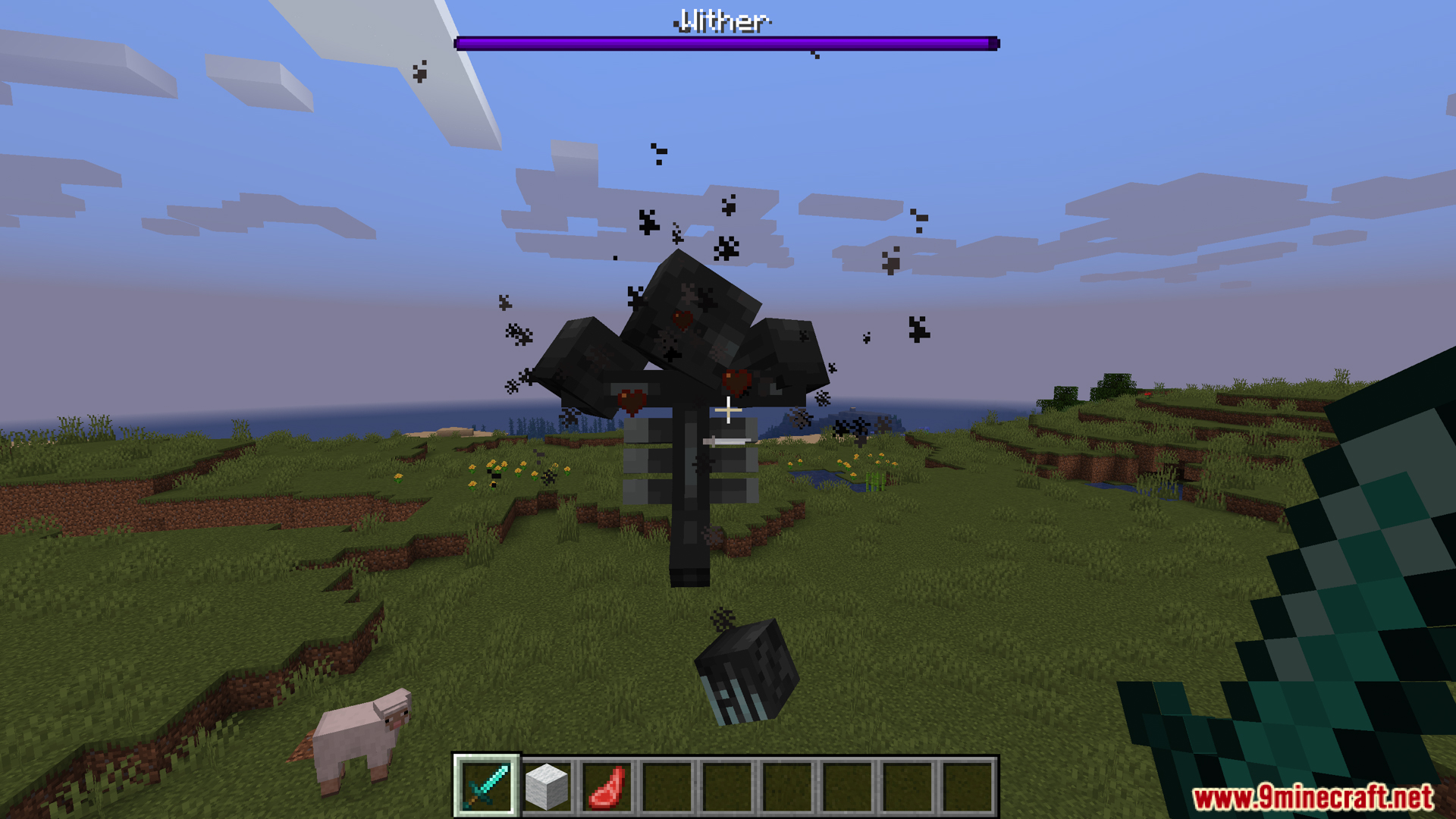
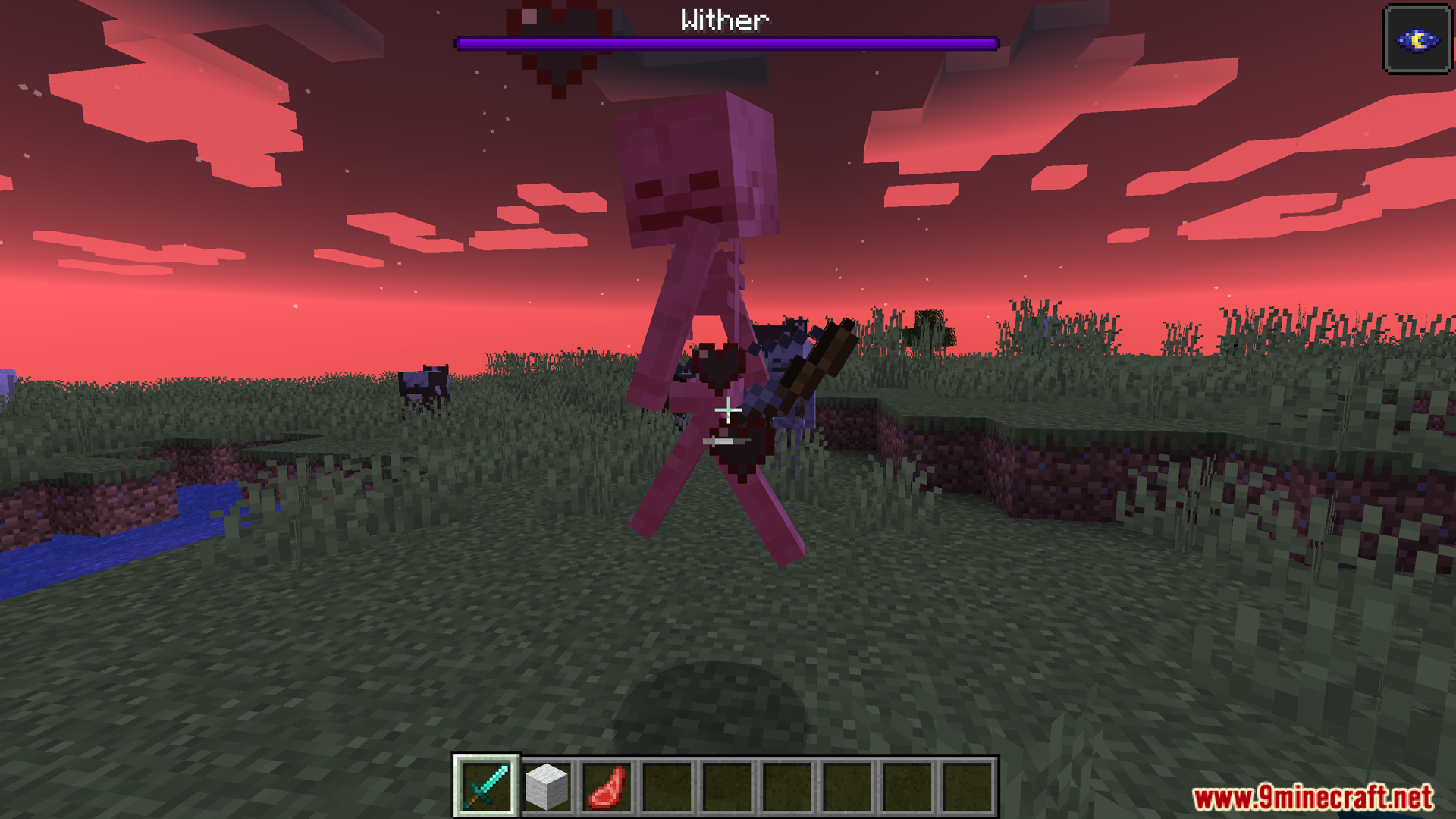
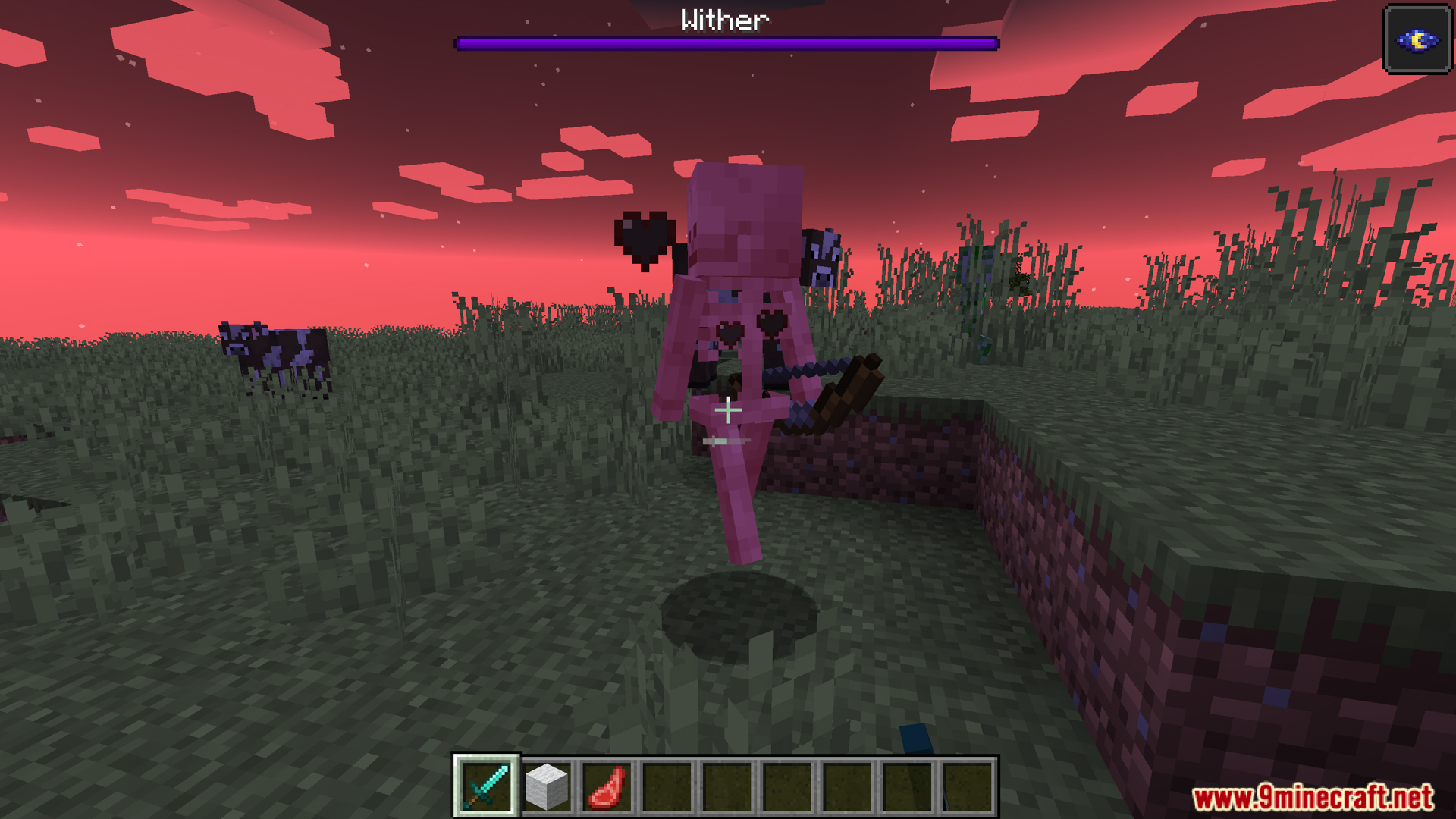
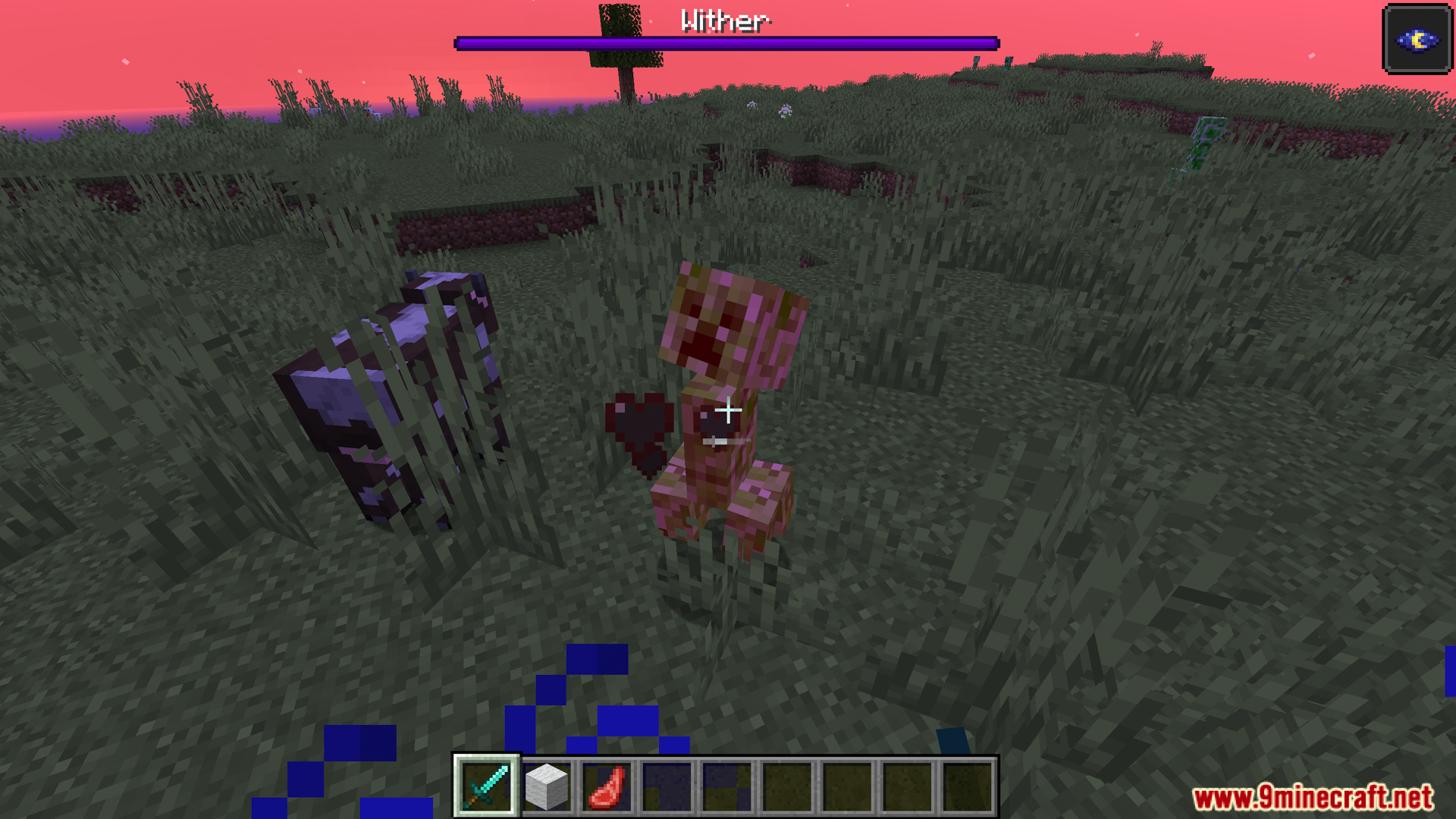
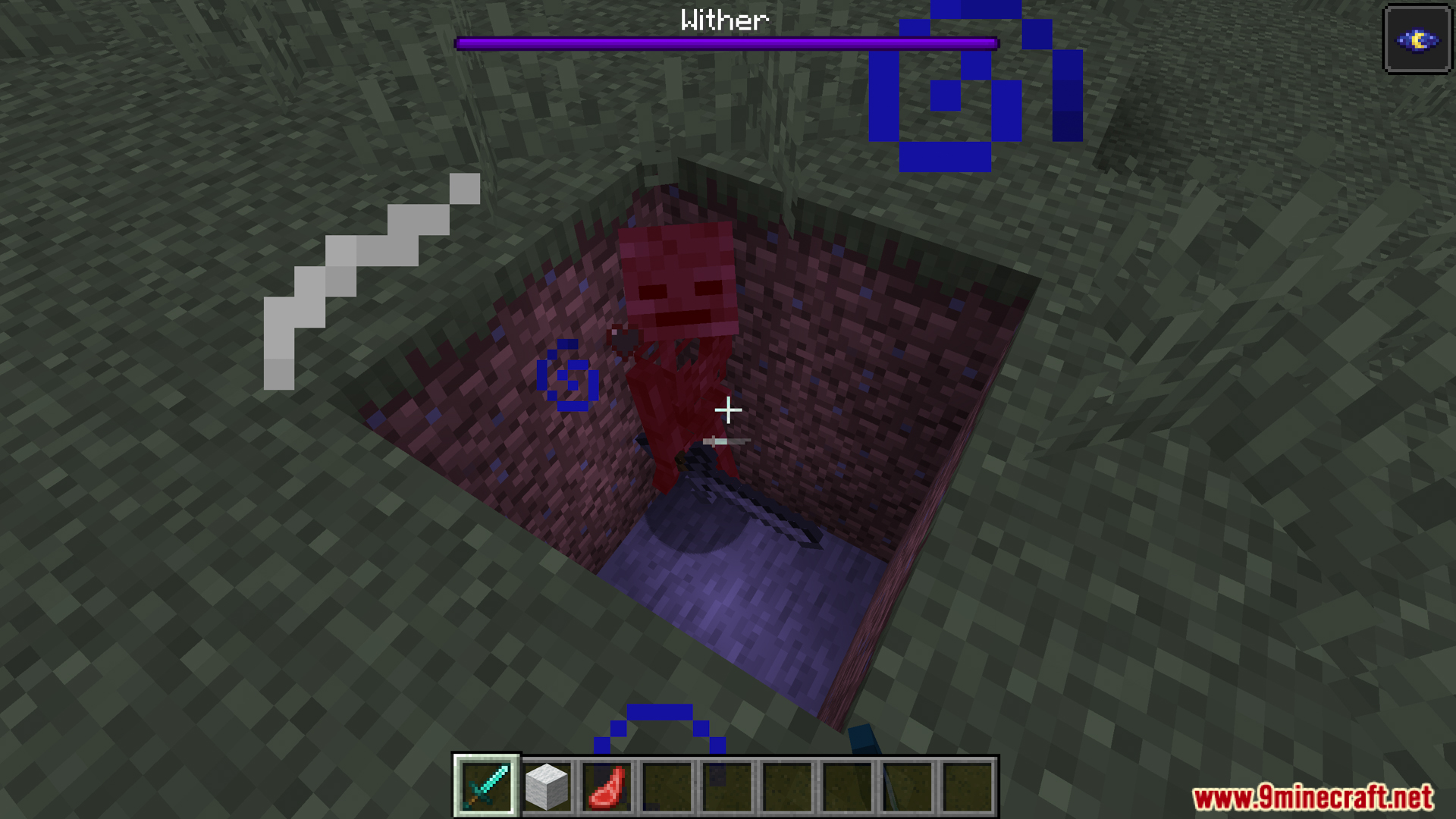
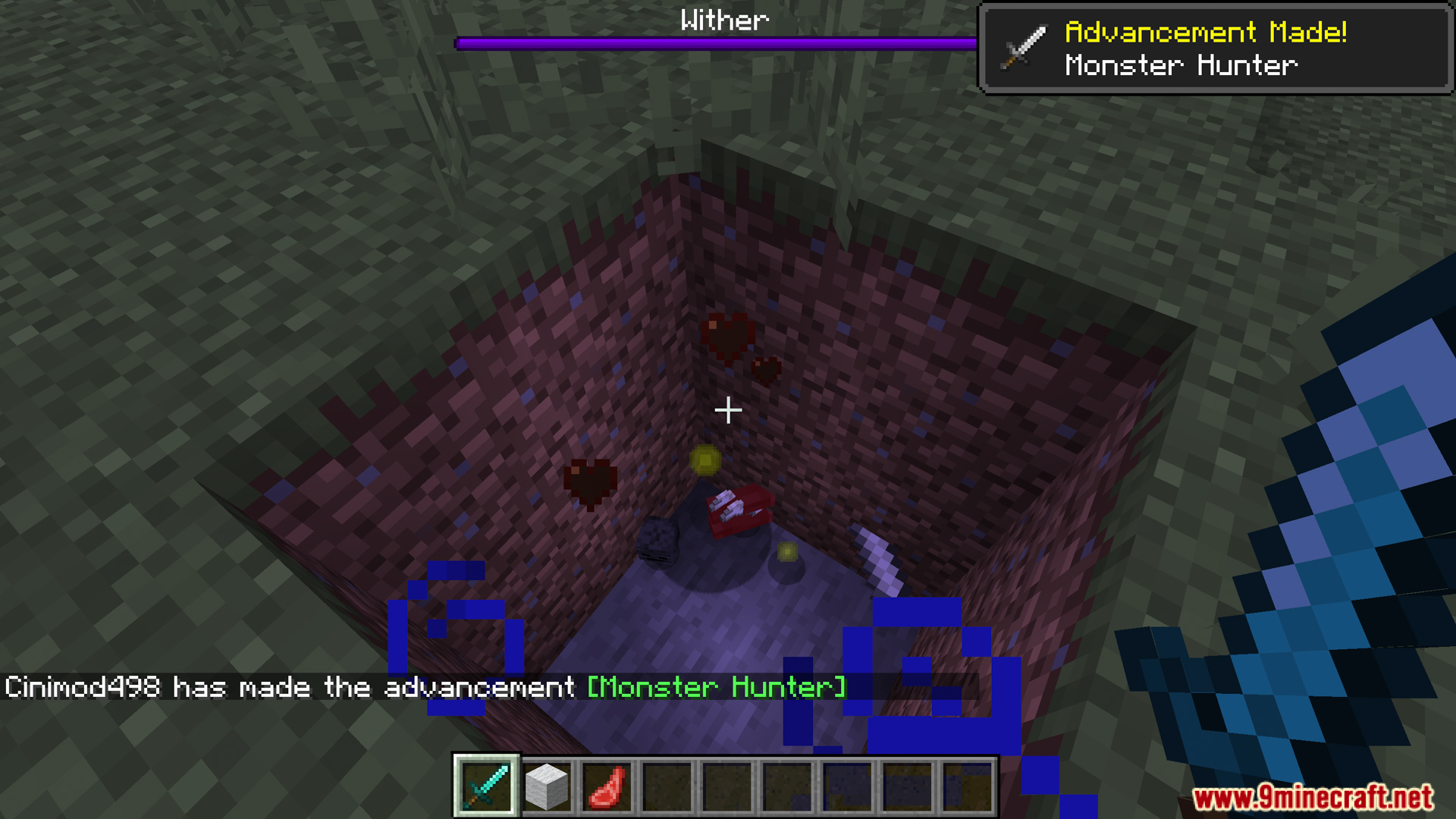
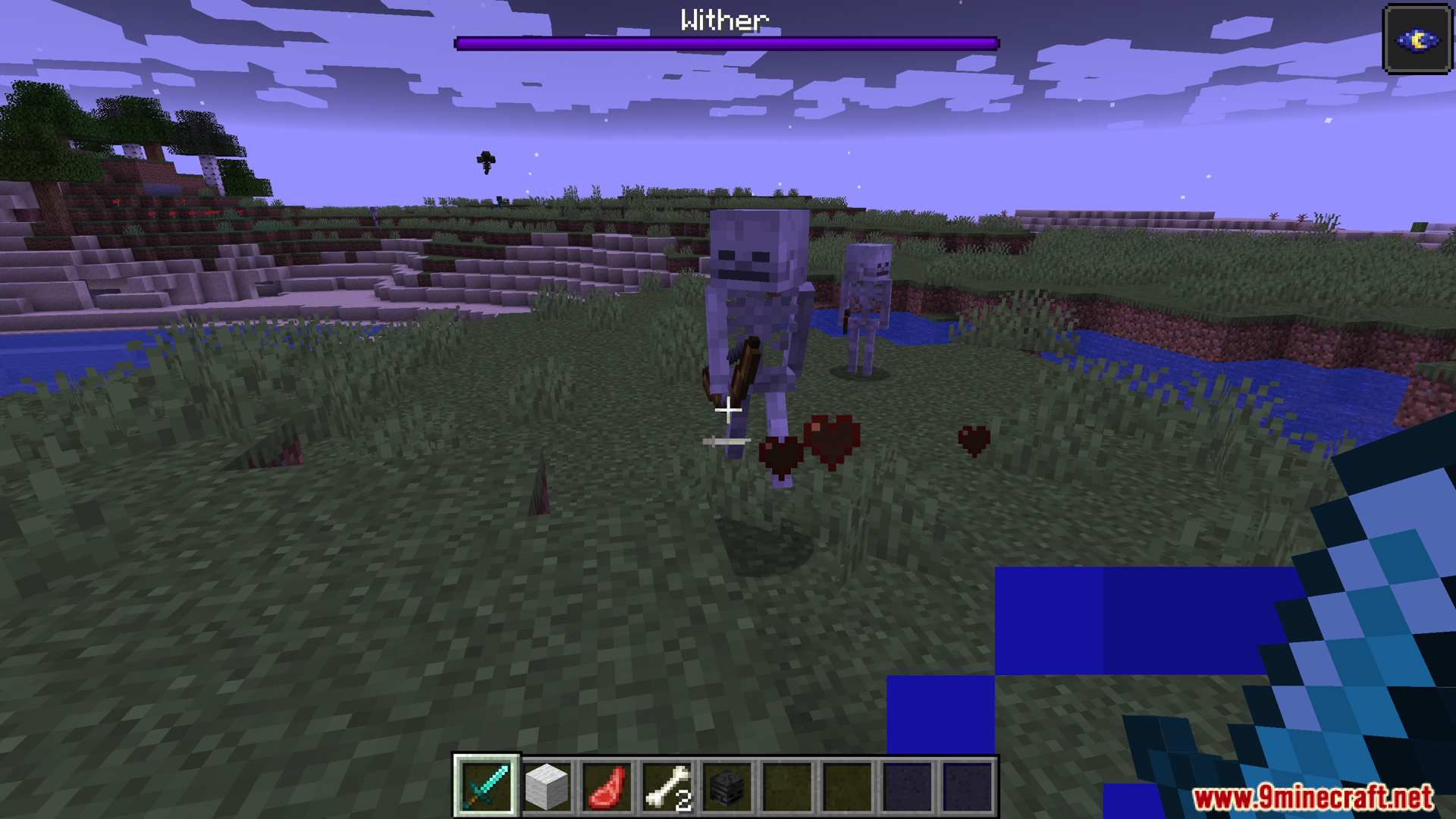
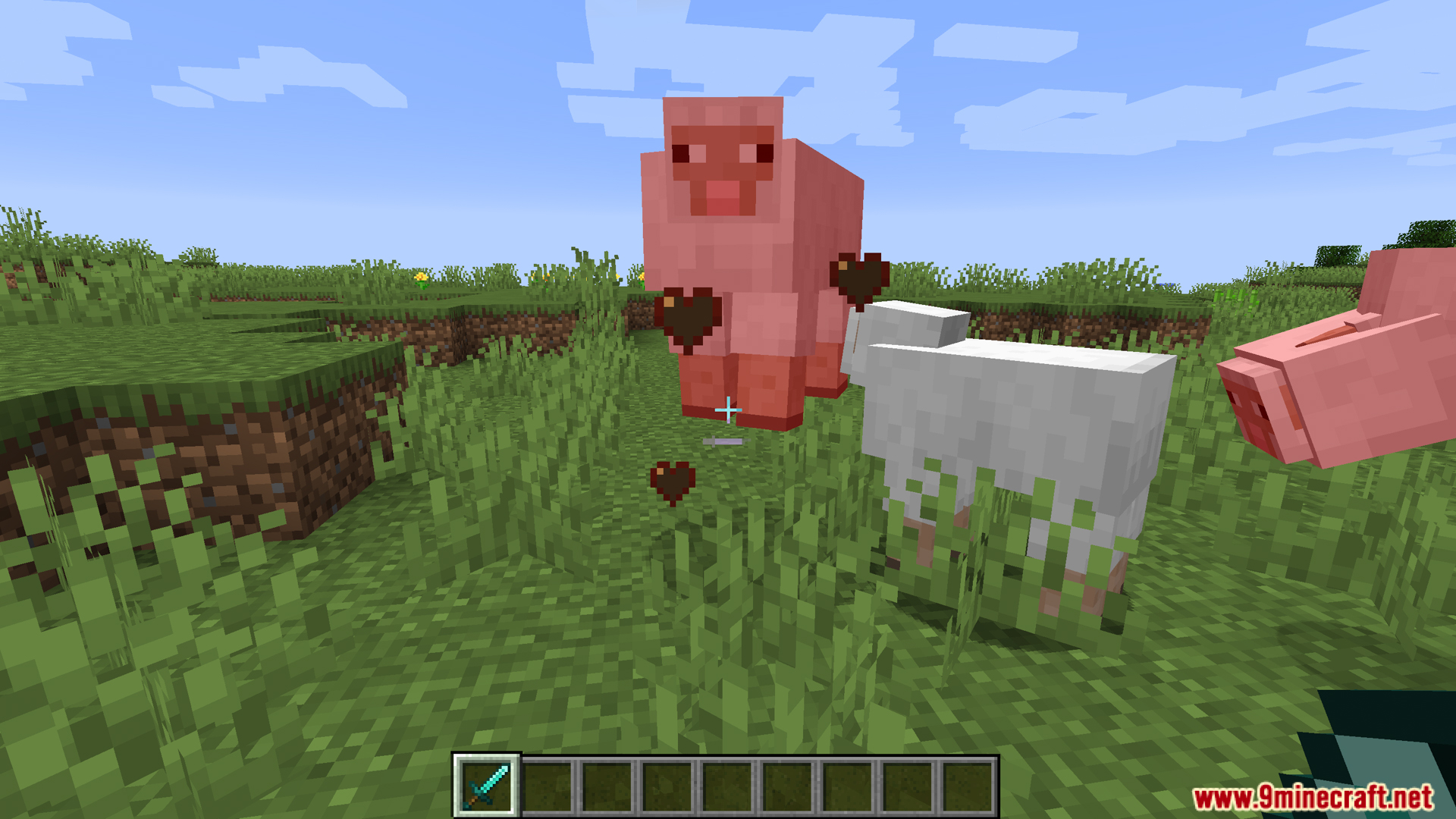
Limited Damage Indicator Particle Mod helps stop your game from slowing down during big fights. When you attack many mobs at once, all the damage particles can cause a lot of lag or even crash your game. This mod lets you set a limit on how many particles can show up, keeping combat smooth and playable.
Features:
- Set a Particle Limit: You can choose the maximum number of damage particles that can appear at one time.
- Helps stop lag and game freezes during big fights, especially when hitting many mobs.
- Keeps your vision clear by preventing too many particles from covering the screen.
- Hides particles from very small hits by default, making combat less cluttered.
- Lets you turn the low-damage particles back on if you prefer to see every hit.
Screenshots:

Limited Damage Indicator Particle Mod Download Links
For Minecraft 1.21.4, 1.21.3, 1.21.1, 1.21
NeoForge version: Download from Server 1 – Download from Server 2
For All Versions from Minecraft 1.18.2 to Minecraft 1.20.1
Forge version: Download from Server 1 – Download from Server 2
For Minecraft 1.16.5
Forge version: Download from Server 1 – Download from Server 2
- Edition: Minecraft Java
- File type: .jar
- Minecraft versions listed: 1.21.4, 1.20.1
- How to install: Install the matching mod loader (Forge, Fabric or NeoForge) for your Minecraft version. → Download the .jar. → Put it in the .minecraft/mods folder and launch that loader profile.
- Where to get it: In MC Java Mods, or directly above on this page.
Install steps are the general flow for this file type — How to install Minecraft Java mods & modpacks walks through it step by step.
- Downloads as 176177.mcaddon
- Download size: 4 KB
- Download link checked 25 Jul 2026 — working
- Mirrored on our own servers — the download does not depend on the original host
These come from our own check of the pack file, not from the source page.