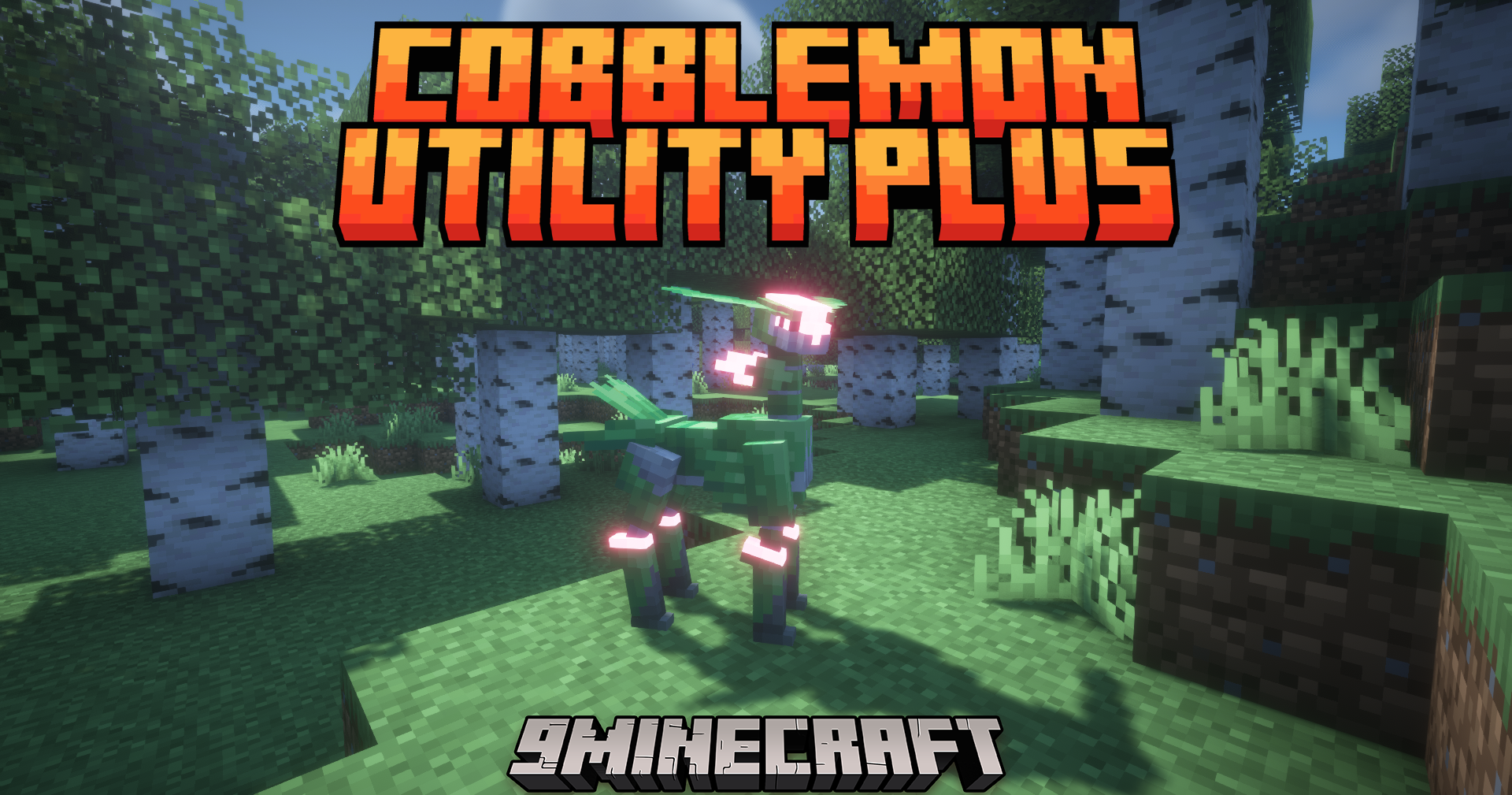
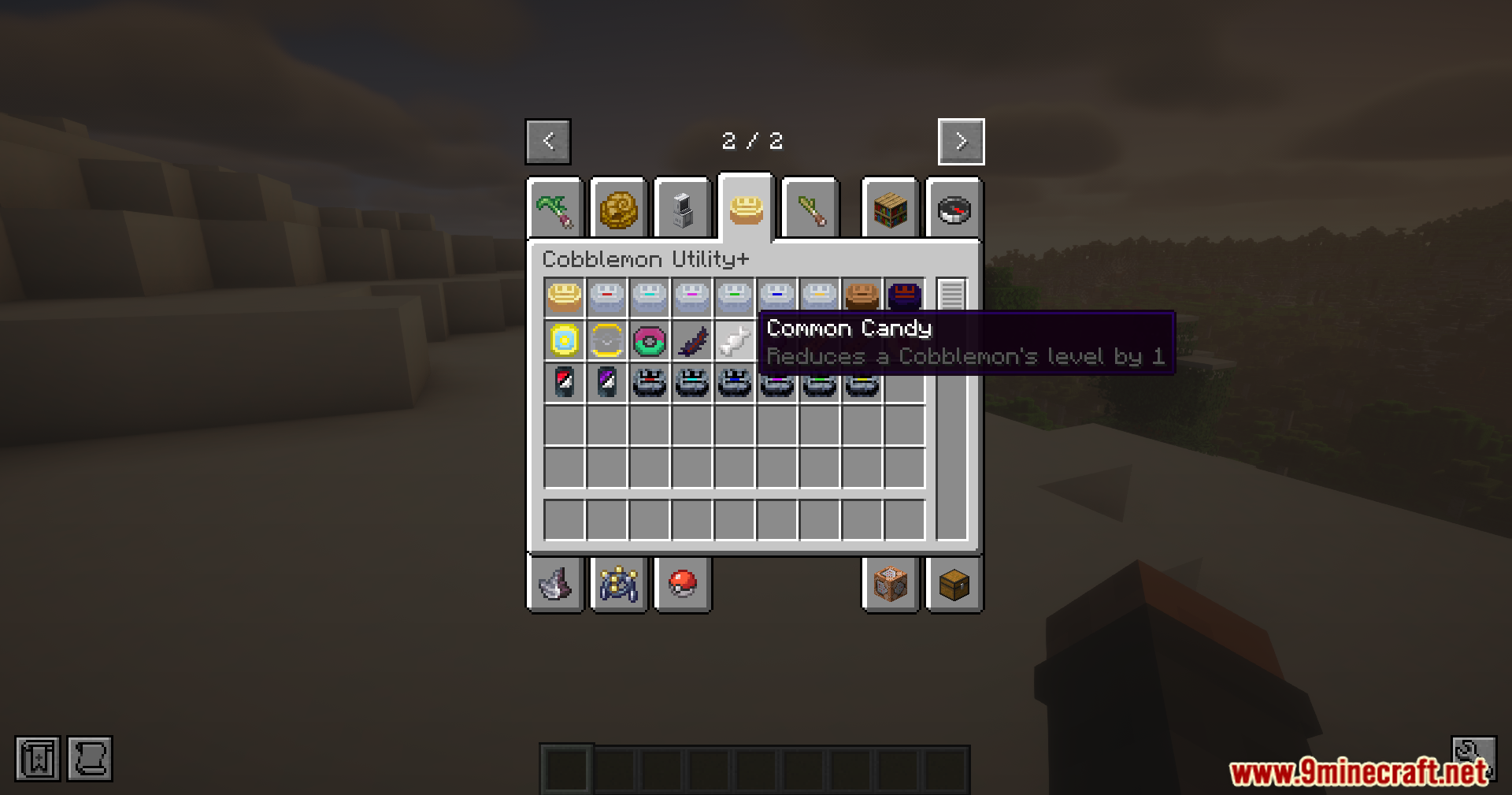
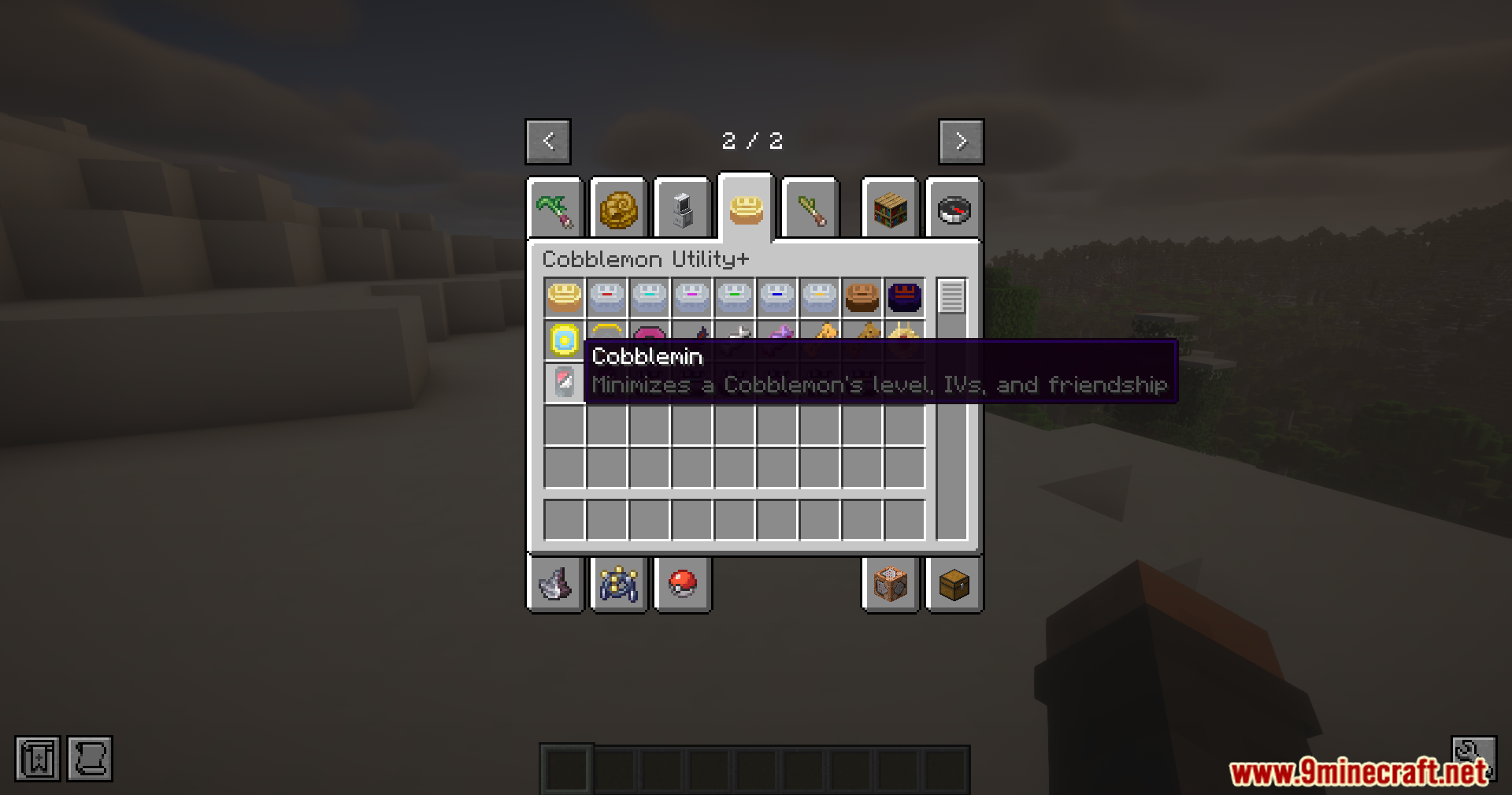
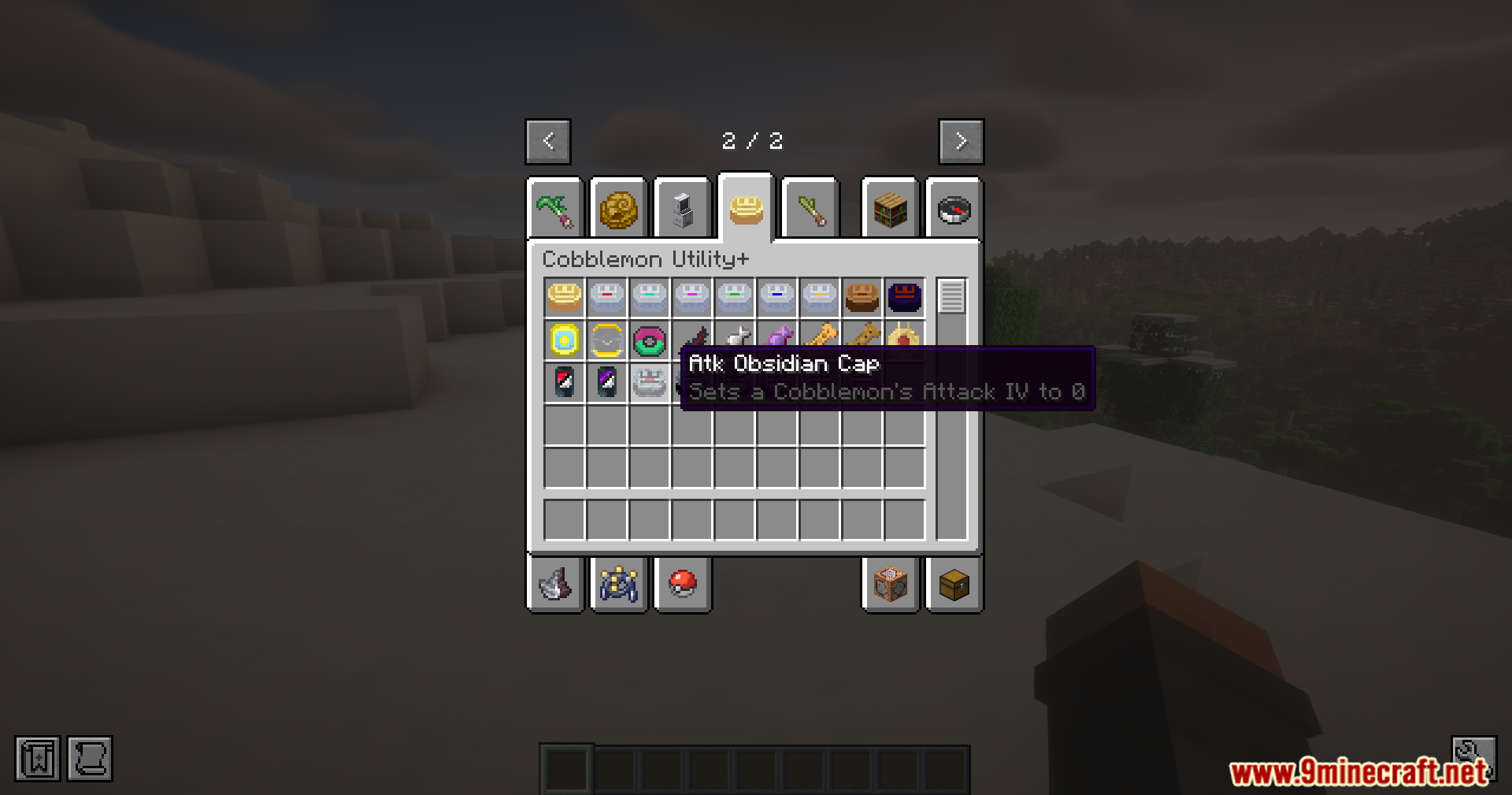
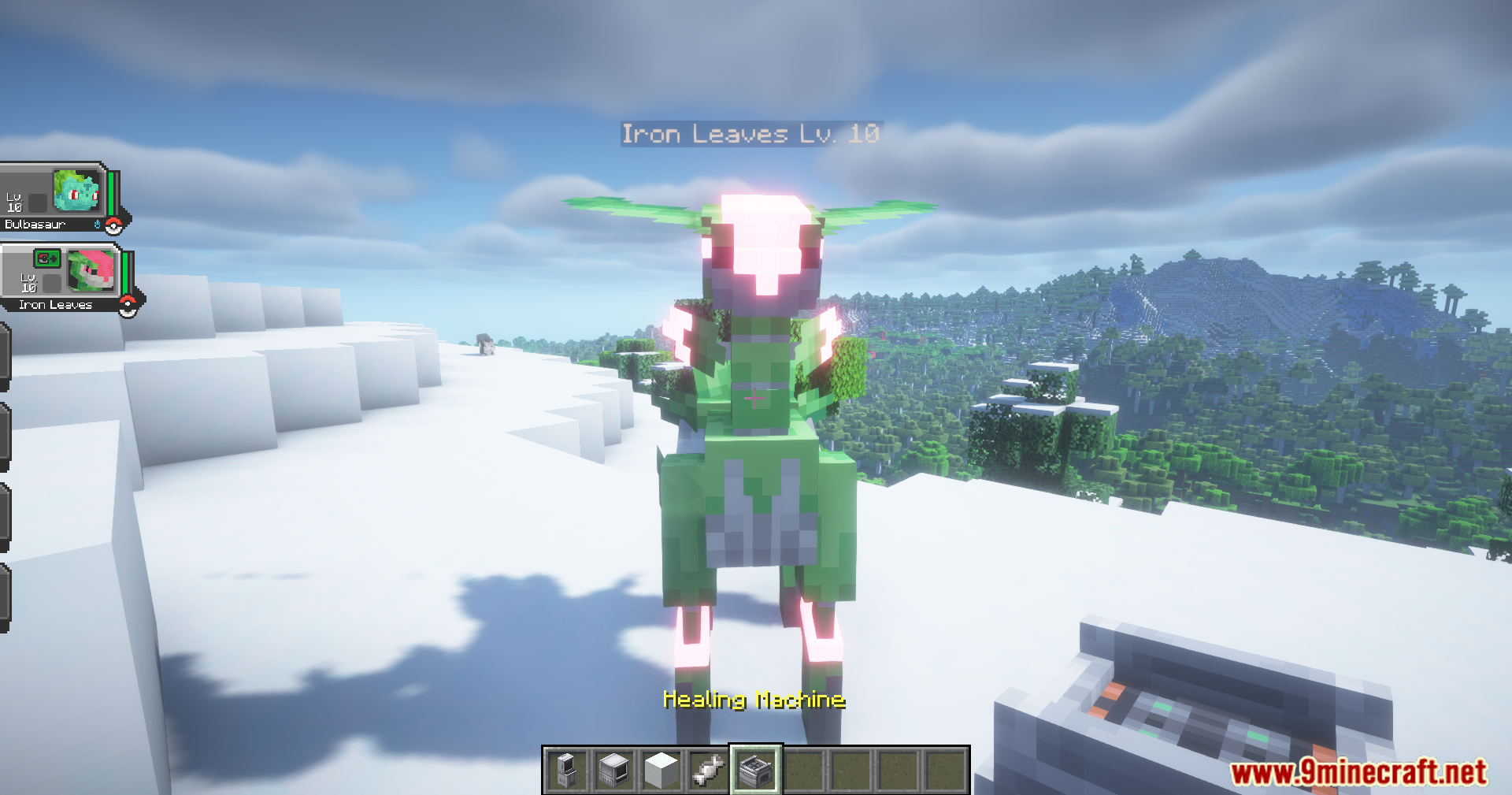
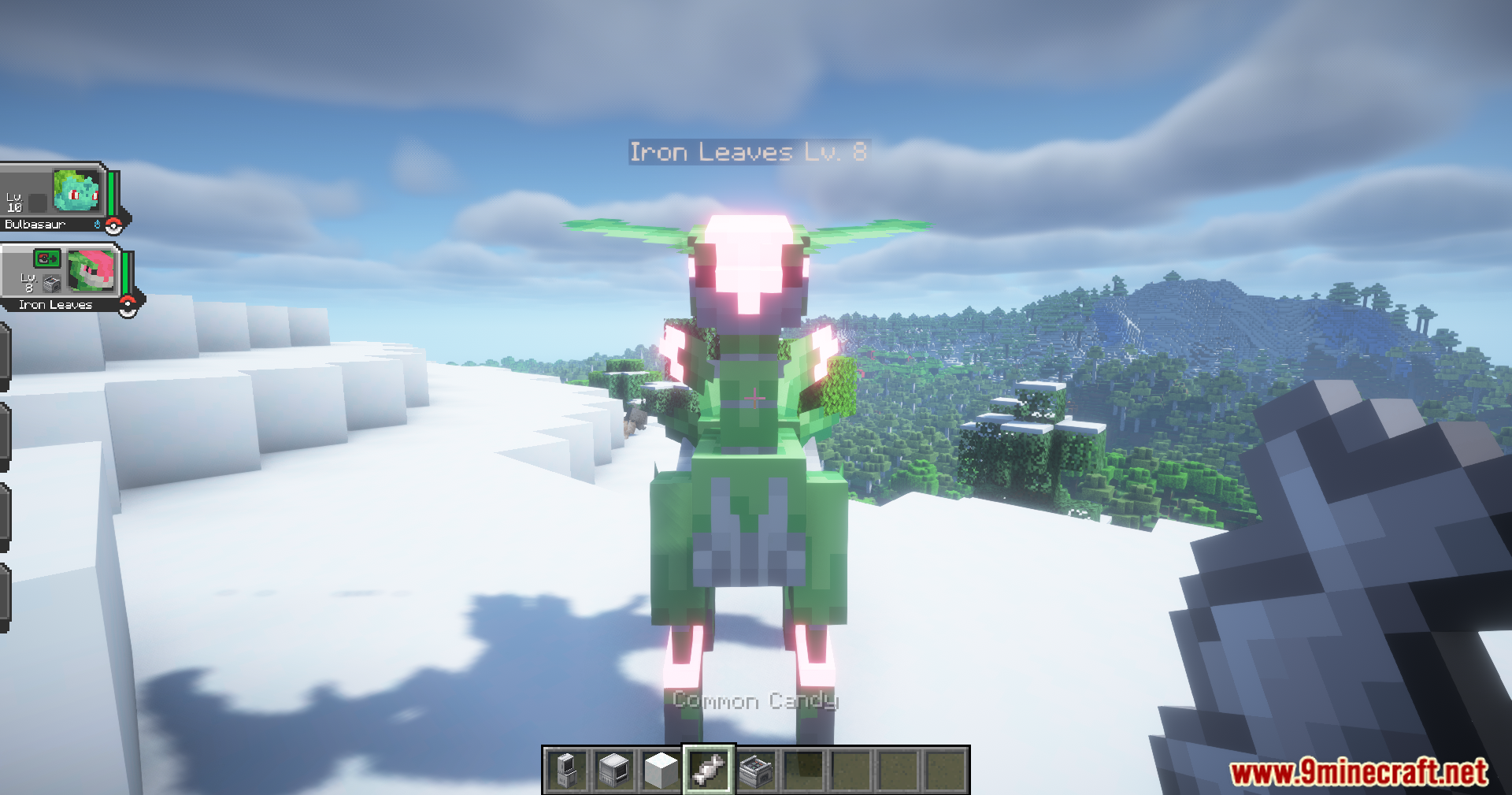
Cobblemon Utility Plus Mod adds helpful items for managing your Cobblemon. You can use them to change stats like IVs, EVs, levels, and friendship. The mod includes tools to instantly max out a Cobblemon or even turn it shiny. It is not compatible with Brendon’s Bottlecaps.
Features:
Change Your Cobblemon’s Stats (IVs & EVs)
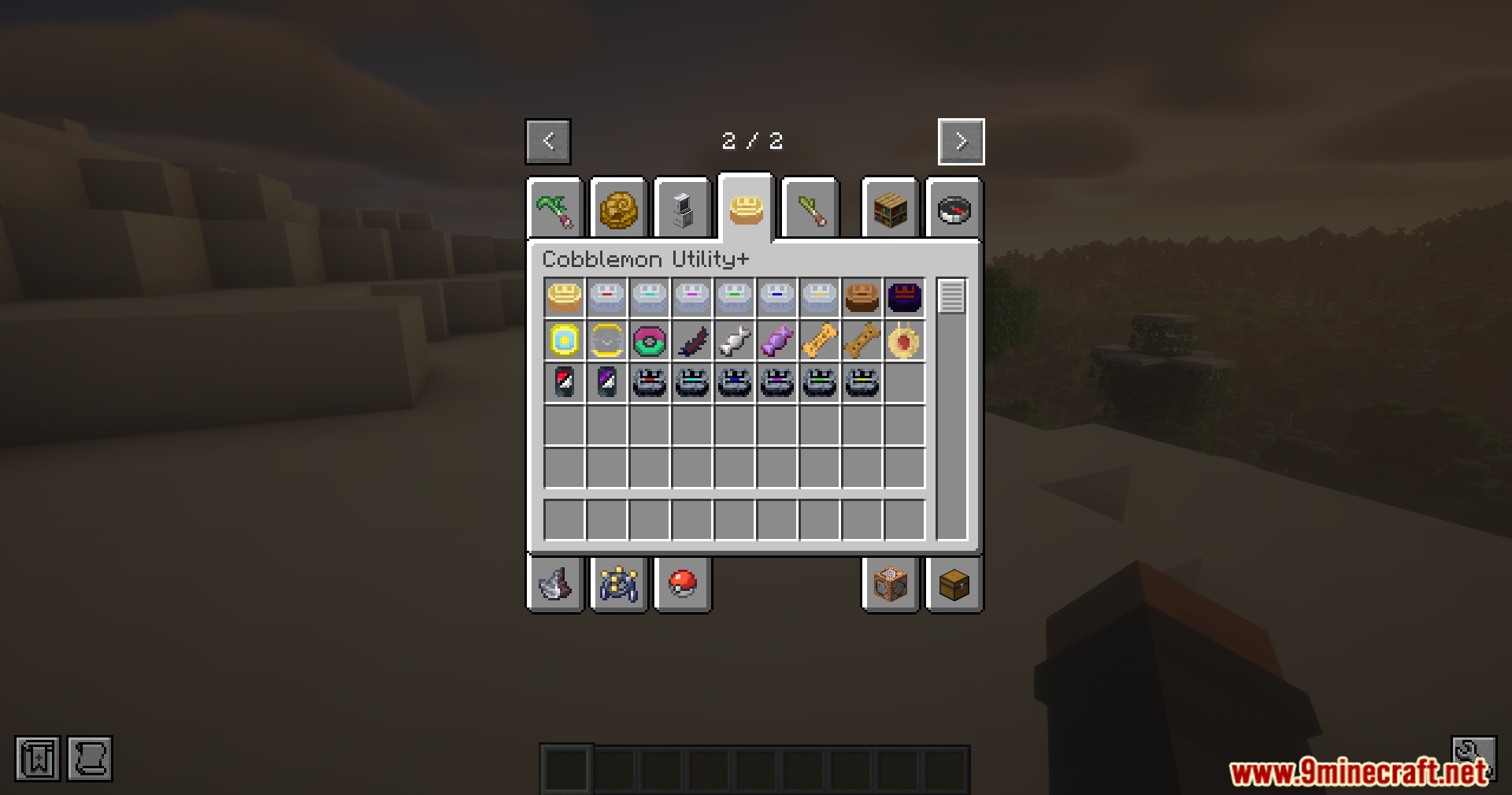
- Use a Golden Cap to make all of a Cobblemon’s IVs the highest they can be.
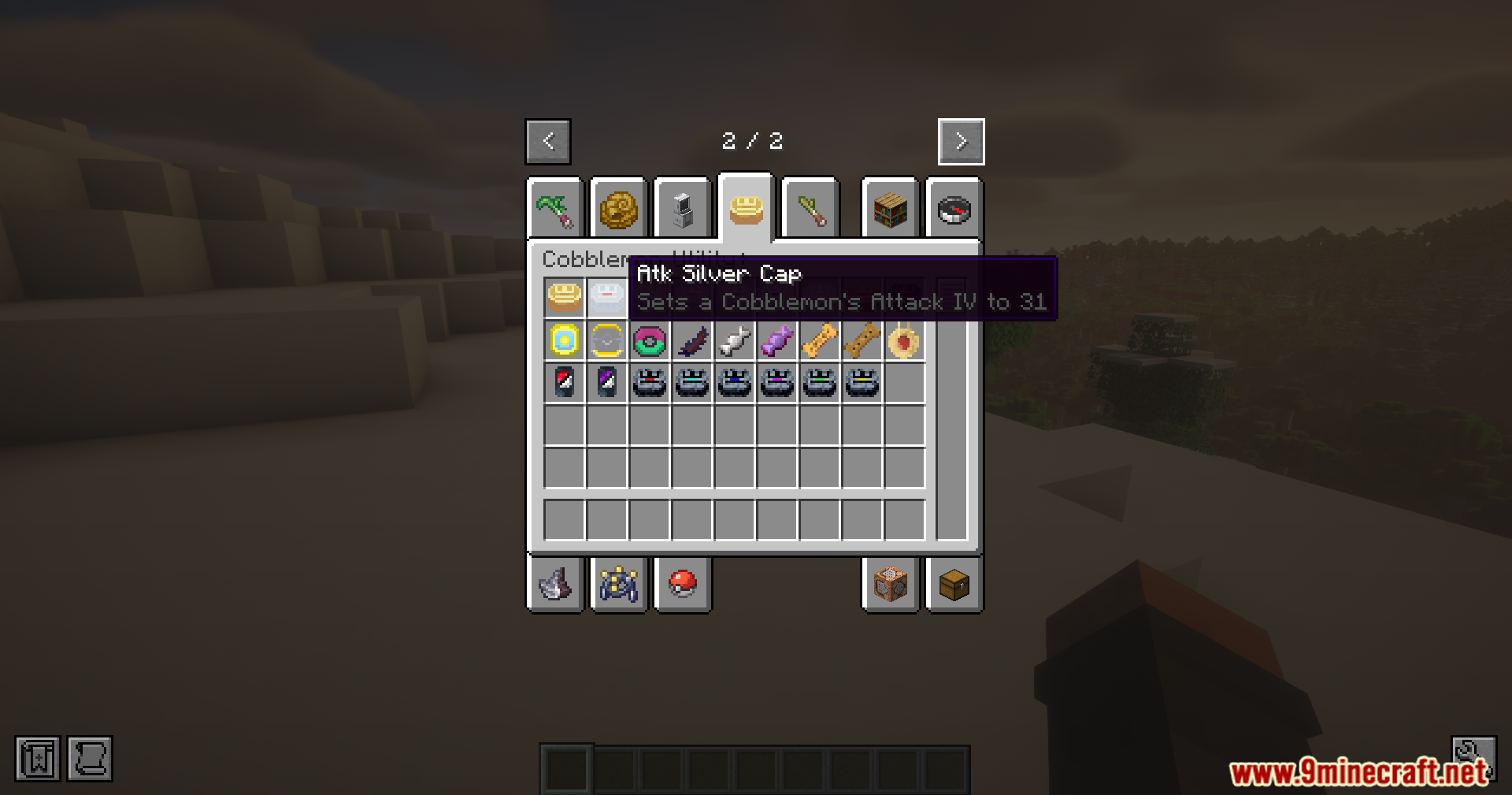
- Use Silver Caps to raise a single, specific IV to its maximum value.
- A Wooden Cap will completely randomize all of your Cobblemon’s IVs.
- The Void Cap sets all IVs to zero, and Obsidian Caps set a specific IV to zero.
- Reset all EVs on a Cobblemon back to zero with the Void Feather.
Adjust Levels and Friendship
- Give a Poké Treat to make your Cobblemon more friendly.
- Use a Stale Poké Treat to lower its friendship level.
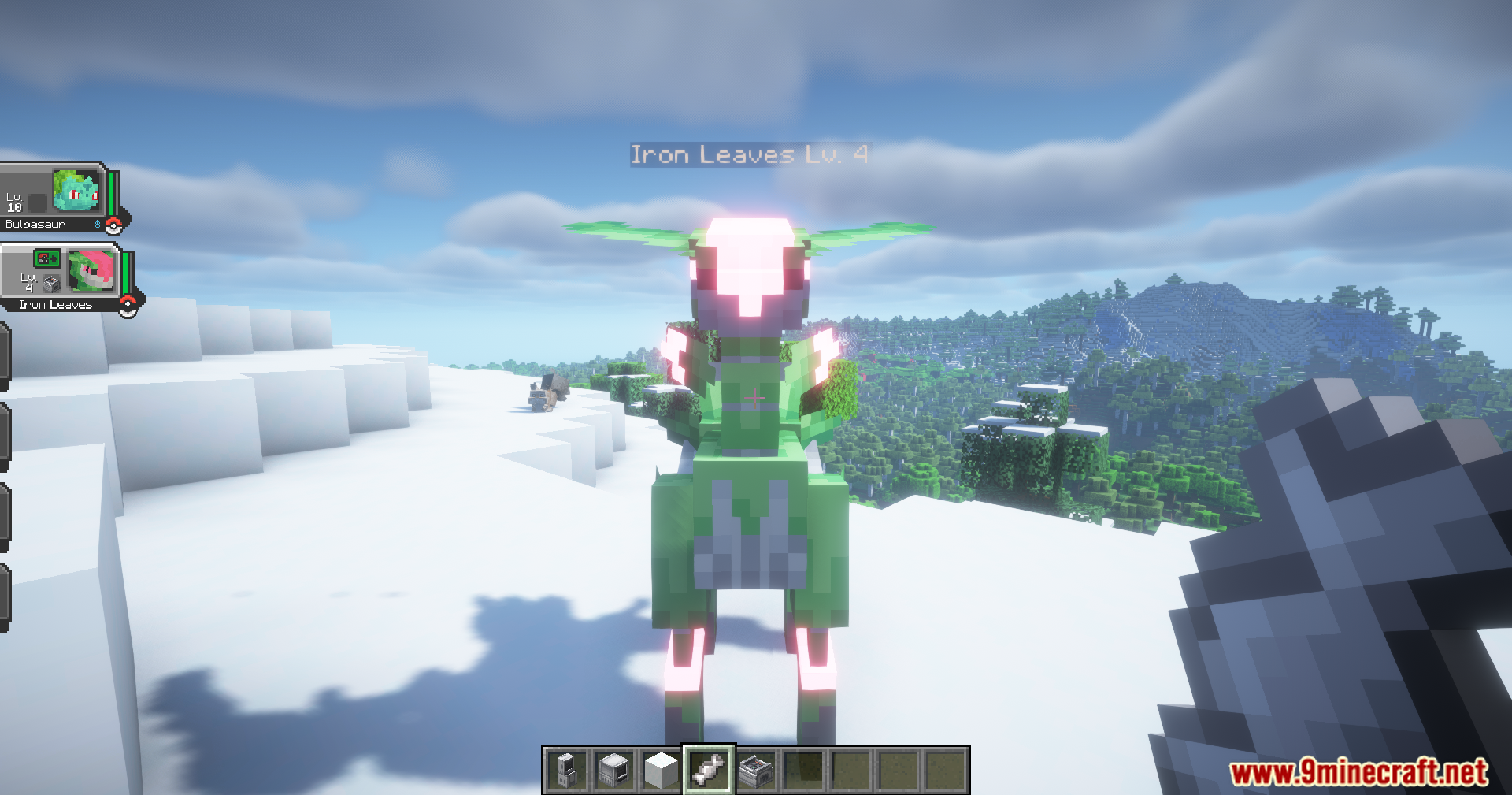
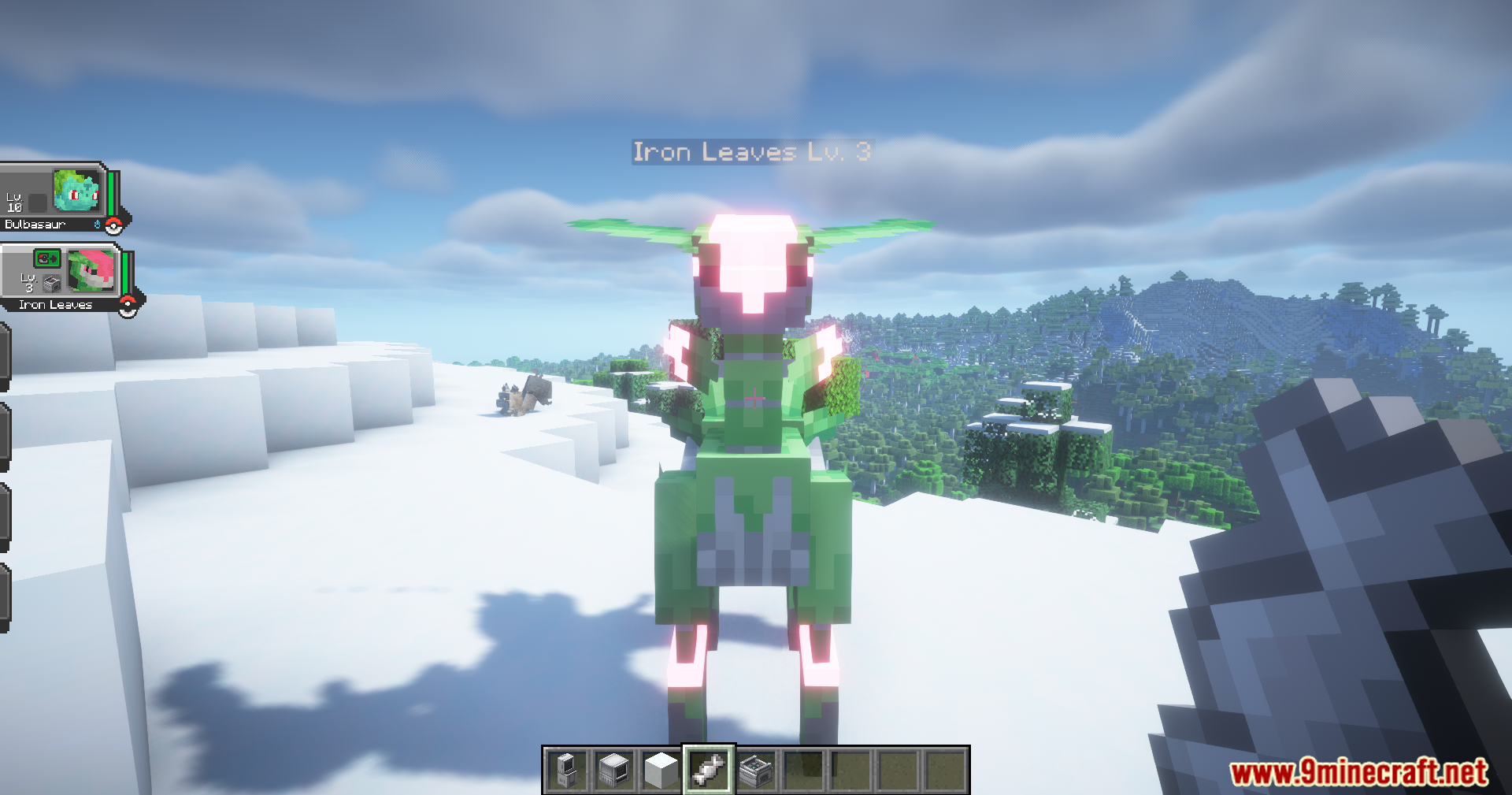
- Feed your Cobblemon a Common Candy to reduce its level by one.
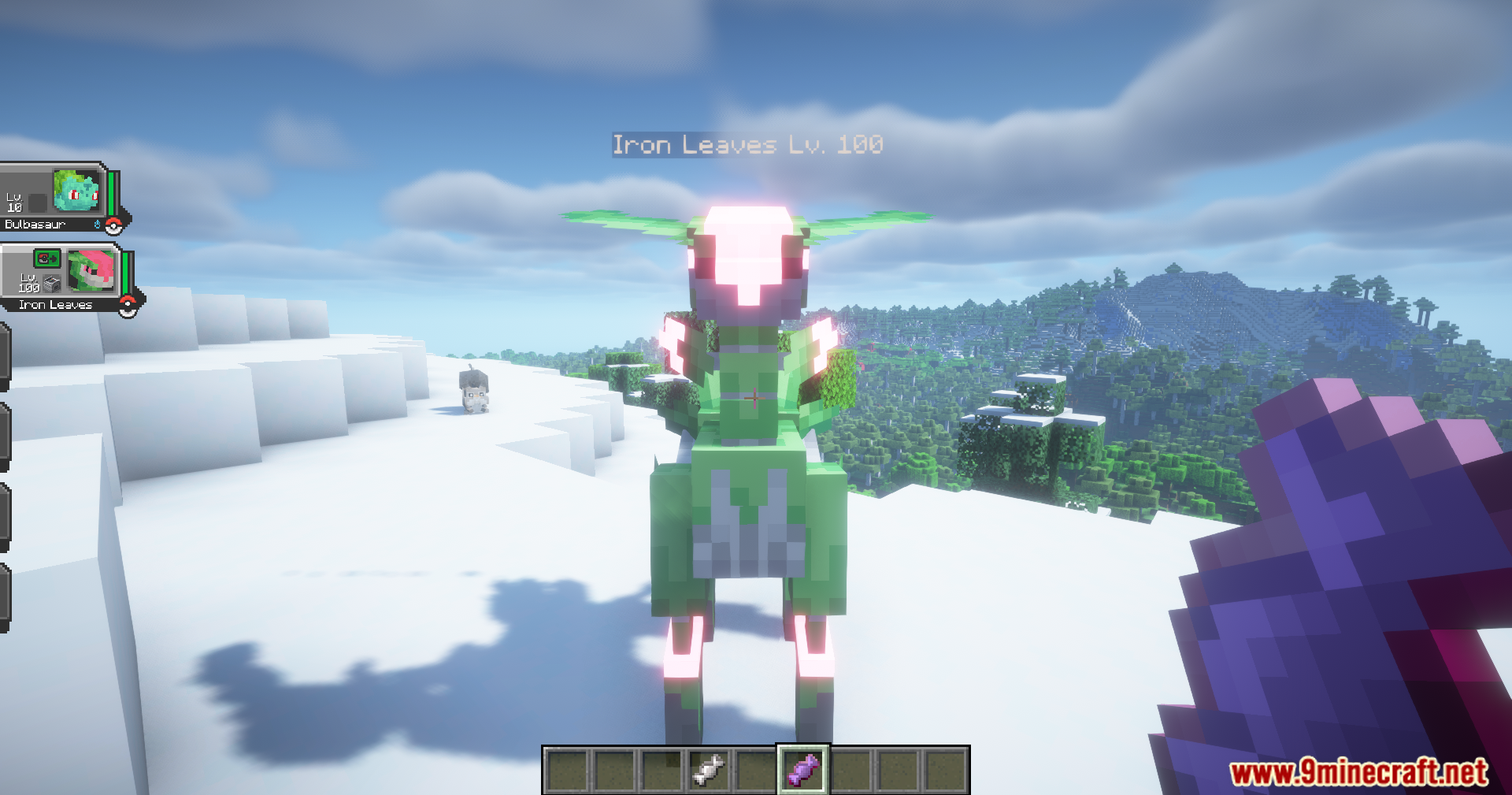
- A Master Candy instantly raises a Cobblemon’s level to 100.
Other Useful Tools
- The Shiny Card can turn a regular Cobblemon into its shiny version, or change it back.
- Use the Ball Synchronizer to change the type of Poké Ball your Cobblemon is in.
- A Transmutation Orb lets you switch a Cobblemon’s gender.
- The Devolution Relic can reverse an evolution, turning a Cobblemon back to its previous form.
- Instantly max out a Cobblemon’s level, IVs, and friendship with the Cobblemax item.
- The Cobblemin item does the opposite, setting level, IVs, and friendship to their lowest values.
Screenshots:
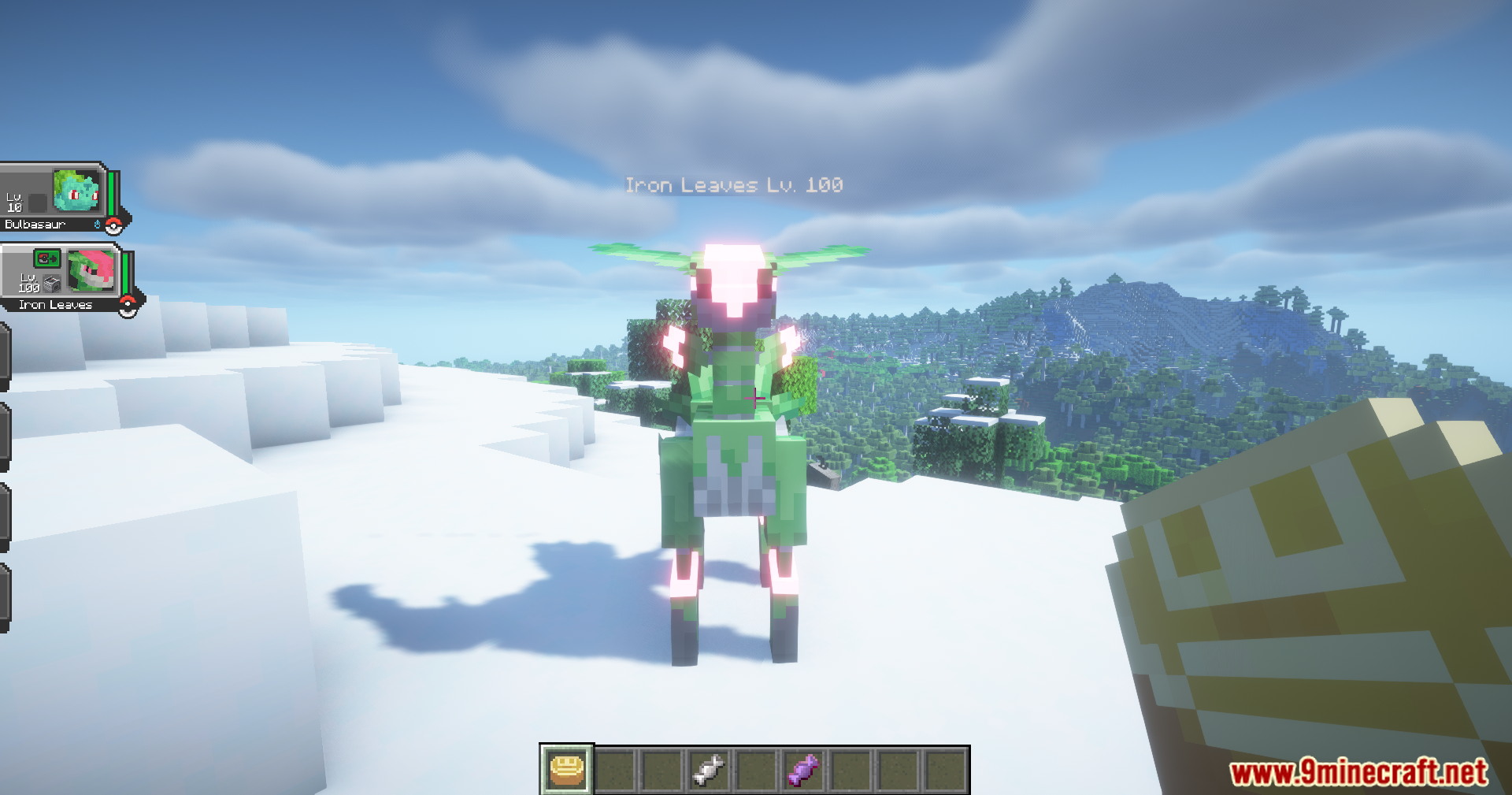
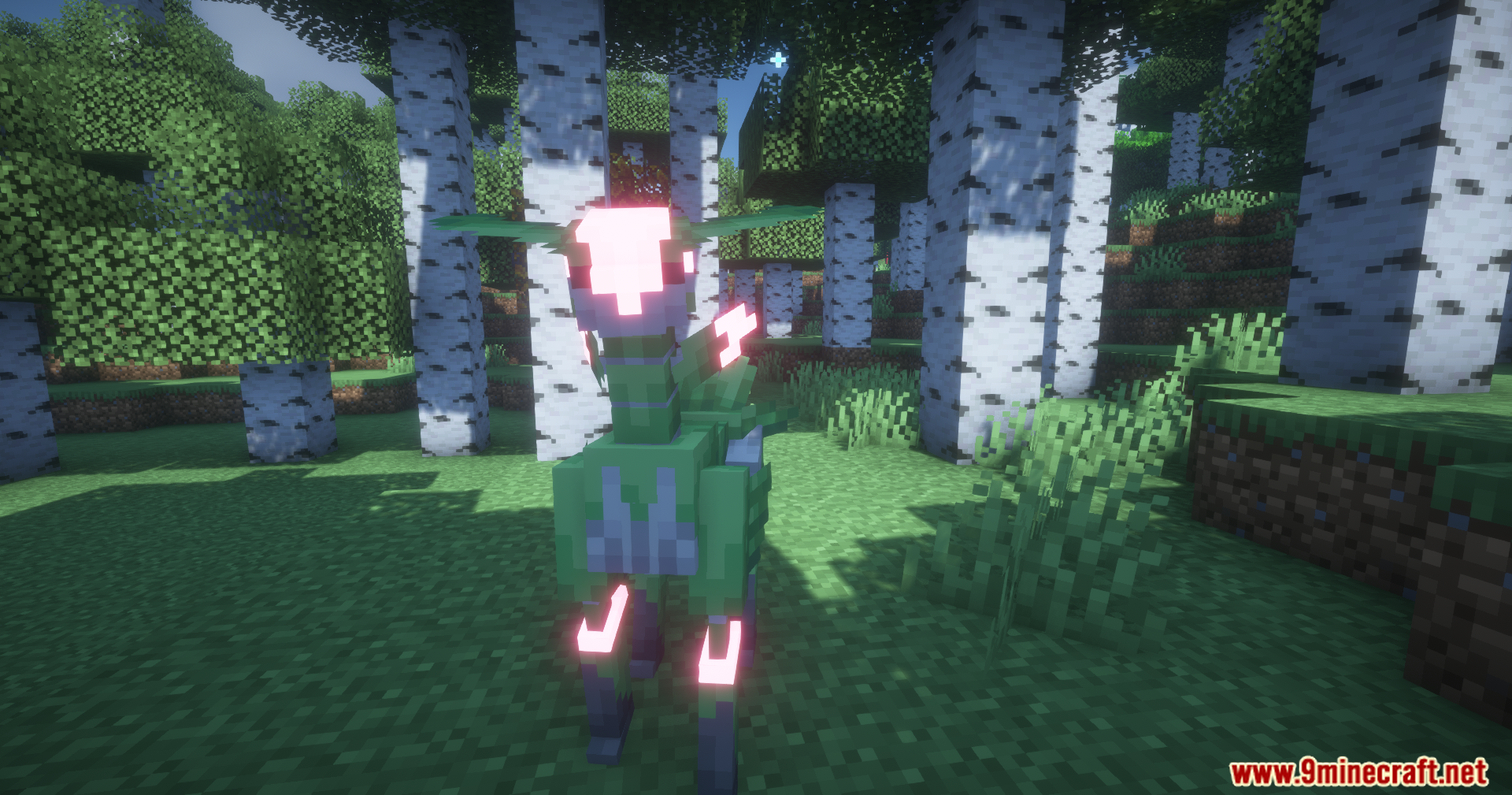
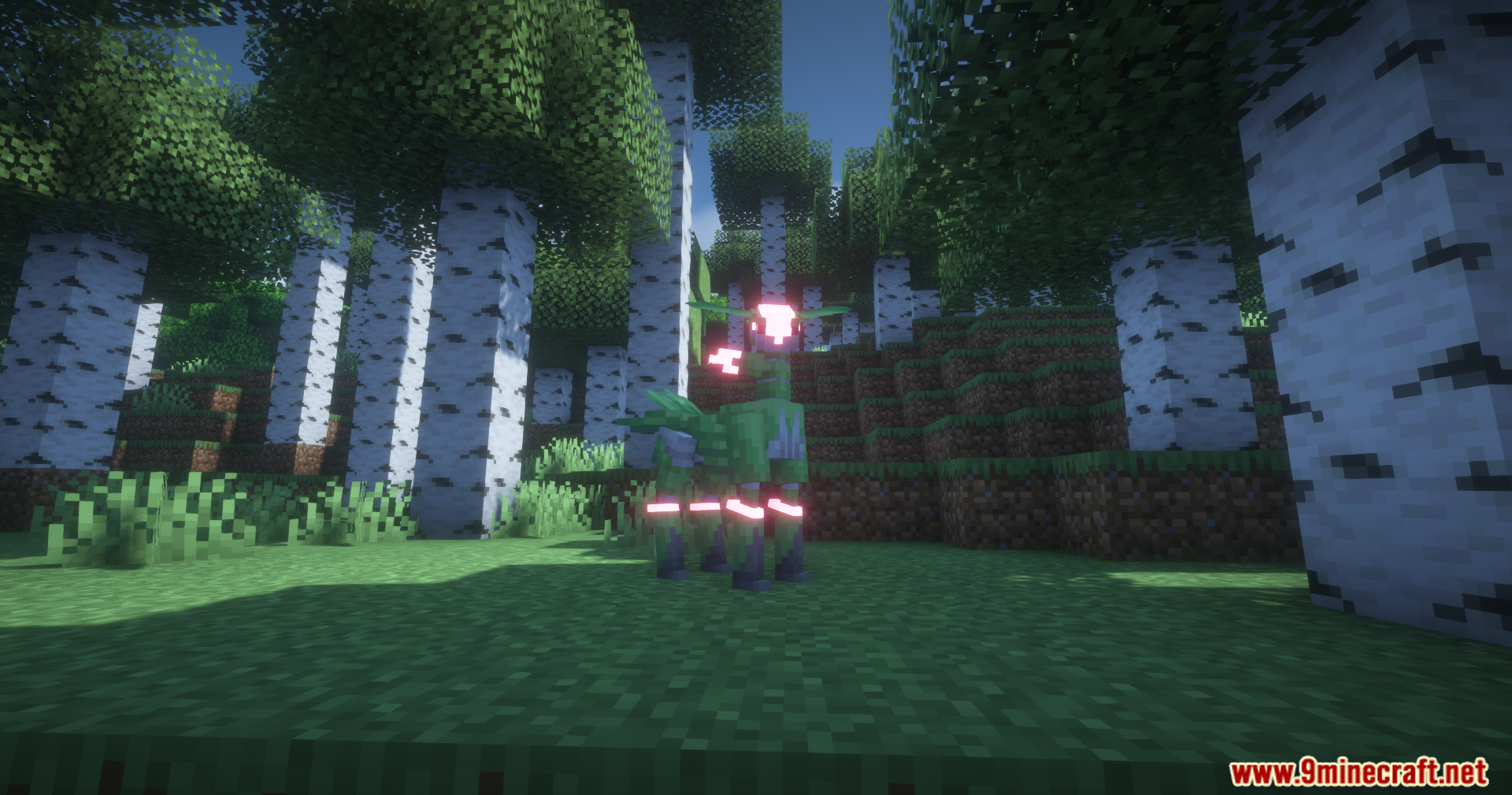
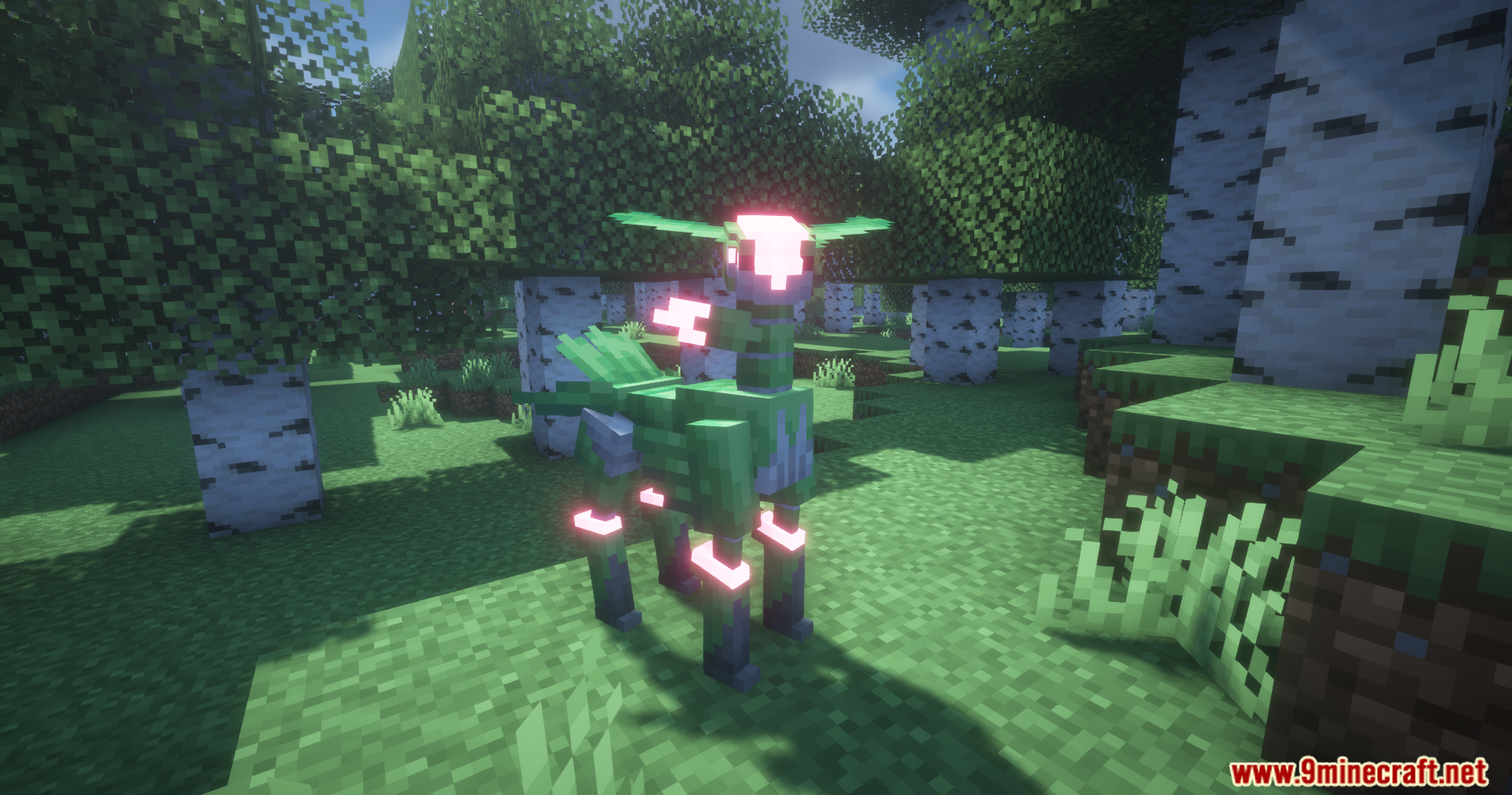
Cobblemon Utility Plus Mod Download Links
For Minecraft 1.21.1, 1.21
Fabric version: Download from Server 1 – Download from Server 2
NeoForge version: Download from Server 1 – Download from Server 2
Quick facts
- Edition: Minecraft Java
- File type: .jar
- Minecraft versions listed: 1.21.1, 1.21
- How to install: Install the matching mod loader (Forge, Fabric or NeoForge) for your Minecraft version. → Download the .jar. → Put it in the .minecraft/mods folder and launch that loader profile.
- Where to get it: In MC Java Mods, or directly above on this page.
Install steps are the general flow for this file type — How to install Minecraft Java mods & modpacks walks through it step by step.
Verified by MCModsHub
- Downloads as 176205.mcaddon
- Download size: 134 KB
- Download link checked 25 Jul 2026 — working
- Mirrored on our own servers — the download does not depend on the original host
These come from our own check of the pack file, not from the source page.