I Am Music Player Mod (1.20.1, 1.19.4) – Play Your Own Music Directly Inside Minecraft
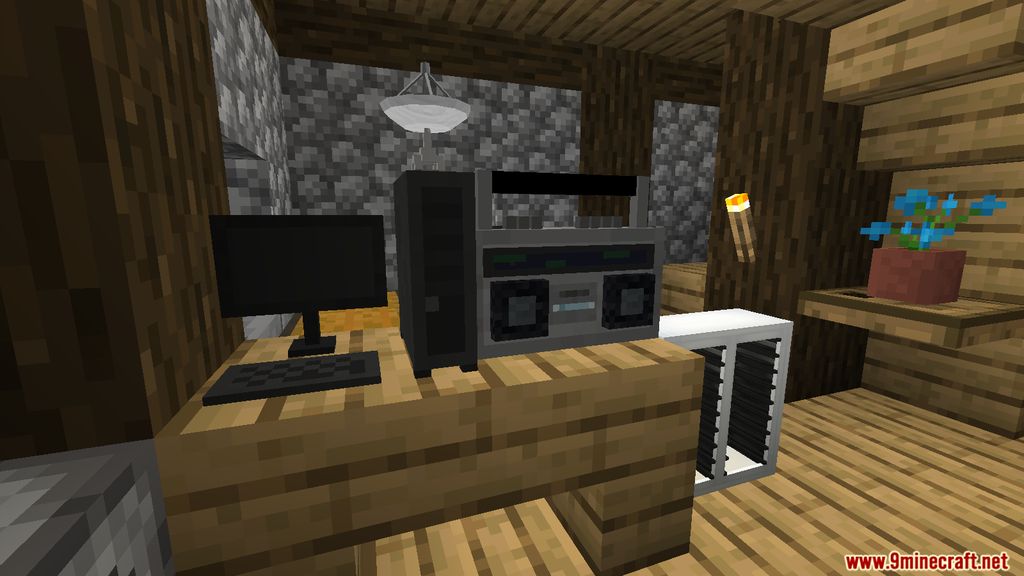
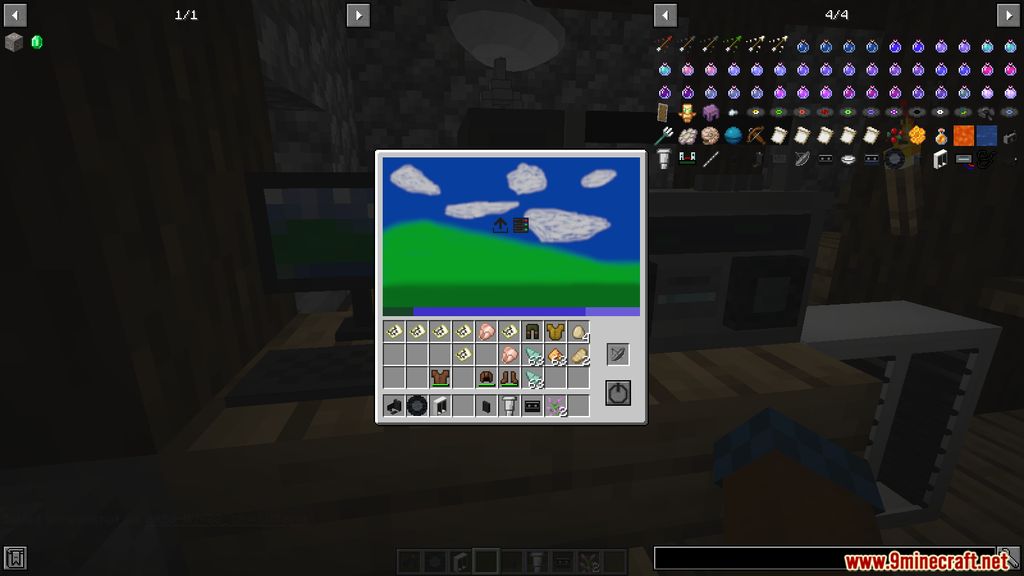
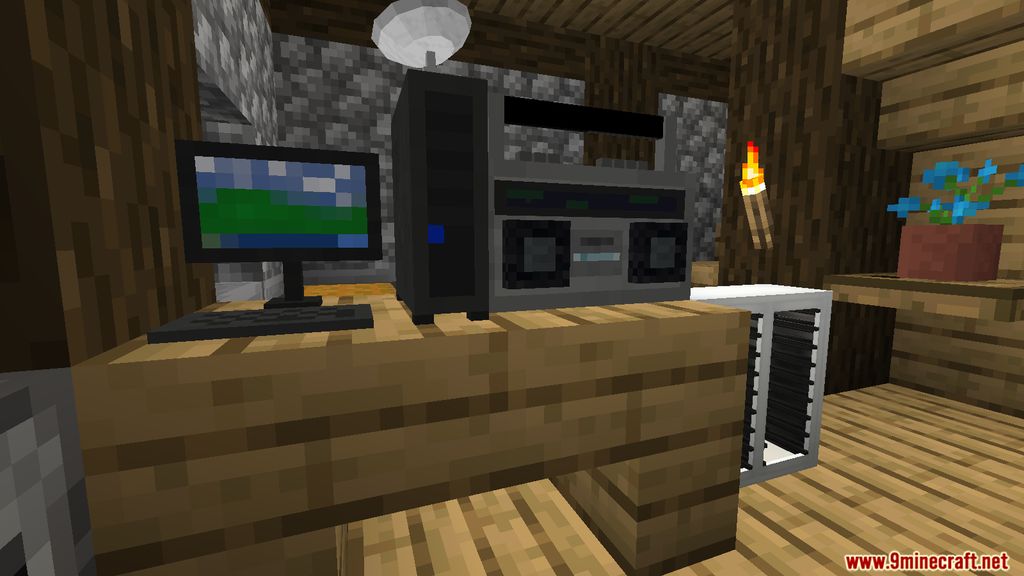
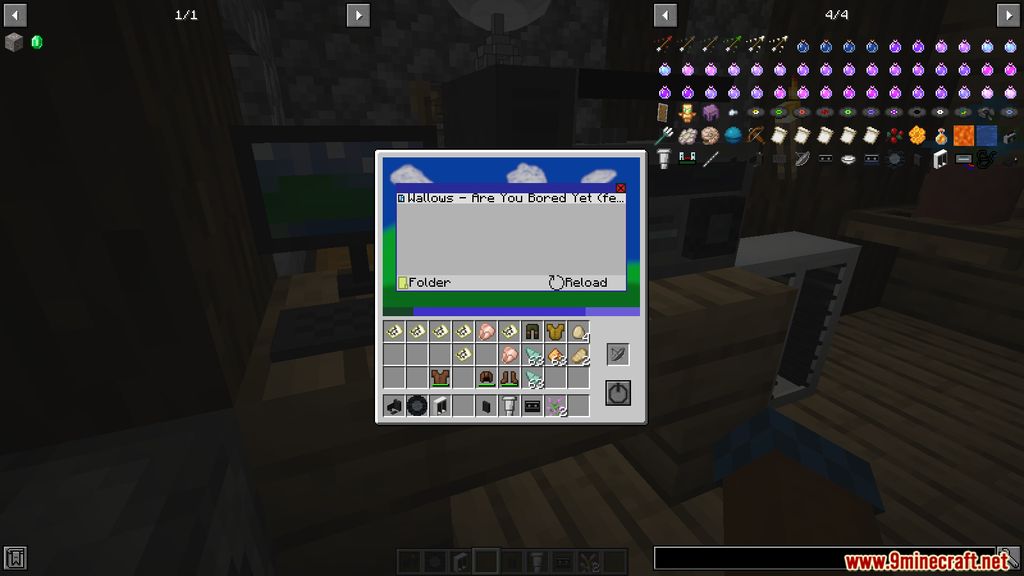
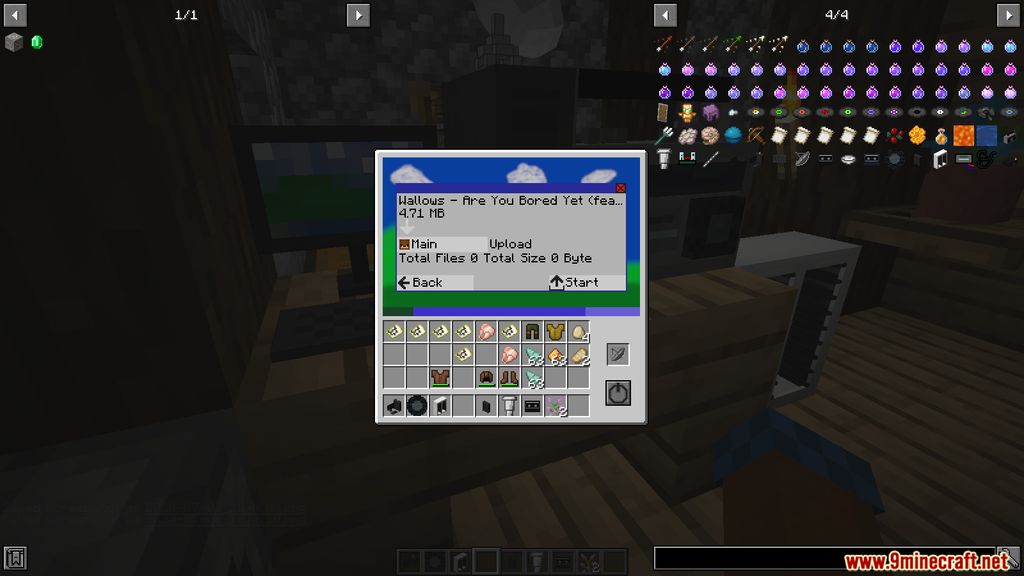
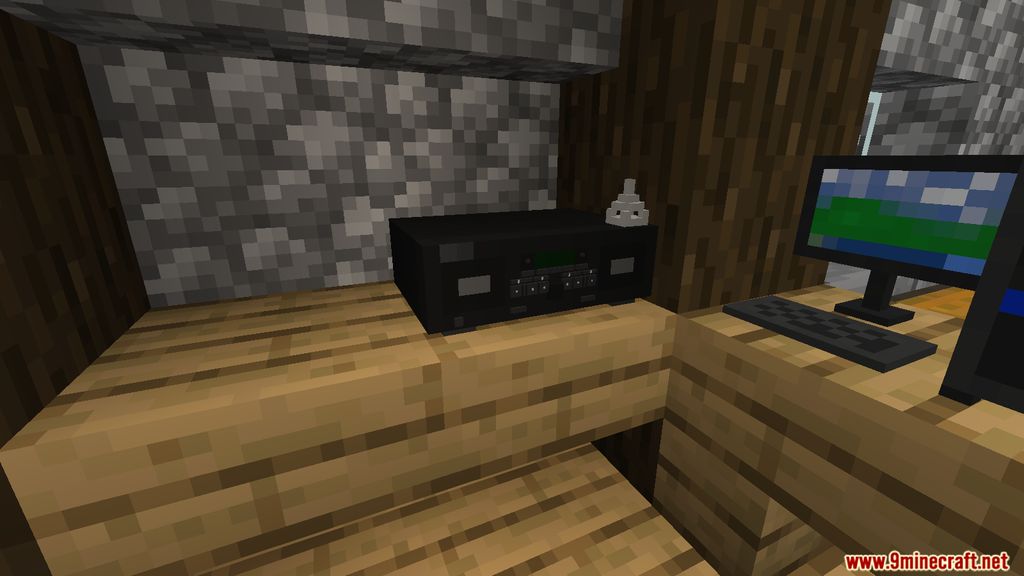
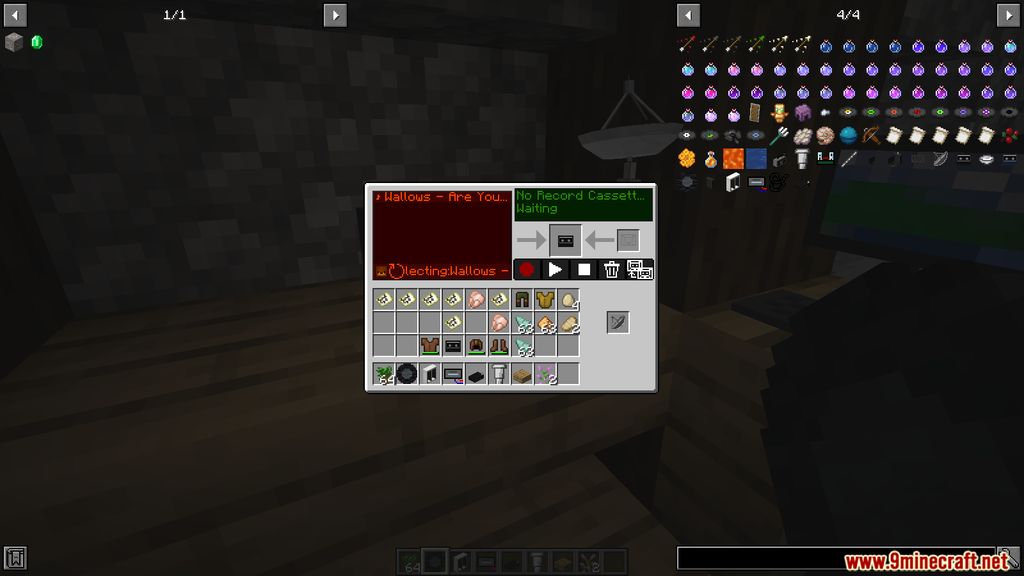
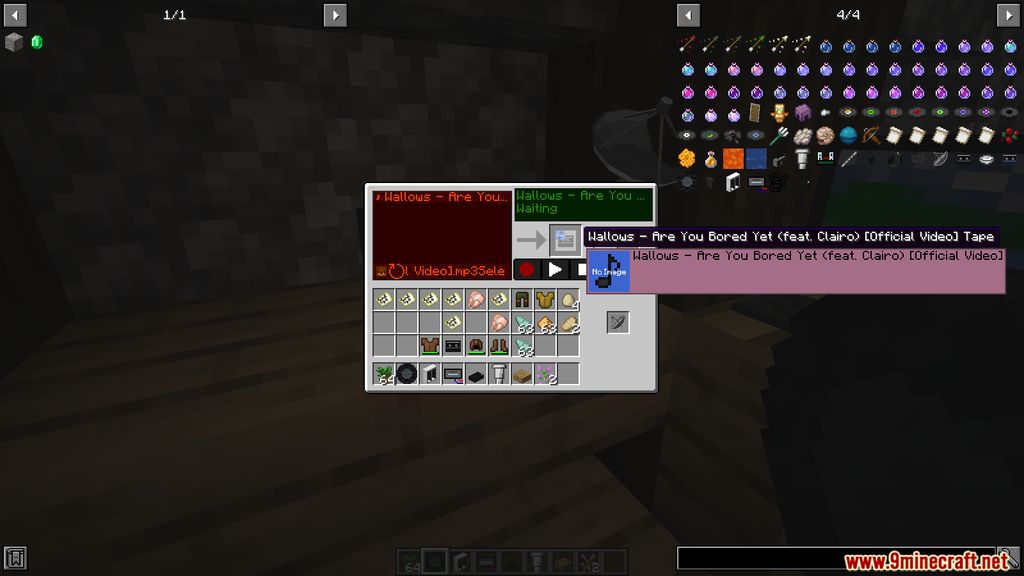
You’ll be able to upload music into the game, share it with friends, and create playlists. I Am Music Player Mod adds a tape recorder, an audio player, a music-sharing device, and audio cassettes to make all of this possible.
Features:
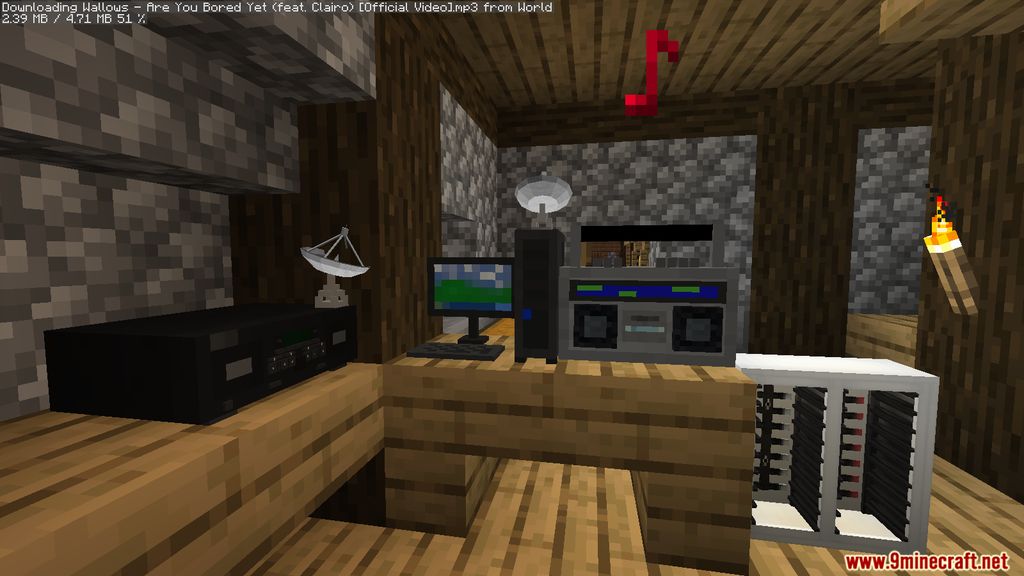
- Upload music files to your server by using the Sound File Uploader.
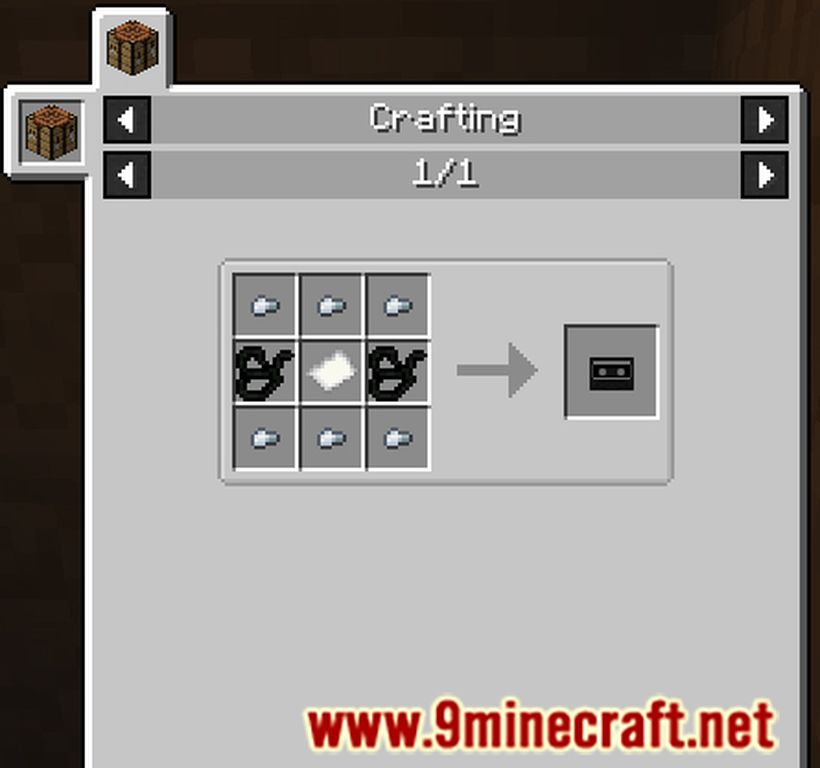
- Record the music files to your Cassette Tapes through Cassette Deck.
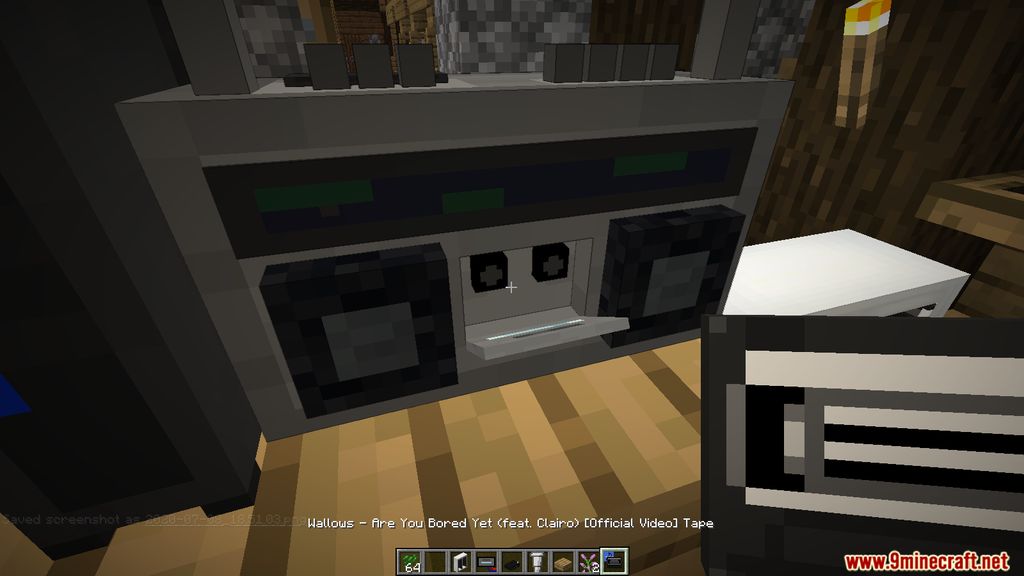
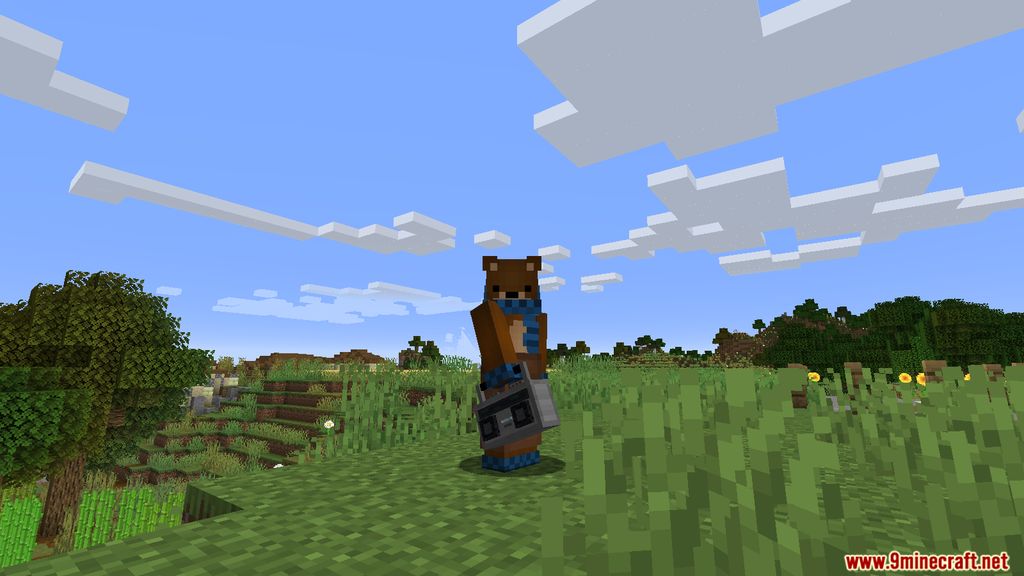
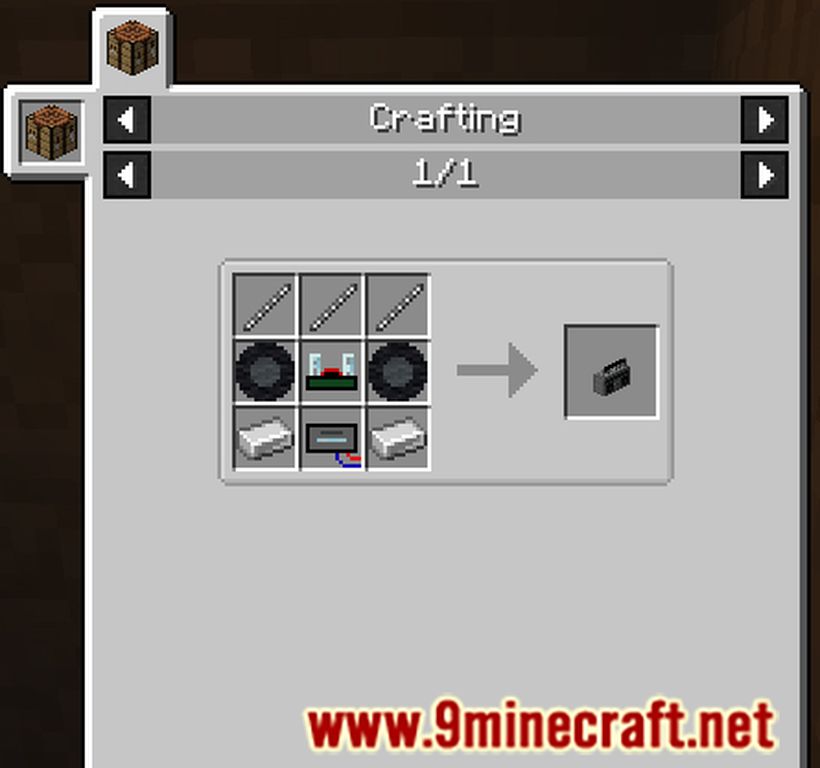
- A Boombox is used to play music recorded on the tape.
- Adjusting the Volume by right-clickiking or shift-right-clicking on the upside.
- Automatically play music and repeat with Redstone Signal.
- Proceed to Download and Play music simultaneously.
- Sound File Uploader: upload music files to server
- Cassette Deck: record uploaded music files on cassette tape.
- Boombox: play music recorded on cassette tape.
- Adjust volume by right-clicking or shift-right-clicking on upside.
- With redstone signal, automatically play music and repeat.
- After being stopped or broken, you can restart or reinstall to resume music.
- Proceed downloading and playing music simultaneously.
Screenshots:
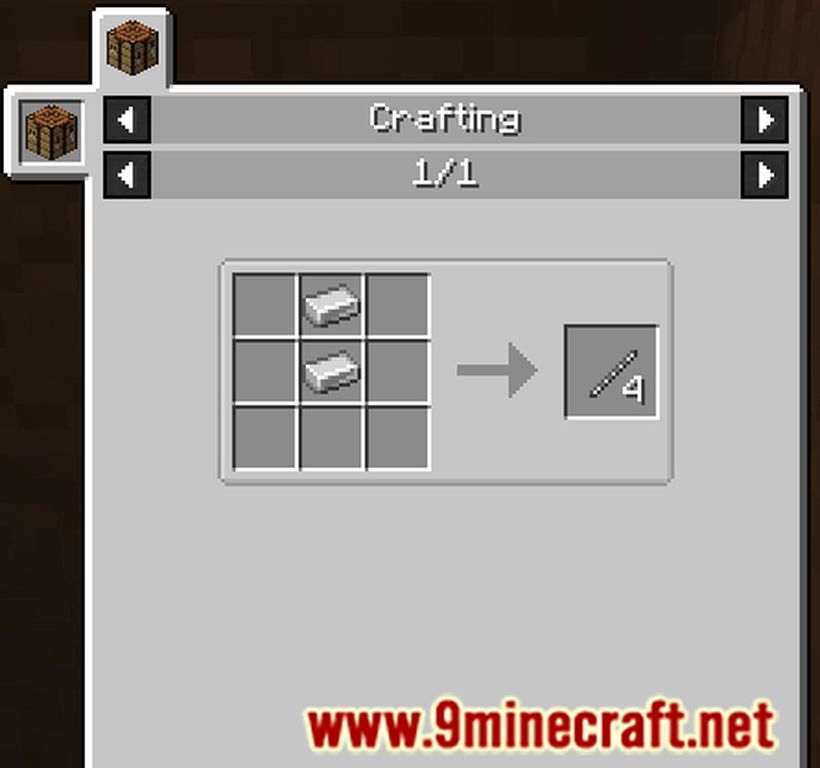
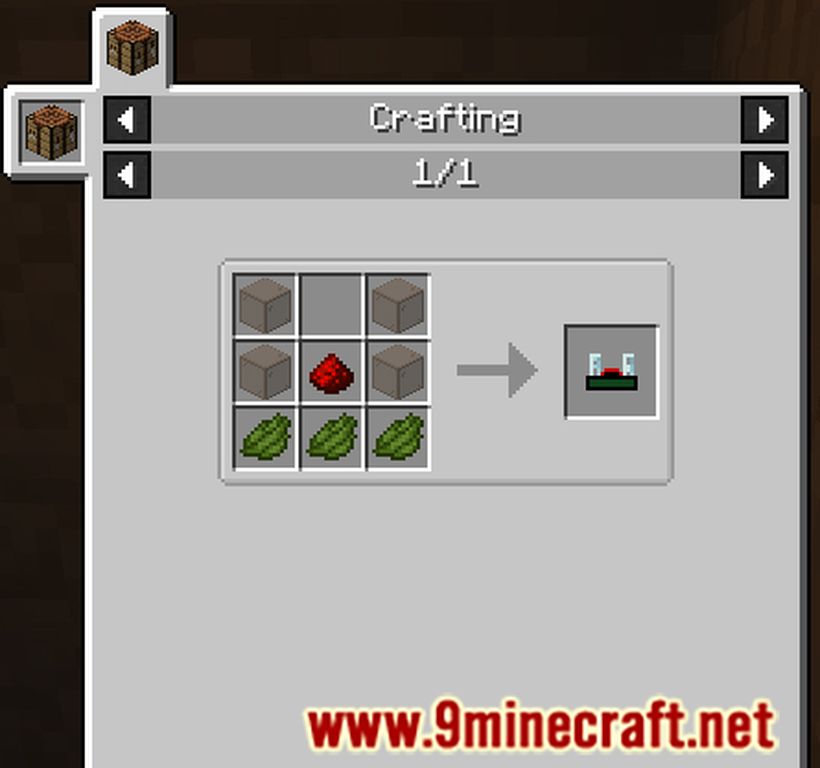
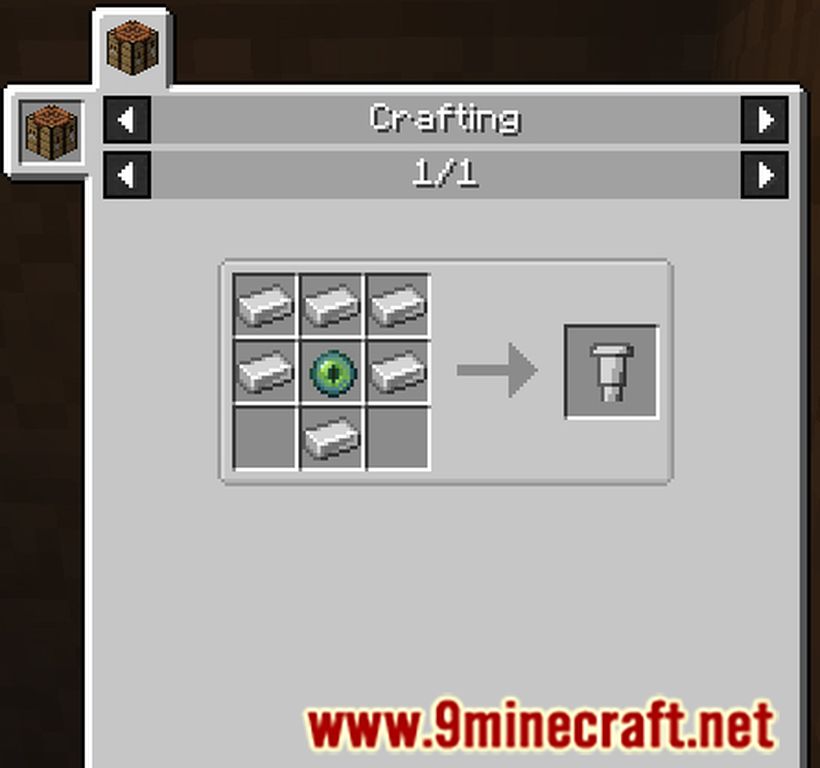
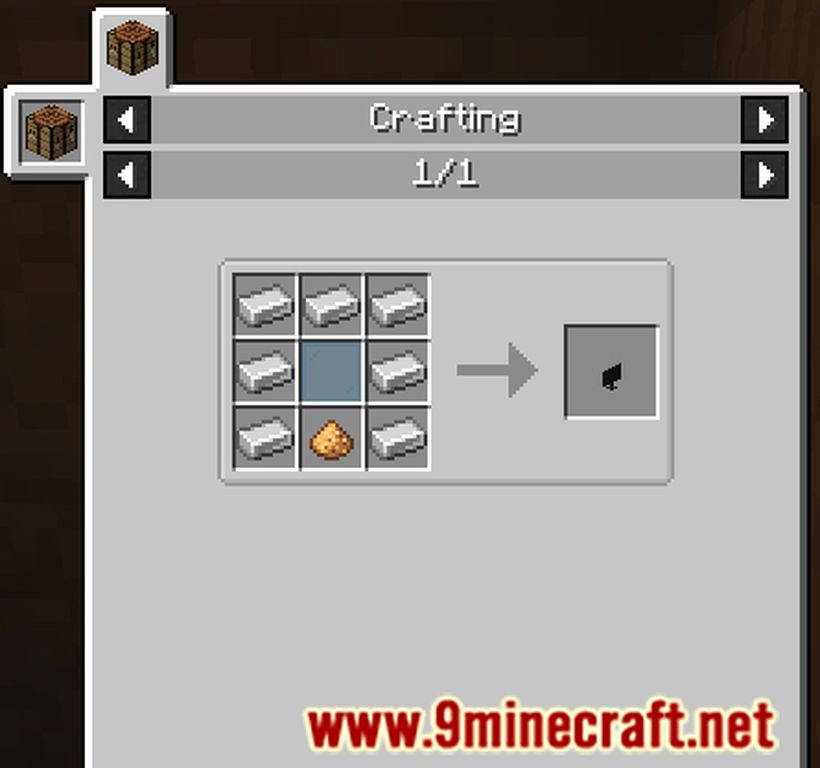
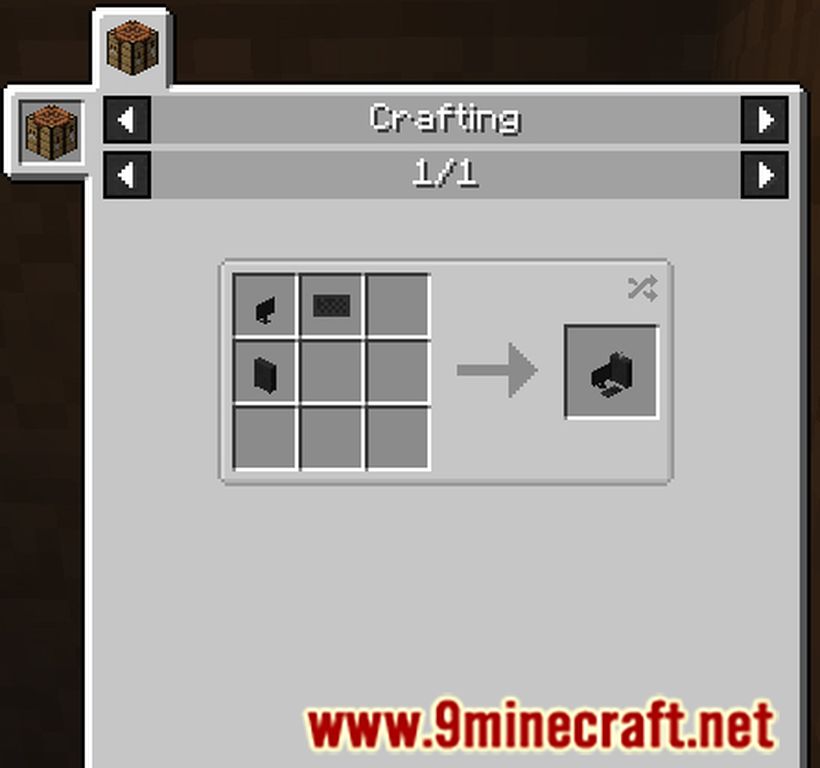
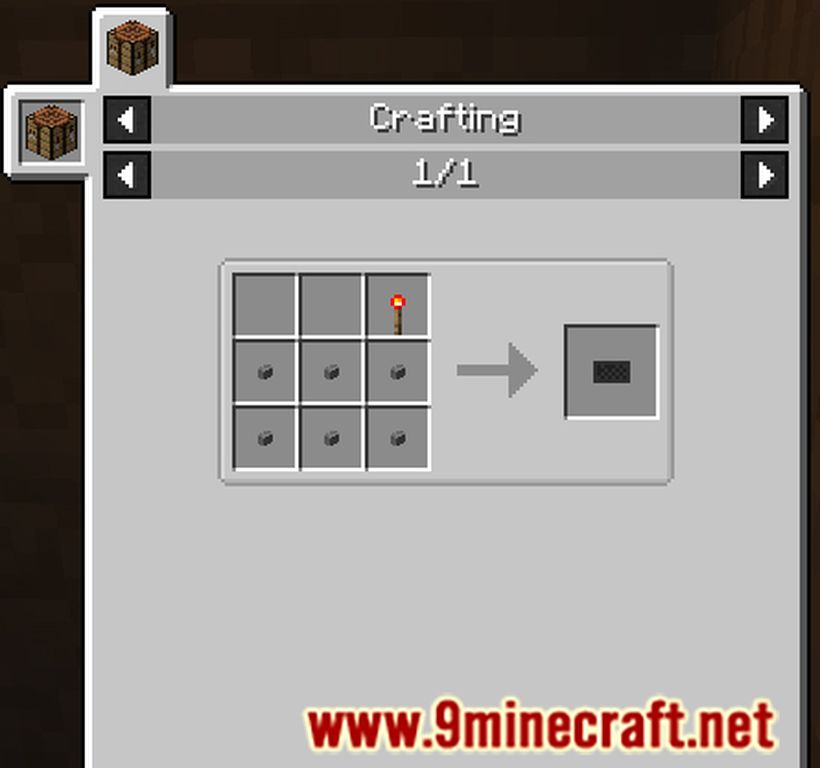
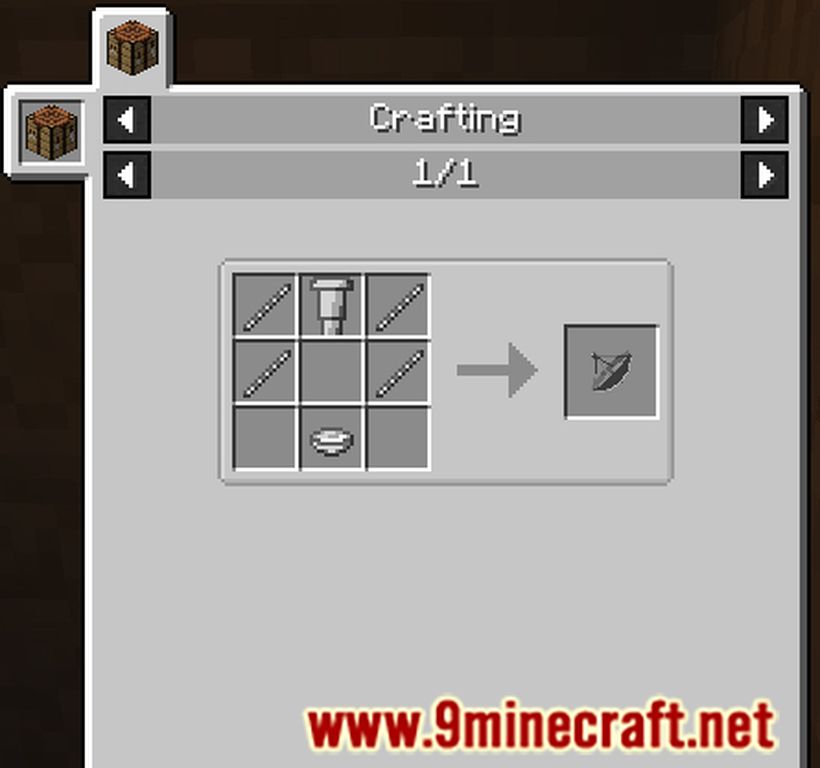
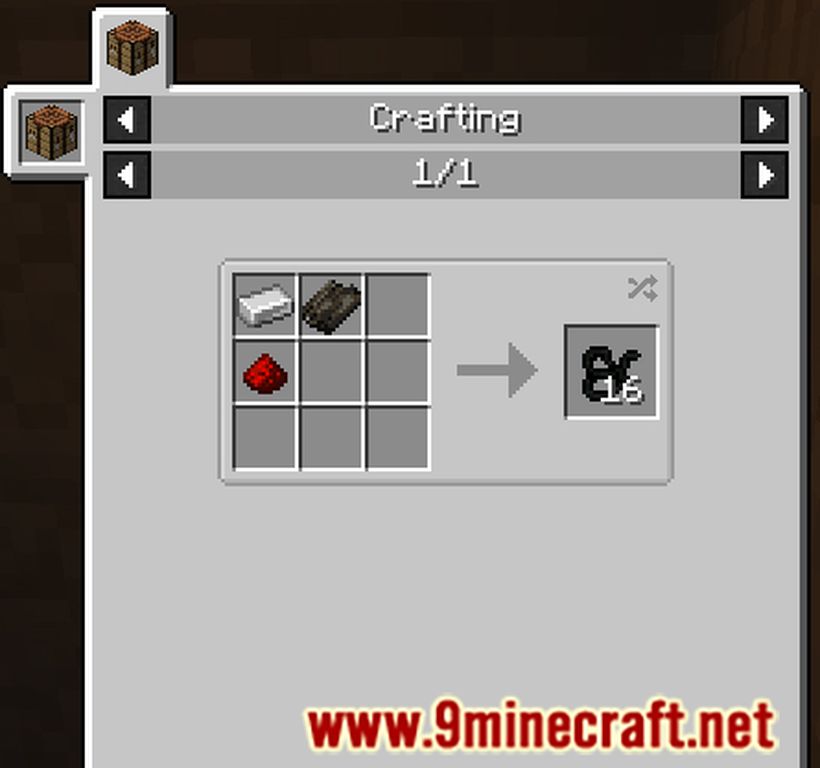
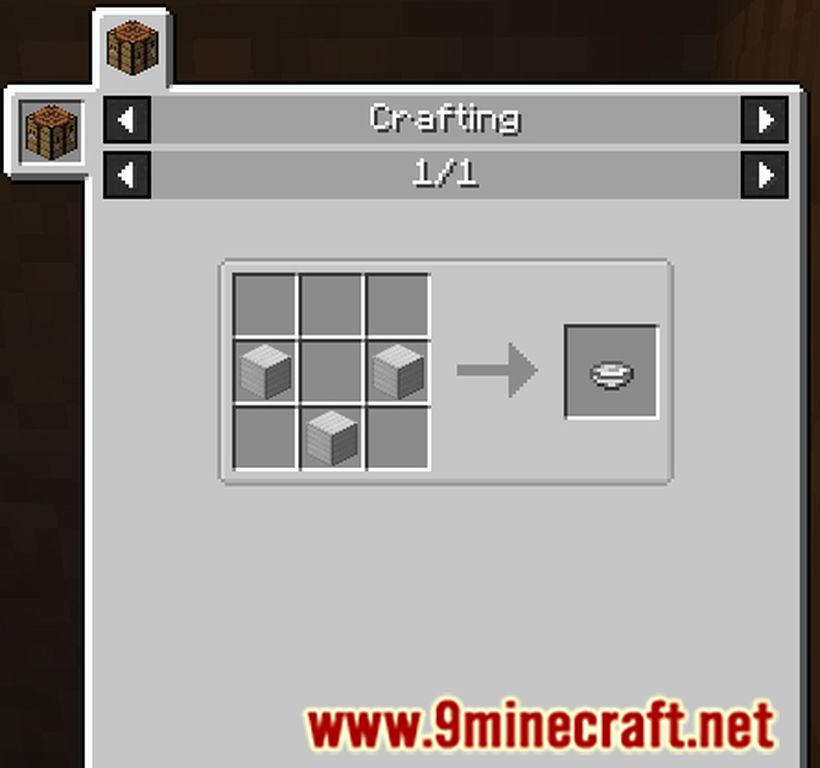
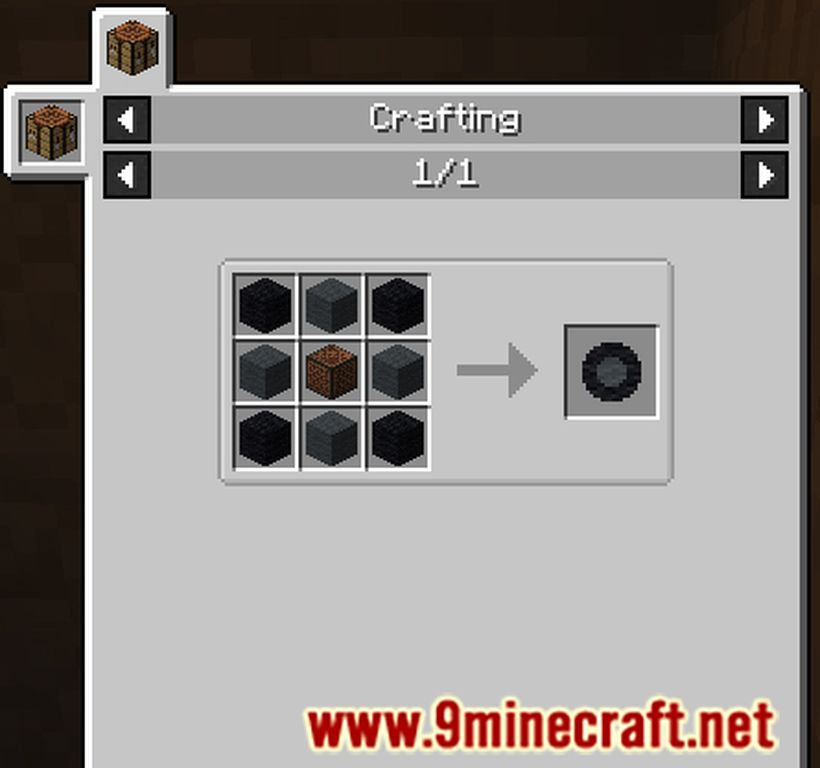
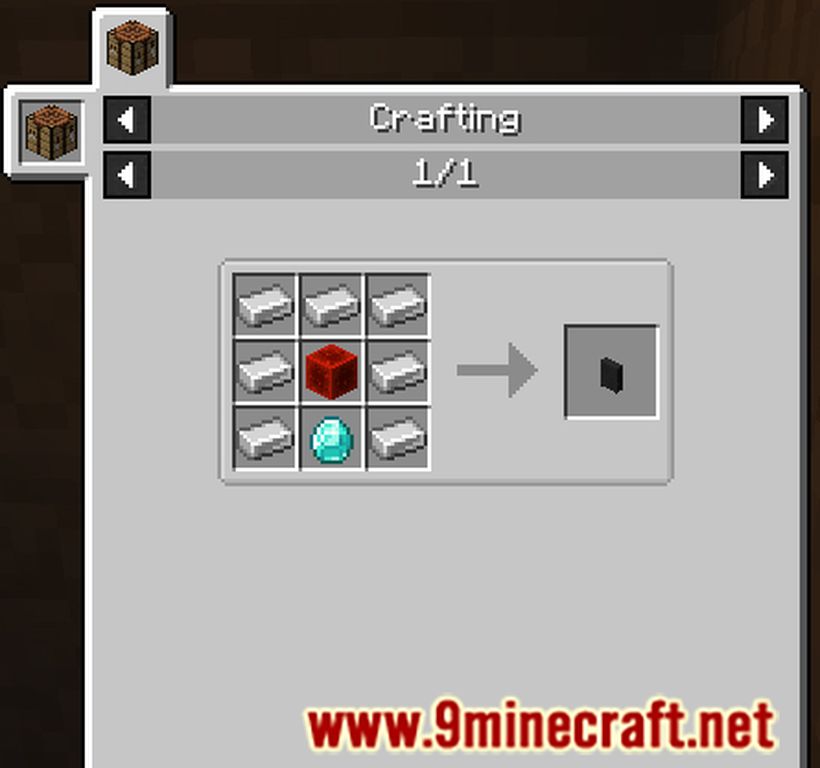
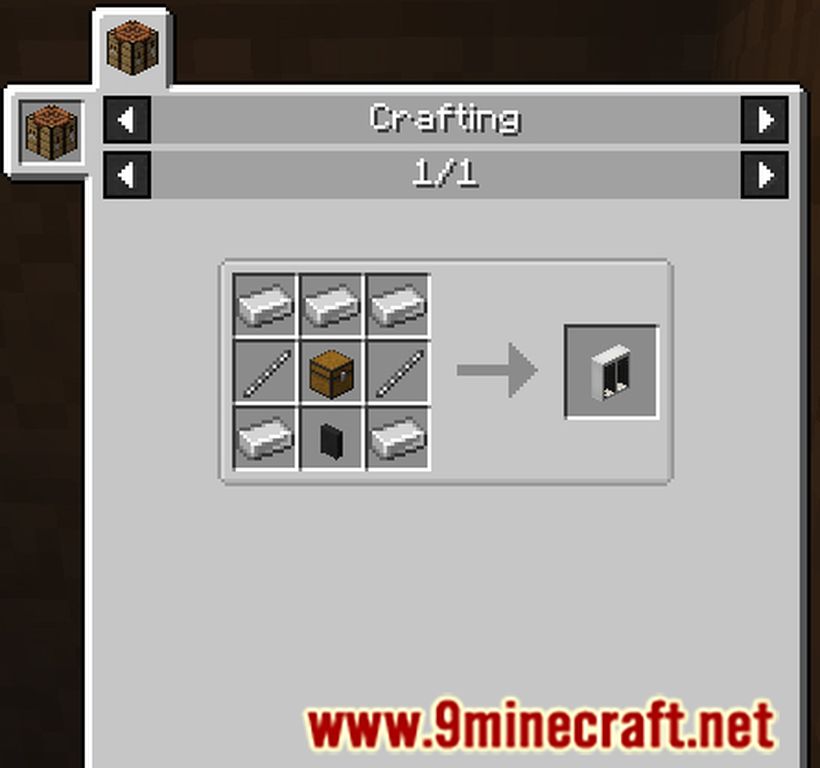
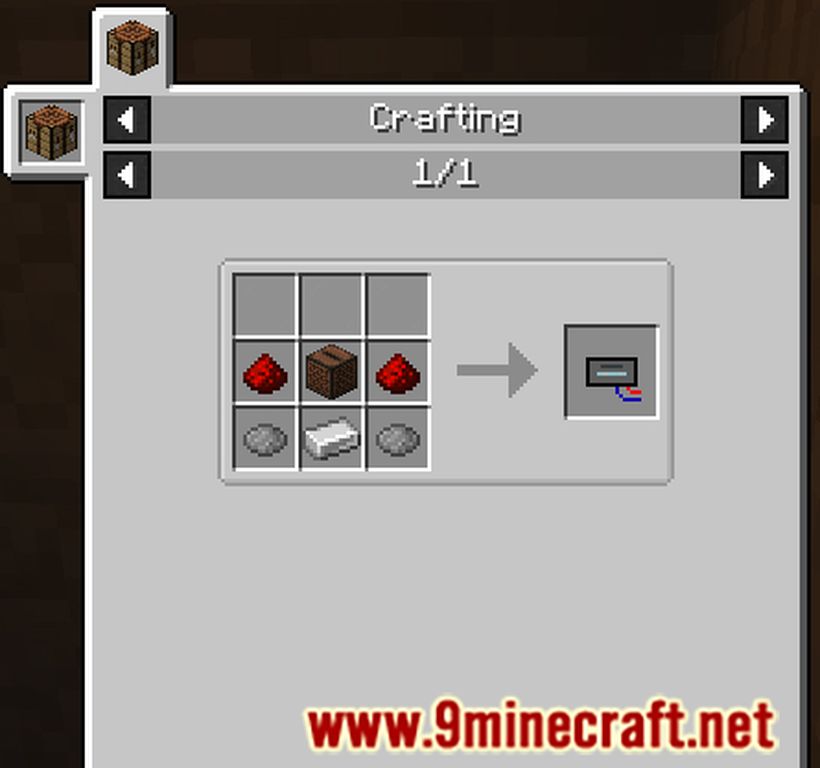
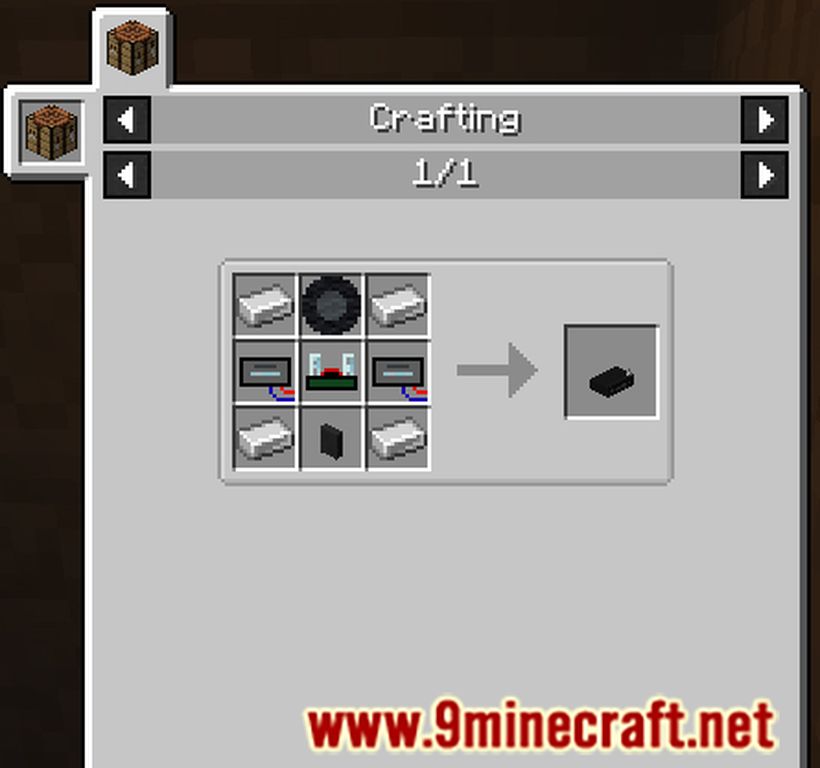
Crafting Recipes:
I Am Music Player Mod Download Links
For Minecraft 1.15.2
Forge version: Download from Server 1
For Minecraft 1.16.5
Forge version: Download from Server 1
For Minecraft 1.18.2
Forge version: Download from Server 1
Fabric version: Download from Server 1
For Minecraft 1.19.2
Forge version: Download from Server 1
Fabric version: Download from Server 1
For Minecraft 1.19.3
Forge version: Download from Server 1 – Download from Server 2
Fabric version: Download from Server 1 – Download from Server 2
For Minecraft 1.19.4
Forge version: Download from Server 1 – Download from Server 2
Fabric version: Download from Server 1 – Download from Server 2
For Minecraft 1.20.1, 1.20
Forge version: Download from Server 1 – Download from Server 2
Fabric version: Download from Server 1 – Download from Server 2
- Edition: Minecraft Java
- File type: .jar
- Minecraft versions listed: 1.20.1, 1.19.4
- How to install: Install the matching mod loader (Forge, Fabric or NeoForge) for your Minecraft version. → Download the .jar. → Put it in the .minecraft/mods folder and launch that loader profile.
- Where to get it: In MC Java Mods, or directly above on this page.
Install steps are the general flow for this file type — How to install Minecraft Java mods & modpacks walks through it step by step.
- Downloads as 176213.mcaddon
- Download size: 3.4 MB
- Download link checked 25 Jul 2026 — working
- Mirrored on our own servers — the download does not depend on the original host
These come from our own check of the pack file, not from the source page.