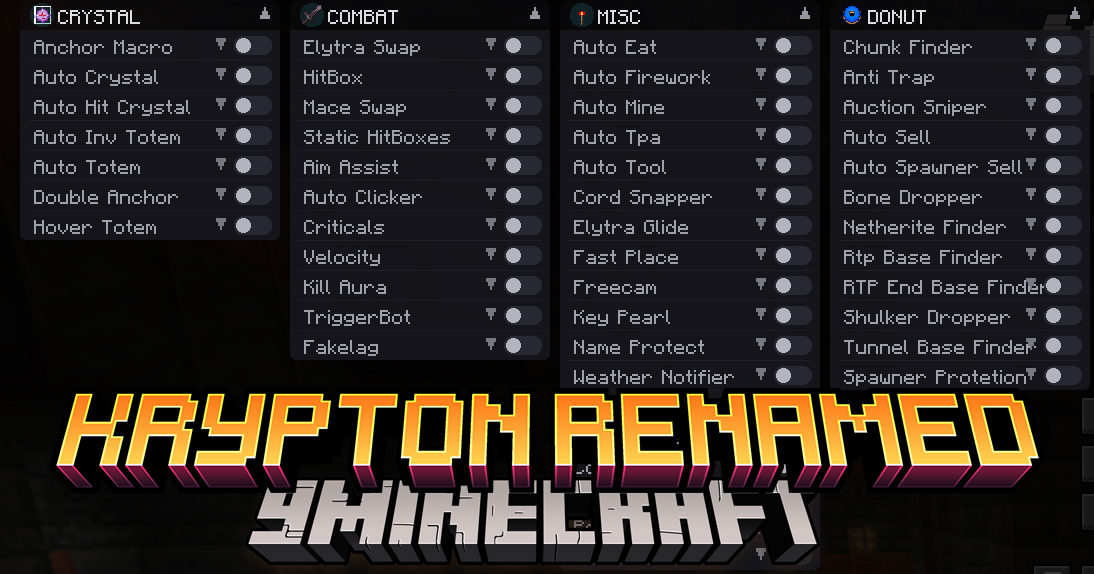
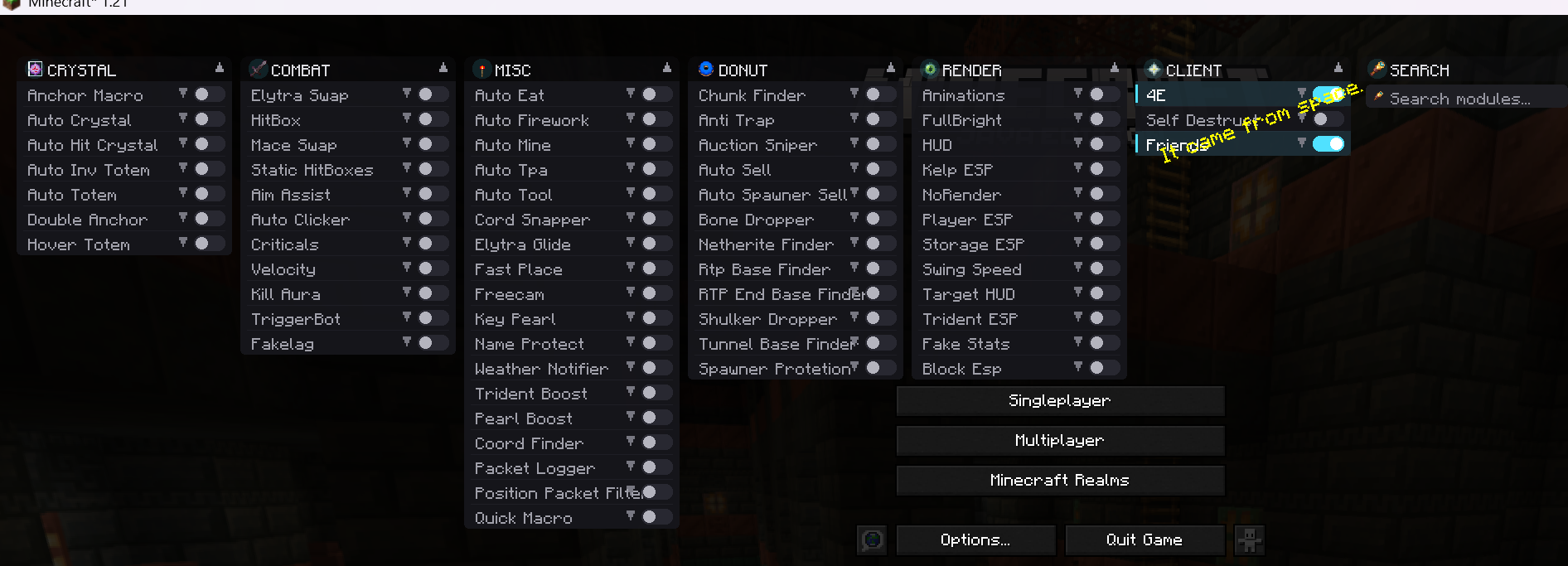
Krypton Renamed Client Mod is a Ghost Client for Minecraft, focused on PvP, crystal PvP, and utility enhancements. It is designed to be hard to detect, improve PvP performance, and provide support for survival, exploration, farming, and combat.
Features:
- Crystal
- Auto Crystal – automatic placement and breaking of end crystals
- Auto Hit / Anchor Macro – timed crystal hits and anchor actions
- Auto Totem / Inv Totem – automatic totem swapping
- Combat
- Aim Assist – subtle aim smoothing
- Auto Clicker / TriggerBot – automated attacking
- HitBox / Kill Aura – extended hit registration and target tracking
- Velocity / Criticals – knockback control and automatic critical hits
- Quick Item Swap – fast equipment changes (Elytra, mace, etc.)
- Utility
- Auto Eat / Auto Tool / Fast Place – automatic food, tool selection, and faster block placement
- Freecam / Elytra Glide – camera and flight utilities
- Packet Logger / Packet Filter – network packet monitoring and filtering
- Quick Macro – customizable quick actions
- Search & Farming
- Chunk / Base / Resource Finders – locate chunks, bases, or rare resources
- Auto Sell / Auction Sniper – marketplace automation
- Spawner & Drop Automation – spawner handling and item collection helpers
- Render & HUD
- ESP (Player, Storage, Blocks) – see entities and containers through walls
- FullBright / HUD / Target HUD – improved visibility and on-screen info
- Fake Stats – customize displayed stats
- Client
- Friends list – exclude allies from targeting
- Self Destruct – remove client traces quickly
- Module Search – quick module finder
Screenshots:
Krypton Renamed Client Mod Download Links
For Minecraft 1.21.1, 1.21
v1 Fabric version: Download from Server 1 – Download from Server 2
v2 Fabric version: Download from Server 1 – Download from Server 2
Try one of the two versions – it will definitely work.
Quick facts
- Edition: Minecraft Java
- File type: .jar
- Minecraft version listed: 1.21.1
- How to install: Install the matching mod loader (Forge, Fabric or NeoForge) for your Minecraft version. → Download the .jar. → Put it in the .minecraft/mods folder and launch that loader profile.
- Where to get it: In MC Java Mods, or directly above on this page.
Install steps are the general flow for this file type — How to install Minecraft Java mods & modpacks walks through it step by step.
Verified by MCModsHub
- Downloads as 176217.mcaddon
- Download size: 905 KB
- Download link checked 30 Jul 2026 — working
- Mirrored on our own servers — the download does not depend on the original host
These come from our own check of the pack file, not from the source page.