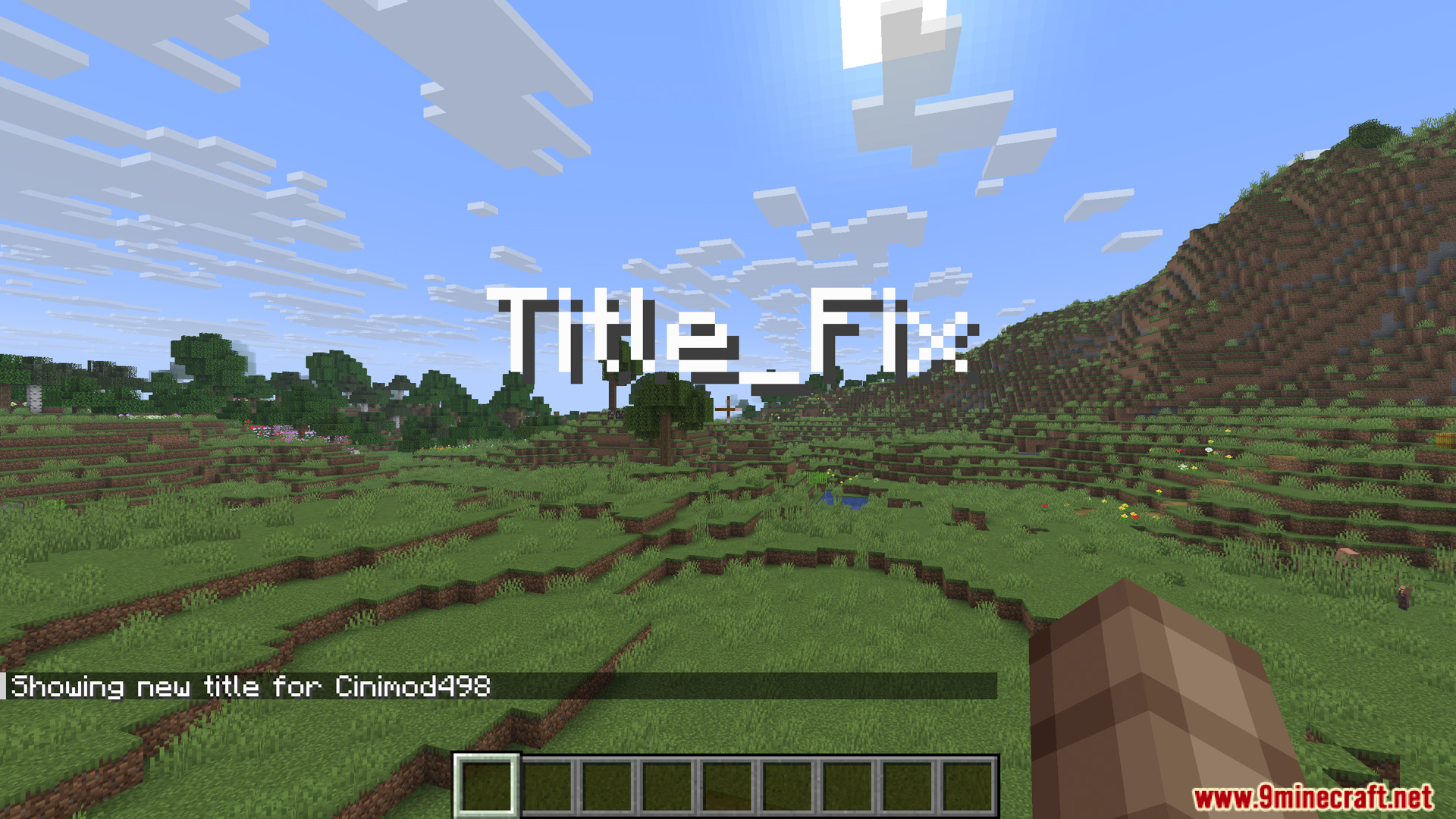
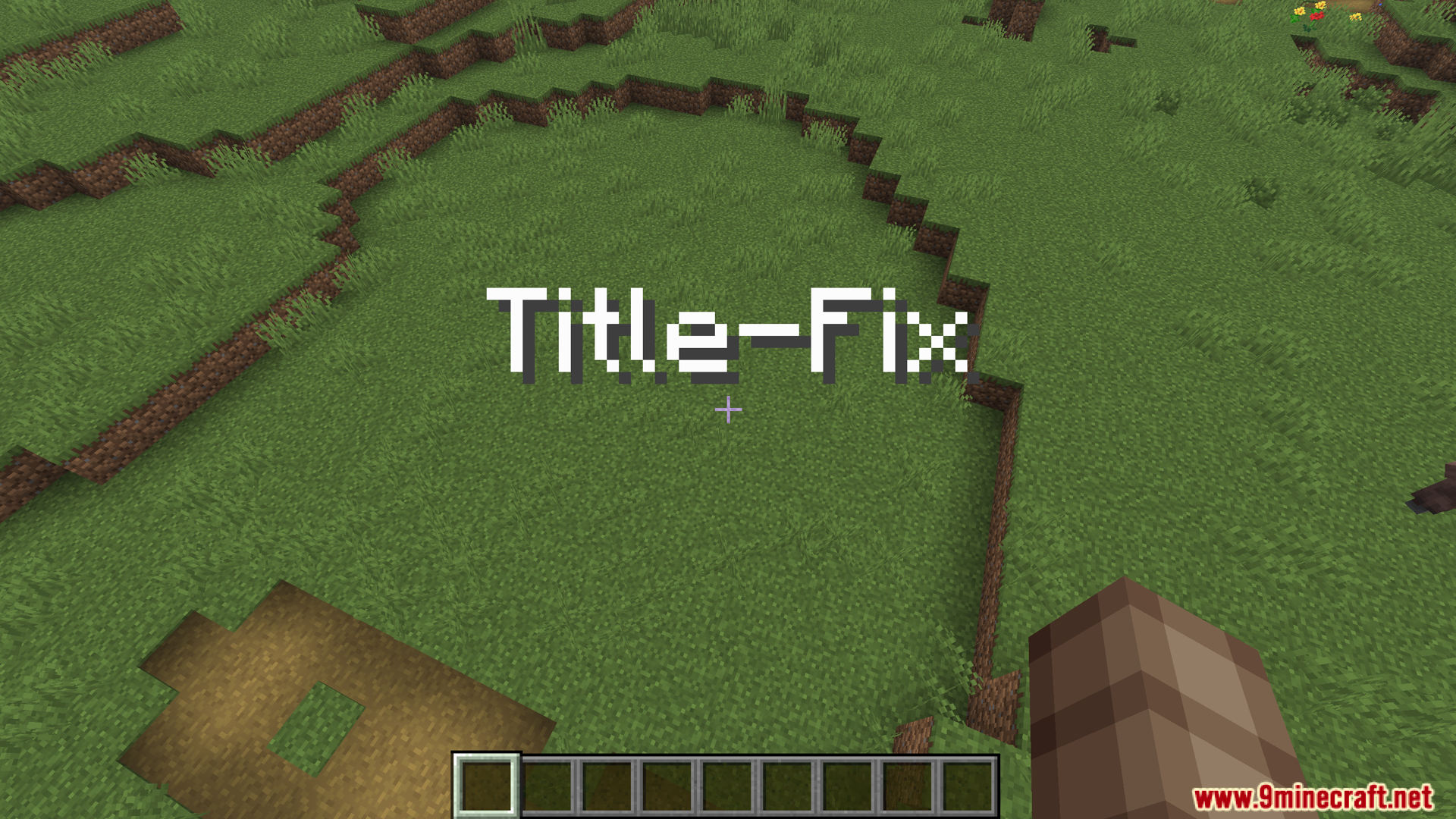
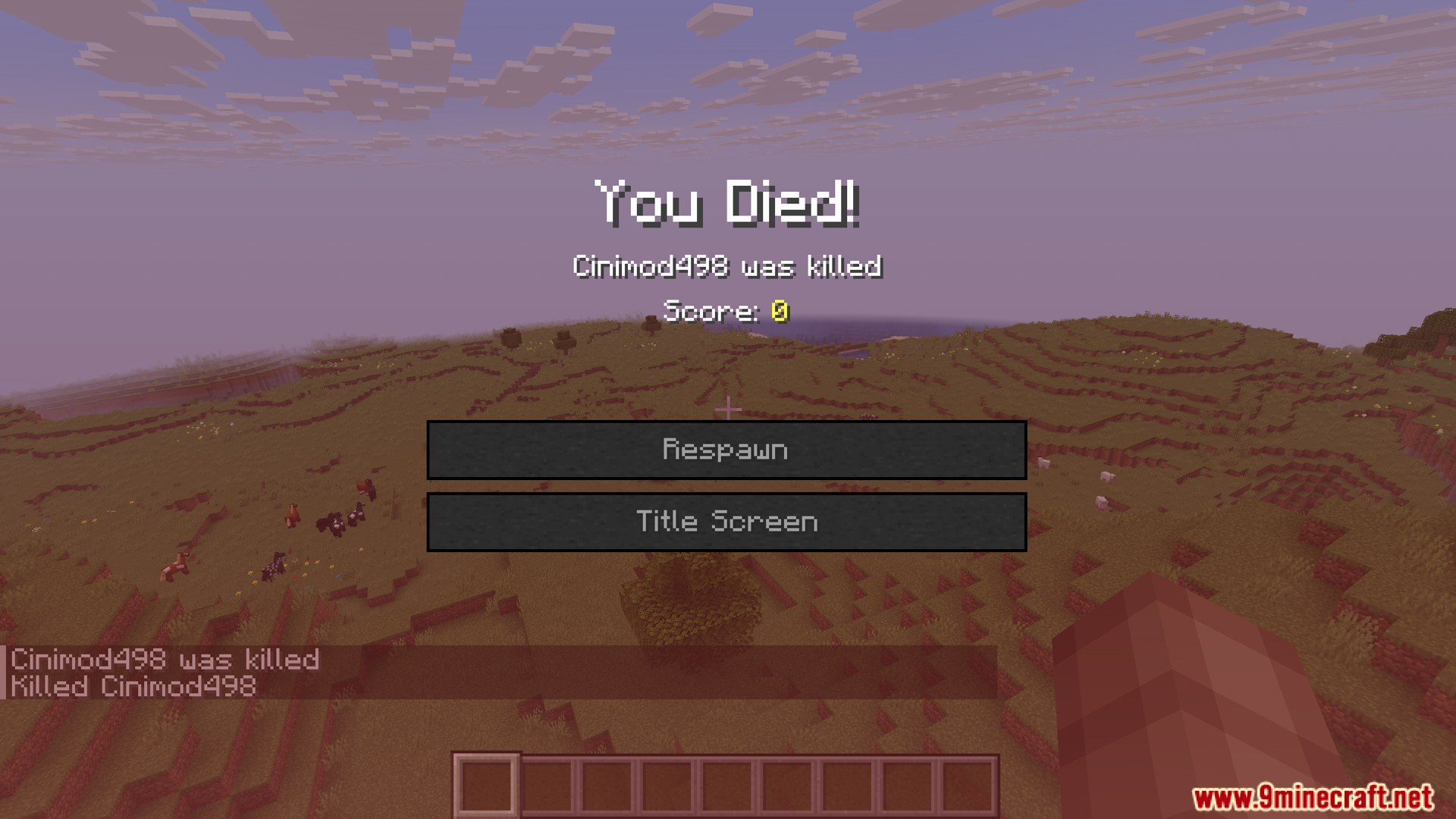
Title Fix Mod fixes an annoying bug where title messages get stuck on your screen. Sometimes, when you quickly leave a server and join a new world, the old text overlay follows you. This mod clears the screen every time you disconnect, so you always start fresh in your next world.
Features:
- Removes any title message from your screen when you leave a world or server.
- Fixes the bug that causes text from one world to get stuck and appear in another.
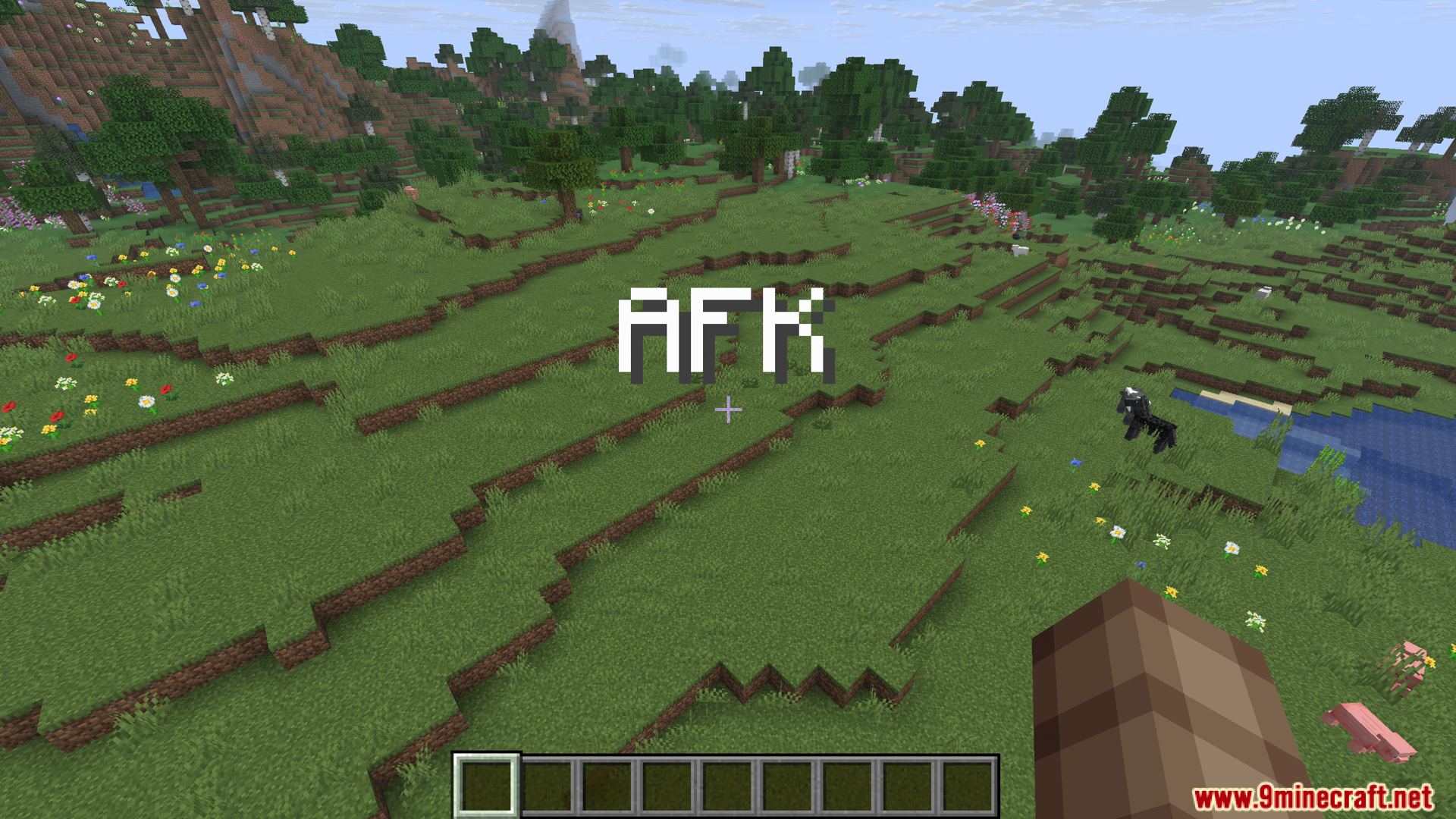
- Prevents server messages, like “You are AFK” or the “You Died!” screen, from following you when you switch worlds.
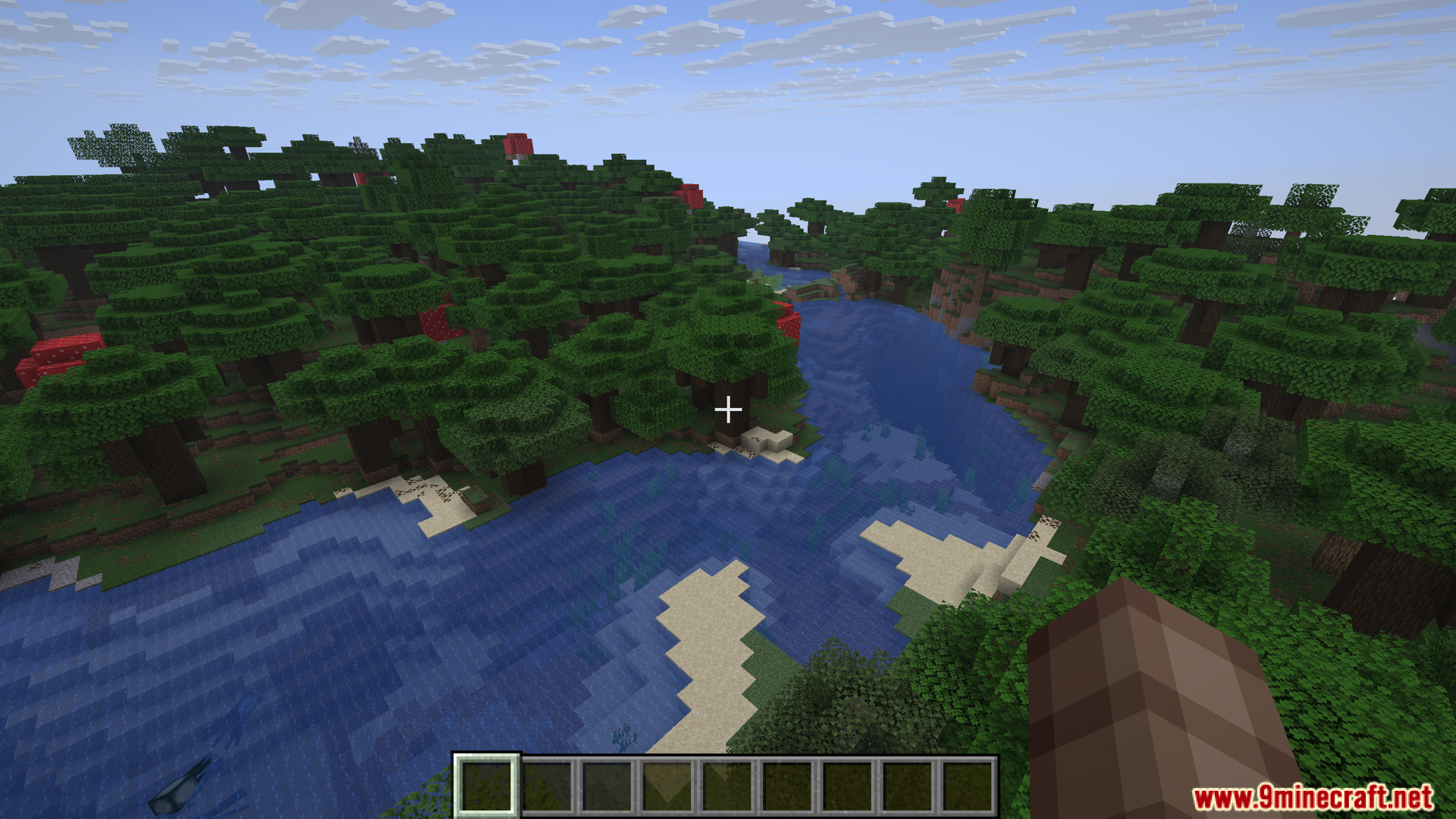
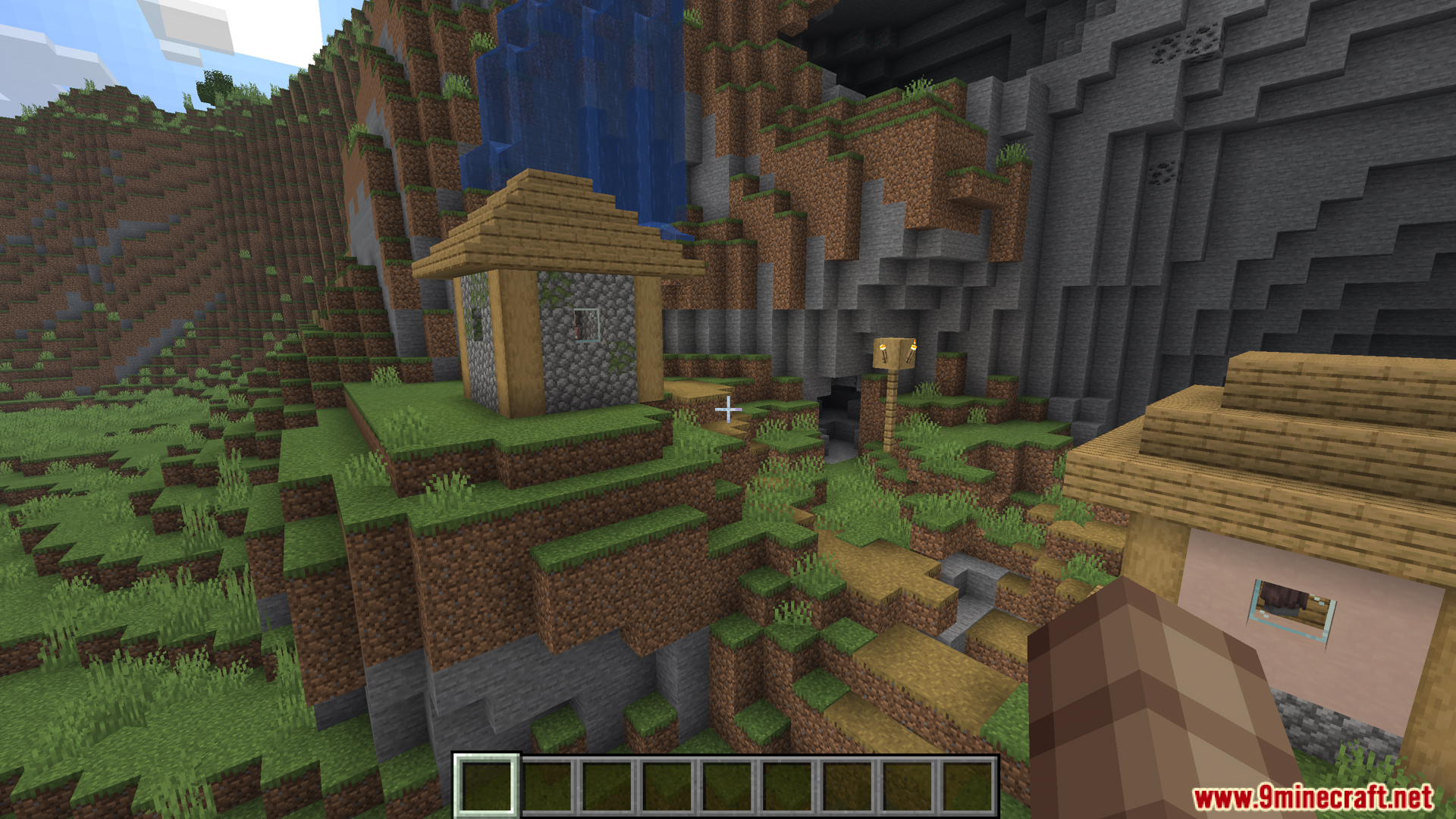
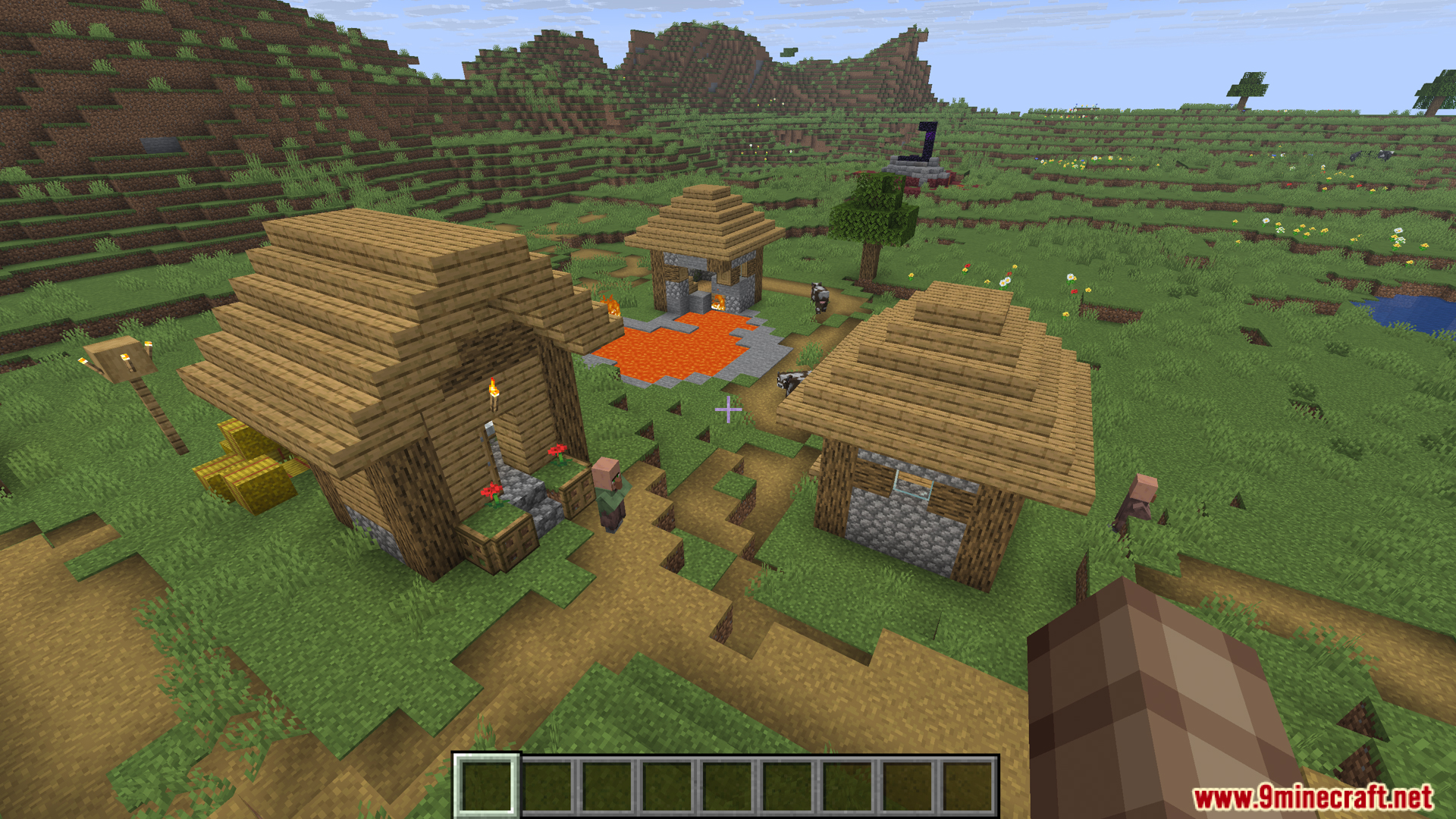
Screenshots:
Title Fix Mod Download Links
For Minecraft 1.21.10, 1.21.8, 1.21.7, 1.21.6
Fabric version: Download from Server 1 – Download from Server 2
For All Versions from Minecraft 1.20.6 to Minecraft 1.21.5
Fabric version: Download from Server 1 – Download from Server 2
For All Versions from Minecraft 1.17.1 to Minecraft 1.20.4
Fabric version: Download from Server 1 – Download from Server 2
For Minecraft 1.15.2
Fabric version: Download from Server 1 – Download from Server 2
Quick facts
- Edition: Minecraft Java
- File type: .jar
- Minecraft versions listed: 1.21.10, 1.20.1
- How to install: Install the matching mod loader (Forge, Fabric or NeoForge) for your Minecraft version. → Download the .jar. → Put it in the .minecraft/mods folder and launch that loader profile.
- Where to get it: In MC Java Mods, or directly above on this page.
Install steps are the general flow for this file type — How to install Minecraft Java mods & modpacks walks through it step by step.
Verified by MCModsHub
- Downloads as 176220.mcaddon
- Download size: 5 KB
- Download link checked 25 Jul 2026 — working
- Mirrored on our own servers — the download does not depend on the original host
These come from our own check of the pack file, not from the source page.