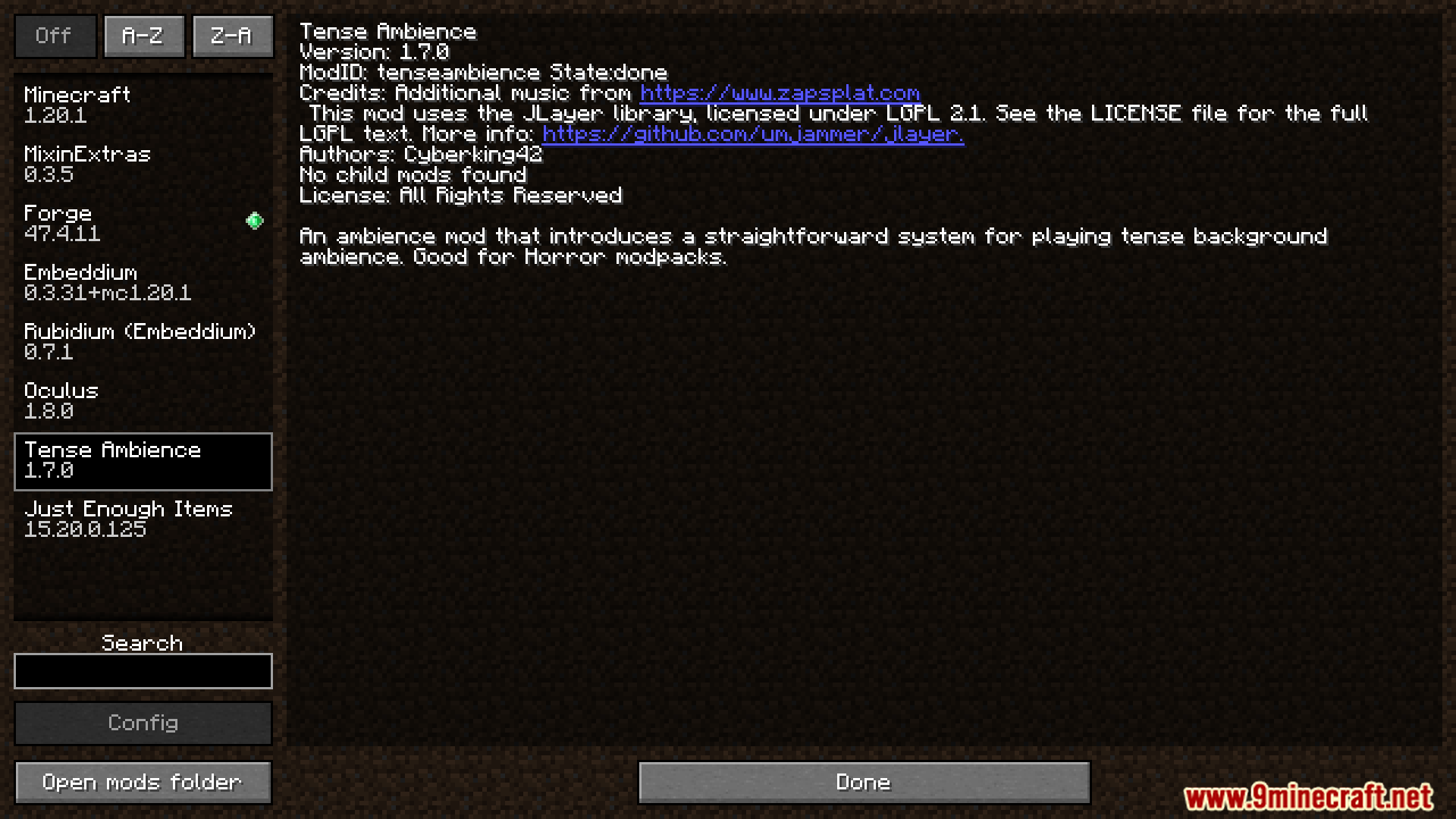
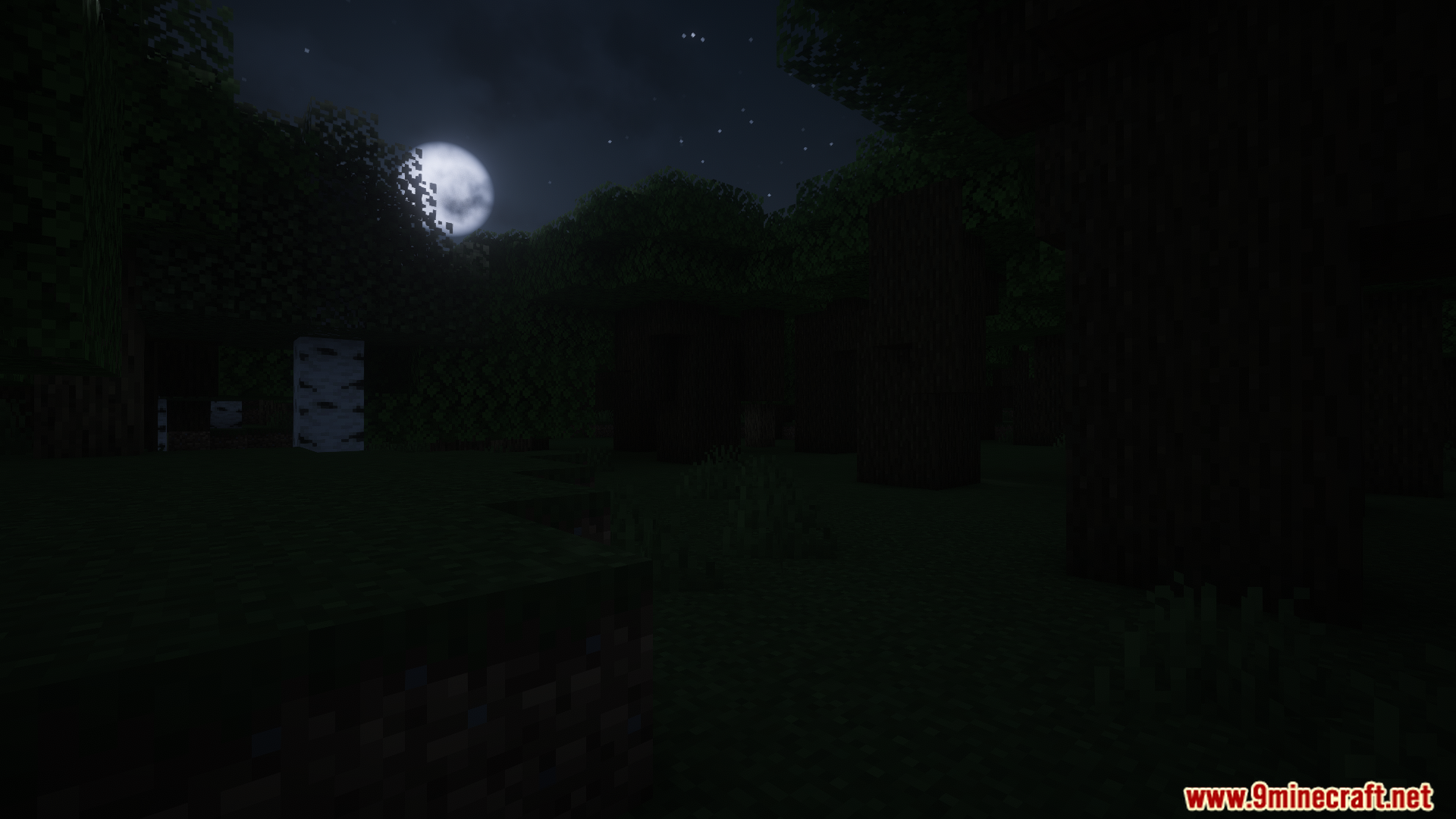
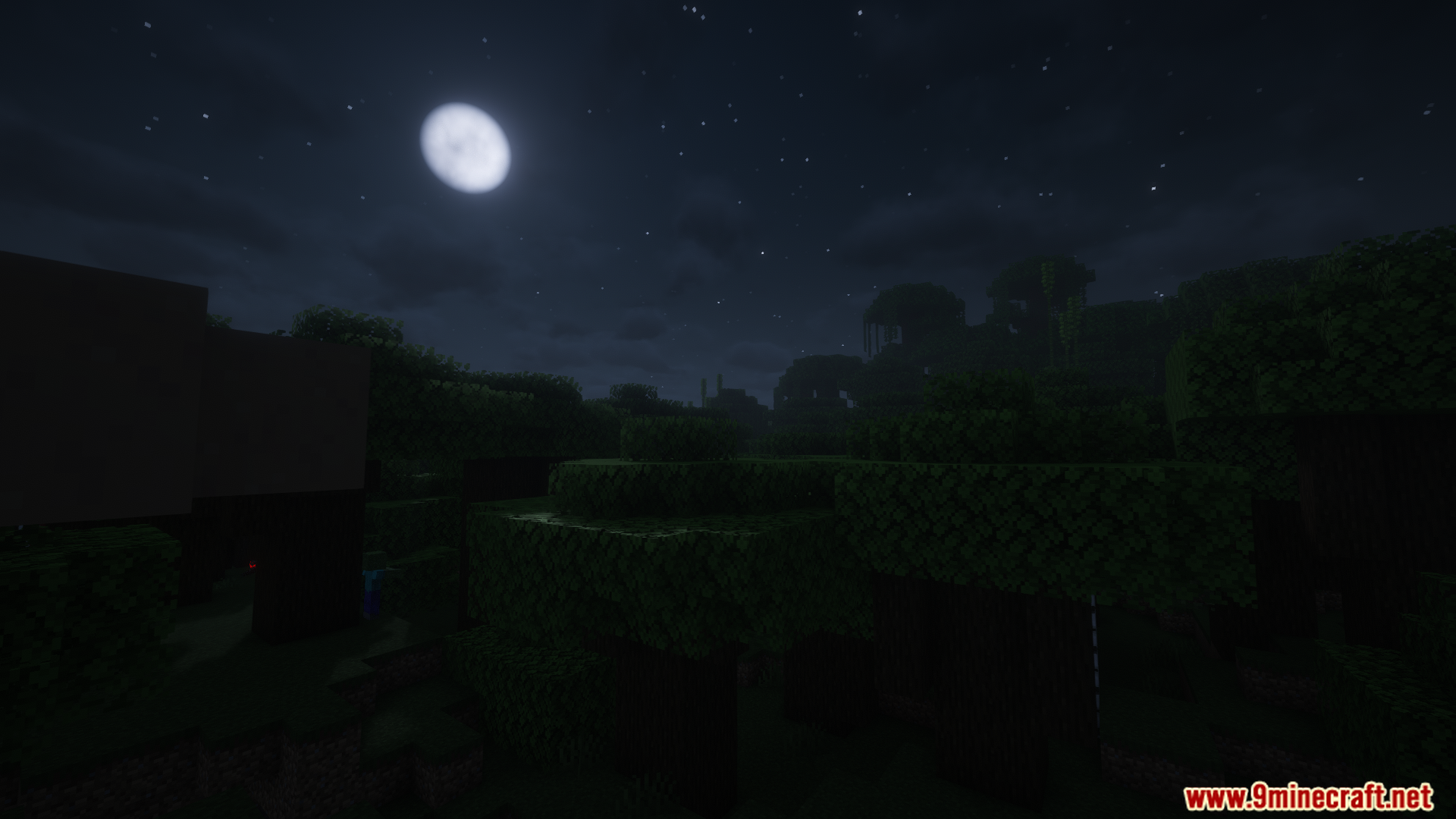

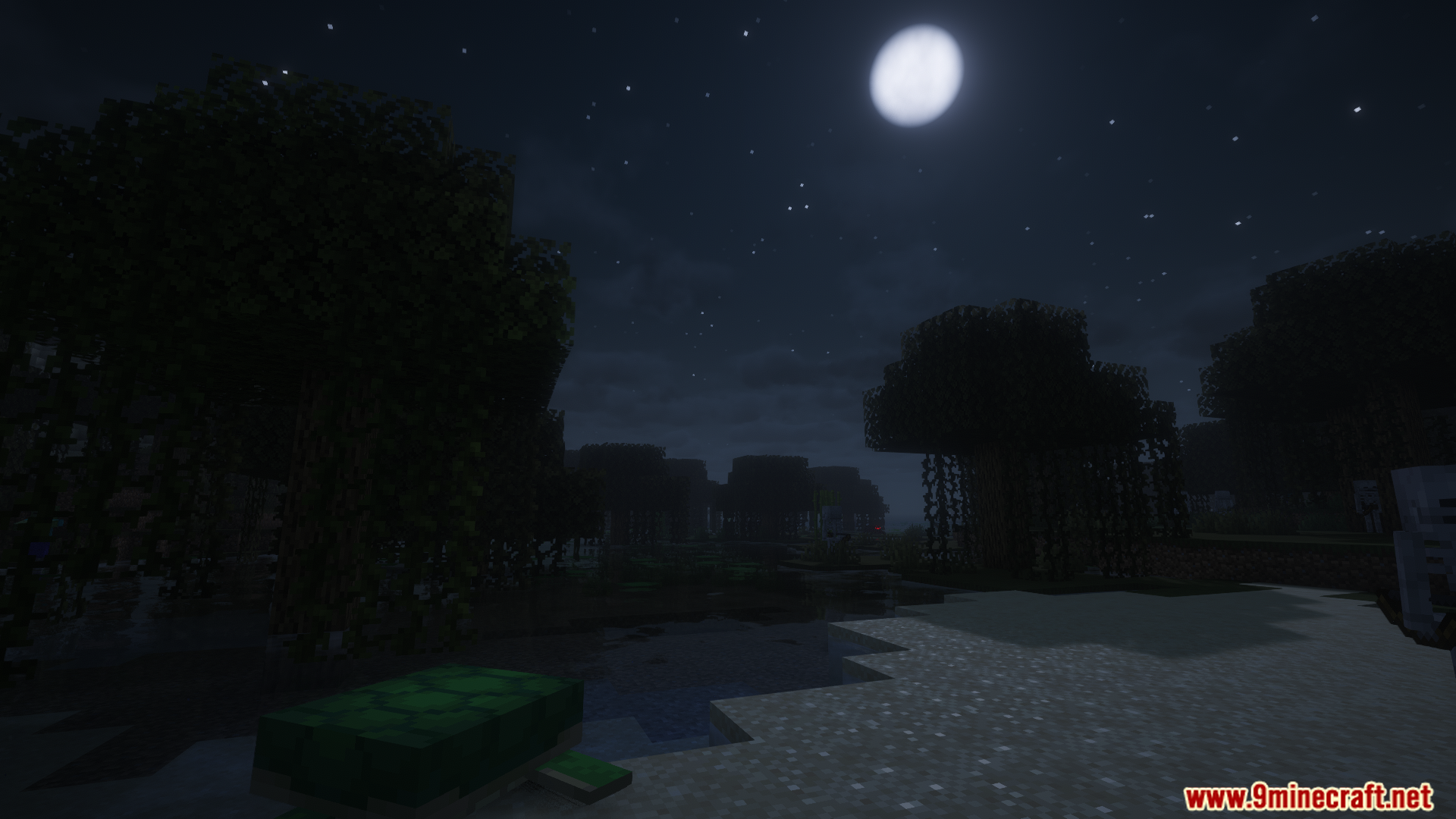
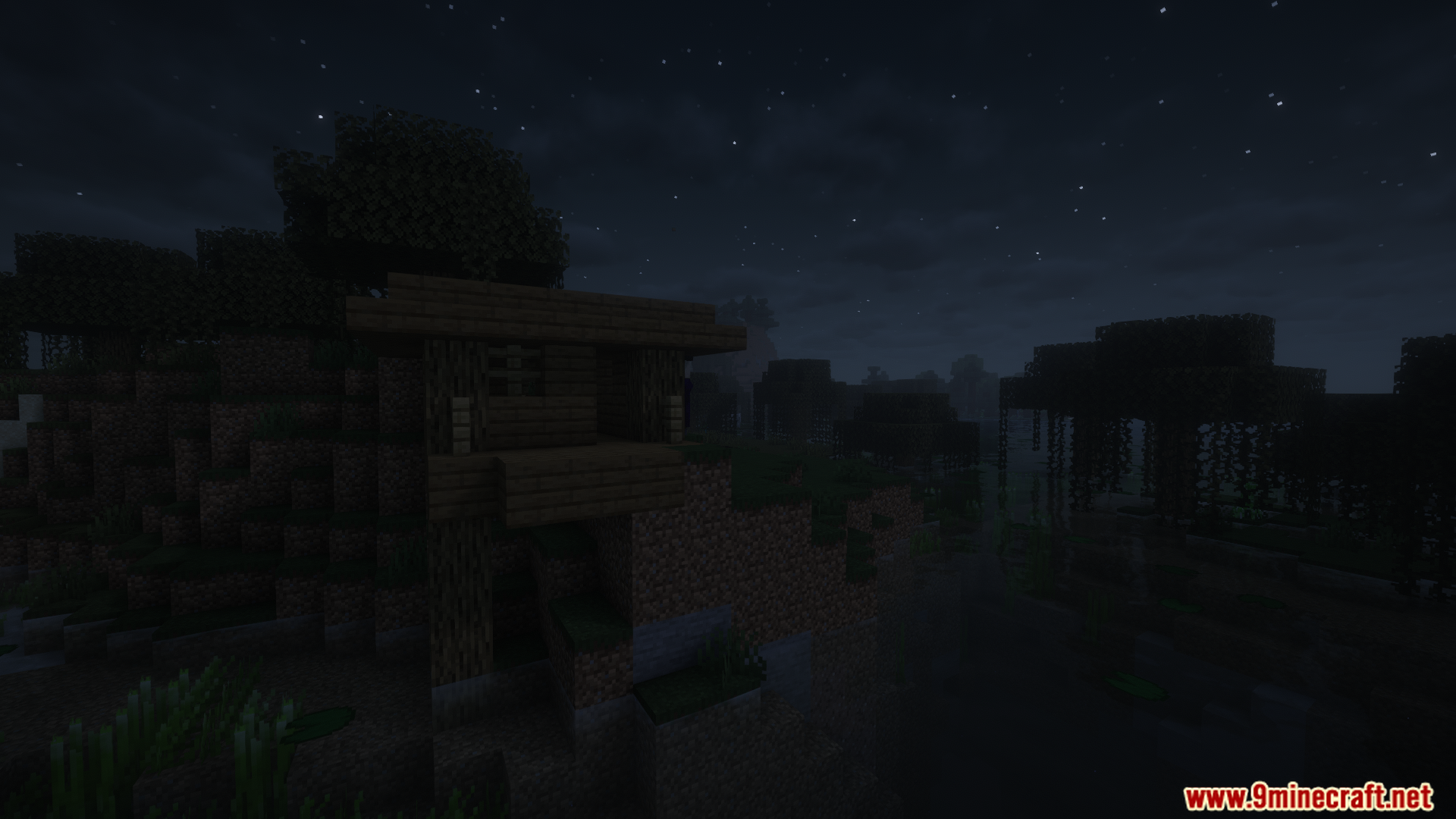
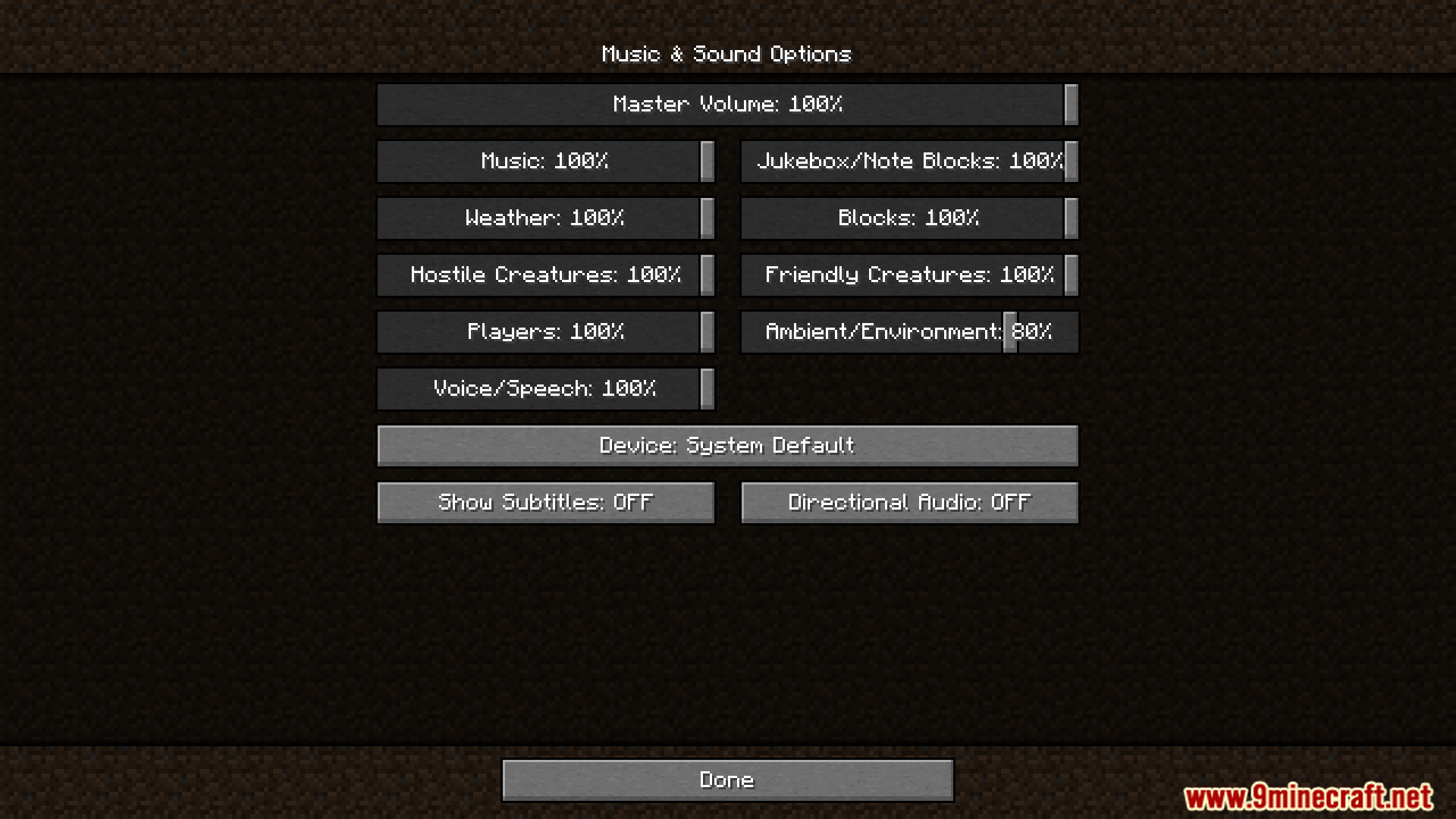

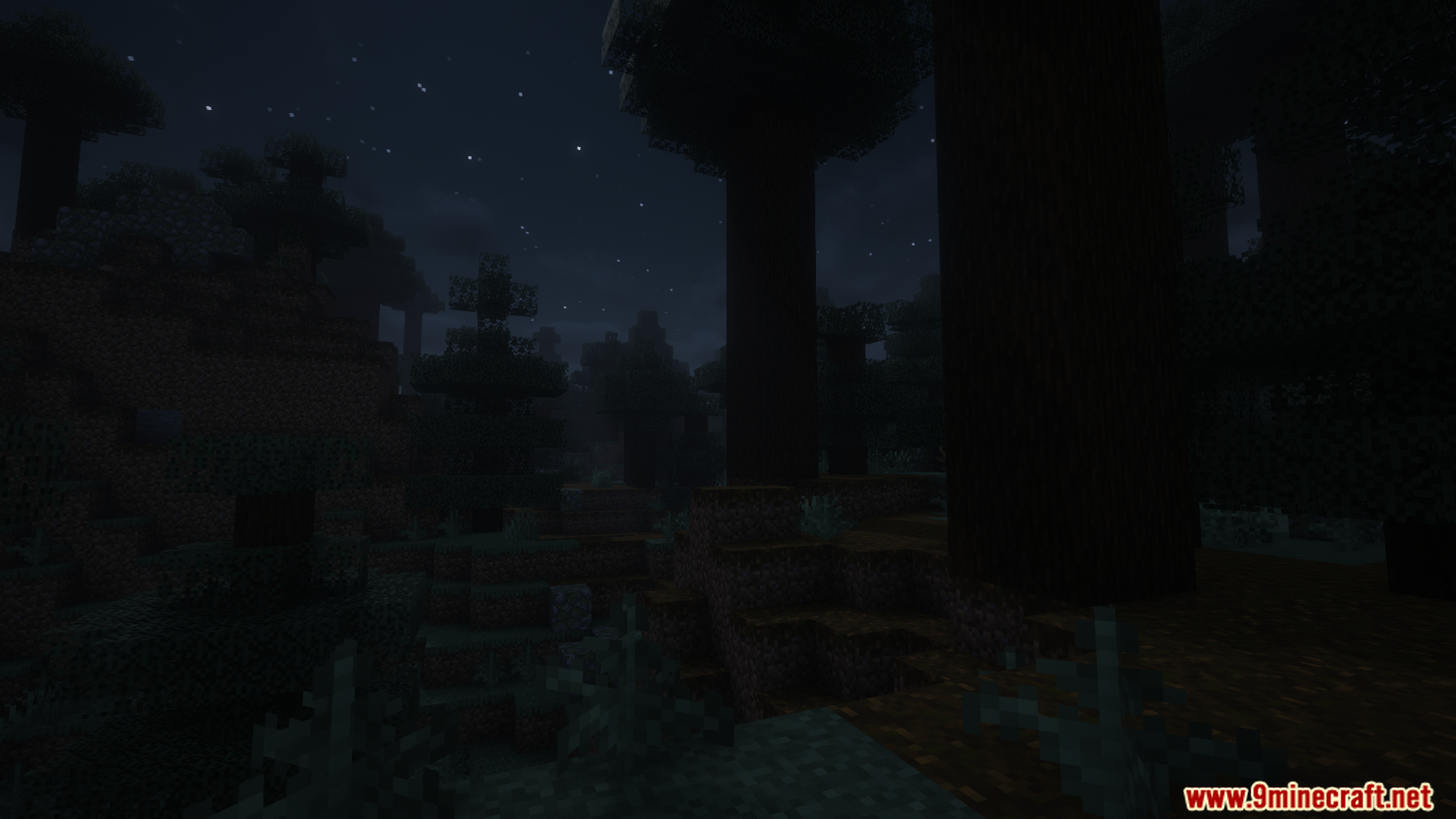
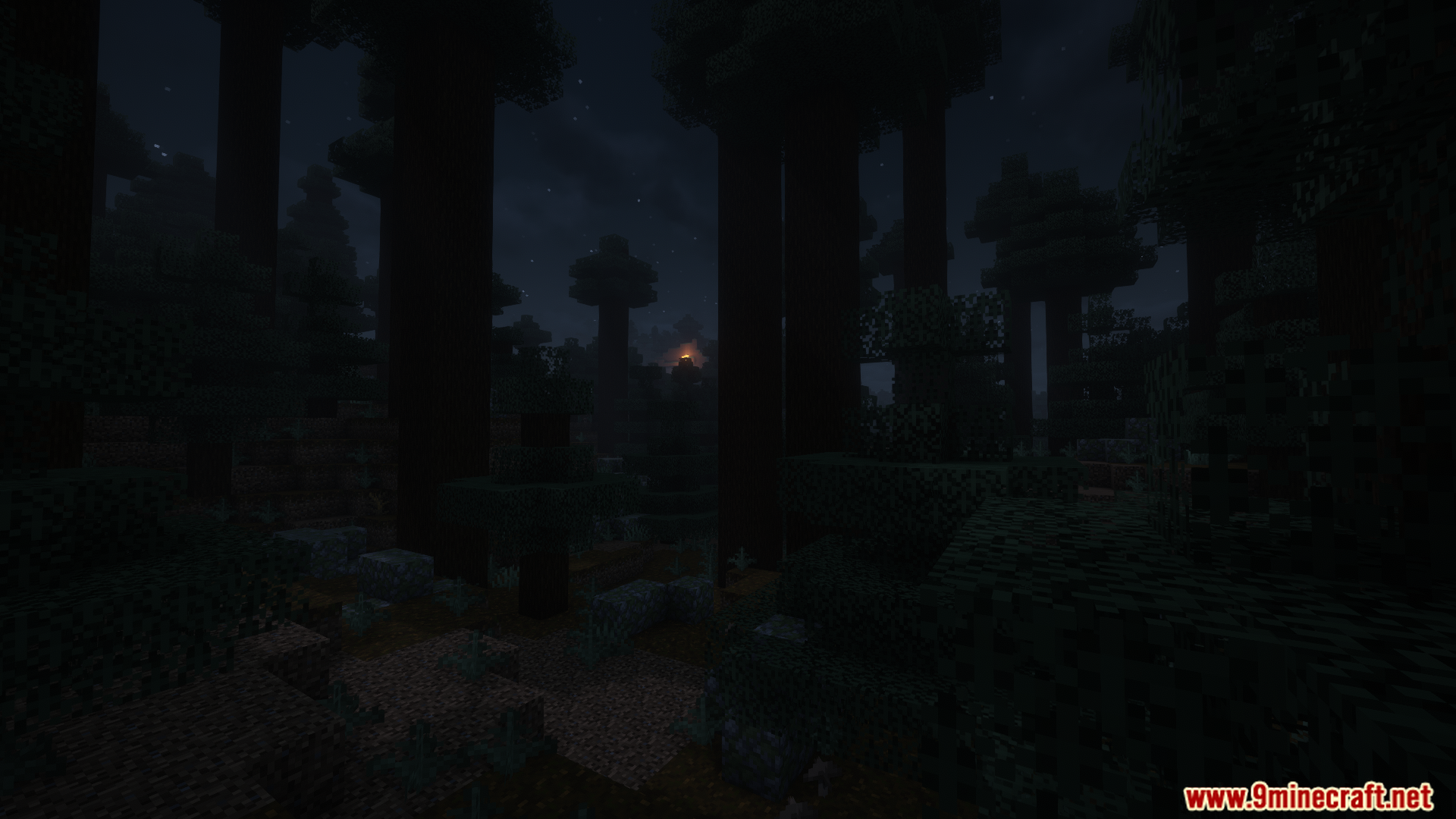
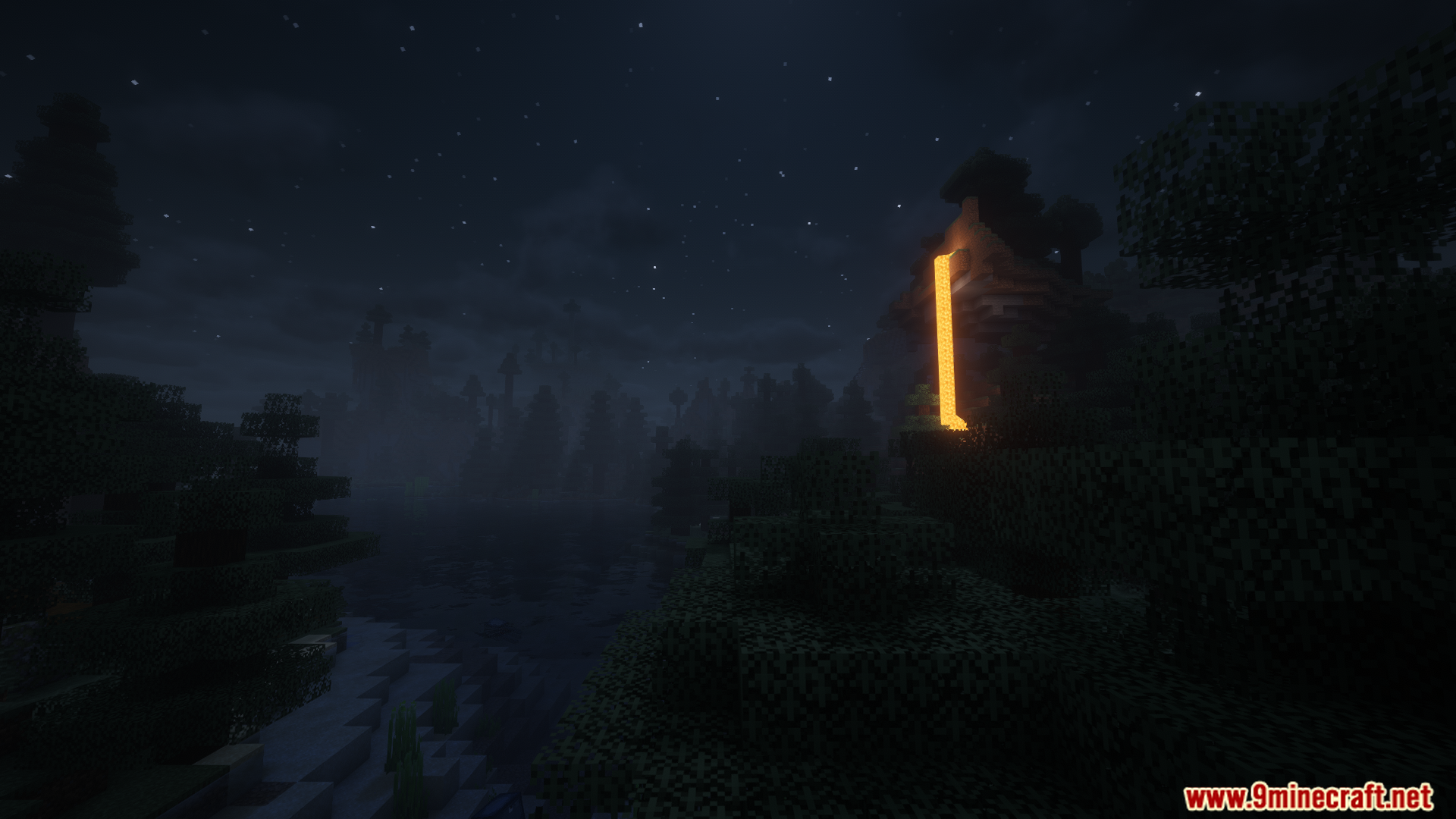
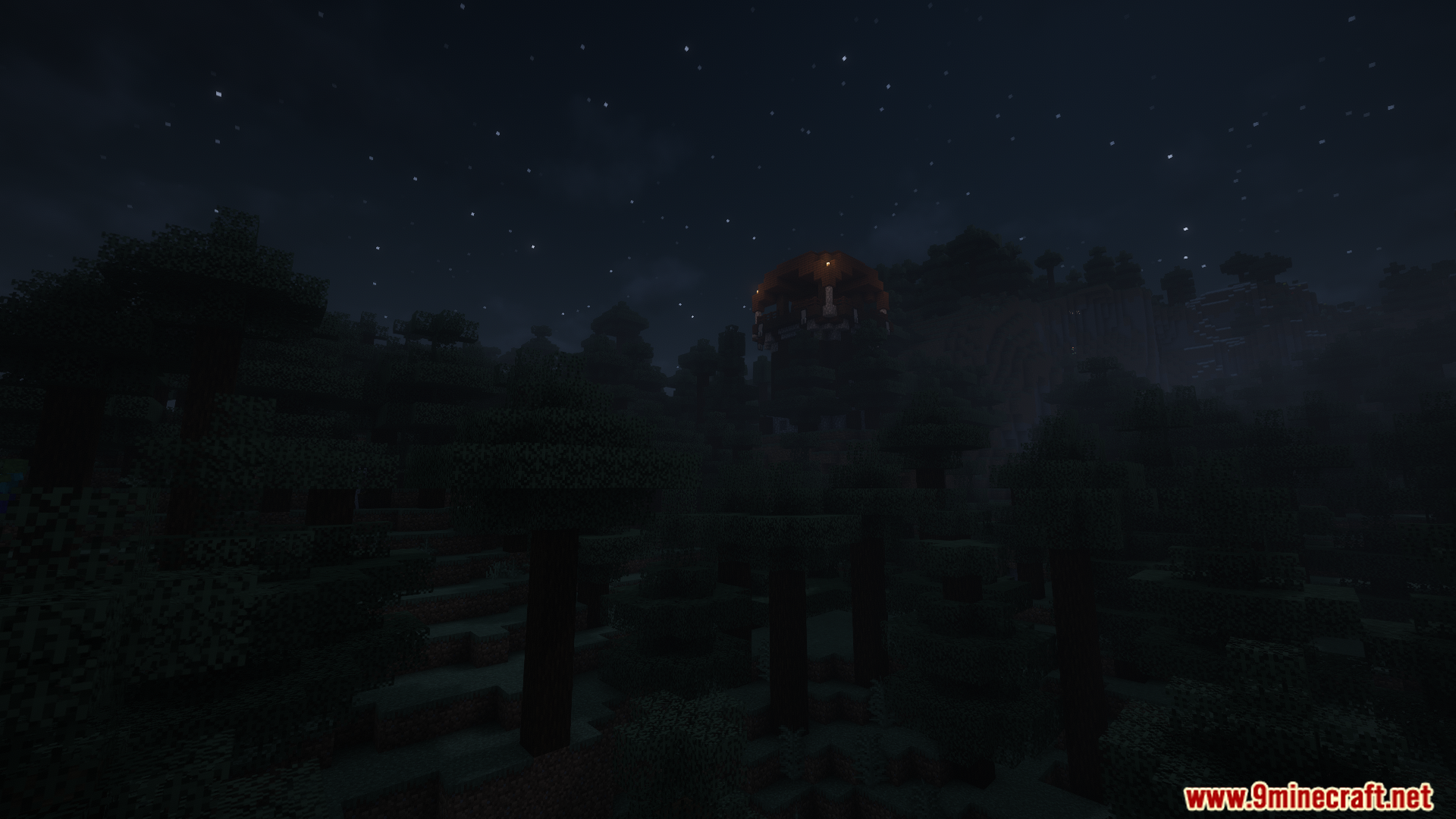
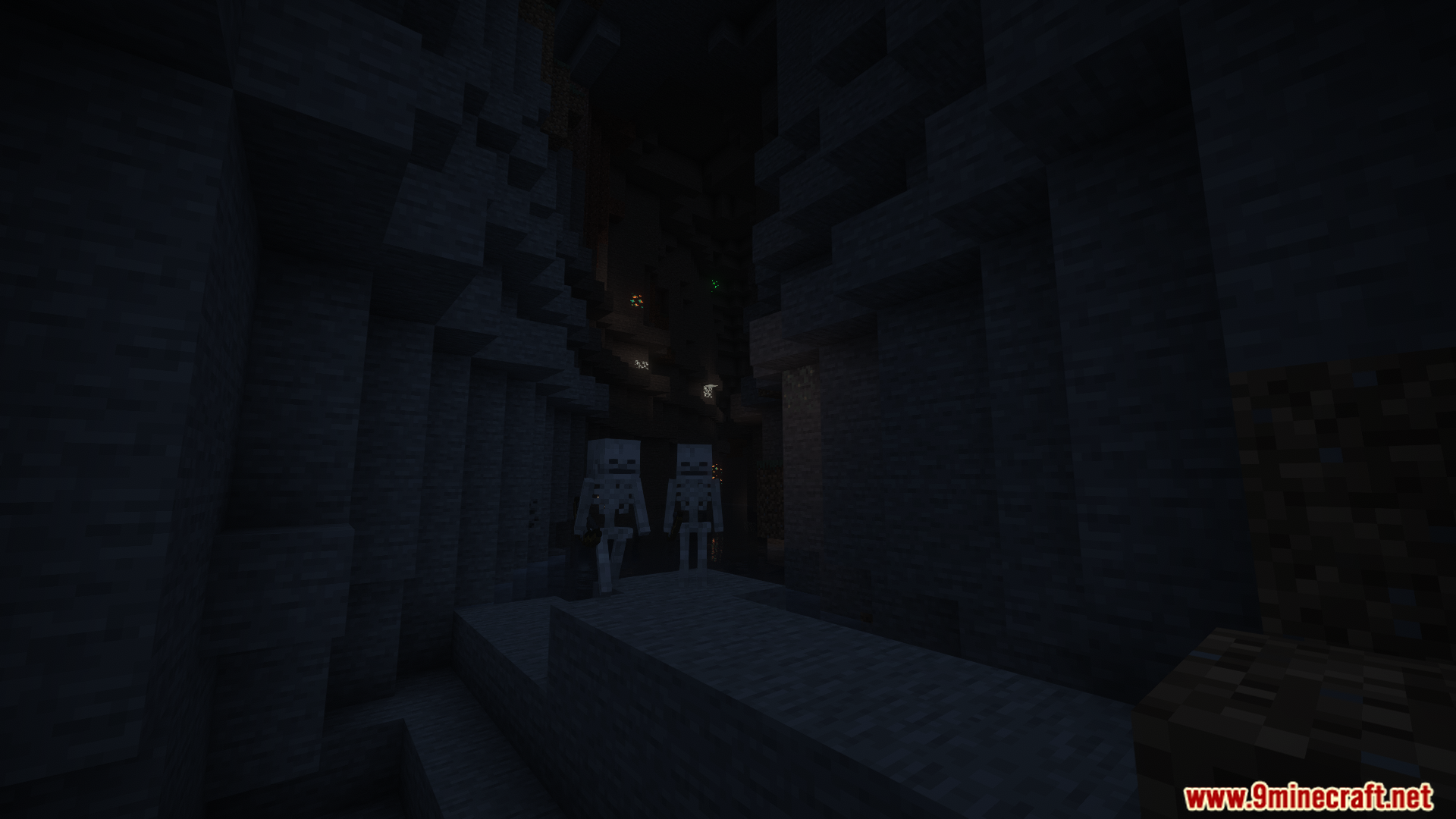
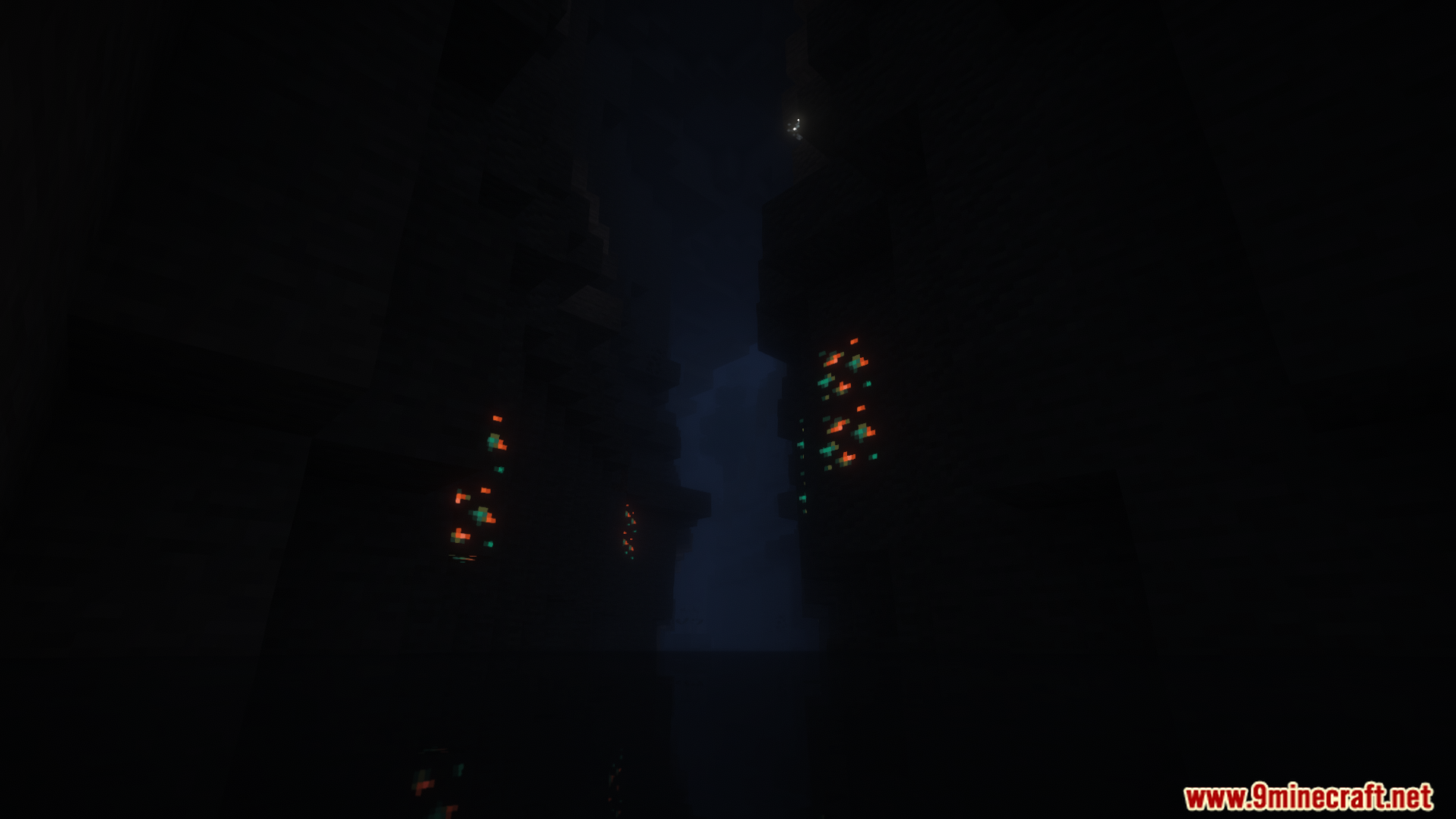
Tense Ambience Mod fills your world with new background sounds that create a spooky feeling. As you explore different places like dark forests or deep caves, the sounds will change. This makes every biome have its own unique and tense atmosphere, especially at night.
Features:
- Adds new, creepy background sounds to many different biomes.
- Makes exploring at night feel more tense and scary.
- Plays random spooky sound effects to keep you on edge while you play.
- Sounds change smoothly as you travel from one area to another, like from a forest to a cave.
- Works in all three main dimensions: the Overworld, the Nether, and the End.
- Lets you turn off sounds for specific biomes in the settings.
- You can even add your own custom sounds using MP3 files.
Configuration:
This mod adds a config file to let you change its settings. The file is named tenseambience-client and is located in your main .minecraft/config folder.
Important: When you update the mod to a new version, you must delete the old config file.
You can adjust several options:
- Ambience at Day: Decide if scary sounds should play during the day.
- Transition Fade Duration: Control how long it takes for sounds to change when you enter a new biome.
- Shader Support: Turn this on if you use shaders. It makes the sound volume change when you hold a torch.
- Disable Ambience: A switch to turn off all the mod’s sounds.
- Biome Options: You can also turn off sounds for specific biomes.
Here is an example of the settings in the config file:
["Config for Tense Ambience Mod"]
	#Play the ambience also during the day?
	"Ambience at Day" = false
	#How long should the transition fade between biomes take (in seconds)?
	#Range: 0.1 ~ 60.0
	"Transition Fade Duration" = 13.0
	#Should enable shader support? (For changing the ambience volume when holding a torch)
	"Shader Support" = false
	#Completely disable all ambient sounds and updates (performance stabilization)
	"Disable Ambience" = false
Screenshots:
Tense Ambience Mod Download Links
For Minecraft 1.21.8, 1.21.7, 1.21.6
Forge version: Download from Server 1 – Download from Server 2
Fabric version: Download from Server 1 – Download from Server 2
For Minecraft 1.21.1, 1.21, 1.20.6
Forge version: Download from Server 1 – Download from Server 2
Fabric version: Download from Server 1 – Download from Server 2
For All Versions from Minecraft 1.18 to Minecraft 1.20.4
Forge version: Download from Server 1 – Download from Server 2
Fabric version: Download from Server 1 – Download from Server 2
- Edition: Minecraft Java
- File type: .jar
- Minecraft versions listed: 1.21.8, 1.20.1
- How to install: Install the matching mod loader (Forge, Fabric or NeoForge) for your Minecraft version. → Download the .jar. → Put it in the .minecraft/mods folder and launch that loader profile.
- Where to get it: In MC Java Mods, or directly above on this page.
Install steps are the general flow for this file type — How to install Minecraft Java mods & modpacks walks through it step by step.
- Downloads as 176226.mcaddon
- Download size: 83.4 MB
- Download link checked 25 Jul 2026 — working
- Mirrored on our own servers — the download does not depend on the original host
These come from our own check of the pack file, not from the source page.