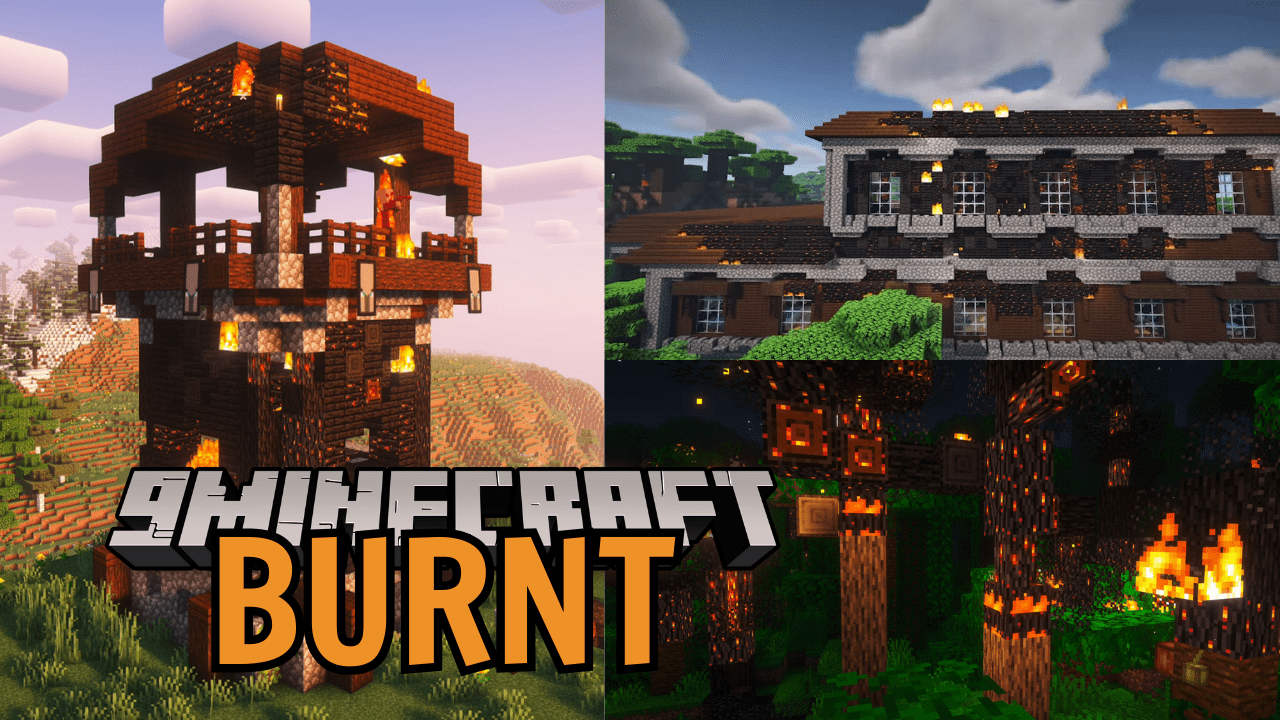
Pixelbank's Burnt Mod (1.20.1) – Ultimate Fire-Enhancing Mod
Java mod listed for Minecraft 1.20. File opened and checked on 18 Oct 2026; downloads from the MC Java Mods app on Android.
Pixelbank's Burnt Mod upgrades Minecraft’s fire system to be far more realistic and destructive, where fire truly burns structures instead of disappearing…
⬇ Download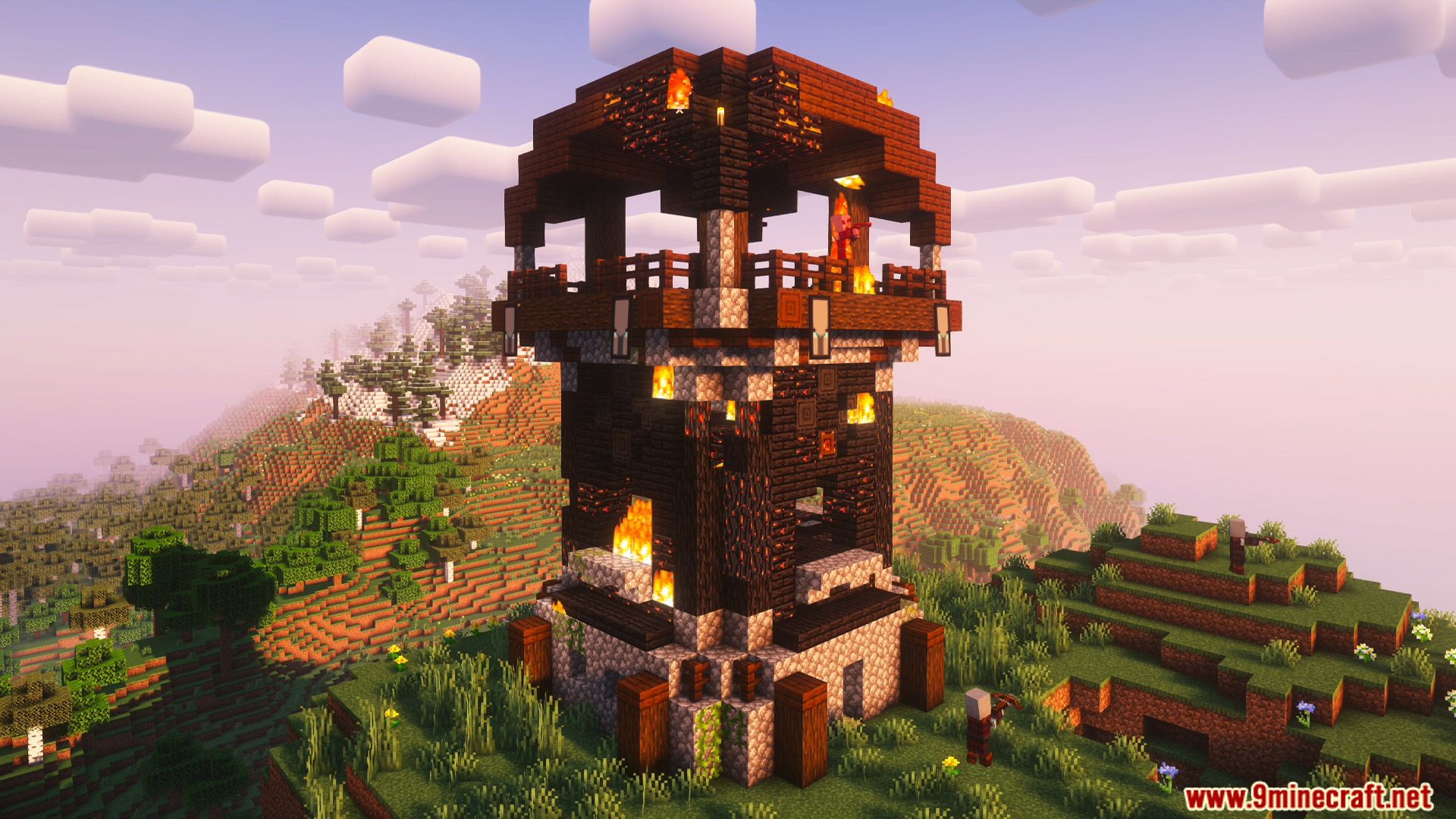
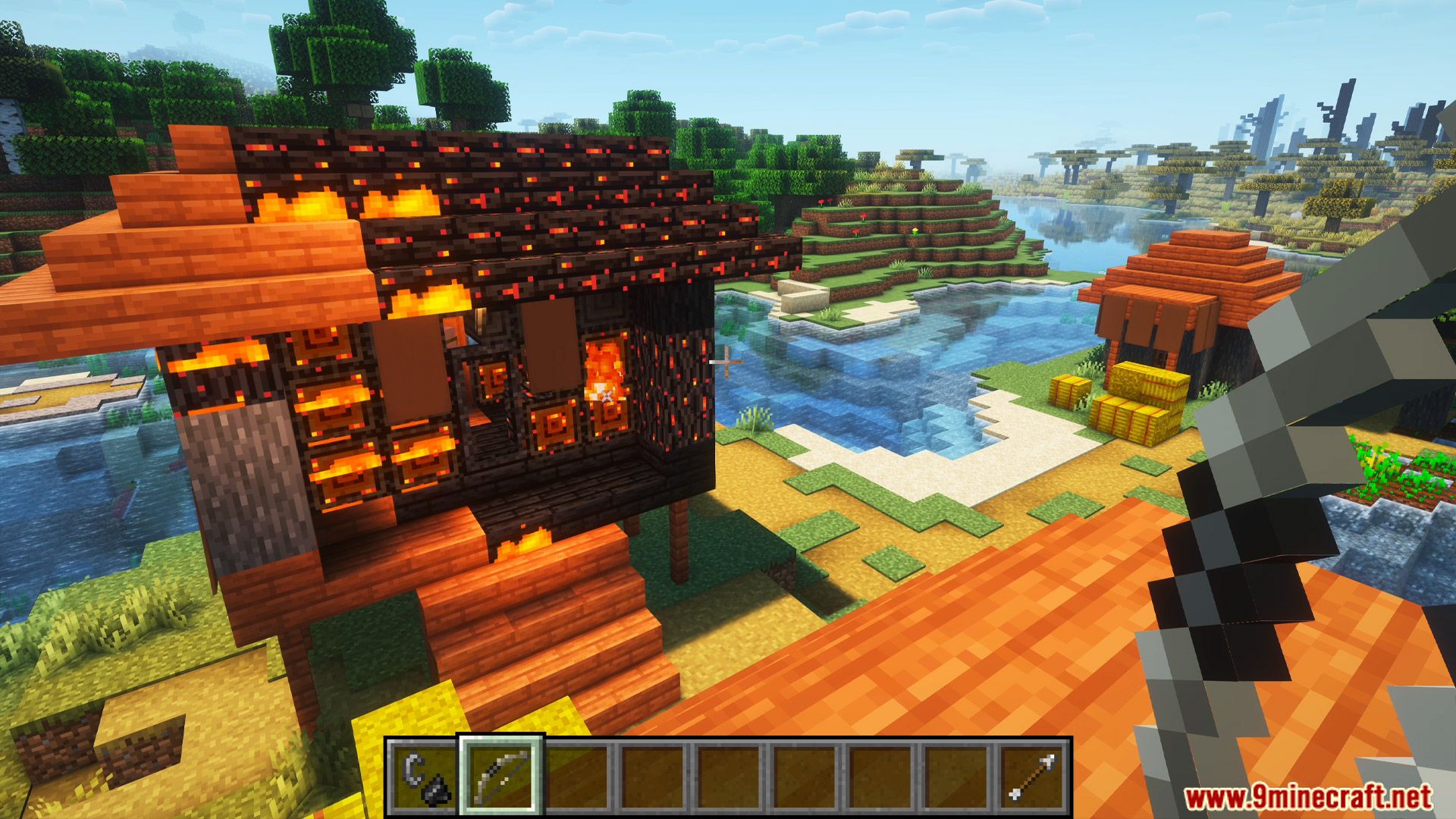
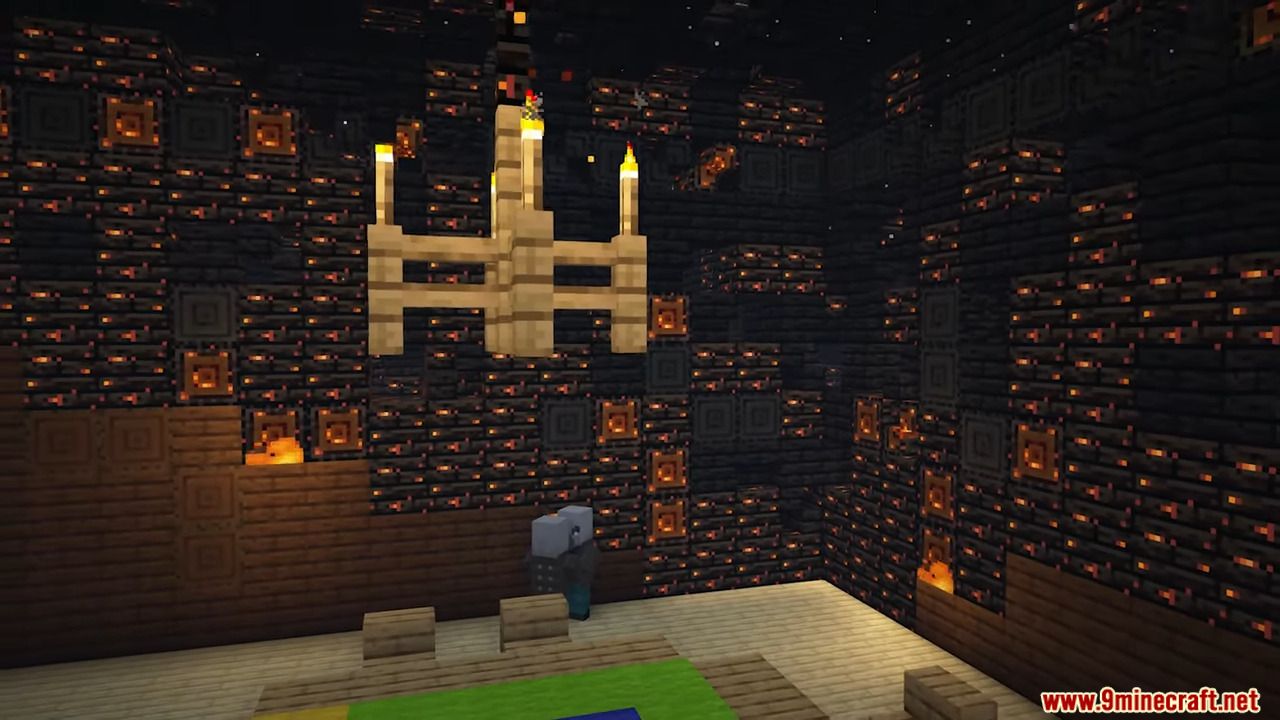
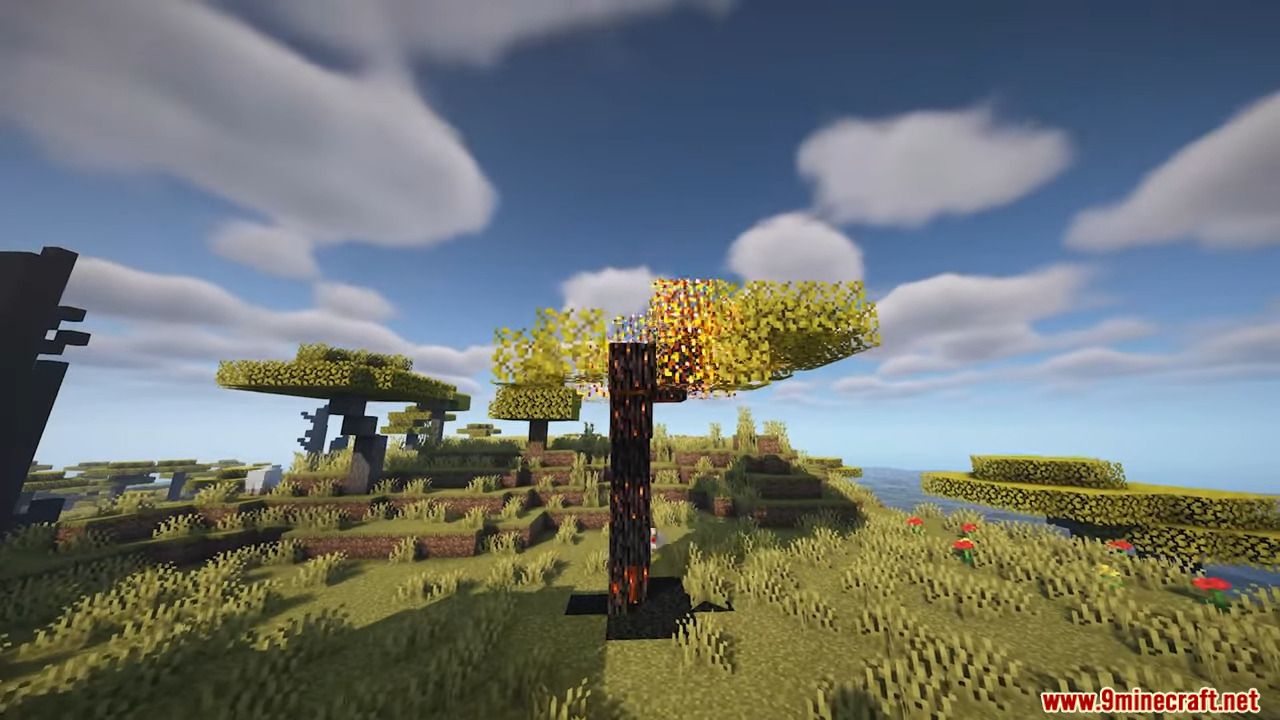
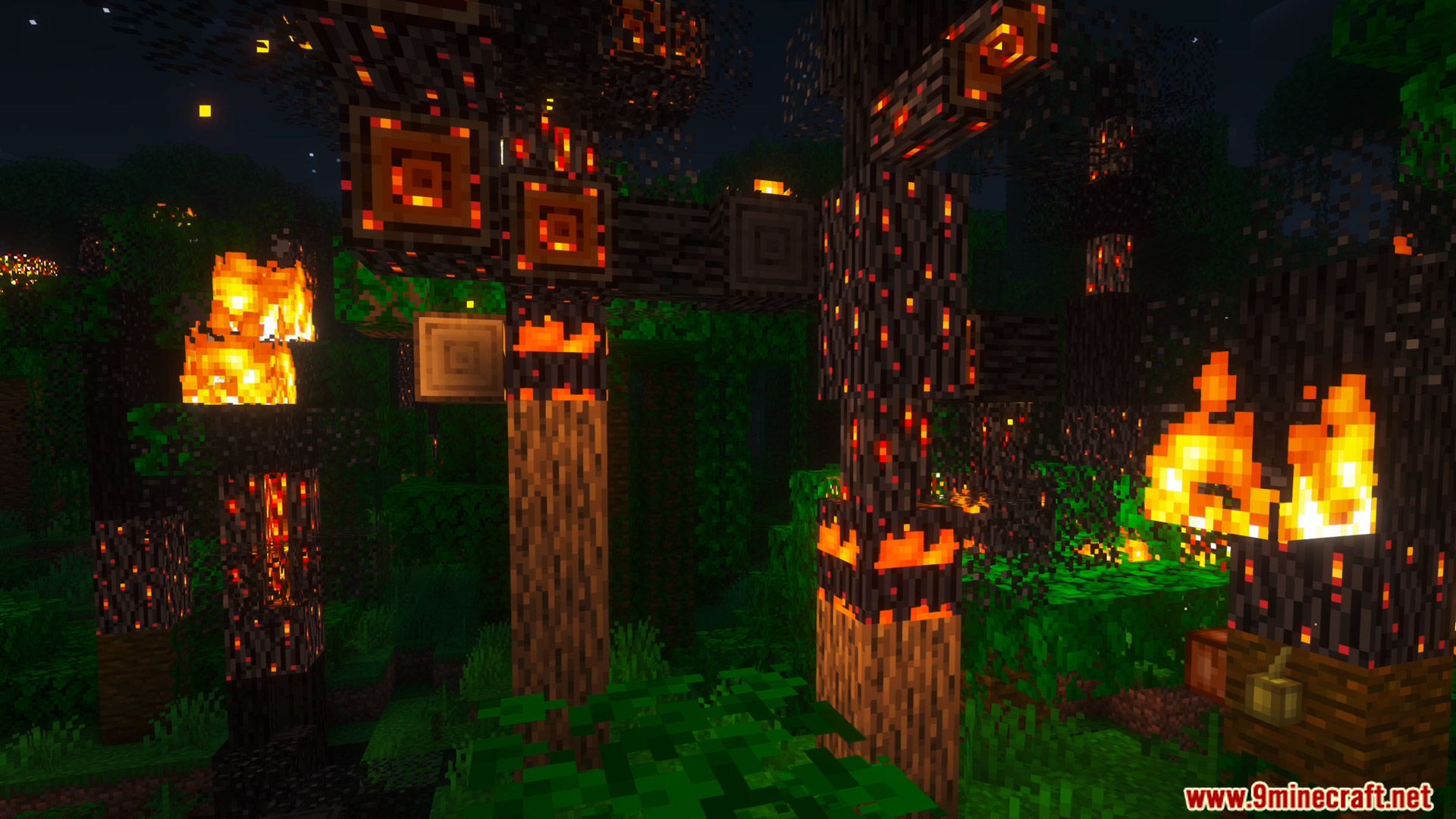
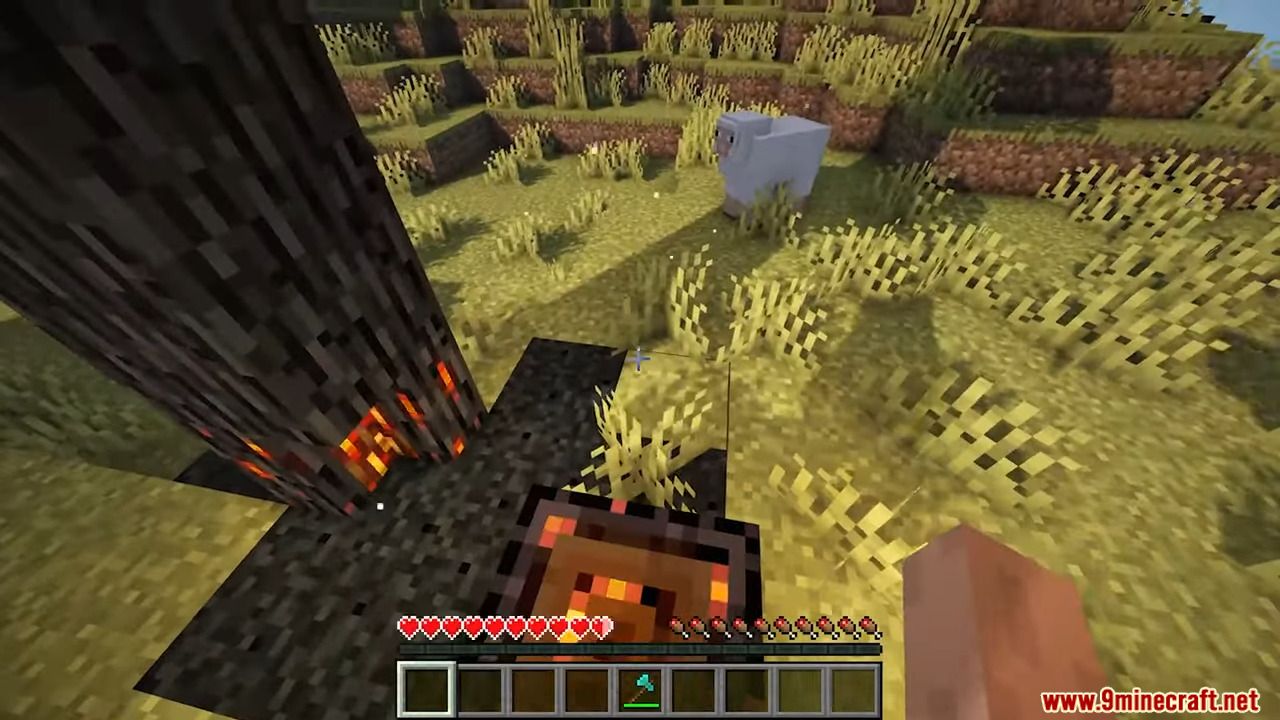
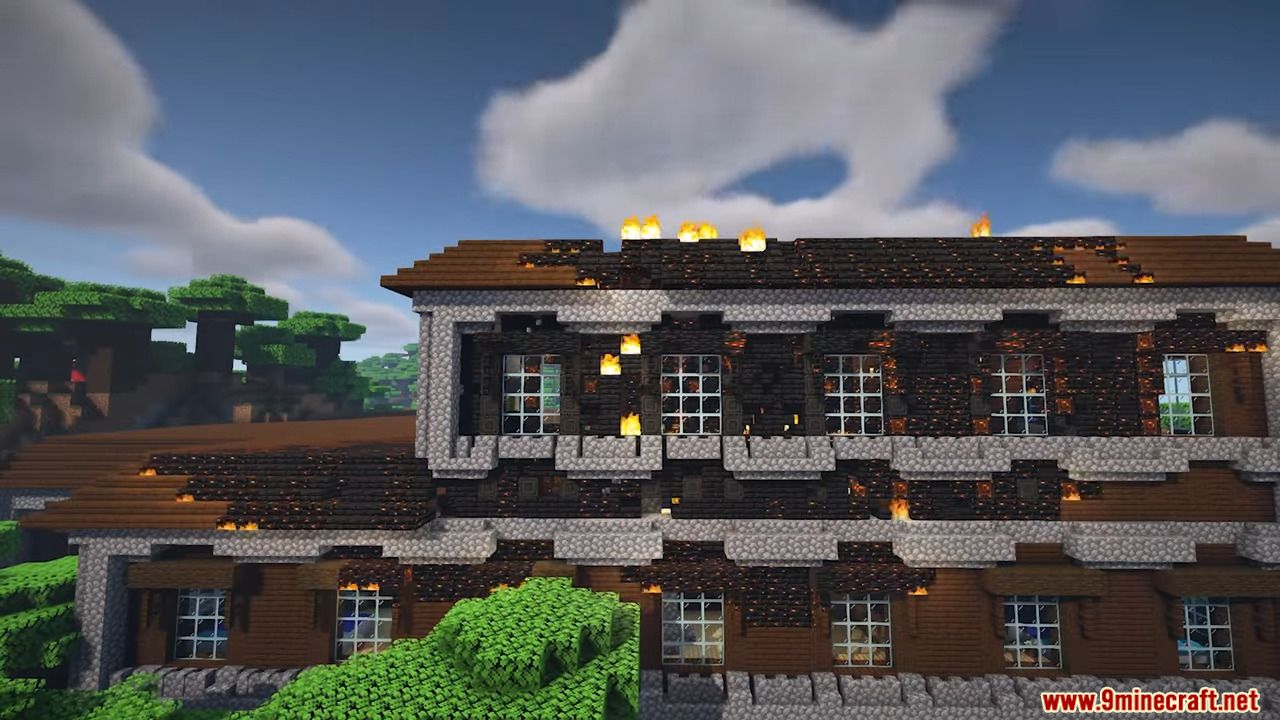
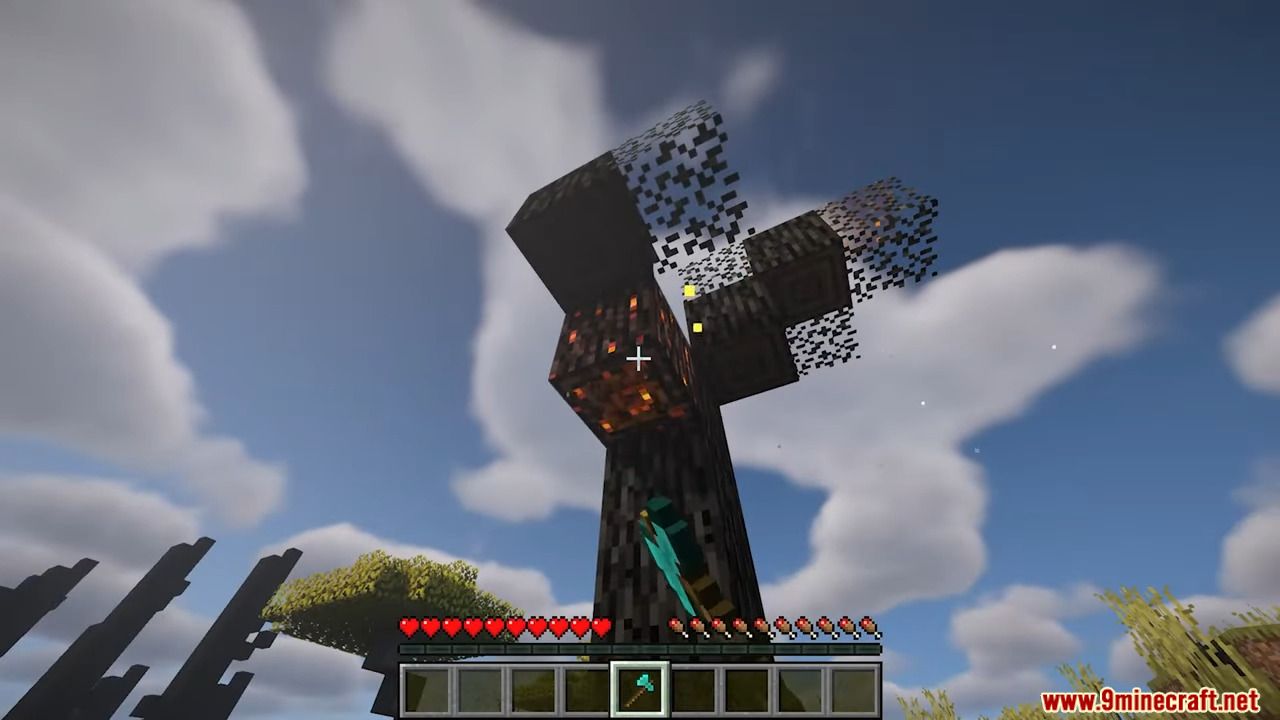
Pixelbank’s Burnt Mod upgrades Minecraft’s fire system to be far more realistic and destructive, where fire truly burns structures instead of disappearing quickly. You can use flint and steel to ignite wood, trees, villages, and grass, causing fire to spread naturally to nearby blocks. After burning, blocks turn into charred variants, and some broken versions can drop charcoal. The mod adds powerful tools like Fire Barrels, Blaze Barrels, and the Flint Bow, allowing you to start massive fires and explosions from a distance. Burning structures can randomly collapse, and explosions cause blocks to break and fall dynamically. Fires can be extinguished by rain, water, or fire extinguishers, and the mod supports config customization and many popular biome mods, with Geckolib required.
Features:
Main Fire Mechanics:
- Use Flint and Steel on:
- Wood
- Leaves
- Grass
to trigger realistic burning
- Blocks will:
- Smoulder first
- Then fully burn
- Spread fire to nearby blocks
- After burning, blocks turn into:
- Burnt variants
- Occasionally broken versions that drop Charcoal
Advanced Fire Tools:
- Flint Bow: shoots burning arrows and can ignite Creepers from a distance
- Fire Barrels: explode after ignition and spread fire in a wide area
- Blaze Barrels: stronger explosive fire version
Environmental Effects:
- Burning buildings can randomly collapse
- Explosions cause blocks to break and fall
- Rain and water extinguish fire naturally
- Fire Extanguisher can be crafted for manual fire control
Additional Features:
- Burnt wood can be created using a Smoker
- Full config file support for fire behavior customization
- Config is generated automatically on first launch
Screenshots:
Pixelbank’s Burnt Mod Download Links
For Minecraft 1.20.1, 1.20
Forge Version: Download from Server 1 – Download from Server 2
- Edition: Minecraft Java
- File type: .jar
- Minecraft version listed: 1.20.1
- How to install: Install the matching mod loader (Forge, Fabric or NeoForge) for your Minecraft version. → Download the .jar. → Put it in the .minecraft/mods folder and launch that loader profile.
- Where to get it: In MC Java Mods, or directly above on this page.
Install steps are the general flow for this file type — How to install Minecraft Java mods & modpacks walks through it step by step.
Pixelbank's Burnt Mod (1.20.1) – Ultimate Fire-Enhancing Mod is a free Minecraft Java mod. Compatible with Minecraft 1.20.1. Download it and open it directly in the game.