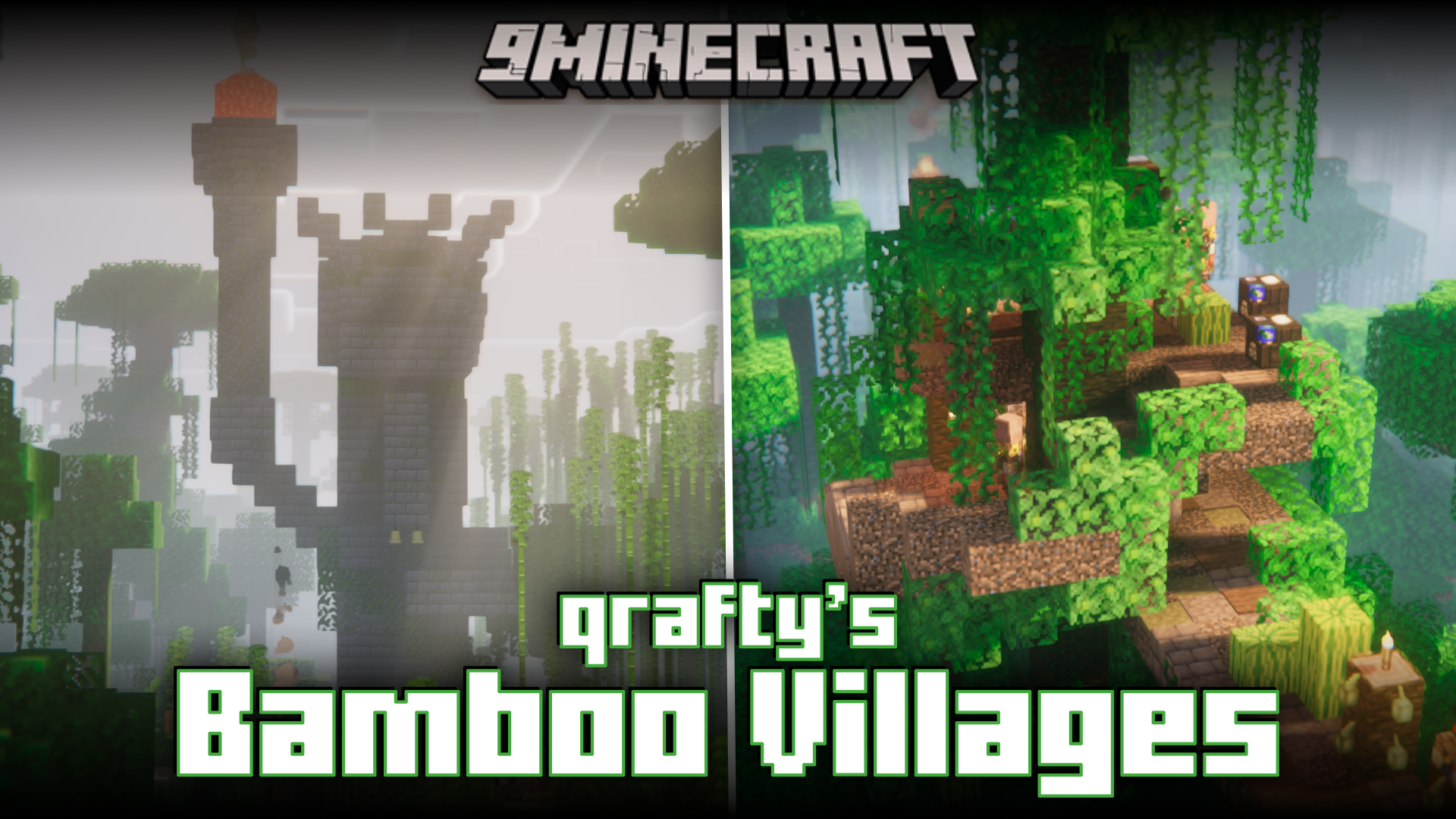
Qrafty's Bamboo Villages Mod (26.2, 1.20.1) – Villages In Bamboo Jungles
Java mod listed for Minecraft 1.20. Downloads from the MC Java Mods app on Android.
⬇ Download
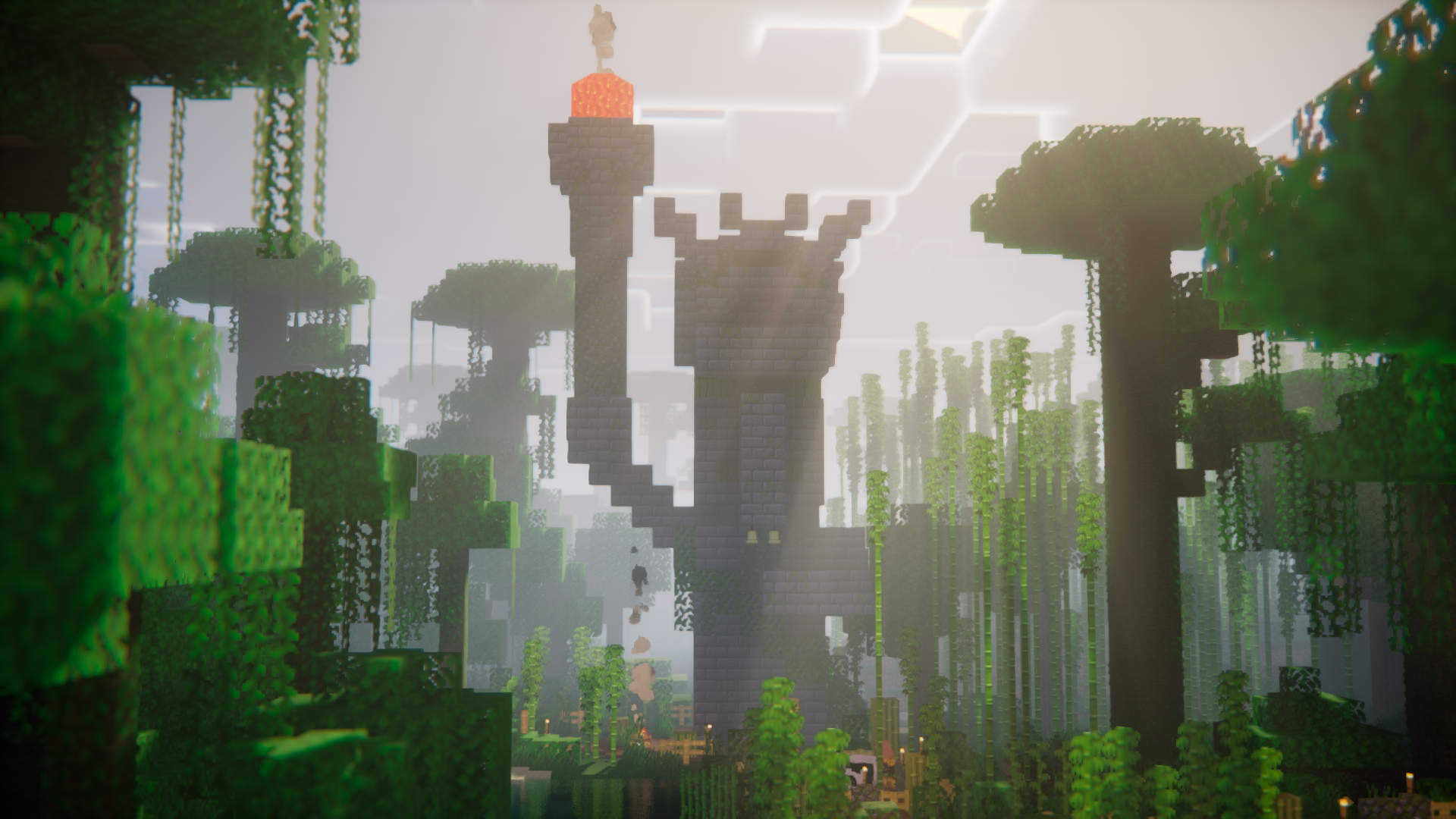
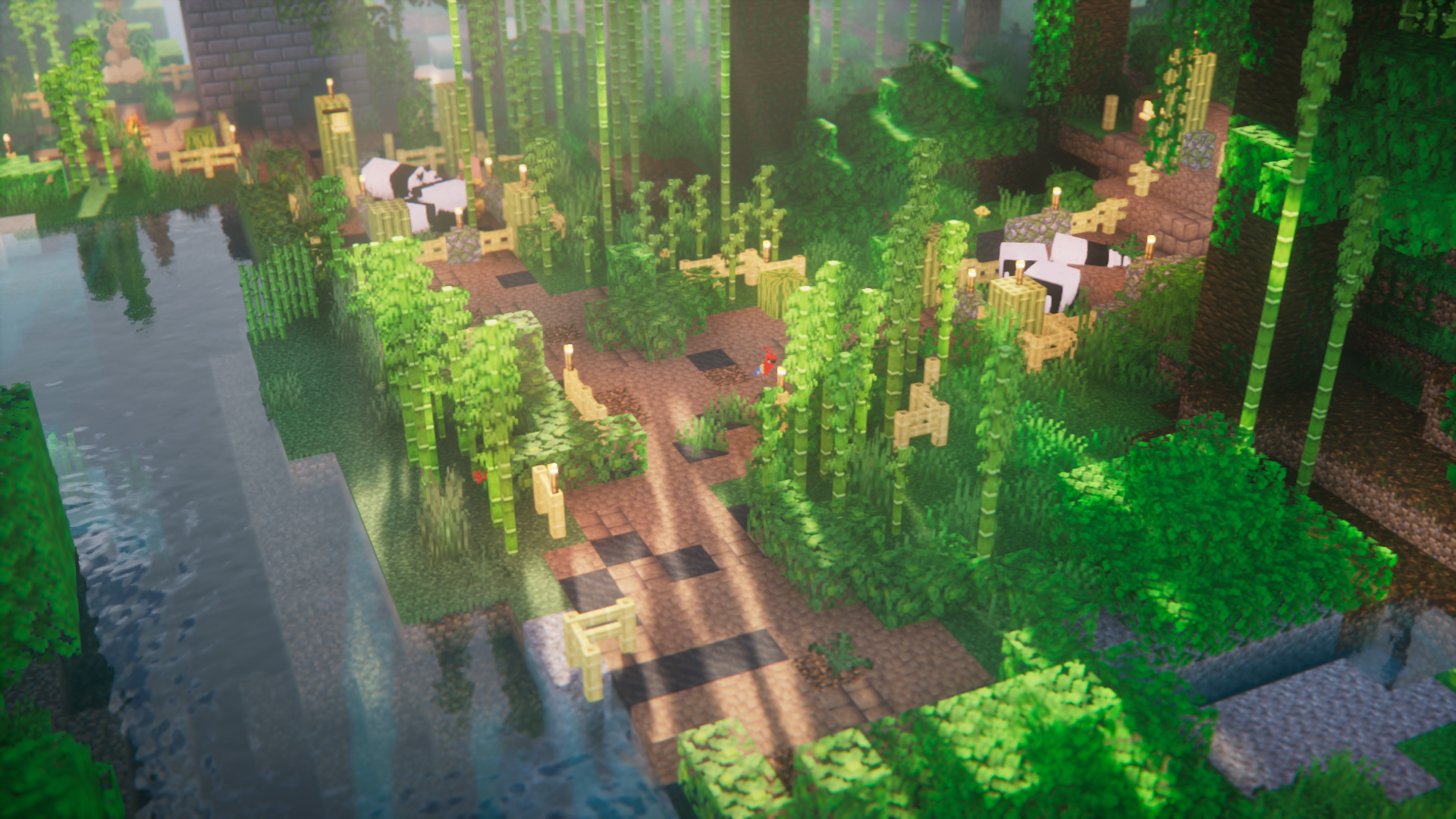
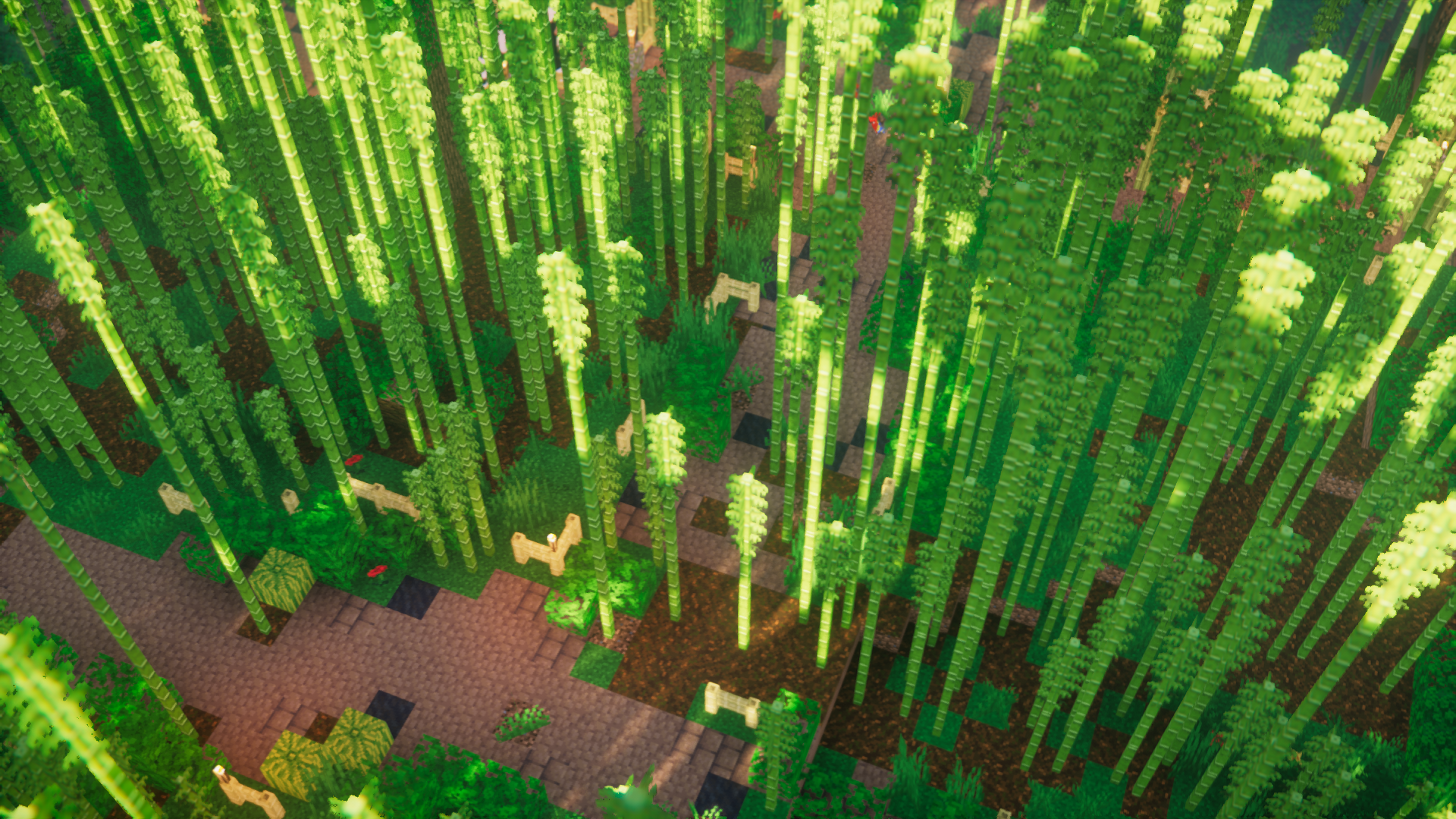
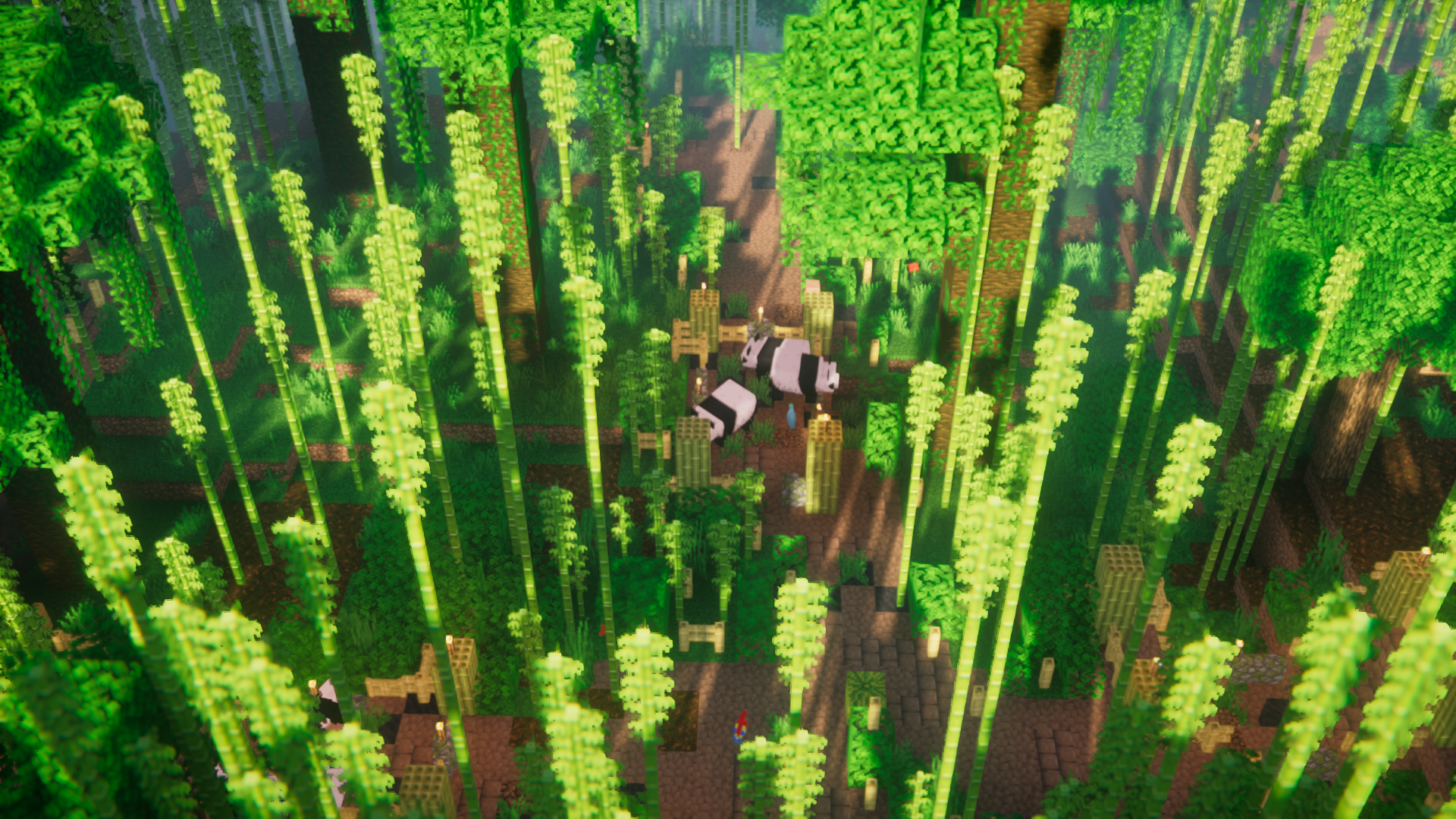
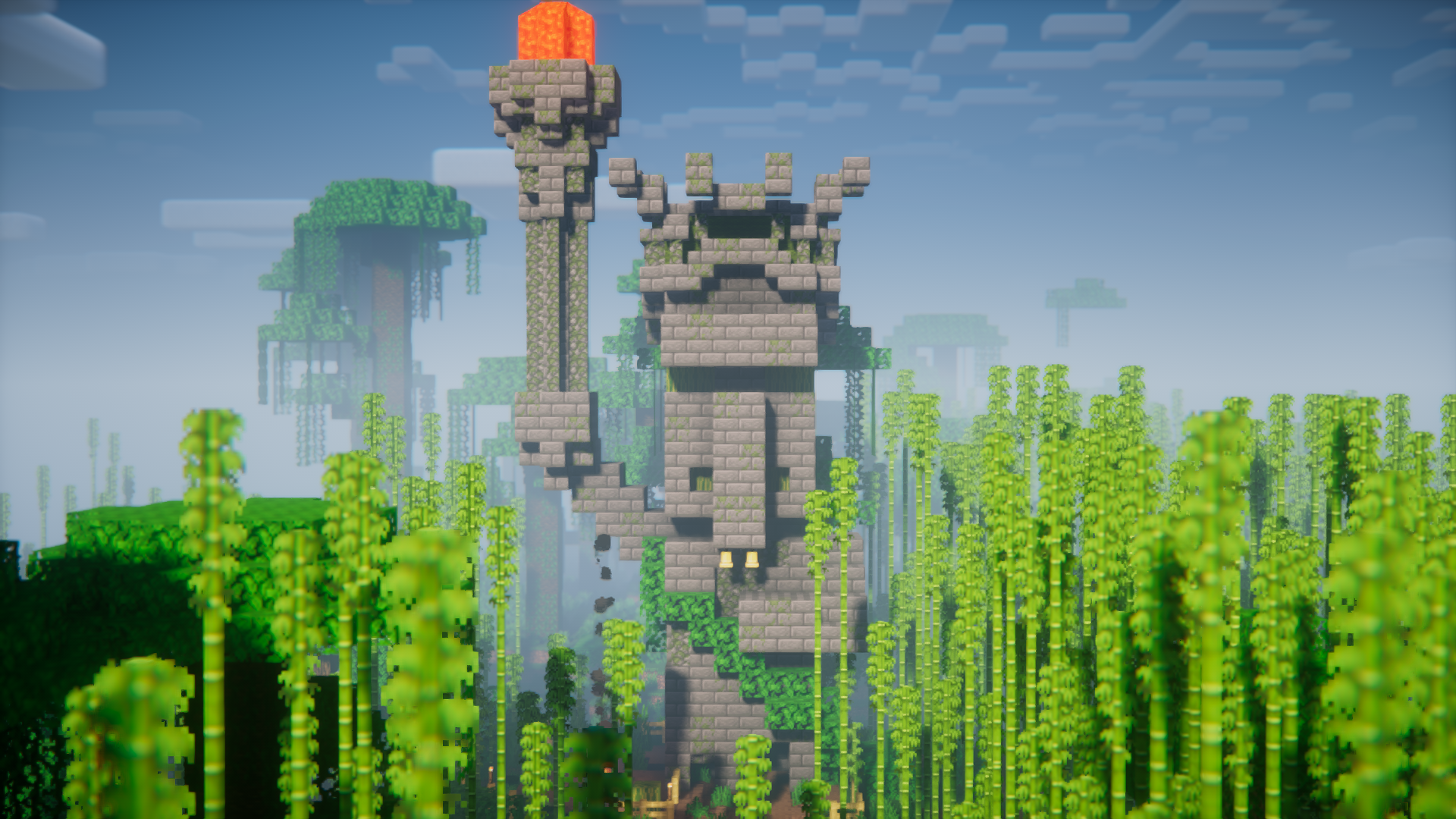
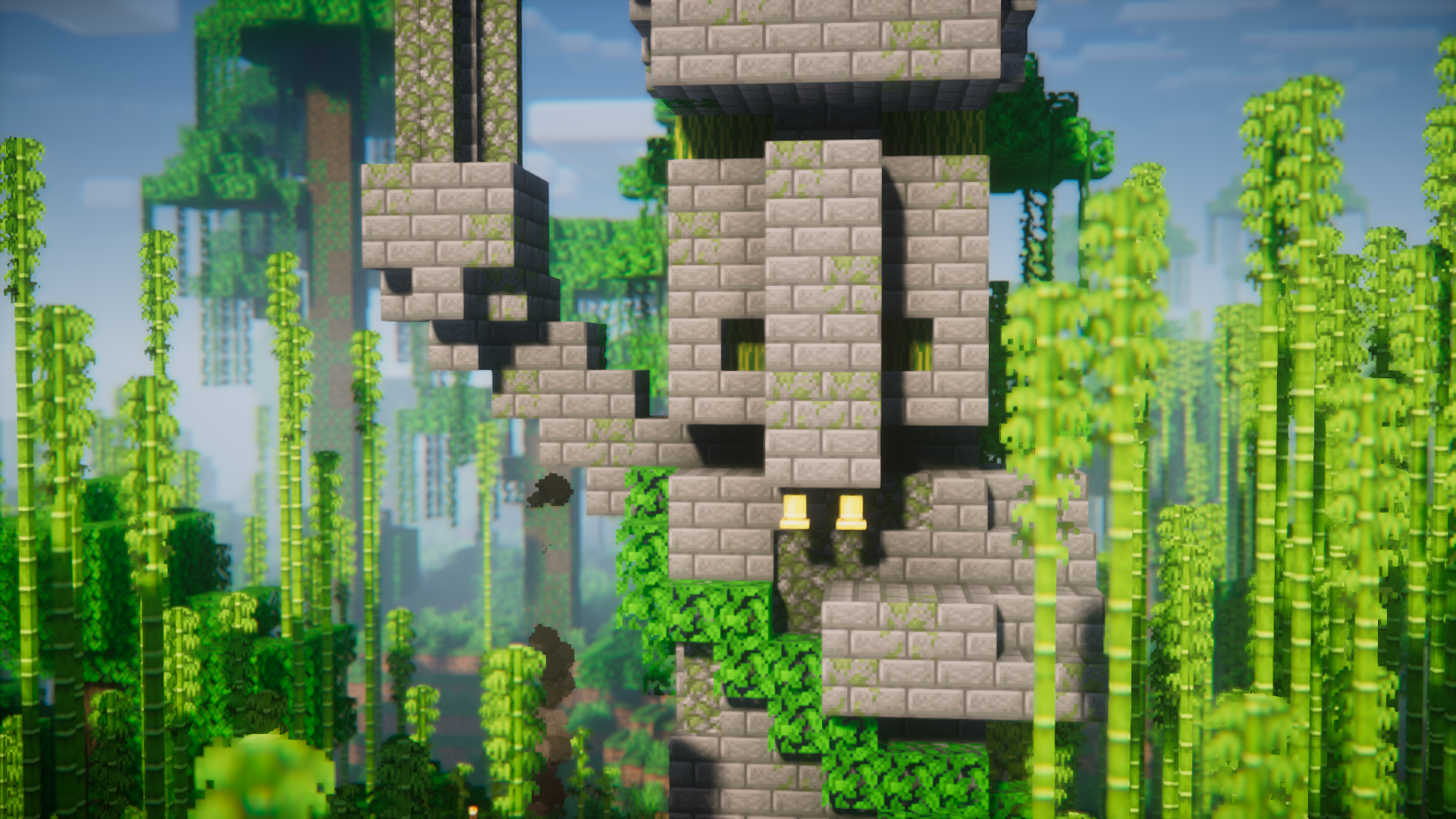
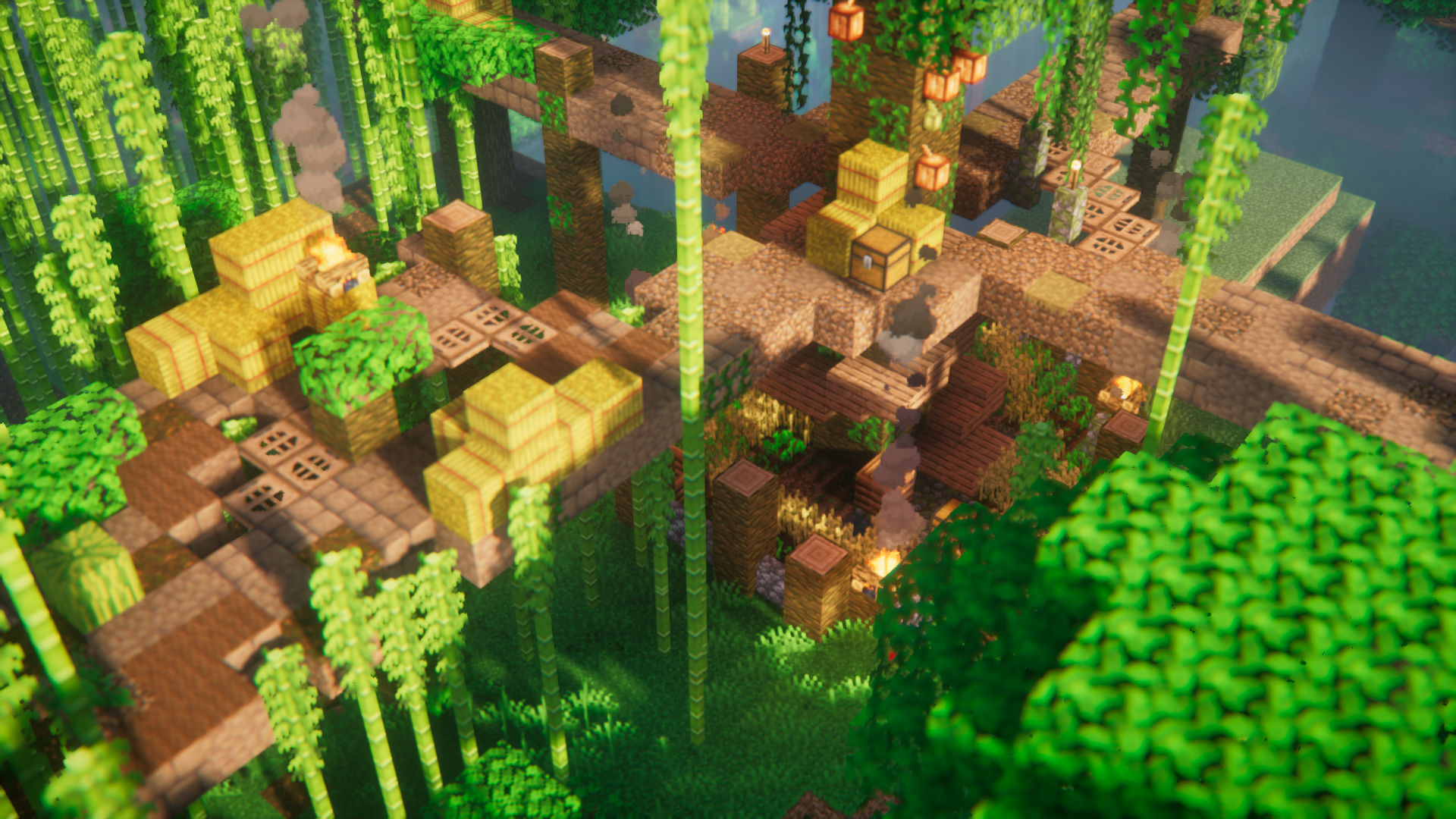
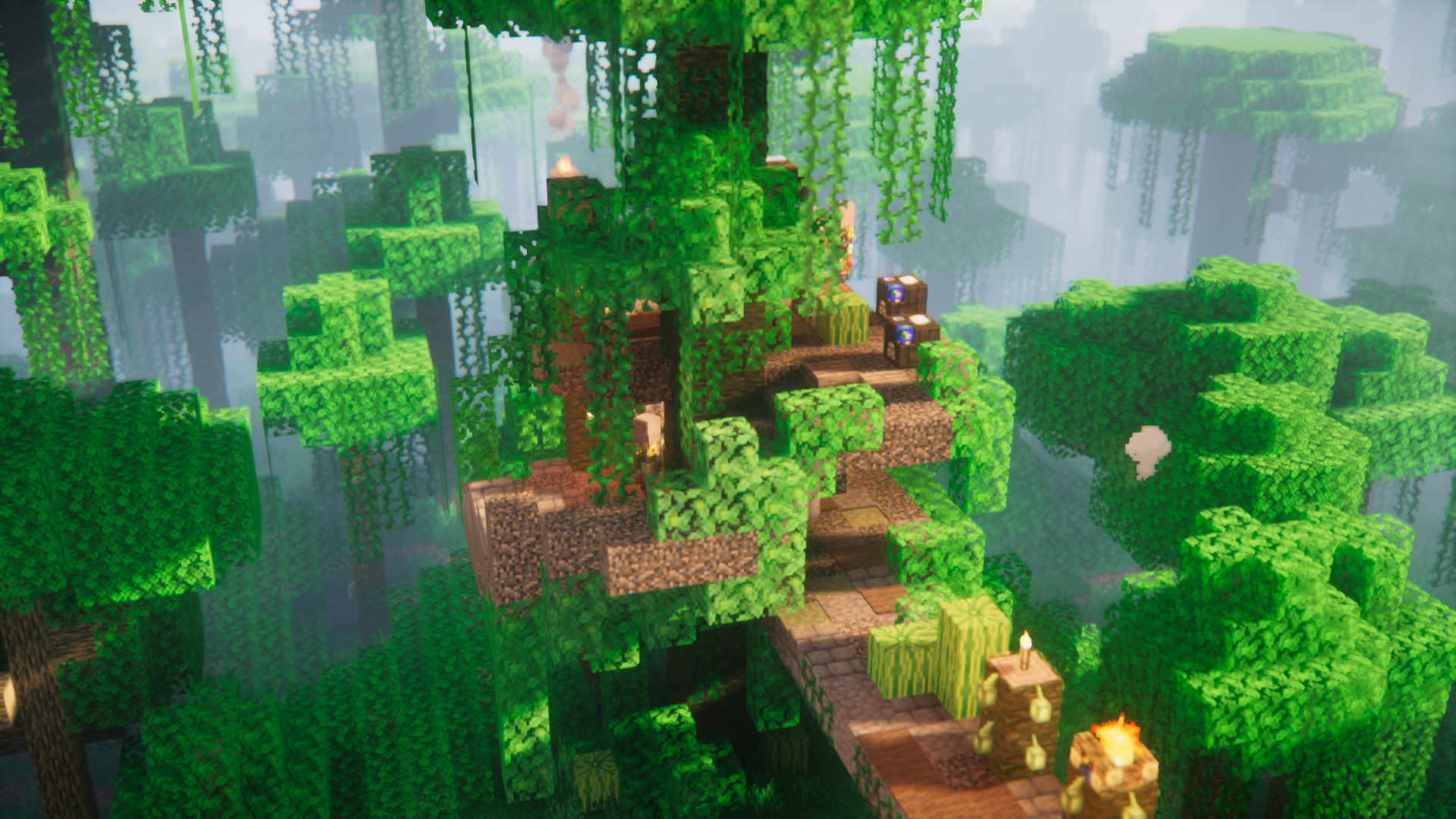
Most biomes in the game have village variants of their own. But some biomes, like the bamboo forests, remain an exception. But not anymore, Qrafty’s Bamboo Villages Mod introduces a new type of village for the bamboo forests biomes. This new village type is very different from the vanilla villages in terms of layout and structures. The central part of the village is a large statue of a villager holding a torch. Many different parts diverge from this structure into many tree treehouses and other such structures which inhabit villagers. These paths also make it easy to traverse through the bamboo forest biome, which would otherwise be filled with bamboo plants which makes passing through difficult.
Features:
- Adds a new village variant for bamboo forest biome.
- Has diverging walking paths with a large statue in the middle.
- Tree houses as villager houses.
- Makes it easy to traverse bamboo forests.
Screenshots:
Qrafty’s Bamboo Villages Mod Download Links
- Edition: Minecraft Java
- File type: .jar
- Minecraft version listed: 1.20.1
- How to install: Install the matching mod loader (Forge, Fabric or NeoForge) for your Minecraft version. → Download the .jar. → Put it in the .minecraft/mods folder and launch that loader profile.
- Where to get it: In MC Java Mods, or directly above on this page.
Install steps are the general flow for this file type — How to install Minecraft Java mods & modpacks walks through it step by step.
- Downloads as 176244.mcaddon
- Download size: 215 KB
- Download link checked 24 Sept 2026 — working
- Mirrored on our own servers — the download does not depend on the original host
These come from our own check of the pack file, not from the source page.