
Jaggies Begone Mod (1.20.1, 1.19.2) – See Your World Without Jagged Edges
Java mod listed for Minecraft 1.19–1.20. Downloads from the MC Java Mods app on Android.
⬇ Download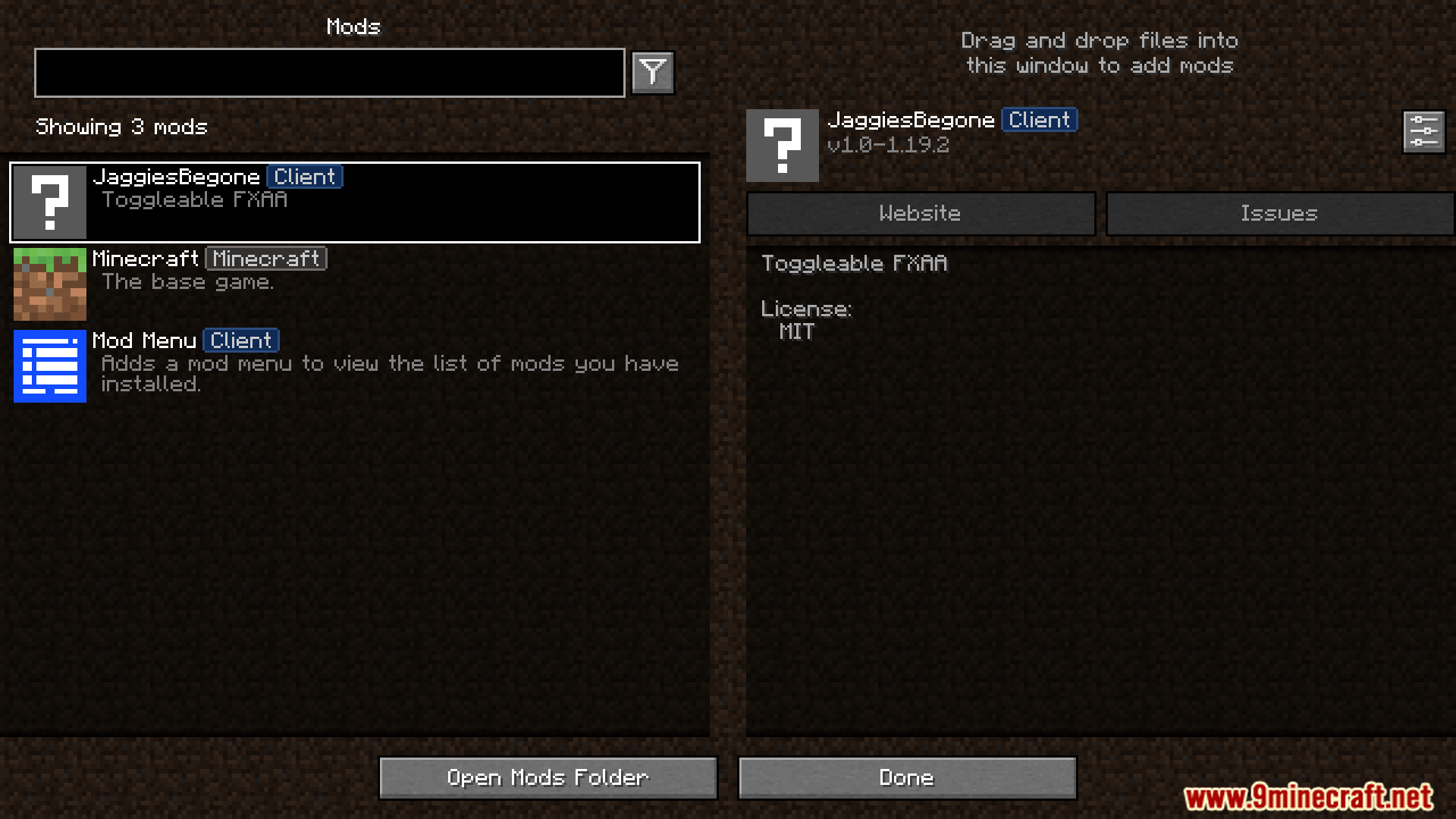
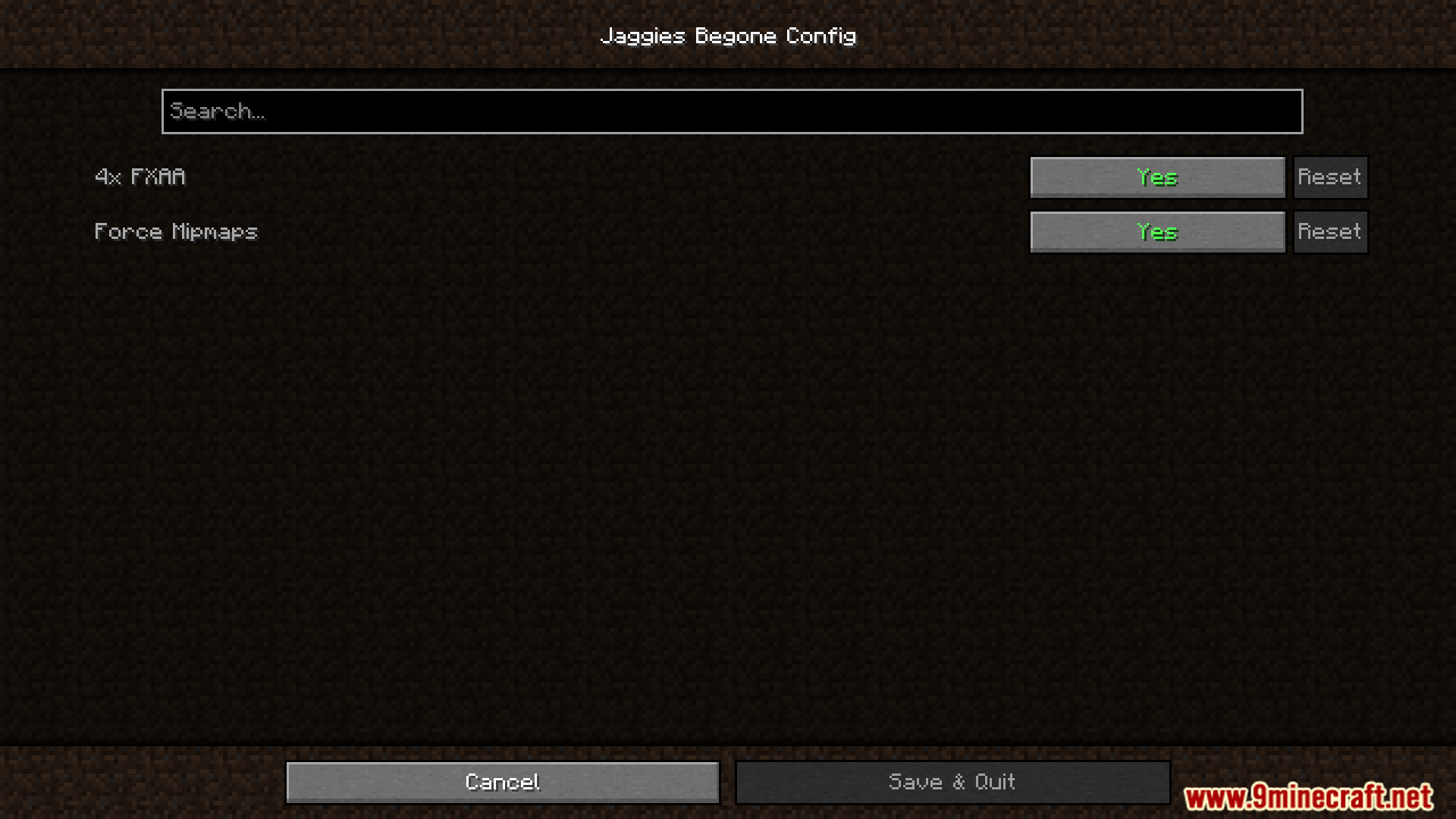
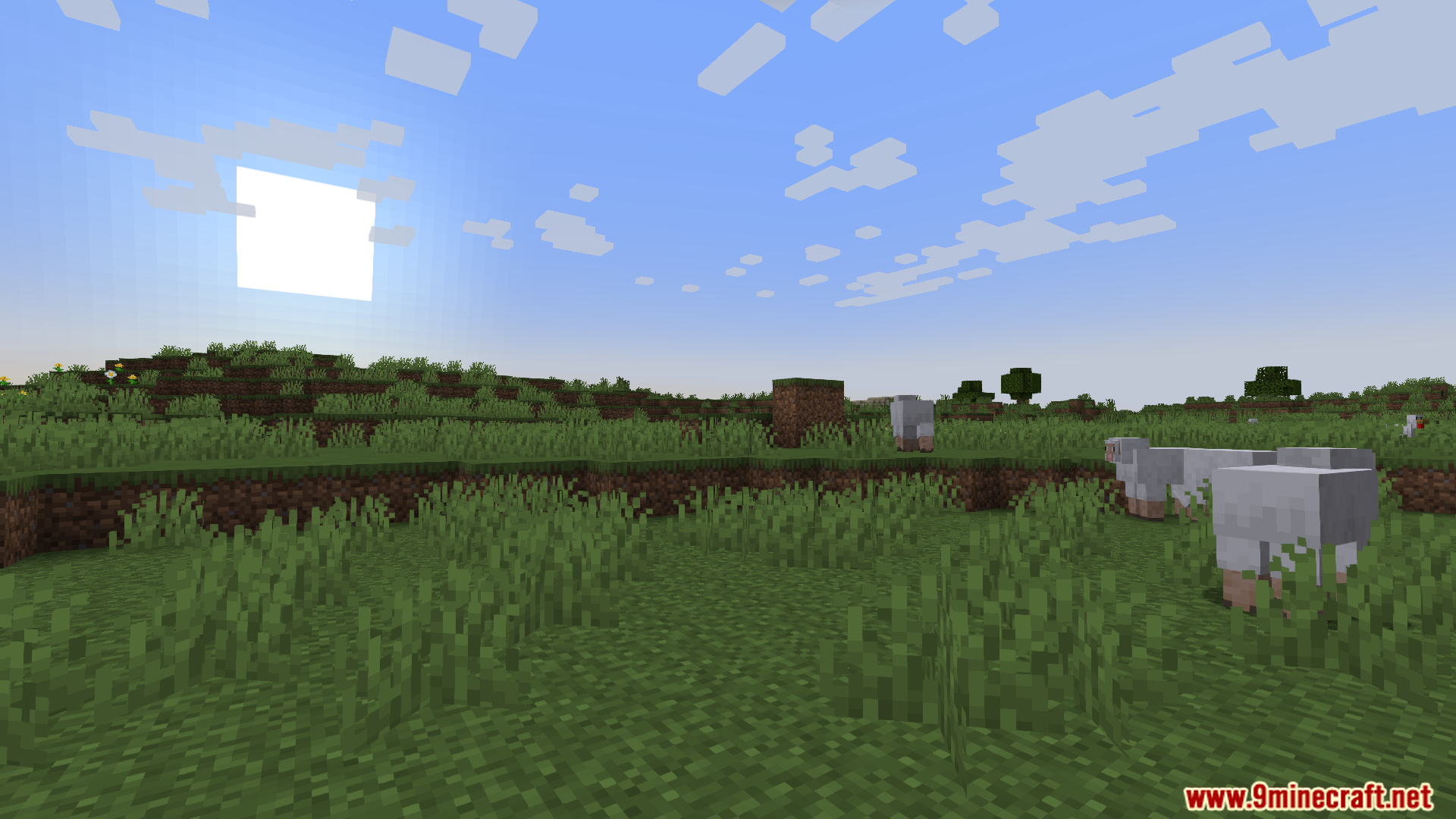
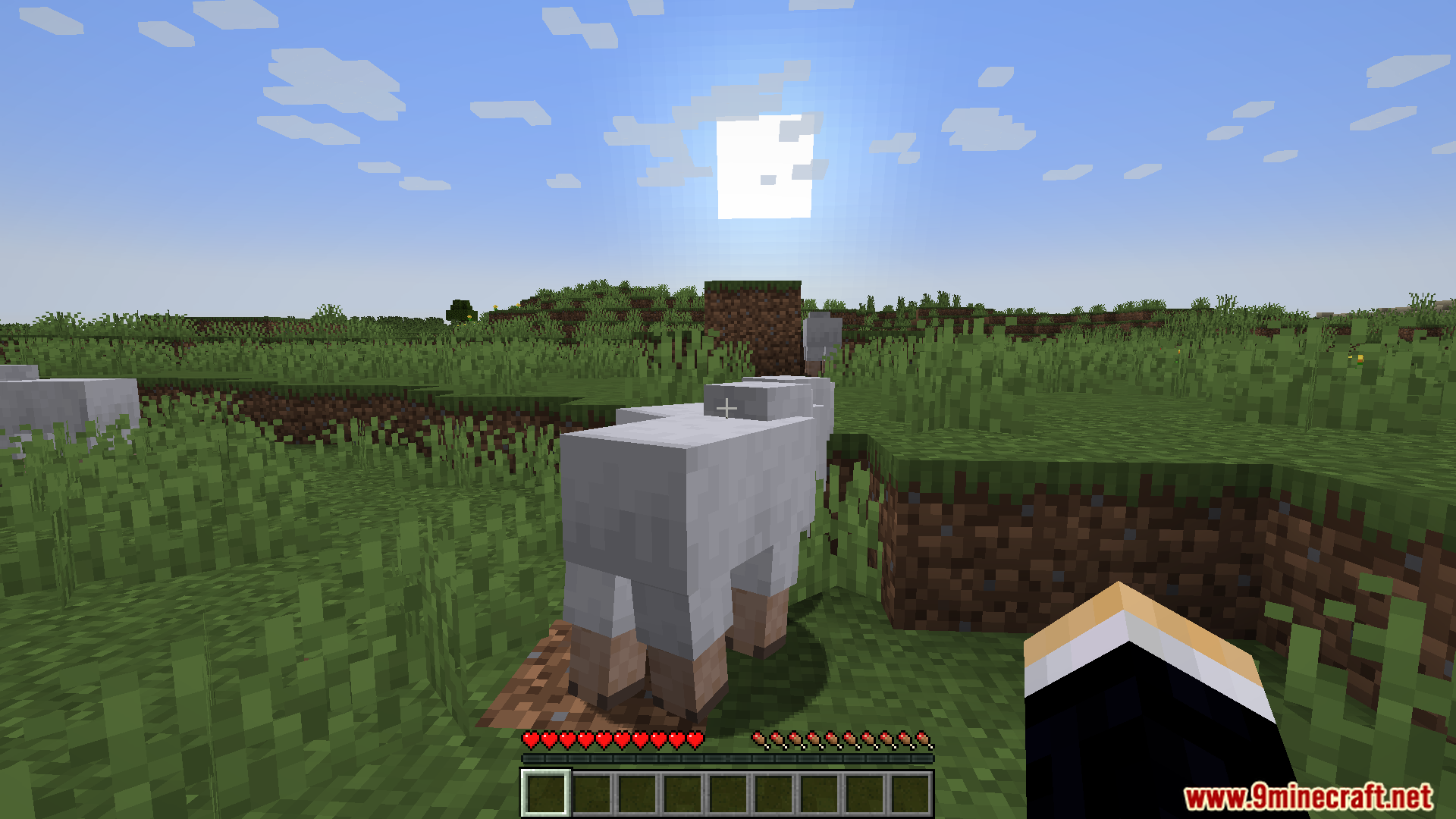
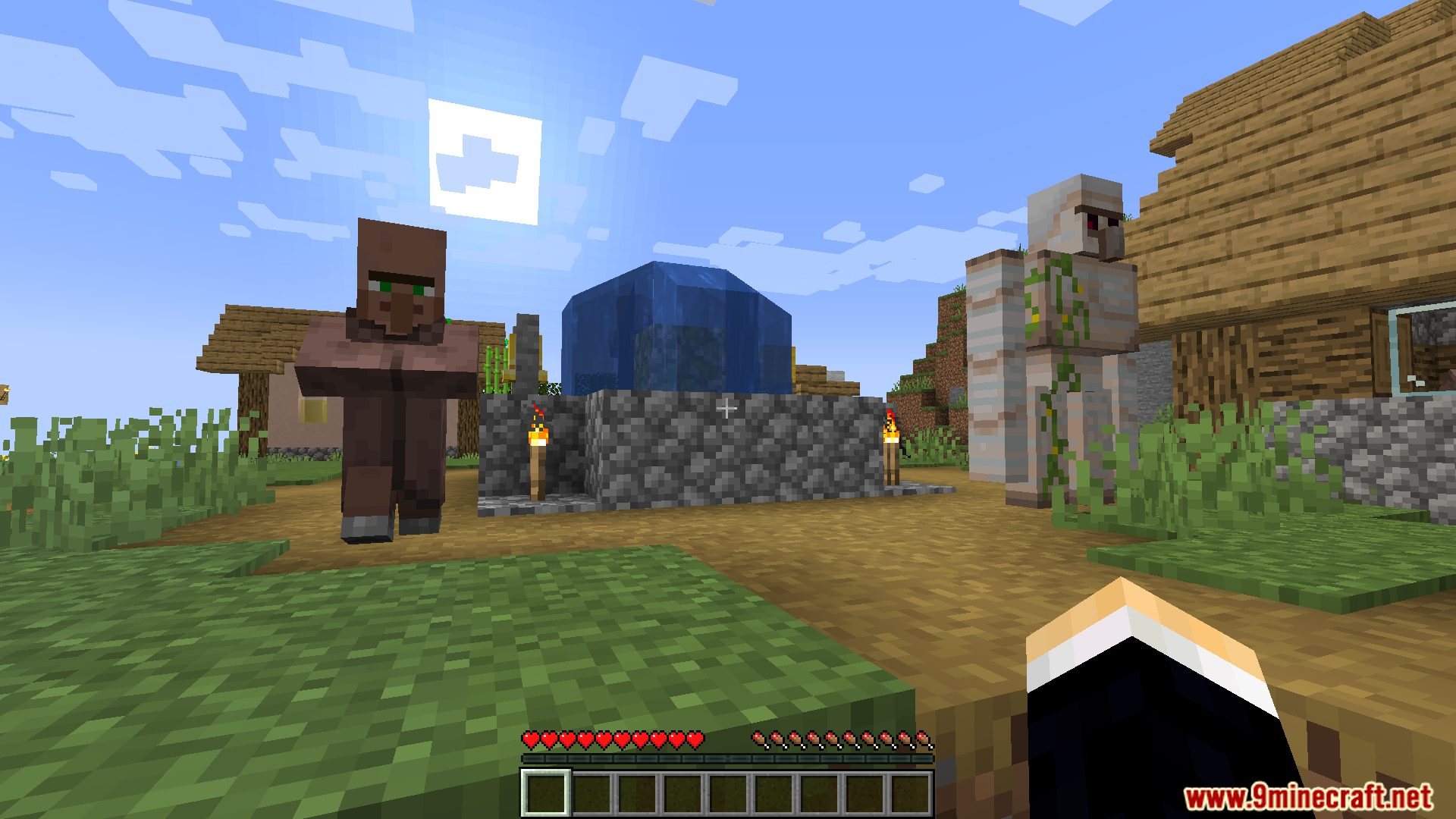
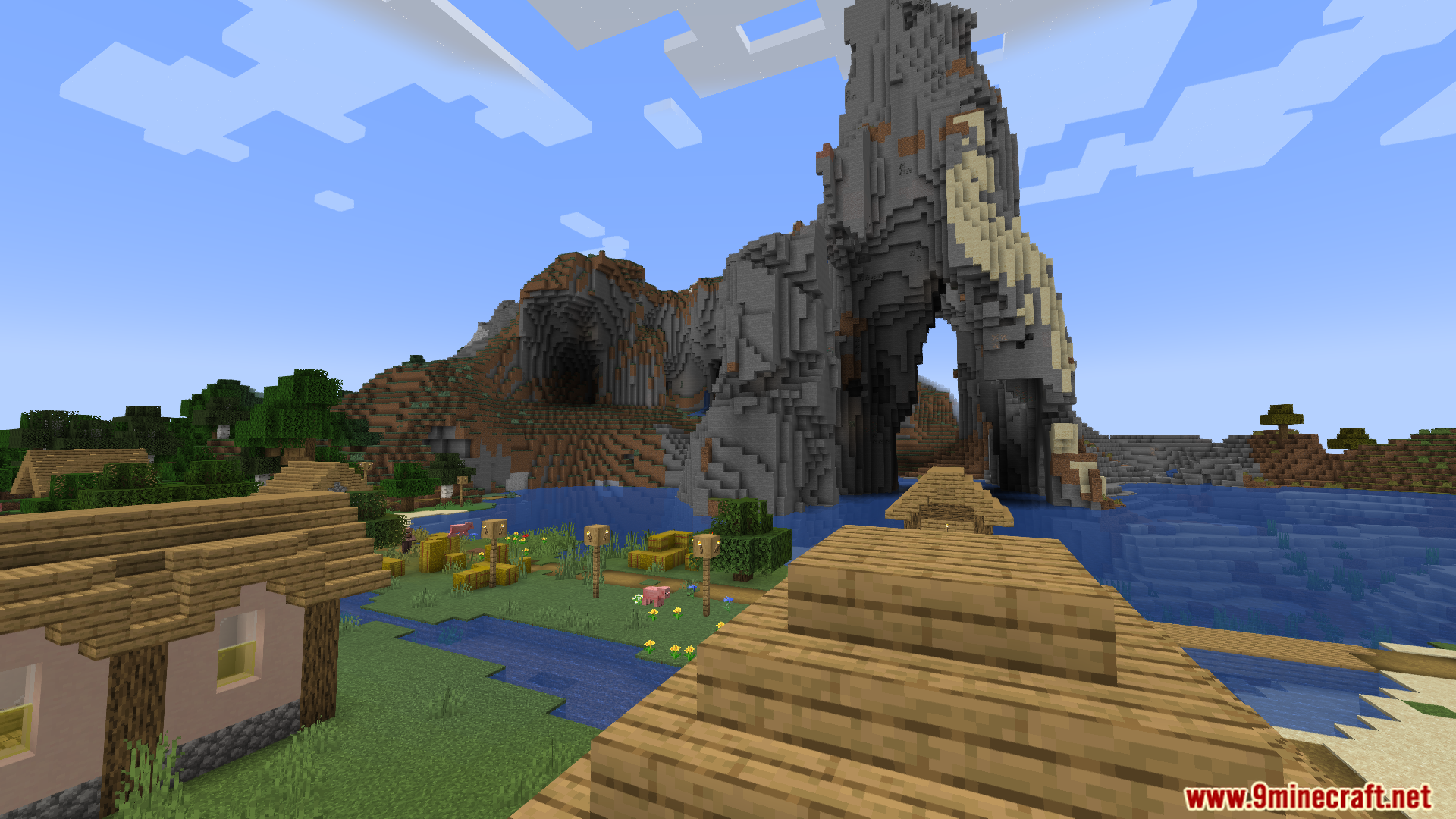
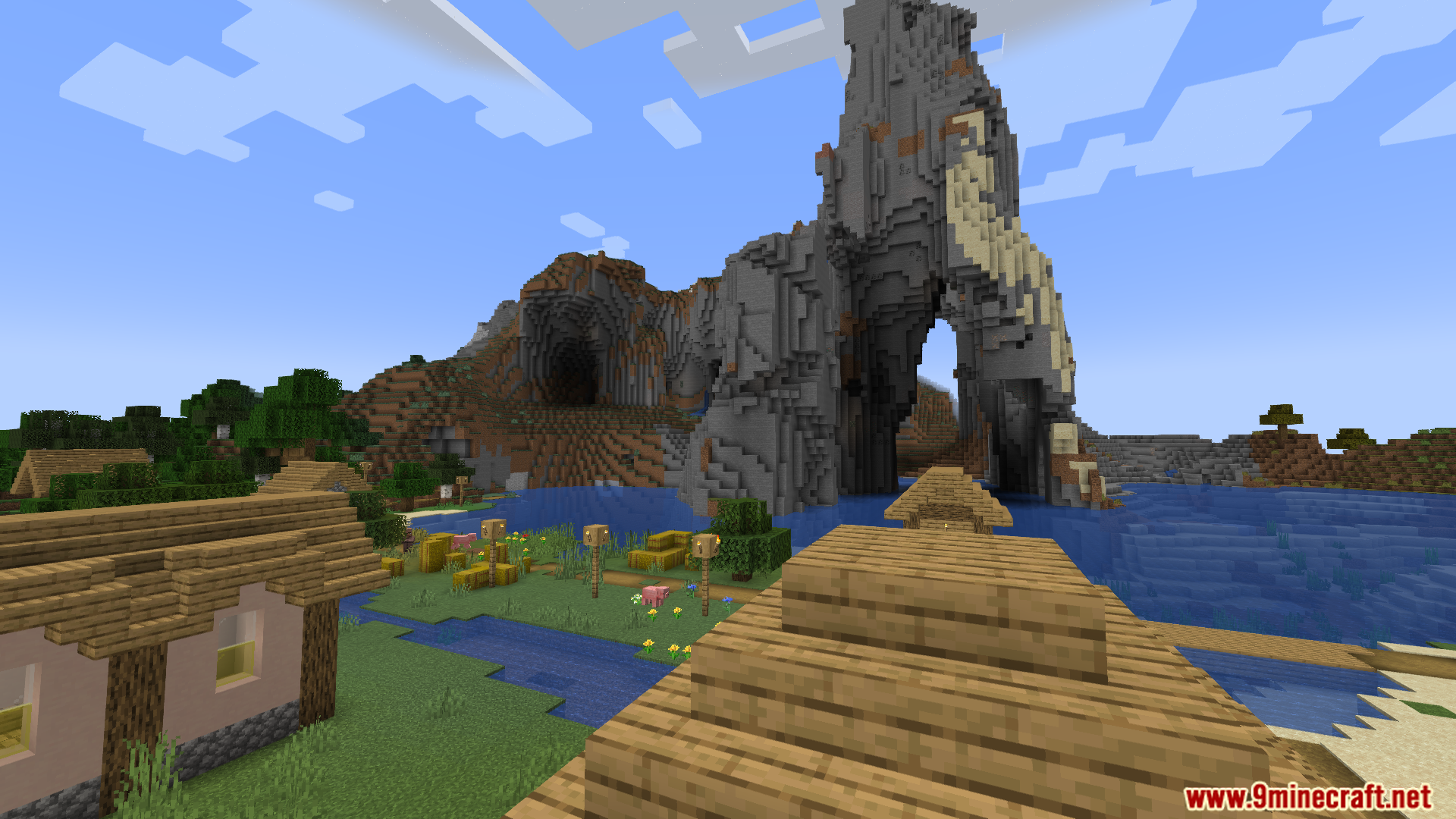
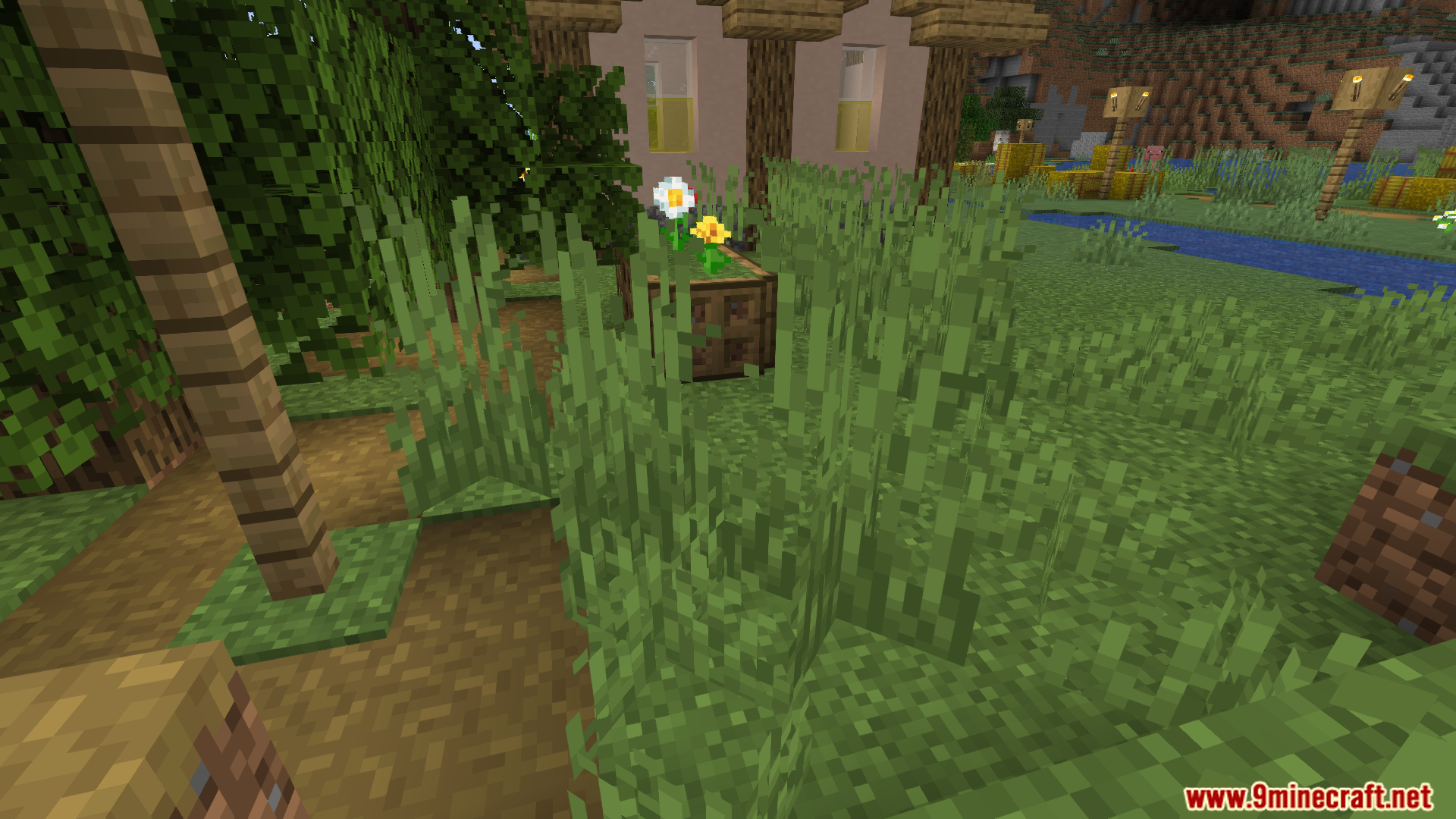
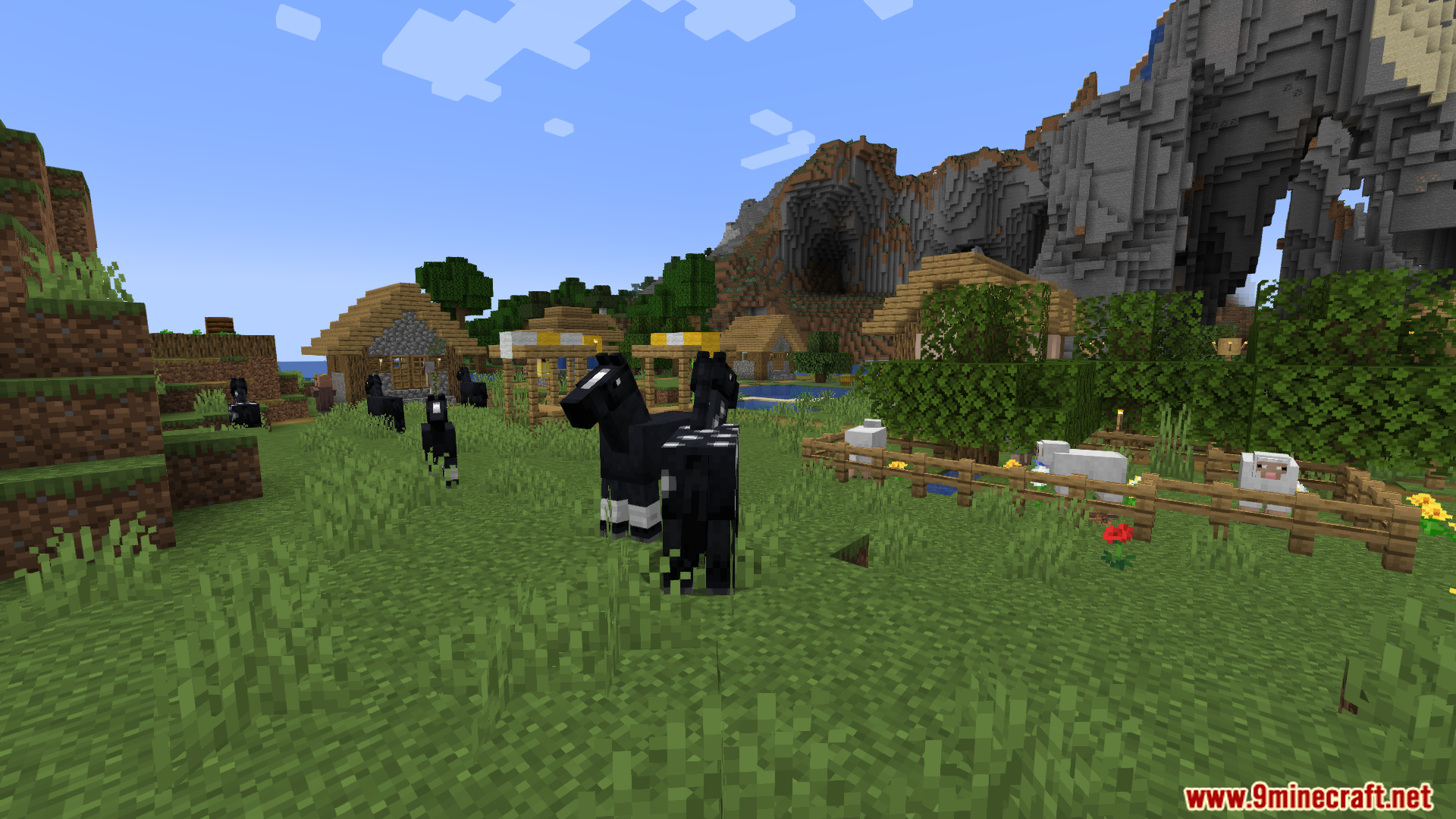
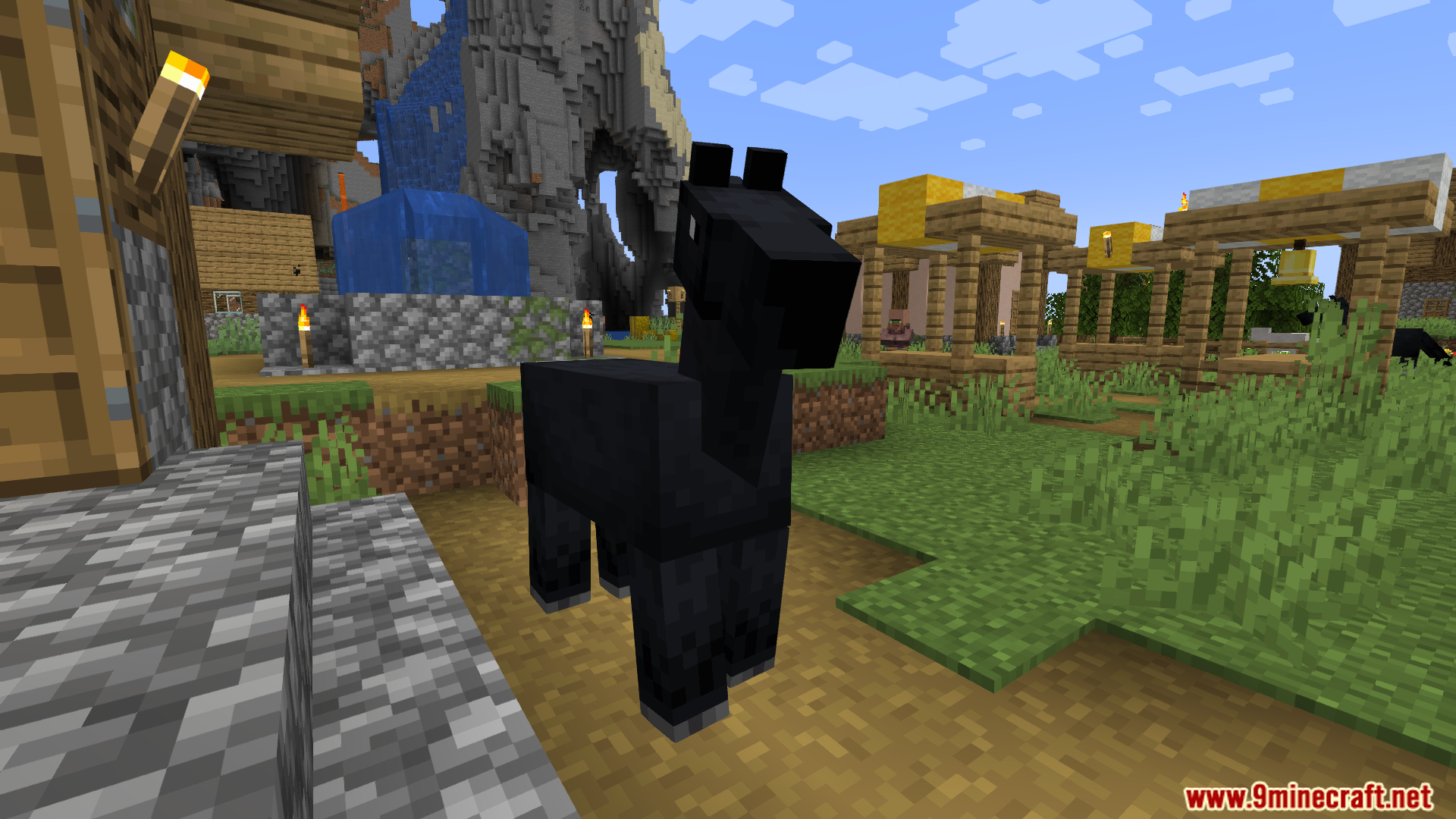
Jaggies Begone Mod smooths out the rough, pixelated edges you see in your Minecraft world. It adds a special anti-aliasing option (4x FXAA) that softens the lines on blocks, mobs, and items. This mod also fixes how see-through blocks like leaves and grass look from far away, making them appear clearer and less shimmery. The result is a much cleaner and more stable image without a big hit to your game’s performance.
Features:
- Makes the game look smoother by reducing the jagged, stair-step edges on blocks.
- Uses a technique called 4x FXAA to clean up the visuals without needing a powerful computer.
- Improves how things like leaves, grass, and fences look from a distance, making them less shimmery.
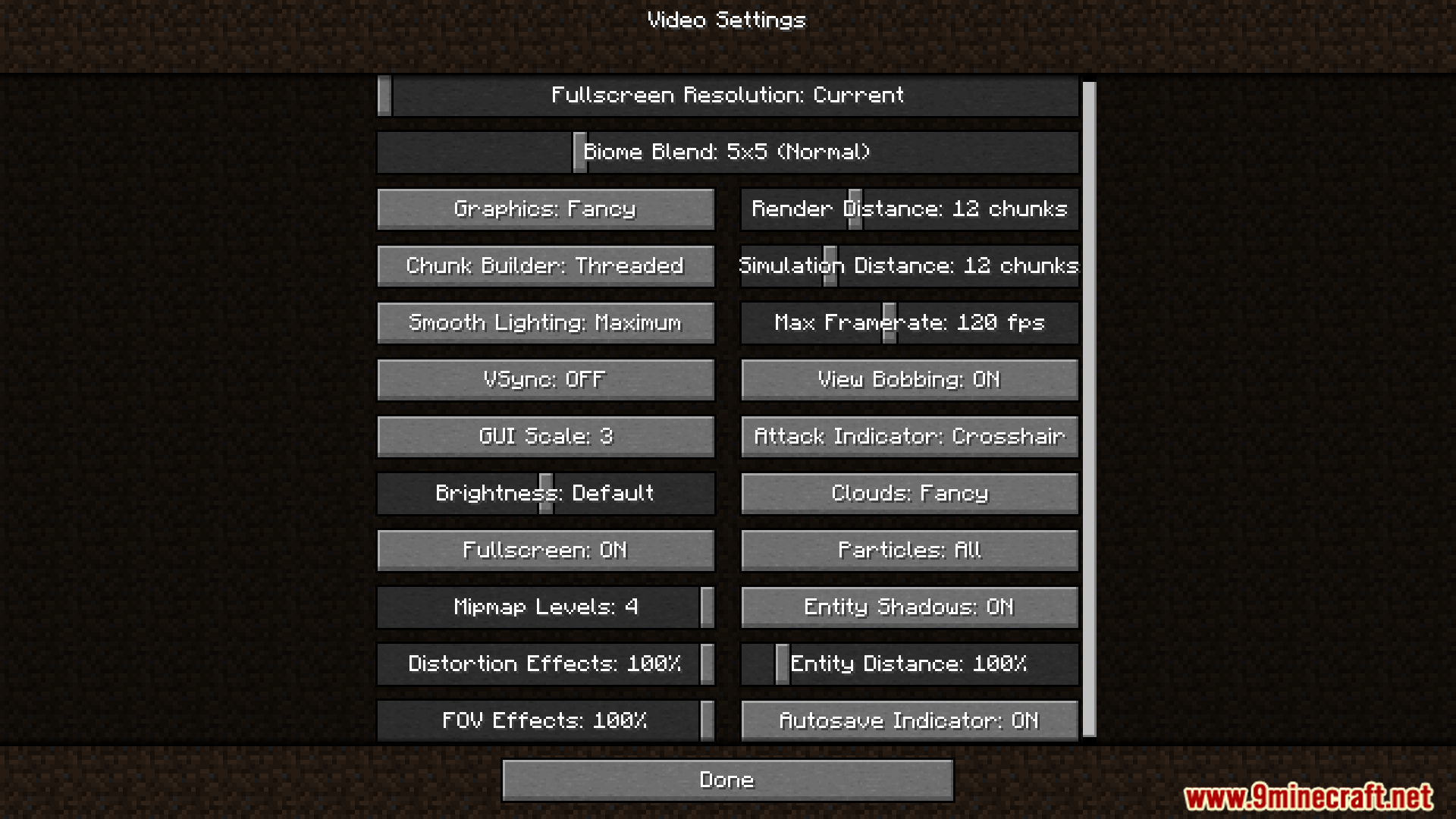
- Adds its options right into the game’s normal video settings menu for easy access.
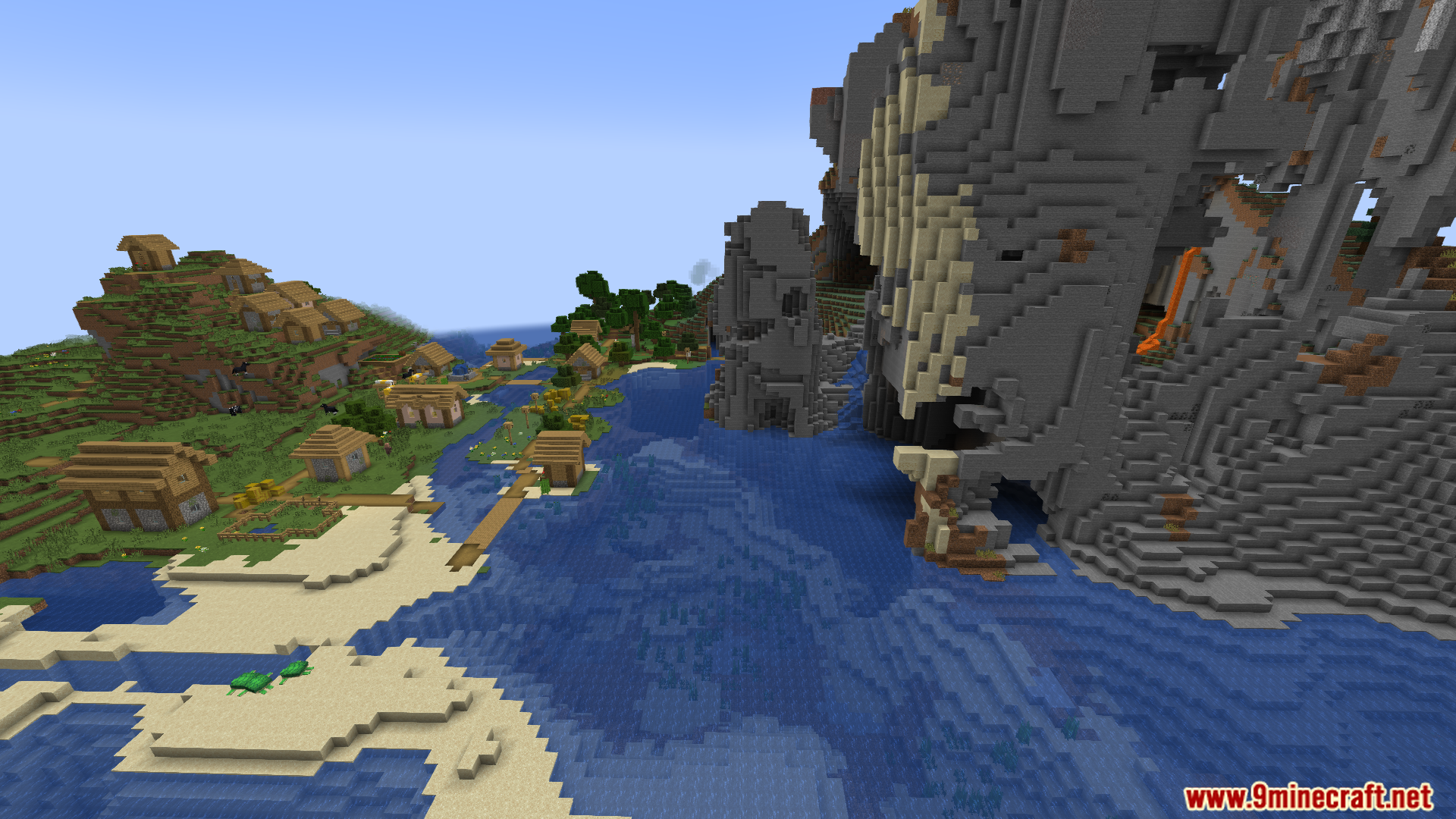
Screenshots:
Jaggies Begone Mod Download Links
For Minecraft 1.20.1, 1.20
Fabric version: Download from Server 1 – Download from Server 2
For Minecraft 1.19.2
Fabric version: Download from Server 1 – Download from Server 2
- Edition: Minecraft Java
- File type: .jar
- Minecraft versions listed: 1.20.1, 1.19.2
- How to install: Install the matching mod loader (Forge, Fabric or NeoForge) for your Minecraft version. → Download the .jar. → Put it in the .minecraft/mods folder and launch that loader profile.
- Where to get it: In MC Java Mods, or directly above on this page.
Install steps are the general flow for this file type — How to install Minecraft Java mods & modpacks walks through it step by step.
- Downloads as 176251.mcaddon
- Download size: 34 KB
- Download link checked 25 Jul 2026 — working
- Mirrored on our own servers — the download does not depend on the original host
These come from our own check of the pack file, not from the source page.