YUNG's Better Caves Mod (1.21.1, 1.20.1) – New Generation of Caverns or Caves
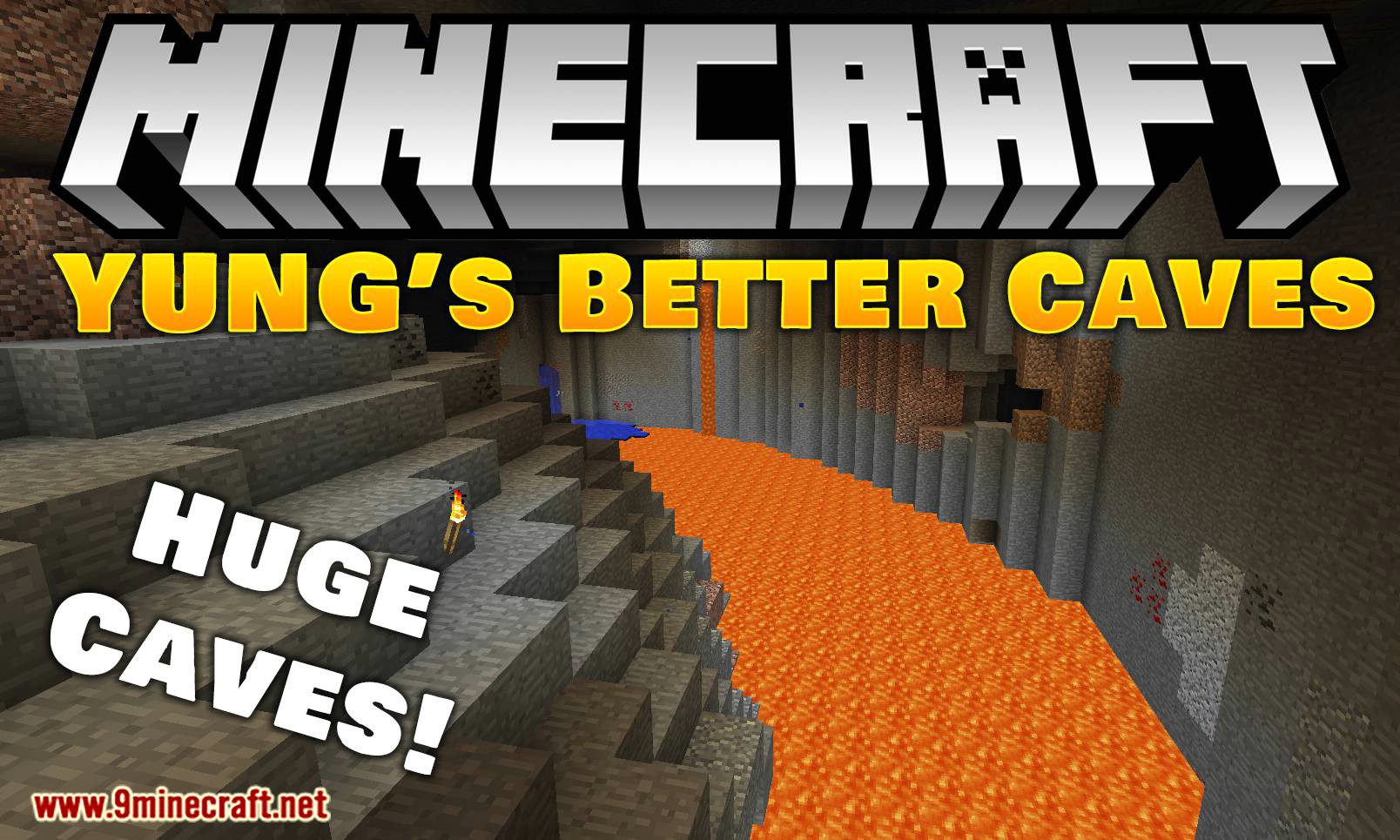
YUNG's Better Caves Mod focuses on modifying the generation of caves in Minecraft’s underground. Caves can be much larger than the default ones, and the…
⬇ Download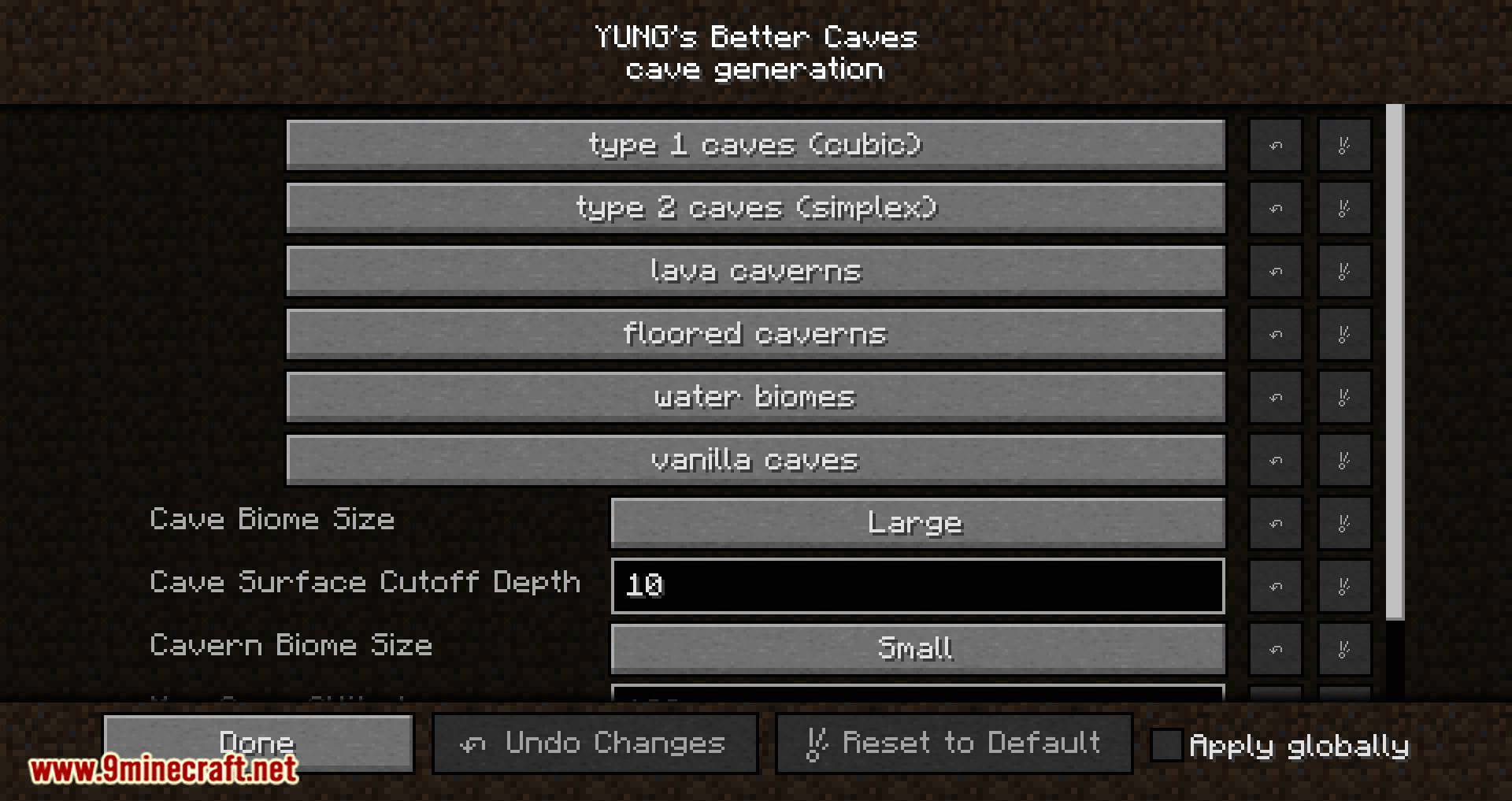
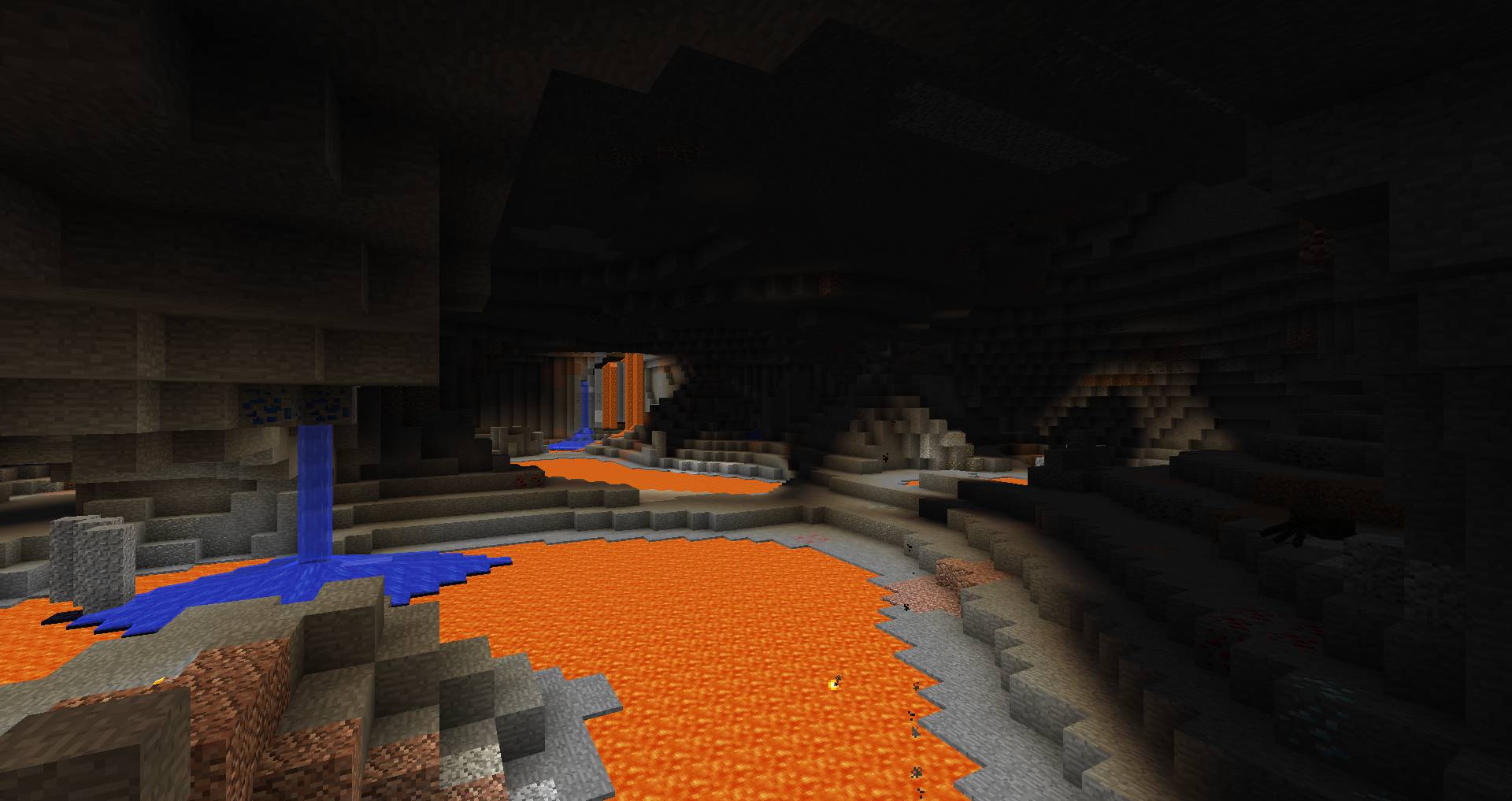
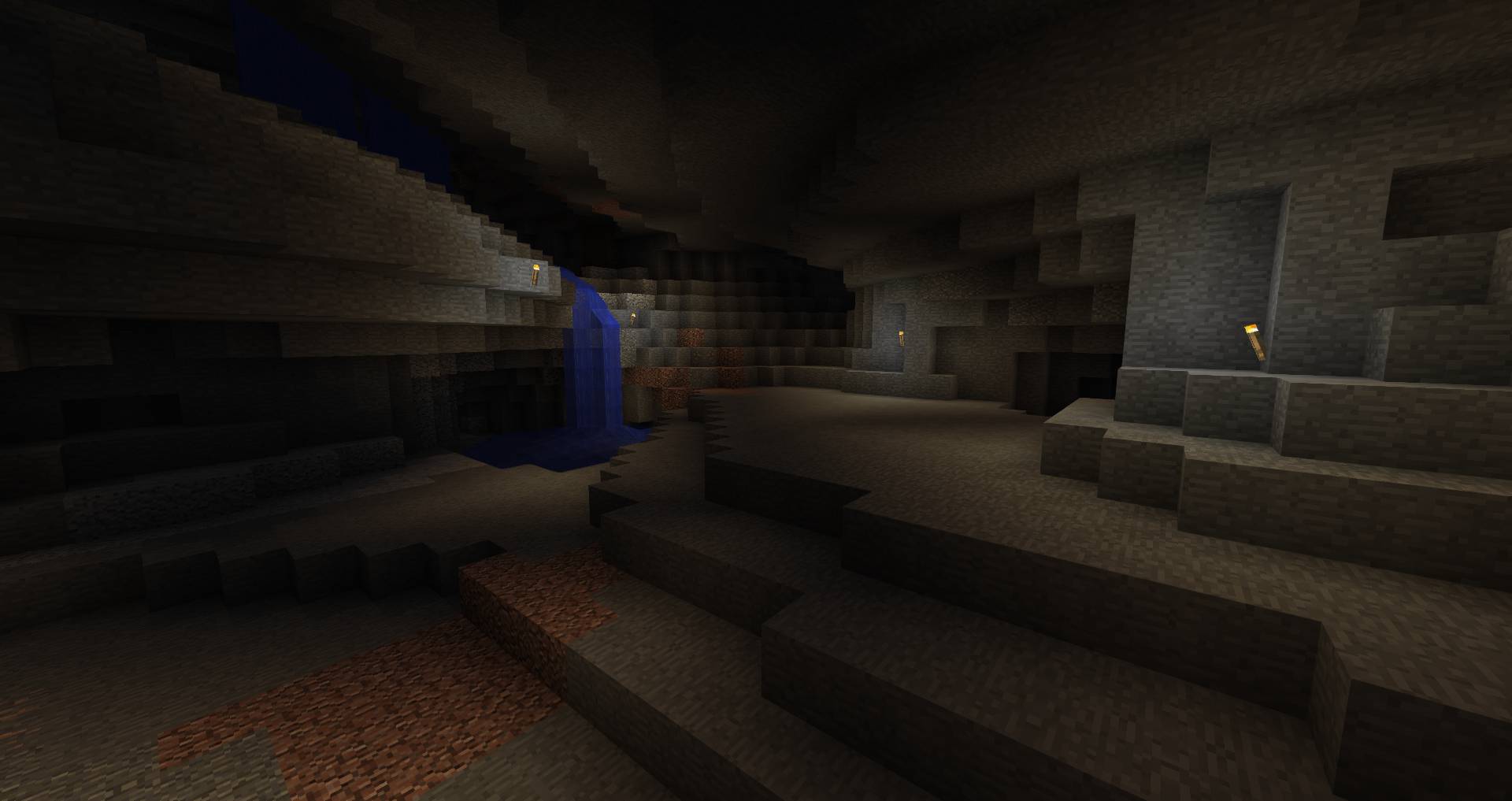
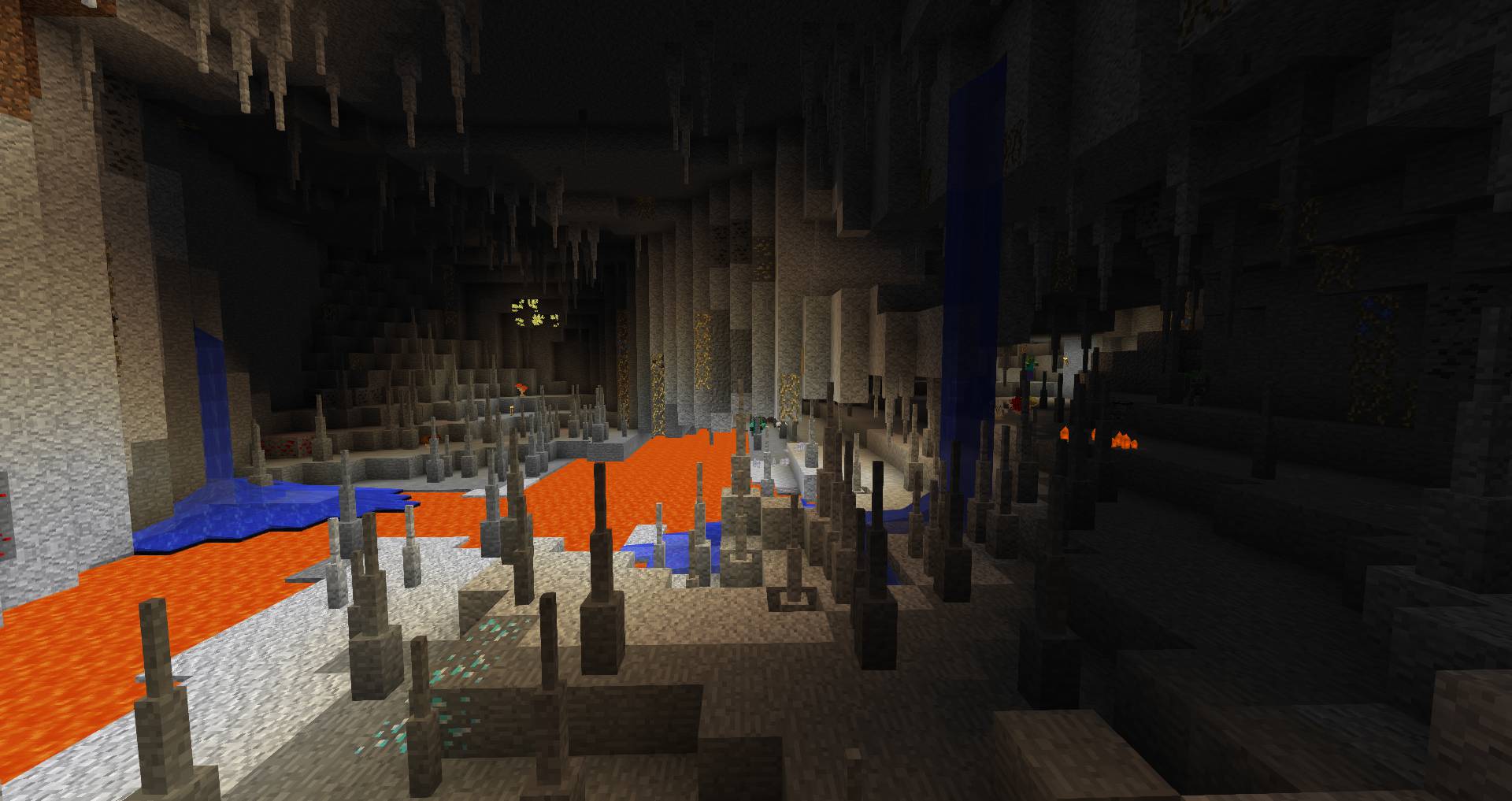
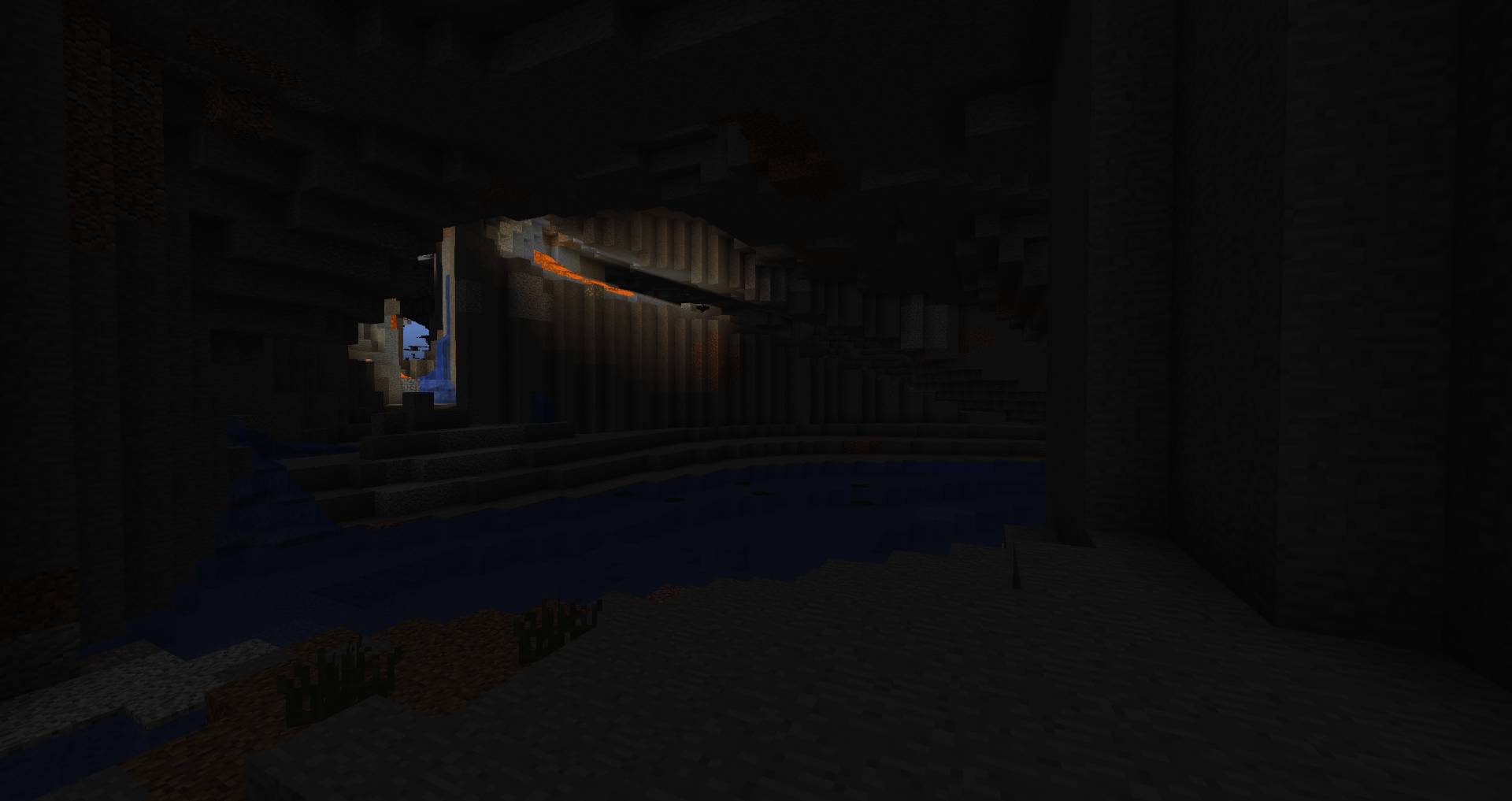
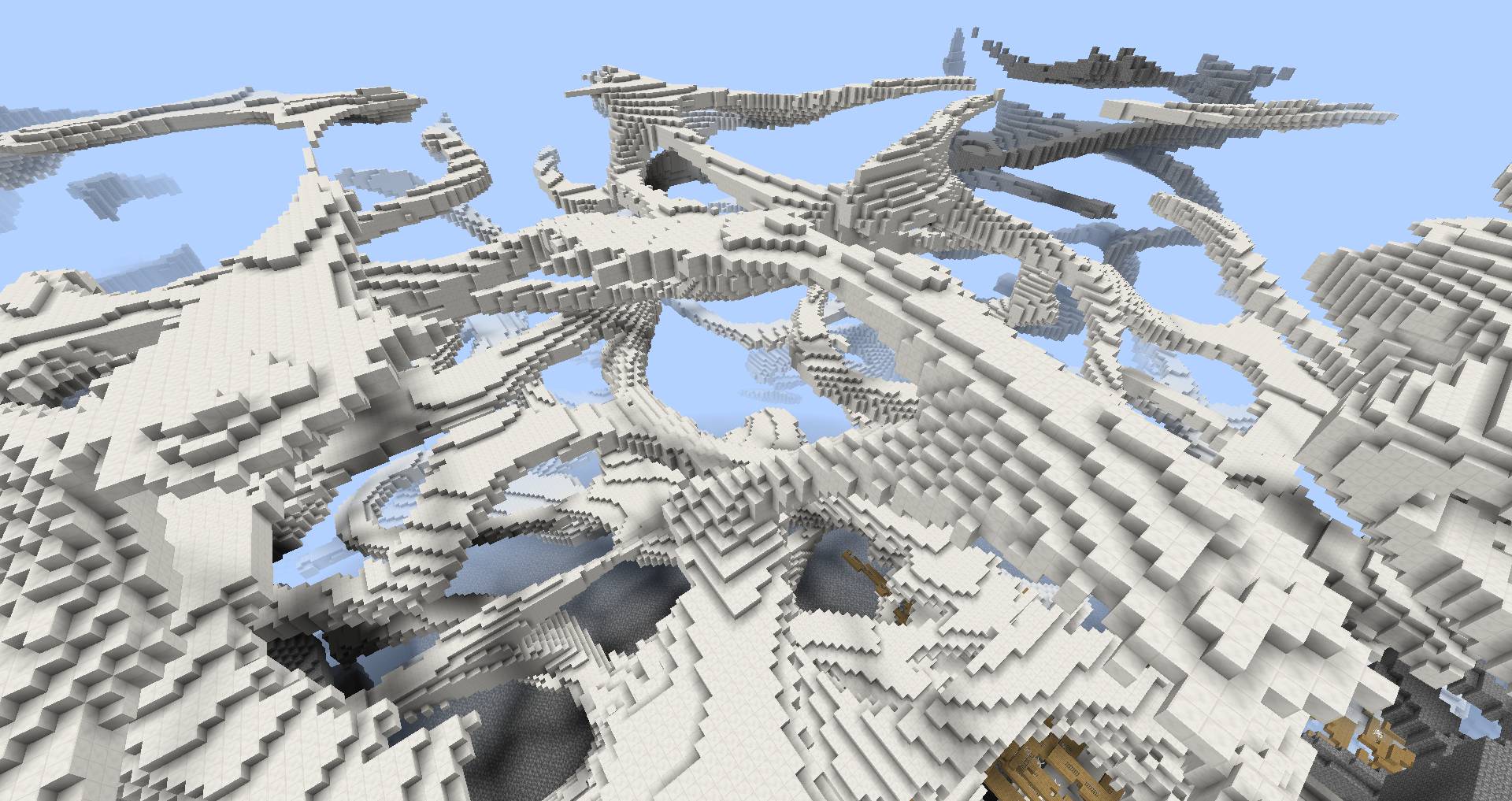
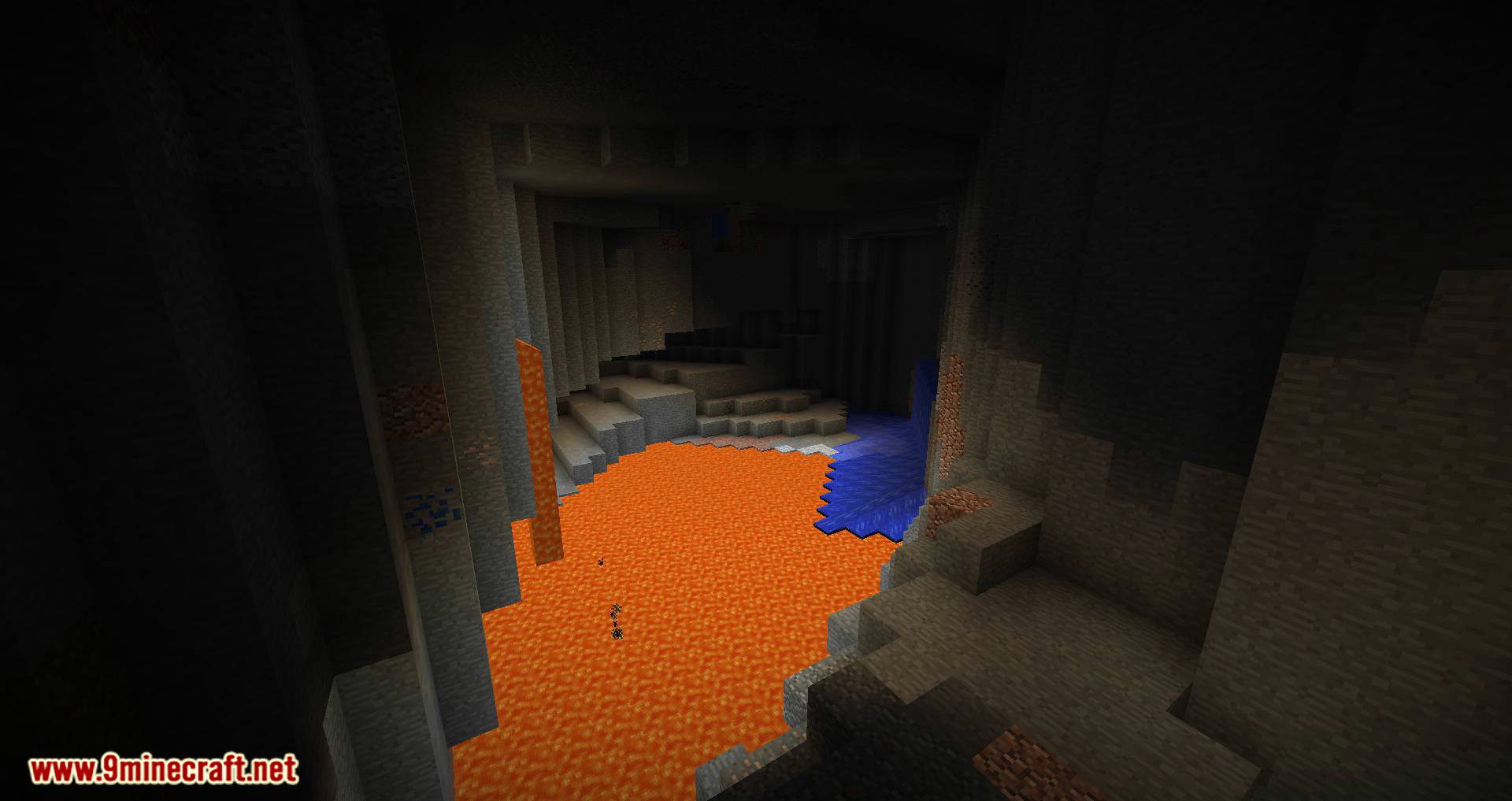
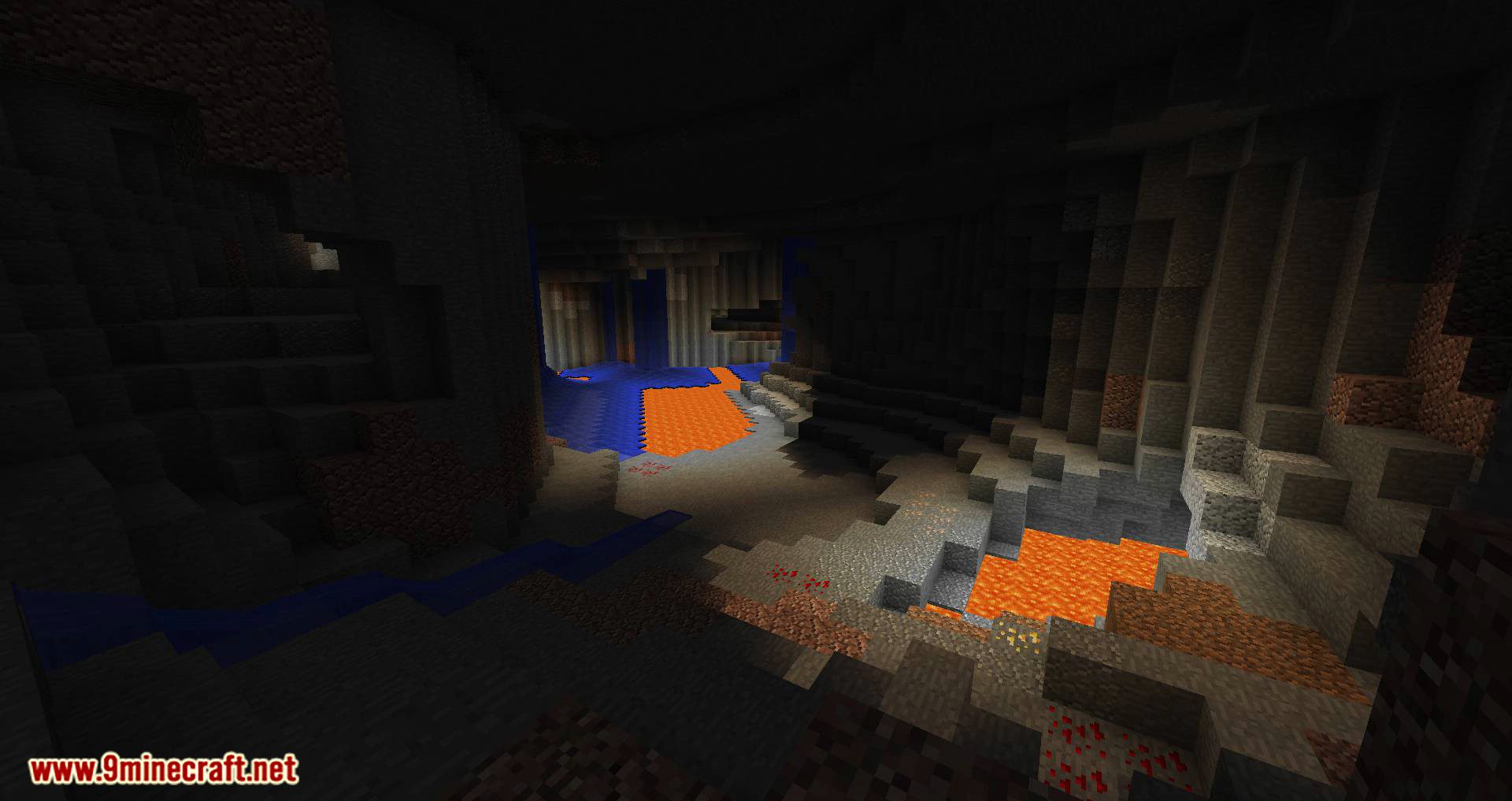
YUNG’s Better Caves Mod focuses on modifying the generation of caves in Minecraft’s underground. Caves can be much larger than the default ones, and the deeper you go, the more terrain modifications you can find. With this mod installed, you can encounter underground lakes and rivers, flooded caves, and lava caves, among many other features.
In addition to the new cave generation that the mod adds by default, you can customize cave generation to our liking through a configuration menu, as shown in the image below. In this menu, you can define the types of caves that should generate, whether you want aquatic and lava biomes, whether the default caves should continue generating or not, and more.
Features:
Extreme Flexibility:
Better Caves includes an extensive user configuration, allowing players to cater cave generation to their liking. You can easily change the size, shape, and frequency of different cave and cavern types.
These settings can be found in the Mods option in Minecraft’s main menu screen.
Others Features:
- Overhauls cave generation with multiple types of winding caves and large caverns
- Full user customizability for all types of caves and caverns, including size and frequency
- Includes options for “bedrock flattening” in both the overworld and the nether, getting rid of annoying scattered bedrock and replacing it with a flat layer of the user’s preferred width
- Supports integration with Minecraft’s vanilla caves, if enabled
- Control cave biomes’ sizes with the click of a button
Vast floored caverns as far as the eye can see.
A juncture of caves from every direction.
Better Caves with Quark, Botania, and Thaumcraft.
An underground river, dimly lit by a lava fall in the distance.
A visualization of Type 1 Caves, created using the Debug Visualizer.
Screenshots:
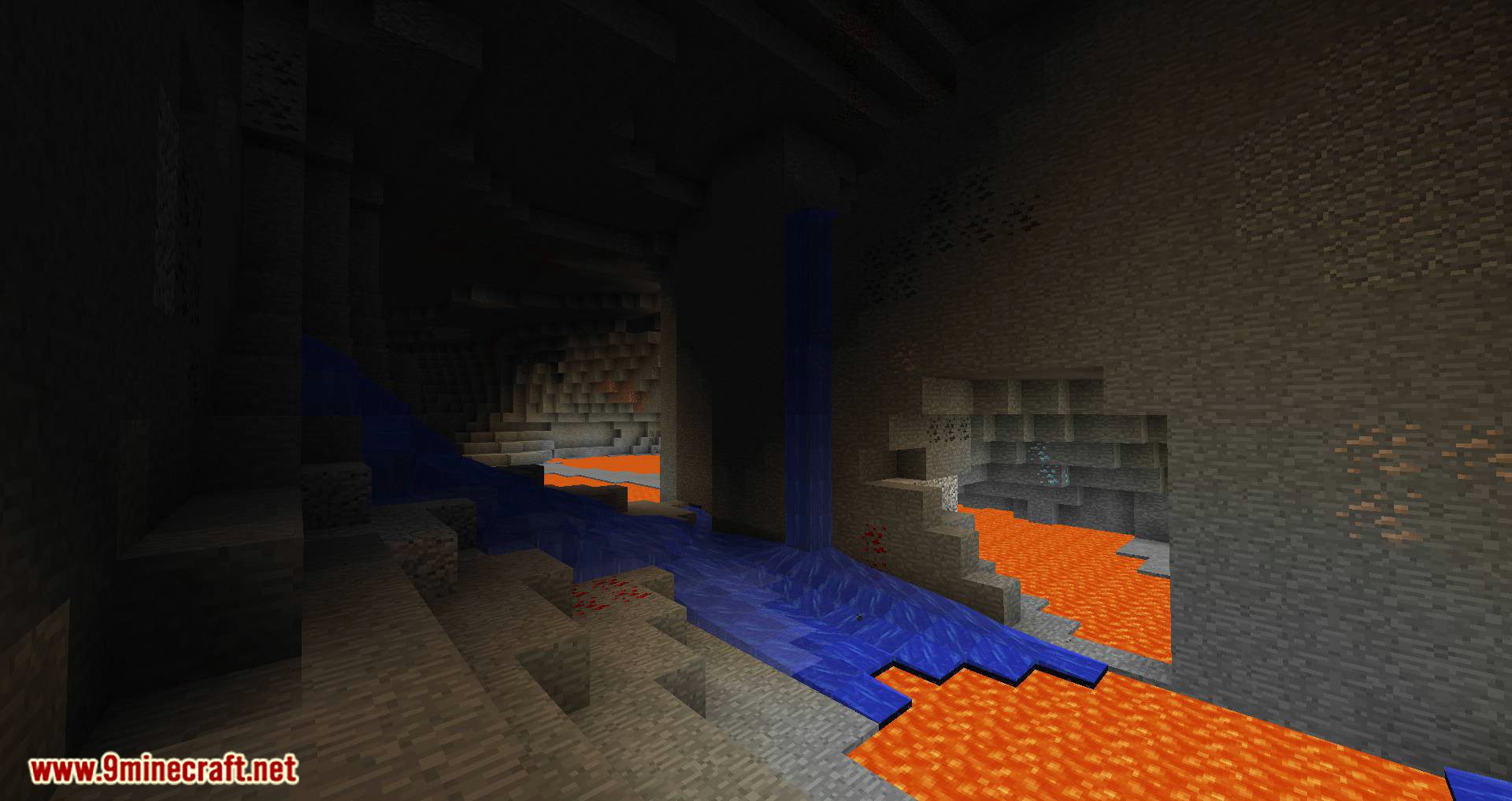
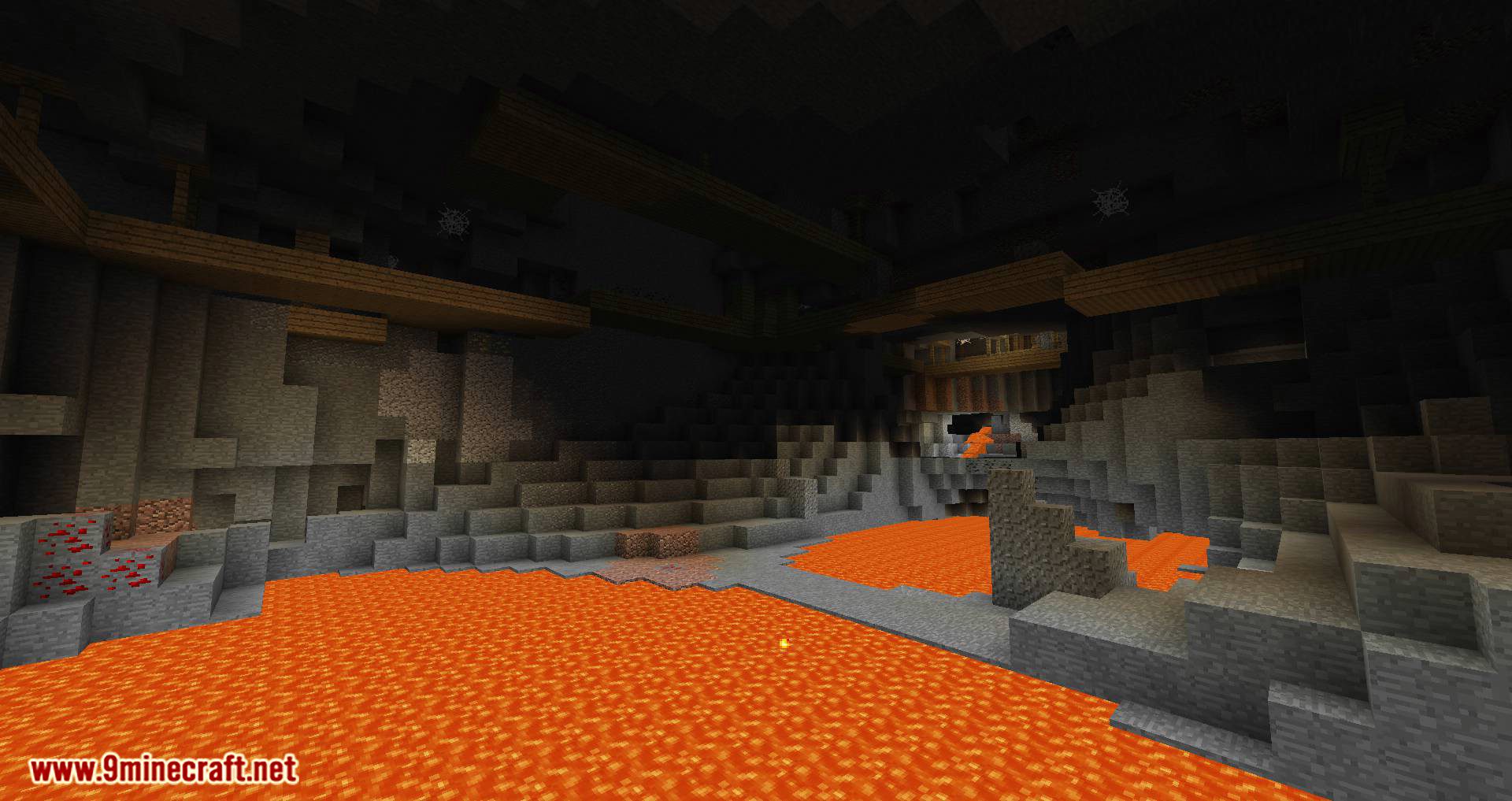
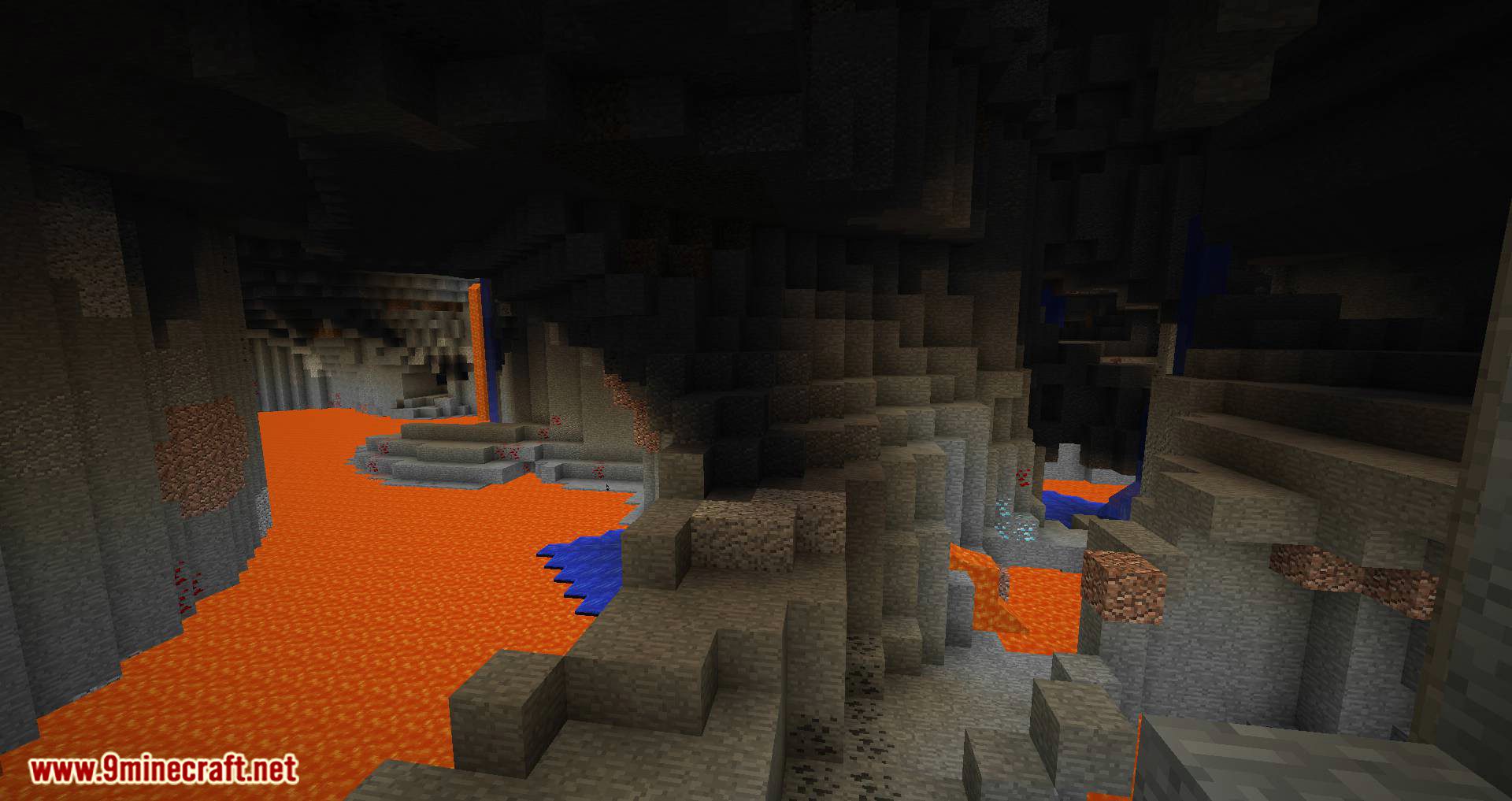
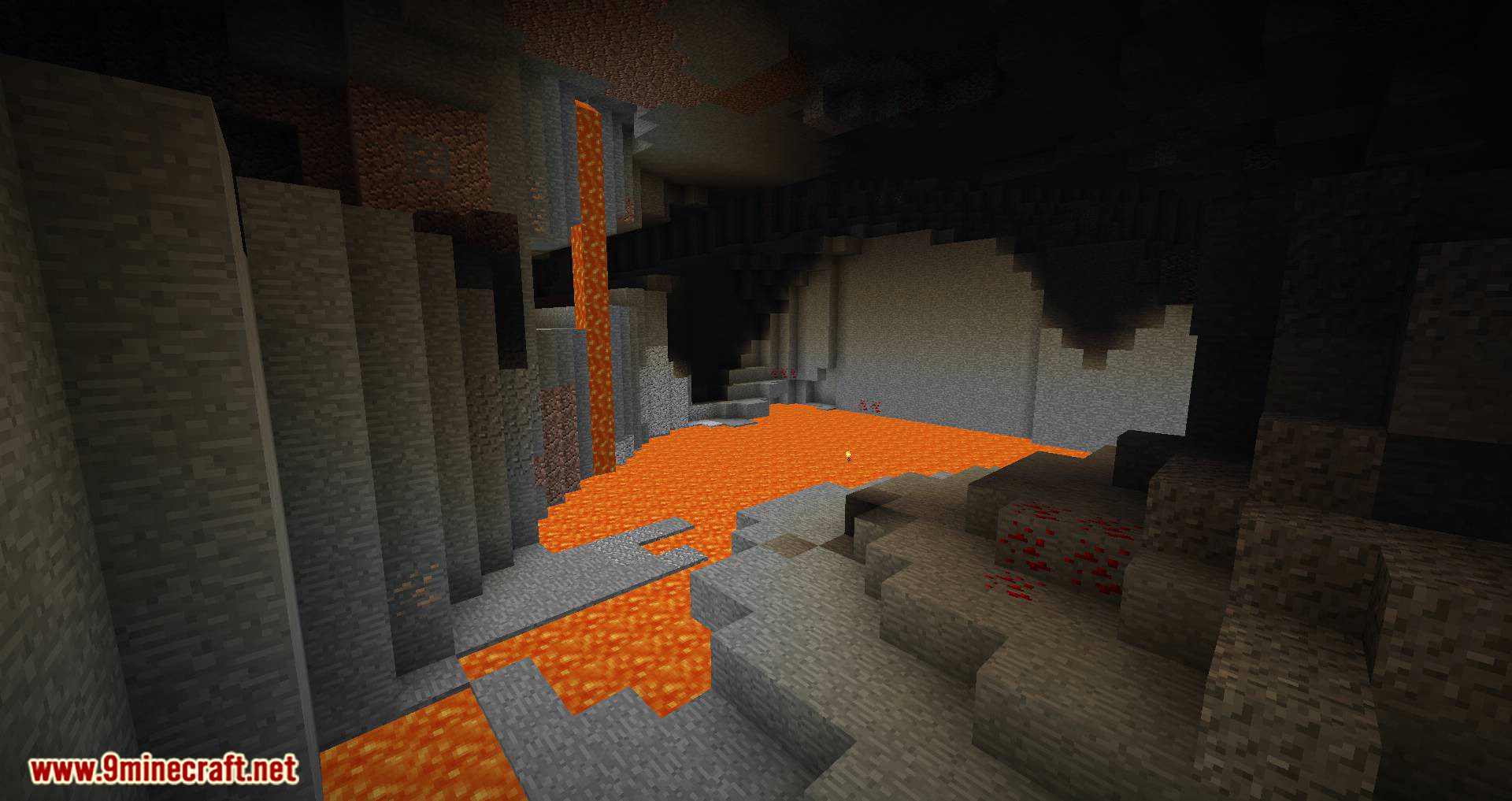
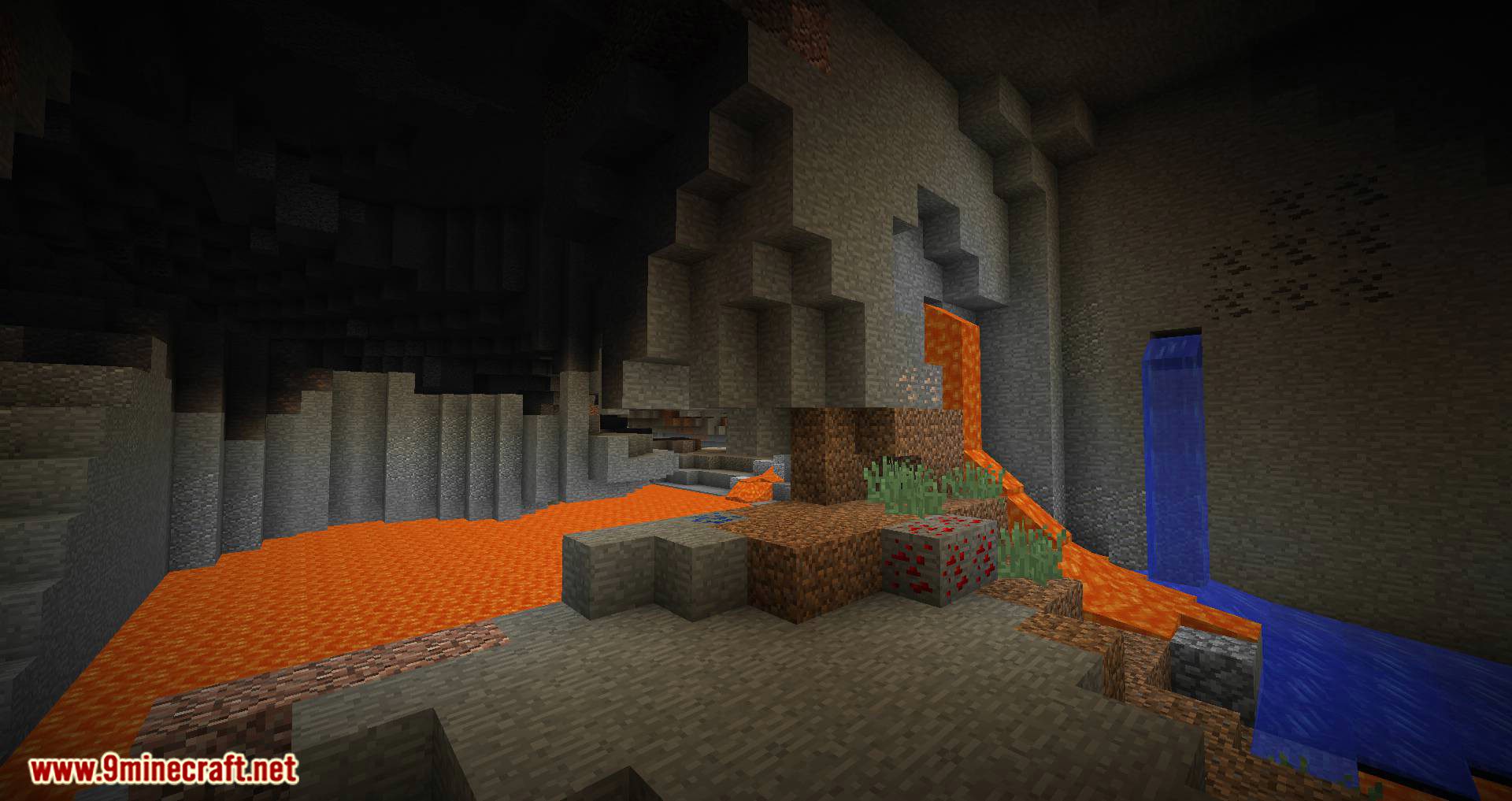
Notice: Better Caves digs out a lot of blocks and can slow things down. It is recommended to download OptiFine if you have performance issues.
Configuration:
1. Configuration Locations:
- Cave & Cavern Carvers:
data/bettercaves/worldgen/configured_carver/(via data pack) - Liquid Regions:
<minecraft folder>/config/bettercaves/<version>/liquidregions.json
2. Basic Concepts:
- Cave Carvers: create small, noodly caves.
- Cavern Carvers: create large open spaces around noodly shapes.
- Layer: divides world into regions along the x-z plane and defines:
- Region size: smaller value = larger area.
- Spawn rate: chance for a carver to apply.
- Carvers list: carvers chosen randomly by spawn weight.
3. Cave & Cavern Layers:
- Cave Layer: below y=80, 100% spawn.
- Cavern Layer: below y=-18, 23% spawn.
- Important Carver Parameters:
- bottom_y / top_y: min/max height of carving.
- y_compression / xz_compression: vertical and horizontal scaling.
- surface_cutoff_distance: distance from surface to stop carving.
- spawn_weight: probability of carver being chosen.
4. Liquid Regions:
- Divides world into regions with water or lava.
- Key parameters:
- water_region_spawn_chance: 40% water → 60% lava.
- liquid_altitude: y ≤ -55, liquid replaces air.
- liquid_region_size: smaller value → larger regions.
5. Tips:
- Adjust y_compression and xz_compression to modify cave shapes.
- Use spawn_weight to control probability of carvers.
- Enable debug_settings.enabled for testing (not for normal worlds).
- Surface caves connect underground caves to the world surface automatically (surface_cave.json).
YUNG’s Better Caves Mod Download Links
For Minecraft 1.12.2
Forge version: Download from Server 2
For Minecraft 1.14.4
Forge version: Download from Server 2
For Minecraft 1.15.2
Forge version: Download from Server 1
For Minecraft 1.16.5
Forge version: Download from Server 1
Fabric version: Download from Server 1
For Minecraft 1.20.1, 1.20
Forge version: Download from Server 1 – Download from Server 2
Fabric version: Download from Server 1 – Download from Server 2
For Minecraft 1.21.1, 1.21
NeoForge version: Download from Server 1 – Download from Server 2
Fabric version: Download from Server 1 – Download from Server 2
- Edition: Minecraft Java
- File type: .jar
- Minecraft versions listed: 1.21.1, 1.20.1
- How to install: Install the matching mod loader (Forge, Fabric or NeoForge) for your Minecraft version. → Download the .jar. → Put it in the .minecraft/mods folder and launch that loader profile.
- Where to get it: In MC Java Mods, or directly above on this page.
Install steps are the general flow for this file type — How to install Minecraft Java mods & modpacks walks through it step by step.
- Downloads as 176262.mcaddon
- Download size: 190 KB
- Download link checked 26 Jul 2026 — working
- Mirrored on our own servers — the download does not depend on the original host
These come from our own check of the pack file, not from the source page.