
Decay 2012 Mod (1.21.1, 1.20.1) – Cut Off Decay to Save Your Food
Java mod listed for Minecraft 1.20–1.21. Downloads from the MC Java Mods app on Android.
⬇ Download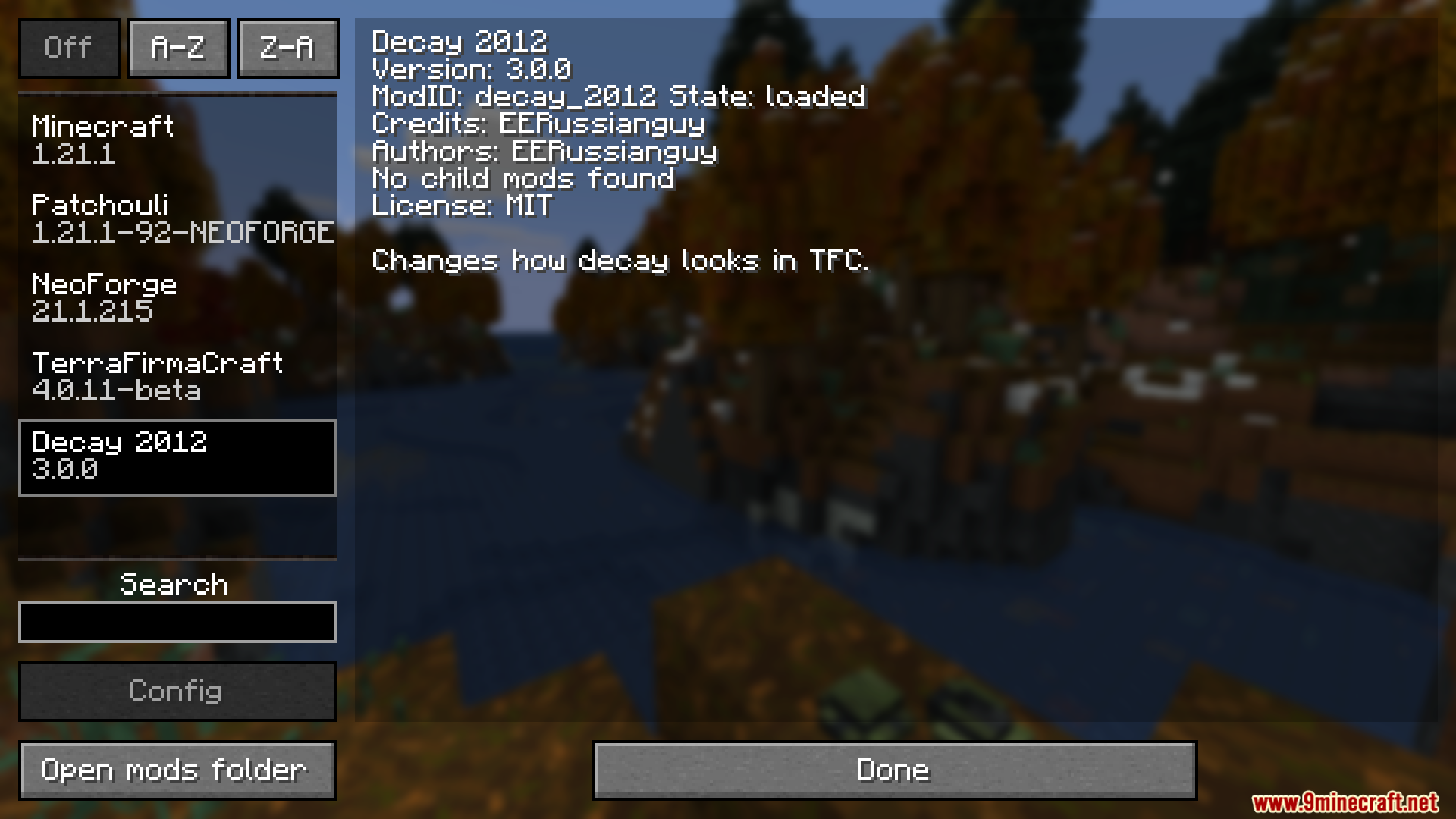
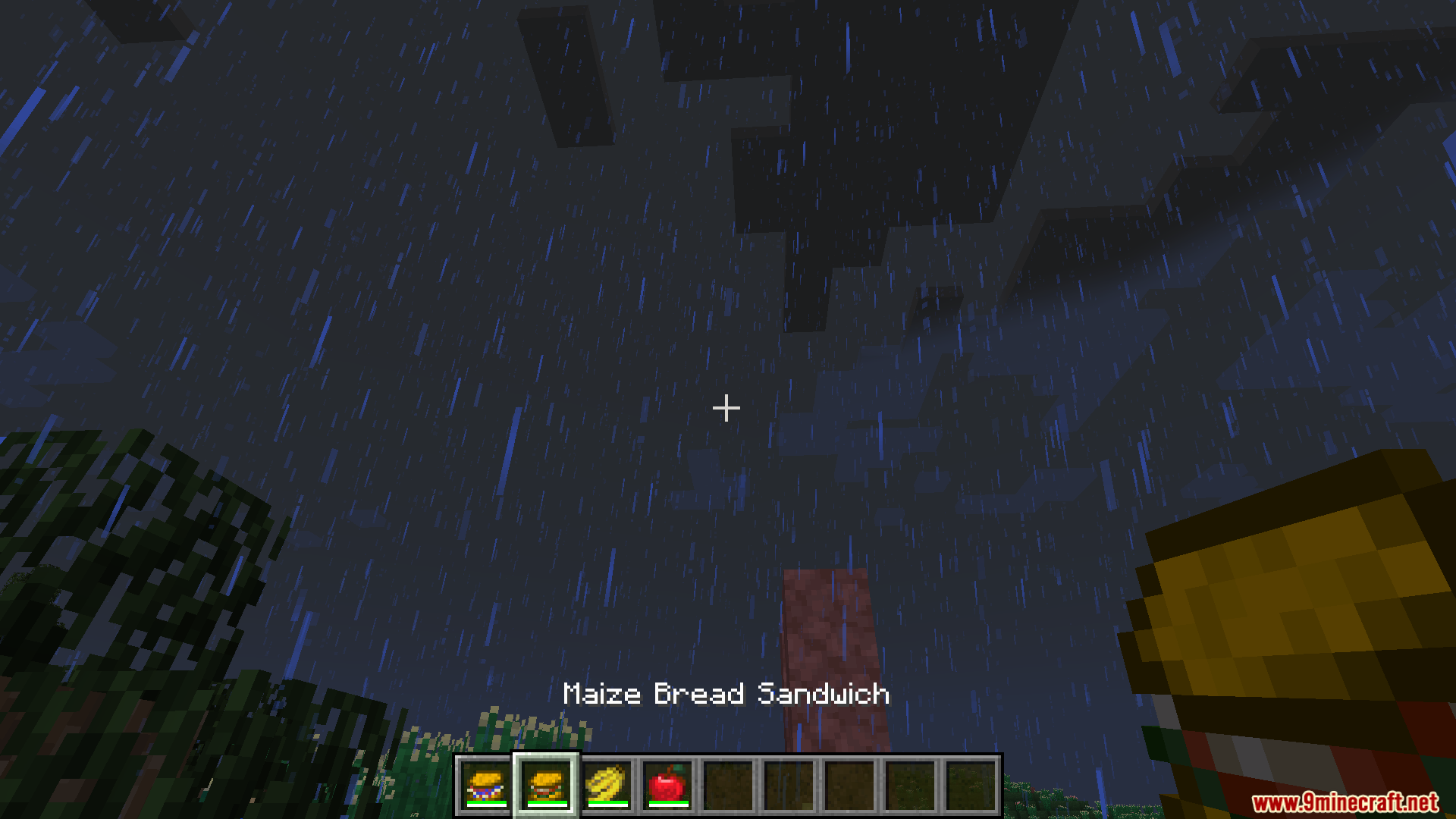
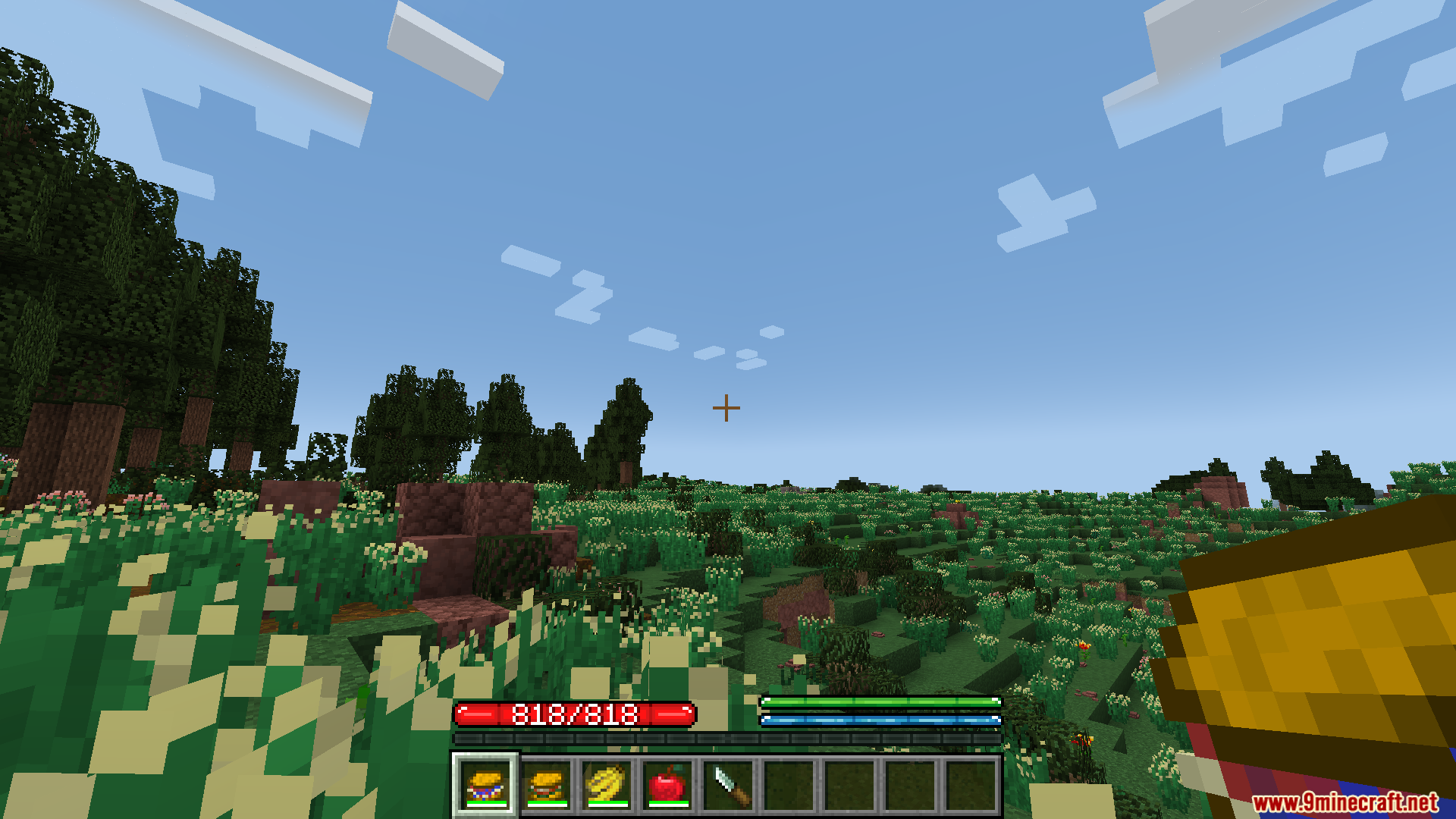
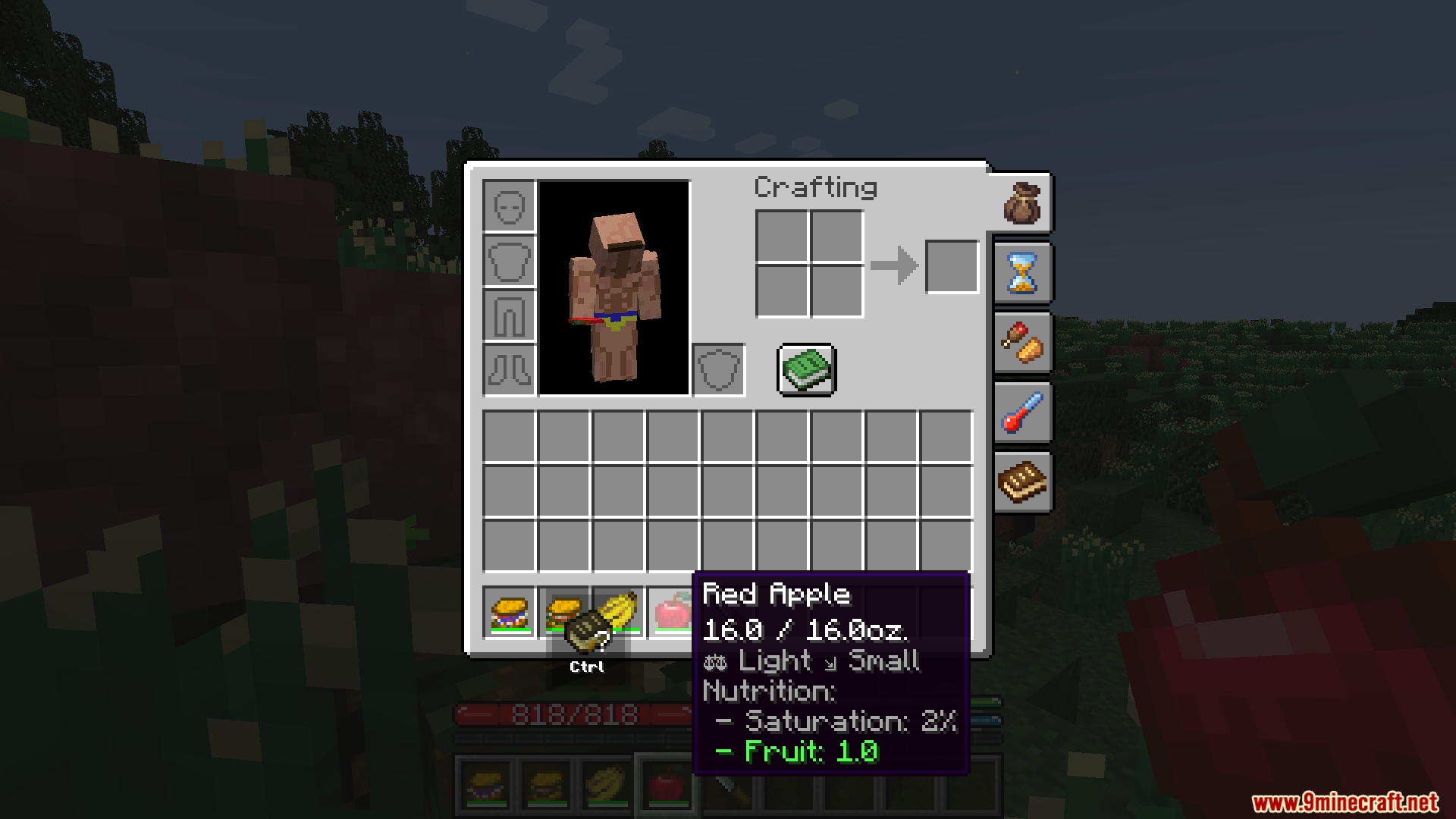

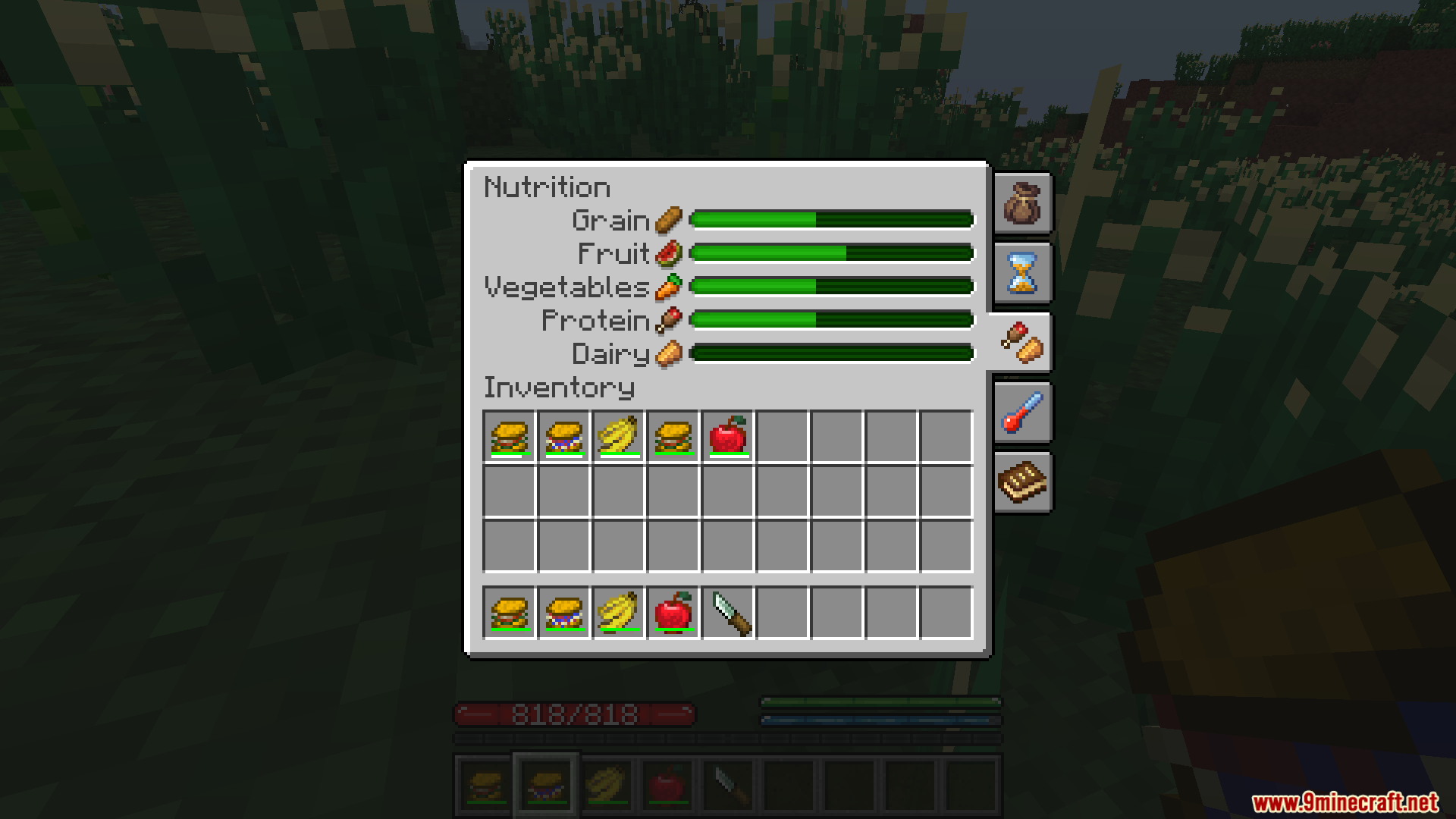


Decay 2012 Mod adds the classic food system to the TerraFirmaCraft mod. Instead of just text, this addon shows food weight and decay as simple bars on each item. This makes it easy to see how fresh your food is at a glance. You can also use a knife to cut away the spoiled parts of your food, saving the rest to eat later.
Features:
- Adds two new bars to your food items: one for weight and one for decay.
- The decay bar starts green and slowly goes down for the first 10% of decay.
- After the green bar is gone, a red bar appears and goes down much faster until the food rots.
- You can use a knife to cut off the spoiled part of any food that is between 10% and 90% decayed.
- Cutting the food resets its decay timer back to fresh, but you will lose a piece of the food stack.
How to Use:
- Make sure you have a knife in your inventory.
- Find a food item that is between 10% and 90% decayed.
- Right-click the decaying food item.
- This will cut off the bad part. The decay on the remaining food will be completely reset.
Screenshots:


Decay 2012 Mod Download Links
For Minecraft 1.21.1, 1.21
NeoForge version: Download from Server 1 – Download from Server 2
For Minecraft 1.20.1, 1.20
Forge/NeoForge version: Download from Server 1 – Download from Server 2
For Minecraft 1.18.2
Forge version: Download from Server 1 – Download from Server 2
- Edition: Minecraft Java
- File type: .jar
- Minecraft versions listed: 1.21.1, 1.20.1
- How to install: Install the matching mod loader (Forge, Fabric or NeoForge) for your Minecraft version. → Download the .jar. → Put it in the .minecraft/mods folder and launch that loader profile.
- Where to get it: In MC Java Mods, or directly above on this page.
Install steps are the general flow for this file type — How to install Minecraft Java mods & modpacks walks through it step by step.
Decay 2012 Mod (1.21.1, 1.20.1) – Cut Off Decay to Save Your Food is a free Minecraft Java mod. Compatible with Minecraft 1.21.1, 1.20.1. Download it and open it directly in the game.