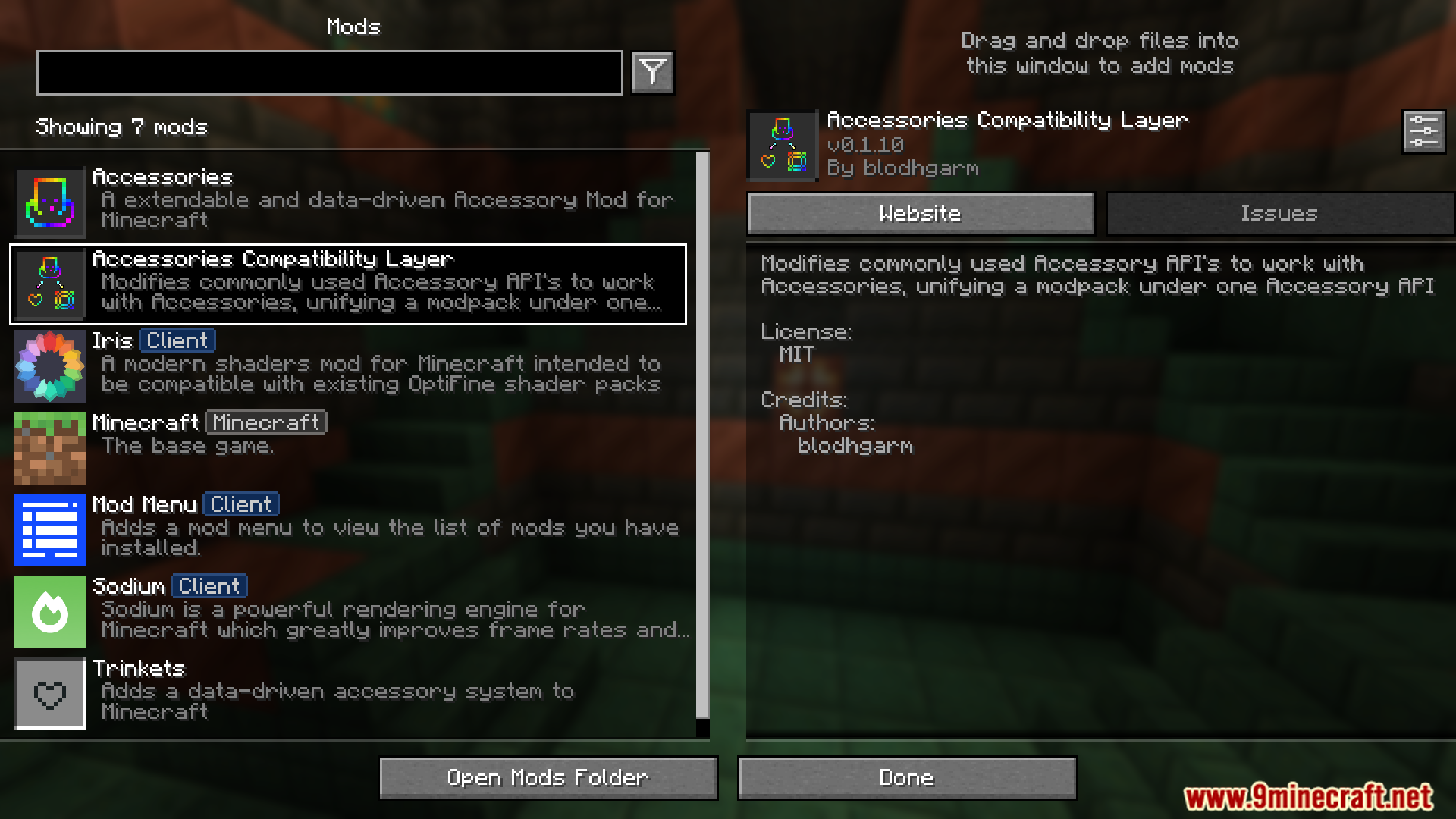
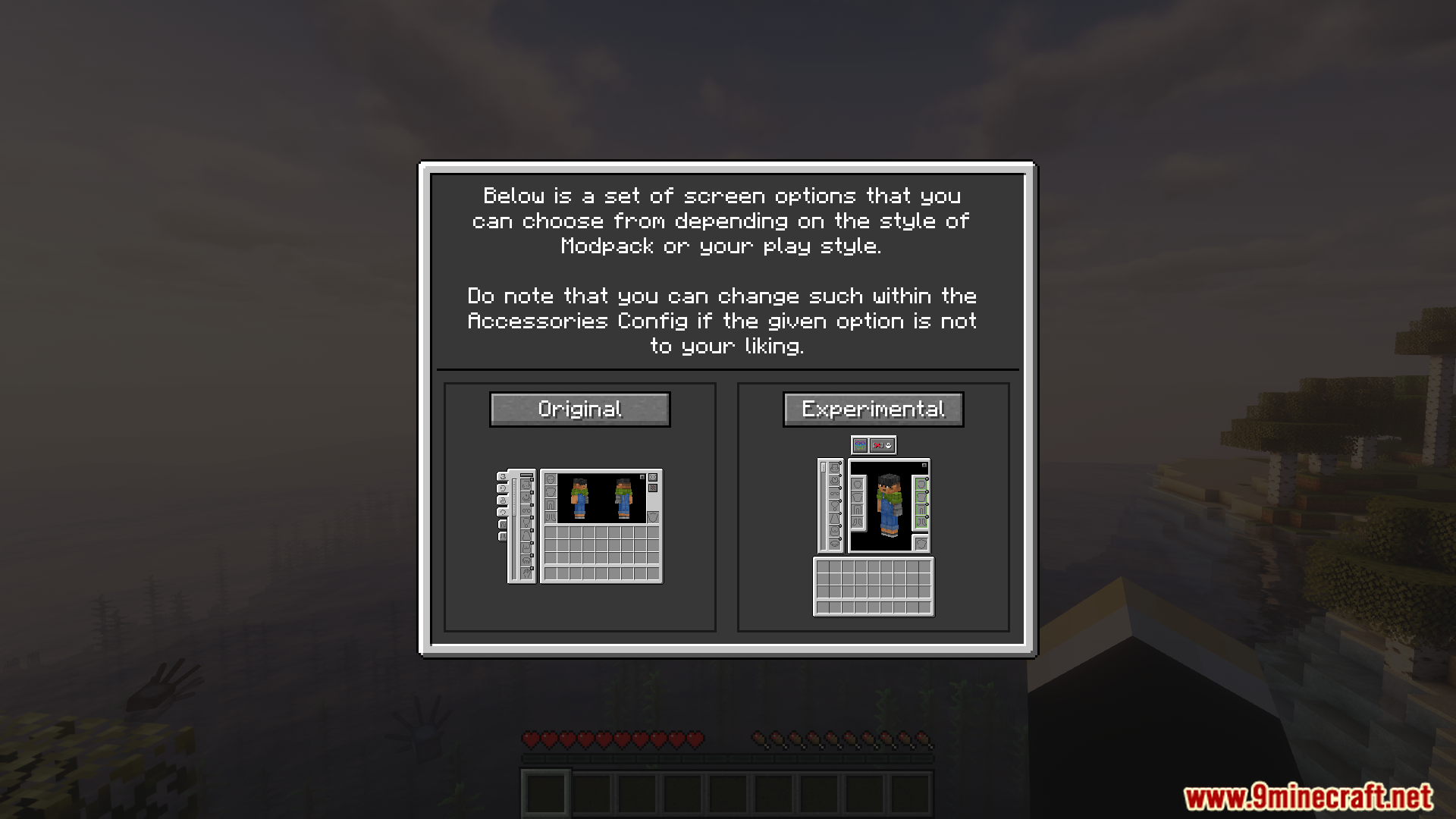
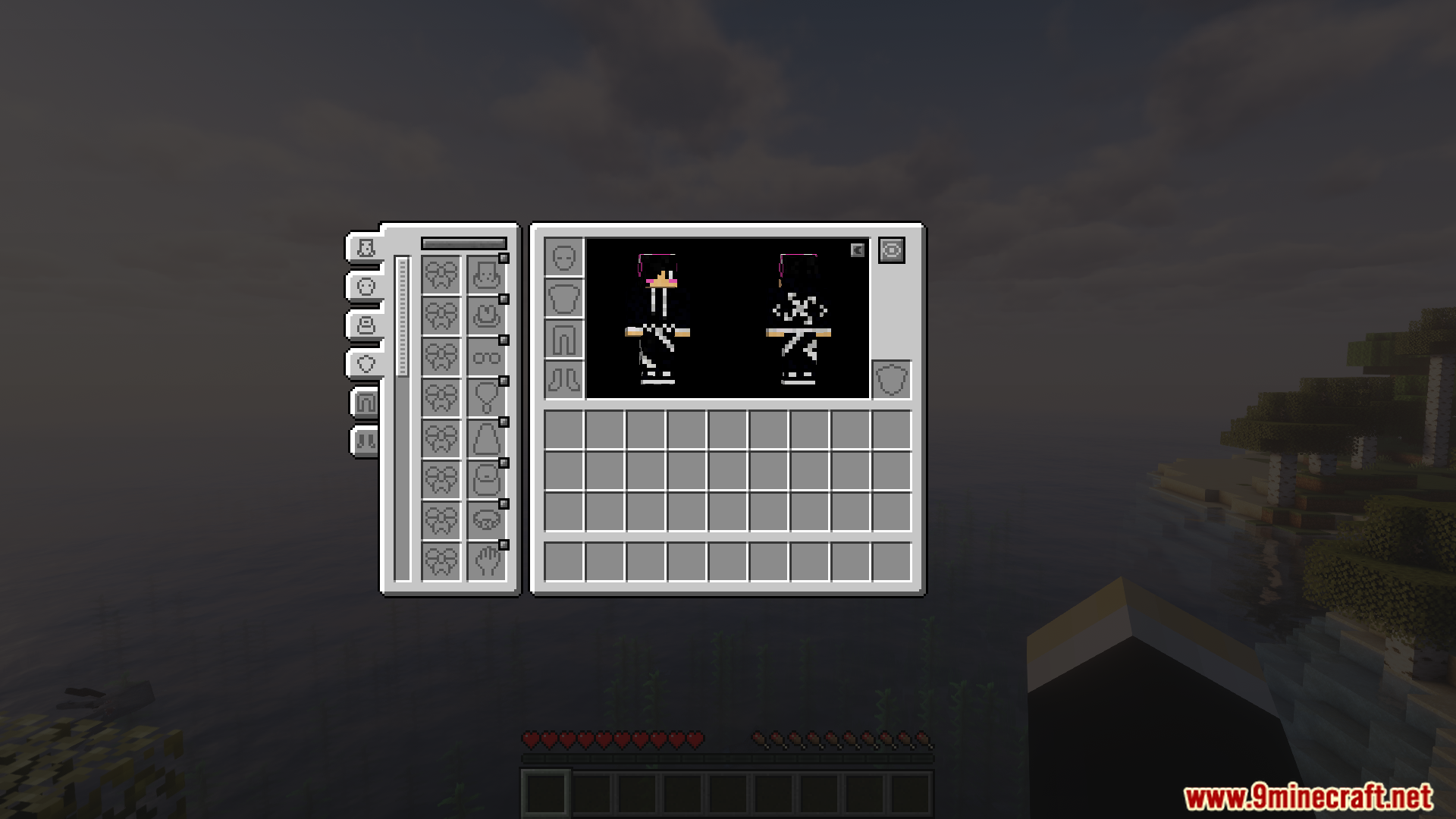
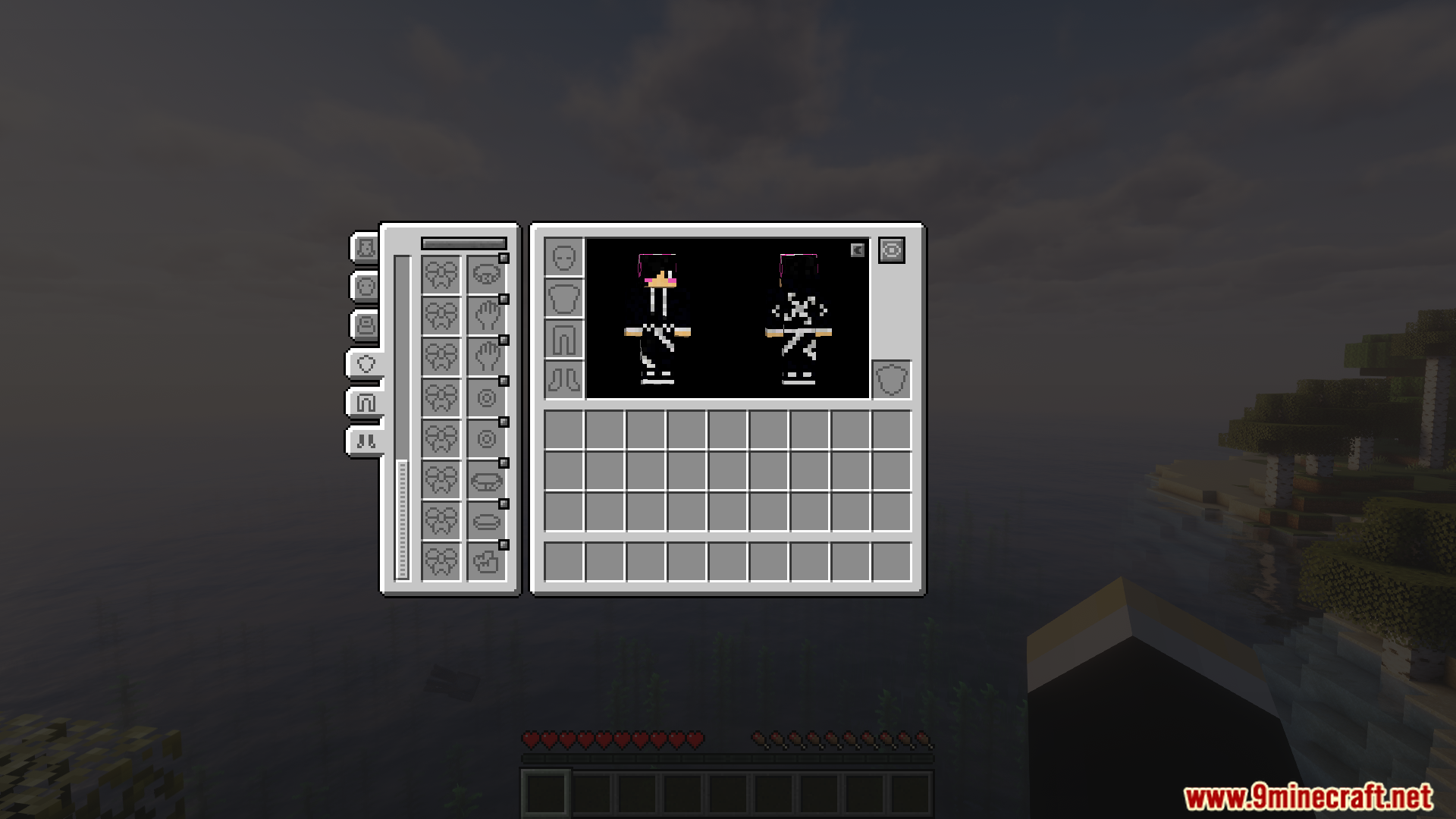
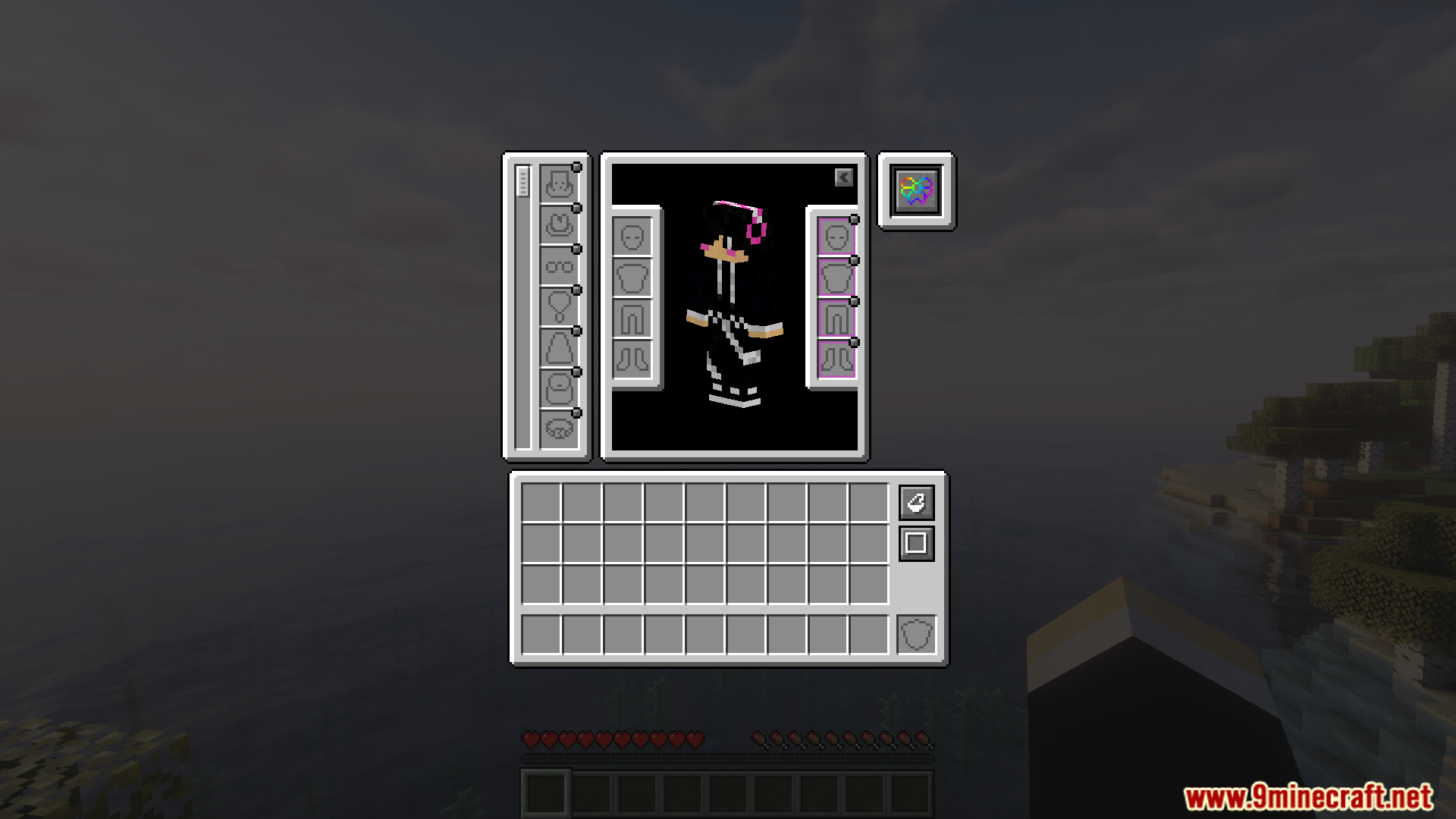
Accessories Compatibility Layer Mod combines the Trinkets and Curios mods so they can work together in your game. It uses the main Accessories mod to create a single place for all your special items from both mods. This means you only need one system to manage all your gear, instead of trying to make different ones work at the same time.
Features:
- One Simple System: Combines the Trinkets and Curios accessory systems, making them work with the main Accessories mod.
- Lets you use items from both Trinkets and Curios at the same time without any issues.
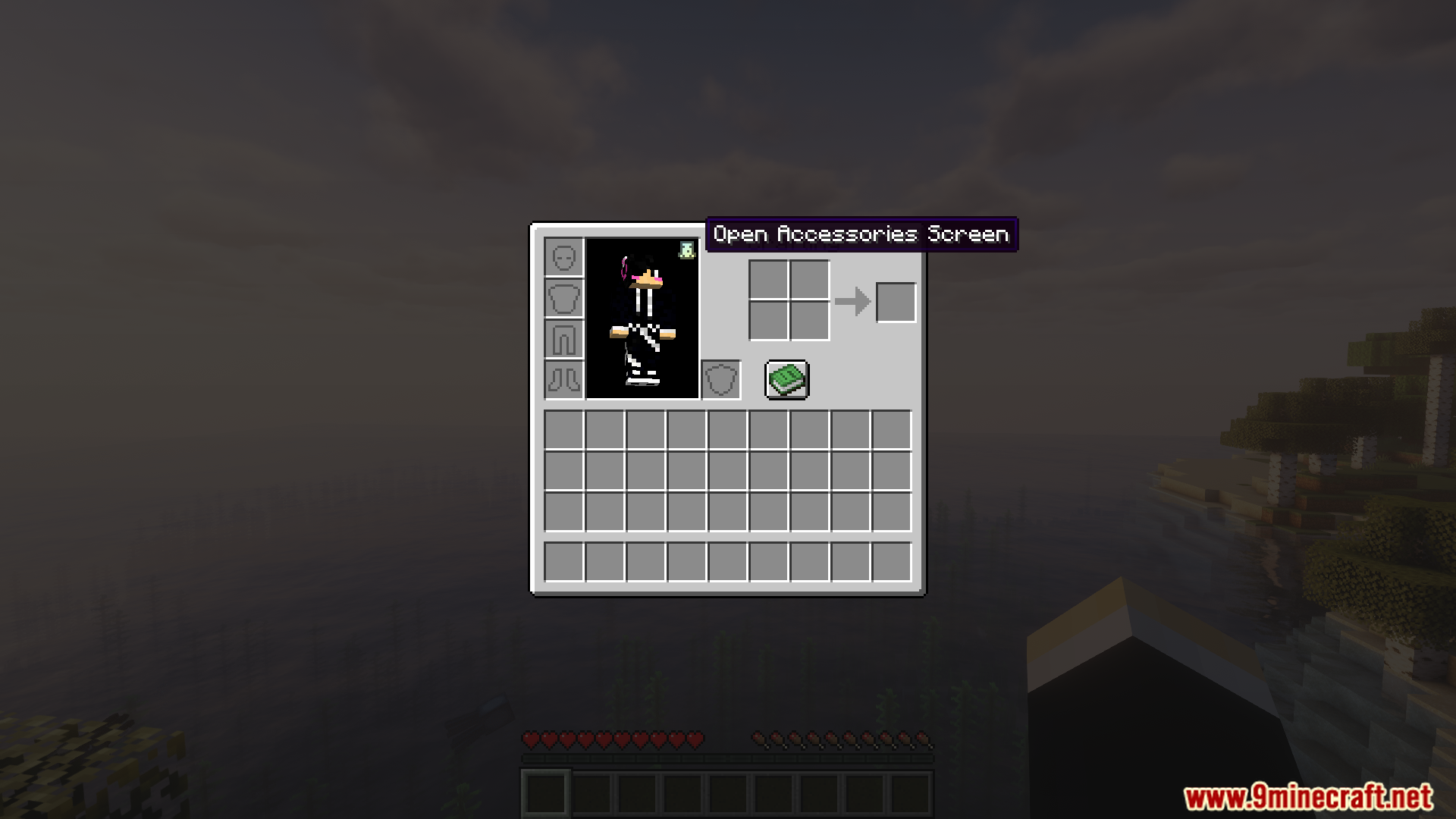
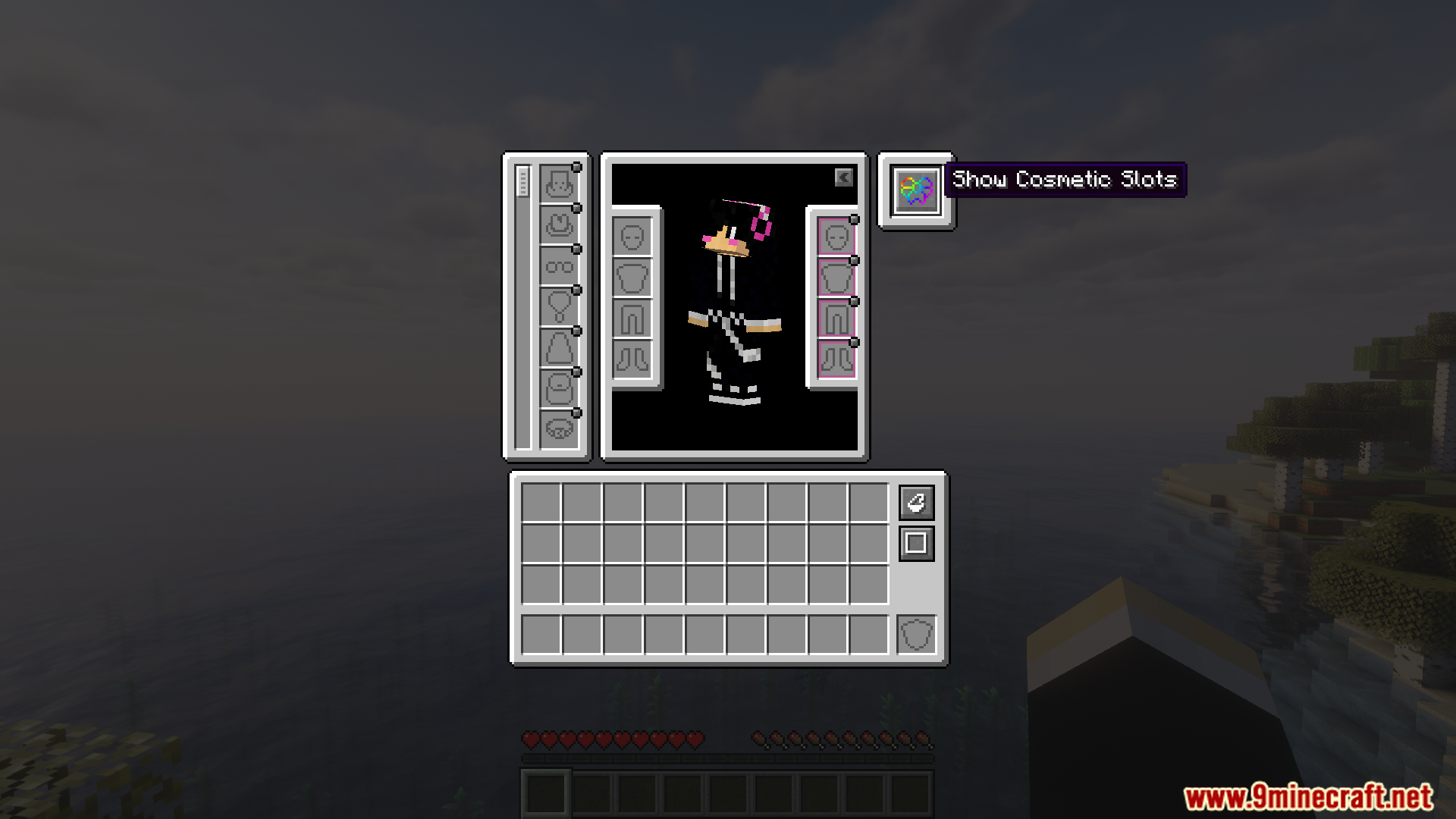
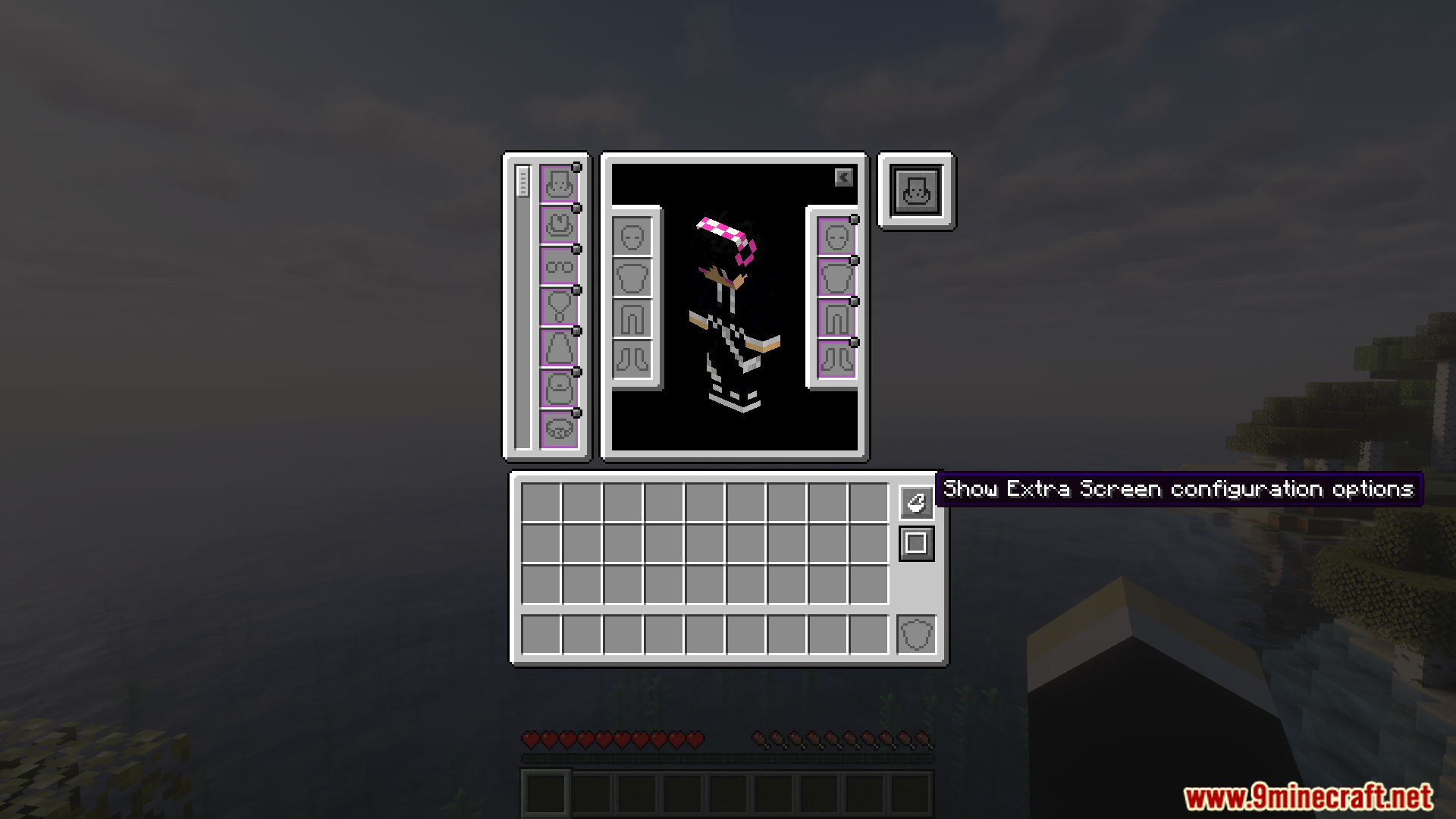
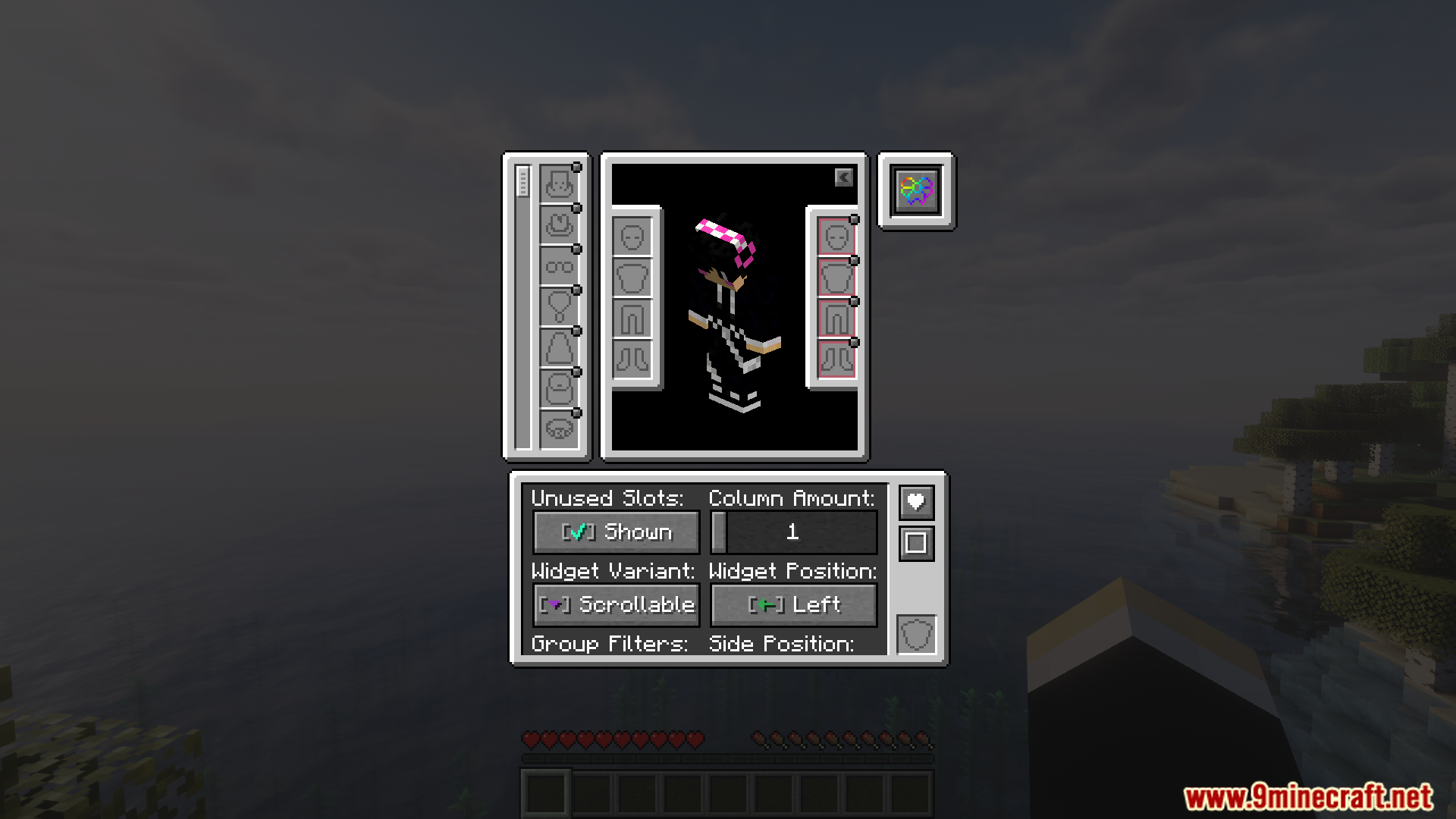
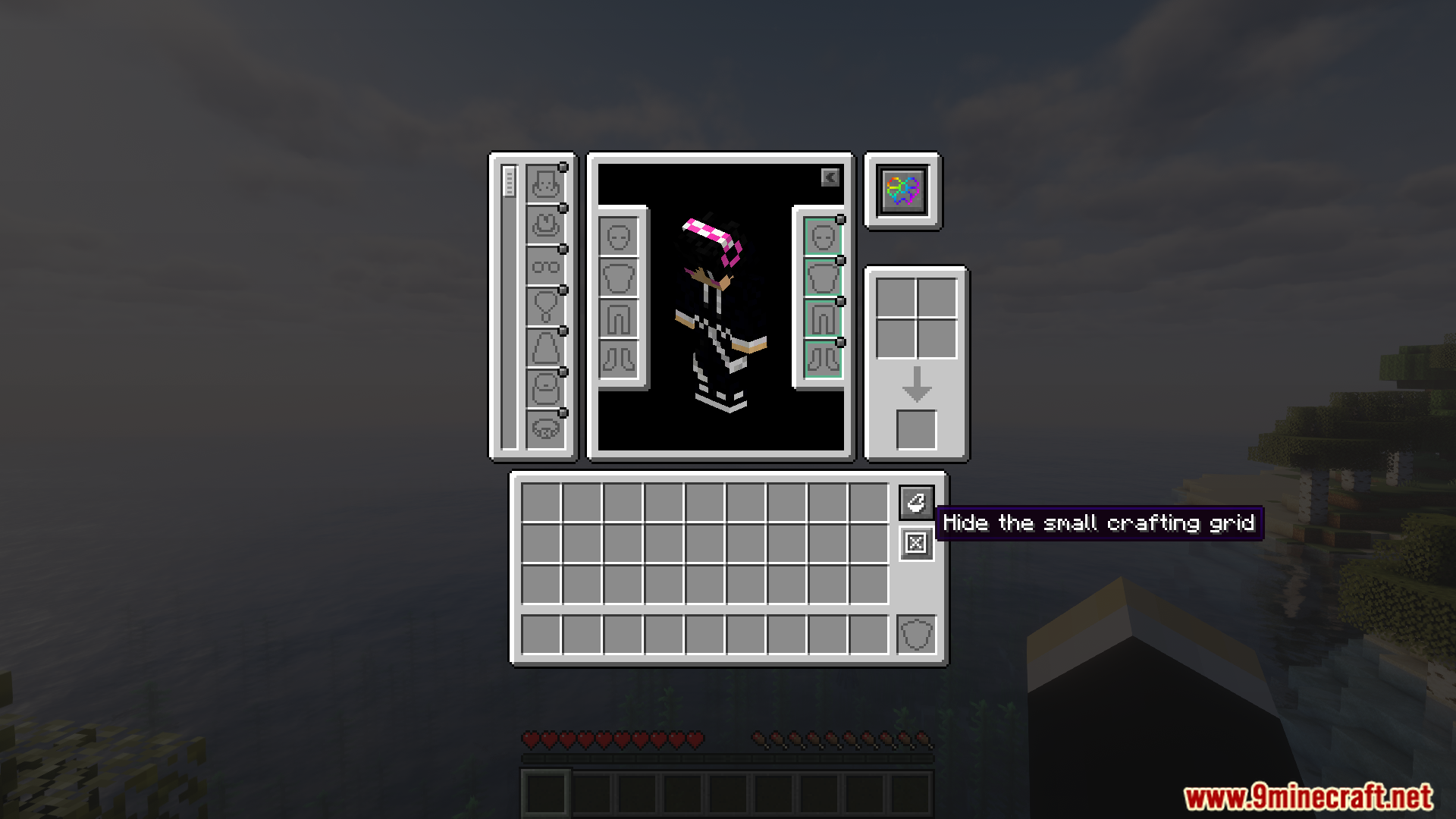
- Puts all your special equipment from different mods into a single screen inside your inventory.
- Replaces older, separate compatibility mods. You only need this one to connect everything.
- Works for both Fabric and NeoForge, so you can add it to many different modpacks.
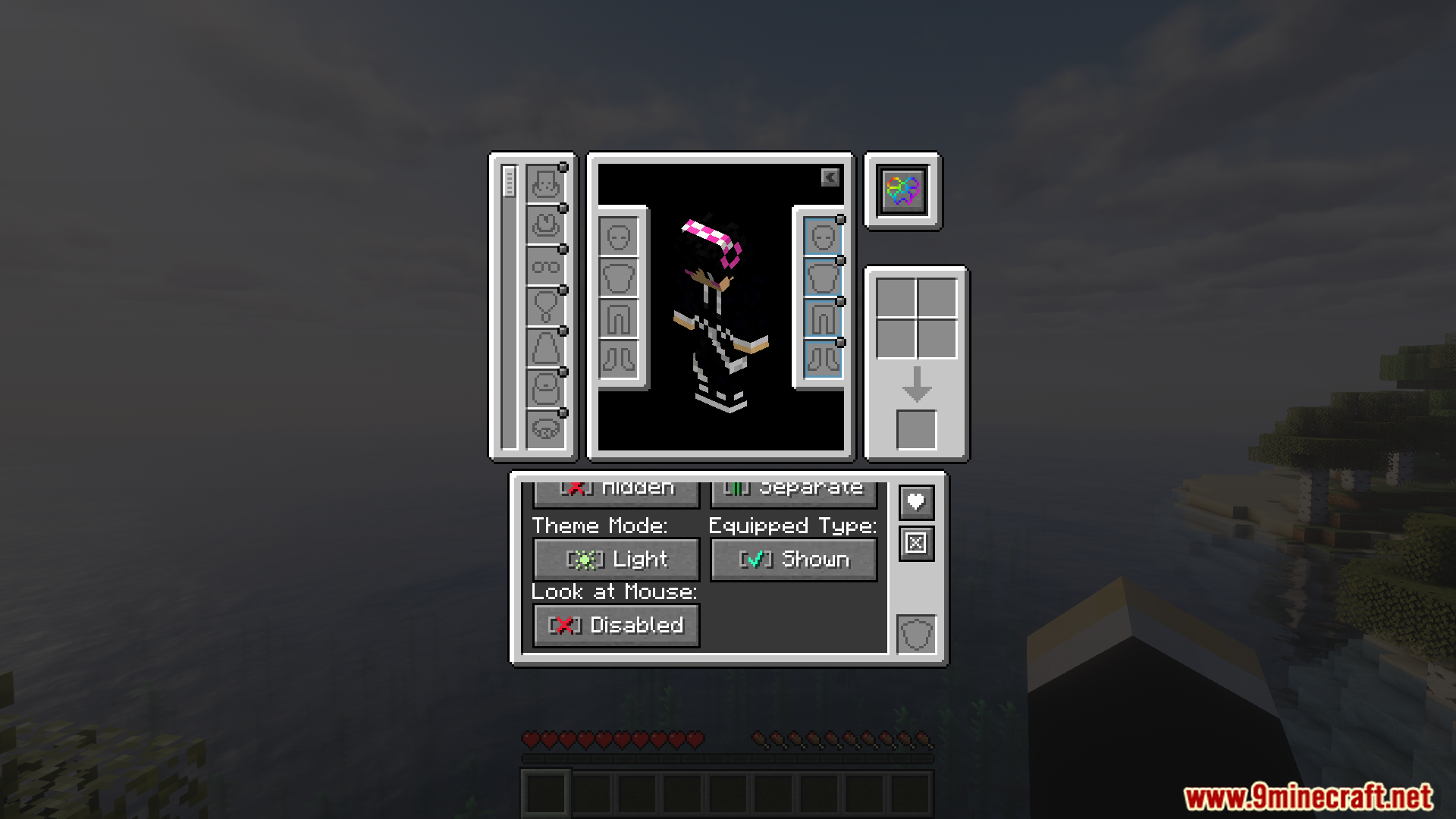
Screenshots:
Accessories Compatibility Layer Mod Download Links
For Minecraft 1.21.1, 1.21
Fabric version: Download from Server 1 – Download from Server 2
NeoForge version: Download from Server 1 – Download from Server 2
Quick facts
- Edition: Minecraft Java
- File type: .jar
- Minecraft versions listed: 1.21.1, 1.21
- How to install: Install the matching mod loader (Forge, Fabric or NeoForge) for your Minecraft version. → Download the .jar. → Put it in the .minecraft/mods folder and launch that loader profile.
- Where to get it: In MC Java Mods, or directly above on this page.
Install steps are the general flow for this file type — How to install Minecraft Java mods & modpacks walks through it step by step.
Verified by MCModsHub
- Downloads as 176306.mcaddon
- Download size: 372 KB
- Download link checked 25 Jul 2026 — working
- Mirrored on our own servers — the download does not depend on the original host
These come from our own check of the pack file, not from the source page.