ModsJava
Area Effect Clouds 3D Mod (1.20.1, 1.20) – Immersive Potion Cloud Visuals
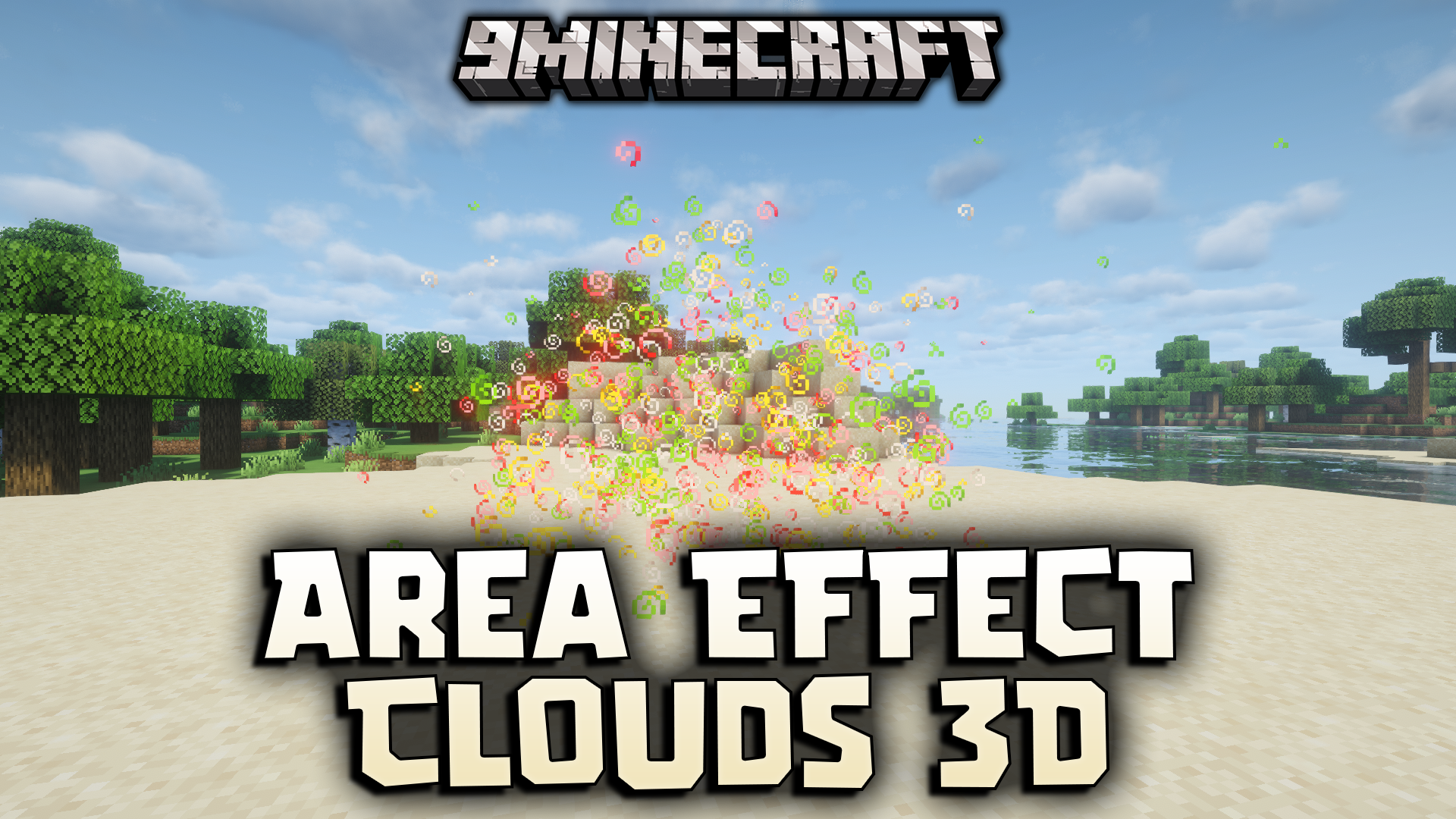
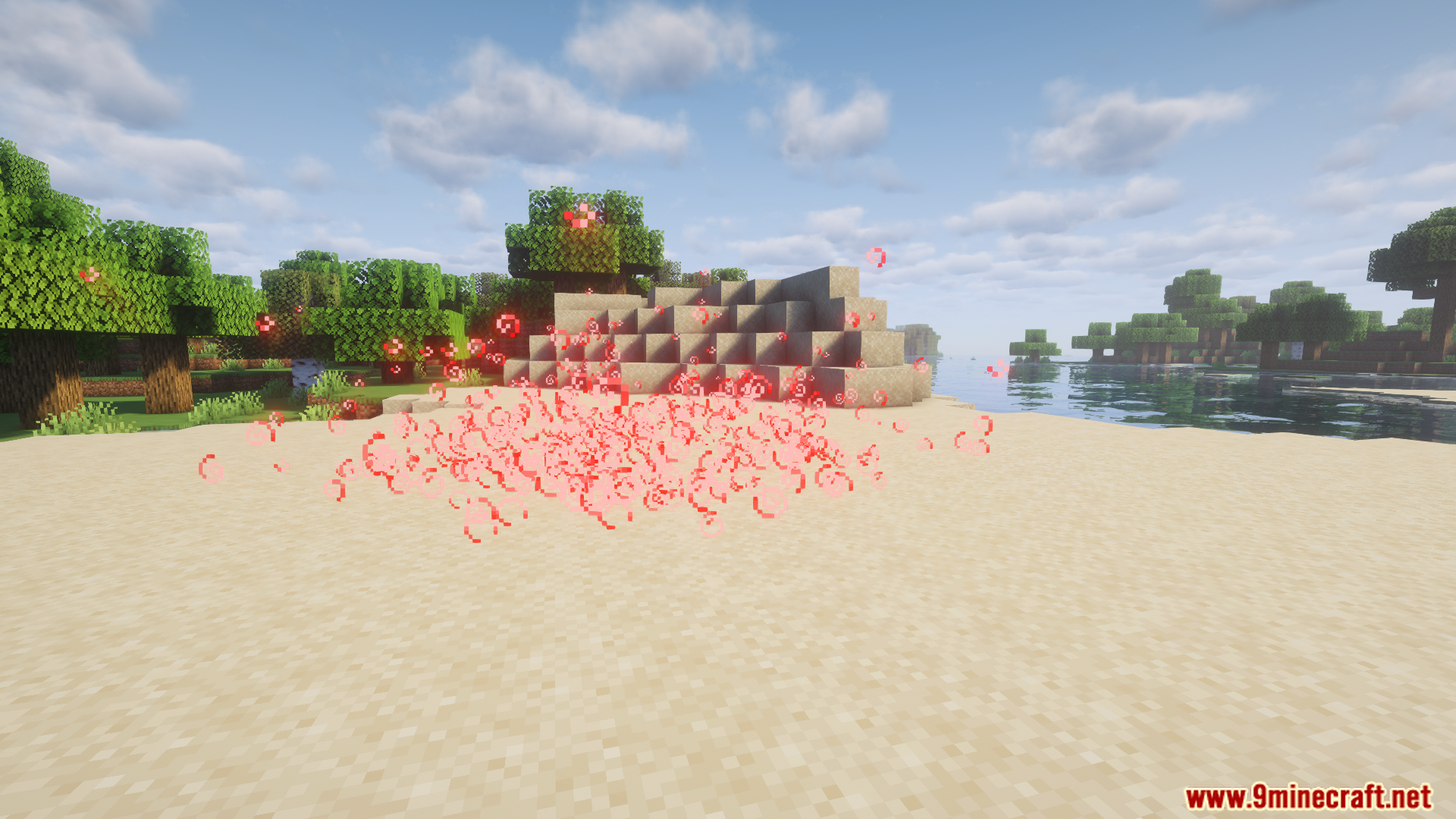
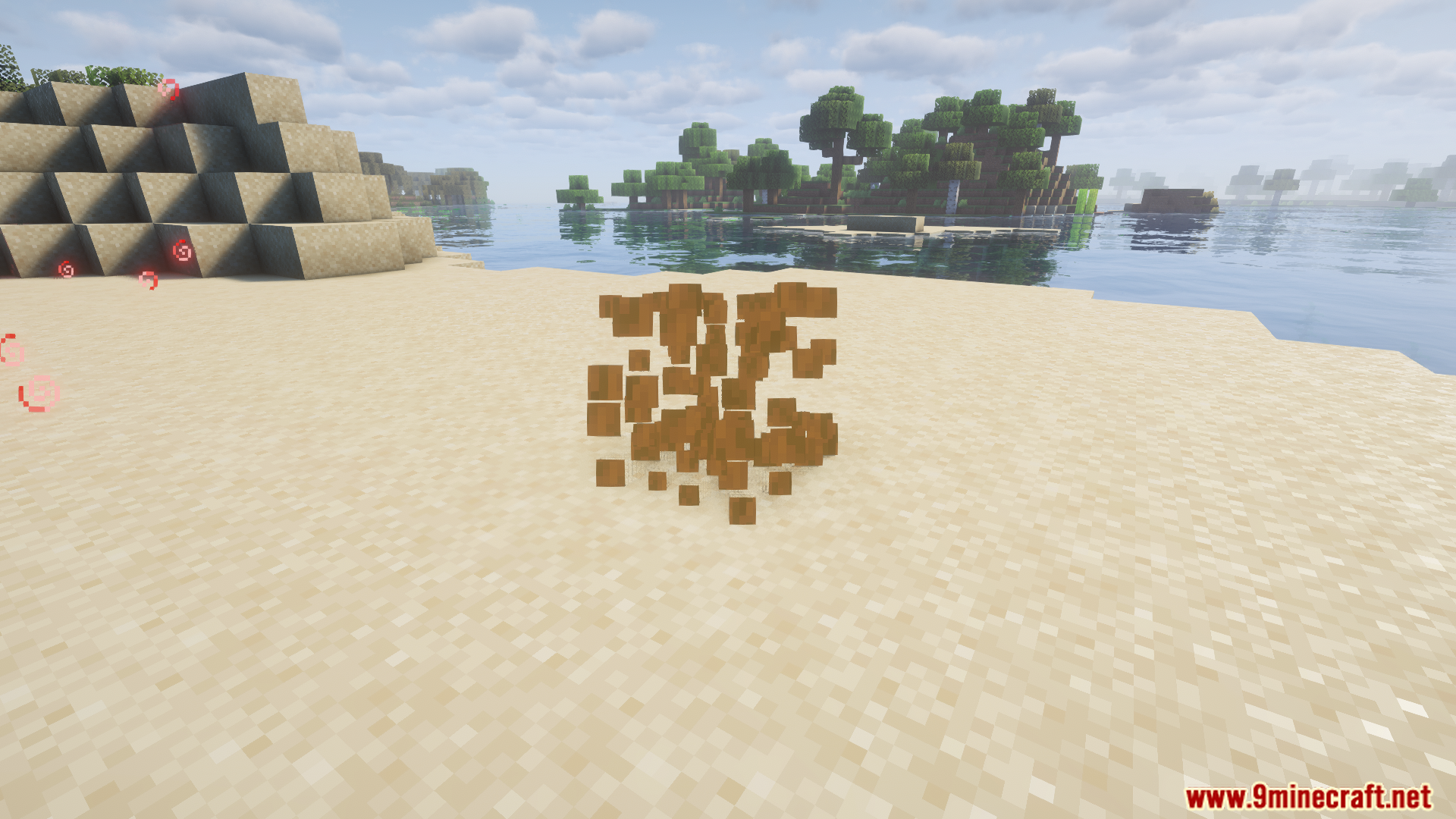
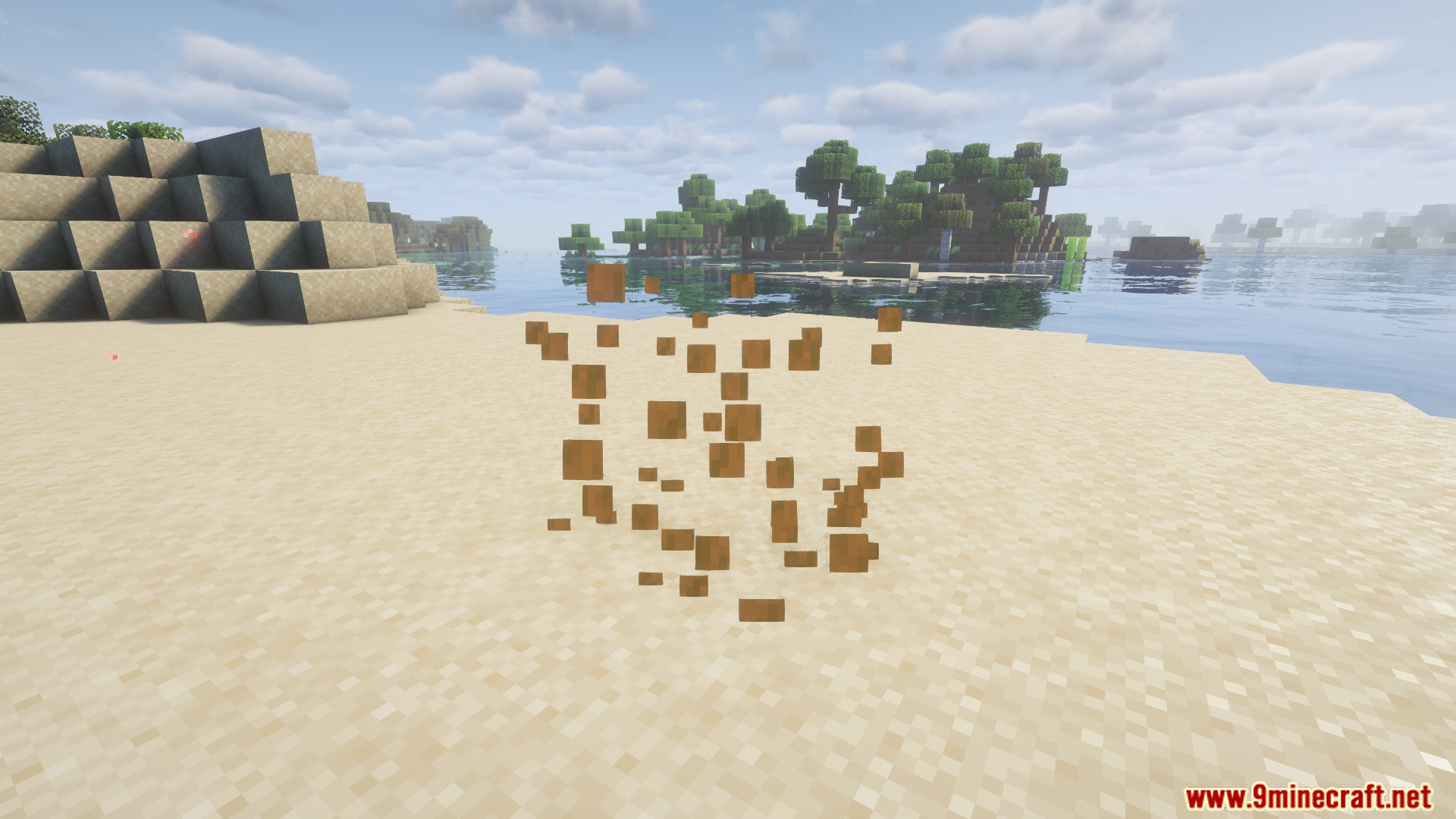
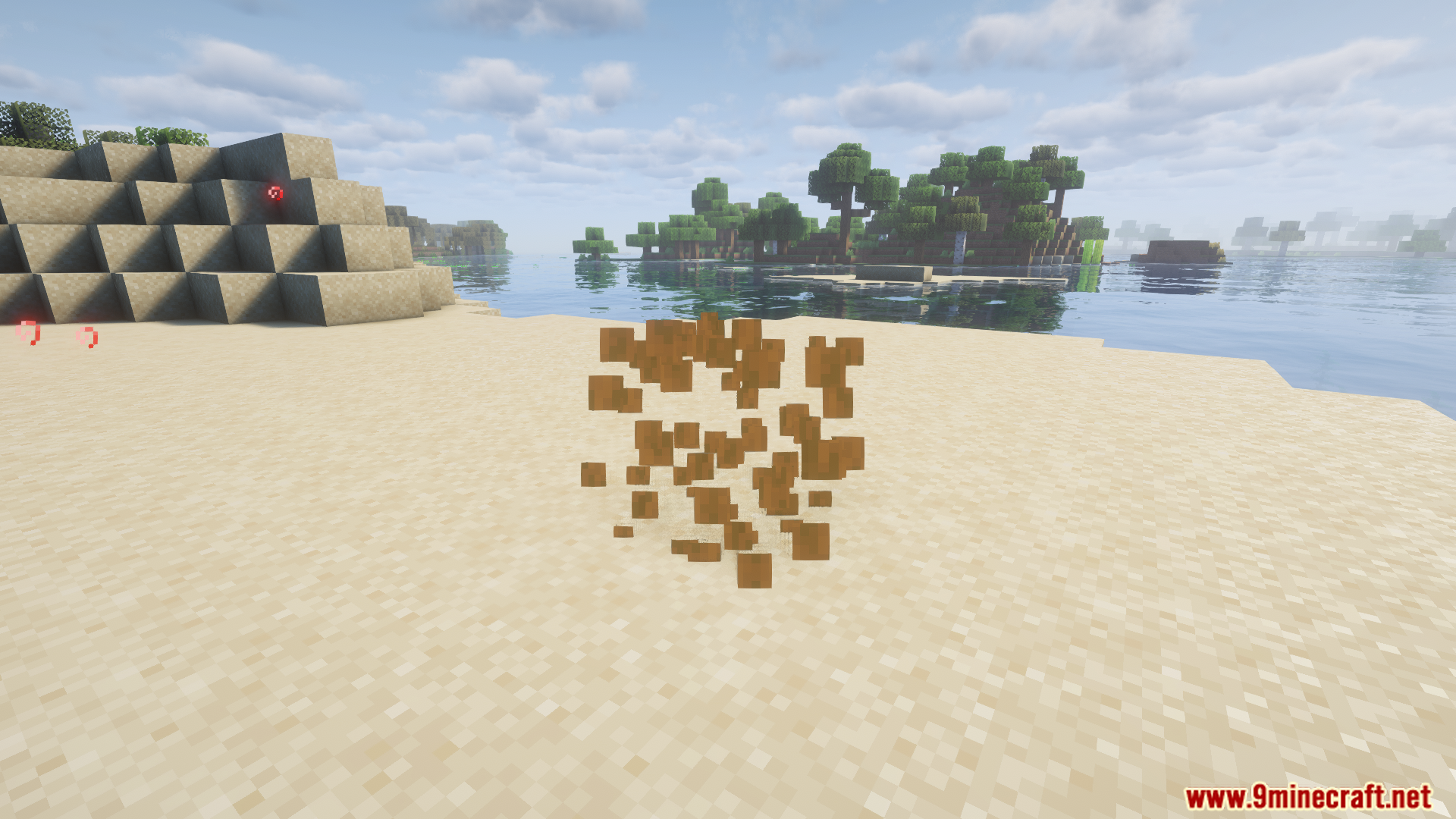
Area Effect Clouds 3D Mod is a visual enhancement mod that makes Minecraft’s area effect clouds appear in full 3D, improving immersion and clarity during…
⬇ DownloadOpen in MCModsHubGet it on Google Play →Area Effect Clouds 3D Mod is a visual enhancement mod that makes Minecraft’s area effect clouds appear in full 3D, improving immersion and clarity during gameplay.
Features:
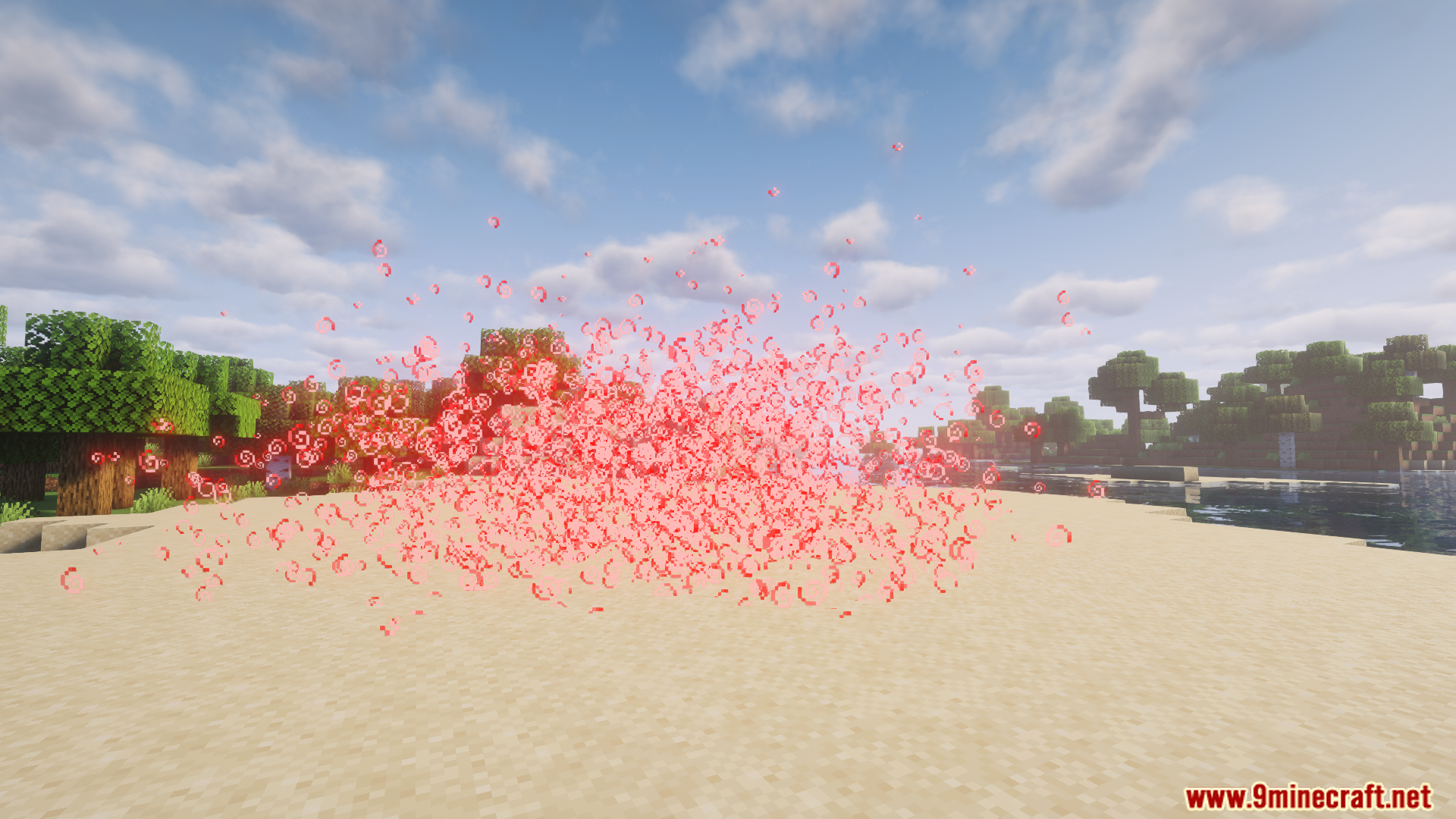
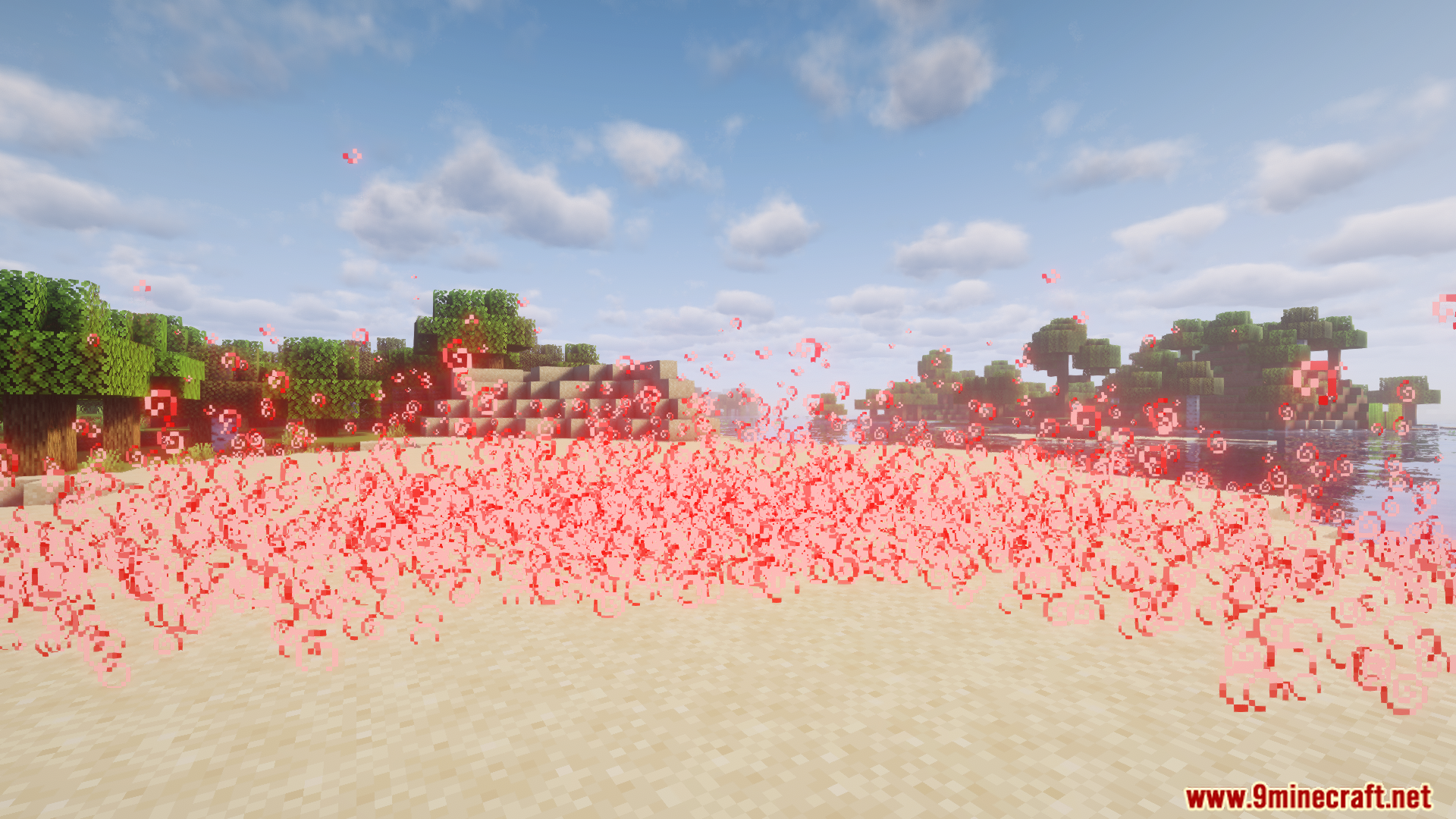
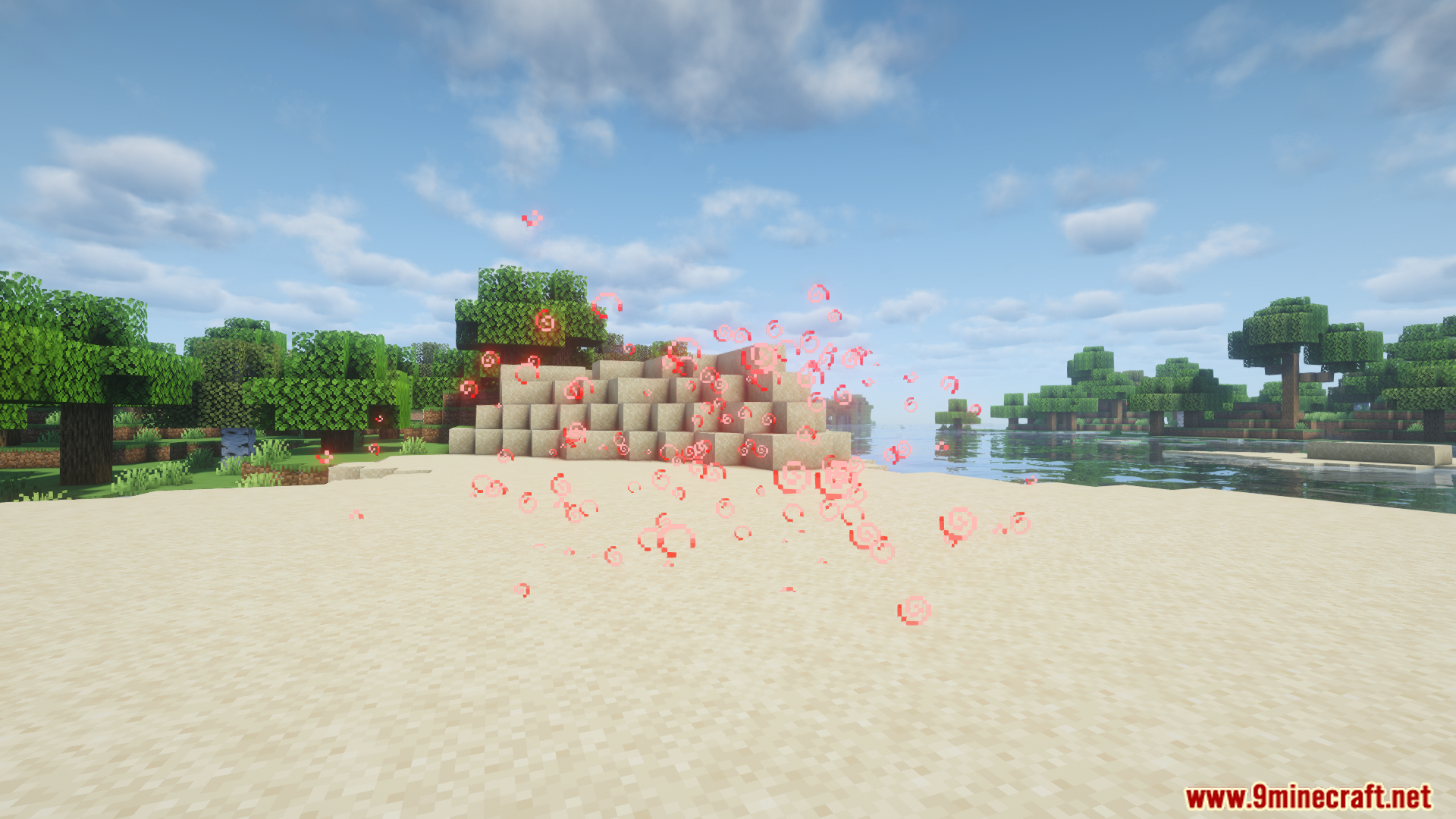
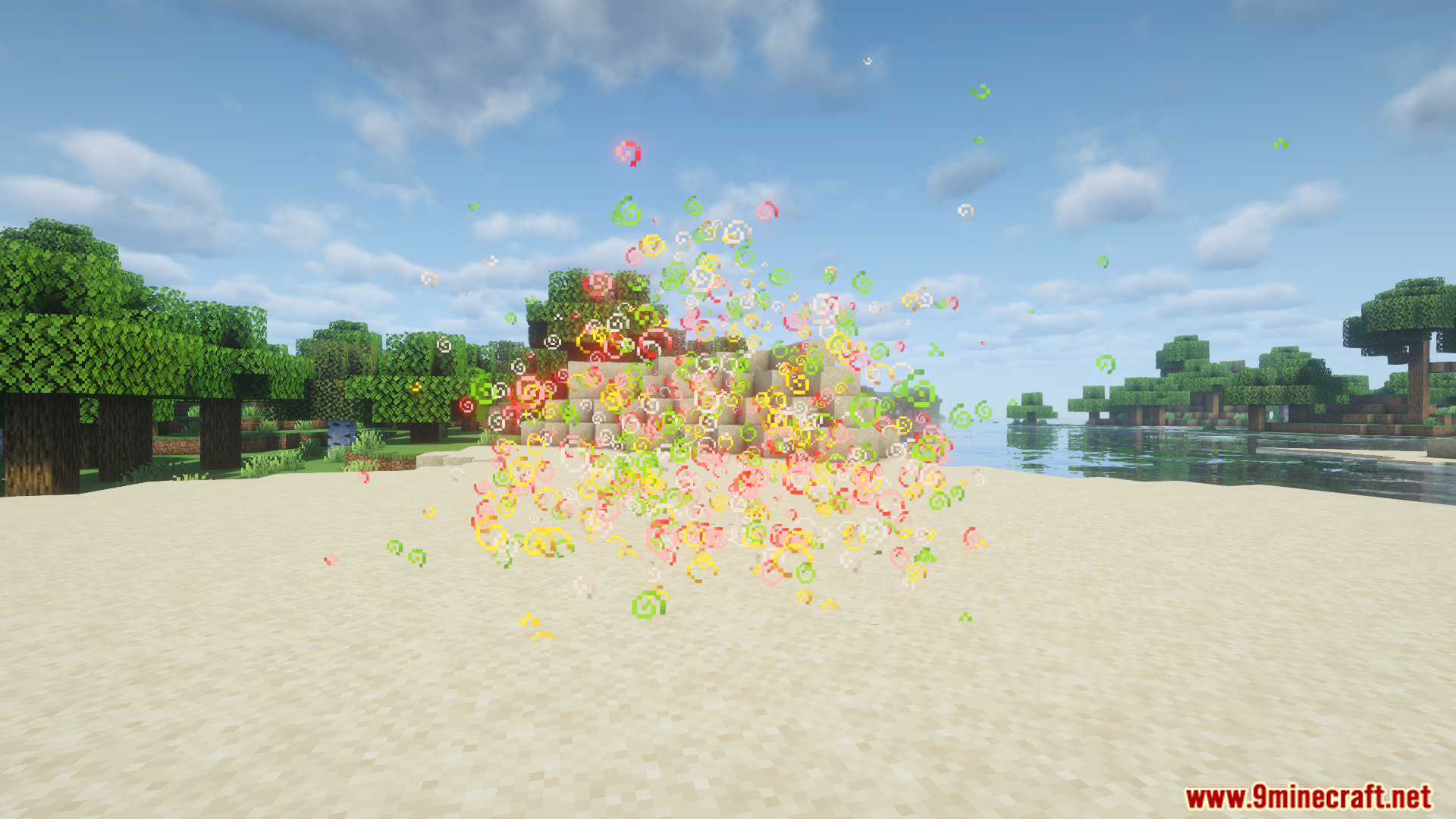
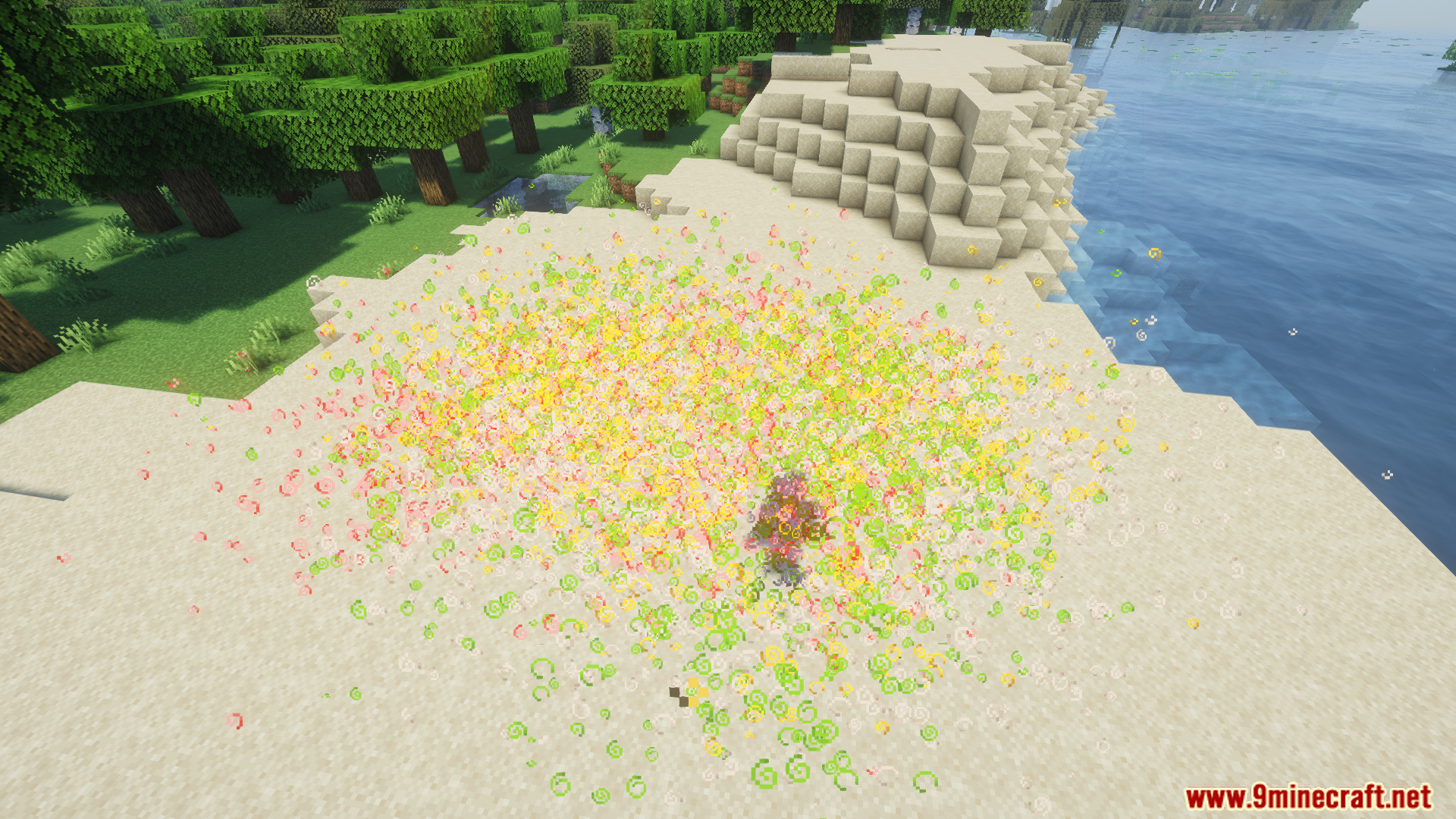
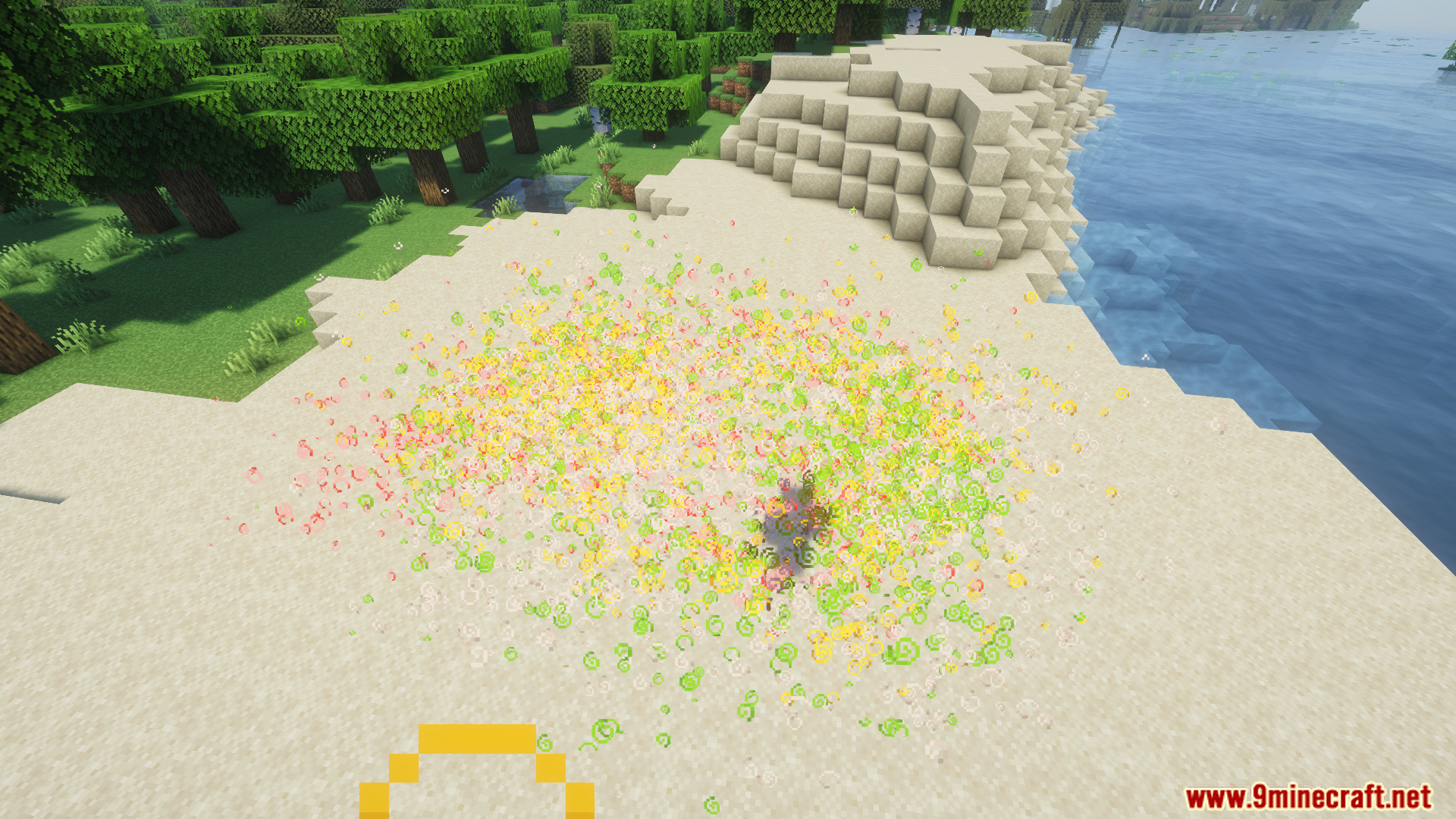
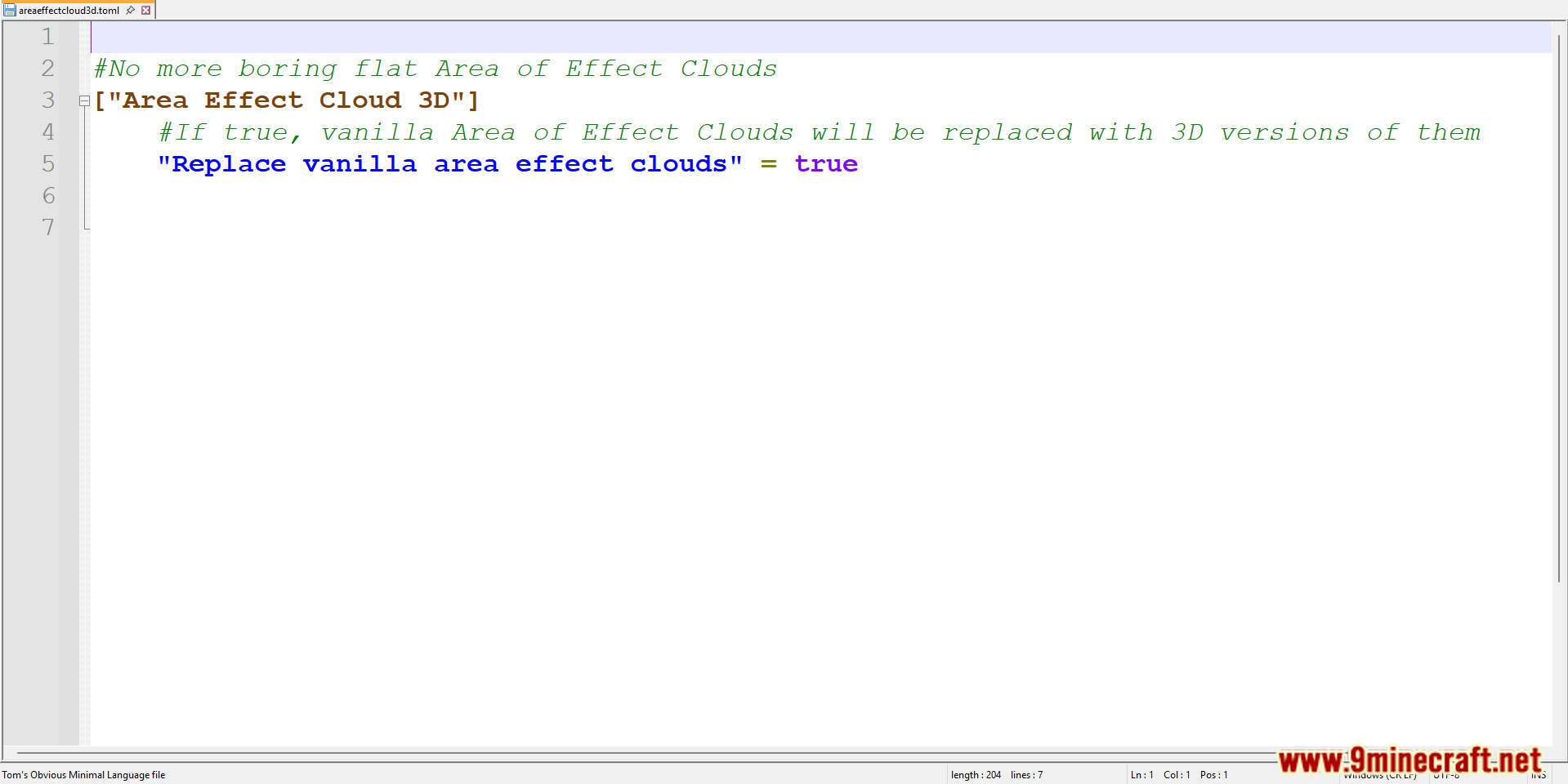
- Replaces flat area effect cloud visuals with 3D particle-based clouds.
- Works with potions, lingering effects, and status clouds.
- Improves visibility and aesthetics during combat or potion use.
- Lightweight and compatible with most modpacks.
- Focused purely on visual enhancement, no gameplay changes.
Screenshots:
Requires:
Minecraft Forge
Area Effect Clouds 3D Mod Download Links
For Minecraft 1.20.1, 1.20
Forge version: Download from Server 1 – Download from Server 2
Area Effect Clouds 3D Mod (1.20.1, 1.20) – Immersive Potion Cloud Visuals is a free Minecraft Java mod. Compatible with Minecraft 1.20.1, 1.20. Download it and open it directly in the game.
Explore more