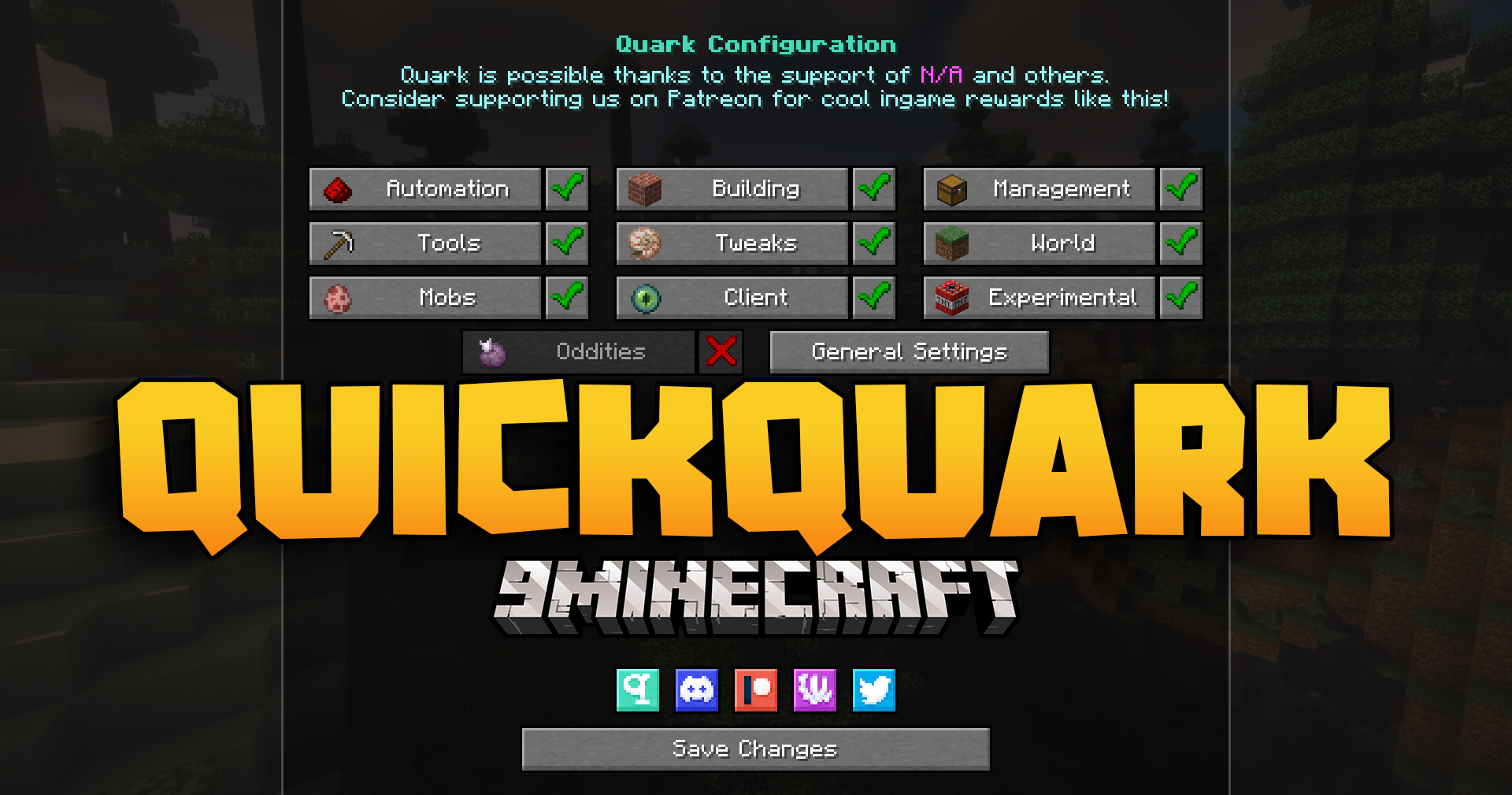
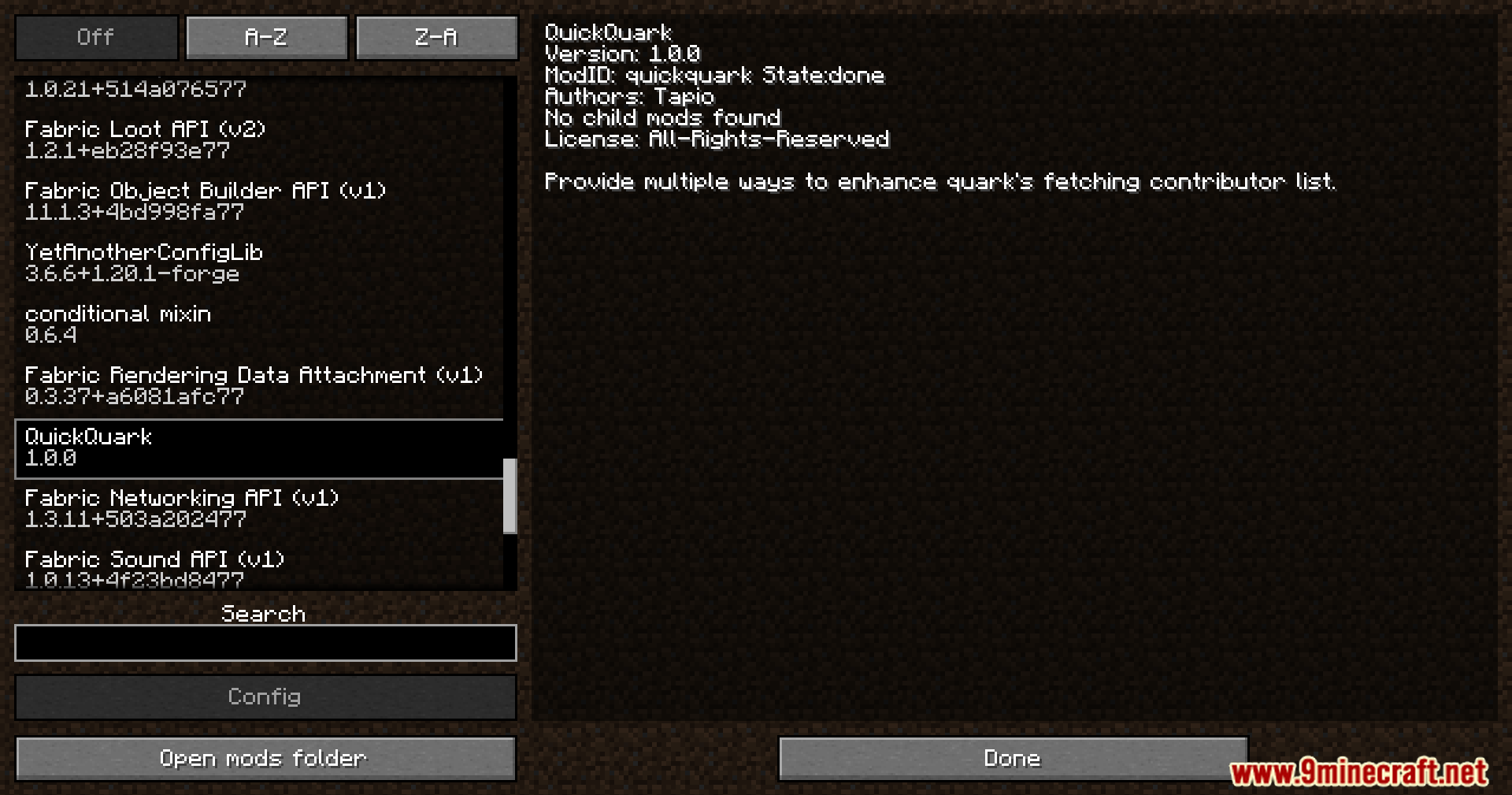


QuickQuark Mod makes the Quark mod load faster when you launch Minecraft. It works by giving you control over Quark’s network settings. You can change connection timeouts, use a proxy, or completely turn off its internet access. This helps stop long delays during startup, getting you into the game much quicker.
Features:
- Makes the Quark mod load much faster when you start Minecraft.
- Gives you different ways to control Quark’s network behavior.
- Lets you change the maximum time Quark waits to connect or get data from the internet.
- You can make Quark use a proxy for its internet connections.
- Includes an option to completely block Quark from accessing the internet, which is on by default for the fastest startup.
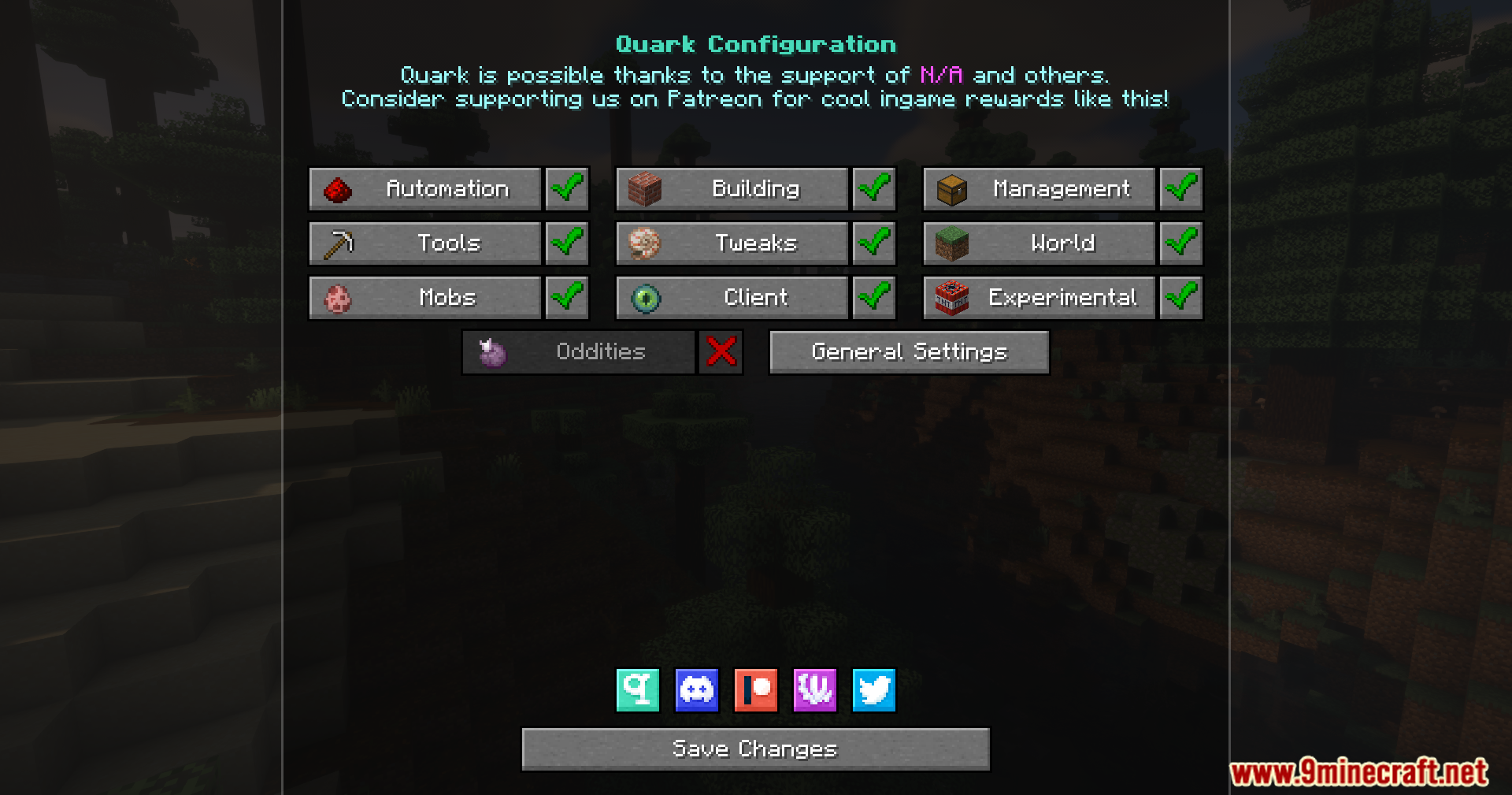
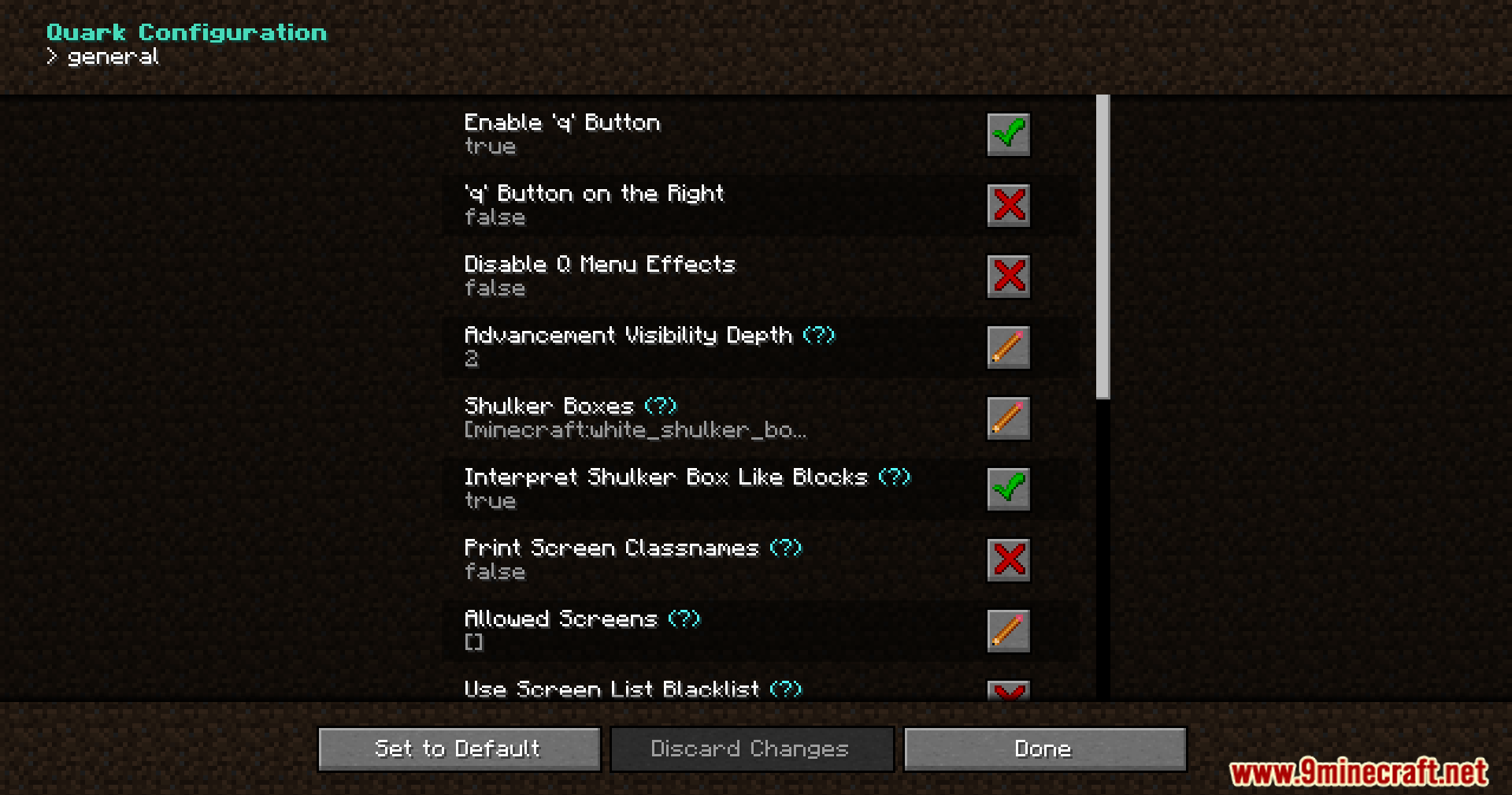
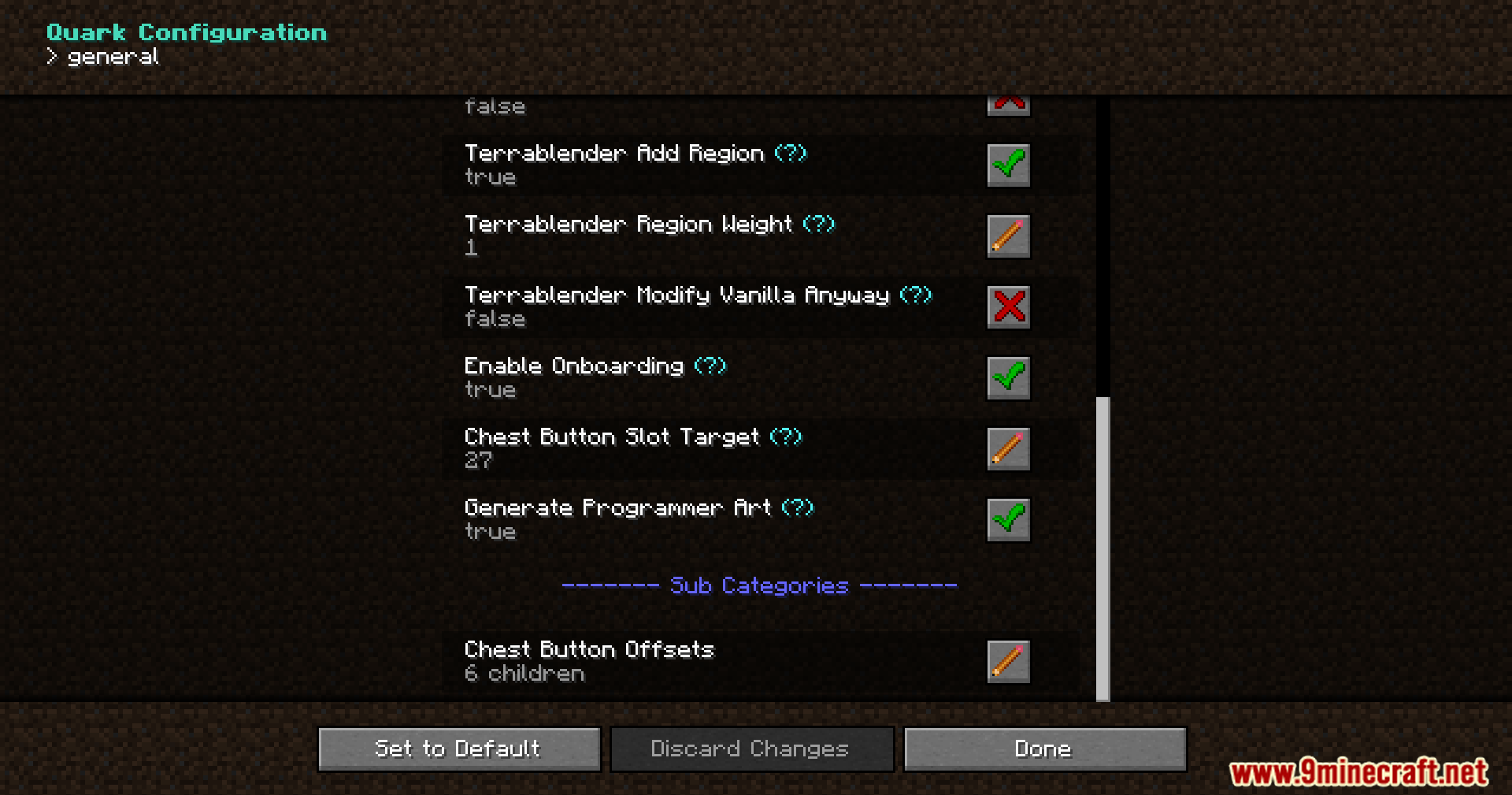
Screenshots:
QuickQuark Mod Download Links
For Minecraft 1.20.1, 1.20
Forge Version: Download from Server 1 – Download from Server 2
For Minecraft 1.19.2
Forge Version: Download from Server 1 – Download from Server 2
- Edition: Minecraft Java
- File type: .jar
- Minecraft versions listed: 1.20.1, 1.19.2
- How to install: Install the matching mod loader (Forge, Fabric or NeoForge) for your Minecraft version. → Download the .jar. → Put it in the .minecraft/mods folder and launch that loader profile.
- Where to get it: In MC Java Mods, or directly above on this page.
Install steps are the general flow for this file type — How to install Minecraft Java mods & modpacks walks through it step by step.
QuickQuark Mod (1.20.1, 1.19.2) – Spend Less Time on the Loading Screen is a free Minecraft Java mod. Compatible with Minecraft 1.20.1, 1.19.2. Download it and open it directly in the game.