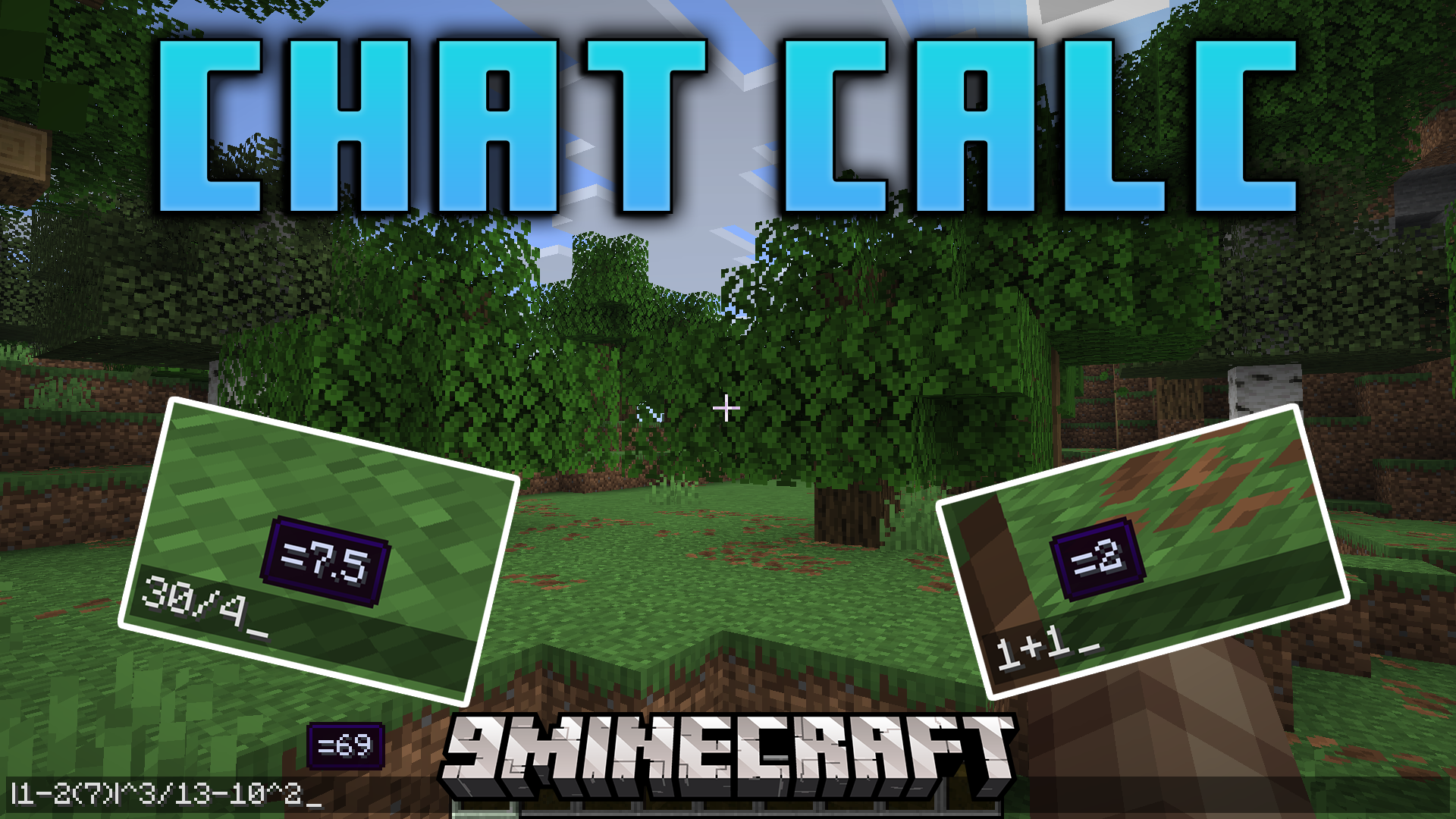
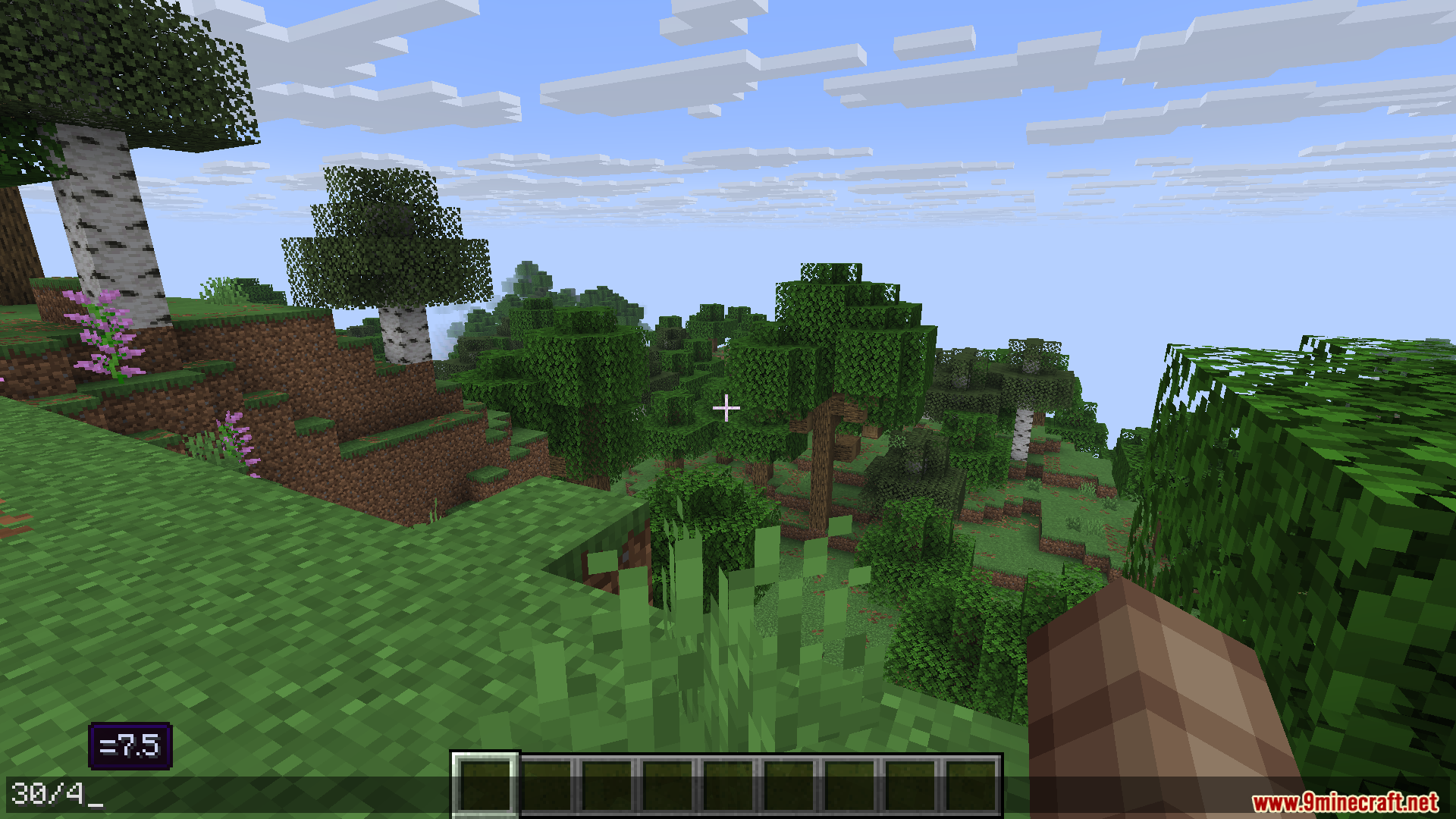
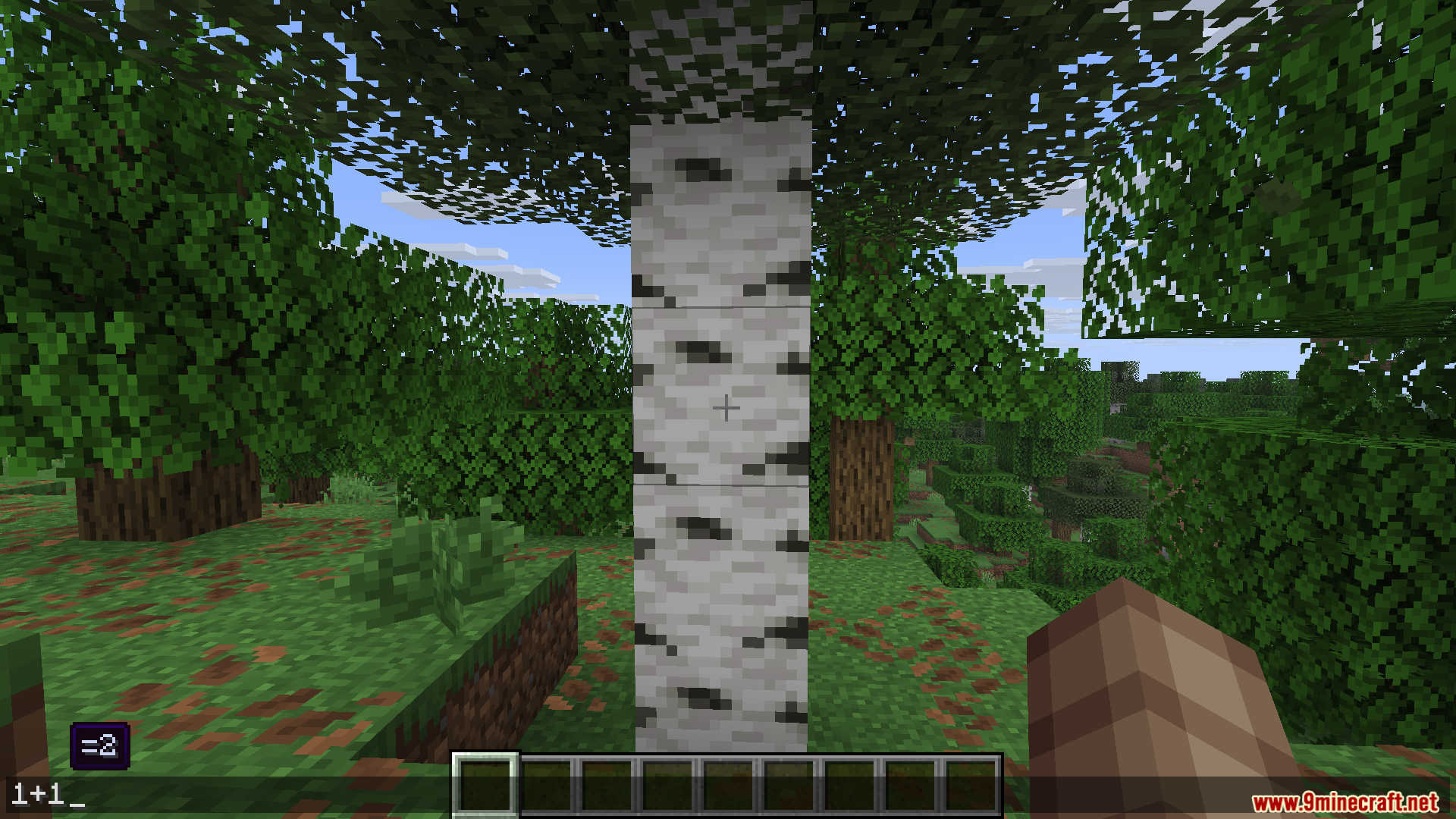
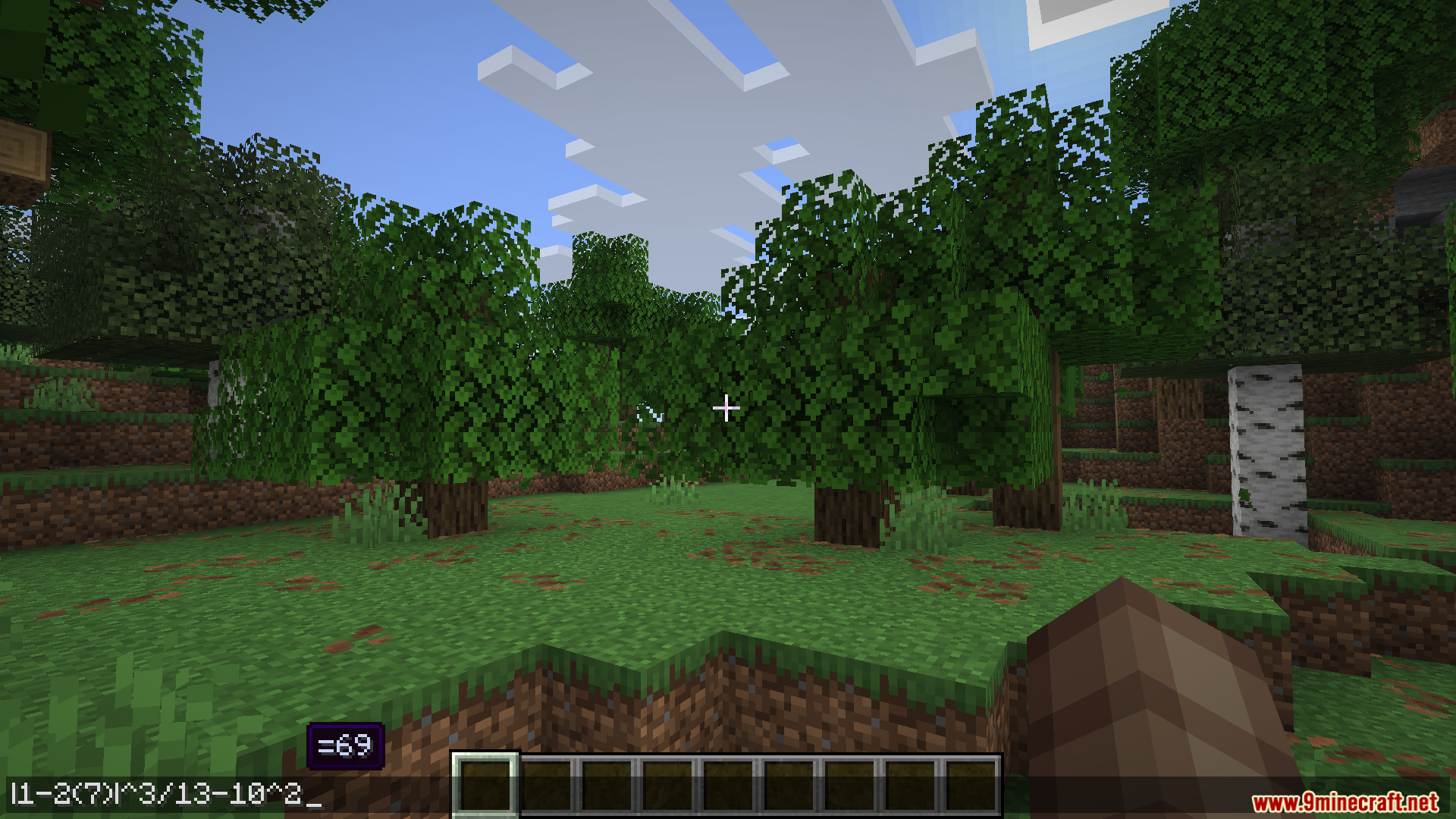
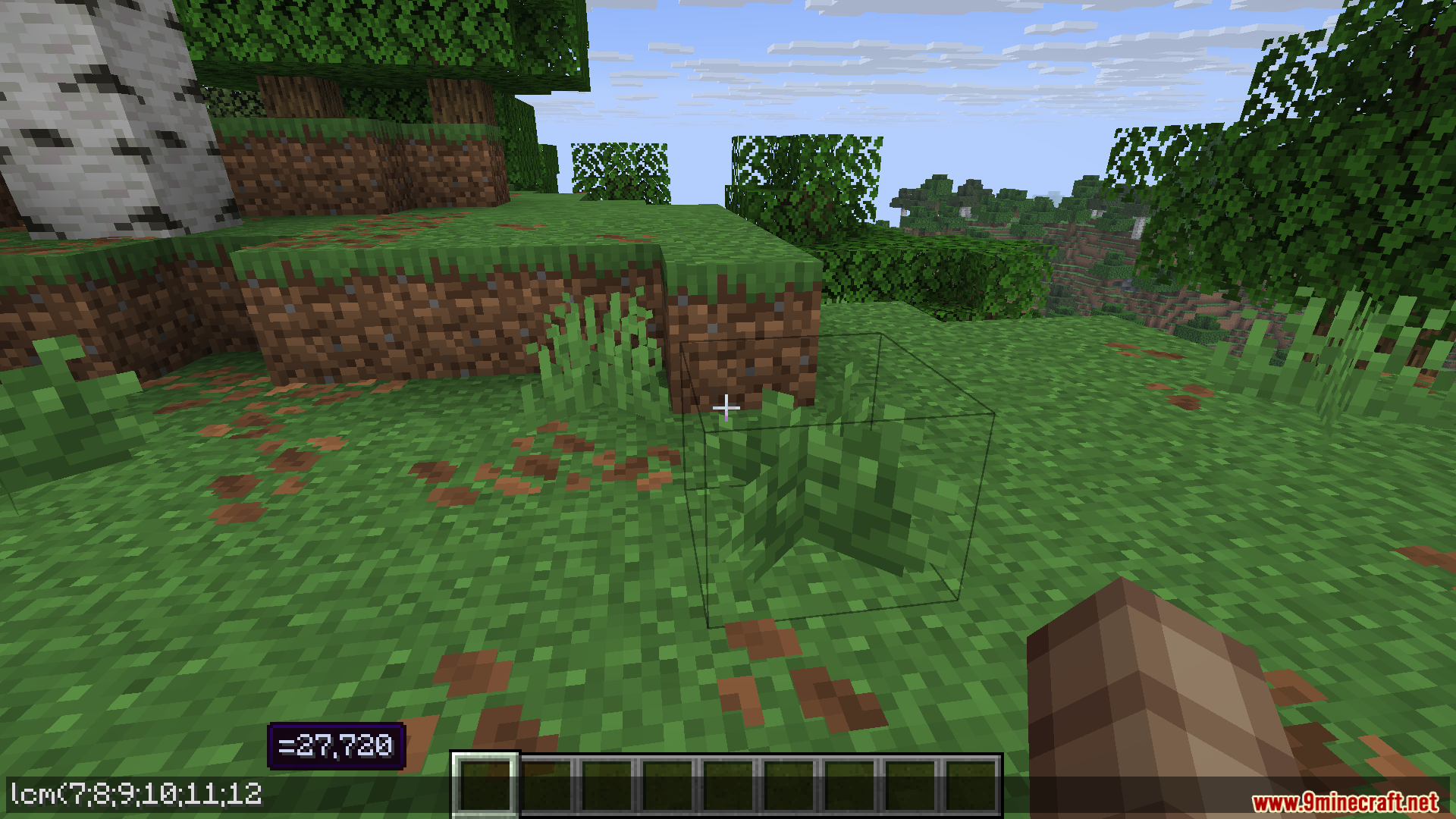
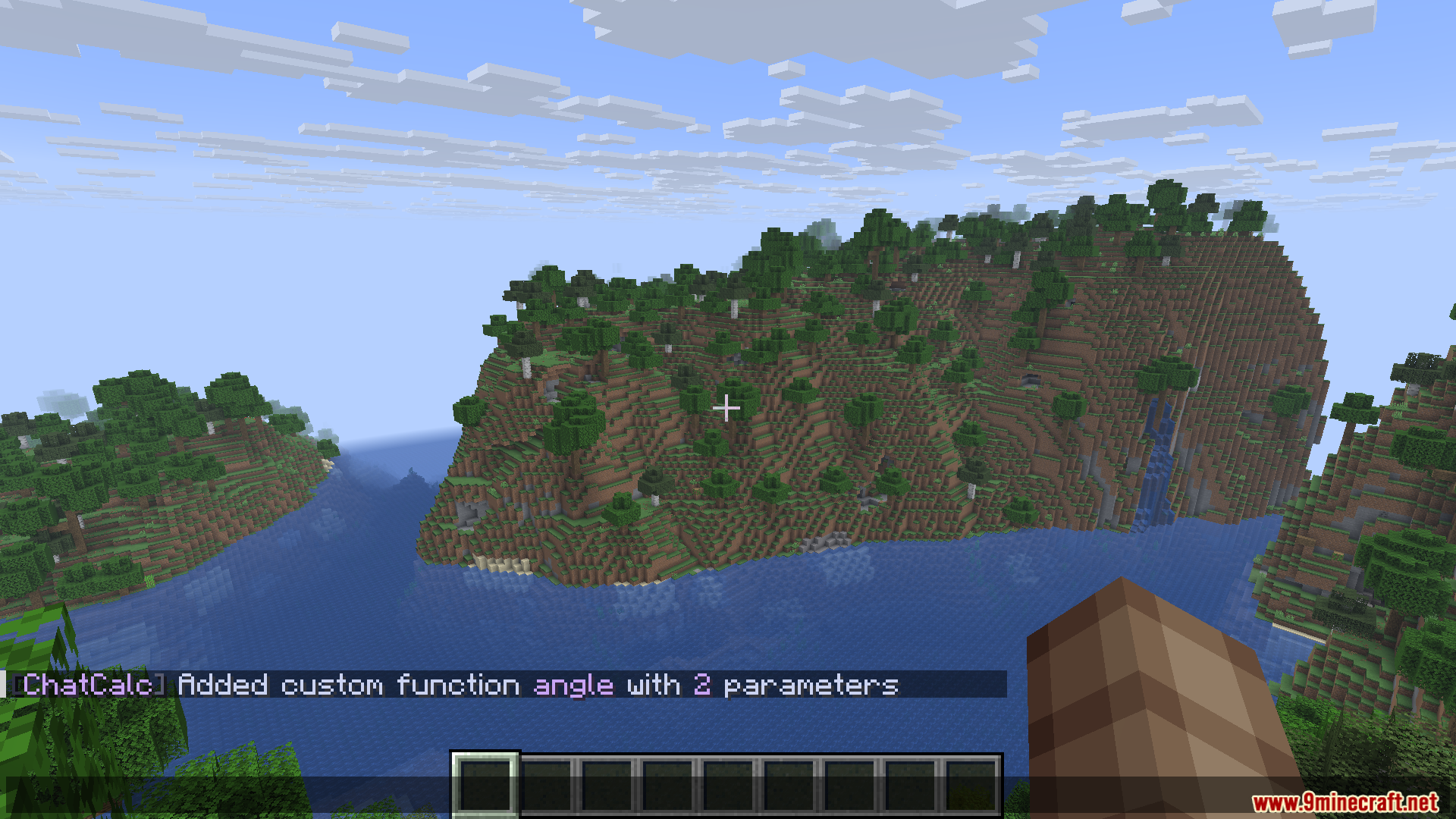
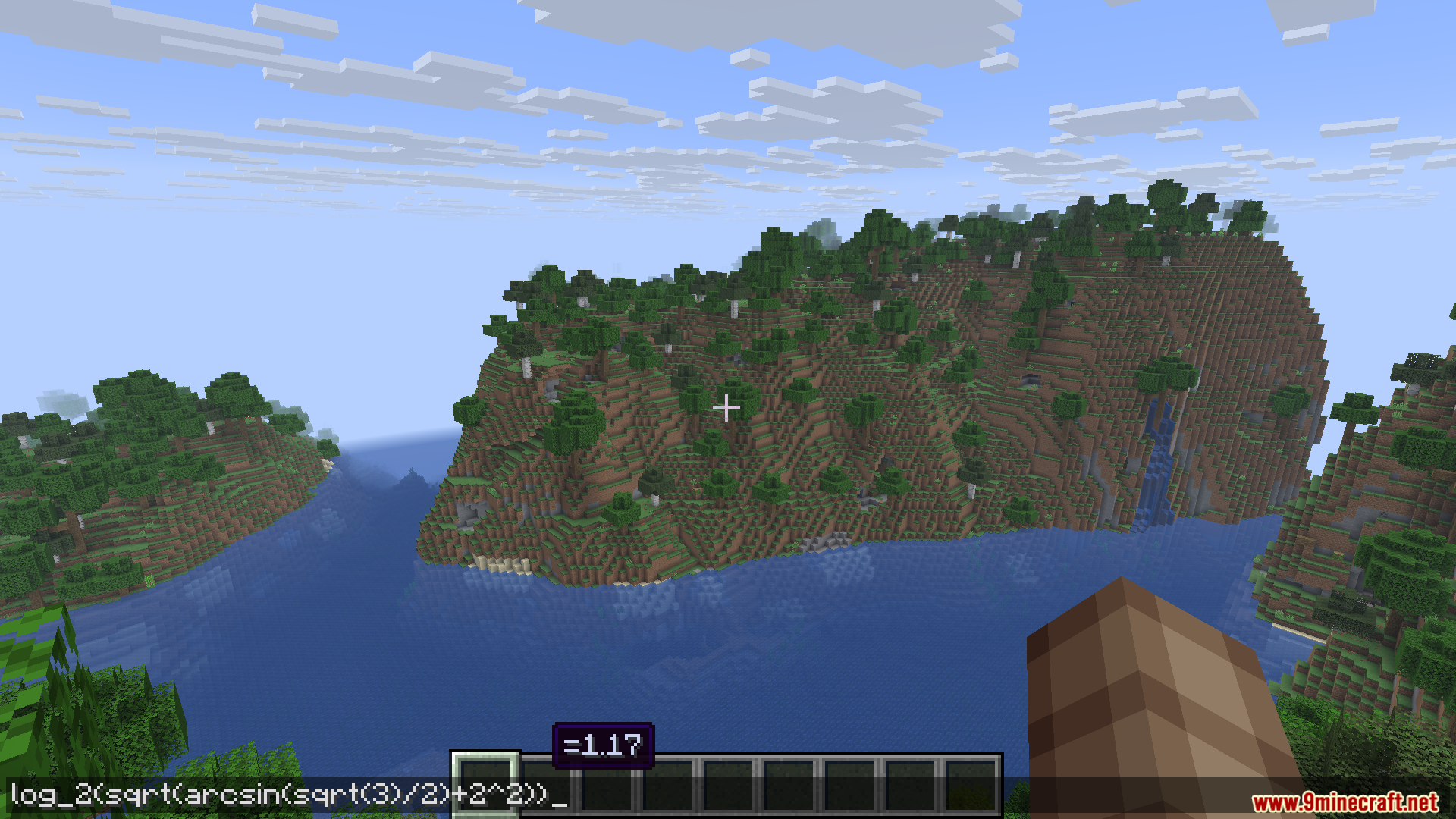
Chat Calc Mod adds a calculator right into your Minecraft chat. You can type any math problem, from simple addition to more complex equations, and see the answer instantly. This means you don’t need to switch to a different app to do calculations. The mod also lets you solve math problems directly on signs.
Features:
- Lets you do math problems right inside the Minecraft chat.
- Get instant answers for simple calculations like adding or subtracting.
- Solves more complex equations with multiple steps.
- You can also type math problems on signs to see the result.
How to Use:
- Open the chat box or edit a sign.
- Type in any math problem you want to solve. For example, you can type
10 + 10or something more complex like(10+5)*2. - The mod will instantly show you the answer right in the text box.
Screenshots:
Chat Calc Mod Download Links
For Minecraft 1.21.10, 1.21.9
Fabric version: Download from Server 1 – Download from Server 2
For Minecraft 1.21.8, 1.21.7, 1.21.6
Fabric version: Download from Server 1 – Download from Server 2
For Minecraft 1.21.5
Fabric version: Download from Server 1 – Download from Server 2
For Minecraft 1.21.4
Fabric version: Download from Server 1 – Download from Server 2
For Minecraft 1.21.3, 1.21.2
Fabric version: Download from Server 1 – Download from Server 2
For All Versions from Minecraft 1.20.5 to Minecraft 1.21.1
Fabric version: Download from Server 1 – Download from Server 2
- Edition: Minecraft Java
- File type: .jar
- Minecraft versions listed: 1.21.10, 1.21.1
- How to install: Install the matching mod loader (Forge, Fabric or NeoForge) for your Minecraft version. → Download the .jar. → Put it in the .minecraft/mods folder and launch that loader profile.
- Where to get it: In MC Java Mods, or directly above on this page.
Install steps are the general flow for this file type — How to install Minecraft Java mods & modpacks walks through it step by step.
Chat Calc Mod (1.21.10, 1.21.1) – Never Alt-Tab for a Calculator Again is a free Minecraft Java mod. Compatible with Minecraft 1.21.10, 1.21.1. Download it and open it directly in the game.