FTB Quests Freeze Fix Mod (1.20.1, 1.20) – Check Your Quests Without the Freeze
Java mod listed for Minecraft 1.20. Downloads from the MC Java Mods app on Android.
⬇ Download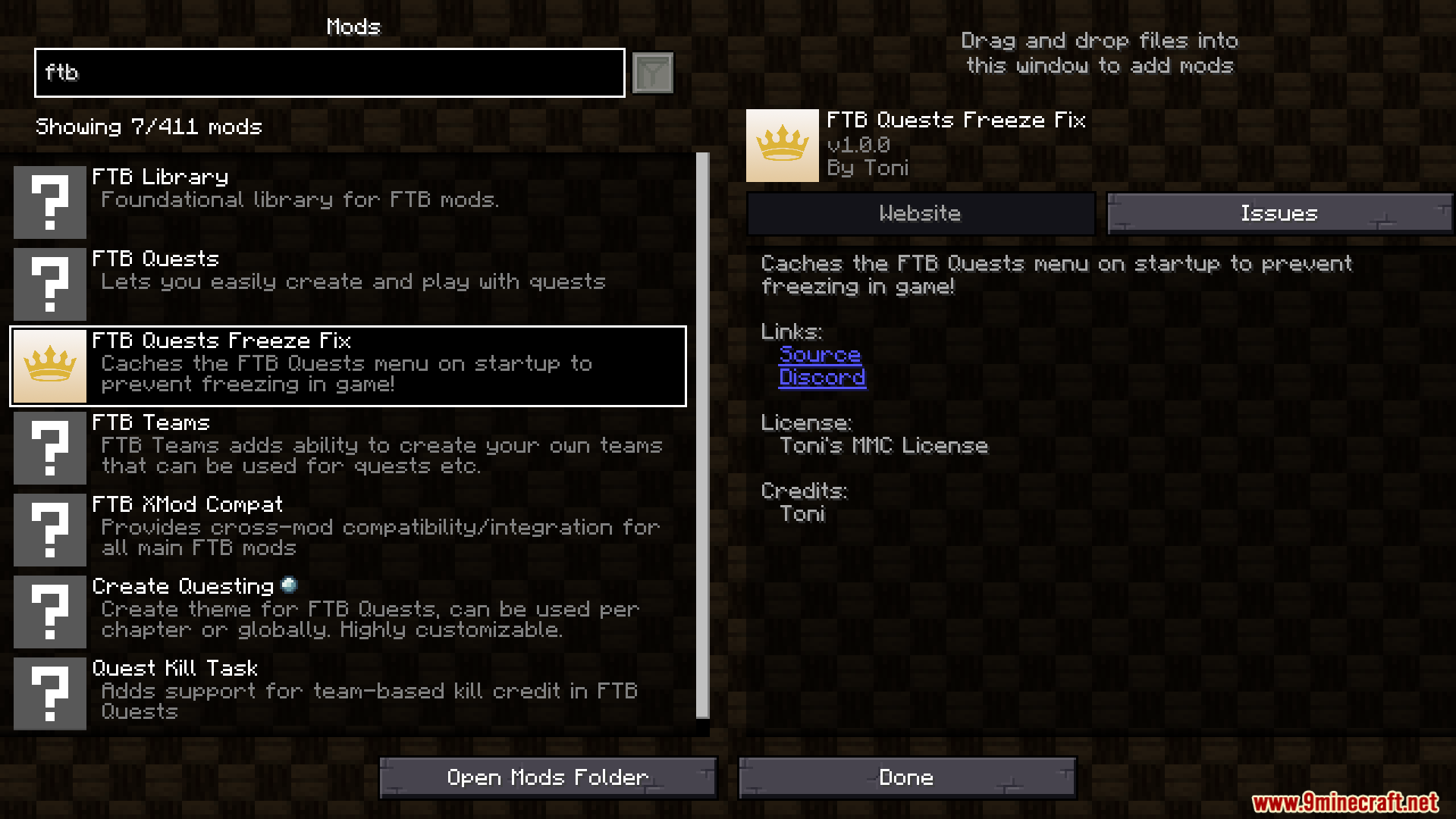
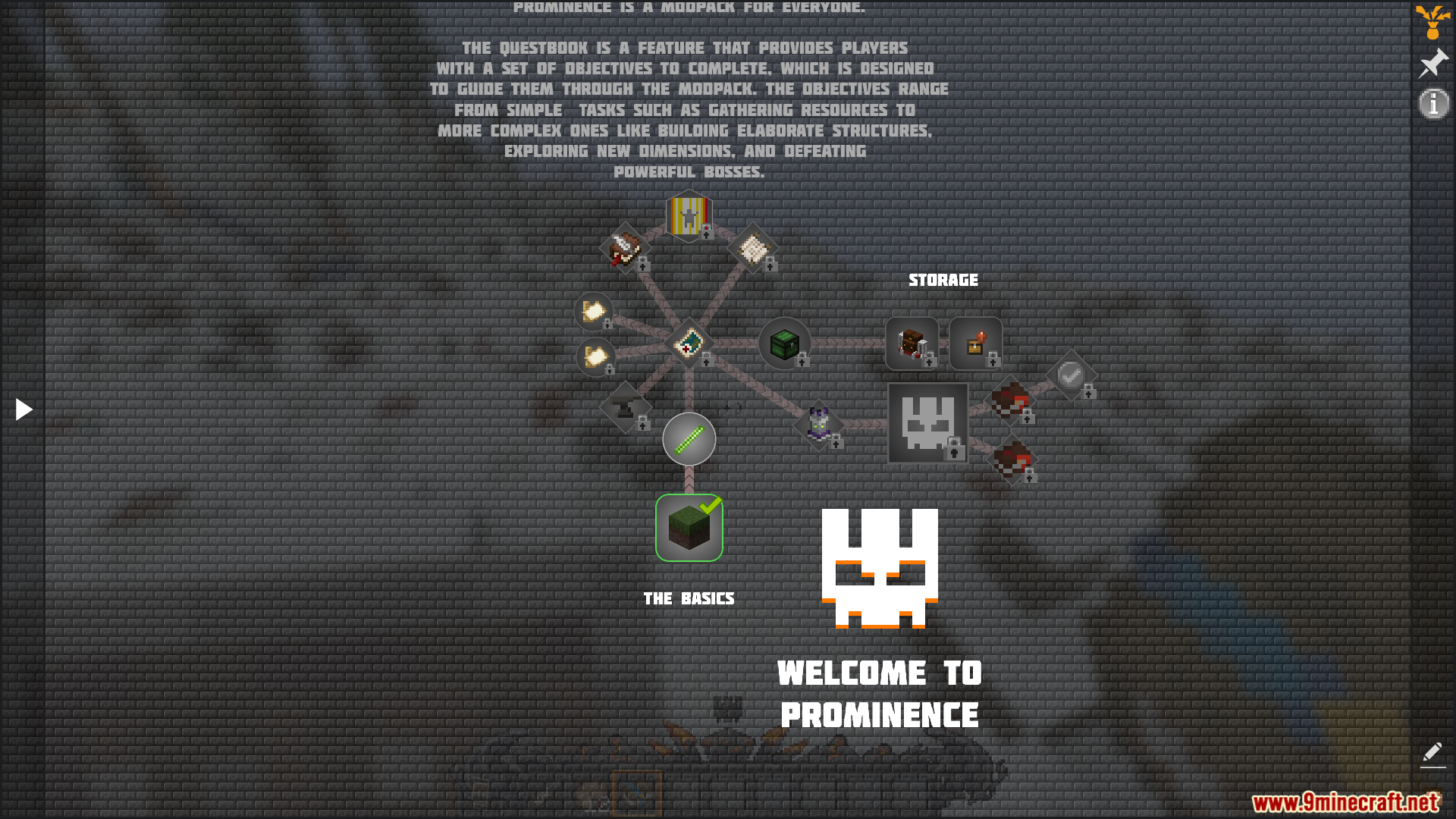
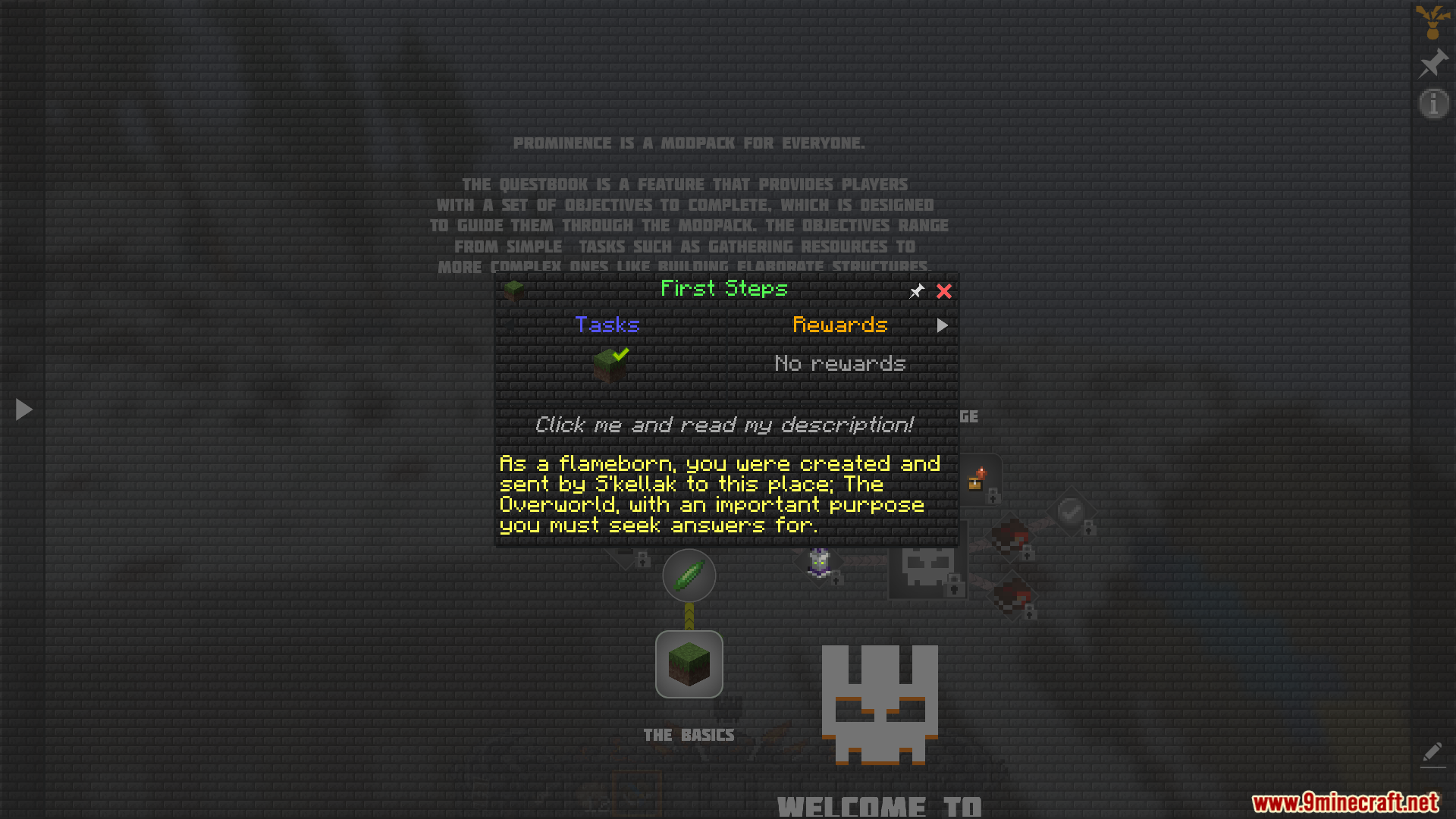
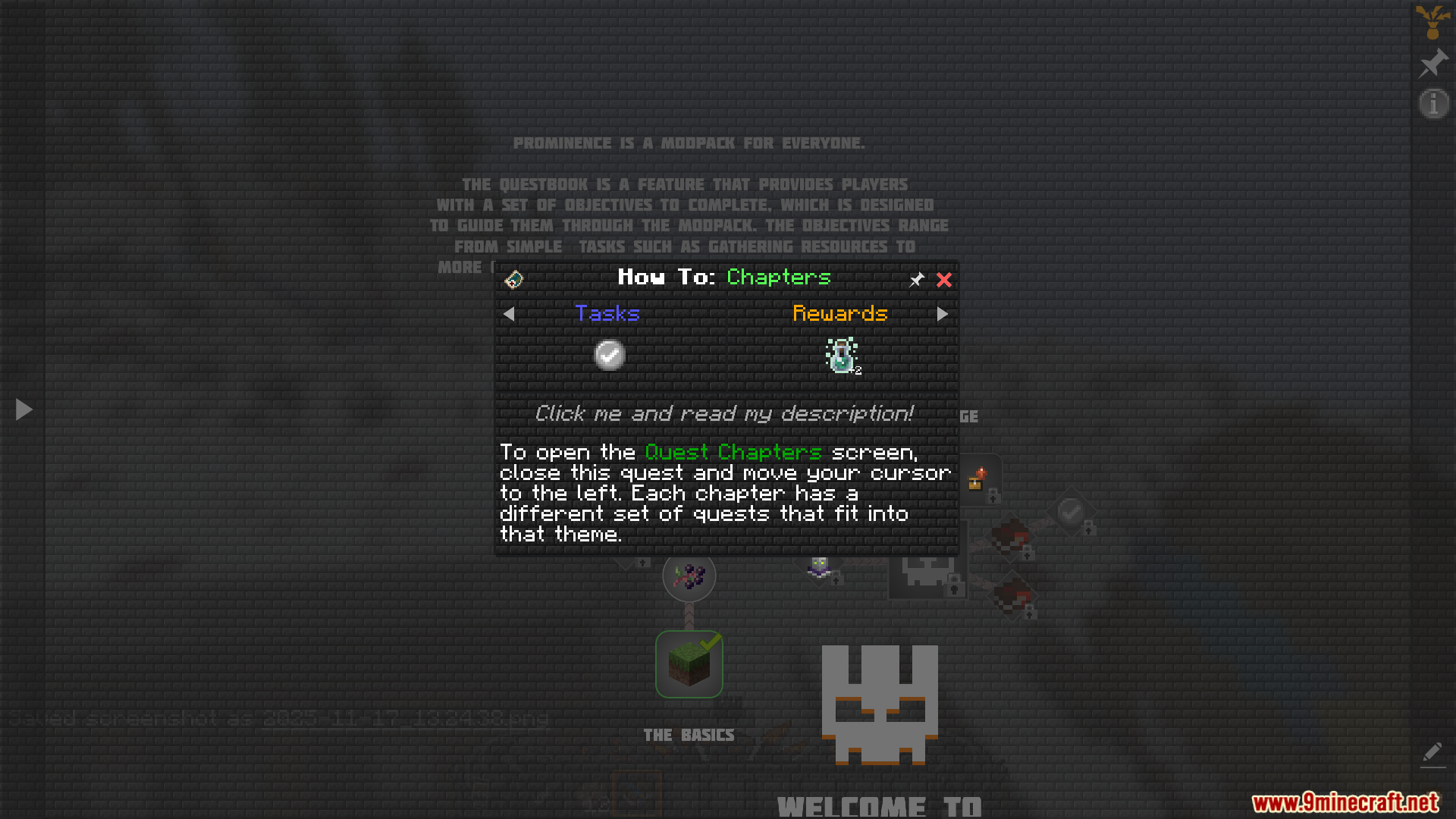
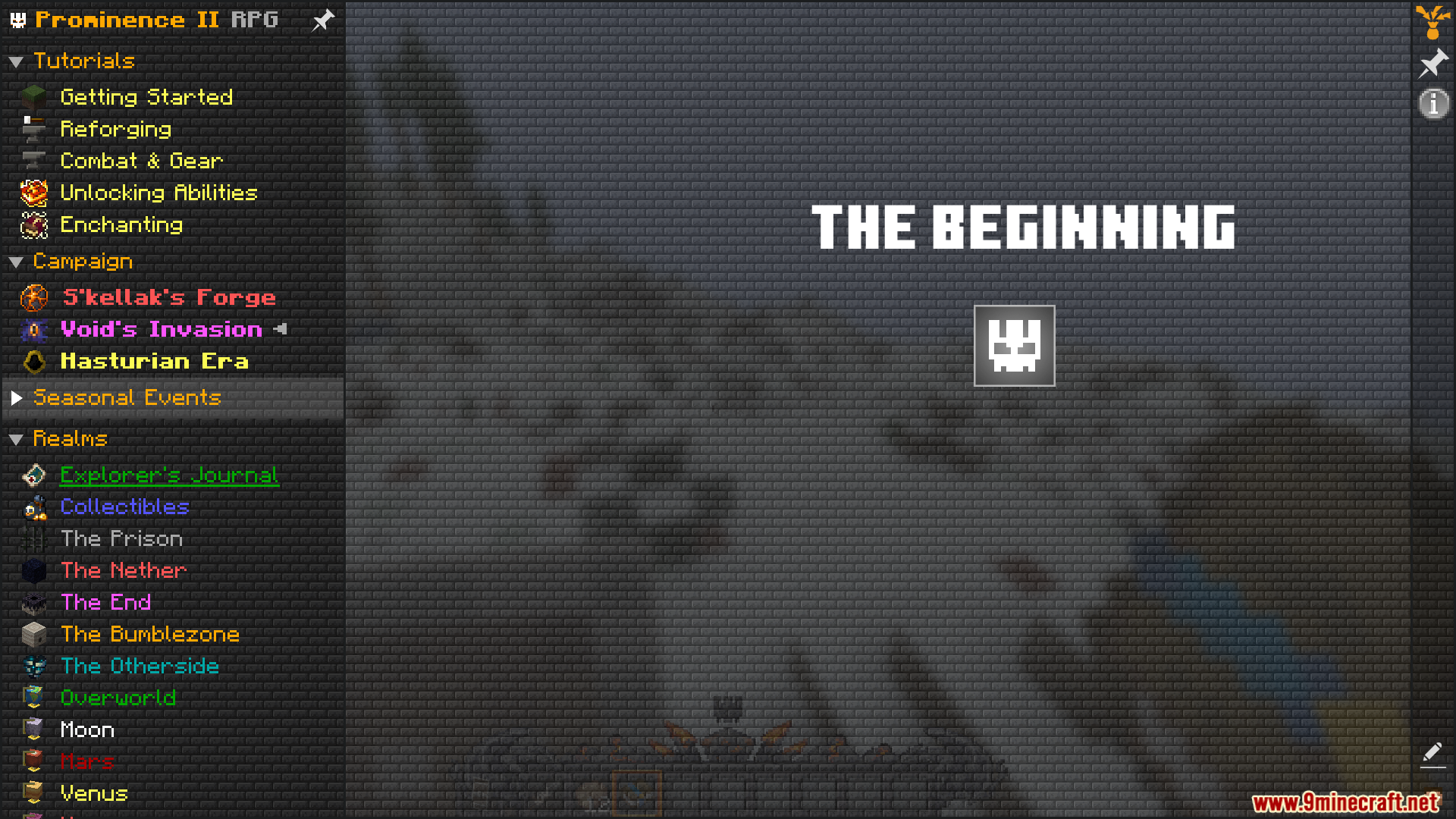
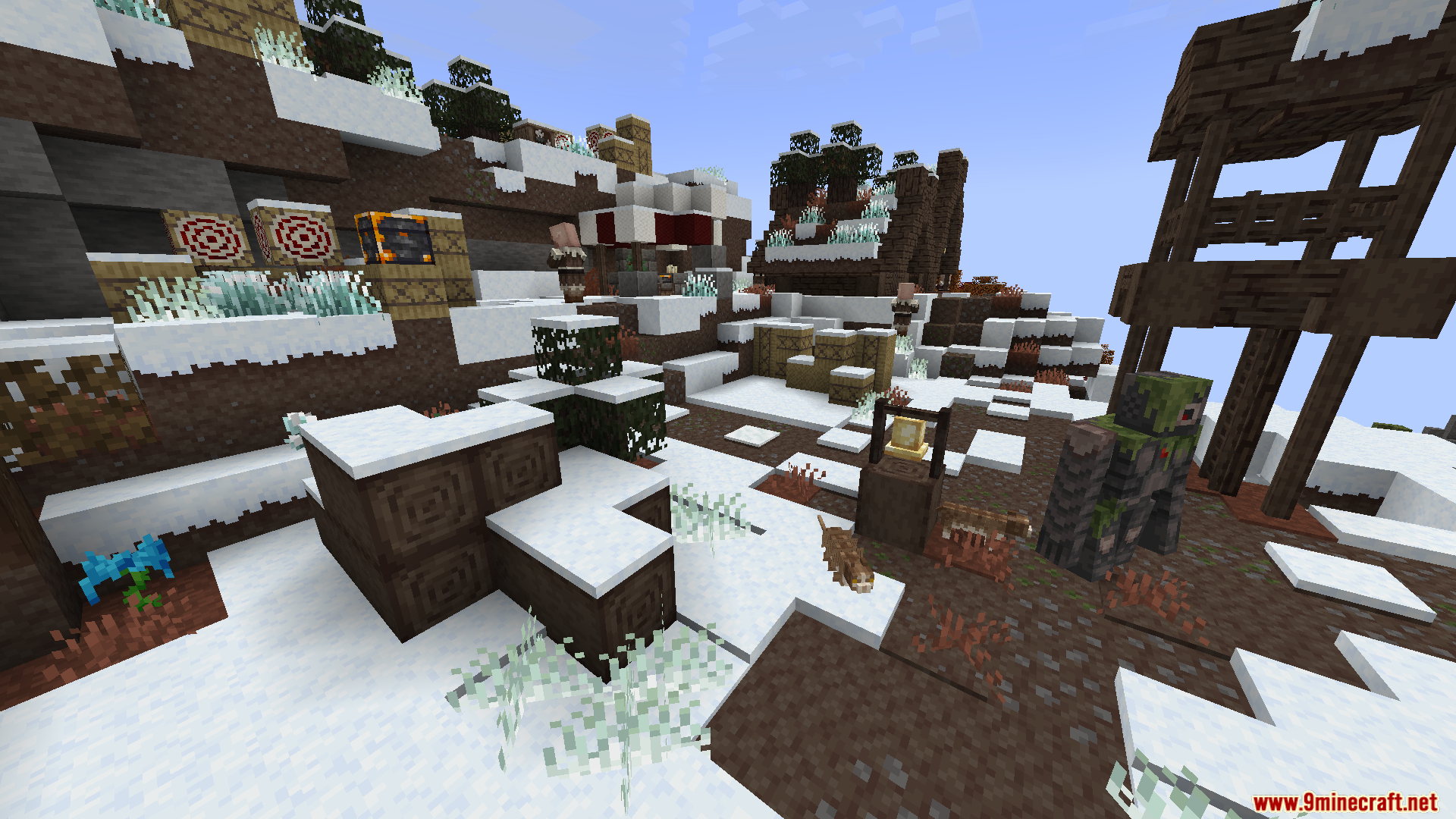
FTB Quests Freeze Fix Mod stops the game from freezing when you open the quest book from the FTB Quests mod. This is a common problem in big modpacks, where checking your quests for the first time can cause a long lag spike. The mod fixes this by preparing the quest menu during the loading screen, before you even get into the world. Your game might start a little slower, but you can open the quest book instantly without any freezing during gameplay.
Features:
- Stops the game from freezing when you open the FTB Quests book for the first time.
- Gets rid of the long lag spike that can happen in big modpacks.
- Moves the heavy quest-loading process to the main startup screen.
- Helps make gameplay smoother, especially in modpacks with thousands of items.
- The mod pre-loads the creative mode search data so it’s ready in survival.
- Your game might take a few extra seconds to start, but it won’t freeze later when you’re playing.
Screenshots:
FTB Quests Freeze Fix Mod Download Links
For Minecraft 1.20.1, 1.20
Forge version: Download from Server 1 – Download from Server 2
Fabric version: Download from Server 1 – Download from Server 2
- Edition: Minecraft Java
- File type: .jar
- Minecraft versions listed: 1.20.1, 1.20
- How to install: Install the matching mod loader (Forge, Fabric or NeoForge) for your Minecraft version. → Download the .jar. → Put it in the .minecraft/mods folder and launch that loader profile.
- Where to get it: In MC Java Mods, or directly above on this page.
Install steps are the general flow for this file type — How to install Minecraft Java mods & modpacks walks through it step by step.
- Downloads as 176386.mcaddon
- Download size: 160 KB
- Download link checked 25 Jul 2026 — working
- Mirrored on our own servers — the download does not depend on the original host
These come from our own check of the pack file, not from the source page.