Clover Mod (1.21.10, 1.20.1) – View Pronouns & Name Colors
Java mod listed for Minecraft 1.20–1.21. Downloads from the MC Java Mods app on Android.
⬇ Download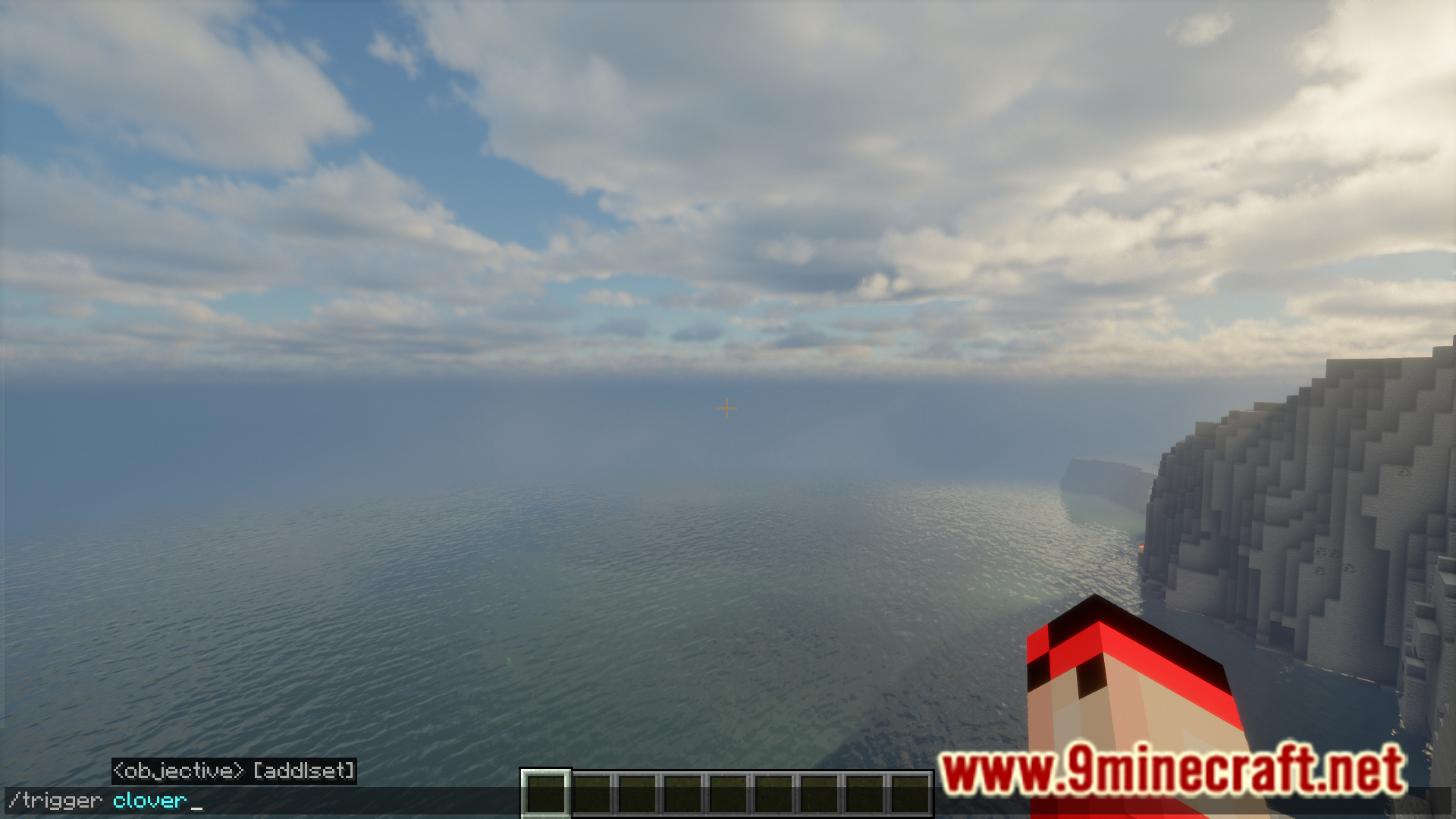
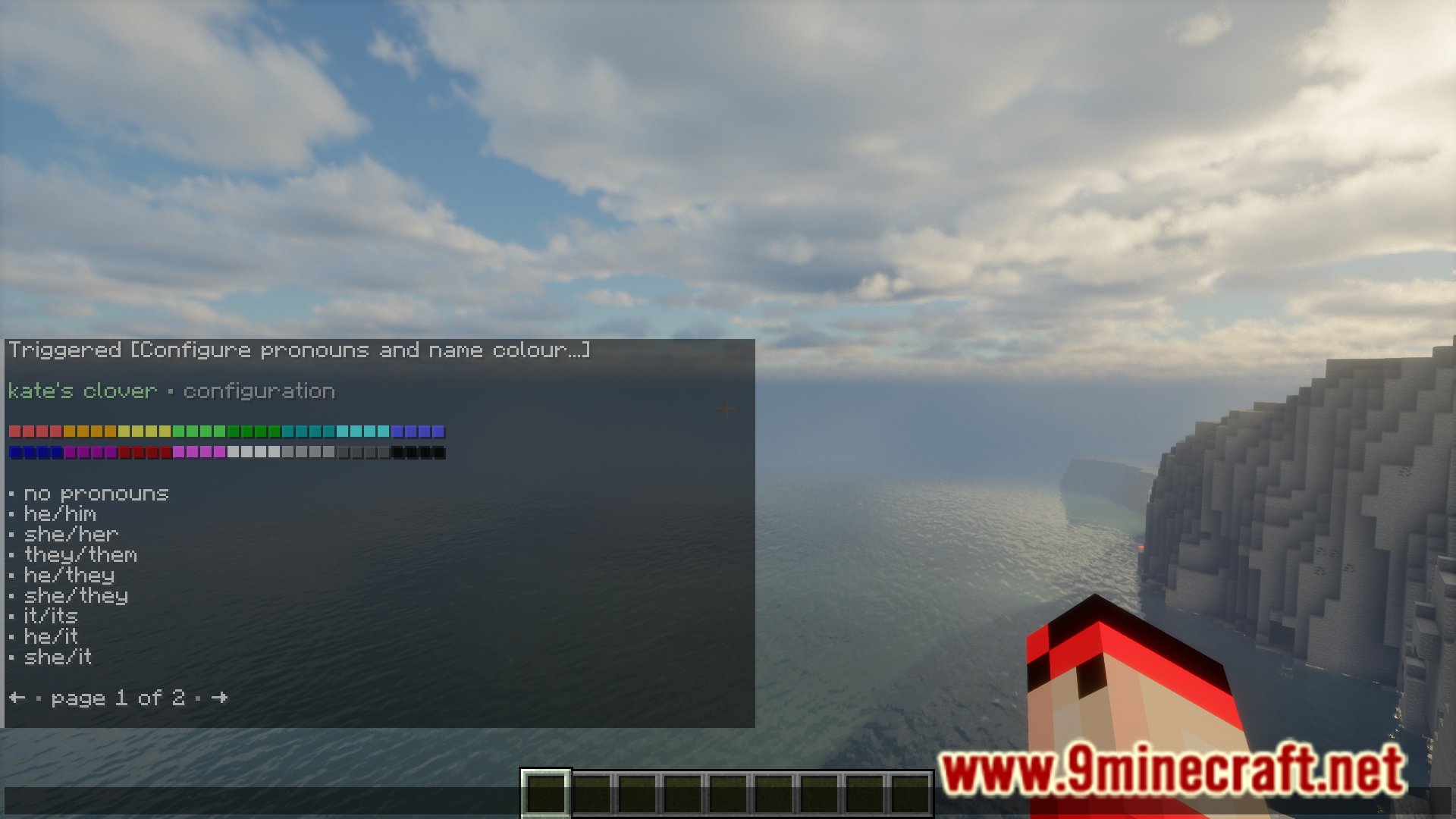
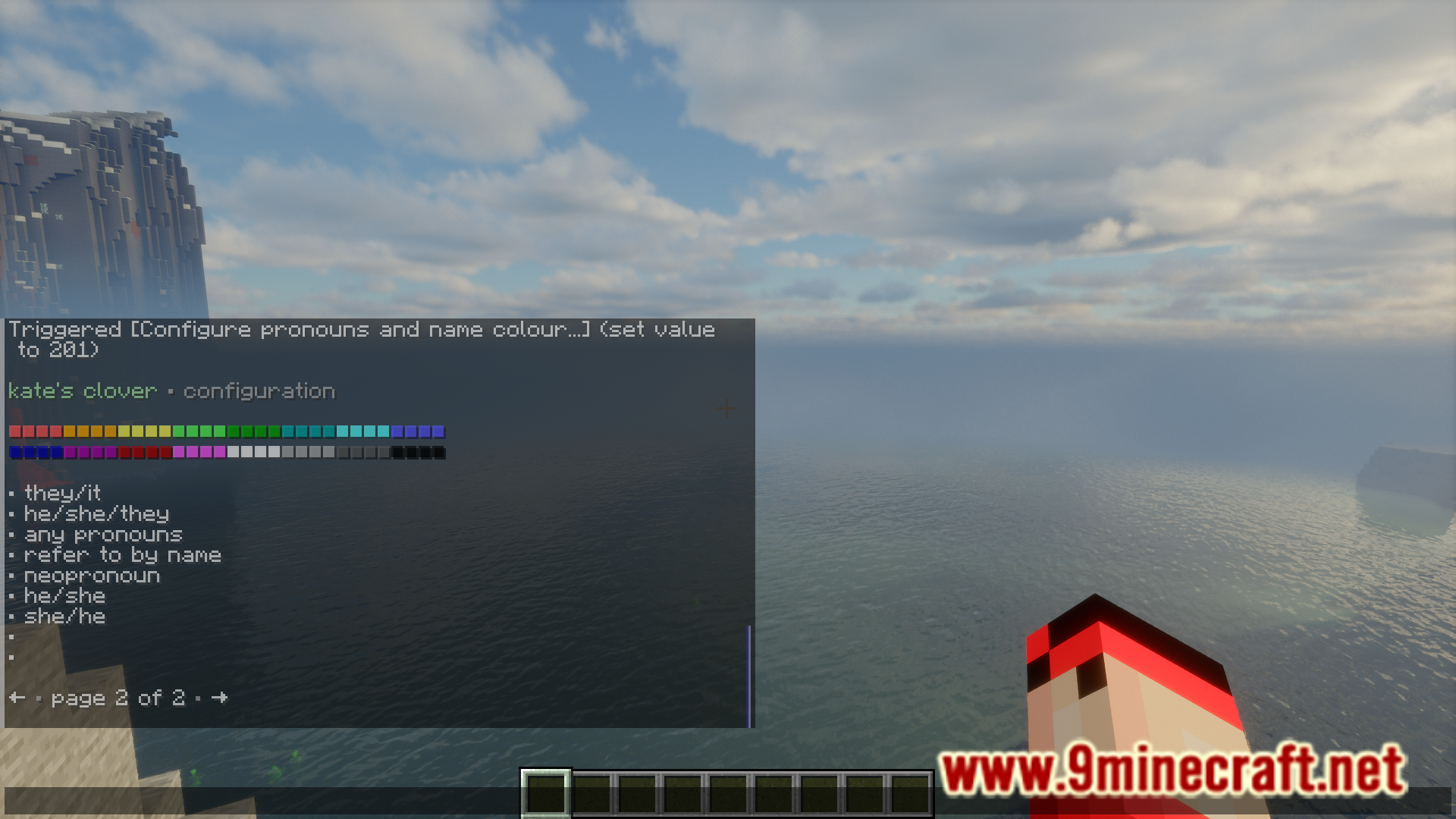
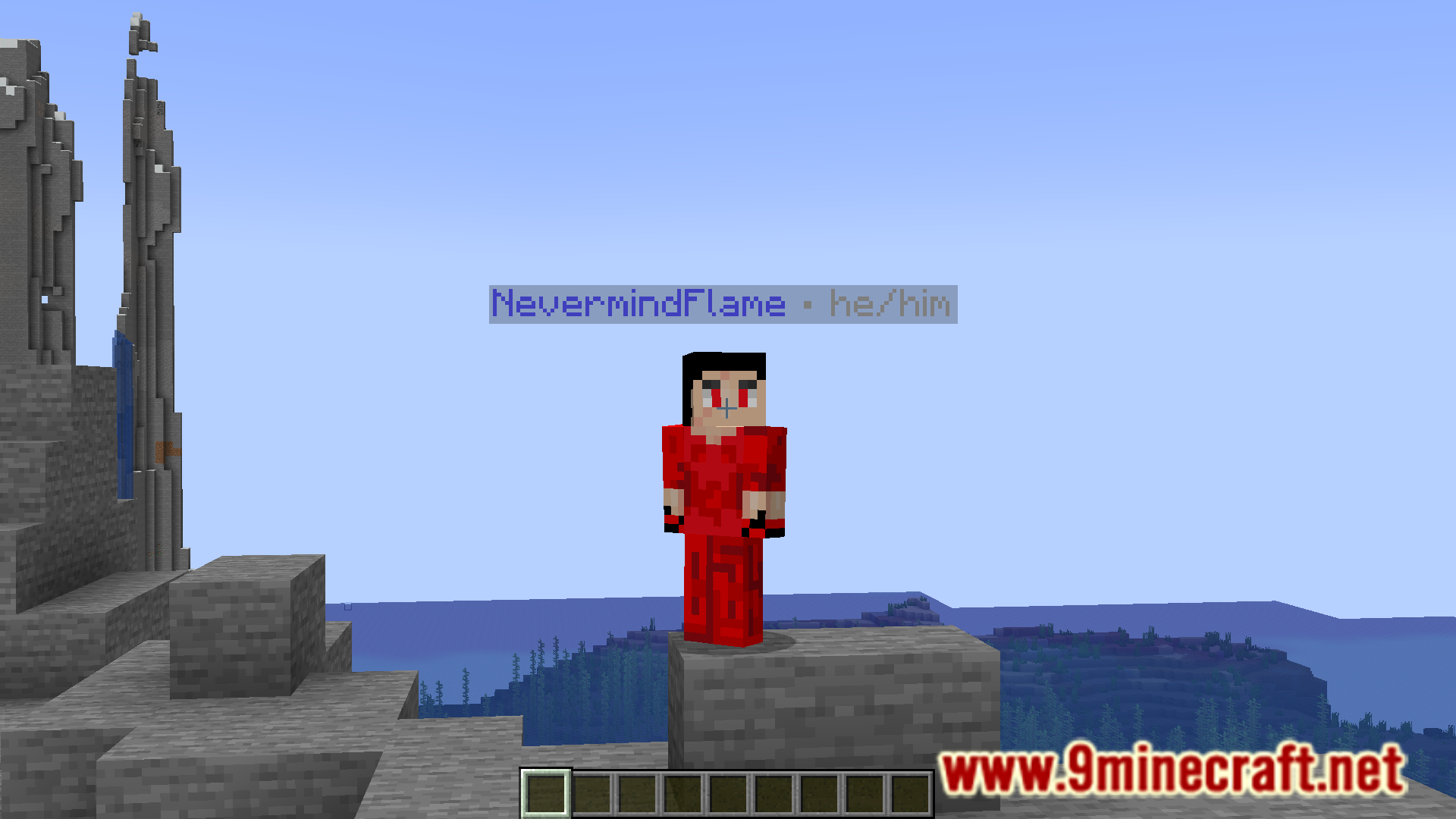
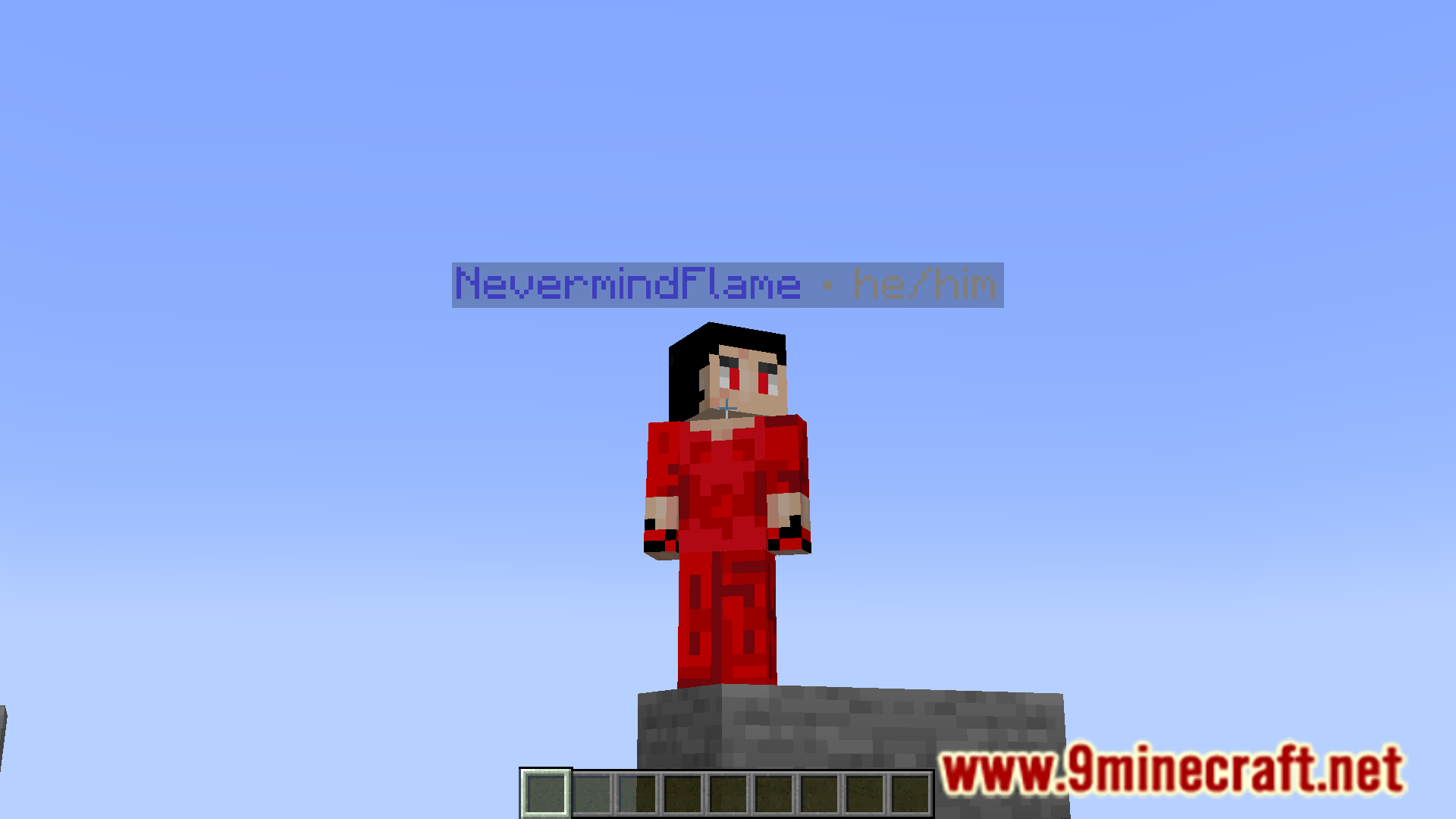
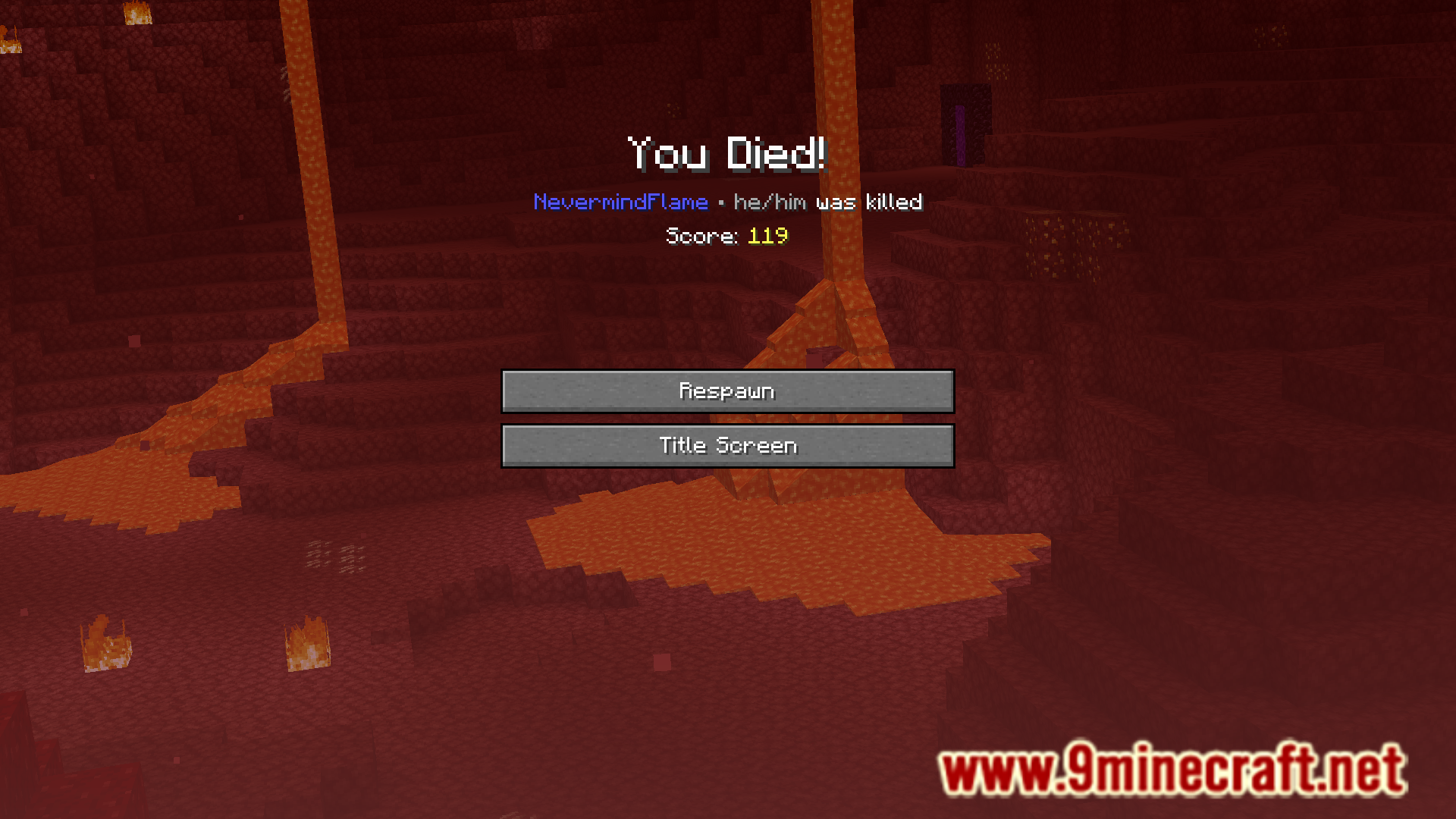
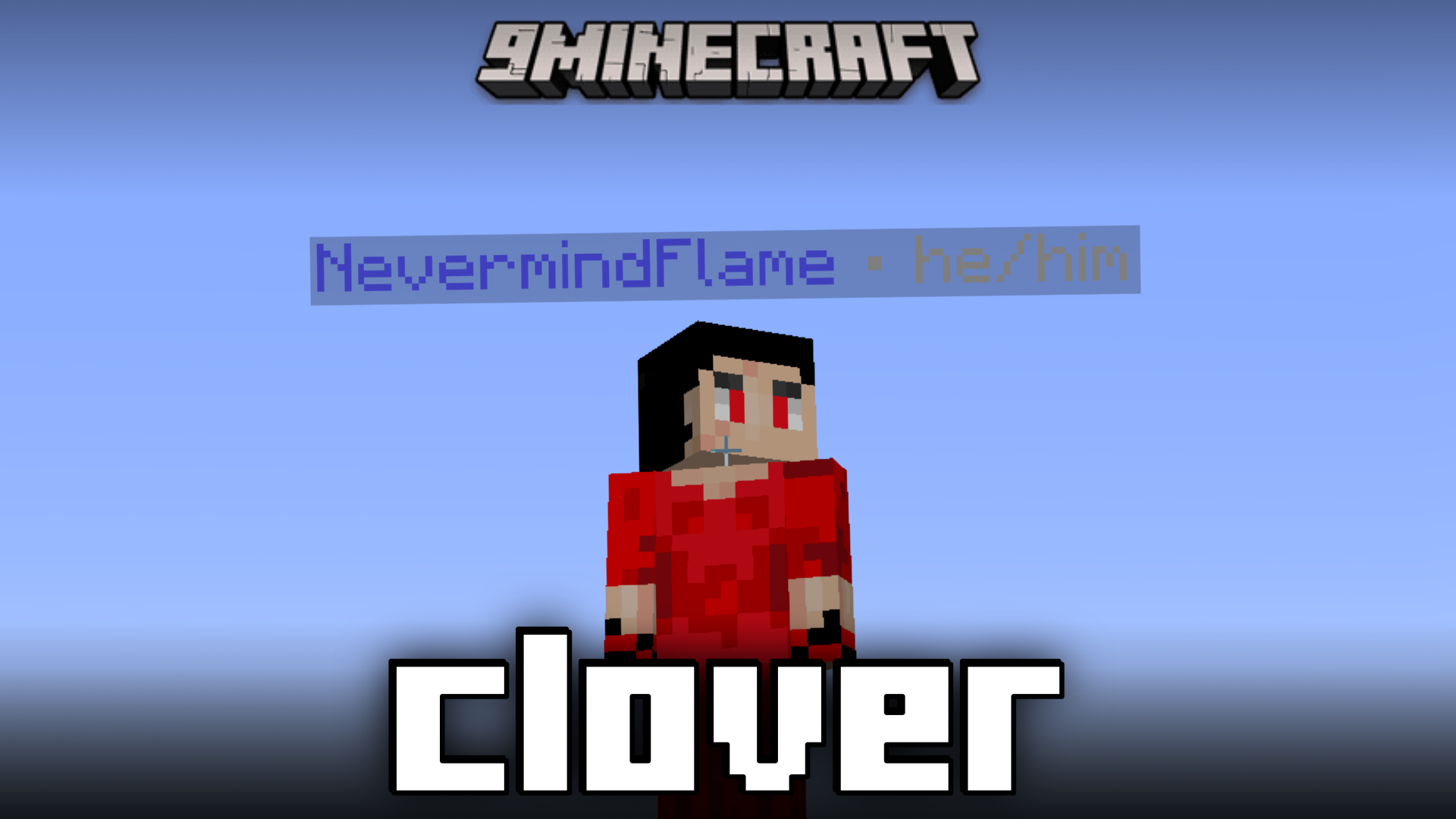
In the vanilla game, it is difficult to know if the other player is a boy or a girl. This makes it difficult to use the appropriate pronouns for those players. Clover Mod is here with the solution to that problem. This mod allows players to add pronouns next to their usernames and add colors for the same. This pronoun and color will appear alongside the name overhead the player and in chat.
Features:
- Makes it easy to identify another player’s pronouns.
- Allows you to choose a pronoun and a color for the same.
- Pronoun and color appear alongside the player name overhead and in chat.
Screenshots:
Clover Mod Download Links
For Minecraft 1.21.10, 1.21.9, 1.21.8, 1.21.7, 1.21.6, 1.21.5
Forge/NeoForge/Fabric/Quilt version: Download from Server 1 – Download from Server 2
For Minecraft 1.21.1, 1.21
Forge/Fabric/Quilt version: Download from Server 1 – Download from Server 2
For All Versions from Minecraft 1.17.1 to Minecraft 1.20.6
Forge/Fabric/Quilt version: Download from Server 1 – Download from Server 2
For All Versions from Minecraft 1.13.2 to Minecraft 1.16.5
Forge/Fabric/Quilt version: Download from Server 1 – Download from Server 2
- Edition: Minecraft Java
- File type: .jar
- Minecraft versions listed: 1.21.10, 1.20.1
- How to install: Install the matching mod loader (Forge, Fabric or NeoForge) for your Minecraft version. → Download the .jar. → Put it in the .minecraft/mods folder and launch that loader profile.
- Where to get it: In MC Java Mods, or directly above on this page.
Install steps are the general flow for this file type — How to install Minecraft Java mods & modpacks walks through it step by step.
Clover Mod (1.21.10, 1.20.1) – View Pronouns & Name Colors is a free Minecraft Java mod. Compatible with Minecraft 1.21.10, 1.20.1. Download it and open it directly in the game.